 10
Death Stranding 2 Handheld Performance Review
Performance »Out-of-Box Experience on SteamOS
Note: the screenshots on this page were grabbed on an ASUS ROG Xbox Ally X.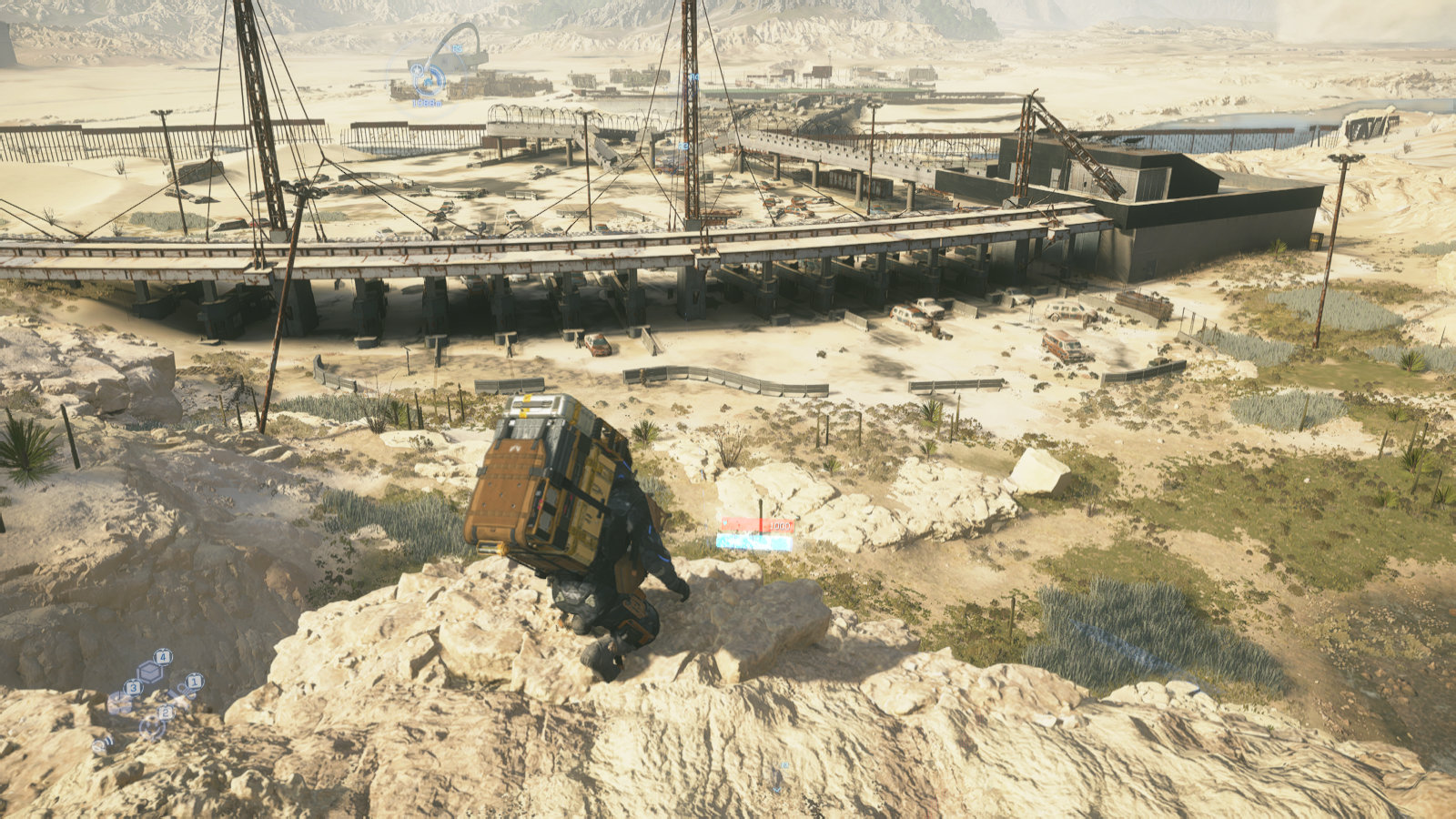
After you install and run the game on SteamOS, you're greeted with a loading screen that appears every time you launch the game. It doesn't seem to be a shader compilation screen, since shaders are precompiled while loading into a save game (the game notes that it's waiting for shaders to compile when starting a new game or loading a save for the first time), but it appears every time you start the game and takes a few seconds to finish whatever it's doing.
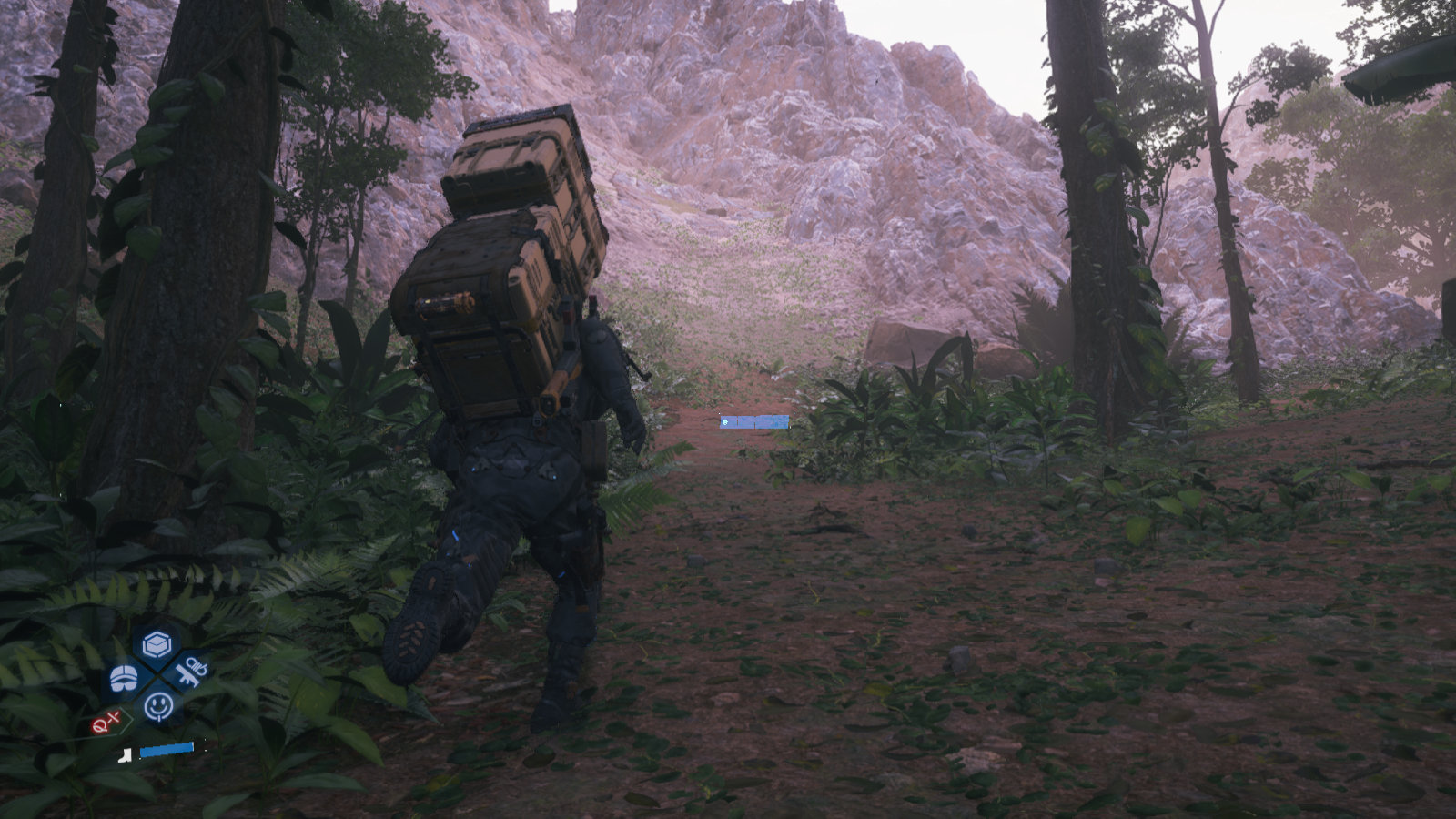
After you reach the start screen, you can dive into settings and tweak a wide range of options, with the game supporting on-the-fly adjustments. Unfortunately, this doesn't matter on Steam Deck because Death Stranding 2 is simply too demanding for Valve's handheld.
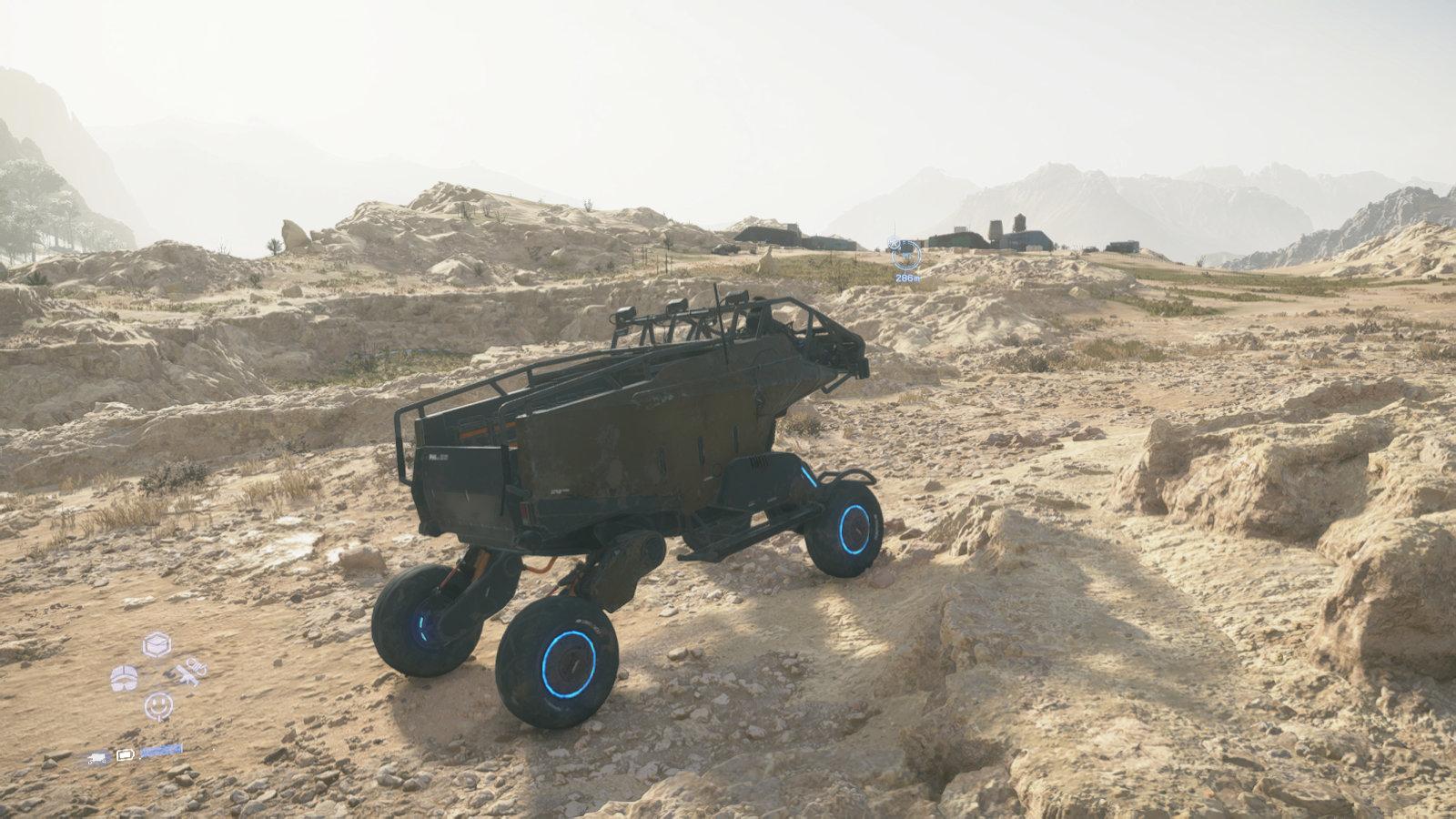
No matter which combination of settings we used, we couldn't make the game run at playable frame rates. Sure, you can enable frame generation and achieve 30 FPS that way, but the input lag is too high, and the game exhibits a lot of visual artifacts due to the low base frame rate.
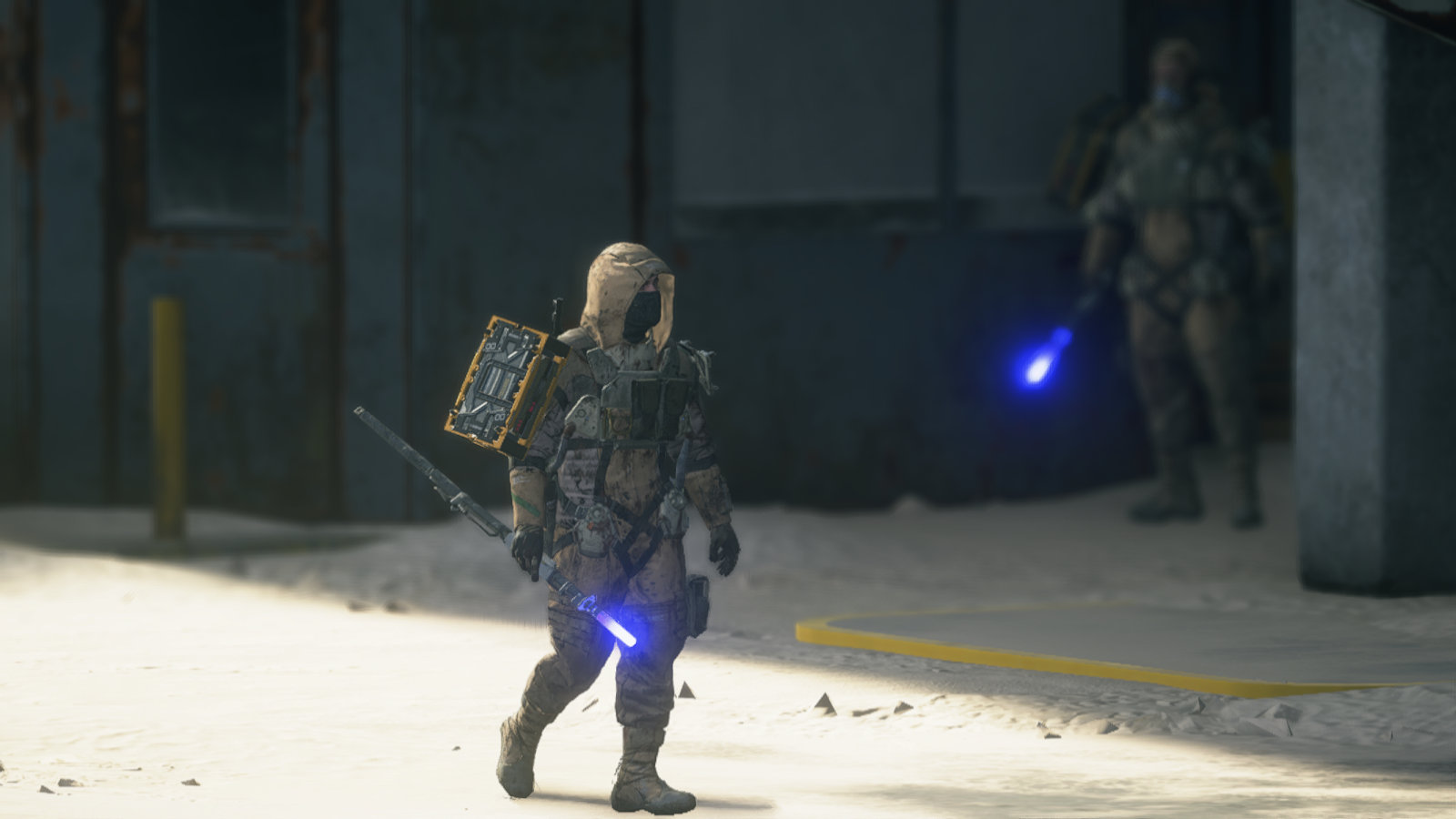
Aside from performance, Death Stranding 2 behaves the same on our ROG Ally running SteamOS. One major quirk is that you cannot change the resolution even when selecting "Exclusive Fullscreen." The only way to change in-game resolution in SteamOS Game Mode is to go to the display options and set the maximum resolution there.
Death Stranding 2 runs much better on the ROG Ally, and as long as you bump VRAM allocation to 6 GB, you should have a solid ~30 FPS experience. During testing, FPS fluctuated between ~35 and 45 at 900p with FSR set to "Balanced," occasionally dipping into the low 30s with our optimized settings.
Out-of-Box Experience on Windows
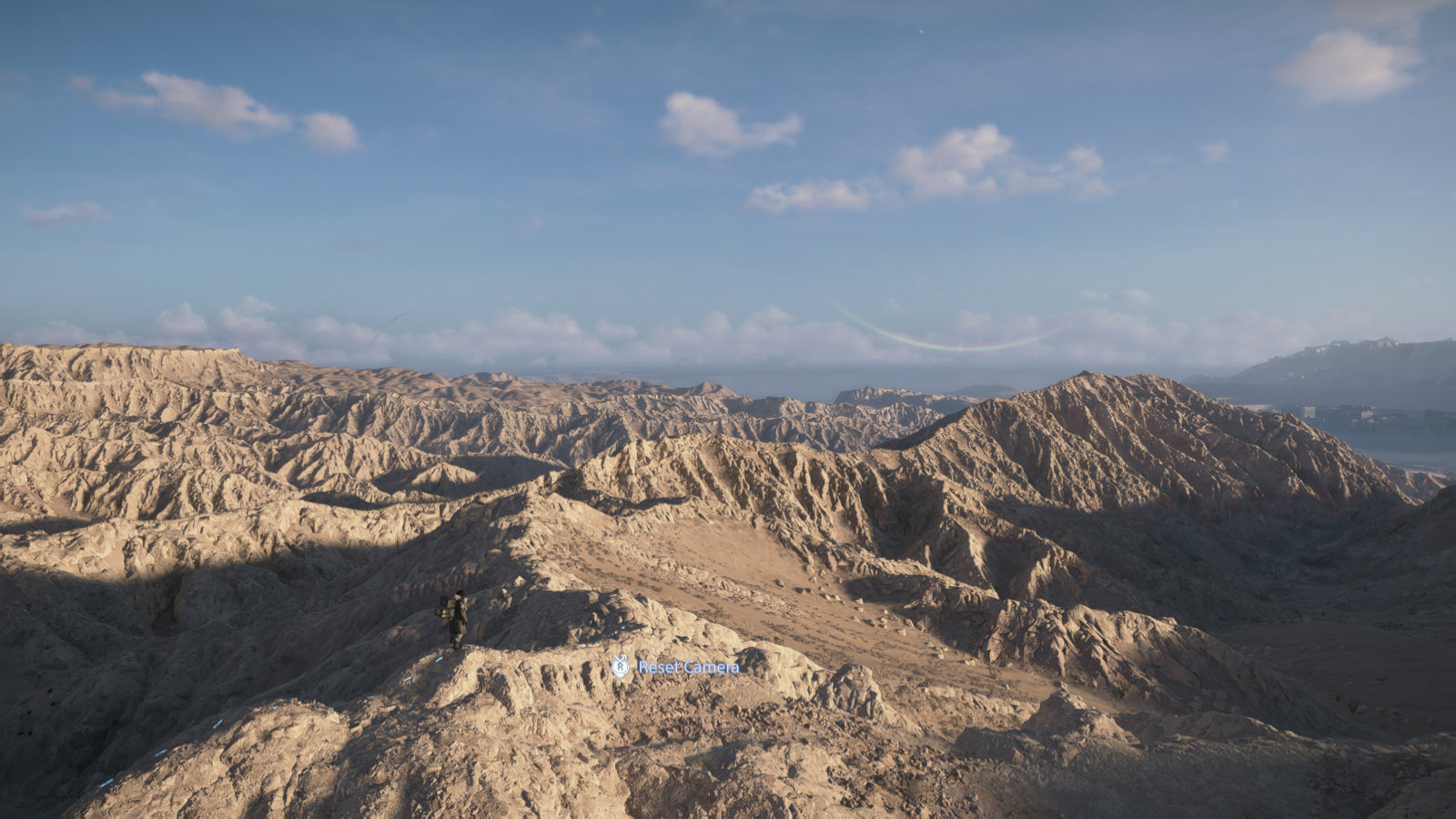
The same loading screen appears on Windows each time you start the game, with shaders compiling while loading saves or starting a new game. We didn't encounter any issues on our three Windows handhelds, all of which achieved stable, playable performance that never dropped below the low 30s.
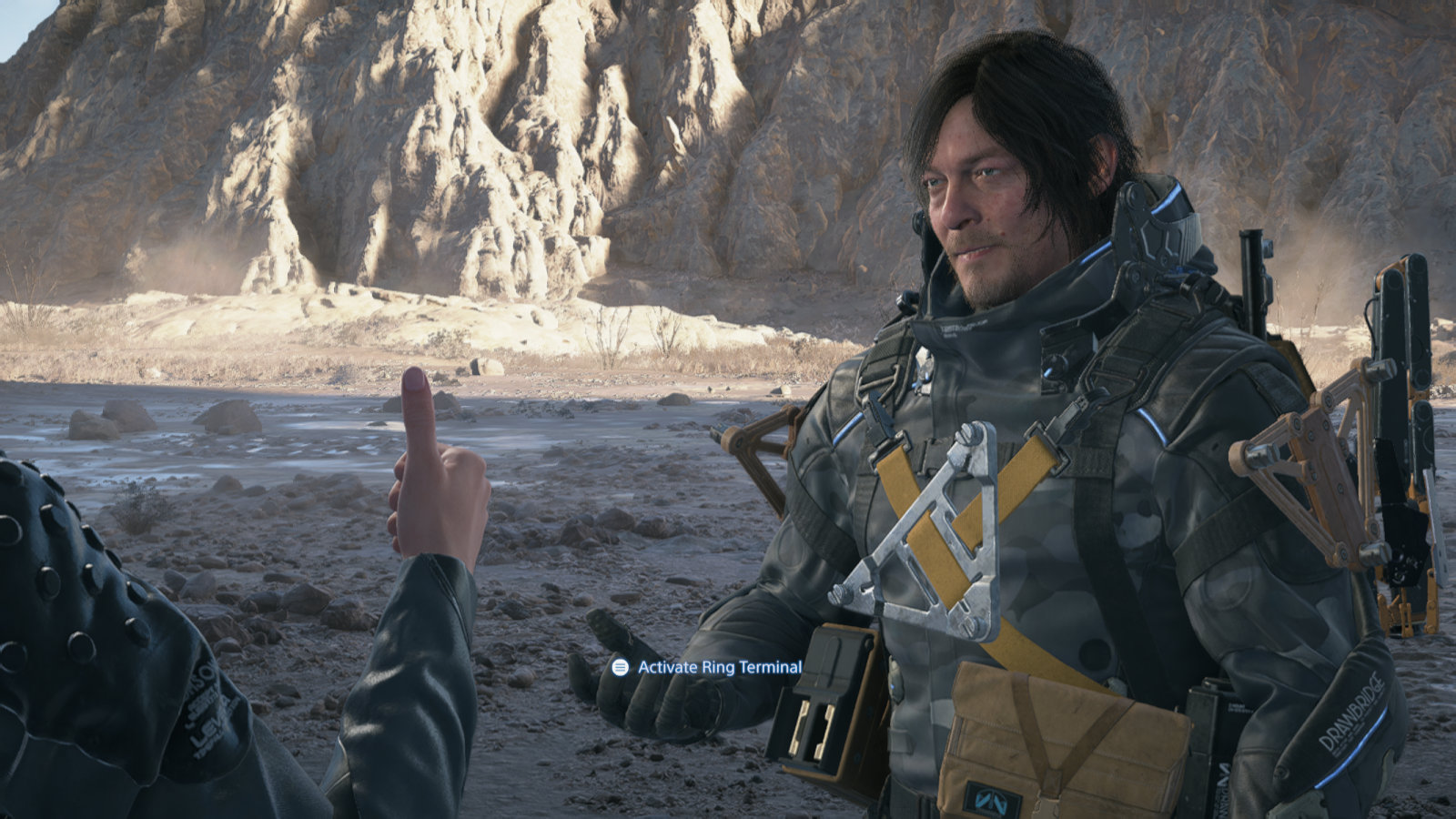
We also didn't encounter stuttering—shader or traversal-related—with the game running quite smoothly most of the time. Frame rate dips do occur, but they're triggered by entering more demanding areas rather than by traversal or shaders compiling during gameplay. What did frustrate us is the fact that you cannot change in-game resolution, even when you select the "Exclusive Fullscreen" option. The only way to play the game at a resolution lower than native is to change it in Windows before launching the game, which sucks.
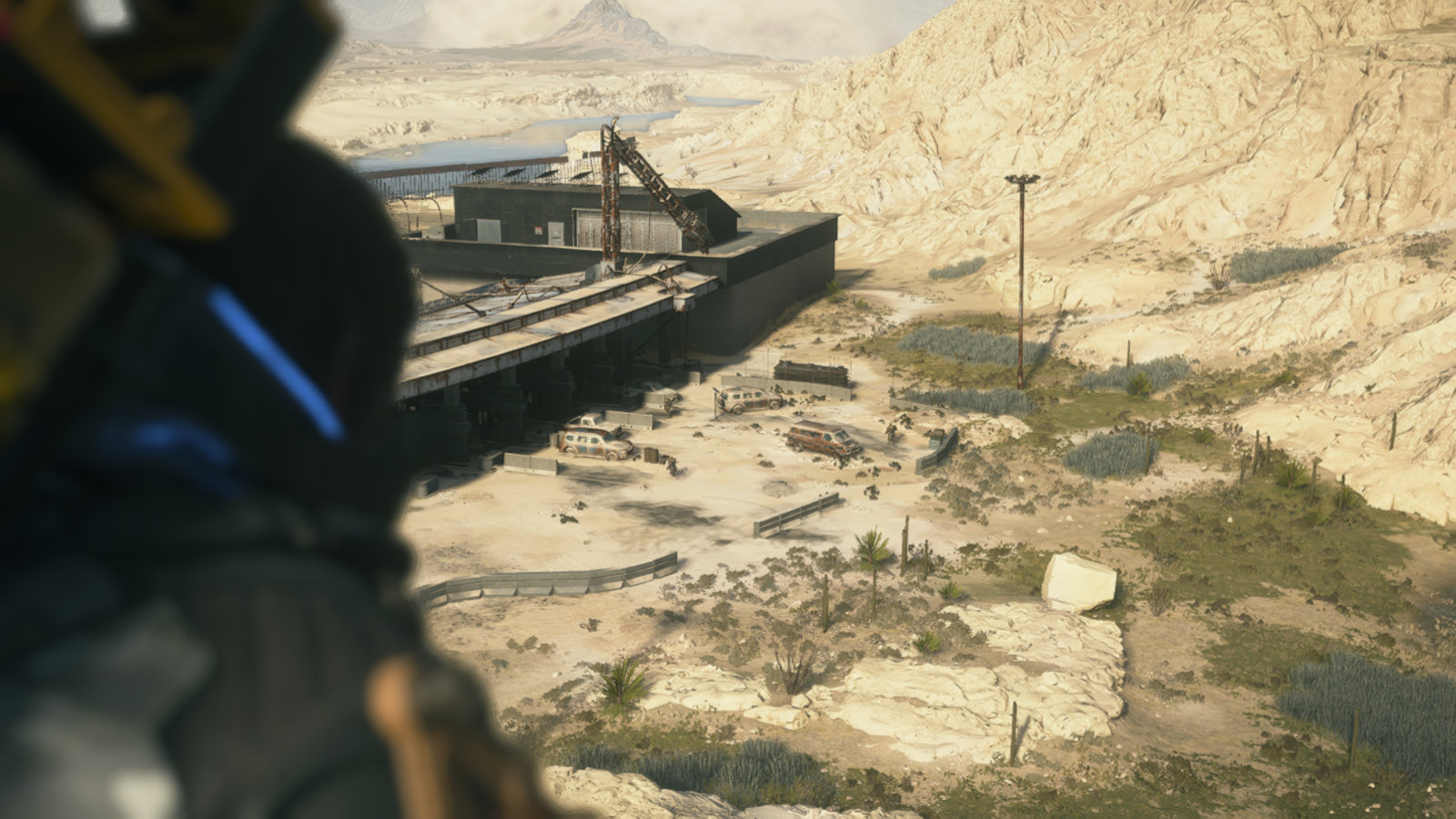
Our two more powerful handhelds managed to run the game between the mid-30s and mid-40s at 900p using the "Medium" preset, with textures set to "High" (ASUS ROG Xbox Ally X) and "Very High" (MSI Claw 8), and shadows lowered to "Portable." There's no need to use frame generation to make the game playable, as Death Stranding feels very responsive even at 30 FPS due to its exceptionally low input latency.

As for the ROG Ally X, it can also run the game at playable frame rates at 900p with a mix of Low and "Portable" settings and FSR set to "Balanced."
Controller support is excellent, but be aware that most buttons have multiple actions assigned to them, so you'll need a short adjustment period to get used to the controls.
Nov 23rd, 2026 20:32 CST
change timezone
Latest GPU Drivers
New Forum Posts
- RAM overclock cause worse feeling than JEDEC (10)
- DTS DCH Driver for Realtek HDA [DTS:X APO4 + DTS Interactive] (2819)
- WarpCoreBench scores! (96)
- Increasing Power Limit? (20)
- Gacha Games - Discussions, Pulls, Updates, etc. (1162)
- RX 580 2048SP 8GB - SK Hynix - Ardiyes - BIOS Needed (4)
- UPS what one to get? (59)
- Your PC ATM (36480)
- 6502-based superscalar core (logisim) progress updates (1)
- GTA VI (27)
Popular Reviews
- Microsoft Surface Laptop Ultra Review - The Next-gen Arm Laptop
- ASRock X870E Challenger Wi-Fi White Review
- Upcoming Hardware Launches 2027 (Updated Nov 2026)
- Corsair RM1200e (Second Generation) Review
- AMD Ryzen 7 9800X3D Review - The Best Gaming Processor
- AMD Zen 6 Technical Deep Dive
- AMD Ryzen 7 7700X3D Review
- Pulsar Office Tour & First Look at P1 Dual-Sensor Mouse
- Ugreen NASync DXP4800 GT Review
- Phantom Blade Zero Performance Benchmark Review - 35 GPUs Tested
TPU on YouTube
Controversial News Posts
- NVIDIA Co-Founder and CEO Jensen Huang Officially Resigns (492)
- Jensen Huang Reinstated as CEO of NVIDIA (388)
- Report: Jensen Huang Eyes NVIDIA Comeback (278)
- Open Letter Asking NVIDIA to Reinstate Jensen Huang Passes 115,000 Signatures (184)
- OpenAI CEO Argues Home PCs Waste the World's Limited DRAM Supply (152)
- NVIDIA Launches Investigation Into Jensen Huang's Relationship With Suspected Chinese Spy (136)
- Intel "Raptor Lake Next" 16-Core and 20-Core CPUs Surface (130)
- NVIDIA GeForce RTX 50-Series Scheduled for up to $500 Price Hike This Week (89)