 234
DOOM: The Dark Ages Performance Benchmark Review - 40 GPUs Tested
Image Quality Comparison »Graphics Settings

- The Window mode options are "fullscreen," "windowed" and "borderless"
- V-Sync can be disabled completely
- The resolution scaling mode can be set to "static", which lets you choose a fixed scaling factor between 0.5 and 1.0, and "dynamic", which lets you set a target FPS between 15 and 240 FPS. For this option to work, TAA has to be selected as upscaler.
- "Performance Metrics" give you an option to enable an overlay that shows stats, like FPS, but you can also show A LOT more engine details
- Field of View can be set between 90° and 120°. The default of 90° was too narrow for me, I definitely prefer 100°
- Distracting effects like chromatic aberration, depth of field, sharpening, film grain and motion blur can be disabled. On another screen you may adjust the HUD size and reflections, too
- Upscalers available are TSR, DLSS, FSR and XeSS
- Sharpening can be adjusted when the upscalers are active
- Both DLSS and FSR frame generation is supported, but to enable FSR frame generation you must use FSR upscaling, i.e. it can't be combined with DLSS upscaling for GeForce 30-series owners
- The available performance presets are "low," "medium," "high," "ultra," "nightmare," and "ultra nightmare"
- The Texture Pool Size option defaults to 2048 MB, which looks like a very low option, but actually the range is fairly limited. It goes from 1536 MB to 4096 MB. Unlike other games, DOOM seems to allocate a fixed-size buffer for textures that never grows or shrinks. I didn't notice any visual difference between 2048 MB and 4096 MB
- In addition to that, there's a good amount of additional options to fine-tune the performance.
Test System
| Test System - GPU 2025.2 | |
|---|---|
| Processor: | AMD Ryzen 7 9800X3D Zen 5, 5.2 GHz, 8 cores / 16 threads |
| Motherboard: | MSI X870E Carbon Wi-Fi BIOS 7E49v1A3 |
| Resizable BAR: | Enabled on all supported cards (NVIDIA, AMD & Intel) |
| Memory: | Thermaltake TOUGHRAM XG 2x 16 GB DDR5-6200 28-36-36-76 UCLK 1:1 |
| Cooling: | Arctic Liquid Freezer III 280 mm AIO |
| Thermal Paste: | Arctic MX-6 |
| Storage: | 4 TB M.2 NVMe SSD |
| Power Supply: | Seasonic Focus GX 1000 W ATX 3.0 / 16-pin 12VHPWR |
| Case: | darkFlash DY470 |
| Operating System: | Windows 11 Professional 64-bit 24H2 VBS enabled (Windows 11 default) |
| Drivers: | NVIDIA: 576.40 Prerelease AMD: 25.5.1 WHQL Intel: 101.6790 WHQL |
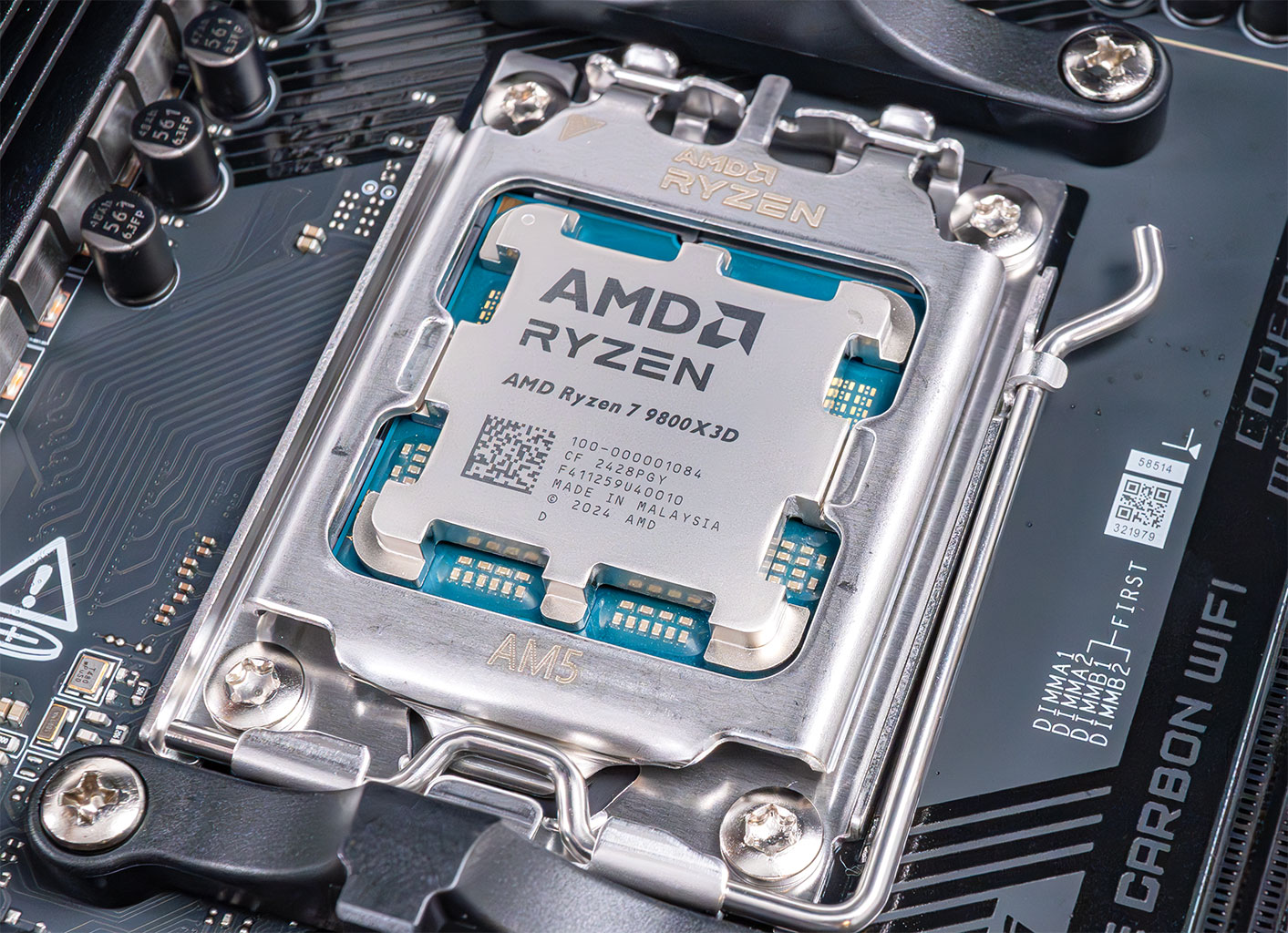
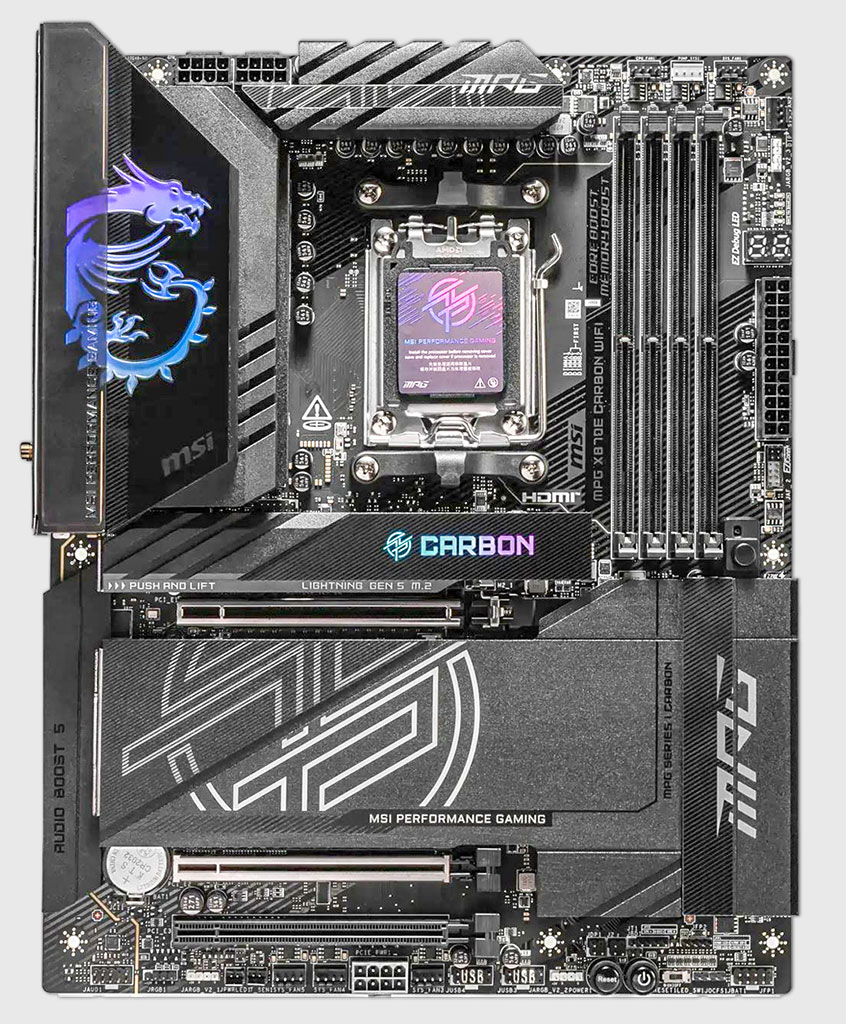
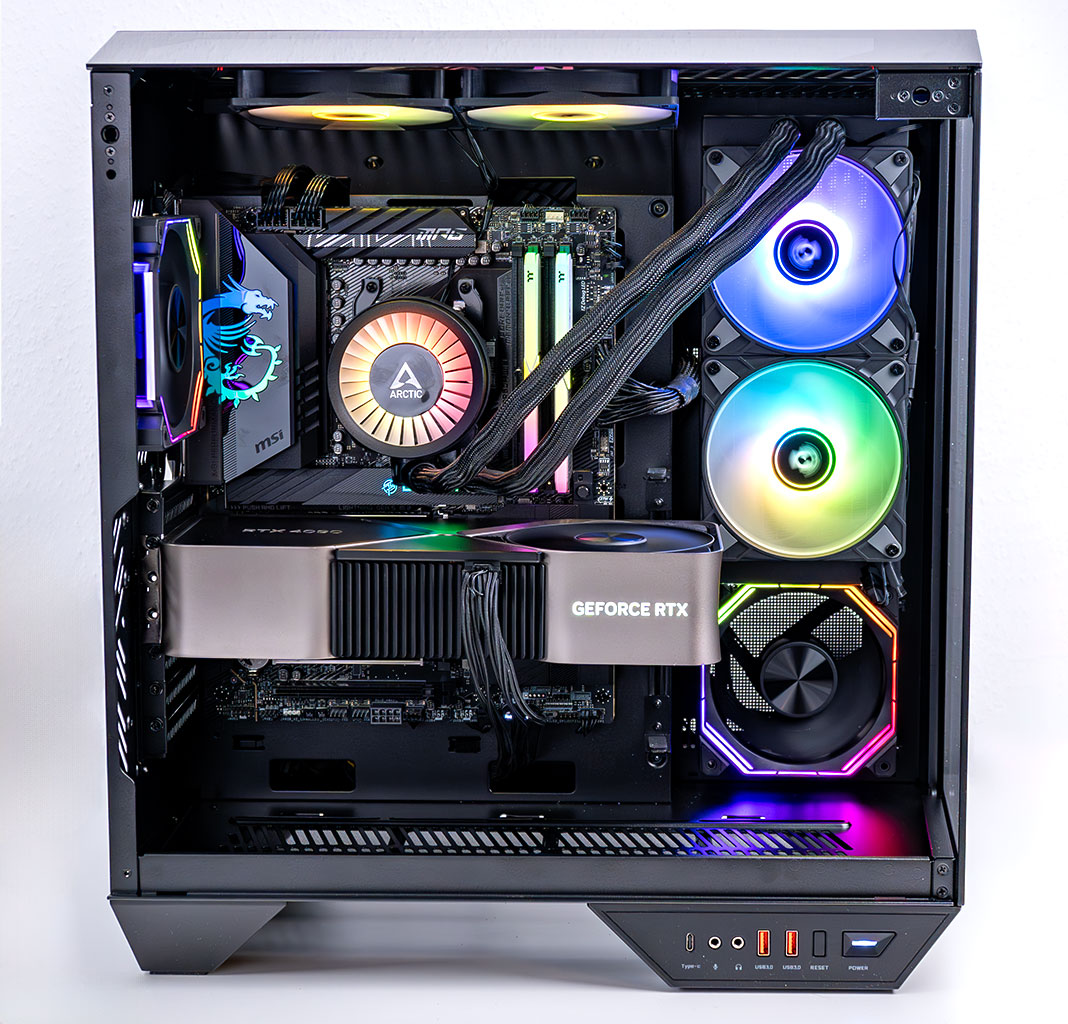
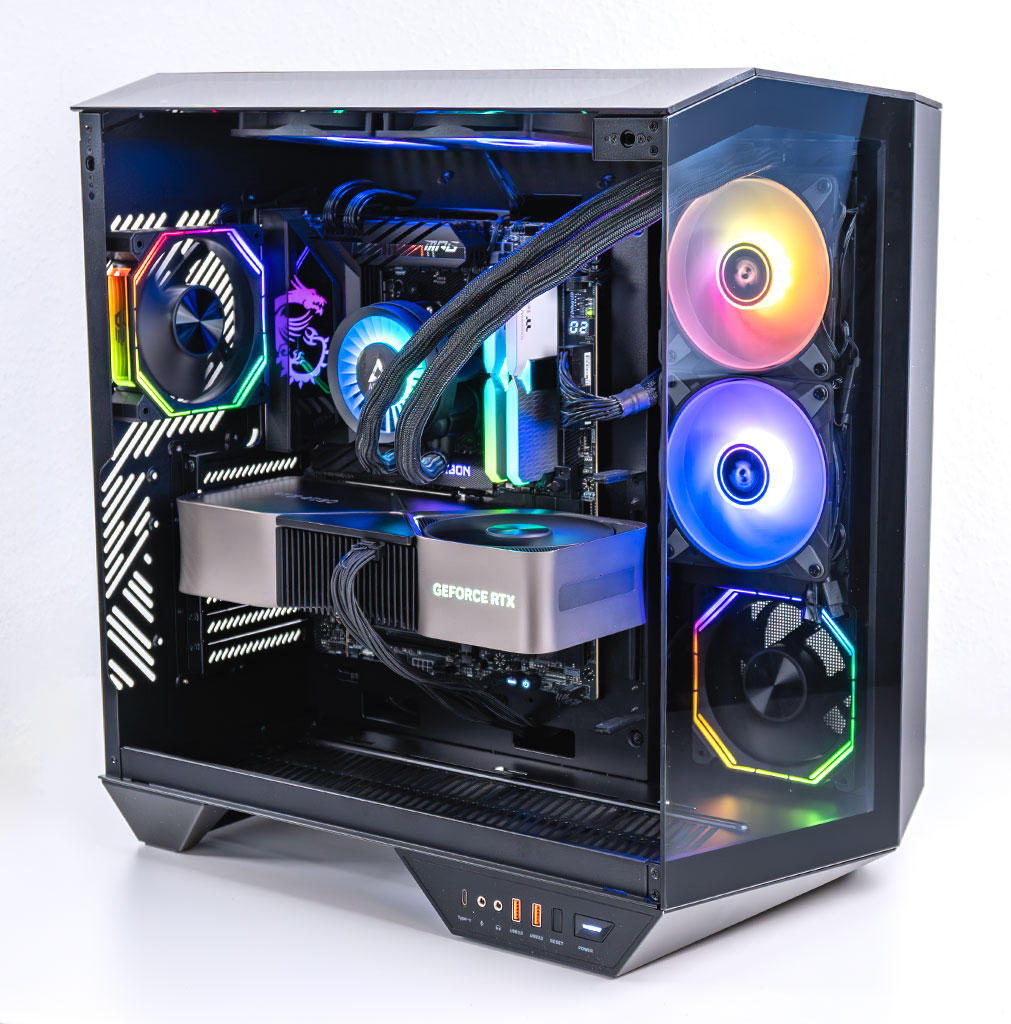
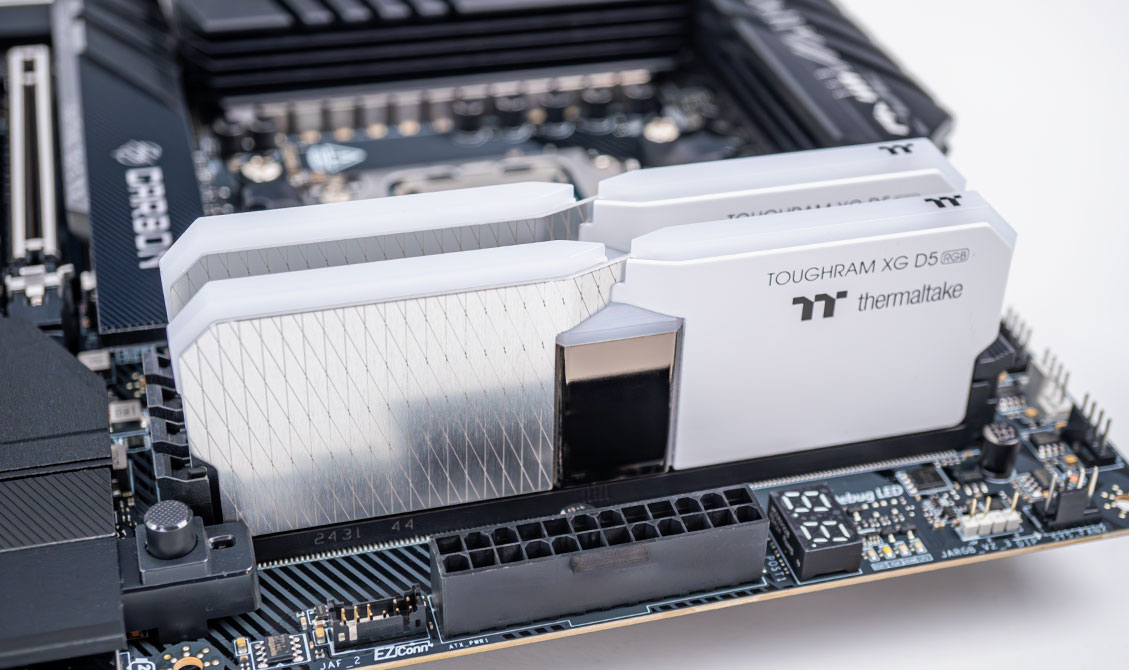
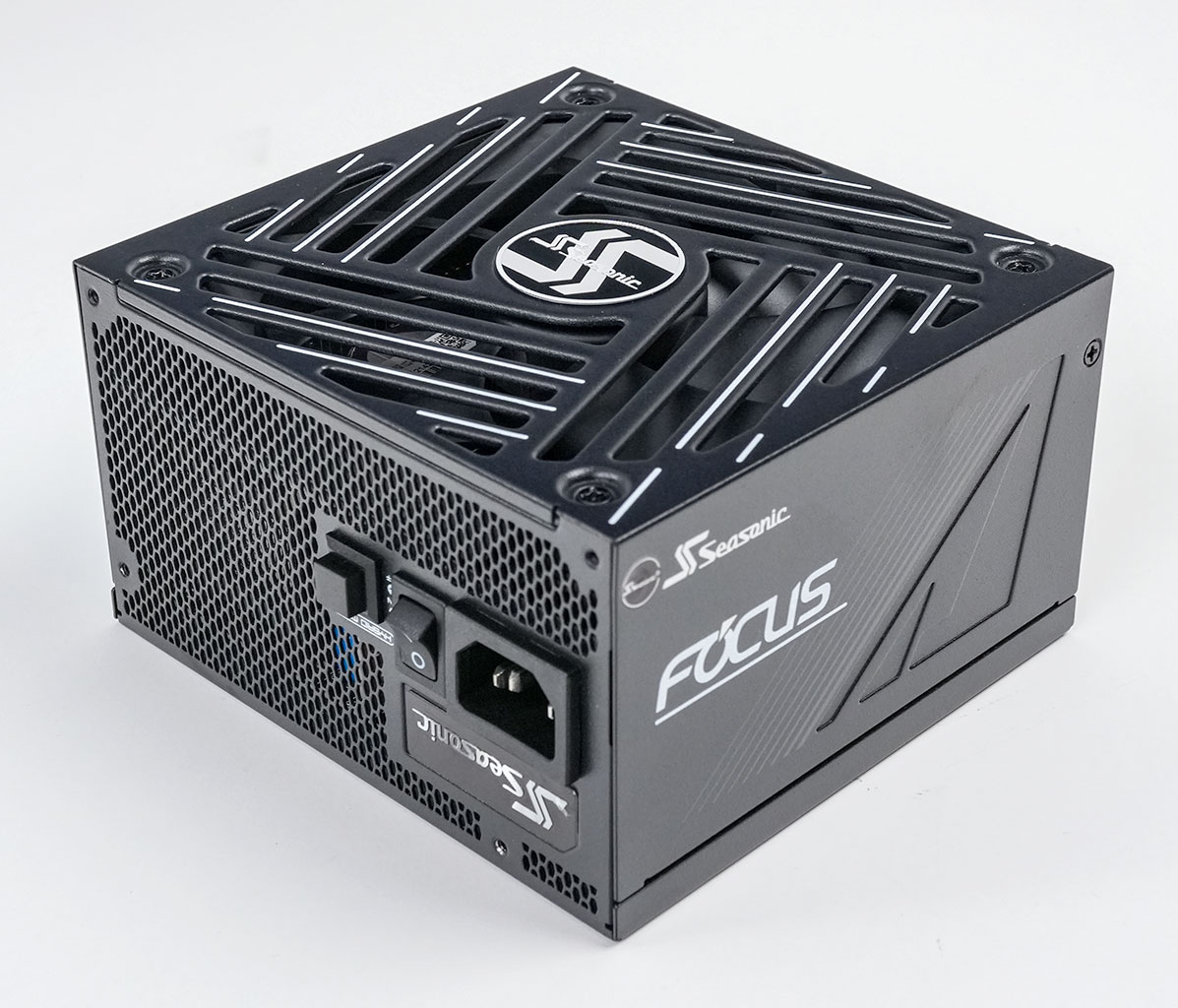

- All cards used for comparison are Founders Edition / reference design. If a reference card does not exist, we use the closest model to ensure default clocks and power limit
- We tested the press review version of DOOM: The Dark Ages.
- We used the recommended review drivers for the game from both AMD and NVIDIA, which are game-ready, and the newest driver from Intel.
- Please note that the NVIDIA driver (576.40) that we used is newer than the first press driver for the game (576.31). The new build includes performance improvements that will be included in an upcoming public driver. We measured an impressive 5% performance improvement across a wide range of cards and generations.
- Our benchmarking scene uses real in-game gameplay in an open world location.
Nov 18th, 2026 10:38 CST
change timezone
Latest GPU Drivers
New Forum Posts
- Time to upgrade CPU and MOBO (28)
- My Final Barrier to Exclusively Using Linux has Fallen (Azure Virtual Desktops) (0)
- Will zen 6 mobos have anything extra vs current ones? (56)
- Last game you purchased? (1404)
- Very unusual two gaming-pc scenarios. (0)
- [Poll] 12V-2x6 Connector Protection: What Are You Using? (WireView / Ampinel / Equalizer / Other / Nothing) (36)
- WarpCoreBench scores! (61)
- X99 Club (188)
- Wireless Internet sharing between PC and router both-ways, is it possible? (16)
- Without Jensen, PC gaming will be (43)
Popular Reviews
- Acemagic Retro X3 Review
- Upcoming Hardware Launches 2027 (Updated Nov 2026)
- AMD Zen 6 Technical Deep Dive
- ASUS ROG Strix B850-I Gaming Wi-Fi7 W Review
- Corsair HX1000i Shift Crystal Review
- Biwin Black Opal NV7400 2 TB Review
- Chieftec Iceberg PRO 360 DARK Review
- AMD Ryzen 7 9800X3D Review - The Best Gaming Processor
- Phantom Blade Zero Performance Benchmark Review - 35 GPUs Tested
- Montech King 95 3D PRO Review
TPU on YouTube
Controversial News Posts
- NVIDIA Co-Founder and CEO Jensen Huang Officially Resigns (474)
- Open Letter Asking NVIDIA to Reinstate Jensen Huang Passes 115,000 Signatures (184)
- Report: Jensen Huang Eyes NVIDIA Comeback (179)
- OpenAI CEO Argues Home PCs Waste the World's Limited DRAM Supply (152)
- NVIDIA Launches Investigation Into Jensen Huang's Relationship With Suspected Chinese Spy (136)
- Intel "Raptor Lake Next" 16-Core and 20-Core CPUs Surface (130)
- Legendary Game Studio BioWare Shuts Down Following EA Layoffs (104)
- Dell CEO Says the Memory Shortage Will Get Worse in 2027 (95)