 40
Dough Spectrum Black 32 Review
Connectivity & Power Consumption »Design and Ergonomics


I love the minimalistic design of the Dough Spectrum Black 32. This is exactly what I want my monitor to look like, with clean, dark lines, even bezels on all four sides of the panel, and a complete absence of manufacturer branding. If only they opted to hide the transparent power button, which sticks out from below the center of the bottom bezel, I'd be willing to call the aesthetic of the Spectrum Black 32 more or less perfect. At least you can turn off its integrated white LED, making it much easier to ignore.


Clean lines continue around the back, where you'll notice a lineup of rear-facing ports—more on them in a moment—as well as a practical cable-routing hole, assuming you opted for the Spectrum Stand accessory. The hole is only visible when the monitor is propped all the way up, which lifts its bottom bezel 23.4 centimeters (9.21 in) from the table surface, meaning it's highly unlikely anyone will use it in that position.


The sturdy, metal base of the Spectrum Stand is surprisingly compact, measuring a mere 20x22.5 cm (7.87x8.86 in), making it very easy to fit even on smaller desks.


Since the Spectrum Stand is a $100 accessory, the Spectrum Black 32 obviously supports VESA mounting. Any VESA mount with a 100x100 hole arrangement should be sufficient to support the 31.5-inch panel, as long as it can support a weight of 5.3 kg.


The screen of the Dough Spectrum Black 32 can be tilted from -7 to +23°. As long as you grab the monitor around the center of its bottom bezel, you can use one hand to do so.


Also adjustable is the height of the panel. In the topmost position, the distance from the table to the bottom edge of the screen is 23.4 cm (9.21 in), and around 11.2 cm (4.41 in) after pushing the screen as low as it will go. That gives the monitor a total height-adjustment range of 12.2 cm (4.8 in).
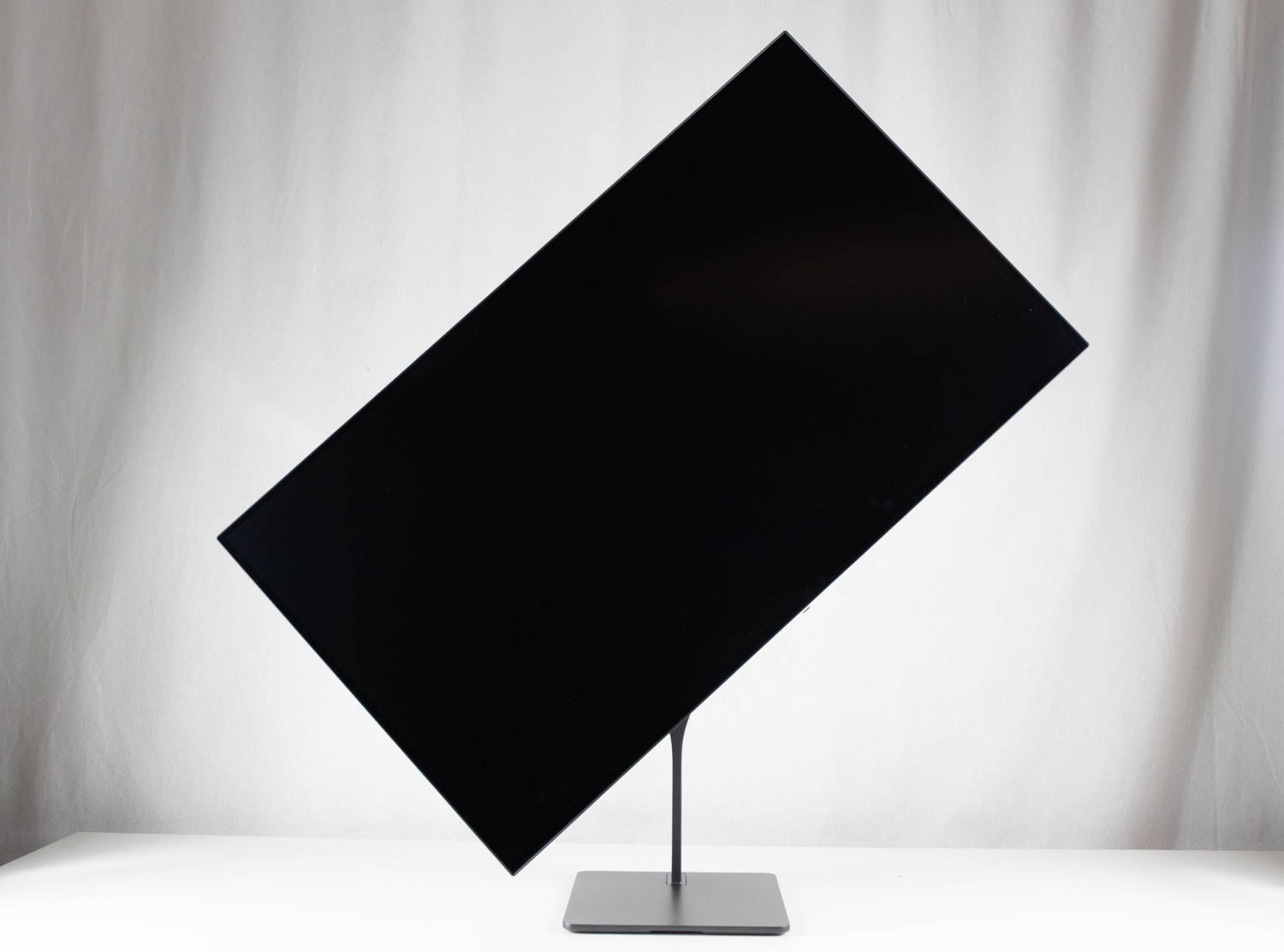
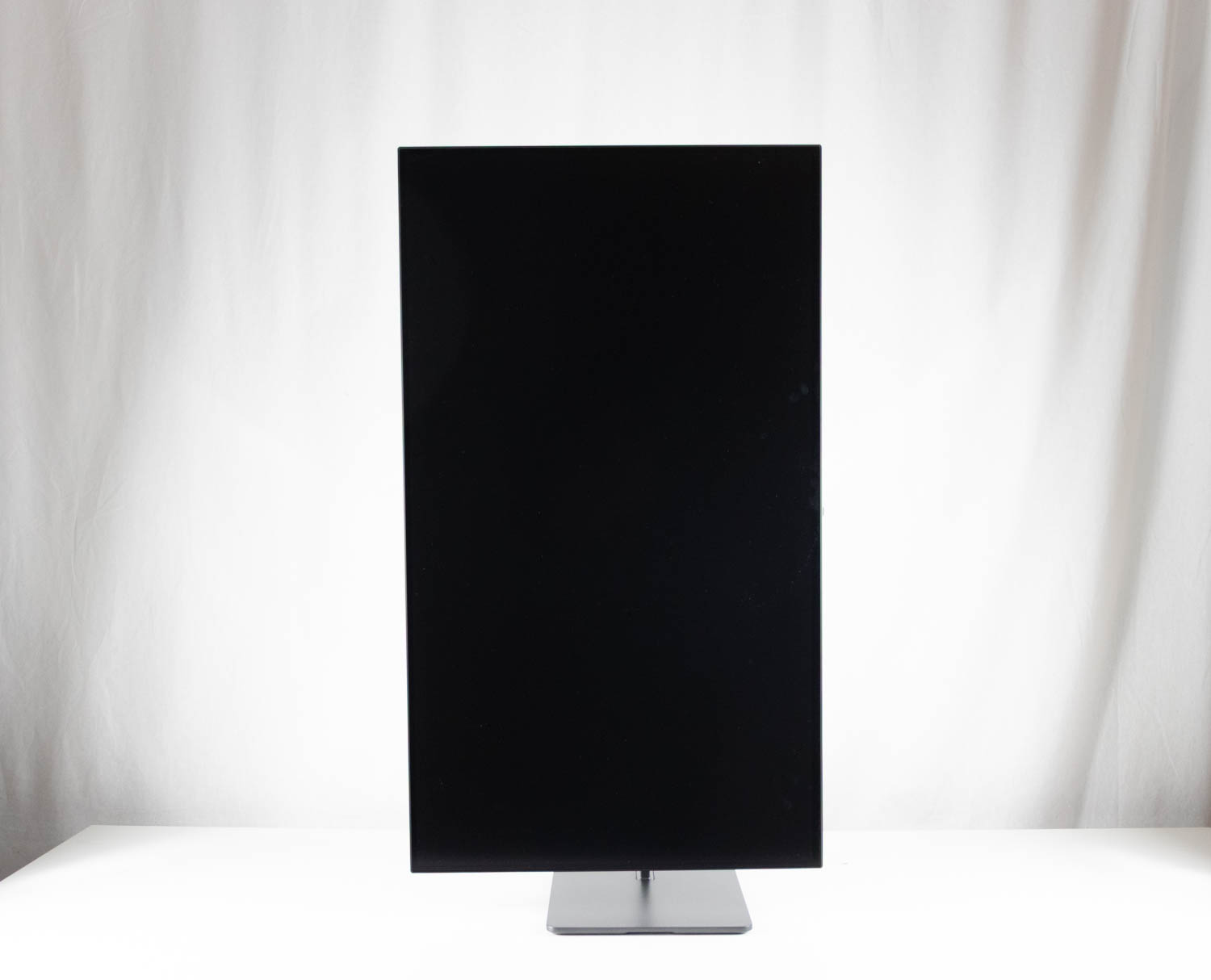
Finally, the panel can be pivoted by 90° in either direction.
Nov 24th, 2026 05:10 CST
change timezone
Latest GPU Drivers
New Forum Posts
- Which ryzen am5 cpu ? (199)
- Your PC ATM (36486)
- AI generated images... (234)
- Without Jensen, PC gaming will be (58)
- Strange case of Mini itx build with normal gpu, and atx psu (Build Log) (21)
- AMD ULL settings tinkering thread - post settings and Zen pics (87)
- Gacha Games - Discussions, Pulls, Updates, etc. (1163)
- The time has come to upgrade...my desktop (2)
- GTA VI (28)
- SATA drive 1.4 GBps with Intel X25-E on Windows 98! (42)
Popular Reviews
- Microsoft Surface Laptop Ultra Review - The Next-gen Arm Laptop
- ASRock X870E Challenger Wi-Fi White Review
- Upcoming Hardware Launches 2027 (Updated Nov 2026)
- Corsair RM1200e (Second Generation) Review
- AMD Ryzen 7 9800X3D Review - The Best Gaming Processor
- AMD Zen 6 Technical Deep Dive
- AMD Ryzen 7 7700X3D Review
- Pulsar Office Tour & First Look at P1 Dual-Sensor Mouse
- Ugreen NASync DXP4800 GT Review
- Phantom Blade Zero Performance Benchmark Review - 35 GPUs Tested
TPU on YouTube
Controversial News Posts
- NVIDIA Co-Founder and CEO Jensen Huang Officially Resigns (492)
- Jensen Huang Reinstated as CEO of NVIDIA (423)
- Report: Jensen Huang Eyes NVIDIA Comeback (280)
- Open Letter Asking NVIDIA to Reinstate Jensen Huang Passes 115,000 Signatures (184)
- OpenAI CEO Argues Home PCs Waste the World's Limited DRAM Supply (152)
- NVIDIA Launches Investigation Into Jensen Huang's Relationship With Suspected Chinese Spy (136)
- Intel "Raptor Lake Next" 16-Core and 20-Core CPUs Surface (130)
- NVIDIA GeForce RTX 50-Series Scheduled for up to $500 Price Hike This Week (89)