 14
Ducky One X Inductive Keyboard Review
Lighting & Performance »Software
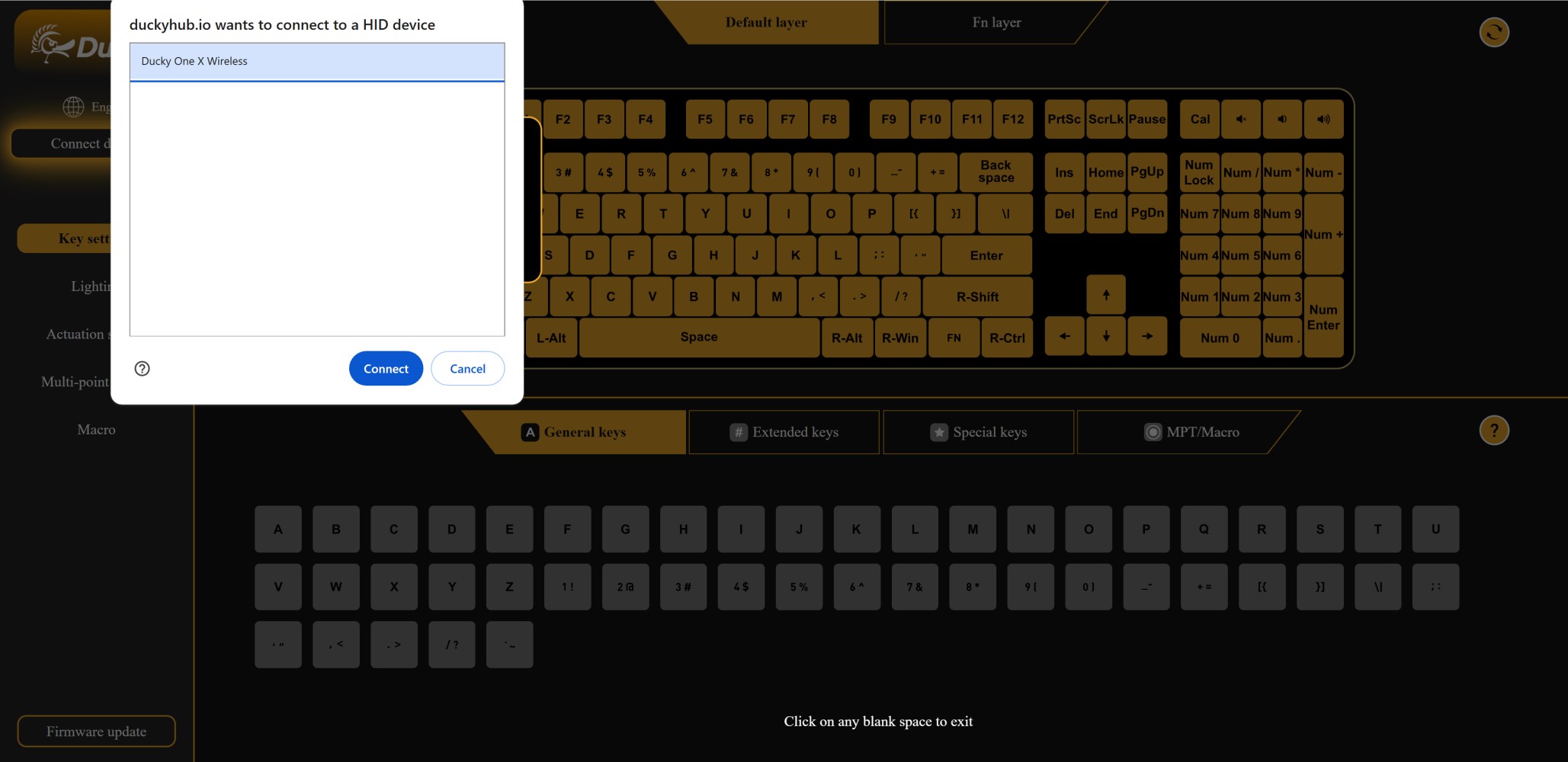

If you go back a few years, back when everyone had terribly optimized and bloated keyboard software, Ducky was one of very few keyboard brands which opted for extensive onboard controls and customization over software solutions. Of course, this could only go so long before consumers started to expect software customization, and we saw Ducky do the right thing and adopt open-source firmware support with the ProjectD kits and fully assembled keyboards. This usually comes with QMK/VIA support, although it can potentially alienate the more mainstream audience which finds even the GUI-based VIA to be not as convenient or even somewhat limited in features. With the Ducky One X, we arguably get the best of both worlds in the form of Ducky Hub—a web browser-based tool you can access here. It walks you through the process, which is as simple as plugging the keyboard in and providing access similar to VIA, before a more custom experience starts beginning with the Ducky colors and keyboard thumbnails. If you have not connected the keyboard yet, there will be a pop-up alerting you to first do so and then also update the firmware as applicable. You will notice a variety of firmware updates from late November show up here, which then clear up to only have the one specific to your keyboard once it is connected. As with any new keyboard, make sure you keep up with updates to have new features and bug fixes added, and this process should take under a minute with the keyboard connected via USB.
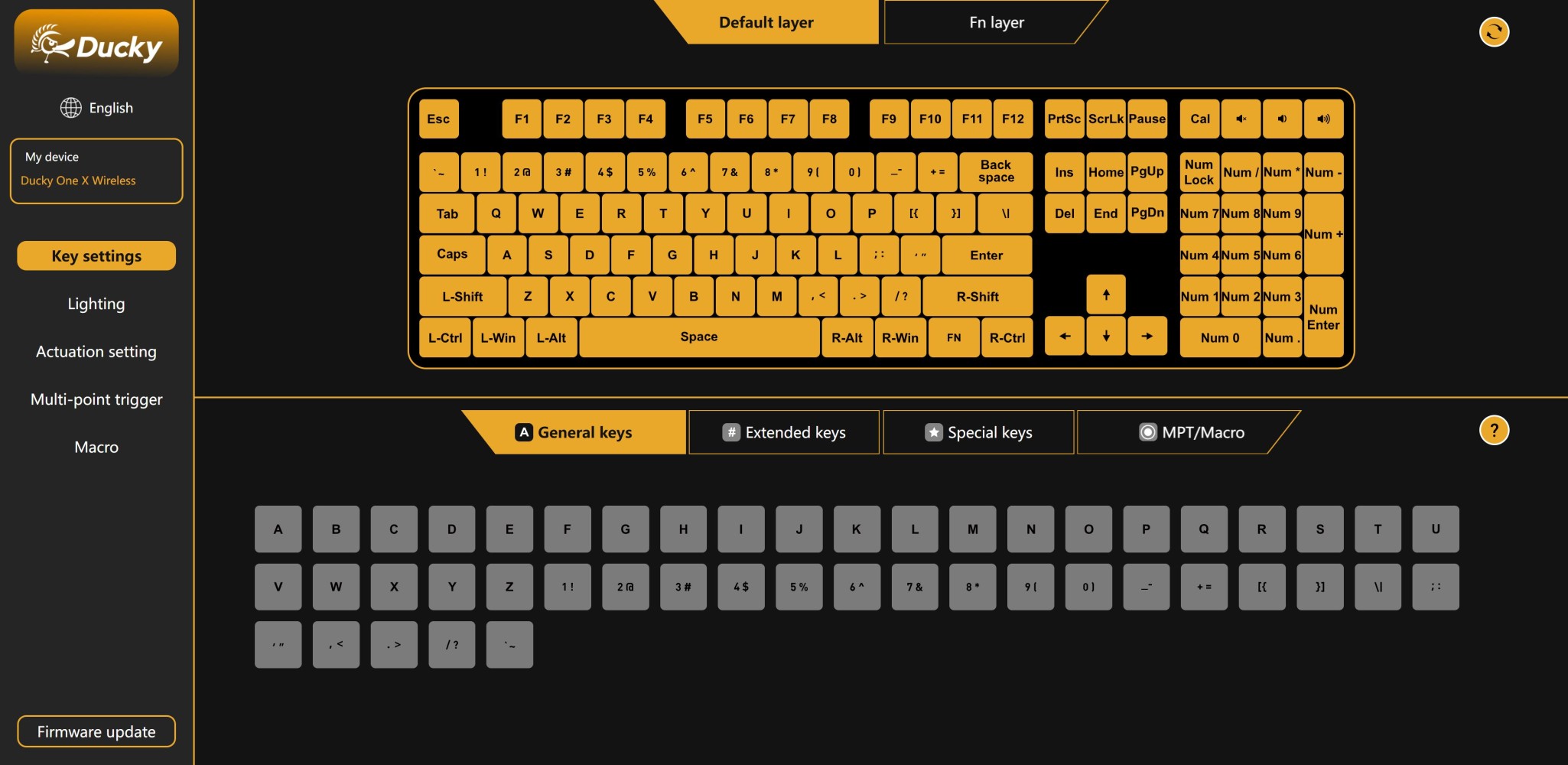
Given this is a web browser-based configurator, there is no scaling or DPI issues, with Ducky Hub working beautifully in a Chrome tab on my 4K monitor. This also means there are no software drivers to install on your PC and this is accessible anywhere in the world too. In fact, everything is saved on the keyboard itself, so you don't need to have anything running in the background either. We have seen more brands go this route, with NuPhy and Wooting being other examples, so hopefully 2025 becomes the year of the feature-rich browser-based configurator for peripherals. The layout is similar to what you would expect to see in an optimized piece of software too, with the various menus on the left and a large virtual keyboard to indicate the actions performed.
The video above goes through the various customization options you get for the Ducky One X with Ducky Hub, and it is evident that Ducky still has work to do on not only adding features to get this on par with competing magnetic switch keyboards, but also optimize things to be more user-friendly. I am not sure why you have to drag and drop the virtual keys to get them selected, especially for macros where this can be a real pain. Indeed, it is also time-consuming when you want to do multi-point trigger, which is the only extra feature you get here in addition to a customizable actuation distance with optional rapid trigger. Compare that to the likes of Wooting and things aren't great if you want to have, say, SOCD functionality. Even the more basic features can be improved upon, such as lighting where the virtual keyboard seems to pick and choose how to respond to the selections made. The custom per-key lighting options are also dire right now, and I am not sure why the final lighting effect is not translated over to English. I would also like to see a settings menu where you can have the language and firmware update tool placed, in addition to perhaps colors for the "skin" since the currently chosen orange layout doesn't work well with some options in the lighting menu, for example. More cues and tips would be nice too, as a newcomer to such a keyboard may just not know what rapid trigger or multi-point trigger does at first glance. Likewise, I would like to see numbers added to the sliders to make it easier for people to set them up. Finally, do have the option to create/import/export profiles to be associated with games and applications. There's a good base set by Ducky here, but I need to see improvements before I can deem this feature on par with even some of the re-skinned OEM drivers from the likes of Varmilo and LUMINKEY with their HE keyboards. In its review guide, Ducky says it is "exploring the possibility of adding new features," which just feels like another version of having "a concept of a plan."
Nov 19th, 2026 15:15 CST
change timezone
Latest GPU Drivers
New Forum Posts
- Making a game in Godot engine (4)
- WarpCoreBench scores! (75)
- Dell Workstation Owners Club (3515)
- Windows 11 General Discussion (7735)
- DTS DCH Driver for Realtek HDA [DTS:X APO4 + DTS Interactive] (2815)
- Security Apps (2)
- How to prevent OLED burn damage due to PC freezes or power outtages? (28)
- Last game you purchased? (1408)
- Got the EOL 32GB TridentZ 6000 CL26 1.4V (11)
- GTA VI (7)
Popular Reviews
- Acemagic Retro X3 Review
- Ugreen NASync DXP4800 GT Review
- Upcoming Hardware Launches 2027 (Updated Nov 2026)
- Pulsar Office Tour & First Look at P1 Dual-Sensor Mouse
- AMD Zen 6 Technical Deep Dive
- Biwin Black Opal NV7400 2 TB Review
- Sapphire Radeon RX 7700 XT Pure Review
- Sapphire Radeon RX 7700 XT Pulse Review
- AMD Ryzen 7 9800X3D Review - The Best Gaming Processor
- Chieftec Iceberg PRO 360 DARK Review
TPU on YouTube
Controversial News Posts
- NVIDIA Co-Founder and CEO Jensen Huang Officially Resigns (486)
- Report: Jensen Huang Eyes NVIDIA Comeback (223)
- Open Letter Asking NVIDIA to Reinstate Jensen Huang Passes 115,000 Signatures (184)
- OpenAI CEO Argues Home PCs Waste the World's Limited DRAM Supply (152)
- NVIDIA Launches Investigation Into Jensen Huang's Relationship With Suspected Chinese Spy (136)
- Intel "Raptor Lake Next" 16-Core and 20-Core CPUs Surface (130)
- Legendary Game Studio BioWare Shuts Down Following EA Layoffs (104)
- Dell CEO Says the Memory Shortage Will Get Worse in 2027 (95)