 5
Dying Light: The Beast Handheld Performance Review
ASUS ROG Ally X Optimized Settings »Steam Deck Optimized Settings
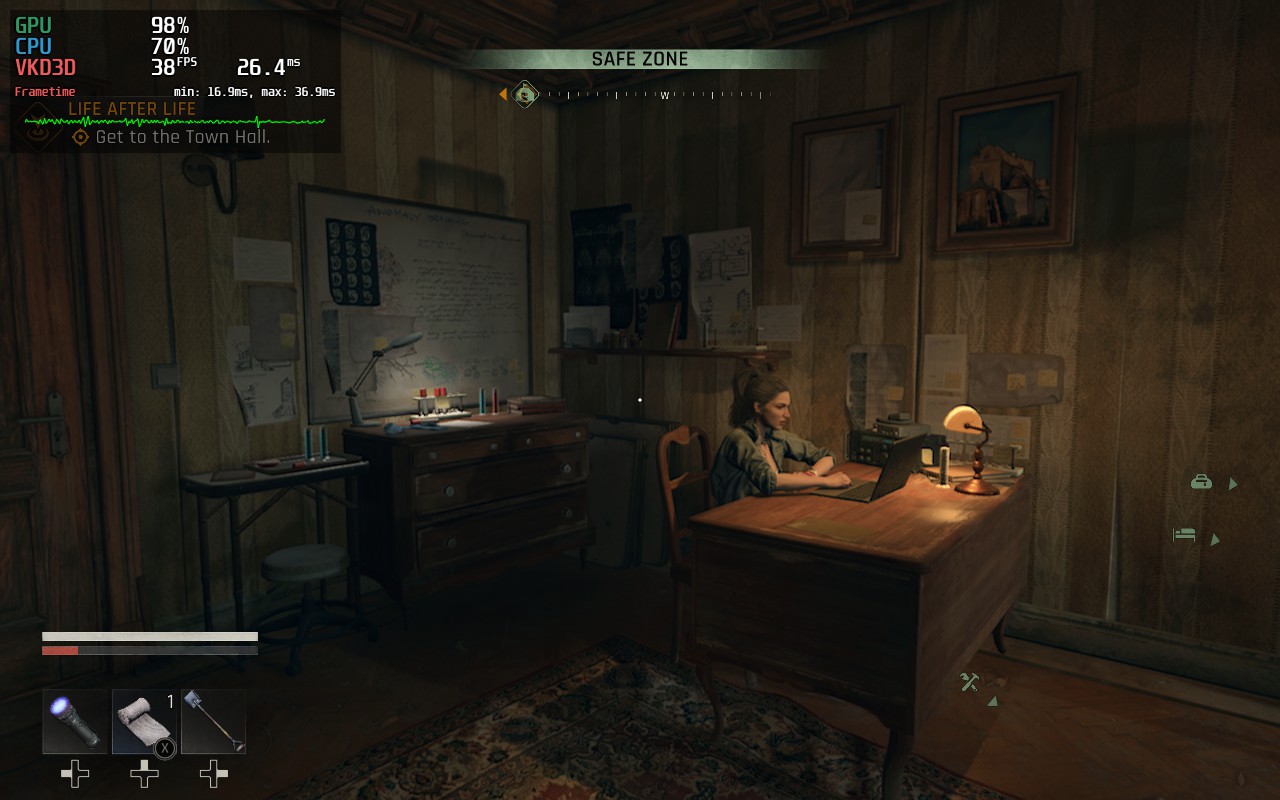
This one's simple: just keep the default settings included in the "Performance" preset the game defaults to on SteamOS, but lower textures to "Medium" (setting them to high can lead to hitching due to the inadequate amount of RAM).

We also recommend disabling frame generation, but you do you. We don't like the extra latency at such a low base frame rate, but you might enjoy the game with frame gen. In any case, it costs nothing to play the game a bit with frame gen and see what it feels like.

These settings will give you a very stable 30 FPS experience with an occasional dip to 29 or 28 FPS, especially when driving a car. We found this playable, and while the image quality is anything but good due to the heavy use of upscaling, we can say that Dying Light: The Beast is playable on Steam Deck.
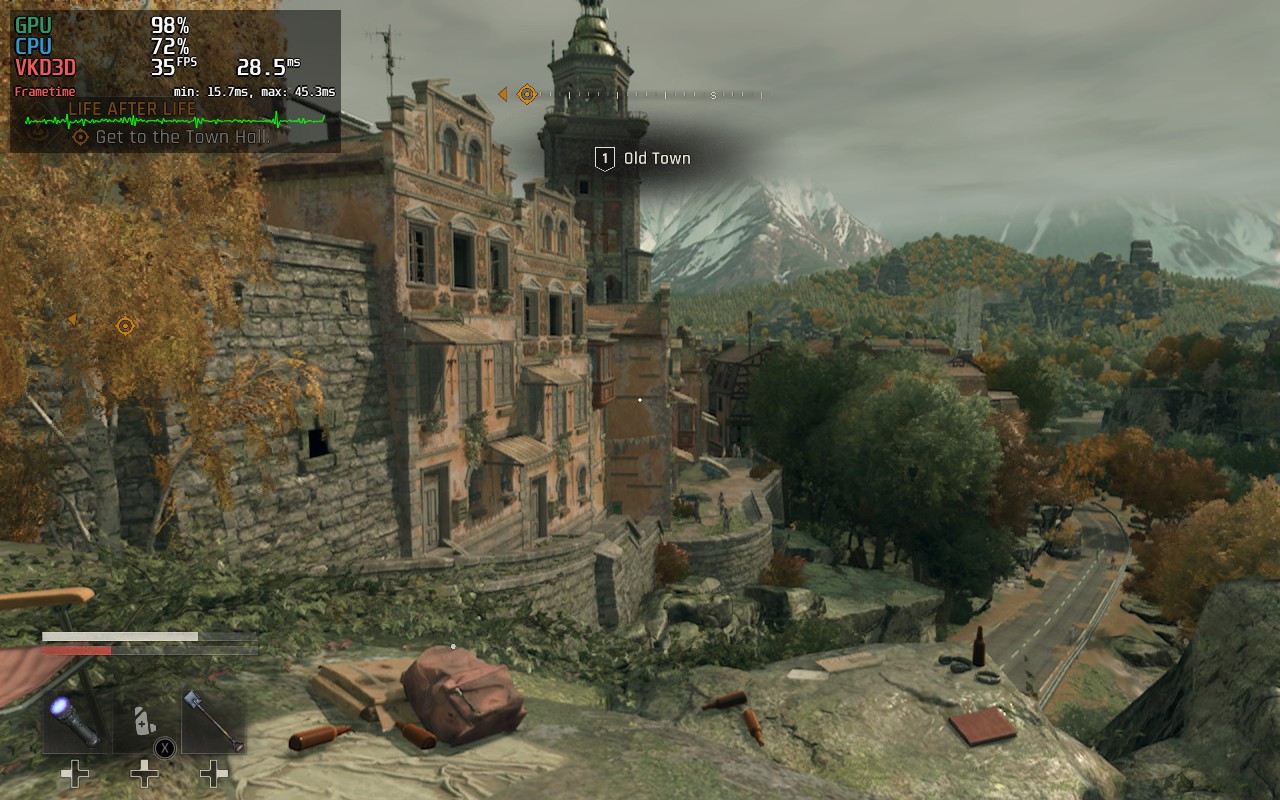
Battery-wise, you can expect about an hour and a half on the LCD version and around two and a half hours on the Steam Deck OLED since the game uses every available ounce of power the Deck can give it.
Nov 22nd, 2026 18:49 CST
change timezone
Latest GPU Drivers
New Forum Posts
- Increasing Power Limit? (6)
- What are you playing? (26240)
- UPS what one to get? (48)
- Honestly, do you care about GTA VI? (265)
- Your PC ATM (36458)
- Gacha Games - Discussions, Pulls, Updates, etc. (1157)
- Last game you purchased? (1414)
- Making a game in Godot engine (19)
- Intel D270 (5)
- X870E AORUS ELITE WIFI7 thread with setting and OC (69)
Popular Reviews
- Microsoft Surface Laptop Ultra Review - The Next-gen Arm Laptop
- Corsair RM1200e (Second Generation) Review
- Upcoming Hardware Launches 2027 (Updated Nov 2026)
- Pulsar Office Tour & First Look at P1 Dual-Sensor Mouse
- Ugreen NASync DXP4800 GT Review
- AMD Ryzen 7 9800X3D Review - The Best Gaming Processor
- AMD Zen 6 Technical Deep Dive
- AMD Ryzen 7 5800X3D 10th Anniversary Review
- Phantom Blade Zero Performance Benchmark Review - 35 GPUs Tested
- Biwin Black Opal NV7400 2 TB Review
TPU on YouTube
Controversial News Posts
- NVIDIA Co-Founder and CEO Jensen Huang Officially Resigns (492)
- Report: Jensen Huang Eyes NVIDIA Comeback (266)
- Open Letter Asking NVIDIA to Reinstate Jensen Huang Passes 115,000 Signatures (184)
- OpenAI CEO Argues Home PCs Waste the World's Limited DRAM Supply (152)
- NVIDIA Launches Investigation Into Jensen Huang's Relationship With Suspected Chinese Spy (136)
- Intel "Raptor Lake Next" 16-Core and 20-Core CPUs Surface (130)
- NVIDIA GeForce RTX 50-Series Scheduled for up to $500 Price Hike This Week (89)
- Intel Razor Lake Gets a 12 P-Core bLLC Chip With No E-Cores, Per Leak (86)