 5
ECS LIVA Z11 Plus Review
General Performance »A Look Inside
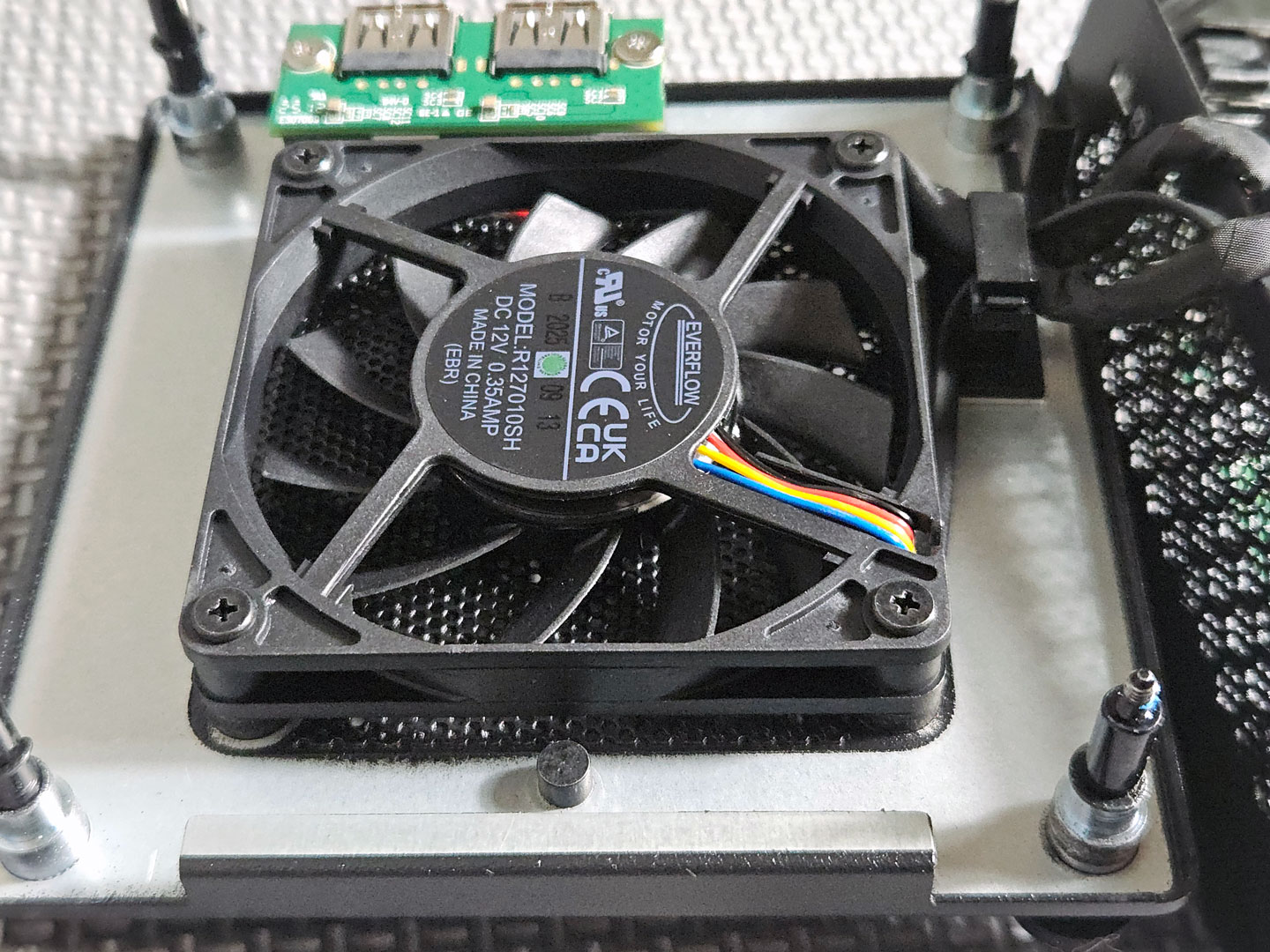
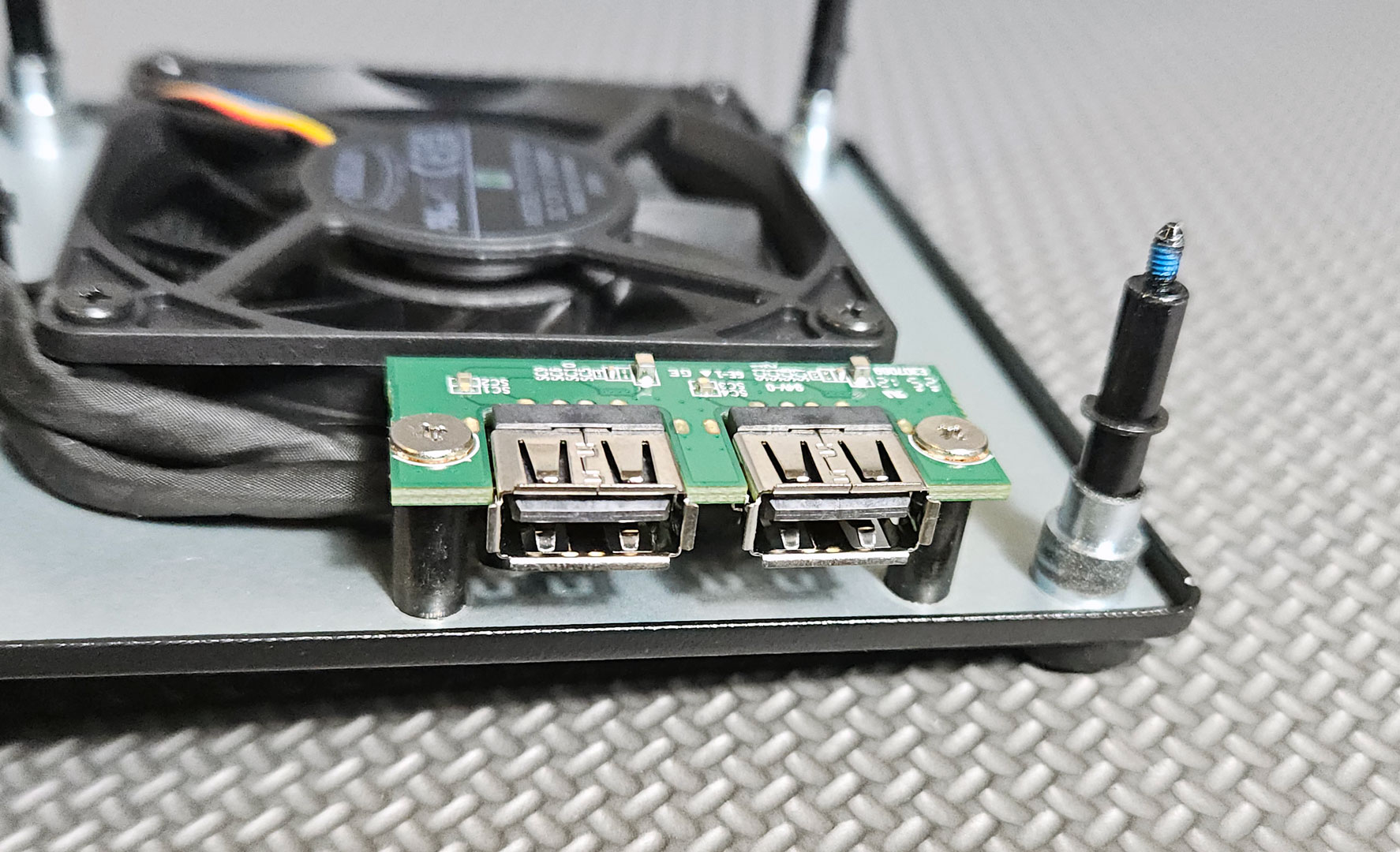
Once the Z11 Plus is opened, you'll see that the cooling system uses a compact top-mounted fan and a low-profile heatsink, leaving most of the interior accessible without removing the motherboard.
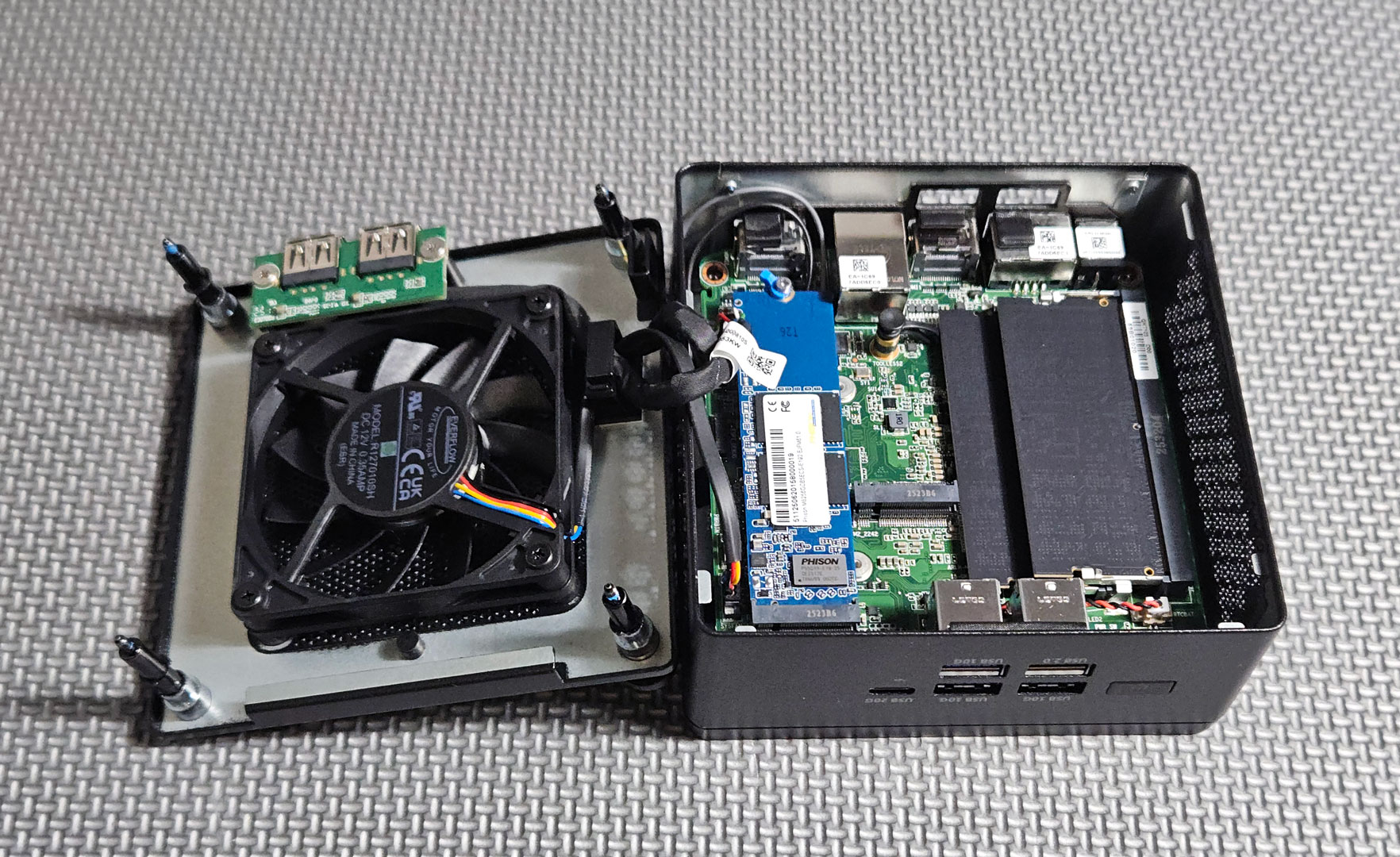
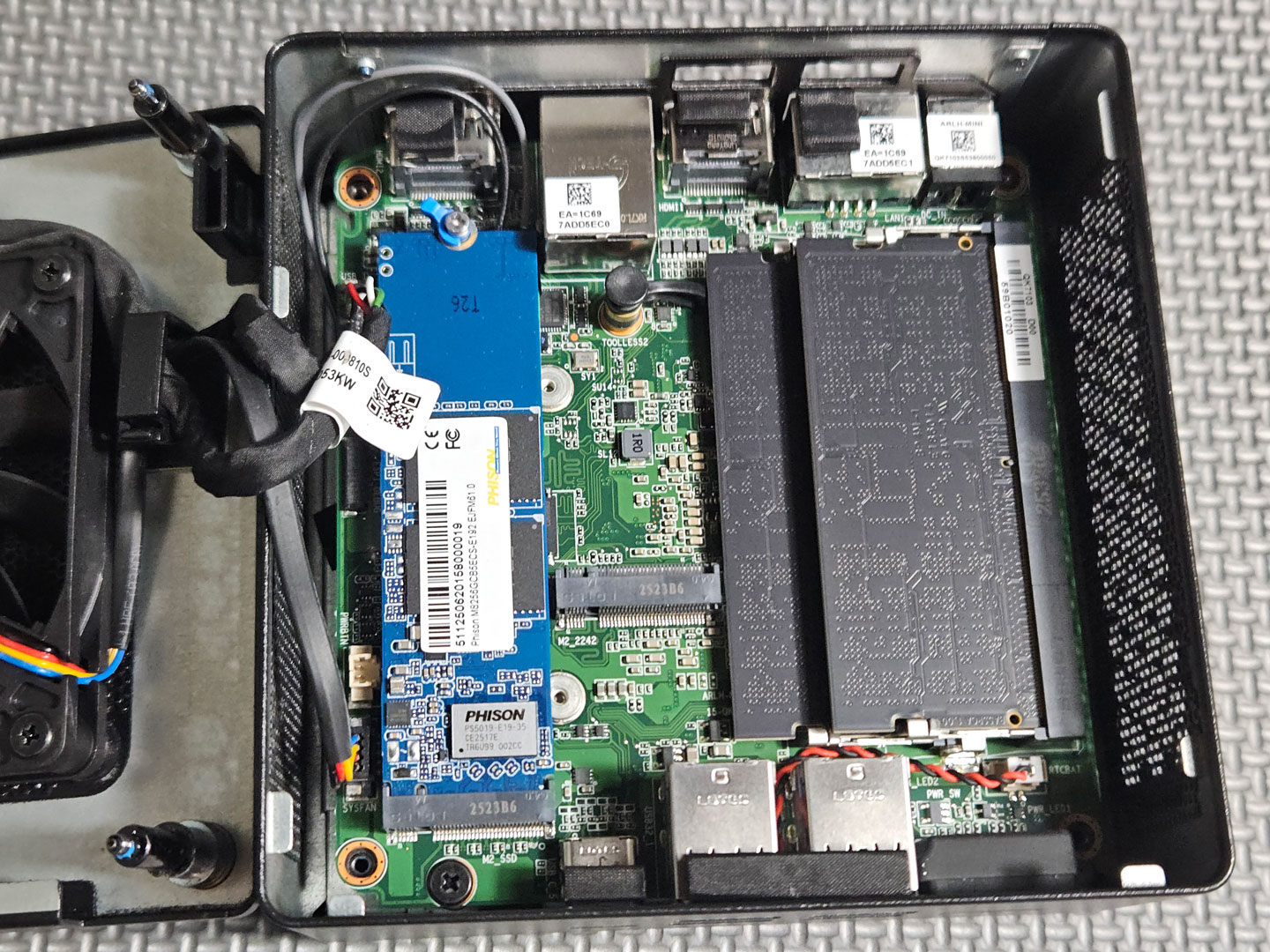
Inside, the layout is clean and easy to work with. There are no hidden screws or flip-over motherboard steps required when installing/removing the main components. Even within the small footprint, the Z11 Plus manages to keep upgrade access simple and avoids the cramped underside layout sometimes seen in competing systems.
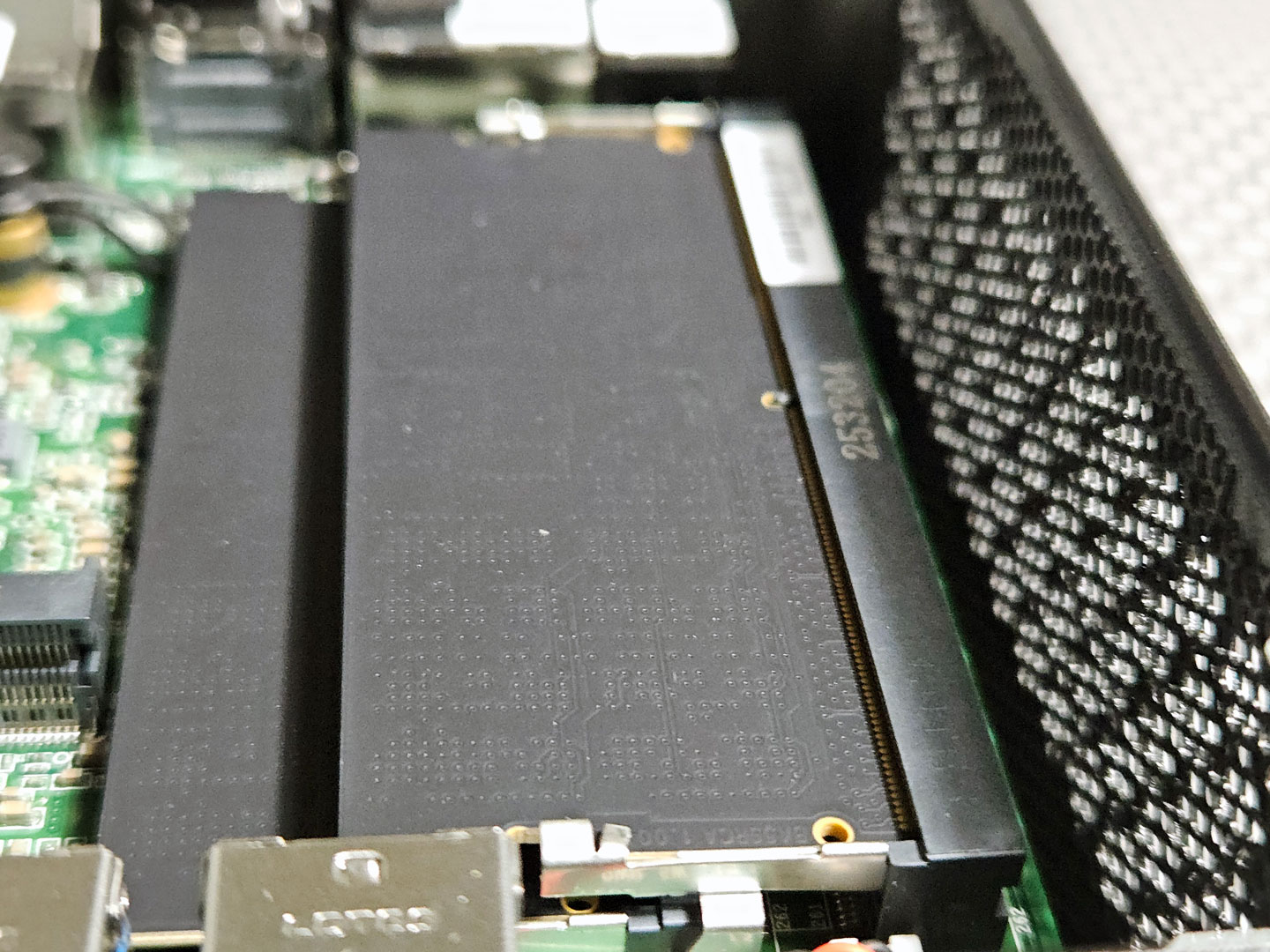
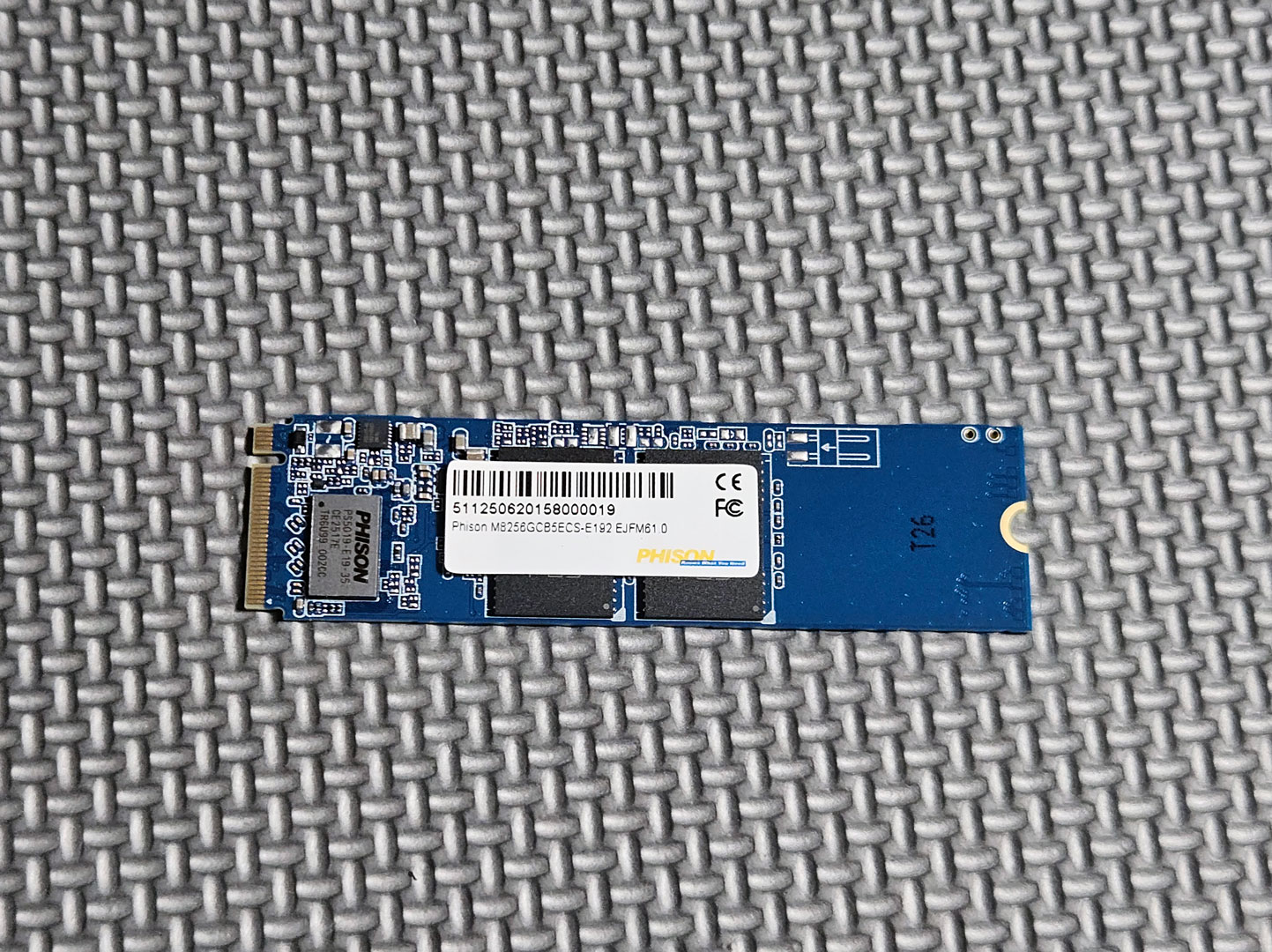
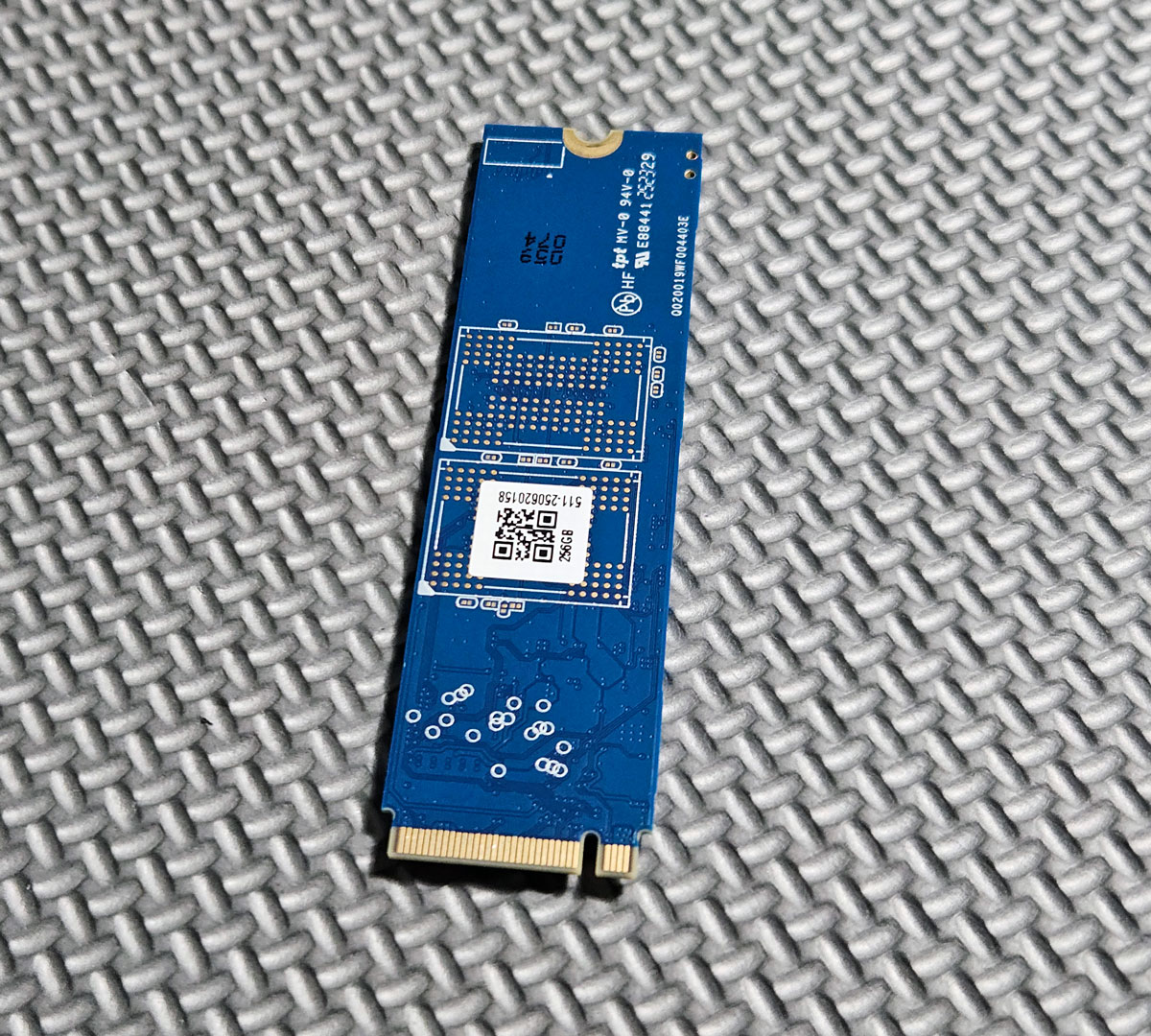
Both DDR5 SODIMM slots sit along the right side of the board and are exposed as soon as the lid comes off, so memory swaps are quick. Storage features two NVMe slots: a full-length M.2 2280 PCIe Gen 4 slot in the center and a shorter M.2 2242 beside it. The included SSD in our unit is a Phison-based NVMe drive, and accessing the second, smaller slot requires removing a single screw.

One of the M1 slots is occupied by the Intel AX211 Wi-Fi module, which is a very common layout for Mini-PCs.
Nov 28th, 2026 01:04 CST
change timezone
Latest GPU Drivers
New Forum Posts
- Wireless Internet sharing between PC and router both-ways, is it possible? (35)
- -18C on GPU by moving it to the front of the case. (22)
- Rare GPUs / Unreleased GPUs (2273)
- Mouse Pad advice - Shidenkai out of production? (22)
- Unigine Superposition GPU Benchmark (1080P Extreme) (463)
- What's your main Black Friday / Cyber Monday purchase? (43)
- Unigine Superposition on Linux (21)
- CPU Database (305)
- Exit Adobe - PDF reader, and PDF editor recommendations (11)
- TPU's WCG/BOINC Team (34815)
Popular Reviews
- Upcoming Hardware Launches 2027 (Updated Nov 2026)
- AMD Ryzen 7 9800X3D Review - The Best Gaming Processor
- VZMORE AX9 Max Review
- Moaiplay Ora Pro G1 850 Review
- Montech CyberFlow ARGB 360 Review
- ASRock X870E Challenger Wi-Fi White Review
- AMD Zen 6 Technical Deep Dive
- ORICO Obook15 AI Review
- Microsoft Surface Laptop Ultra Review - The Next-gen Arm Laptop
- Phantom Blade Zero Performance Benchmark Review - 35 GPUs Tested
TPU on YouTube
Controversial News Posts
- Jensen Huang Reinstated as CEO of NVIDIA (627)
- NVIDIA Co-Founder and CEO Jensen Huang Officially Resigns (492)
- Report: Jensen Huang Eyes NVIDIA Comeback (281)
- Open Letter Asking NVIDIA to Reinstate Jensen Huang Passes 115,000 Signatures (184)
- OpenAI CEO Argues Home PCs Waste the World's Limited DRAM Supply (152)
- NVIDIA Launches Investigation Into Jensen Huang's Relationship With Suspected Chinese Spy (136)
- Intel Razor Lake Gets a 12 P-Core bLLC Chip With No E-Cores, Per Leak (94)
- NVIDIA GeForce RTX 50-Series Scheduled for up to $500 Price Hike This Week (89)