 0
Einarex Vertex 360 Review
Finished Looks »Installation
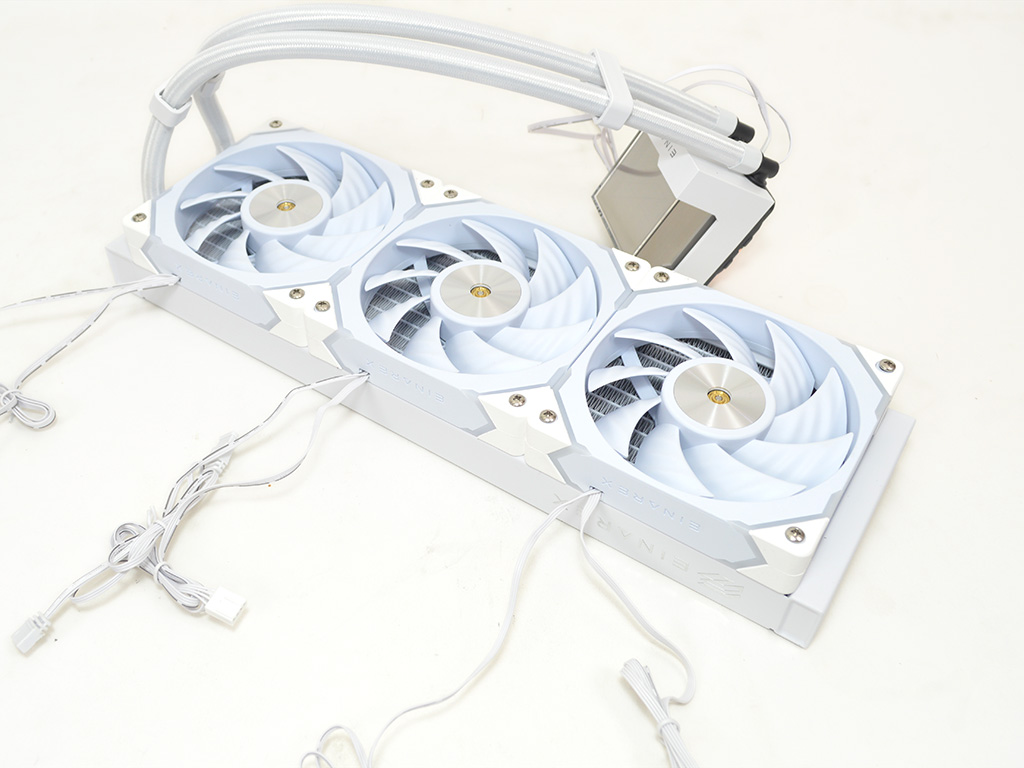
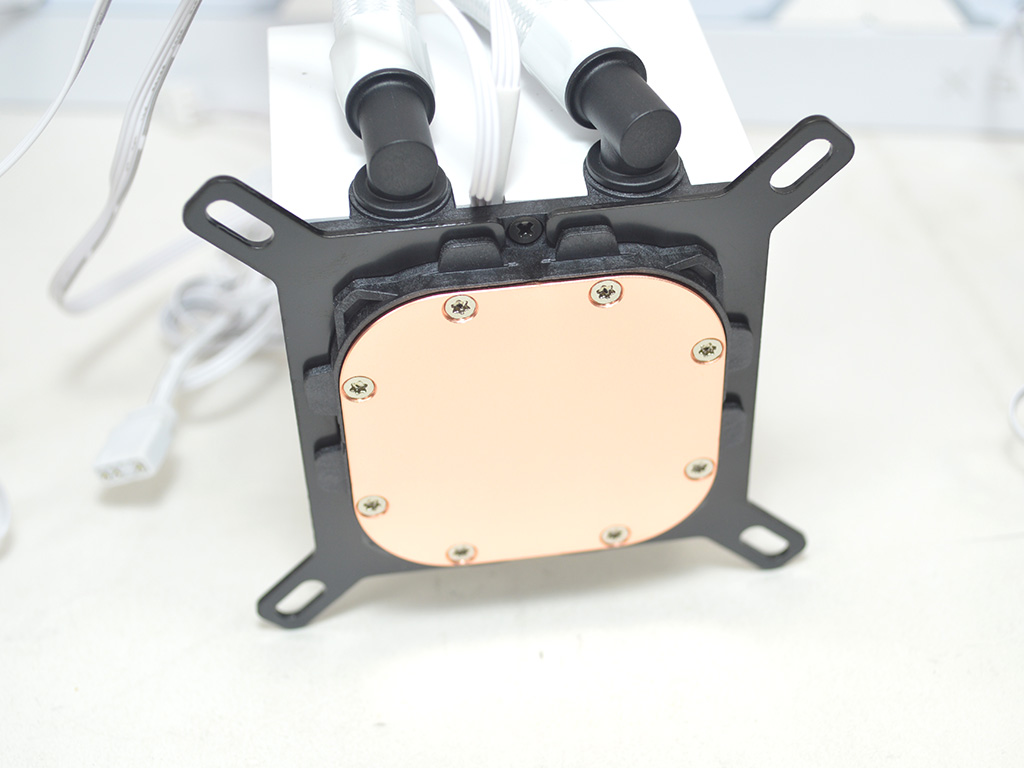
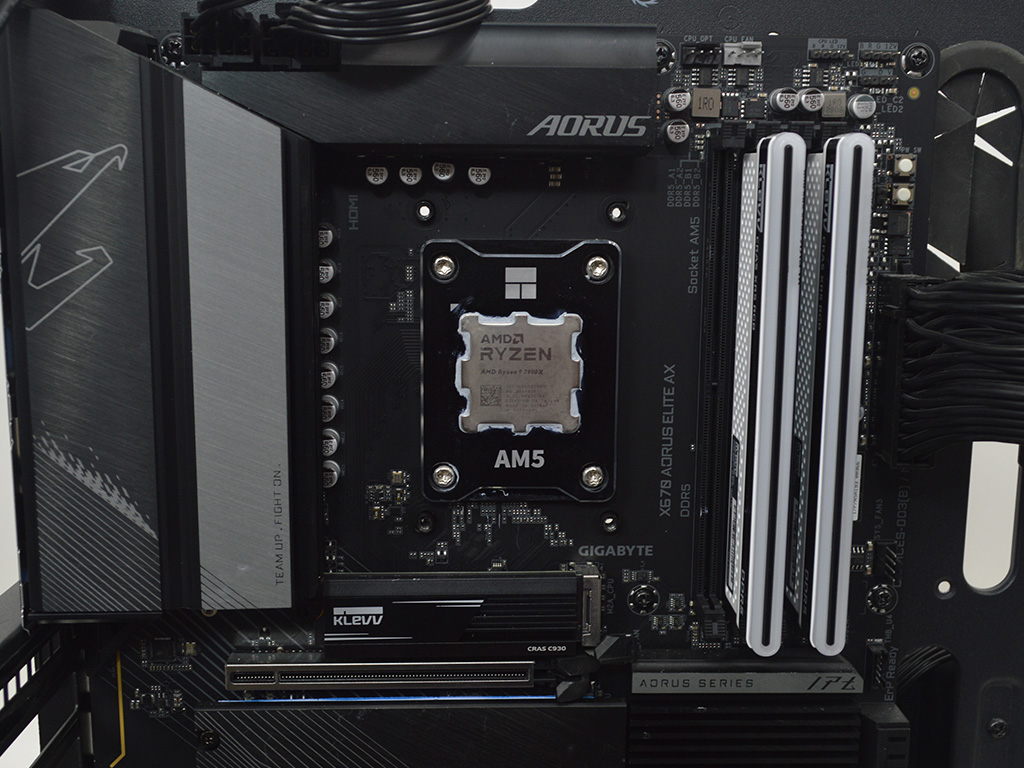
To install the Einarex Vertex 360 you will first want to check the fans to make sure the wiring is on the side you prefer for cable management and visual appeal. Next slide the brackets onto the pump, and finally for AMD's Socket AM5 remove the plastic motherboard mounting brackets.
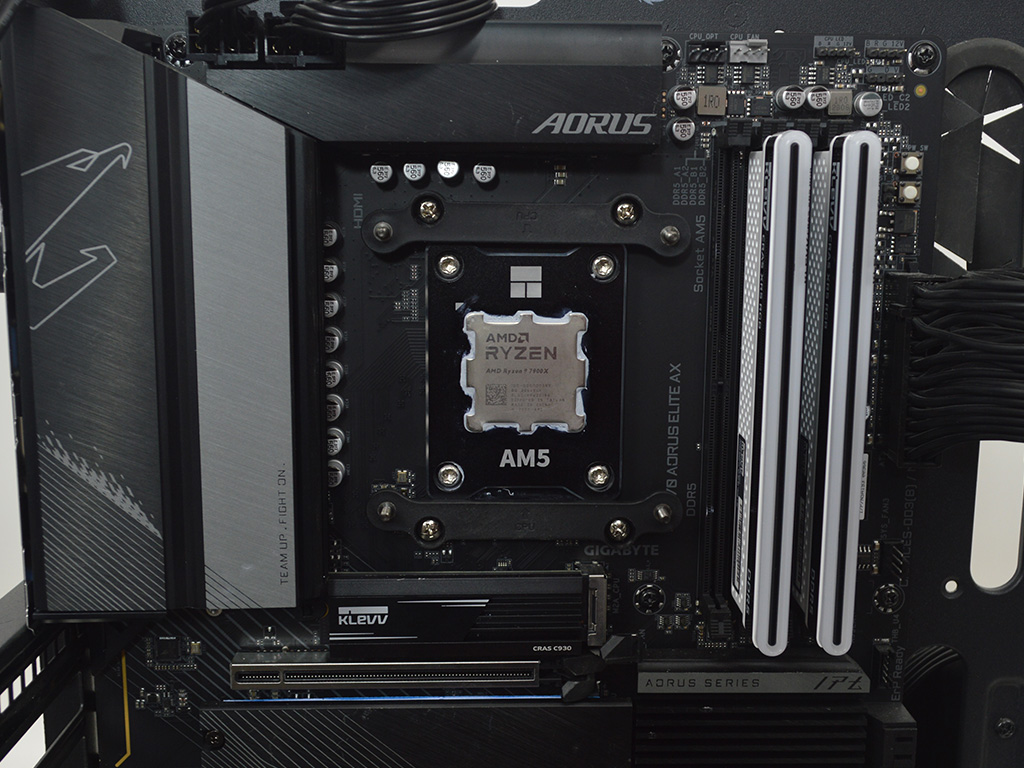
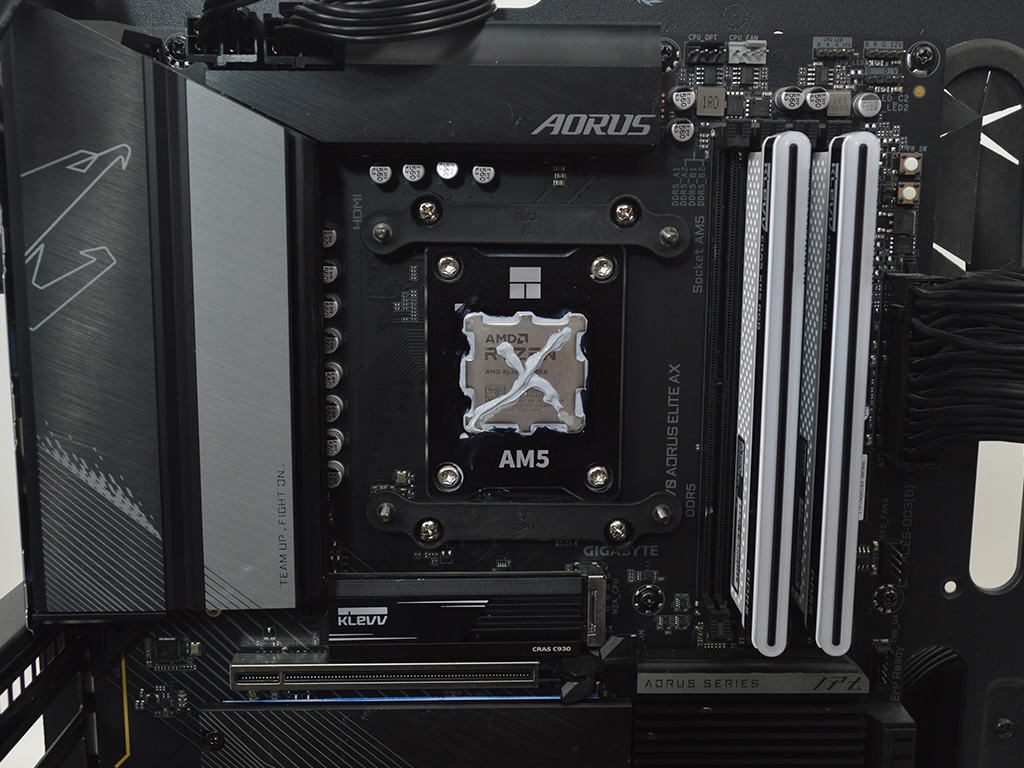
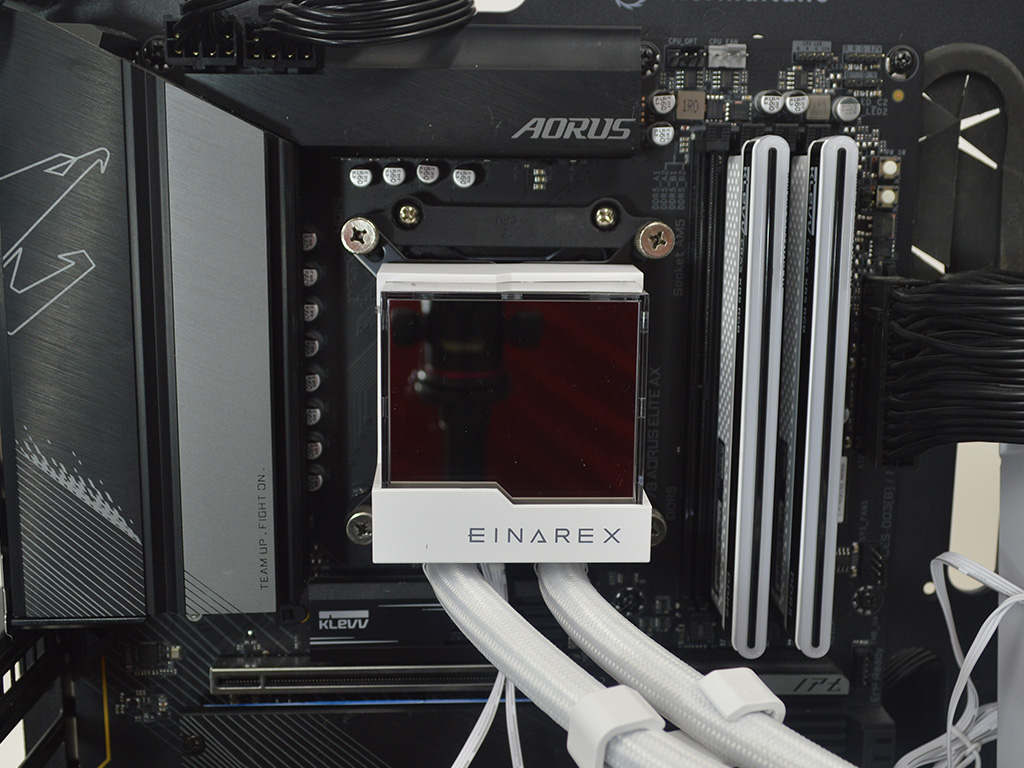
With the preparation done, you can now install the AMD mounting brackets using the original screws from the AMD provided brackets. Next apply thermal paste. For actual testing I use Arctic's MX-6. With that taken care of you can now position the pump block onto the CPU and secure it with the provided nuts. Make sure to use a crisscross pattern applying even pressure.
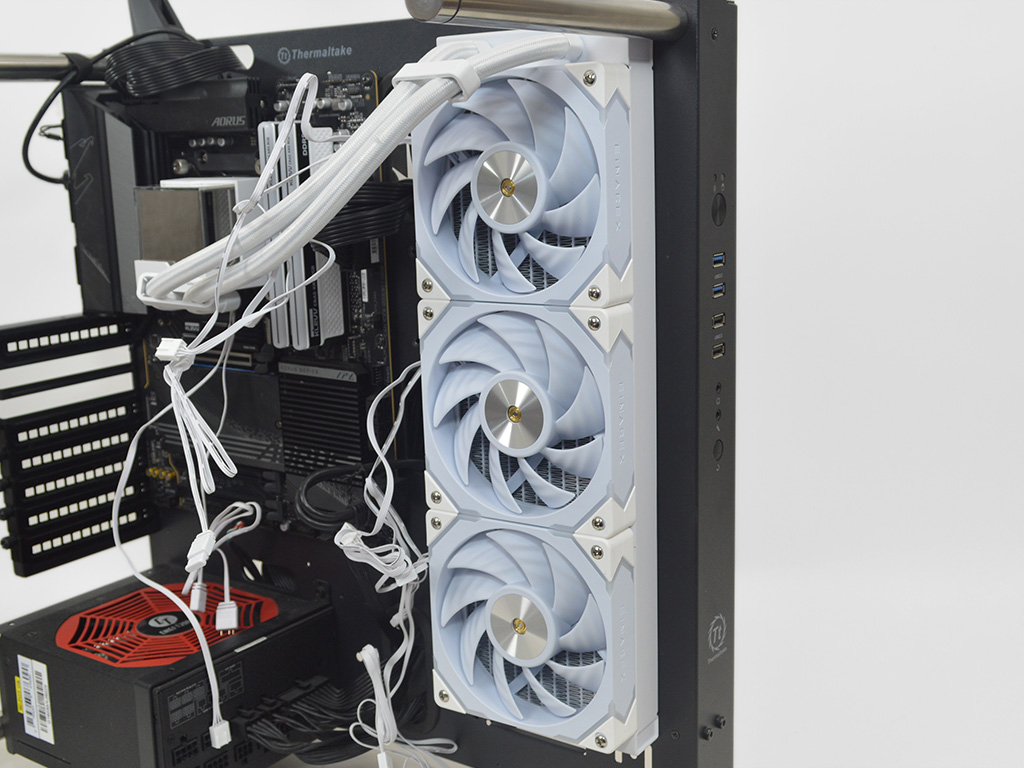
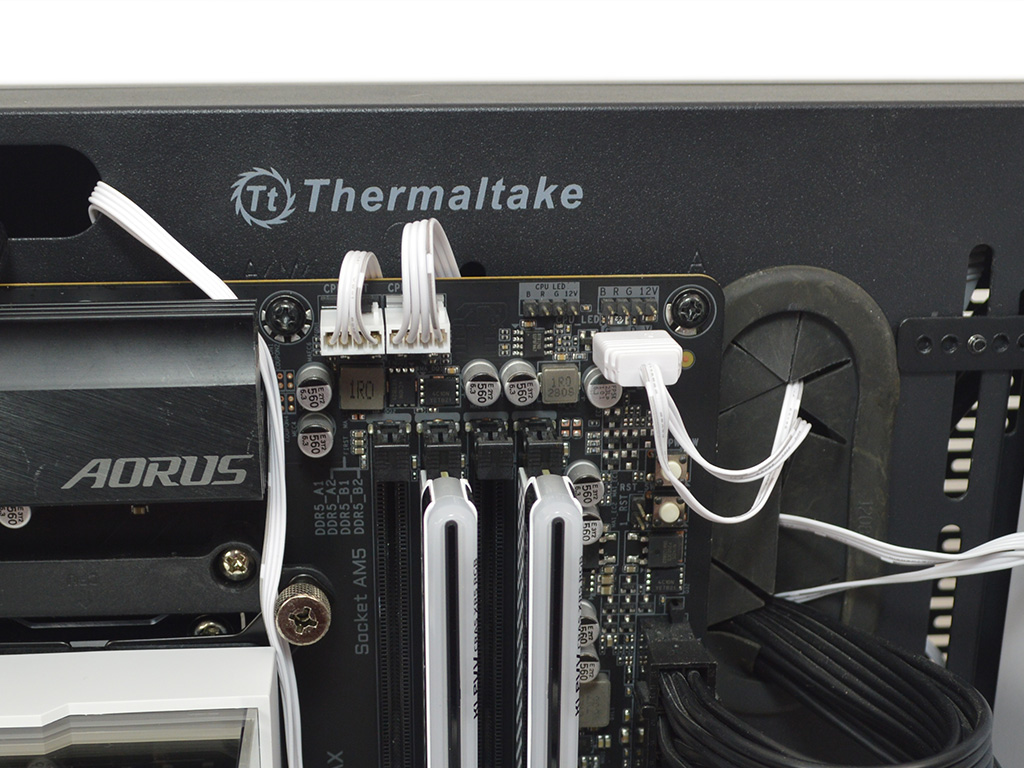
Now attach the radiator and fans to the chassis and plug everything into the motherboard, and you're good to go.
Overall, the installation is pretty straightforward on AMD and Intel, with no major hurdles to speak of. I am also happy to see four direct attachment points for AMD systems, since they will provide more even pressure which typically results in better cooling performance. The only issue I have with the installation process is the lack of an included manual. While Einarex does have clean easy to follow manuals on their website, including one in the box is still preferred over leaving them out or relying on QR codes.
Nov 26th, 2026 09:57 CST
change timezone
Latest GPU Drivers
New Forum Posts
- What's your main Black Friday / Cyber Monday purchase? (18)
- Wireless Internet sharing between PC and router both-ways, is it possible? (24)
- Can you guess Which game it is? (366)
- Post your CrystalDiskMark speeds (658)
- Making a game in Godot engine (20)
- X79 and/or rampage IV OC'ing thread for those of us still left.... (2459)
- Exploring Local LLMs: Models, Hardware and Setup Experiences (4)
- Linpack Xtreme Released (513)
- Claude credits purchased on or after Dec. 7 now have an expiry date (20)
- Acer TravelMate P414-51 (i5-1135G7): CPU stuck at x4 / ~200 MHz effective under 100% load, no throttle flags. How to find who's clamping it? (1)
Popular Reviews
- ASRock X870E Challenger Wi-Fi White Review
- VZMORE AX9 Max Review
- Upcoming Hardware Launches 2027 (Updated Nov 2026)
- Microsoft Surface Laptop Ultra Review - The Next-gen Arm Laptop
- AMD Ryzen 7 9800X3D Review - The Best Gaming Processor
- AMD Zen 6 Technical Deep Dive
- Corsair RM1200e (Second Generation) Review
- Phantom Blade Zero Performance Benchmark Review - 35 GPUs Tested
- Montech CyberFlow ARGB 360 Review
- Pulsar Office Tour & First Look at P1 Dual-Sensor Mouse
TPU on YouTube
Controversial News Posts
- Jensen Huang Reinstated as CEO of NVIDIA (585)
- NVIDIA Co-Founder and CEO Jensen Huang Officially Resigns (492)
- Report: Jensen Huang Eyes NVIDIA Comeback (281)
- Open Letter Asking NVIDIA to Reinstate Jensen Huang Passes 115,000 Signatures (184)
- OpenAI CEO Argues Home PCs Waste the World's Limited DRAM Supply (152)
- NVIDIA Launches Investigation Into Jensen Huang's Relationship With Suspected Chinese Spy (136)
- Intel "Raptor Lake Next" 16-Core and 20-Core CPUs Surface (130)
- Intel Razor Lake Gets a 12 P-Core bLLC Chip With No E-Cores, Per Leak (94)