 4
Endorfy Viro Wireless Review - Forget the Charger
Wireless Performance & Battery Life »Headset
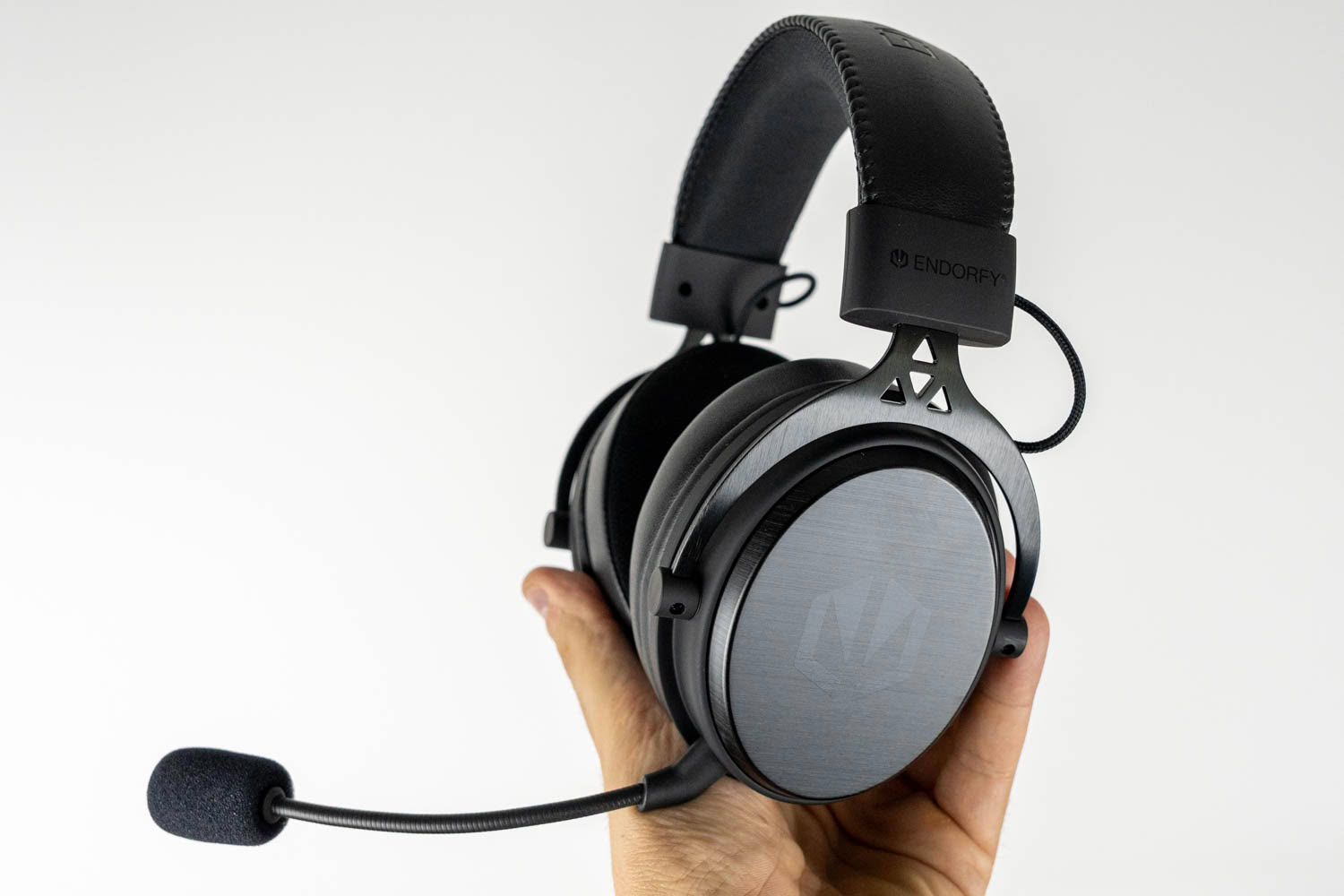
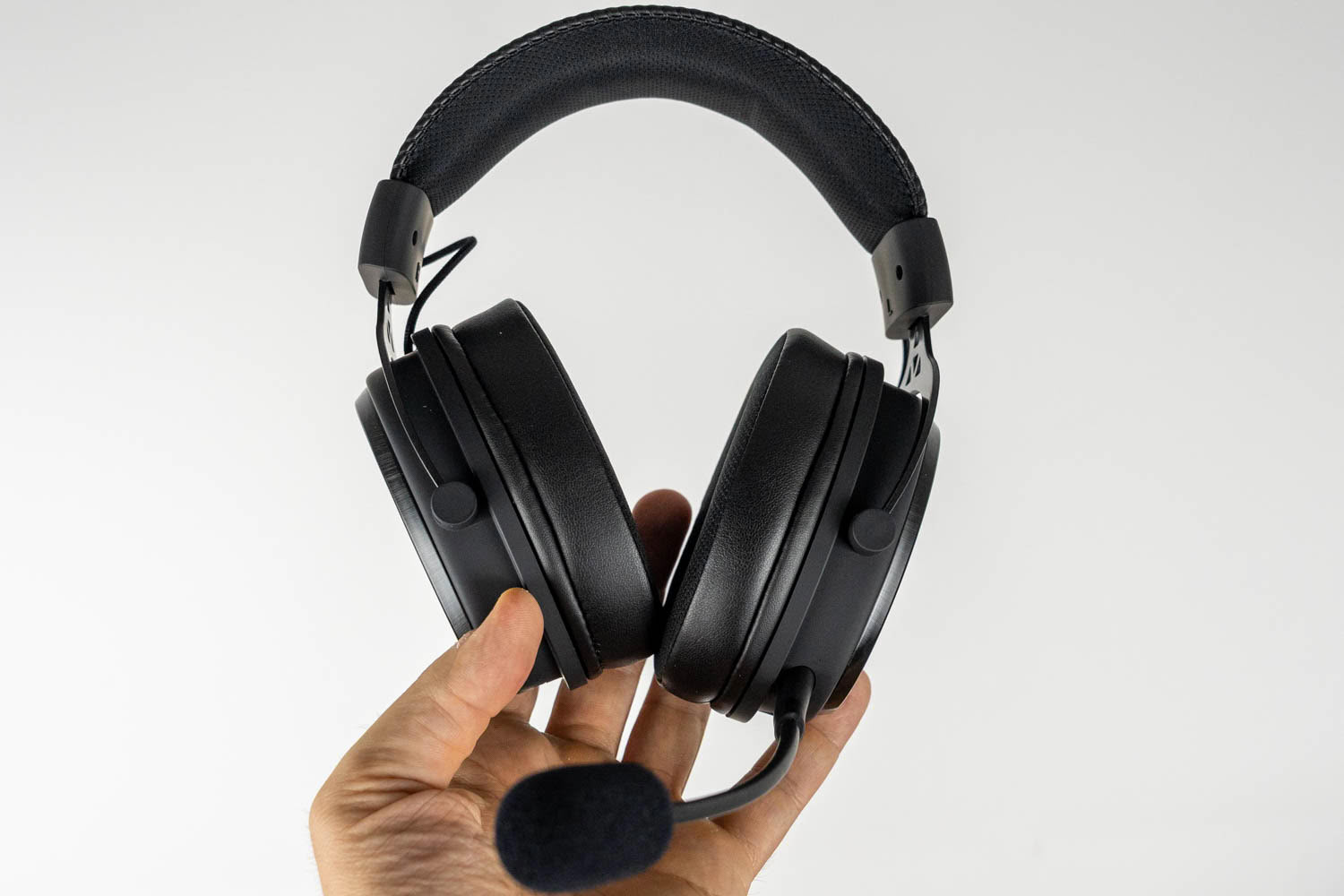
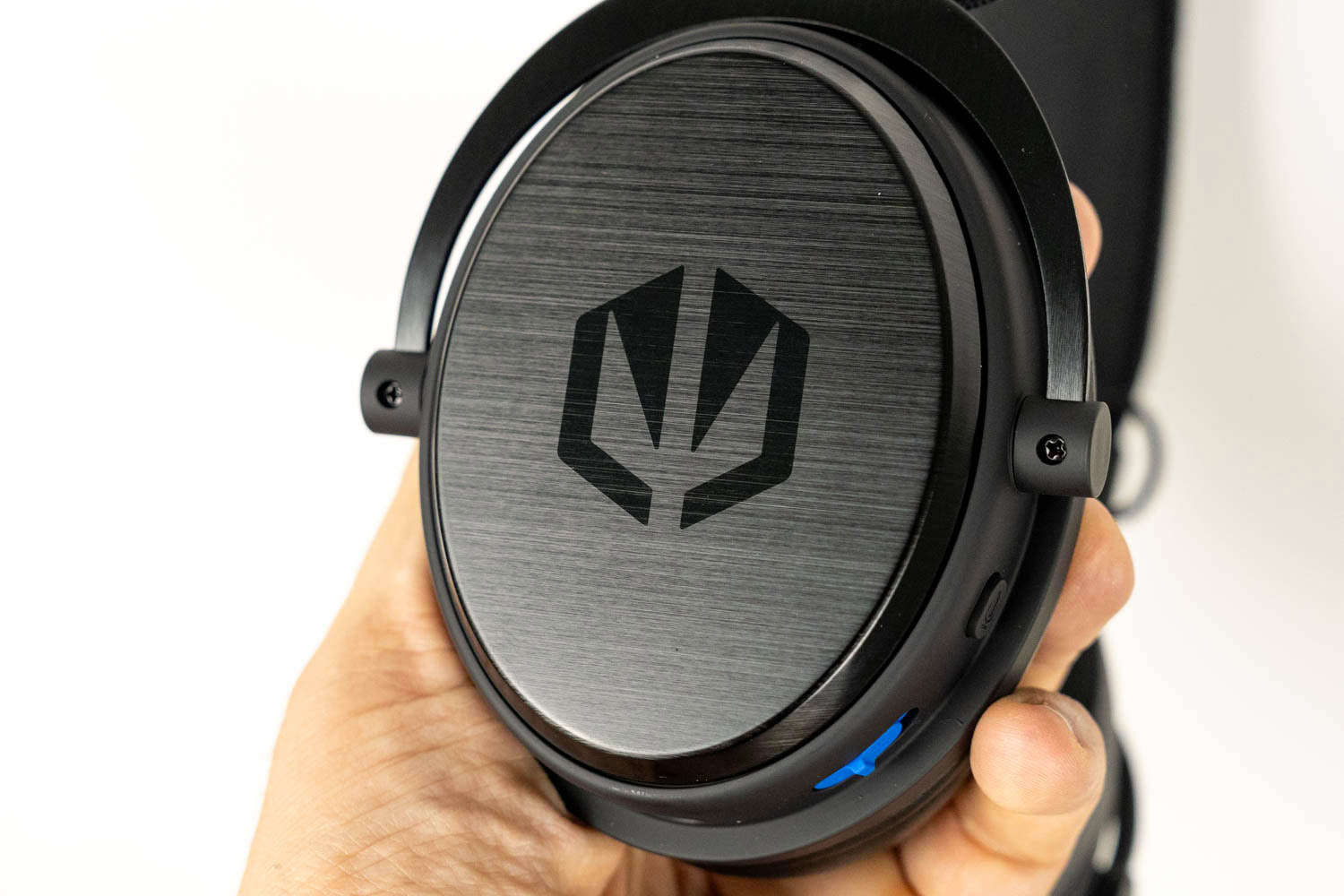
The Viro Wireless doesn't try to reinvent the gaming headset formula. Its overall silhouette—aluminium yokes, exposed cables running from the headband to the ear cups, large round ear cups—will look familiar to anyone who's seen a HyperX Cloud, but Endorfy's take is more restrained and, dare I say, more grown-up. The black variant I received is almost entirely devoid of flashy accents; the only splashes of color are the blue input switch on the left ear cup and the blue fabric inside the earpads. The outer ear cup plates are made of brushed metal and feature a debossed Endorfy logo, which catches the light nicely without screaming for attention. Build quality is very solid for the price. Nothing creaks or rattles, and there's no play in any of the joints. The ear cup housings themselves are made of plastic, with the brushed aluminium plates mounted on top.
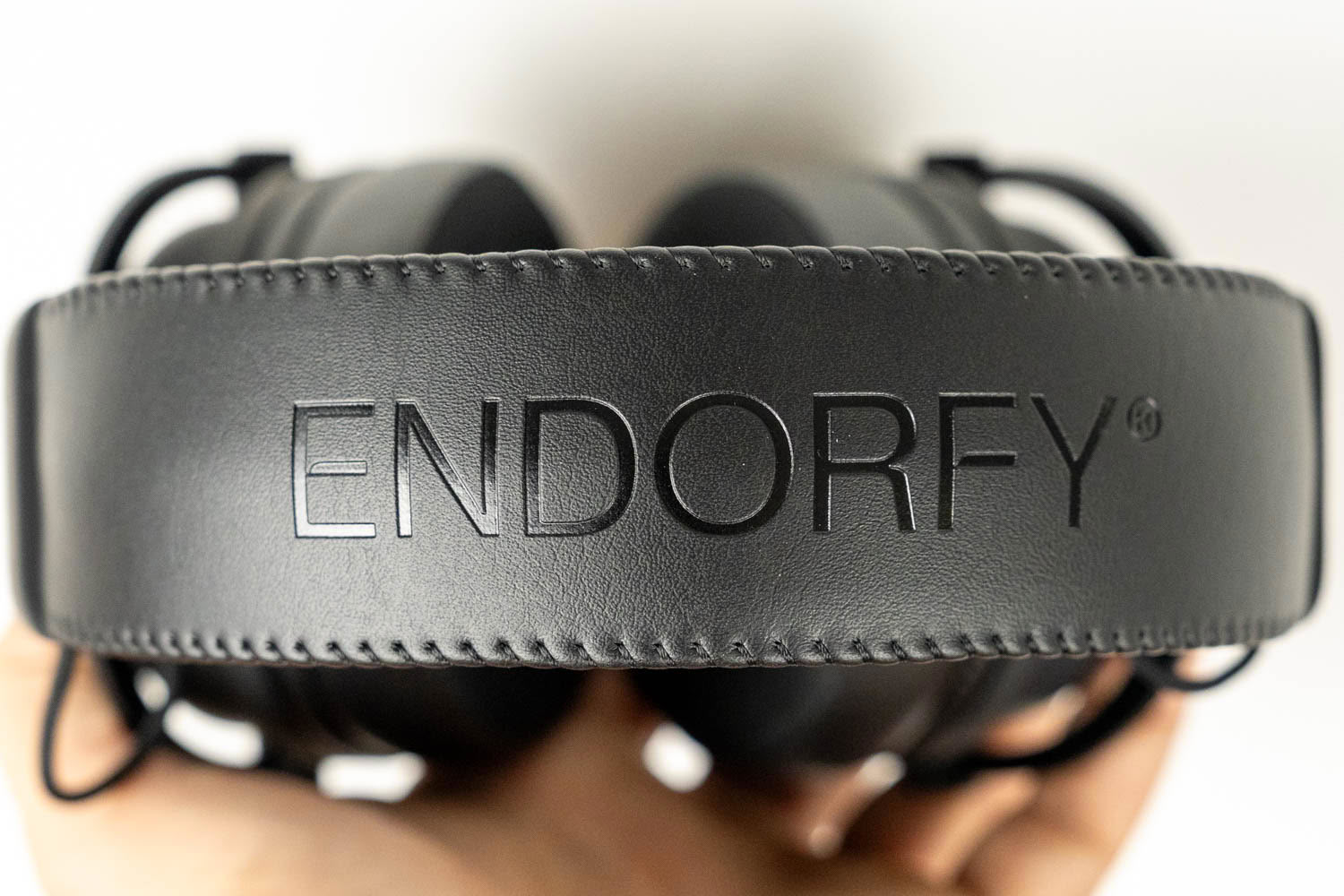
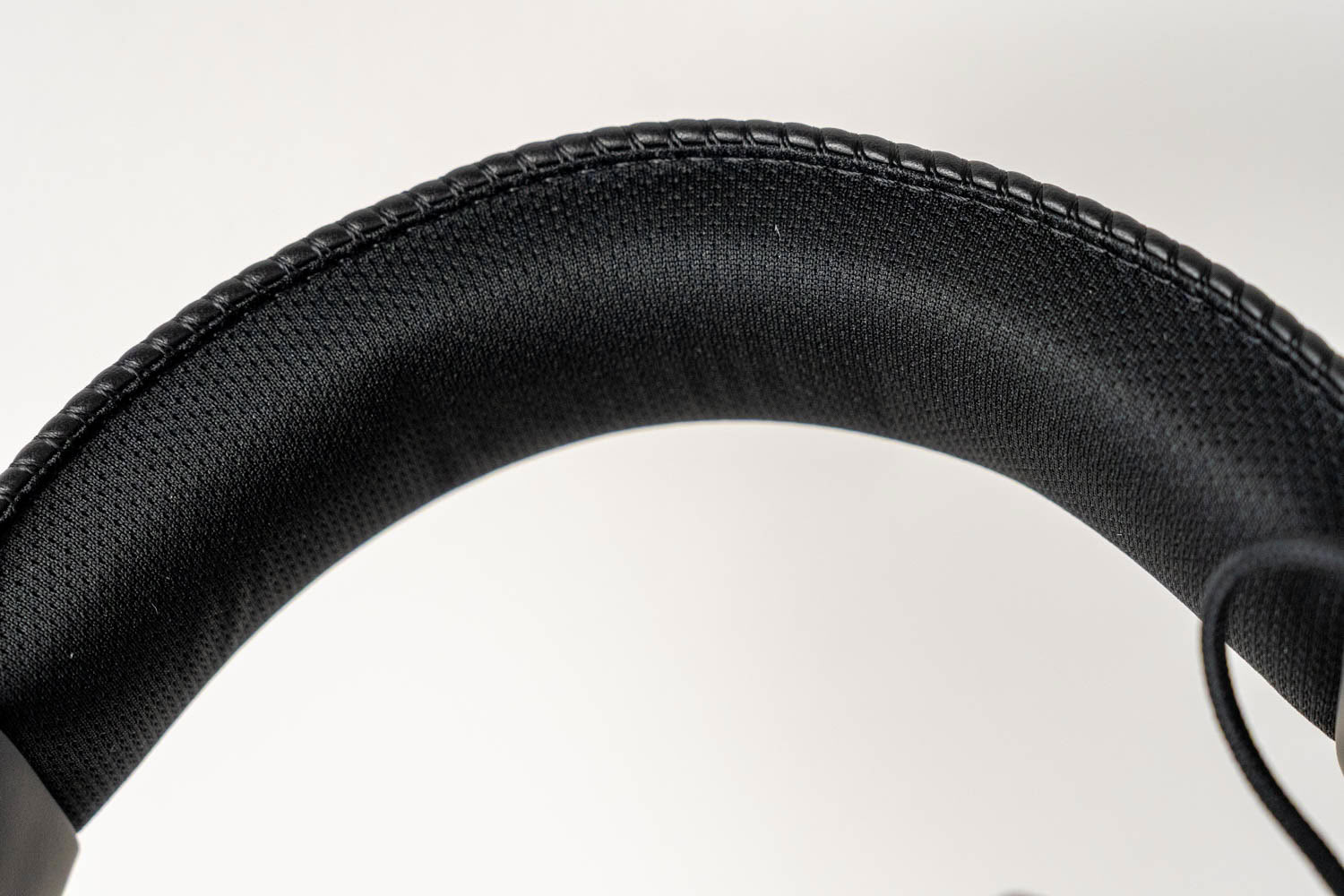
The top of the headband is covered with PU leather, with an embossed Endorfy logo and neat stitching running along both edges. Its underside is padded with memory foam and wrapped in a breathable fabric, which is a smart choice, since that's the part that actually touches your head.
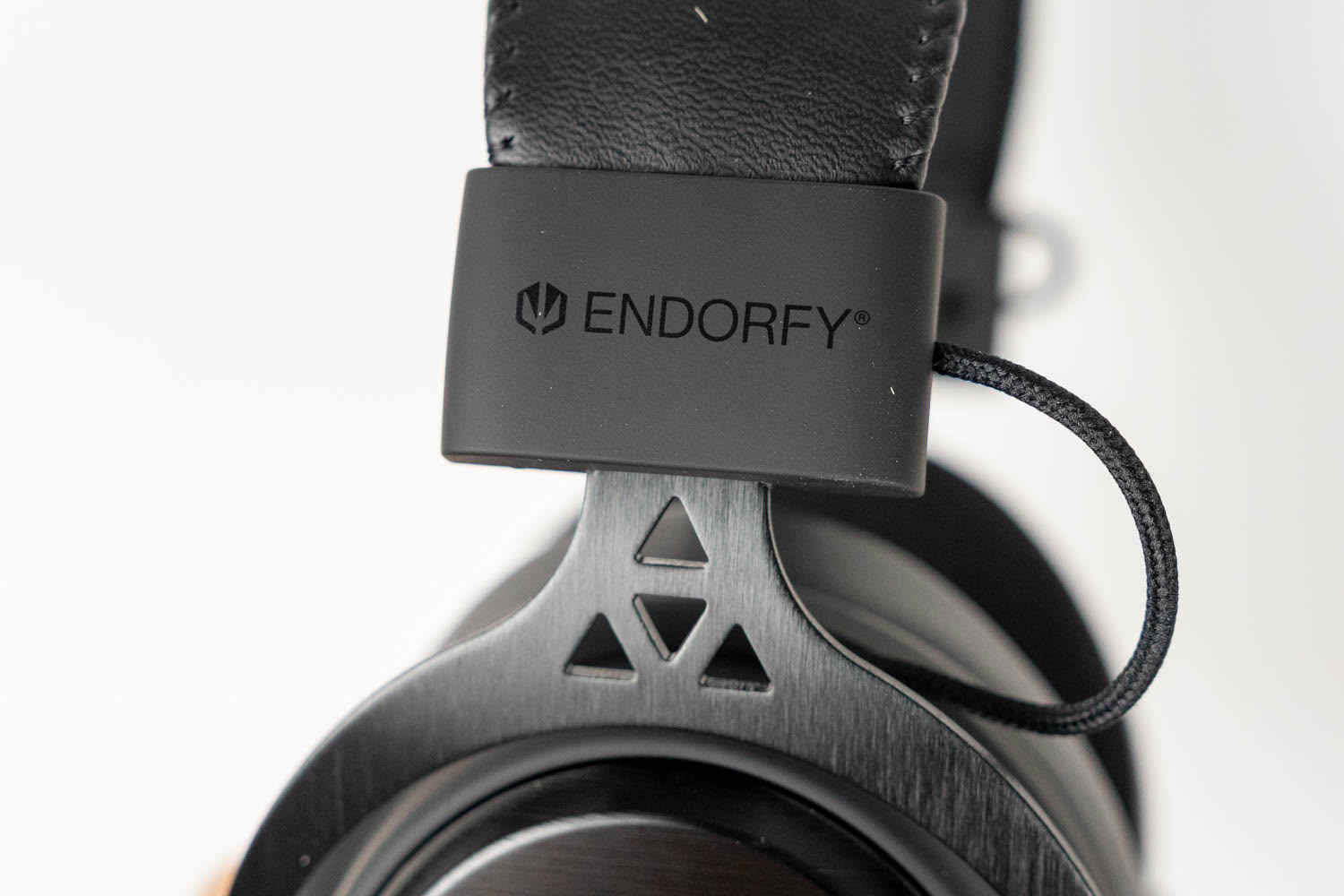
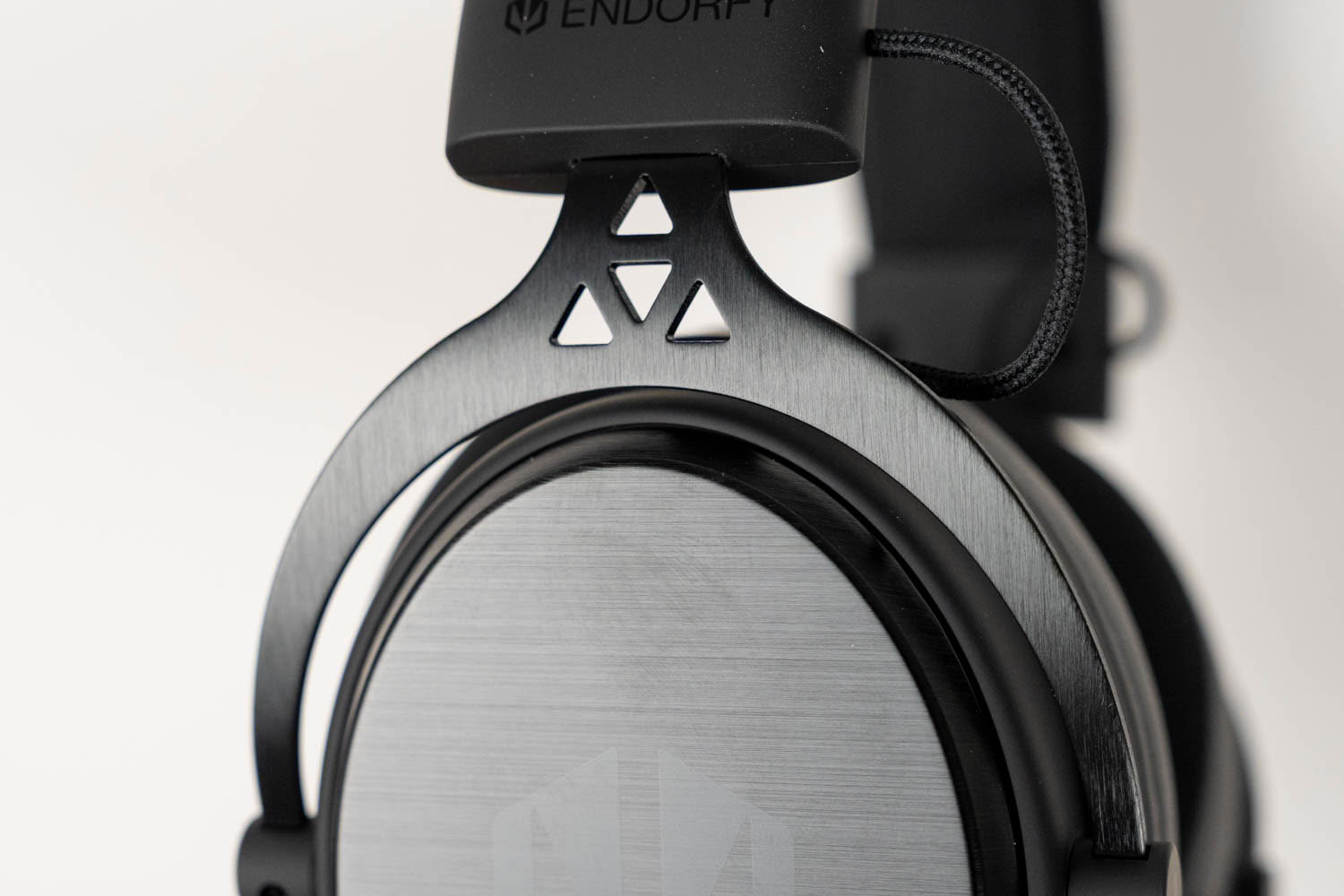
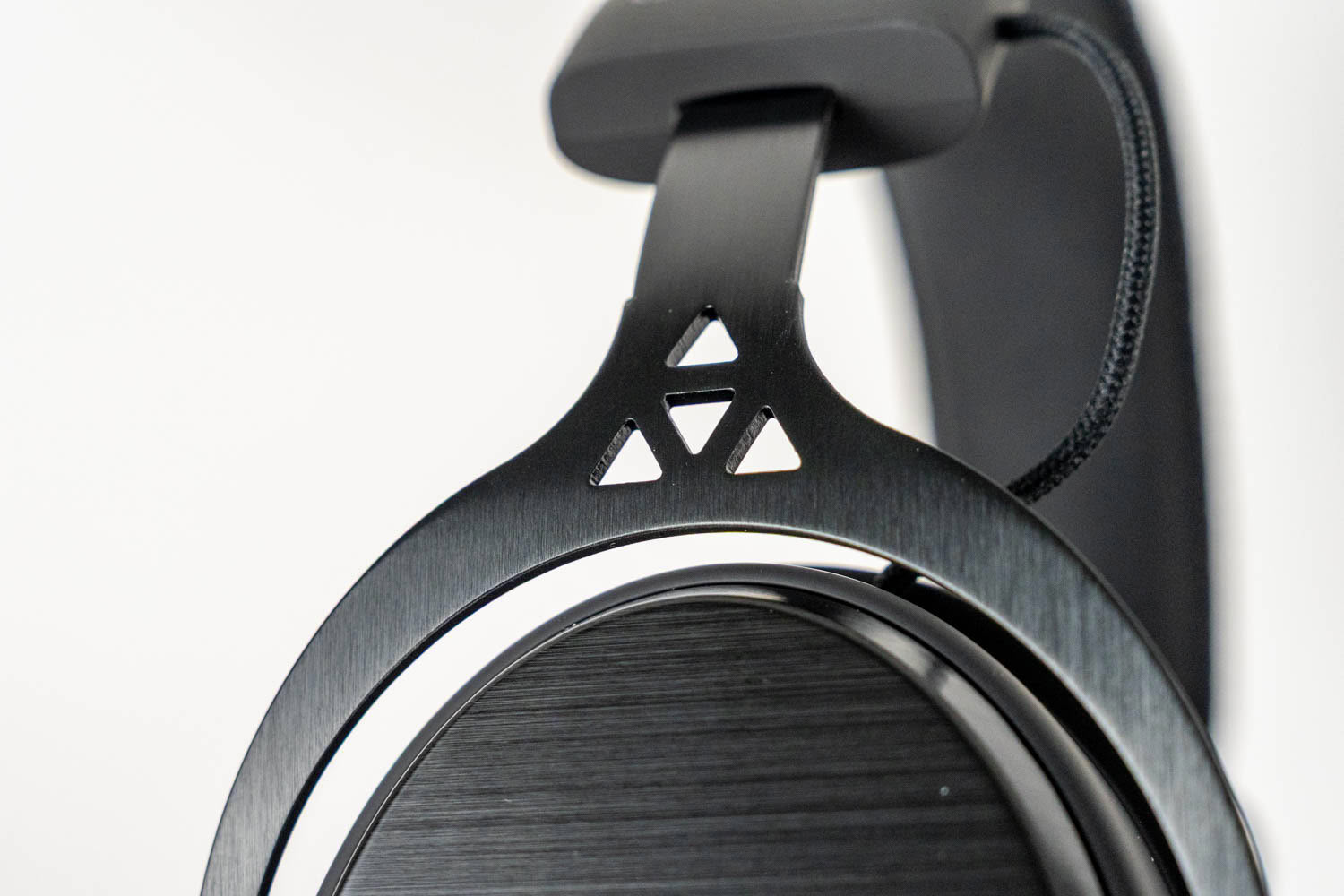
The ear cups hang from aluminium yokes with a brushed finish and triangular cutouts—a design detail that echoes Endorfy's logo and the pattern on the packaging. A thin braided cable runs from each yoke into the headband, forming a small exposed loop. That's a common solution in this price range and doesn't bother me much, but it's something to keep in mind if you tend to toss your headset into a backpack. The yokes don't fold, and the ear cups can't swivel flat, so you can't comfortably rest the headset around your neck or lay it flat on a desk.
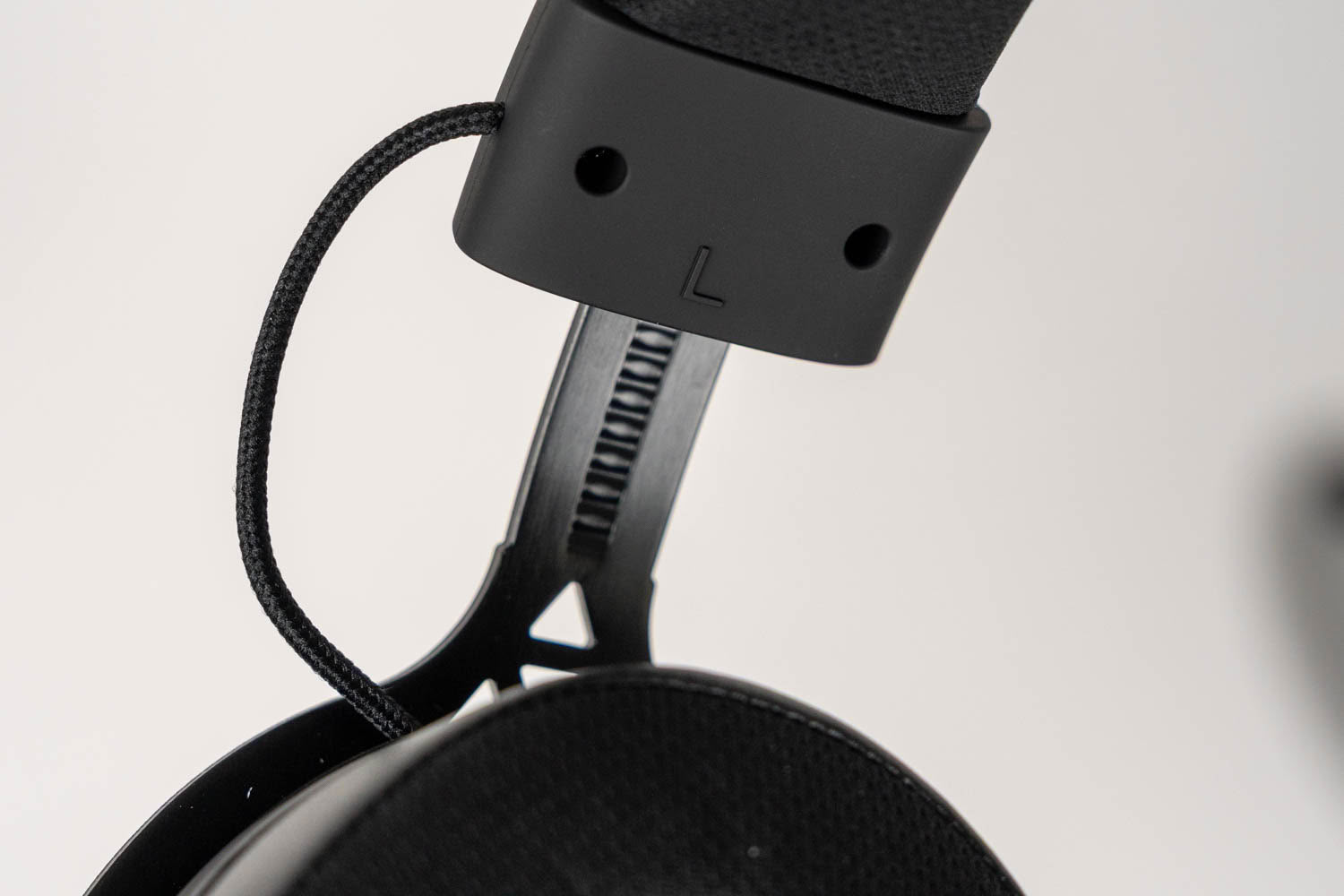
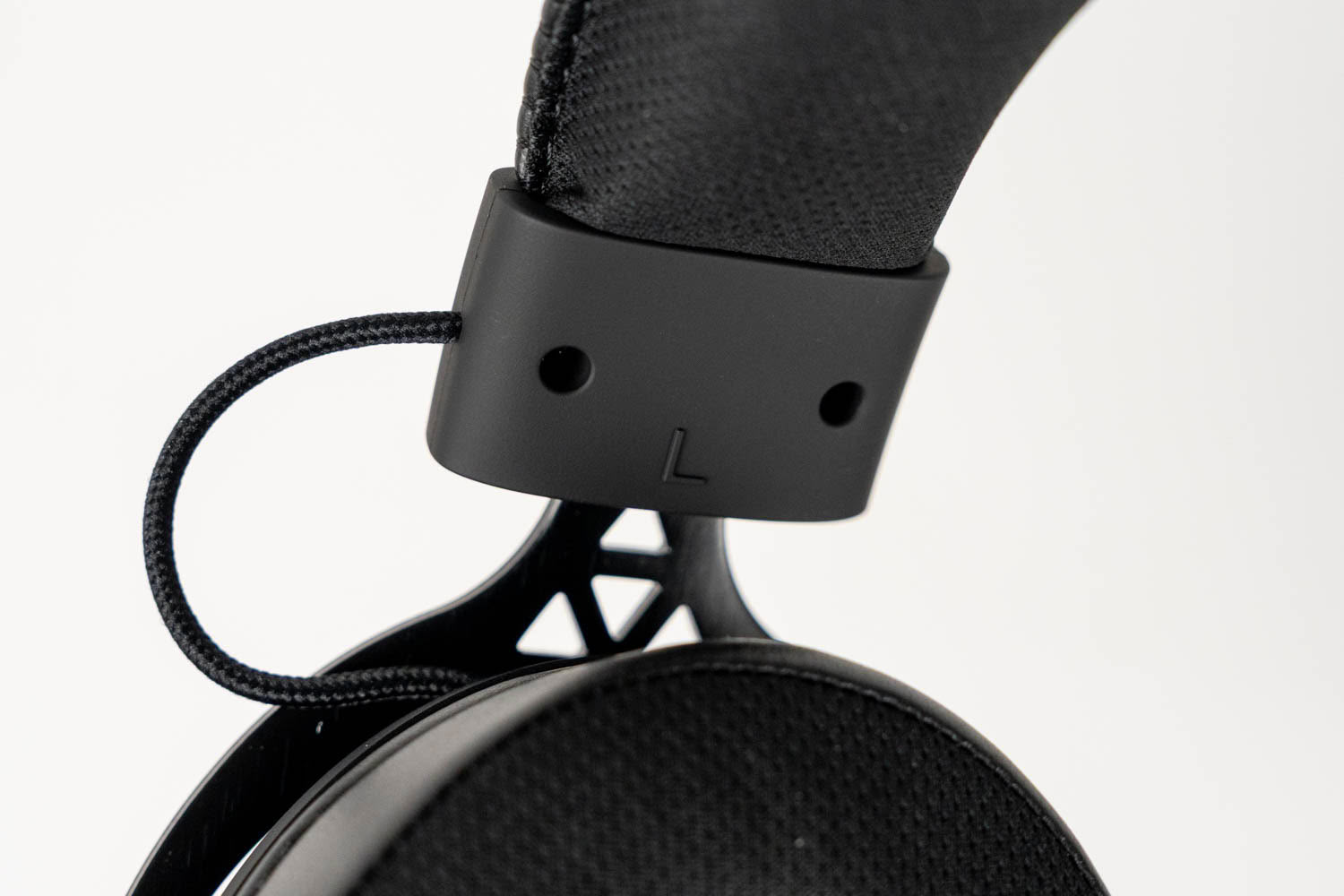
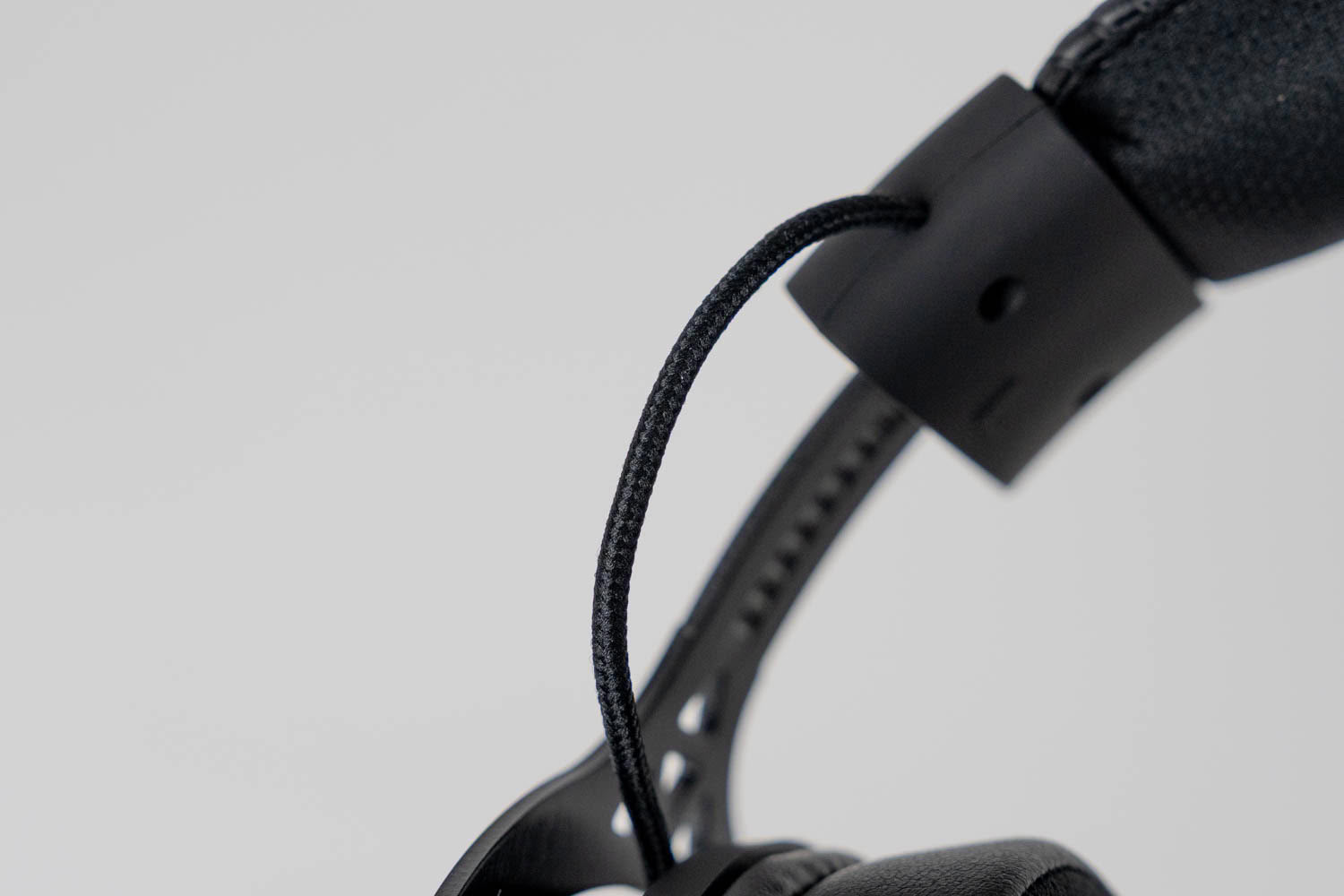
The headset's height is adjusted by sliding the yokes in and out of the headband, with nine distinct steps on each side. There are no numbered markings, but the notches on the metal slider are clearly visible, so matching both sides is a matter of counting steps rather than eyeballing it. Total travel seems enough to cover a wide range of head sizes. The smallest setting will fit even a child's head, while the largest one is generous enough for heads over 60 cm in circumference, like mine.
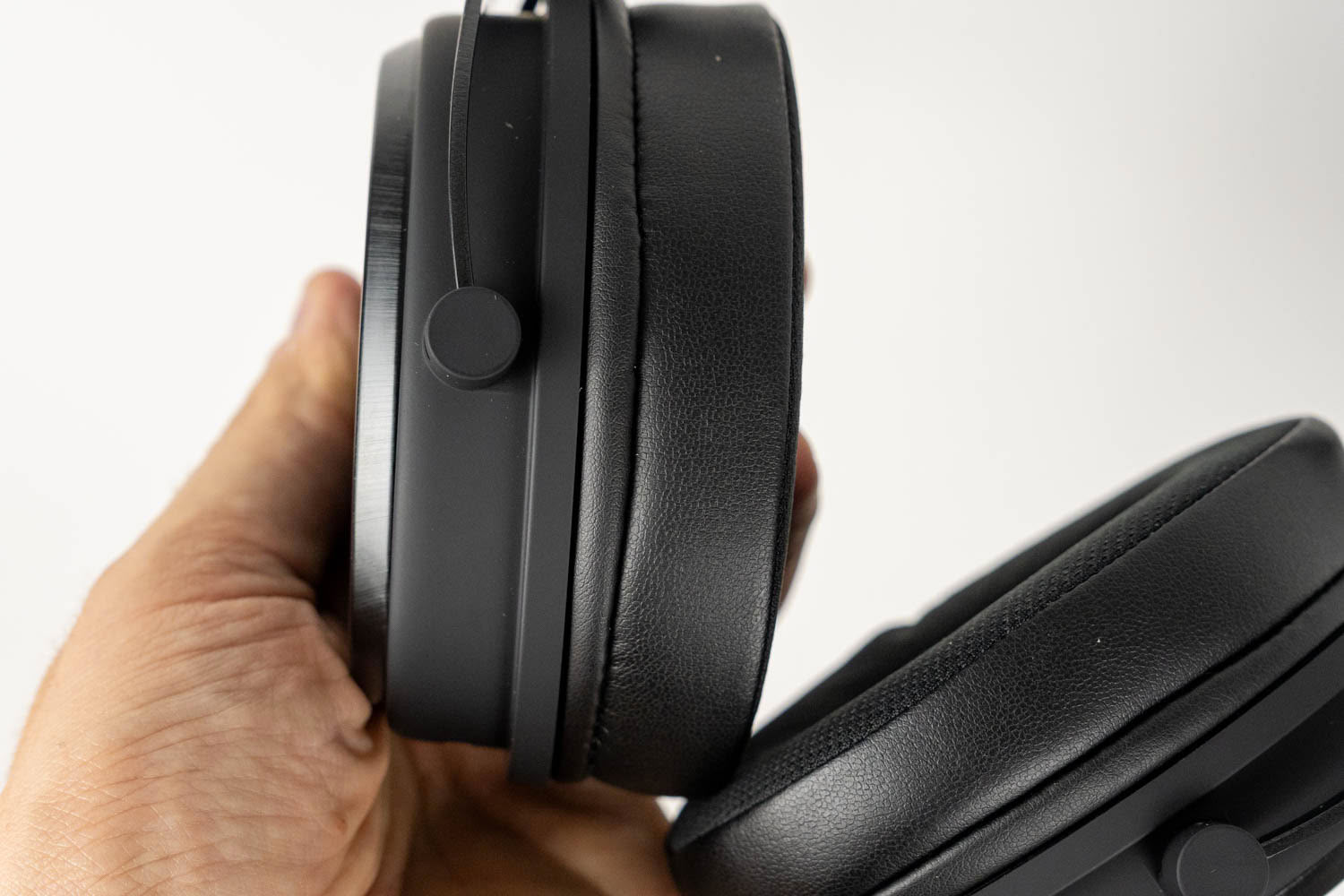
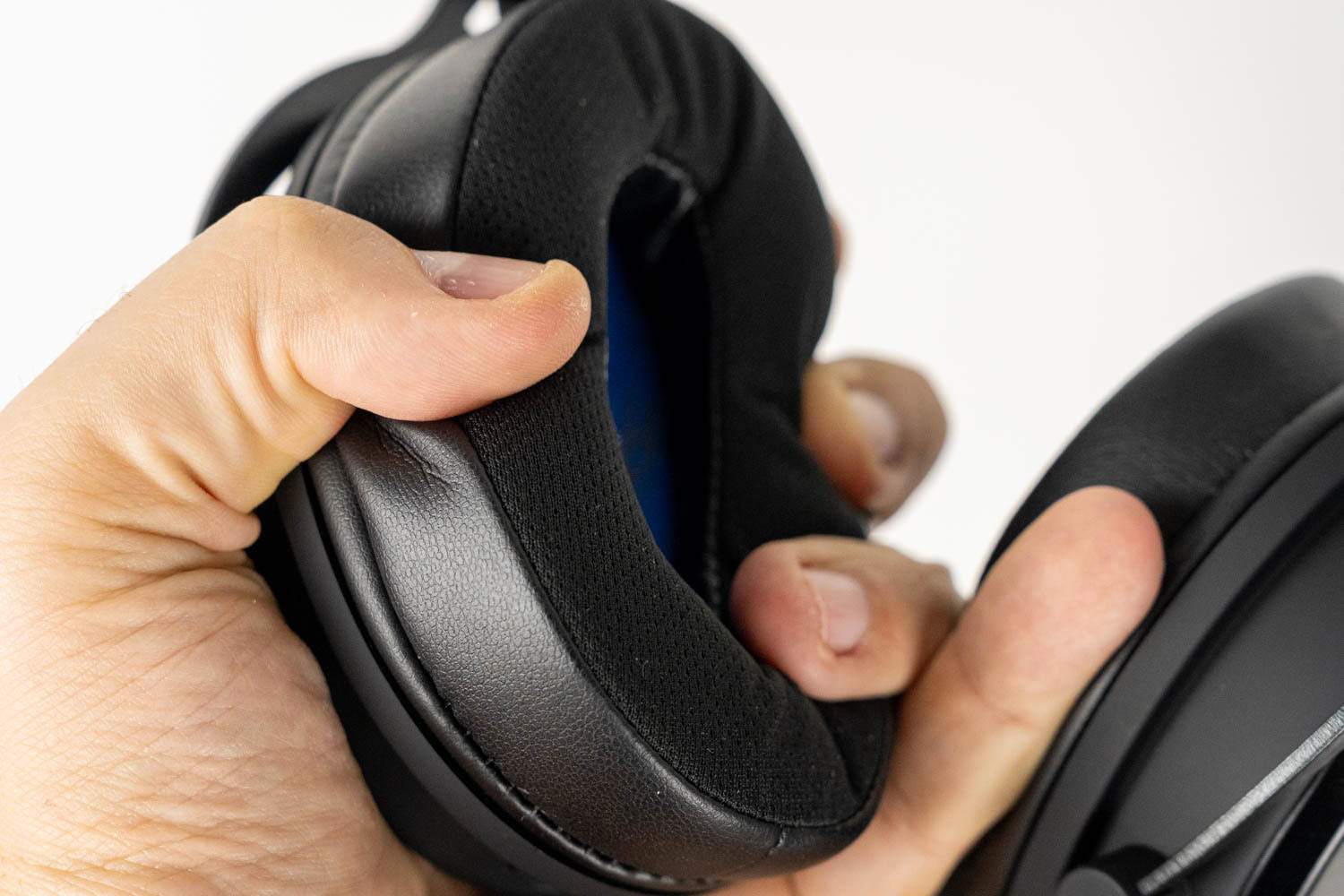
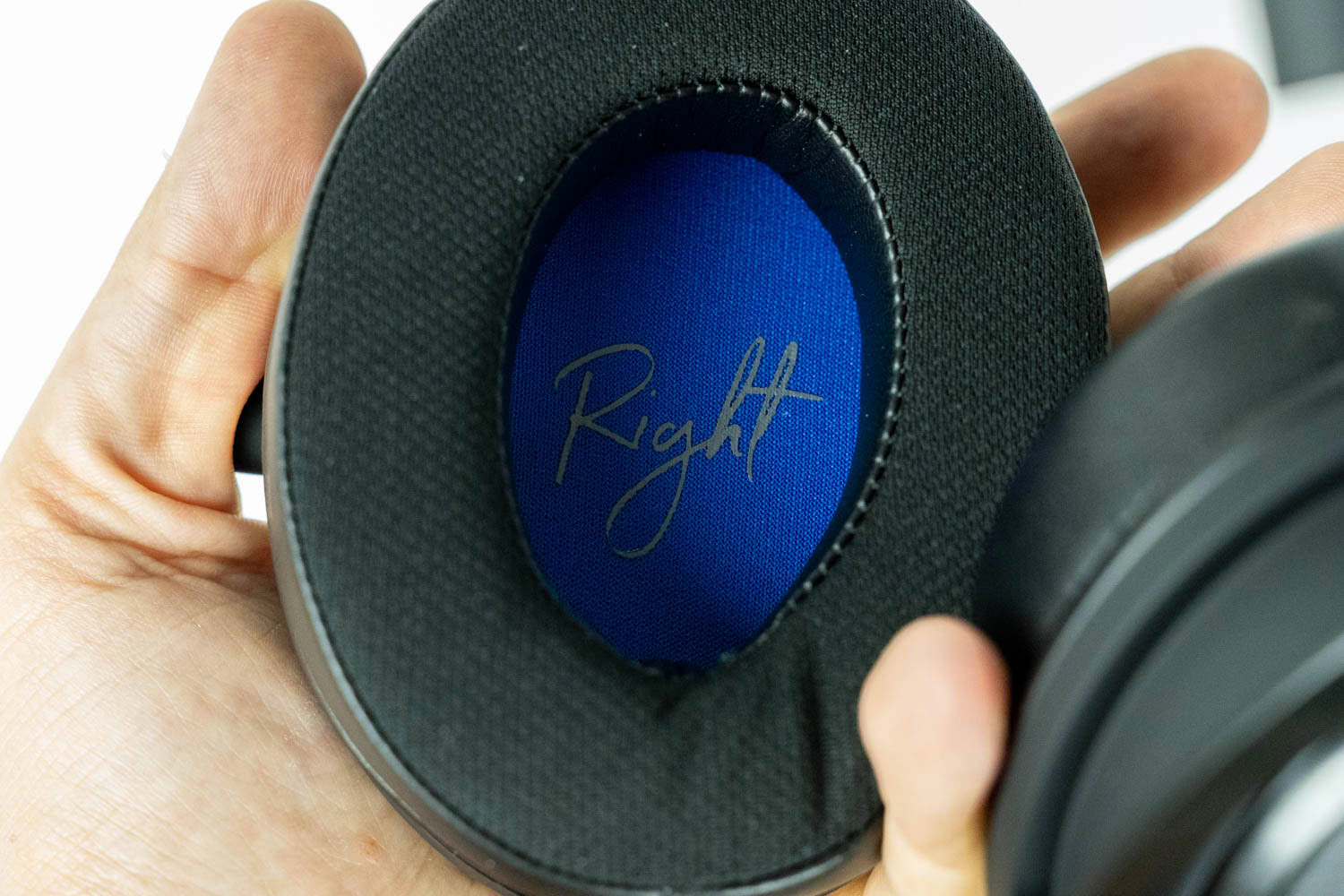
The earpads use a hybrid design. Their outer ring is wrapped in PU leather, which helps with passive noise isolation, while the surface that rests against your head is covered with breathable fabric. Underneath is a thick layer of memory foam, and the inner side of each pad is lined with blue fabric, with "Left" and "Right" written in cursive—a small but charming touch. The pads are generously sized, measuring roughly 108 × 85 mm on the outside, with a 60 × 40 mm opening and around 25 mm of depth, so even larger ears shouldn't feel cramped. Passive noise isolation is moderate; better than it would be on fully fabric earpads, but not as good as with an all-leather set. Still, it muffles your surroundings enough that the Viro Wireless never stops feeling like a proper pair of closed-back headphones. The earpads are removable—they simply slide off the ear cup's lip, which makes them easy to take off for cleaning. Putting them back on is another story, since you have to stretch the edge around the entire ear cup, and that isn't a task for the faint of heart. Endorfy sells three variants of replacement pads (Soft Breathing, Leather and Cool Hybrid) for €9 a pair, all of which are compatible with the entire Endorfy headset lineup. That's great news for the long-term usability of the Viro Wireless, as well as an easy way to tweak its comfort and isolation to your liking. Unfortunately, I didn't receive any of the replacement earpads for testing, so I can't comment on how they compare to the stock pads in terms of comfort or sound quality.
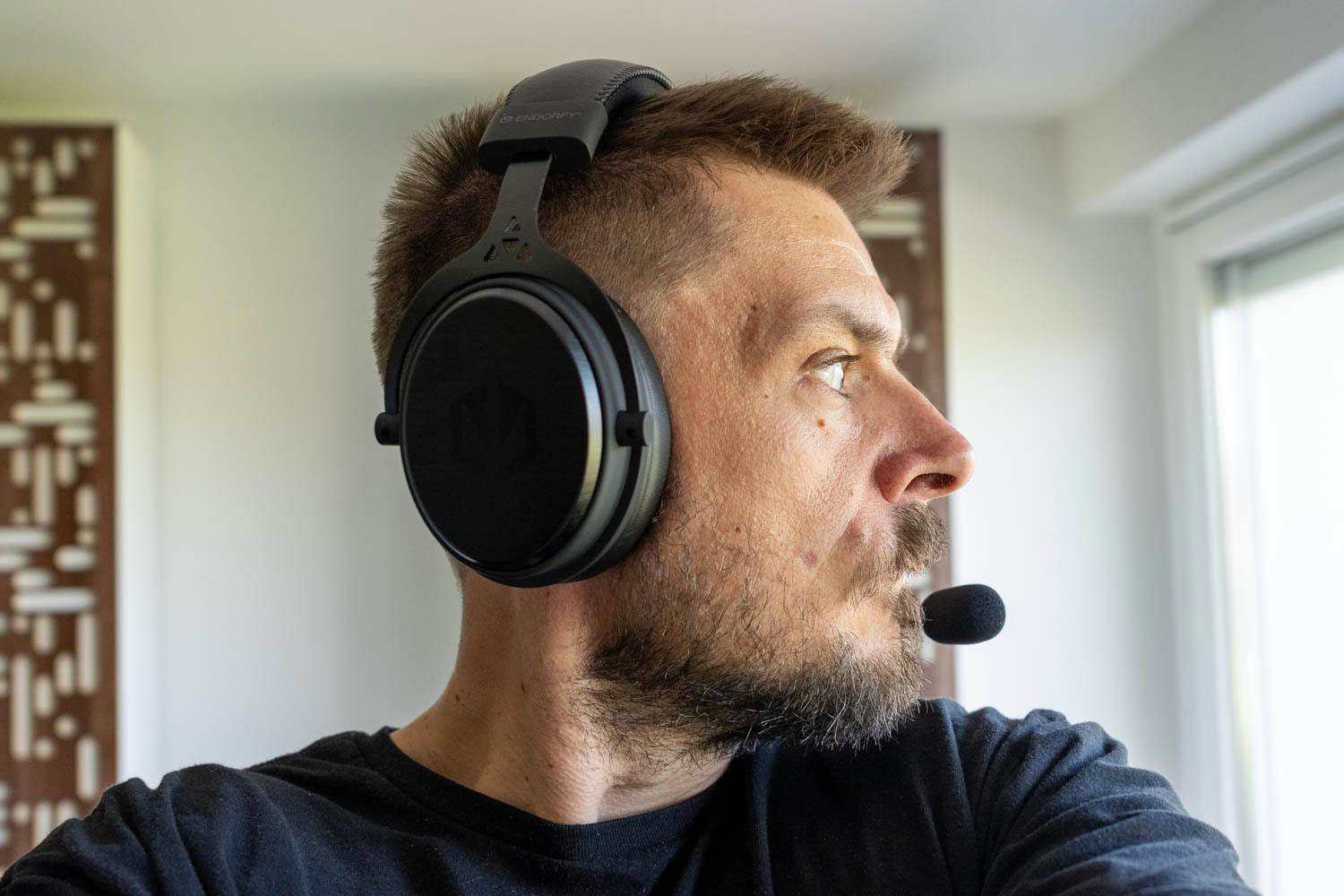
At 355 grams (with the microphone attached), the Viro Wireless is by no means a featherweight. That weight is well distributed, though, and the soft, breathable headband cushion prevents hotspots on top of the head. The fabric-faced earpads help with breathability, but some heat buildup is still noticeable during longer sessions, particularly on warmer days, which is to be expected given the leatherette outer ring. Clamping force, on the other hand, is a non-issue. It's in line with other headsets based on the same design, which is to say very tolerable, even after hours of use. All things considered, I'd describe the Viro Wireless' comfort as very solid.
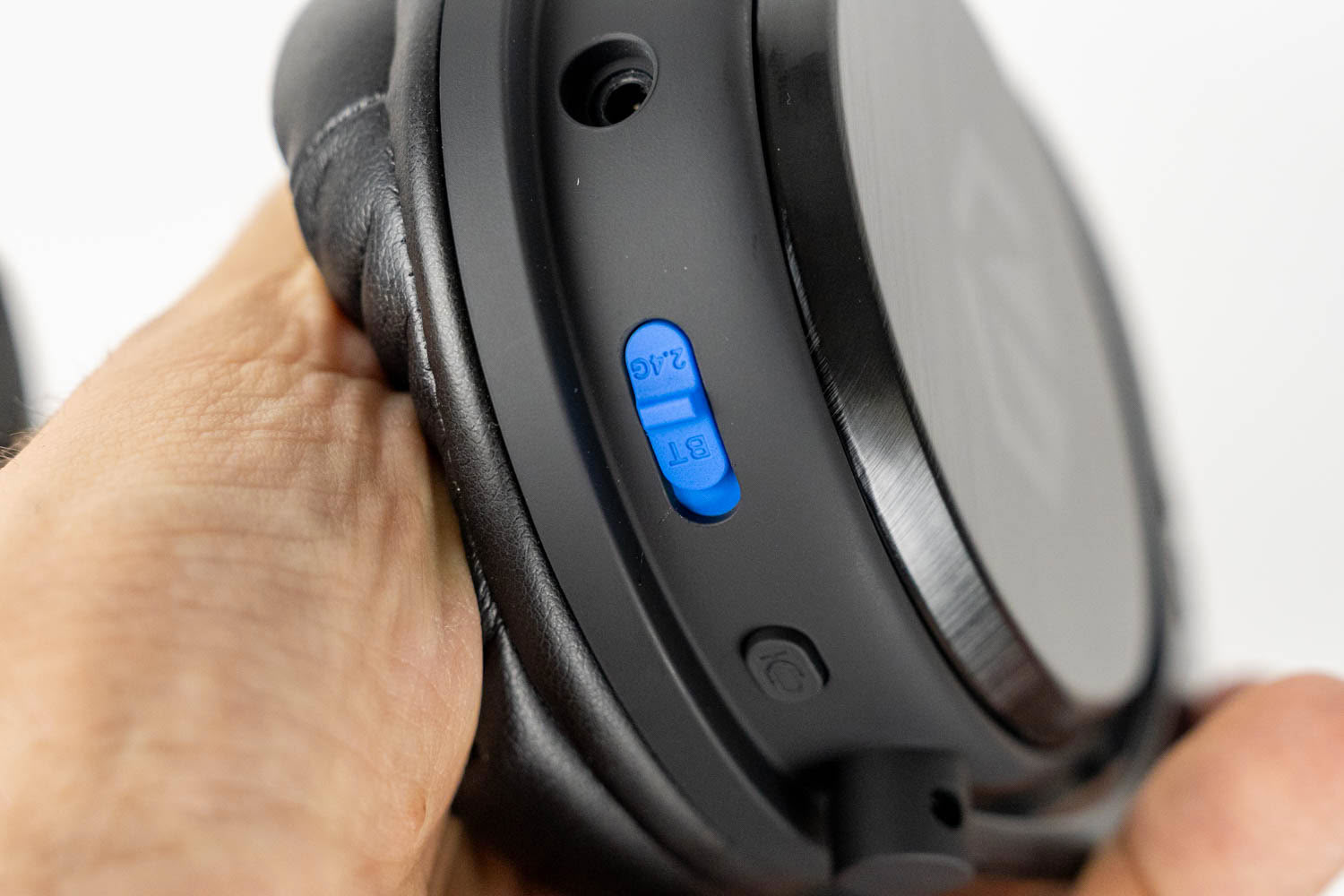
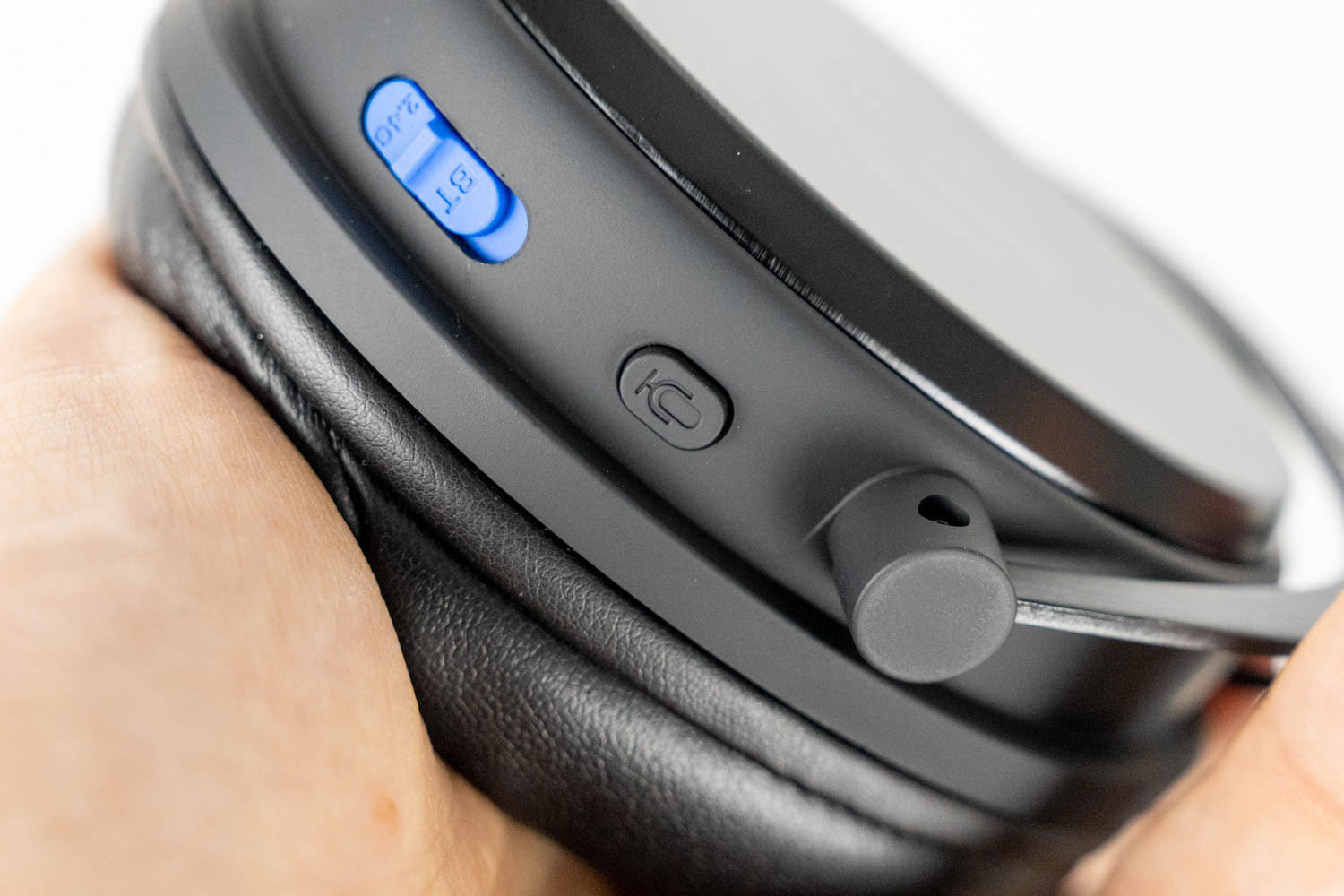
All controls are physical and split between the two ear cups. The left one houses a 3.5 mm audio input, a blue slider switch for selecting between 2.4 GHz and Bluetooth connectivity, a microphone button and the microphone port. The switch is labeled and easy to find by touch thanks to its size and raised surface. I also like that Endorfy opted for a slider rather than a button here, as it's much harder to change the connection mode by accident. The microphone button has two functions: holding it for 1.5 seconds mutes the microphone, while a double press toggles ENC noise cancellation. A single short press does nothing, which turned out to be an unexpectedly nice touch, as it makes muting the microphone by accident practically impossible. The trade-off is that muting takes a moment longer than usual, which you'll notice when you need to go silent in a hurry. Muting and unmuting are confirmed by a voice prompt ("Mic off" and "Mic on"), while toggling ENC triggers a quiet single or double beep. The latter is so faint that it's barely audible over music or game audio—in fact, I didn't hear it at all at first, until I paused other sounds. A voice prompt for ENC, or at least a louder beep, would be a welcome improvement.
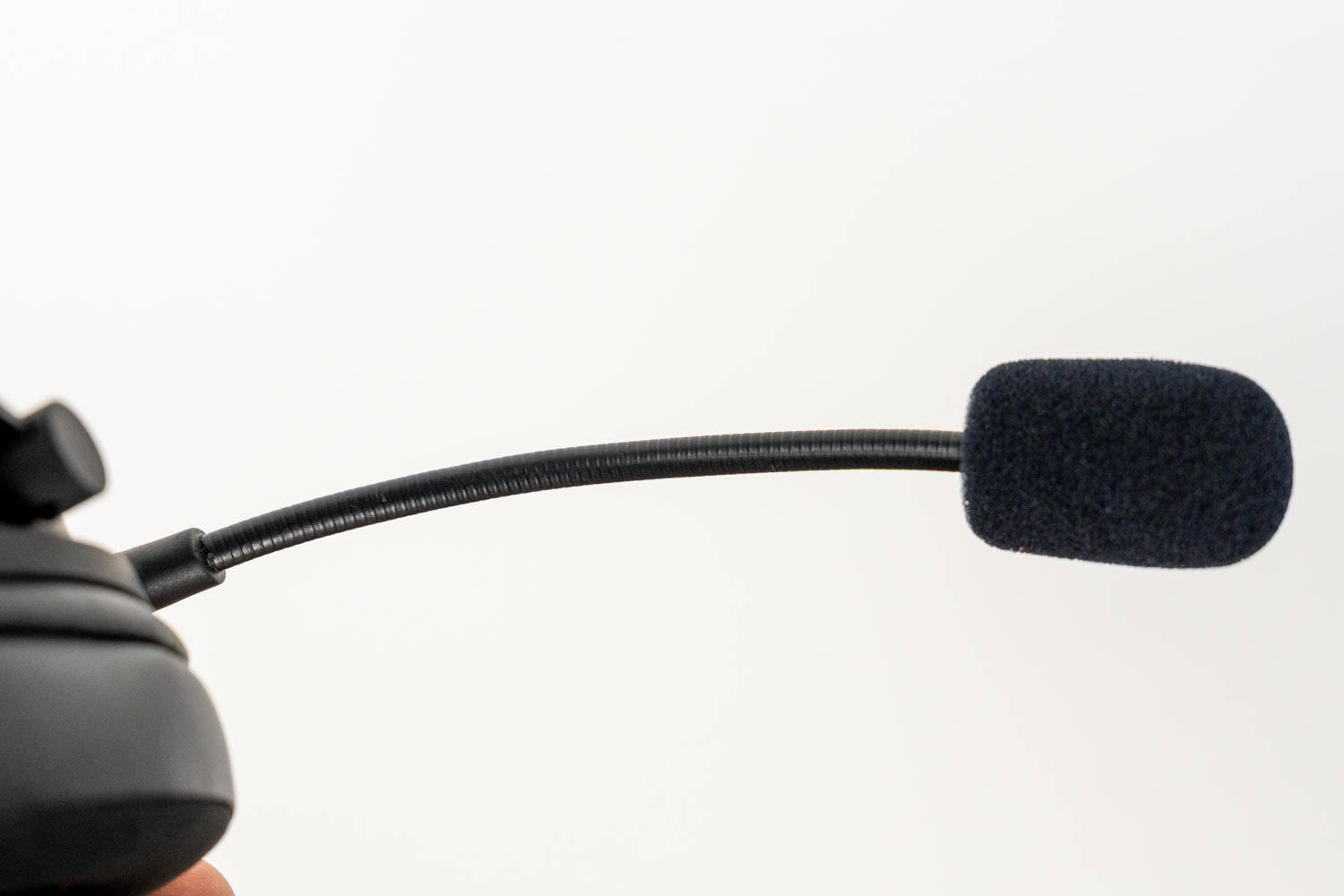
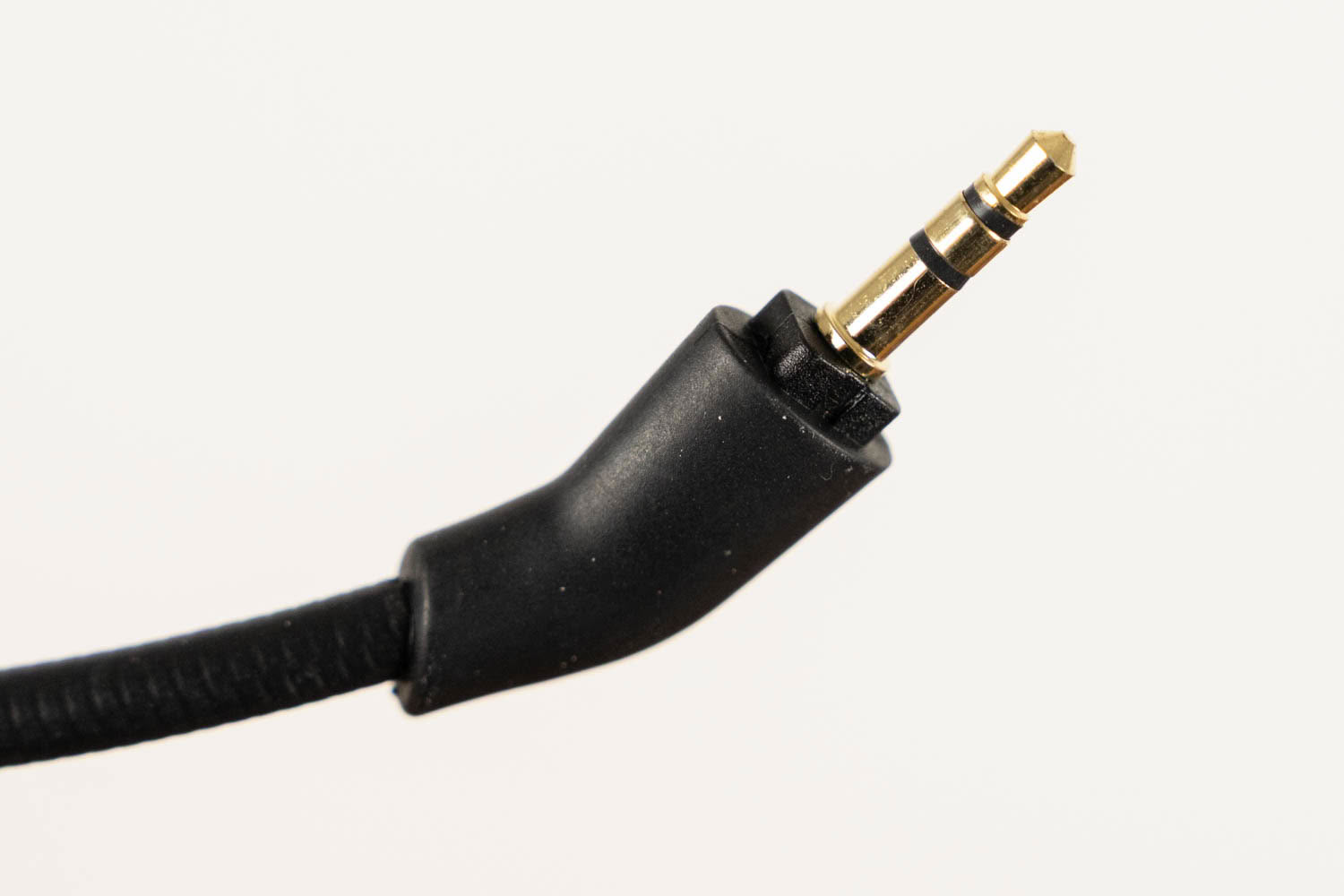
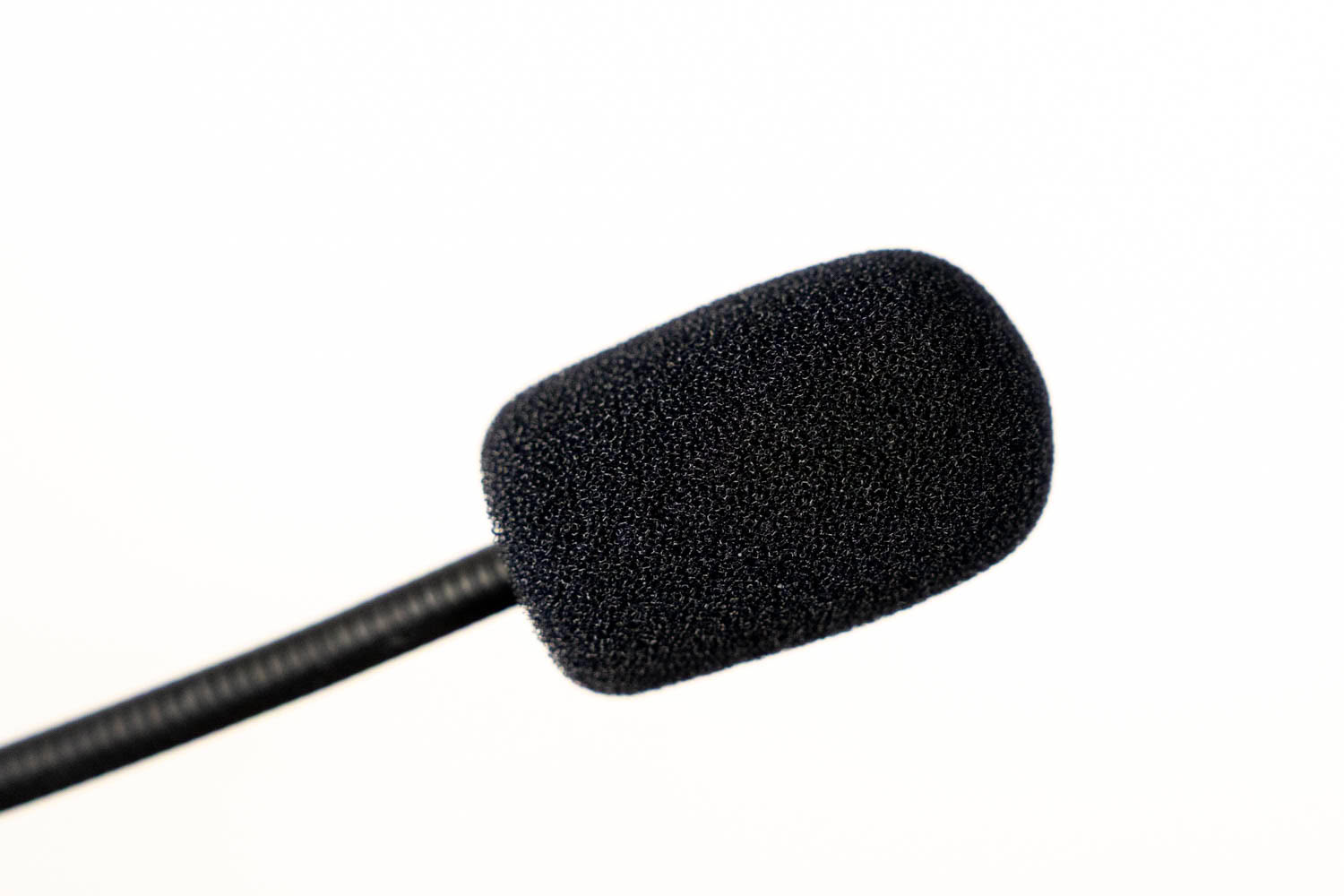
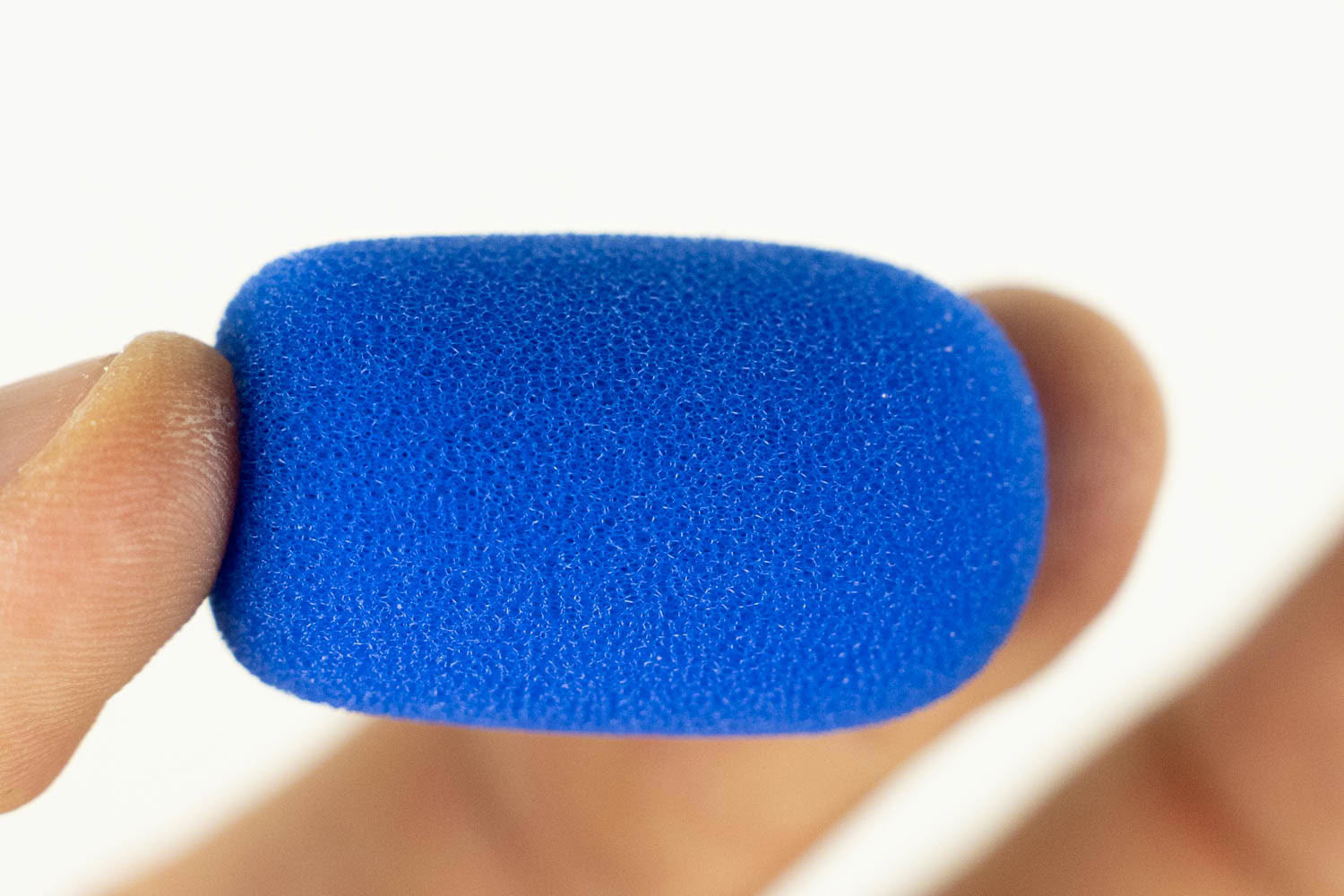
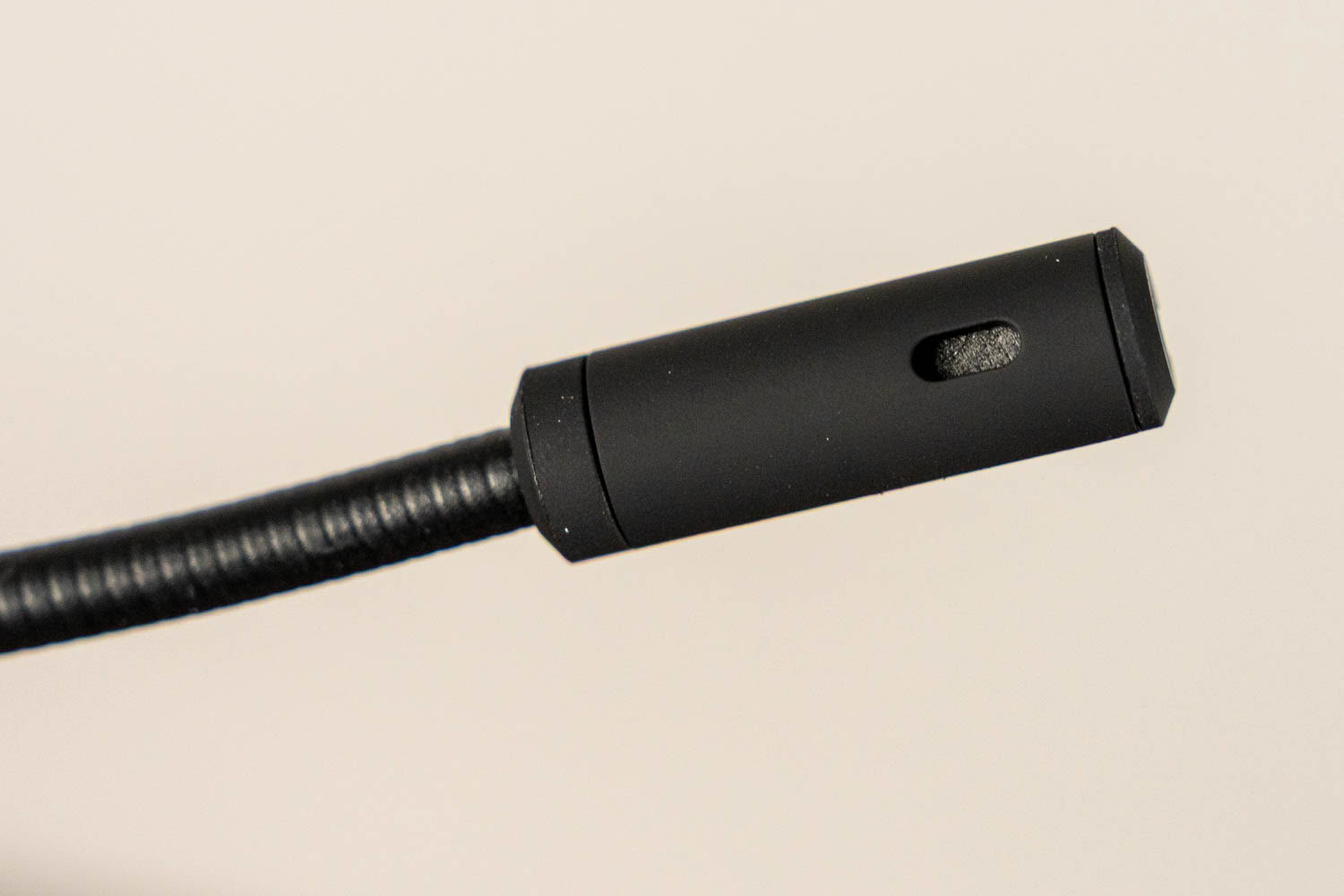
The microphone connects via a 3.5 mm plug with an angled, rubberized base, and its long gooseneck arm can be bent into position. The arm is flexible and holds its shape well. It's about 13 cm long (including the capsule). Endorfy includes two foam windscreens: the default black one, and a blue one that adds a splash of color, if you're into that. Both serve as pop filters, reducing plosives such as "p" and "b." There's no flip-to-mute mechanism, and there's no mute indicator LED on the microphone itself, so you'll have to remember whether you've muted it using the button on the ear cup.
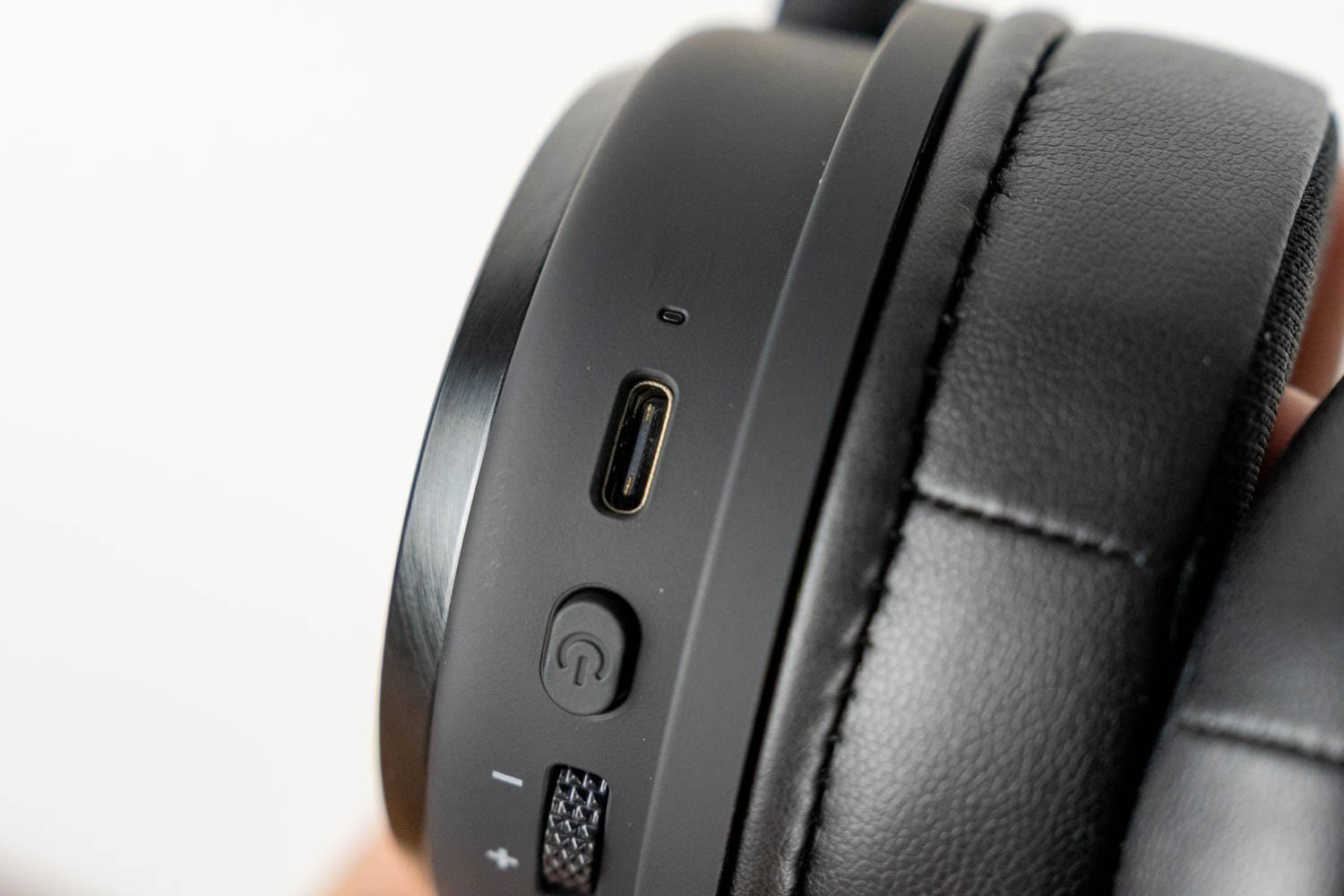
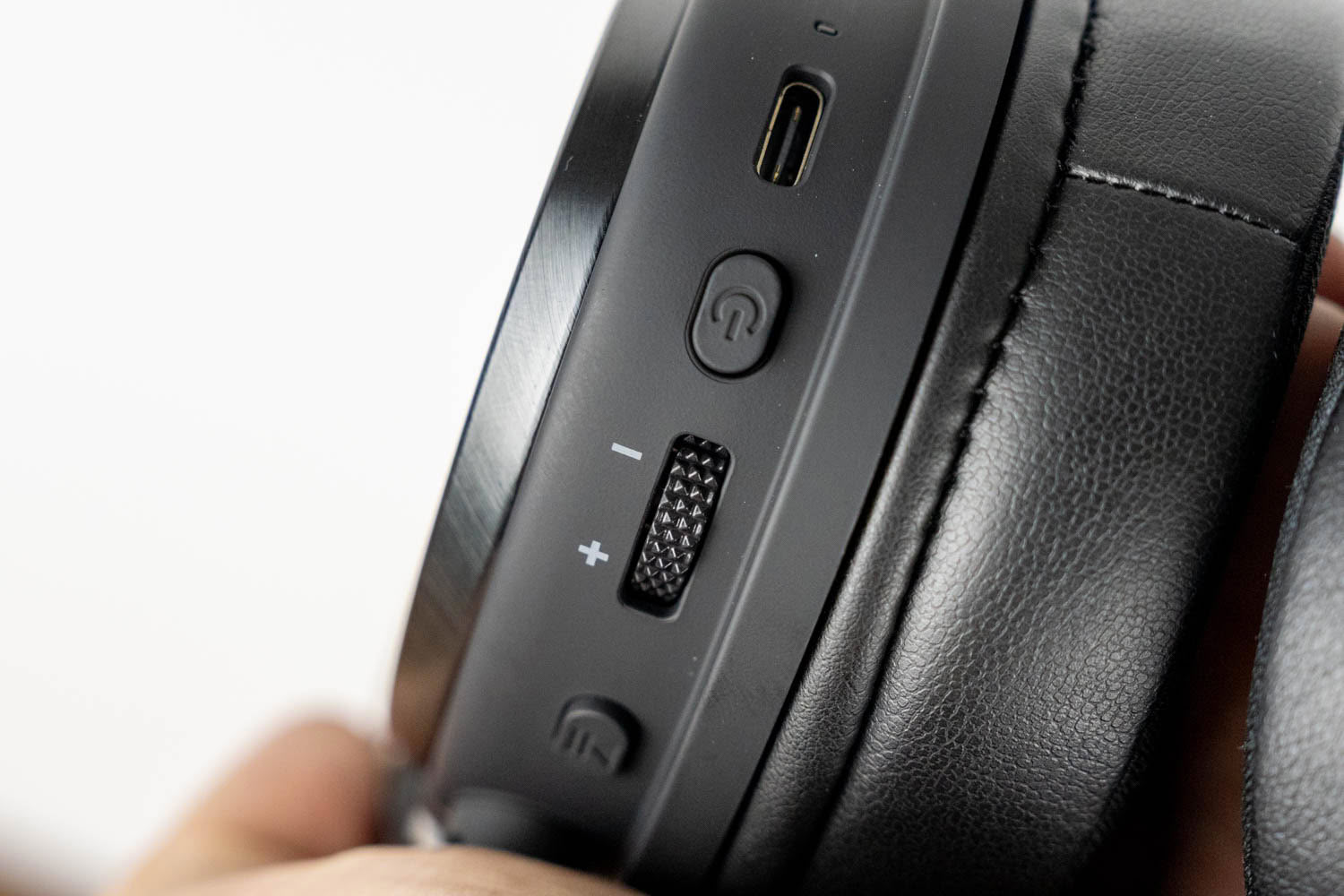
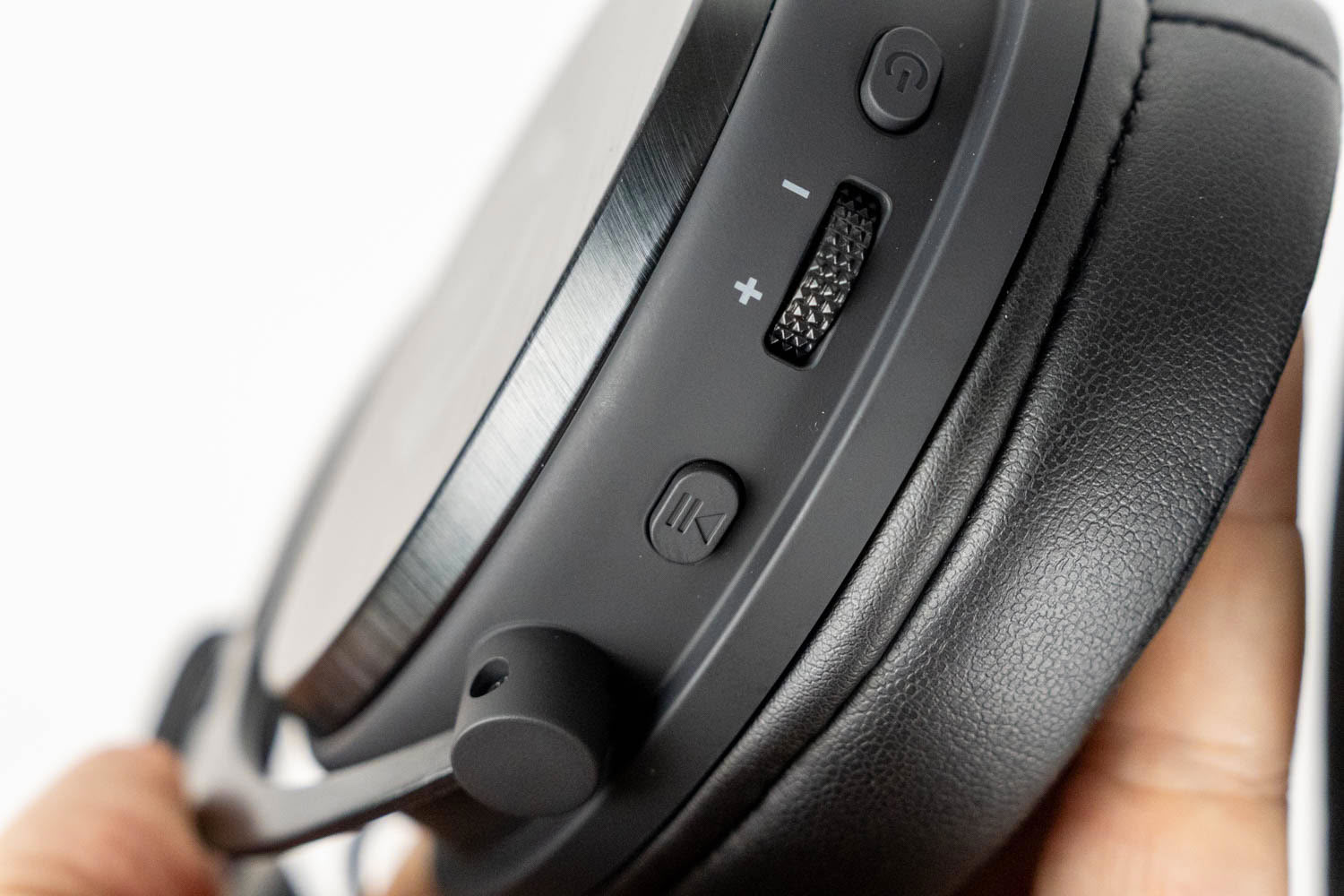
The right ear cup houses a USB-C port with a tiny status LED (indicating battery and pairing status) right below it, the power button, a volume wheel and a multifunction button. Holding the power button for 1.5 seconds turns the headset on or off, while a double press initiates Bluetooth pairing. The volume wheel has a diamond-patterned surface that's easy to grip, but that's about the only thing I can praise about it. It spins freely without end stops, and the headset is supposed to beep once you reach the minimum or maximum volume, but the beep at the upper limit is so faint that it's extremely hard to hear over whatever's playing. Worse, the wheel doesn't handle quick movements well. Spin it a bit faster, and the volume either stays put or changes in slow, sluggish steps, so you have to concentrate on turning it slowly and deliberately to get smooth, predictable volume control. All in all, it's not a particularly refined implementation. The multifunction button handles media playback and calls. A single press plays or pauses, while double and triple presses skip to the previous and next track, respectively—the reverse of what most headsets (and earbuds) do, so expect a bit of muscle memory retraining. The same button also allows you to answer, end or decline incoming calls. The USB-C port is used for charging only. Unlike its cheaper Viro Infra Wireless sibling, the Viro Wireless can't be used as a wired USB headset, so the only wired option is the 3.5 mm analog connection.
3.5 mm Cable
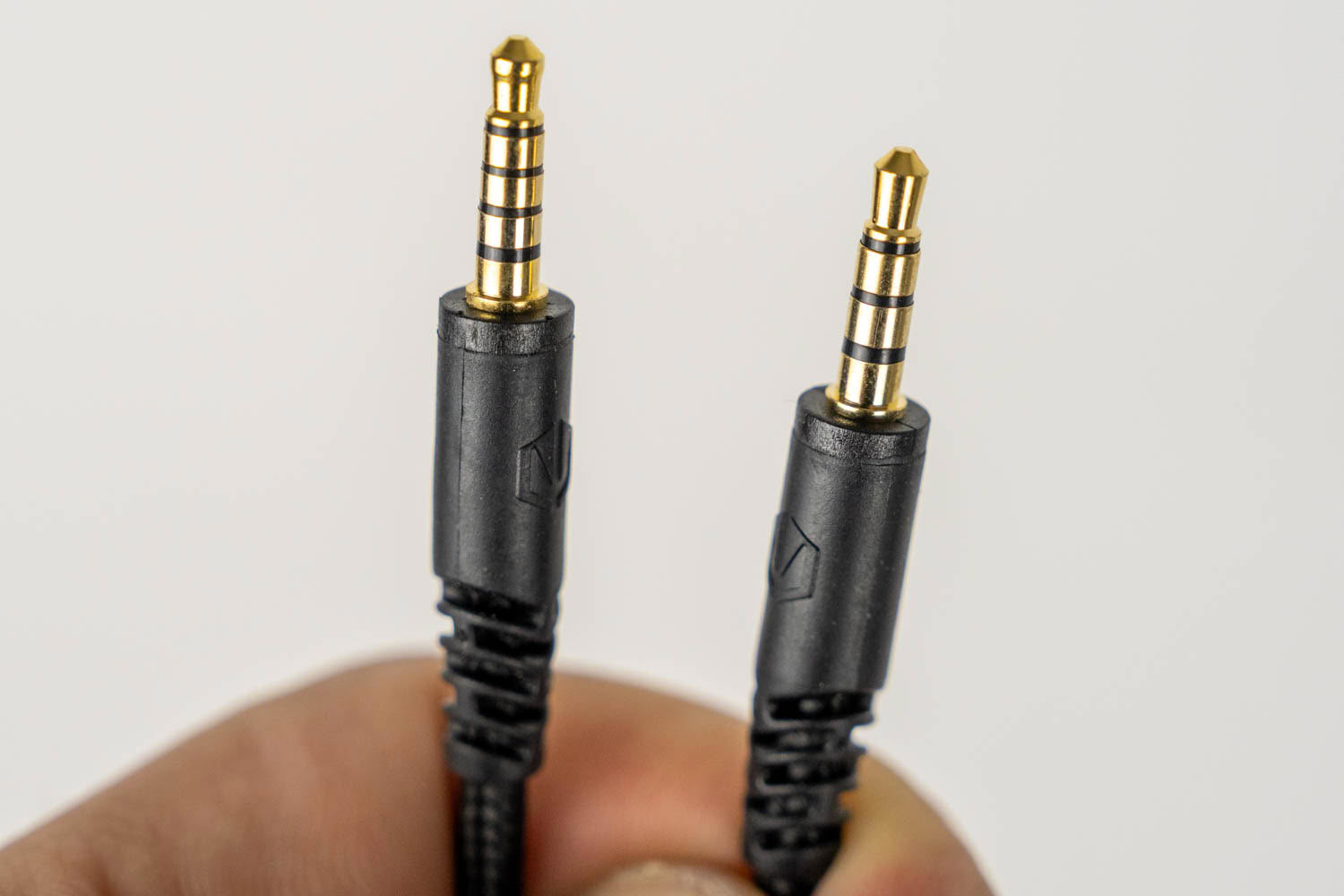
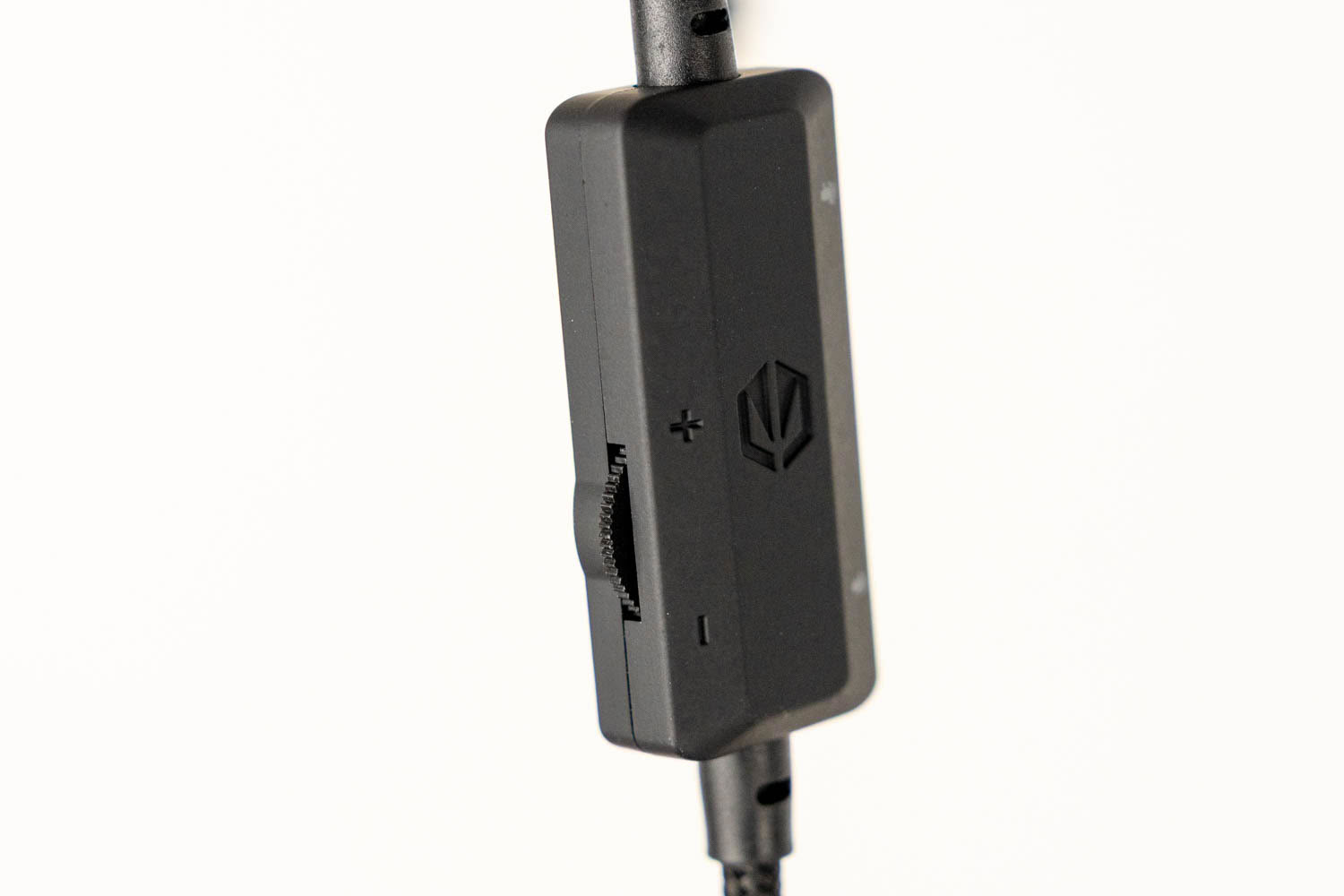
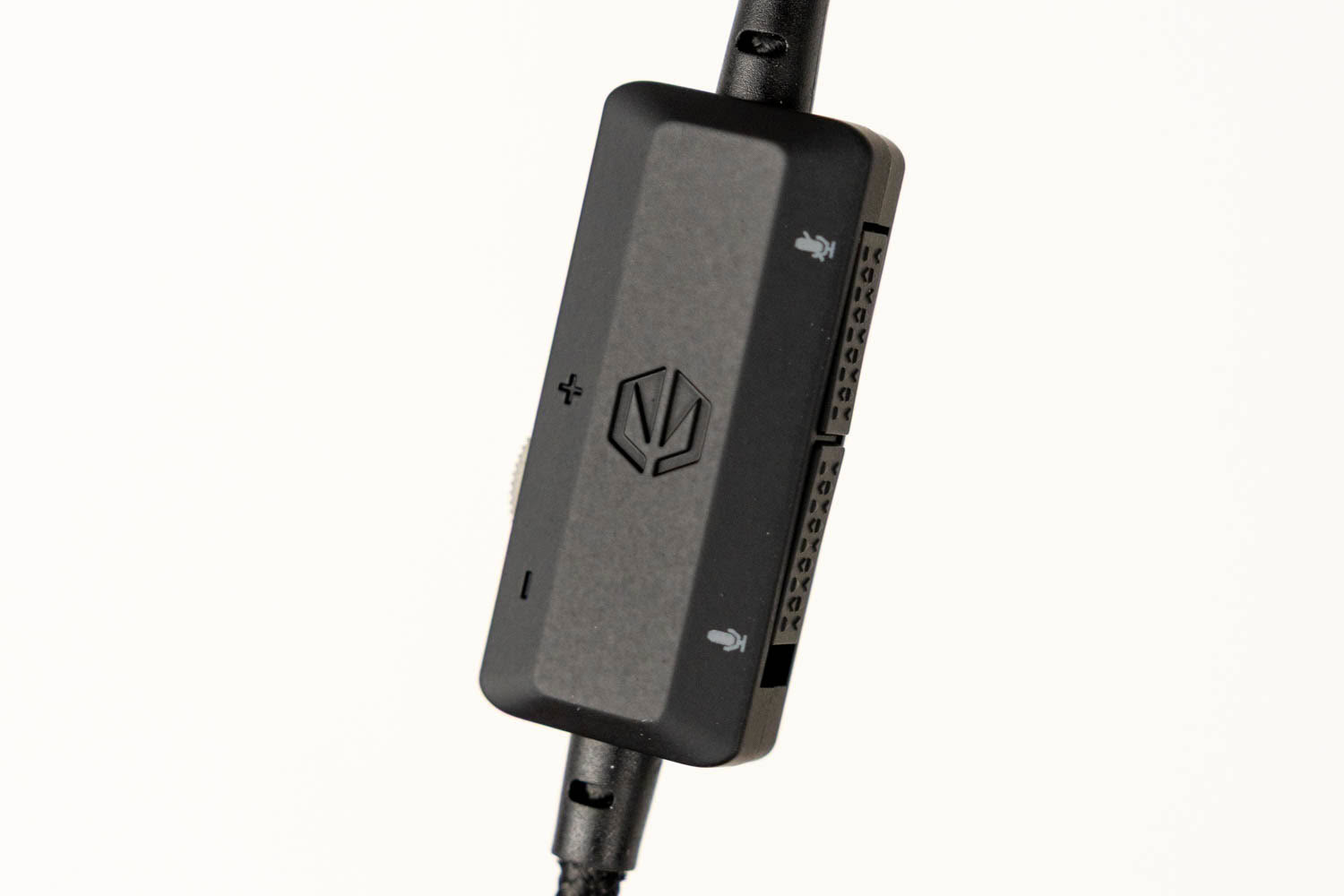
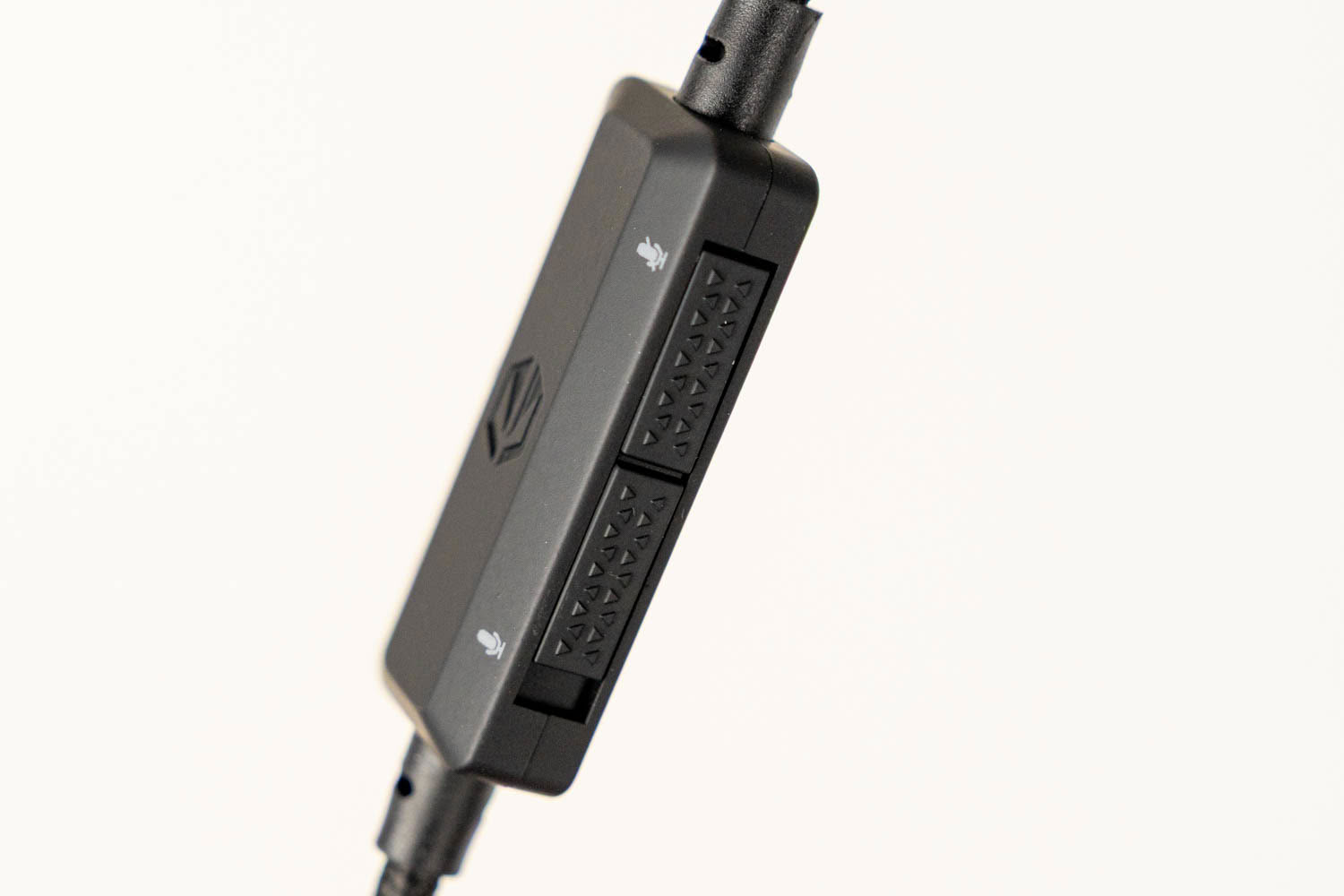
The supplied braided 3.5 mm audio cable uses four-pole (TRRS) plugs on both ends, so it carries both audio and the microphone signal. It also features an inline remote with a volume wheel and a microphone mute switch, which comes in handy when the headset is plugged into a console controller or any other device without convenient volume control. The analog connection is passive, so it works even when the headset is switched off or the battery is completely drained. The flip side is that ENC and any other processing are unavailable in this mode.
Nov 20th, 2026 16:11 PST
change timezone
Latest GPU Drivers
New Forum Posts
- WarpCoreBench scores! (85)
- What's your latest tech Freebie? (80)
- Honestly, do you care about GTA VI? (212)
- Nvidia GPU undervolting via MVolt+? (0)
- How to prevent OLED burn damage due to PC freezes or power outtages? (49)
- RX 9000 series GPU Owners Club (2249)
- Logitech Headsets Modded Driver — Unlock Dolby in G HUB (23)
- 1 - 5 person file storage server equivalent accasible from anywhere + general VM server. (1)
- When you could finally run Crysis maxed out? (63)
- GTA VI (20)
Popular Reviews
- Microsoft Surface Laptop Ultra Review - The Next-gen Arm Laptop
- Ugreen NASync DXP4800 GT Review
- Corsair RM1200e (Second Generation) Review
- Pulsar Office Tour & First Look at P1 Dual-Sensor Mouse
- Upcoming Hardware Launches 2027 (Updated Nov 2026)
- Acemagic Retro X3 Review
- Biwin Black Opal NV7400 2 TB Review
- AMD Ryzen 7 9800X3D Review - The Best Gaming Processor
- AMD Zen 6 Technical Deep Dive
- Chieftec Iceberg PRO 360 DARK Review
TPU on YouTube
Controversial News Posts
- NVIDIA Co-Founder and CEO Jensen Huang Officially Resigns (491)
- Report: Jensen Huang Eyes NVIDIA Comeback (256)
- Open Letter Asking NVIDIA to Reinstate Jensen Huang Passes 115,000 Signatures (184)
- OpenAI CEO Argues Home PCs Waste the World's Limited DRAM Supply (152)
- NVIDIA Launches Investigation Into Jensen Huang's Relationship With Suspected Chinese Spy (136)
- Intel "Raptor Lake Next" 16-Core and 20-Core CPUs Surface (130)
- Legendary Game Studio BioWare Shuts Down Following EA Layoffs (104)
- Dell CEO Says the Memory Shortage Will Get Worse in 2027 (95)