 65
Forza Horizon 6 Performance Benchmark Review - 30+ GPUs Tested
(65 Comments) »Introduction
Forza Horizon 6 is the latest entry in the famous open-world racing series developed by Playground Games and published by Xbox Game Studios. The franchise has been one of the most important of the racing genre since 2012, combining arcade-style driving with a massive open world, featuring hundreds of licensed cars, and a festival atmosphere. Forza Horizon 6 is set in Japan, featuring a vast and diverse landscape spanning mountain passes, coastal highways, rural countrysides, and the dense urban streets of Tokyo—the largest city environment in any Horizon game, according to the developer. FH6 features a full seasonal cycle with dynamic weather, and gameplay revolves around the Horizon Festival—where it's all about fast cars and music.
Playground Games uses their own proprietary ForzaTech engine in Forza Horizon 6, older versions of the engine have powered previous Forza Horizon and Forza Motorsport titles. As expected, the only rendering API supported is DirectX 12. Render-tech includes ray-traced reflections and ray-traced global illumination. When RT is disabled, screen-space reflections (SSR) and screen-space global illumination (SSGI) can be used. Upscaling support is comprehensive, covering NVIDIA DLSS, AMD FSR, and Intel XeSS, with native-resolution AA modes available. Frame generation is only available via NVIDIA DLSS Frame Generation—AMD and Intel GPUs do not get any frame generation option.
This review will evaluate the performance of Forza Horizon 6 across a wide range of contemporary graphics cards, compare image quality settings, and analyze the game's VRAM usage to provide insight into the hardware requirements needed for an optimal experience.
Screenshots
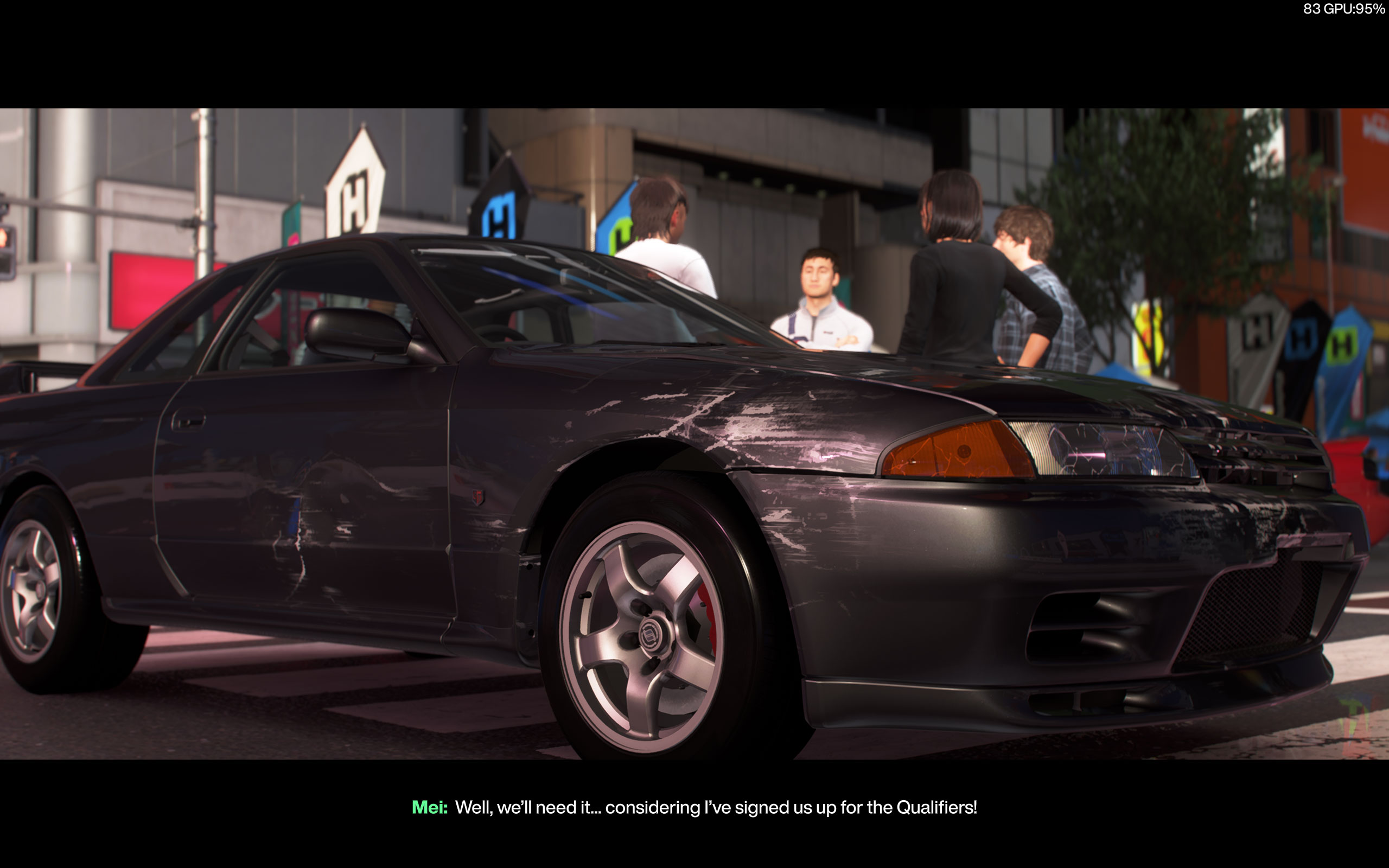
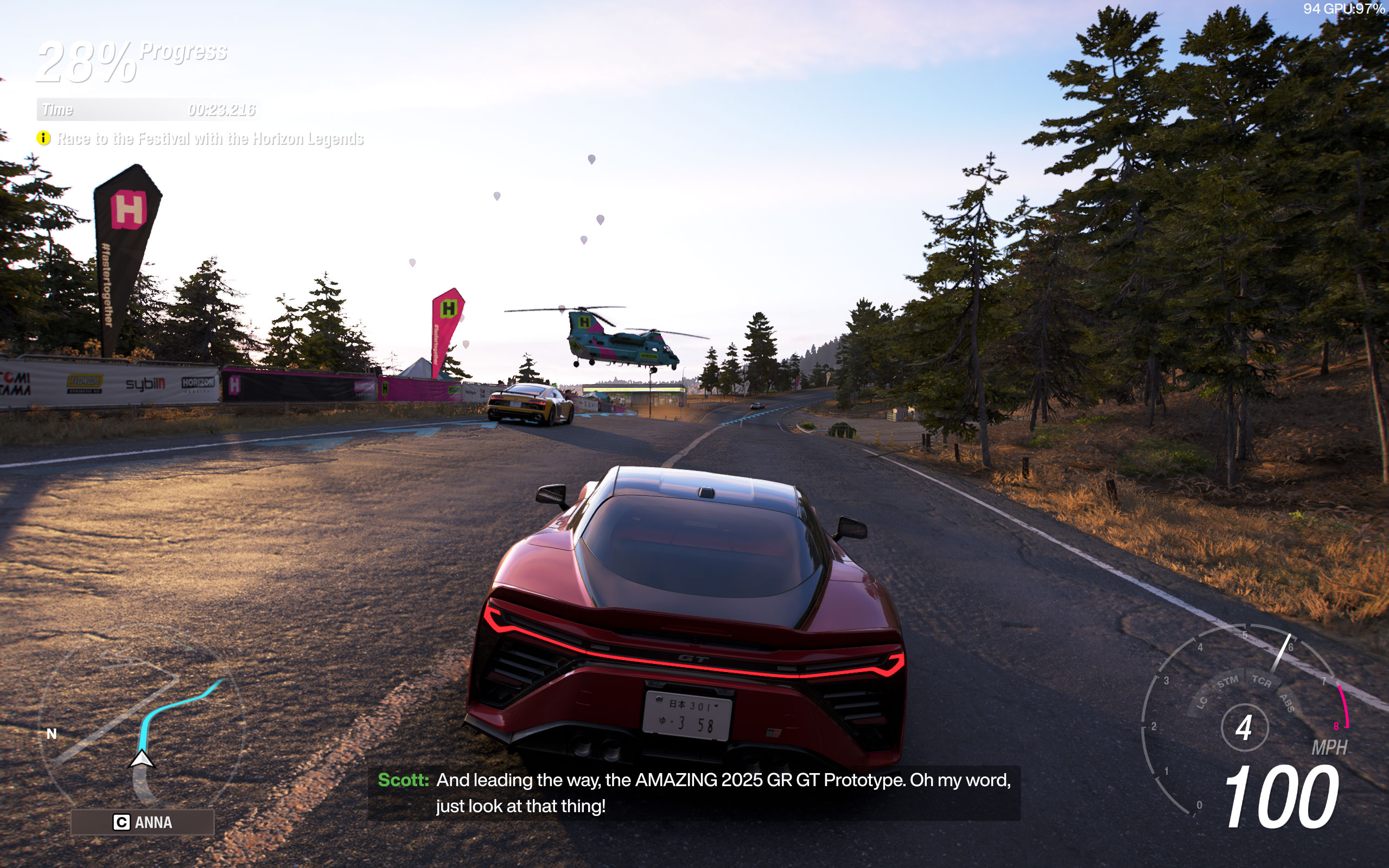
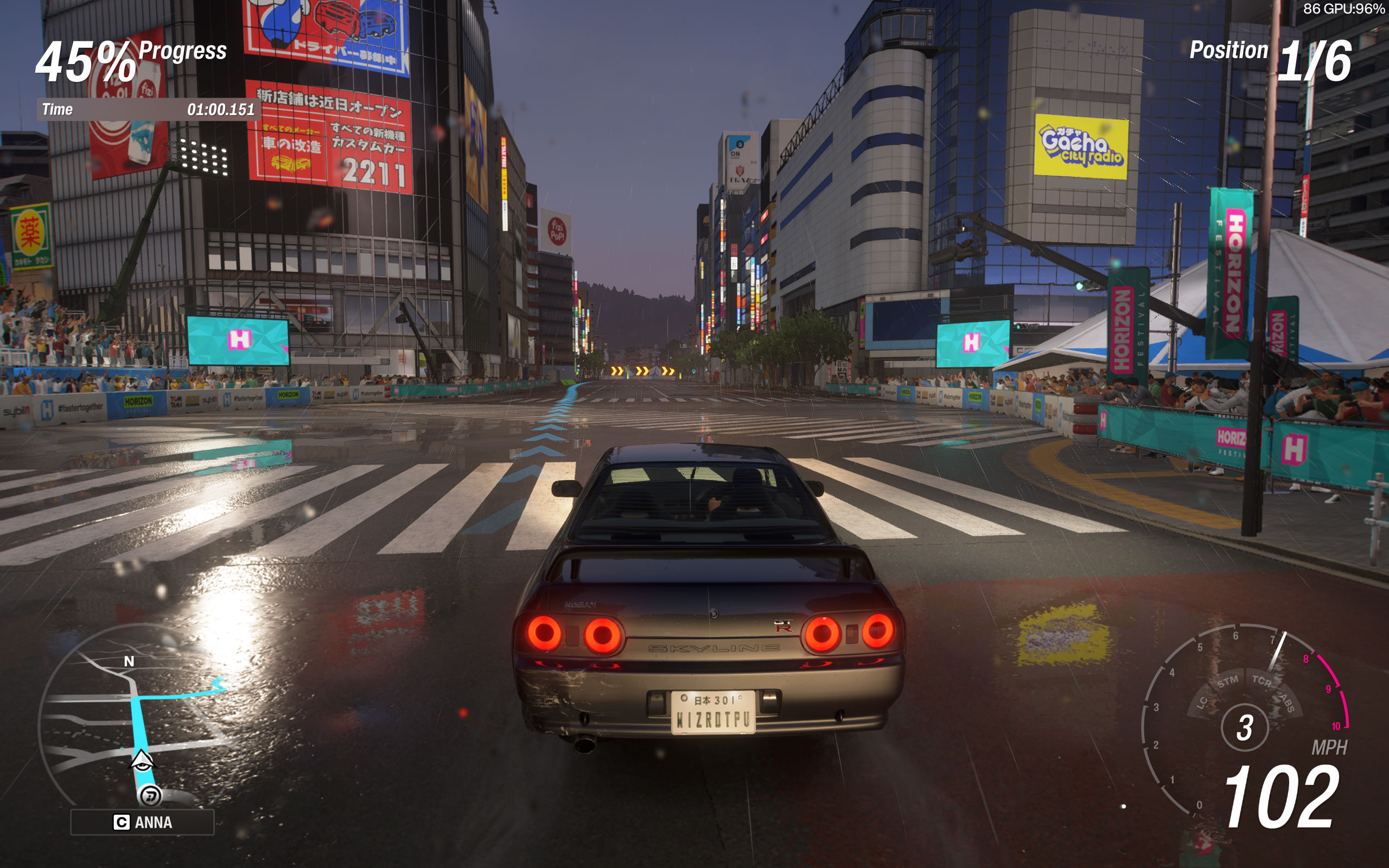
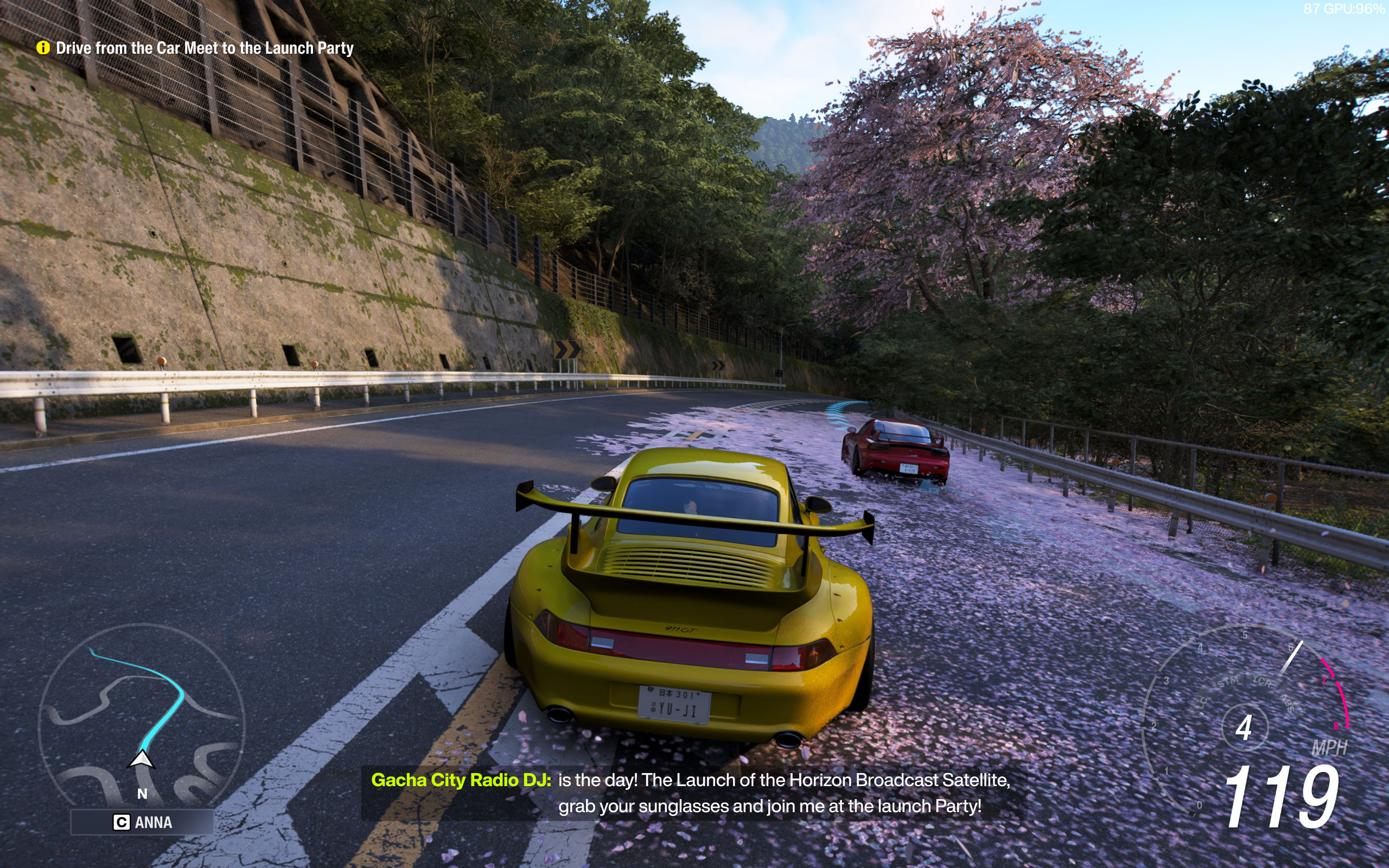
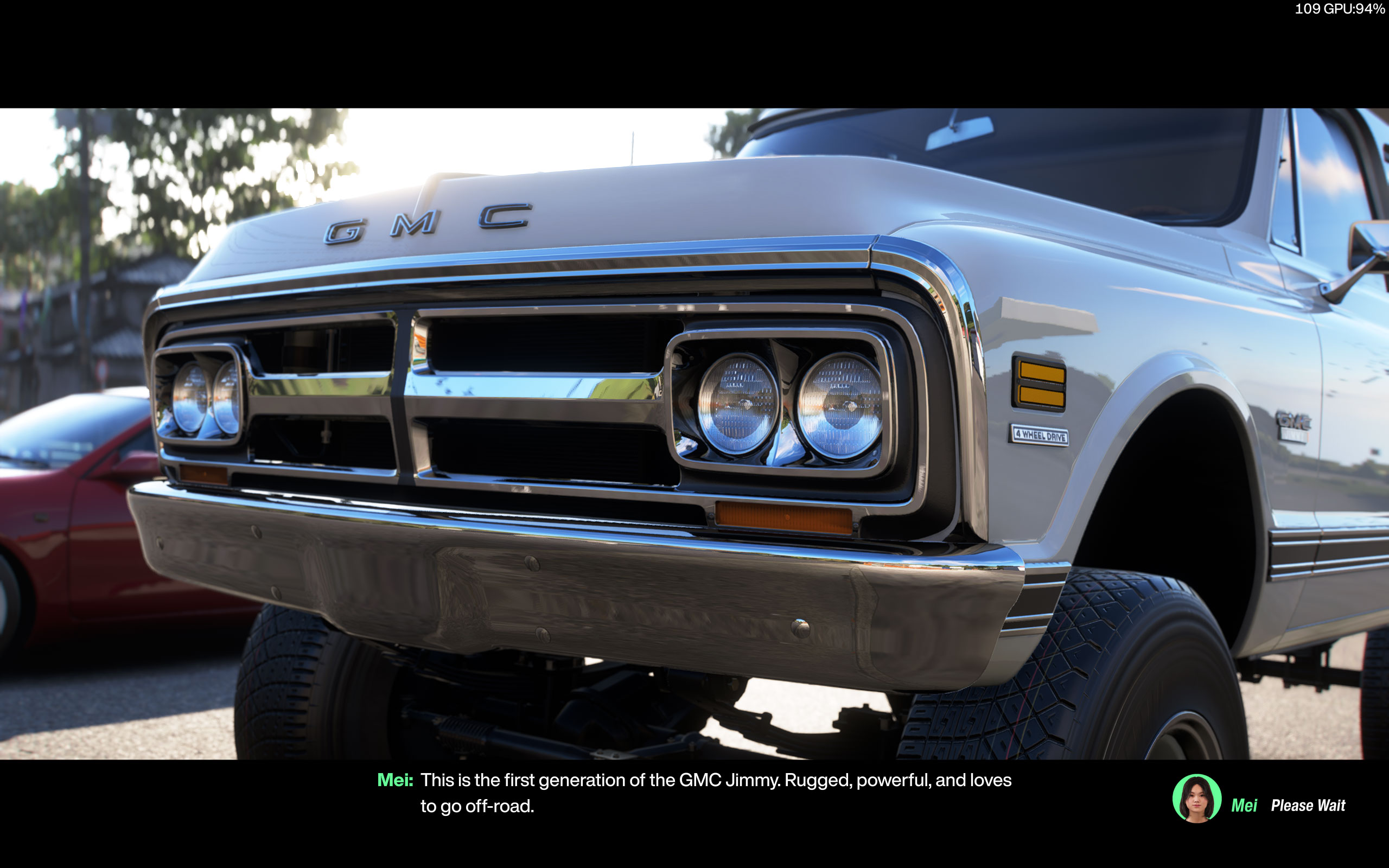
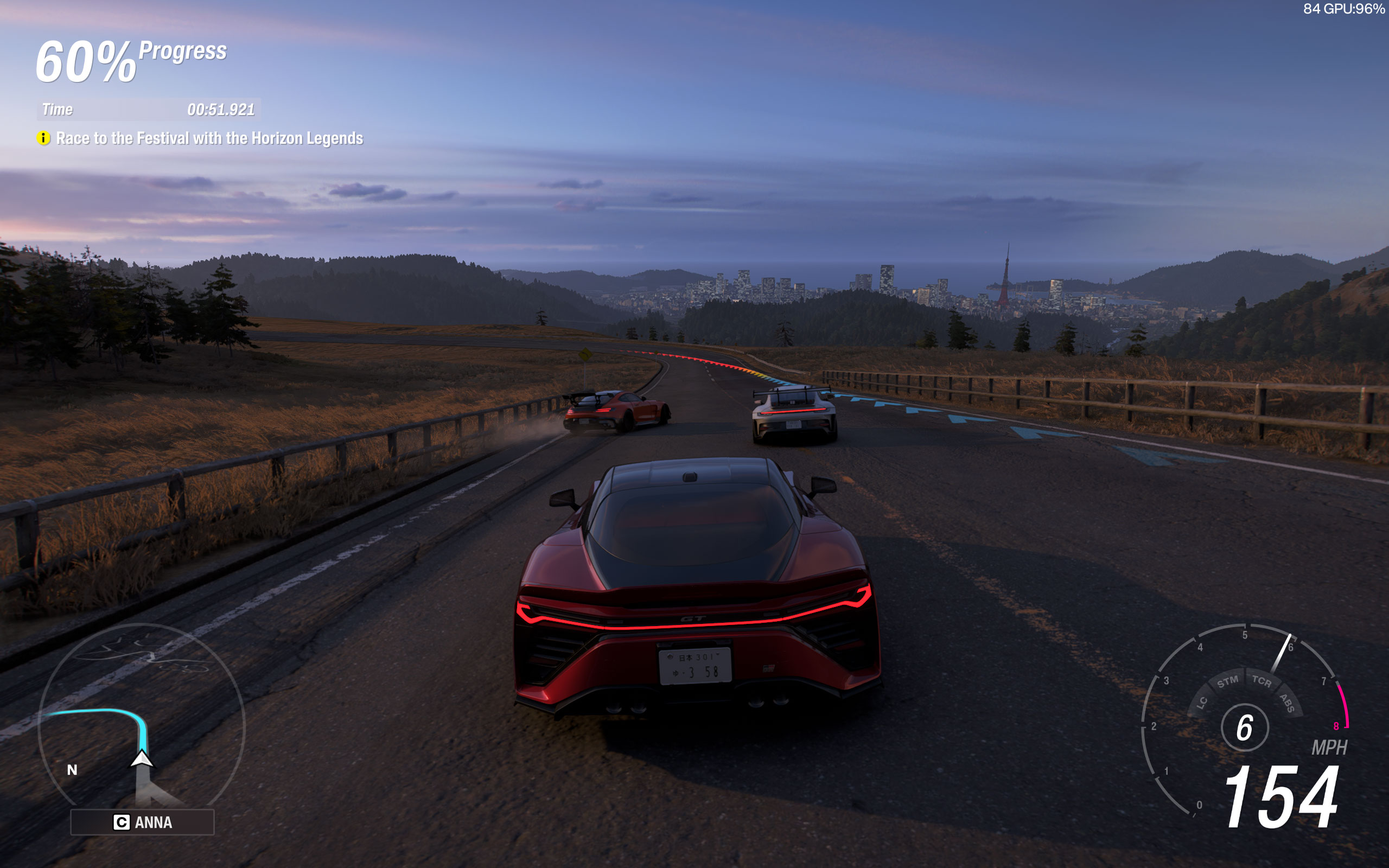
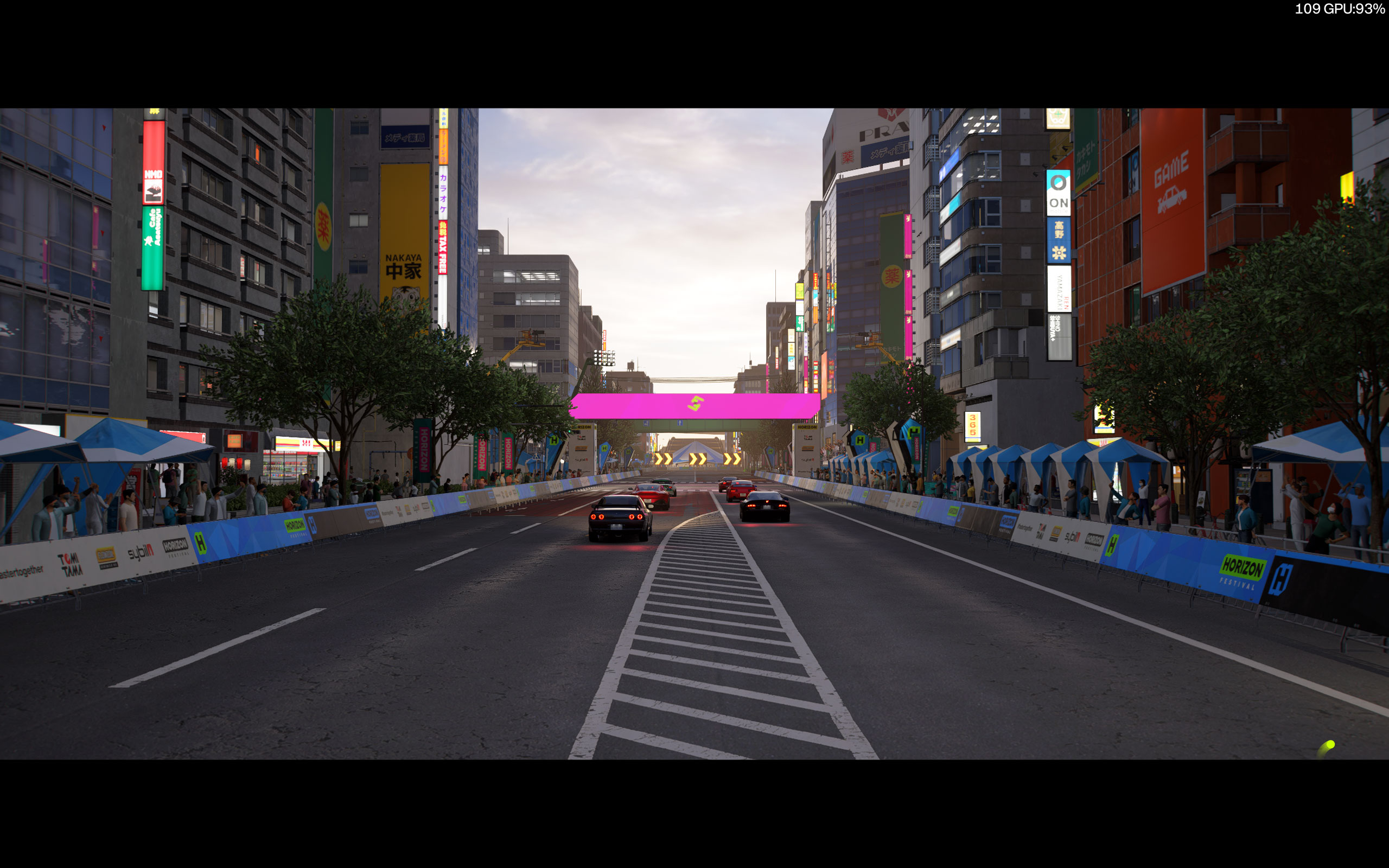
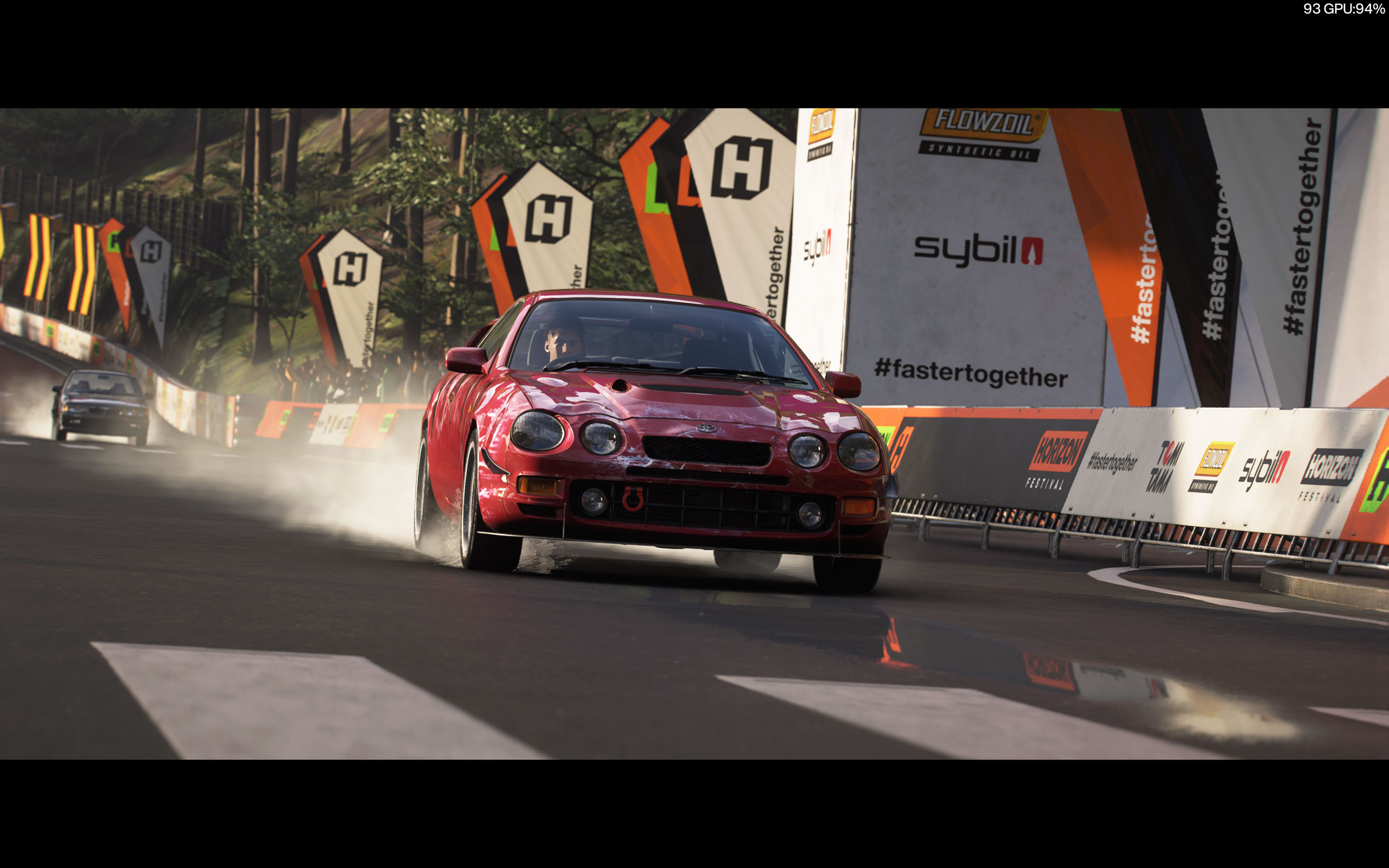
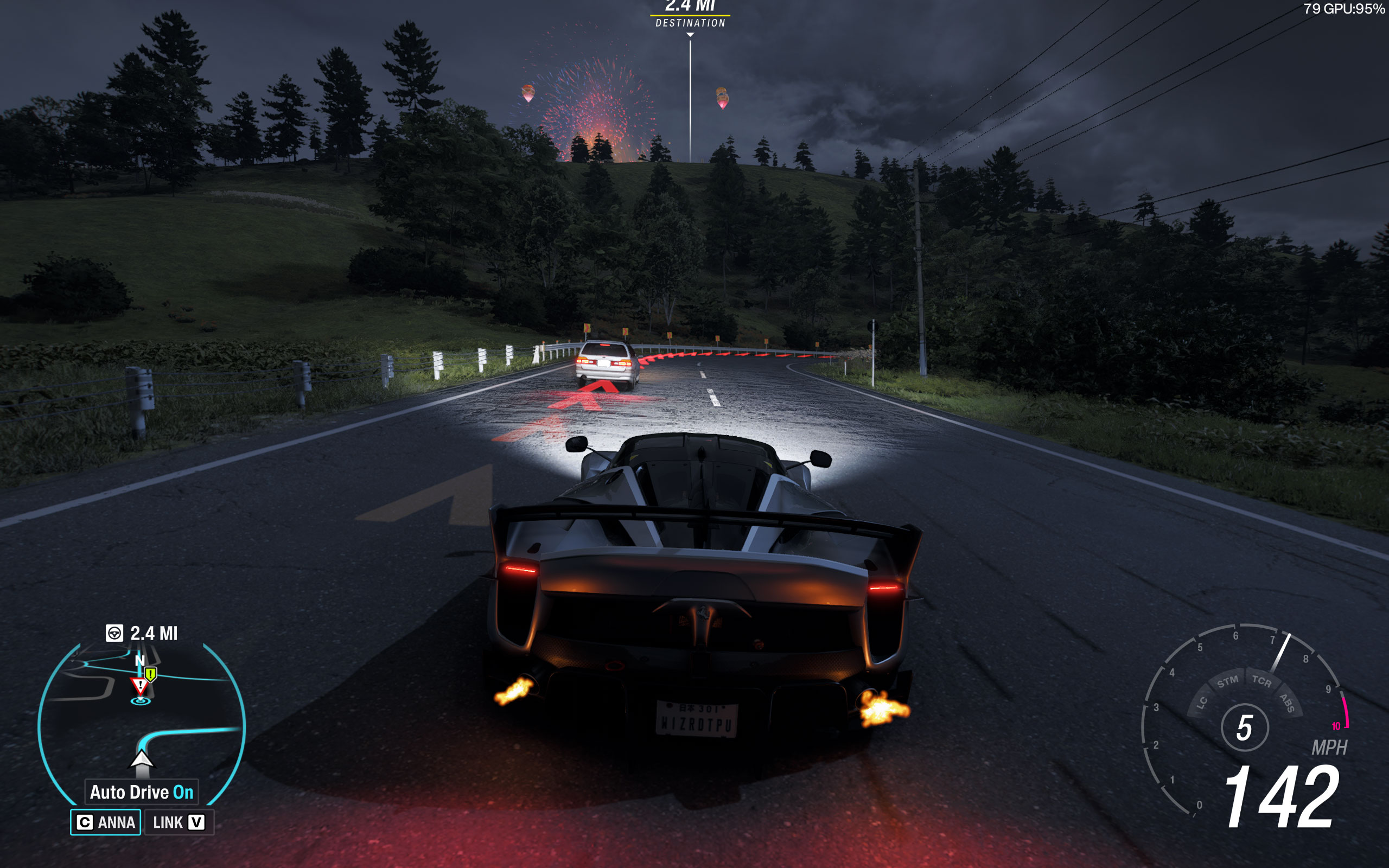
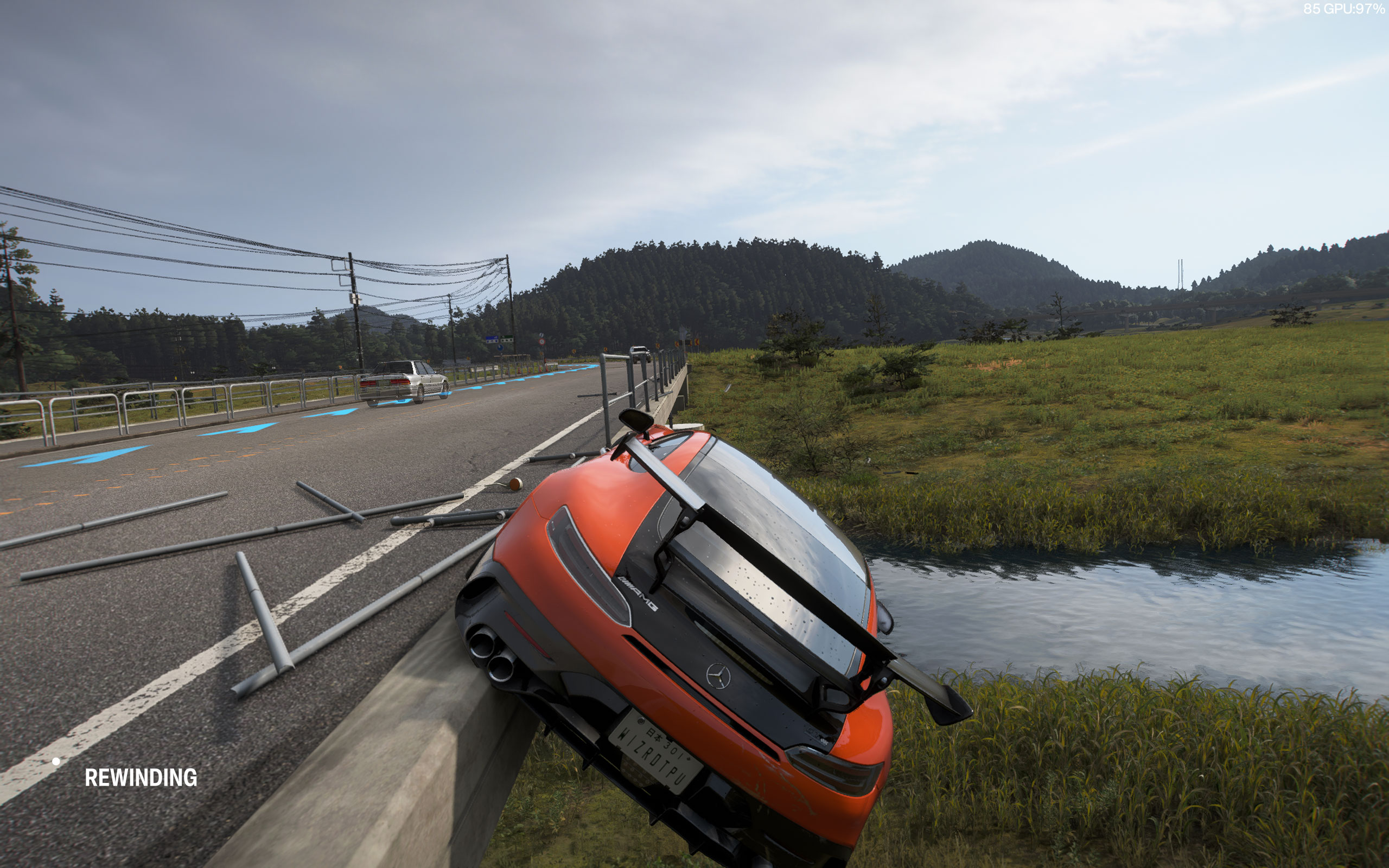
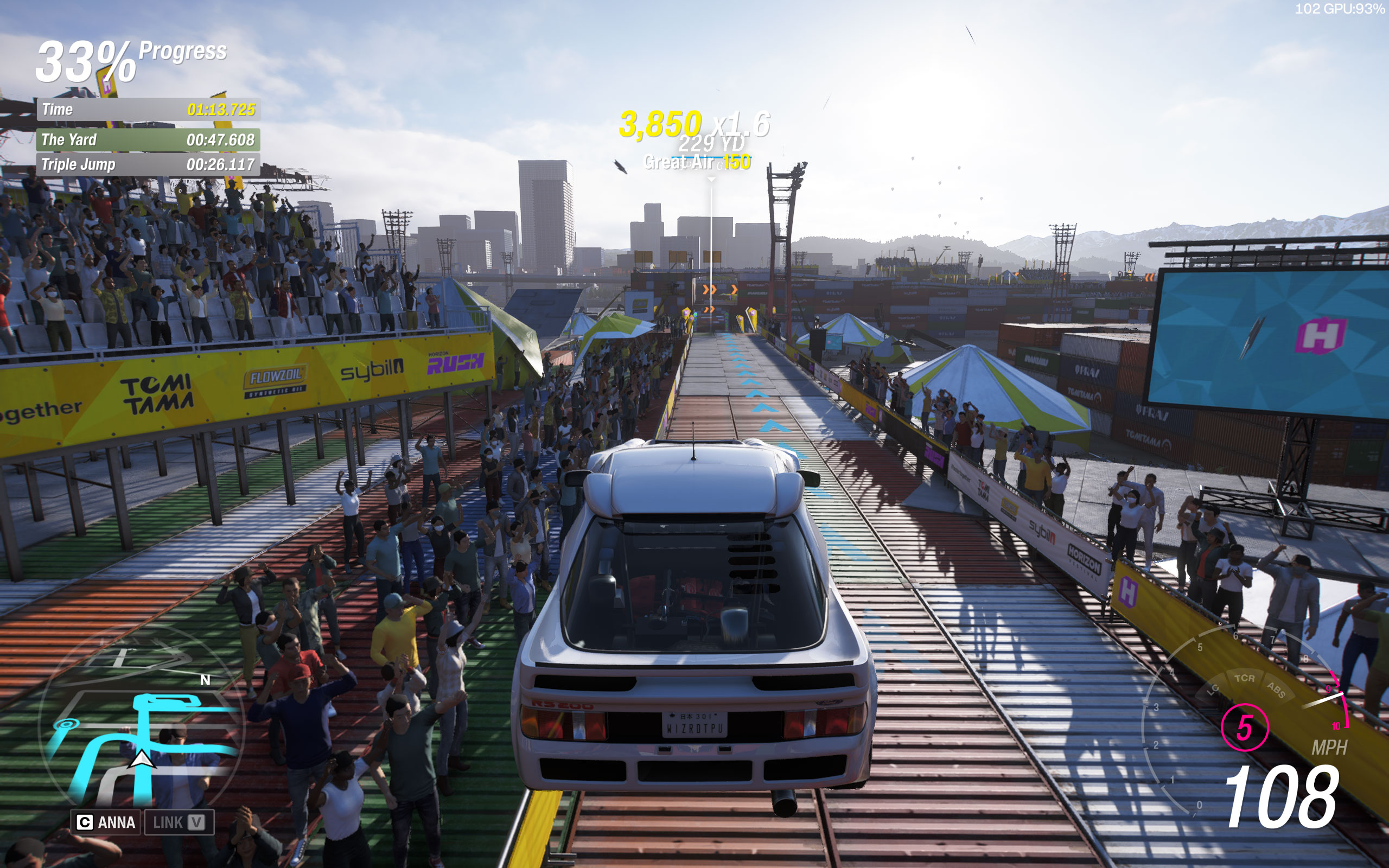
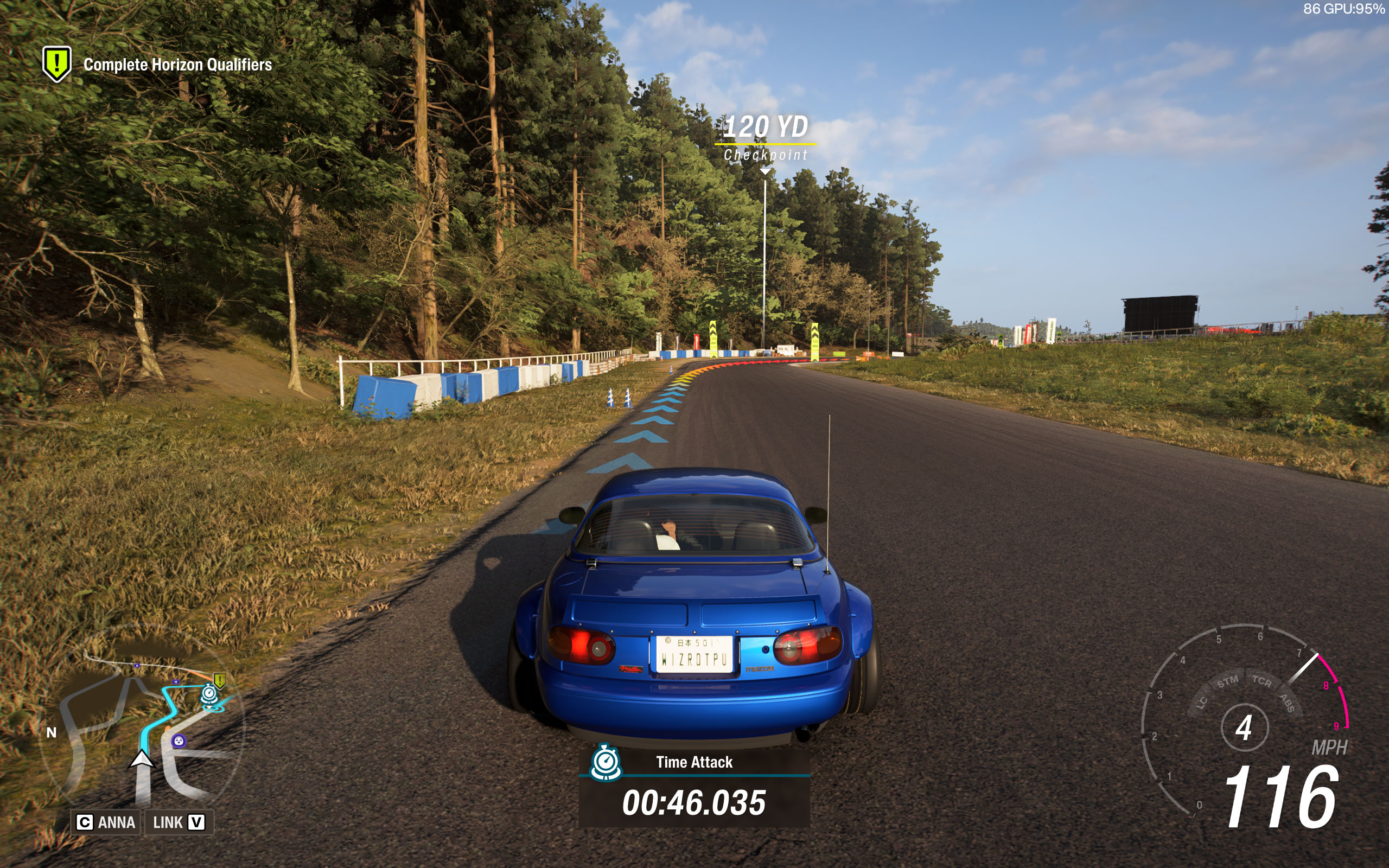
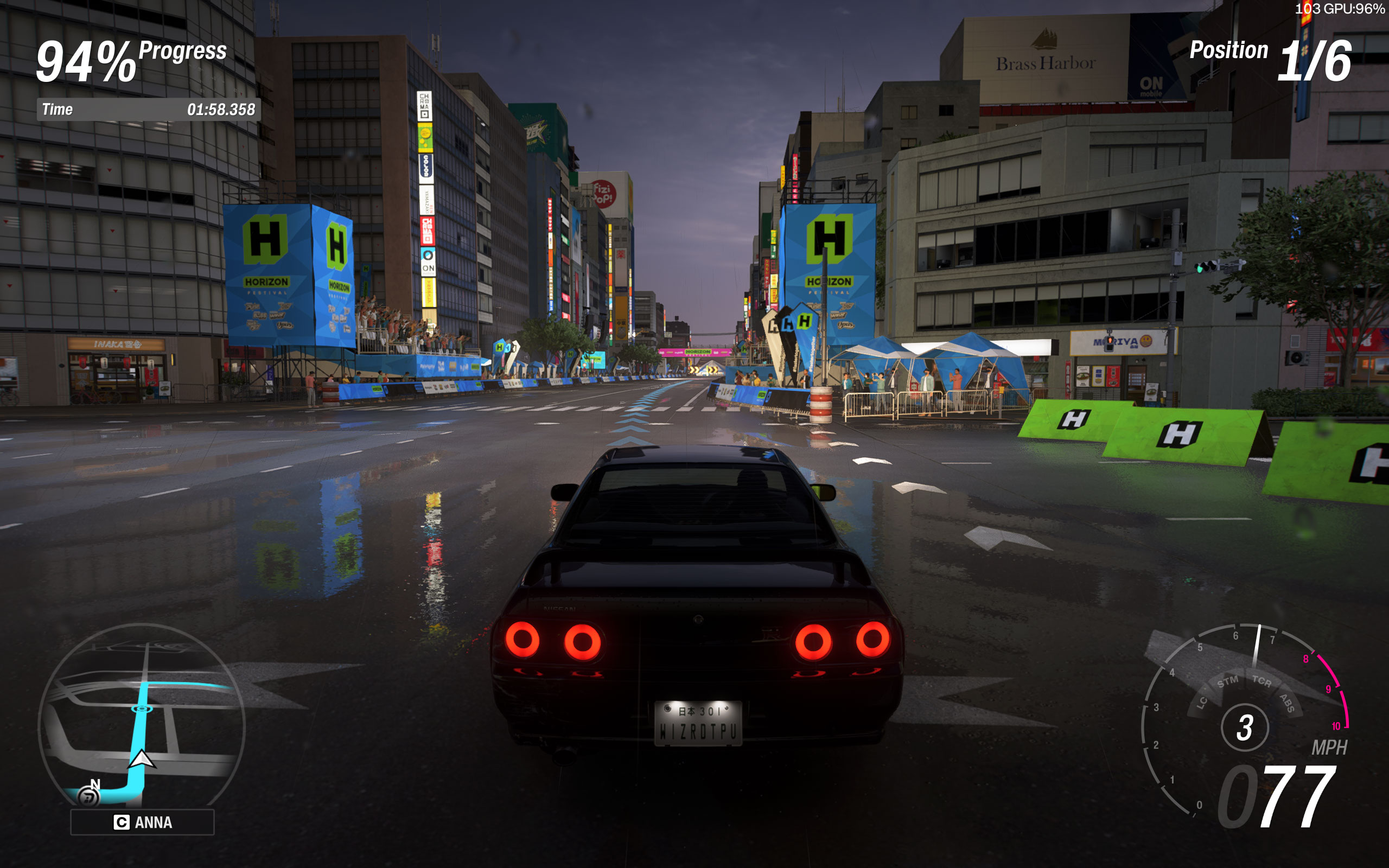
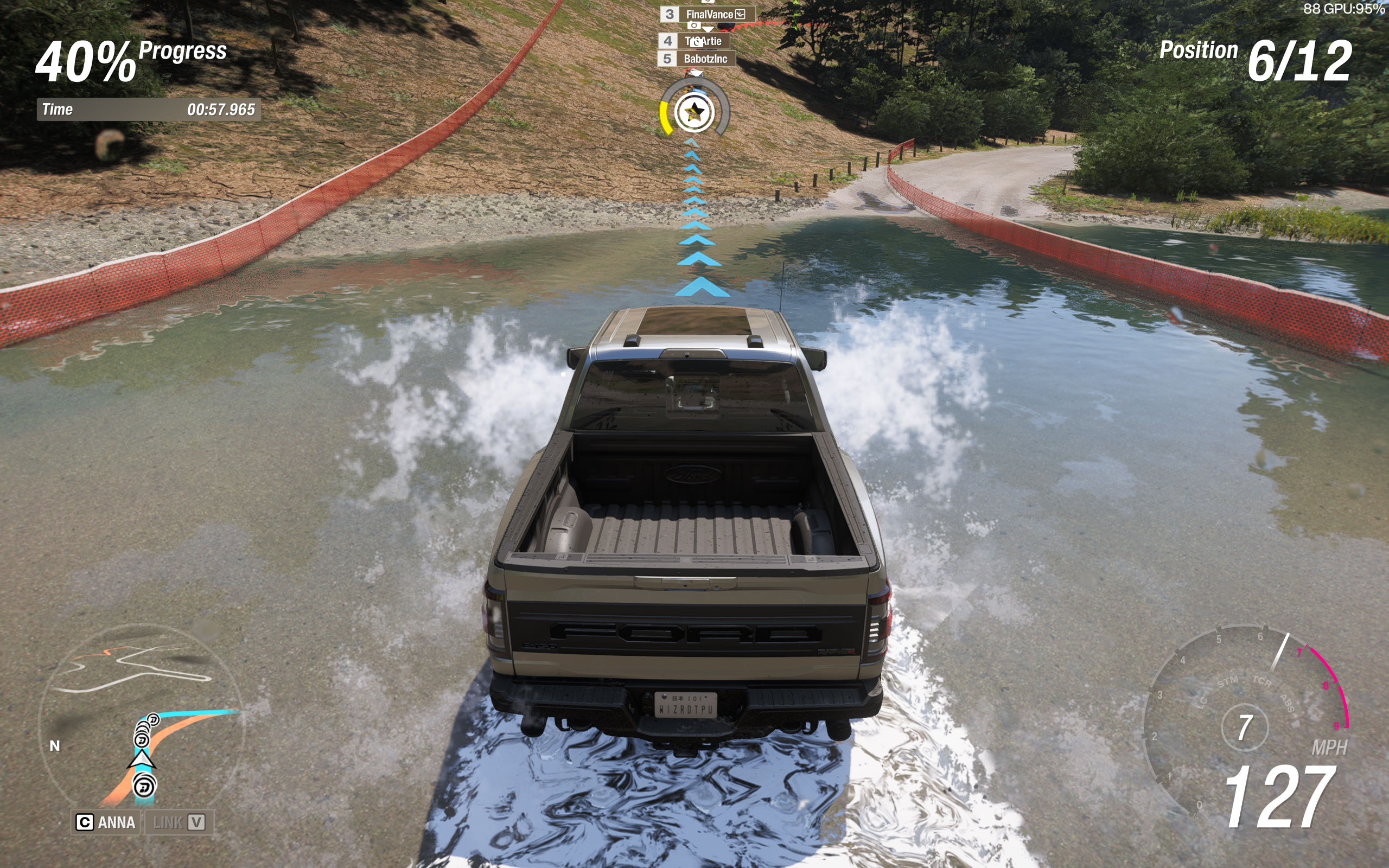
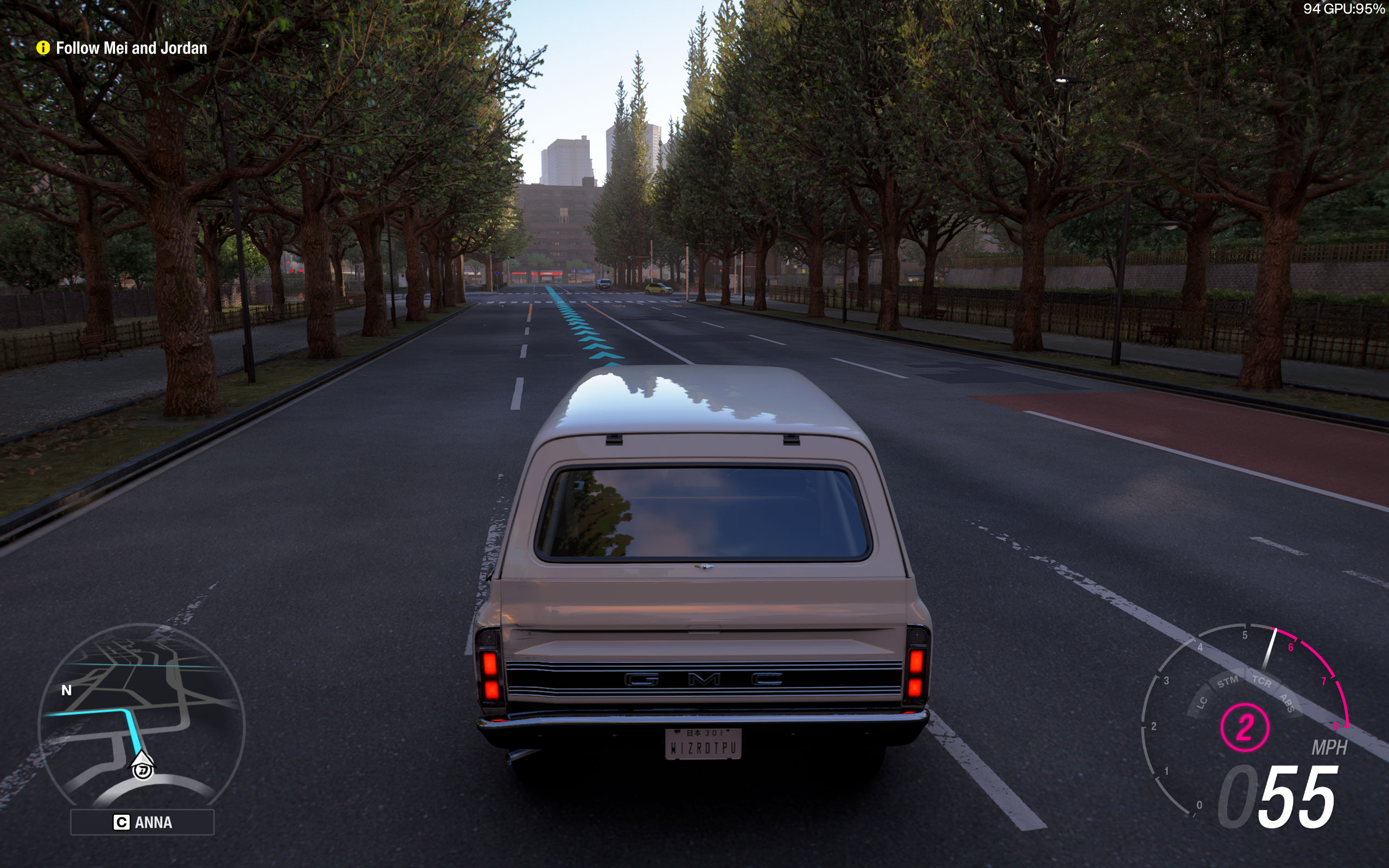
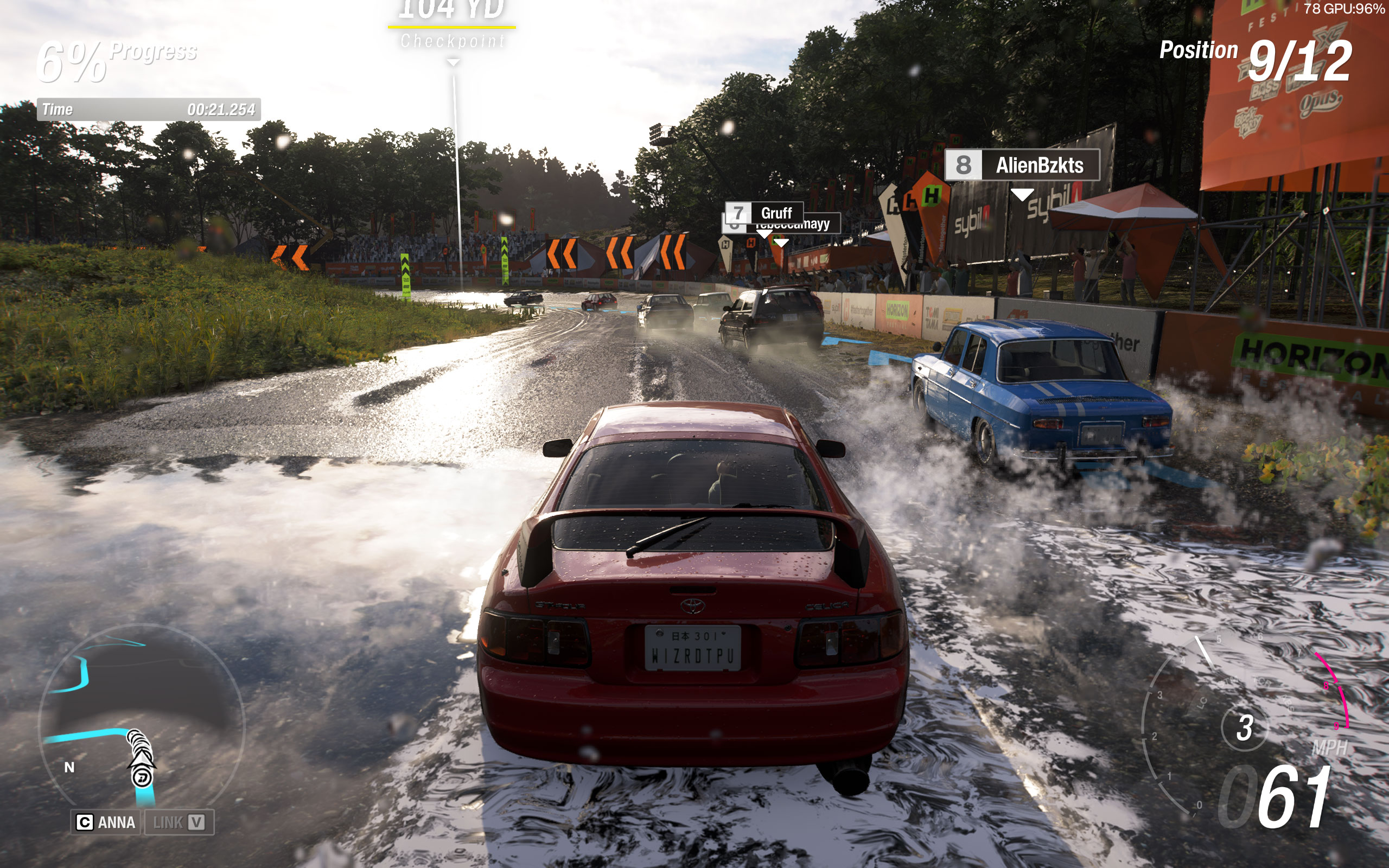
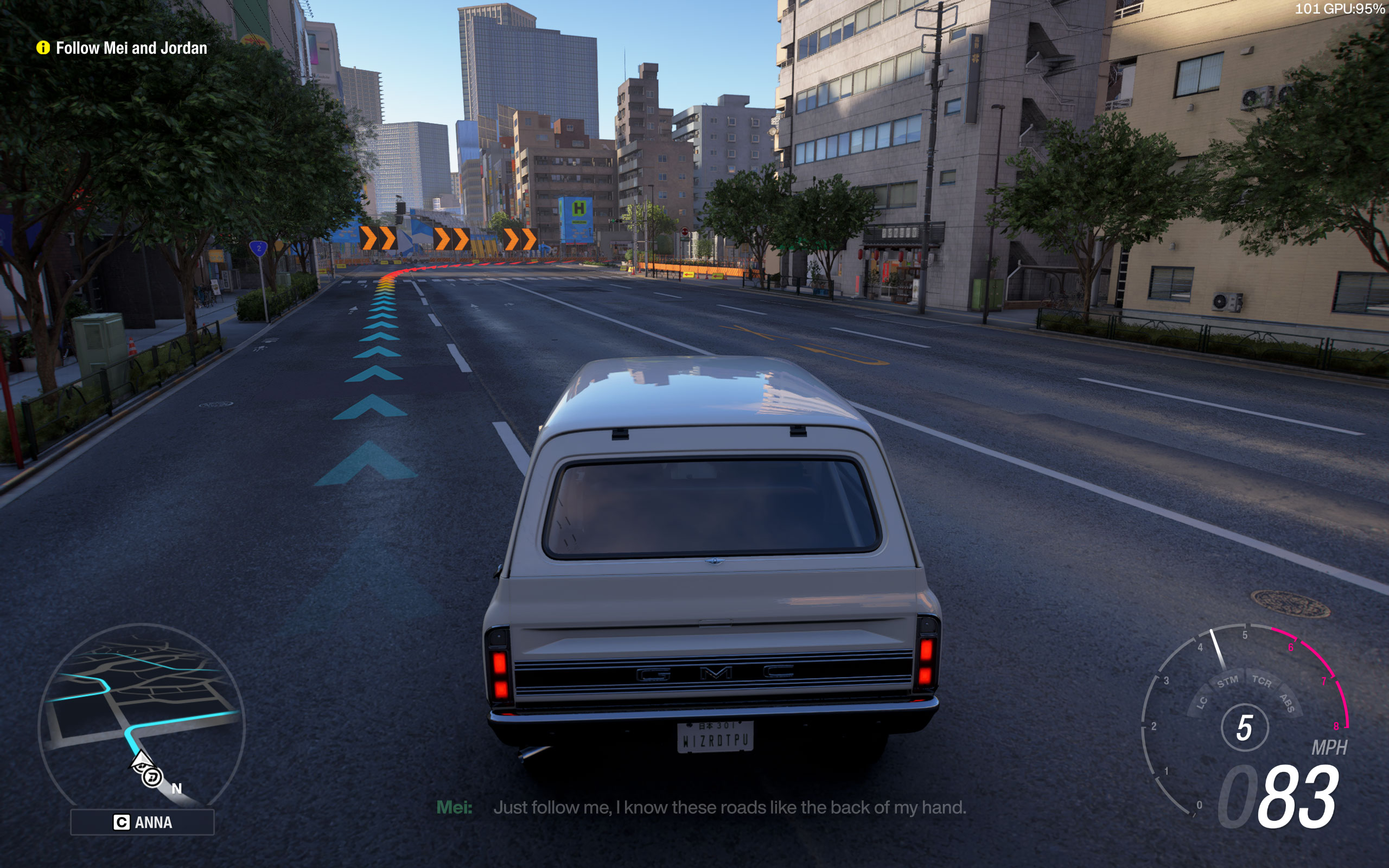
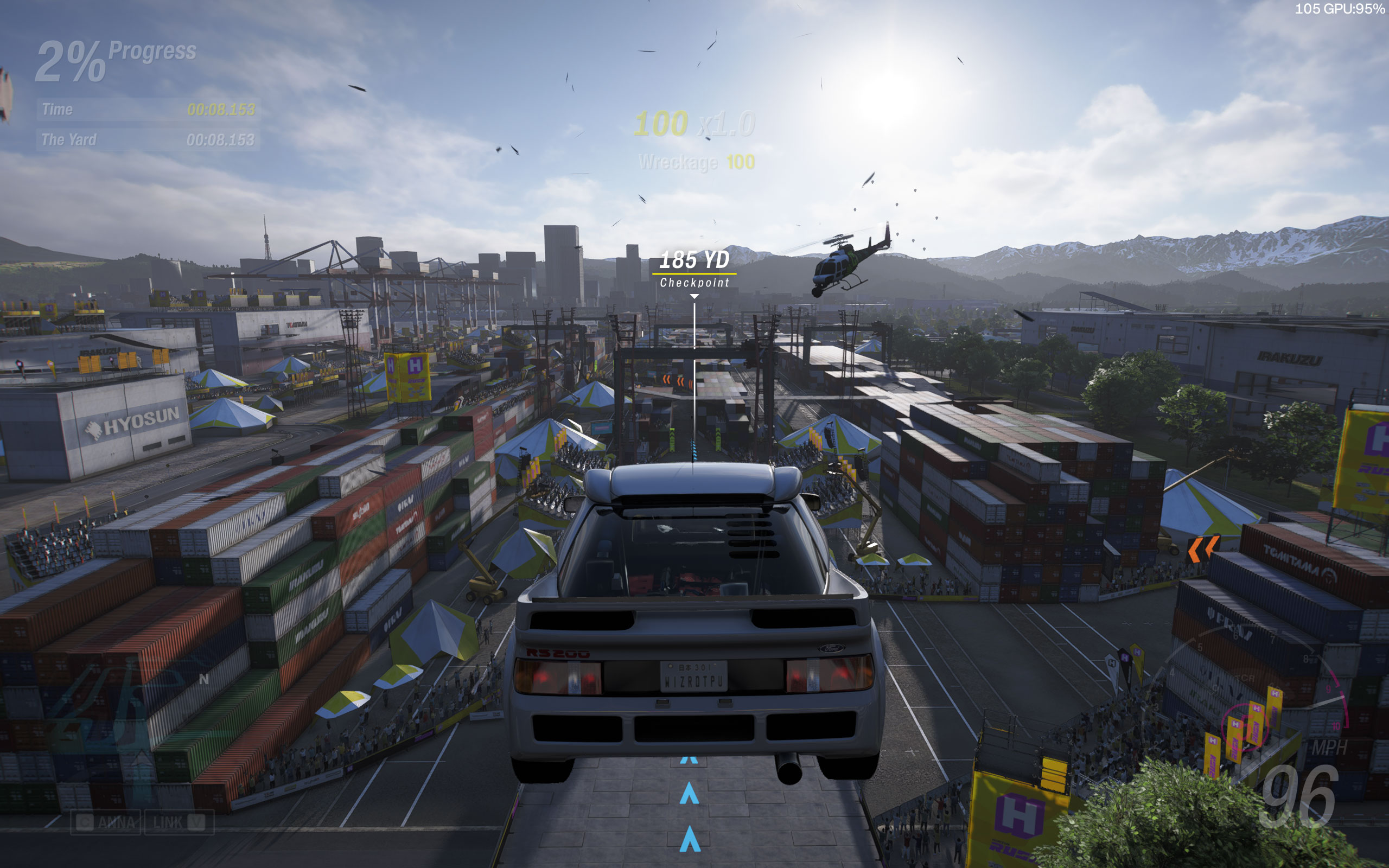
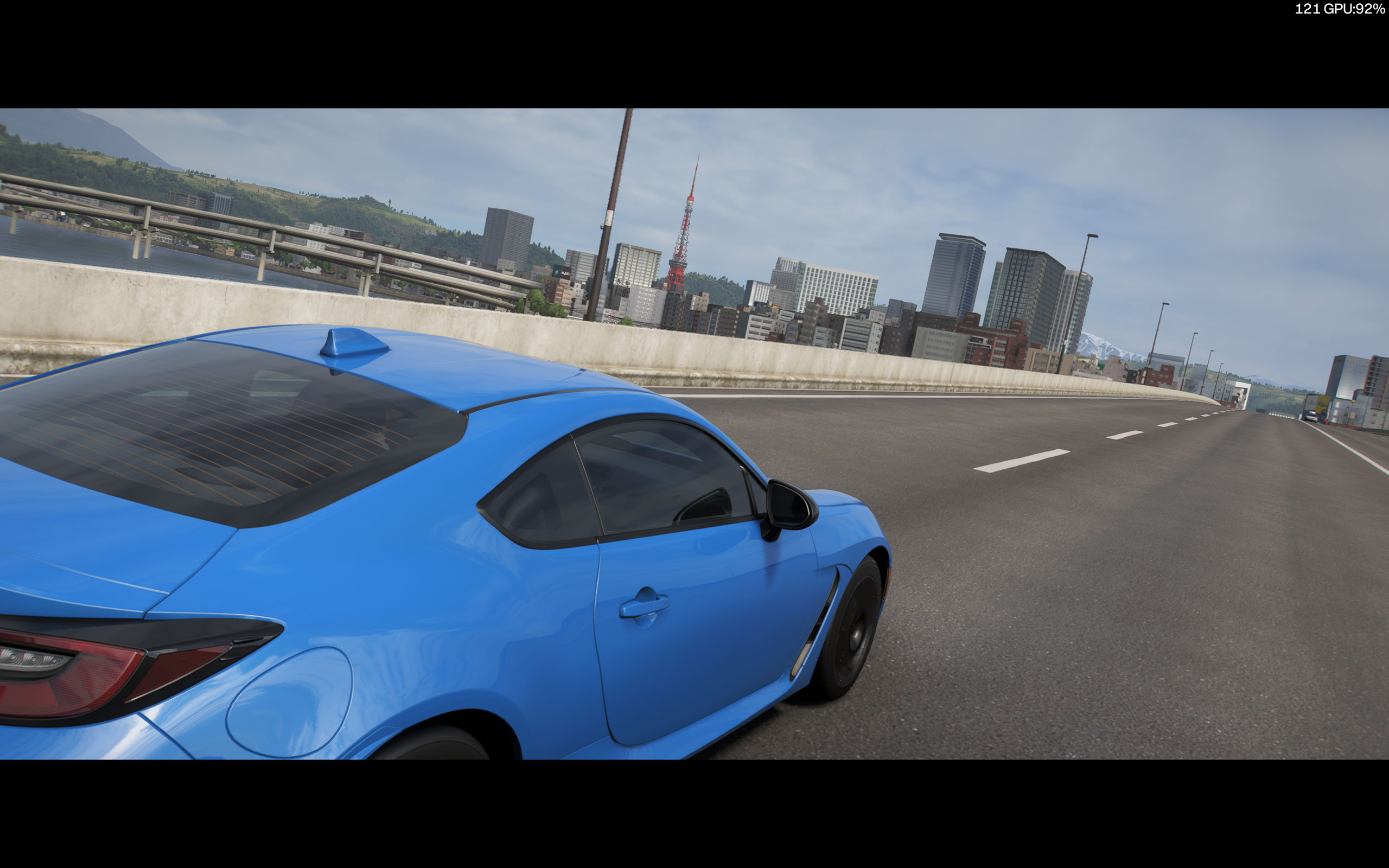
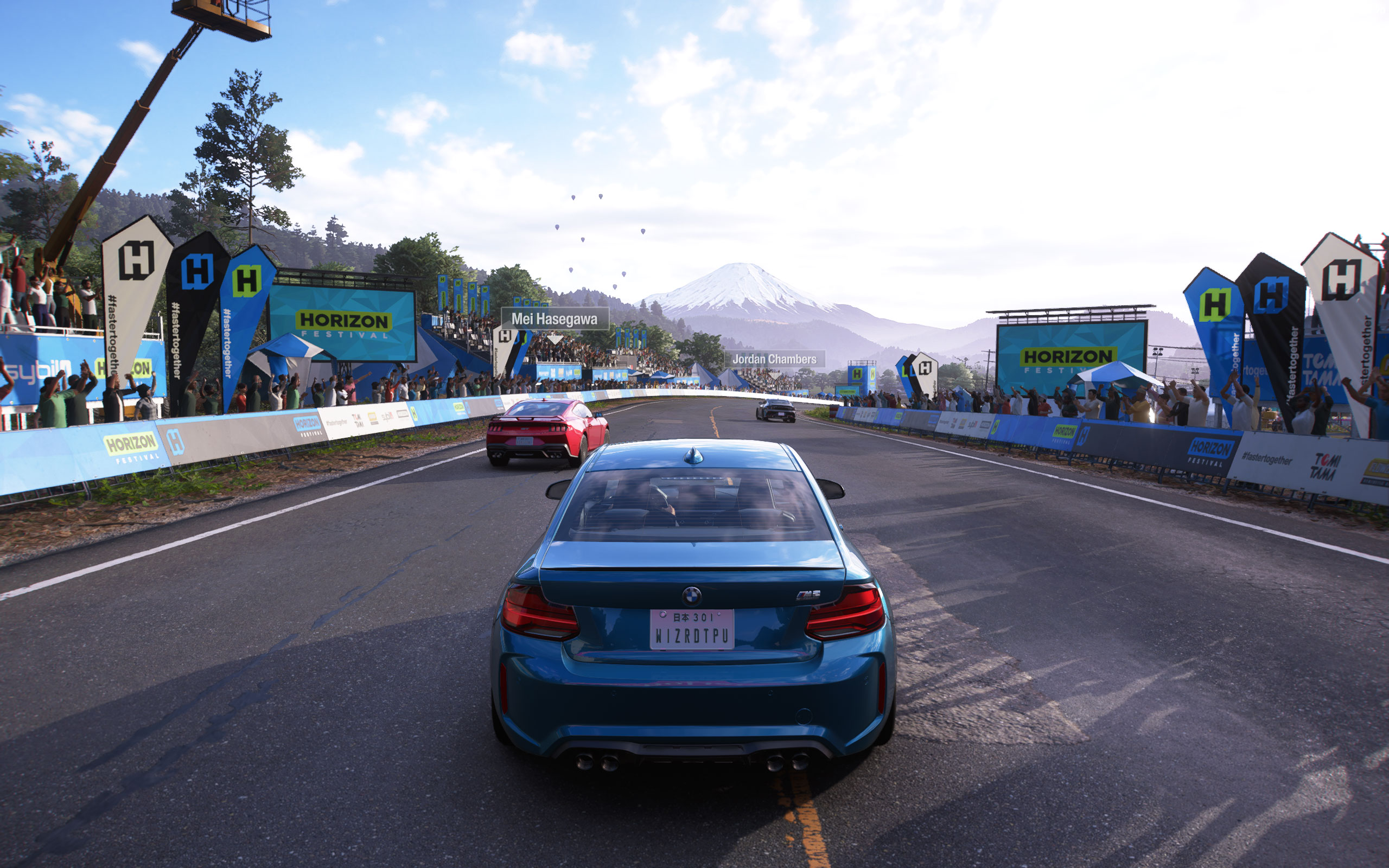
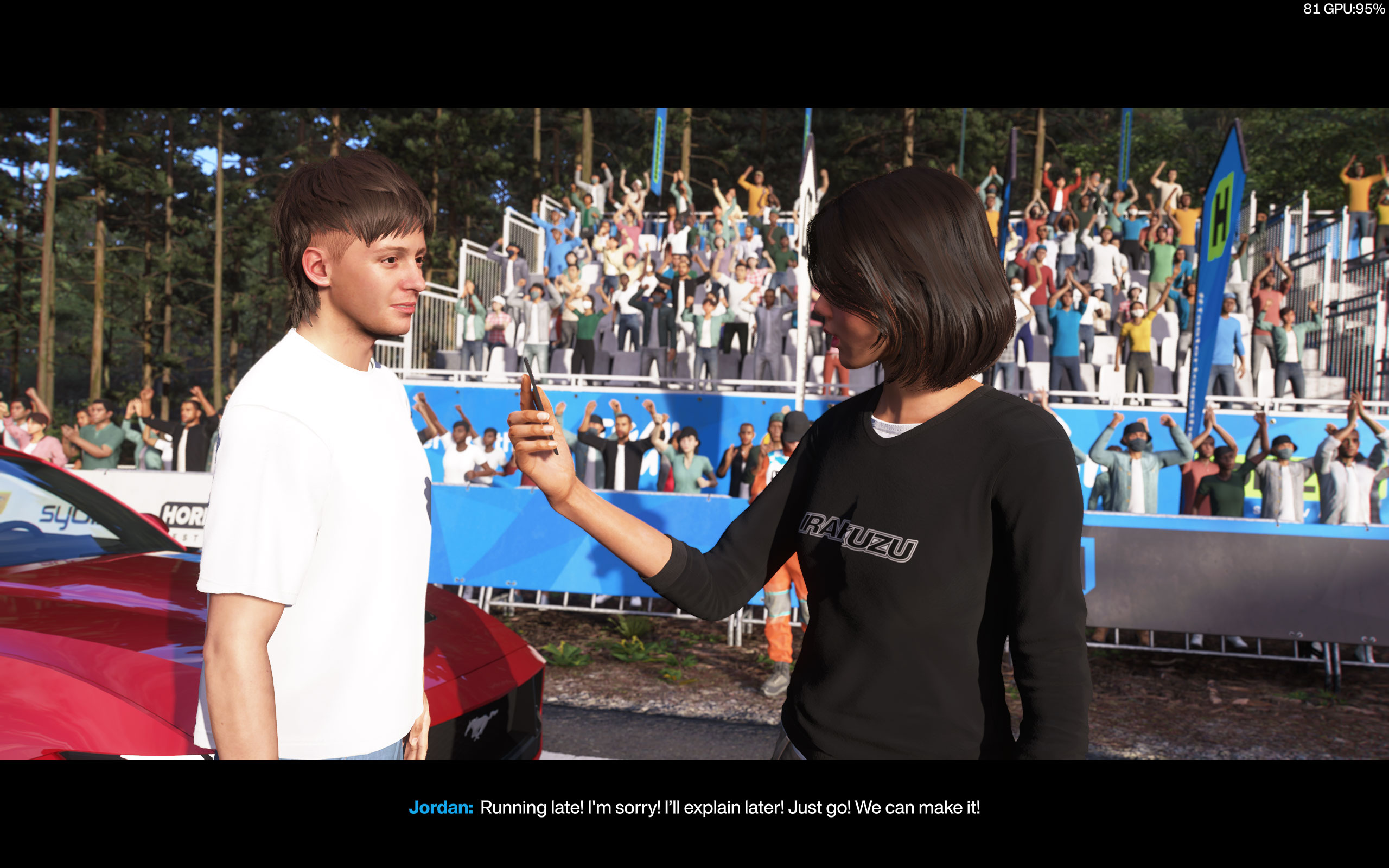
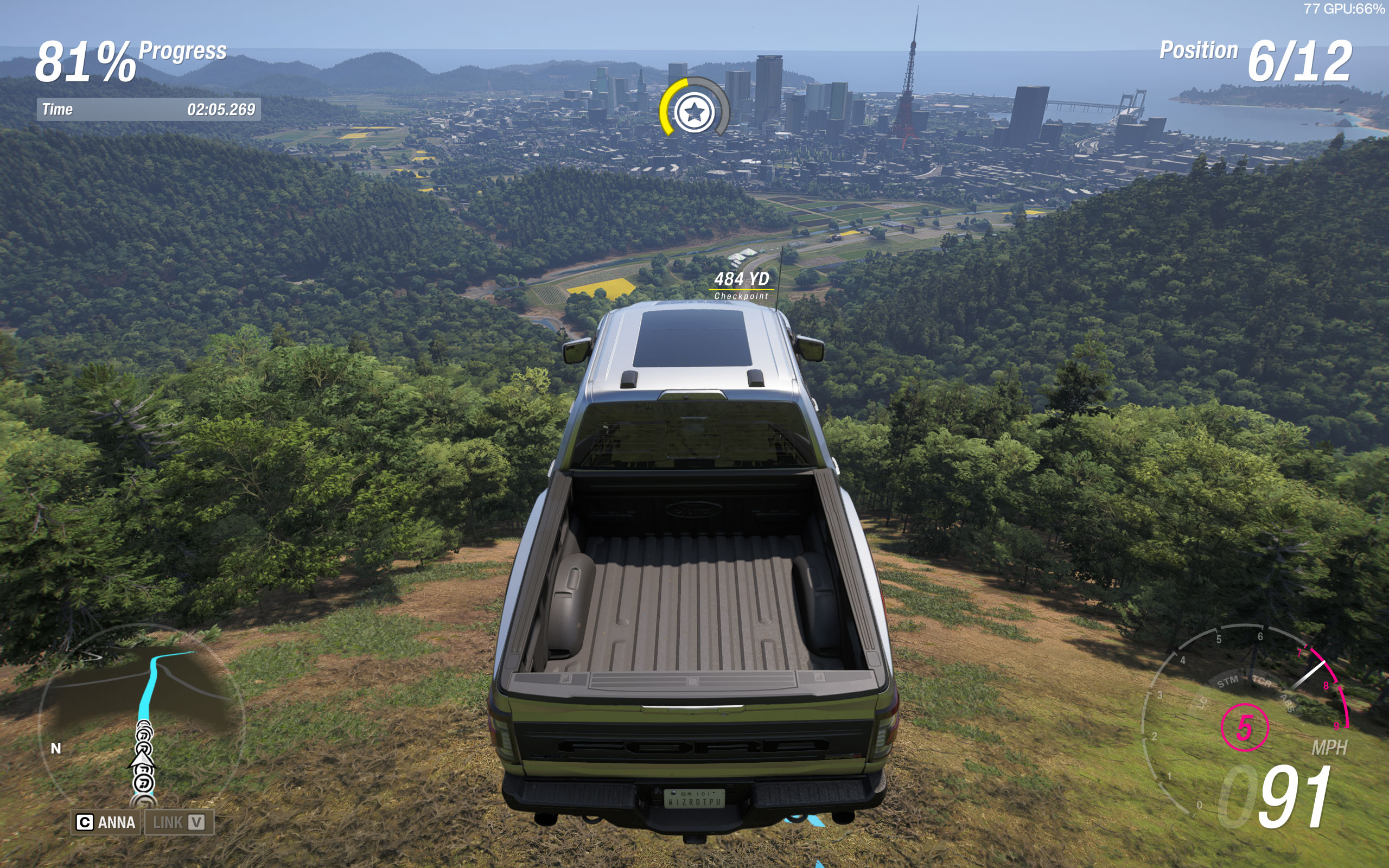
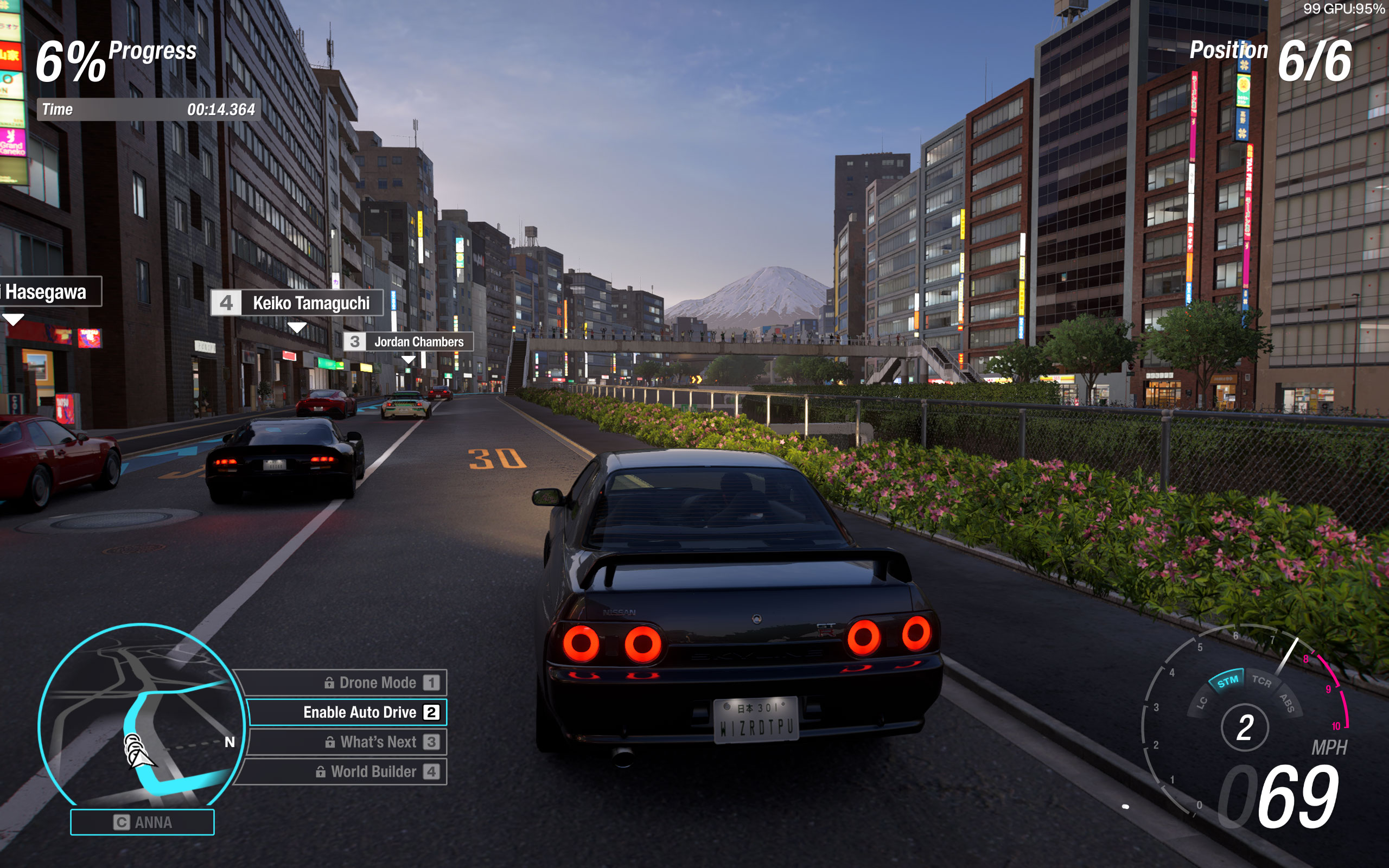
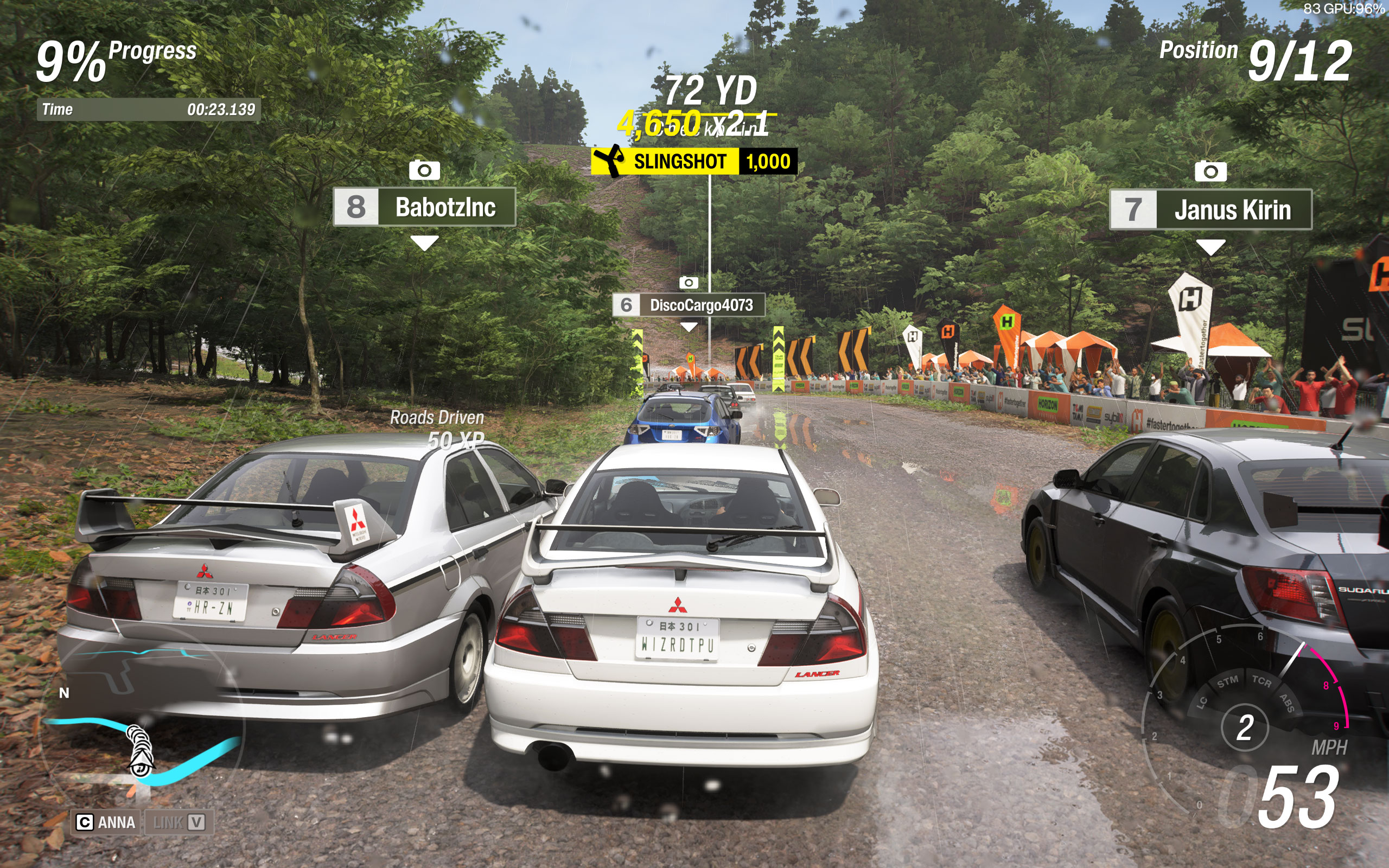
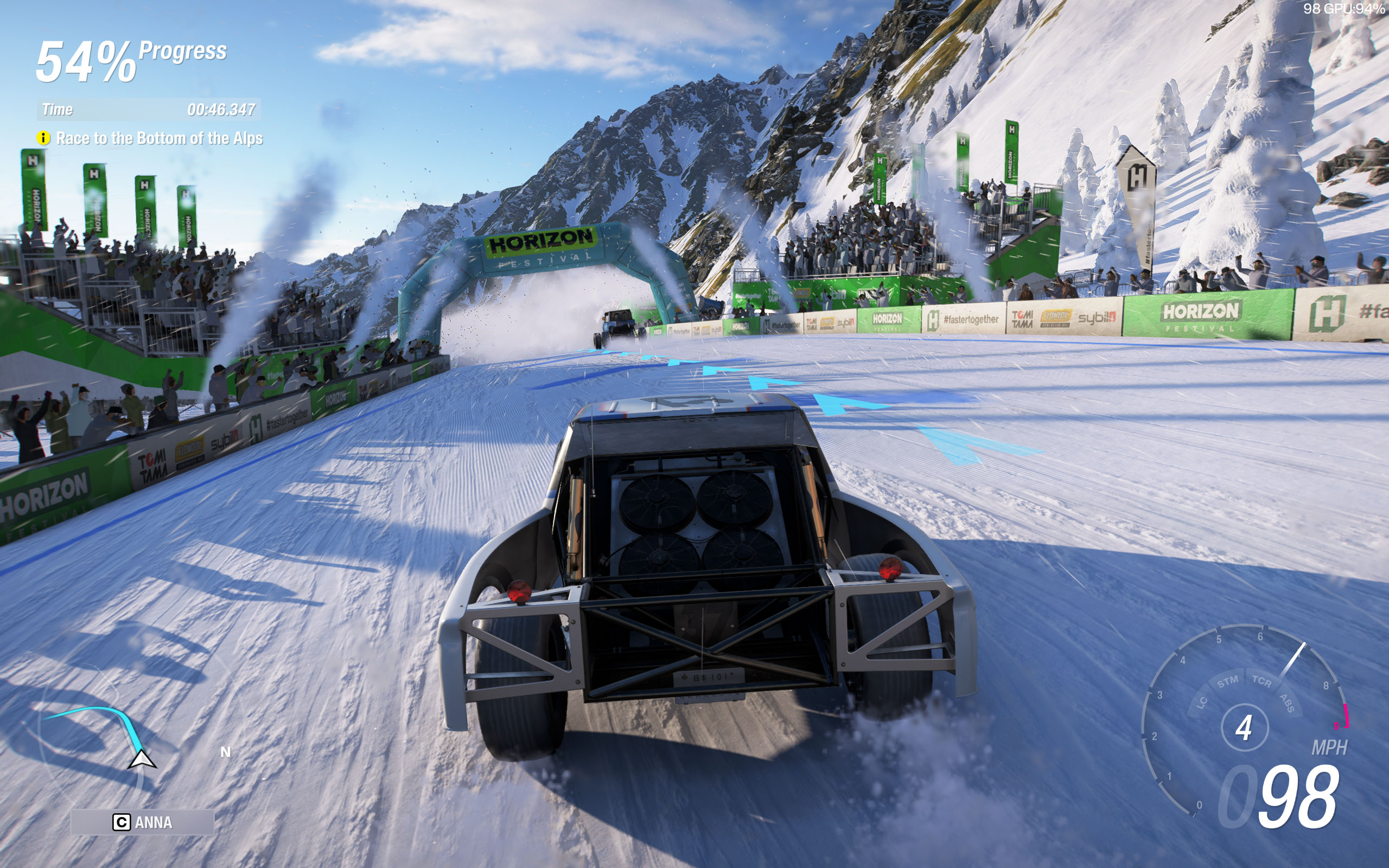
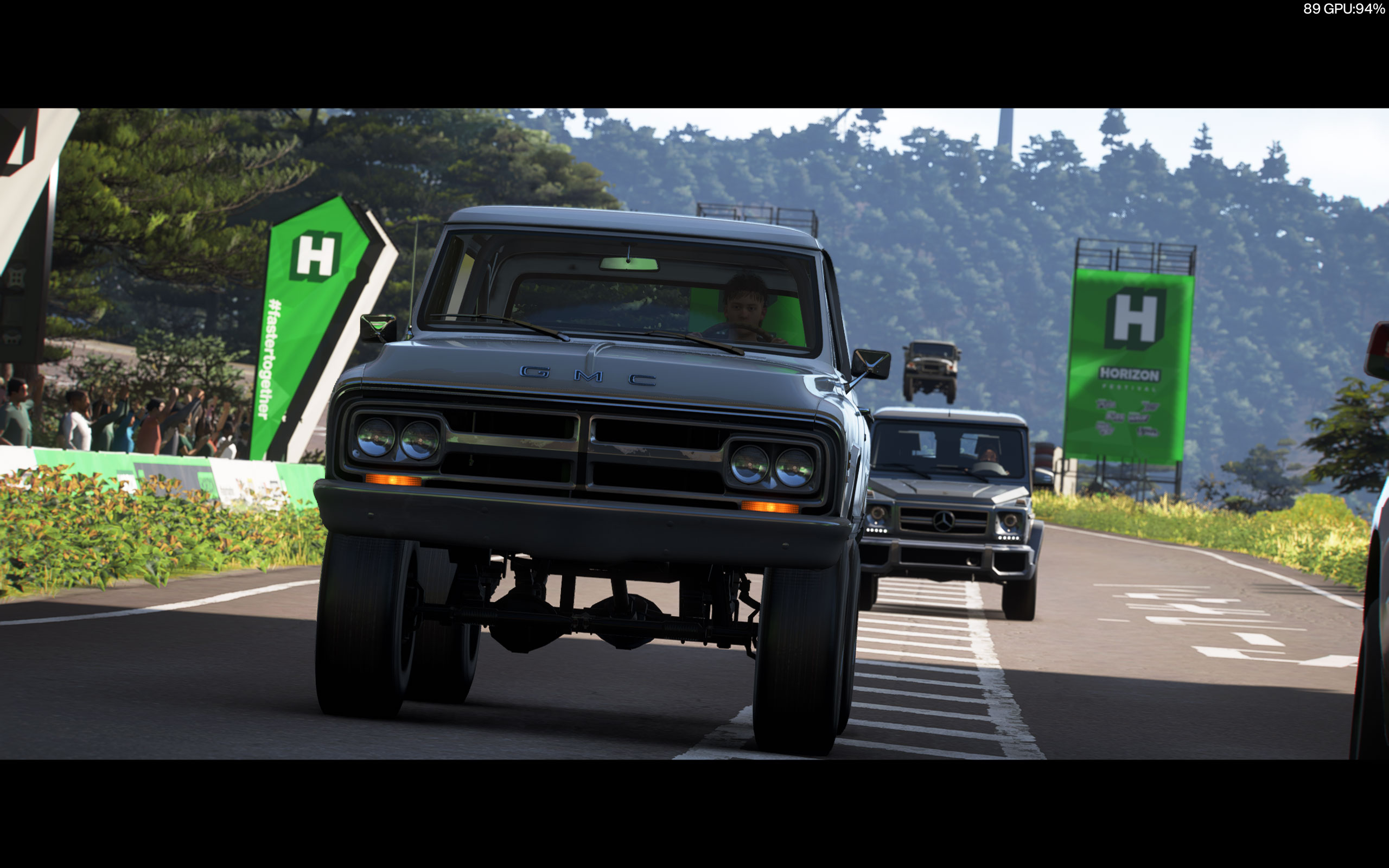
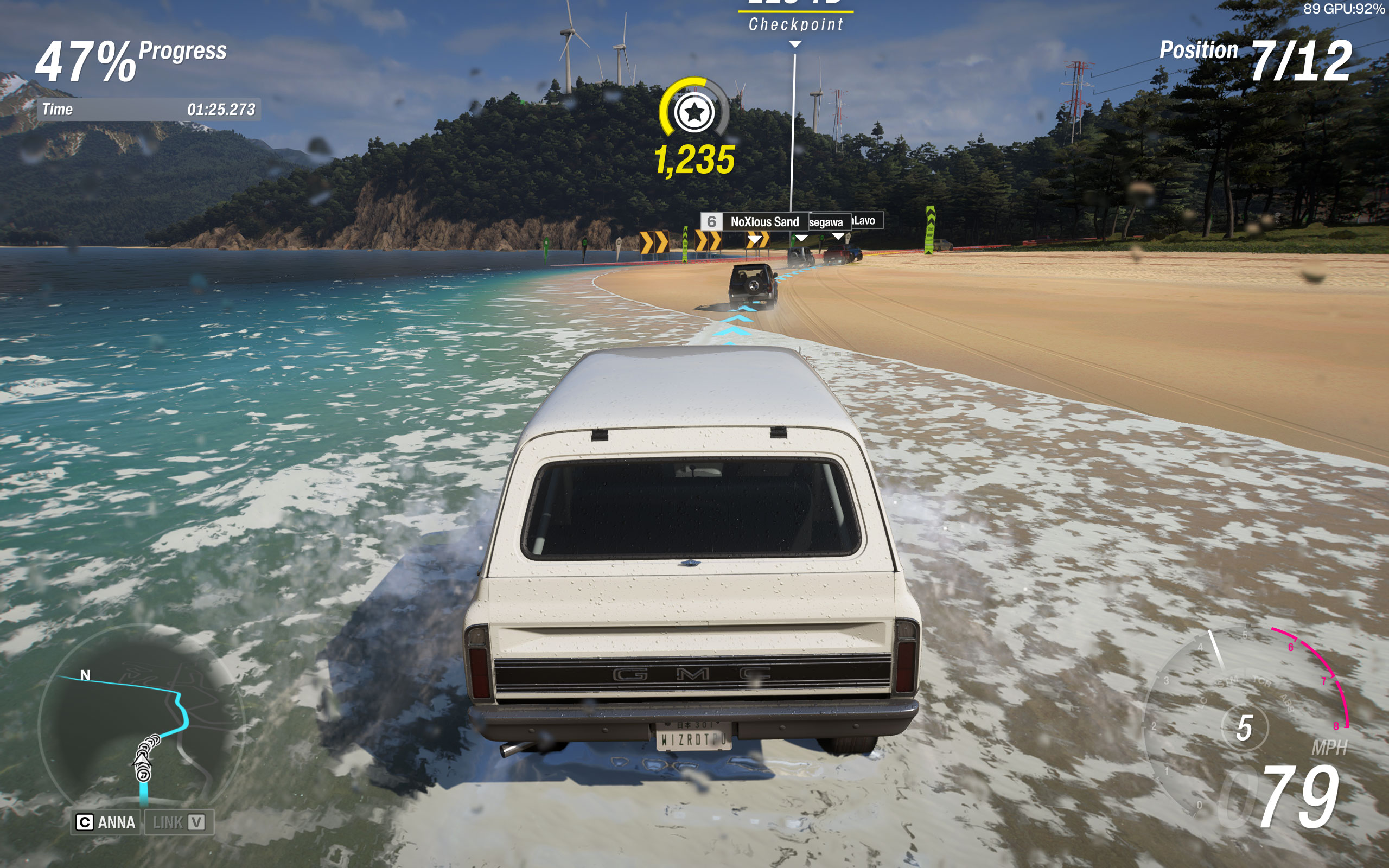
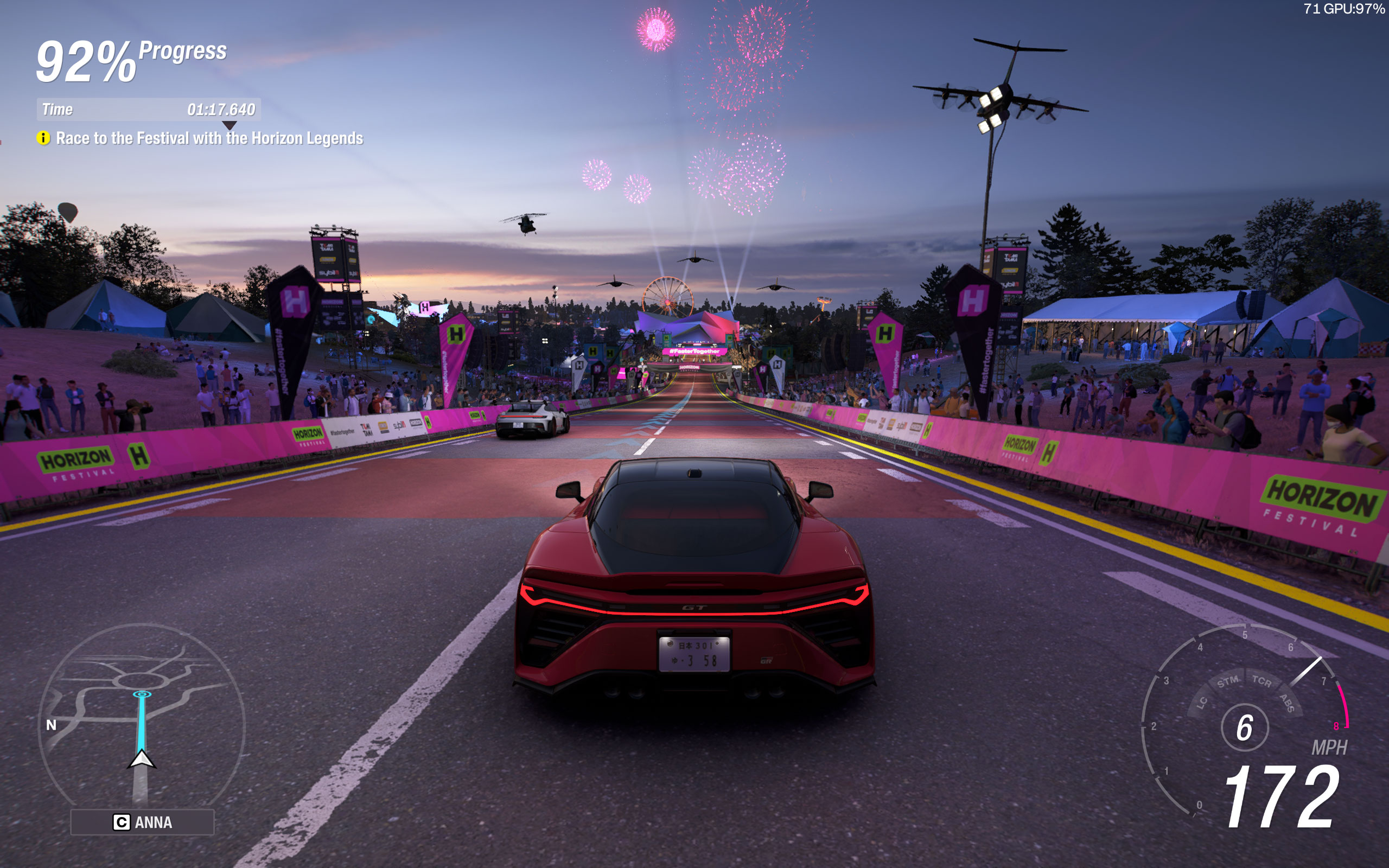
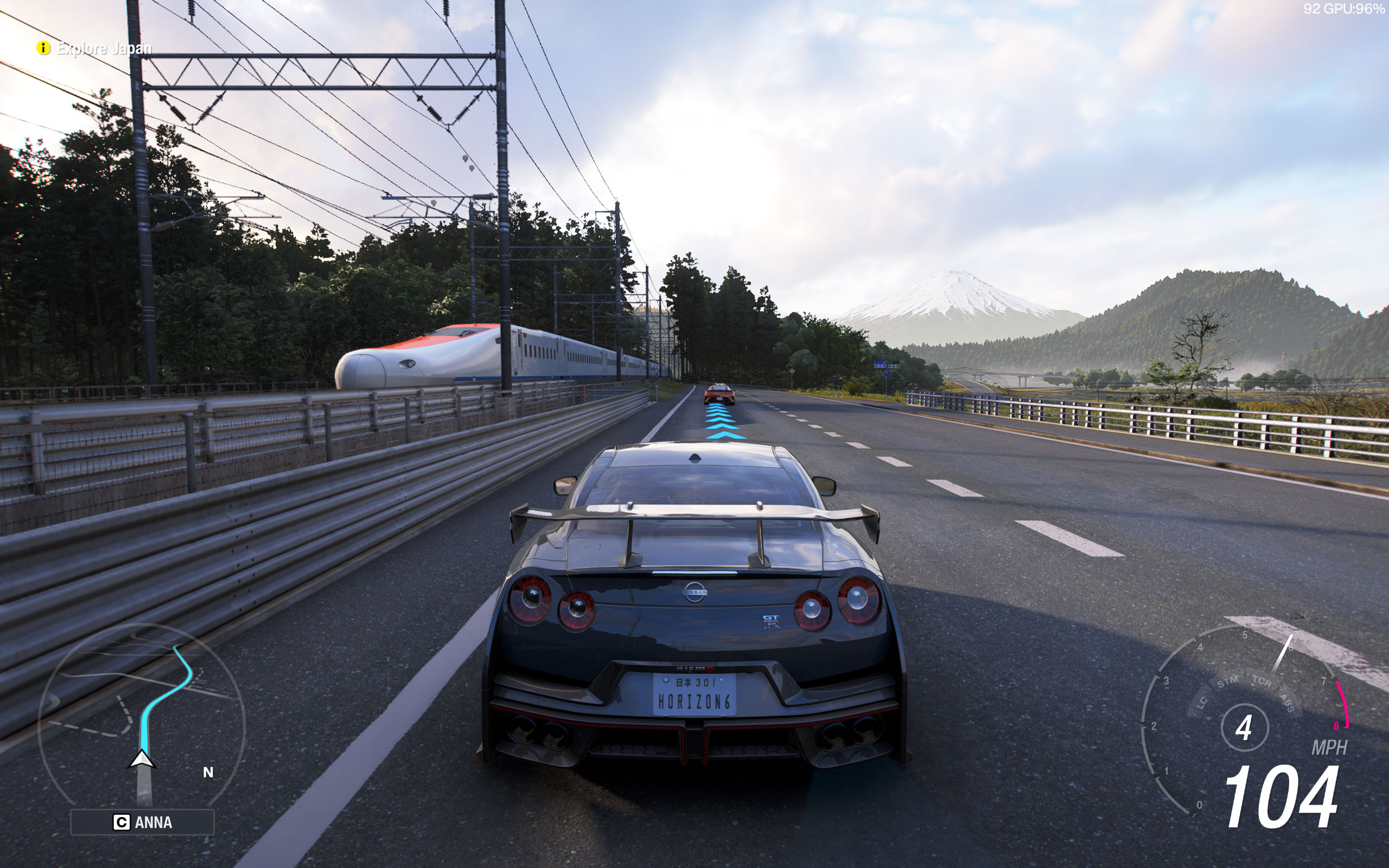
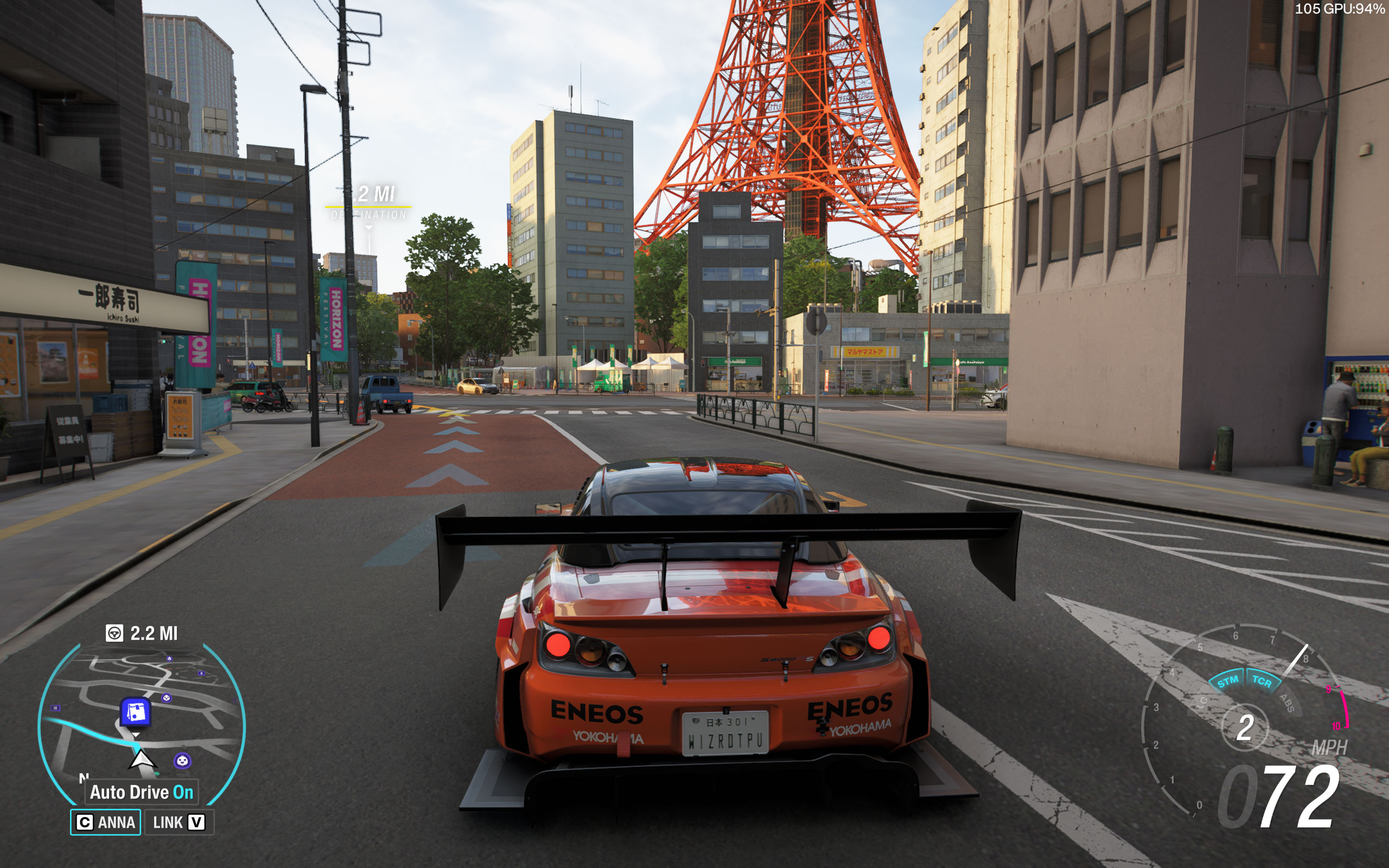
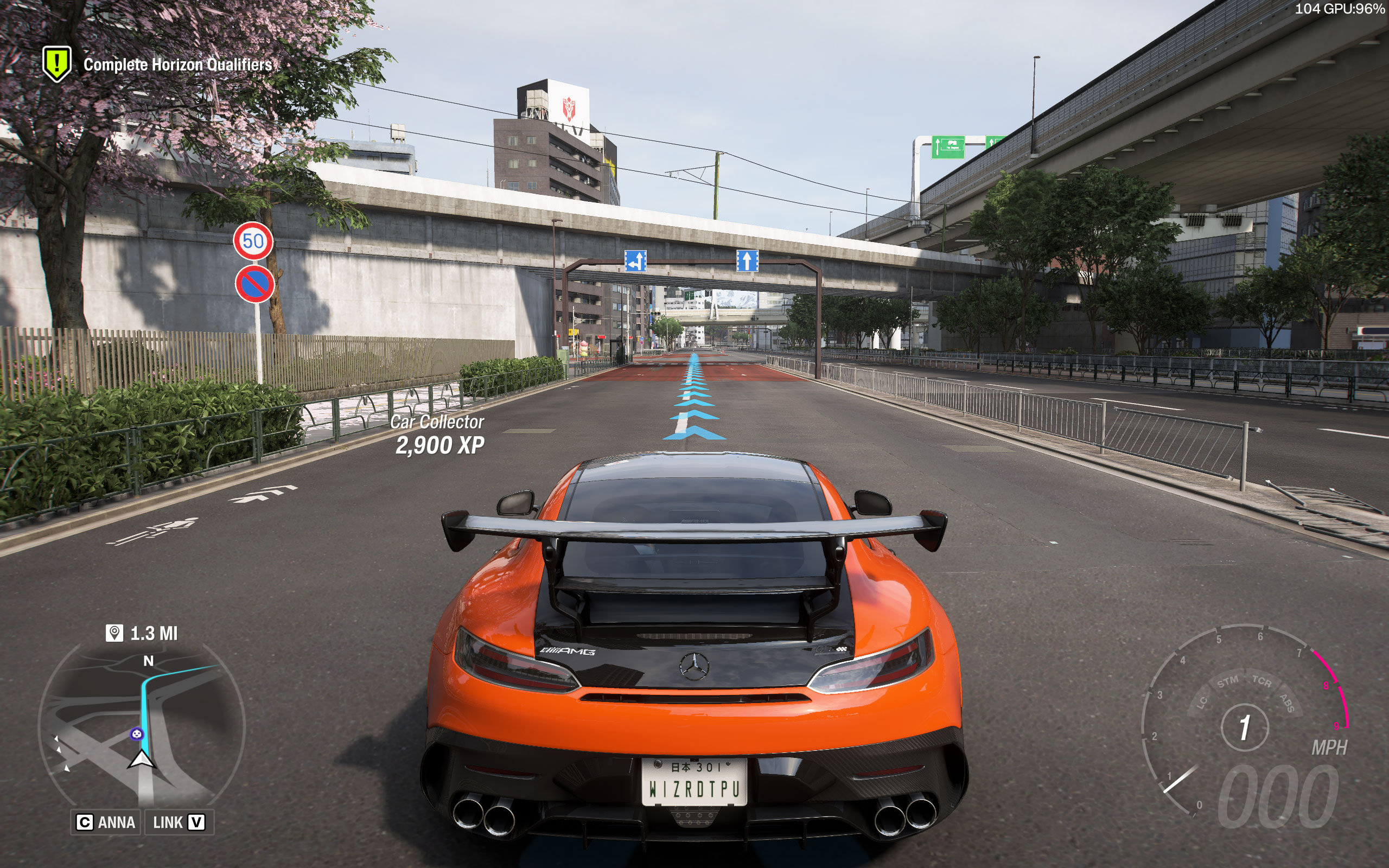
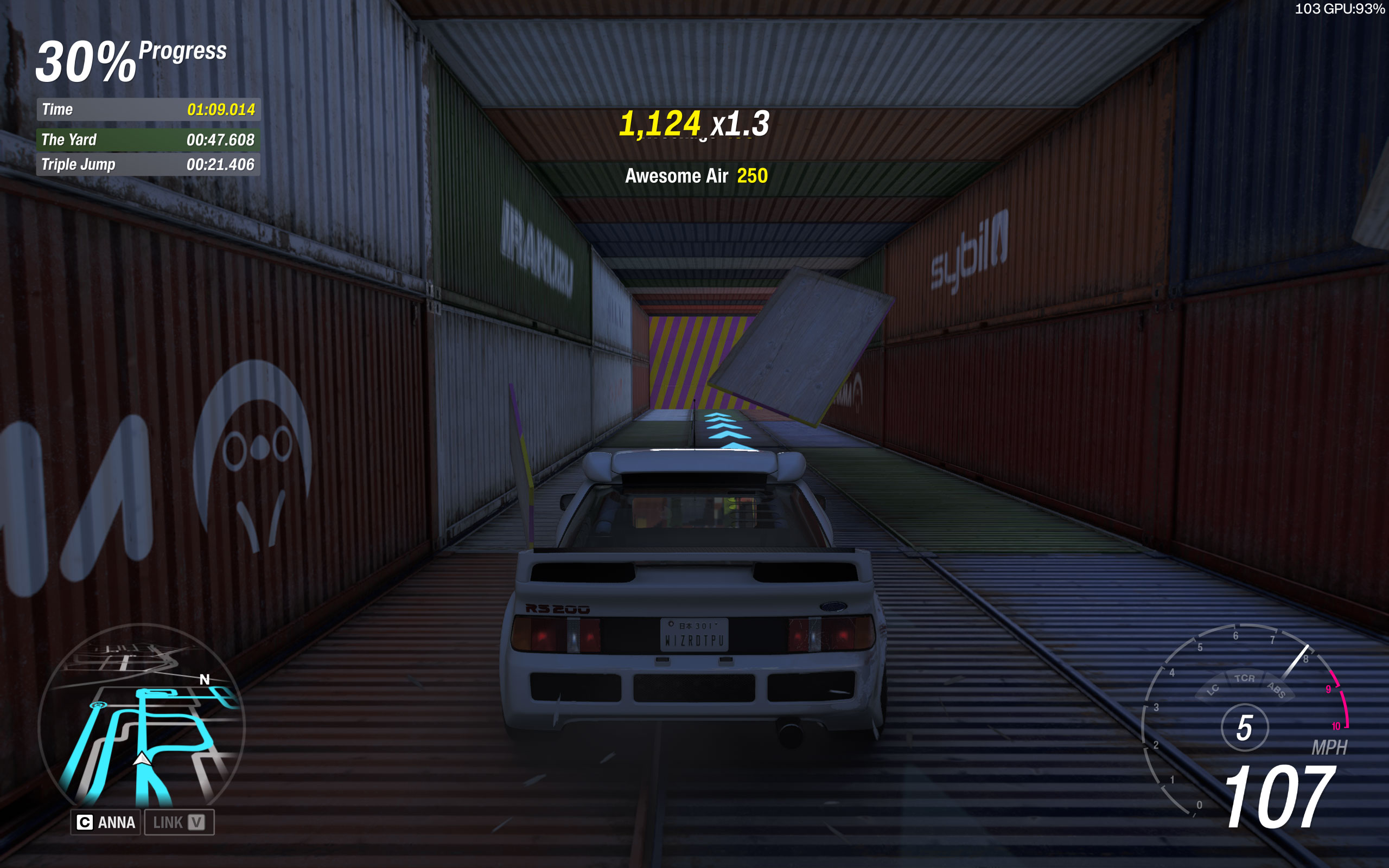
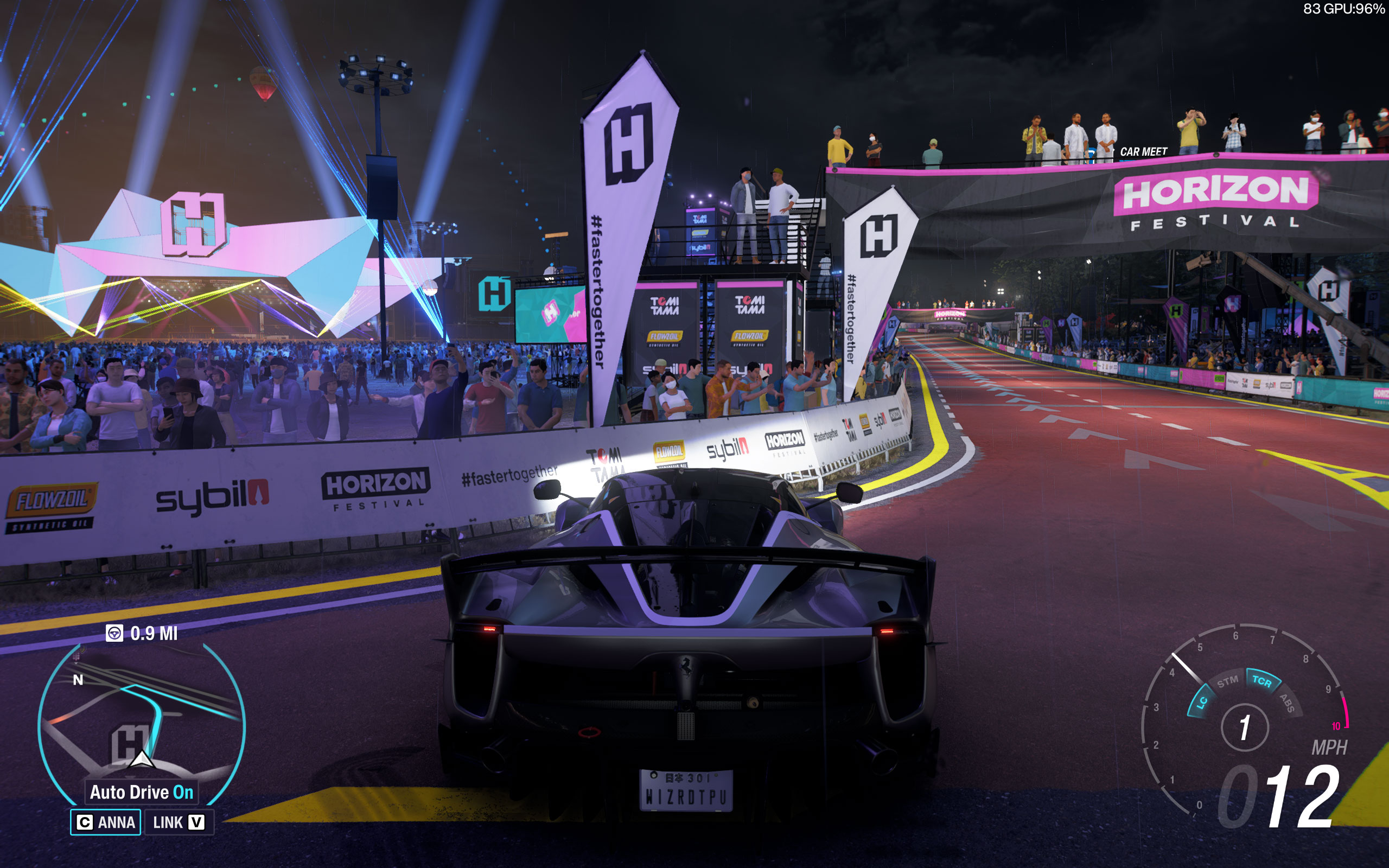
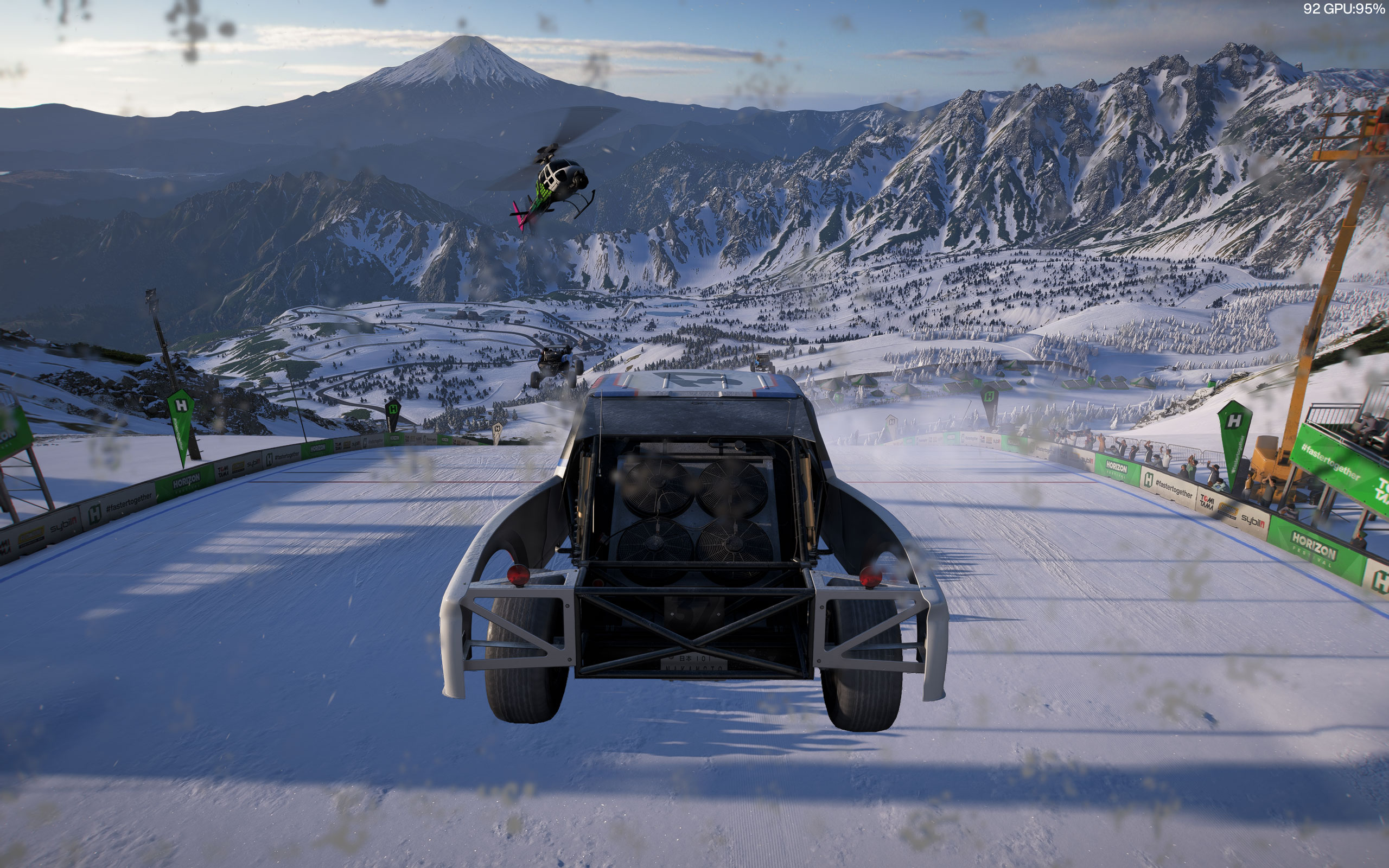
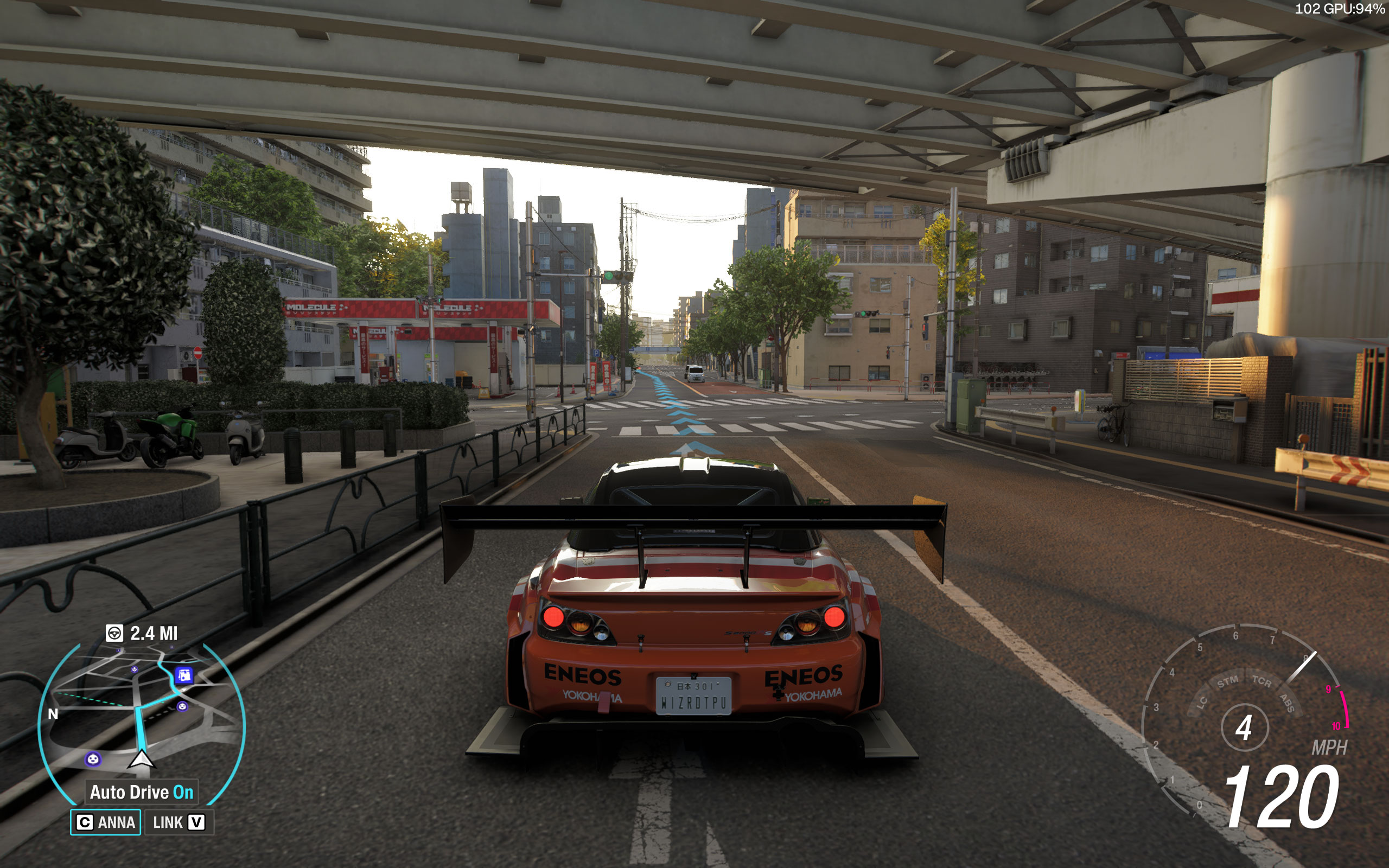
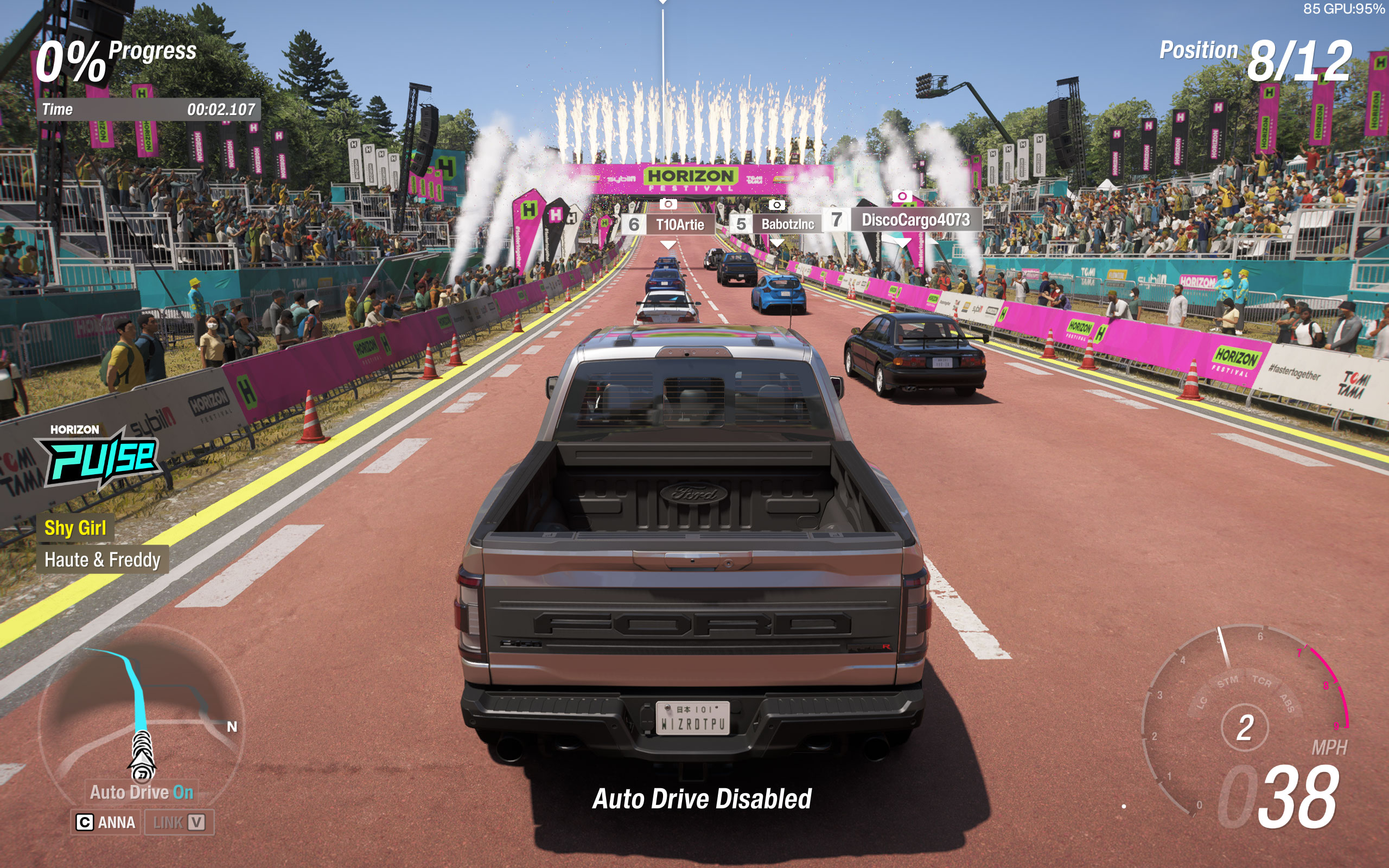
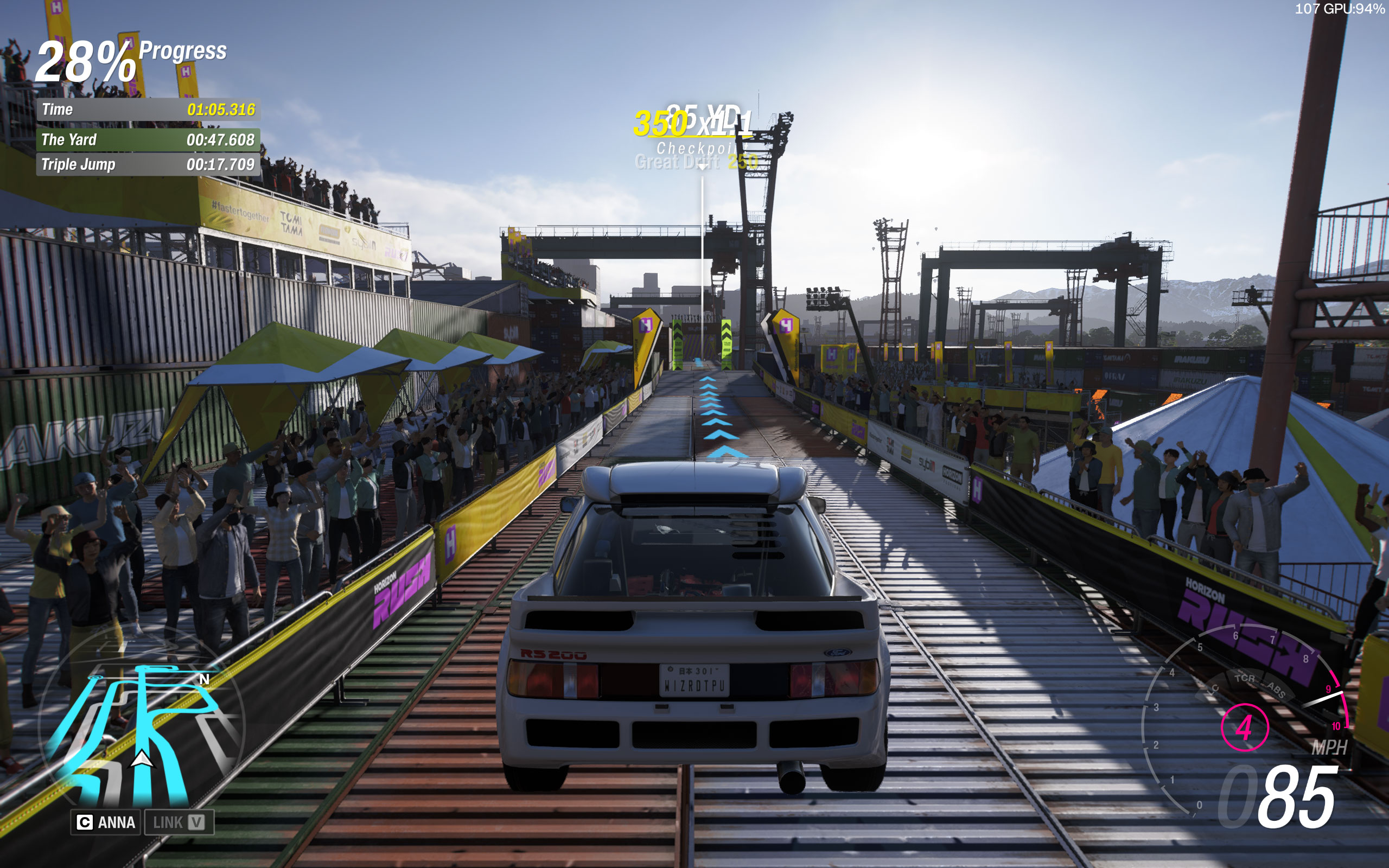
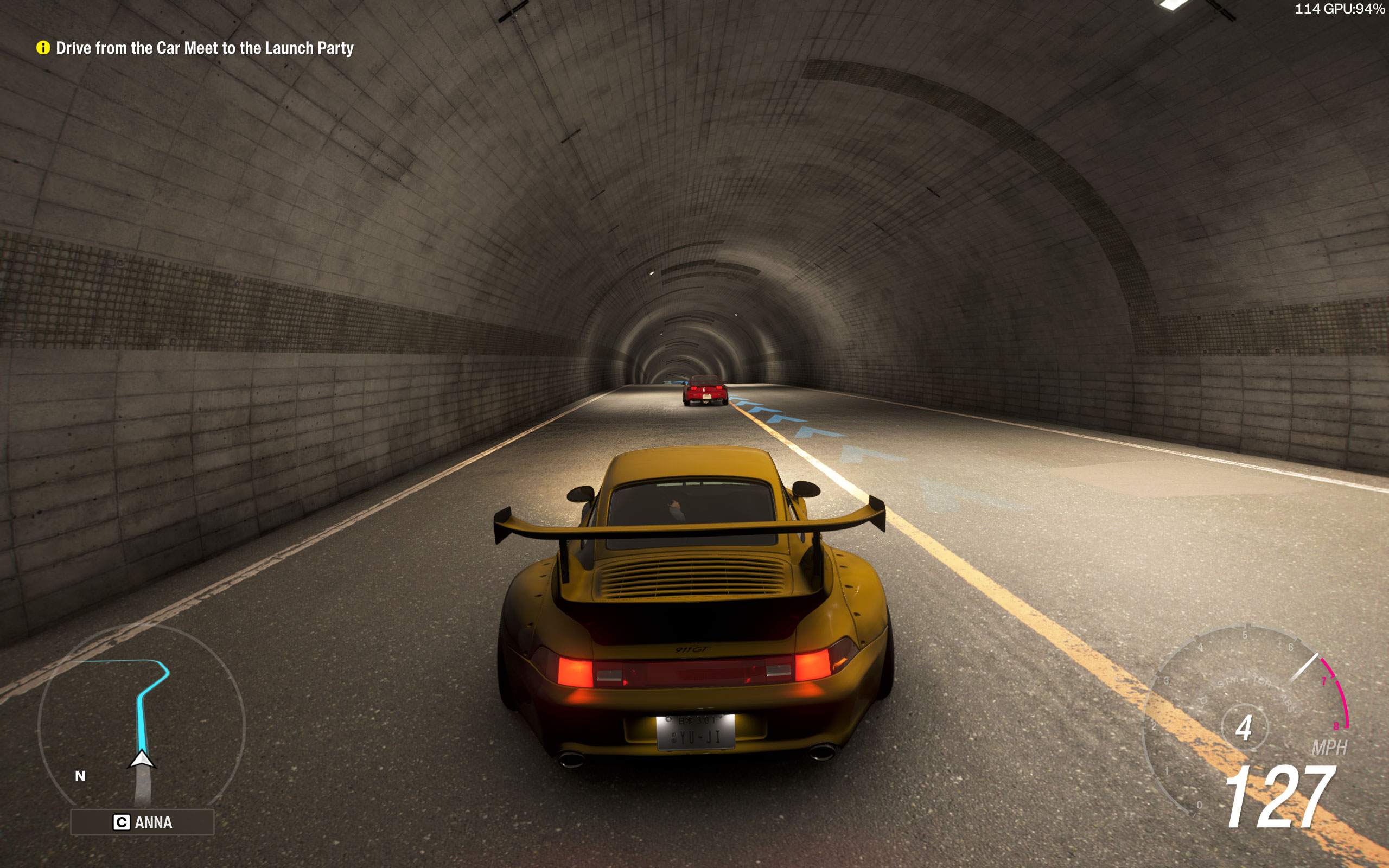
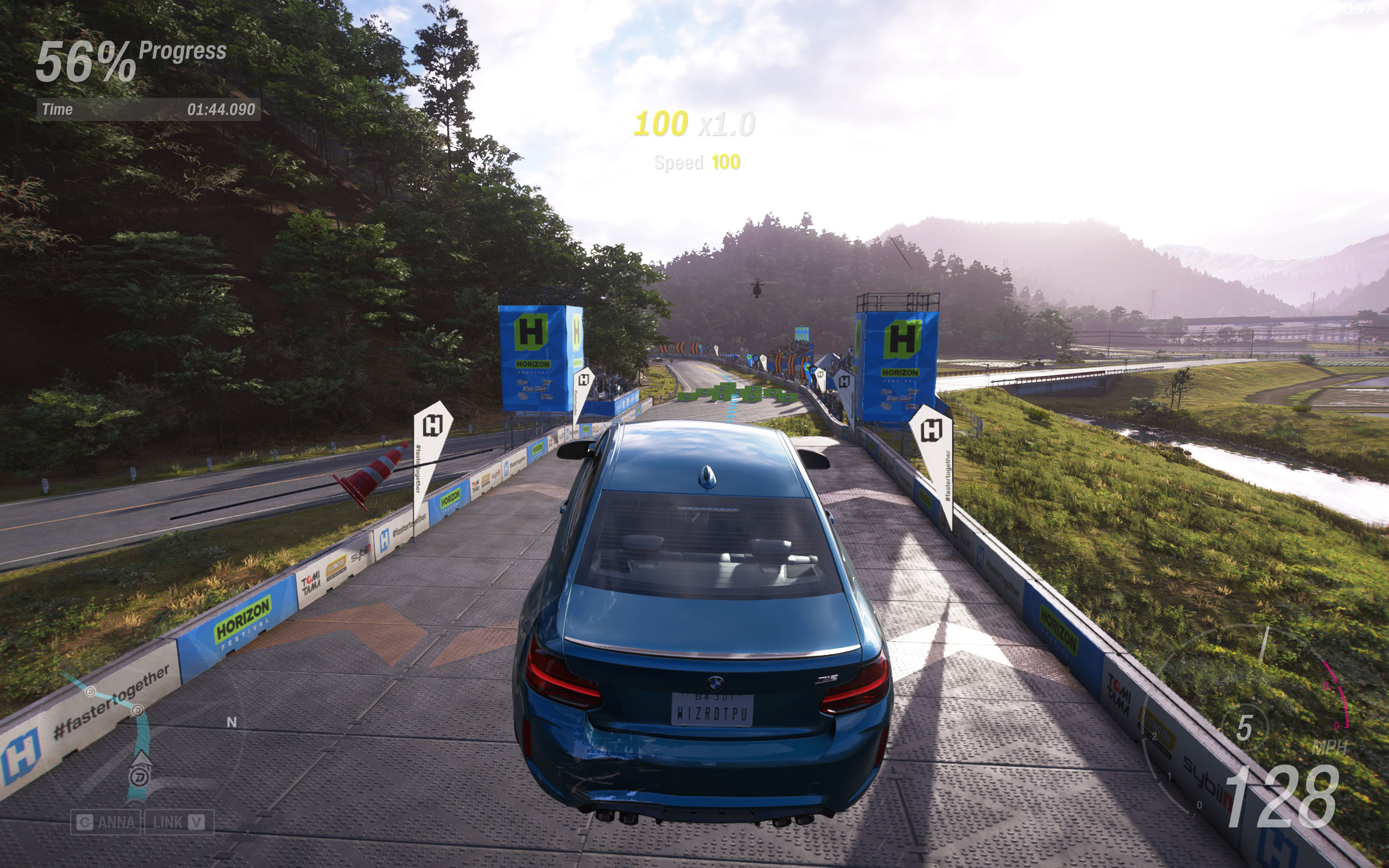
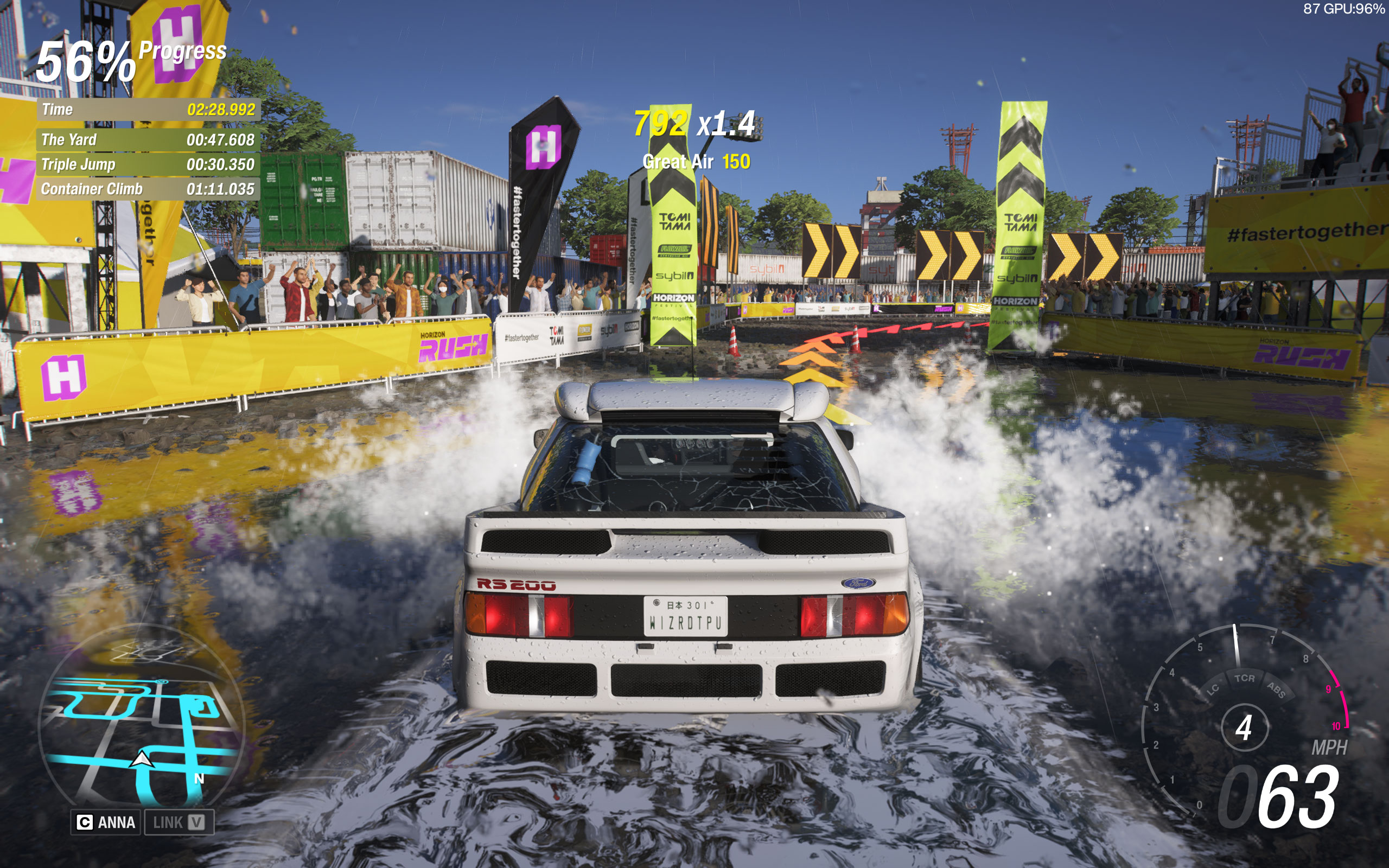
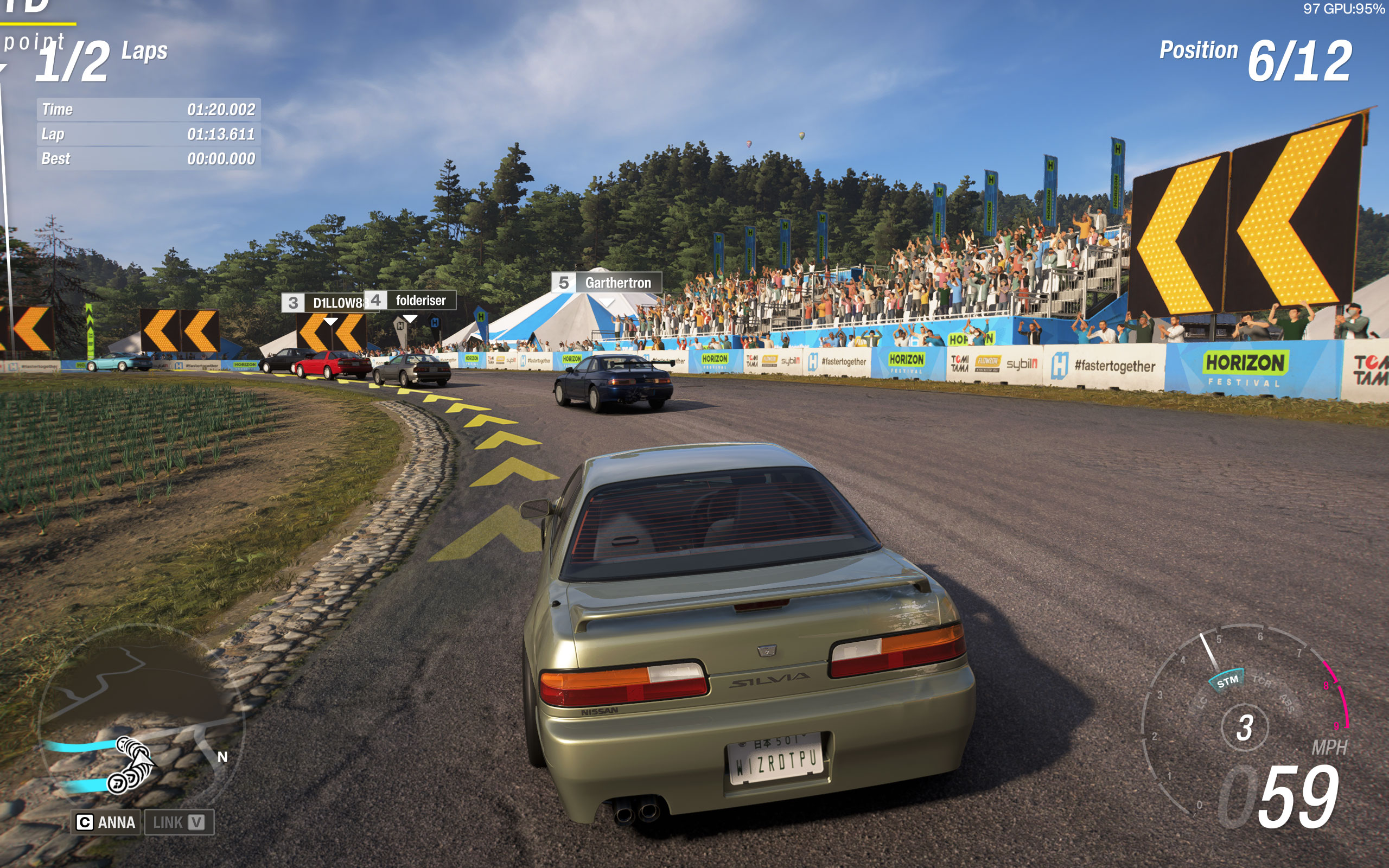
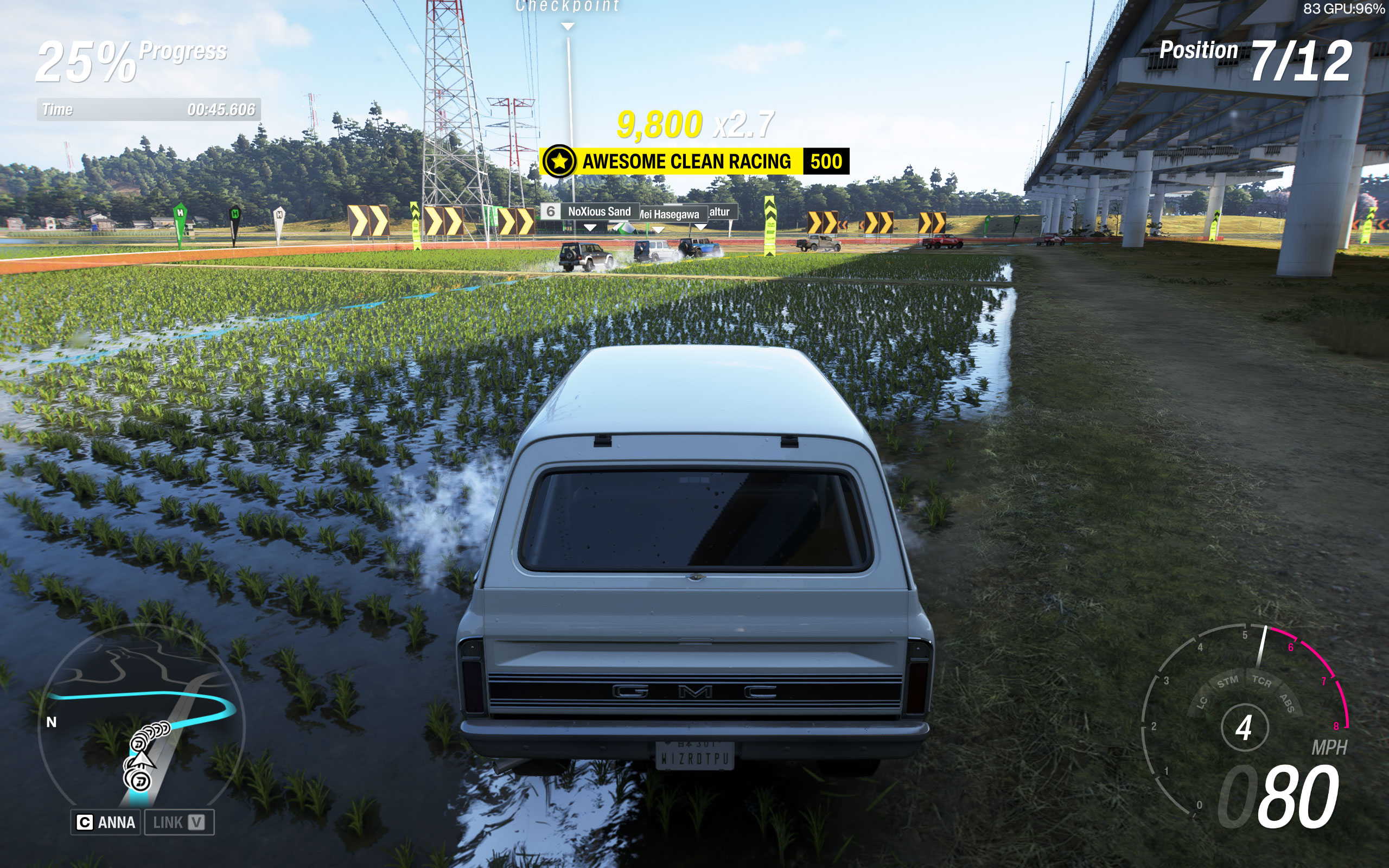
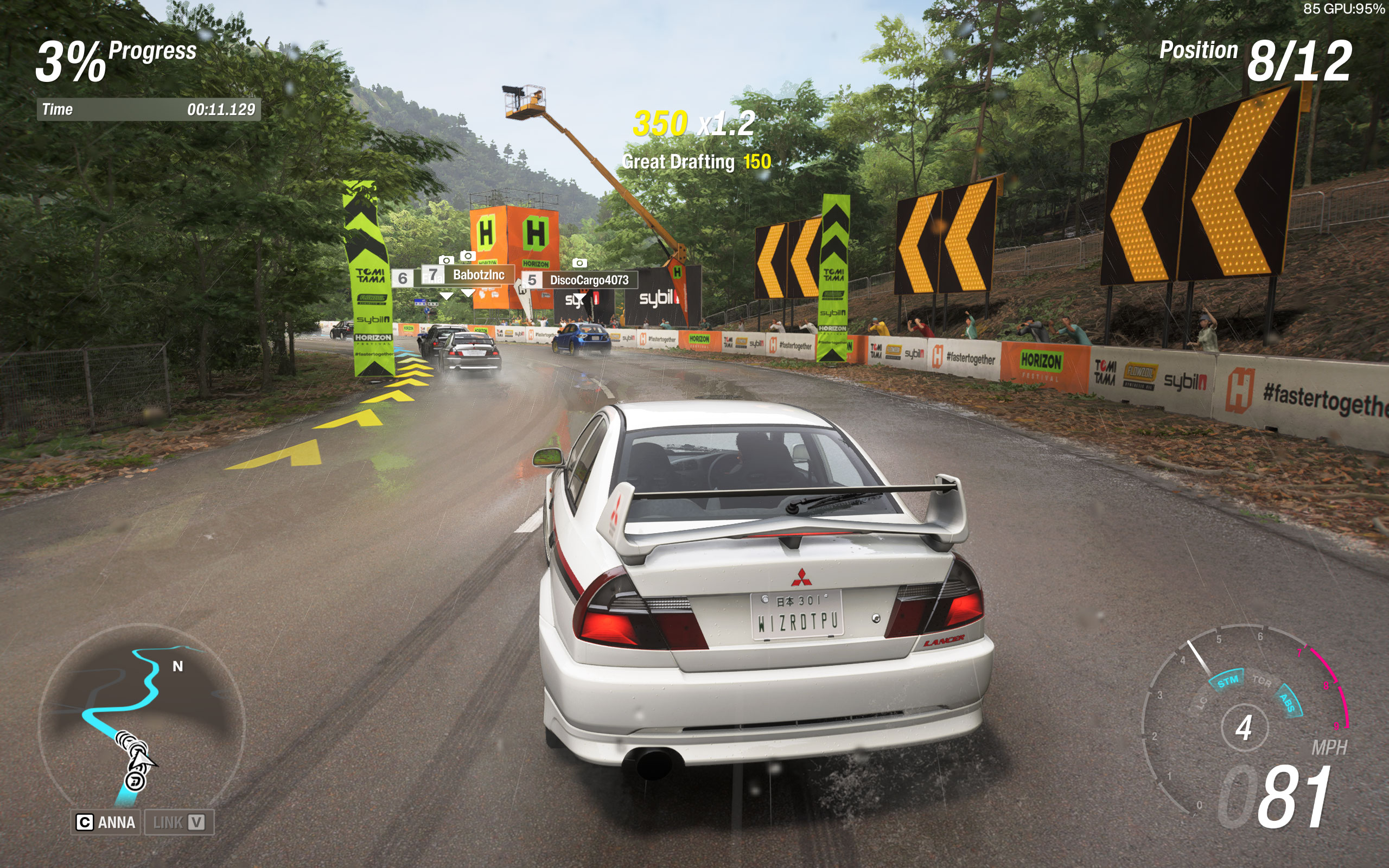
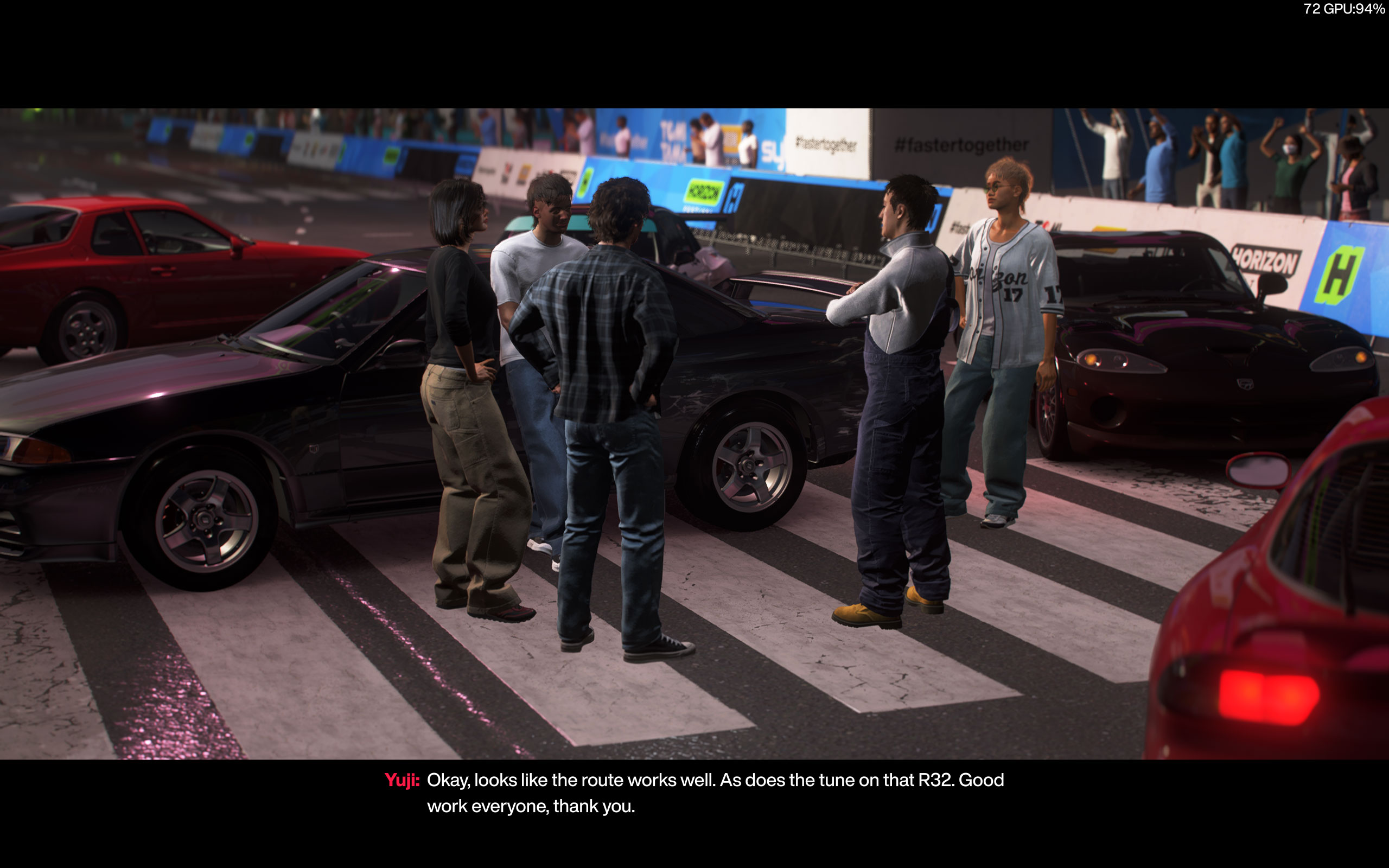
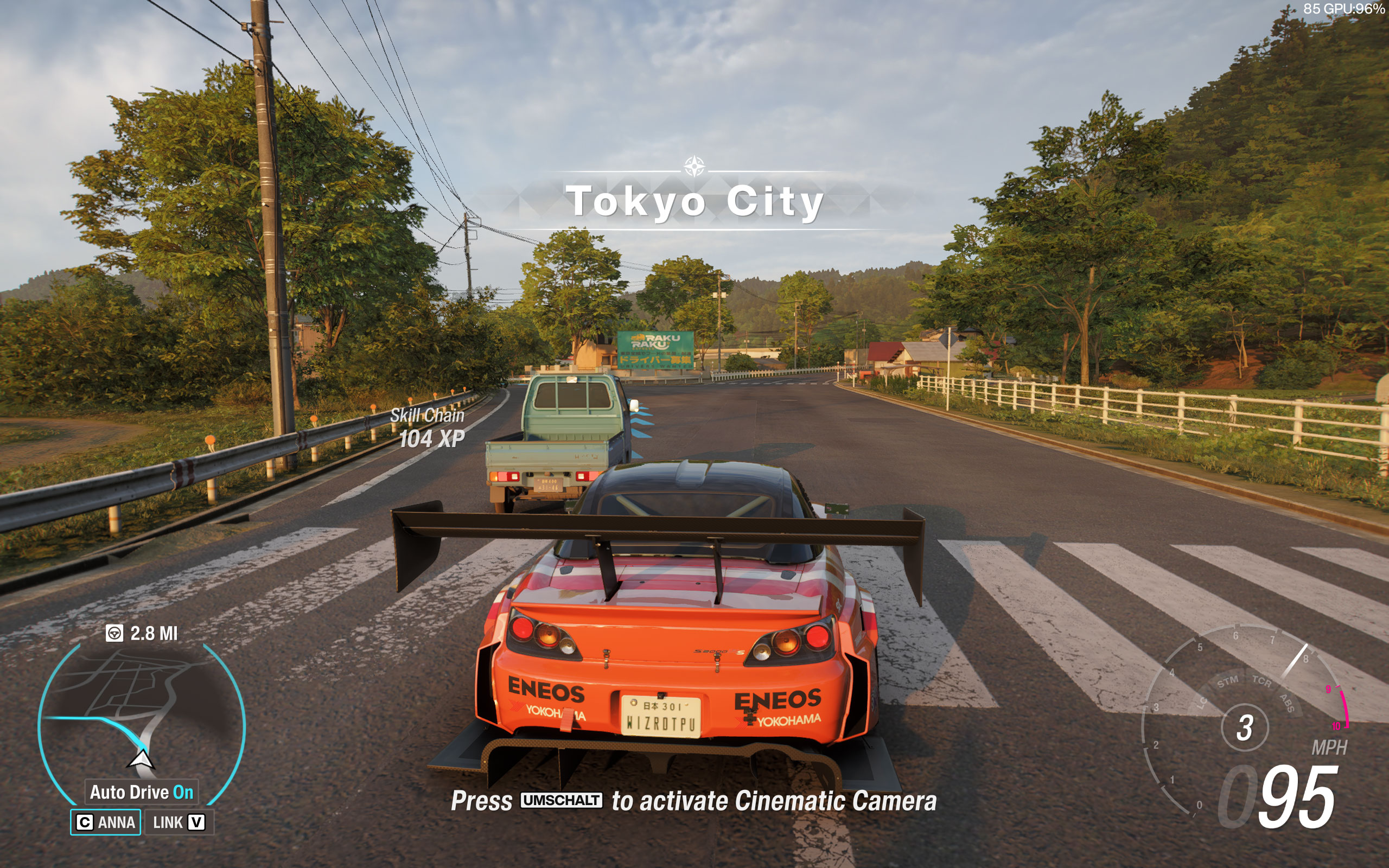
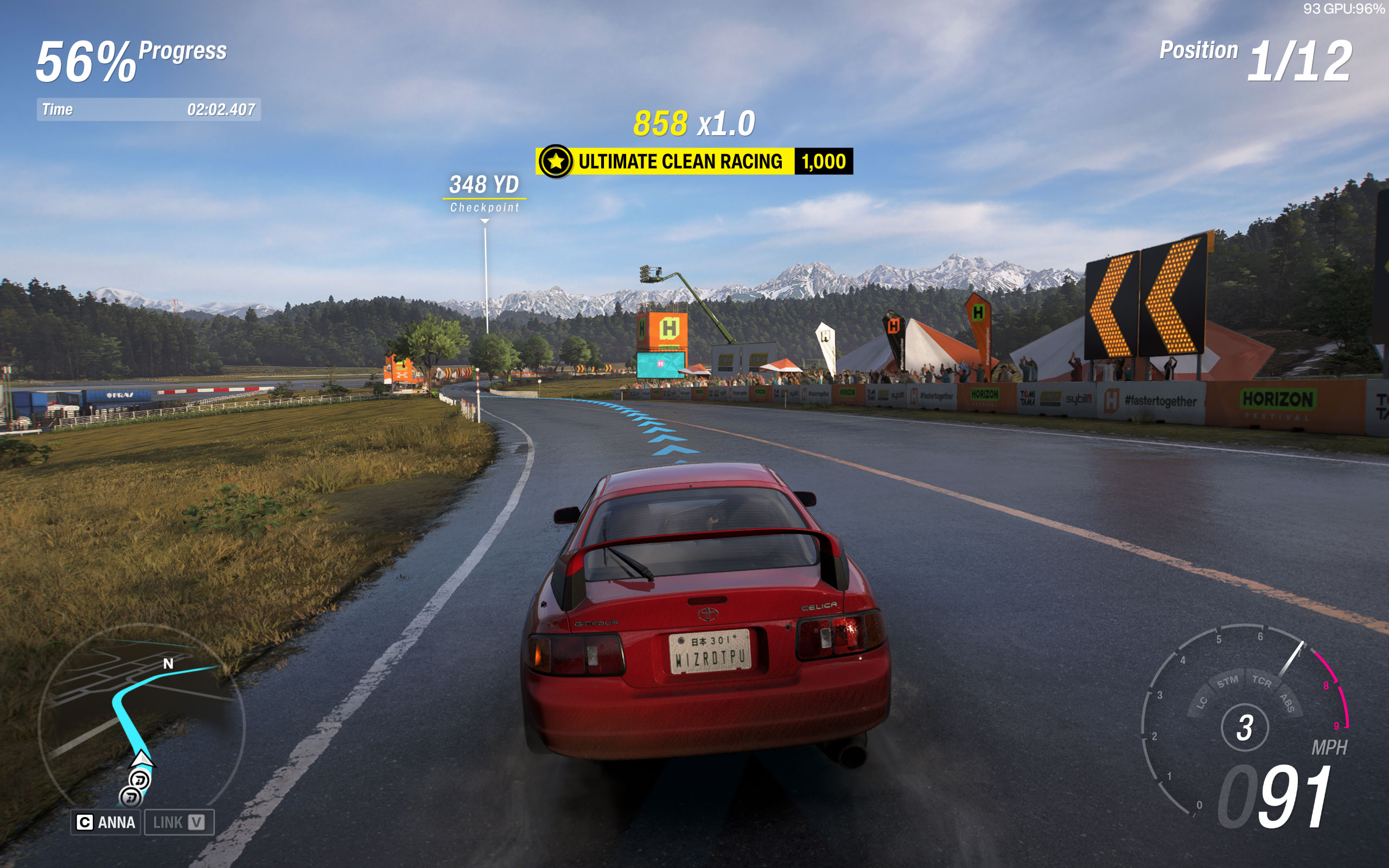
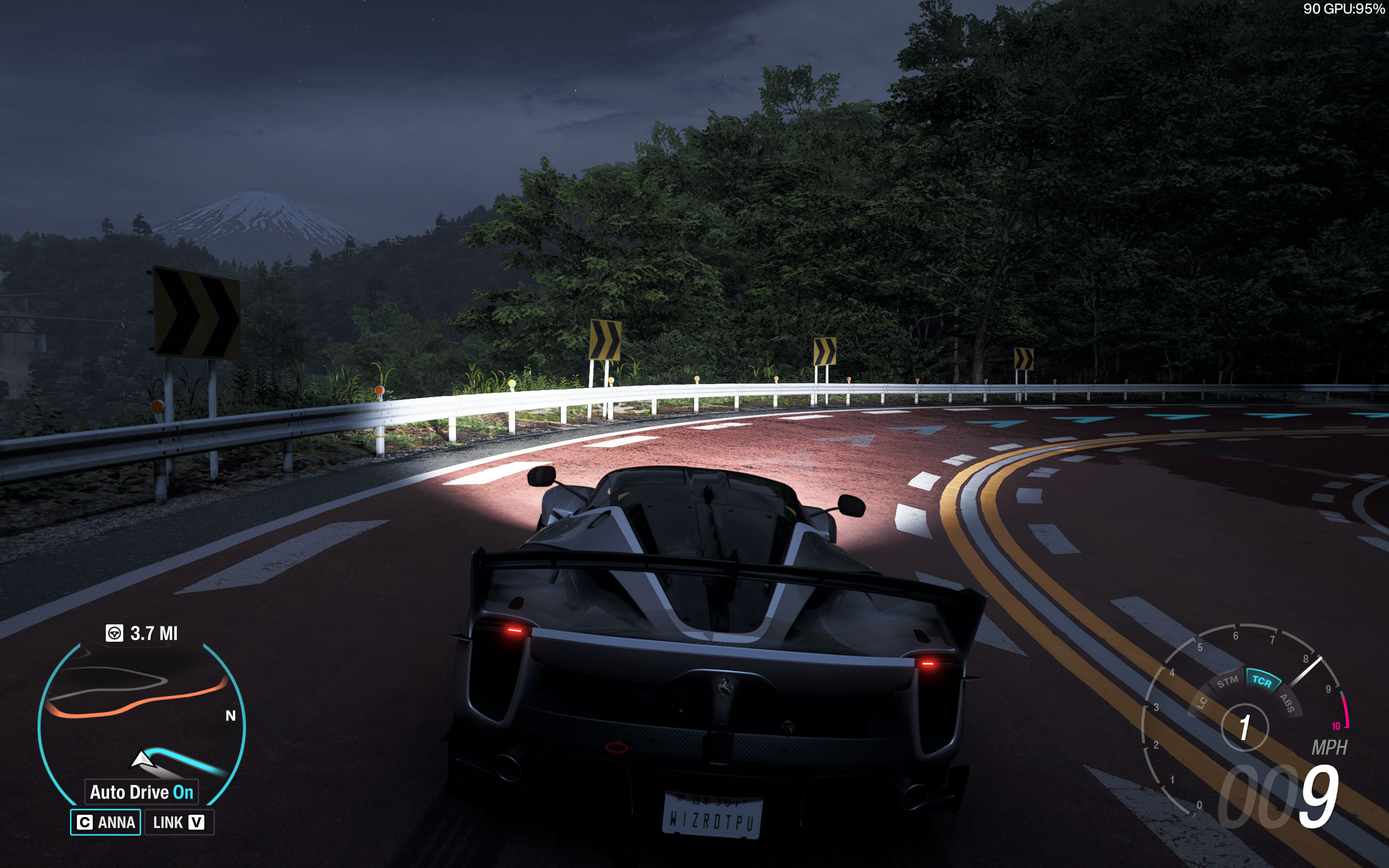
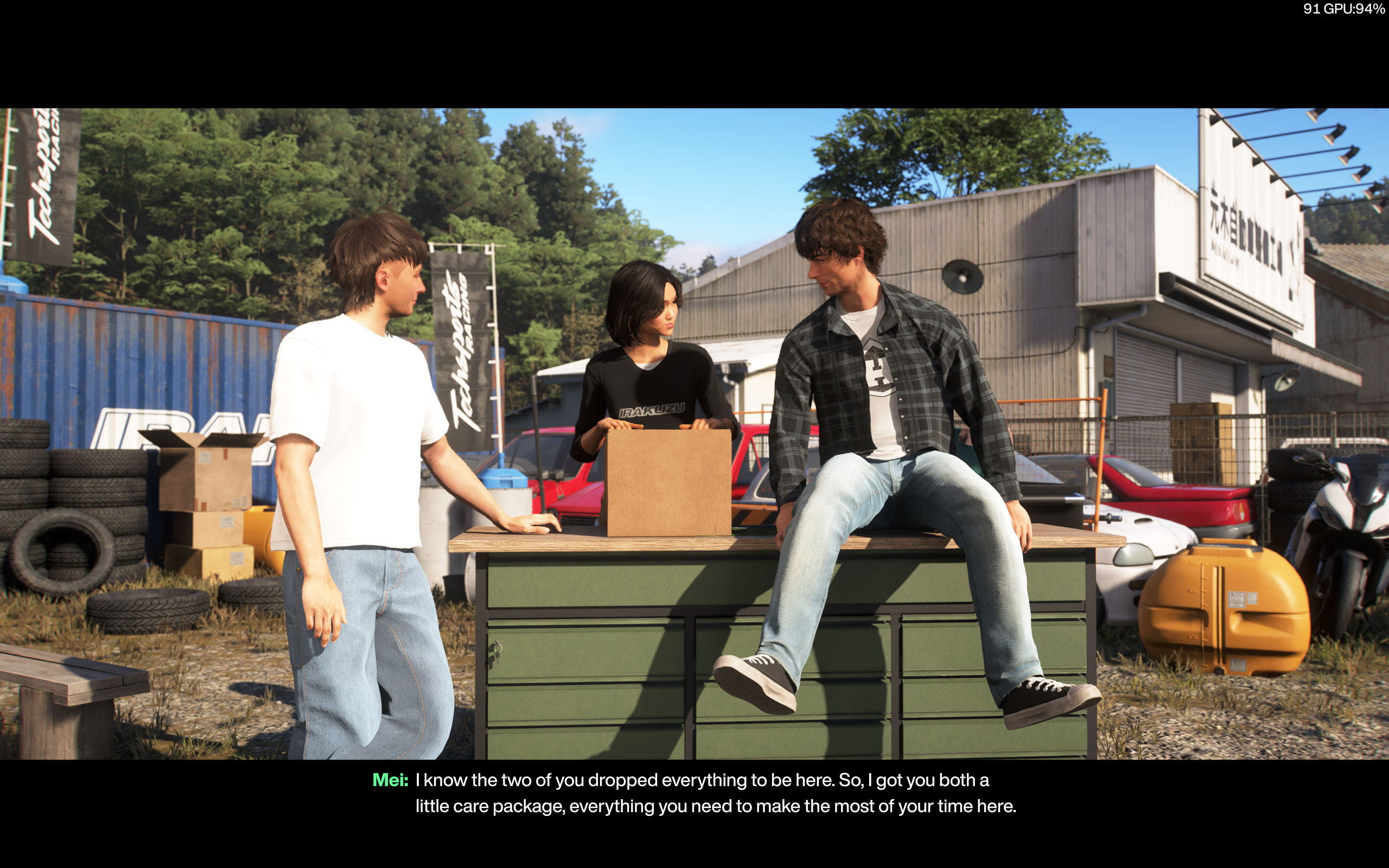
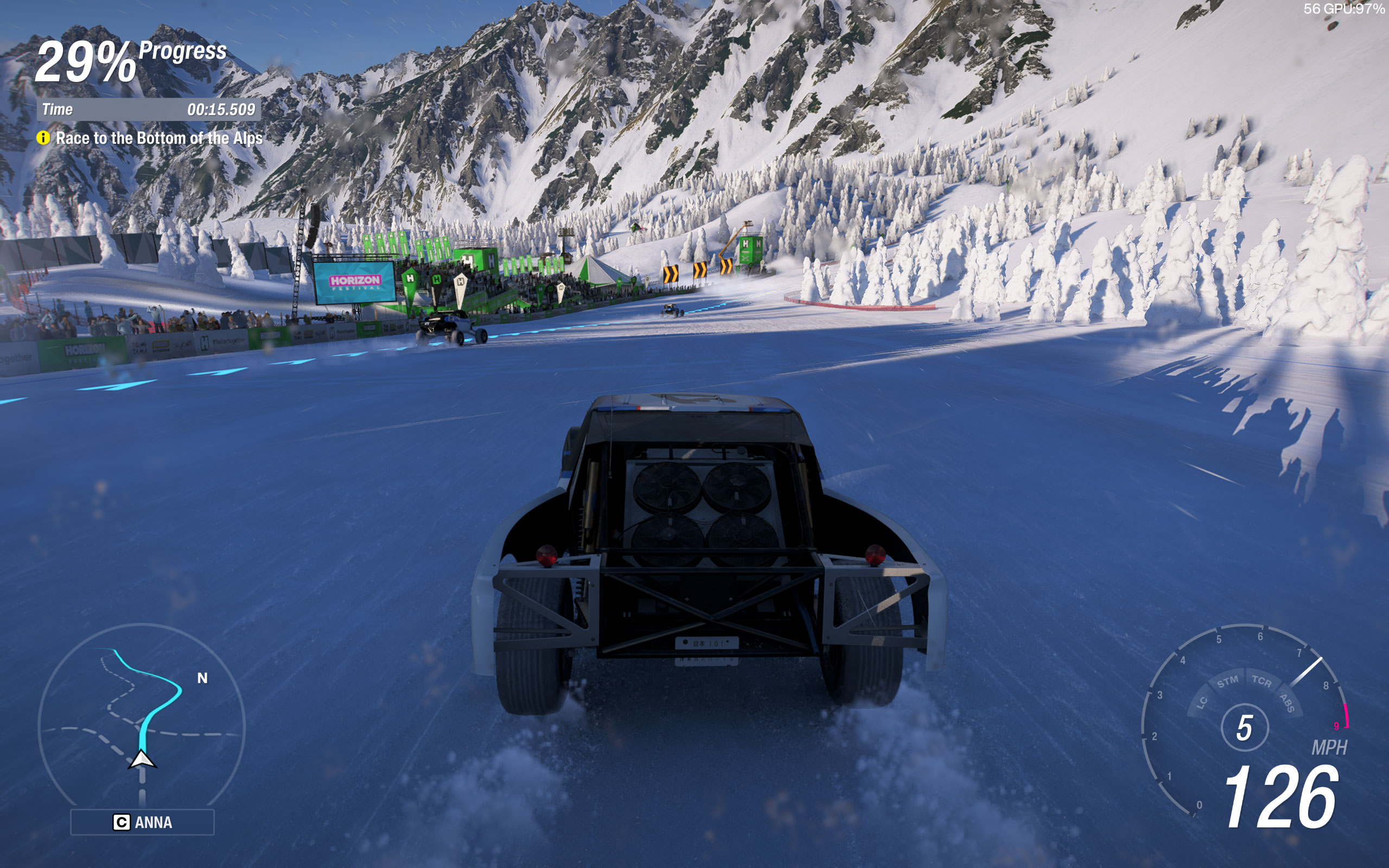
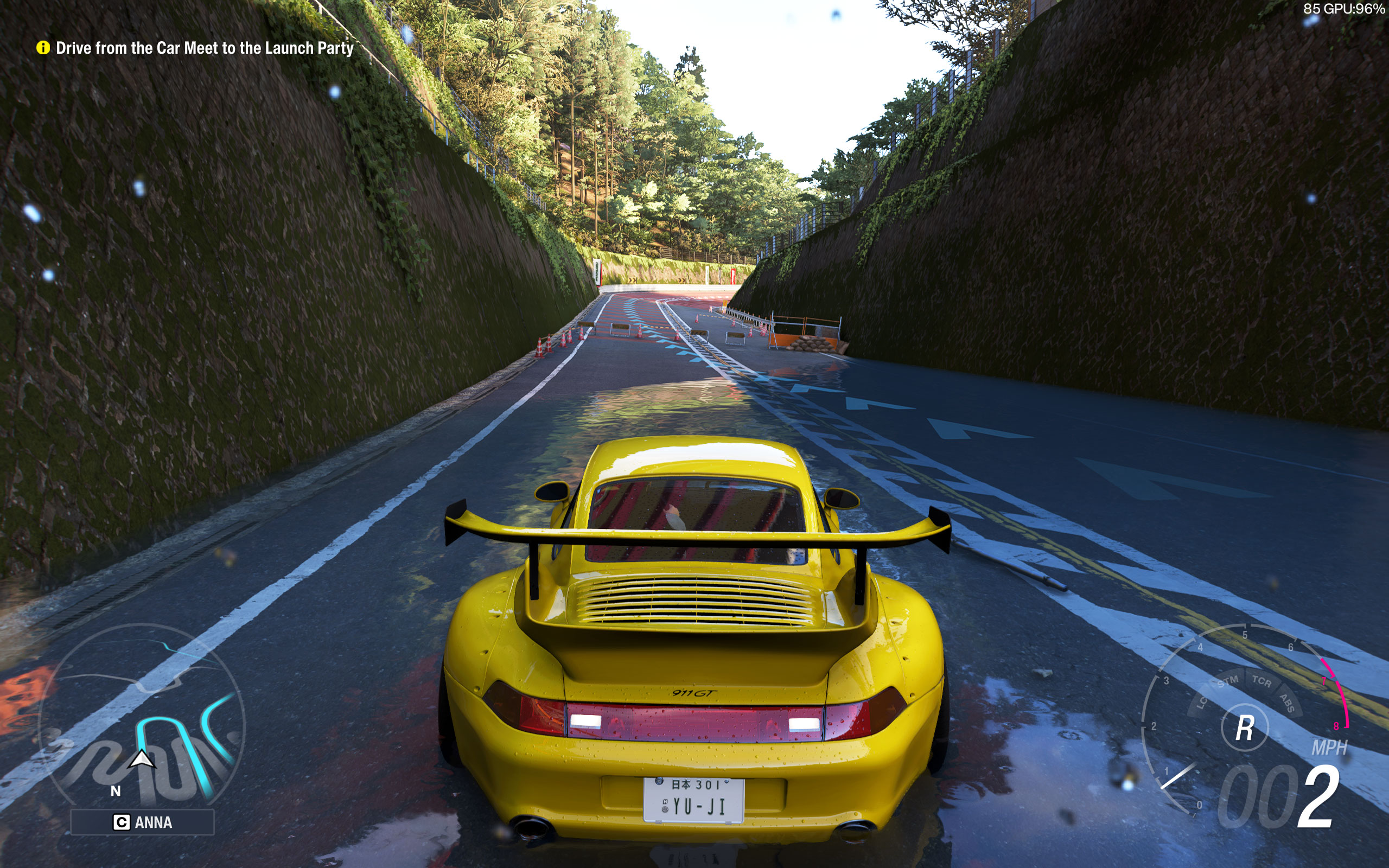
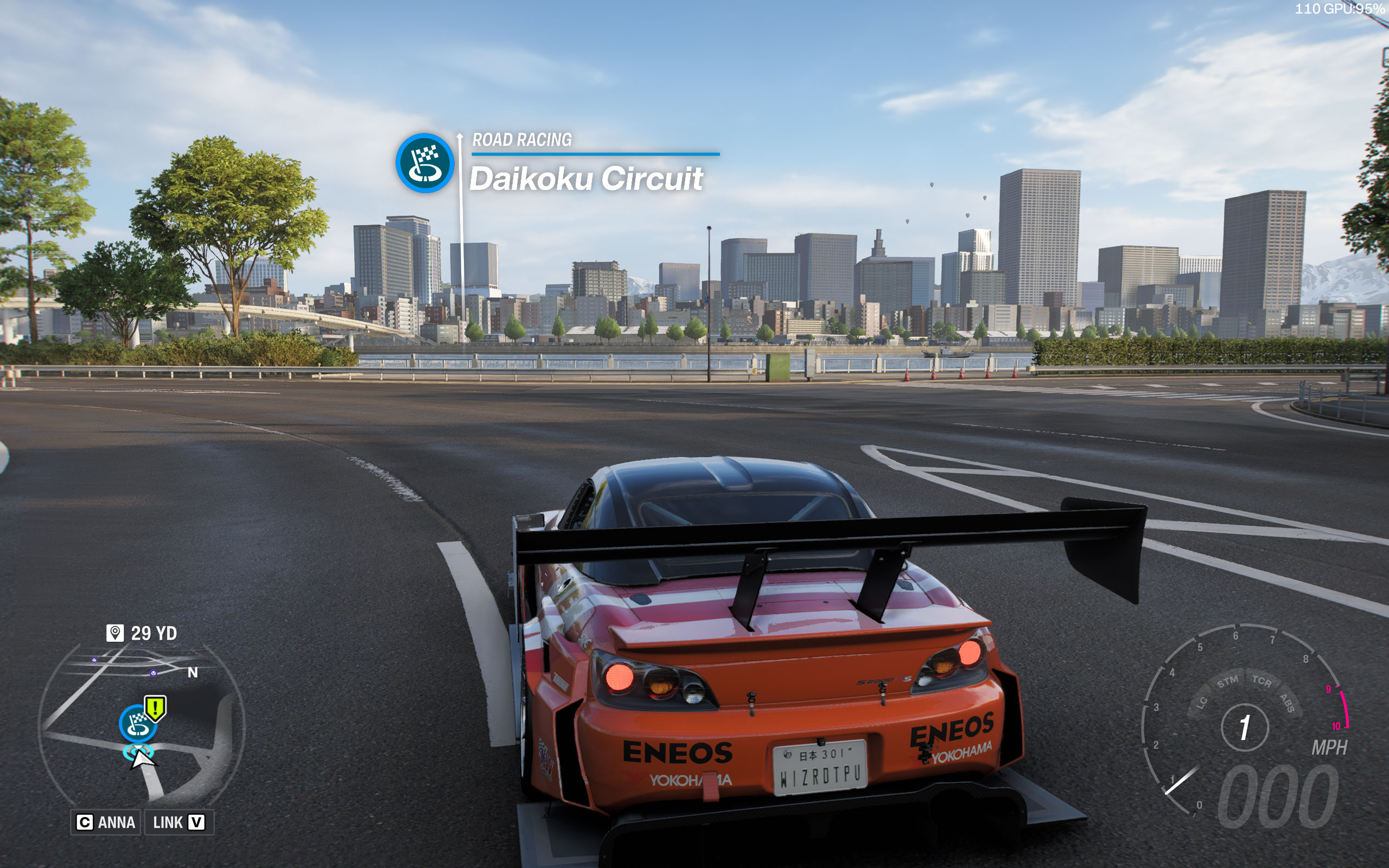
All screenshots were taken at the "Extreme" preset with ray tracing and upscaling disabled, we used TAA. The gallery can be navigated with the cursor keys.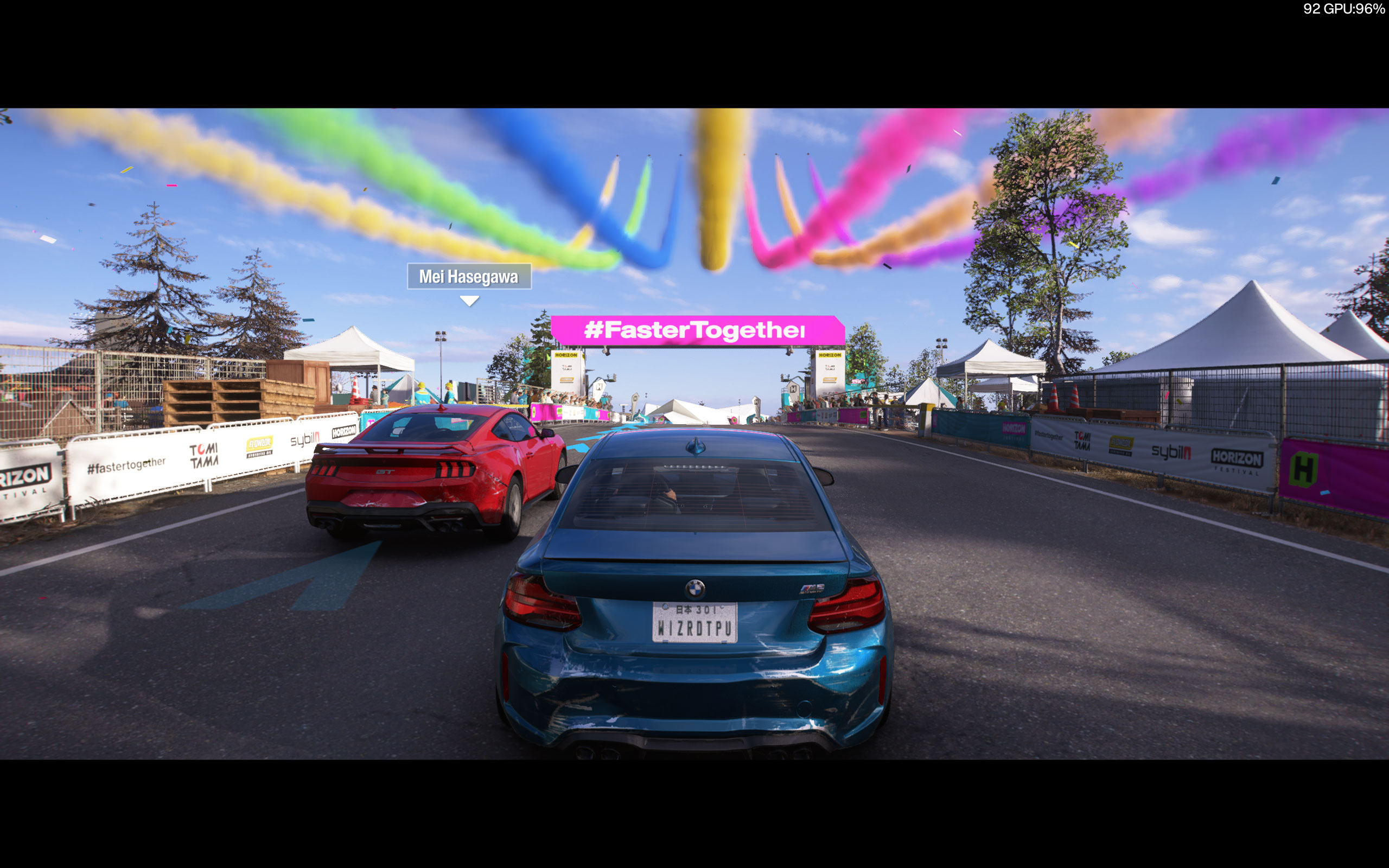

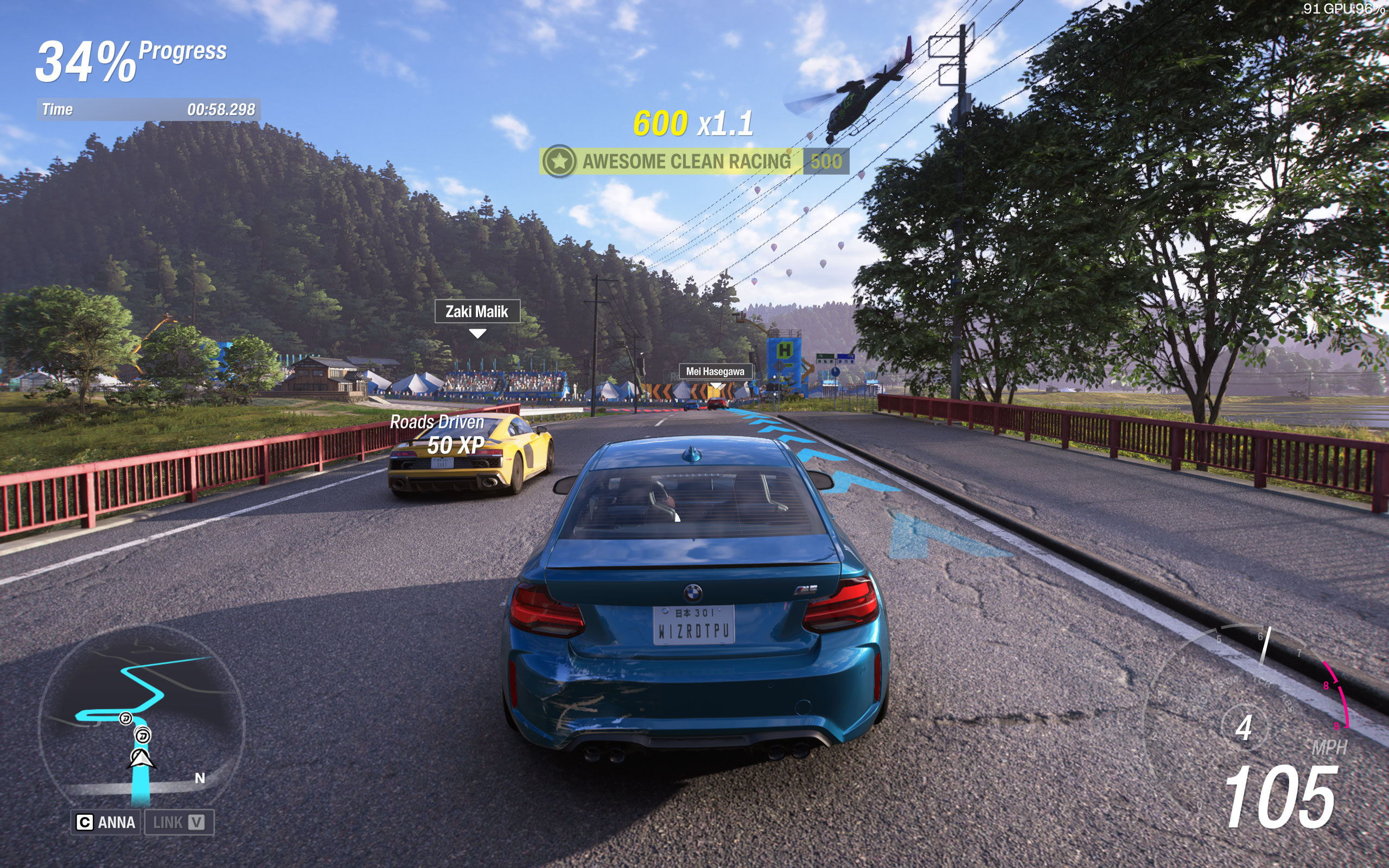
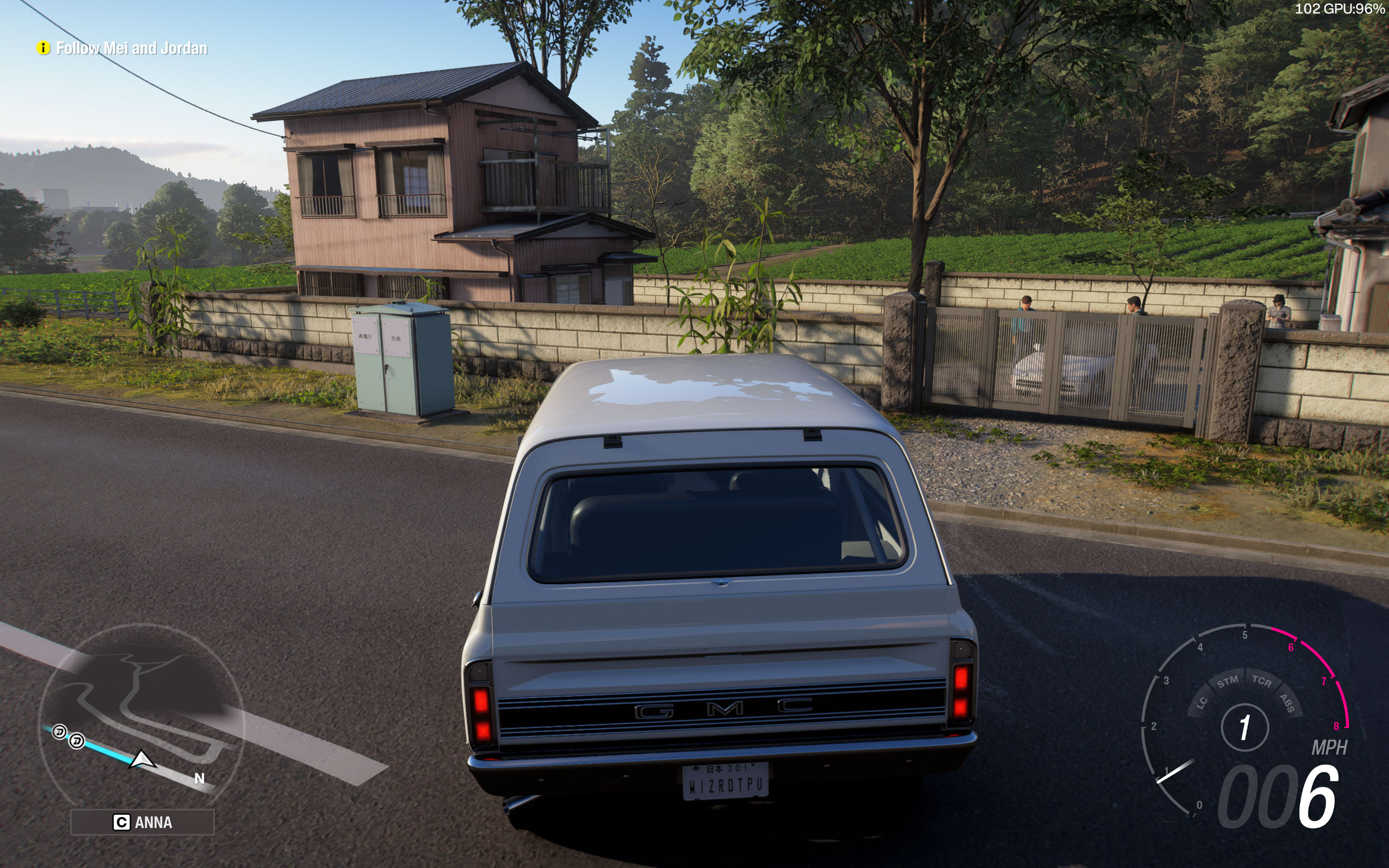
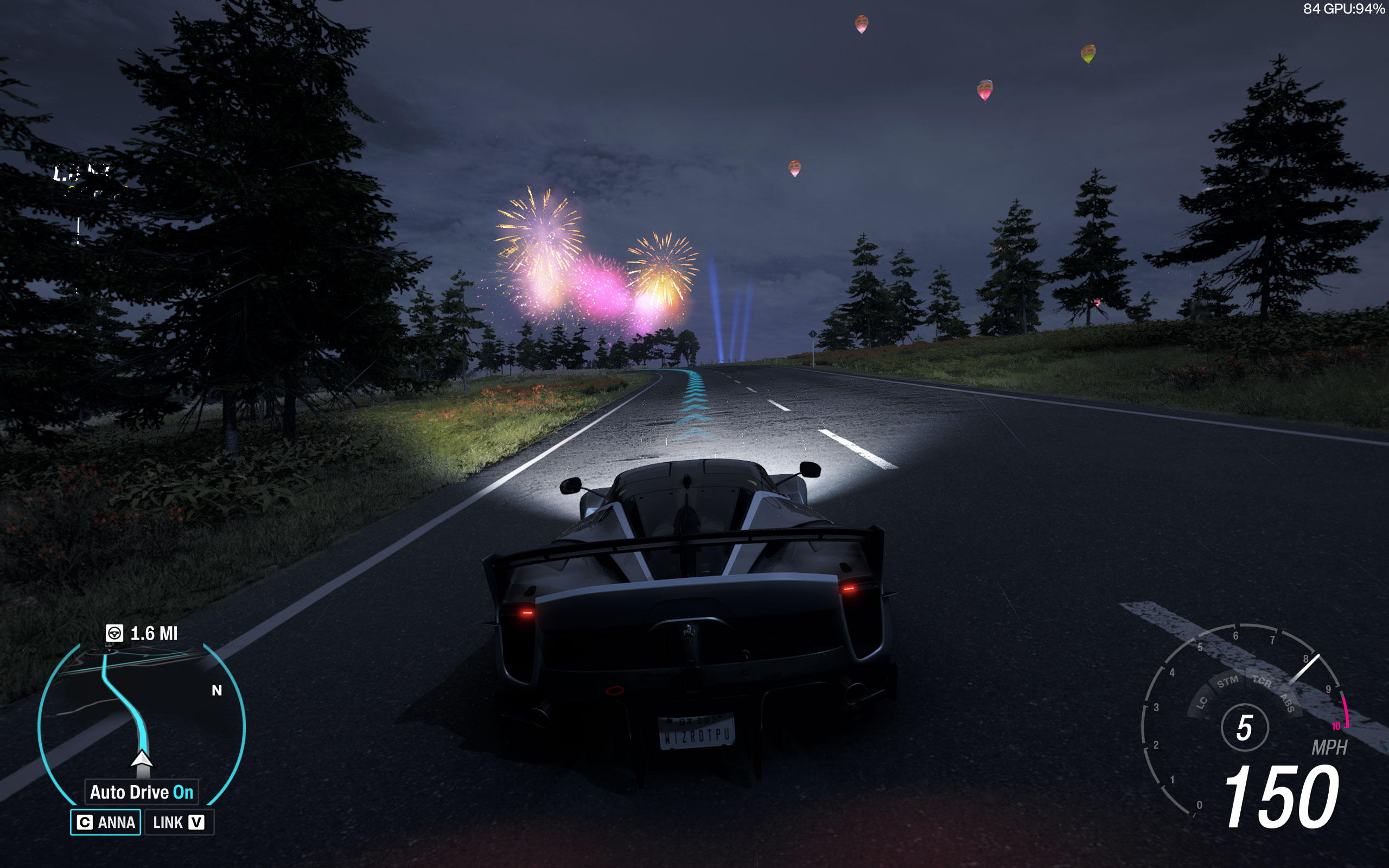
Graphics Settings

- The first section contains general display settings.
- You may choose between windowed and fullscreen.
- The frame rate limiter can be set to 20, 30 and 60 FPS. When V-Sync is disabled there's also an "Unlocked (variable)" option.
- Motion blur can be disabled completely.
- Anti-aliasing offers TAA with an adjustable sharpness slider, NVIDIA DLSS, AMD FSR, and Intel XeSS are available, too.
- You may adjust sharpening for all these upscaling technologies.
- Frame generation is only available via NVIDIA DLSS Frame Generation—there is no AMD or Intel frame generation option. Note: enabling DLSS Frame Generation will set the frame rate cap to 60 FPS—set it back to unlocked manually (requires V-Sync to be disabled), this is probably a bug.
- Cams FOV lets you adjust the field of view for six camera perspectives: Chase Cam, Far Chase Cam, Driver Cam, Dashboard Cam, Hood Cam, and Bumper Cam, each with a default value and adjustable slider.

- Start Benchmark Mode triggers the built-in benchmark.
- The Preset selector offers quality presets: Very Low, Low, Medium, High, Ultra, Extreme, High + RT, Ultra + RT, Extreme + RT.
- Level of Detail controls Car Level of Detail, Environment Texture Quality, and Environment Geometry Quality, each with multiple quality levels up to Extreme.
- Reflections includes Car Reflection Quality, Screen Space Reflections Quality, and Raytraced Reflections Quality.
- Enabling ray-traced reflections automatically disables the screen-space equivalent (and vice versa).
- Shadows provides Shadow Quality and Night Shadows settings, each with multiple quality levels up to Extreme.
- Lighting and Materials offers Screen Space GI Quality, Raytraced GI Quality, and Shader Quality. Enabling ray-traced GI disables the screen-space equivalent.
- Additionally, there's a good list of options for fine-tuning performance.
Our Patreon Silver Supporters can read articles in single-page format.
Nov 14th, 2026 14:52 CST
change timezone
Latest GPU Drivers
New Forum Posts
- Your PC ATM (36426)
- Windows 11 General Discussion (7728)
- WarpCoreBench scores! (30)
- Tell me about your favourite graphics card (78)
- What can the FX 8320 do today? Here is the answer. (37)
- Bios Soyo rx580 8g (13)
- auto-closed by somethings by actions (1)
- What card do I get for VR? (30)
- no "PhysX" workable (10)
- TPU's Nostalgic Hardware Club (22162)
Popular Reviews
- AMD Zen 6 Technical Deep Dive
- ASUS ROG Strix B850-I Gaming Wi-Fi7 W Review
- Corsair HX1000i Shift Crystal Review
- NZXT C1200 Platinum Review
- Upcoming Hardware Launches 2027 (Updated Nov 2026)
- Montech King 95 3D PRO Review
- NZXT H7 RGB+ Review
- NZXT H5 Review
- Phantom Blade Zero Performance Benchmark Review - 35 GPUs Tested
- XPG NIMBUS PLUS Review - Mid-range Chair With Strong Competitors
TPU on YouTube
Controversial News Posts
- NVIDIA Co-Founder and CEO Jensen Huang Officially Resigns (403)
- OpenAI CEO Argues Home PCs Waste the World's Limited DRAM Supply (152)
- NVIDIA Launches Investigation Into Jensen Huang's Relationship With Suspected Chinese Spy (136)
- Intel "Raptor Lake Next" 16-Core and 20-Core CPUs Surface (130)
- Legendary Game Studio BioWare Shuts Down Following EA Layoffs (104)
- Dell CEO Says the Memory Shortage Will Get Worse in 2027 (95)
- NVIDIA GeForce RTX 50-Series Scheduled for up to $500 Price Hike This Week (89)
- Modder Fits RTX 5090 With Four 8-Pin Connectors, Halving Current per Wire (80)