 3
FSP AE36 AIO Review
Finished Looks »Installation
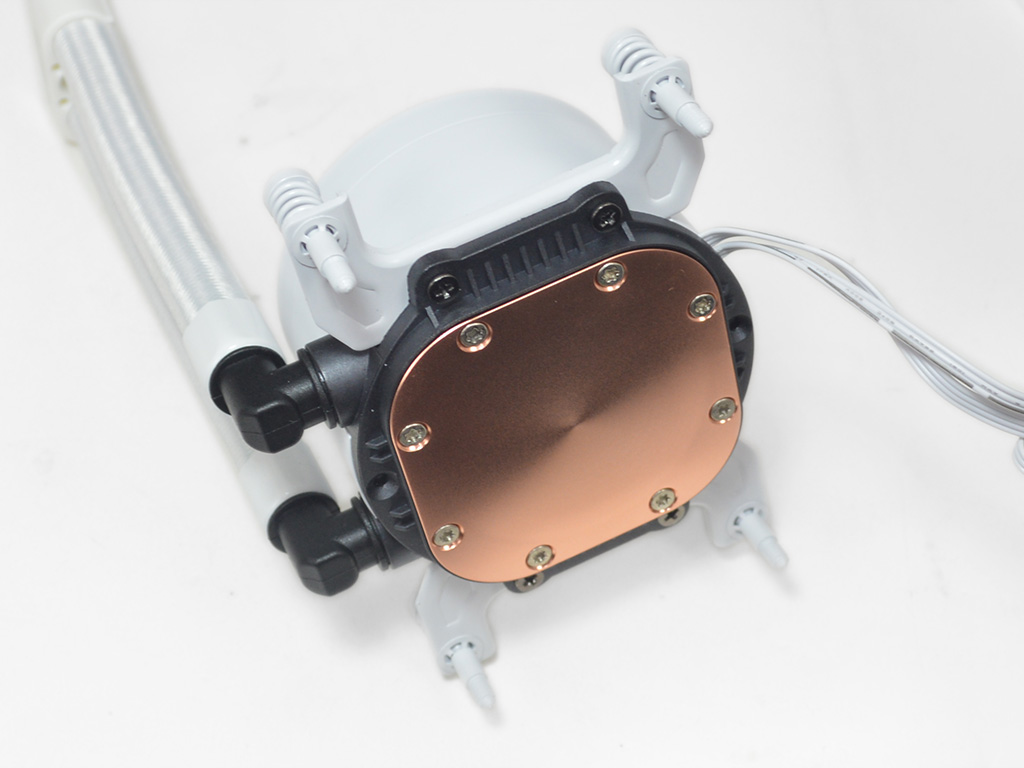
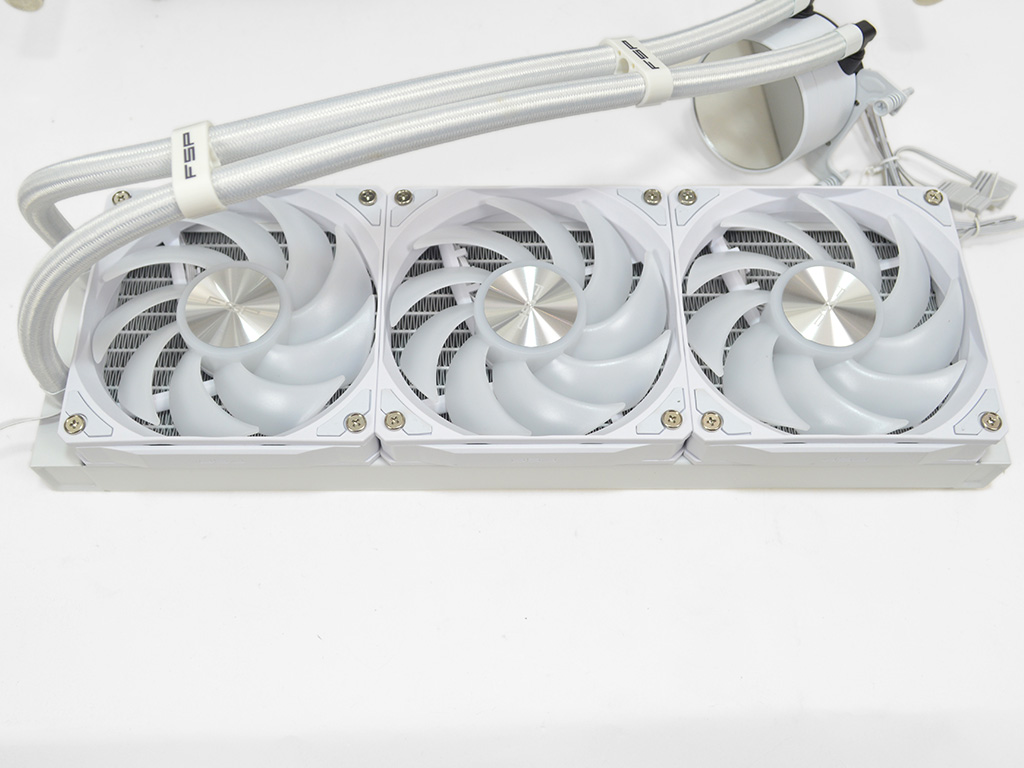
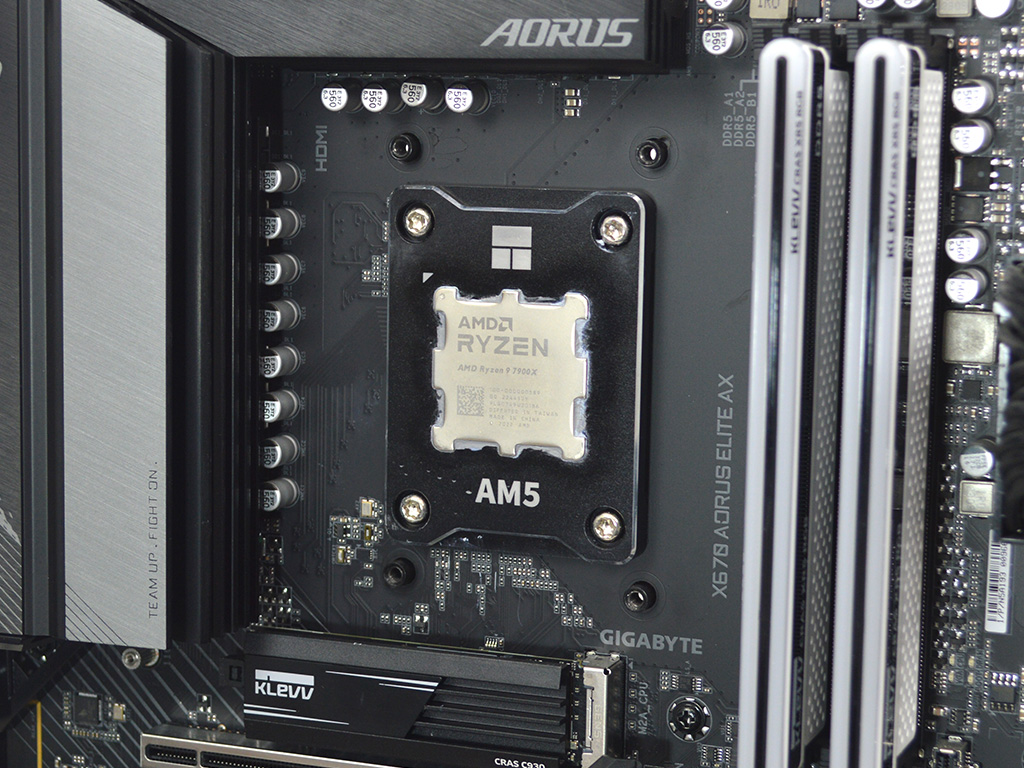
Installing the cooler on Socket AM5 requires swapping the Intel brackets for the provided AMD specific ones. Once those are attached it would be a good time to check the fans and see if you need to change the orientation to fit your preferred setup. The only preparation left is to remove the stock AMD mounting brackets on the motherboard.
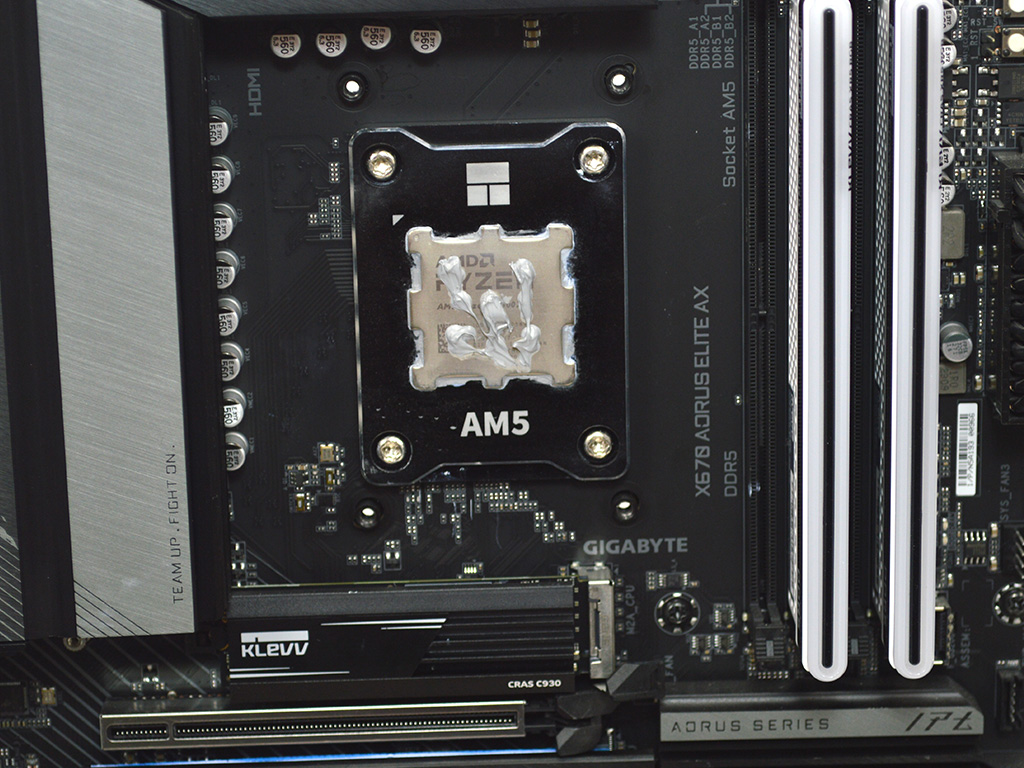
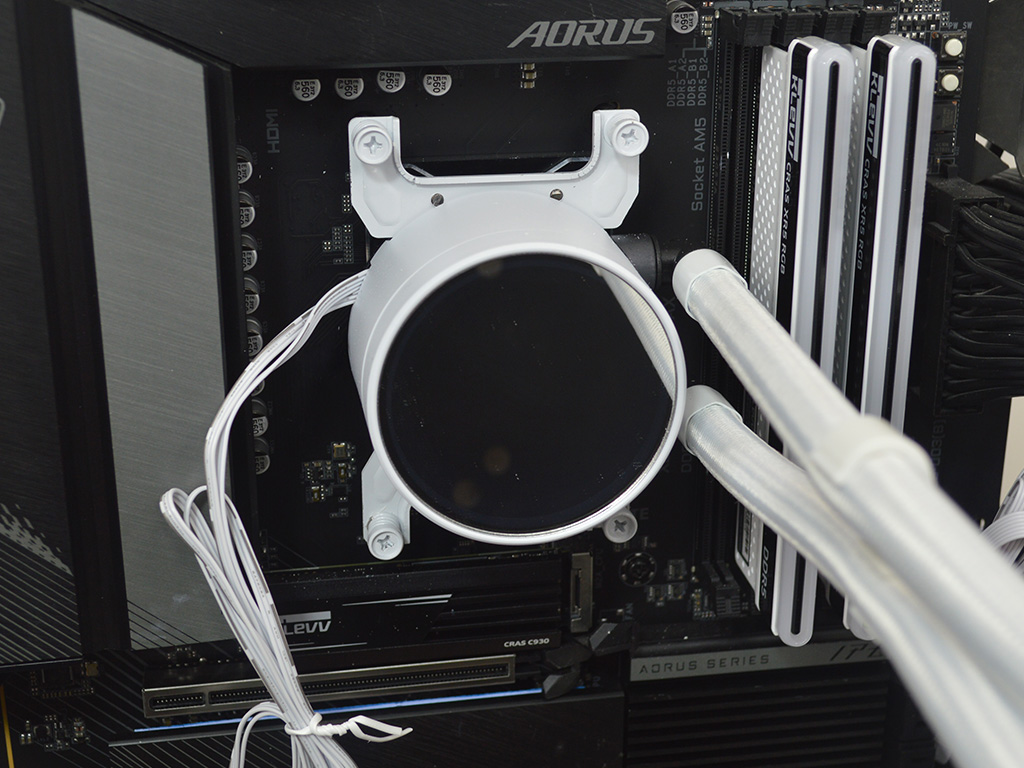

With the above steps taken care of, you can now apply thermal paste. For actual performance testing I use Arctic's MX6 to standardize testing results. Once the paste is applied you then line up the pump and screw it to the AMD motherboard's integrated backplate. Thankfully the screws are long enough that it is not a difficult task. The only issue that I ran into here was that tightening the screws caused paint on the brackets to flake off. However, it was not noticeable in regard to the AE36's overall visual appearance. With the pump mounted you can then install the radiator and fans to the chassis.
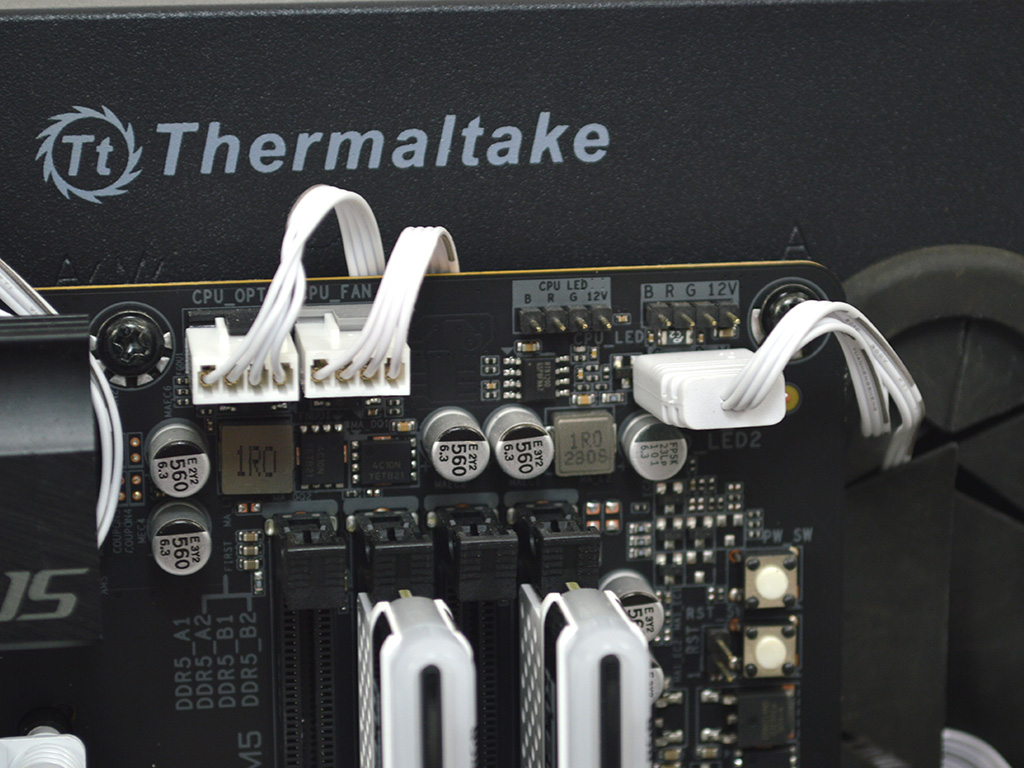
All that remains is to plug in the pump, fans, and ARGB wires, and you're good to go.
Overall, the installation is pretty straightforward on AMD and Intel, with no major hurdles to speak of. Although, I would prefer standoffs that hold the motherboard backplate in place over the adhesive strips used on the Intel backplate. Still, even with that minor issue the overall process is very simple and straightforward.
Nov 15th, 2026 19:56 CST
change timezone
Latest GPU Drivers
New Forum Posts
- Your PC ATM (36432)
- It’s been fascinating times in Retro agian r36s isn’t even worth 50-65 dollars no more and newly listed Rm36 64gb 4in IPS models for only 34 dollars. (6)
- Power supply noise stops when I move the mouse (10)
- Can you guess Which game it is? (320)
- What is the latest game you finished or 100% (203)
- HP Office Jet 7740 Pro - Supply system problem with replacement cartridge (4)
- What are you playing? (26224)
- WarpCoreBench scores! (55)
- Local LLM General Discussion (691)
- Folding Pie and Milestones!! (10205)
Popular Reviews
- ASUS ROG Strix B850-I Gaming Wi-Fi7 W Review
- Corsair HX1000i Shift Crystal Review
- AMD Zen 6 Technical Deep Dive
- Upcoming Hardware Launches 2027 (Updated Nov 2026)
- Montech King 95 3D PRO Review
- NZXT C1200 Platinum Review
- Phantom Blade Zero Performance Benchmark Review - 35 GPUs Tested
- AMD Ryzen 7 9800X3D Review - The Best Gaming Processor
- NZXT H7 RGB+ Review
- NZXT H5 Review
TPU on YouTube
Controversial News Posts
- NVIDIA Co-Founder and CEO Jensen Huang Officially Resigns (430)
- Open Letter Asking NVIDIA to Reinstate Jensen Huang Passes 115,000 Signatures (184)
- OpenAI CEO Argues Home PCs Waste the World's Limited DRAM Supply (152)
- NVIDIA Launches Investigation Into Jensen Huang's Relationship With Suspected Chinese Spy (136)
- Intel "Raptor Lake Next" 16-Core and 20-Core CPUs Surface (130)
- Legendary Game Studio BioWare Shuts Down Following EA Layoffs (104)
- Dell CEO Says the Memory Shortage Will Get Worse in 2027 (95)
- NVIDIA GeForce RTX 50-Series Scheduled for up to $500 Price Hike This Week (89)