 7
Gamdias Athena M4M Review
Review System Setup »A Closer Look - Inside
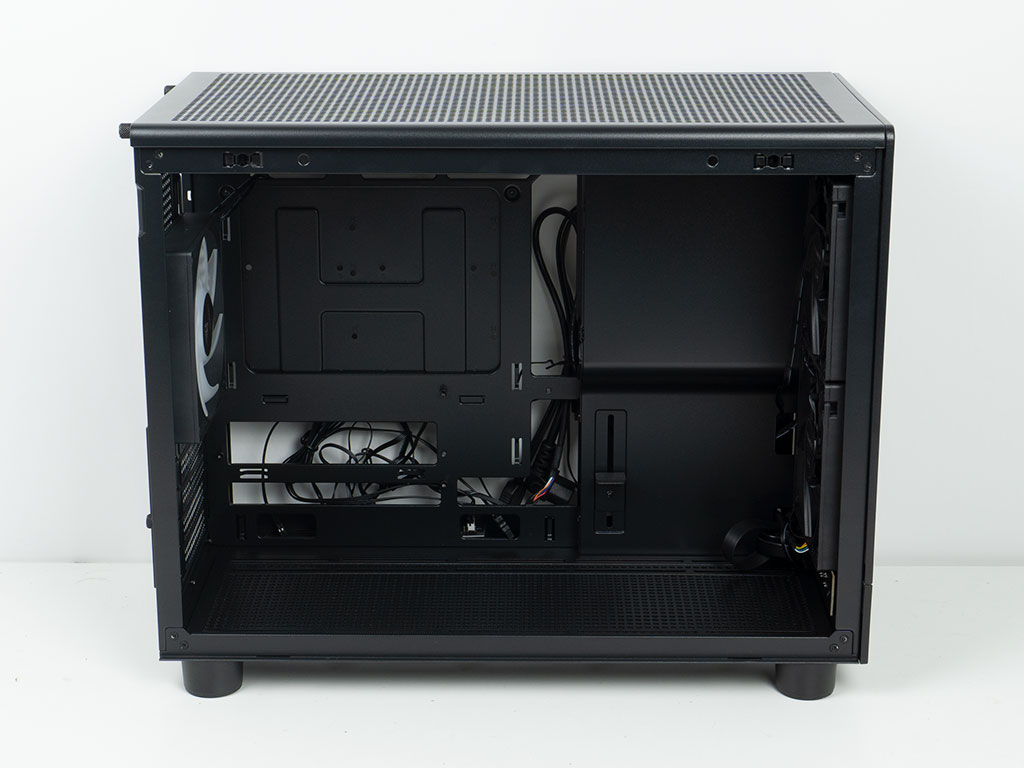
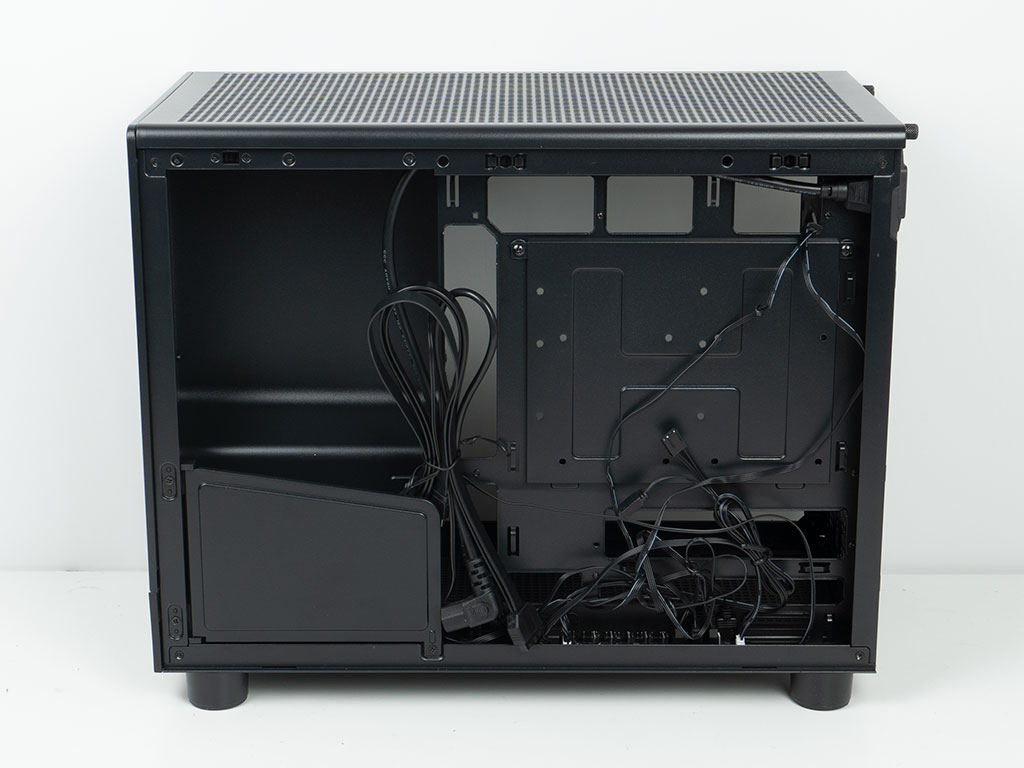
The interior layout is simple but functional. In fact, the Gamdias Athena M4M is one of the first microATX cases that is also BTF compatible, so we will use that type of board during the assembly process. On the backside there is a bit of a cable mess out-of-the-box, so you will have to spend some time to clean things up.


Taking a look at the front, the two 120 mm intake fans are pre-routed through an opening to the backside of the motherboard tray. The I/O panel at the bottom is also completely exposed, which is unfortunate. On top of that the cables aren't routed cleanly through the opening, so we will spend a moment to make it all look better later on. Gamdias does include a simple but very effective GPU support bracket which is lined with a rubber piece. It can be adjusted in height and is short enough so that it is unlikely to interfere with any GPU fans.
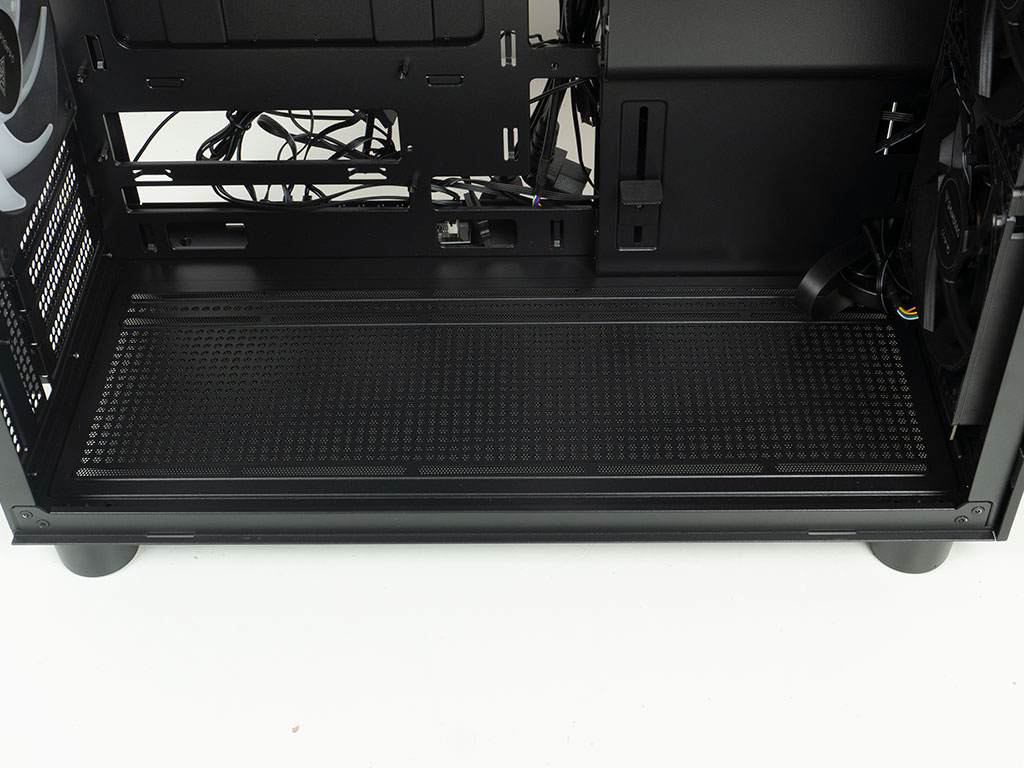
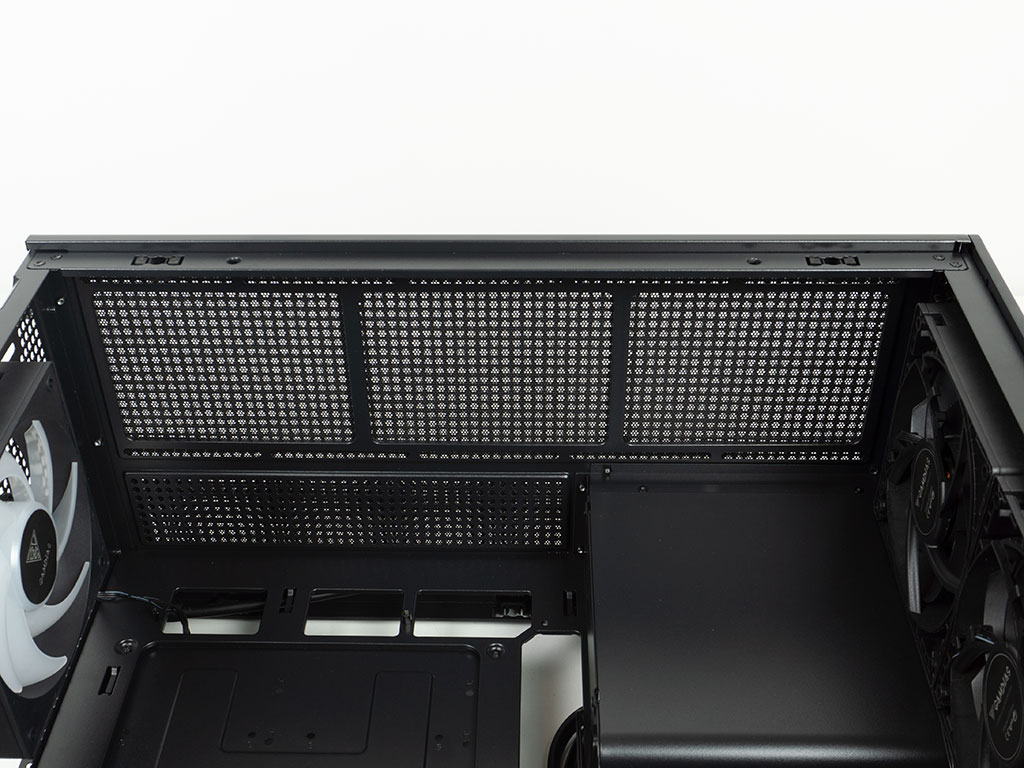
Both the floor and the ceiling look very similar, as you can place the same fan configuration in either position. Gamdias also lists the capability of a liquid cooling setup on the floor. Thanks to the offset from the motherboard this is certainly possible without any issue, besides having to plan your assembly steps more carefully. Similarly, the ceiling mount is far enough away, so motherboard heatsink elements or tall memory won't be of any concern either.
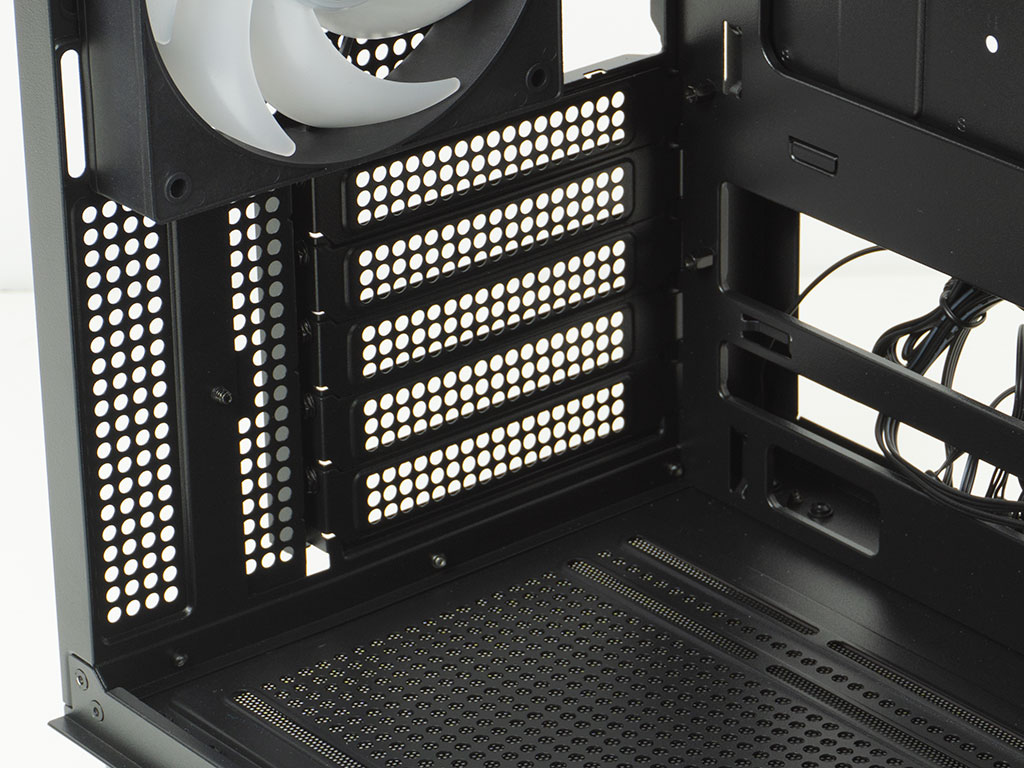
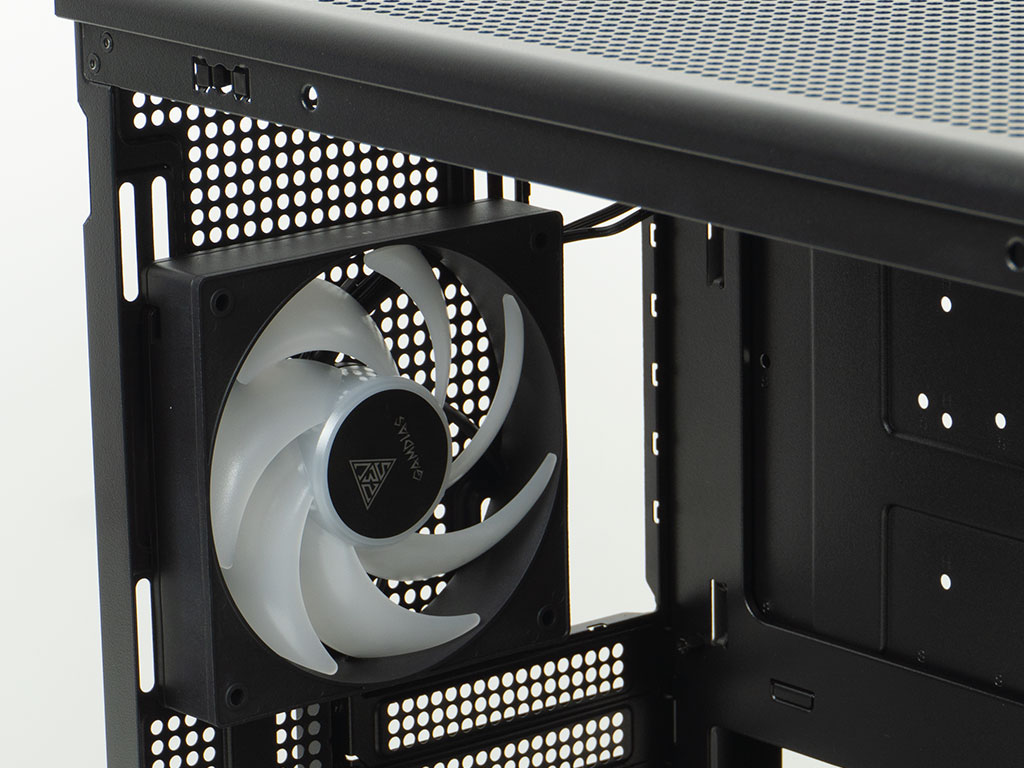
In the rear, the five expansion slots are protected by individual covers which are secured by classic screws on the exterior of the case body. A small, thumb screw equipped cover closes the gap that this setup creates during the manufacturing process. Above that is the pre-installed 120 mm ARGB fan with its translucent blades set to push hot air out the back of the case. Thanks to the elongated mounting holes you have a bit of flexibility to align the fan with your CPU, or make room for beefy AIOs in the ceiling of the chassis.
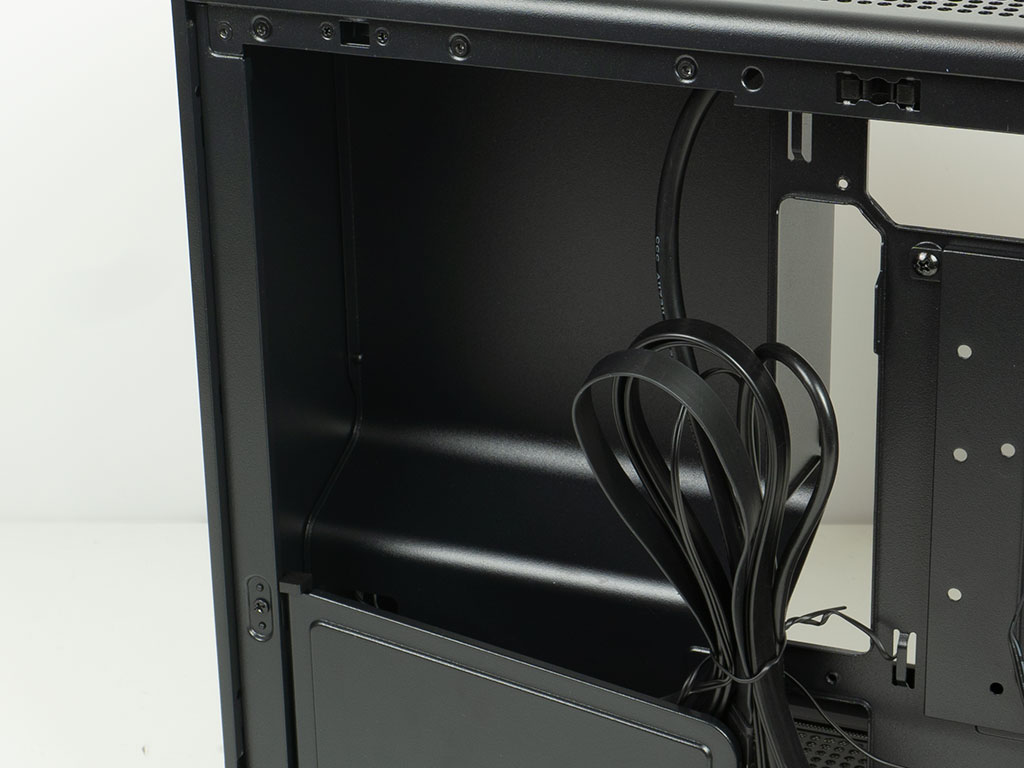
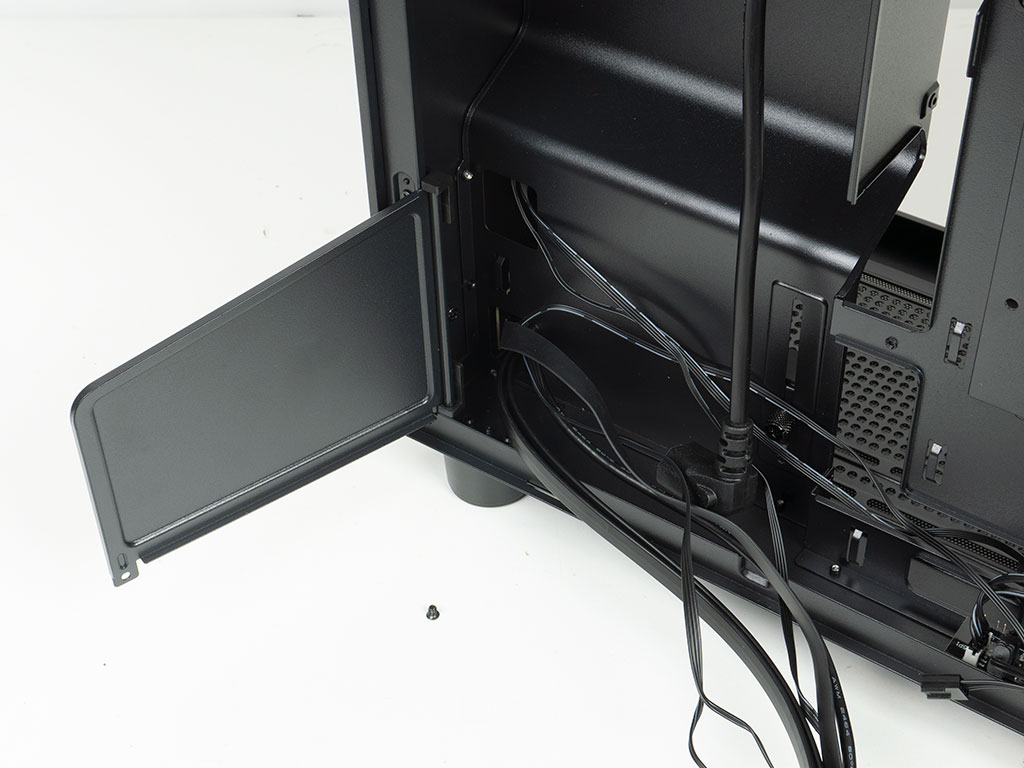
The PSU bay has enough room for 150 mm units. While this is on the shorter end, it simply means you have a smaller set of potential power units to pick from. Fortunately, that specific selection is still pretty diverse. Gamdias has also placed a little cable cover on the plastic hinges underneath the PSU area, which will certainly come in handy to stow away most of the cable mess.
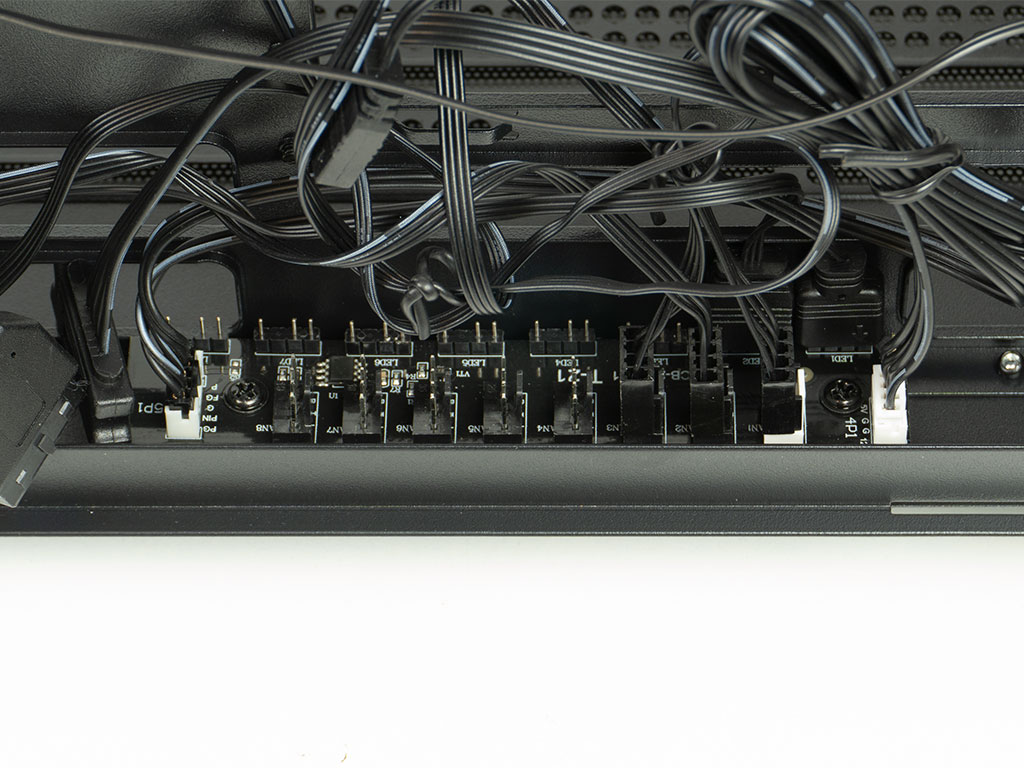

The Gamdias Athena M4M also includes a PCB with an excellent number of headers. You get eight PWM fan headers and the same number of ARGB ones. Out of the box, the case button header and power cable are along the edge facing the rear of the chassis, so we will rotate it during the assembly process to make life easier. Above that, covering the cutout that gives access to any cooler mounting bracket there is an HDD mounting plate, which can hold either two 2.5" drives or one 3.5" alongside one 2.5" variant. That should be sufficient for the users this case is targeted towards.
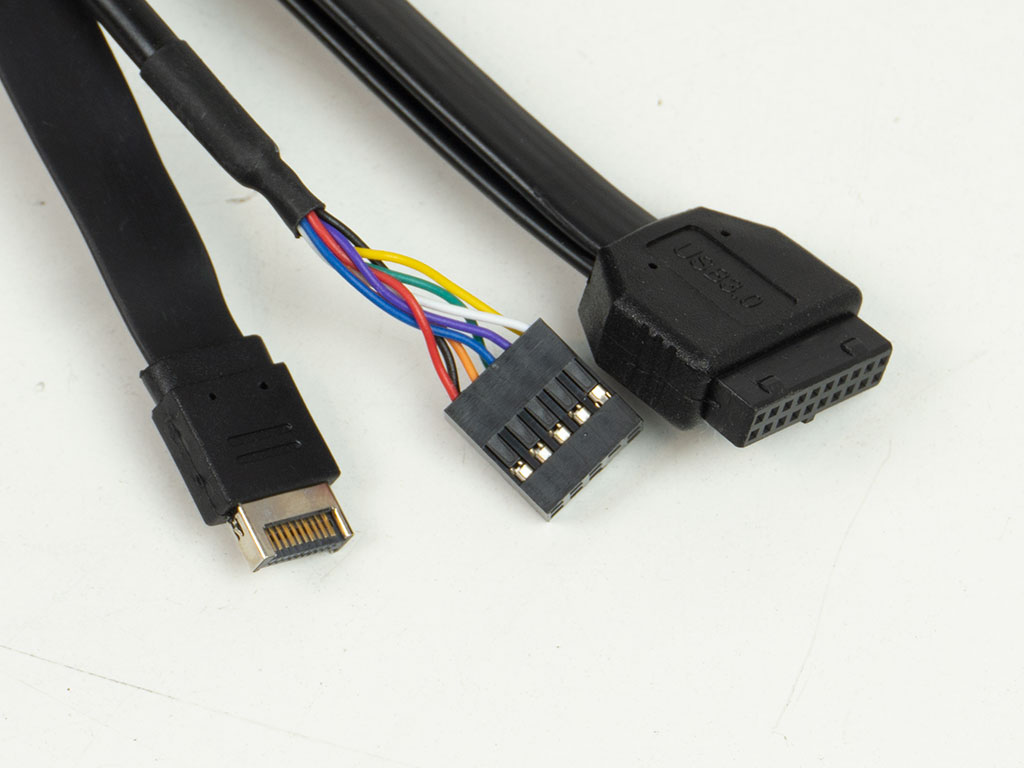
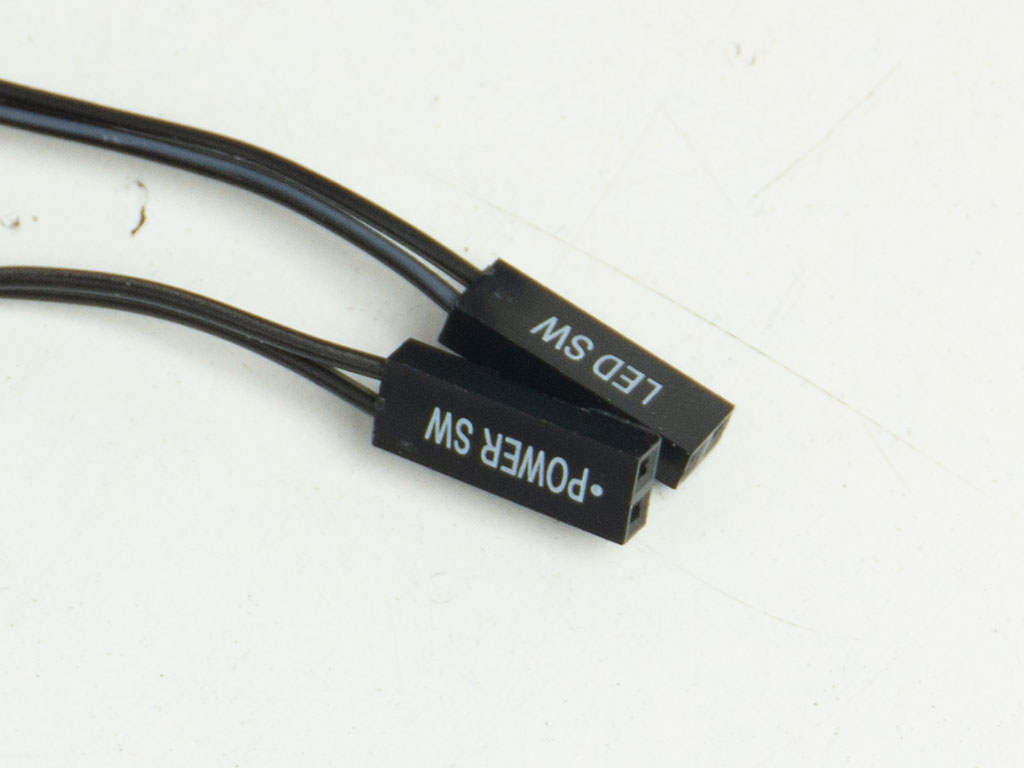
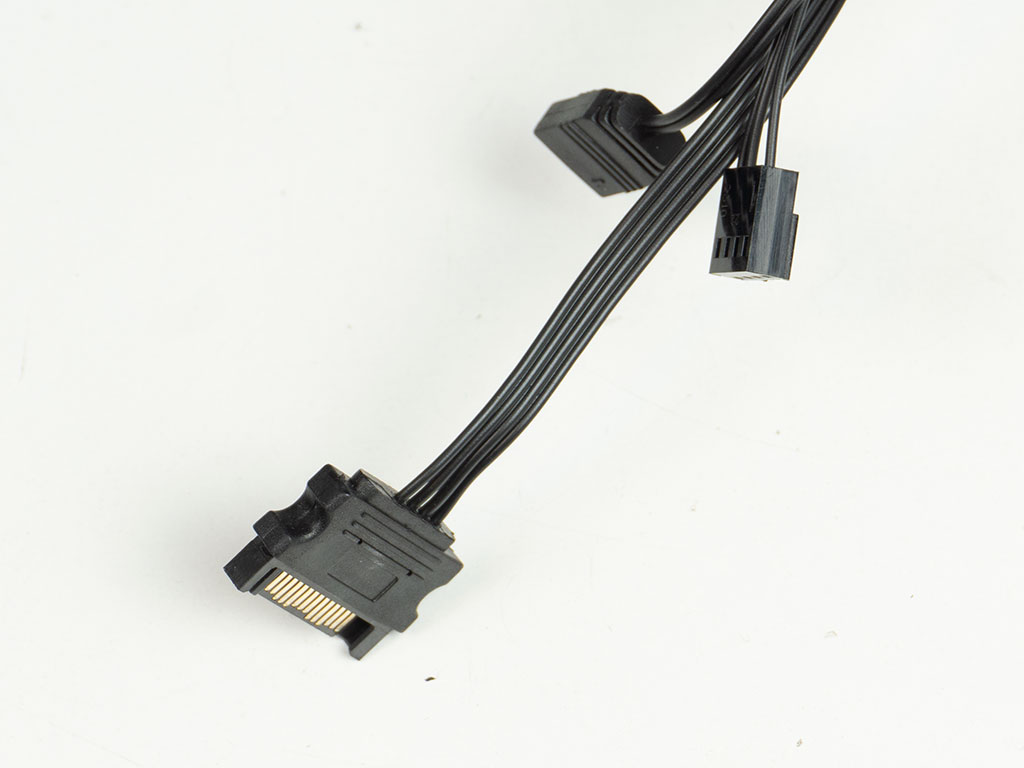
All the wiring within the Gamdias Athena M4M is black, and it is nice to see flat-band cables for both USB ports, as it will make things a little easier when wiring up a BTF equipped motherboard. Besides the LED switch wire, you will only find one for power, as the case does not have a power nor an activity LED, and also lacks a reset button. The built-in PCB is powered by a SATA interface and has the mandatory PWM cable to control the connected fans. An ARGB wire also provides an alternative method to set hues via the motherboard, which would free up the LED switch wiring of the chassis to be used as a reset button instead.
Nov 13th, 2026 08:35 PST
change timezone
Latest GPU Drivers
New Forum Posts
- Slow SSD read speeds - help! (3)
- Dual B70 or Dual R9700 Pro on Linux (1)
- I won't download games that are larger than 30–40 GB. (108)
- TechPowerUp Screenshot Thread (MASSIVE 56K WARNING) (4386)
- Microsoft Exchange/365 outages? (45)
- [Community Benchmark] MrH OpenCL Benchmark 2.0e (Windows Only – CPU & GPU) (1)
- To AiO CPU Cooler users? (6)
- Any other old-timers here planning to play WoW Forever? (150)
- Requesting original VBIOS for Gigabyte RX 5700 XT GAMING OC 8G Rev 2.0 (Micron) (0)
- Home page search by category (6)
Popular Reviews
- AMD Zen 6 Technical Deep Dive
- Corsair HX1000i Shift Crystal Review
- NZXT C1200 Platinum Review
- Upcoming Hardware Launches 2027 (Updated Nov 2026)
- Montech King 95 3D PRO Review
- NZXT H7 RGB+ Review
- NZXT H5 Review
- Phantom Blade Zero Performance Benchmark Review - 35 GPUs Tested
- XPG NIMBUS PLUS Review - Mid-range Chair With Strong Competitors
- Gigabyte Z890I Aorus Ultra Review
TPU on YouTube
Controversial News Posts
- NVIDIA Co-Founder and CEO Jensen Huang Officially Resigns (356)
- OpenAI CEO Argues Home PCs Waste the World's Limited DRAM Supply (152)
- NVIDIA Launches Investigation Into Jensen Huang's Relationship With Suspected Chinese Spy (136)
- Intel "Raptor Lake Next" 16-Core and 20-Core CPUs Surface (130)
- Legendary Game Studio BioWare Shuts Down Following EA Layoffs (104)
- Dell CEO Says the Memory Shortage Will Get Worse in 2027 (95)
- NVIDIA GeForce RTX 50-Series Scheduled for up to $500 Price Hike This Week (89)
- Modder Fits RTX 5090 With Four 8-Pin Connectors, Halving Current per Wire (80)