 1
Gamdias Notus M1-1201 ARGB 120 mm Fan Review
Performance Testing »Closer Examination
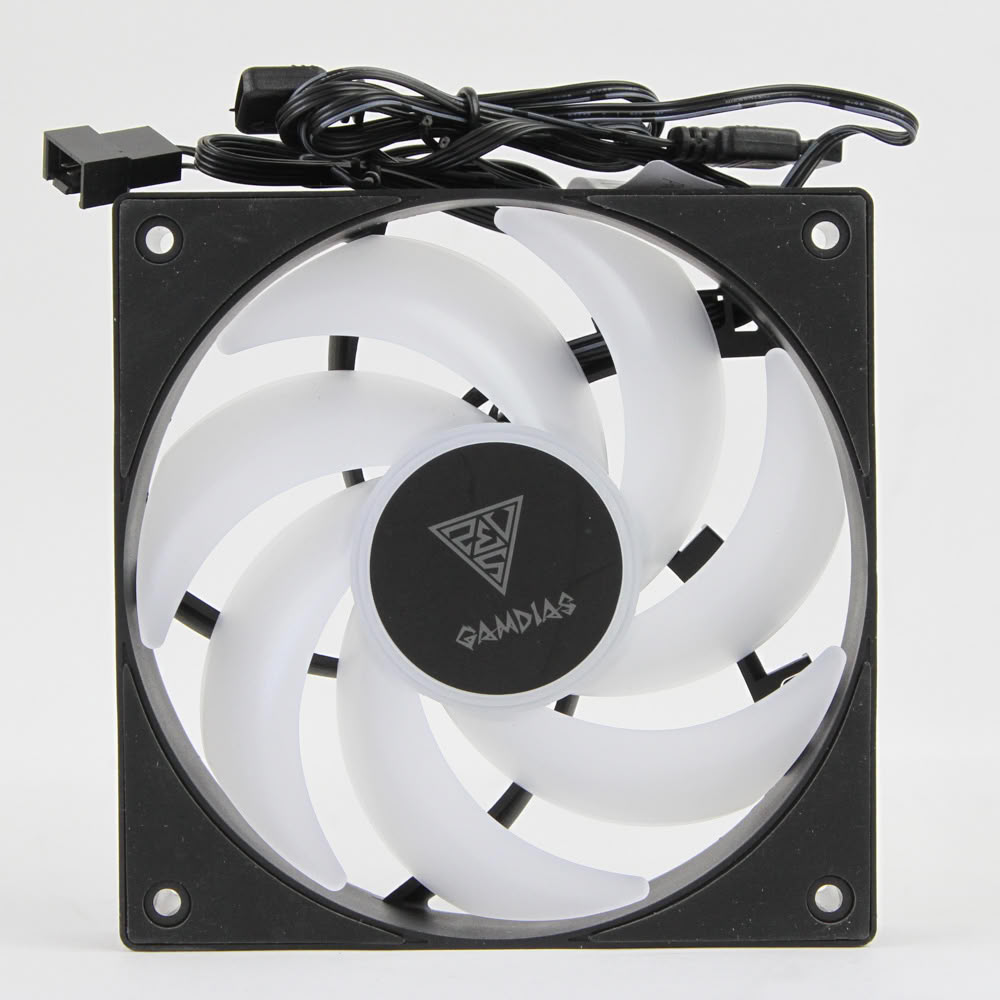
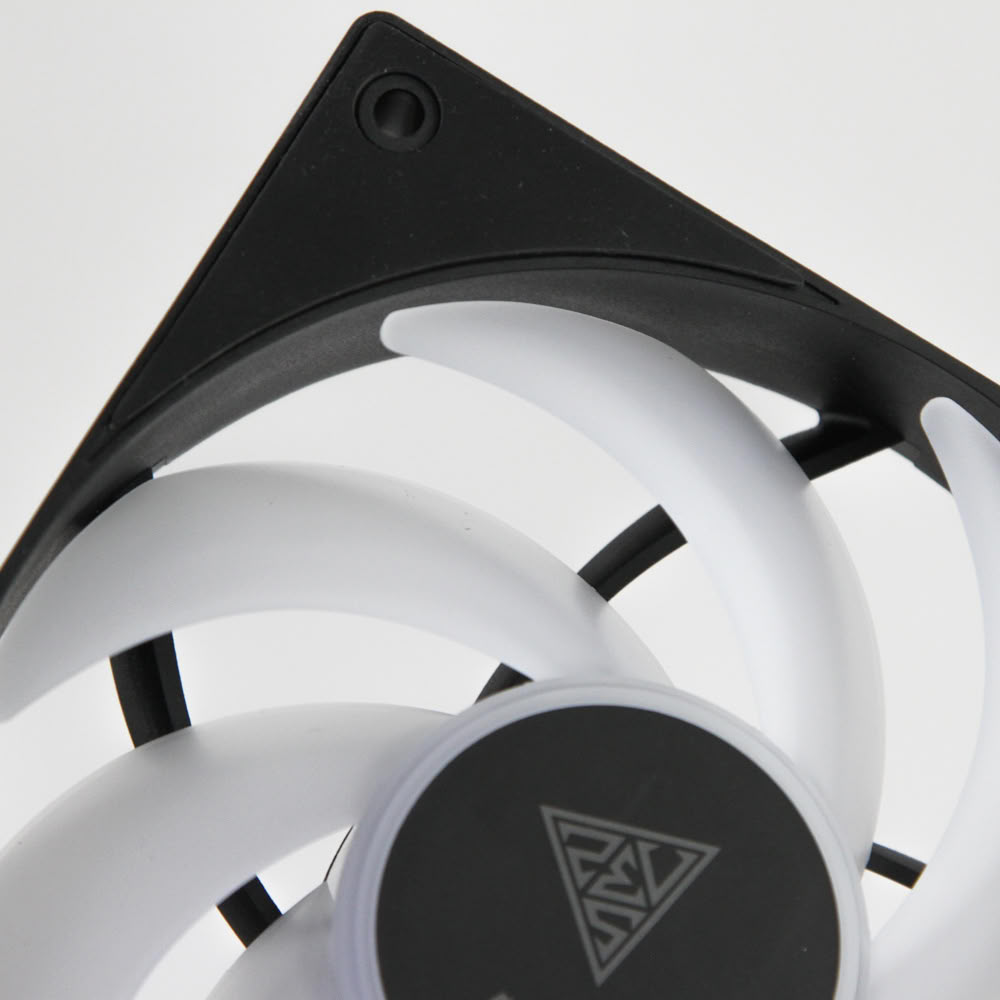
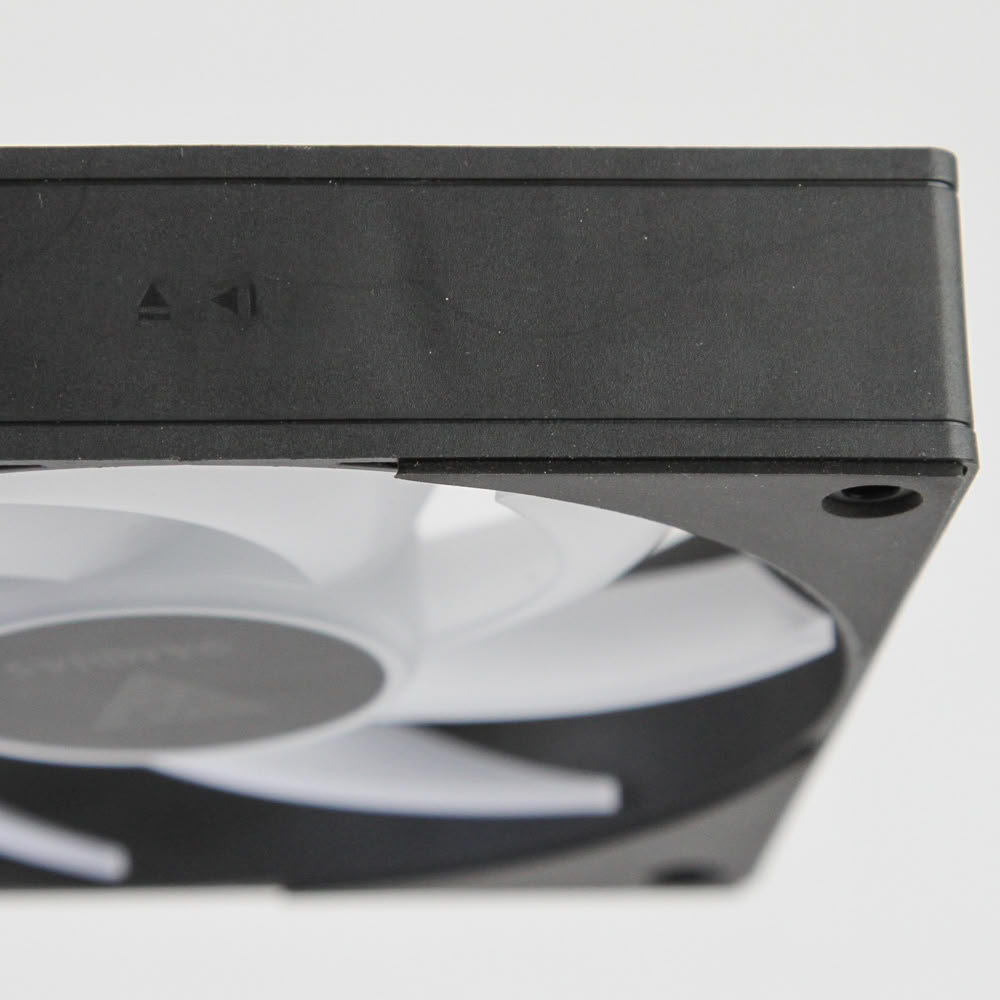
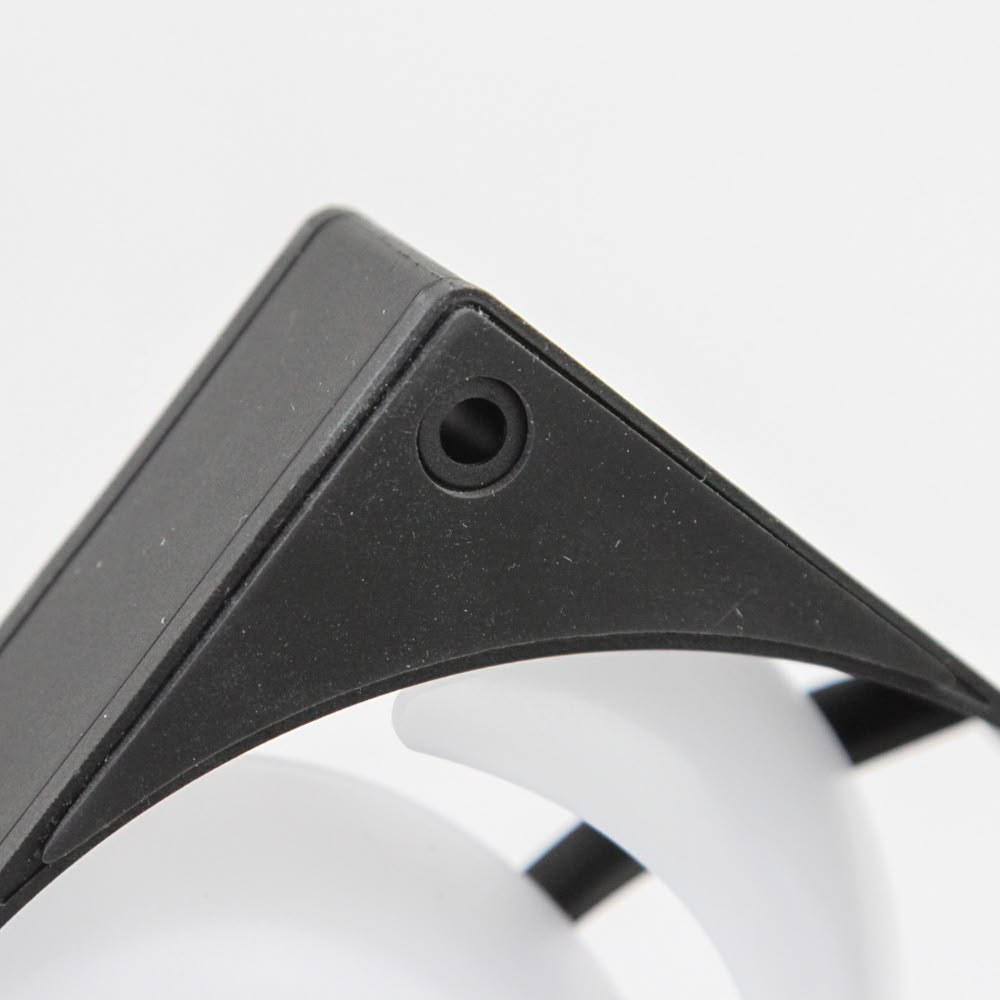
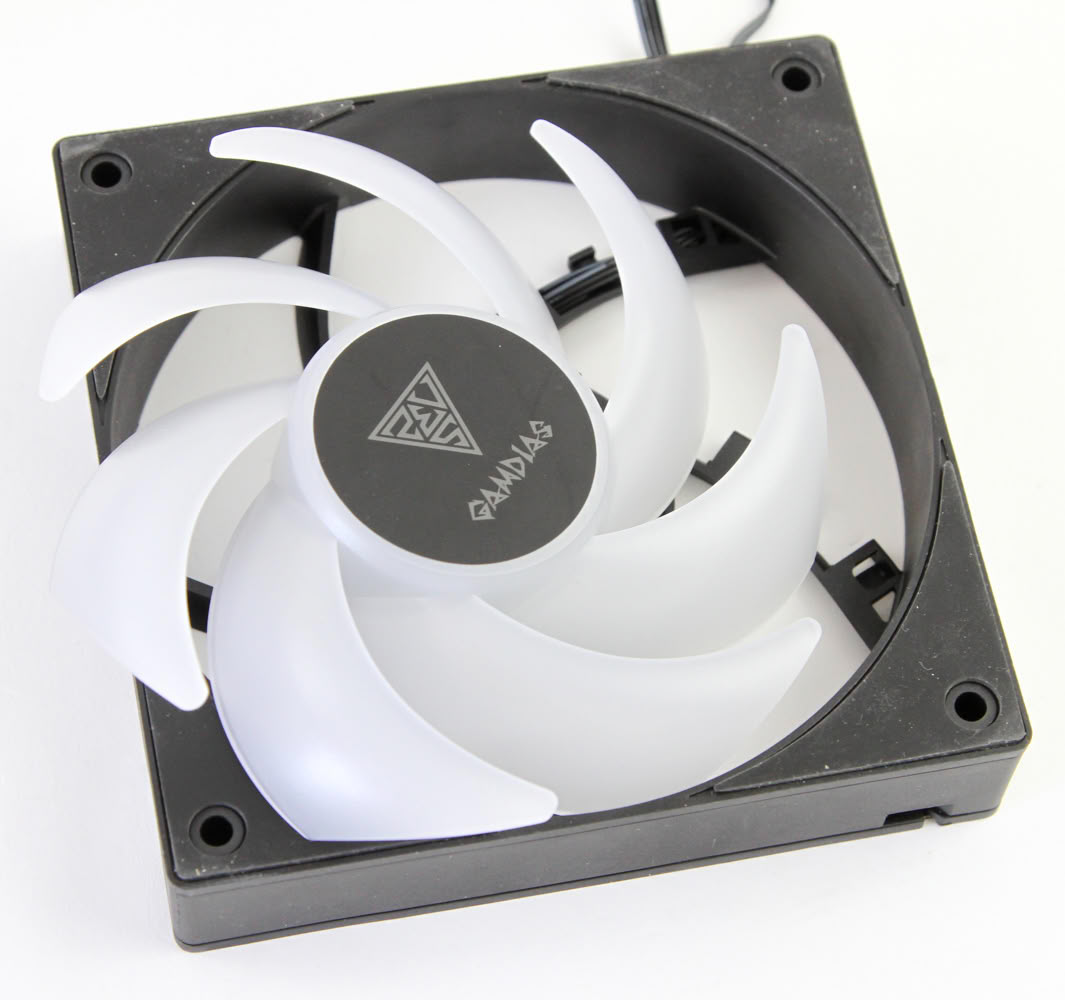
If you already read the review of the non-ARGB Notus M1-1201 fan, then a lot of what you see here will be familiar. This includes the use of the large anti-vibration rubber pads on the corners, the PBT frame, and the overall clean aesthetic. Given this is an RGB fan, we do see the rotor go with frosted white plastic to better disperse light as opposed to the opaque black in the non-RGB version, and this Notus M1-1201 ARGB comes in black or white color options compared to only black for the no LED model. We don't get a sticker on the fan hub again, with a simple monochrome brand logo to keep things uniform. On the aerodynamics side of things, the rotor has seven highly curved blades in a design that would make me think of a more hybrid implementation, focusing more on a balance of airflow and static pressure. The blades also get extremely close to the fan frame, with the blade tips 1 mm away to help reduce airflow leakage and deadspots. There are arrows on the side to help indicate the direction of airflow through the fan and that of the rotor spinning, should you need it.
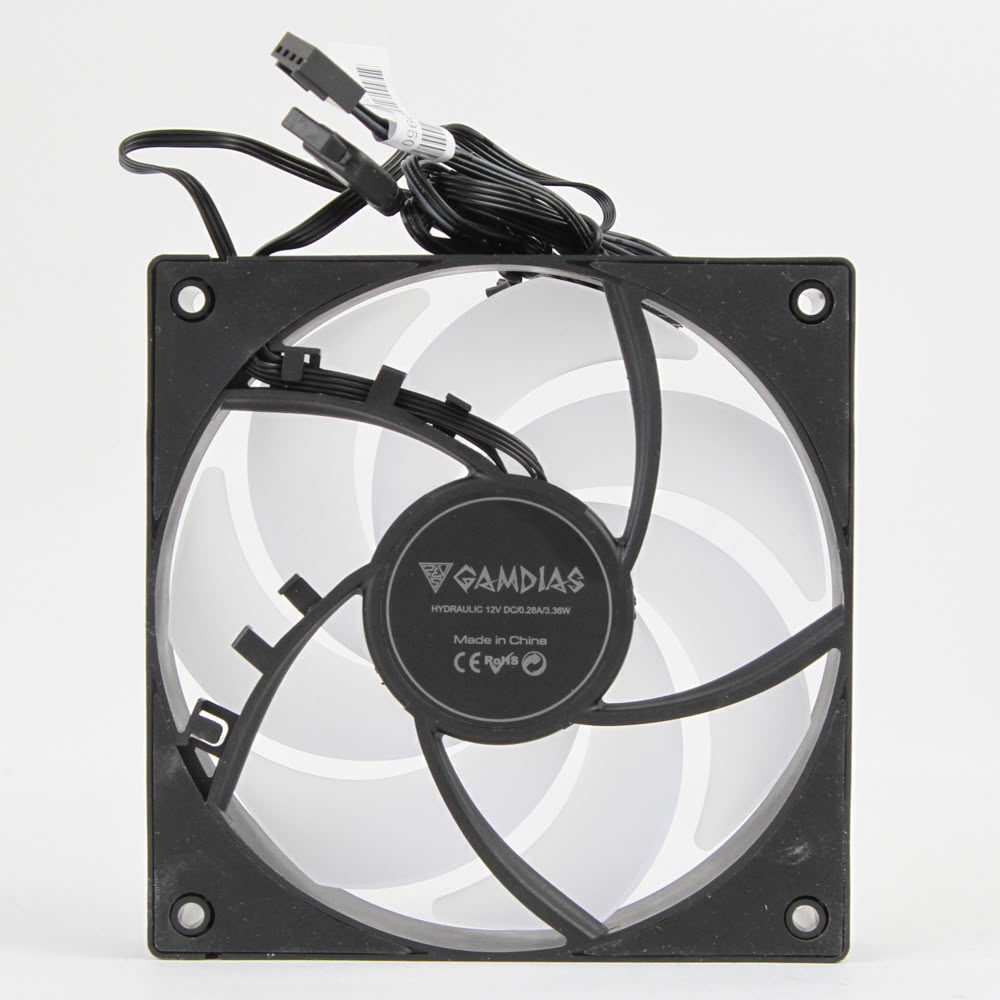
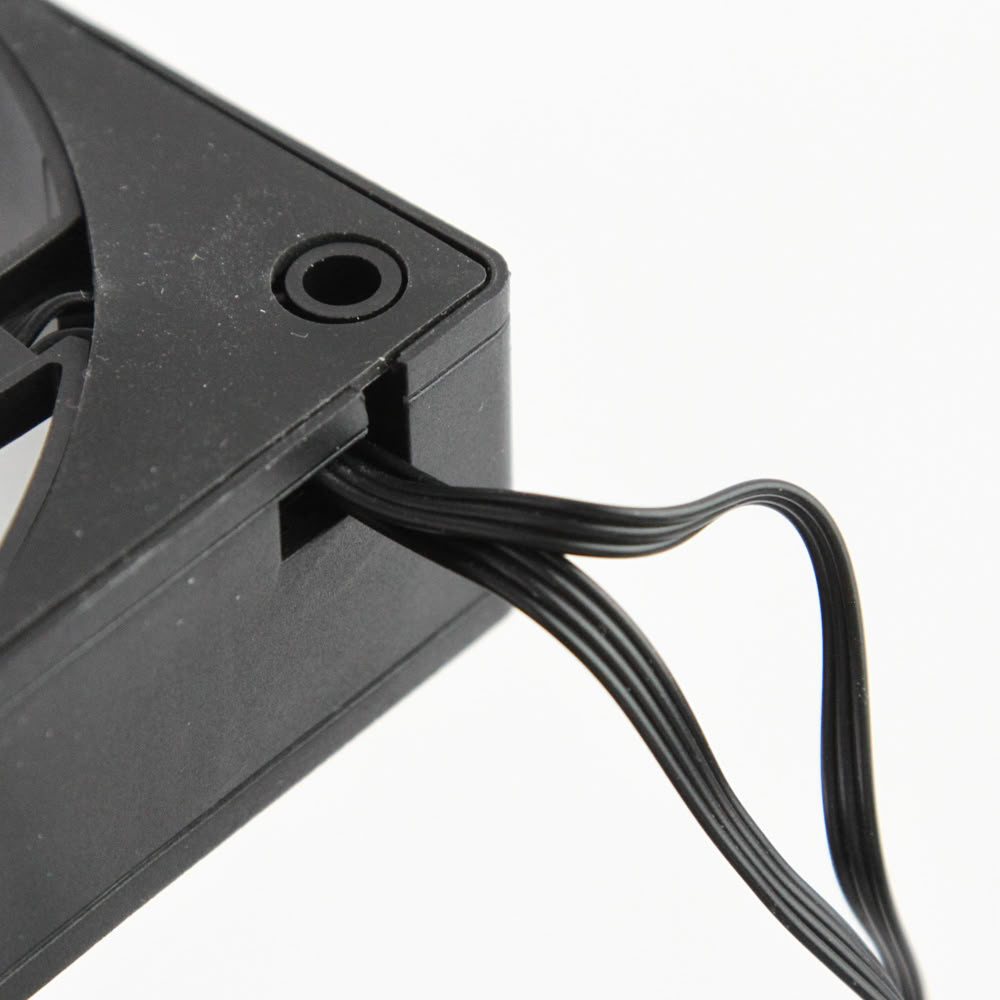
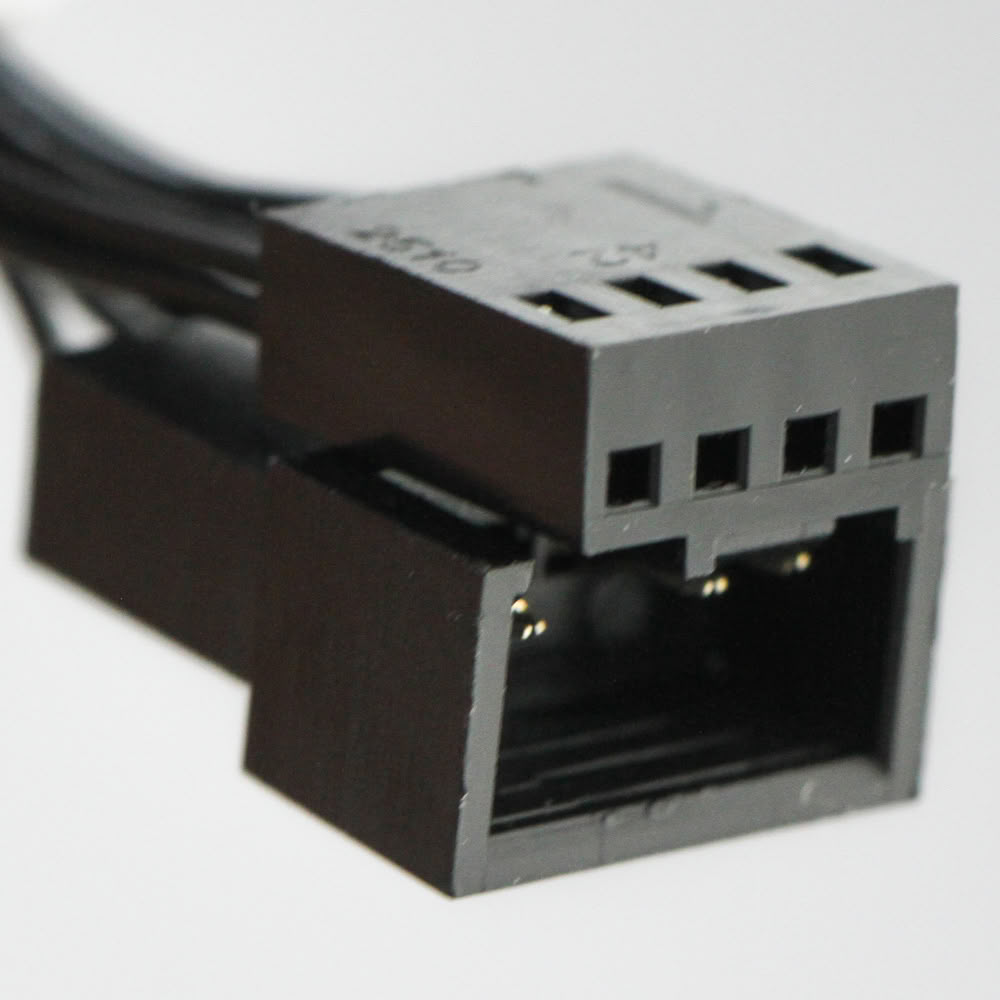
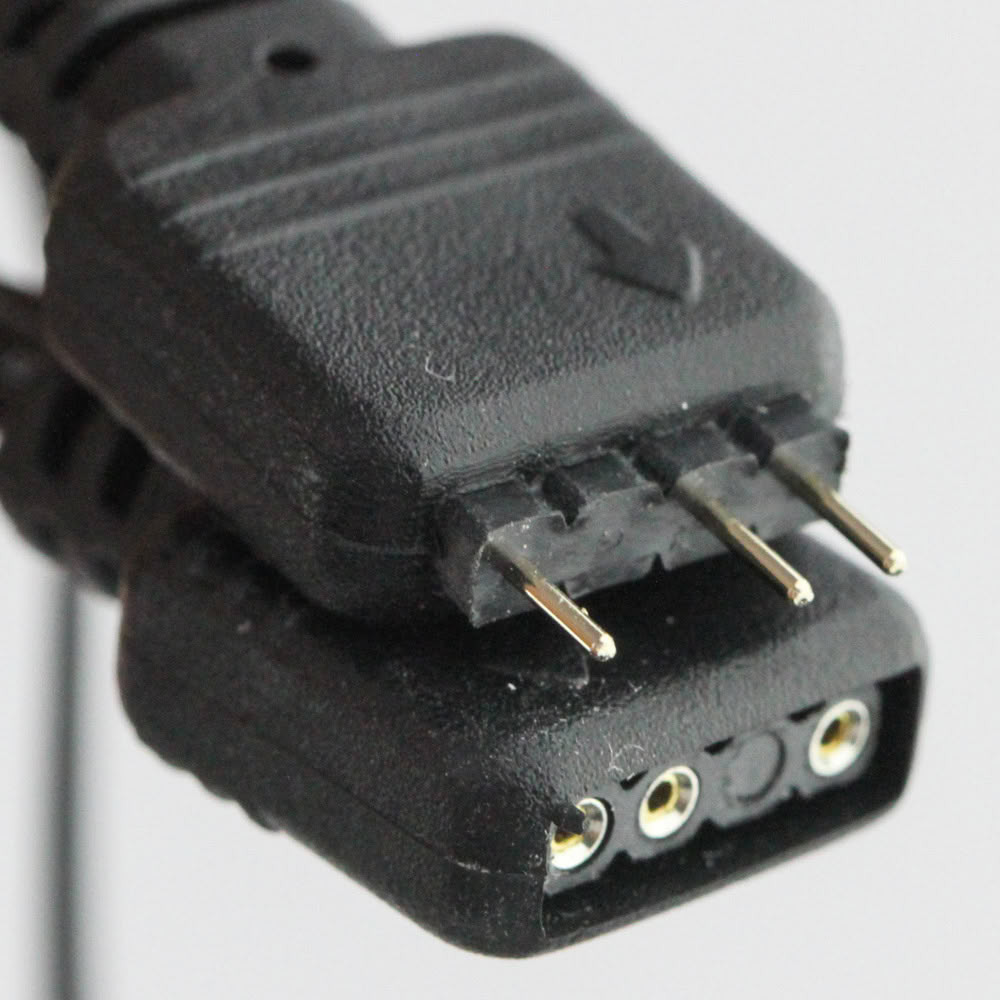
It's evident Gamdias has a common platform for all the Notus M1 fans, given this ARGB model again uses the unusual five curved stator vane configuration on the back. A sticker on the back tells us the fan is rated for a max current draw of 0.28 A (3.36 W on the 12 VDC rail). This includes start-up boost but not the power drawn by the LEDs, so keep that in mind. In practice, however, I measured a max power draw of 1.8 W per fan, so take that for what you will. We see the fan uses two black ribbon-style cables that neatly come out of a cutout in the frame and have an integrated daisy-chain connectors to use with more of the same fans installed together as case fans or on a radiator. One cable terminates in a standard 4-pin PWM connector, whereas the other ends in a 3-pin ARGB connector. These fans also use a hydraulic bearing that should ideally present a good balance of longevity and smoother operation with no bearing noise. I will also mention the closed loop control system here that should help make these fans spin at the set RPM no matter the airflow restriction it is up against. Typically, fans spin faster in free air at the same PWM duty cycle compared to when they are up against an air cooler or a high fin density radiator, and getting around this is a feature typically only seen in high-end fans.
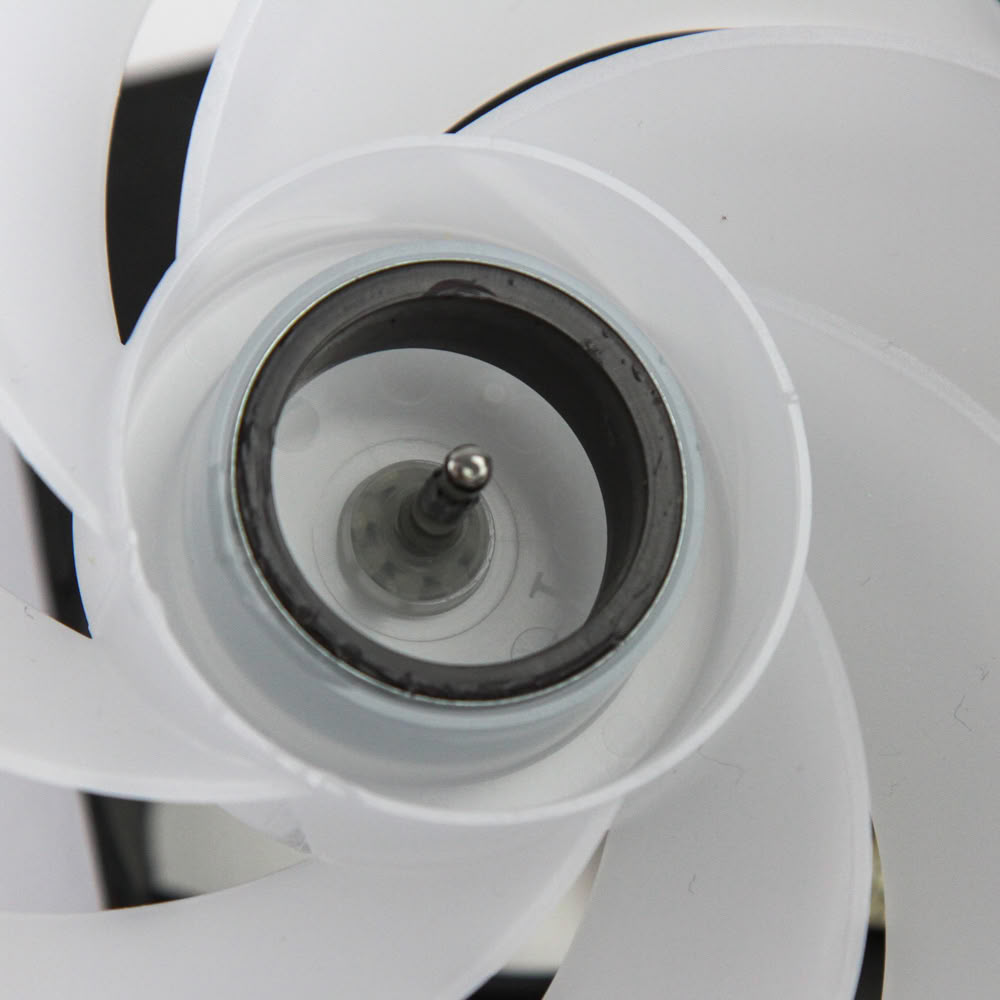
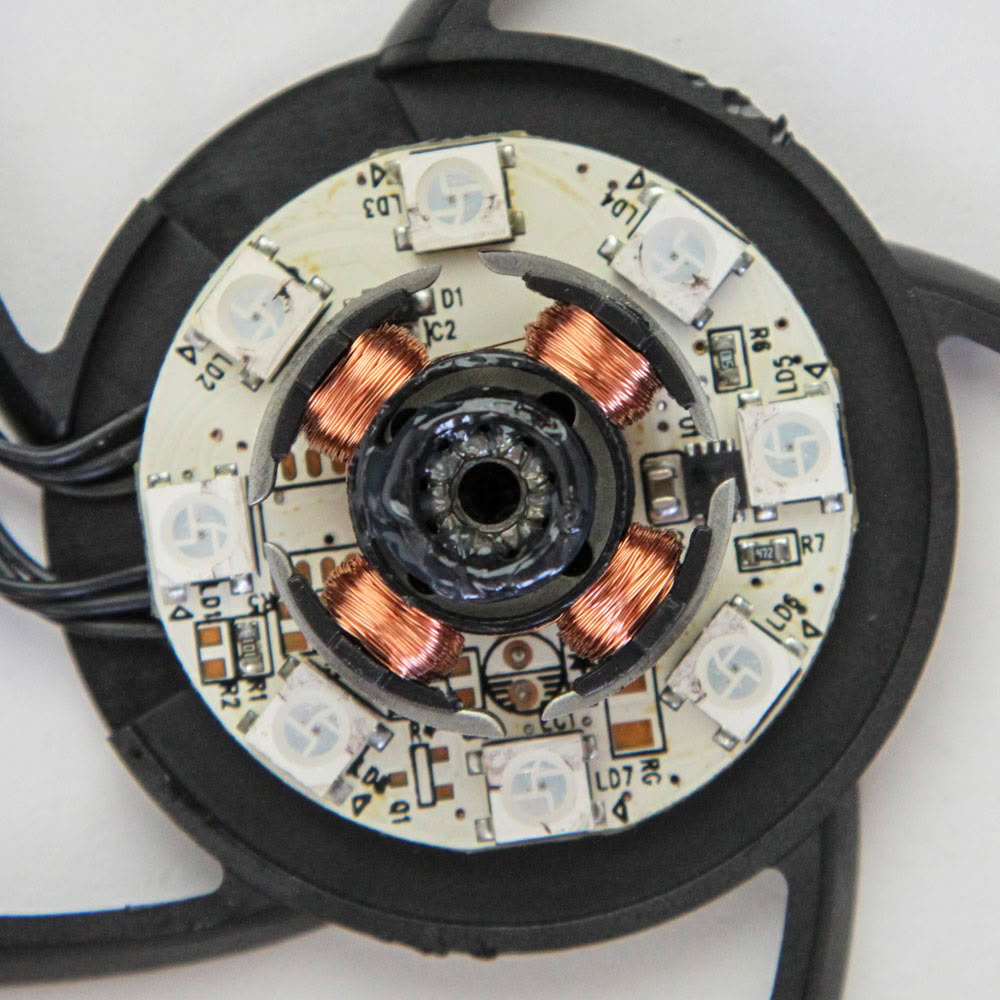
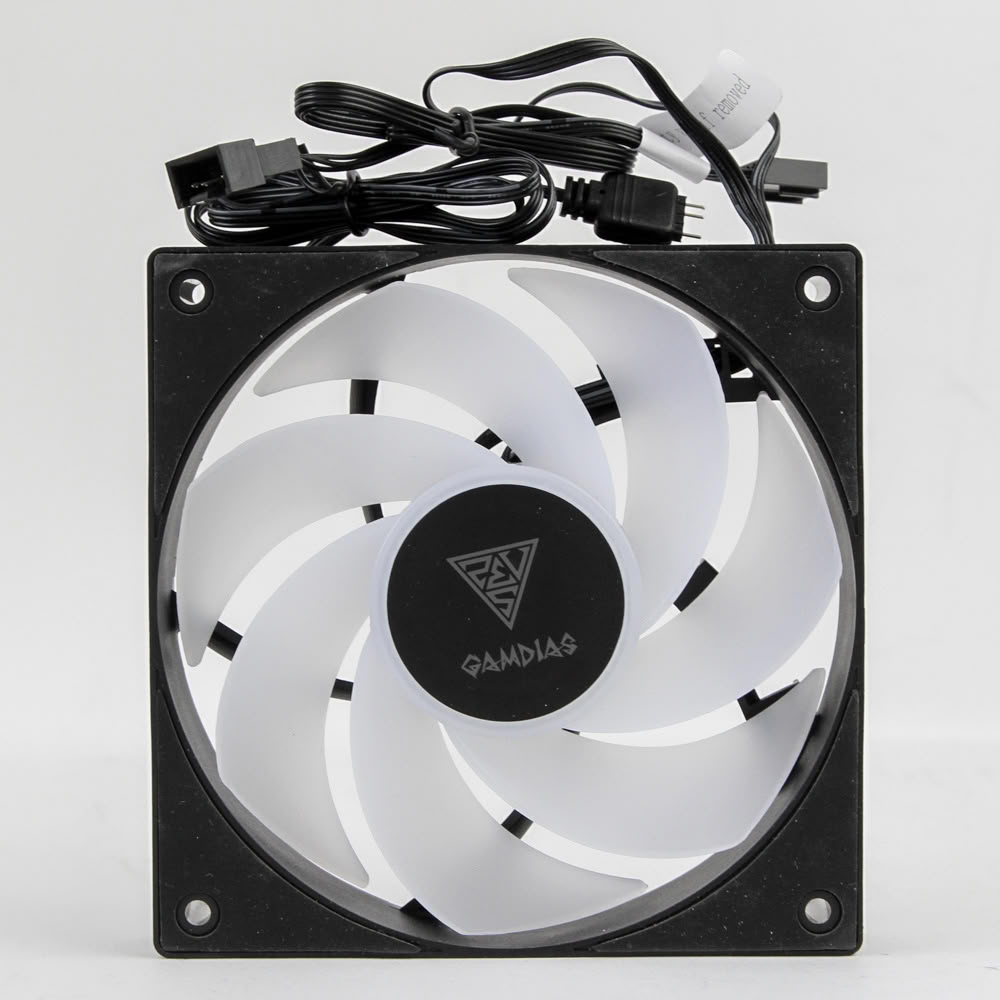
A noteworthy feature here is that you can remove the rotor by carefully pushing it out at two opposing points for equal pressure. This allows a closer look at the rotor as well as the 4-pole motor and the eight ARGB LEDs placed in the hub for lighting. At this point you can choose to re-install the rotor or use the provided reverse fan blade rotor if you wish to have these fans installed to pull air from the front while still not compromising on lighting. Note that this will compromise on performance, and you will lose substantial airflow at the same fan speed relative to the standard configuration. No matter what you do, use the provided oil to lubricate the bearing as illustrated in the user guide.
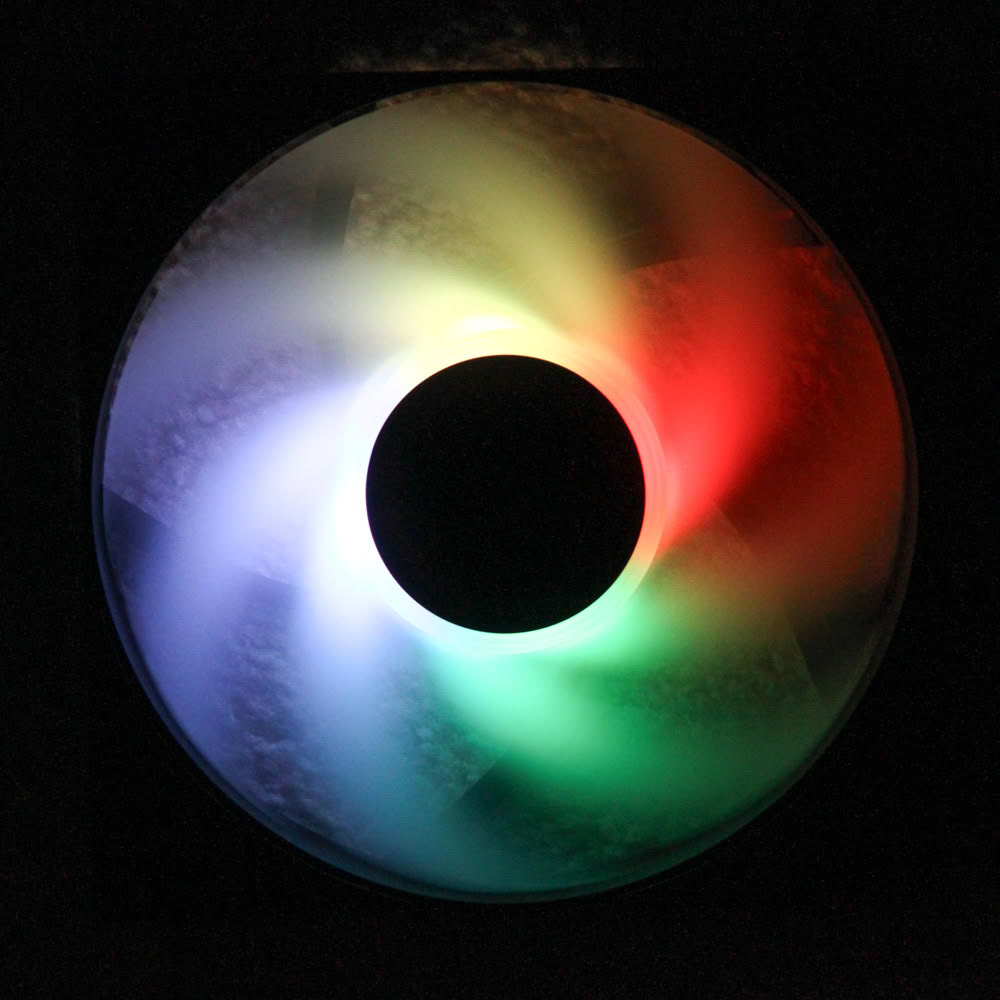
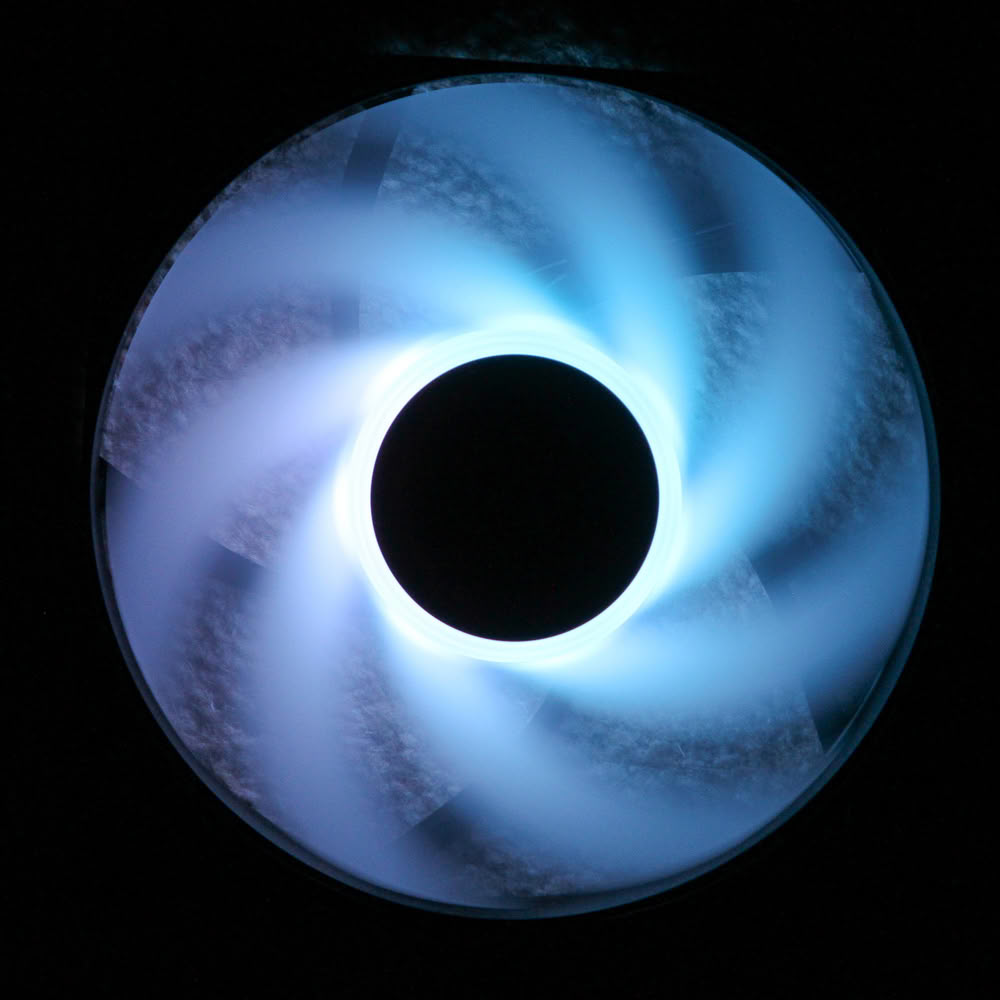
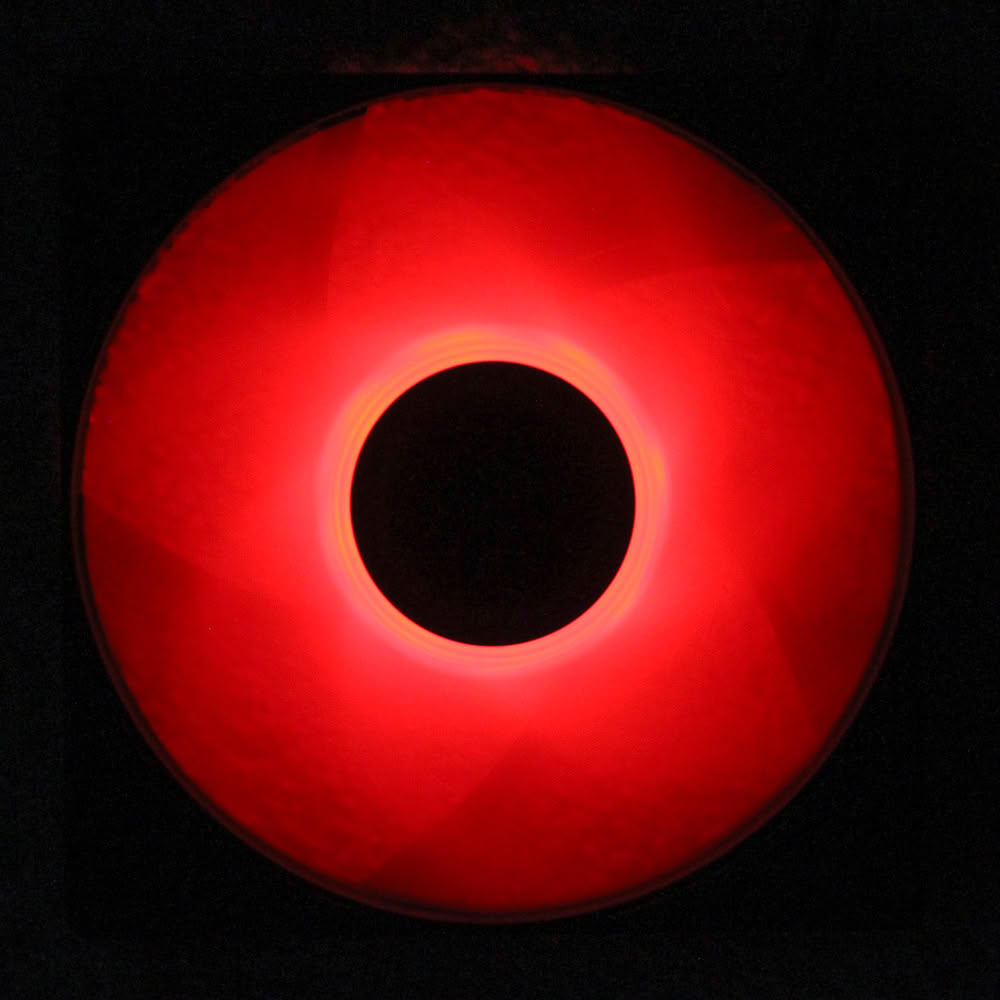
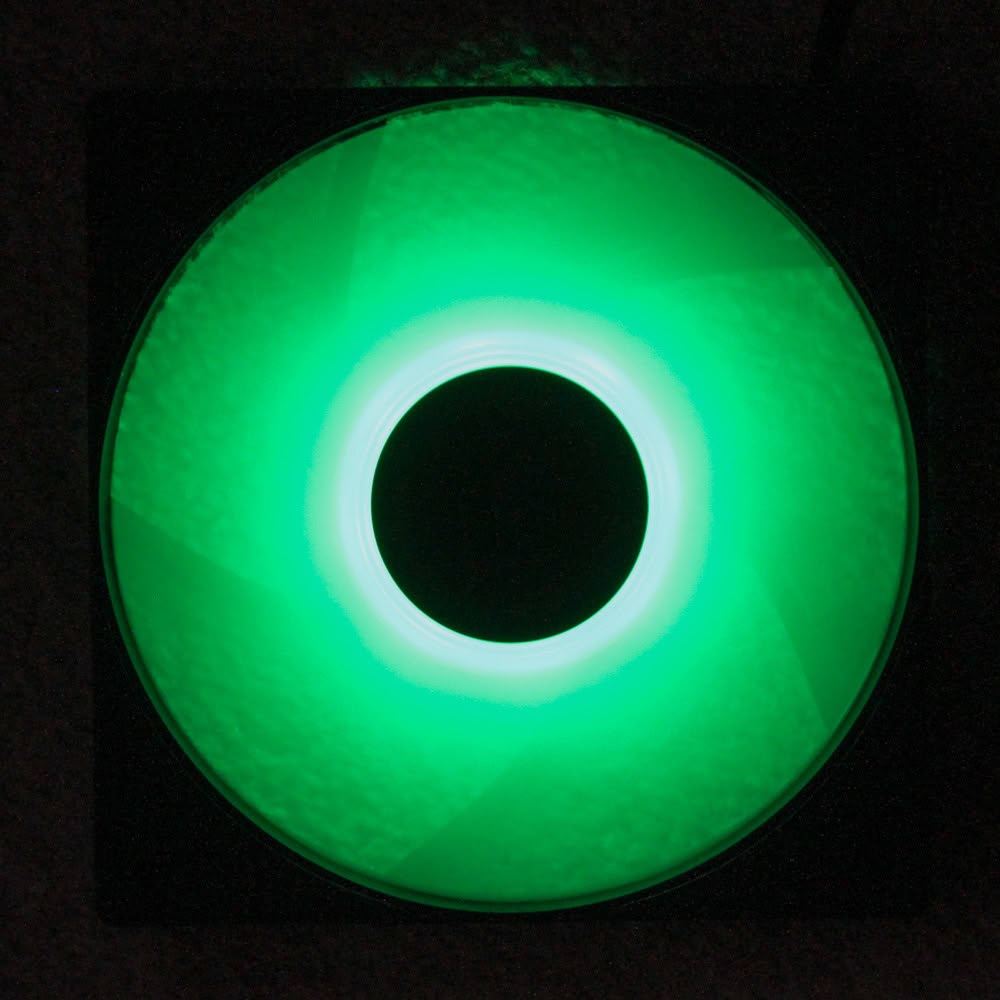
Seen above is the Gamdias Notus M1-1201 ARGB powered on and lit up so you get a better idea of what to expect from the LEDs on board. The impeller is frosted and there are eight ARGB LEDs placed in the central hub which shine outwards. The white color version might appear brighter compared to the black color fans, if that is an important factor for you. The colors are accurate, and the lighting is uniform enough across the length of the fans in my opinion.
Nov 19th, 2026 15:48 CST
change timezone
Latest GPU Drivers
New Forum Posts
- Honestly, do you care about GTA VI? (163)
- Windows 11 General Discussion (7736)
- Current Sales, Bundles, Giveaways (10448)
- Last game you purchased? (1409)
- WarpCoreBench scores! (76)
- Got the EOL 32GB TridentZ 6000 CL26 1.4V (12)
- Dell Workstation Owners Club (3516)
- Making a game in Godot engine (4)
- DTS DCH Driver for Realtek HDA [DTS:X APO4 + DTS Interactive] (2815)
- Security Apps (2)
Popular Reviews
- Acemagic Retro X3 Review
- Ugreen NASync DXP4800 GT Review
- Upcoming Hardware Launches 2027 (Updated Nov 2026)
- Pulsar Office Tour & First Look at P1 Dual-Sensor Mouse
- AMD Zen 6 Technical Deep Dive
- Biwin Black Opal NV7400 2 TB Review
- Sapphire Radeon RX 7700 XT Pure Review
- Sapphire Radeon RX 7700 XT Pulse Review
- AMD Ryzen 7 9800X3D Review - The Best Gaming Processor
- Chieftec Iceberg PRO 360 DARK Review
TPU on YouTube
Controversial News Posts
- NVIDIA Co-Founder and CEO Jensen Huang Officially Resigns (488)
- Report: Jensen Huang Eyes NVIDIA Comeback (223)
- Open Letter Asking NVIDIA to Reinstate Jensen Huang Passes 115,000 Signatures (184)
- OpenAI CEO Argues Home PCs Waste the World's Limited DRAM Supply (152)
- NVIDIA Launches Investigation Into Jensen Huang's Relationship With Suspected Chinese Spy (136)
- Intel "Raptor Lake Next" 16-Core and 20-Core CPUs Surface (130)
- Legendary Game Studio BioWare Shuts Down Following EA Layoffs (104)
- Dell CEO Says the Memory Shortage Will Get Worse in 2027 (95)