 12
Geekom Geekbook X14 Pro Review - The Ultra-Light Wasp
(12 Comments) »Introduction

Premium-looking laptops do exist outside the main bunch of established brands. A very fresh example is the Geekom X14 Pro, which might seem like a device that costs an arm and a leg, but it's priced for the masses.
The X14 Pro is thin and light, and on top of that, it has a 14-inch OLED screen. The 120 Hz panel sports high max brightness, vivid colors, and an outstanding contrast ratio.
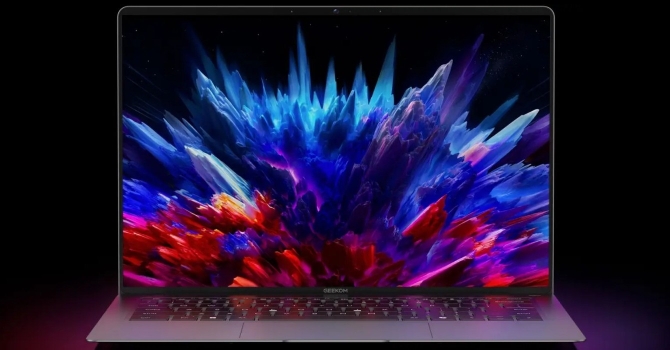
When it comes to power, you can pick between the Intel Core Ultra 5 125H and the Core Ultra 9 185H. The latter offers two extra P-cores, a higher power limit, a larger cache size, and a punchier iGPU. The base CPU is plenty for everyday tasks. Both chips have NPUs that aren't as impressive as the latest Panther Lake chips, but that extra AI boost is still a welcome bonus at this price.
In most cases, a small and slim laptop translates into limited upgradability. Here, you have one M.2 slot for the most common 2280 Gen 4 SSDs. Everything else is soldered. On the bright side, 32 GB of LPDDR5X RAM seems enough for the Average Joe, even for the next few years.
Feature-wise, all looks up-to-date. For extra security, you can rely on a webcam with a privacy shutter, fingerprint reader, and optional fTPM 2.0 support. The 72 Wh battery is actually quite impressive, given how thin the chassis is. Backlit keyboard? Check. Smooth, centered touchpad? Check.
Connectivity includes Wi-Fi 6E plus two fast 40 Gbps ports and one Type-A. Geekom also provides a useful docking station that expands the I/O capabilities.
Specifications
| Specifications | |
|---|---|
| Manufacturer: | Geekom |
| Model: | Geekbook X14 Pro |
| Weight: | 0.999 kg |
| Processor: | Intel Core Ultra 5 125H/Meteor Lake-H 4 P-Cores/8 E-Cores/2 LP E-Cores/18 threads Up to 4.50 GHz, 18 MB cache 28 W Base Power Intel Core Ultra 9 185H/Meteor Lake-H 6 P-Cores/8 E-Cores/2 LP E-Cores/22 threads Up to 5.10 GHz, 24 MB cache 45 W Base Power |
| Chipset: | Intel Meteor Lake-H PCH |
| Display: | Display: 14"/2880×1800 (16:10)/OLED/120 Hz ~400 nits/100% sRGB |
| Operating System: | Windows 11 Pro |
| Integrated Graphics: | Intel Arc 7-Core Intel Arc 8-Core |
| Memory: | 32 GB of LPDDR5X-7467 |
| Storage: | 1× M.2 2280 PCI Express 4.0 x4 |
| Optical Drive: | None |
| Connectivity: | 1× 5 Gbps USB Type-A 3.2 Gen. 1 2× 40 Gbps USB4 with DP Alt Mode/65 W PD HDMI 2.0 Audio combo jack |
| Communications: | Wi-Fi 6 + Bluetooth 5.4 1080p webcam |
| Audio: | 2x 2 W stereo speakers DTS: X Ultra support |
| Input device: | Multi-point touchpad Keyboard with backlight |
| Power: | 1× 65 W Type-C GaN adapter 72 Wh battery |
| Warranty: | 1+1 Year (region dependent) |
| MSRP: | Starting at $999 |
Packaging
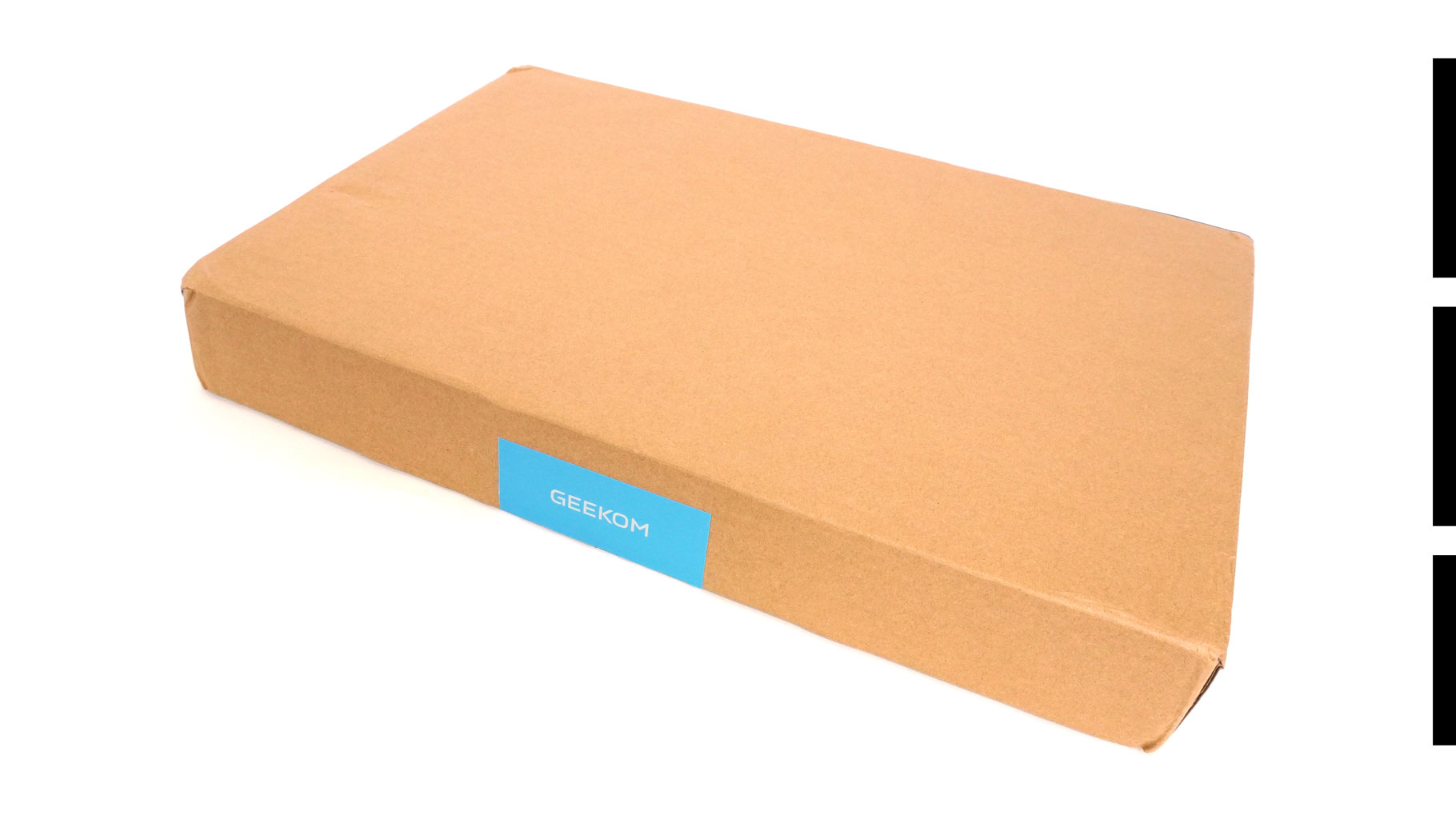
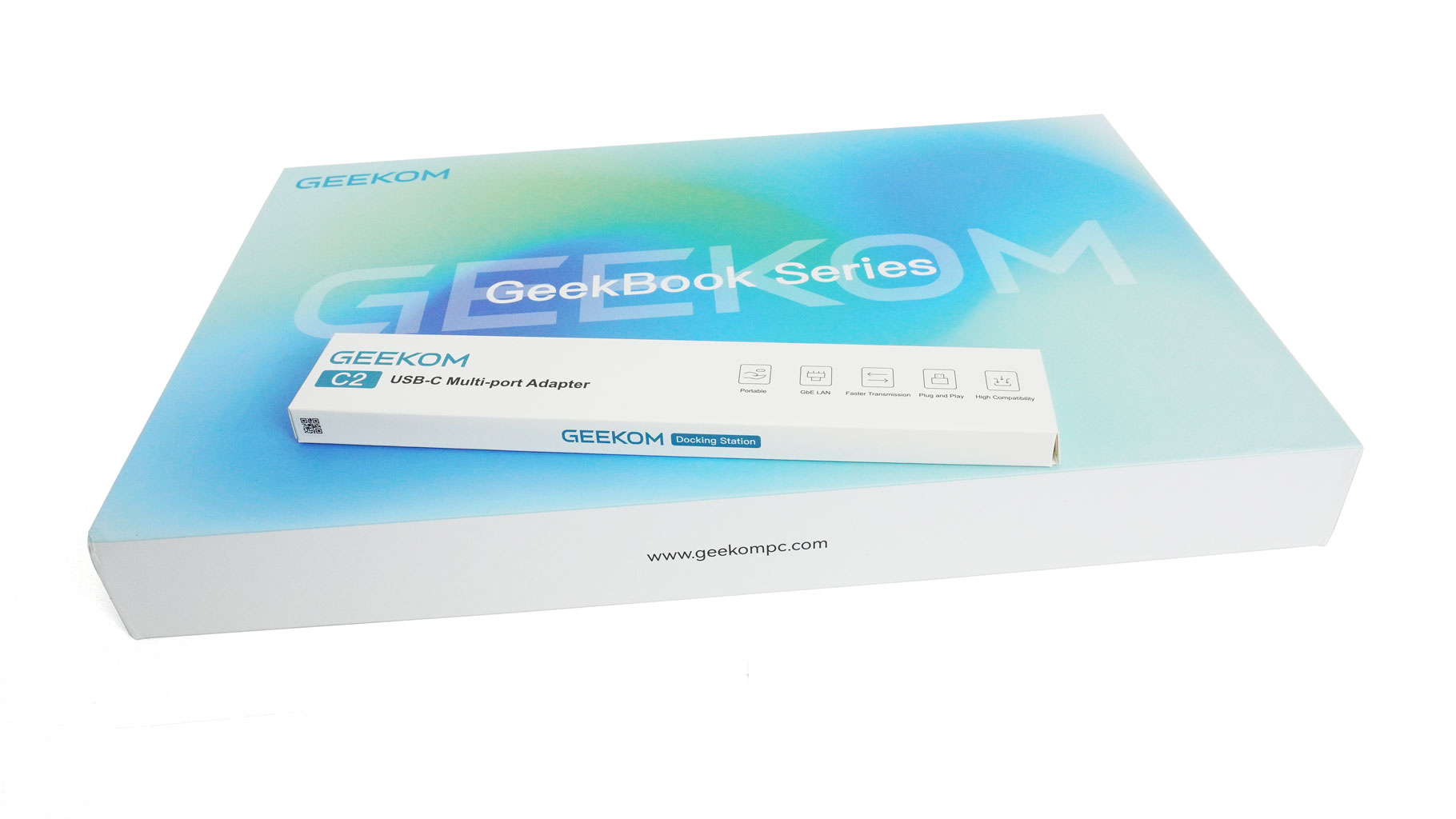
The laptop arrives in a nice glossy box, which is protected by a larger branded outer box.
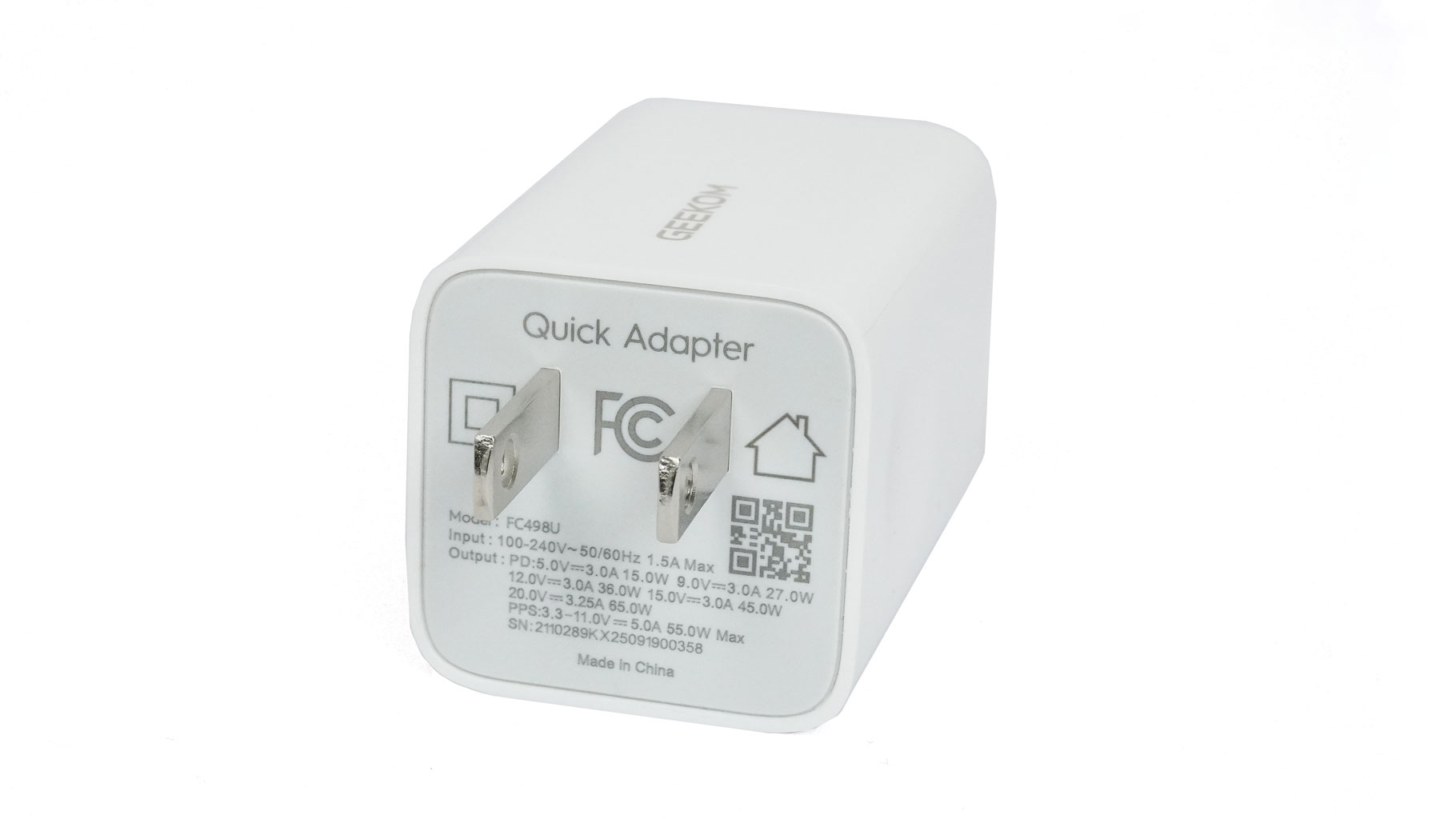
Inside, you'll find the laptop and a compact 65 W GaN charger.
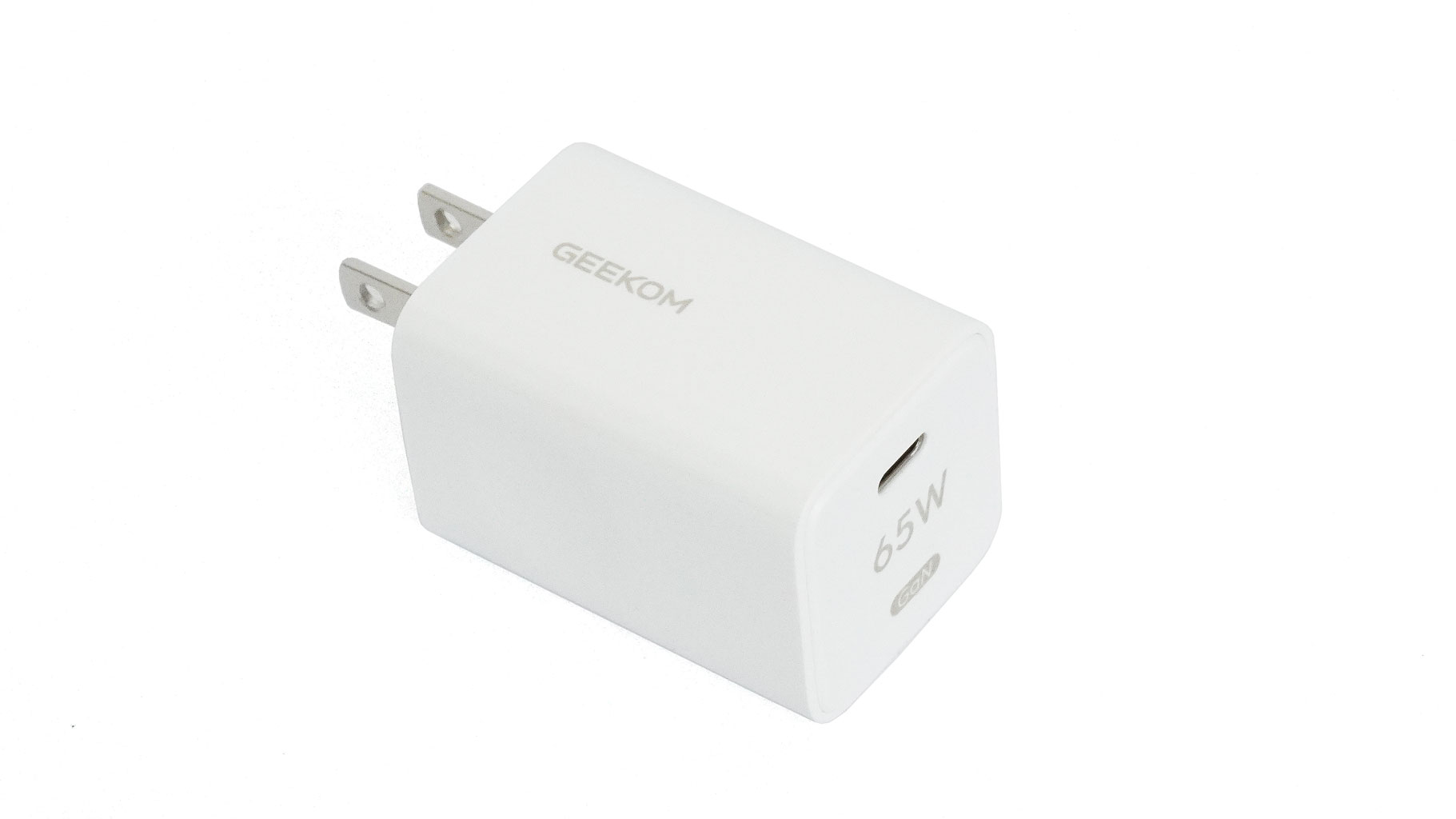
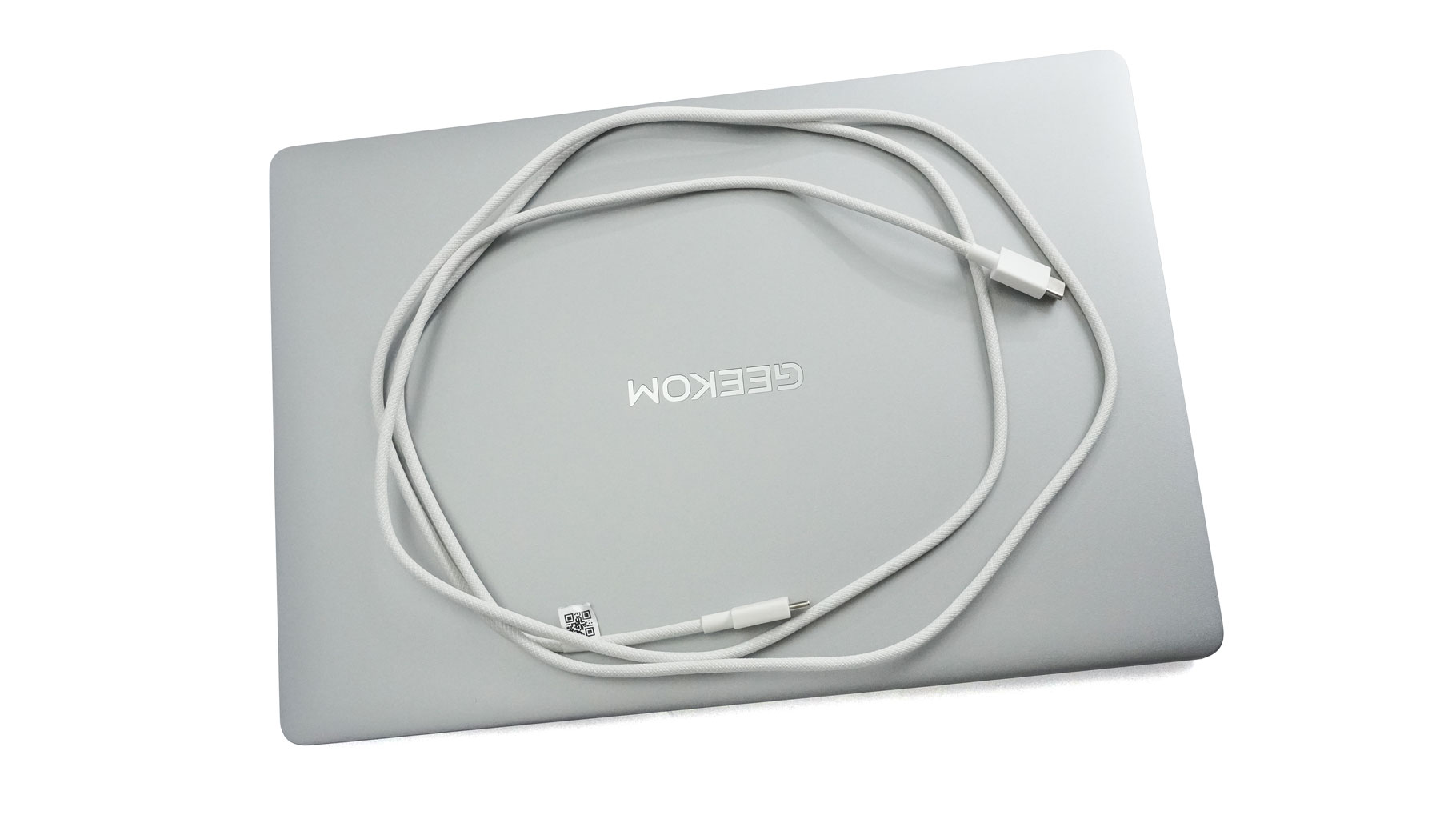
It's a small but effective adapter. For the sake of science, it charged my Samsung Galaxy S24 Ultra from 0 to 100% in exactly one hour. That matches the performance of the official Samsung adapter I bought separately.
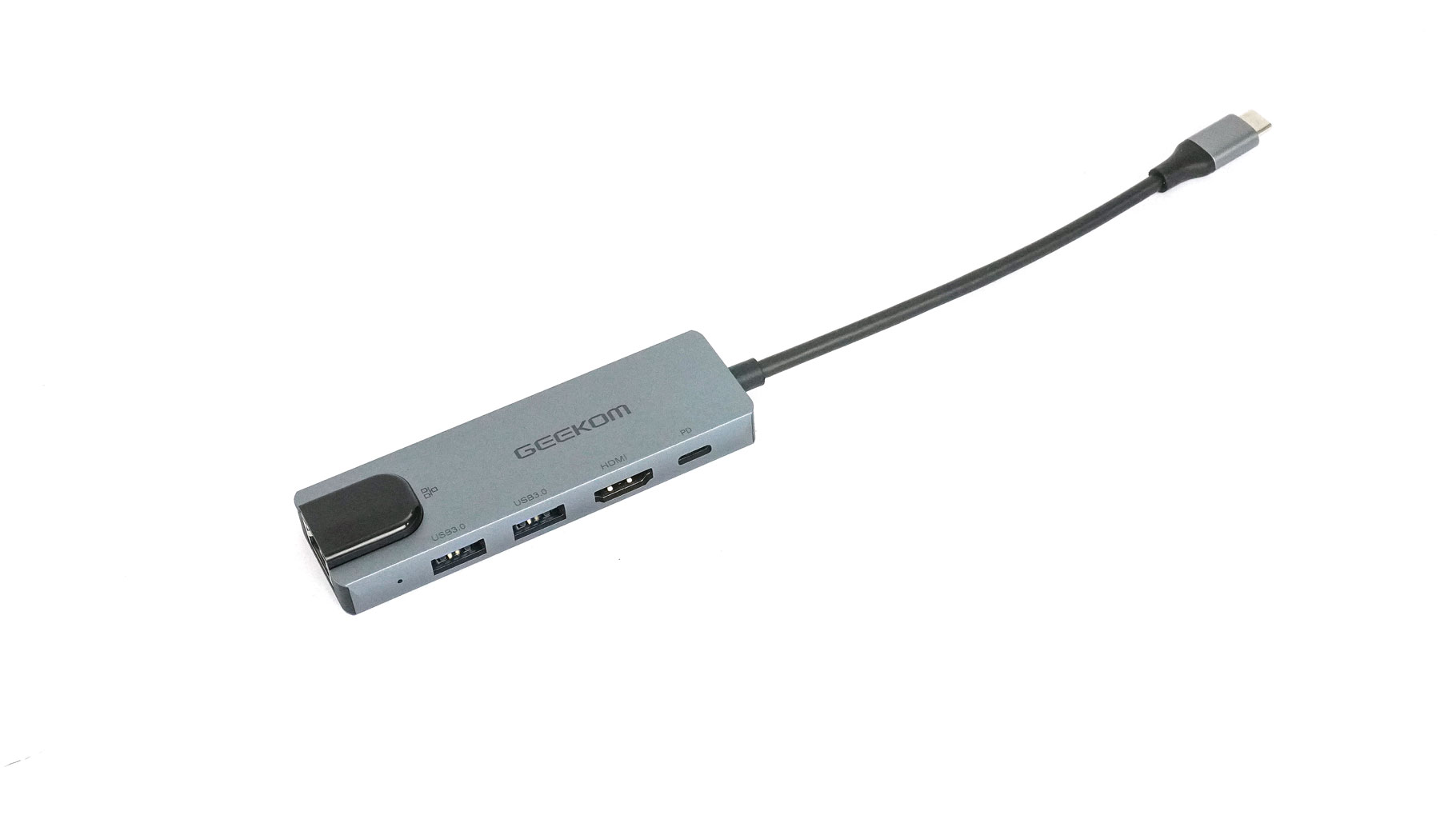
There's also an included docking station that plugs into one of the Type-C ports. When connected, it offers a pair of Type-A connectors, one full-size HDMI port, a Type-C for Power Delivery, and a Ethernet port.
A Closer Look - Outside
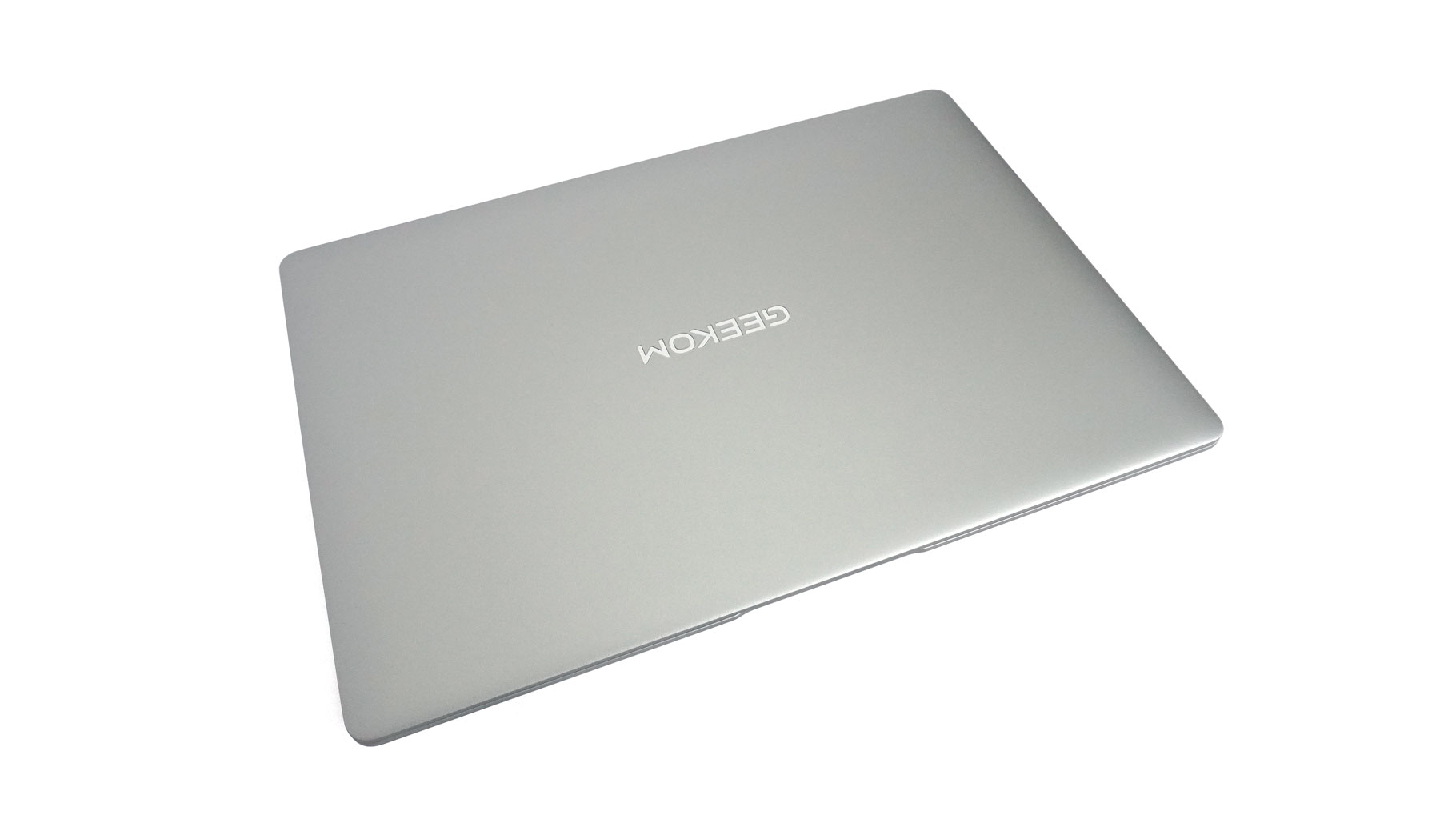
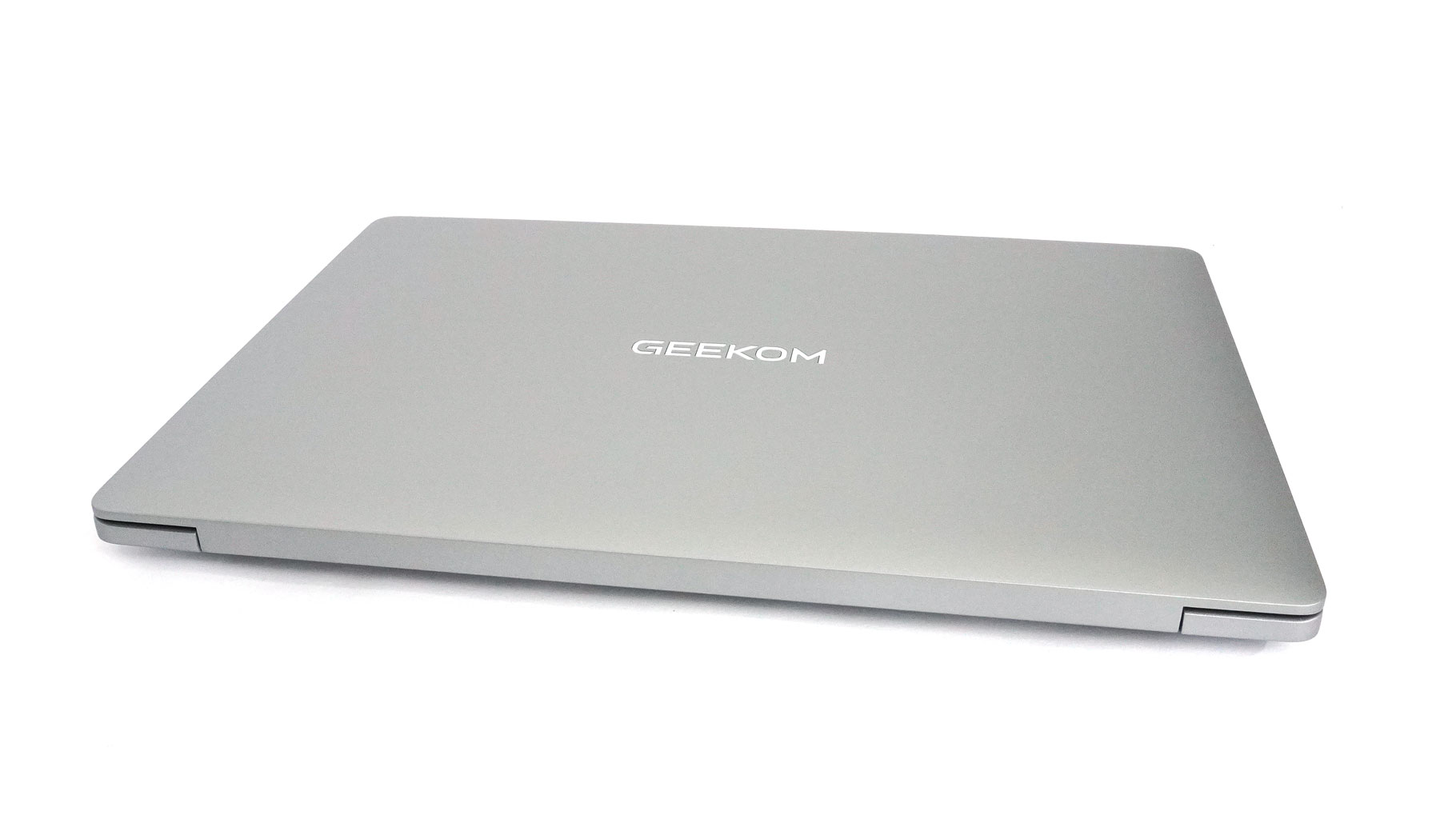
Wait, is that a MacBook? The Geekom X14 Pro isn't a carbon copy of Apple's machines, but its design definitely gives off Apple vibes. Still, it isn't quite as boxy or flat as a MacBook. It also misses the camera notch, which is a pro in my book.
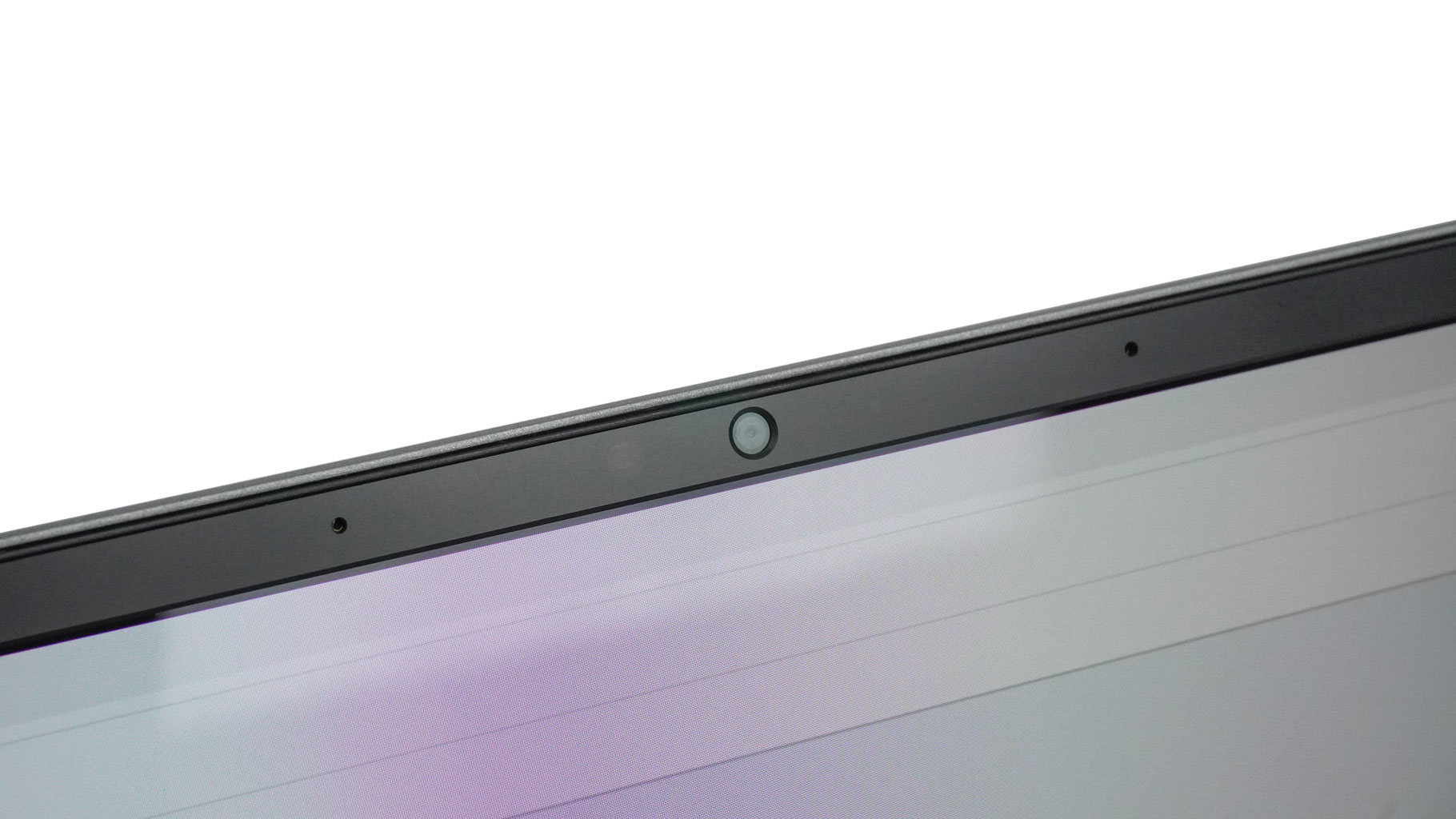
Since I mentioned the webcam so early, let's talk about its capabilities and the overall privacy. It's a 1080p unit sitting above the screen, paired with an E-shutter on the right side. Personally, I prefer a physical shutter so you can actually see if the lens is blocked.
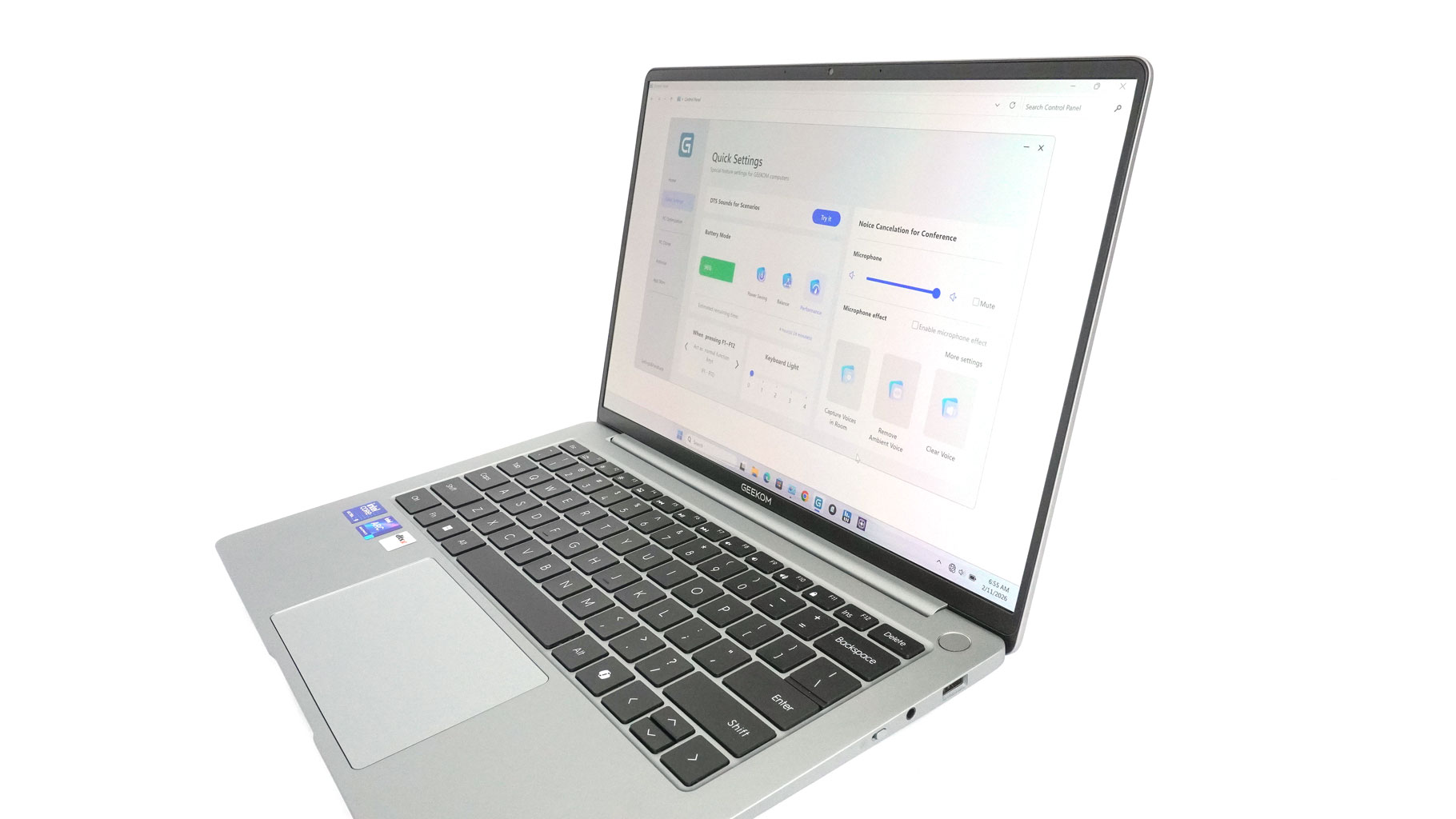
The bezels that surround the small color-rich panel are thin.
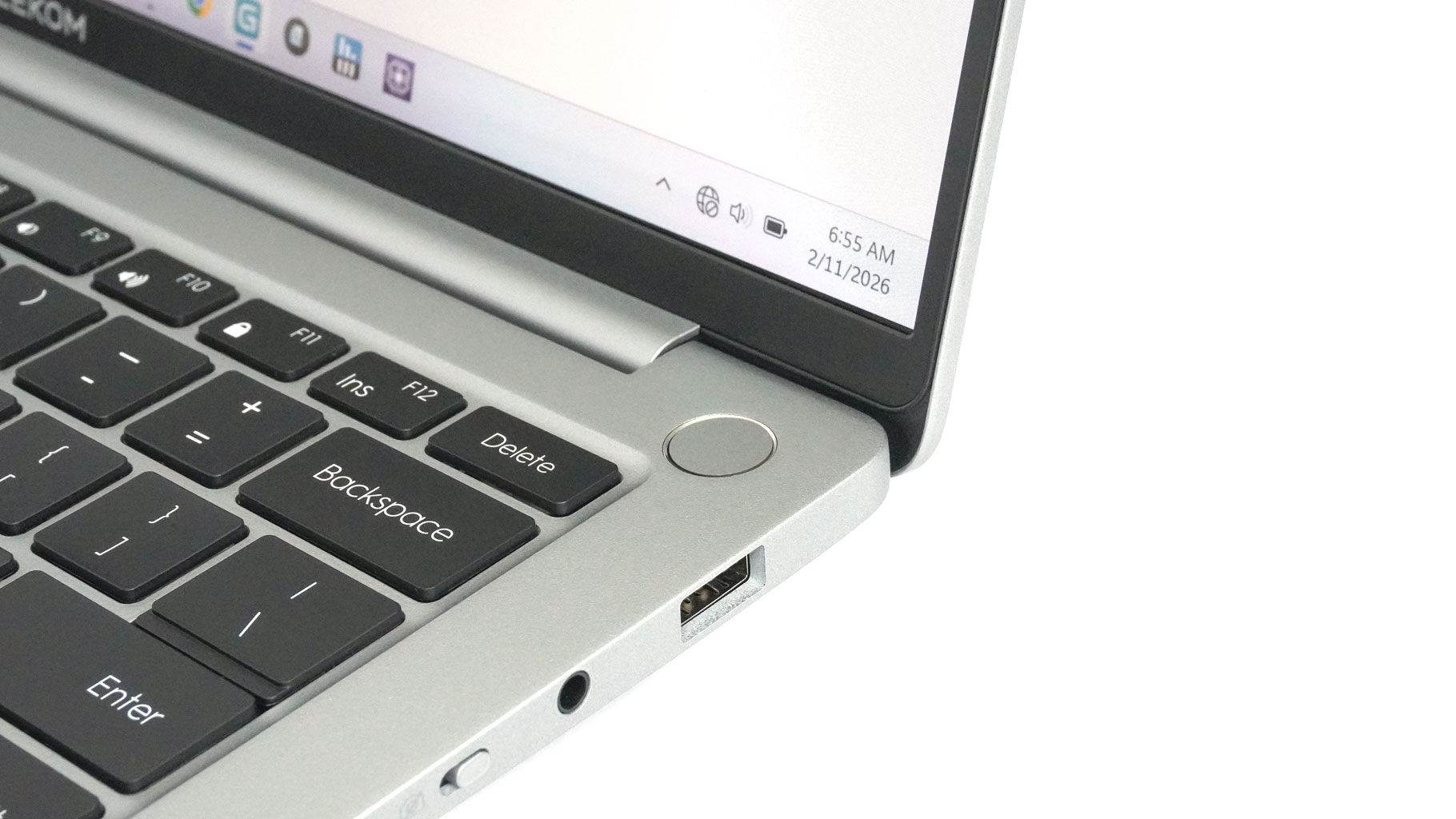
There is no facial recognition feature, but the power button doubles as a fingerprint reader for quick, password-free logins. Such a built-in scanner is a clean approach that saves space on the deck.
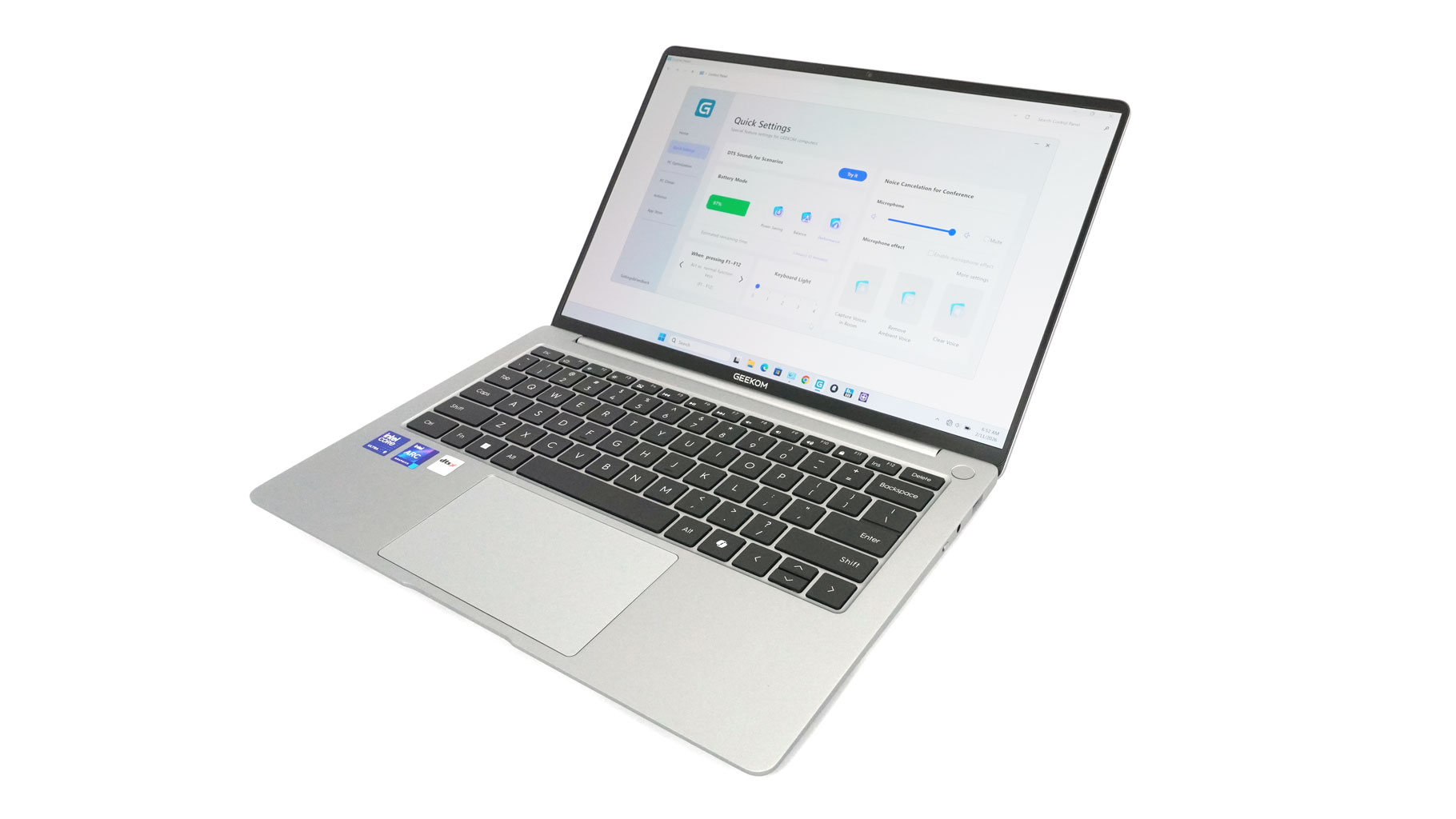
The laptop uses a precision-milled magnesium shell, and weighs just shy of 1 kg. Even more impressive: the thinnest part of the profile is only ~5.8 mm! Despite that, the build is solid. The thin lid feels rigid when twisted or pressed hard on purpose, and I can confirm that the same can be said about the main body.
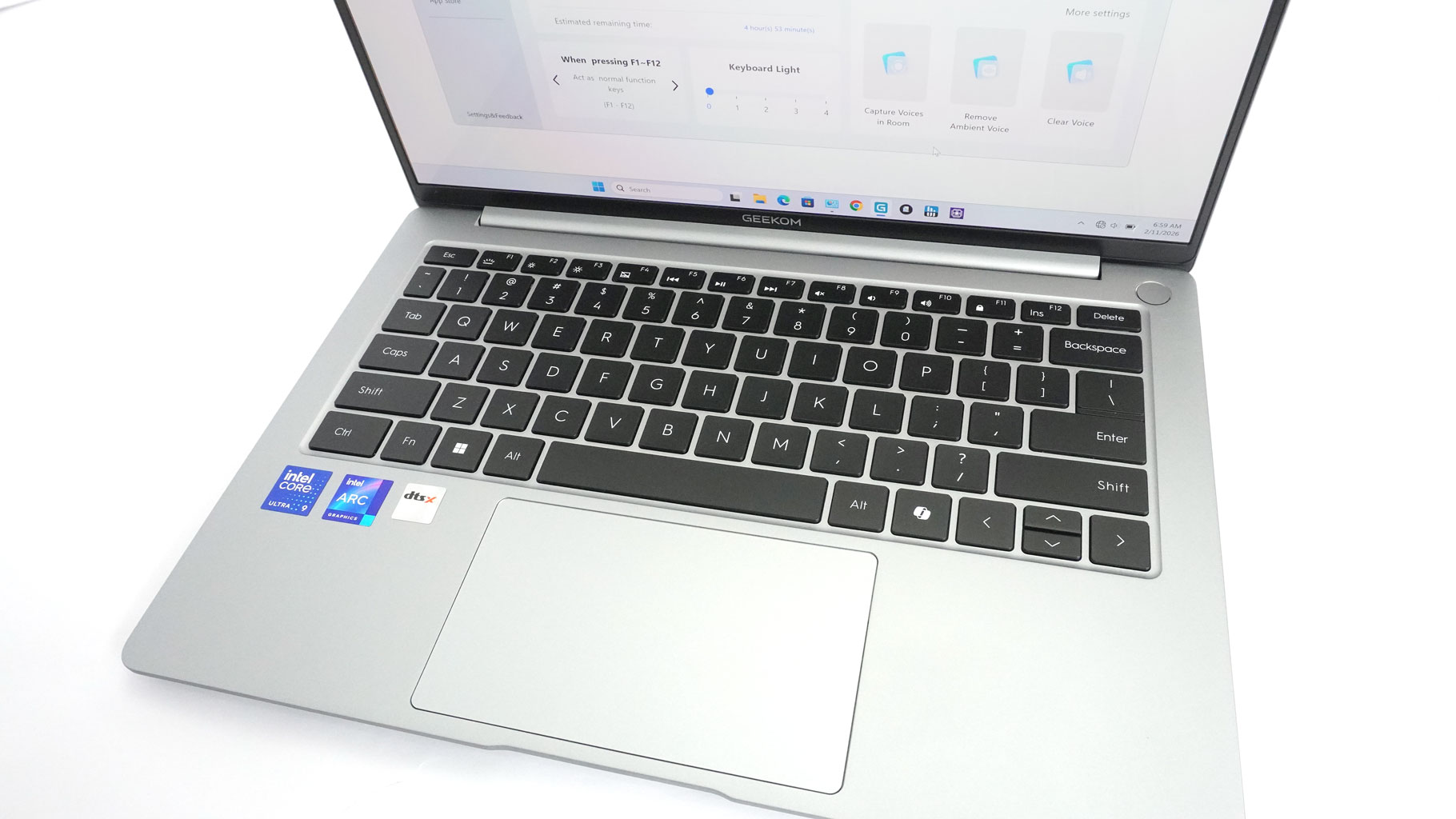
The keyboard is comfortable enough for office work, school, or daily usage. If you are typing all day long, maybe this board isn't the best fit for your needs since the key travel is average. On the flip side, the feedback feels super nice. I like the large keycaps and the oversized escape and delete keys at the top corners of the deck. Half-sized up and down arrow keys are just something you have to live with on most 14-inchers.
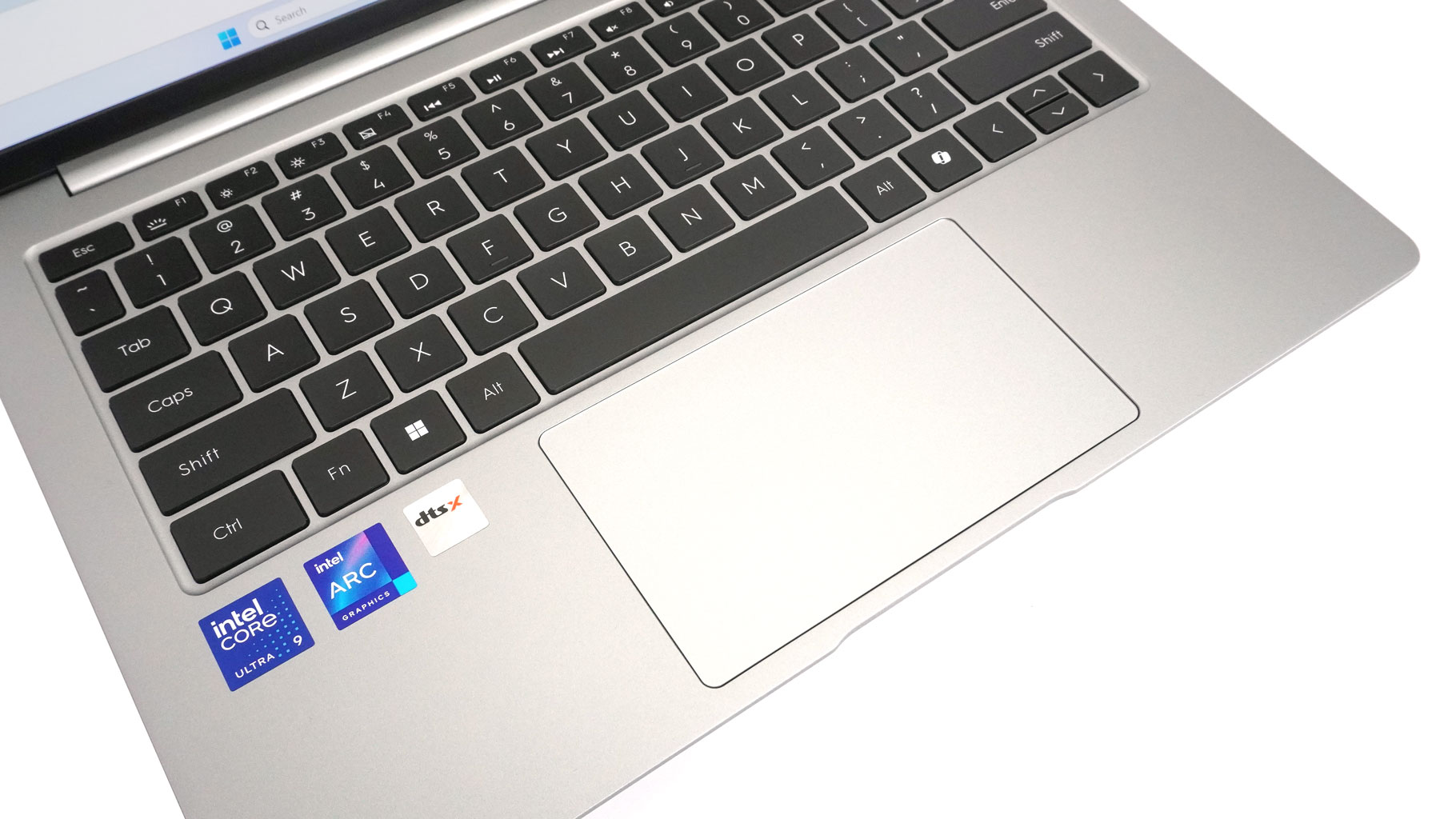
The centered touchpad measures 120 × 71 mm. Its plastic Mylar surface feels almost glass-like. The precision is on point, and the clicks aren't loud - perfect!
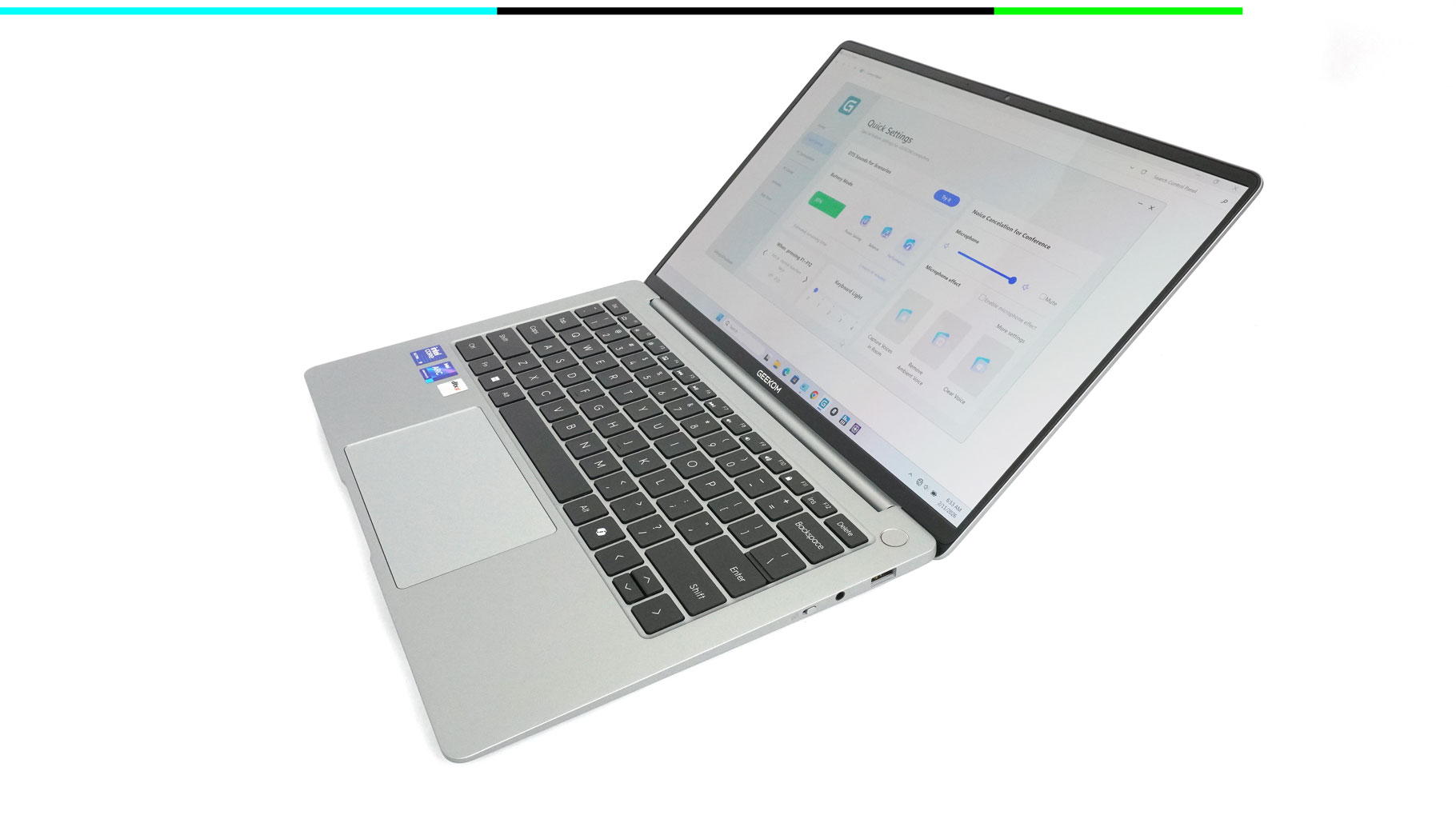
Before we flip it over, that silver chassis—with its front lip and contrasting dark keys - really leans into the MacBook aesthetic.
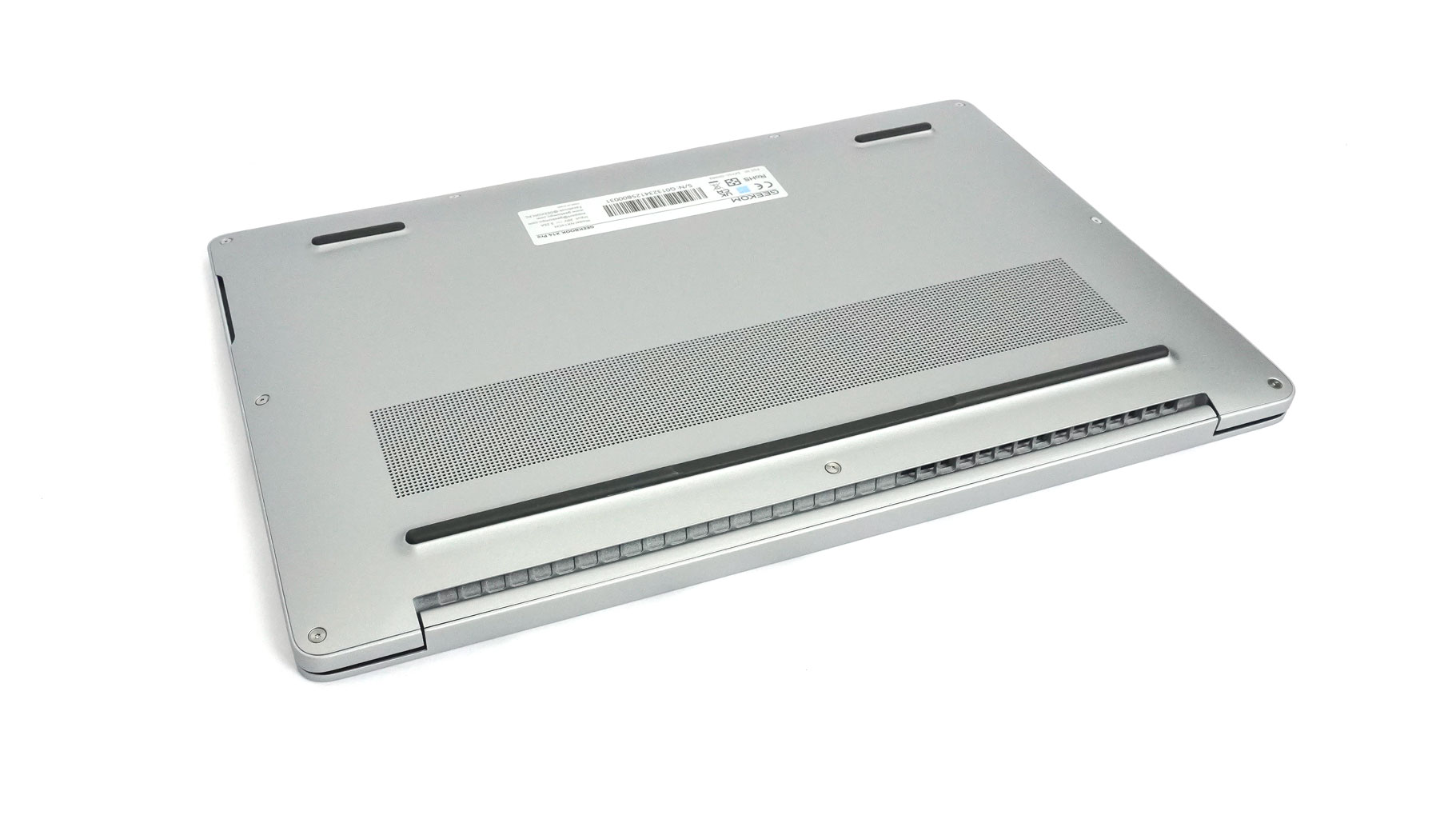
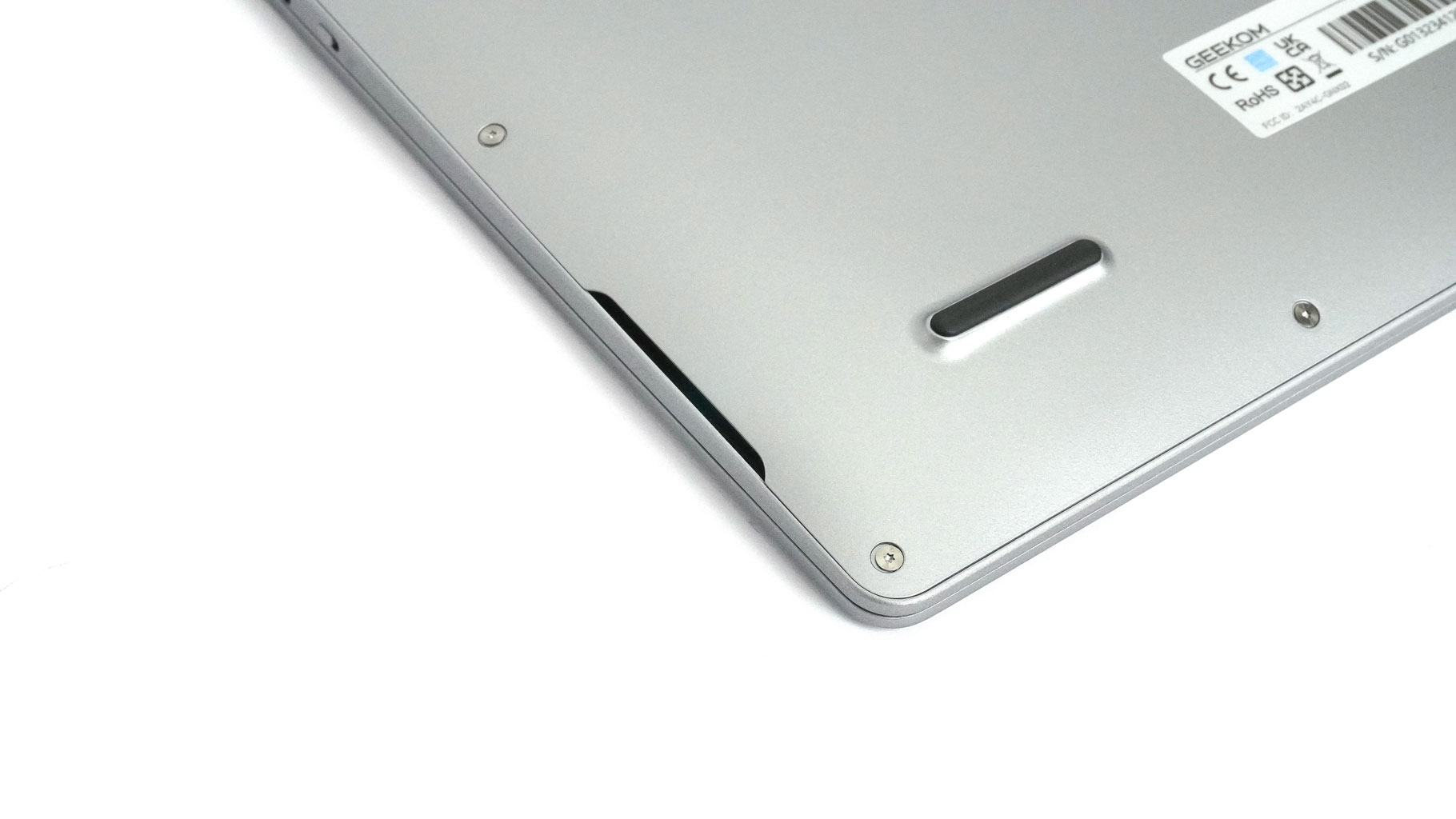
Unlike the Apple products, this one has a ventilation grille on the bottom from which the cooling draws fresh air. The plate is also a home to grippy rubber feet and speaker cutouts.
Ports and Connectivity
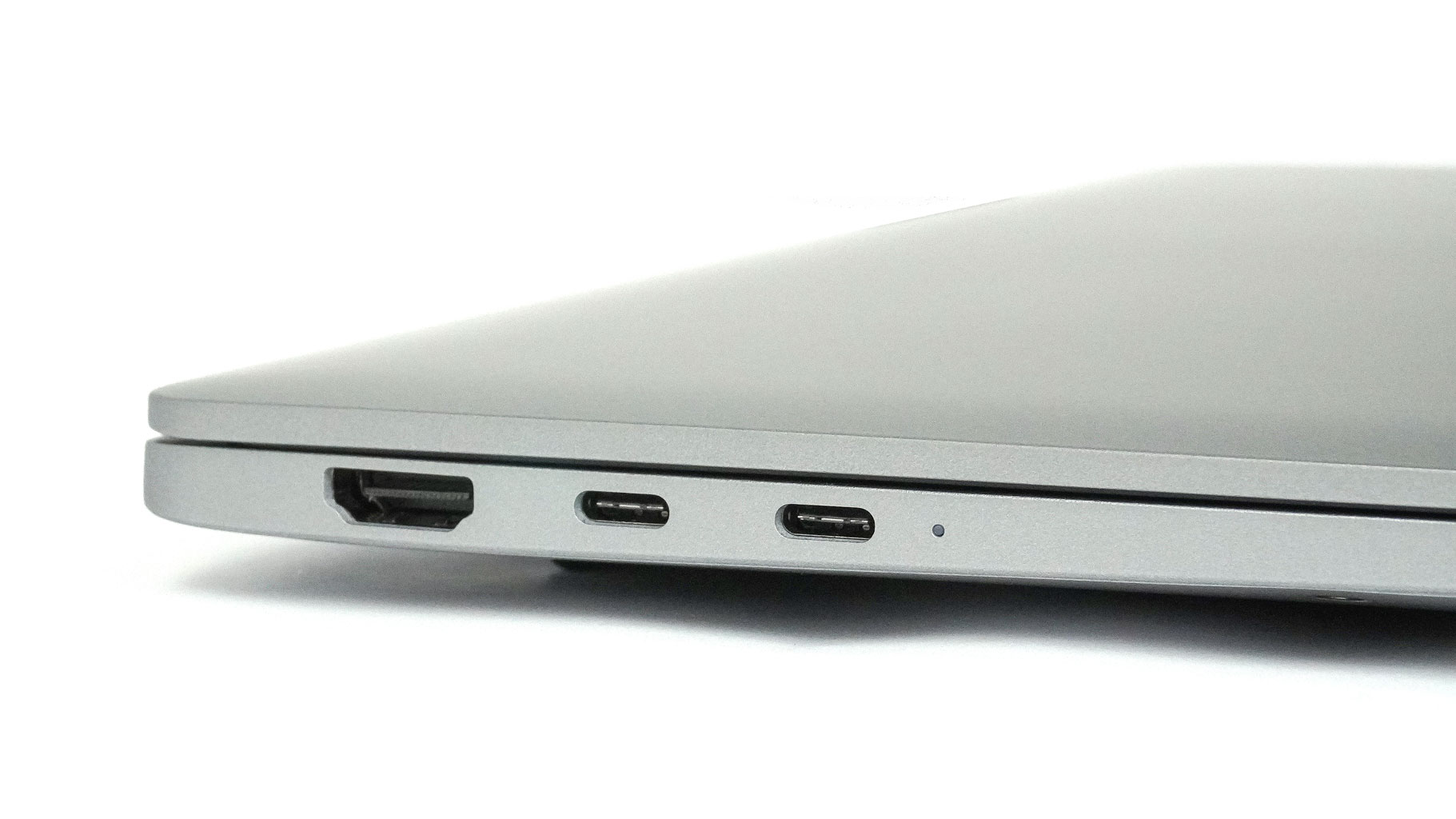
On the left, you get an HDMI 2.0 and two 40 Gbps USB4 Type-C ports with DP and PD.
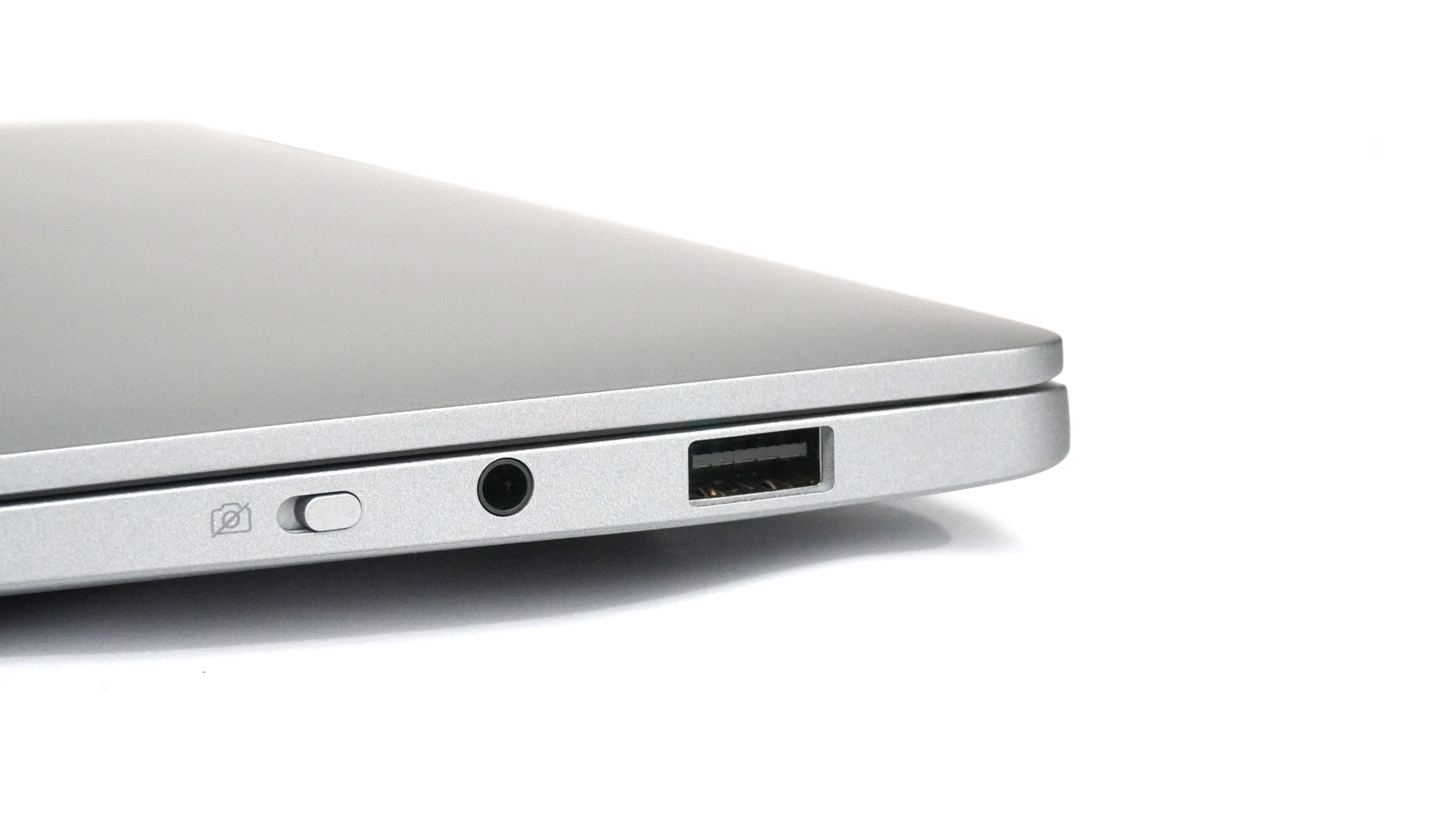
The right side houses a 5 Gbps USB-A 3.2 Gen 1, an audio combo jack, and an E-shutter.
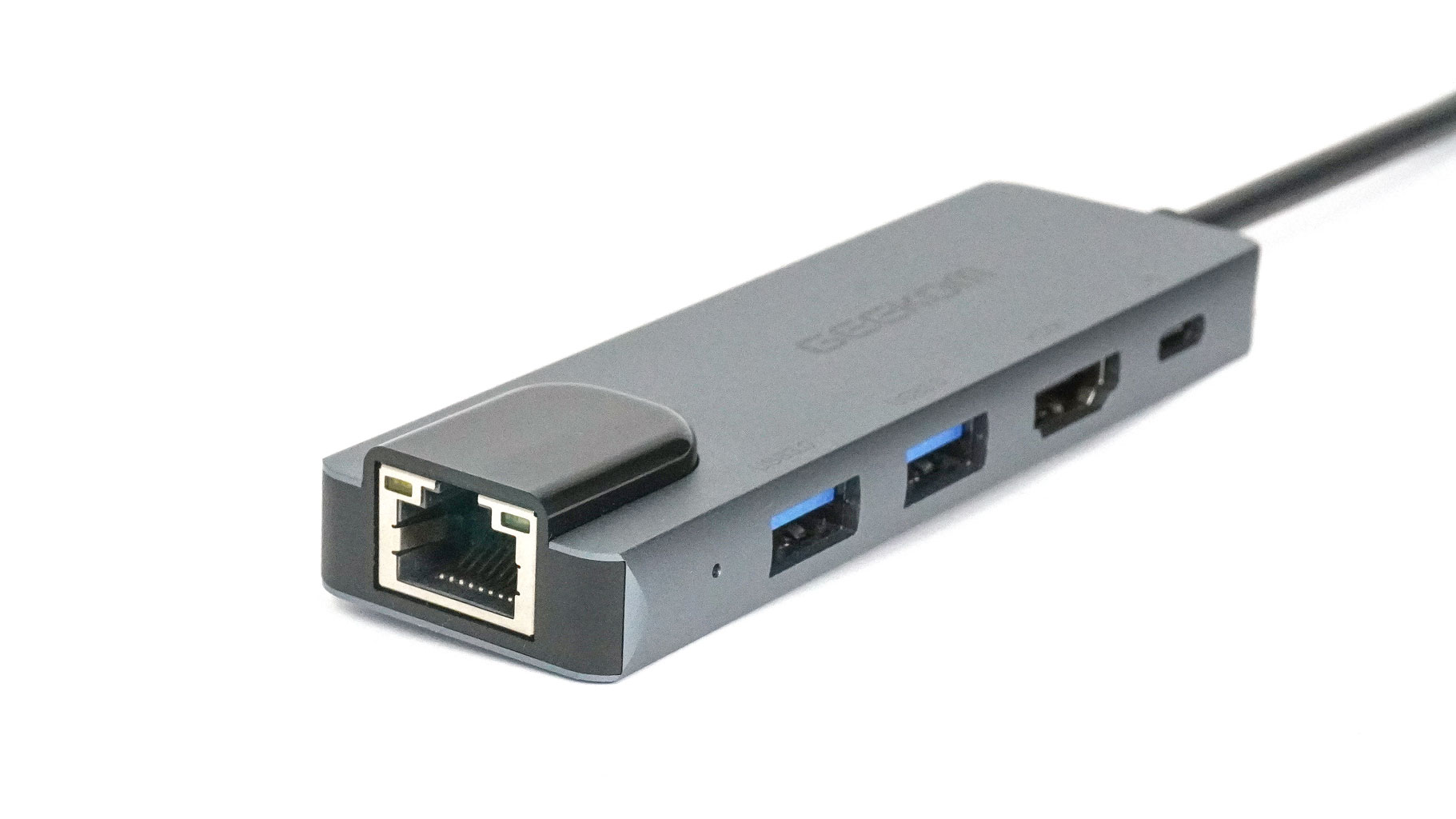
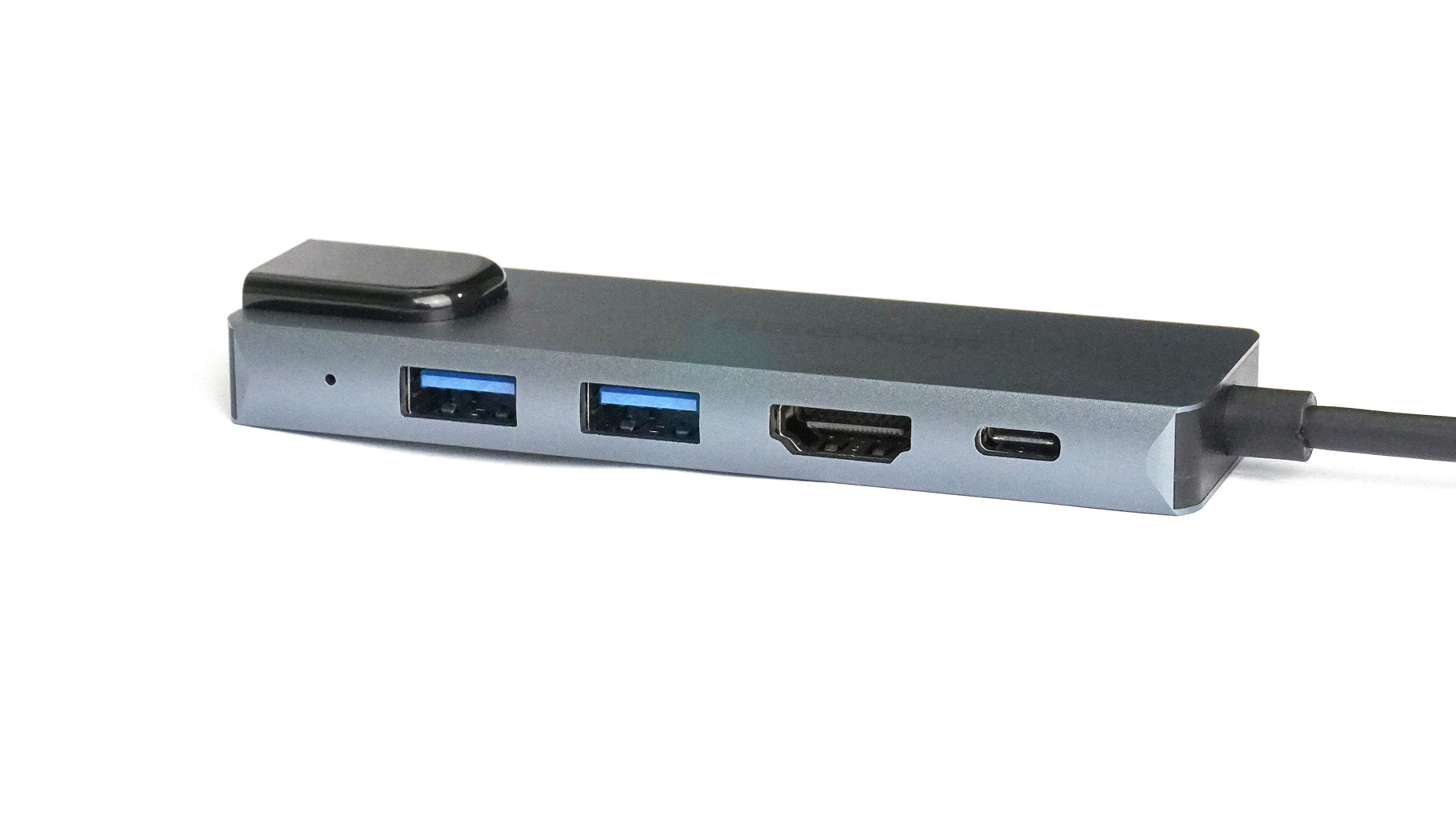
The dock station offers a Gigabit LAN Ethernet port, a full-size HDMI for up to 4K@30 Hz external displays, two 5 Gbps USB-A 3.2 Gen 1 ports, and a 100 W Power Delivery Type-C port.
Our Patreon Silver Supporters can read articles in single-page format.
Nov 15th, 2026 00:44 CST
change timezone
Latest GPU Drivers
New Forum Posts
- Bought MAX-P495 - Which model? (32)
- "Legacy Control Panel" won't install (1)
- Tell me about your favourite graphics card (84)
- Honestly, do you care about GTA VI? (25)
- WarpCoreBench scores! (45)
- Planning for Prolonged High Prices and Maintaining What You Already Have (72)
- What can the FX 8320 do today? Here is the answer. (47)
- Recommendations Wanted - Affordable Enterprise SSD for Boot (3)
- [INTEL]-How To Update Your Microcode for Intel HX 13/14th Gen. CPUs Laptops/Mobile Easily. (260)
- [Intel AX1xx/AX2xx/AX4xx/AX16xx/BE2xx/BE17xx] Intel Modded Wi-Fi Driver with Intel® Killer™ Features (632)
Popular Reviews
- AMD Zen 6 Technical Deep Dive
- ASUS ROG Strix B850-I Gaming Wi-Fi7 W Review
- Corsair HX1000i Shift Crystal Review
- Upcoming Hardware Launches 2027 (Updated Nov 2026)
- Montech King 95 3D PRO Review
- NZXT C1200 Platinum Review
- NZXT H7 RGB+ Review
- NZXT H5 Review
- Phantom Blade Zero Performance Benchmark Review - 35 GPUs Tested
- AMD Ryzen 7 9800X3D Review - The Best Gaming Processor
TPU on YouTube
Controversial News Posts
- NVIDIA Co-Founder and CEO Jensen Huang Officially Resigns (408)
- OpenAI CEO Argues Home PCs Waste the World's Limited DRAM Supply (152)
- NVIDIA Launches Investigation Into Jensen Huang's Relationship With Suspected Chinese Spy (136)
- Intel "Raptor Lake Next" 16-Core and 20-Core CPUs Surface (130)
- Legendary Game Studio BioWare Shuts Down Following EA Layoffs (104)
- Dell CEO Says the Memory Shortage Will Get Worse in 2027 (95)
- NVIDIA GeForce RTX 50-Series Scheduled for up to $500 Price Hike This Week (89)
- Modder Fits RTX 5090 With Four 8-Pin Connectors, Halving Current per Wire (80)