 12
Gigabyte B850 Eagle WiFi7 Ice Review
Board Software »BIOS Overview
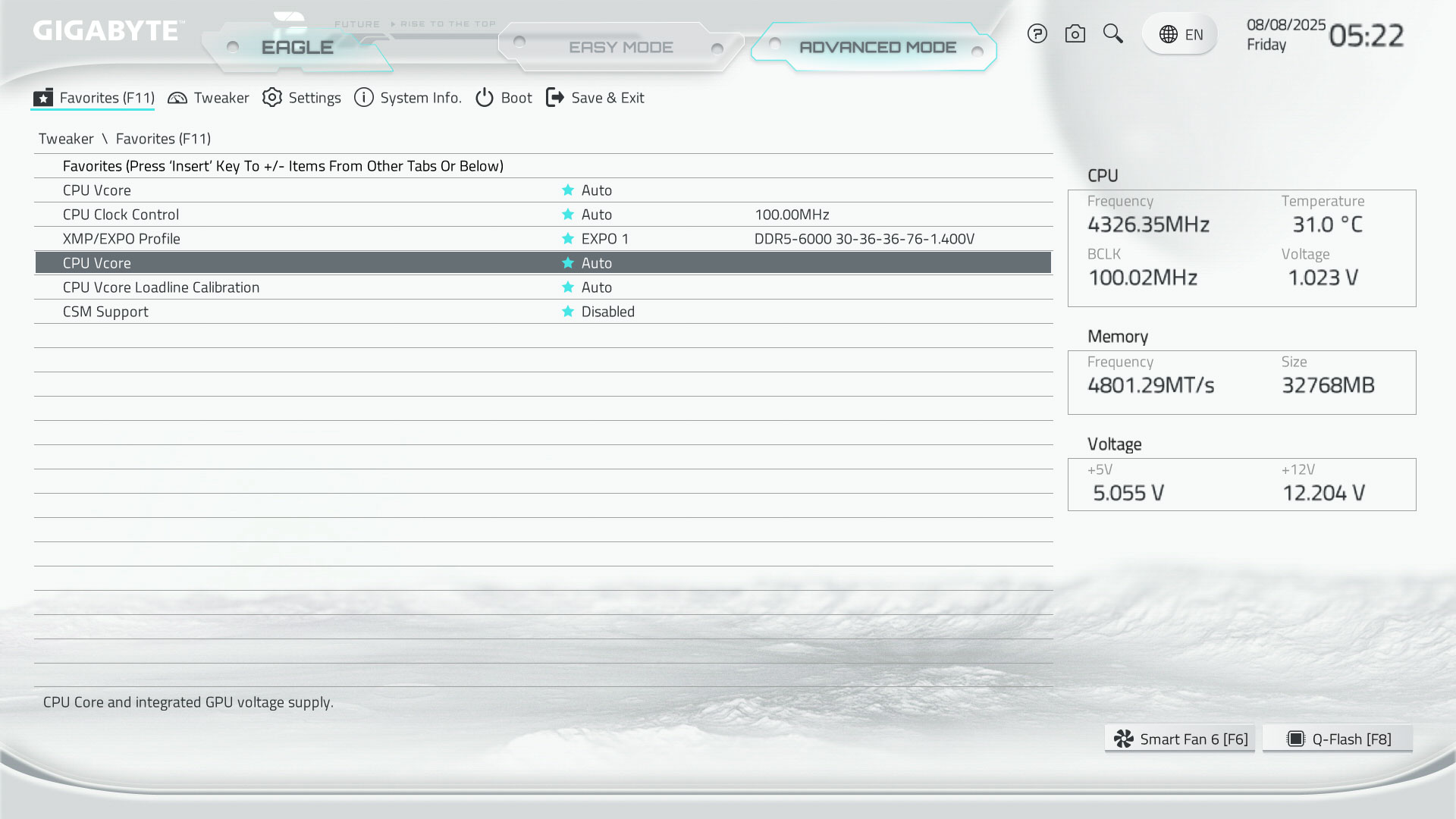
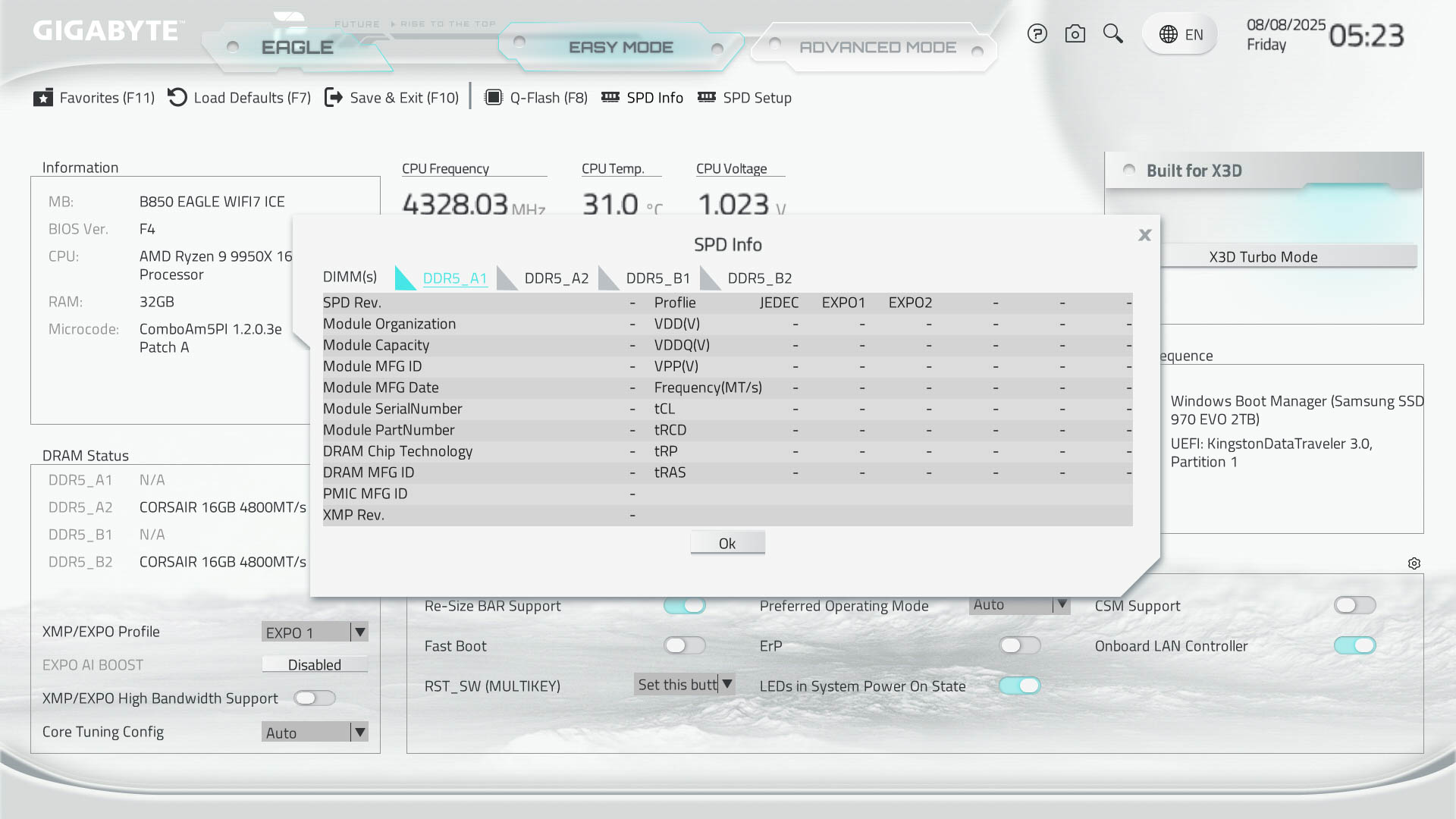
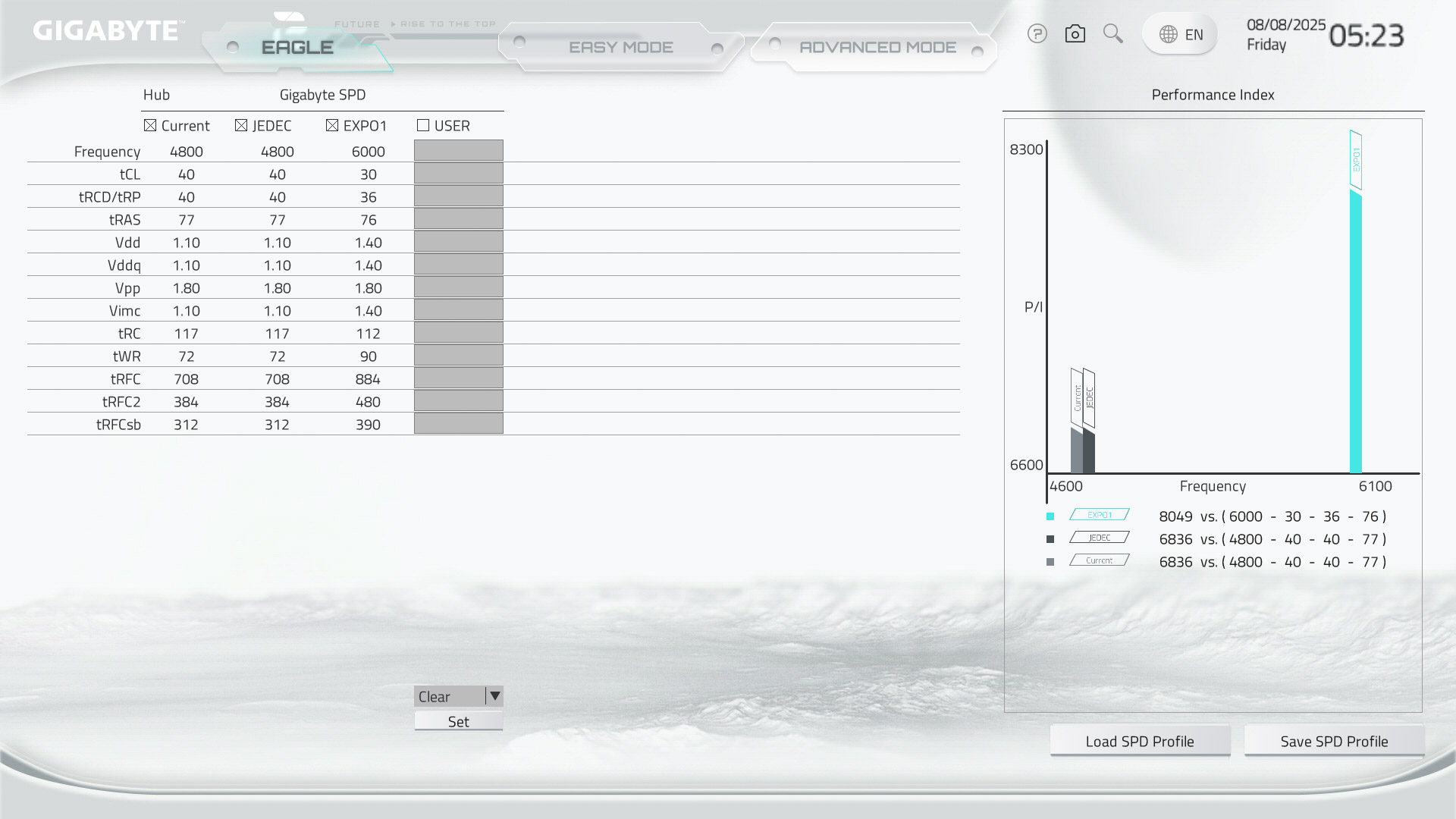
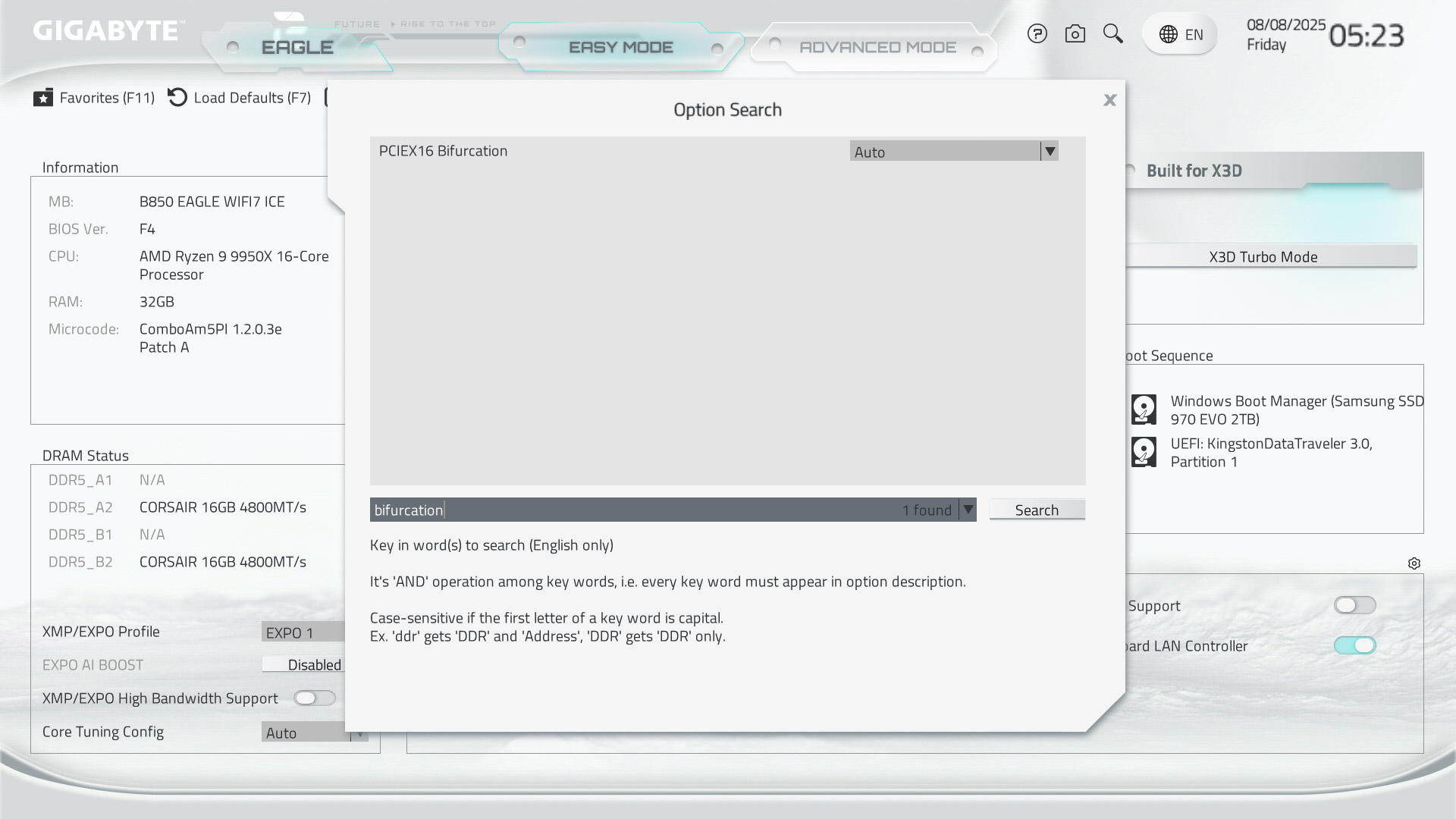
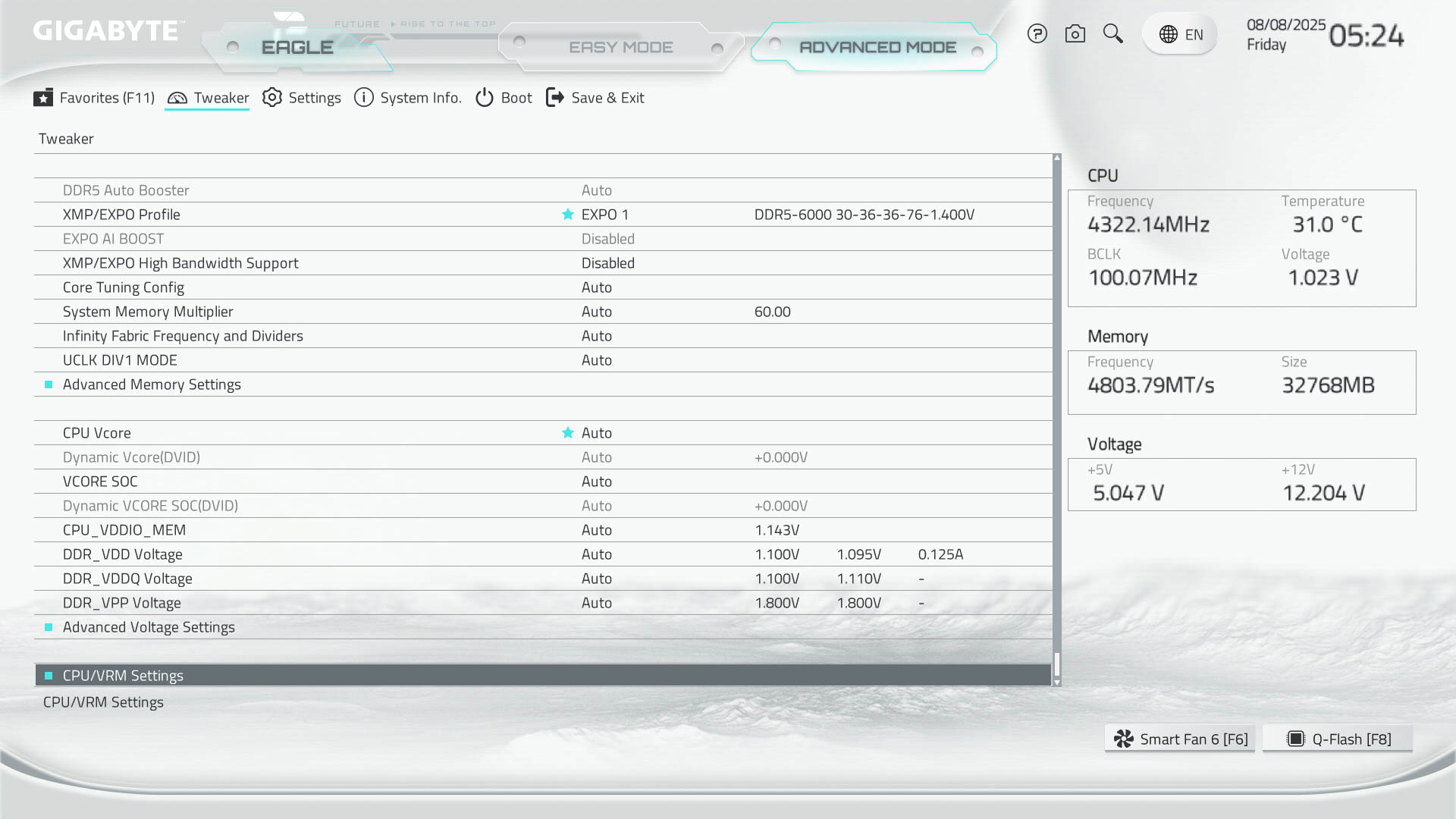
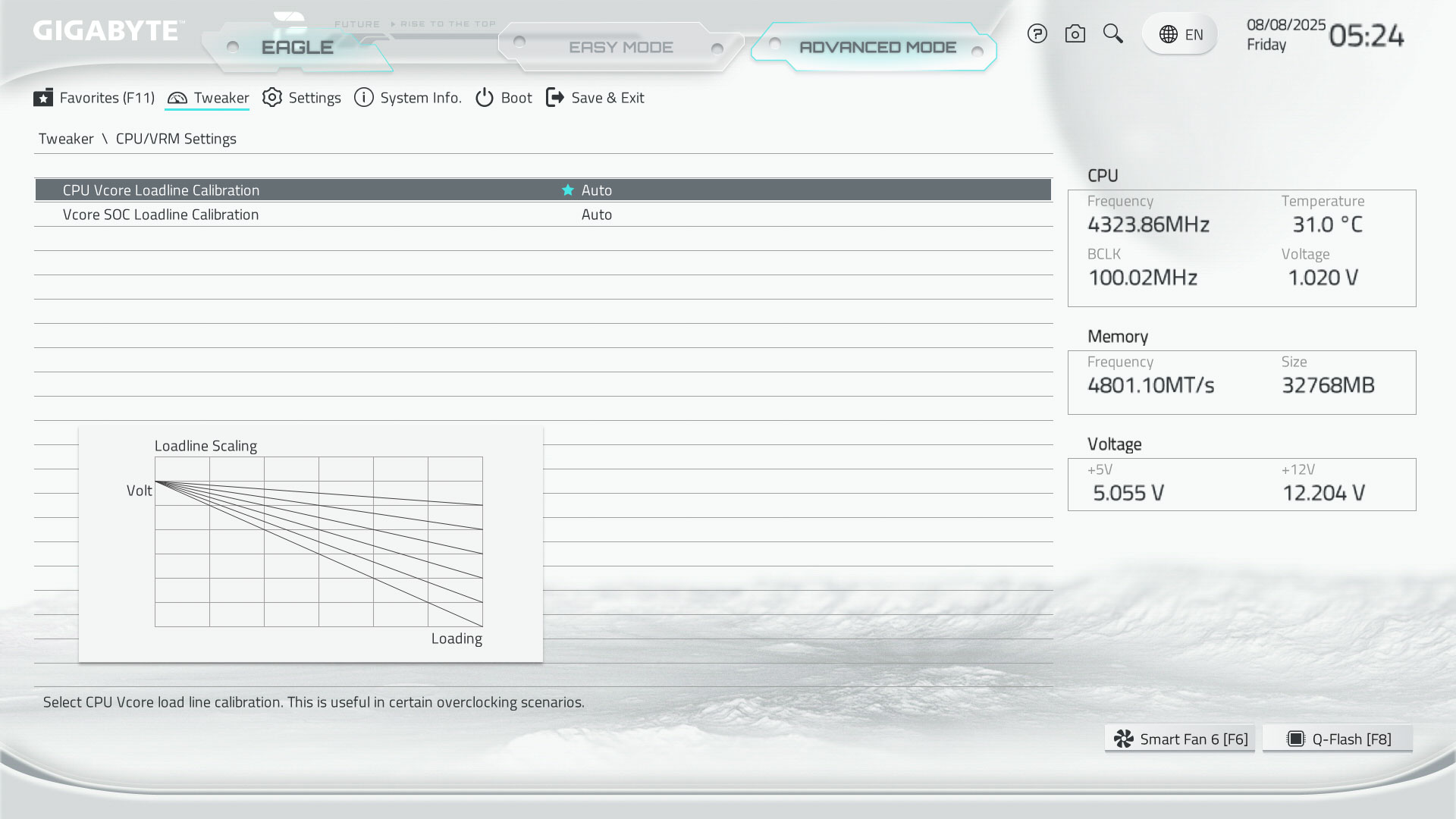
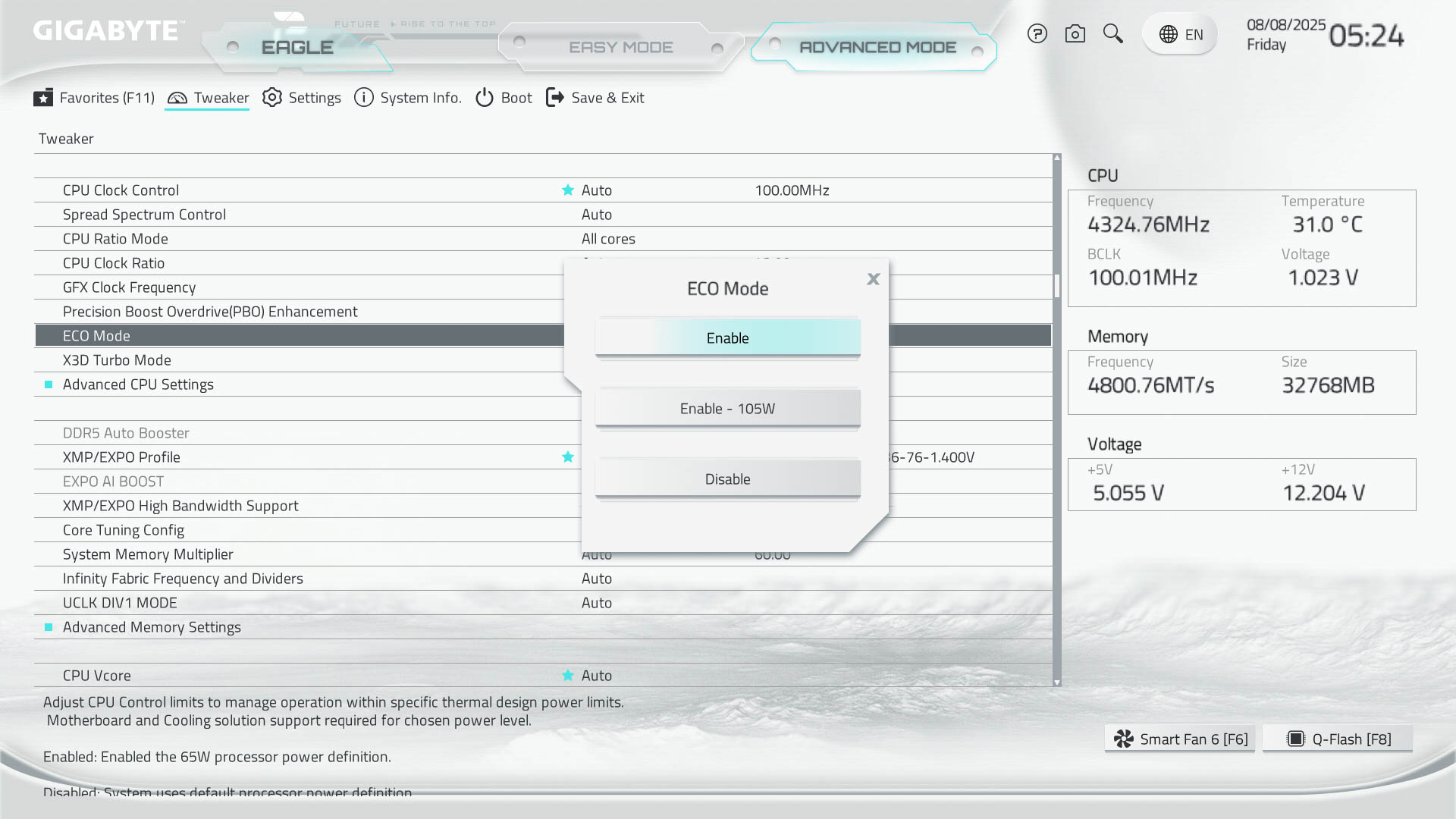
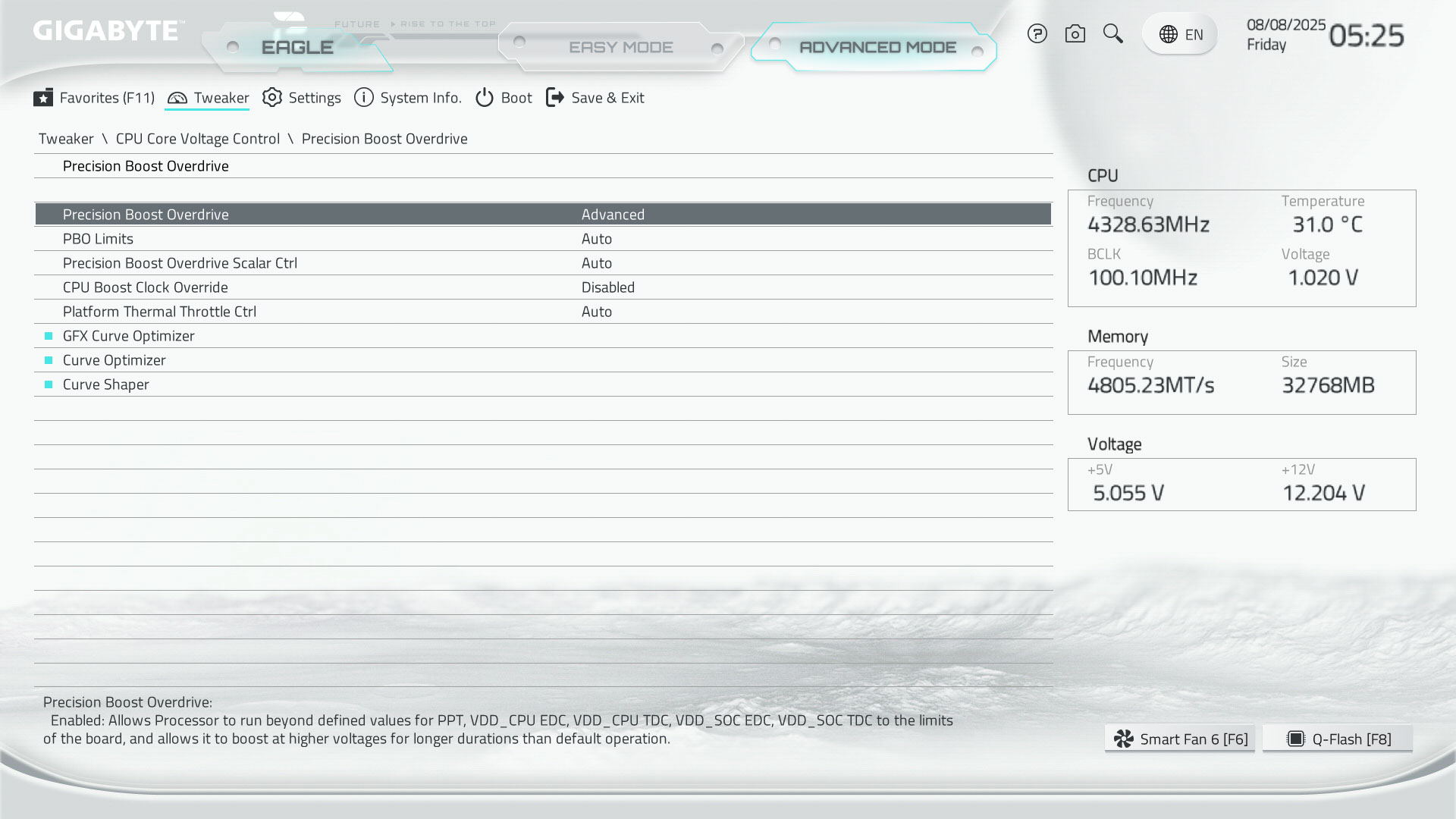
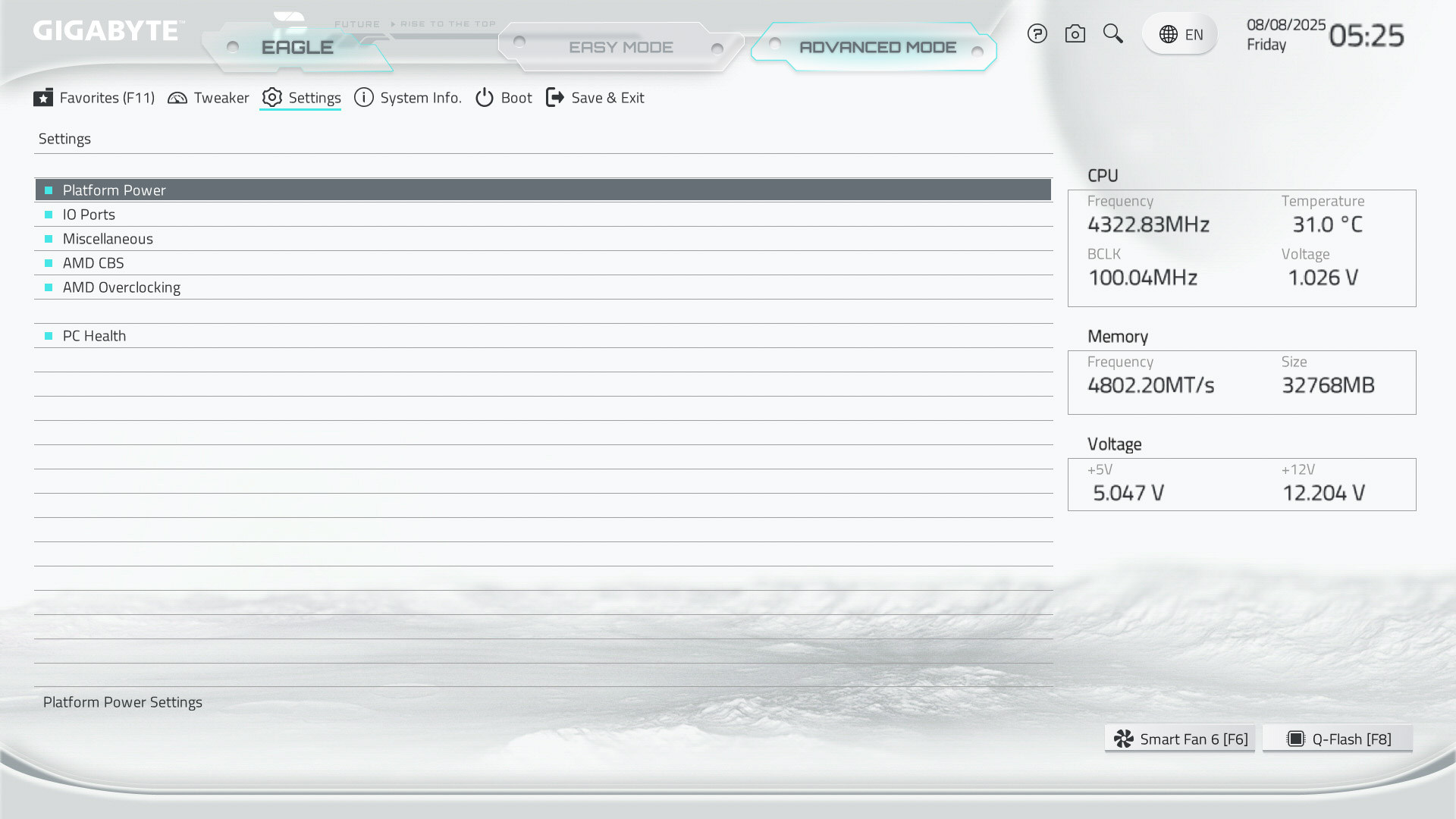
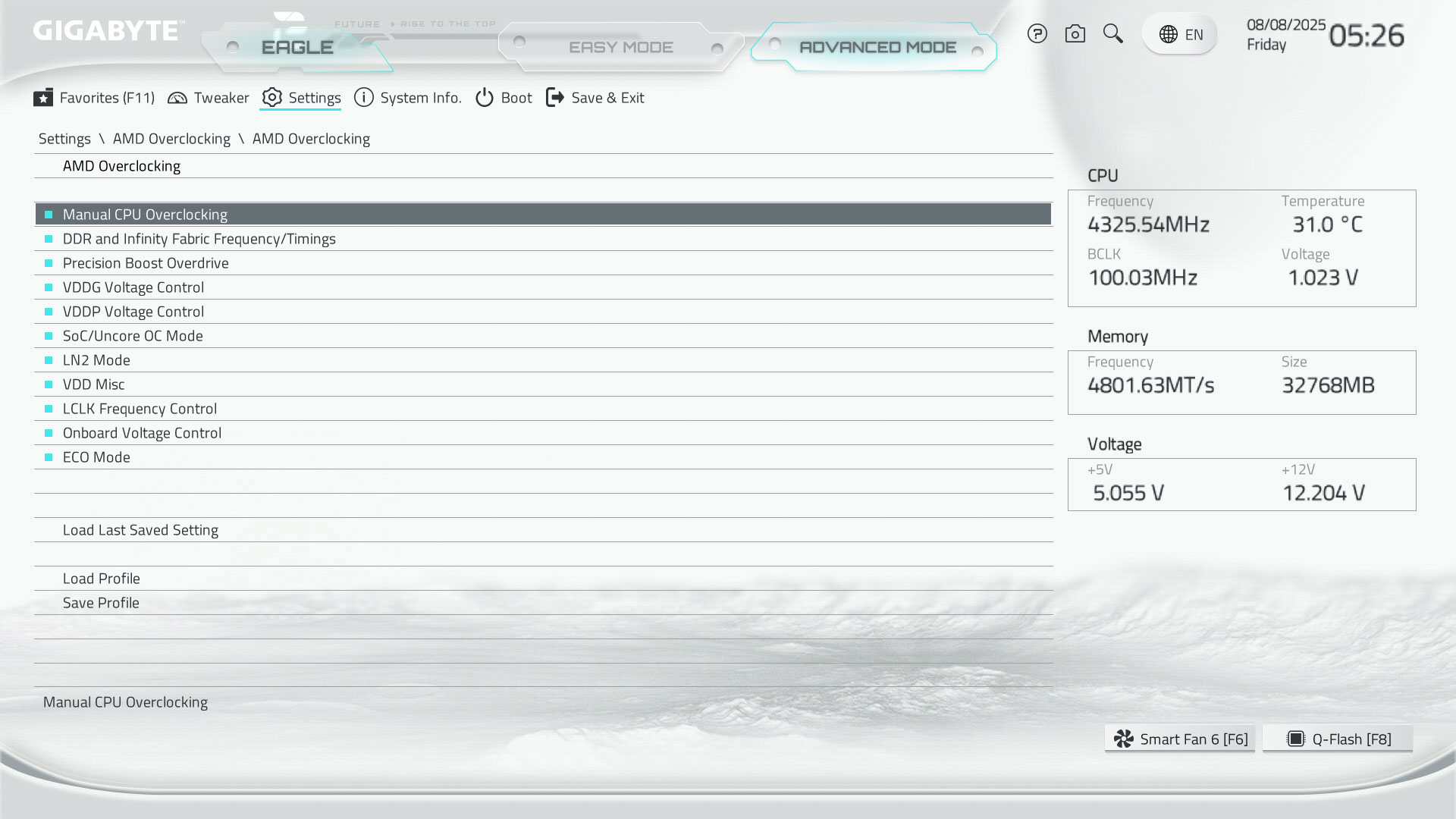
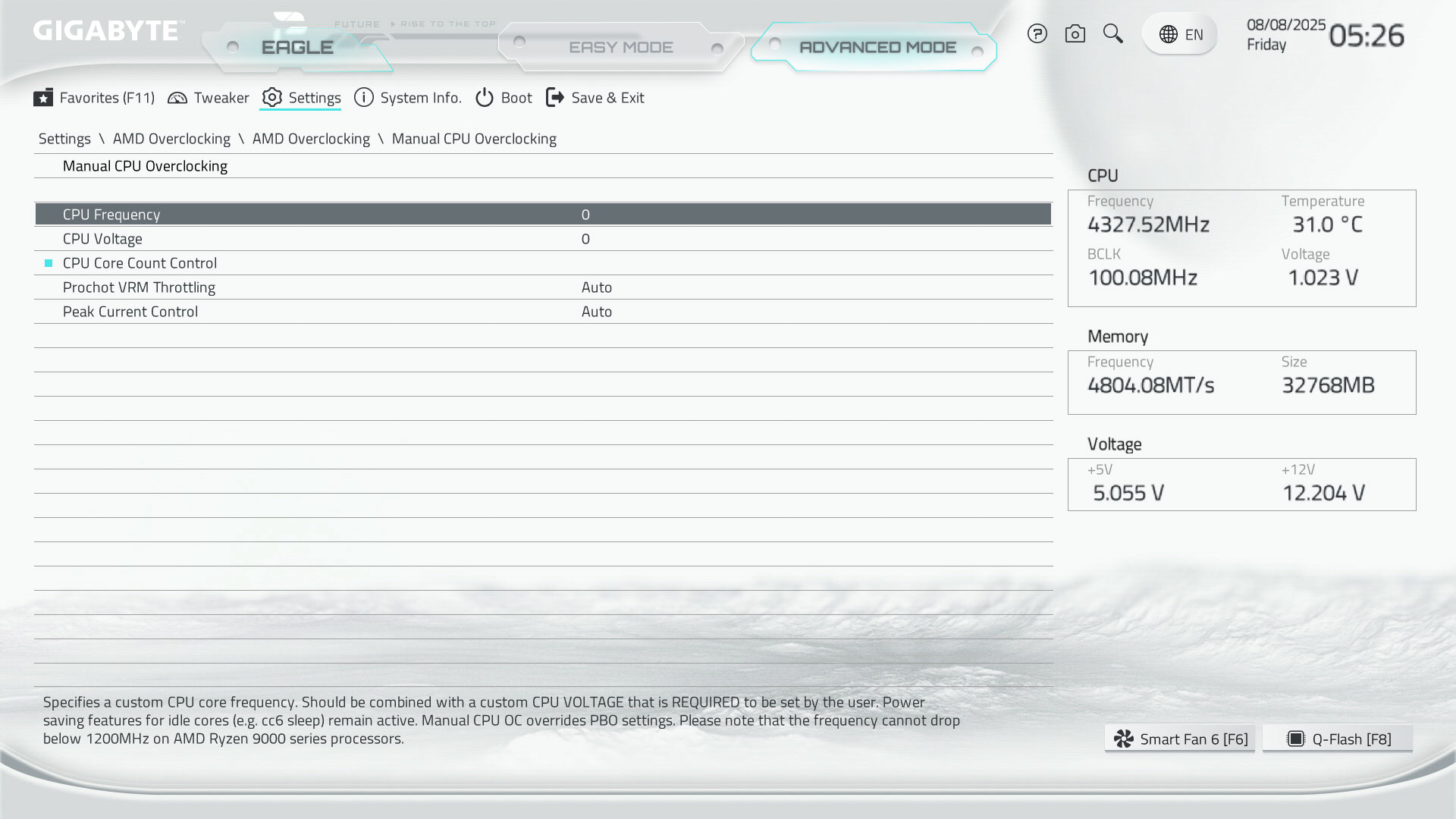
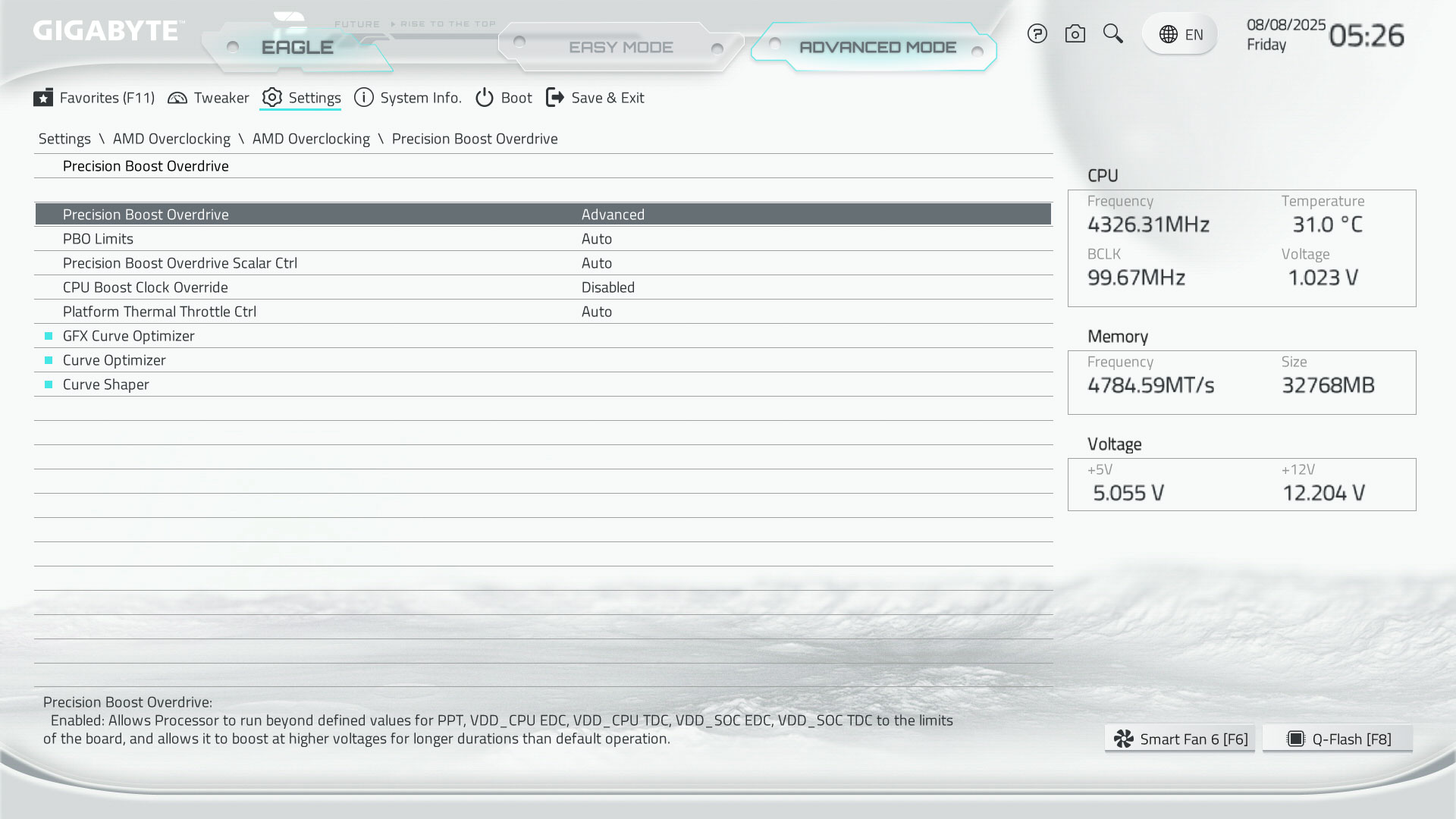
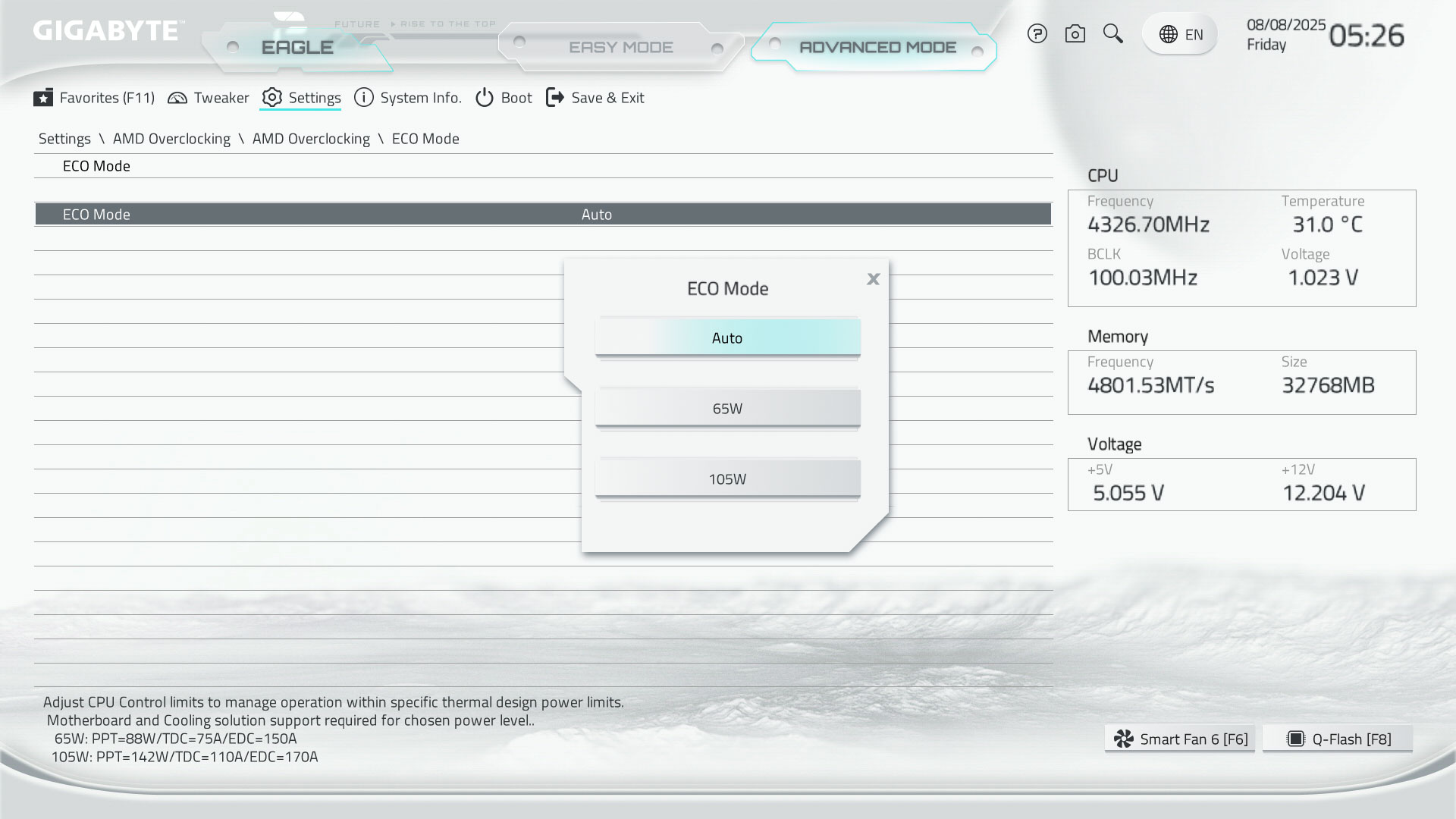
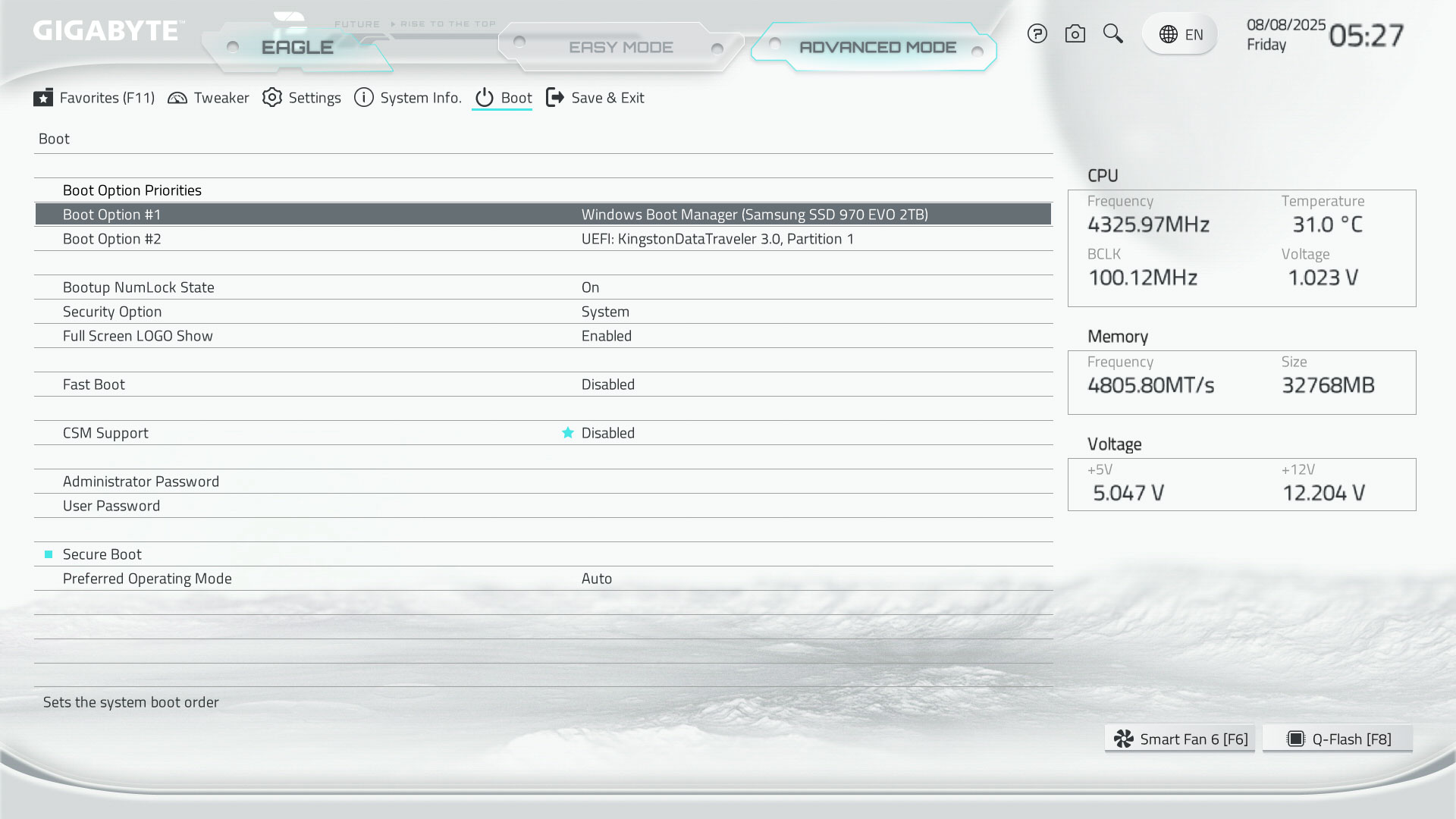
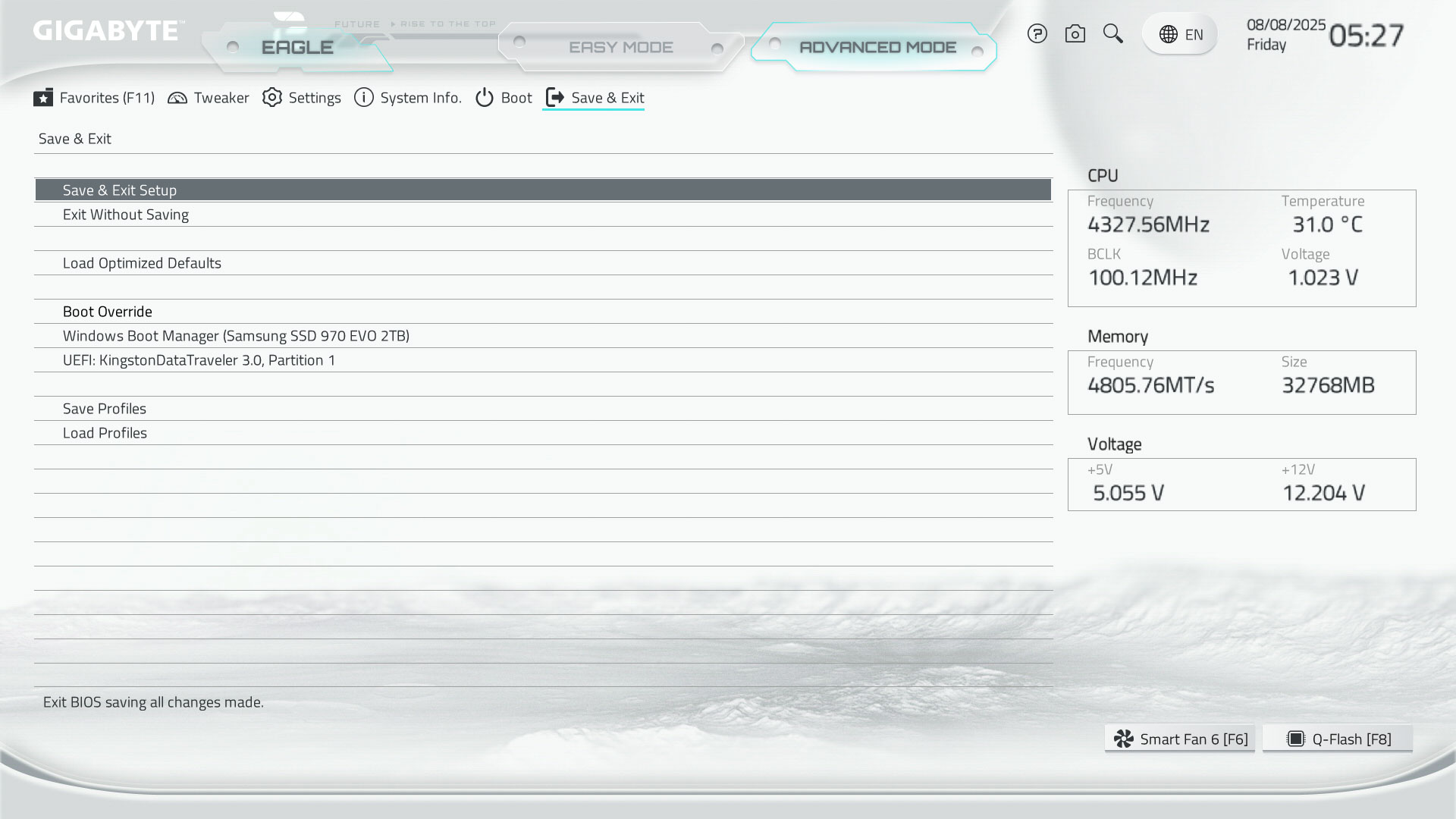
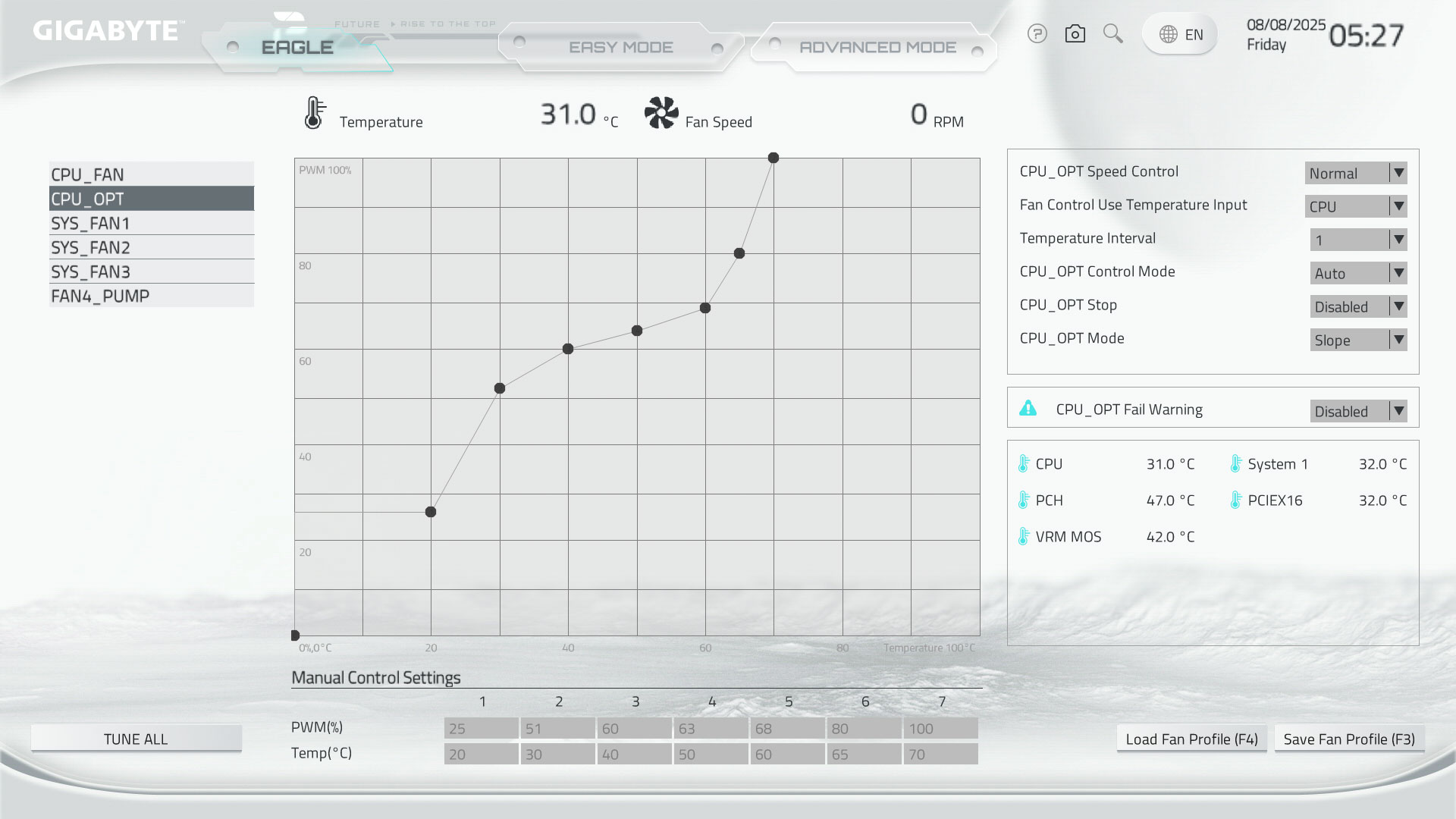
If you want the snazzy white color scheme to extend to the EFI too, then you'll want to make sure you update the EFI as the stock version our board came with was still in the familiar black and orange mode, but updating to the latest version as of August 2025 saw it take on an icy white theme. The Easy Mode page is likely enough for basic tweaking and checking everything is okay. As you'd expect you can enable the XMP or EXPO options for your memory, alter the boot order, check temperatures and what hardware is connected, plus options such as RE-BAR support and in the case of the Gigabyte B850 Eagle WiFi7 Ice, you can also change the mode of the reset button on the PCB.With B850 motherboards supporting overclocking, there's an emphasis therefore on getting the EFI up to that task, and we have a favorites section, which is already set up to include basic overclocking controls to avoid the need to repeatedly delve deeper into the menu system for certain settings. We also have quick access to memory SPD info from the Easy Mode page, plus a search function to locate a setting you can't find or again avoid heading deeper into the menus. Gigabyte's fan control section is mostly on par with the competition, although MSI offers the ability to add additional fan curve adjustment points, while ASUS has a slightly more intuitive fan curve that allows you to drag one point down and take the rest with it to lower the curve or create steady fan speeds quickly.




Nov 15th, 2026 01:33 CST
change timezone
Latest GPU Drivers
New Forum Posts
- Honestly, do you care about GTA VI? (32)
- Optical Disc Drive owners club (210)
- WarpCoreBench scores! (46)
- Bought MAX-P495 - Which model? (32)
- "Legacy Control Panel" won't install (1)
- Tell me about your favourite graphics card (84)
- Planning for Prolonged High Prices and Maintaining What You Already Have (72)
- What can the FX 8320 do today? Here is the answer. (47)
- Recommendations Wanted - Affordable Enterprise SSD for Boot (3)
- [INTEL]-How To Update Your Microcode for Intel HX 13/14th Gen. CPUs Laptops/Mobile Easily. (260)
Popular Reviews
- AMD Zen 6 Technical Deep Dive
- ASUS ROG Strix B850-I Gaming Wi-Fi7 W Review
- Corsair HX1000i Shift Crystal Review
- Upcoming Hardware Launches 2027 (Updated Nov 2026)
- Montech King 95 3D PRO Review
- NZXT C1200 Platinum Review
- NZXT H7 RGB+ Review
- NZXT H5 Review
- Phantom Blade Zero Performance Benchmark Review - 35 GPUs Tested
- AMD Ryzen 7 9800X3D Review - The Best Gaming Processor
TPU on YouTube
Controversial News Posts
- NVIDIA Co-Founder and CEO Jensen Huang Officially Resigns (408)
- OpenAI CEO Argues Home PCs Waste the World's Limited DRAM Supply (152)
- NVIDIA Launches Investigation Into Jensen Huang's Relationship With Suspected Chinese Spy (136)
- Intel "Raptor Lake Next" 16-Core and 20-Core CPUs Surface (130)
- Legendary Game Studio BioWare Shuts Down Following EA Layoffs (104)
- Dell CEO Says the Memory Shortage Will Get Worse in 2027 (95)
- NVIDIA GeForce RTX 50-Series Scheduled for up to $500 Price Hike This Week (89)
- Modder Fits RTX 5090 With Four 8-Pin Connectors, Halving Current per Wire (80)