 26
Gigabyte B850M Aorus Stealth Ice Review
Board Software »BIOS Overview
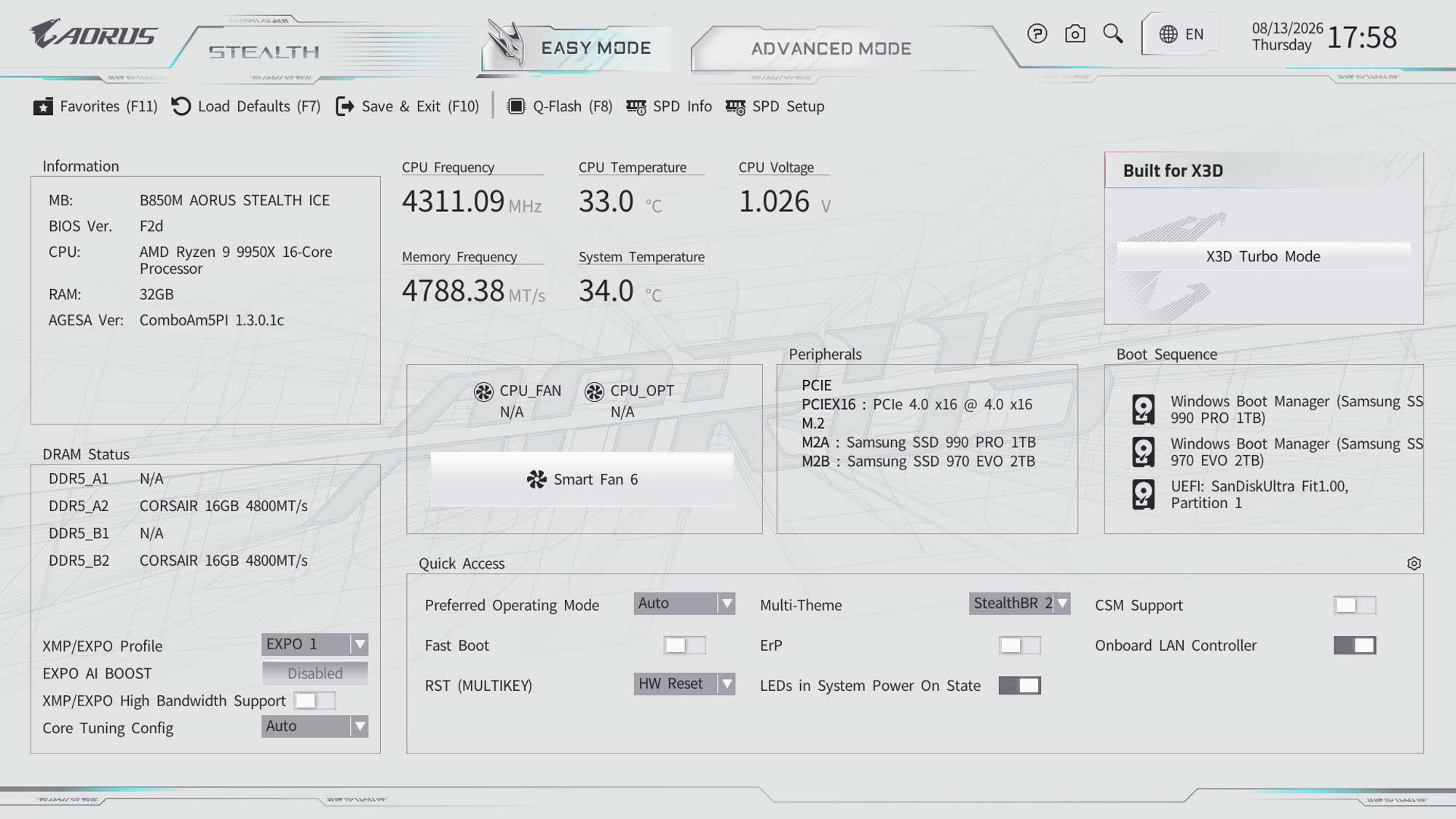
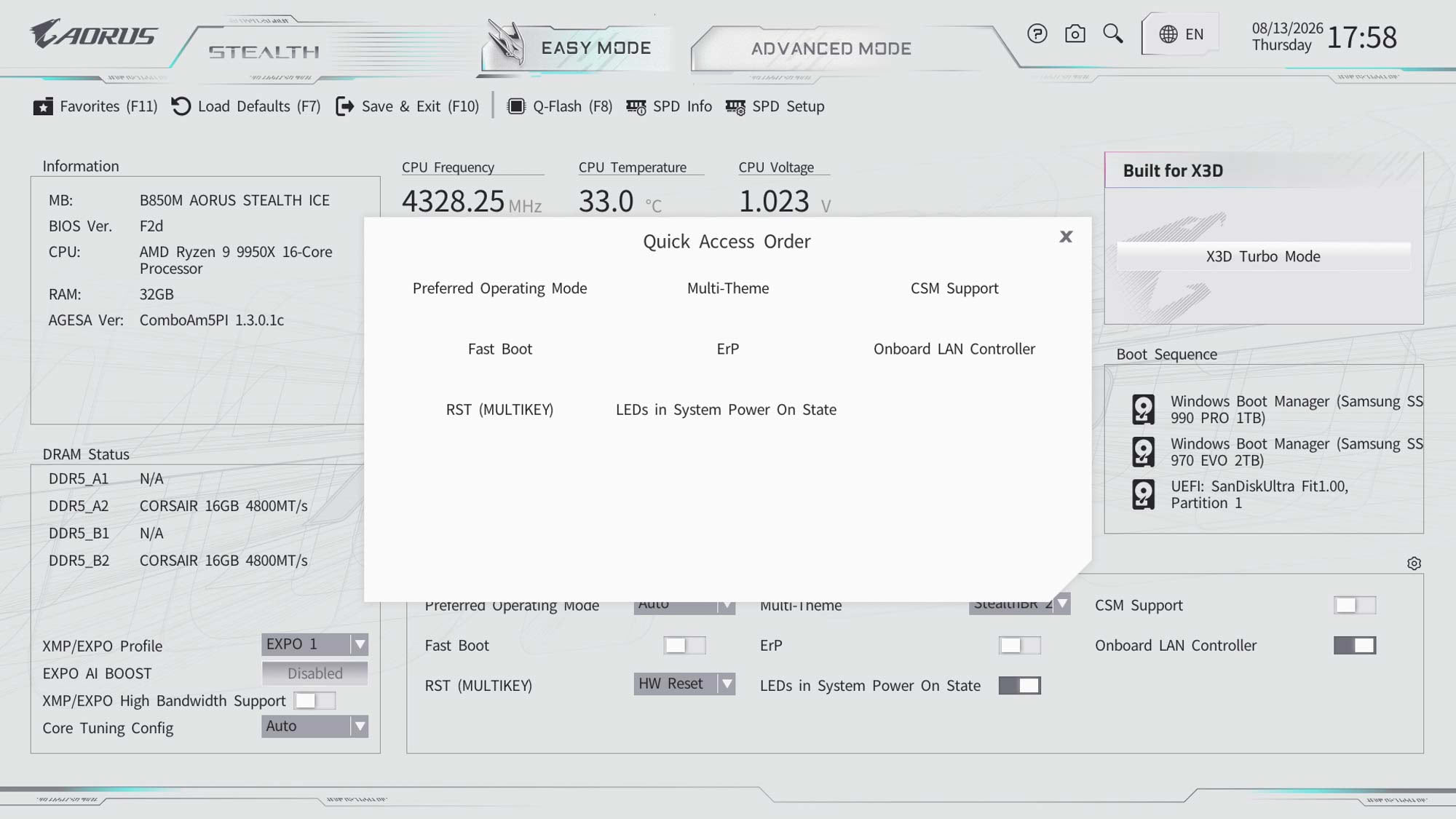
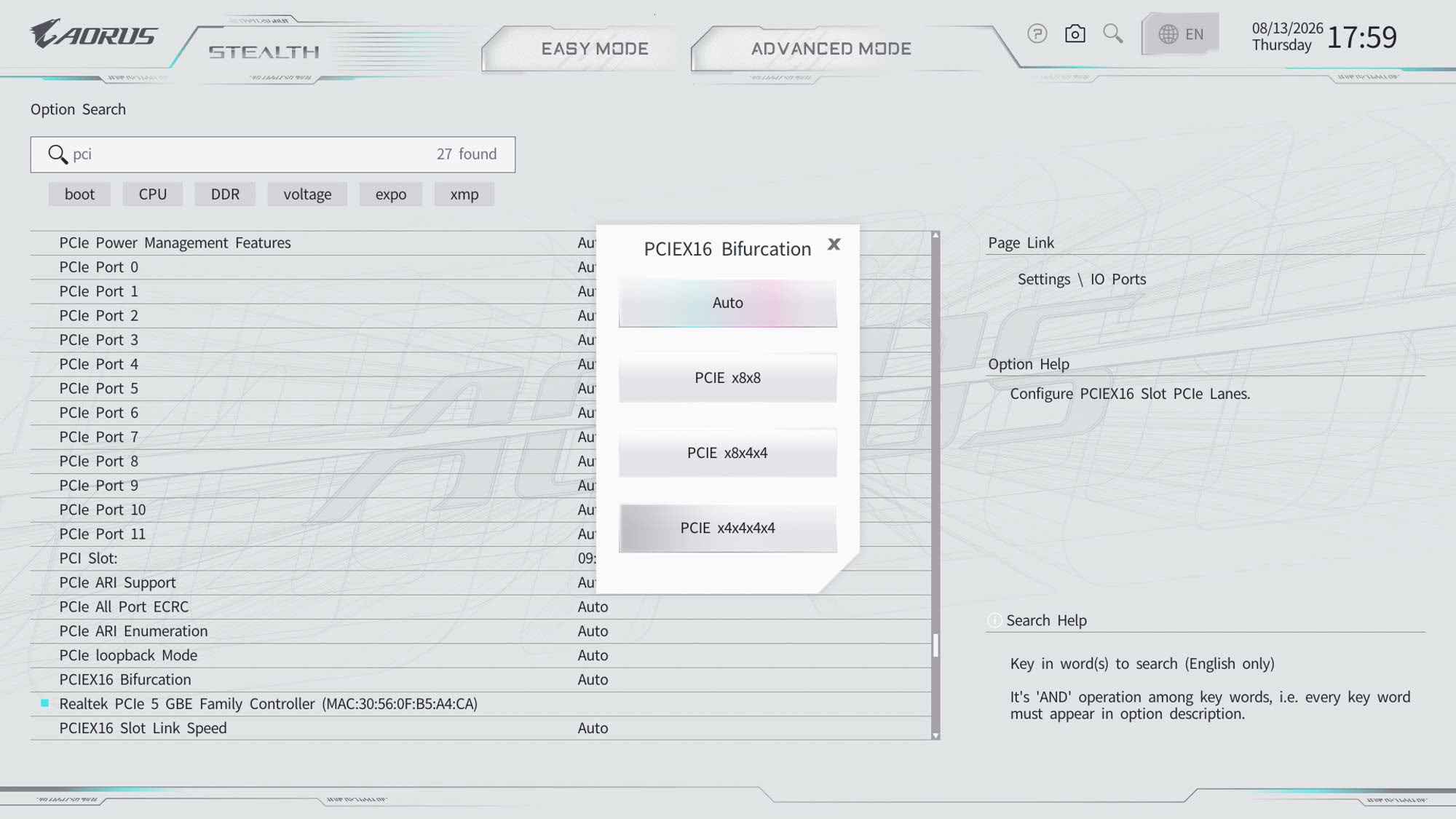
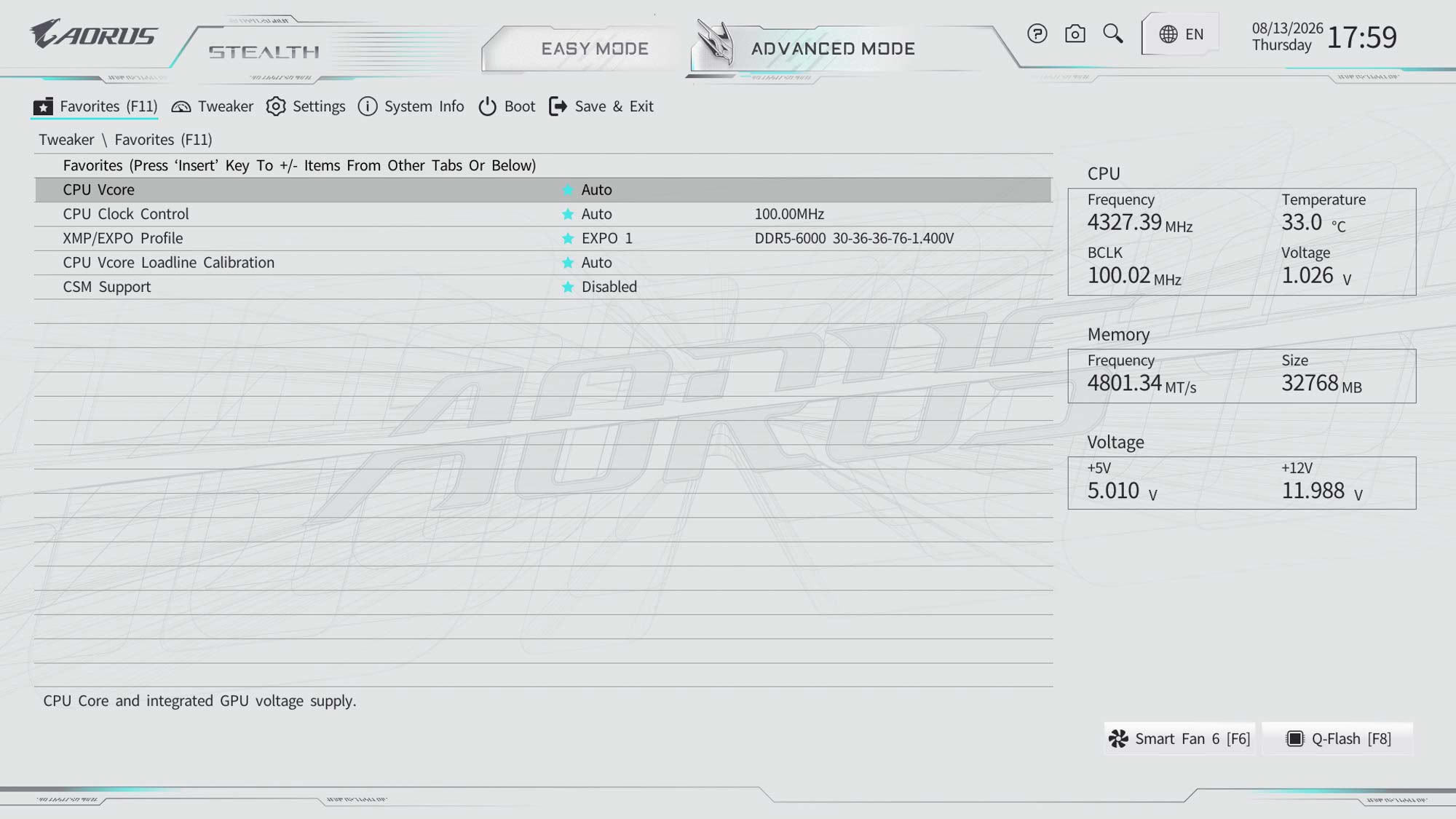
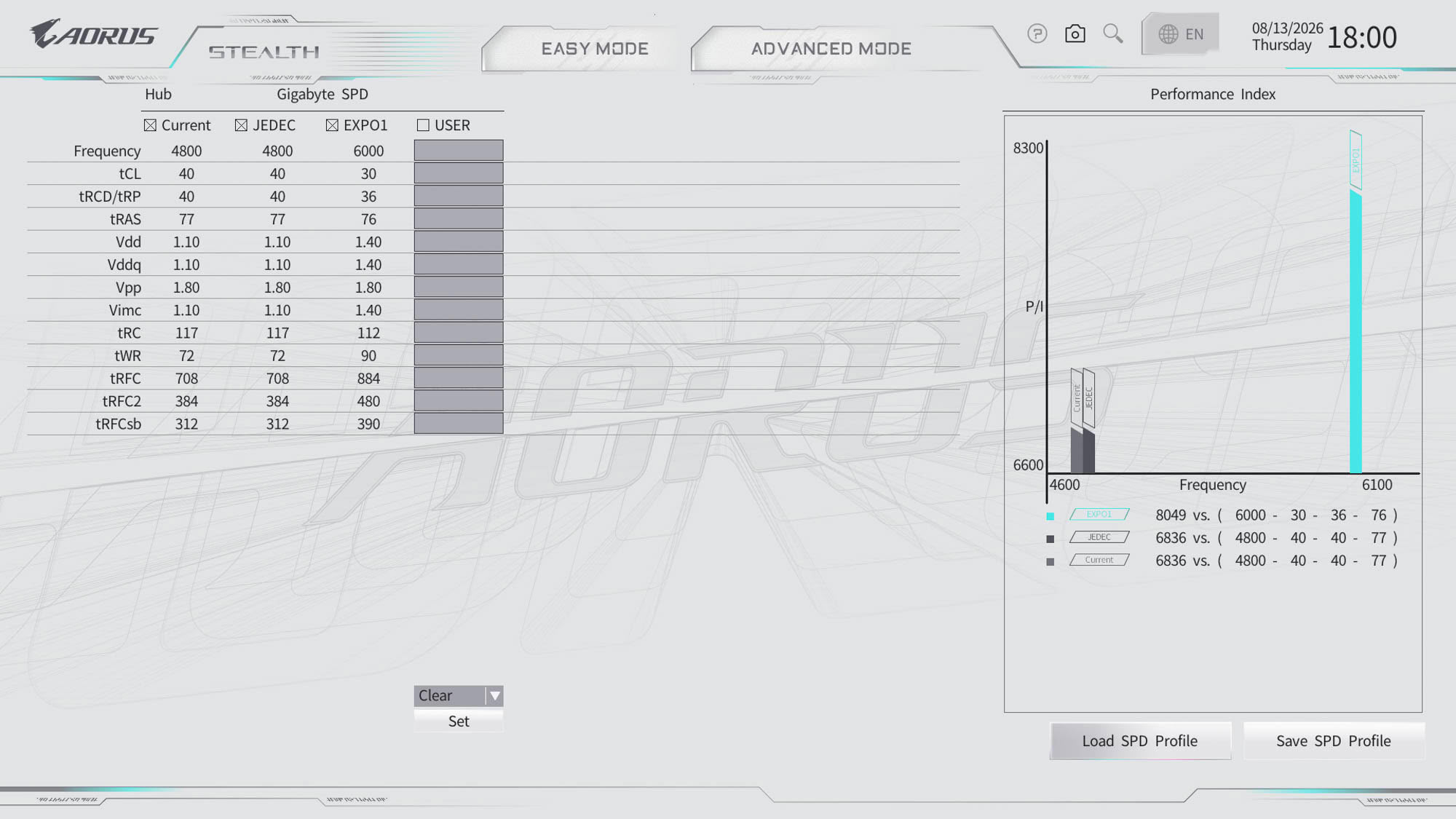
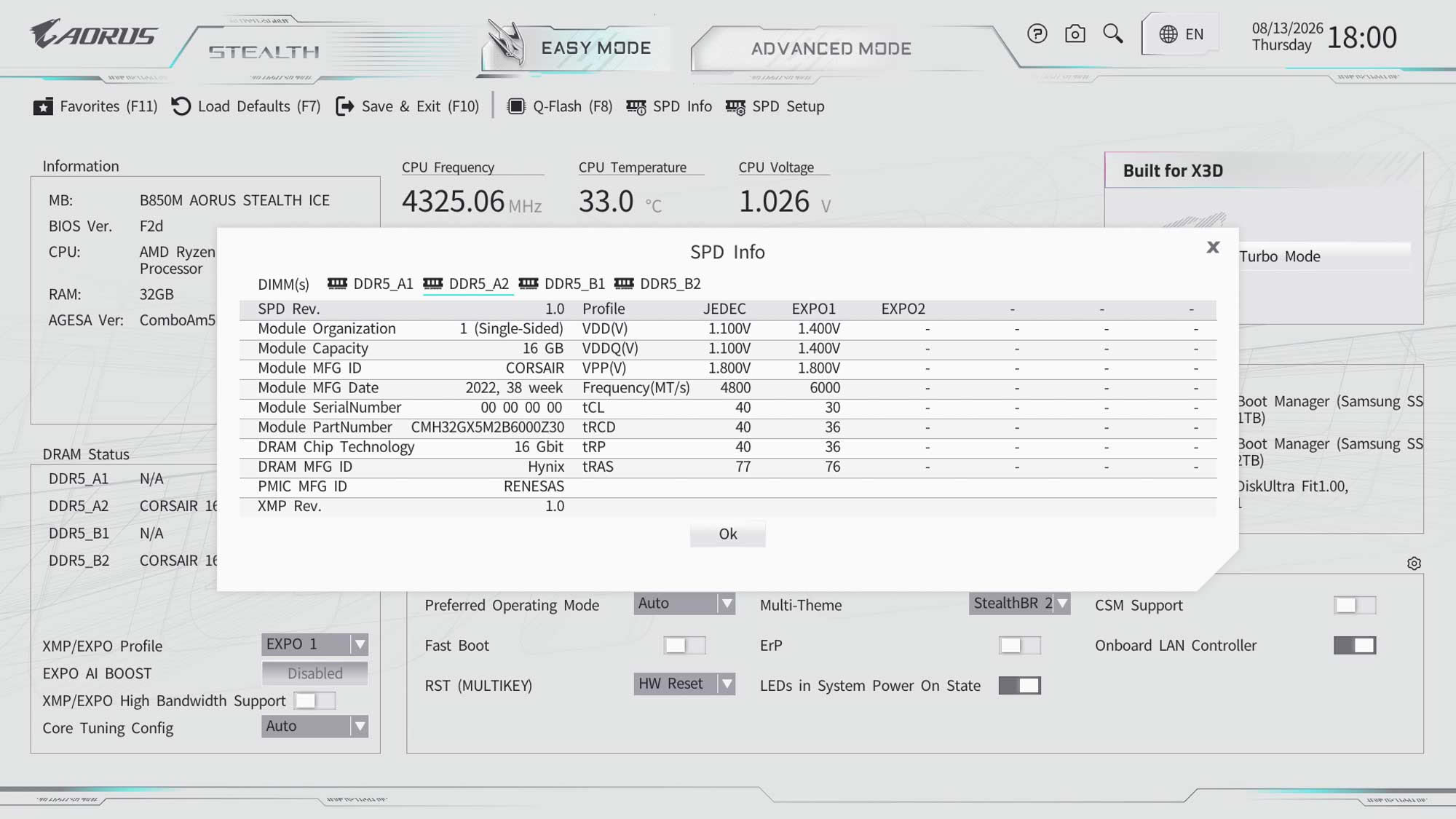
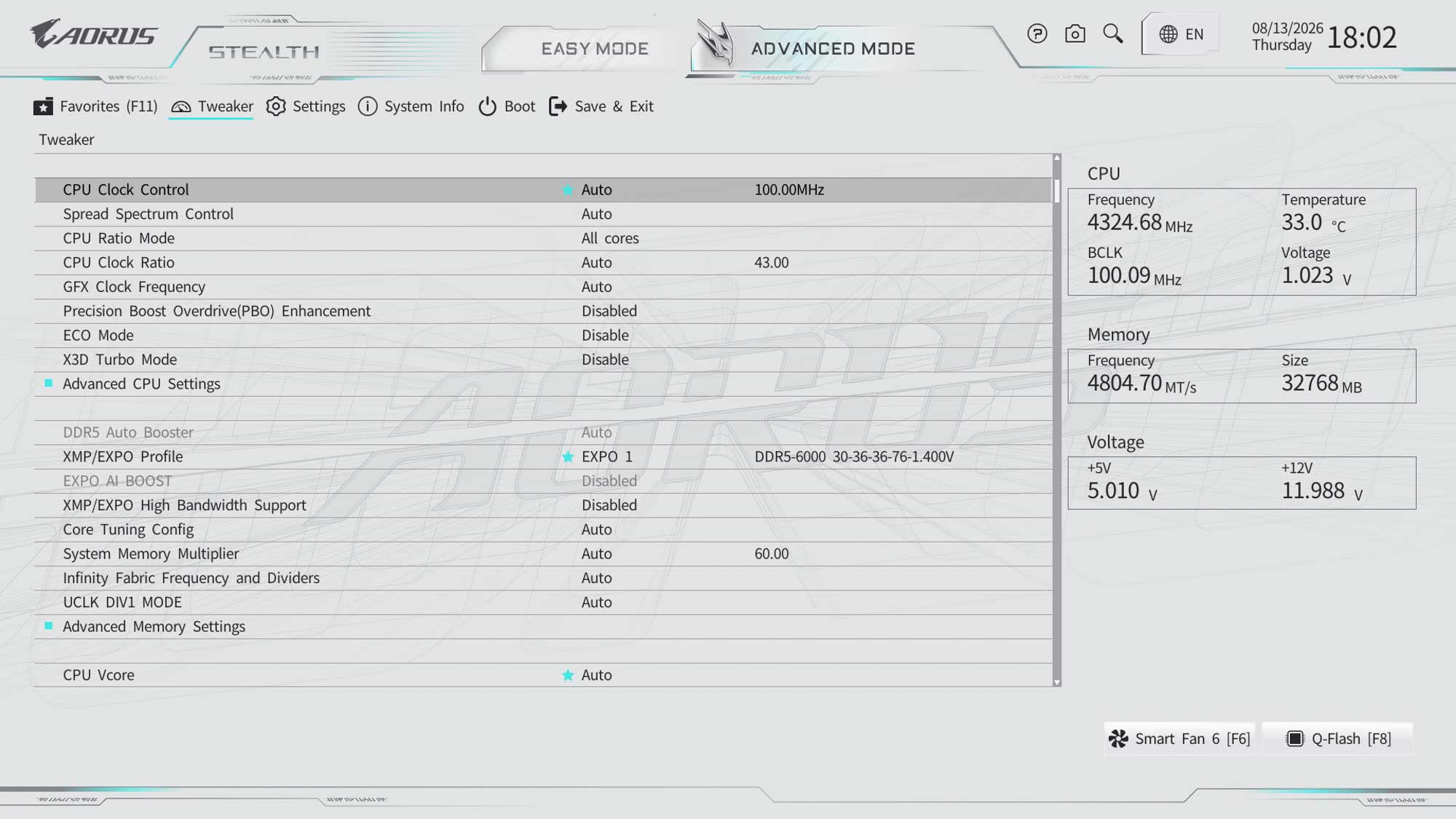
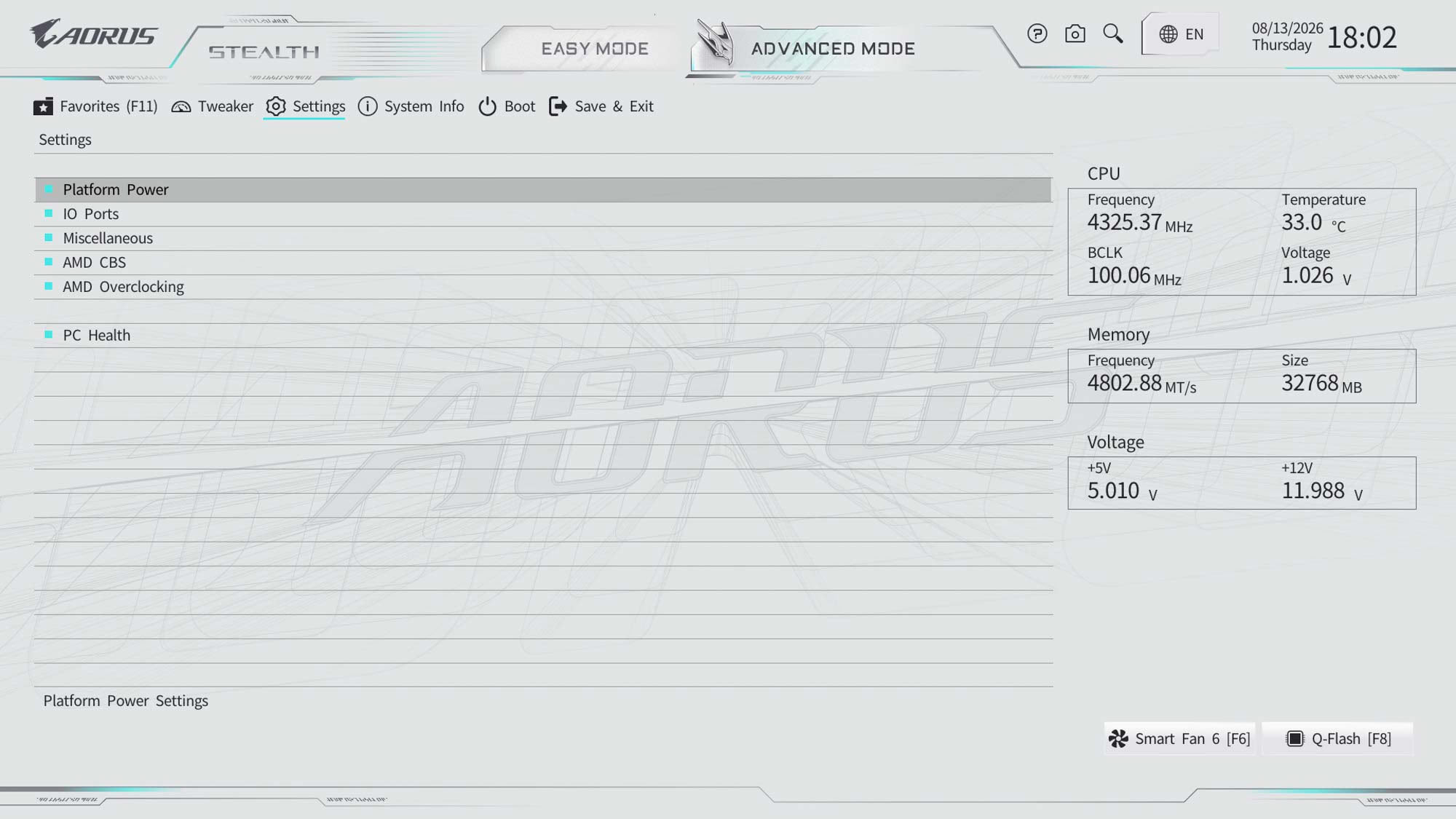
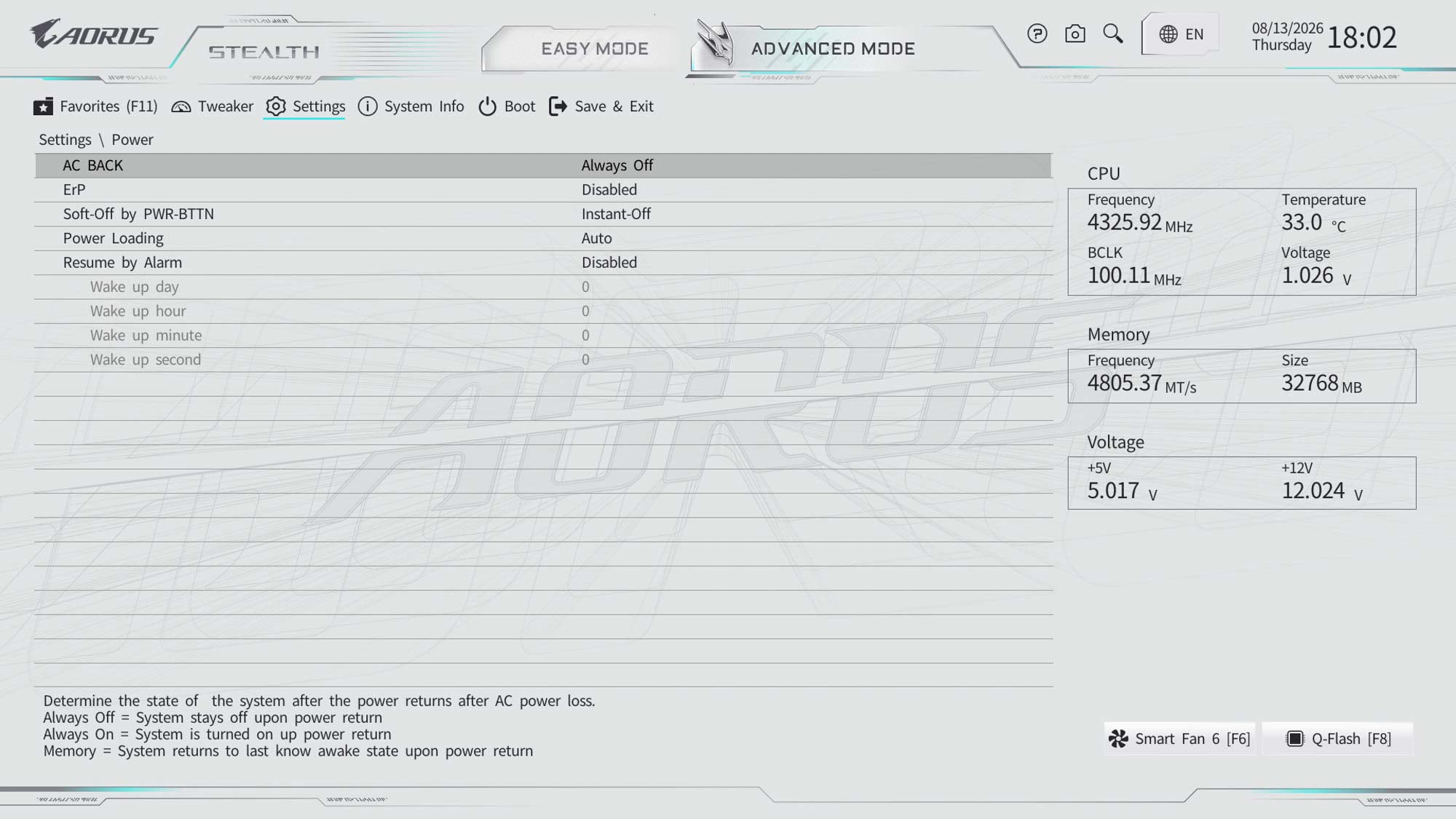
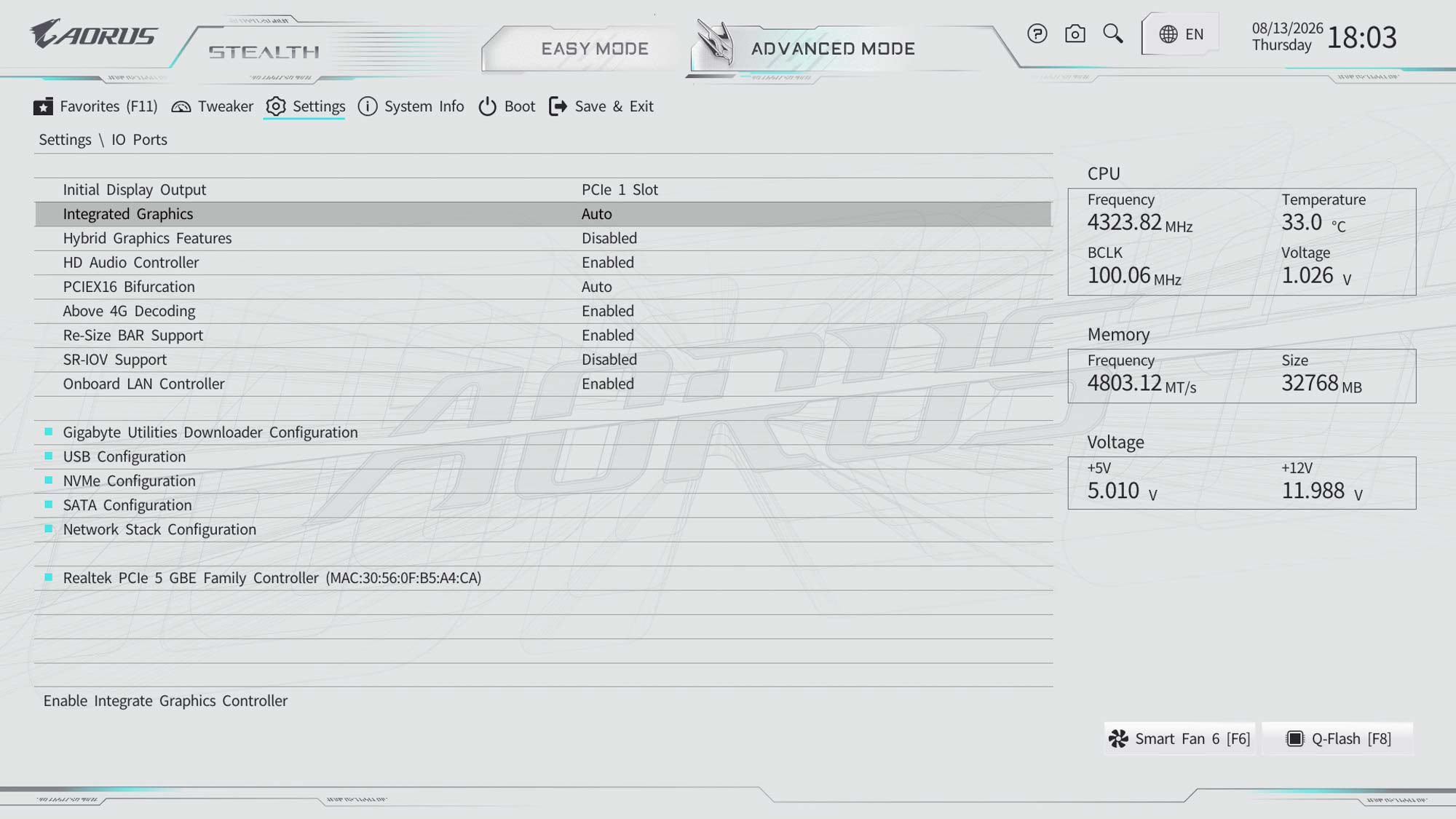
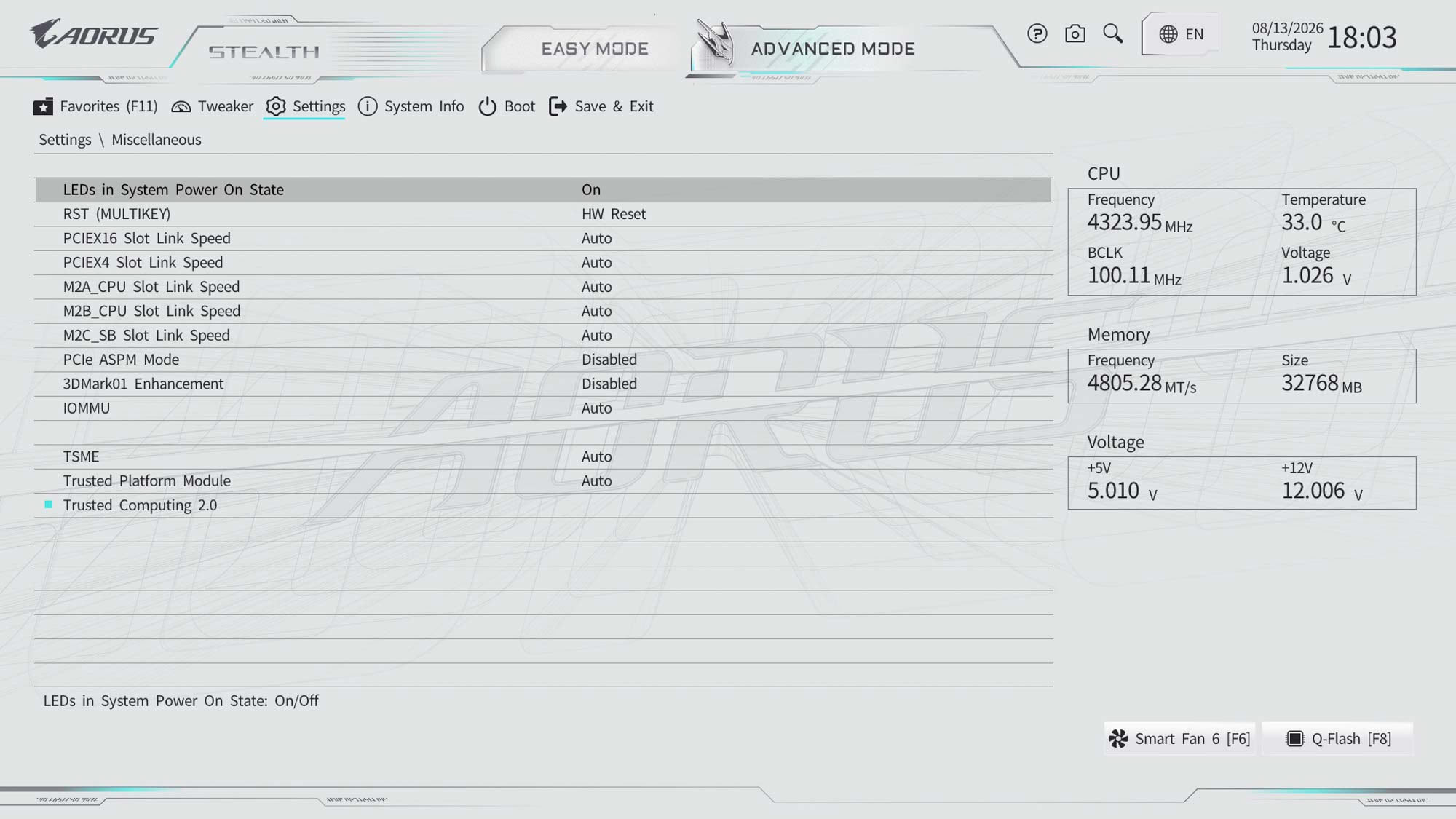
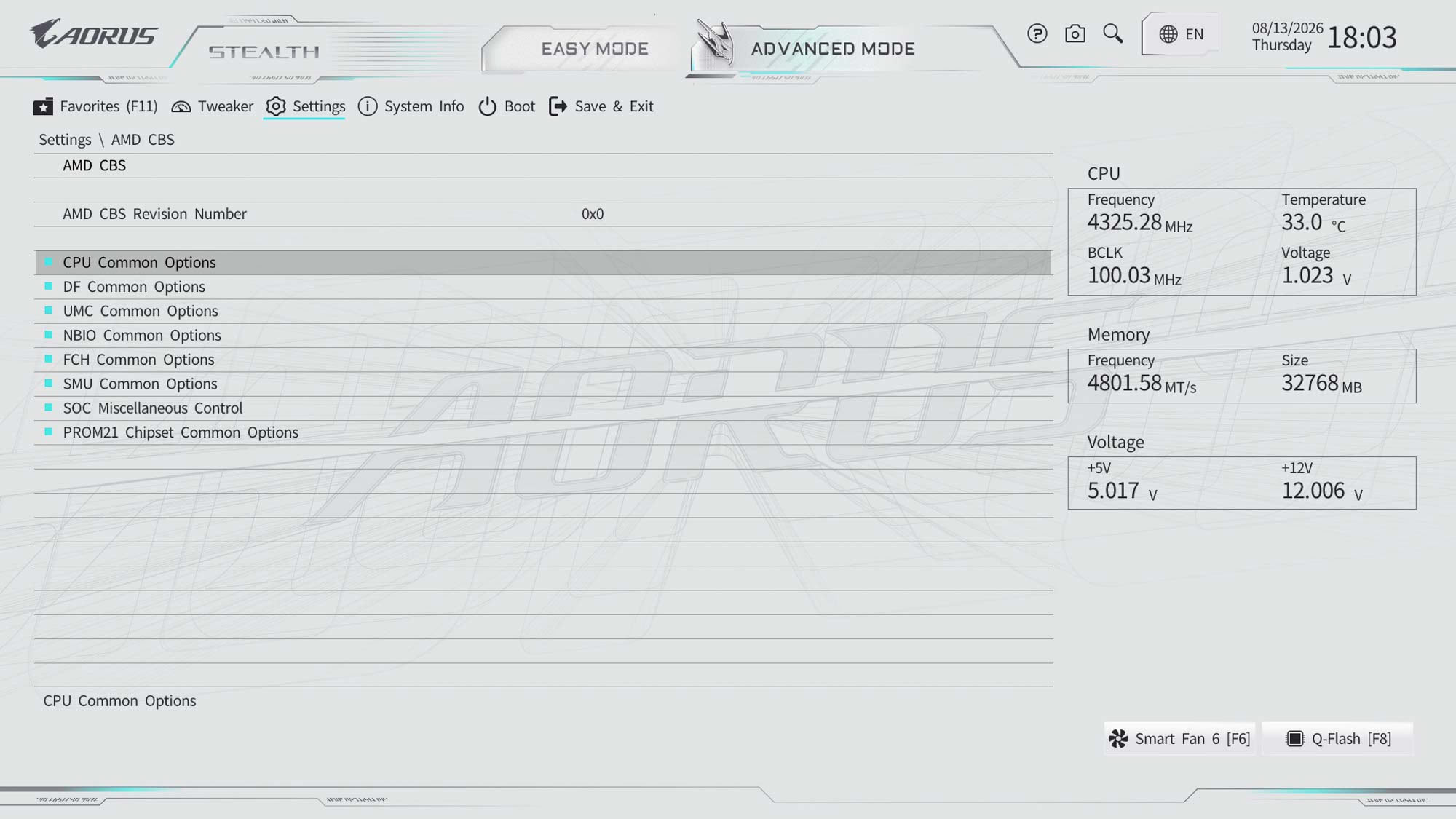
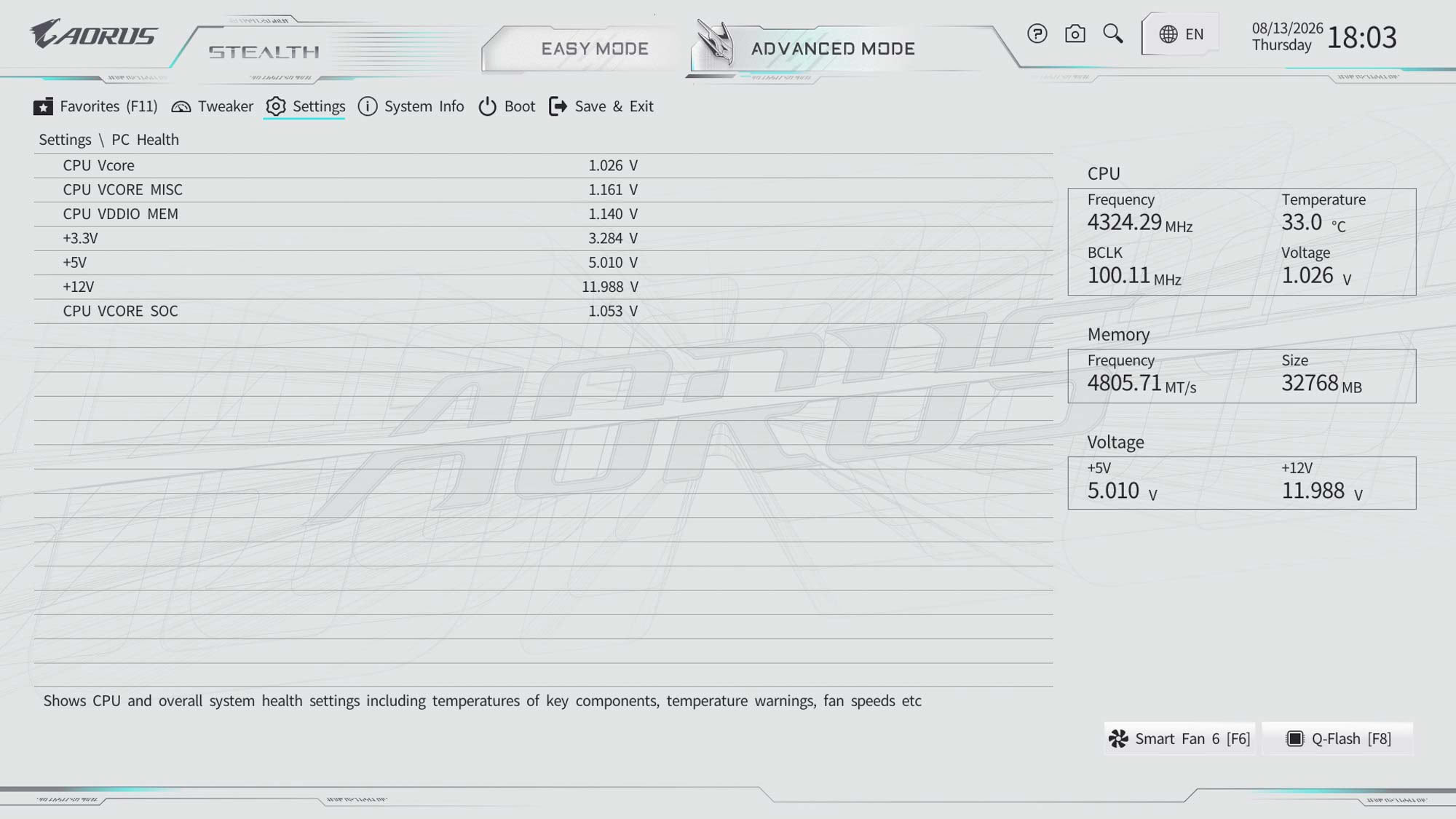
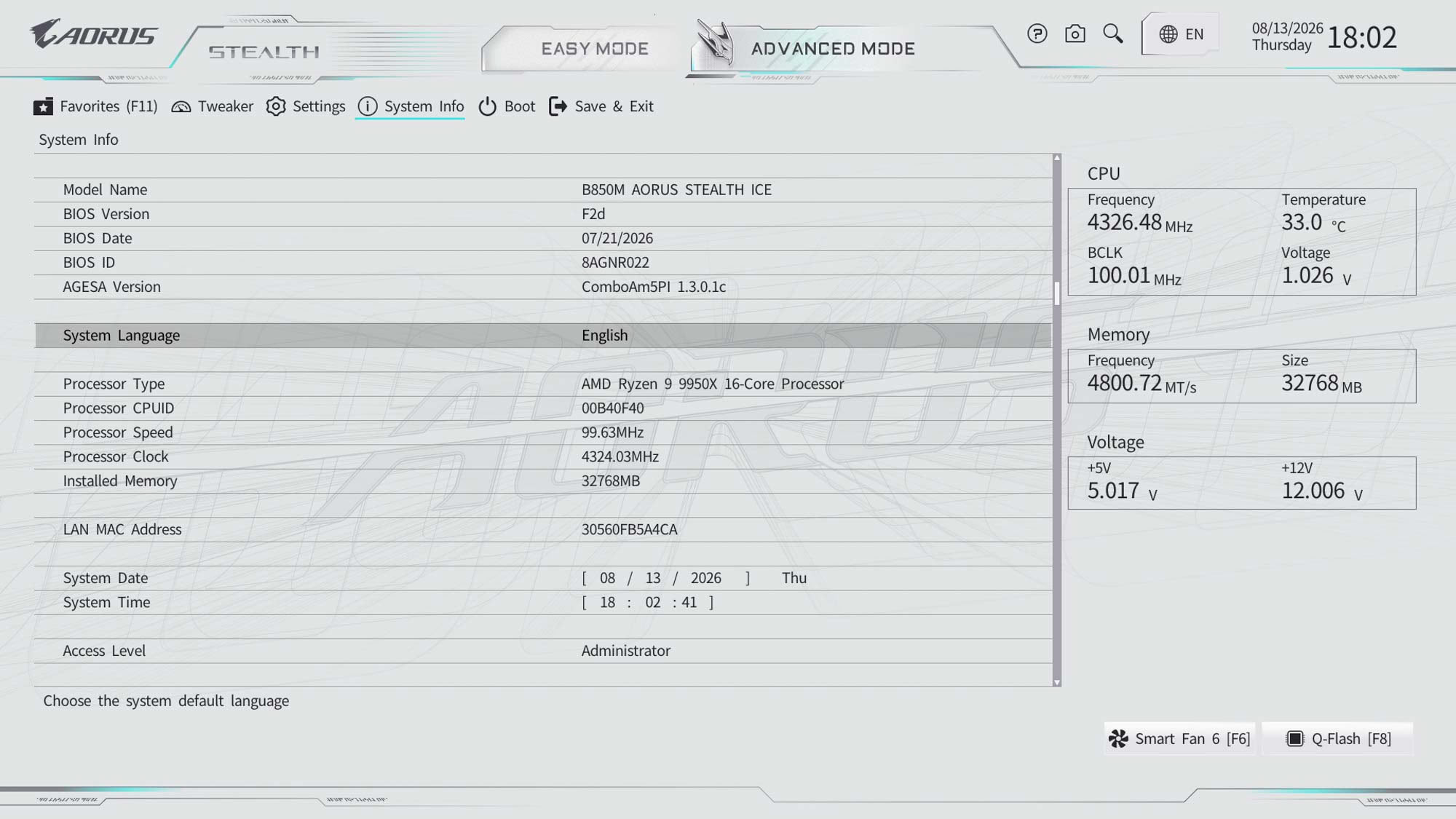
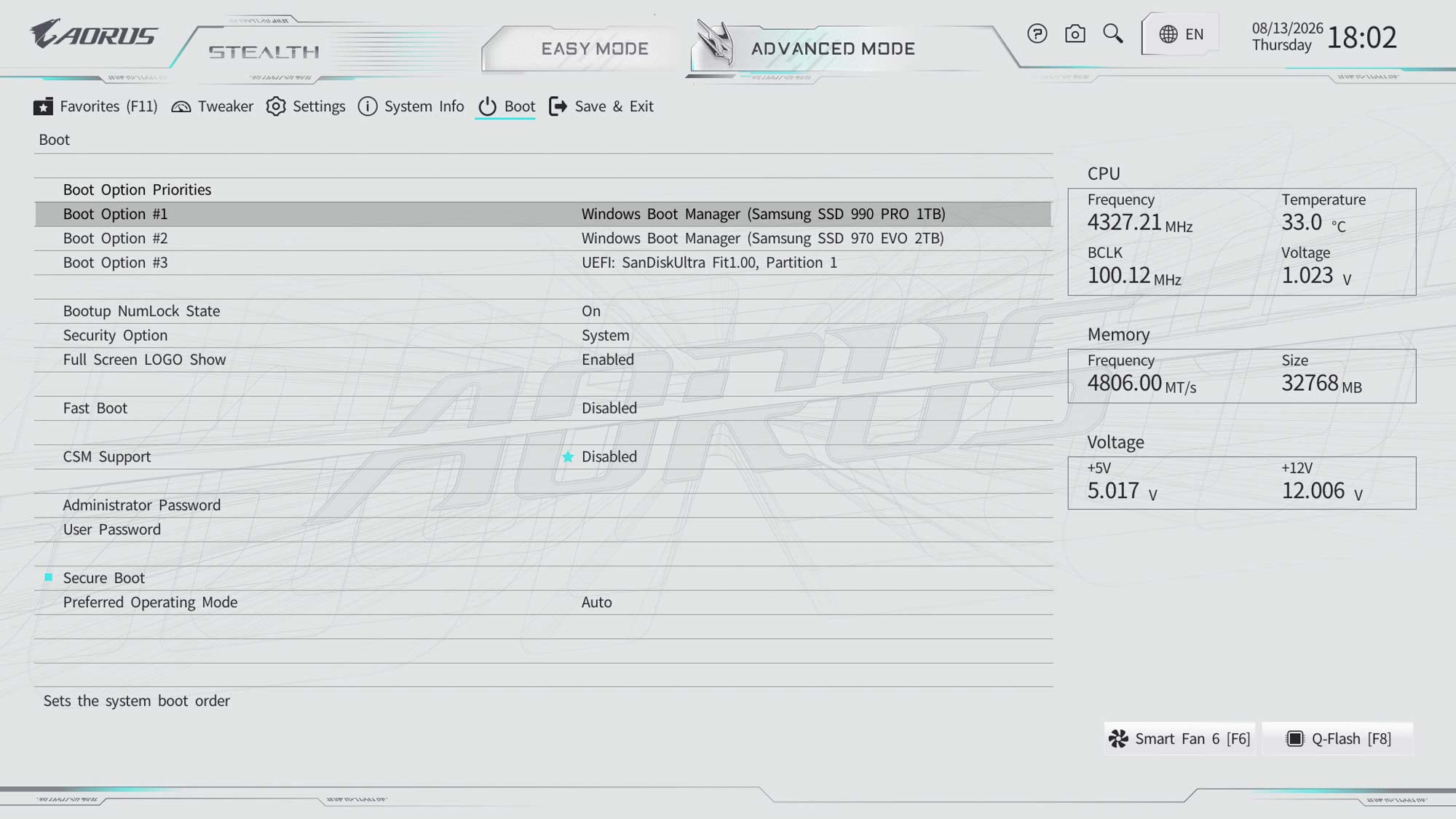
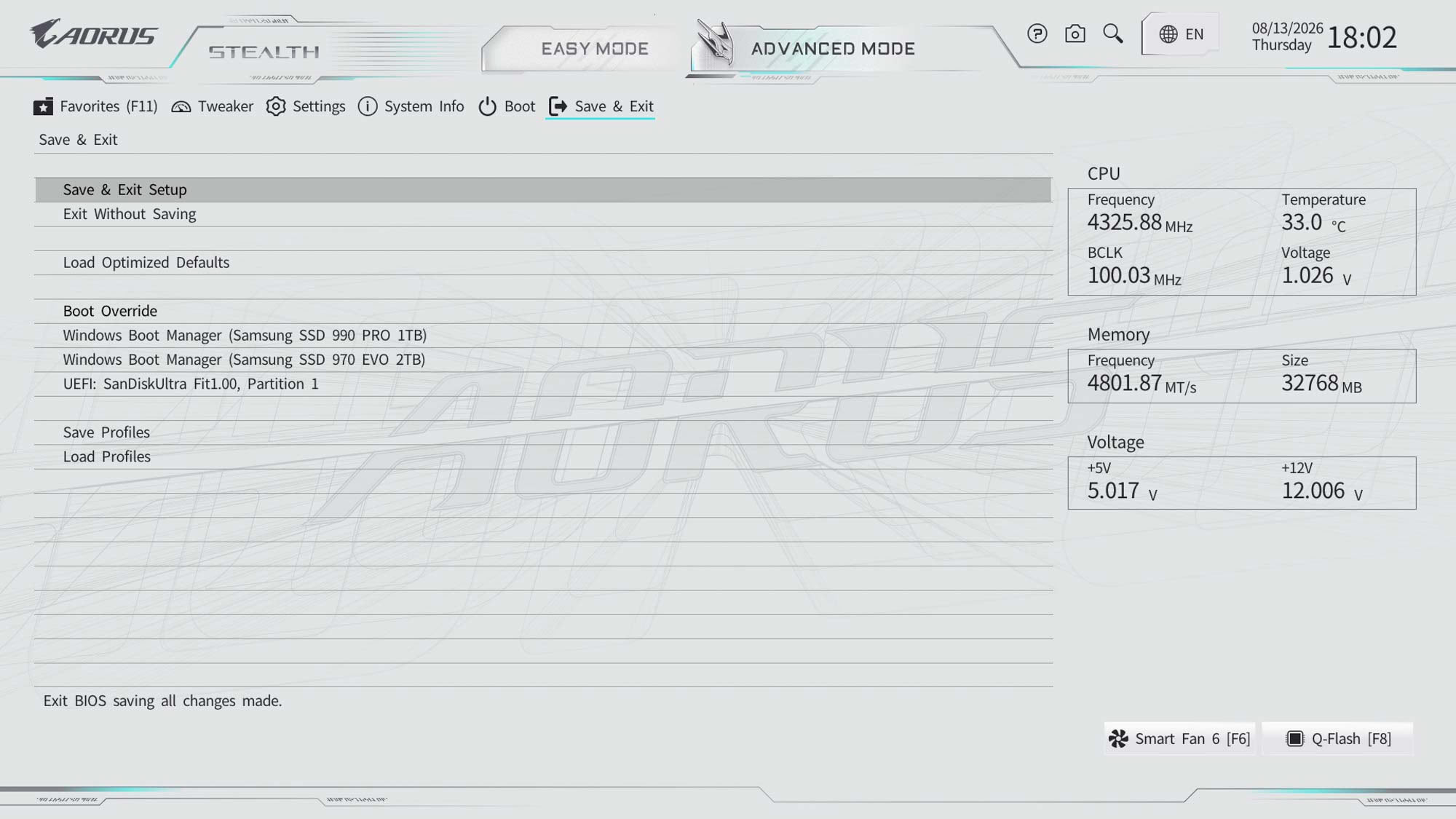
Gigabyte adds a stylish white EFI to its Ice range of motherboards, which is a nice touch, and for the most part the EFI is easy to use, well laid-out and doesn't overwhelm anyone that hasn't been there before. The Easy Mode page allows you to adjust memory profiles and boot order as well as view typical system information including frequencies, BIOS version and temperatures. We've seen quick access bars make more widespread appearances in EFIs over the last year and Gigabyte's is somewhat useful, but lacks the full customization you get with an ASUS EFI, instead just allowing you to adjust the order rather than actual options.The search function is decent, though, and allows you to alter options from within the search window without having to go through the extra step of going to that item's page in the EFI. For more regularly-used items, the EFI has a full favorites mode too, allowing you to create a list of often-used items to save time. Also available from the front page are SPD Info and SPD Setup, which allows you to see detailed SPD information as well as enable user created memory SPD profiles.
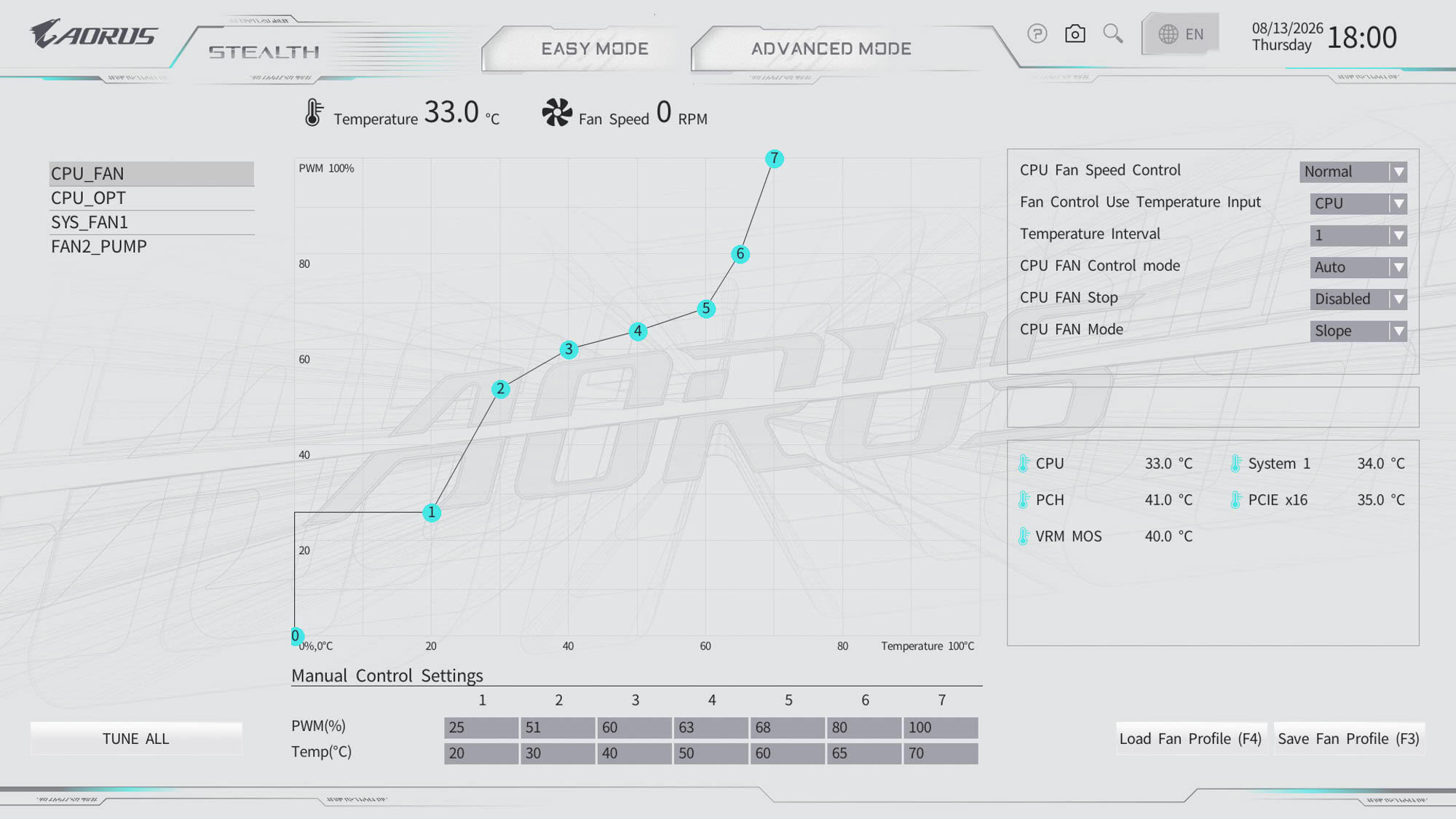
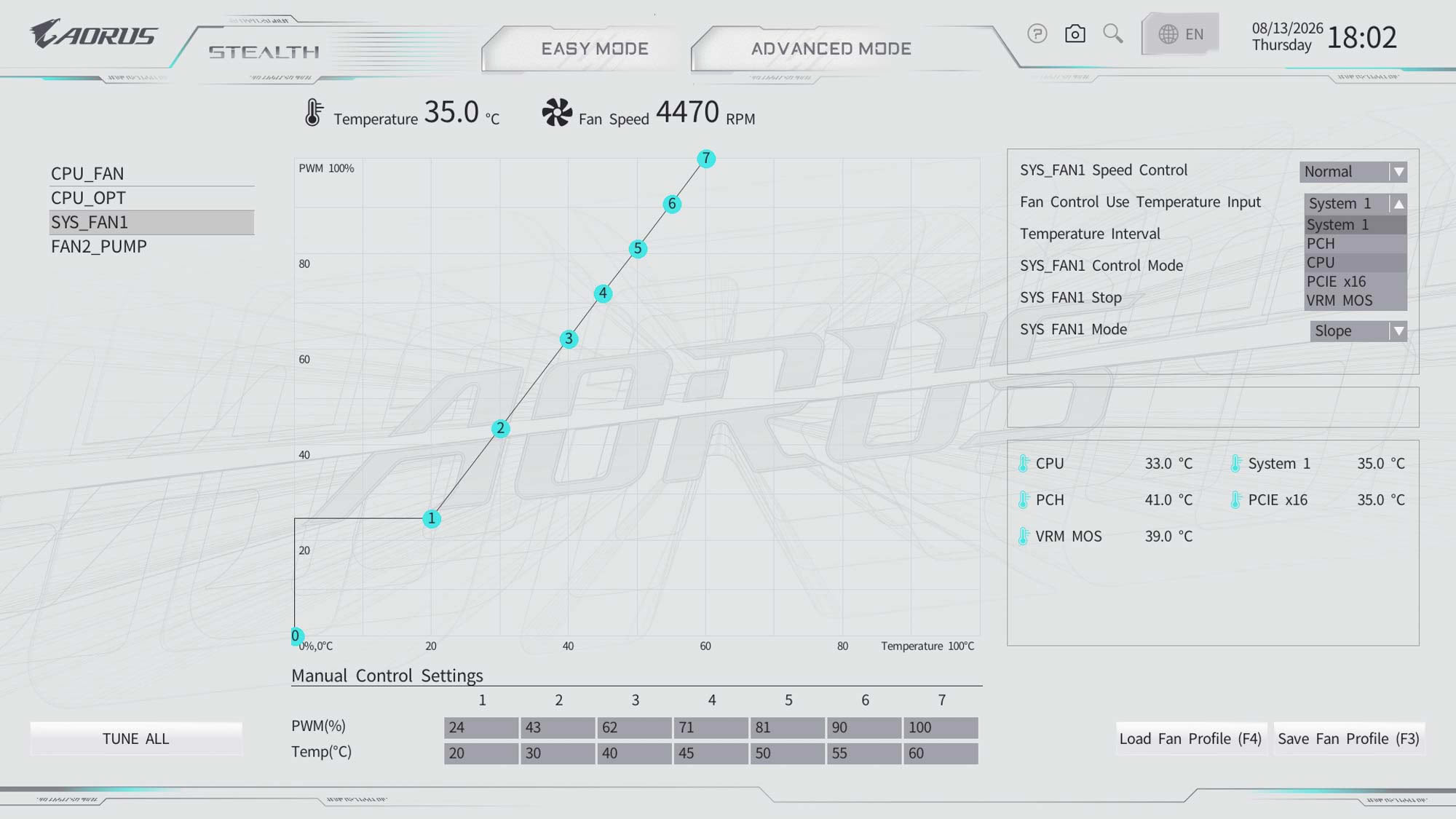
Smart fan is Gigabyte's fan control suite, and it's generally very capable, easily gaining more points for features than ASRock's current alternative. You can change the temperature input within the fan curve adjustment page as well as the fan control mode, plus it has the options to enable fan stop and switch between slope and stair modes. However, ASUS and MSI have additional features such as the ability to create a single fan curve profile and have that set across multiple fan headers as well as the ability to add and remove fan curve adjustment points. We'll look at the Tweaker section in more detail on the overclocking page, but it's where you'll want to be for most CPU-related tweaking.
Nov 17th, 2026 22:58 CST
change timezone
Latest GPU Drivers
New Forum Posts
- WarpCoreBench scores! (57)
- Without Jensen, PC gaming will be (38)
- [Poll] 12V-2x6 Connector Protection: What Are You Using? (WireView / Ampinel / Equalizer / Other / Nothing) (28)
- Help with fixing Overclock (9)
- Slow SSD read speeds - help! (16)
- Will zen 6 mobos have anything extra vs current ones? (52)
- Hi, just to say thanks and who I am (3)
- 9070 GRE 3.9ghz validation reached. (19)
- [testers wanted] Qsurfer My own QNAP Nas explorer/Search tool (8)
- Lenovo Legion Pro 5 Audio Nightmare: Fan Noise, Harsh Voice & Massive DPC Latency (Help!) (2)
Popular Reviews
- Acemagic Retro X3 Review
- Upcoming Hardware Launches 2027 (Updated Nov 2026)
- AMD Zen 6 Technical Deep Dive
- ASUS ROG Strix B850-I Gaming Wi-Fi7 W Review
- Corsair HX1000i Shift Crystal Review
- Chieftec Iceberg PRO 360 DARK Review
- AMD Ryzen 7 9800X3D Review - The Best Gaming Processor
- Phantom Blade Zero Performance Benchmark Review - 35 GPUs Tested
- Montech King 95 3D PRO Review
- Biwin Black Opal NV7400 2 TB Review
TPU on YouTube
Controversial News Posts
- NVIDIA Co-Founder and CEO Jensen Huang Officially Resigns (464)
- Open Letter Asking NVIDIA to Reinstate Jensen Huang Passes 115,000 Signatures (184)
- OpenAI CEO Argues Home PCs Waste the World's Limited DRAM Supply (152)
- Report: Jensen Huang Eyes NVIDIA Comeback (137)
- NVIDIA Launches Investigation Into Jensen Huang's Relationship With Suspected Chinese Spy (136)
- Intel "Raptor Lake Next" 16-Core and 20-Core CPUs Surface (130)
- Legendary Game Studio BioWare Shuts Down Following EA Layoffs (104)
- Dell CEO Says the Memory Shortage Will Get Worse in 2027 (95)