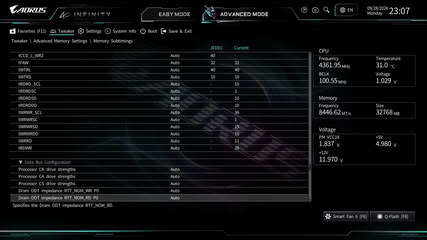
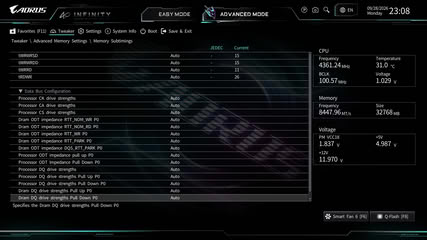
The memory market is a bit crazy right now, but even though memory overclocking is even more niche today than it was before prices increased, we still feel it's an important test, especially on boards that tout memory overclocking as their main feature and often have only two DIMM slots to reduce signal degradation. Just as important is checking whether more mid-range options can actually hit high frequencies too. With this in mind, we've teamed up with ADATA and obtained an 8000 MT/s DDR5 kit, which we'll use to see how far a motherboard can push frequency. We lock in voltages, FCLK/UCLK frequencies, and timings to ensure the motherboard doesn't give itself an easier job, or that the CPU memory controller or the memory modules themselves aren't adding a bottleneck, and then see what frequency we can hit or if memory training grinds to a halt before we've even started.
Finally, we'll do a Gear Down Mode off boot test. This forces the command lines to hit every clock cycle, testing a motherboard's physical circuit topology and layer insulation, which will likely see all but the most finely-tuned overclocking-focused motherboards struggle. These tests are straightforward, repeatable, and will hopefully add value whether you're going to be pushing things to their limits or just want to see if a mid-range motherboard can hit higher frequencies.
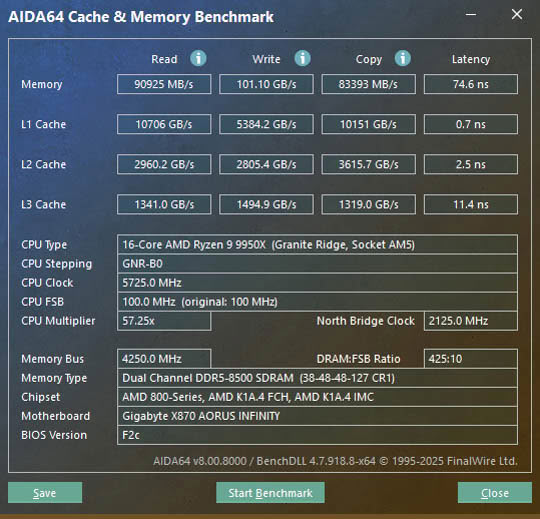
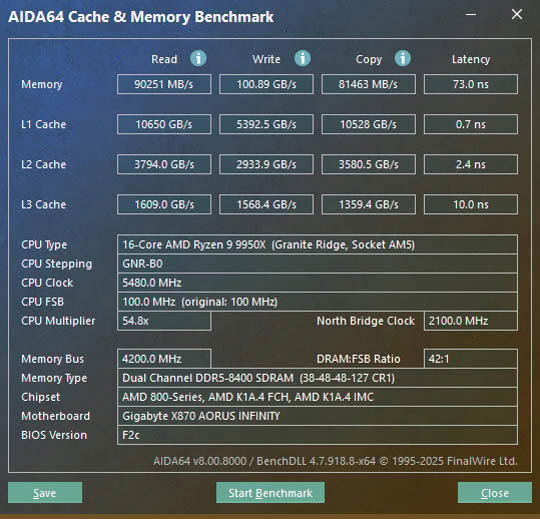
The X870 Aorus Infinity proved to be an absolute demon here with our 8000 MT/s kit, sailing past the peak of 8300 MT/s we managed with the Gigabyte X870E Aero X3D Dark Wood recently, with 8500 MT/s being the final limit where we could boot into Windows and obtain benchmarks, seen above on the left image. Increasing the memory voltage to 1.47 V didn't result in any further gains. The Gigabyte X870E Aero X3D Dark Wood also failed to even boot at 8000 MT/s with Gear Down Mode disabled, but the X870 Aorus Infinity booted into Windows and continued to do so all the way up to 8500 MT/s, although here we were unable to complete a benchmark run in AIDA64. However, we did manage to complete one at 8400 MT/s, as seen above in the right image, setting a new benchmark for other overclocking-focused motherboards to try to beat, and showing clear advantages over Gigabyte's mid-range boards.
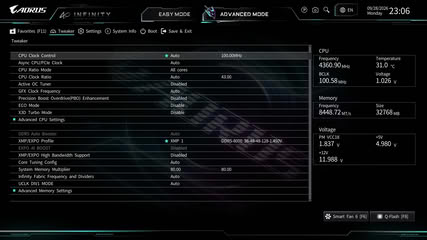
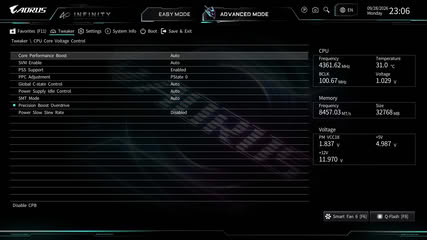
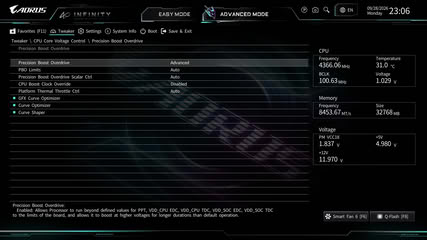
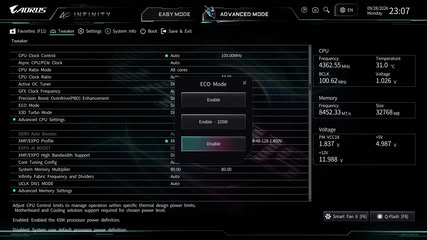
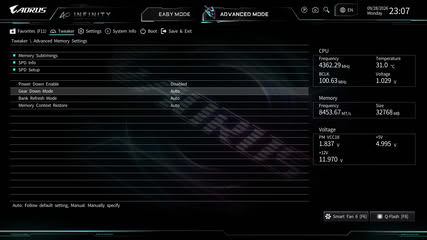
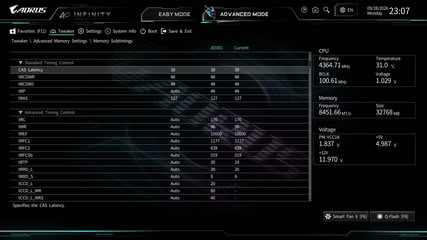
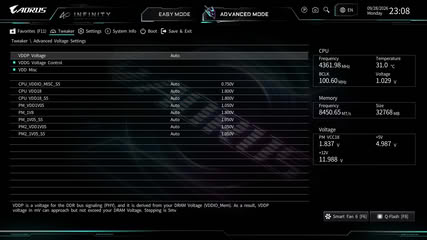
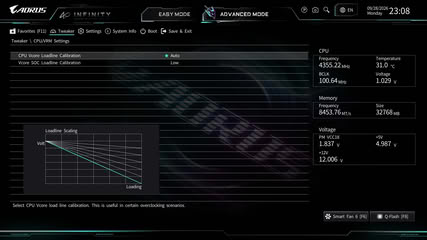
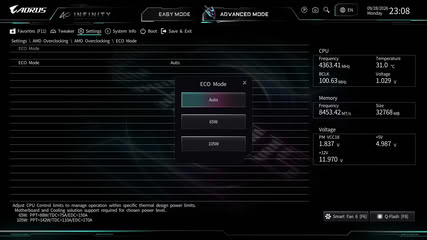
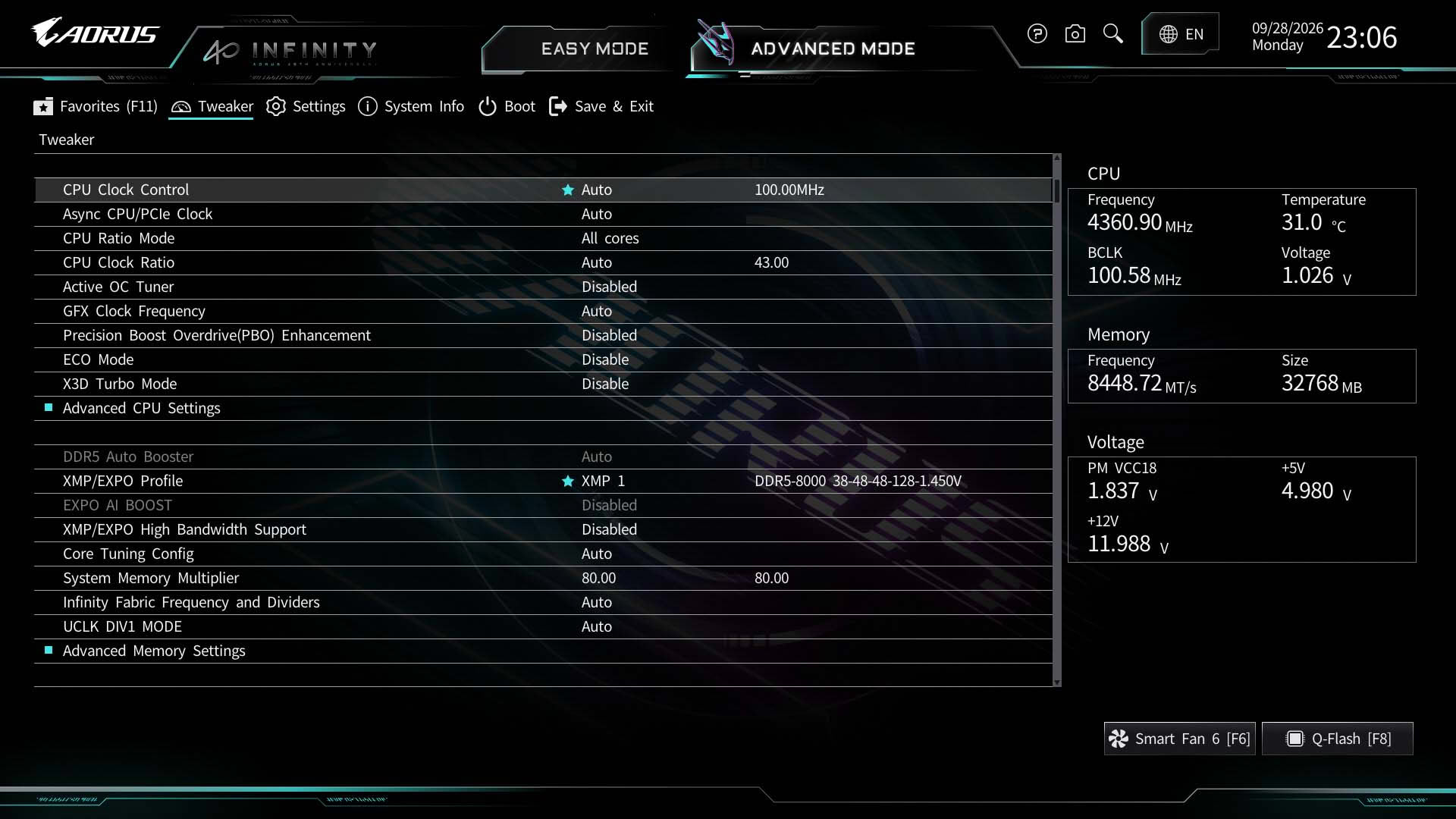
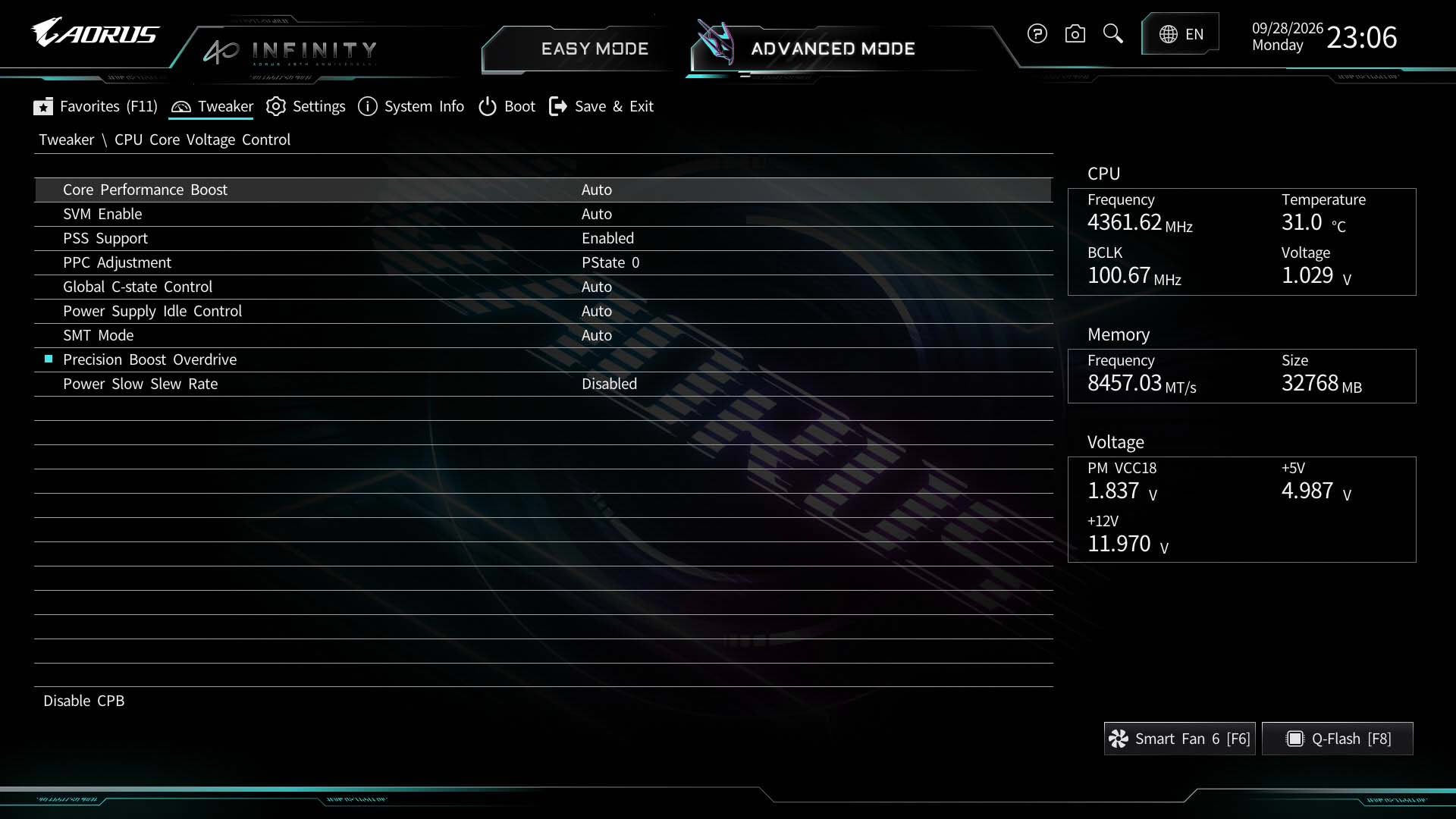
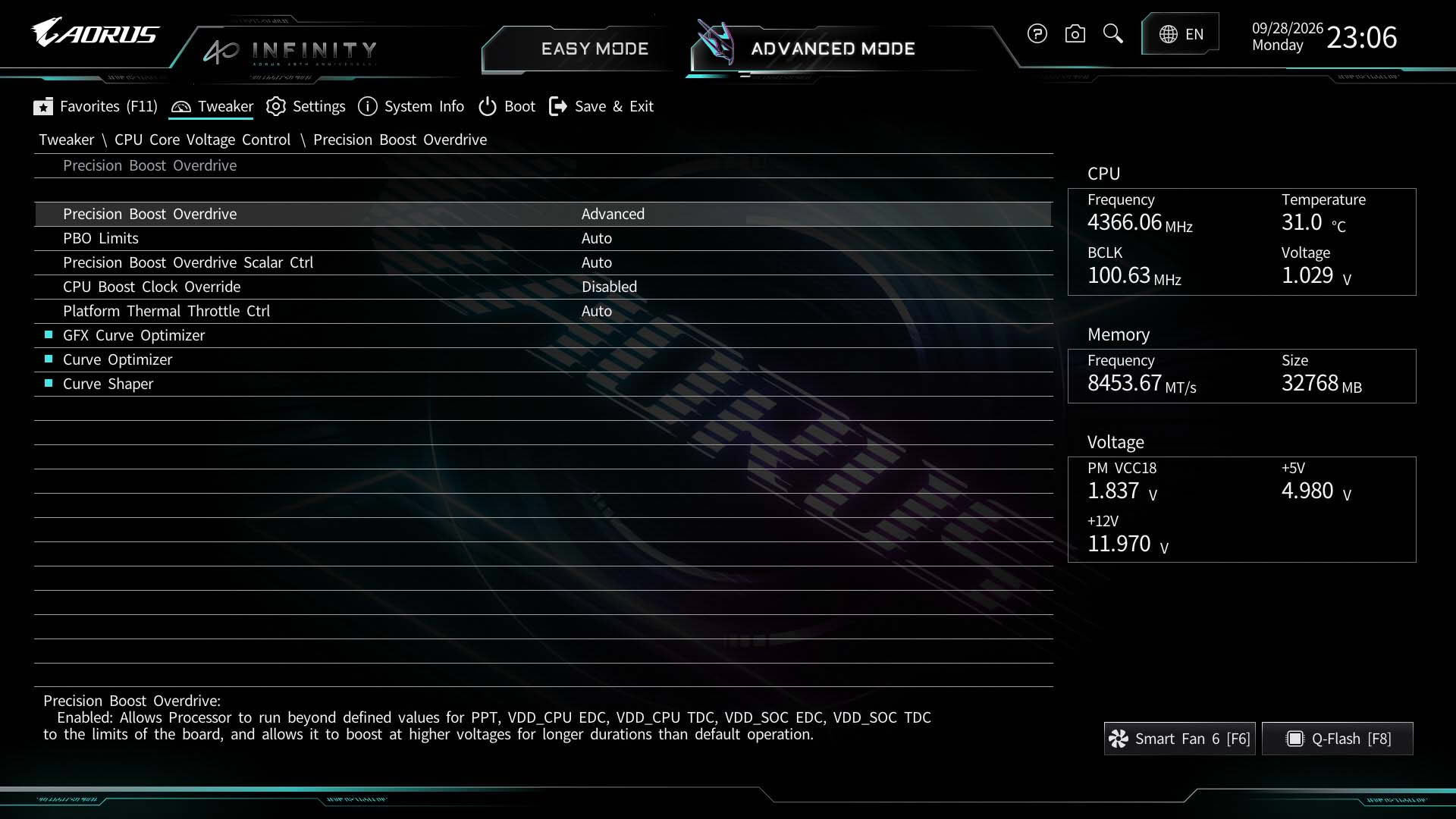
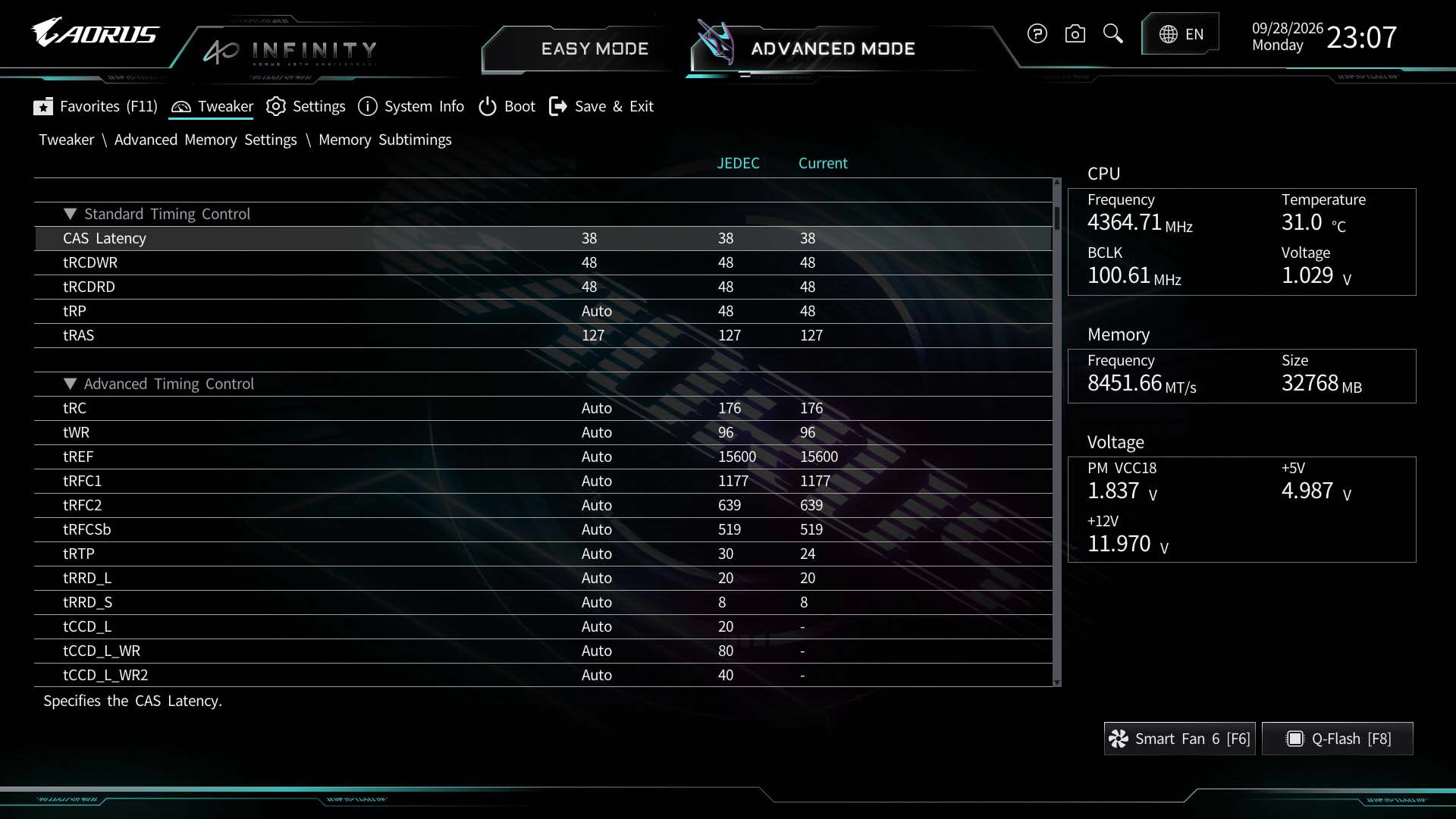
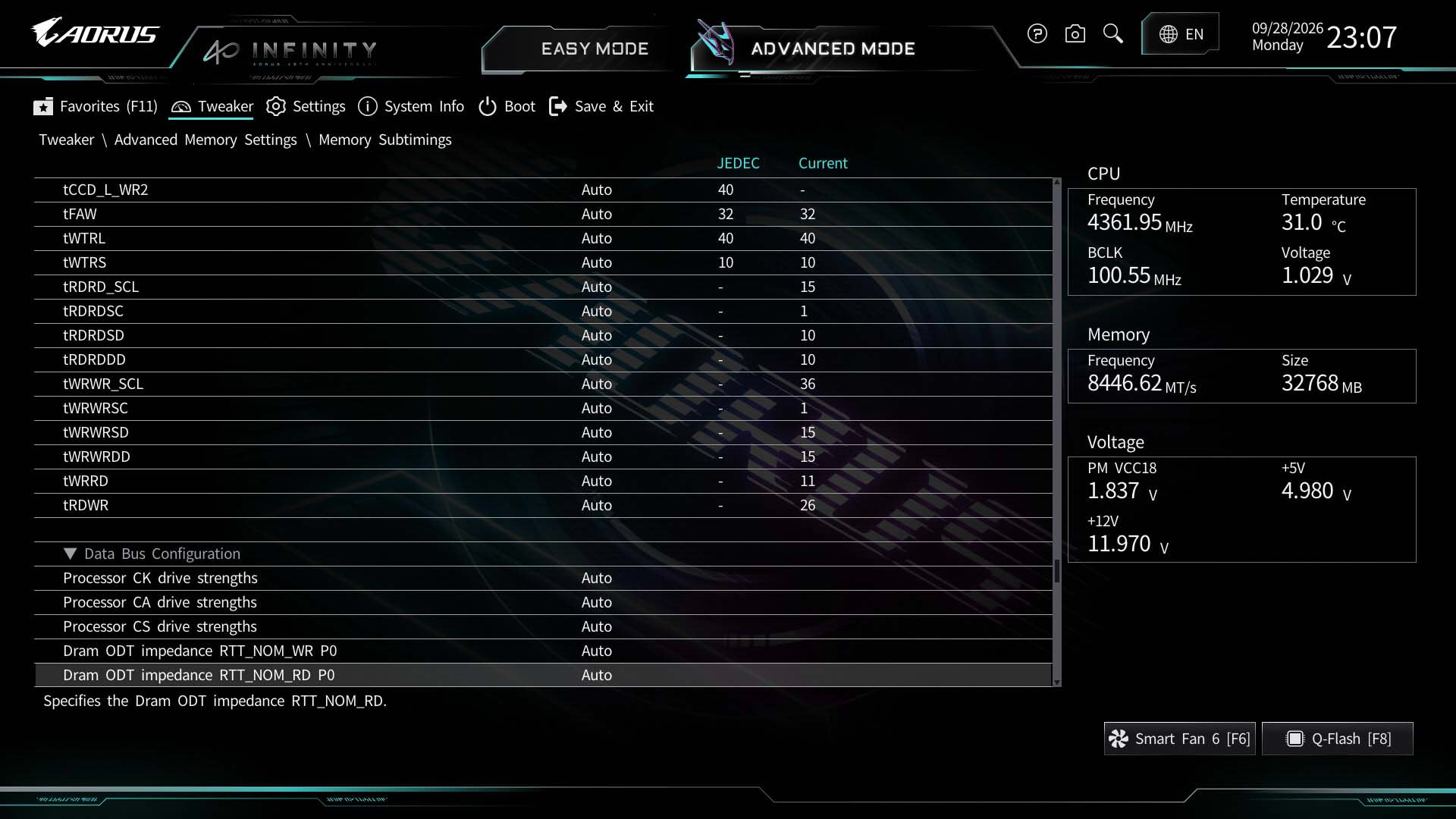
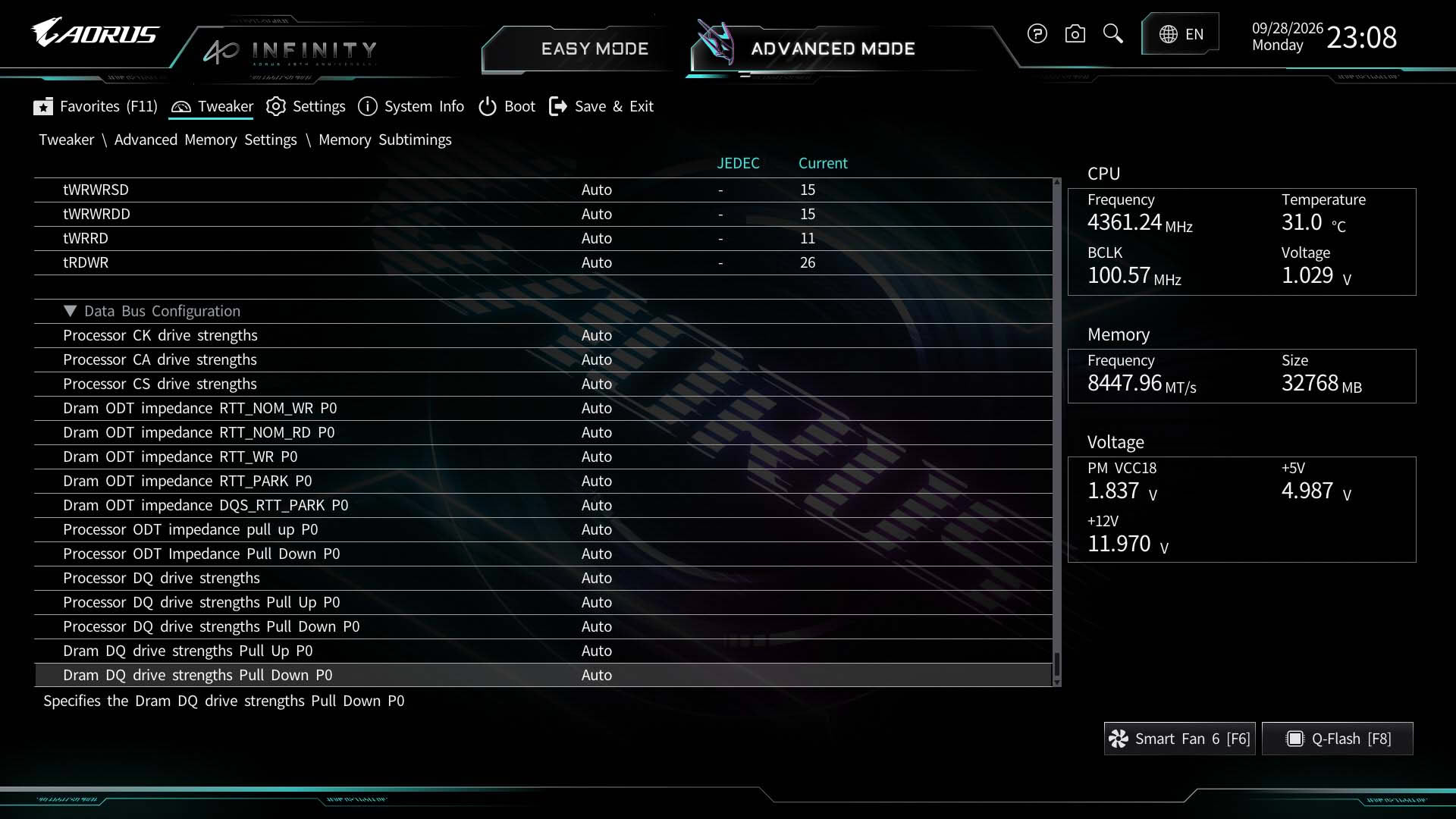
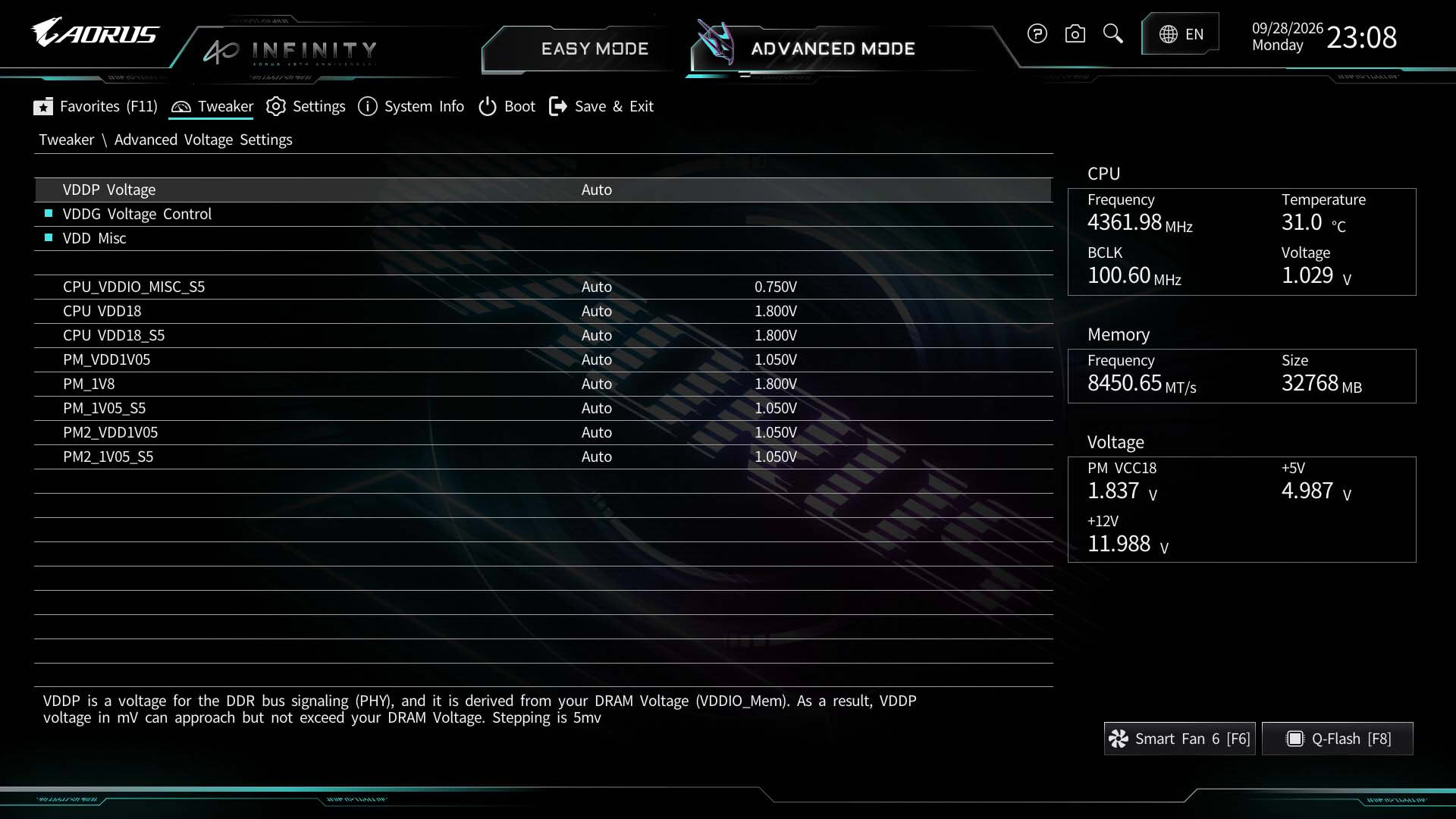
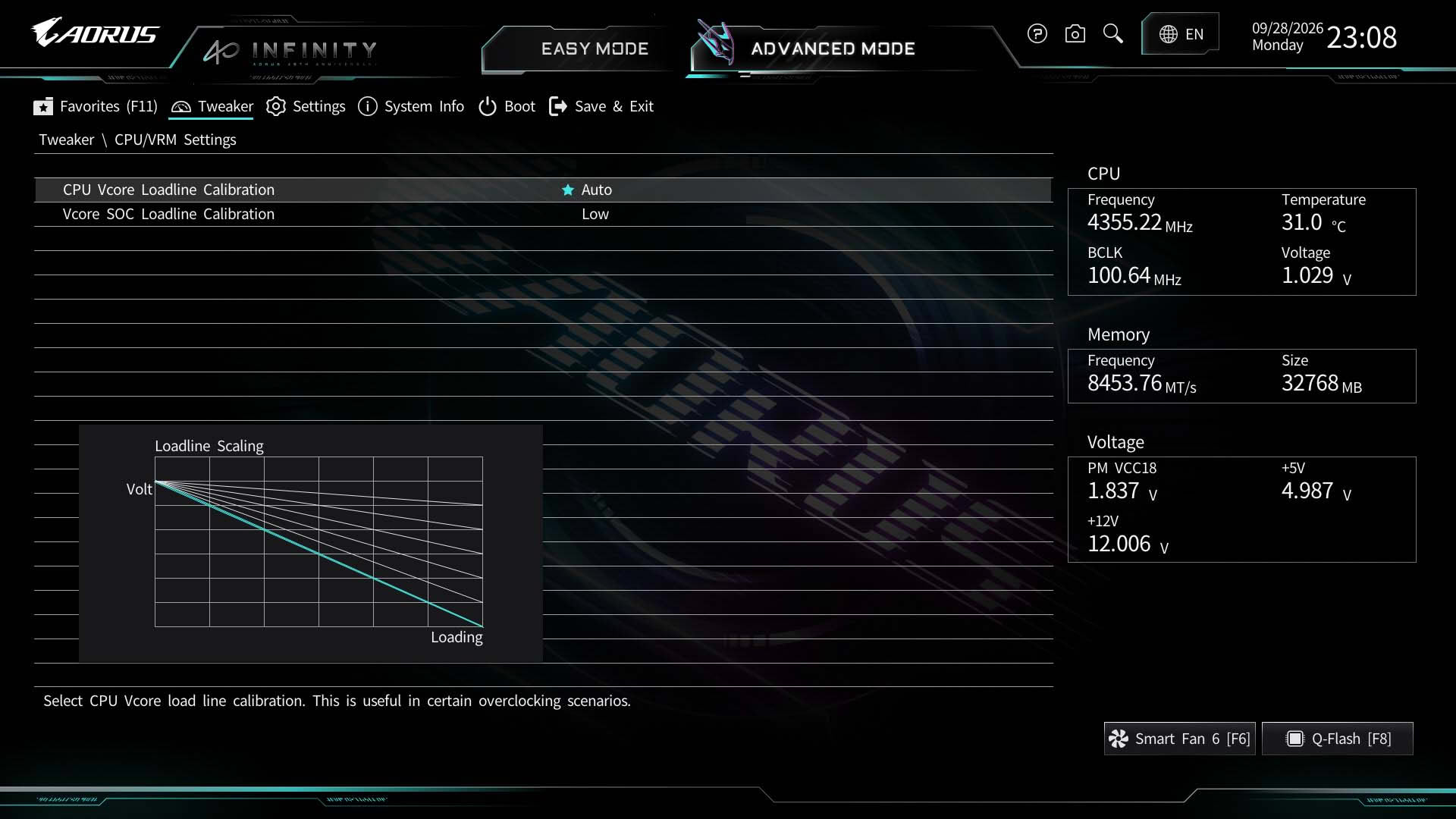
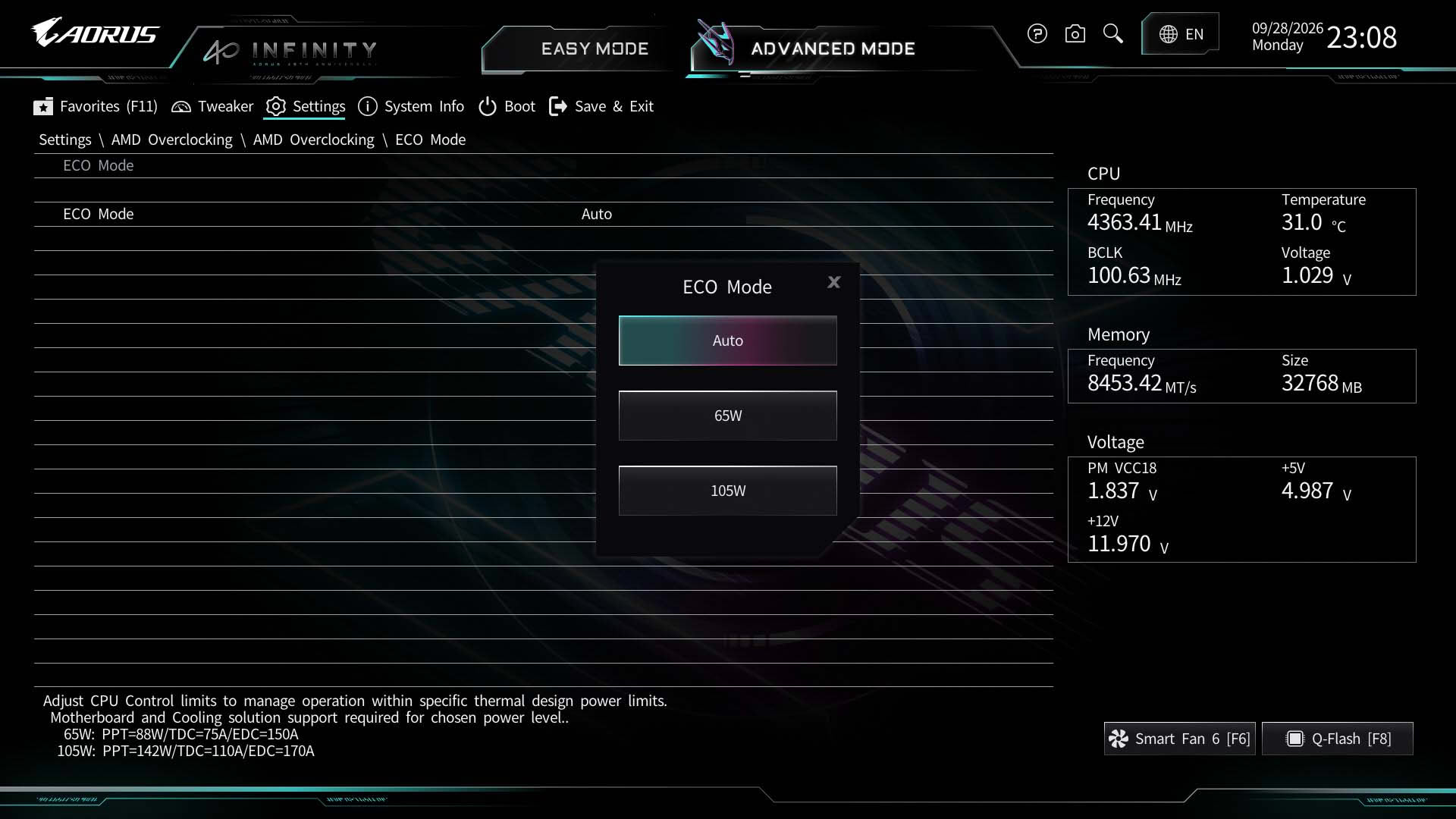
The EFI is reasonably well laid out for overclocking, and Gigabyte does include the PBO controls within the main Tweaker section, so there's no need to head to the AMD Overclocking section to access features such as Curve Optimizer or Curve Shaper. However, 65 W Eco Mode is only available in the AMD Overclocking section, with 105 W being the only option in the Tweaker section. There's a decent array of advanced memory overclocking settings, and it's useful to have an at-a-glance view of the current settings as well.
 19