 29
Gigabyte X870E Aero X3D Wood Review
Board Software »BIOS Overview
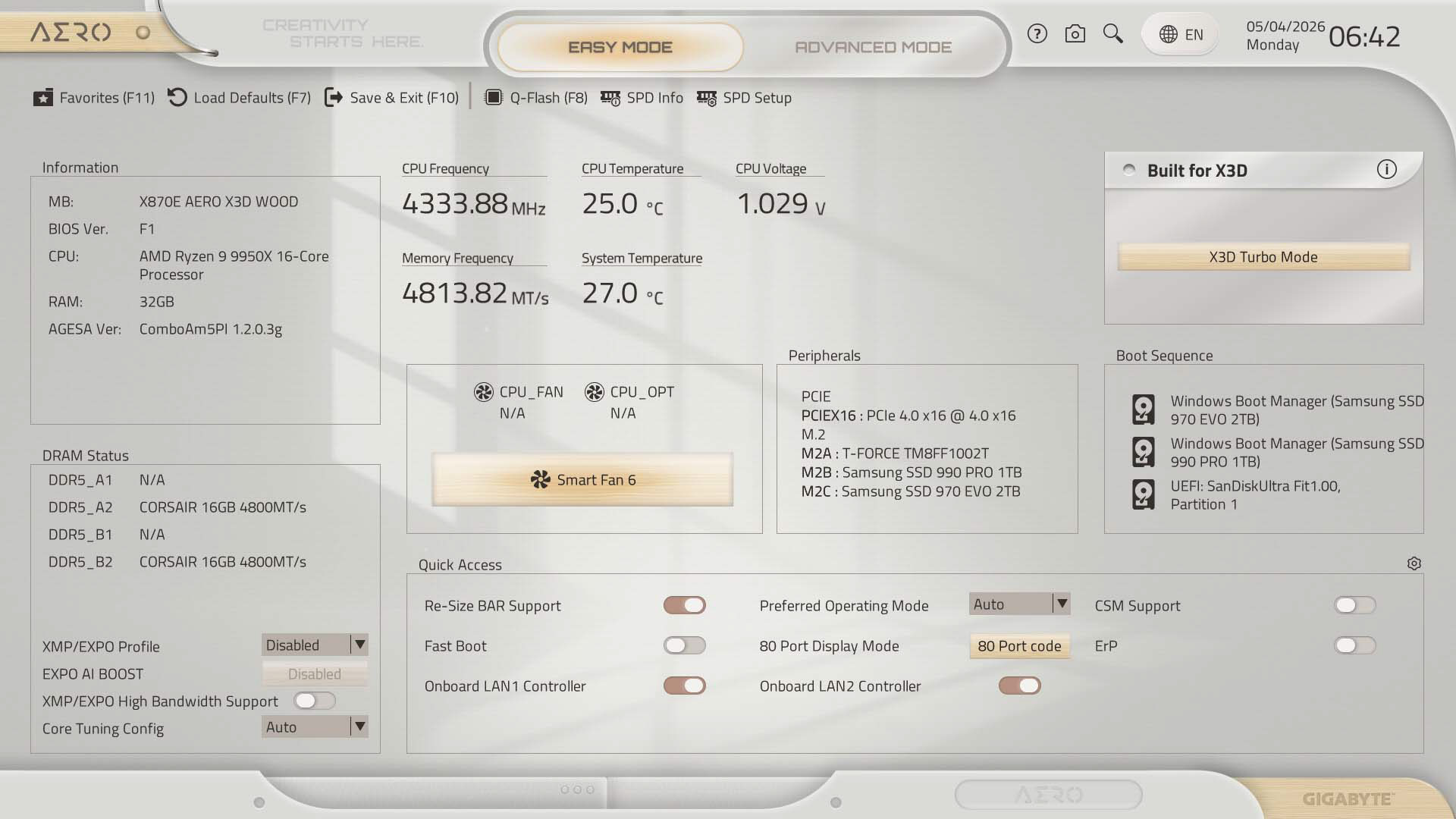
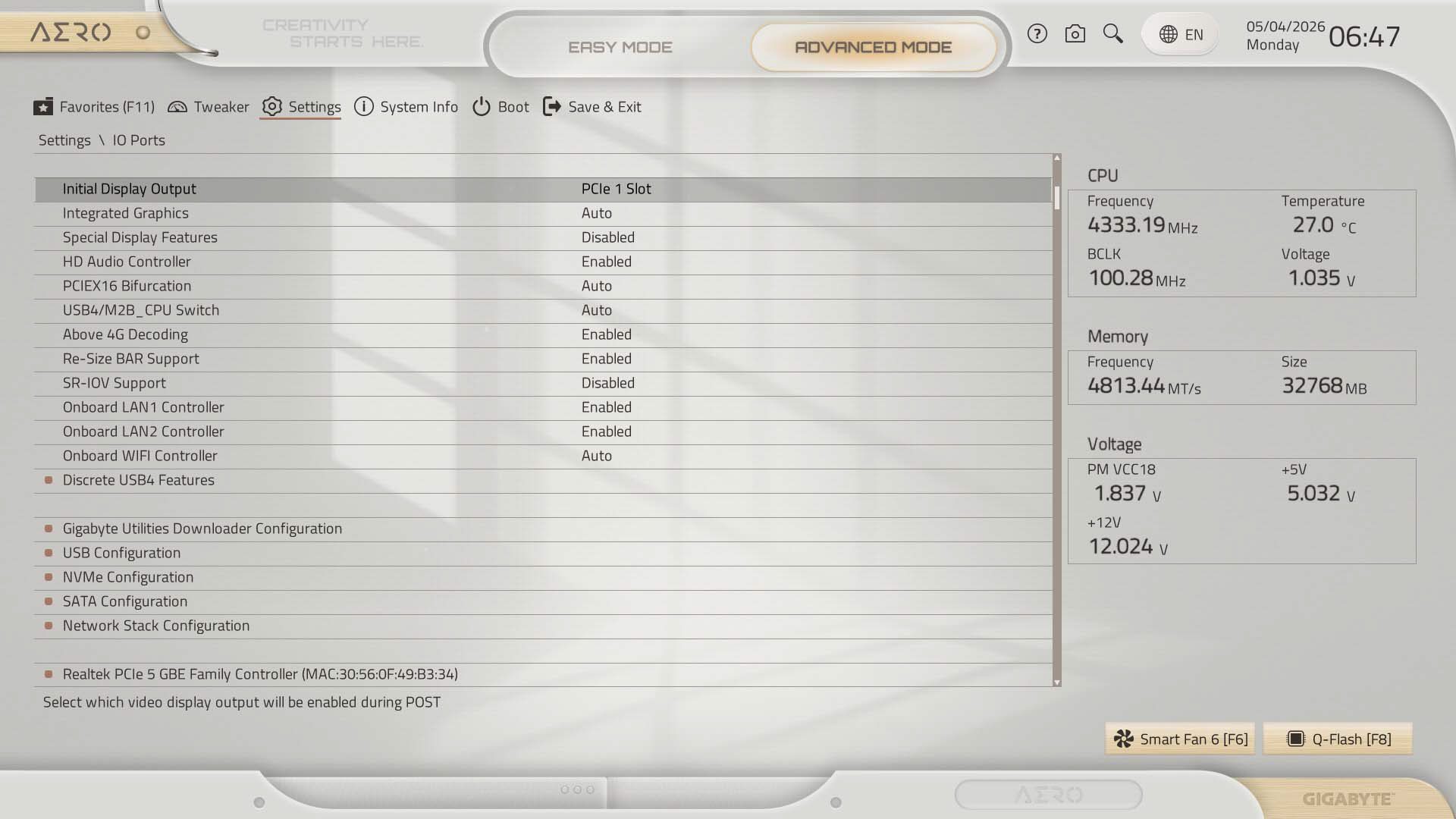
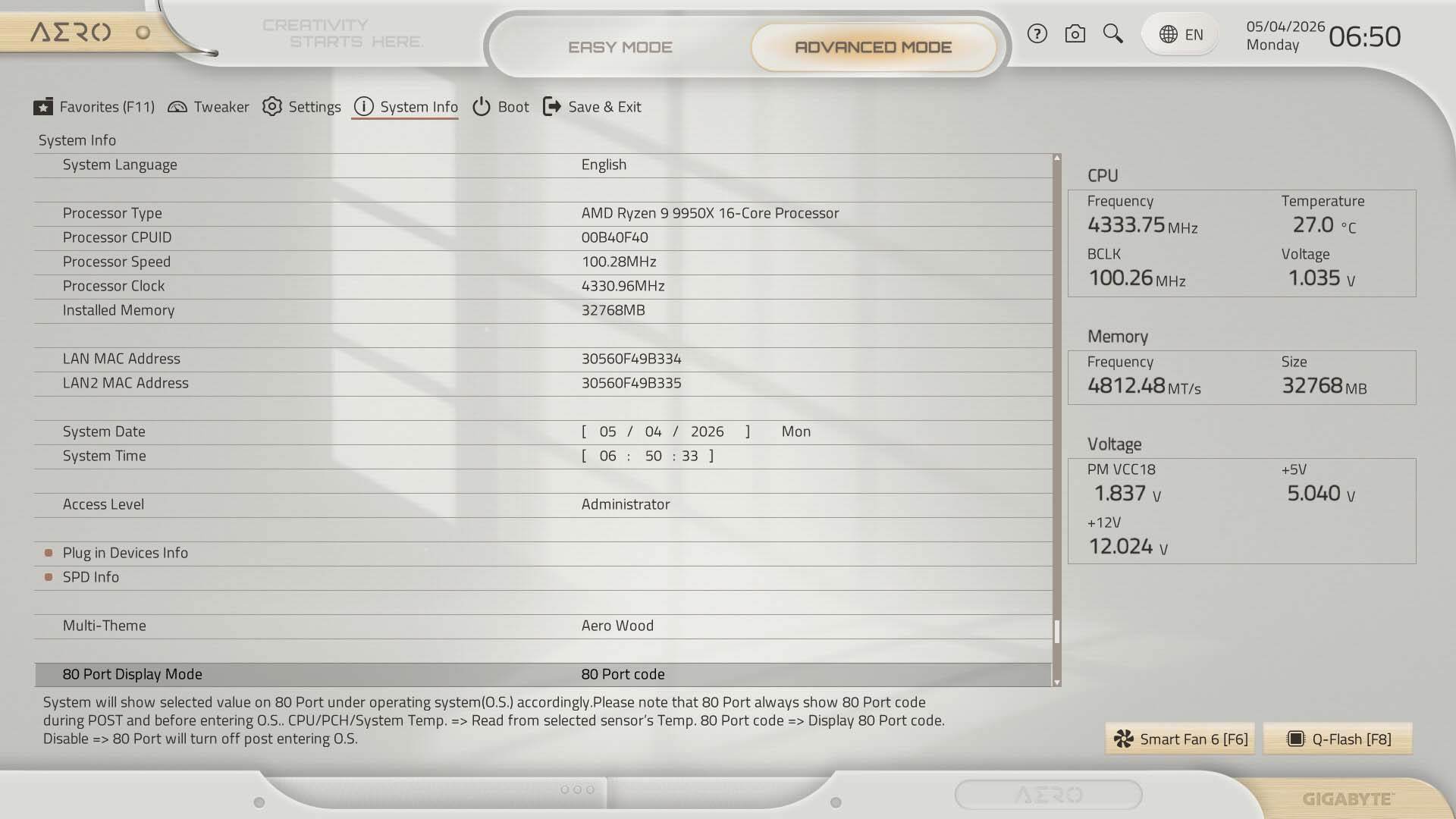
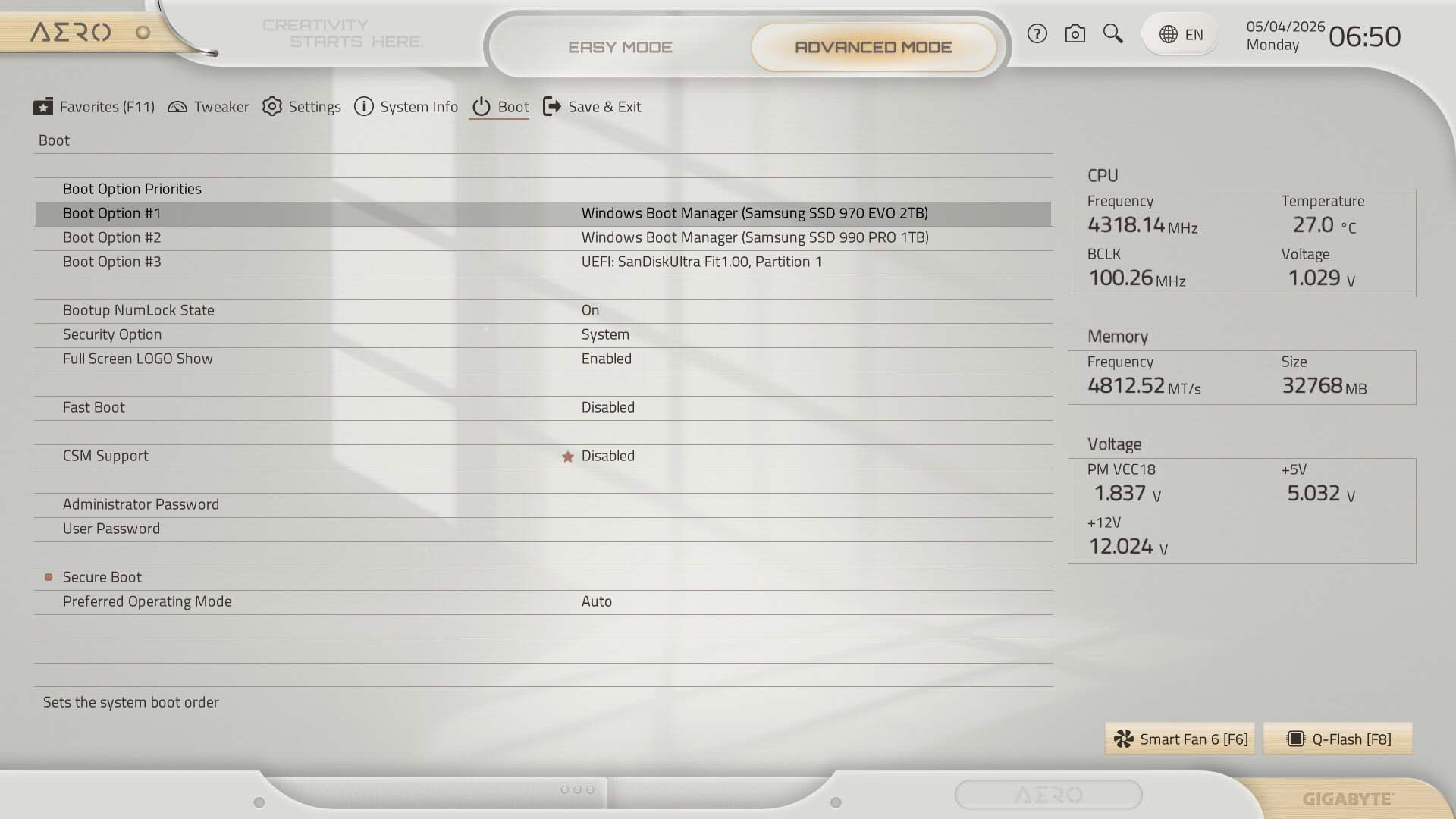
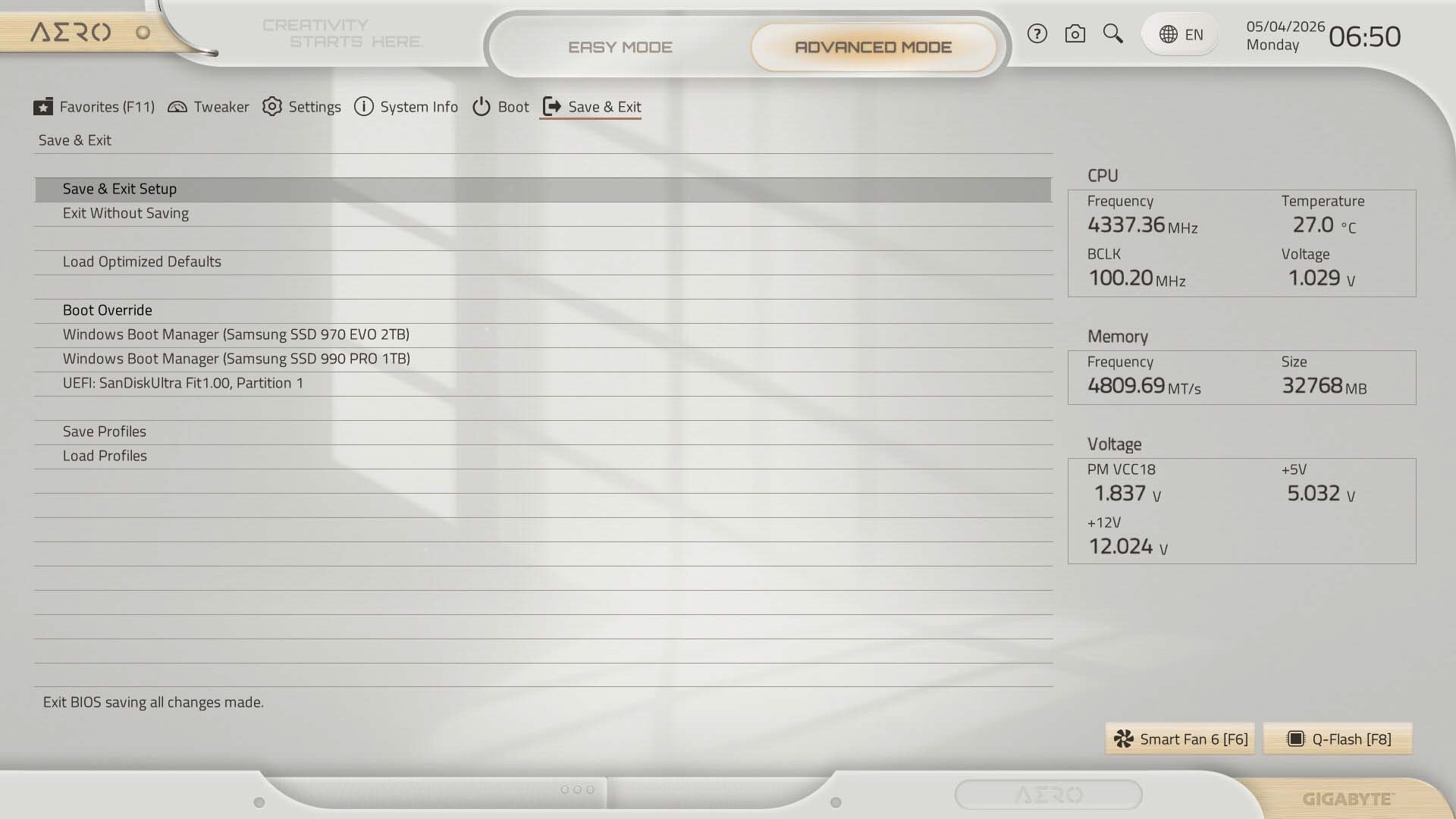
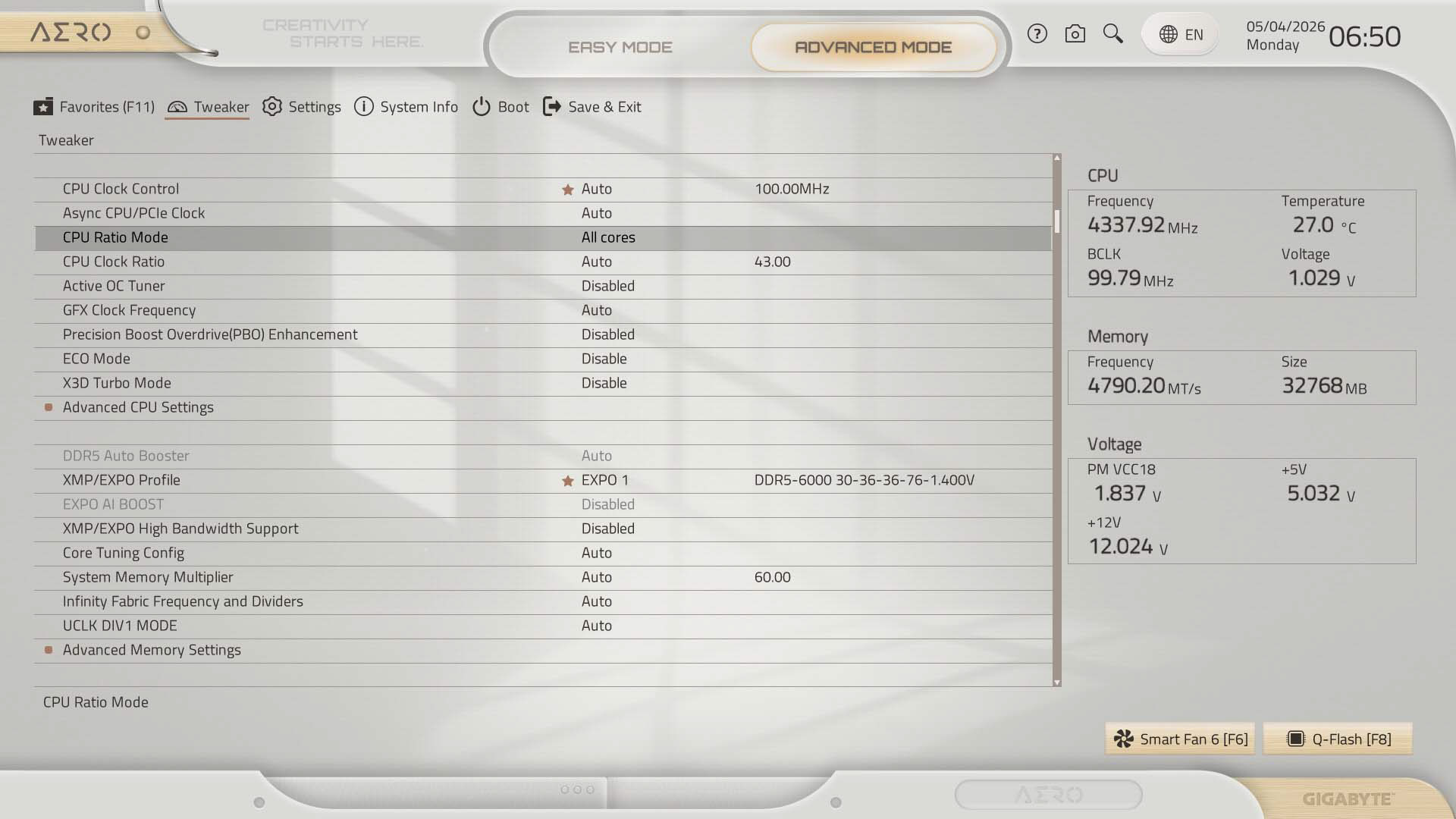
First and foremost, we've spotted AGESA 1.2.8.0 has added Refresh Management Mode, enabling tRFC2 instead of slower tRFC1 timings, resulting in performance boosts where enabled. This seems to be the case now with the latest F5c BIOS for the X870E Aero X3D Wood (in fact 1.2.8.0 was added a few versions ago). This may explain recent boosts to various benchmarks in a lot of the refresh boards and certainly seems to be the case with the X870E Aero X3D Wood's results too as we'll see in a minute.The EFI has gained a snazzy color scheme matching the board's theme and even includes little wooden-effect buttons which is a nice touch. The EFI is a little basic compared to the competition overall, but the Easy Mode page is useful enough, with memory profiles, boot order and quick-links to fan control, search and favorites all from this page, plus sundry other options in the quick access area at the bottom.
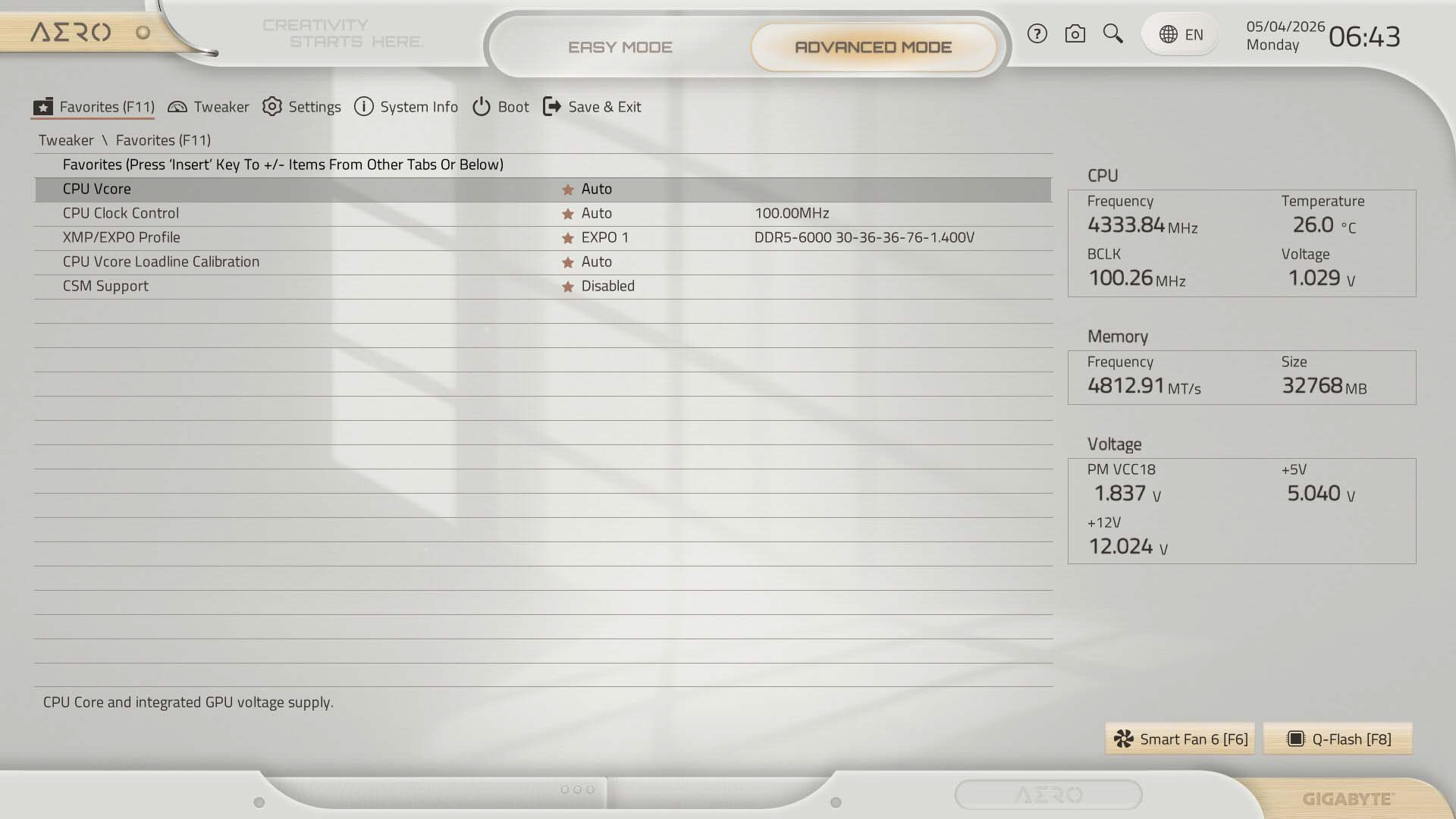
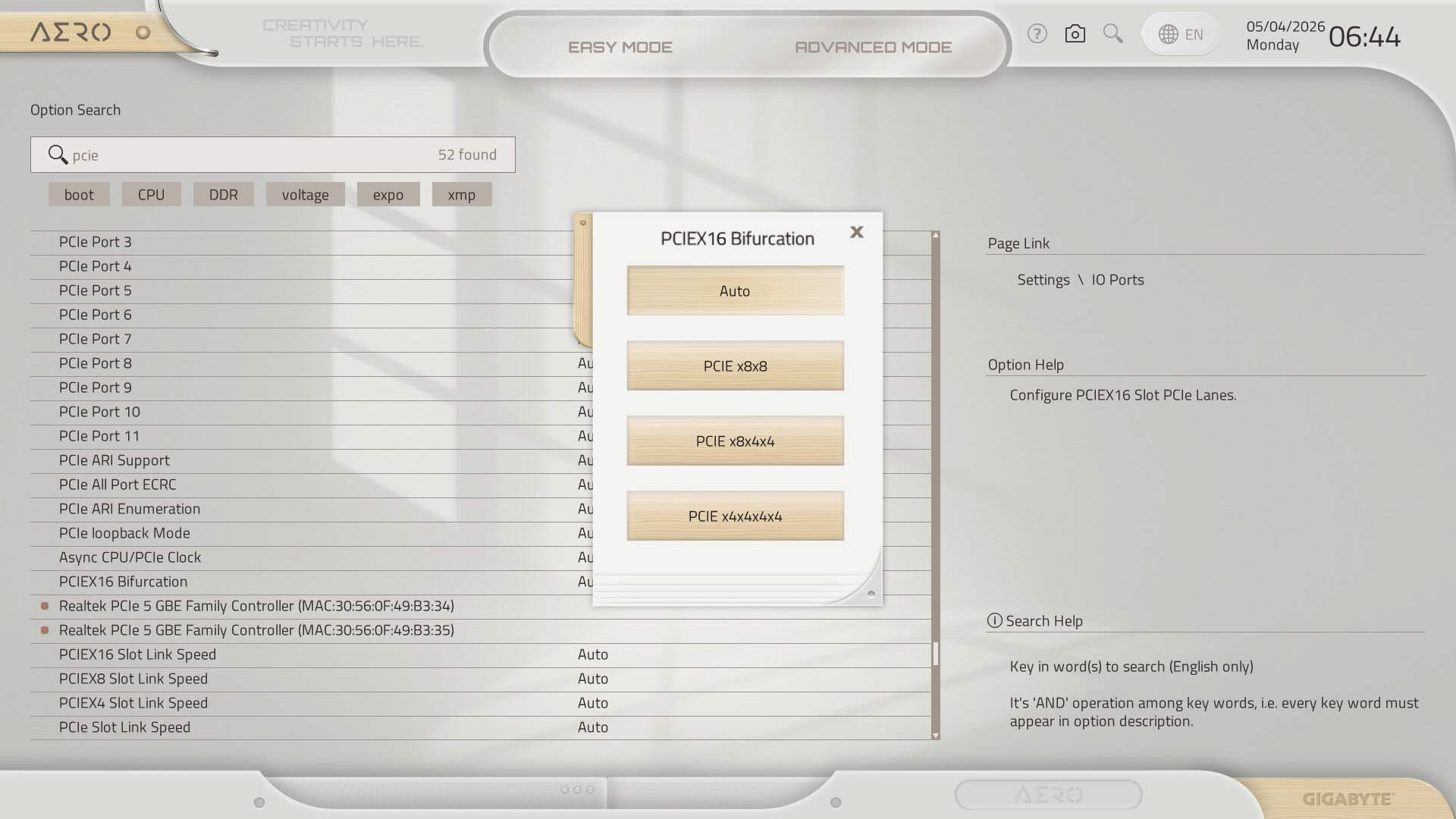
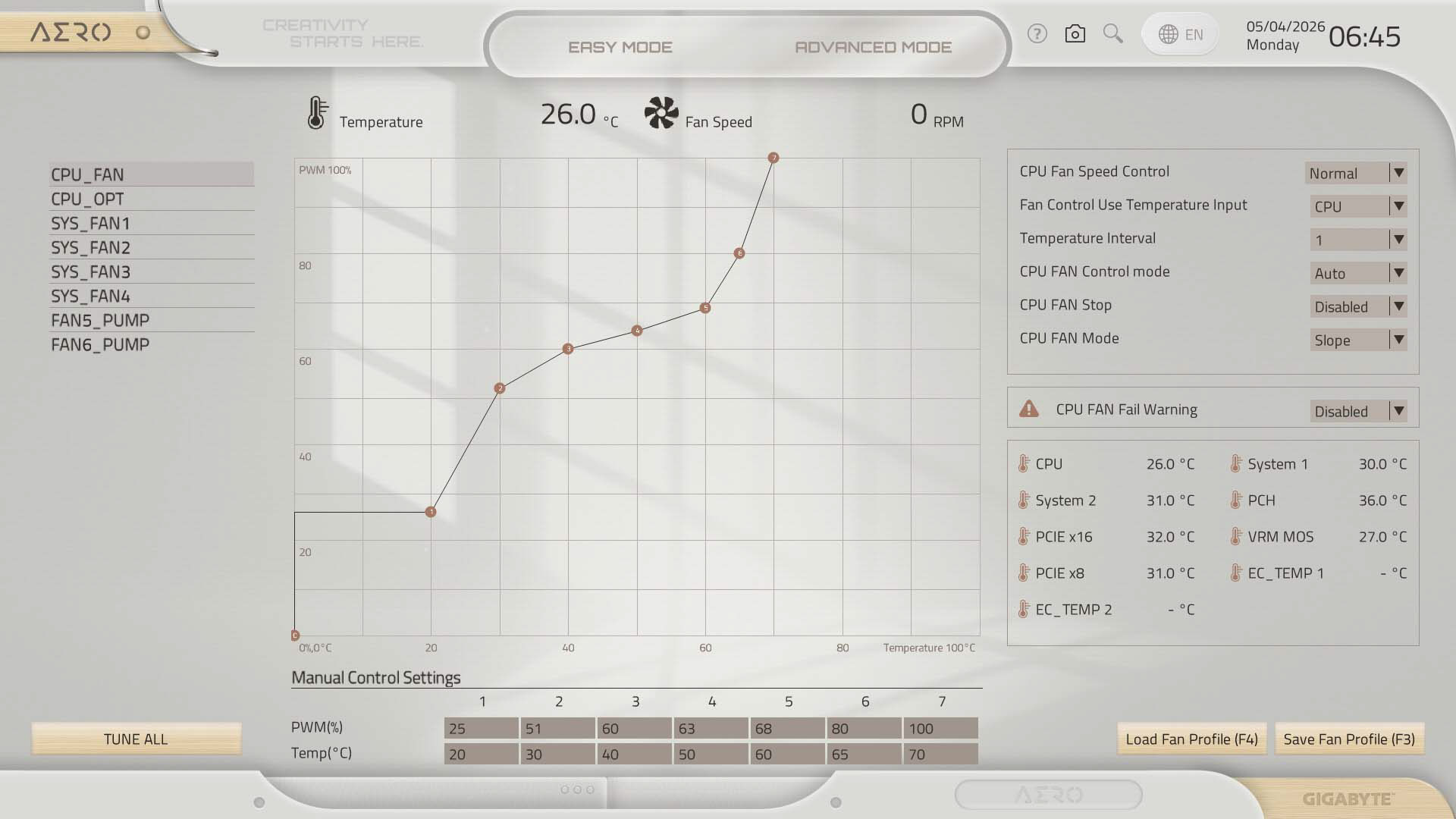
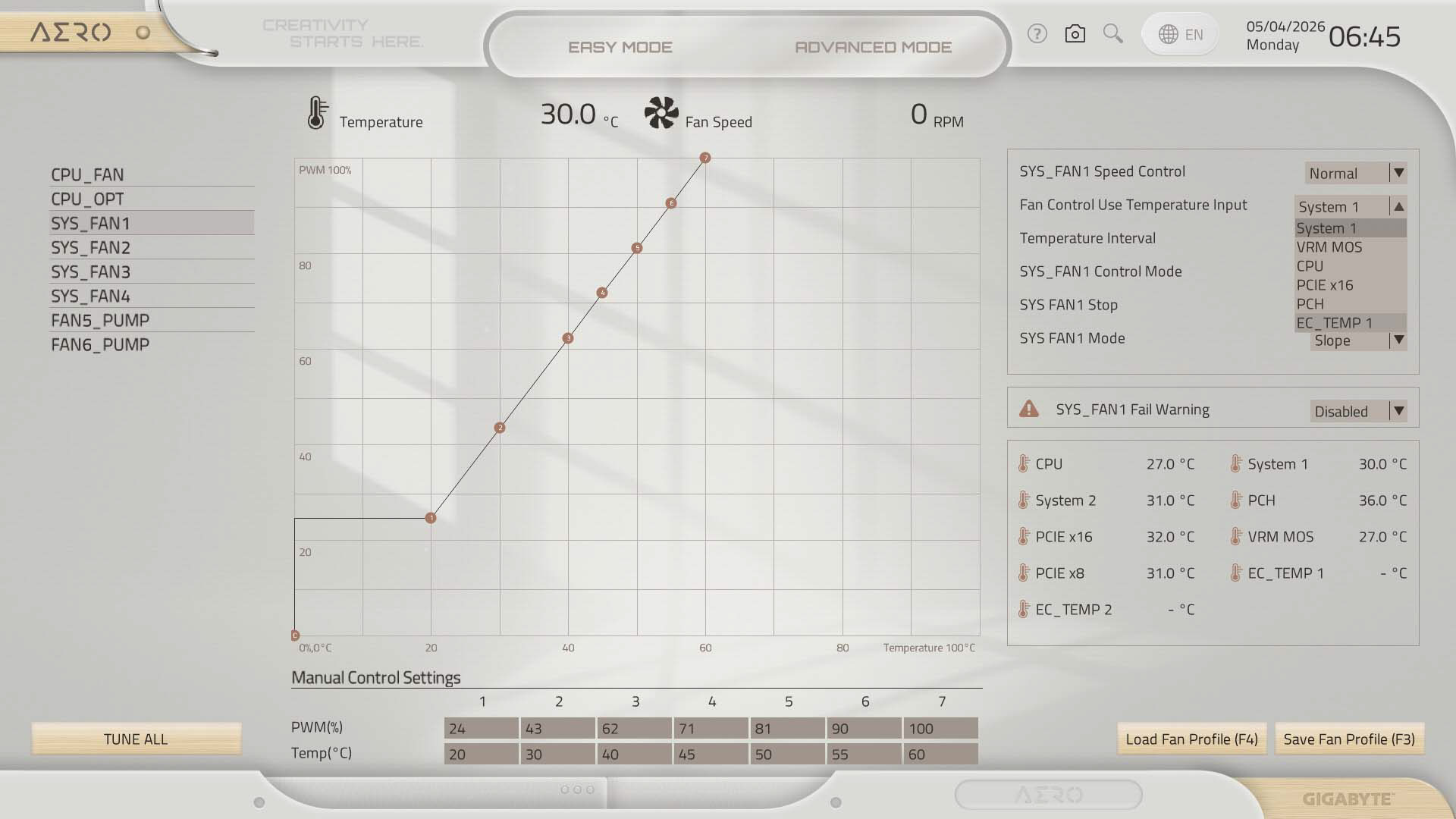
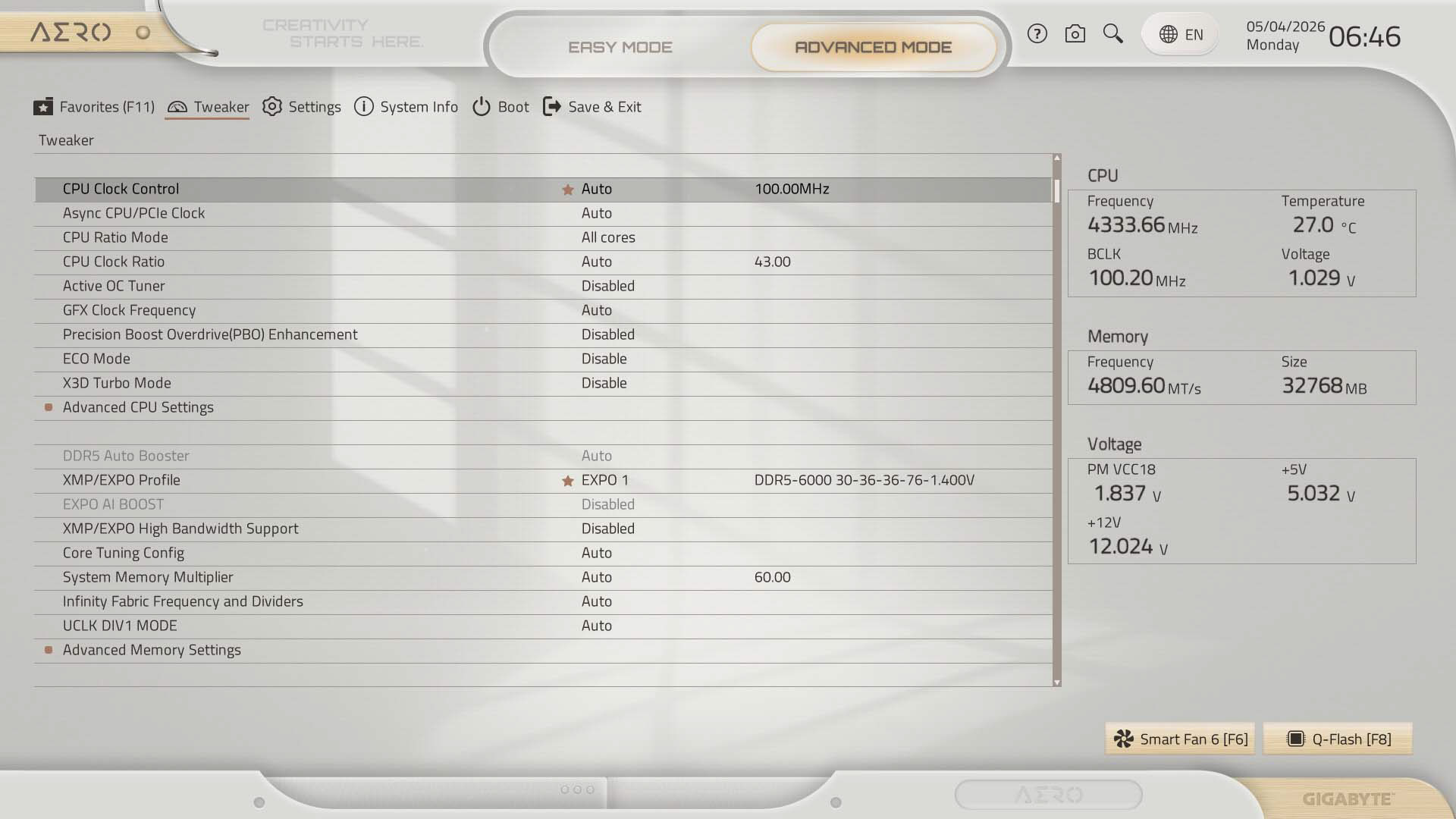
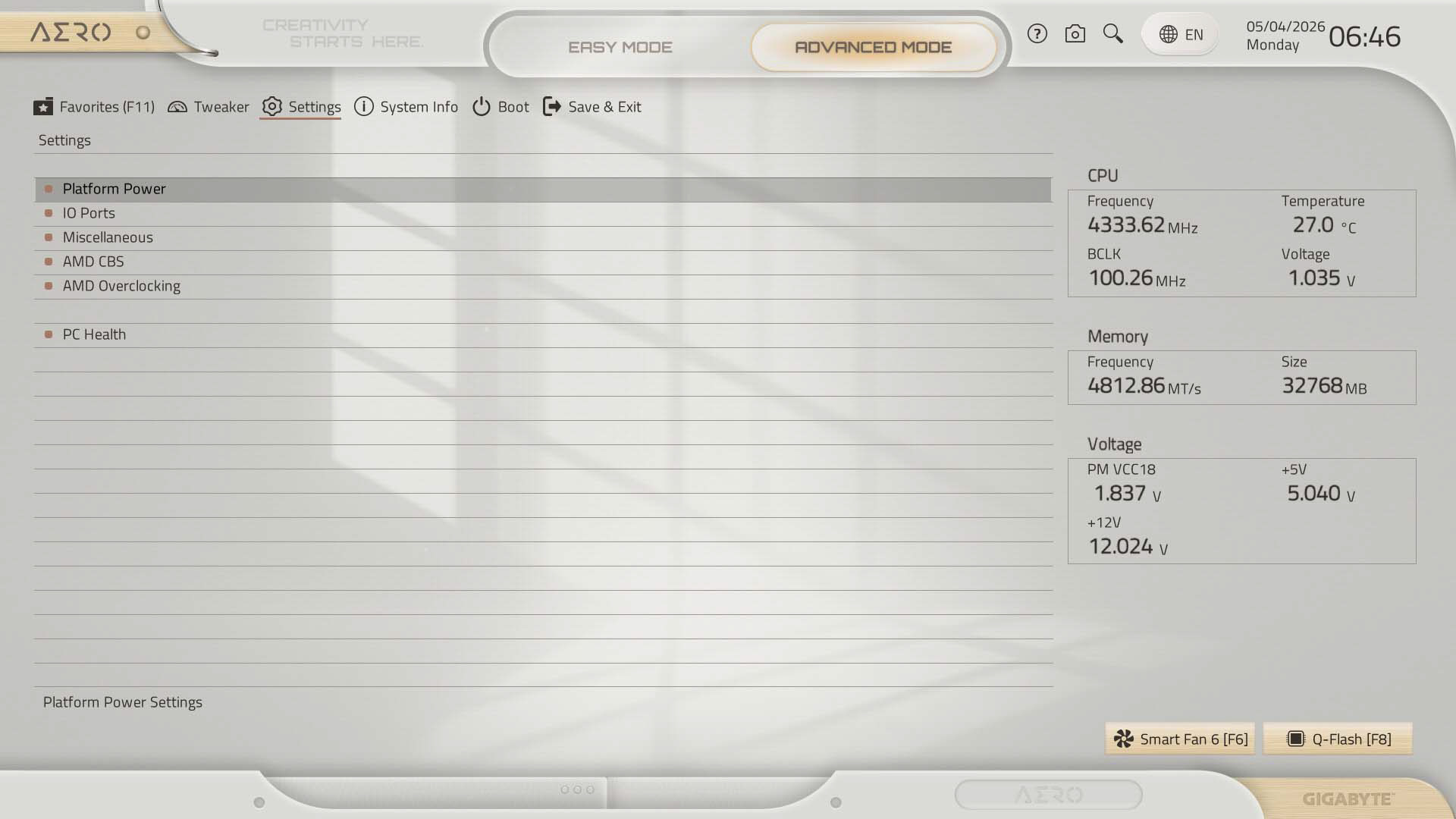
The search function works like the competition and allows you to search for and change options within the search window, which saves time, although ASUS has the added benefit of its Q-Dashboard feature. Fan control has always been a strong point for Gigabyte, but here it is starting to lag behind ASUS and MSI, which have numerous additional features such as fan grouping and ability to add or remove fan curve adjustment points. The Tweaker section is where you'll find PBO and manual overclocking options, although as usual some of these are replicated in AMD Overclocking under the settings menu, which we'll go into more detail with in the overclocking page.
Nov 21st, 2026 23:14 PST
change timezone
Latest GPU Drivers
New Forum Posts
- Your PC ATM (36447)
- Honestly, do you care about GTA VI? (238)
- SATA drive 1.4 GBps with Intel X25-E on Windows 98! (41)
- TPU's Nostalgic Hardware Club (22191)
- How to prevent OLED burn damage due to PC freezes or power outtages? (52)
- Ryzen or Intel system (11)
- AI generated images... (231)
- RX 9000 series GPU Owners Club (2252)
- Introducing DST Bench : one of the most advanced disk benchmark and storage analyzer real-time software (7)
- UPS what one to get? (26)
Popular Reviews
- Microsoft Surface Laptop Ultra Review - The Next-gen Arm Laptop
- Corsair RM1200e (Second Generation) Review
- Pulsar Office Tour & First Look at P1 Dual-Sensor Mouse
- Upcoming Hardware Launches 2027 (Updated Nov 2026)
- Ugreen NASync DXP4800 GT Review
- AMD Ryzen 7 9800X3D Review - The Best Gaming Processor
- Biwin Black Opal NV7400 2 TB Review
- AMD Zen 6 Technical Deep Dive
- Phantom Blade Zero Performance Benchmark Review - 35 GPUs Tested
- AMD Ryzen 7 5800X3D 10th Anniversary Review
TPU on YouTube
Controversial News Posts
- NVIDIA Co-Founder and CEO Jensen Huang Officially Resigns (492)
- Report: Jensen Huang Eyes NVIDIA Comeback (262)
- Open Letter Asking NVIDIA to Reinstate Jensen Huang Passes 115,000 Signatures (184)
- OpenAI CEO Argues Home PCs Waste the World's Limited DRAM Supply (152)
- NVIDIA Launches Investigation Into Jensen Huang's Relationship With Suspected Chinese Spy (136)
- Intel "Raptor Lake Next" 16-Core and 20-Core CPUs Surface (130)
- NVIDIA GeForce RTX 50-Series Scheduled for up to $500 Price Hike This Week (89)
- Intel Razor Lake Gets a 12 P-Core bLLC Chip With No E-Cores, Per Leak (86)