 2
HighSpeed PC Tech Station Large Review
(2 Comments) »Introduction
Thanks to HighspeedPC providing us with this review sample.HSPC is best known for their Tech Station series. The TechStations come in a variety of sizes and colors and can be custom built to your needs such as if you have a phase change cooling unit. The Tech Station allows you to work on your computer and switch out parts with ease.
Specifications
Specifications from Manufacturer HSPC| Specifications | |
|---|---|
| Type: | Two tier work bench |
| Color: | Red |
| Material: | Variety of plastics |
| Hard Drive rack space | 2 HDs |
| PCI Slots: | 6 |
| Fans: | 120mm x 2 |
| Dimensions: | 14x13x8.5" ( W,H,D) |
Packaging/Inside the Box

The Tech Station is packed securely in the box. Everything you need to build the Tech Station is in the box, but you'll also need a Phillips head screwdriver to tighten all the various screws.

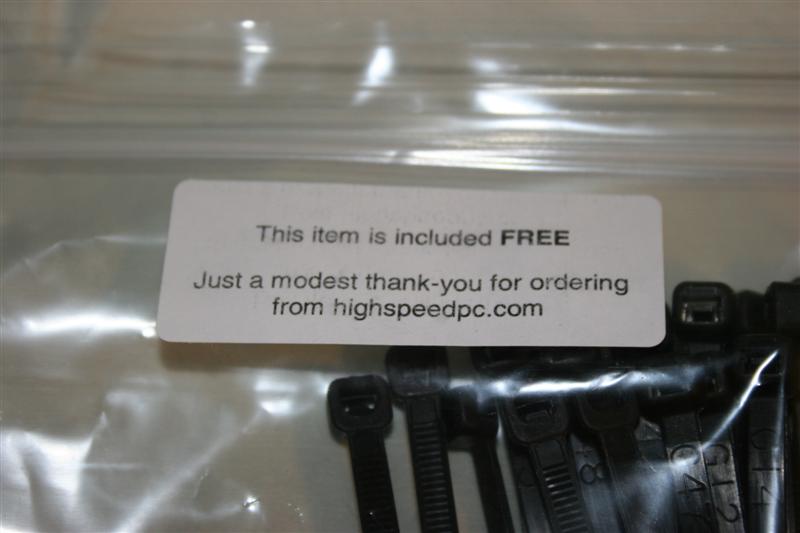
Inside the box we found the parts all wrapped in bubble wrap to keep them safe. We also got a little bag of zip ties, as a little extra saying thanks for your purchase.

Here you can see all the components of the Tech Station before assembly.

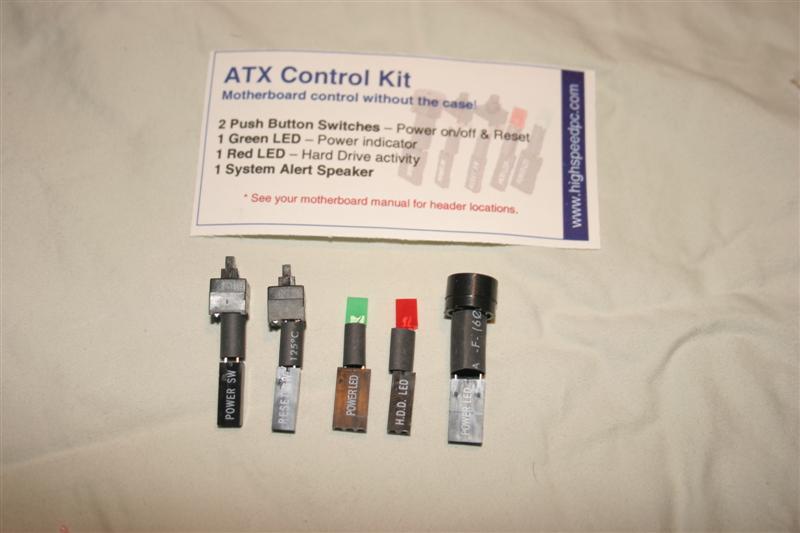
In this bag you will find an assortment of switches, LEDs, and a speaker which you attach to your motherboard with ease.
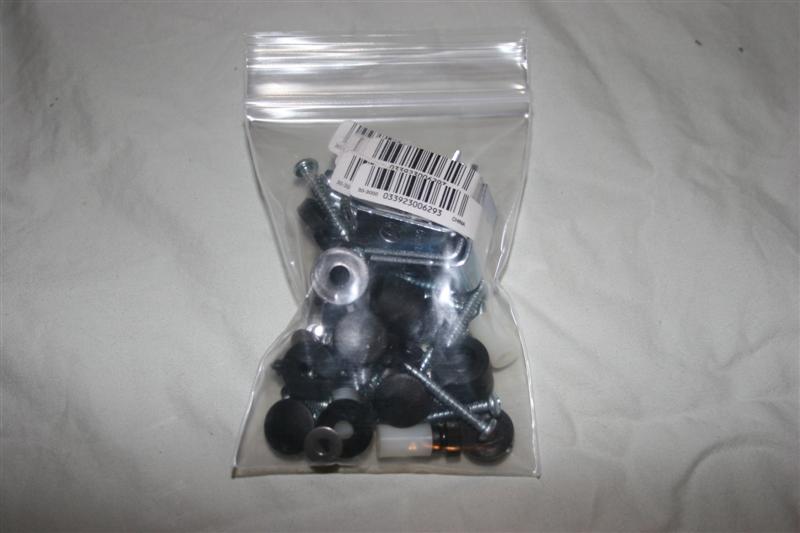

This bag contains all of the screws needed to put together the Tech Station as well as the hard drive rack and fans.
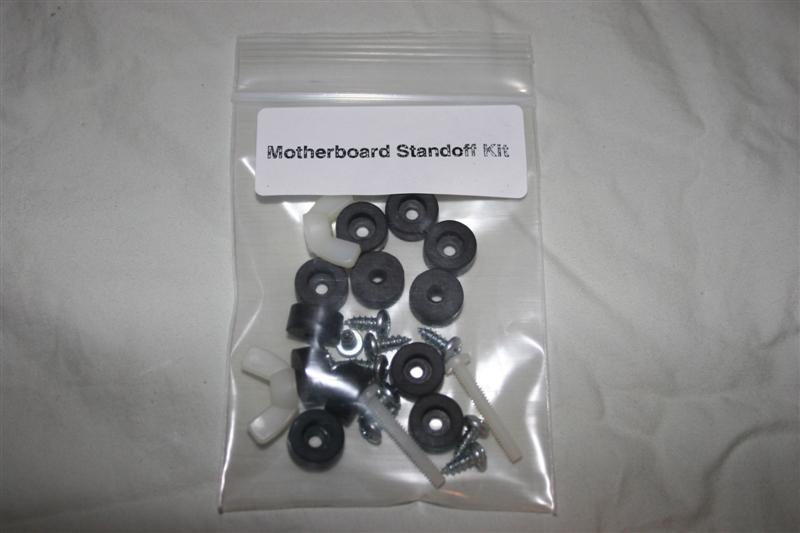
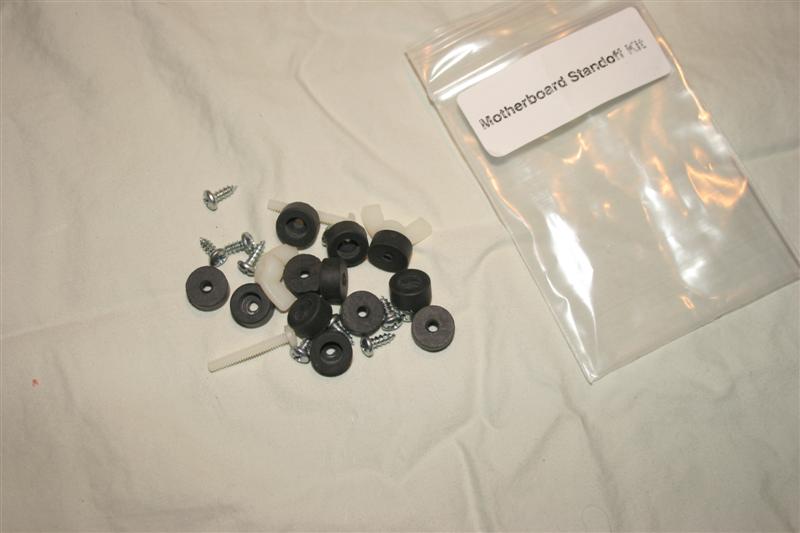
In this bag you have all the motherboard standoffs you rest your motherboard on when in use.
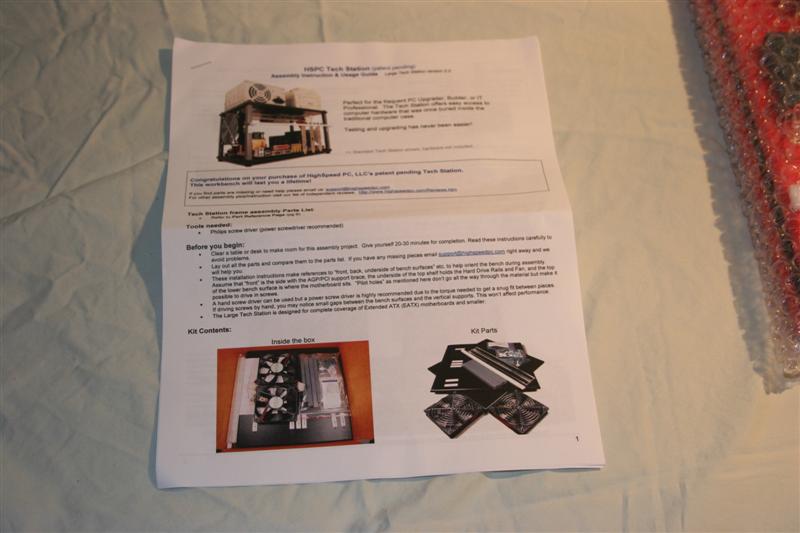

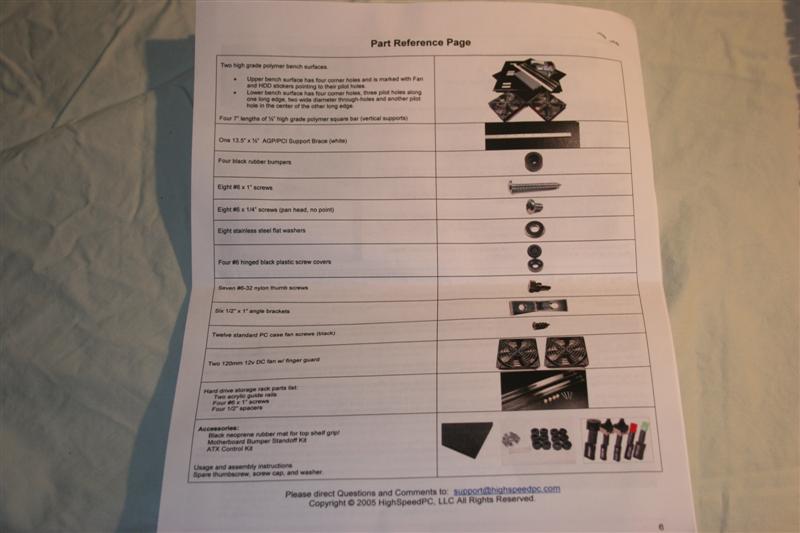
Here you have the manual; it goes into precise detail, and its also English friendly. That might sound funny but it was obviously written by a person who has a grasp of the English language, because it lacks the grammatical errors found in many motherboard manuals and relates to a computer enthusiast.
Our Patreon Silver Supporters can read articles in single-page format.
Nov 13th, 2026 07:44 PST
change timezone
Latest GPU Drivers
New Forum Posts
- Dual B70 or Dual R9700 Pro on Linux (0)
- To AiO CPU Cooler users? (6)
- Microsoft Exchange/365 outages? (40)
- I won't download games that are larger than 30–40 GB. (107)
- Slow SSD read speeds - help! (2)
- Any other old-timers here planning to play WoW Forever? (150)
- Requesting original VBIOS for Gigabyte RX 5700 XT GAMING OC 8G Rev 2.0 (Micron) (0)
- Home page search by category (6)
- Windows 11 General Discussion (7727)
- Warning for Windows 10 and 11 users running newer AMD GPU drivers (58)
Popular Reviews
- AMD Zen 6 Technical Deep Dive
- Corsair HX1000i Shift Crystal Review
- NZXT C1200 Platinum Review
- Upcoming Hardware Launches 2027 (Updated Nov 2026)
- Montech King 95 3D PRO Review
- NZXT H7 RGB+ Review
- NZXT H5 Review
- Phantom Blade Zero Performance Benchmark Review - 35 GPUs Tested
- XPG NIMBUS PLUS Review - Mid-range Chair With Strong Competitors
- Gigabyte Z890I Aorus Ultra Review
TPU on YouTube
Controversial News Posts
- NVIDIA Co-Founder and CEO Jensen Huang Officially Resigns (353)
- OpenAI CEO Argues Home PCs Waste the World's Limited DRAM Supply (152)
- NVIDIA Launches Investigation Into Jensen Huang's Relationship With Suspected Chinese Spy (136)
- Intel "Raptor Lake Next" 16-Core and 20-Core CPUs Surface (130)
- Legendary Game Studio BioWare Shuts Down Following EA Layoffs (104)
- Dell CEO Says the Memory Shortage Will Get Worse in 2027 (95)
- NVIDIA GeForce RTX 50-Series Scheduled for up to $500 Price Hike This Week (89)
- Modder Fits RTX 5090 With Four 8-Pin Connectors, Halving Current per Wire (80)