 21
HP ZBook Ultra G1a 14 Review - The Mighty Mini with Strix Halo
Ports & Connectivity »A Closer Look - Outside

The ZBook Ultra G1a 14 is another modern-looking entry in HP's lineup, sporting a neutral and mature design. You won't find any glowing RGB here; this is a pure professional workhorse.
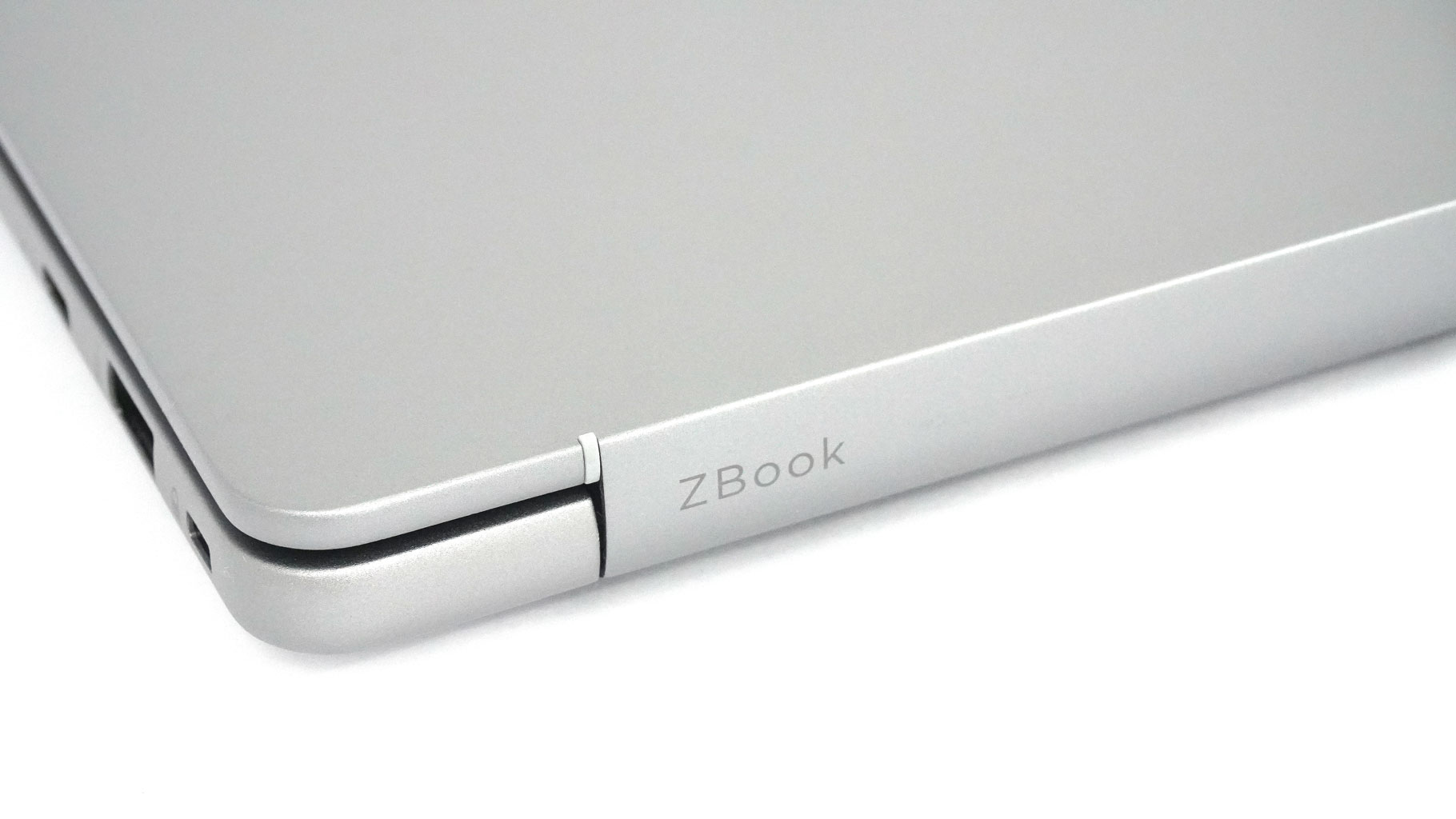
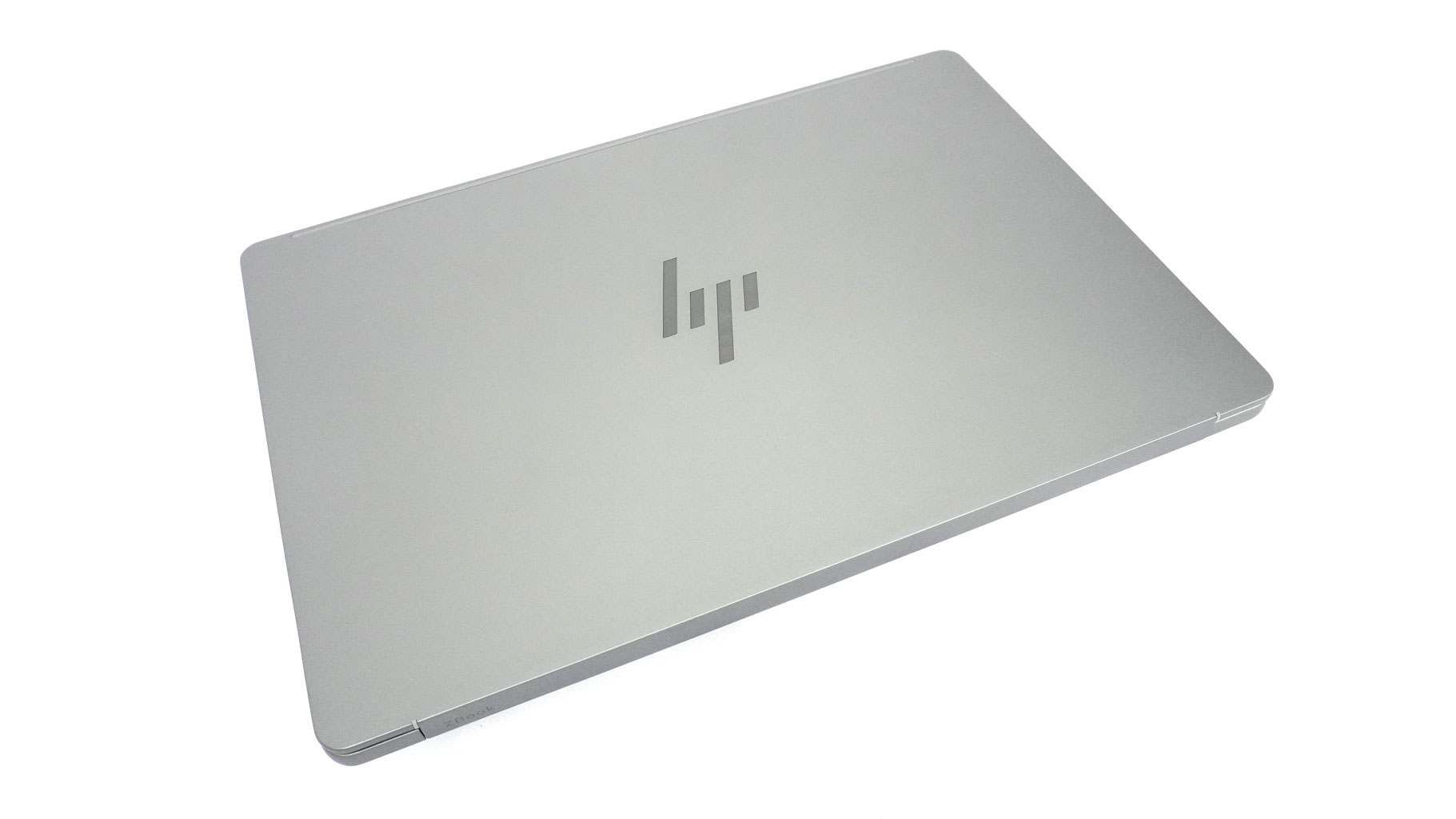
You get a glossy logo on the lid and a subtle ZBook inscription on the hinge cover. That's it - no extra ornamentation.
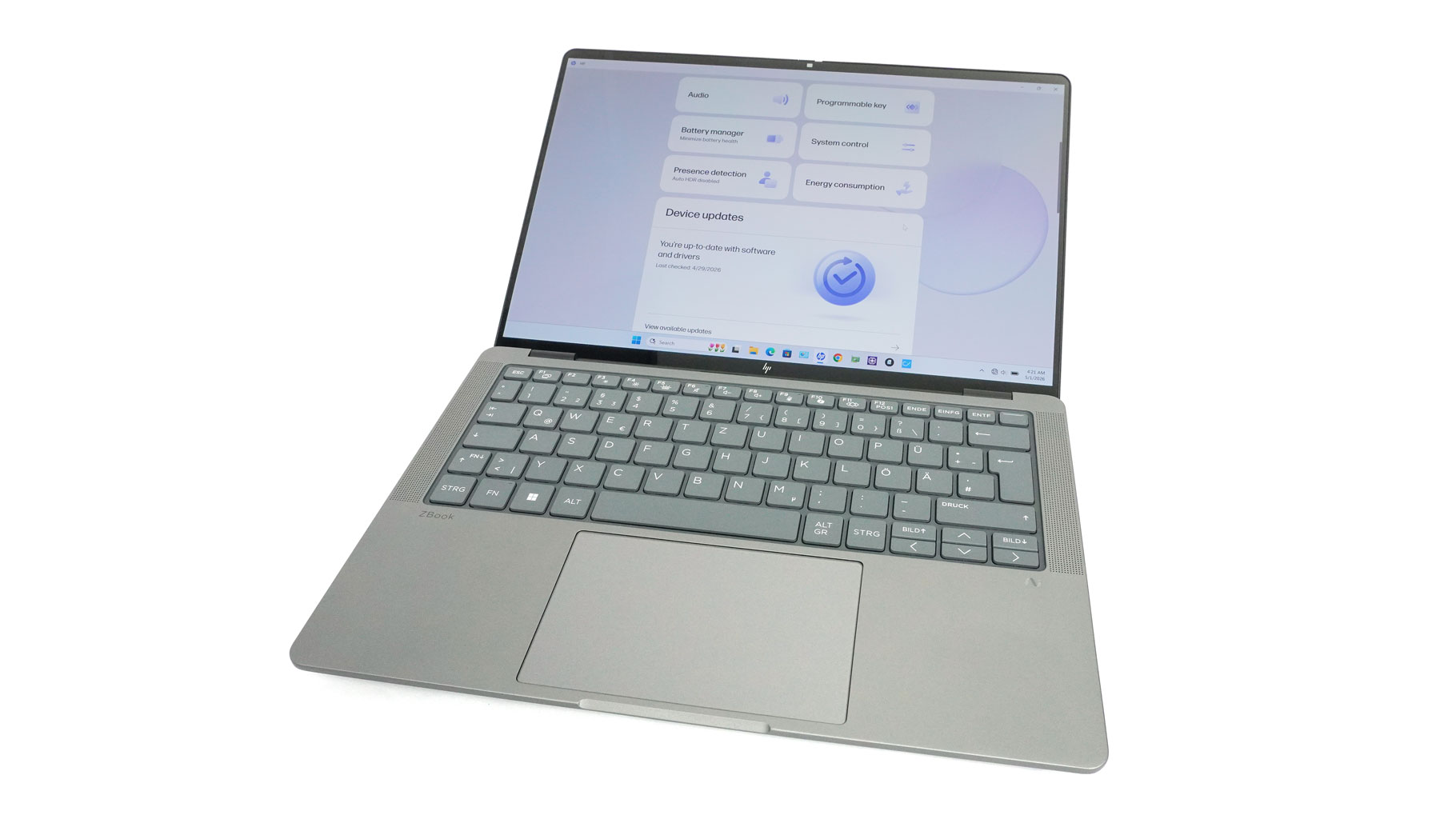
A small lip in front of the touchpad makes one-handed opening a breeze.
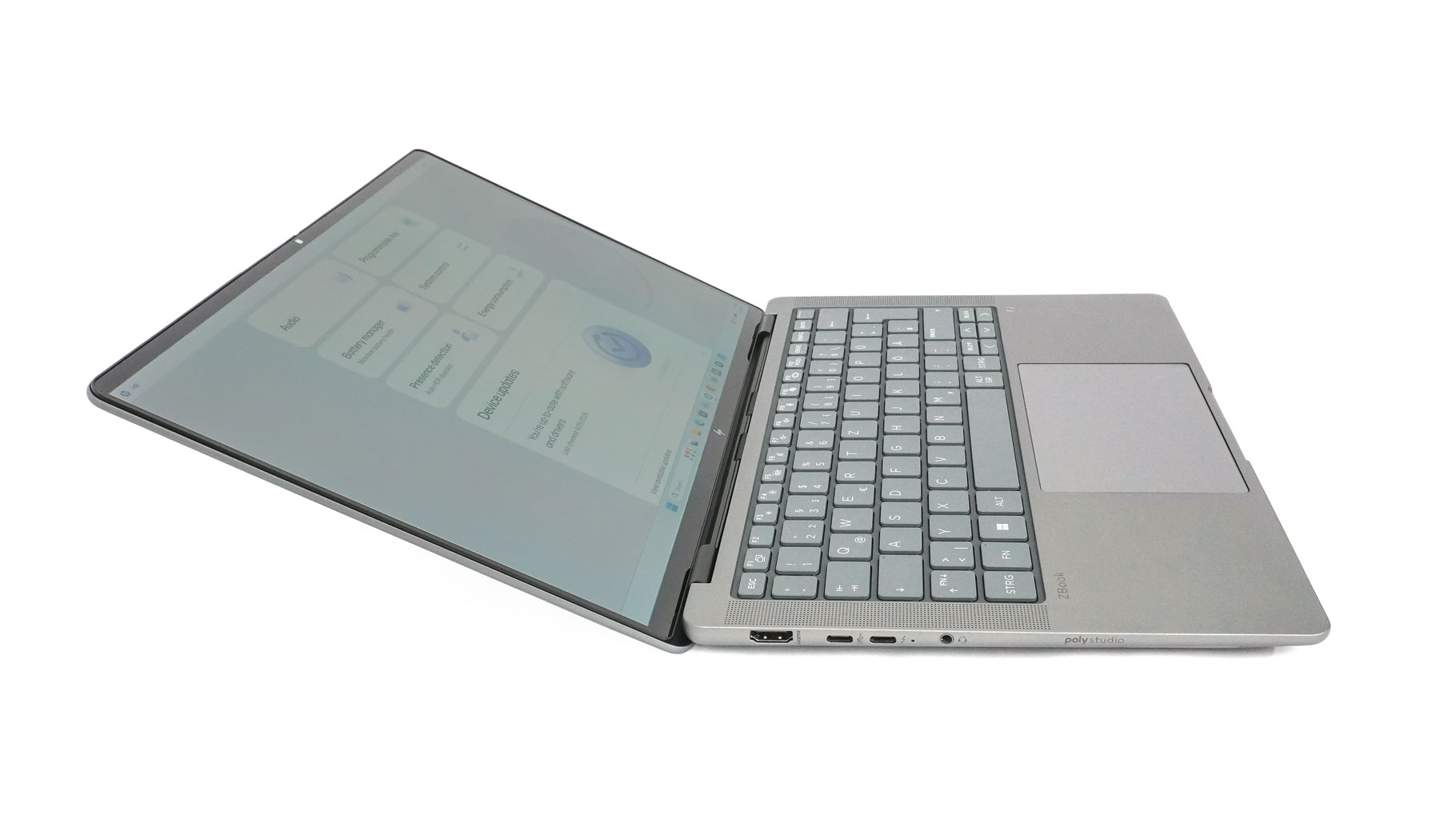
Considering its business focus, the fact that it doesn't open flat (180 degrees) is a bit of a mystery.
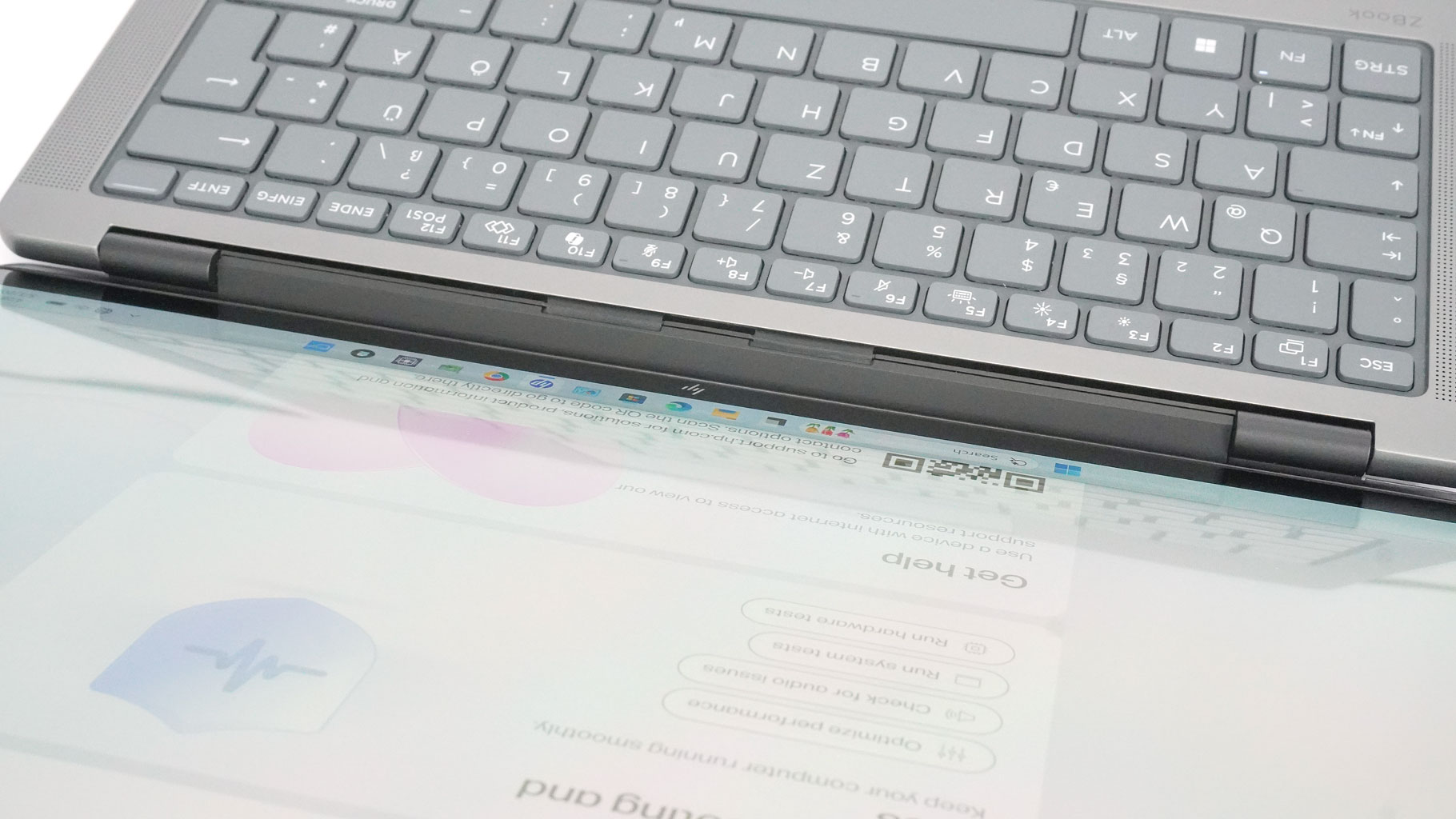
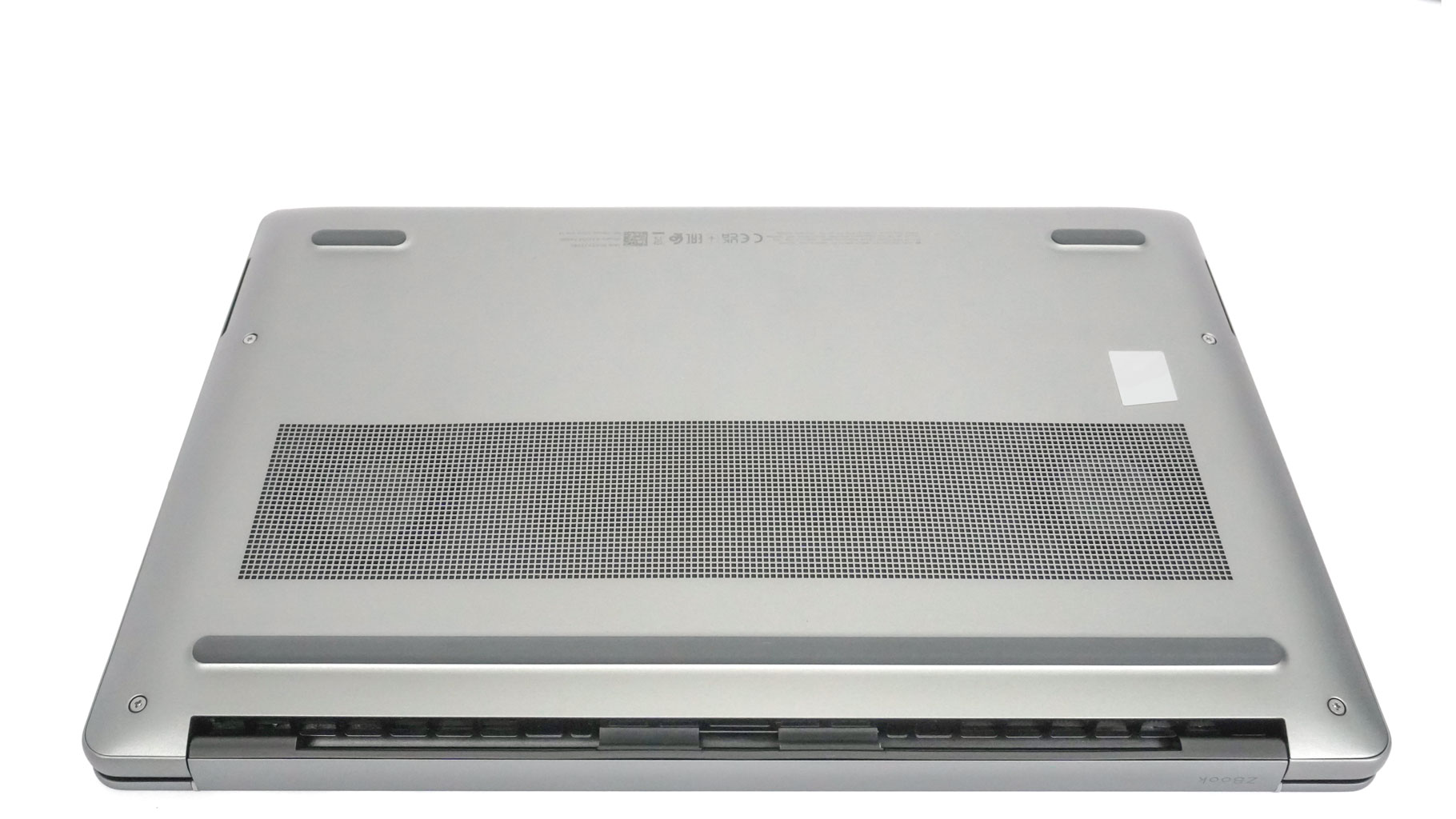
We've seen this hinge design from HP before, where the hinge sits just in front of the rear exhausts. When the lid is pushed back, it guides hot air toward the desk rather than the screen. This is a smart move that keeps a significant amount of heat away from the display.
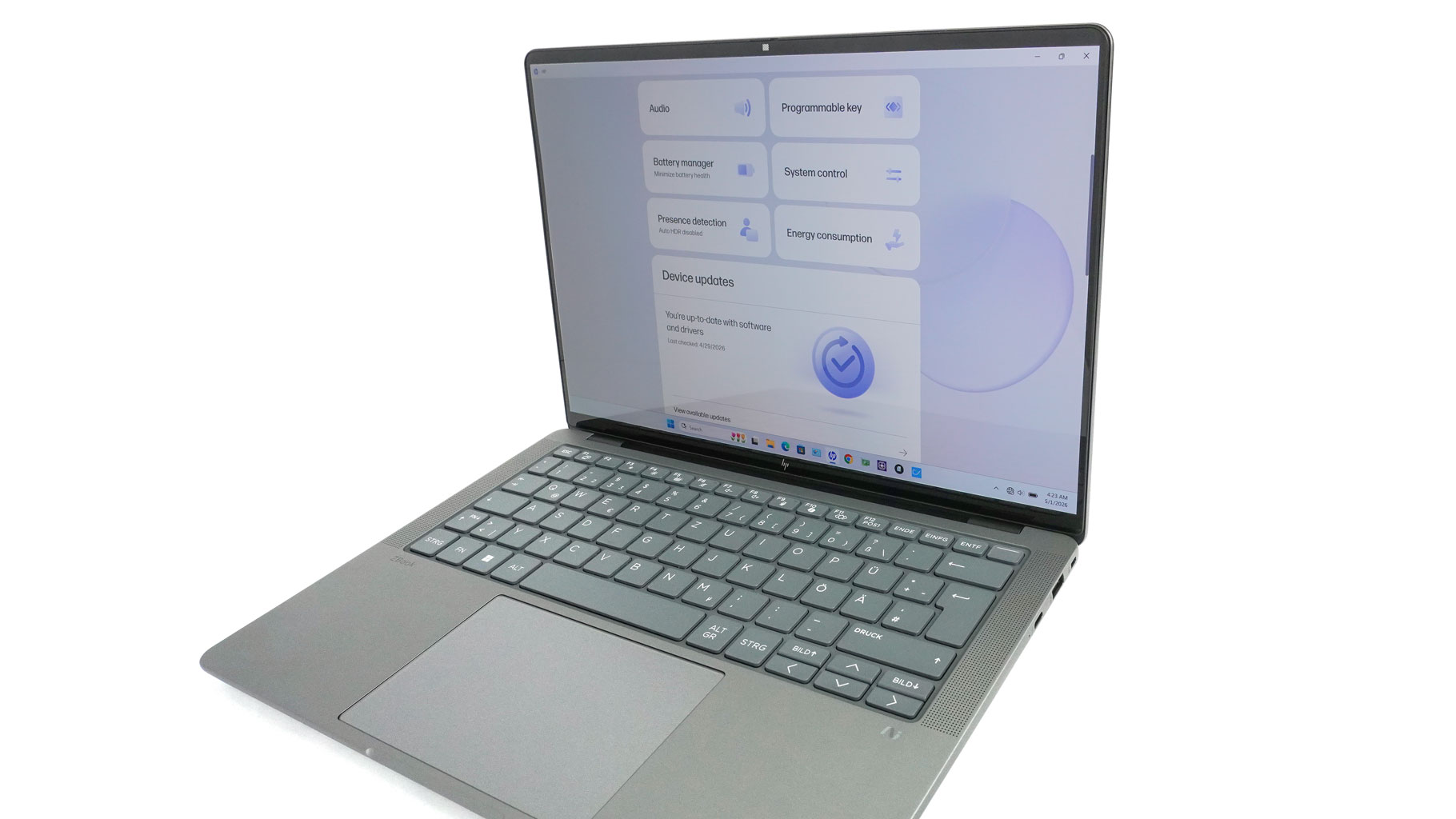
Slim bezels give the laptop a sleek, up-to-date look. The 5MP webcam up top features a privacy shutter and optional IR for Windows Hello. The metal build is impressively sturdy throughout, from the lid to the main chassis. The IPS versions are slightly lighter (1.568 kg) than the OLED models (1.599 kg). That's likely due to the extra glass layer on the more expensive OLED panel.
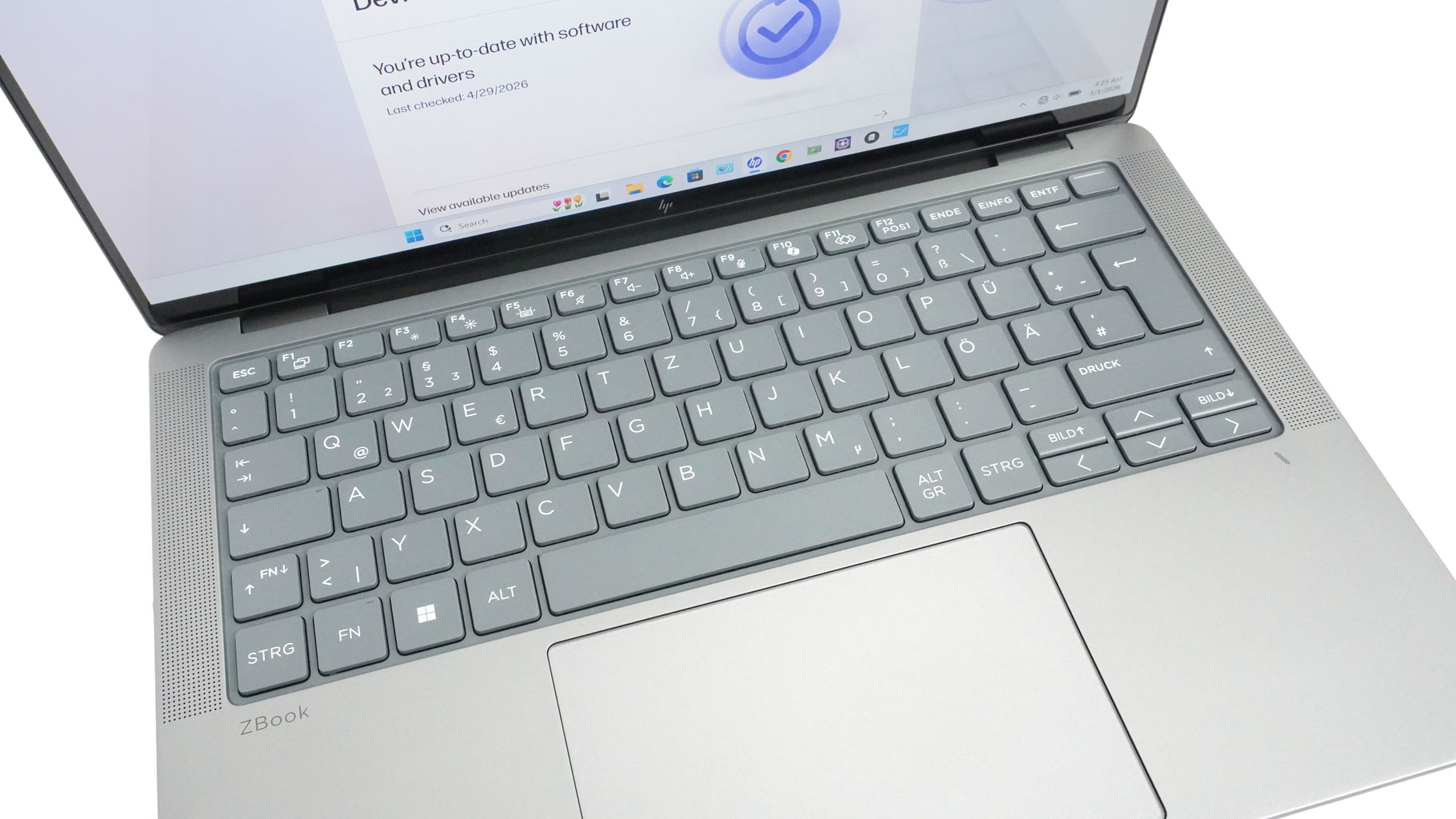
The spill-resistant keyboard is nearly flawless. It features a two-step white backlight, and the large keys offer long travel and a grippy coating - it's a fantastic typing experience. The power button in the top-right corner doubles as an optional fingerprint reader. My only gripe is the half-sized arrow keys, though that's typical for a 14-inch notebook. It's also surprisingly quiet to type on. Tall speaker grilles flank the keys, with additional woofer cutouts on the bottom.
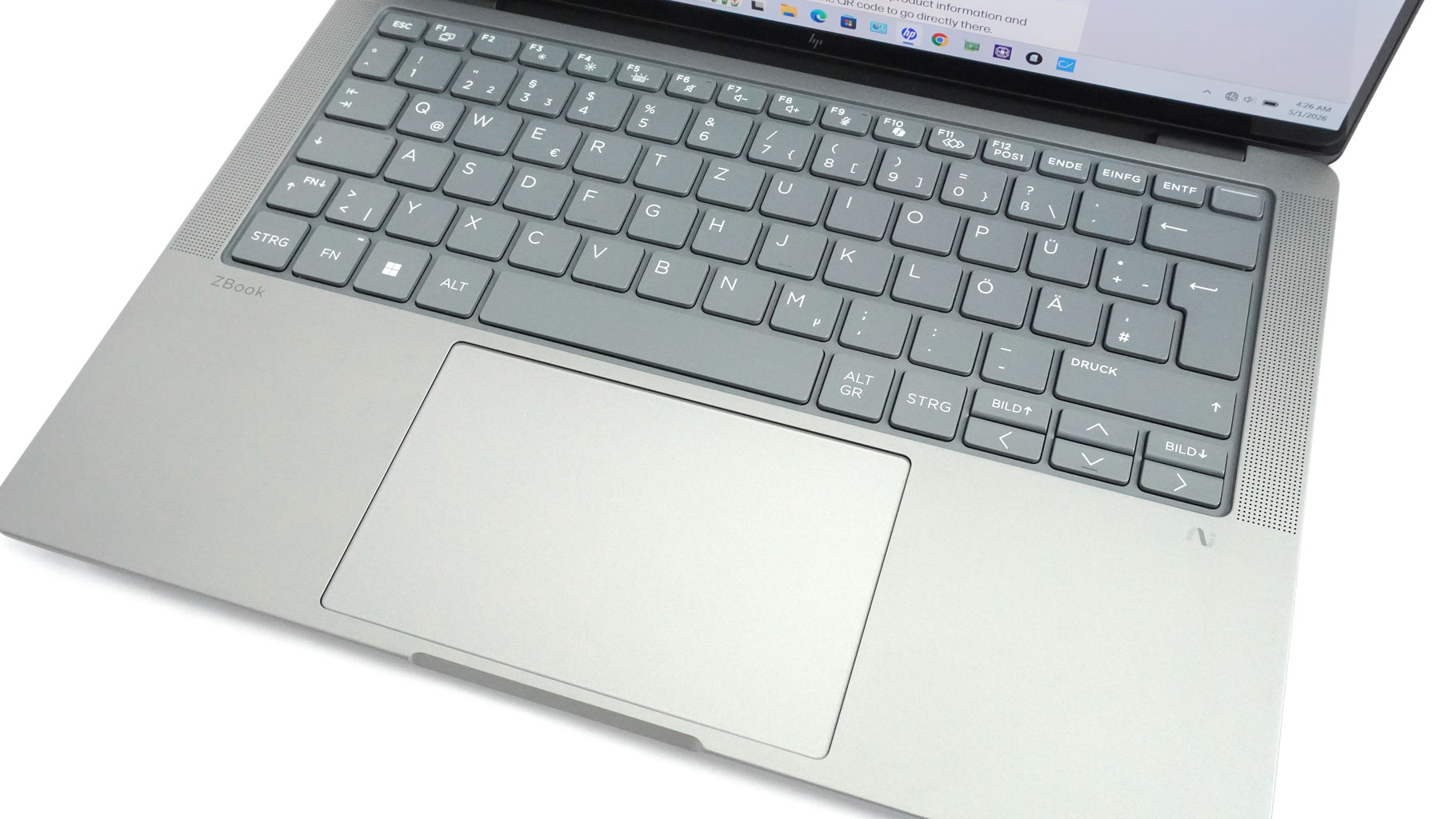
The centered touchpad only adds to the great first impression. It's large, super smooth, and offers outstanding tracking with near-silent clicks.
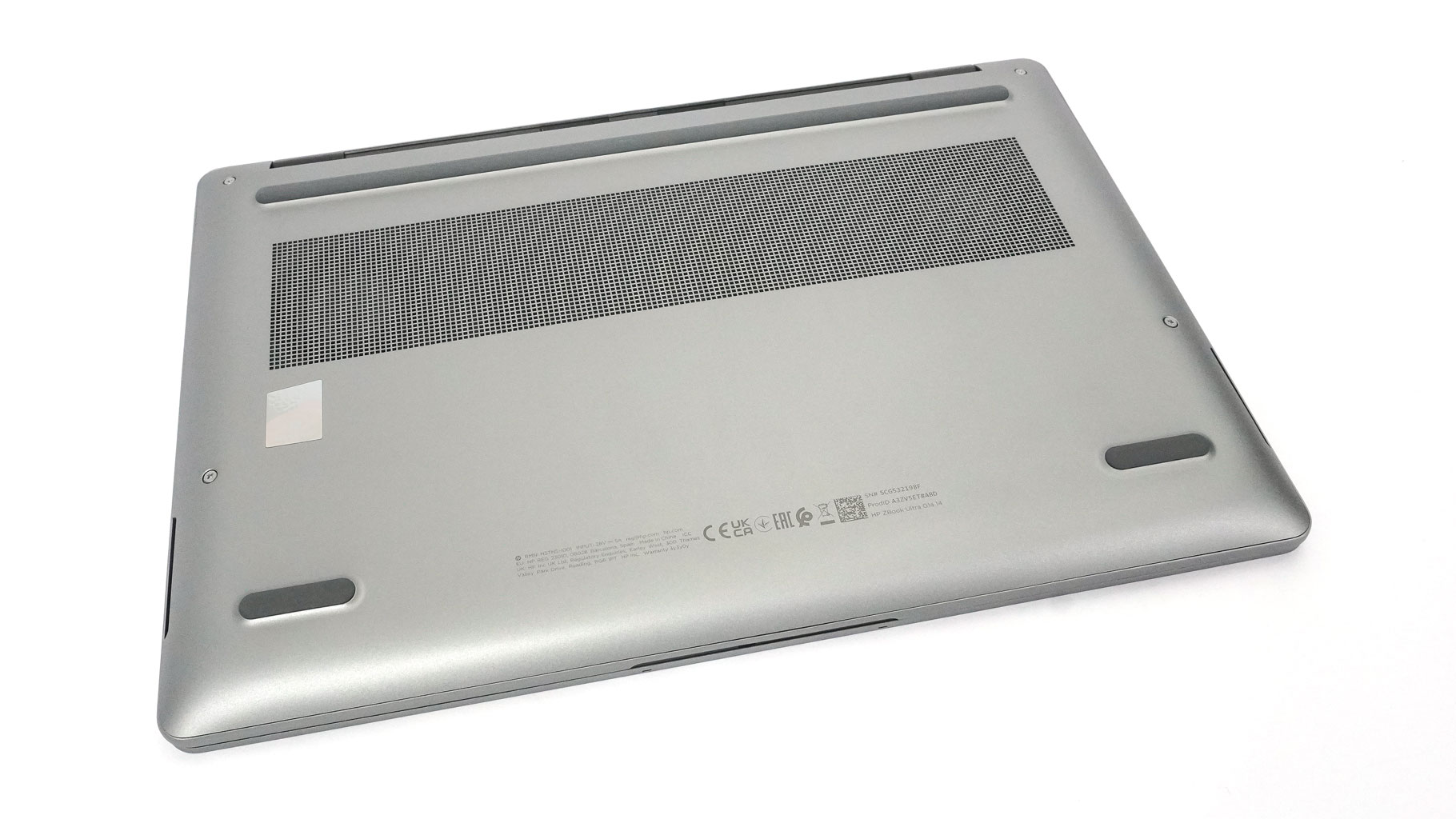
On the bottom, the ventilation grille gives you a peek at the twin cooling fans. The rubber feet are nice and grippy, so the machine stays put while you're working.
Nov 21st, 2026 04:47 PST
change timezone
Latest GPU Drivers
New Forum Posts
- Anthrophics IPO (29)
- WarpCoreBench scores! (88)
- What's your latest tech Freebie? (86)
- TPU's Nostalgic Hardware Club (22179)
- [Poll] 12V-2x6 Connector Protection: What Are You Using? (WireView / Ampinel / Equalizer / Other / Nothing) (50)
- UPS what one to get? (1)
- RX 9000 series GPU Owners Club (2252)
- Windows 11 General Discussion (7743)
- Without Jensen, PC gaming will be (52)
- Zen 3 IF/IMC degradation (242)
Popular Reviews
- Microsoft Surface Laptop Ultra Review - The Next-gen Arm Laptop
- Ugreen NASync DXP4800 GT Review
- Corsair RM1200e (Second Generation) Review
- Pulsar Office Tour & First Look at P1 Dual-Sensor Mouse
- Upcoming Hardware Launches 2027 (Updated Nov 2026)
- Acemagic Retro X3 Review
- Biwin Black Opal NV7400 2 TB Review
- AMD Ryzen 7 9800X3D Review - The Best Gaming Processor
- AMD Zen 6 Technical Deep Dive
- Chieftec Iceberg PRO 360 DARK Review
TPU on YouTube
Controversial News Posts
- NVIDIA Co-Founder and CEO Jensen Huang Officially Resigns (491)
- Report: Jensen Huang Eyes NVIDIA Comeback (257)
- Open Letter Asking NVIDIA to Reinstate Jensen Huang Passes 115,000 Signatures (184)
- OpenAI CEO Argues Home PCs Waste the World's Limited DRAM Supply (152)
- NVIDIA Launches Investigation Into Jensen Huang's Relationship With Suspected Chinese Spy (136)
- Intel "Raptor Lake Next" 16-Core and 20-Core CPUs Surface (130)
- Legendary Game Studio BioWare Shuts Down Following EA Layoffs (104)
- NVIDIA GeForce RTX 50-Series Scheduled for up to $500 Price Hike This Week (89)