 21
ID-Cooling FROZN A620 SLK Review
Finished Looks »Installation
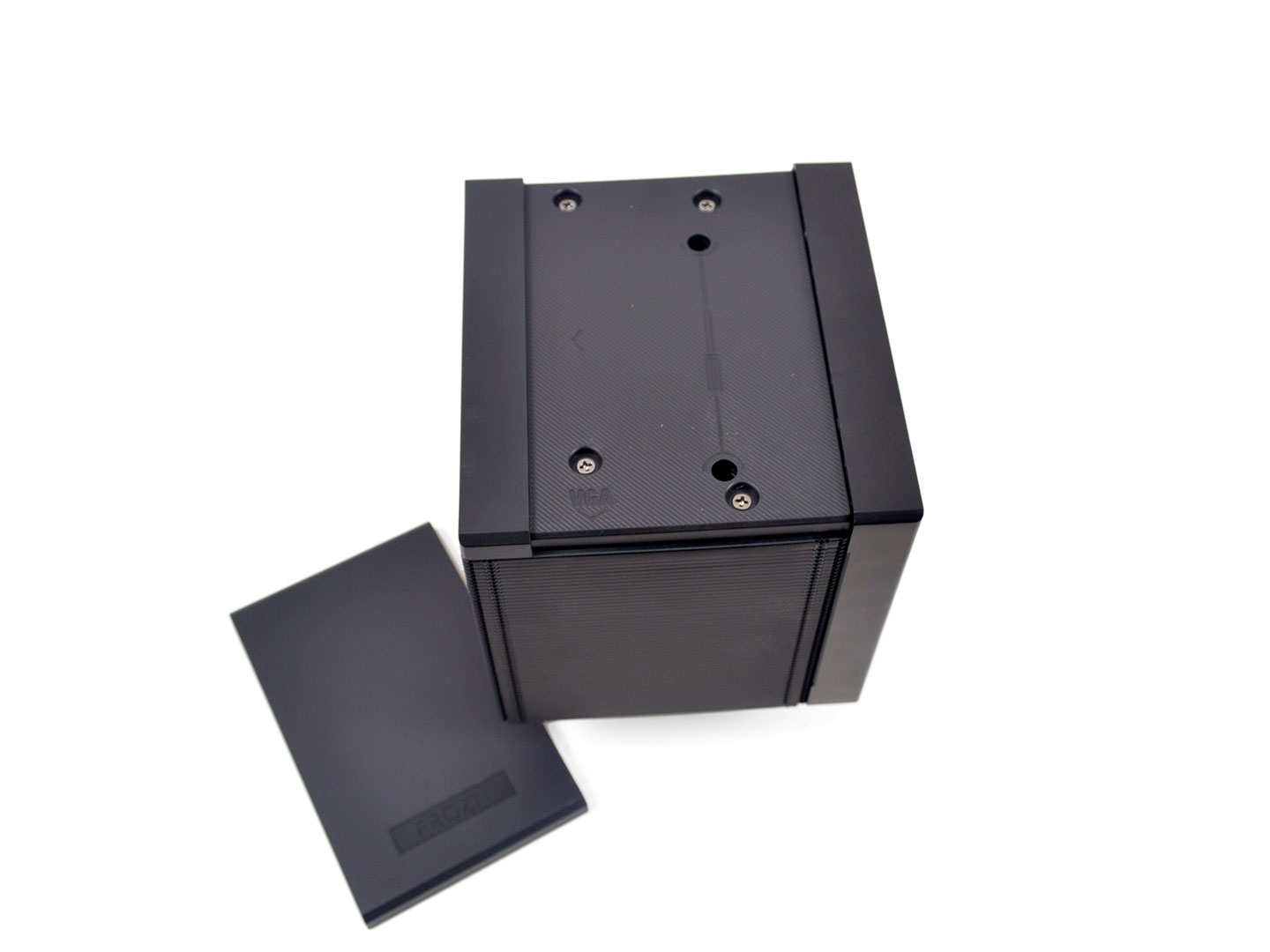
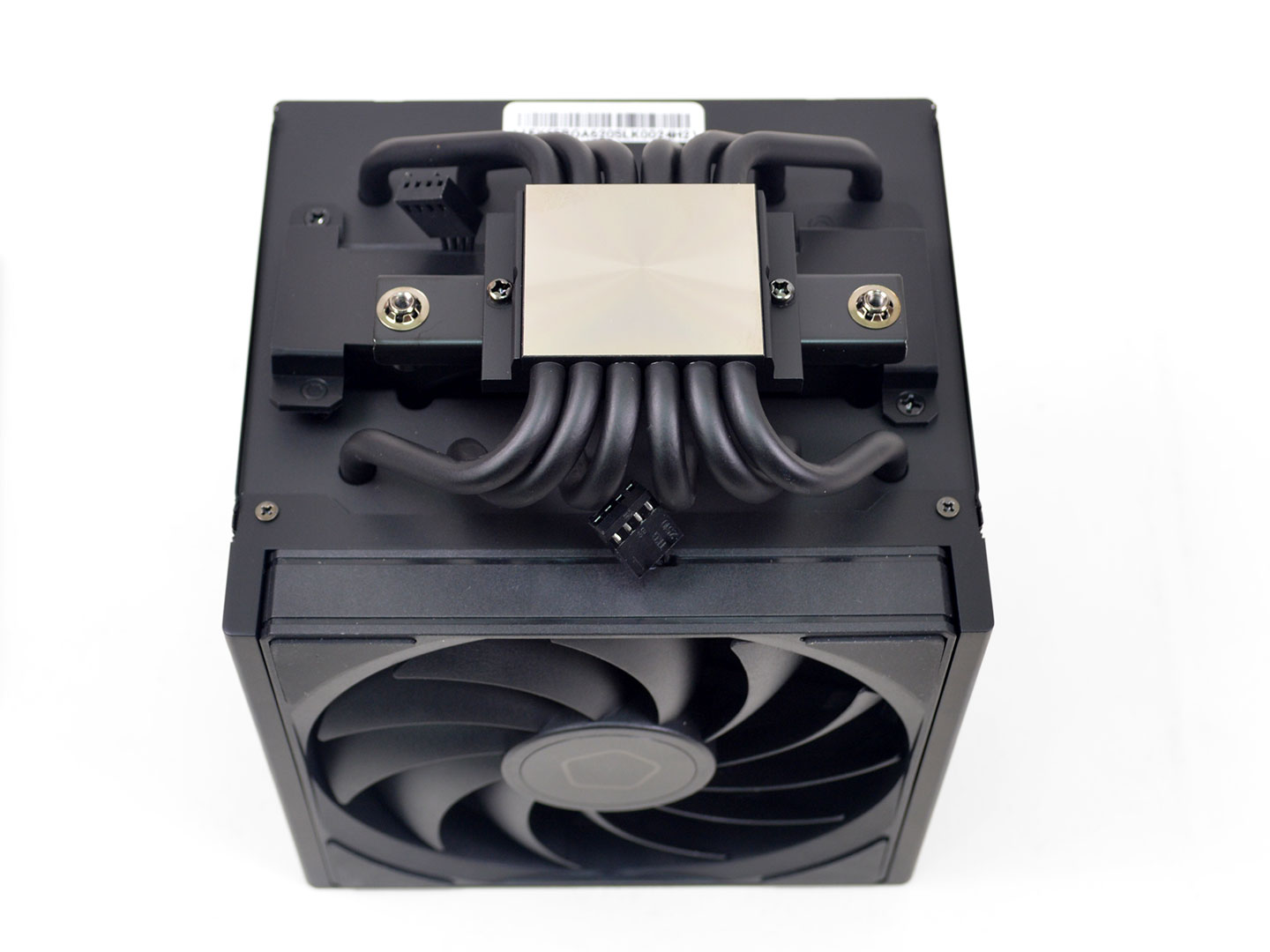

Installing the ID-Cooling FROZN A620 SLK is an easy process. Granted I had to reinstall the fans first, but for everyone else you can skip to the third image where you will need to remove the plastic motherboard brackets on your AM5 motherboard.
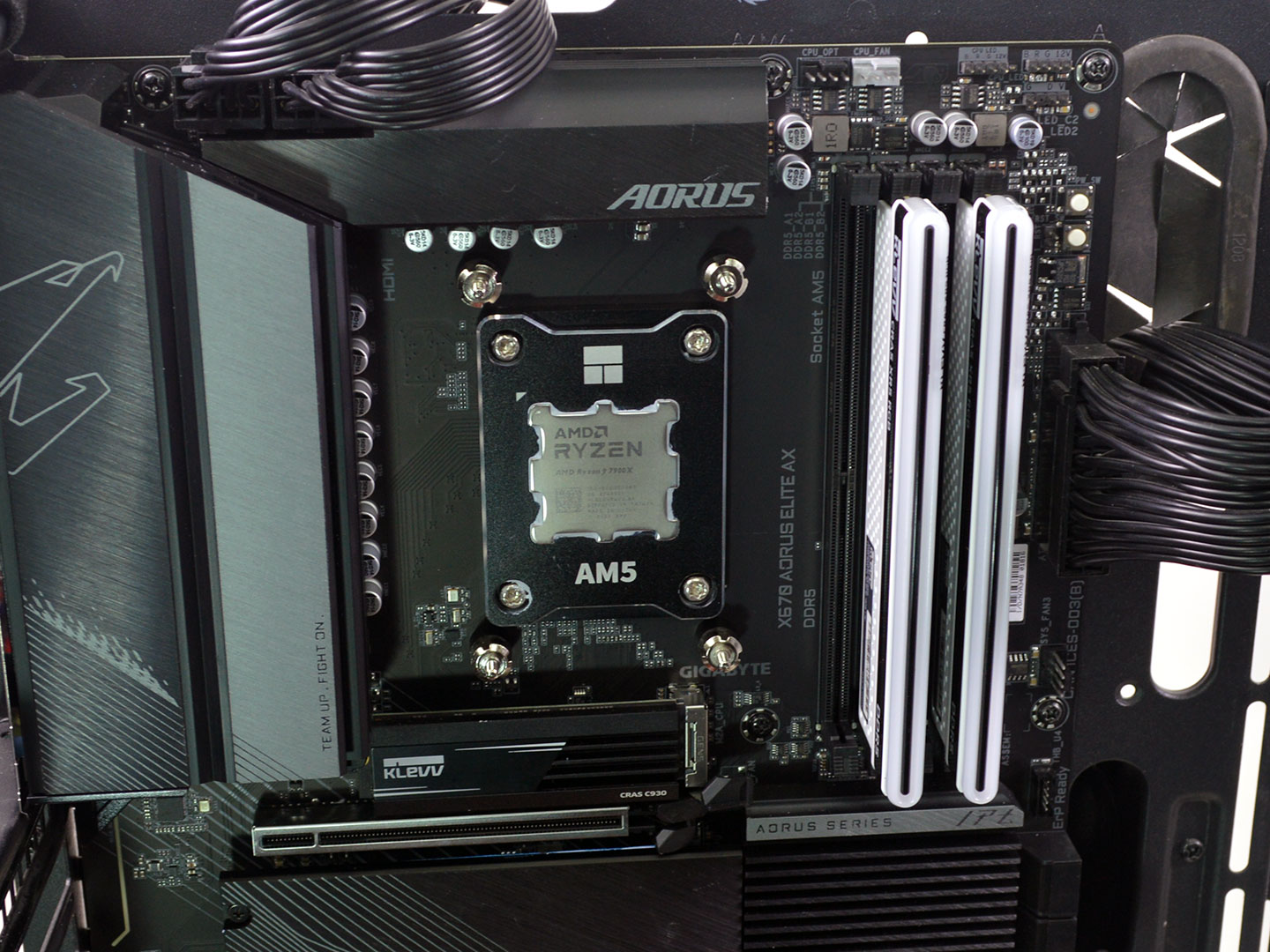

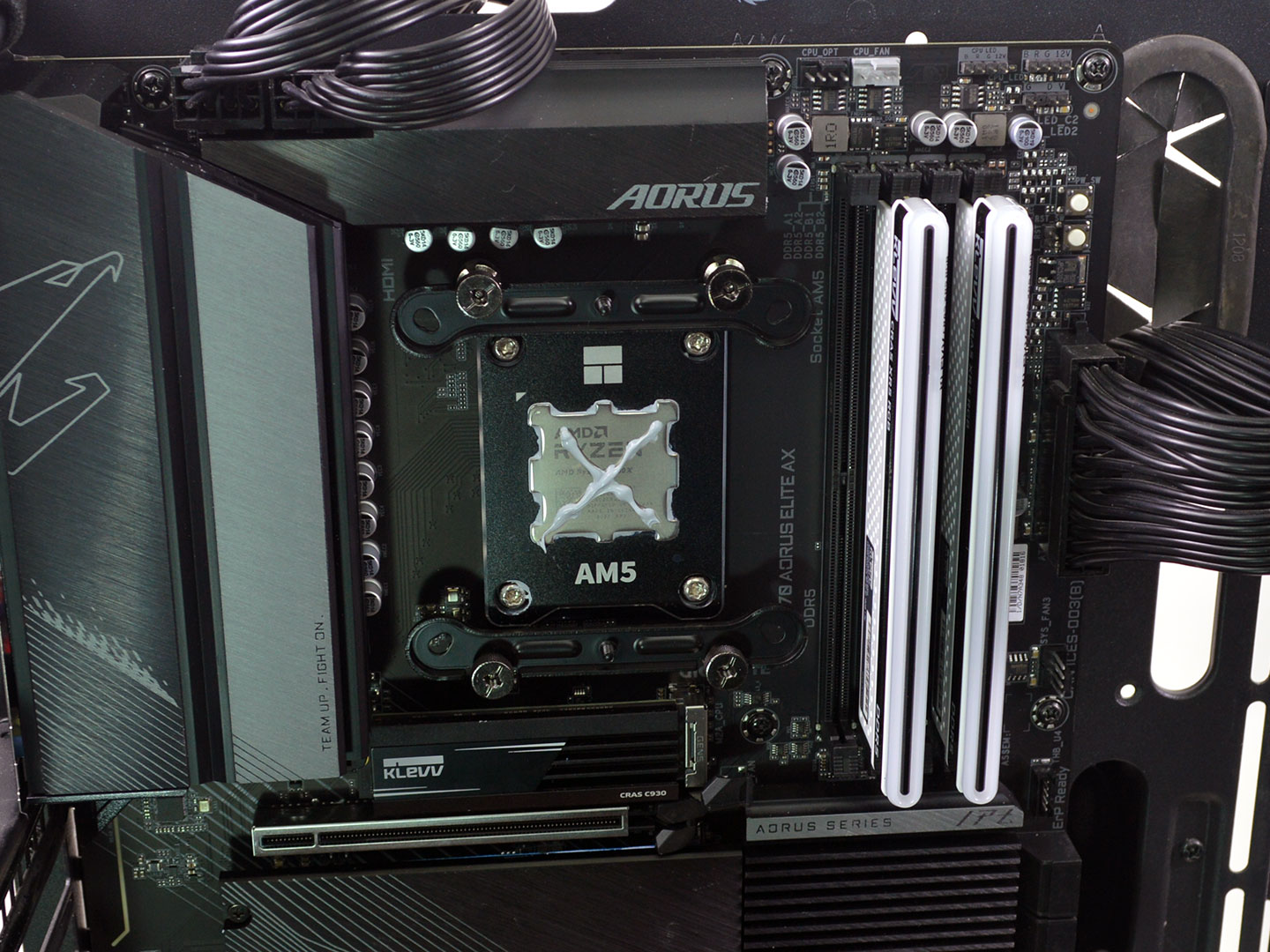
With the brackets removed you can then install the standoffs via the included tool. After which slide the mounting brackets into place and secure them with the thumb nuts. Next apply thermal paste, which for actual testing I used Arctic's MX-6.
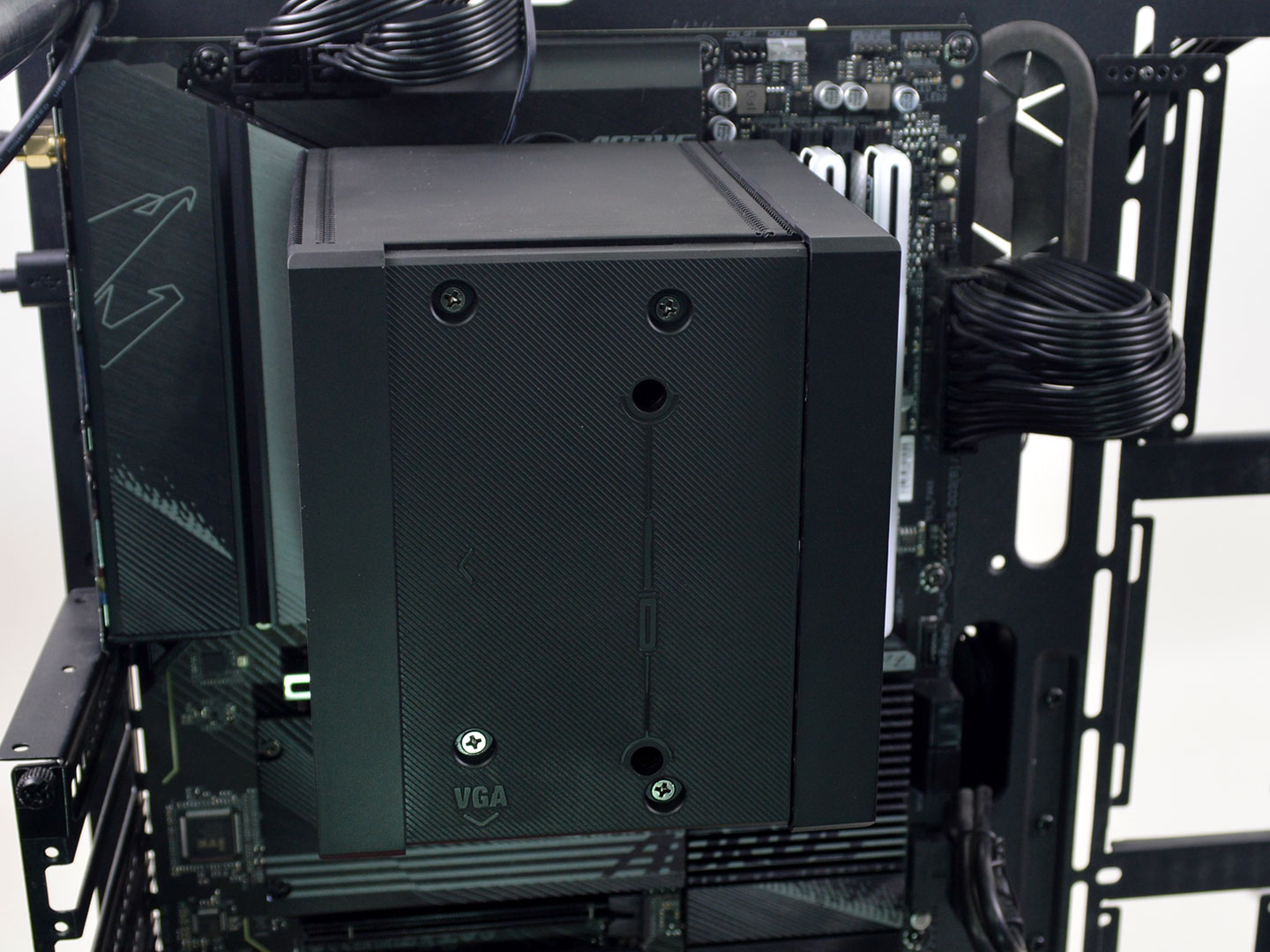
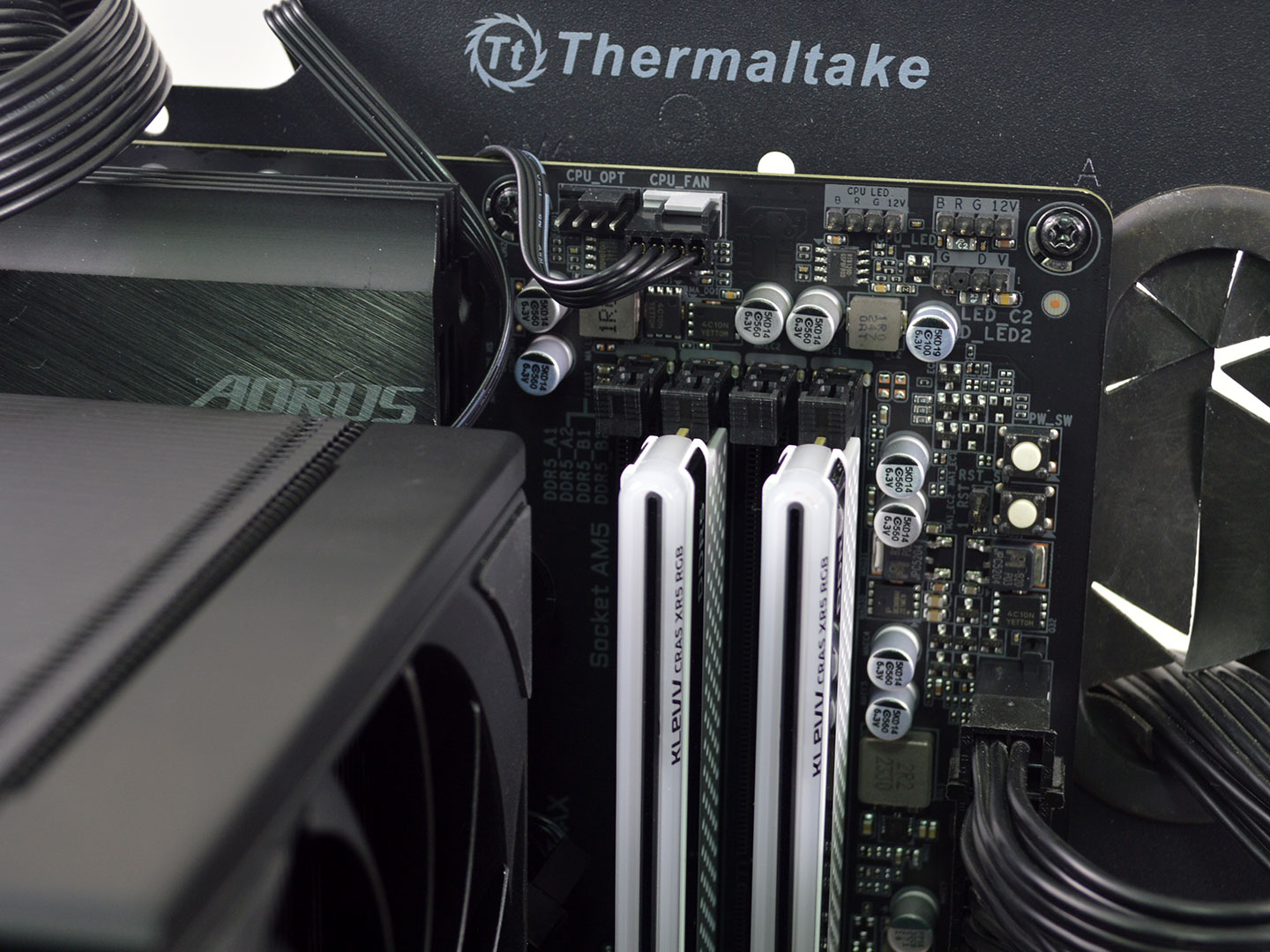
Now install the heatsink onto the CPU and slide the included screwdriver through the holes under the top plate to secure it to the mounting brackets. Alternate between the two for even pressure. Now all that remains is to plug the fans into the CPU fan header on the motherboard, and you're good to go!
Overall, the installation is pretty straightforward on AMD and Intel with no problems to speak of.
Nov 20th, 2026 16:31 PST
change timezone
Latest GPU Drivers
New Forum Posts
- Without Jensen, PC gaming will be (51)
- WarpCoreBench scores! (86)
- Honestly, do you care about GTA VI? (213)
- What's your latest tech Freebie? (80)
- Nvidia GPU undervolting via MVolt+? (0)
- How to prevent OLED burn damage due to PC freezes or power outtages? (49)
- RX 9000 series GPU Owners Club (2249)
- Logitech Headsets Modded Driver — Unlock Dolby in G HUB (23)
- 1 - 5 person file storage server equivalent accasible from anywhere + general VM server. (1)
- When you could finally run Crysis maxed out? (63)
Popular Reviews
- Microsoft Surface Laptop Ultra Review - The Next-gen Arm Laptop
- Ugreen NASync DXP4800 GT Review
- Corsair RM1200e (Second Generation) Review
- Pulsar Office Tour & First Look at P1 Dual-Sensor Mouse
- Upcoming Hardware Launches 2027 (Updated Nov 2026)
- Acemagic Retro X3 Review
- Biwin Black Opal NV7400 2 TB Review
- AMD Ryzen 7 9800X3D Review - The Best Gaming Processor
- AMD Zen 6 Technical Deep Dive
- Chieftec Iceberg PRO 360 DARK Review
TPU on YouTube
Controversial News Posts
- NVIDIA Co-Founder and CEO Jensen Huang Officially Resigns (491)
- Report: Jensen Huang Eyes NVIDIA Comeback (256)
- Open Letter Asking NVIDIA to Reinstate Jensen Huang Passes 115,000 Signatures (184)
- OpenAI CEO Argues Home PCs Waste the World's Limited DRAM Supply (152)
- NVIDIA Launches Investigation Into Jensen Huang's Relationship With Suspected Chinese Spy (136)
- Intel "Raptor Lake Next" 16-Core and 20-Core CPUs Surface (130)
- Legendary Game Studio BioWare Shuts Down Following EA Layoffs (104)
- Dell CEO Says the Memory Shortage Will Get Worse in 2027 (95)