 17
Lenovo IdeaPad Slim 3 15AHP10 Review - The Imperfect Daily Driver with a Powerful CPU
(17 Comments) »Introduction

For some time now, 15 W CPUs have been the preferred choice when it comes to thin, light, or entry level laptops for casual usage, such as simply browsing the Web, checking your email, or streaming video, excelling with bursty workloads. These chips aren't the strongest relative to more powerful—and power hungry—models if you plan to stress the device with more demanding tasks, such as video editing or heavy file compression. In these scenarios, a more powerful CPU is required, especially if you don't want to waste your precious time.

There are tons of different iGPU-only devices on the market that are based on 35-55 W AMD or Intel CPUs. One of the 2025 models that caught our attention is the Lenovo IdeaPad Slim 3 15AHP10. You can find this model with three different Zen 4 CPUs, ranging from the modest Ryzen 5 8540U all the way up to the more powerful Ryzen 7 8840HS. Luckily for us, the machine that we were able to pick is equipped with the latter.
We're curious to see how the single heat pipe cooling handles the 8-core chip when it's really pushed, such as during 3D rendering or similar demanding tasks. This conservative and cost-effective engineering also raises questions regarding user comfort during these scenarios, especially since the cooling system only has one fan.
The IdeaPad Slim 3 might be called a classic notebook with one small exception, and that's the partially soldered RAM. Yes, you heard that right, there is a mix between soldered memory and a SODIMM slot under the hood. The two M.2 slots and the replaceable Wi-Fi card sound appealing, however, considering the low price category where soldered components dominate.
You can choose between two 1200p IPS screens, with or without touch capabilities. In exchange for some extra money, you can even snag a 165 Hz 1600p OLED display with HDR. Pretty good for a budget-friendly laptop.
The port selection is modest, which is expected. The main drawback here is the fact that all connectors are rated at just 5 Gbps. However, the Type-C boasts Power Delivery 3.0 and DisplayPort 1.2 Alt mode, which adds somewhat more modern functionality. Especially when you note the SD card reader in the mix.
This machine could be an office companion too, since you can order it with a 1080p IR webcam. A privacy shutter is on board for all iterations, which is great for security along with Microsoft Pluton TPM 2.0 certification and a self-healing BIOS.
Our machine has an aluminium top cover giving it a nice, more premium look compared to the all-plastic versions. Of course, this costs more money. You can further bump up the end price by ordering a device with optional features such as Wi-Fi 7, a keyboard backlight, and a larger 60Wh battery. As always, the choice is in your hands, or should I say wallet?
Specifications
| Specifications | |
|---|---|
| Manufacturer: | Lenovo |
| Model: | IdeaPad Slim 3 15AHP10 |
| Weight: | 1.49–1.63 kg |
| Processor: | AMD Ryzen 5 8540U / Hawk Point-U 2 Zen 4 Cores + 4 Zen 4c cores / 12 threads up to 4.9 GHz, 16 MB L3 cache 28 W Default TDP AMD Ryzen 5 8640HS / Hawk Point-HS 6 Cores / 12 threads up to 4.9 GHz, 16 MB L3 cache 28 W Default TDP AMD Ryzen 7 8840HS / Hawk Point-HS 8 Cores / 16 threads up to 5.1 GHz, 16 MB L3 cache 28 W Default TDP |
| Chipset: | AMD Promontory/Bixby FCH |
| Display: | Default Display: 15.3" / 1920×1200 (16:10) / IPS / 60 Hz ~300 nits / 45% sRGB / matte Low Blue Light (Software) Optional Display: 15.3" Touch / 1920×1200 (16:10) / IPS / 60 Hz ~300 nits / 45% sRGB / matte Low Blue Light (Software) Optional Display: 15.1" / 2560×1600 (16:10) / OLED / 165 Hz ~500 nits / 100% DCI-P3 /glossy VESA Trueblack 600 Certified / DisplayHDR / Low Blue Light (HW) |
| Operating System: | Windows 11 Pro / Windows 11 Home / No OS |
| Integrated Graphics: | AMD Radeon 740M AMD Radeon 760M AMD Radeon 780M |
| Dedicated Graphics: | None |
| Memory: | 8 GB of soldered RAM 1x SO-DIMM RAM slot Up to 40 GB of DDR5 at 5600 MT (8 + 32 GB) |
| Storage: | 2x M.2 2242 PCI Express 4.0 x4 |
| Optical Drive: | None |
| Connectivity: | 2x 5 Gbps USB Type-A / 3.2 Gen. 1 1x 5 Gbps USB Type-C / 3.2 Gen. 1 with DP 1.2 / USB PD 1x HDMI 1.4 SD card reader Audio combo jack DC-in |
| Communications: | Wi-Fi 6 / 7 + Bluetooth 4 / 5.3 720p / 1080p IR webcam |
| Audio: | 2x 2 W stereo speakers optimized with Dolby Audio |
| Input device: | Button-less Mylar surface multitouch touchpad Keyboard with optional backlight |
| Power: | 1x 65 W AC adapter 50 Wh or optional 60 Wh battery |
| Warranty: | Two years |
| MSRP: | Starting at $669.99 |
Packaging


The laptop comes in a standard cardboard box, along with a 65 W barrel plug charger that weighs 228 grams.
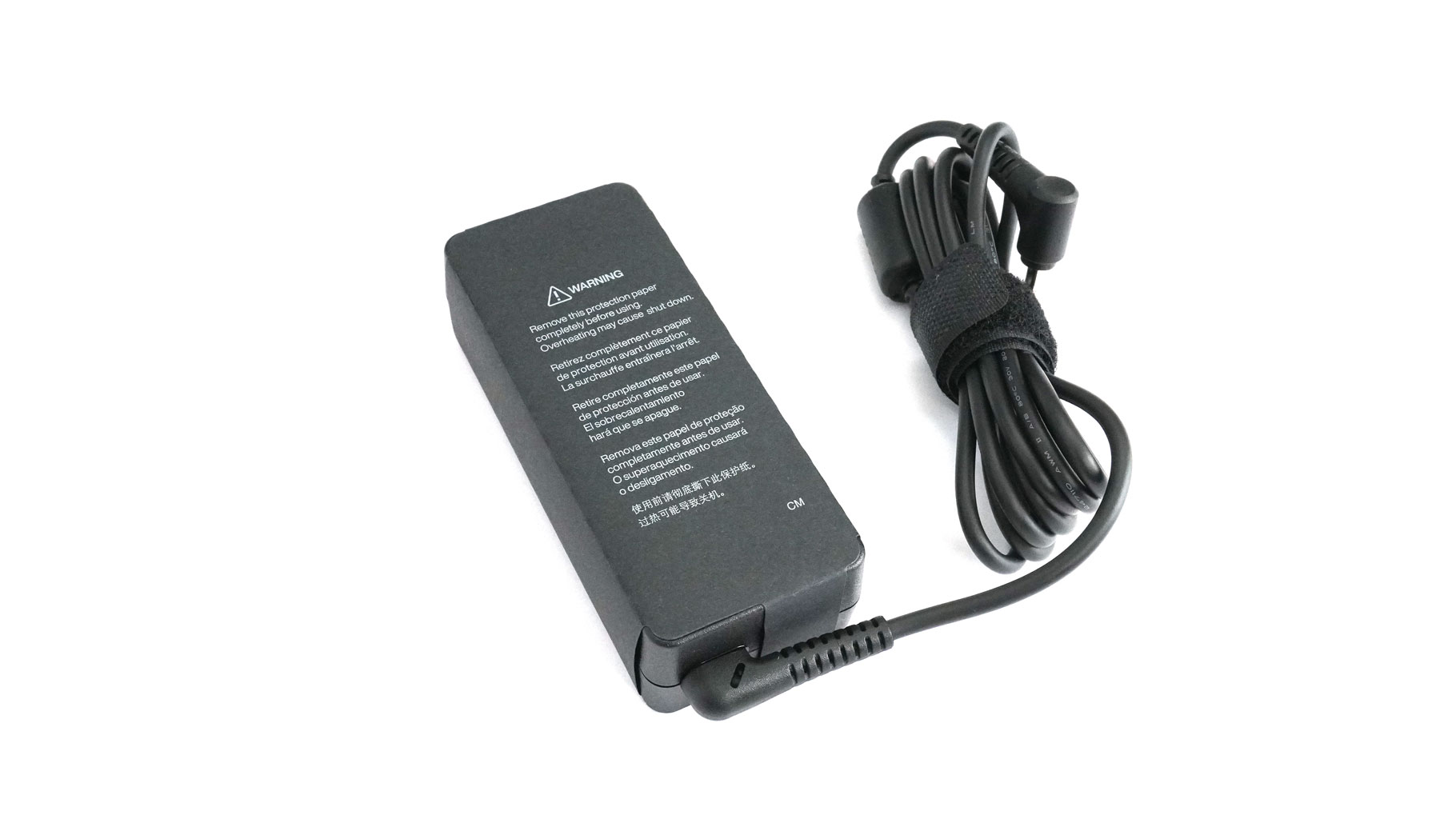
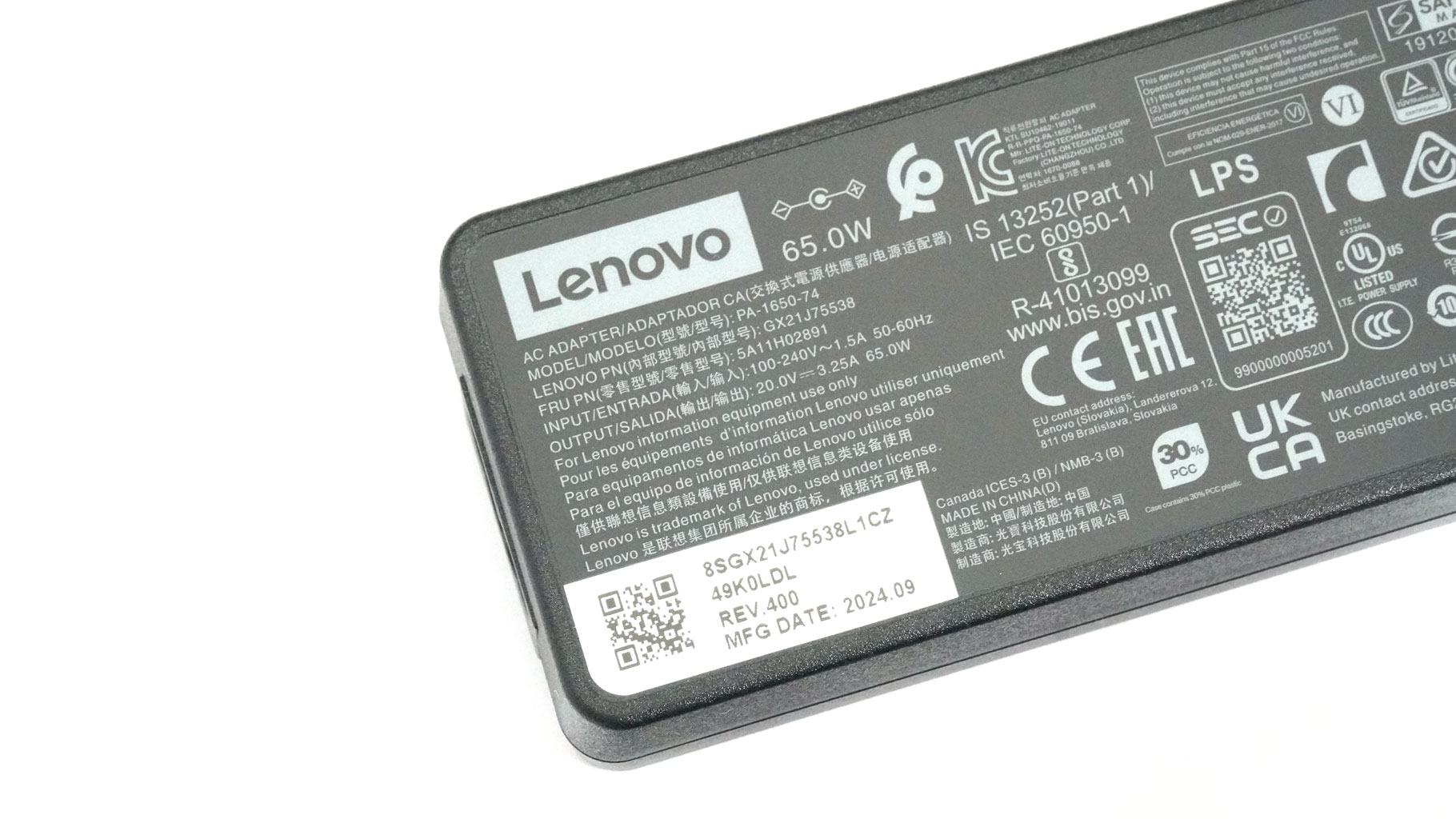
The adapter itself is wrapped in a thick layer of protective paper.
A Closer Look - Outside
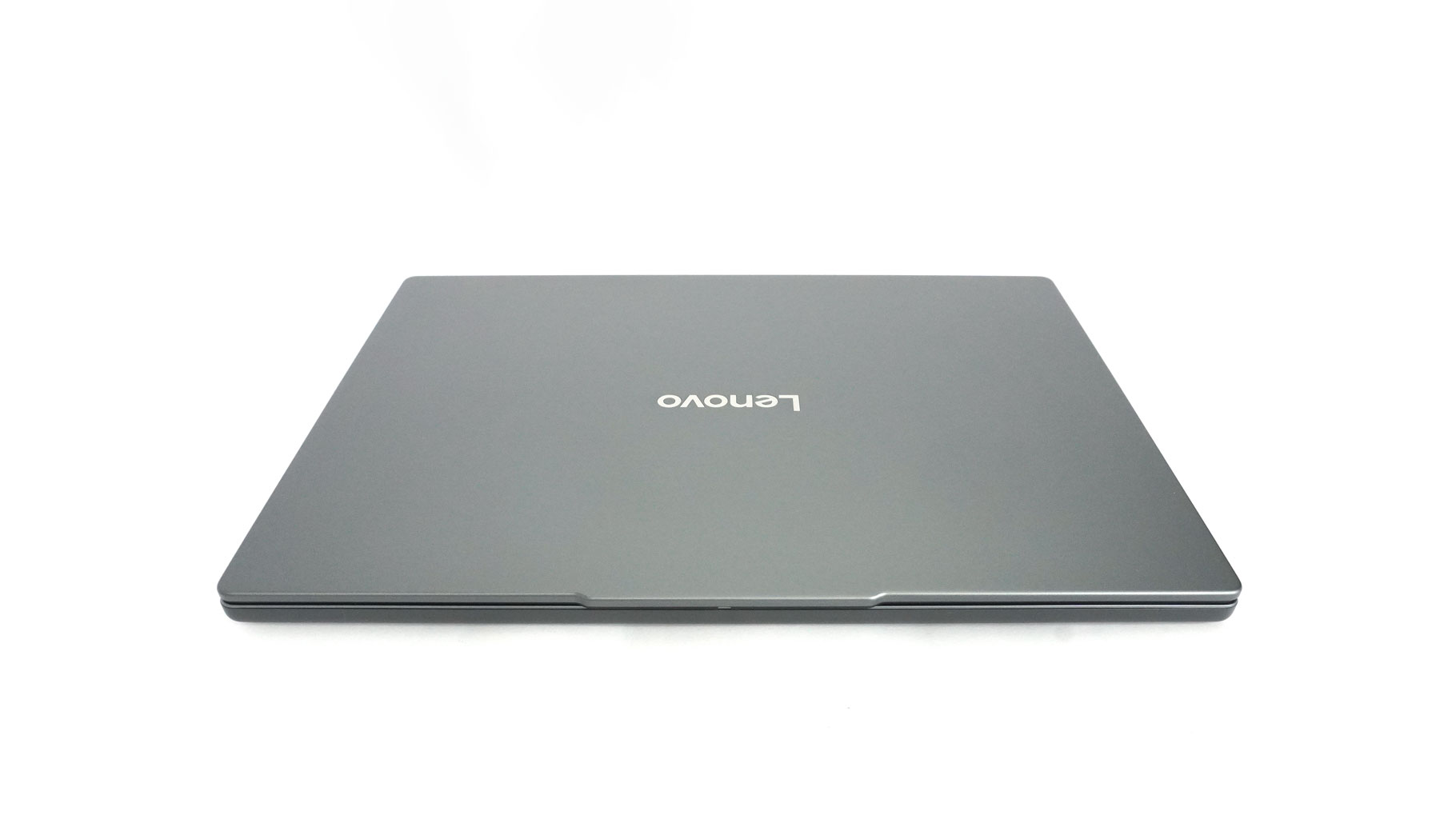
If you are familiar with the Lenovo design approach in the budget segment, you'll notice that the look of the IdeaPad Slim 3 15AHP10 isn't much different from what they've released in the past few years. I don't mind it. This unobtrusive aesthetic is suitable for all kinds of environments; home, school, library, university, office, etc.
The hinges are stiff, and the main body is light. As a result, you'll need both hands to open the laptop. At least the noticeable "hump" on the lid's upper side makes gripping and opening easy.
Dimensions-wise, it's all down to battery capacity, display type, and chassis material. The lightest possible configuration is with an OLED, and it stops the scales at just 1.49 kg. The "porker" of the series weighs 1.63 kilos, equipped with an IPS display and the bigger/heavier 60Wh battery.
The laptops that are made entirely of plastic are also thicker (17.9–18.9 mm) than those with a metal lid, like ours (16.9–17.9 mm). The aluminium top cover isn't overly flexible in the middle and only slightly twistable on the sides. Also, the metal surface picks up visibly fewer smudges than the plastic base. The latter is a bit flexible between the trackpad and the Space key, which is pretty common for many laptops. However, I did notice a bit of a bend in the middle of the keyboard. It's not something extremely bad, but you could feel it while using the device.

Onto the keyboard that has a long speaker grille on top. It has large keys, a NumPad, an AI shortcut, and uncomfortably small "Up" and "Down" Arrows. The backlight is optional. My unit lacks this kind of illumination, which is a real pain if you want to work during the night with the lights turned off or with dim background lighting. Key travel is decent at best, while the feedback is mushy. Overall, this board is okay for general usage, but it's not meant for the pro typists or keen gamers out there.
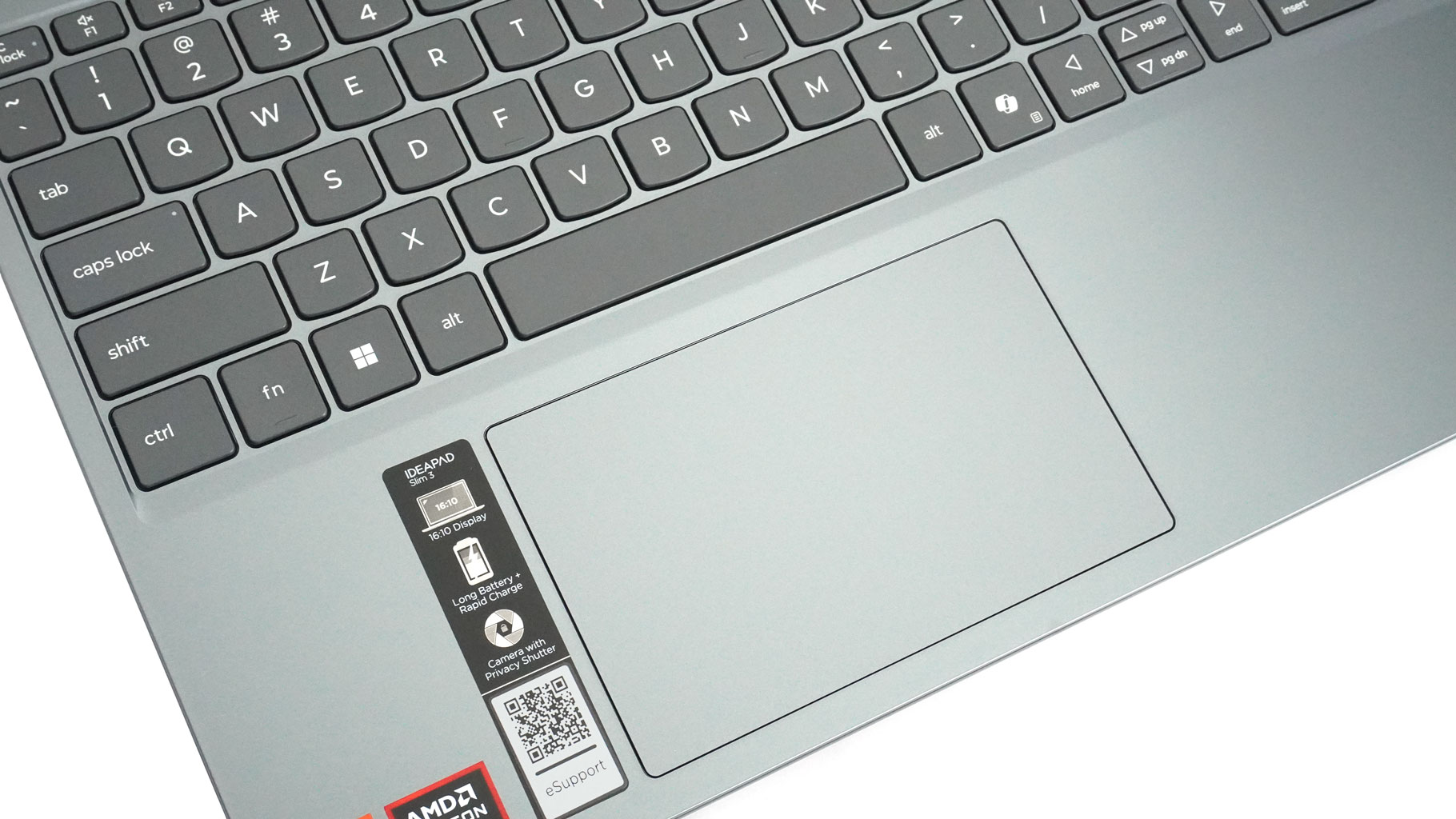
On the other hand, the touchpad isn't bad at all! Its Mylar plastic surface is pleasantly smooth (not quite like glass) while tracking is above average. The clicks are noisy, though.
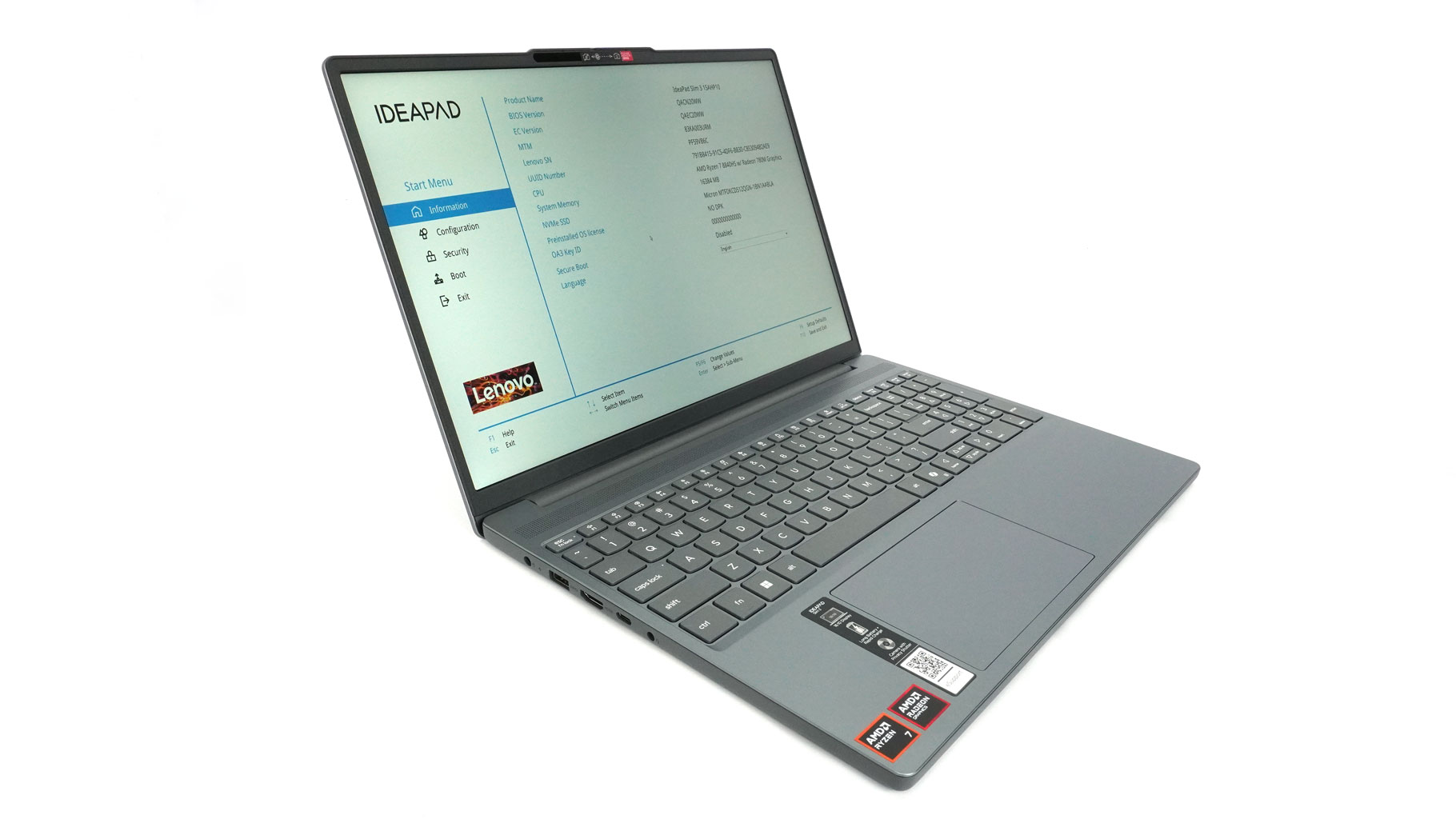

The bezels around the screen aren't exactly thin but aren't as thick as laptops from the previous decade either.
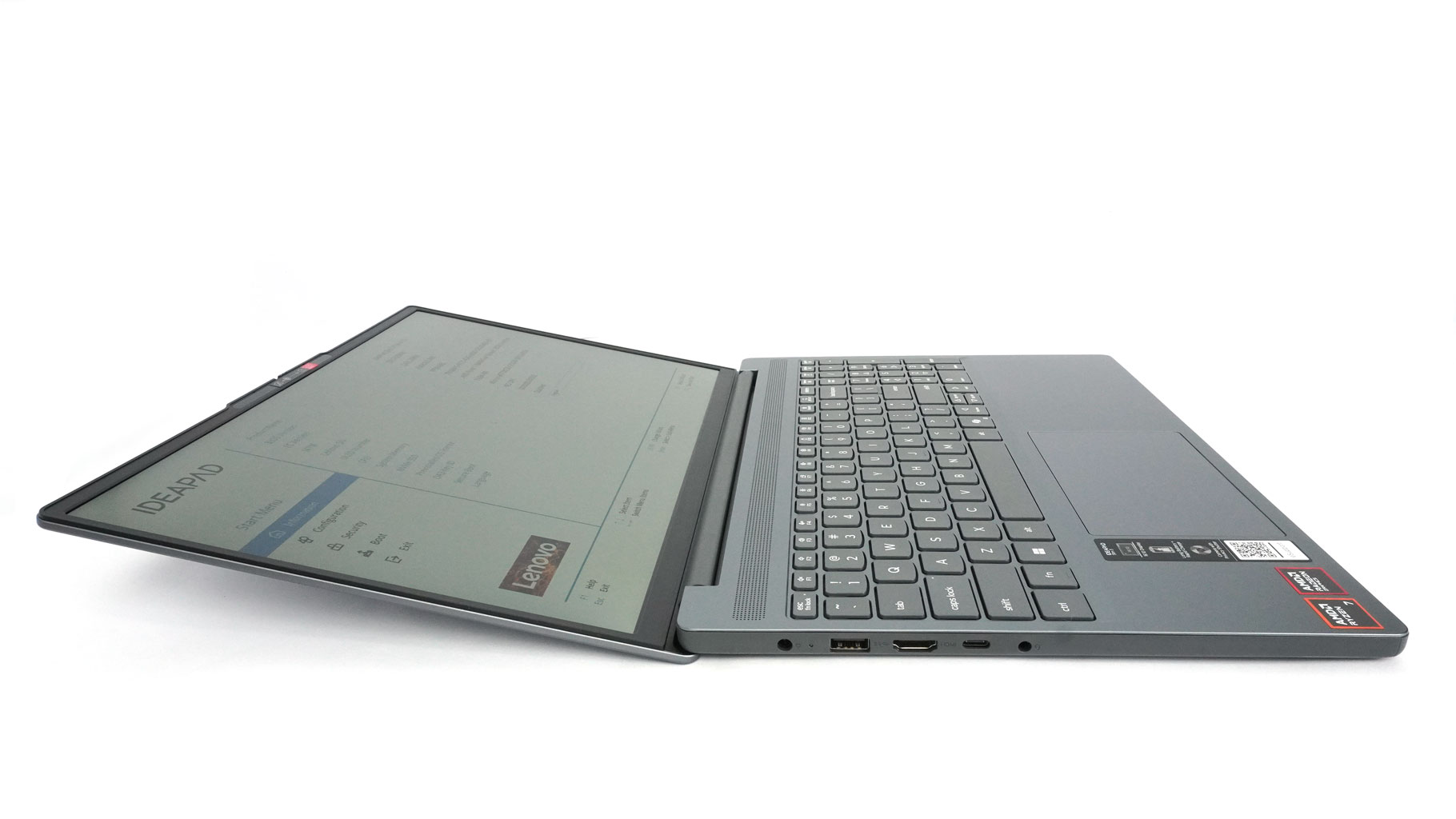
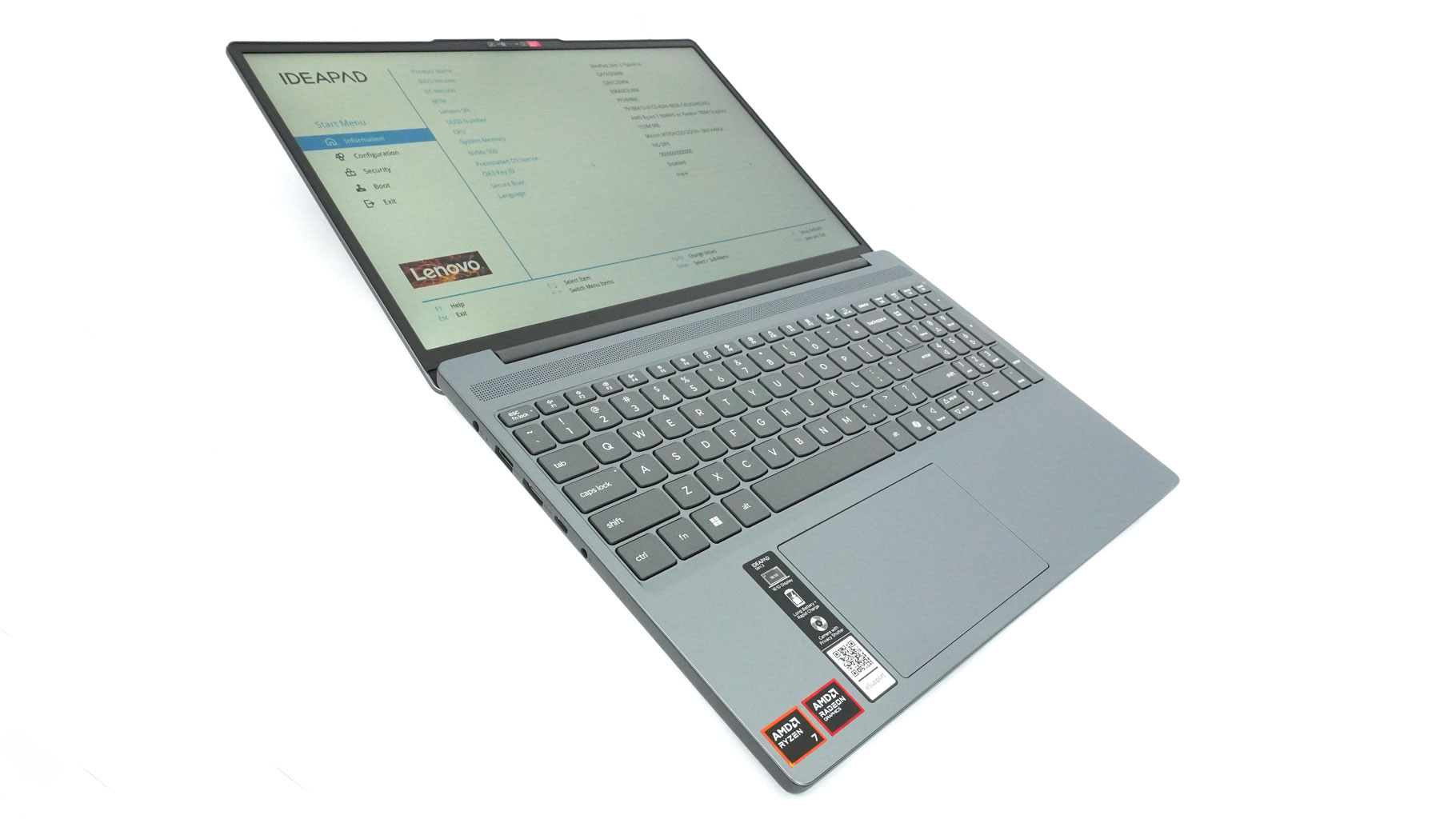
The max opening angle is wide.
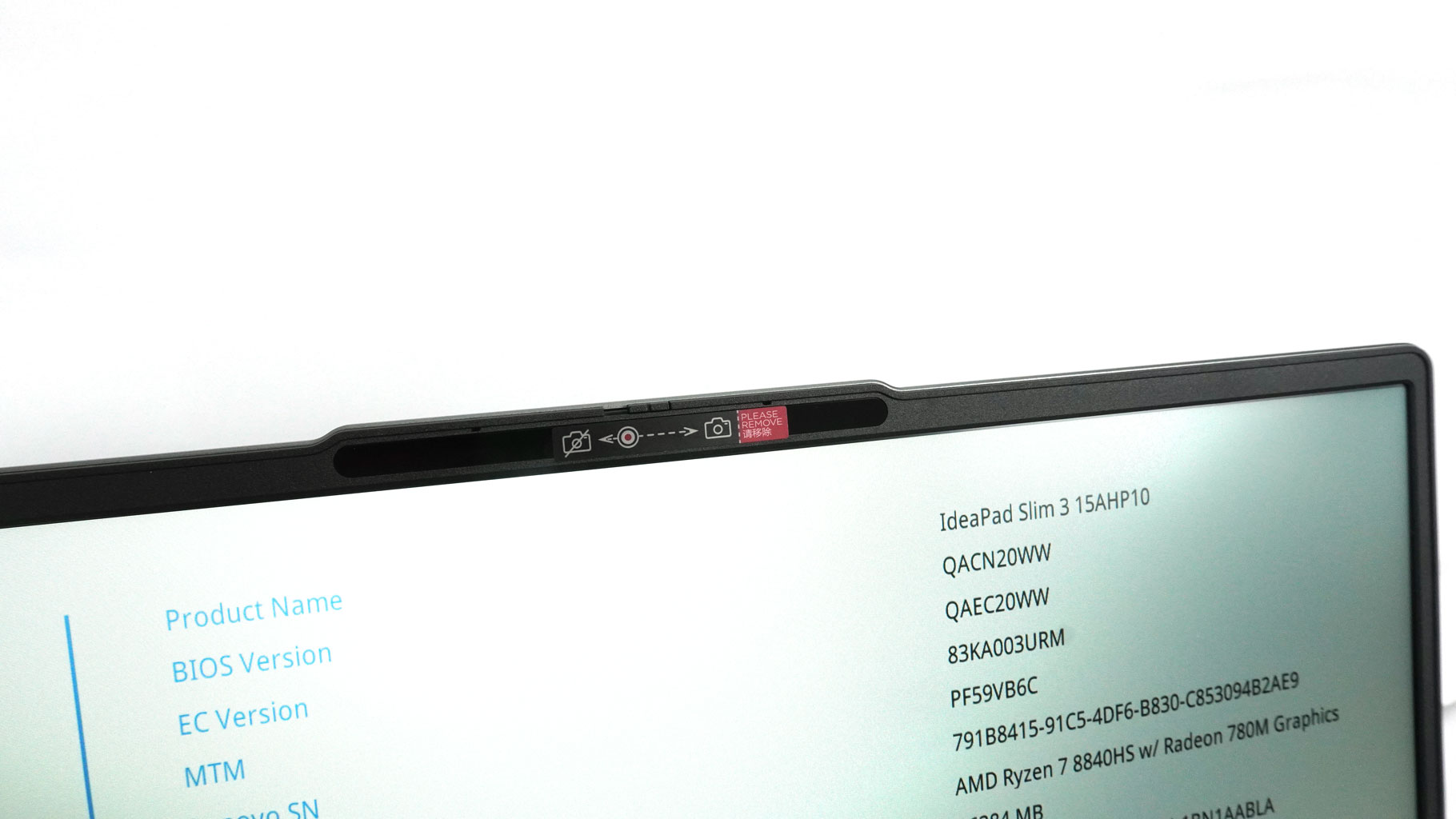
The protrusion above the panel houses a webcam with a privacy shutter. The base unit has a 720p resolution but those who value rapid unlocking of the device and higher quality video calls might prefer the optional 1080p model with facial recognition.

The stickers on the left palm rest indicate that this machine sports a Ryzen CPU and iGPU, plus a 16:10 display.
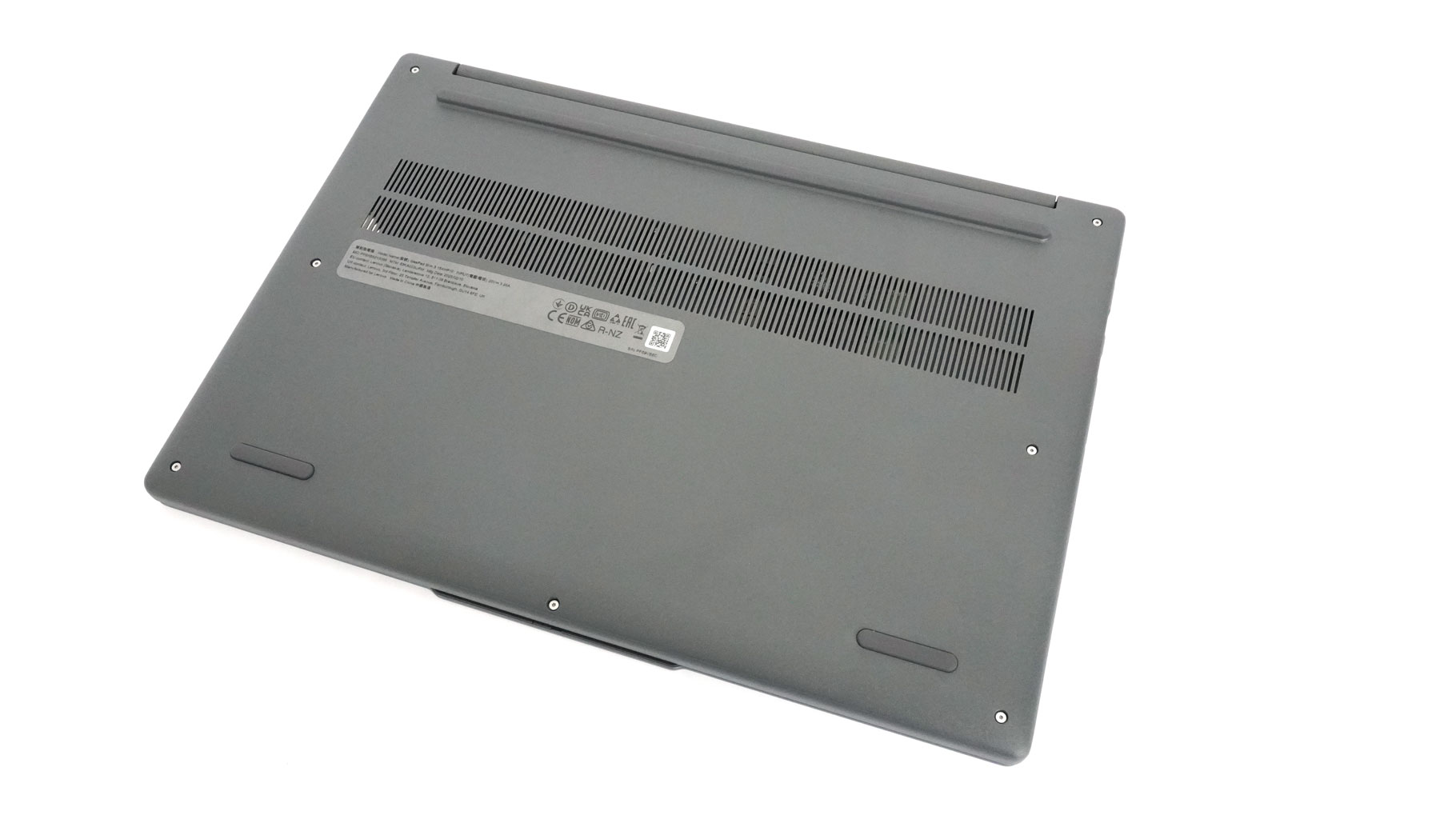
The bottom of the machine incorporates a 2-row ventilation grille and three rubber feet.
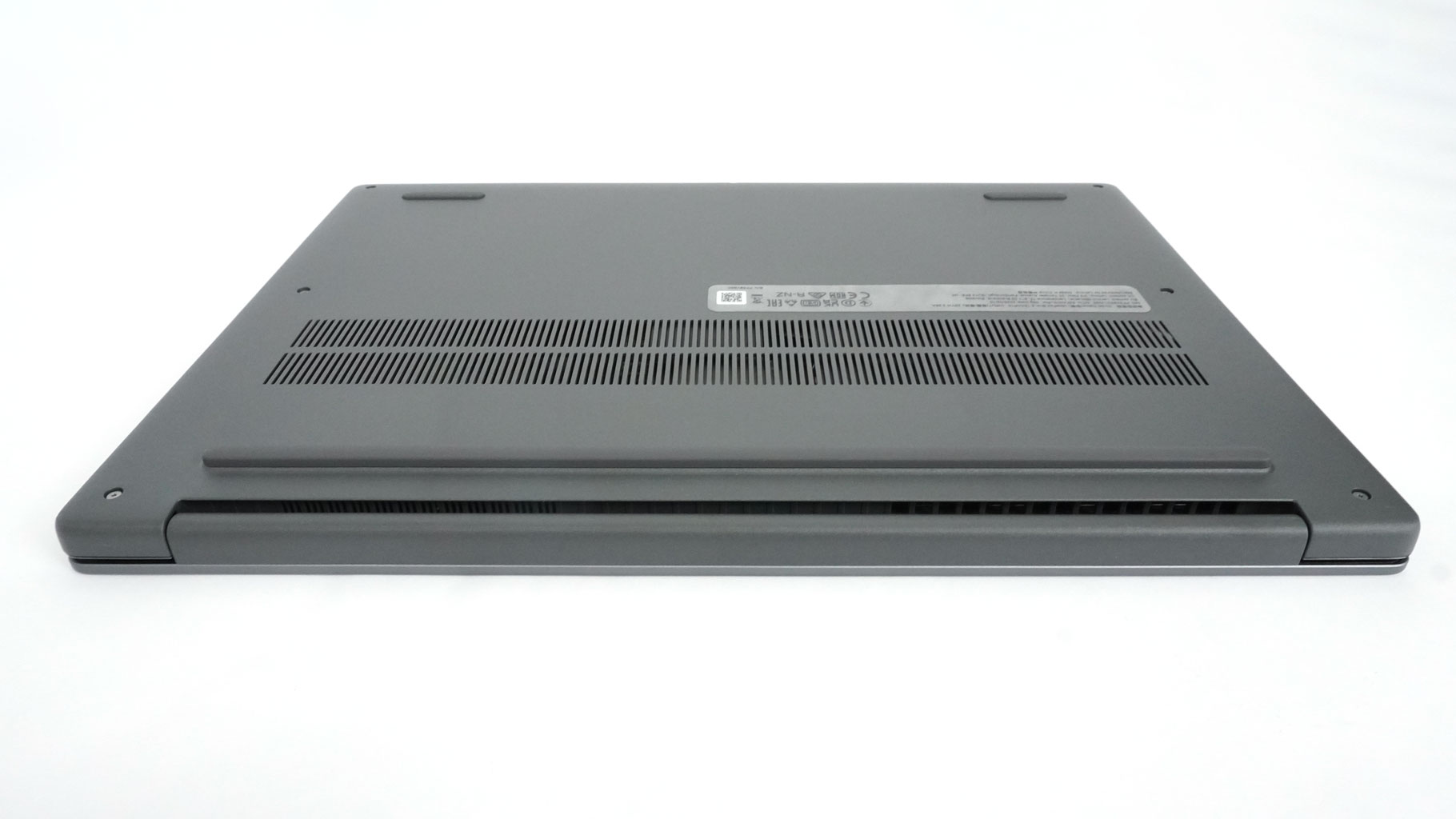
Hot exhaust air is expelled through a rear vent that directs heat towards the lower part of the screen.
Ports and Connectivity

On the left, there is a Power connector, a 5 Gbps USB Type-A 3.2 Gen. 1 port, an HDMI 1.4, a 5 Gbps USB Type-C 3.2 Gen. 1 port with Power Delivery 3.0 and DisplayPort 1.2, and an Audio combo jack.

The right side offers another 5 Gbps USB Type-A 3.2 Gen. 1 port, an SD Card reader, and a Power button.

No connectors on the rear side of the notebook.
Our Patreon Silver Supporters can read articles in single-page format.
Nov 13th, 2026 04:49 PST
change timezone
Latest GPU Drivers
New Forum Posts
- I won't download games that are larger than 30–40 GB. (104)
- Windows 11 General Discussion (7727)
- Slow SSD read speeds - help! (1)
- Microsoft Exchange/365 outages? (32)
- Home page search by category (5)
- Warning for Windows 10 and 11 users running newer AMD GPU drivers (58)
- TPU's Nostalgic Hardware Club (22150)
- DDR5 CL30 SK HYNIX A Die ram overclocking - End goal is CL26 6400, FCLK 2200 if possible (26)
- CPU debug LED stays red on Gigabyte AORUS X870E Elite WiFi 7, system works normally (1)
- Unigine Superposition GPU Benchmark (1080P Extreme) (462)
Popular Reviews
- AMD Zen 6 Technical Deep Dive
- NZXT C1200 Platinum Review
- Corsair HX1000i Shift Crystal Review
- Upcoming Hardware Launches 2027 (Updated Nov 2026)
- Montech King 95 3D PRO Review
- NZXT H7 RGB+ Review
- NZXT H5 Review
- Phantom Blade Zero Performance Benchmark Review - 35 GPUs Tested
- XPG NIMBUS PLUS Review - Mid-range Chair With Strong Competitors
- Gigabyte Z890I Aorus Ultra Review
TPU on YouTube
Controversial News Posts
- NVIDIA Co-Founder and CEO Jensen Huang Officially Resigns (342)
- OpenAI CEO Argues Home PCs Waste the World's Limited DRAM Supply (152)
- NVIDIA Launches Investigation Into Jensen Huang's Relationship With Suspected Chinese Spy (136)
- Intel "Raptor Lake Next" 16-Core and 20-Core CPUs Surface (130)
- Legendary Game Studio BioWare Shuts Down Following EA Layoffs (104)
- Dell CEO Says the Memory Shortage Will Get Worse in 2027 (95)
- NVIDIA GeForce RTX 50-Series Scheduled for up to $500 Price Hike This Week (89)
- Modder Fits RTX 5090 With Four 8-Pin Connectors, Halving Current per Wire (80)