 7
Lenovo IdeaPad Slim 3i 15IRH10 Review - Intel Can't Catch Ryzen
Display Testing »Disassembly and Teardown

To open the Lenovo IdeaPad Slim 3 15IRH10, you have to unscrew the seven T5 Torx heads. Flip the machine and open the lid. Place a thin plastic tool in one of the upper corners near the display hinge cover. This will create a small gap, which is a perfect spot to start prying the side with another tool. From there, continue to pop open the other sides. Don't rush the process. Slide the plastic piece and pop the panel slowly.
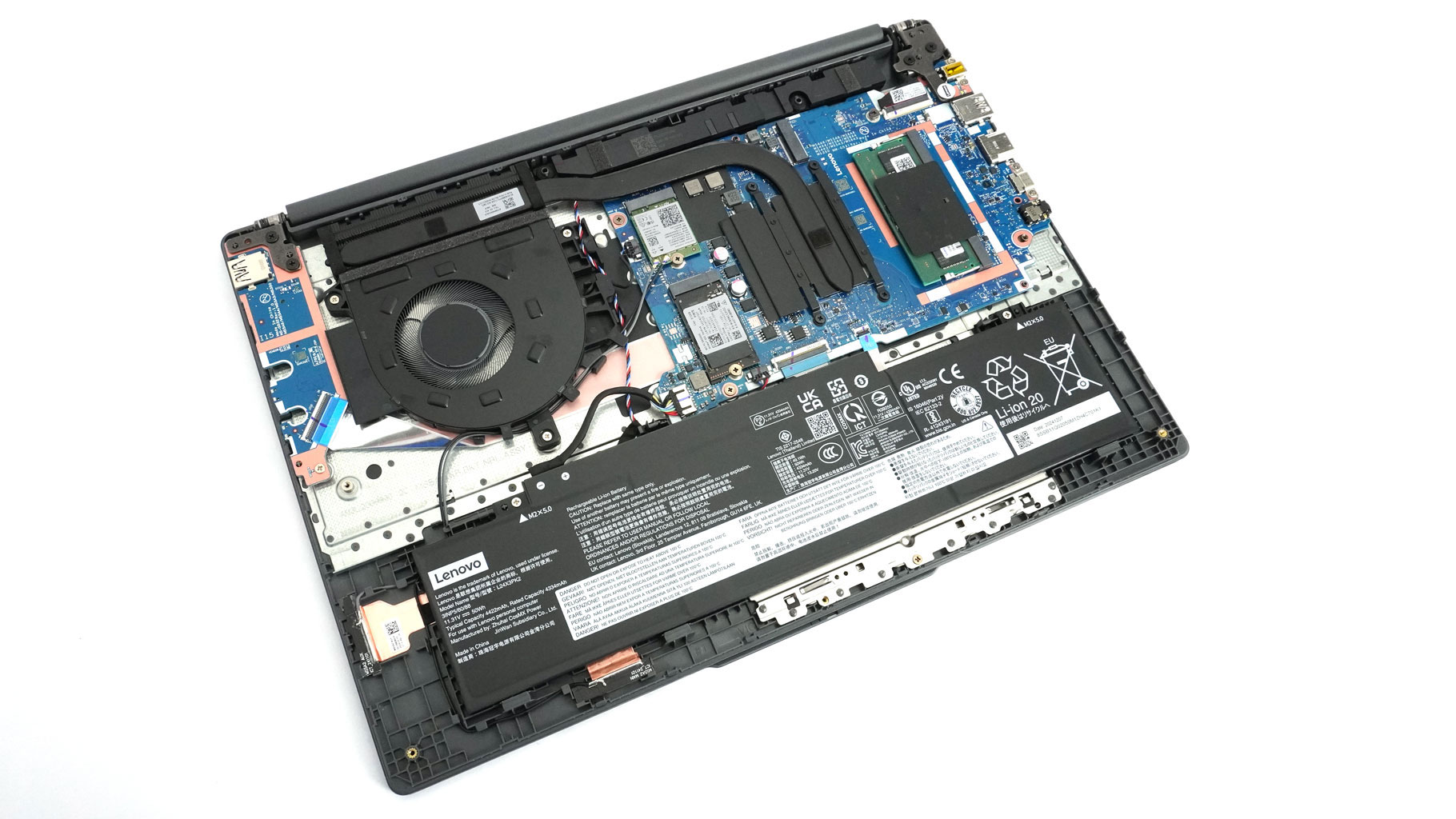
Turn the laptop upside down and check if the plate is fully detached. If it's not, just give the bottom a slight push upwards where needed.
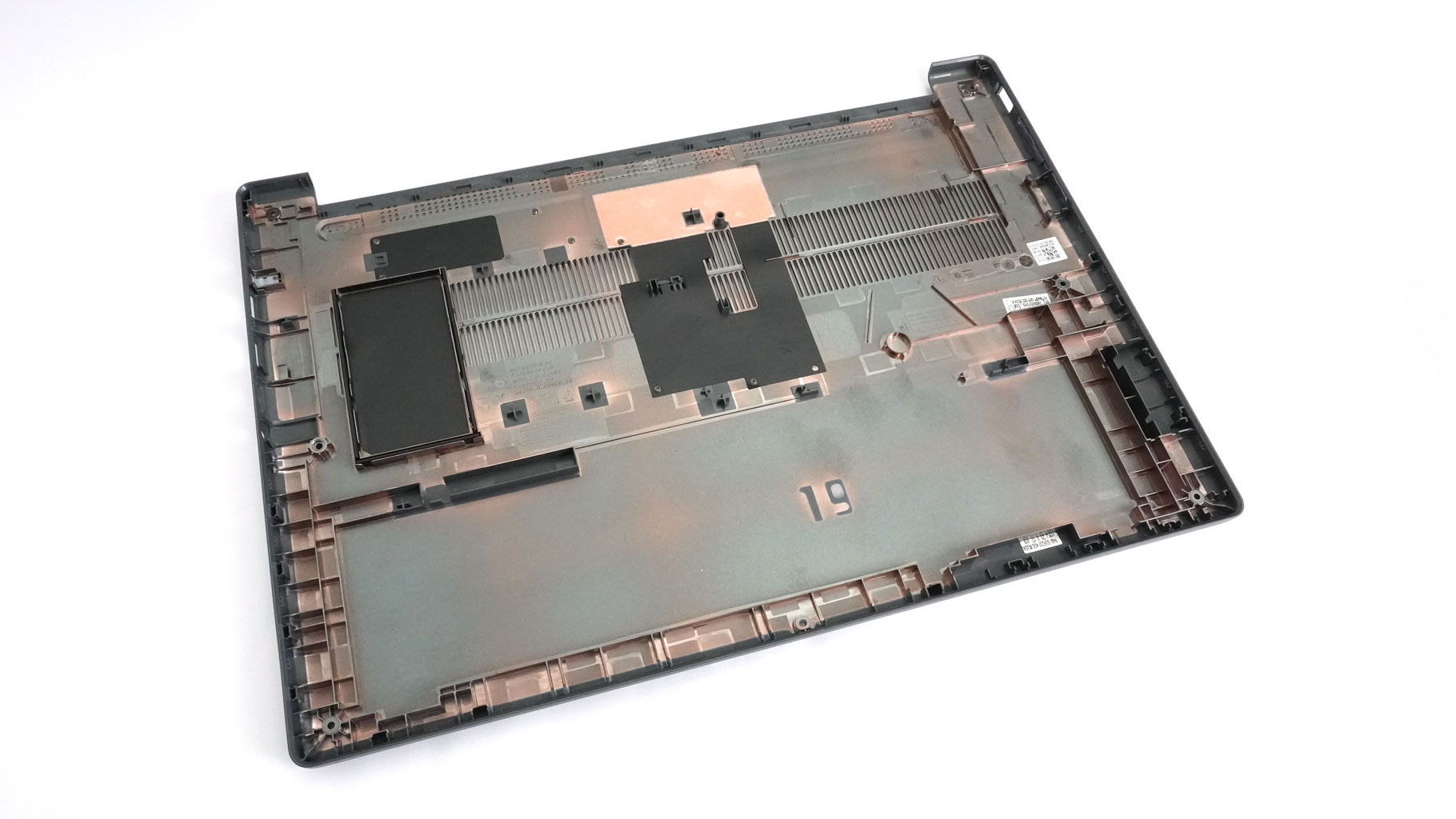
A metal socket that protects the zone directly over the RAM is part of the inside of the bottom cover.
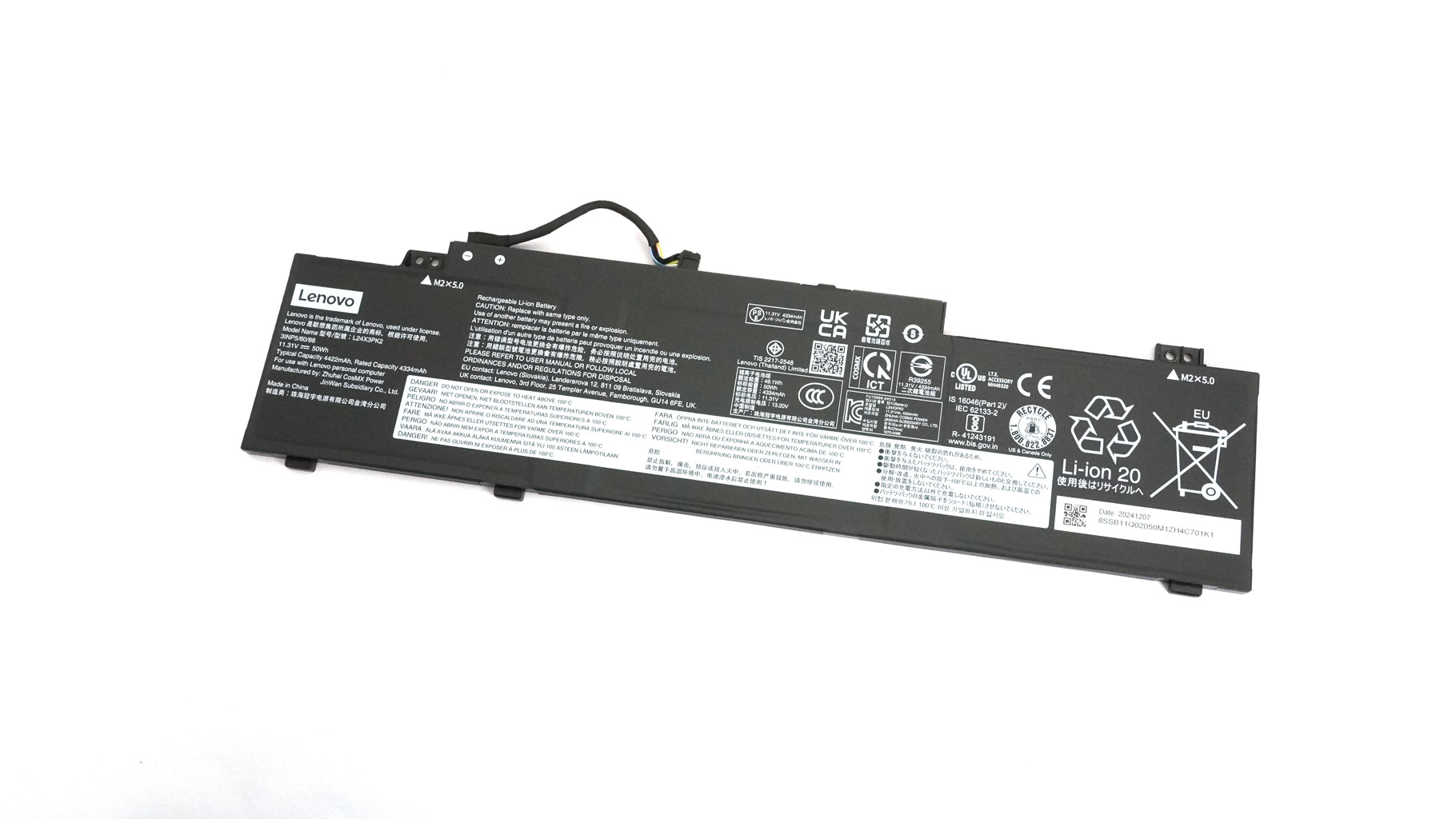
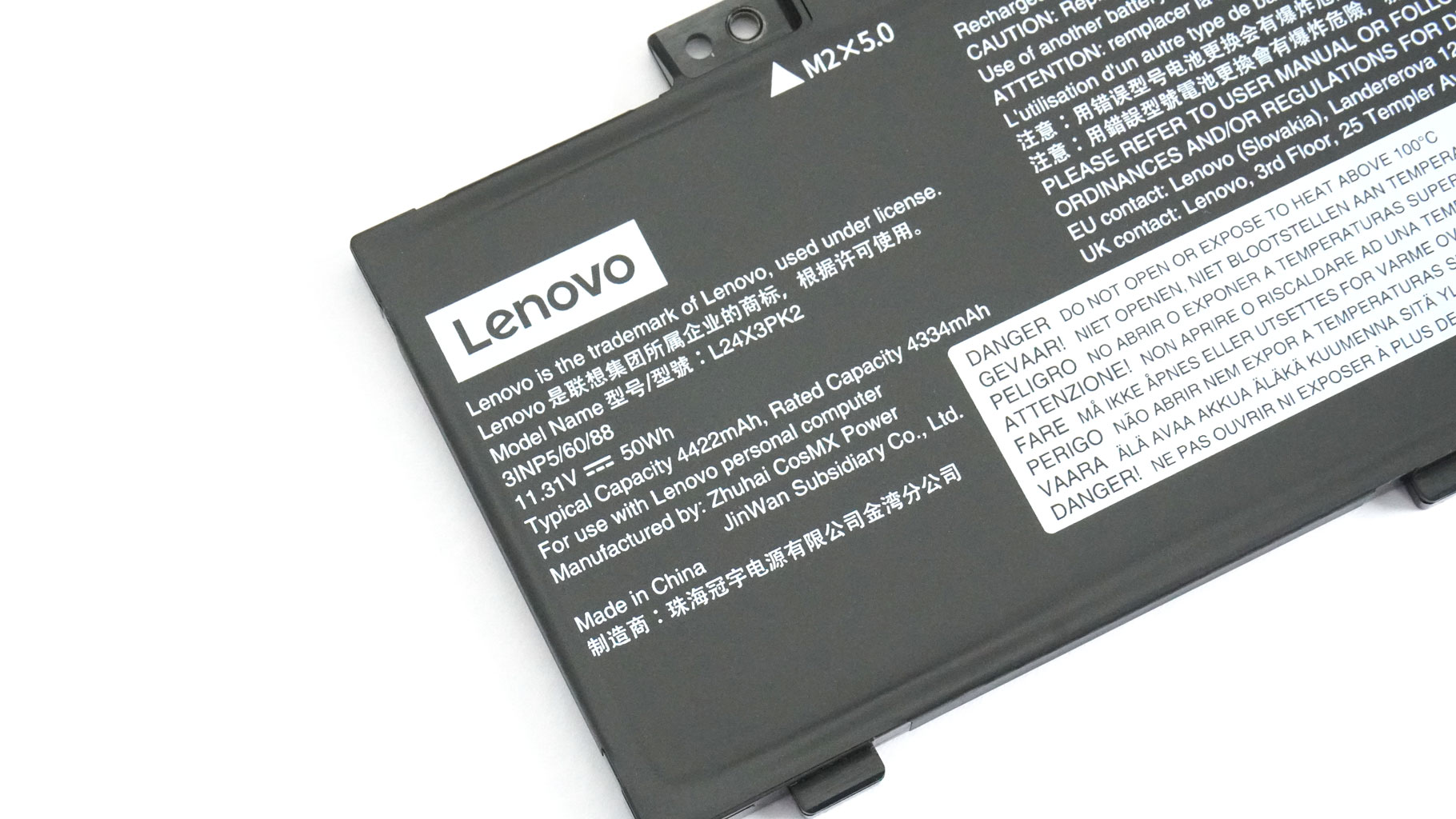
The notebook that we are showing you has the more modest 50 Wh battery. Lenovo also provides an optional version with an extra 10 Wh of capacity.
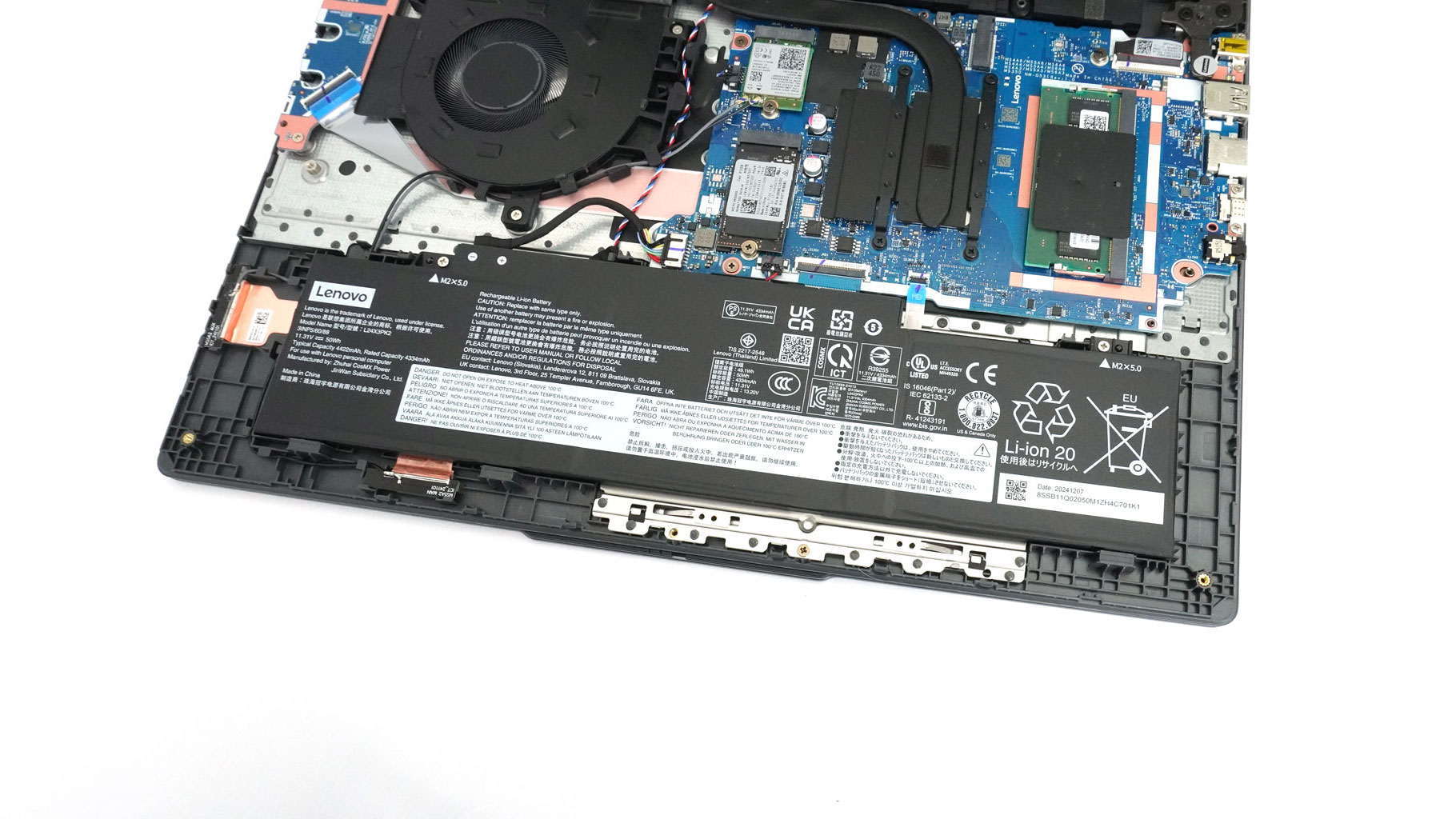
To take it out, push the connector to the left and undo the pair of Philips screws on top. Once that's done, lift the front of the battery and slide it towards the back of the laptop. This unit has enough reserves for almost 4 and a half hours of 4K YouTube video playback.

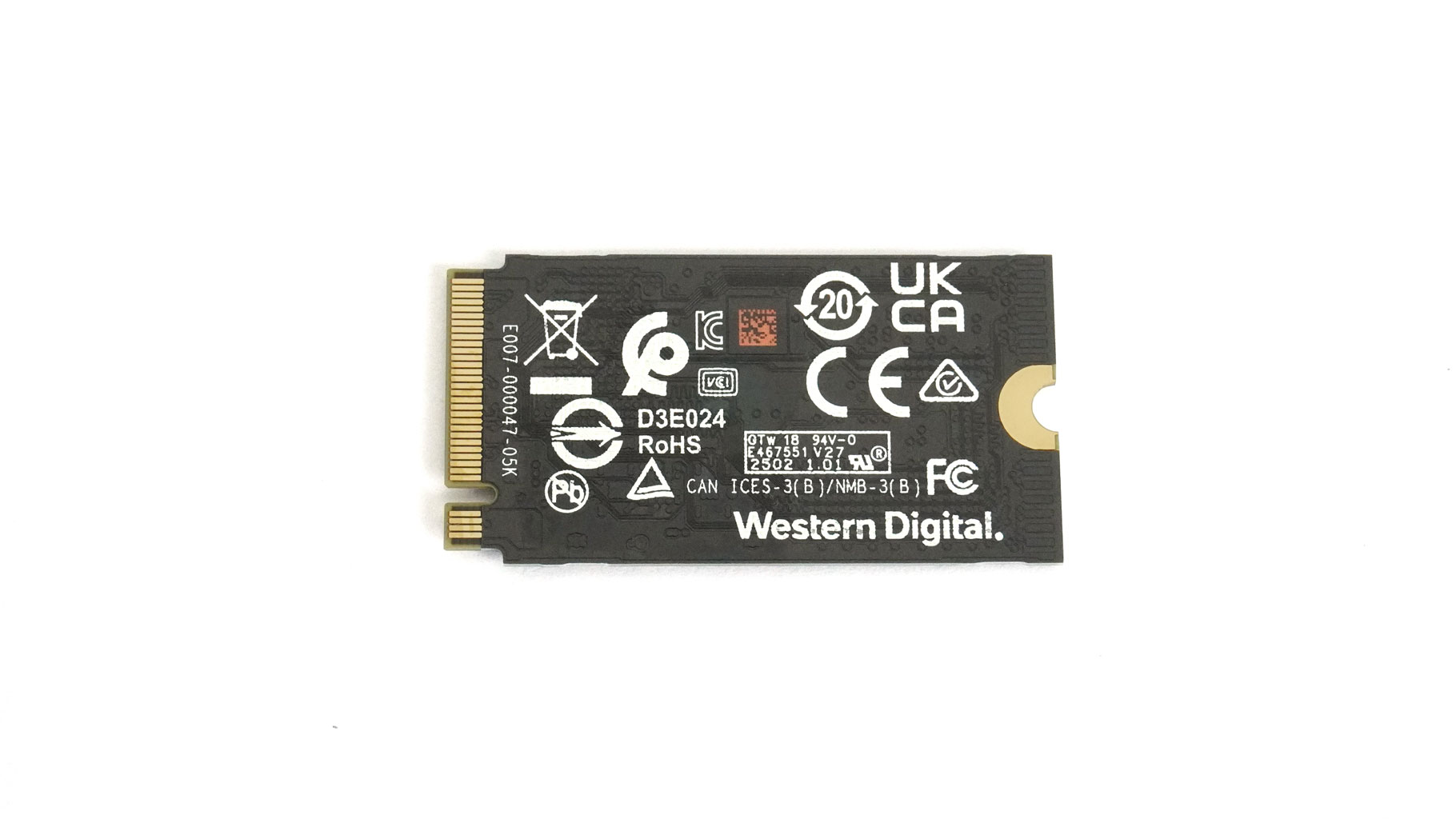
For storage, you can rely on two Gen 4 2242 M.2 slots.
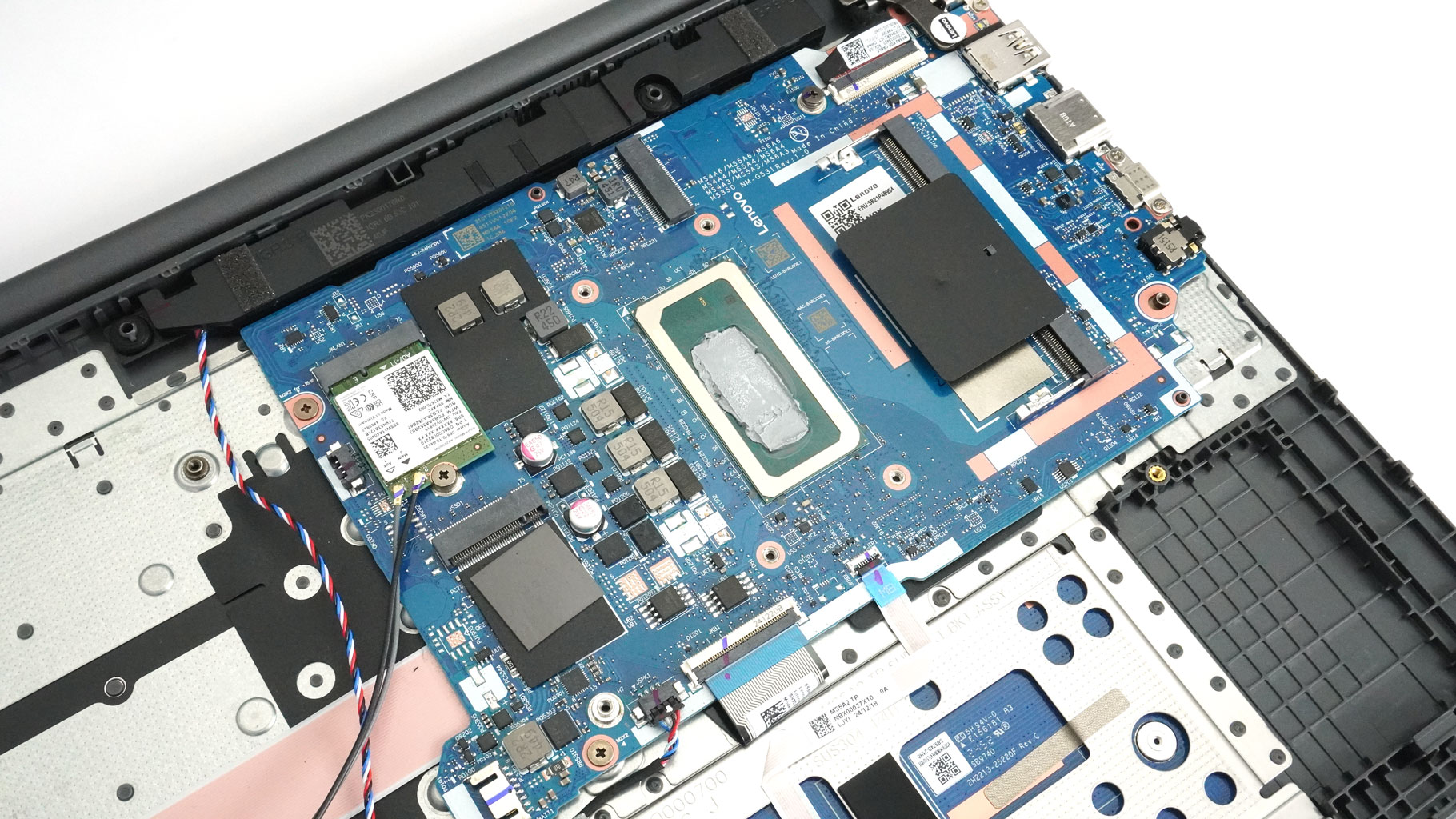
The preinstalled NVMe drive has a thermal pad underneath.
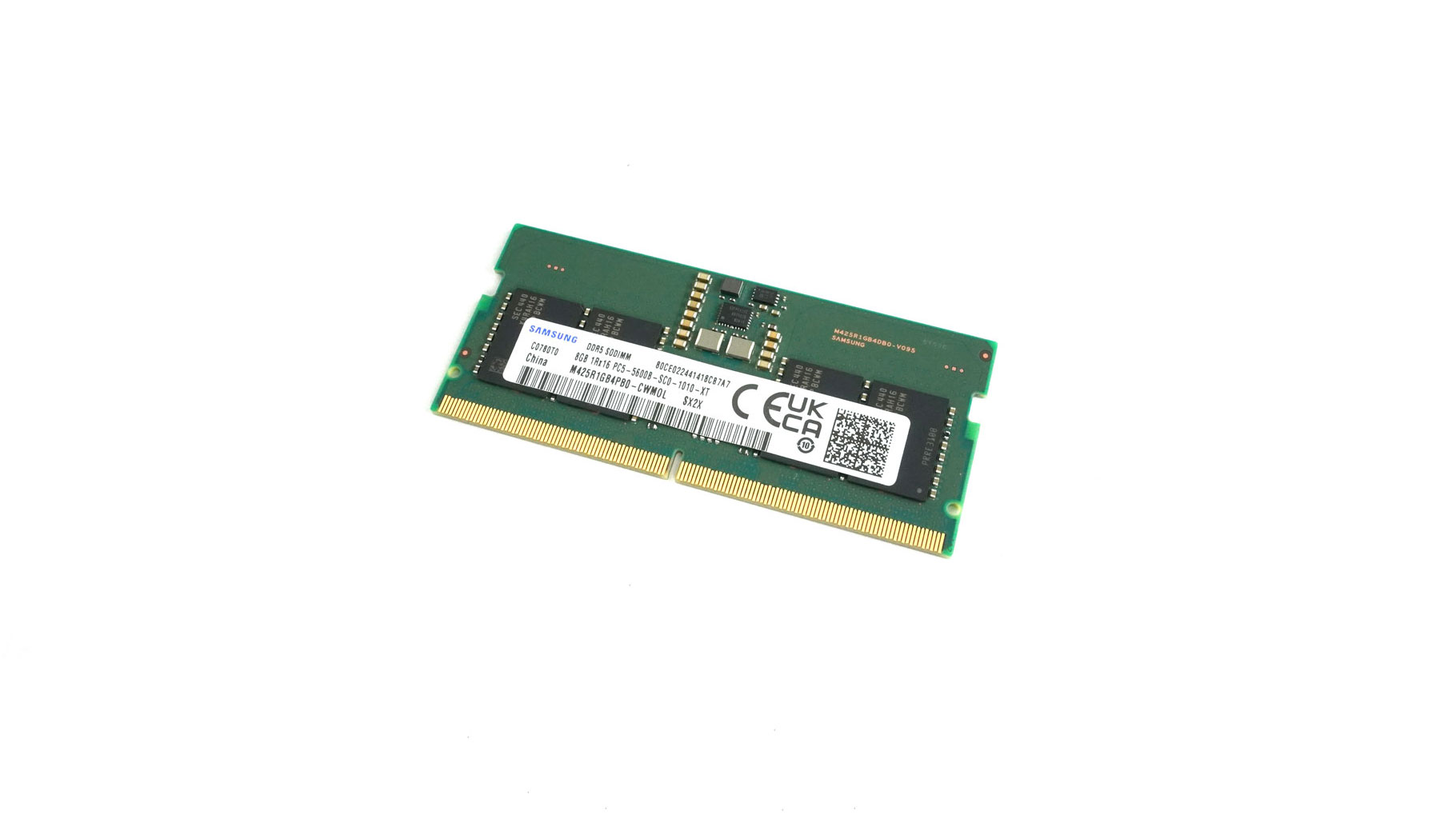
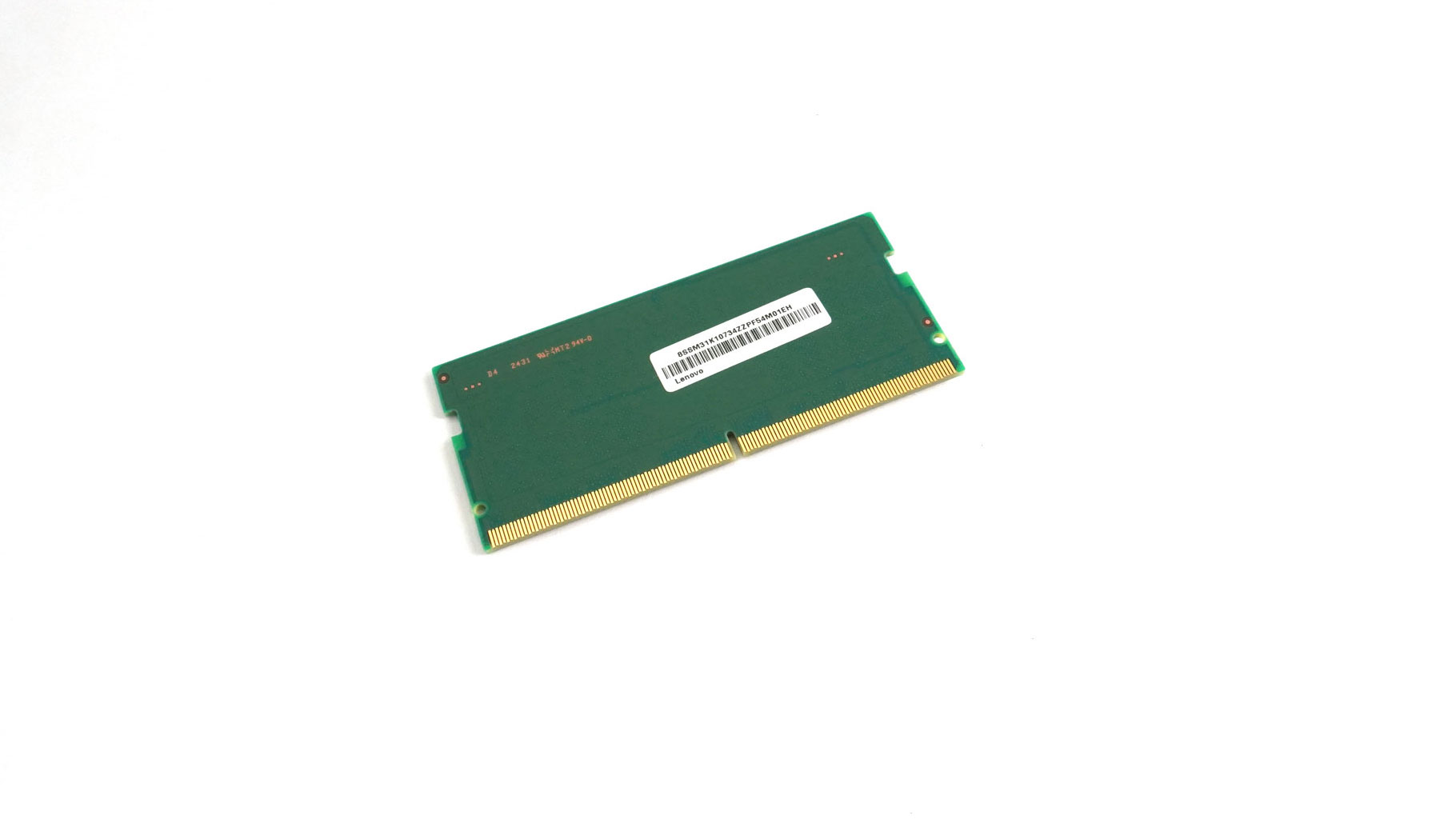
This machine is offered with 8 GB of soldered RAM. Not all hope is lost because there is a DDR5 SODIMM slot compatible with up to 32 GB RAM sticks rated at 4800 MT. The Raptor Lake-H processors support up to 96 GB, so you may be able to successfully install even bigger modules.

No soldered Wi-Fi cards, which is good news for budget buyers.
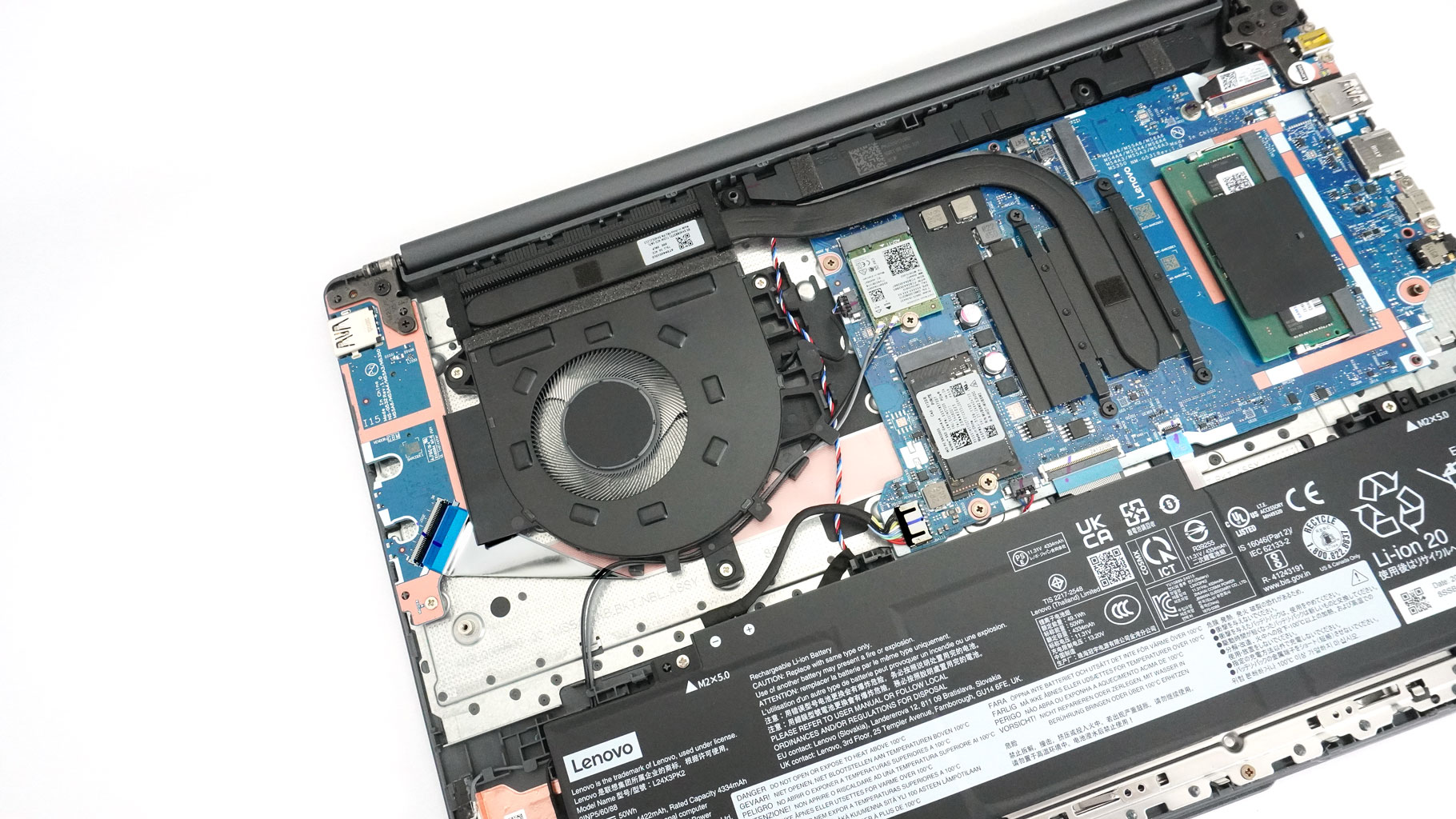
The thermal system looks simple with its single fan, one heat pipe, decent-sized heat sink, and small heat spreader. The basic cooling is easy to remove. You just need to undo a total of seven Philips head screws—three around the fan and four that secure the small metal plate on top of the CPU. The fan connector should be pulled out, too. Also, take care to nudge aside the cables around the fan.
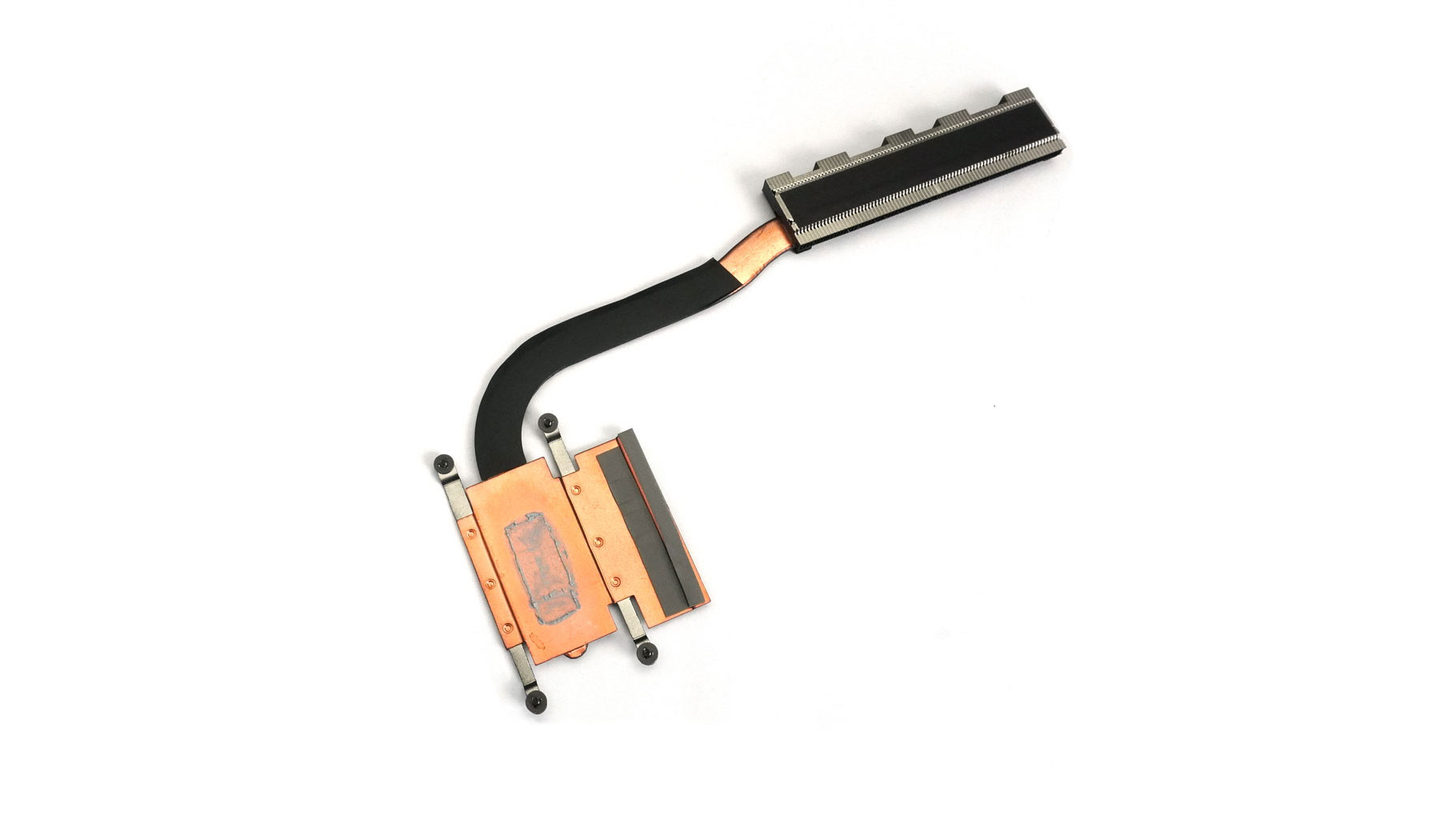
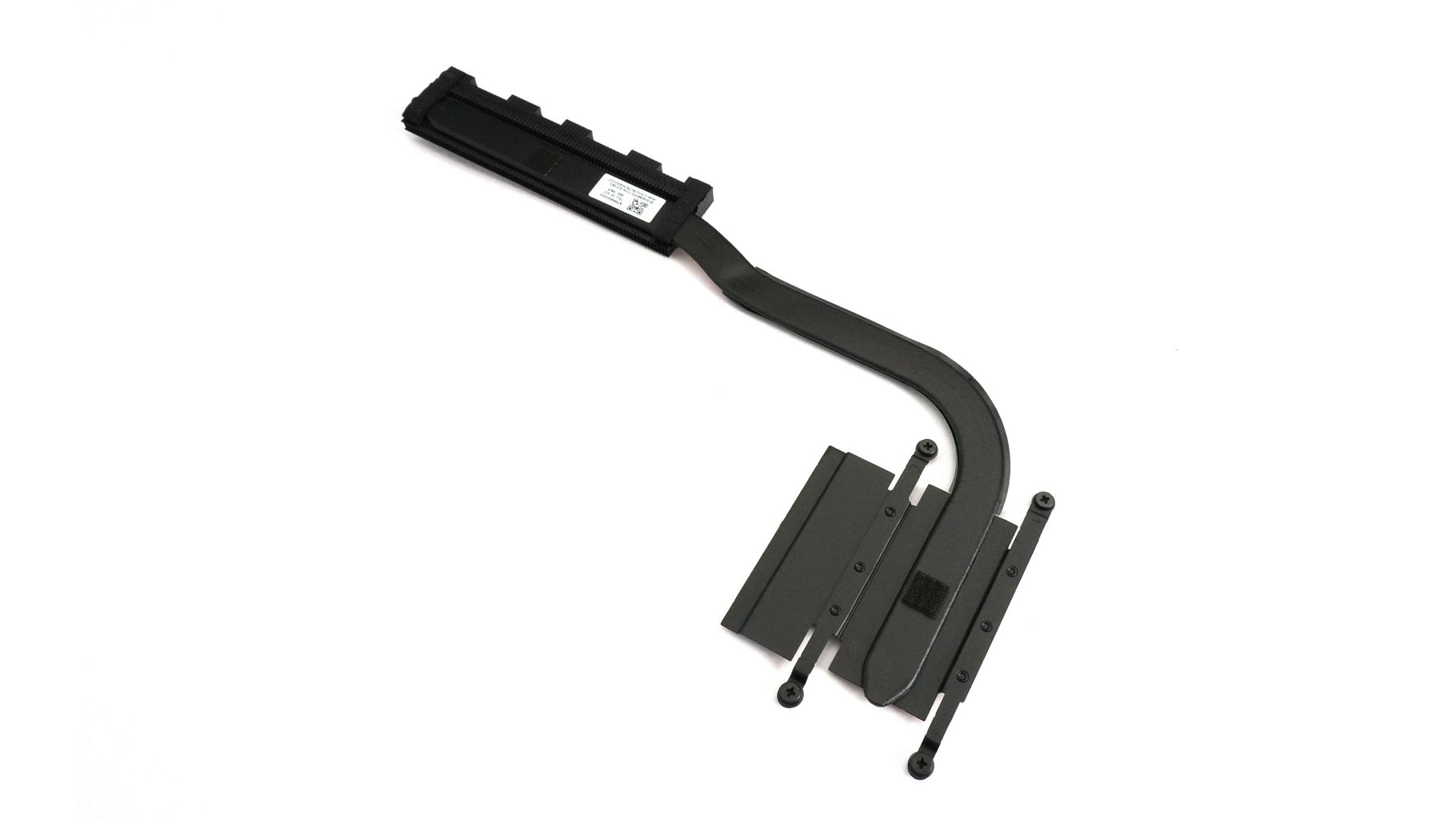
Carefully lift the cooling unit.
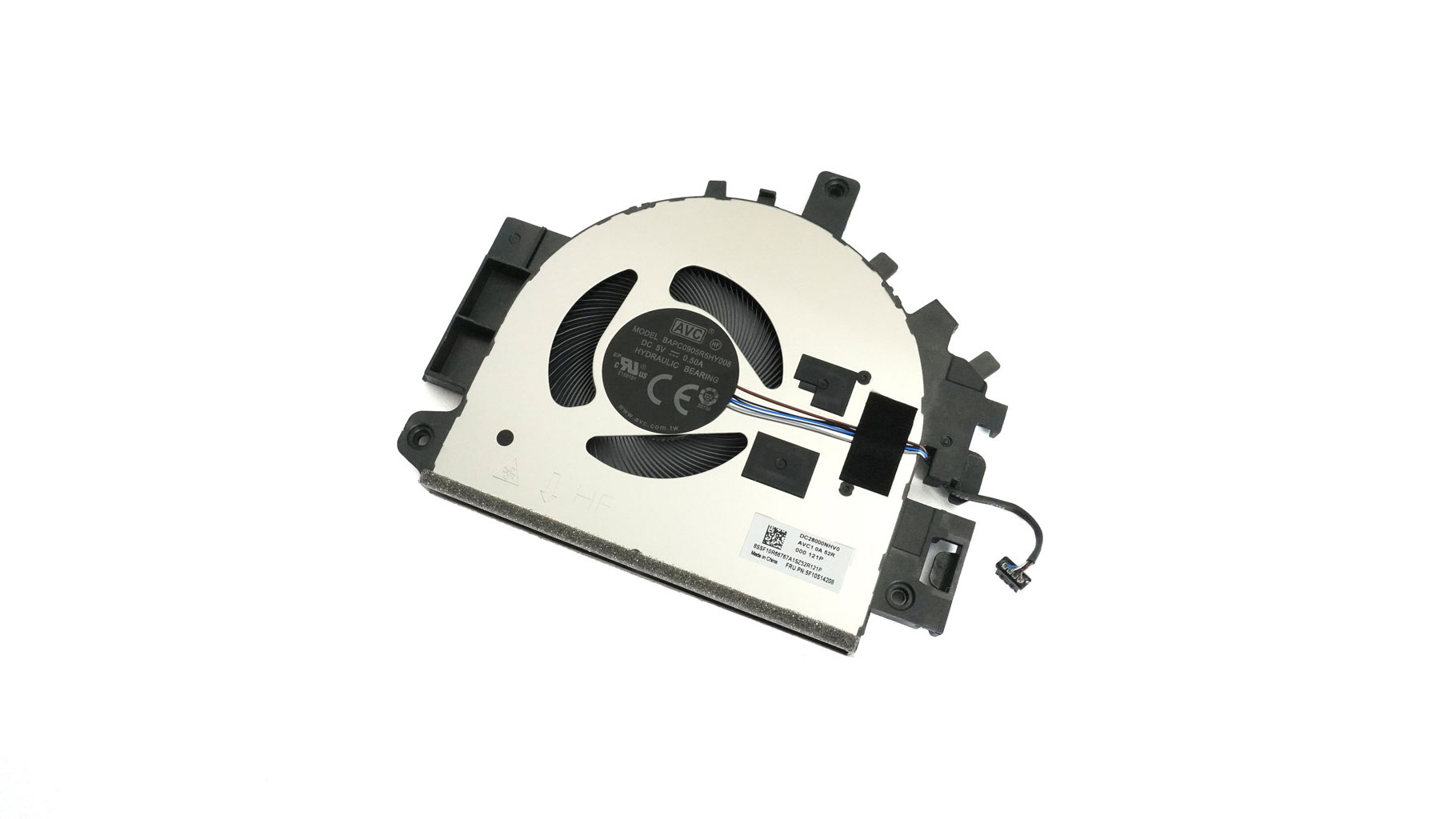
Here's the bottom view of the fan.
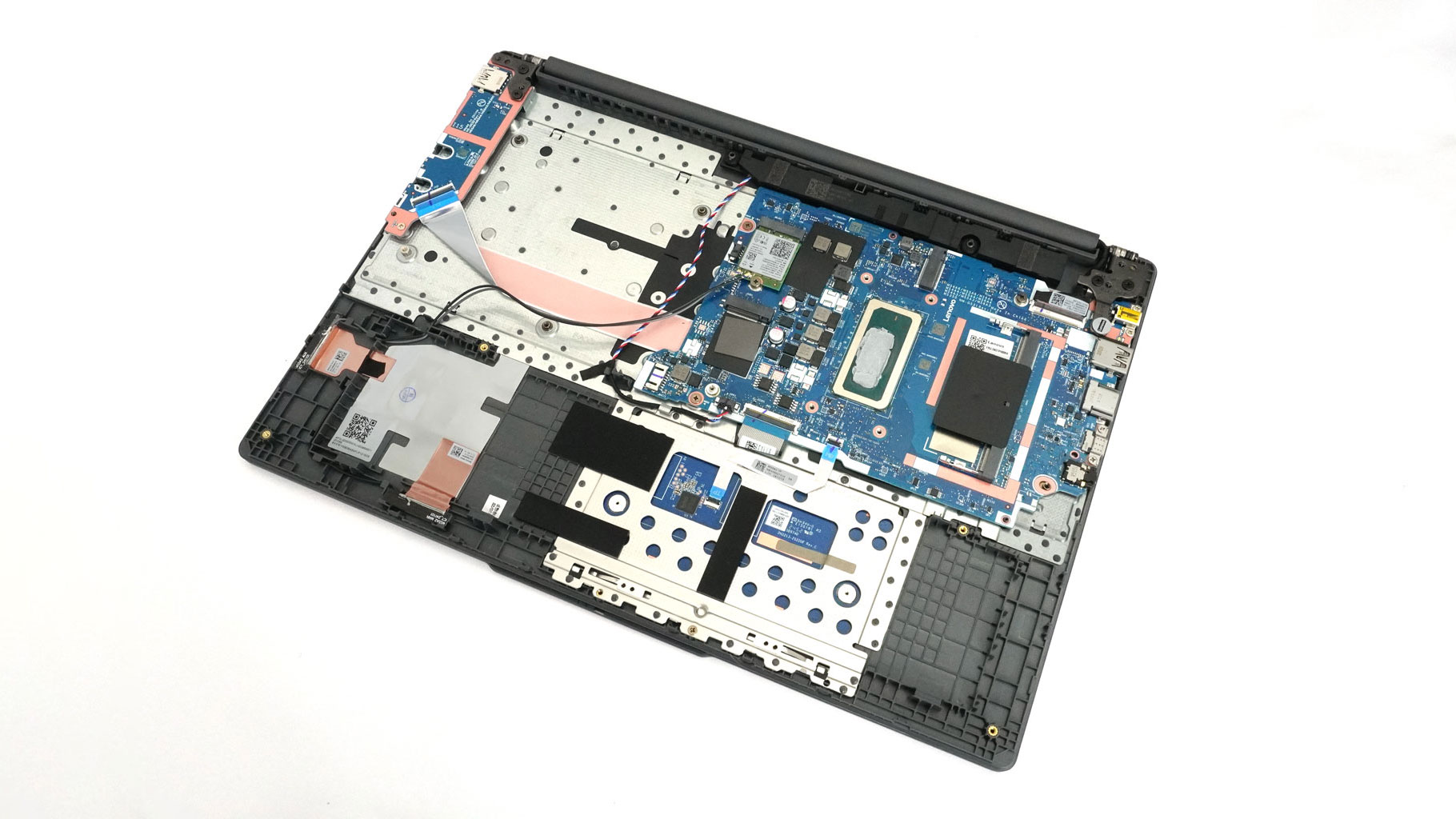
This is how the device looks when the cooling is taken out.
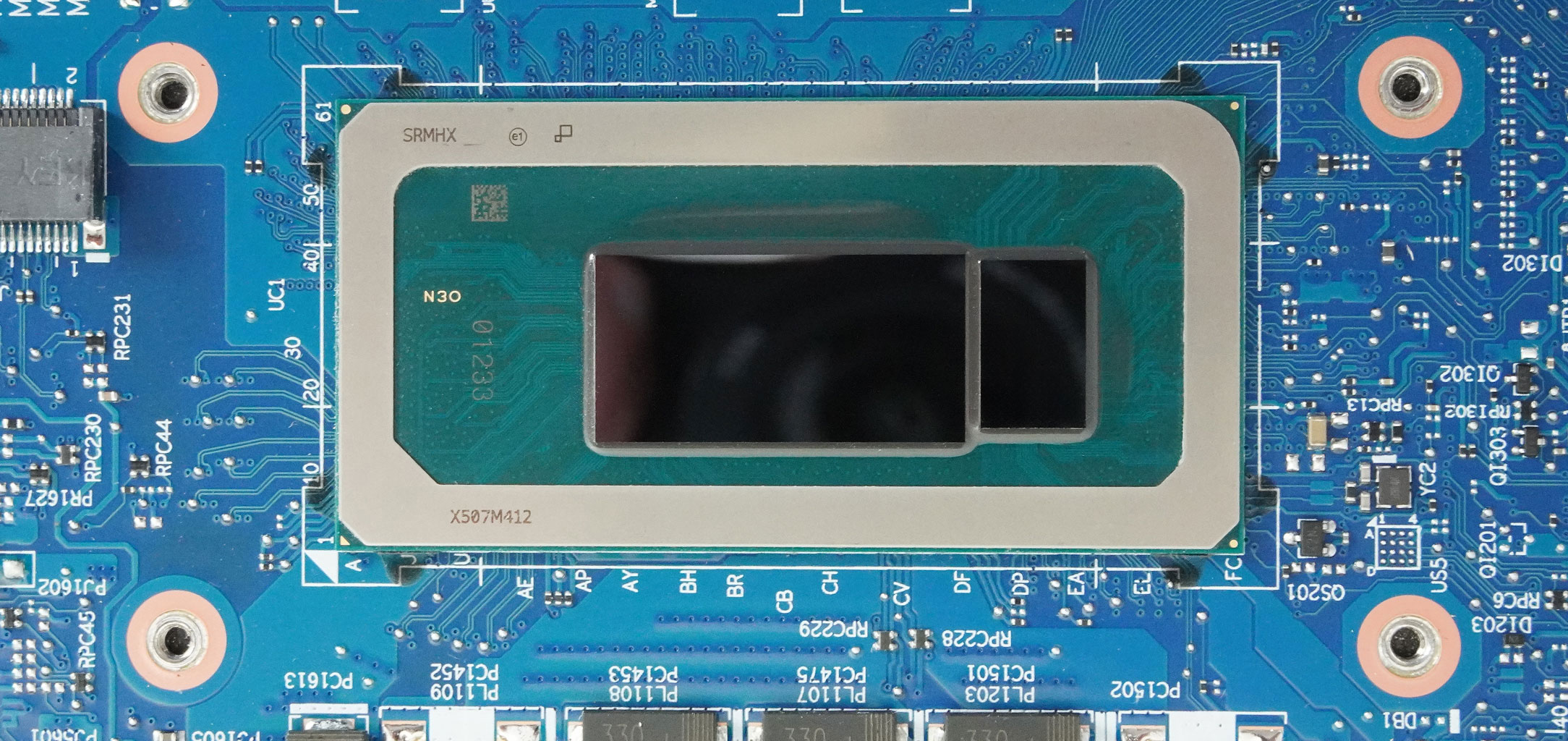
That 45 W CPU certainly looks substantial!
Nov 13th, 2026 07:34 PST
change timezone
Latest GPU Drivers
New Forum Posts
- Microsoft Exchange/365 outages? (39)
- To AiO CPU Cooler users? (5)
- I won't download games that are larger than 30–40 GB. (107)
- Slow SSD read speeds - help! (2)
- Any other old-timers here planning to play WoW Forever? (150)
- Requesting original VBIOS for Gigabyte RX 5700 XT GAMING OC 8G Rev 2.0 (Micron) (0)
- Home page search by category (6)
- Windows 11 General Discussion (7727)
- Warning for Windows 10 and 11 users running newer AMD GPU drivers (58)
- TPU's Nostalgic Hardware Club (22150)
Popular Reviews
- AMD Zen 6 Technical Deep Dive
- Corsair HX1000i Shift Crystal Review
- NZXT C1200 Platinum Review
- Upcoming Hardware Launches 2027 (Updated Nov 2026)
- Montech King 95 3D PRO Review
- NZXT H7 RGB+ Review
- NZXT H5 Review
- Phantom Blade Zero Performance Benchmark Review - 35 GPUs Tested
- XPG NIMBUS PLUS Review - Mid-range Chair With Strong Competitors
- Gigabyte Z890I Aorus Ultra Review
TPU on YouTube
Controversial News Posts
- NVIDIA Co-Founder and CEO Jensen Huang Officially Resigns (353)
- OpenAI CEO Argues Home PCs Waste the World's Limited DRAM Supply (152)
- NVIDIA Launches Investigation Into Jensen Huang's Relationship With Suspected Chinese Spy (136)
- Intel "Raptor Lake Next" 16-Core and 20-Core CPUs Surface (130)
- Legendary Game Studio BioWare Shuts Down Following EA Layoffs (104)
- Dell CEO Says the Memory Shortage Will Get Worse in 2027 (95)
- NVIDIA GeForce RTX 50-Series Scheduled for up to $500 Price Hike This Week (89)
- Modder Fits RTX 5090 With Four 8-Pin Connectors, Halving Current per Wire (80)