 5
Lenovo Yoga 9i 2-in-1 Aura Edition (14, Gen 10) Review - Solid, Beautiful, Efficient
Value & Conclusion »Lenovo Vantage and Aura Edition features
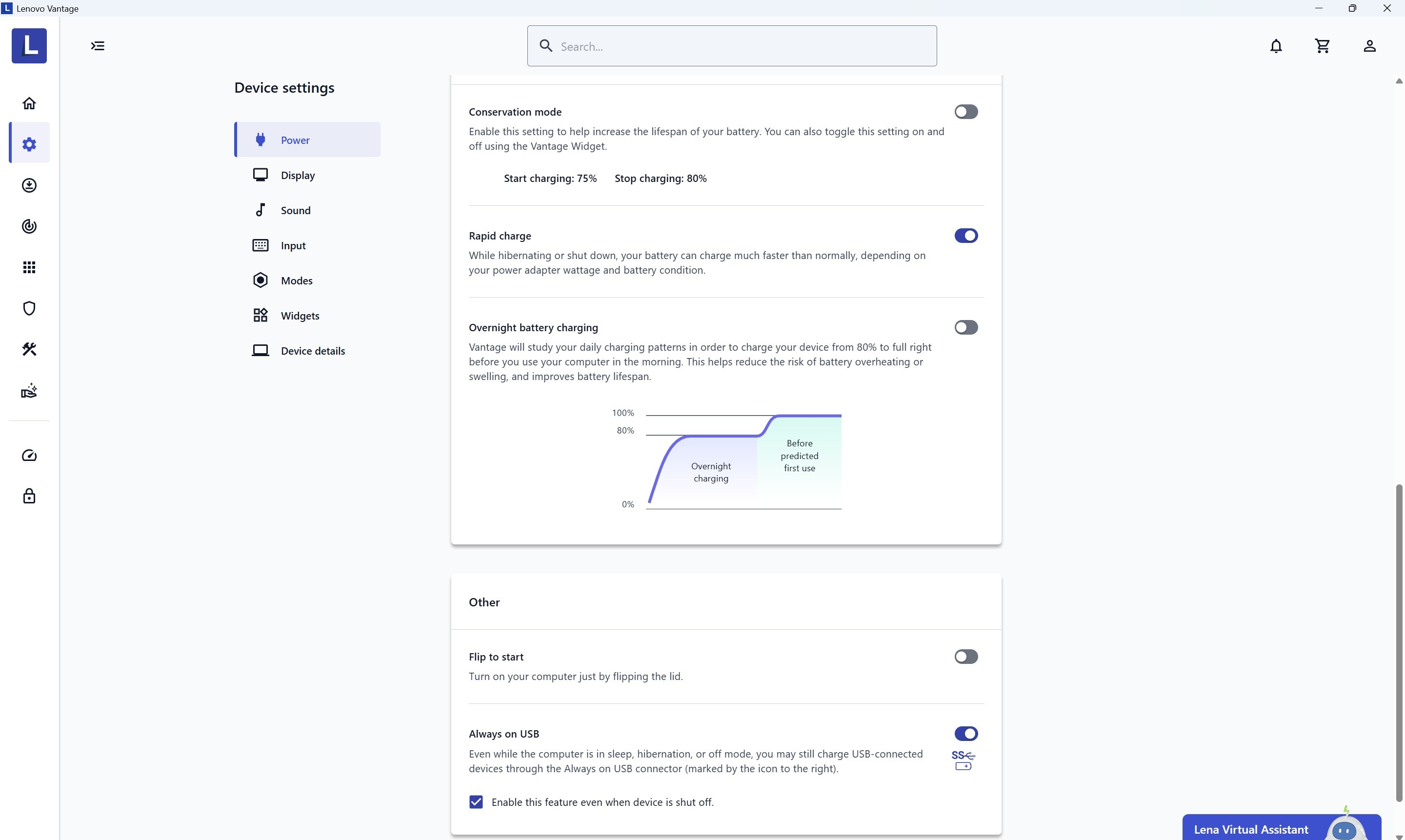
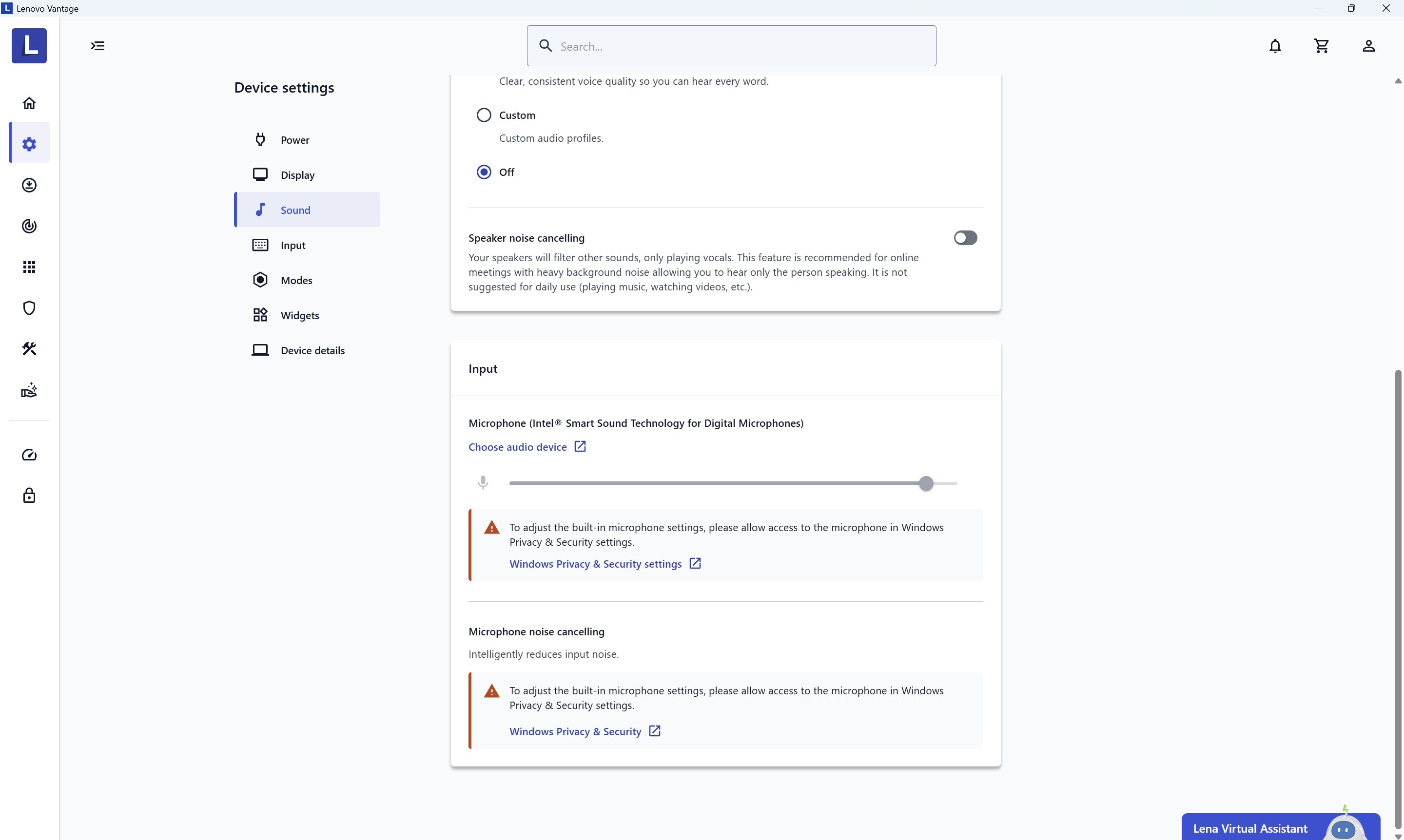
Lenovo Vantage is your main tool to tweak the machine's capabilities. It handles functions such as Rapid Charge, Flip to start, or Always on USB.
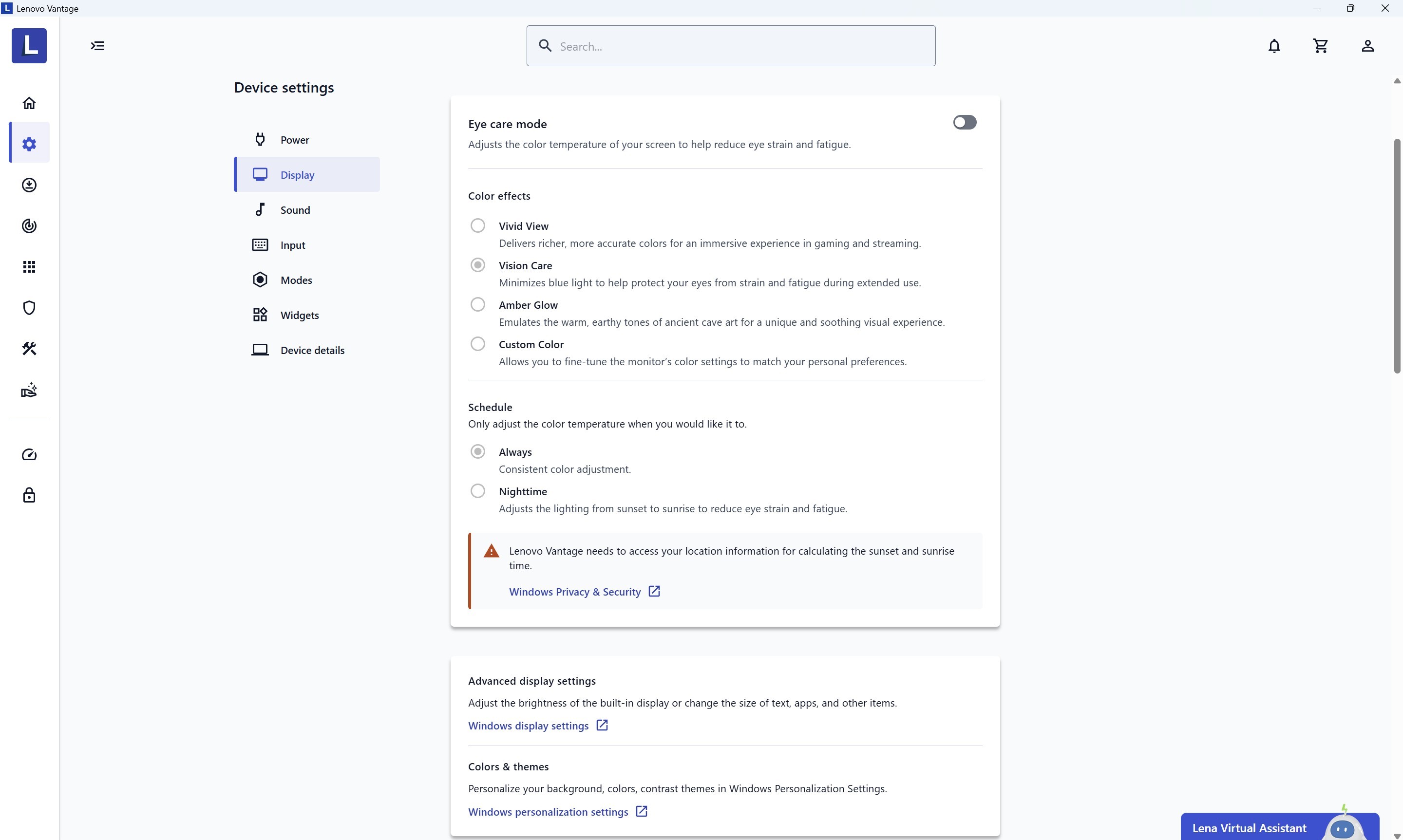
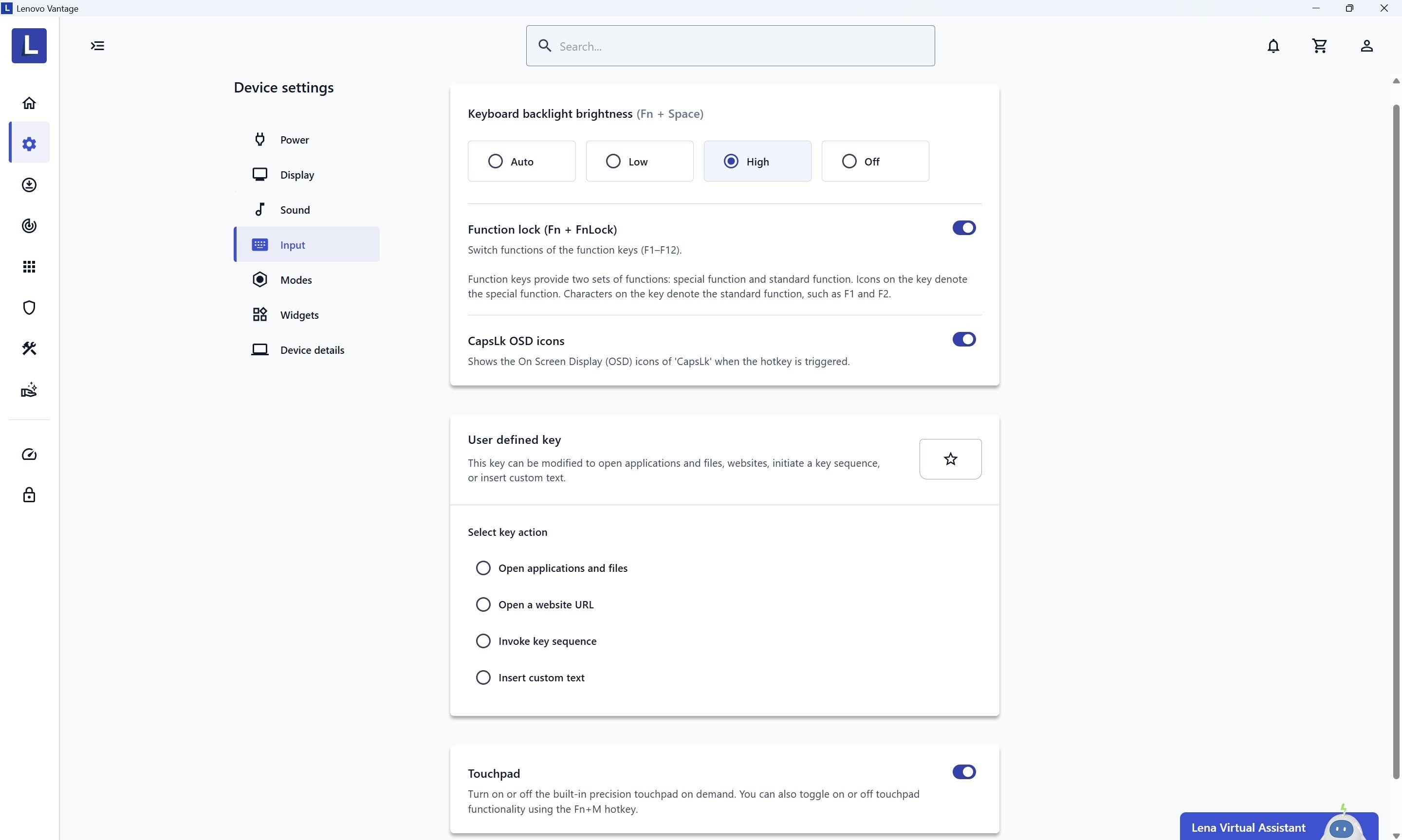
Eye care mode is also available, and it's useful when working for long hours with text-based materials or just reading some info online.
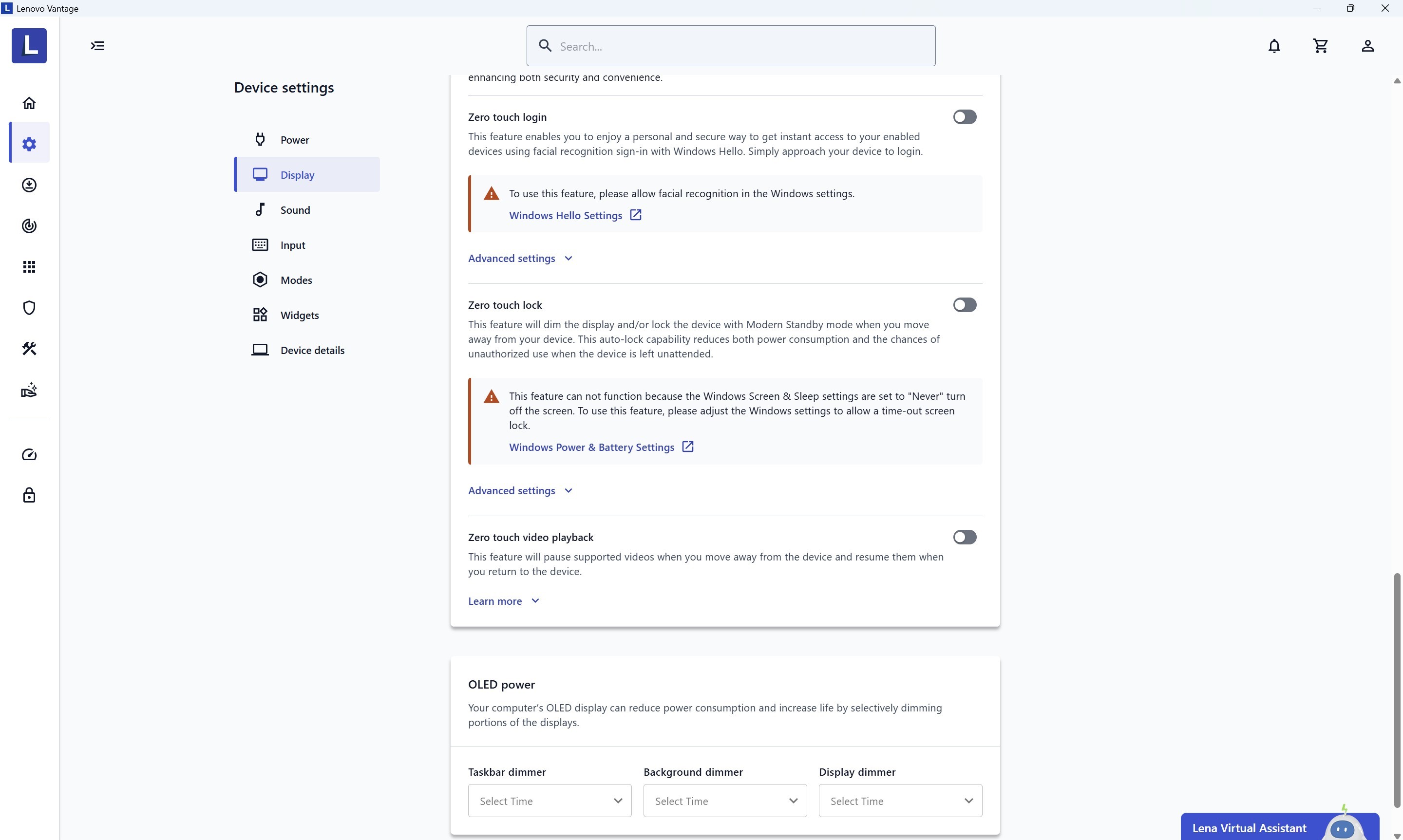
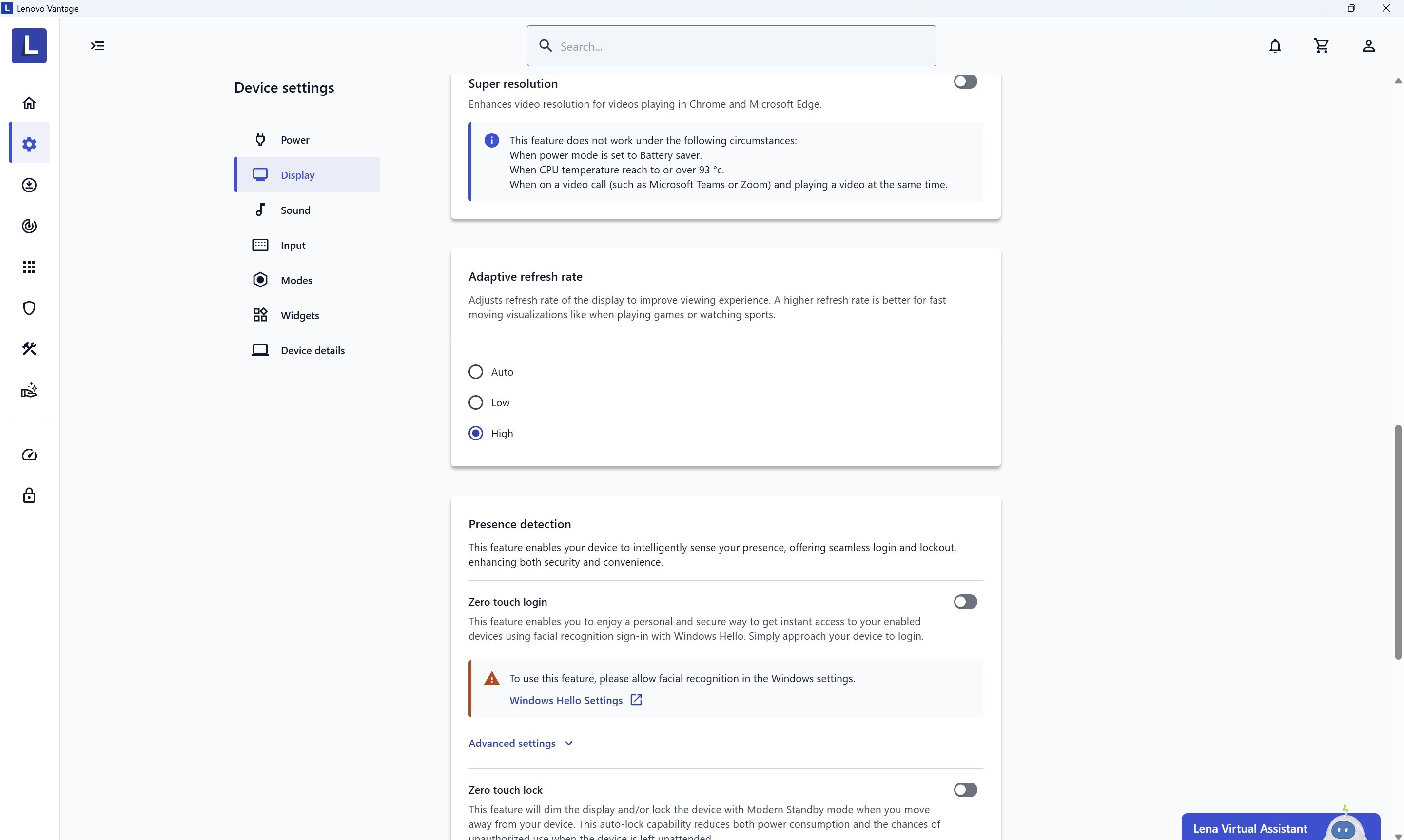
Presence detection, Zero touch lock, and Zero touch video playback are features that ease and secure your daily or office routine. You also get a bunch of options that protect the OLED screen from the burn-in effect.
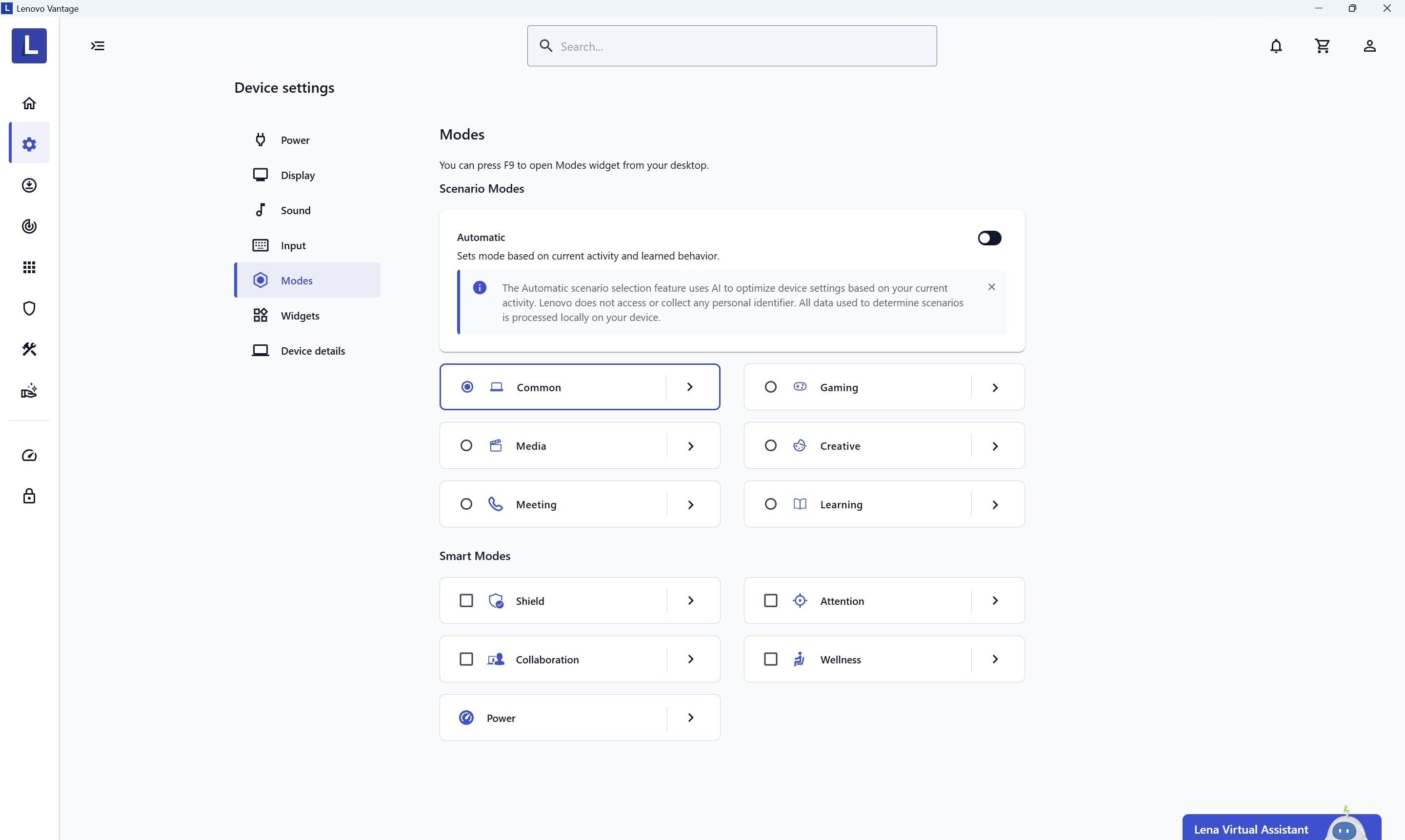
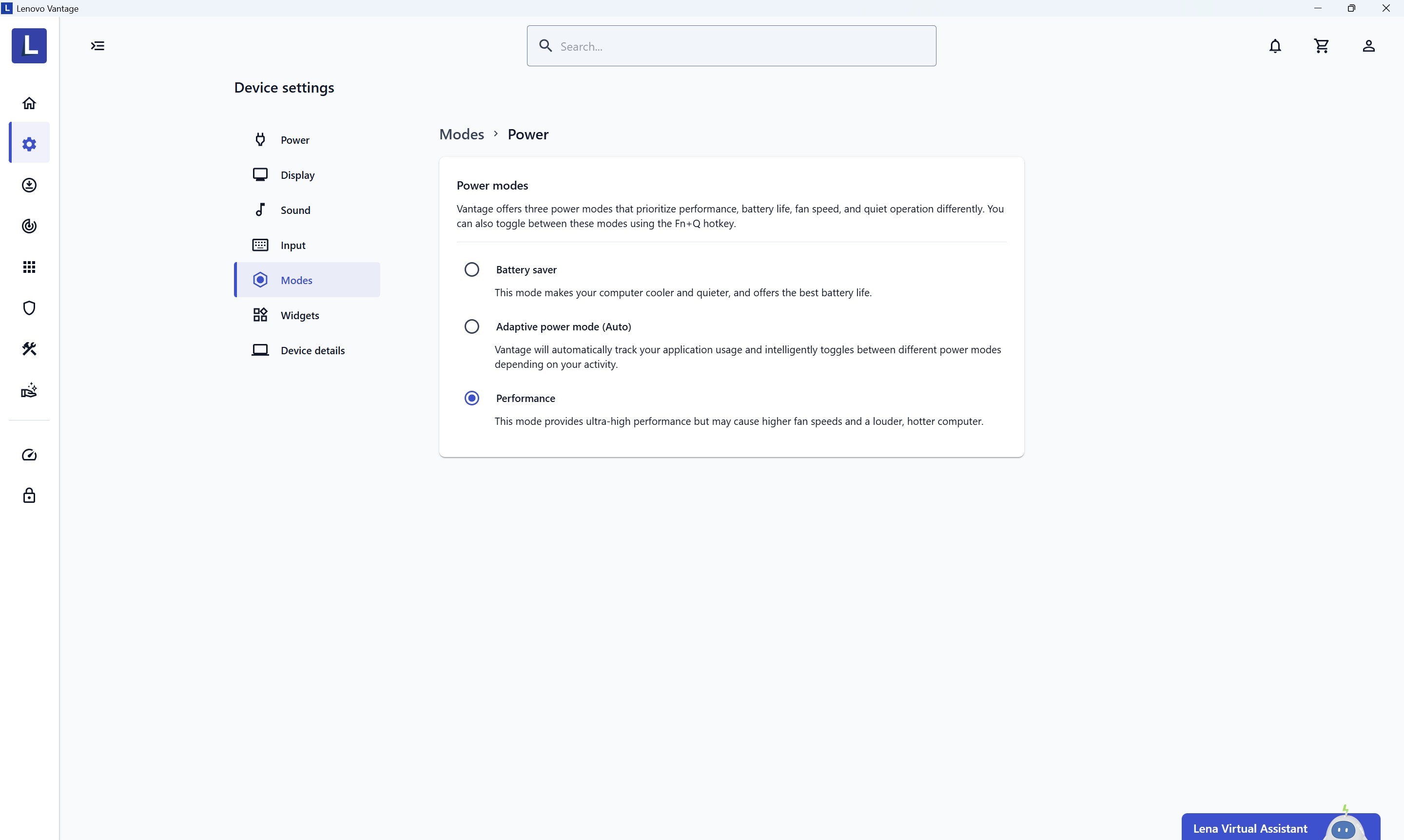
Automatic scenario mode is AI-based, and it adapts and learns from your activity. Other than that, you can turn it off and tell the laptop that it is going to be utilized for Gaming, Meeting, Learning, etc.
Smart modes are designed to save you time. For example, if you select Wellness, the system will remind you to take a break periodically if you spend a lot of time in front of the screen. Collaboration mode applies background blur, autoframing, and boosts the detail in low-light environments during video calls.
All these modes are part of the features bundled in the Aura Edition, which also includes the Smart Share app. After a quick initial setup, you can share photos from your smartphone just by tapping it against the laptop. The galleries between the two devices can be synchronized.
Smart Care is part of Lenovo Vantage. It provides guides to help you understand your notebook's functions, along with troubleshooting videos, a user guide, and access to troubleshooting categories.
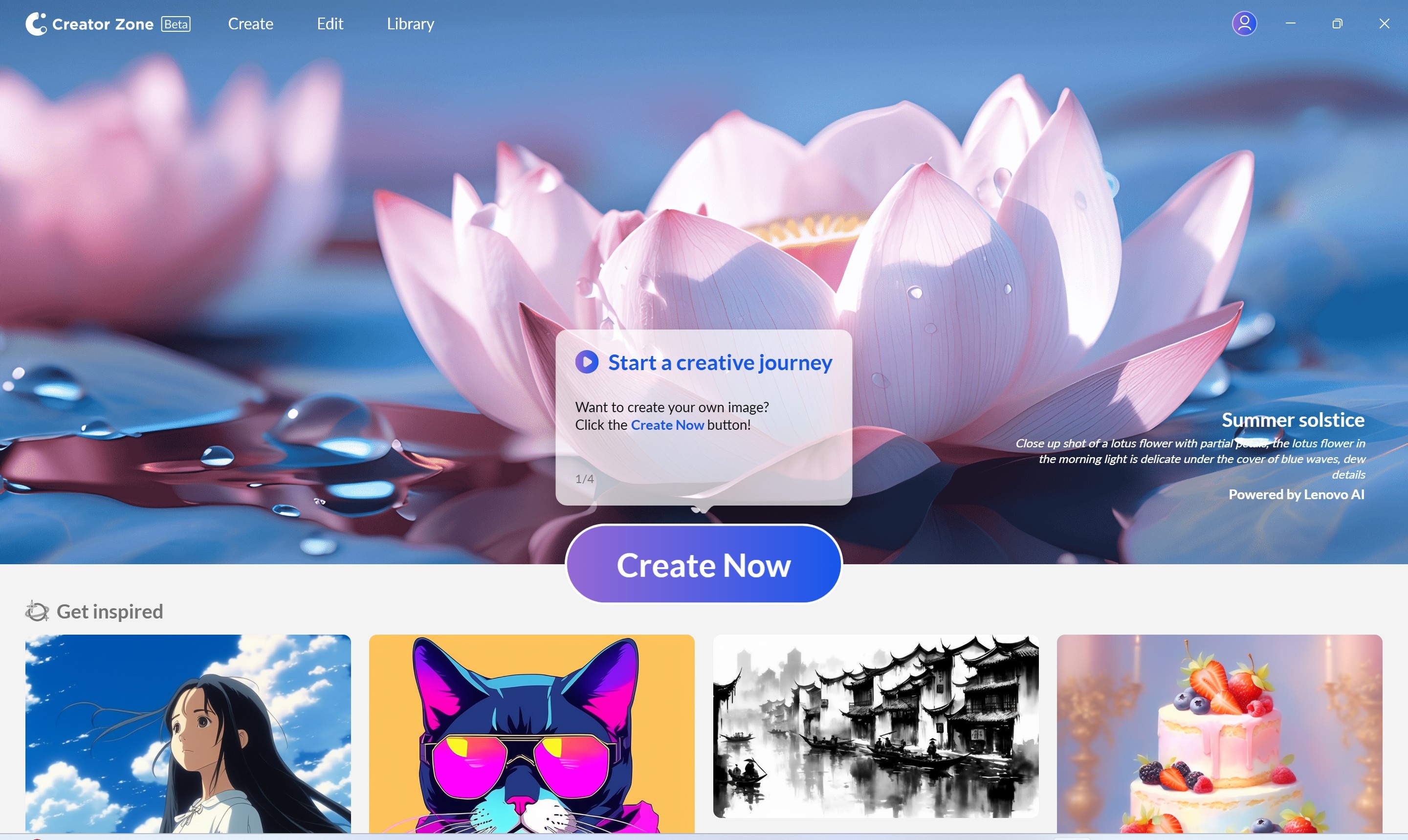
Creator Zone is pretty fun. You can use it to generate images or take existing photos and a brief text prompt to create an AI video.

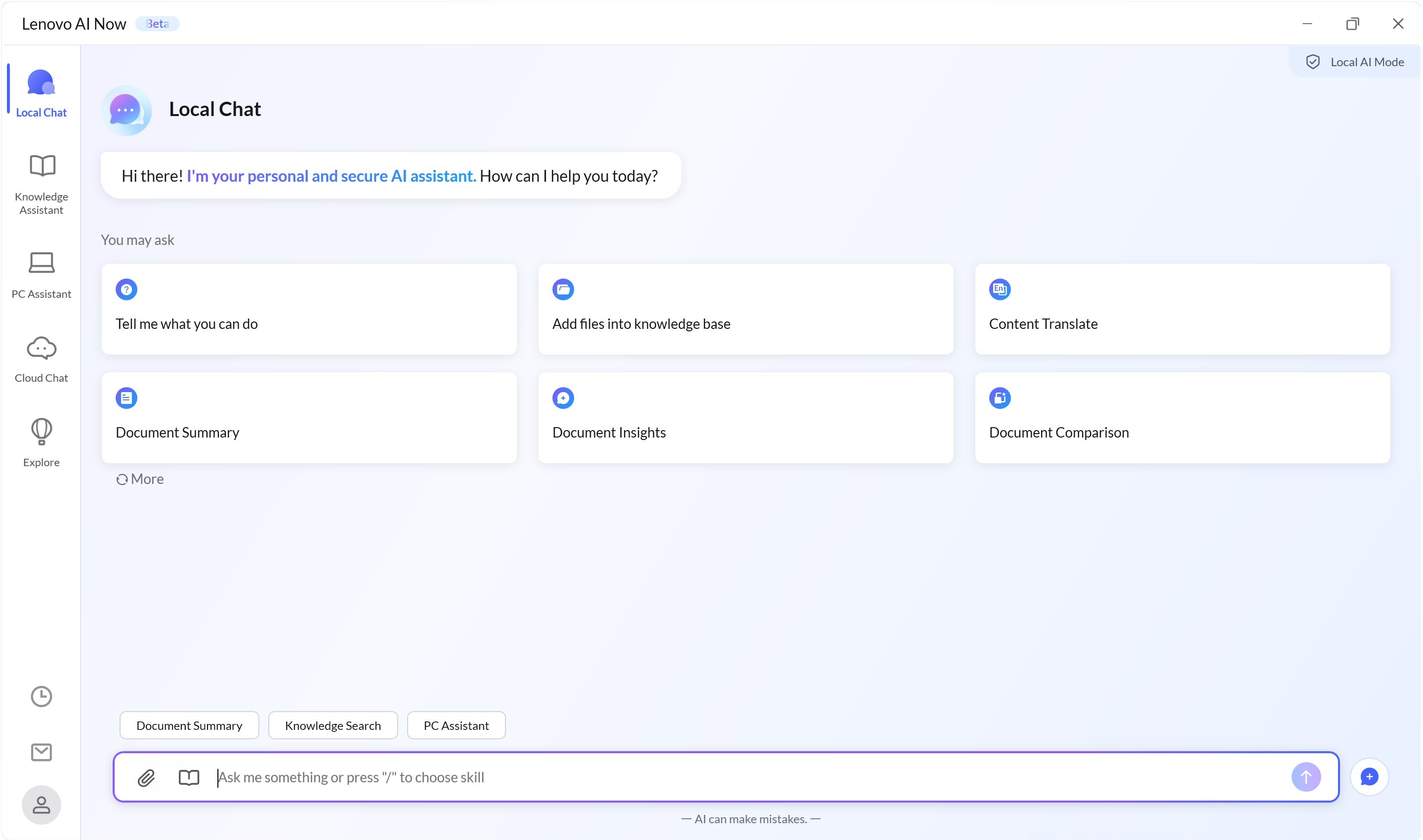
Lenovo AI Now is handy for work since it can compare different documents, give an insight or summary of a whole text, or search for specific data.
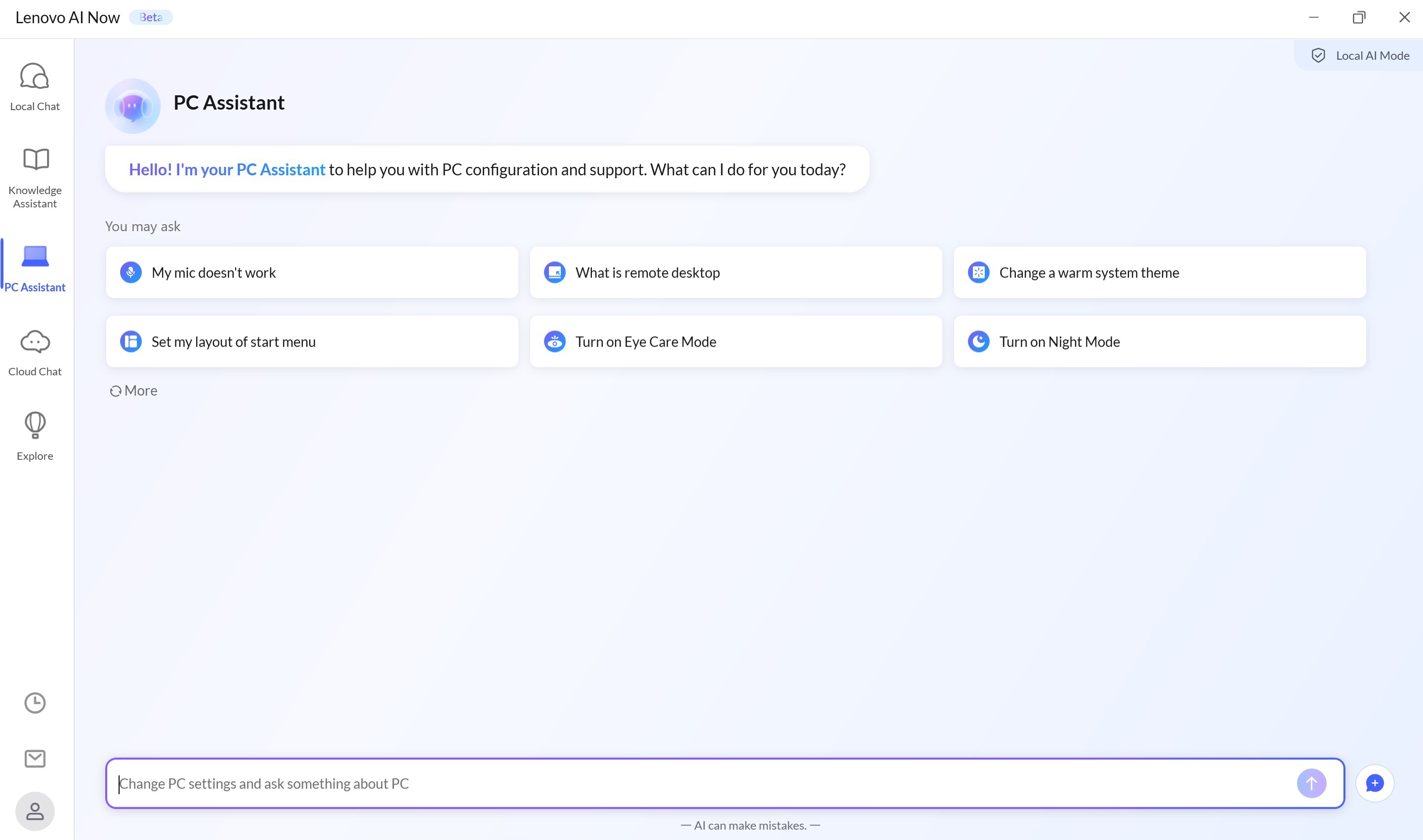
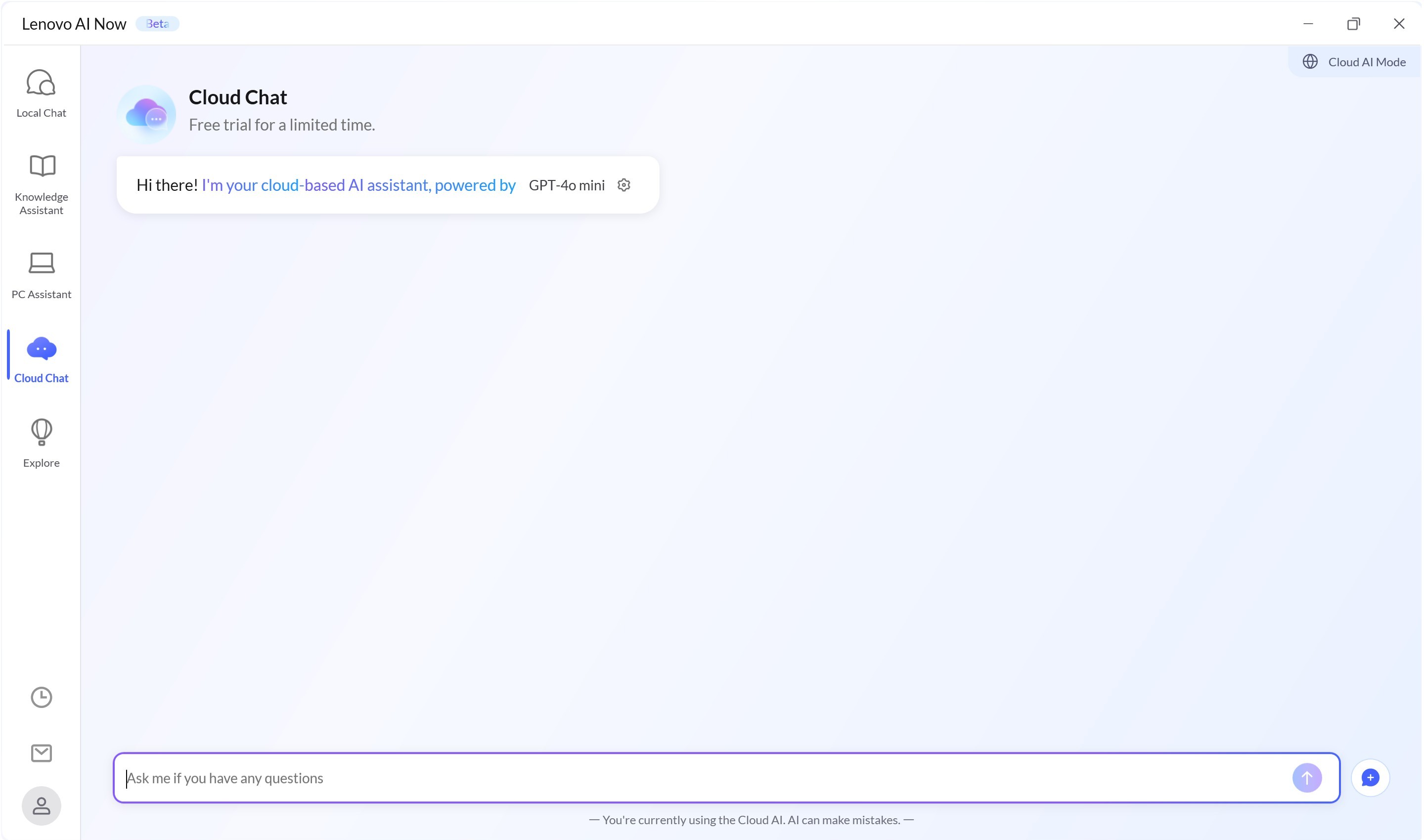
It can turn on or off some crucial functions such as Night Mode or Performance mode, and provides a cloud-based AI assistant.
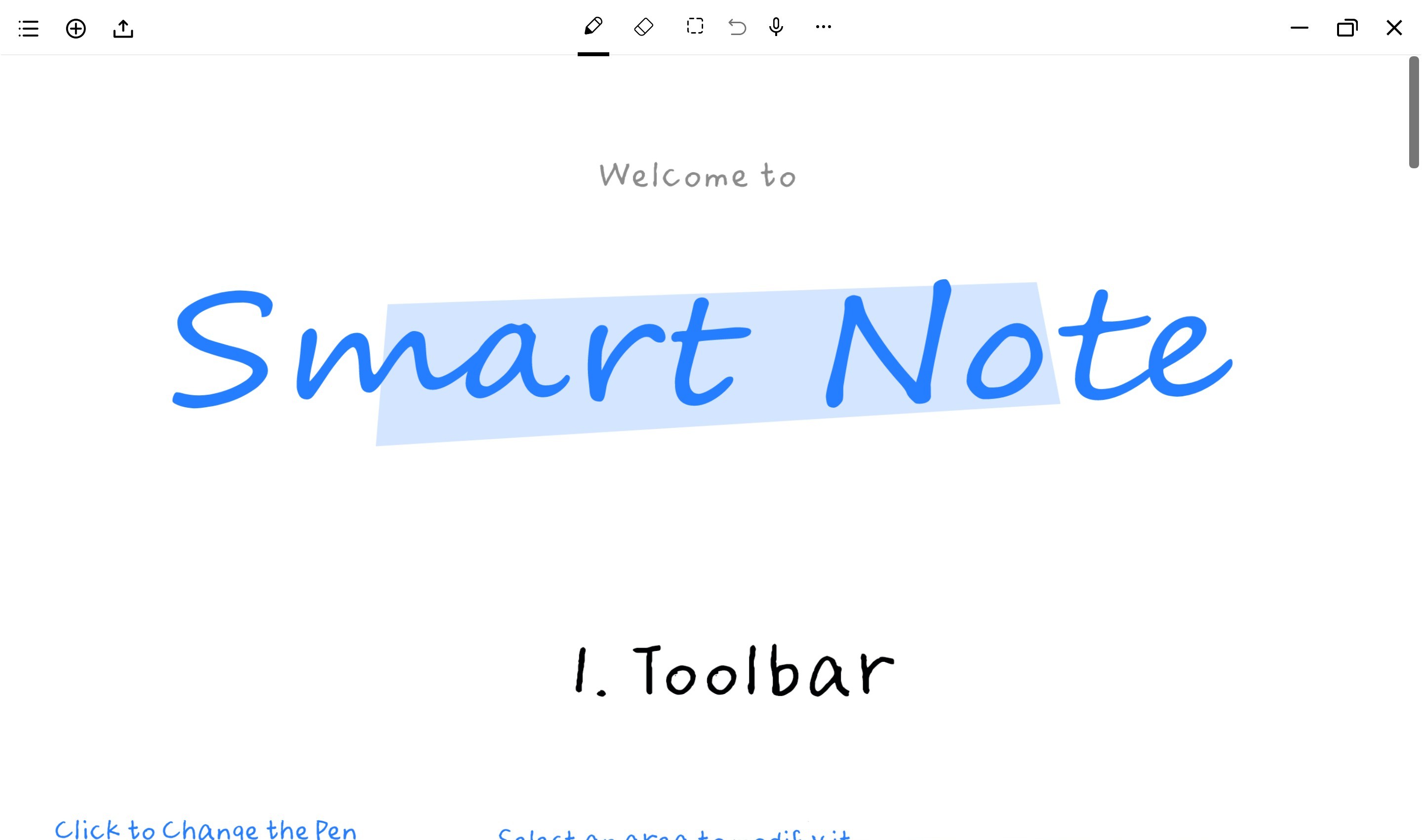
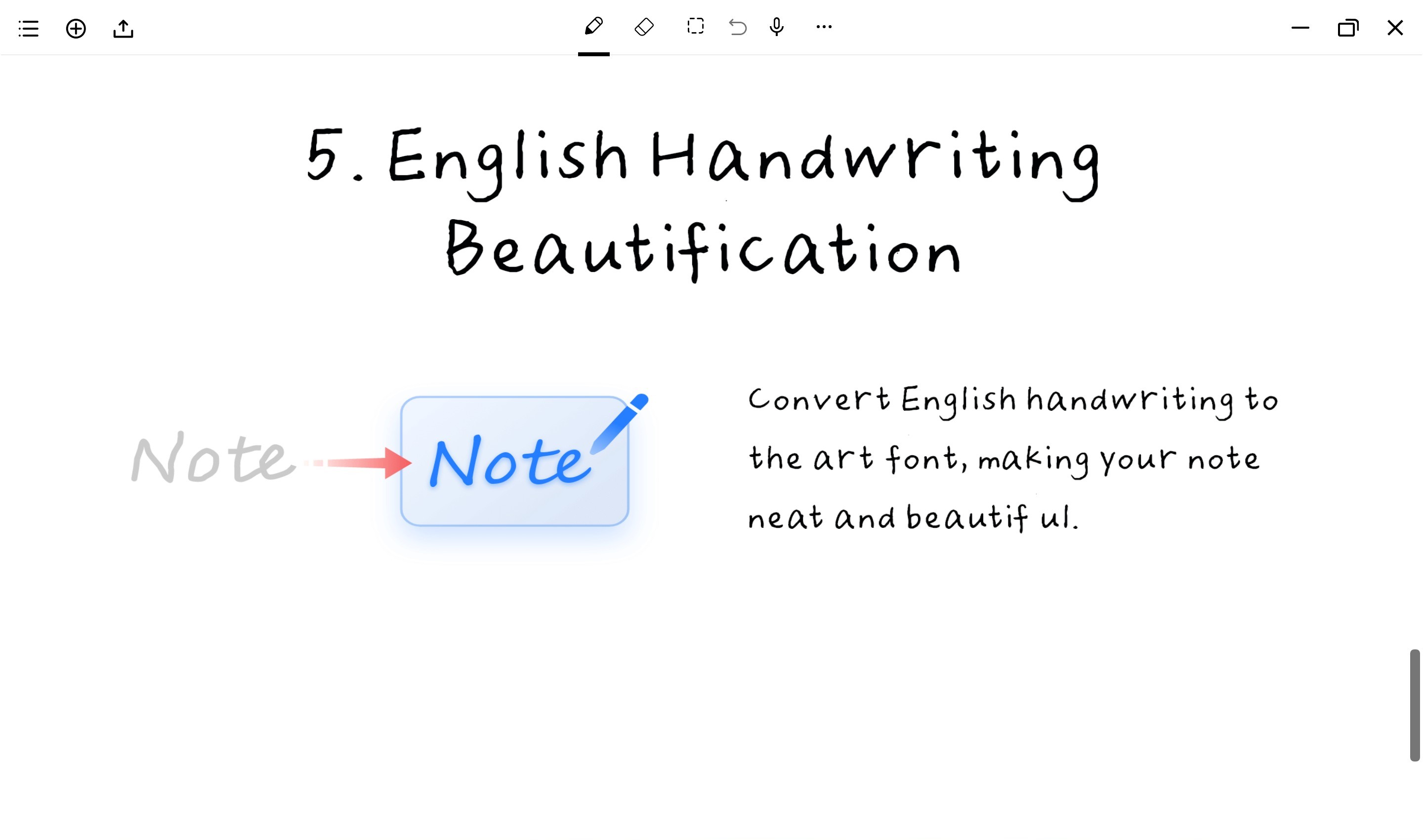
Smart Note can convert your handwriting to much more eye-candy art font.
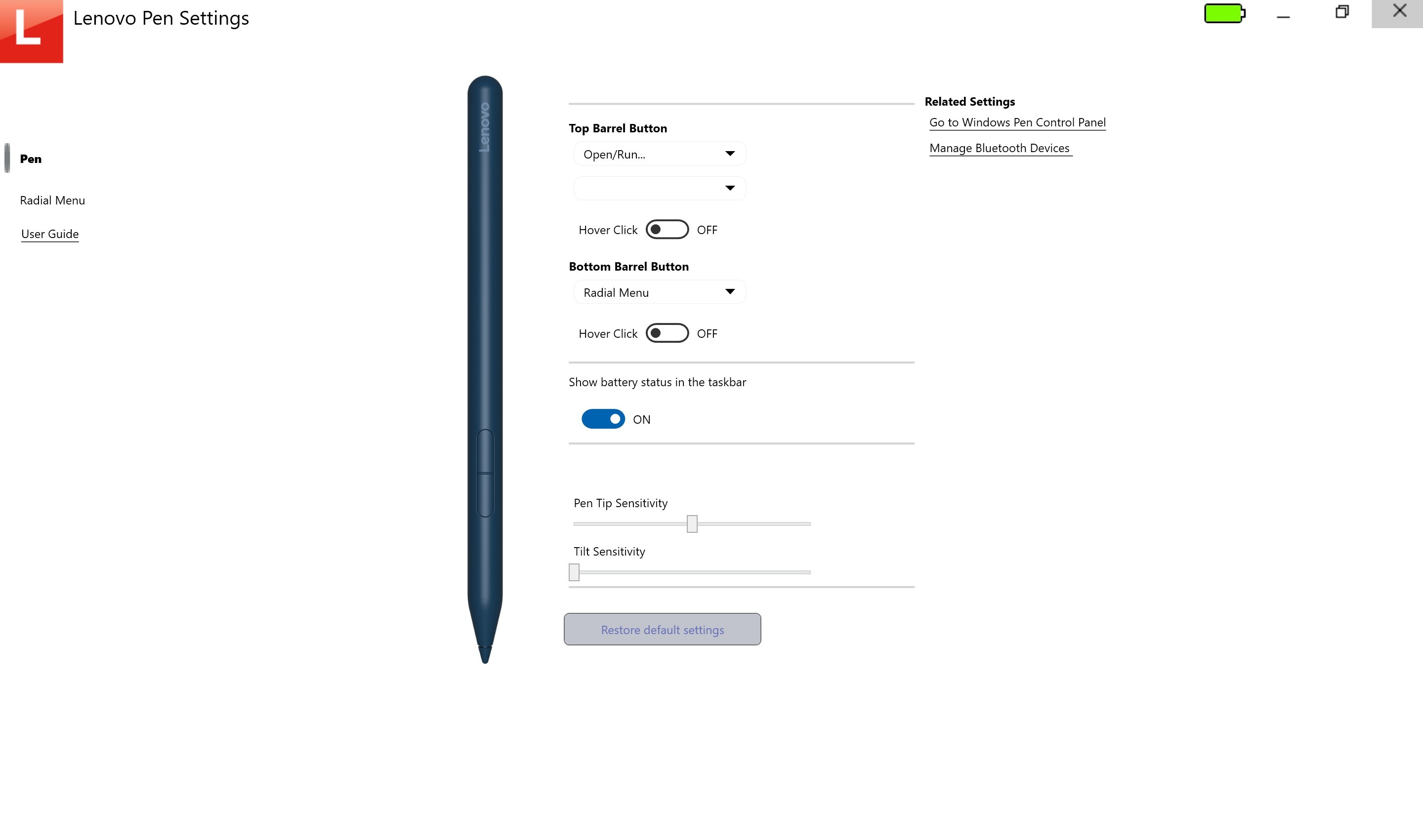
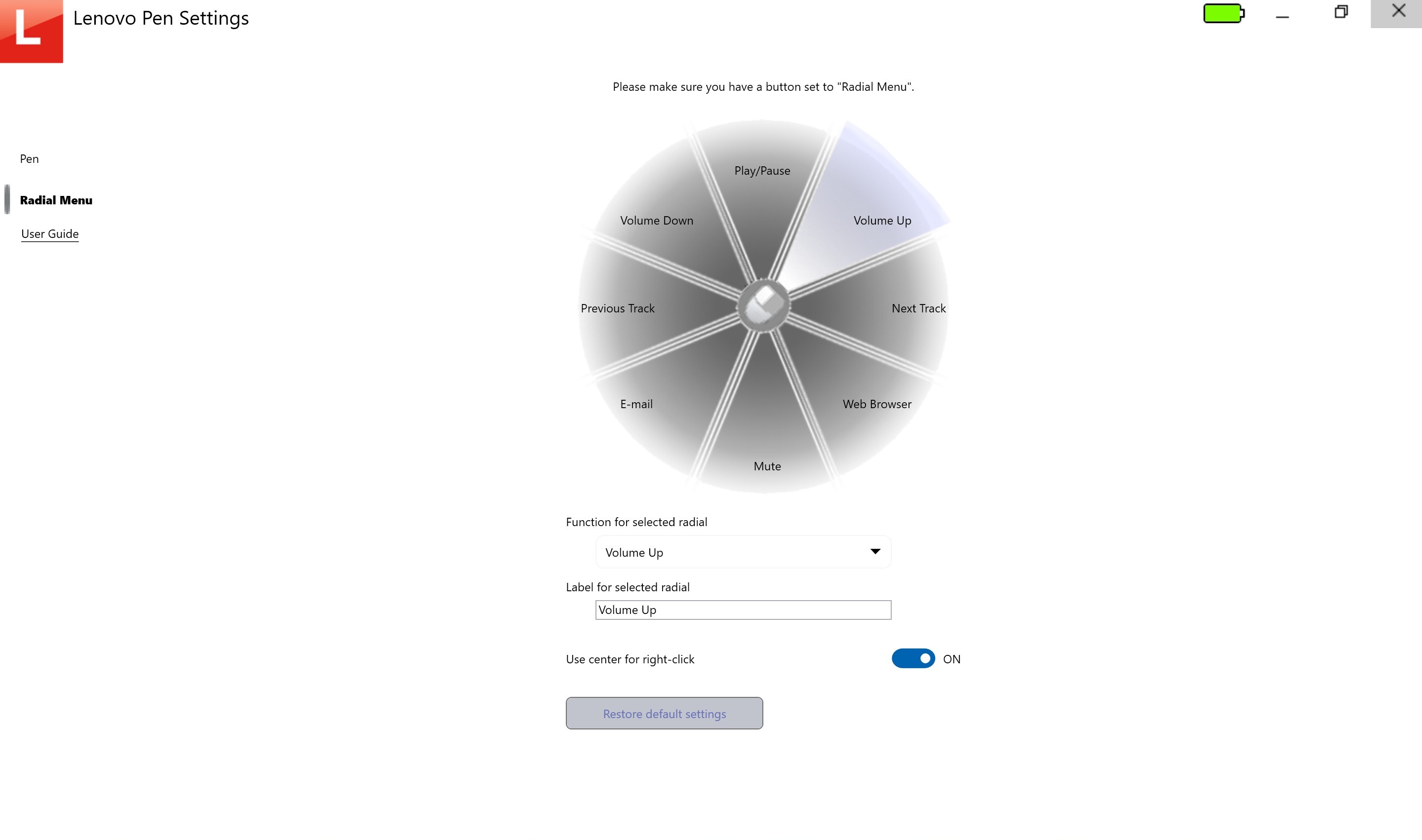
You can also fine-tune the Lenovo Pen settings.
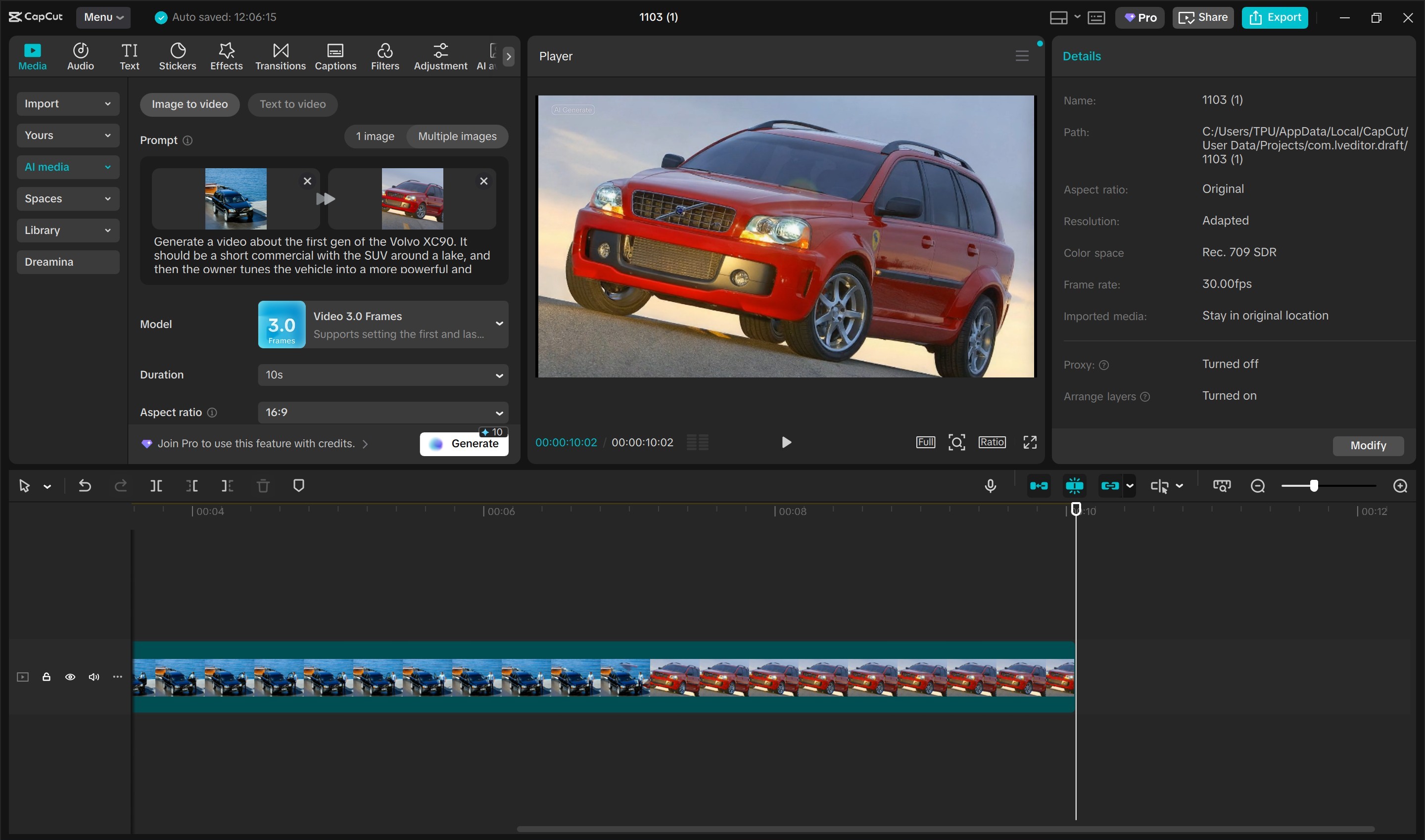
Finally, using CapCut, I was also able to generate a short 10-second clip using two photos and a brief text prompt.
Nov 18th, 2026 21:14 PST
change timezone
Latest GPU Drivers
New Forum Posts
- Honestly, do you care about GTA VI? (151)
- Without Jensen, PC gaming will be (46)
- TPU's Nostalgic Hardware Club (22168)
- Dual B70 or Dual R9700 Pro on Linux (7)
- Time to upgrade CPU and MOBO (40)
- Windows 11 General Discussion (7730)
- 26.11.2 Adrenalin Edition is out (0)
- [Poll] 12V-2x6 Connector Protection: What Are You Using? (WireView / Ampinel / Equalizer / Other / Nothing) (42)
- Got a new laptop! What should I do with it? (6)
- What are you playing? (26235)
Popular Reviews
- Acemagic Retro X3 Review
- Upcoming Hardware Launches 2027 (Updated Nov 2026)
- Ugreen NASync DXP4800 GT Review
- AMD Zen 6 Technical Deep Dive
- Pulsar Office Tour & First Look at P1 Dual-Sensor Mouse
- Biwin Black Opal NV7400 2 TB Review
- Sapphire Radeon RX 7700 XT Pure Review
- Chieftec Iceberg PRO 360 DARK Review
- Sapphire Radeon RX 7700 XT Pulse Review
- ASUS ROG Strix B850-I Gaming Wi-Fi7 W Review
TPU on YouTube
Controversial News Posts
- NVIDIA Co-Founder and CEO Jensen Huang Officially Resigns (483)
- Report: Jensen Huang Eyes NVIDIA Comeback (196)
- Open Letter Asking NVIDIA to Reinstate Jensen Huang Passes 115,000 Signatures (184)
- OpenAI CEO Argues Home PCs Waste the World's Limited DRAM Supply (152)
- NVIDIA Launches Investigation Into Jensen Huang's Relationship With Suspected Chinese Spy (136)
- Intel "Raptor Lake Next" 16-Core and 20-Core CPUs Surface (130)
- Legendary Game Studio BioWare Shuts Down Following EA Layoffs (104)
- Dell CEO Says the Memory Shortage Will Get Worse in 2027 (95)