 11
Lenovo Yoga Pro 7i Gen 11 Aura Edition (15IPH11) Review - Light Workhorse Loaded with Features
Ports & Connectivity »A Closer Look - Outside
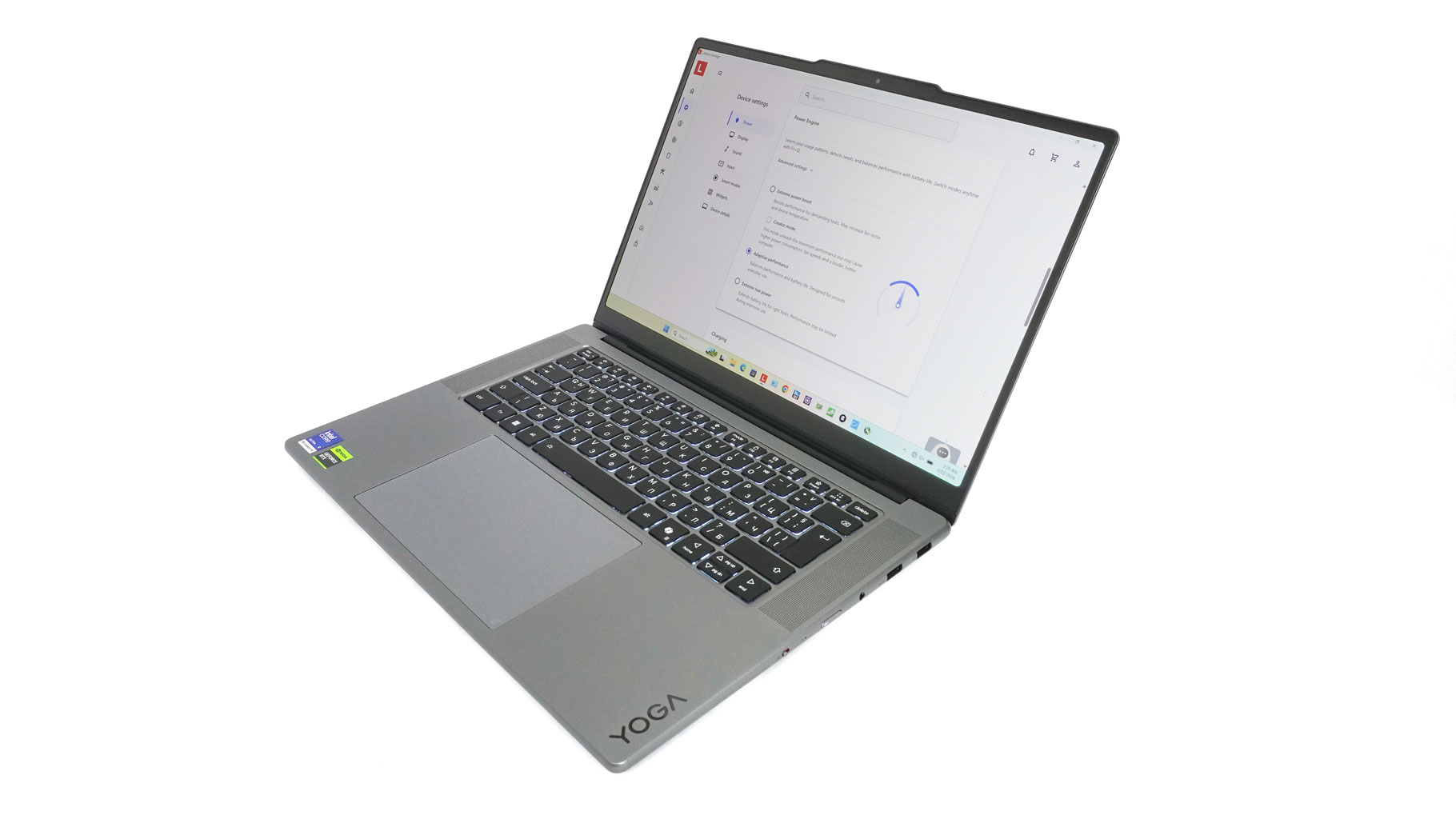
The Yoga Pro 7i Gen 11 doesn't throw any design curveballs. Don't get me wrong—it's a beautifully crafted machine, but it looks distinctly Lenovo. Certain signature design cues have been carried over for years, making it easy to spot the brand from a mile away.
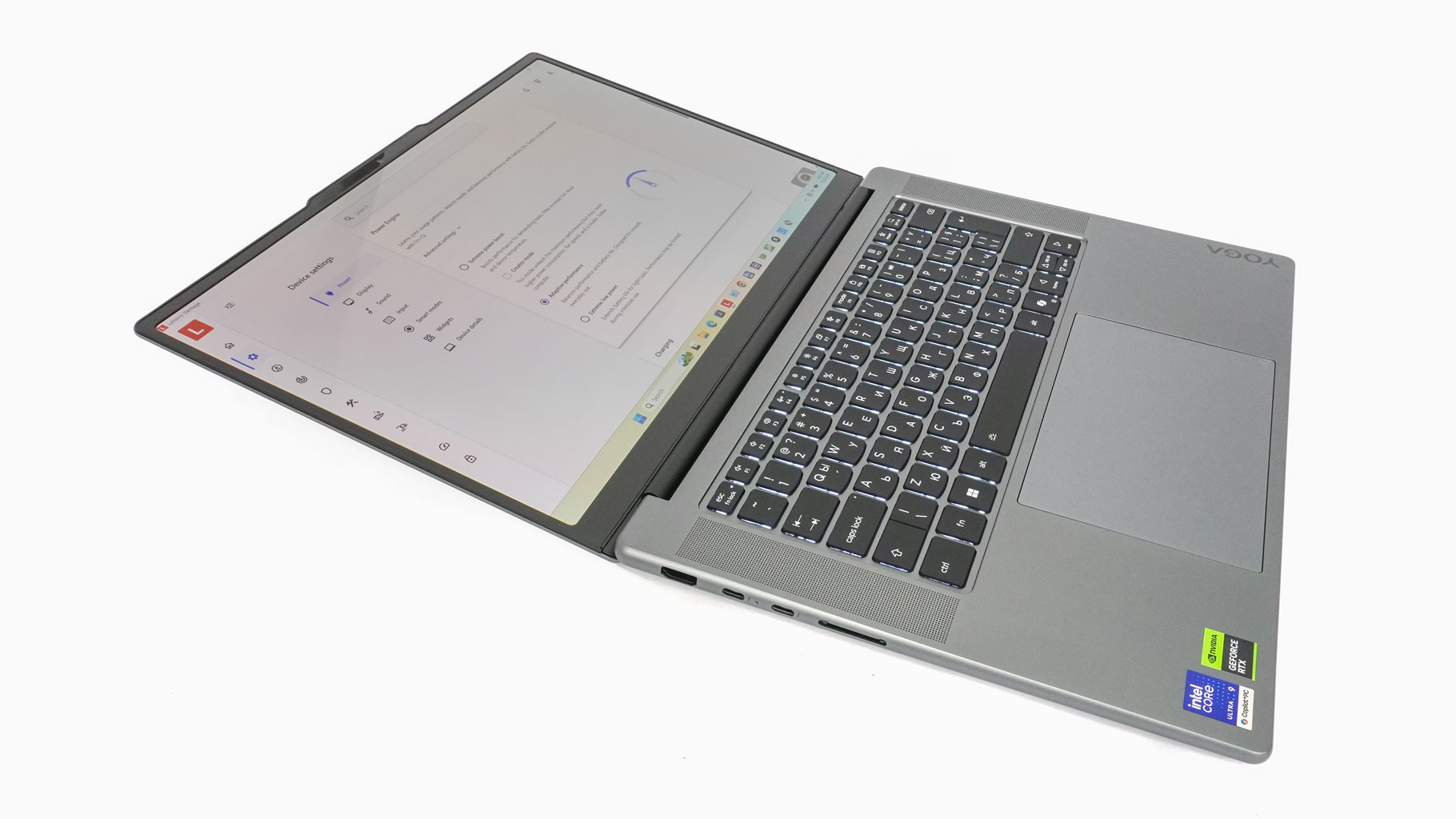
What we have here is a slim, 16.7 mm aluminium chassis with an anodized finish. It's quite light, too—tipping the scales at just 1.59 kg with a standard touchpad, and 1.69 kg if you opt for the version with the Force Pad. Opening this machine completely flat isn't possible, but the lid angle gets pretty close to the 180-degree mark.
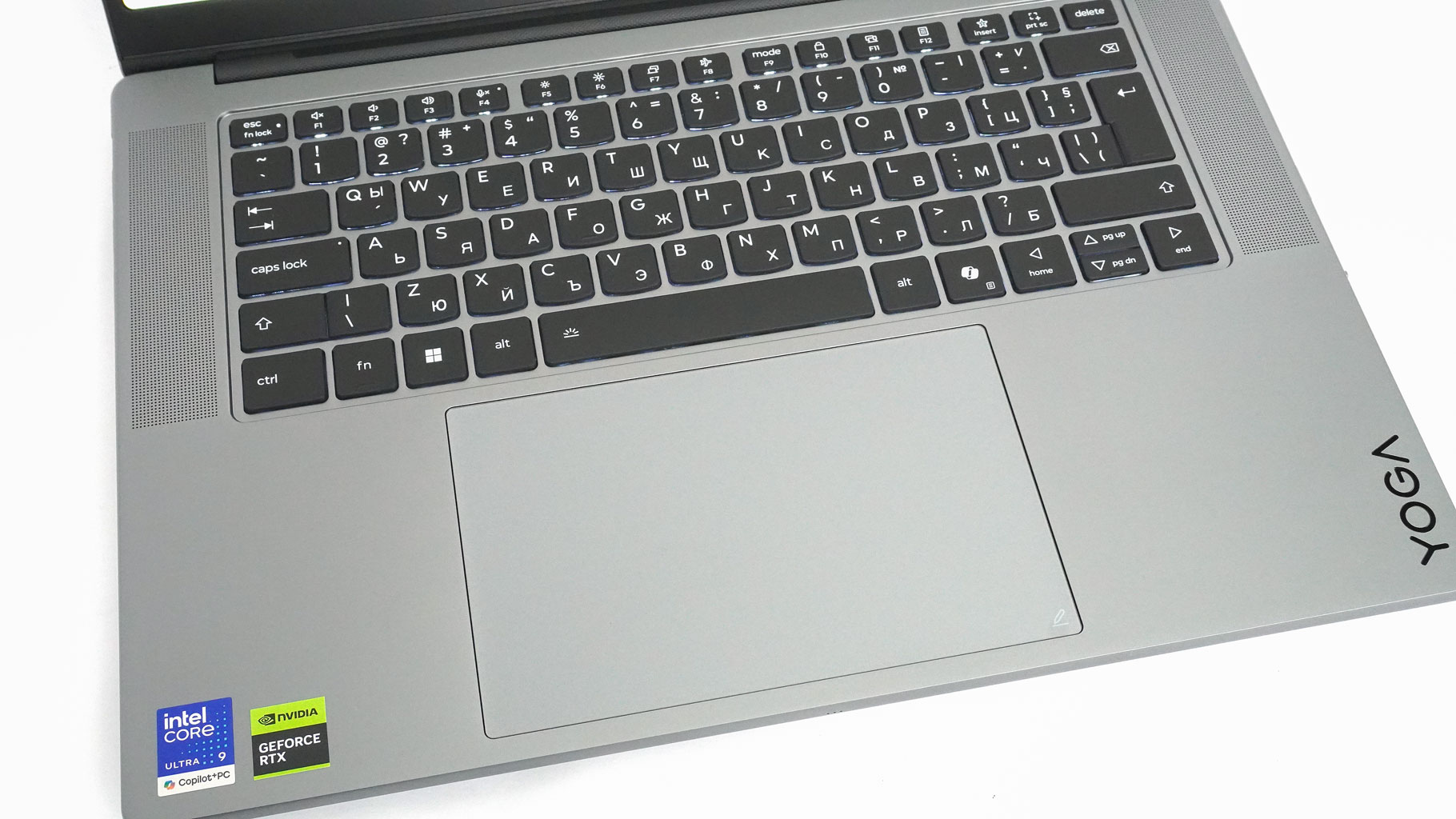
Our unit is equipped with the Force Pad unit. Lenovo did a pretty good job with it. When you grab the optional Yoga Pen Gen 2, the laptop's smart Force Pad instantly doubles as a high-tech sketching surface. A built-in smart sensor turns the trackpad into a sketchpad on the fly, and since the stylus is packed with Wacom tech, the combo feels responsive and precise during work. It's a massive win if you want to edit or doodle on the go without cluttering your bag with extra gear. At a generous 95×150 mm, the trackpad is also perfect for everyday work, and the incredibly smooth glass surface allows for great precision.
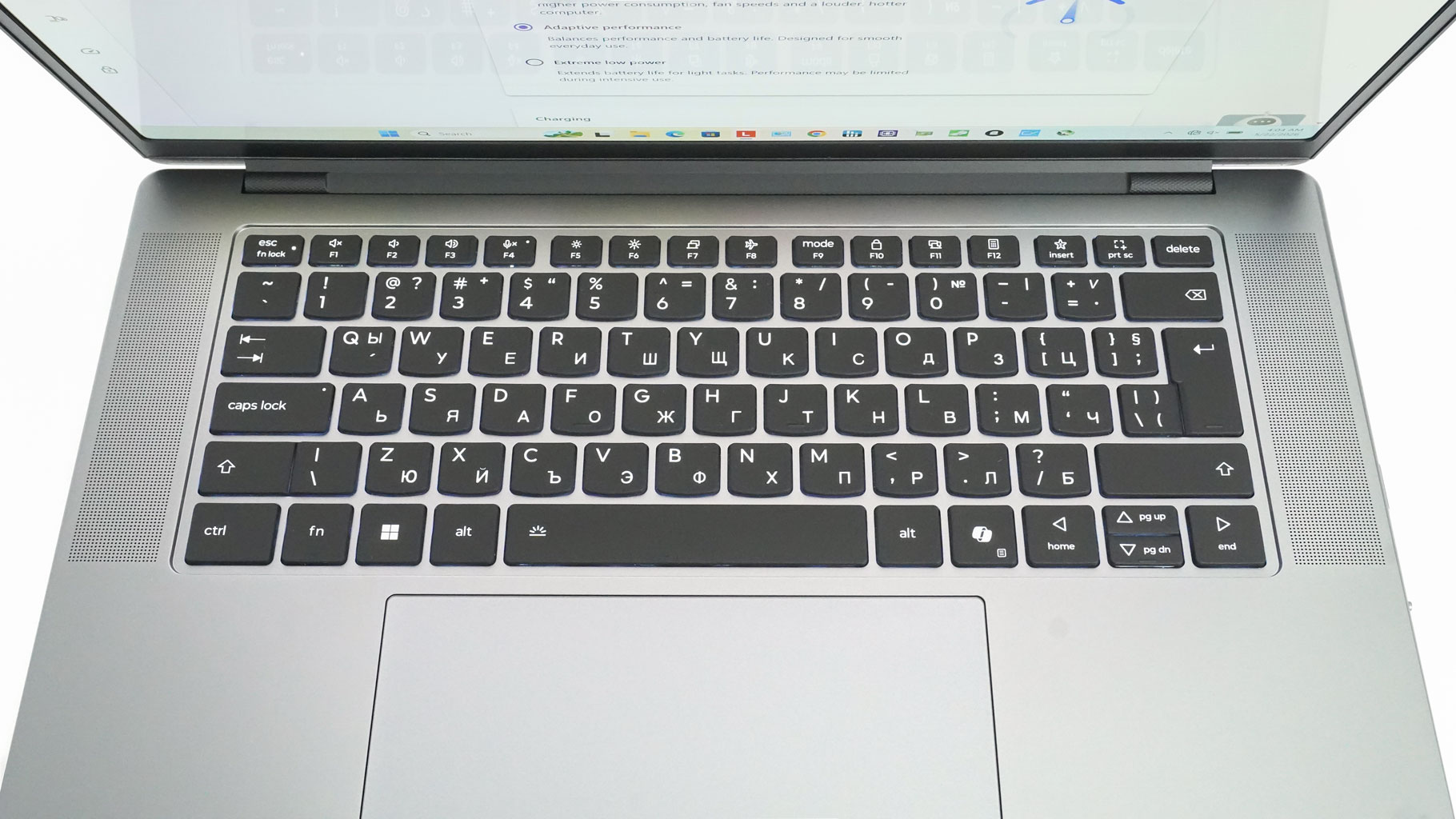
Moving on to the keyboard, it's flanked by two large speaker grilles that hide the tweeters. The nicely dished keycaps feature an oil- and water-resistant coating. Lenovo claims a 1.5 mm key travel. In reality, it feels slightly above average. The feedback is superb, though. It might not be a dream board for hardcore typists, but it's definitely suitable for daily work and even gaming. Speaking of which, the backlight can be toggled via the Fn + Space combo using Auto, Low, and High presets. If you really can't live without a Numpad, you can opt for the Lenovo Go Wireless Numeric Keypad. As you can tell, the full number pad was swapped for an extra pair of speakers here. Before getting mad about that, let me tell you: the audio setup is absolutely mind-blowing. Oh, and the F12 key doubles as a calculator shortcut—a small touch I absolutely love!
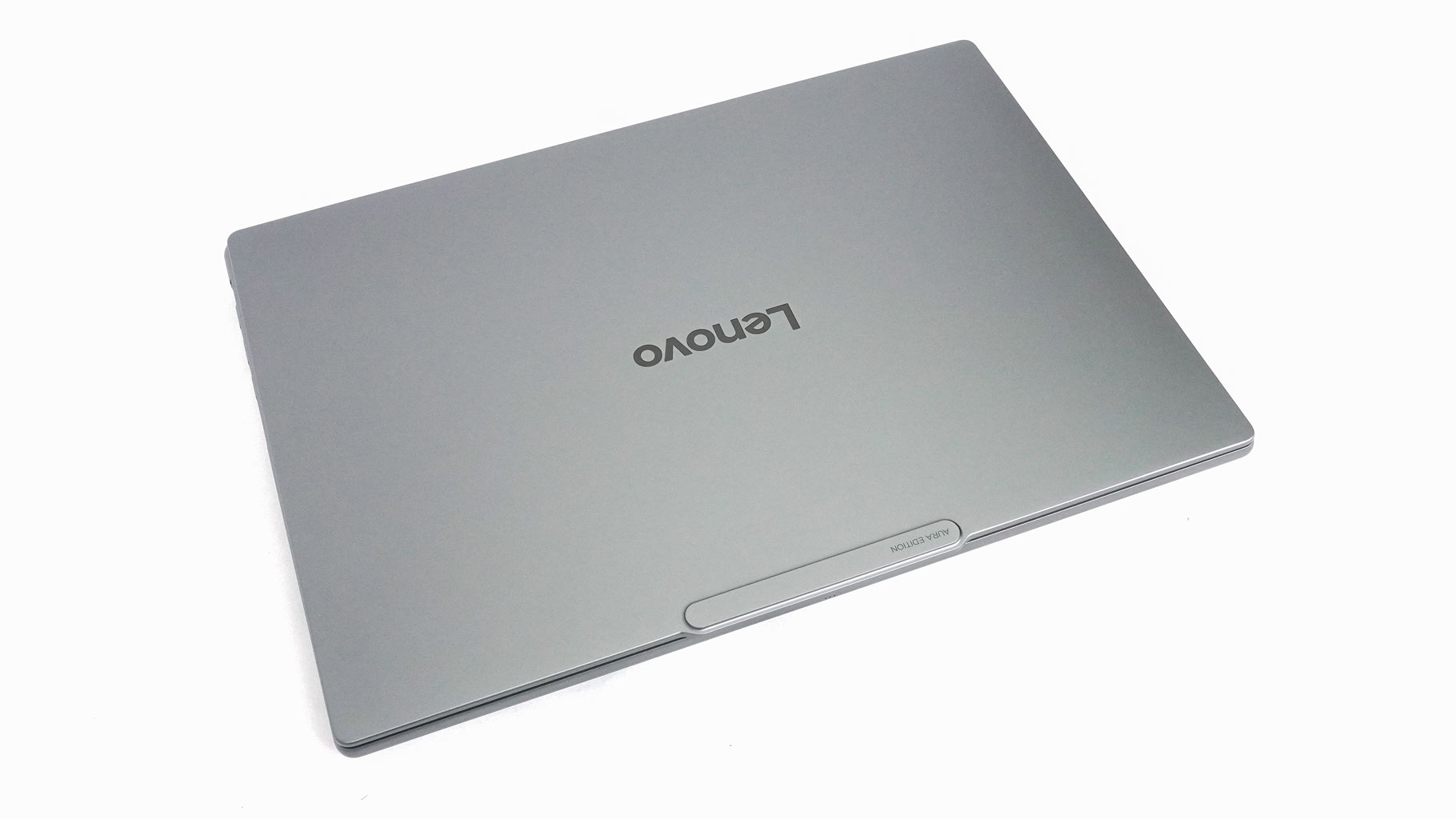
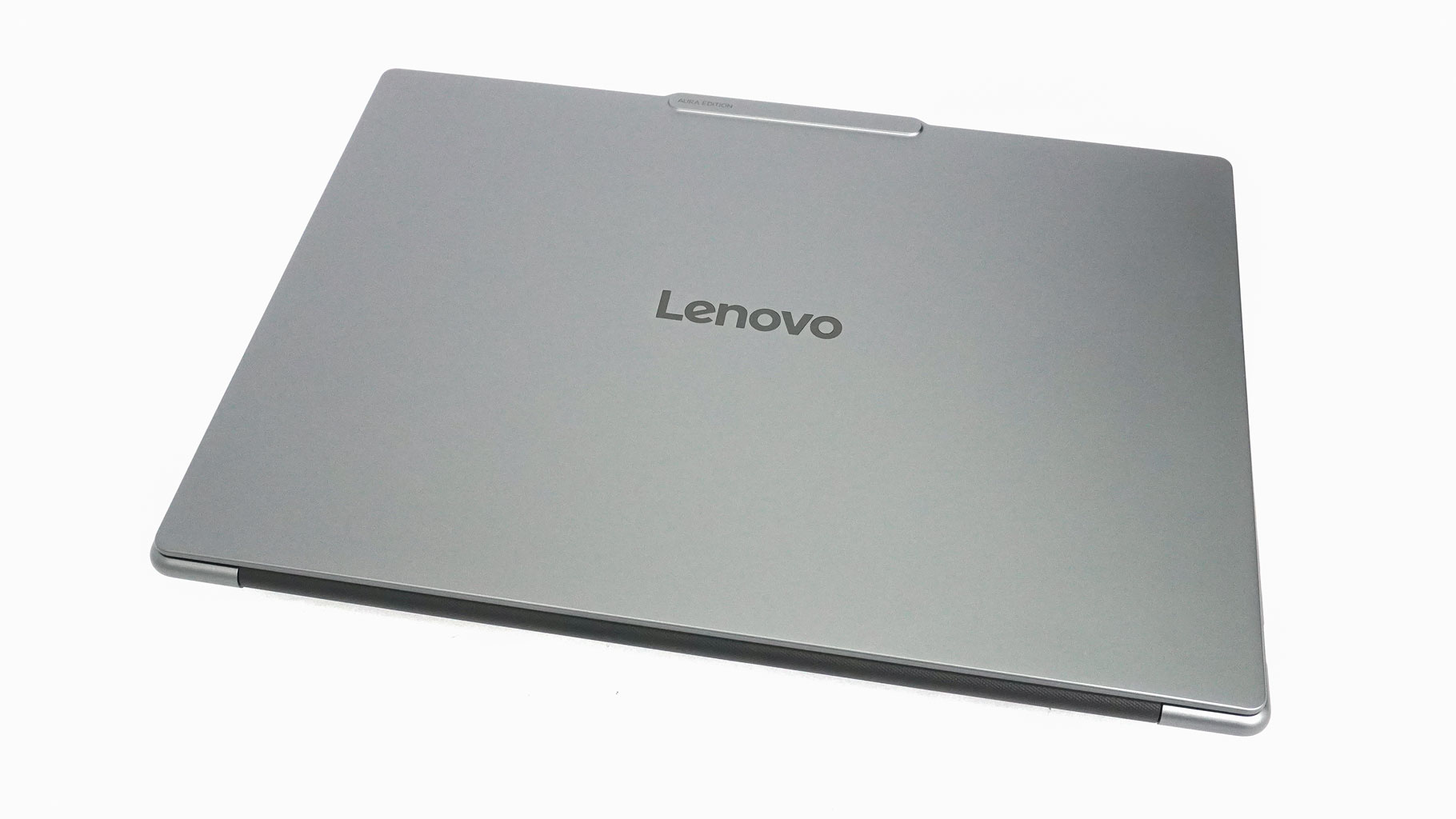
The metal chassis feels rigid, particularly the main base. The lid isn't exactly flimsy, but you can twist or flex it a bit if you try—nothing serious, just standard behavior for a slim display profile. The curved edges are a win in my book since they don't dig into your wrists during long typing sessions.
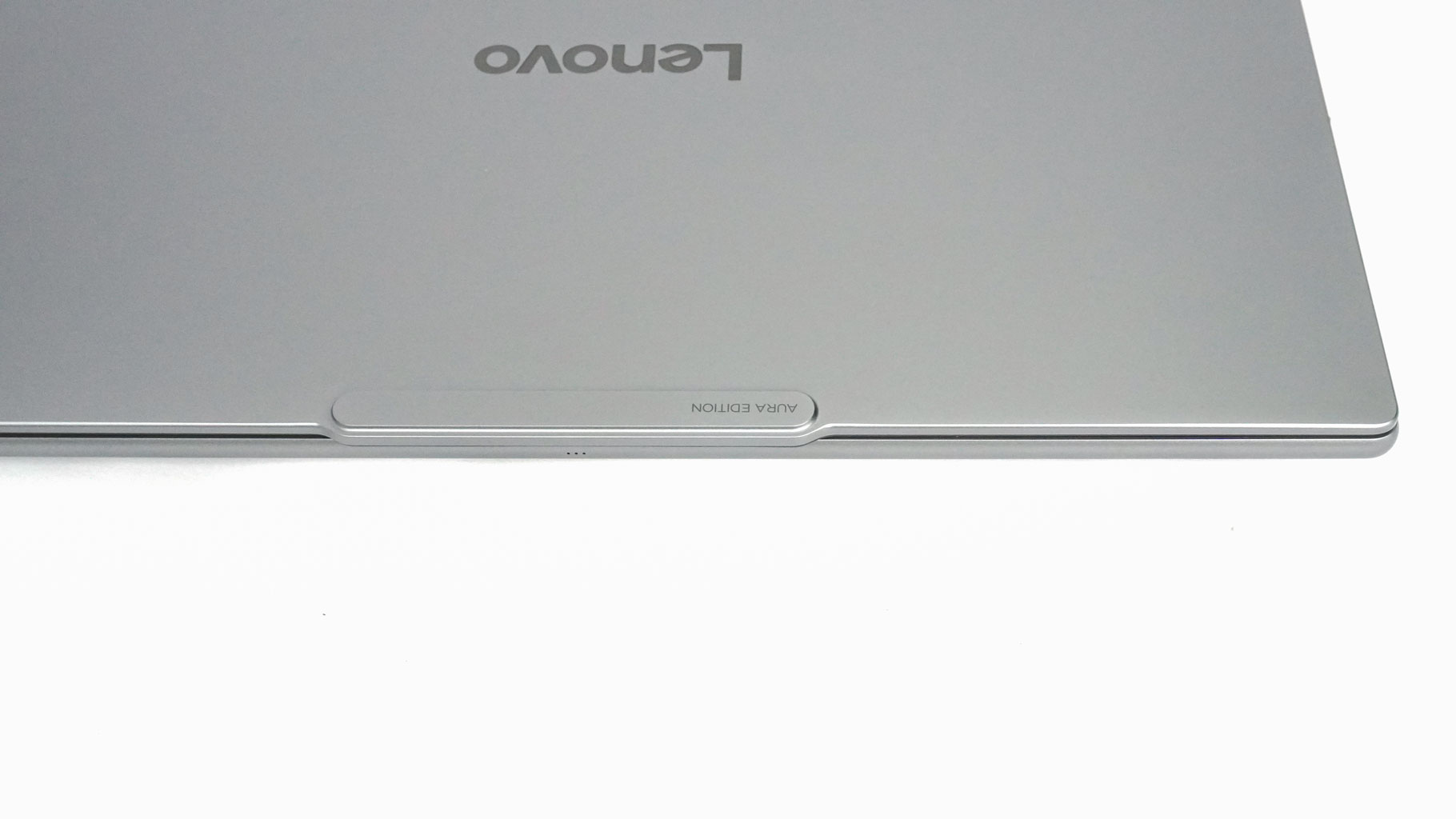
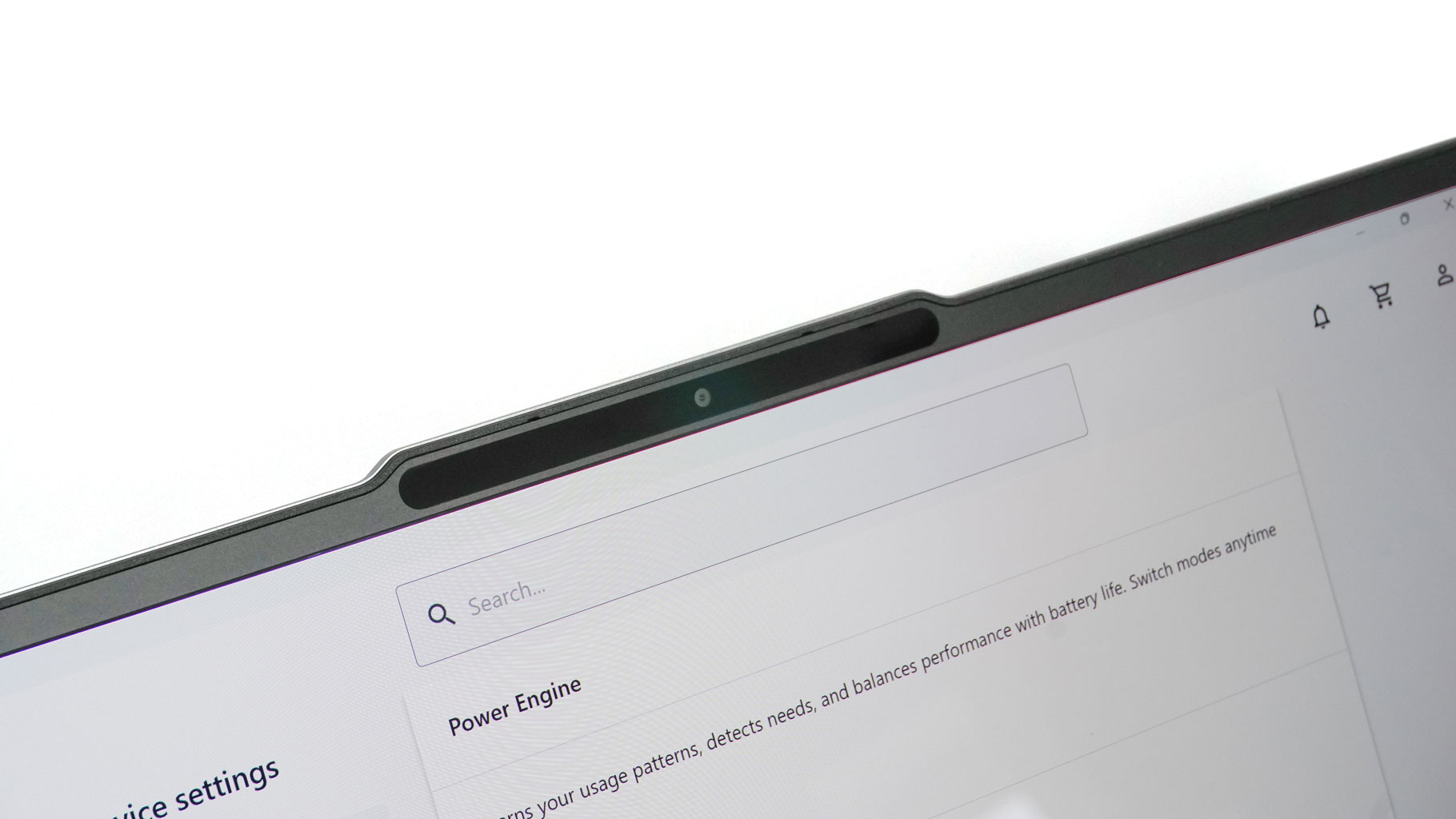
The signature top lip makes it easy to open the machine with one hand. It also houses the 5 MP webcam which features Windows Hello facial recognition, paired with an E-shutter switch on the right side of the chassis.
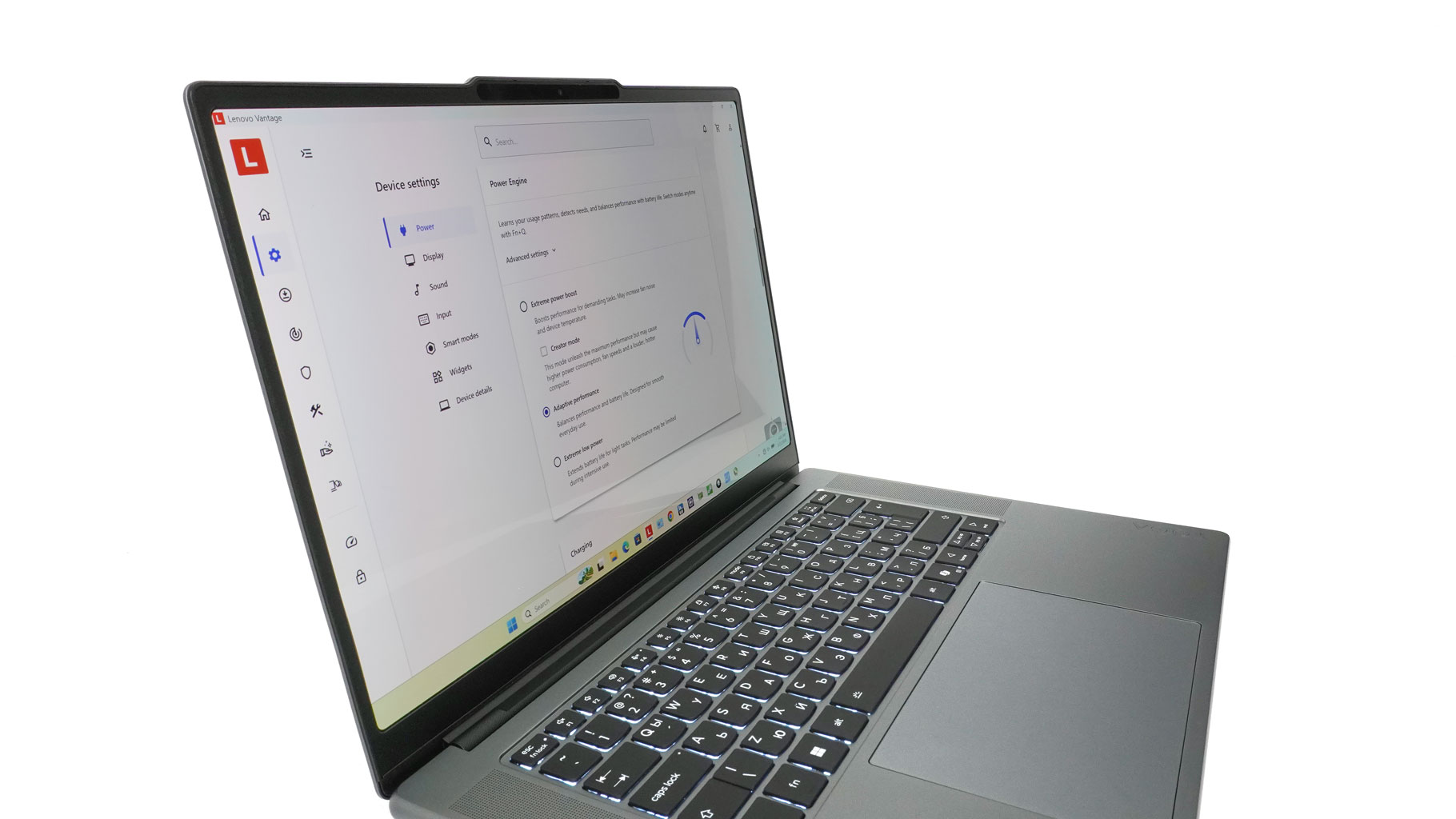
The bezels around the OLED screen are thin. Interestingly, the screen corners are actually rounded, which is a bit unusual. I'm not exactly sure if I like it or not—personally, I prefer standard, sharp 90-degree corners. It's not a huge deal, though, and some users might not even notice it.
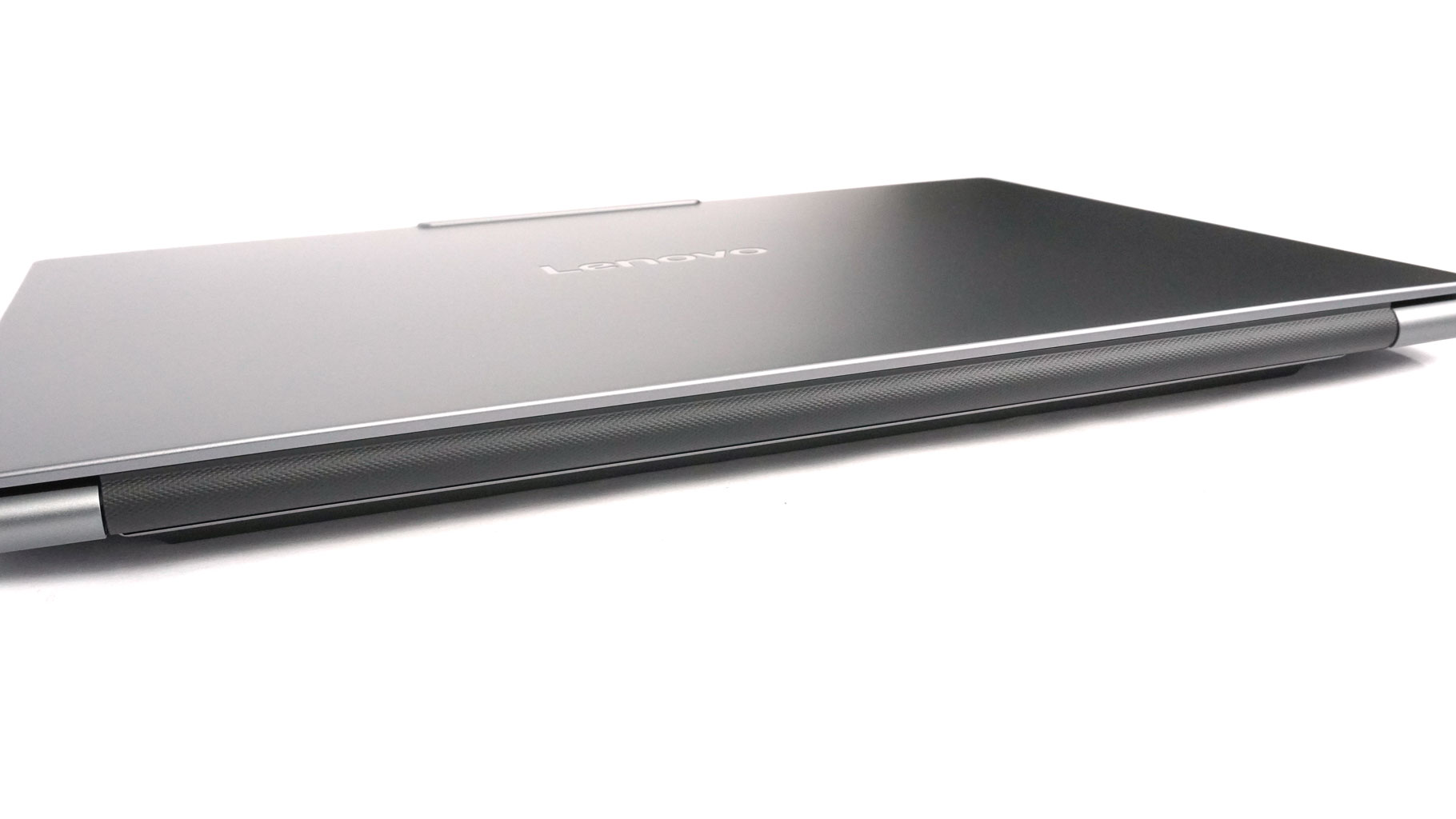
The barrel-style hinge cover is plastic, featuring a rhomboid pattern on the outside that's actually pretty grippy.
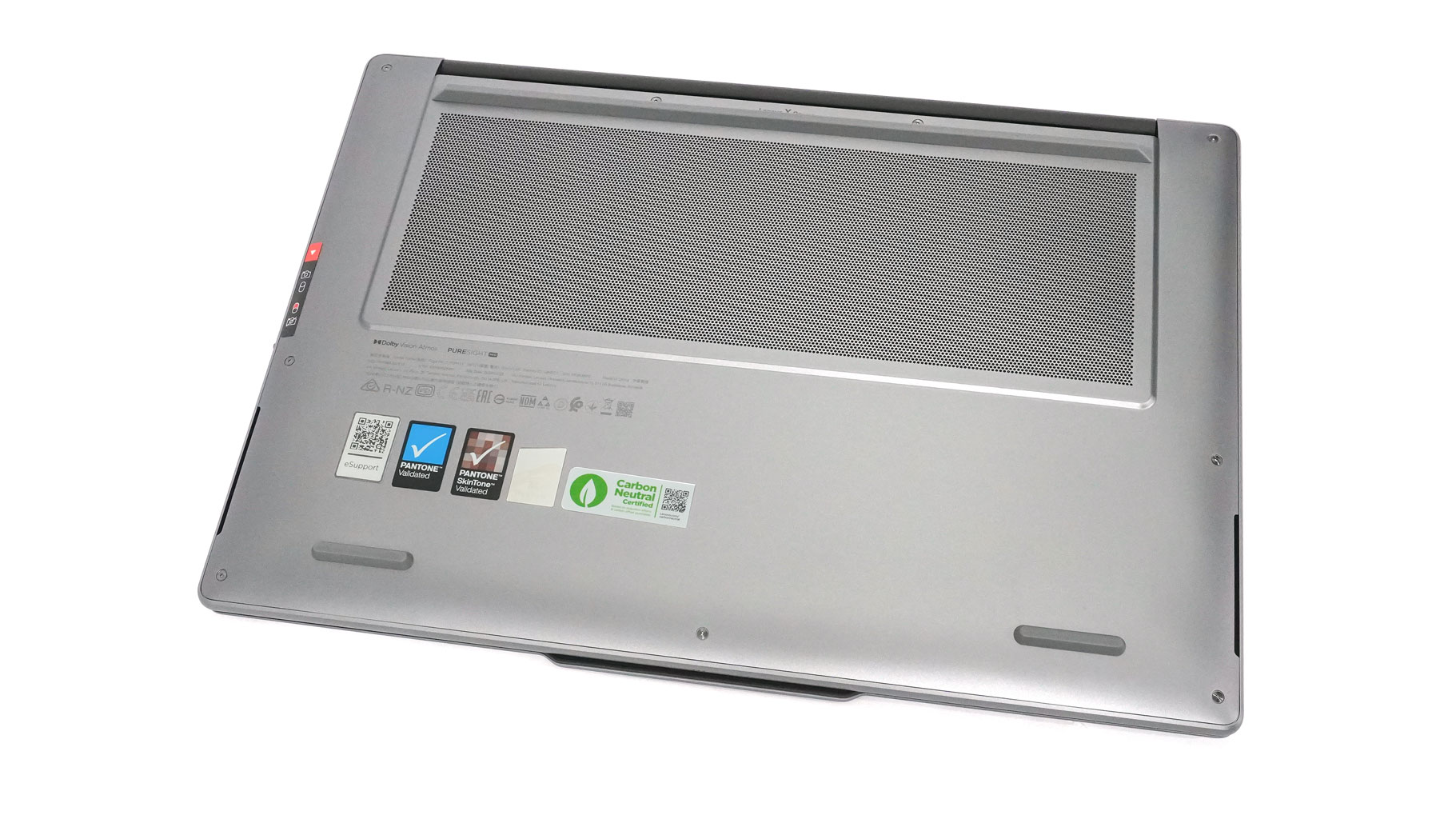
Flip to the bottom, and it's business as usual for a Lenovo machine of this caliber: one massive ventilation grille and two front-firing woofers on the sides. The three rubber feet seem a bit taller than usual, which is great news—more fresh air can easily reach the Lenovo X Power thermal system.
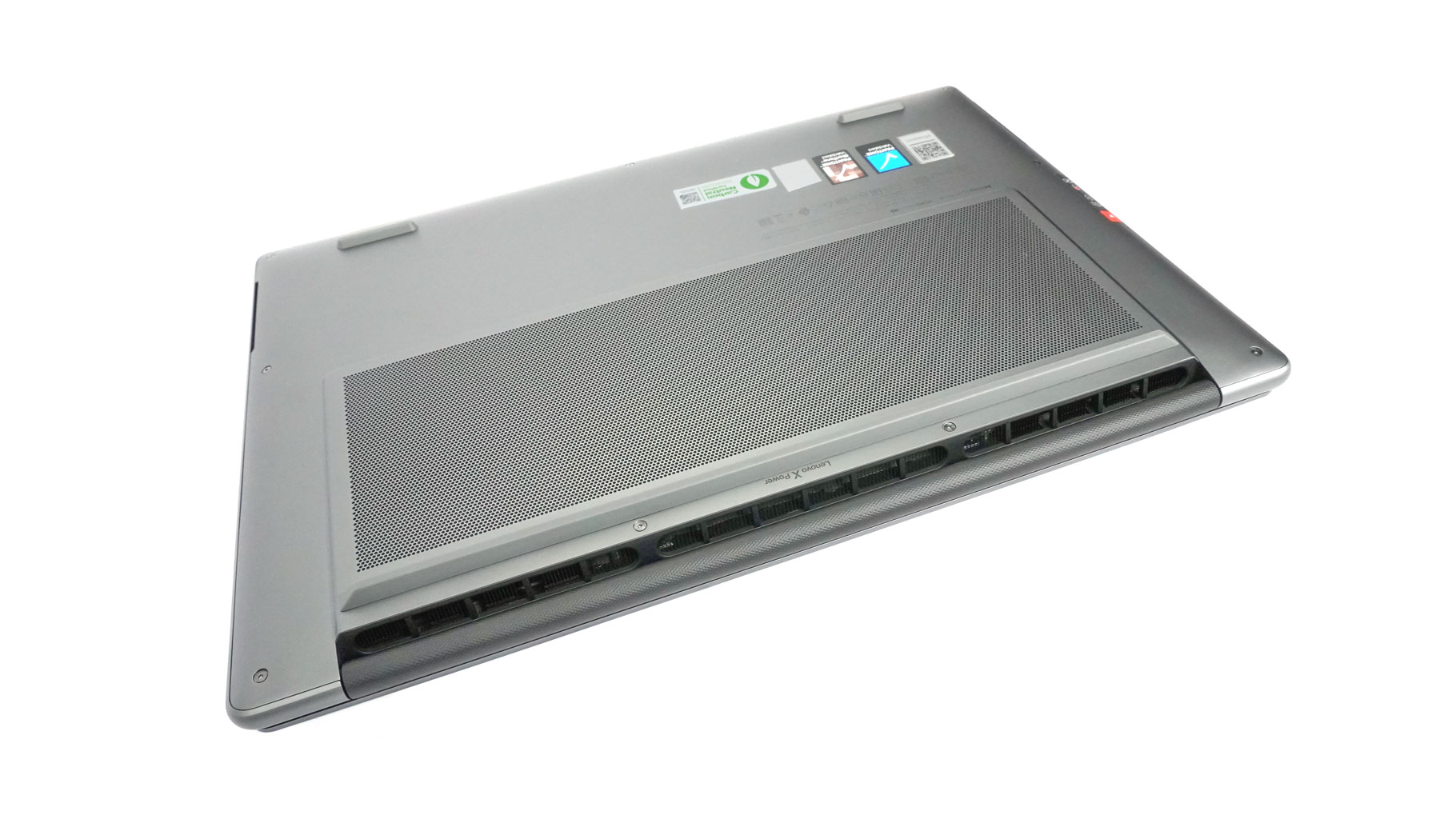
Lenovo also mentions that the three rear exhaust vents have been enlarged. All of these minor tweaks really add up when you're dealing with such a thin chassis and an RTX 5000-series GPU.
Nov 27th, 2026 20:10 CST
change timezone
Latest GPU Drivers
New Forum Posts
- -18C on GPU by moving it to the front of the case. (18)
- TPU's WCG/BOINC Team (34815)
- Anthrophics IPO (51)
- AAF Optimus Modded Driver For Windows 10 & 11 - Only for HDAUDIO Chips [WINDOWS 11 RECOMMENDED] (1156)
- What's your main Black Friday / Cyber Monday purchase? (41)
- Exit Adobe - PDF reader, and PDF editor recommendations (10)
- The TPU UK Clubhouse (27308)
- Wireless Internet sharing between PC and router both-ways, is it possible? (34)
- Gigabyte RX 6800 XT Gaming OC and I would like to test the BIOS version 020.001.000.071.000000. (18)
- Mouse Pad advice - Shidenkai out of production? (21)
Popular Reviews
- Upcoming Hardware Launches 2027 (Updated Nov 2026)
- AMD Ryzen 7 9800X3D Review - The Best Gaming Processor
- VZMORE AX9 Max Review
- Montech CyberFlow ARGB 360 Review
- ASRock X870E Challenger Wi-Fi White Review
- Moaiplay Ora Pro G1 850 Review
- AMD Zen 6 Technical Deep Dive
- ORICO Obook15 AI Review
- Microsoft Surface Laptop Ultra Review - The Next-gen Arm Laptop
- Phantom Blade Zero Performance Benchmark Review - 35 GPUs Tested
TPU on YouTube
Controversial News Posts
- Jensen Huang Reinstated as CEO of NVIDIA (623)
- NVIDIA Co-Founder and CEO Jensen Huang Officially Resigns (492)
- Report: Jensen Huang Eyes NVIDIA Comeback (281)
- Open Letter Asking NVIDIA to Reinstate Jensen Huang Passes 115,000 Signatures (184)
- OpenAI CEO Argues Home PCs Waste the World's Limited DRAM Supply (152)
- NVIDIA Launches Investigation Into Jensen Huang's Relationship With Suspected Chinese Spy (136)
- Intel Razor Lake Gets a 12 P-Core bLLC Chip With No E-Cores, Per Leak (94)
- NVIDIA GeForce RTX 50-Series Scheduled for up to $500 Price Hike This Week (89)