 7
Lenovo Yoga Pro 9i Gen 11 Aura Edition (16IPH11) Review - Yoga Top Dog with Tandem OLED
Ports & Connectivity »A Closer Look - Outside
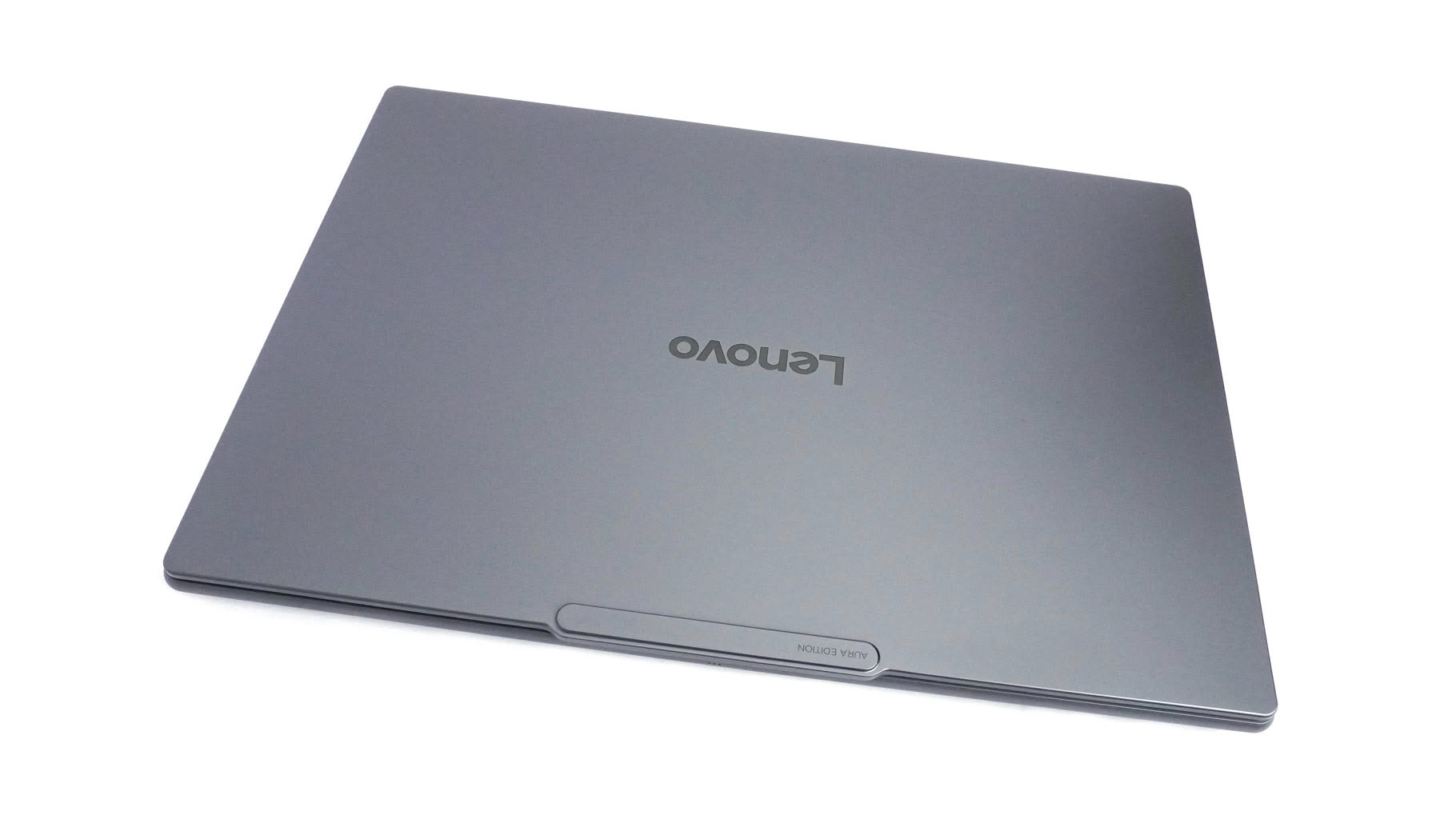
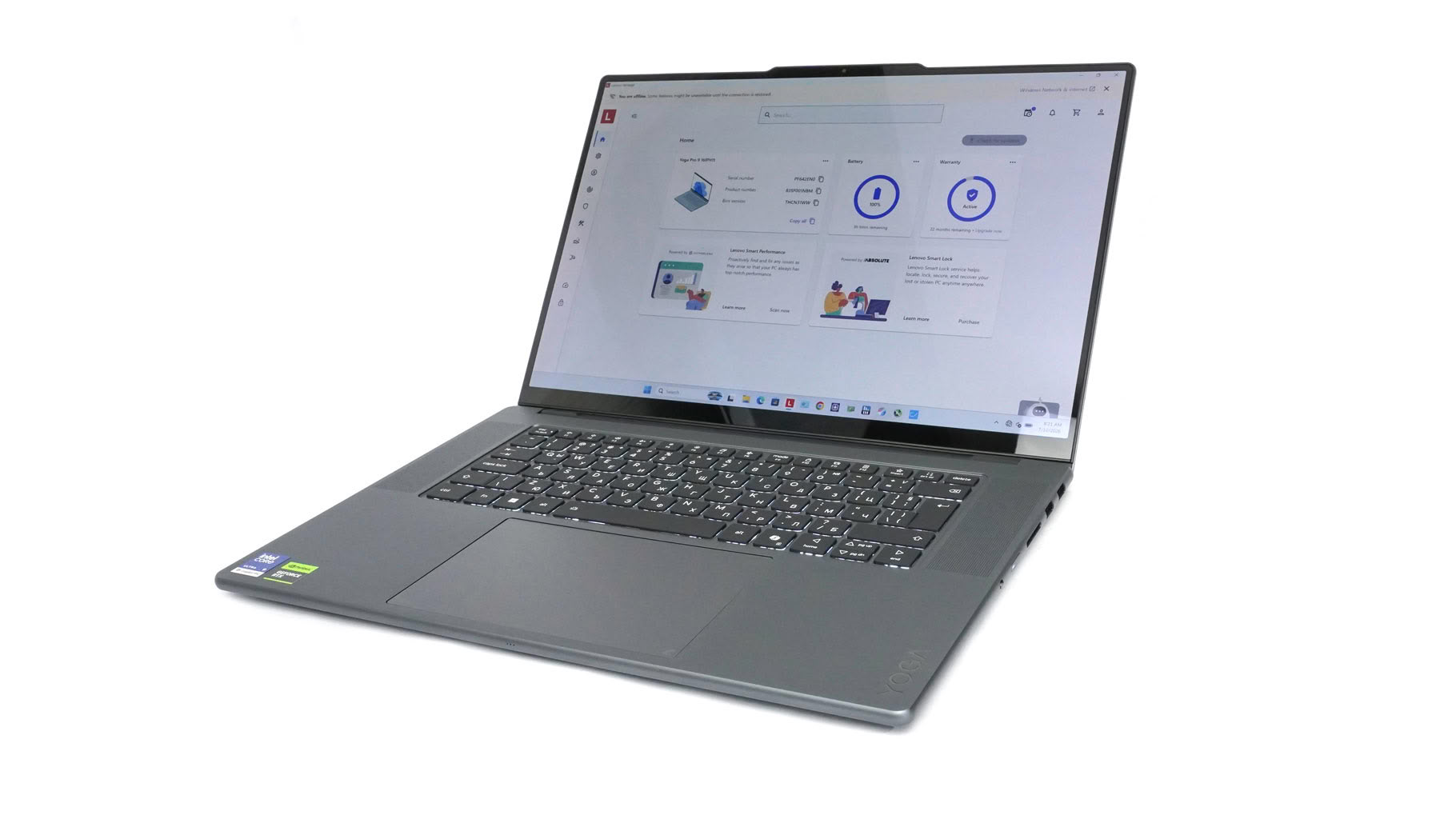
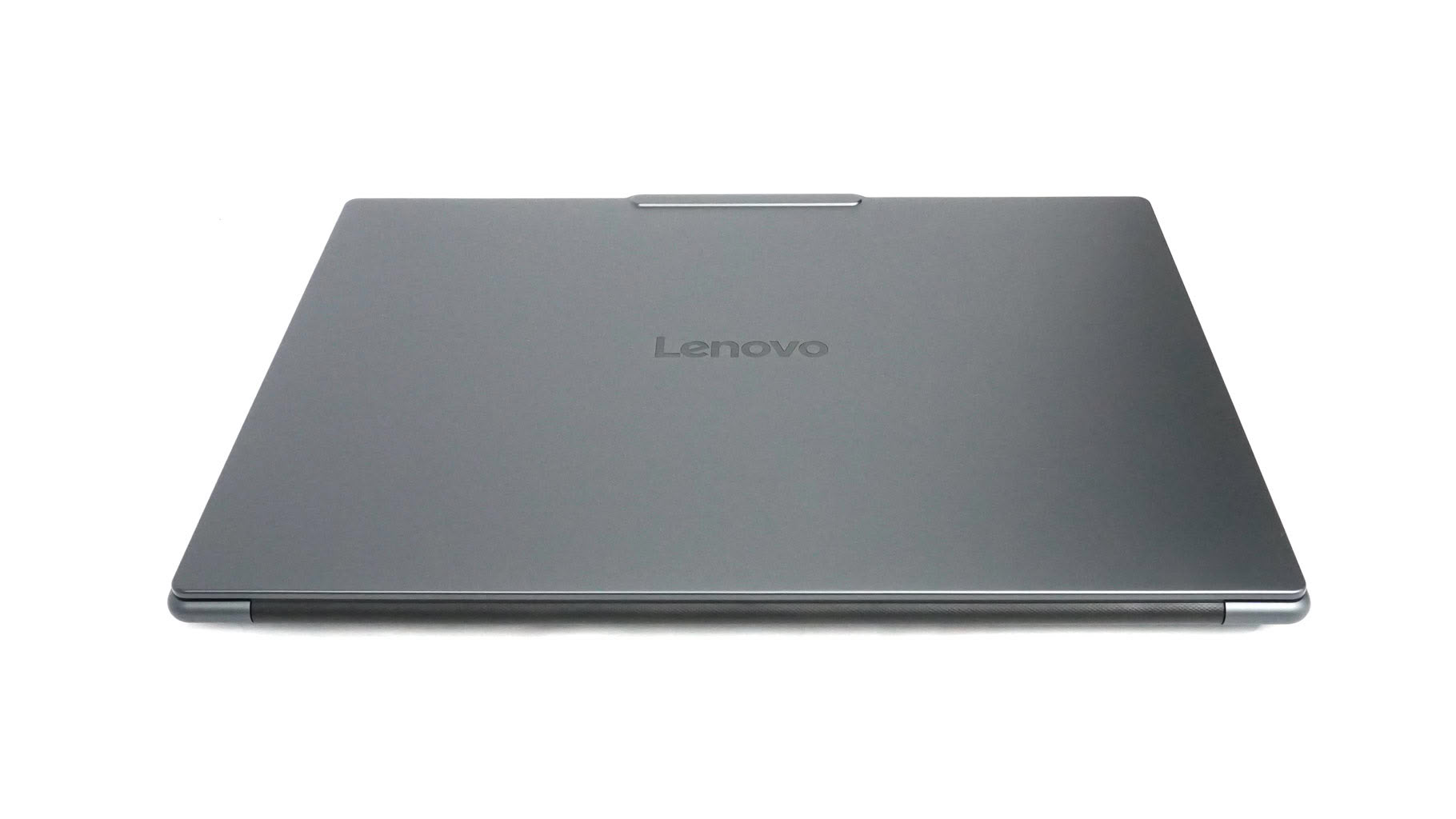
The Lenovo Yoga Pro 9i Gen 11 Aura Edition (16IPH11) looks like a 15IPH11 on steroids. That's expected given the larger form factor and extra weight. It retains the same premium, mature look with its Thunder Grey finish, which looks better to my eyes than the Luna Grey option.
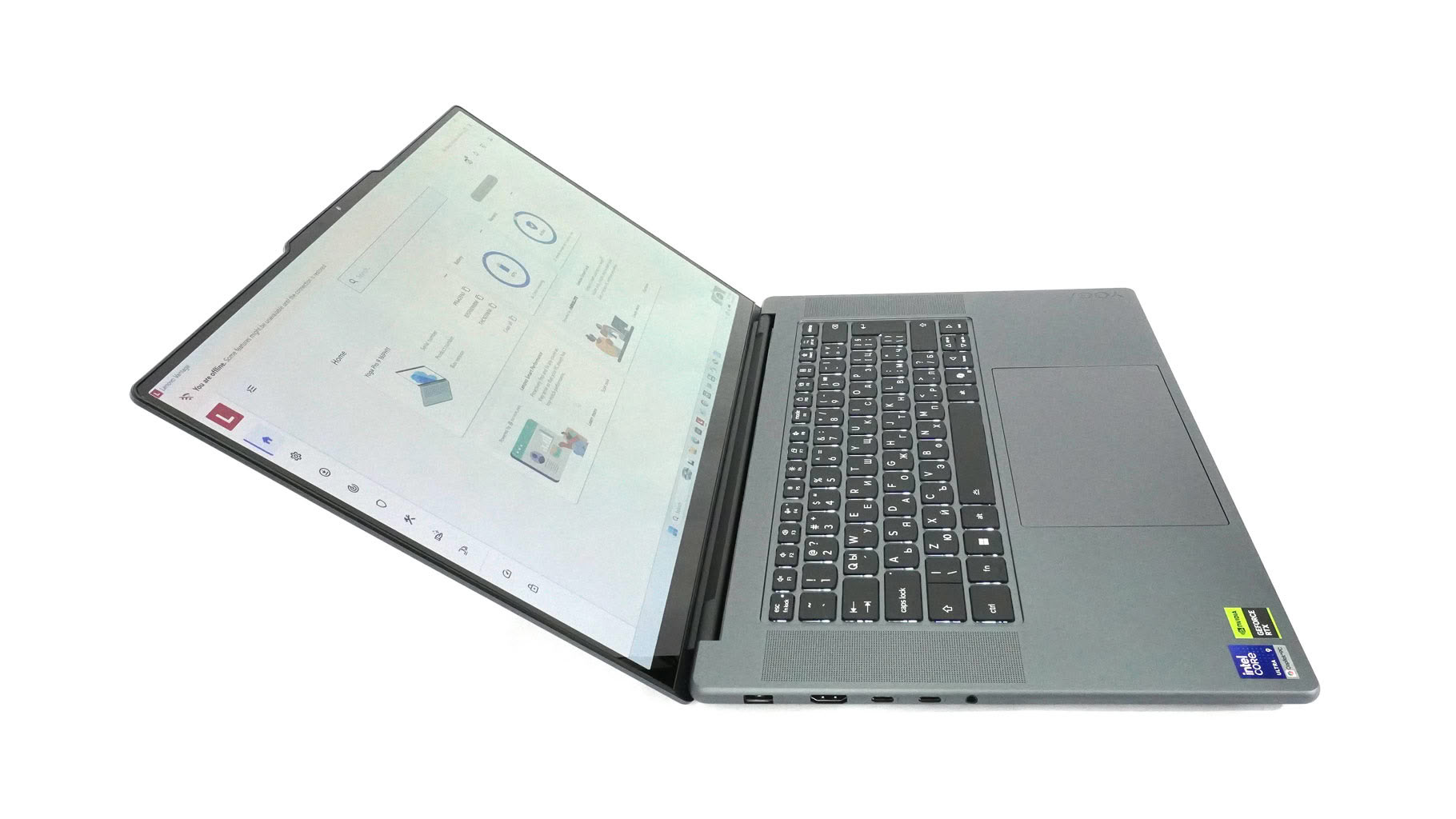
Body thickness has slightly increased from 16.7 to 17.3 mm—though you'd be hard-pressed to spot the difference even with both laptops side by side. What is easy to notice, though, is the 1.90 kg starting weight—210 grams heavier than the Force Pad-equipped 15-inch model.
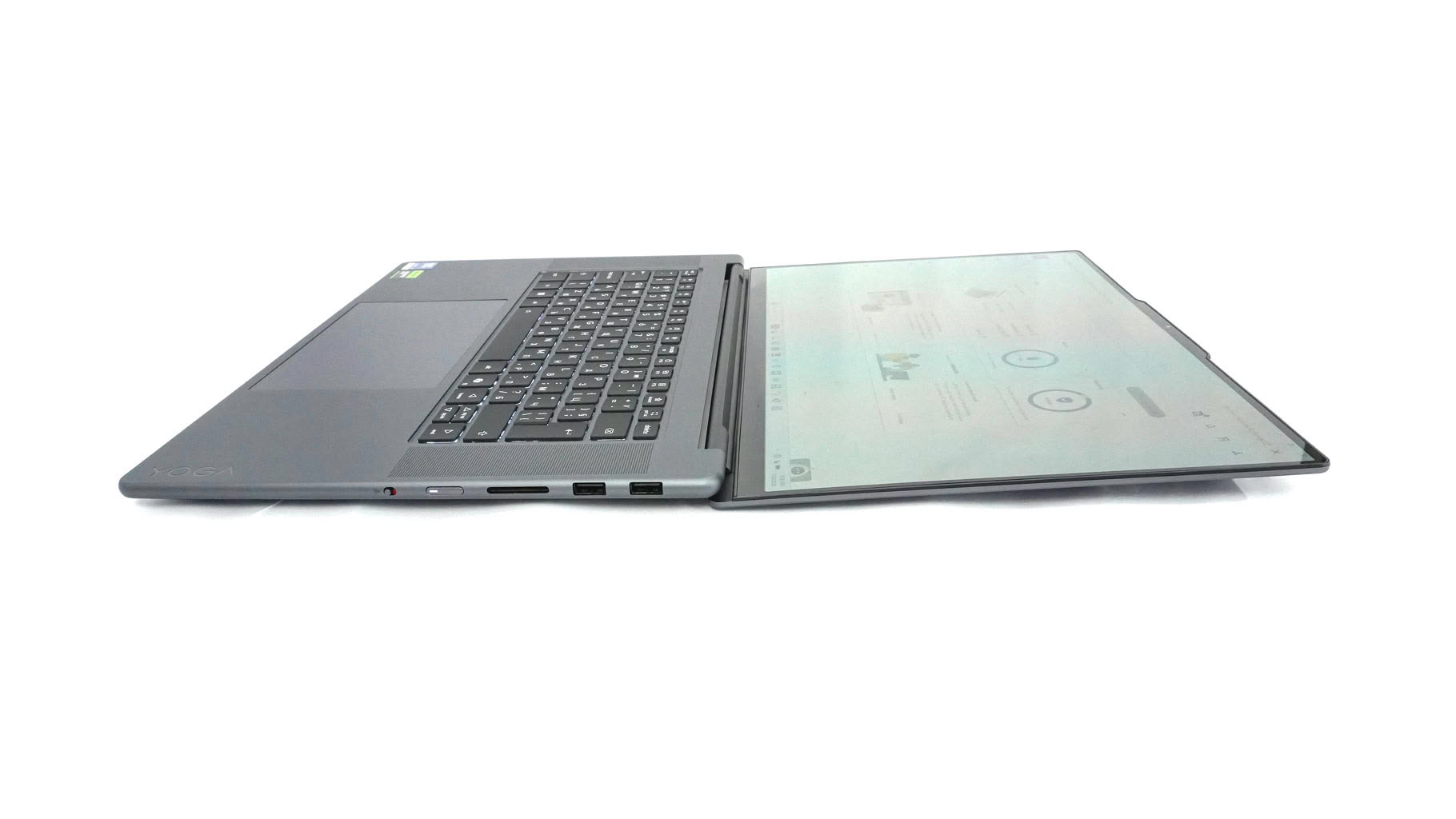
The max opening is close to flat position.
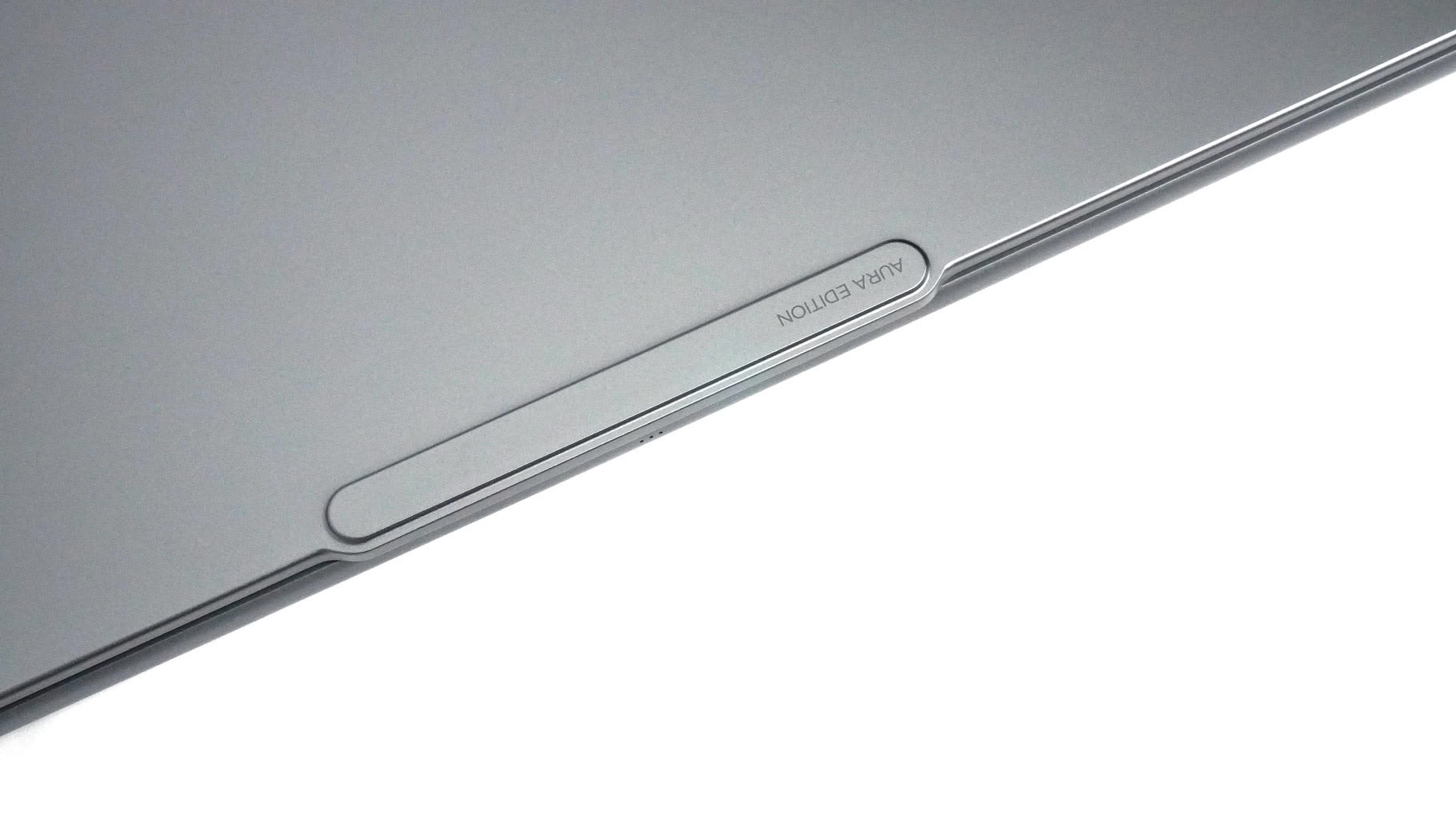
The lid "hump" allows you to open the device easily whiteout scratching the coating.
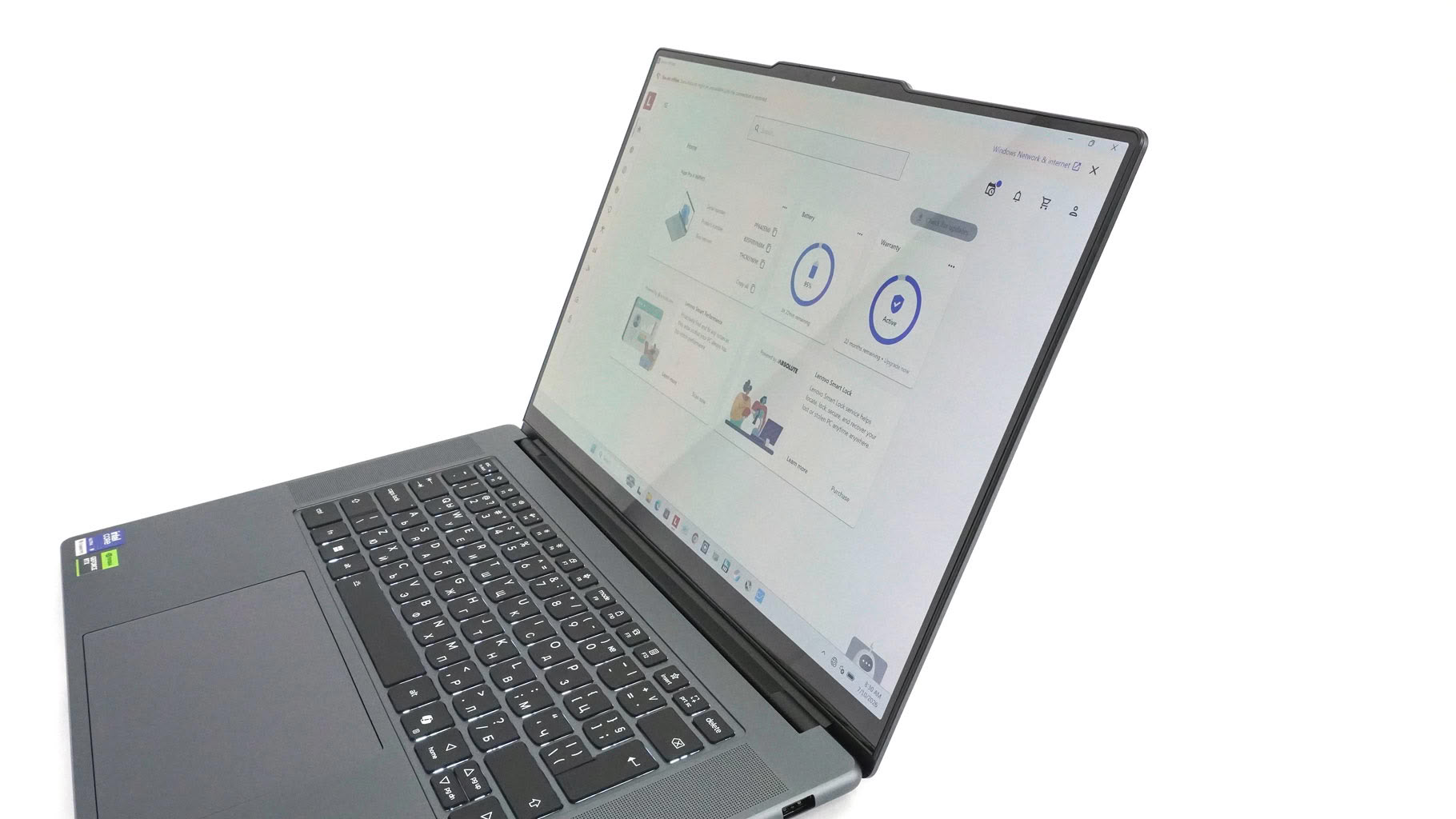
The protrusion is home to a 5MP web camera that supports facial recognition. It features an E-shutter found on the right side of the notebook.
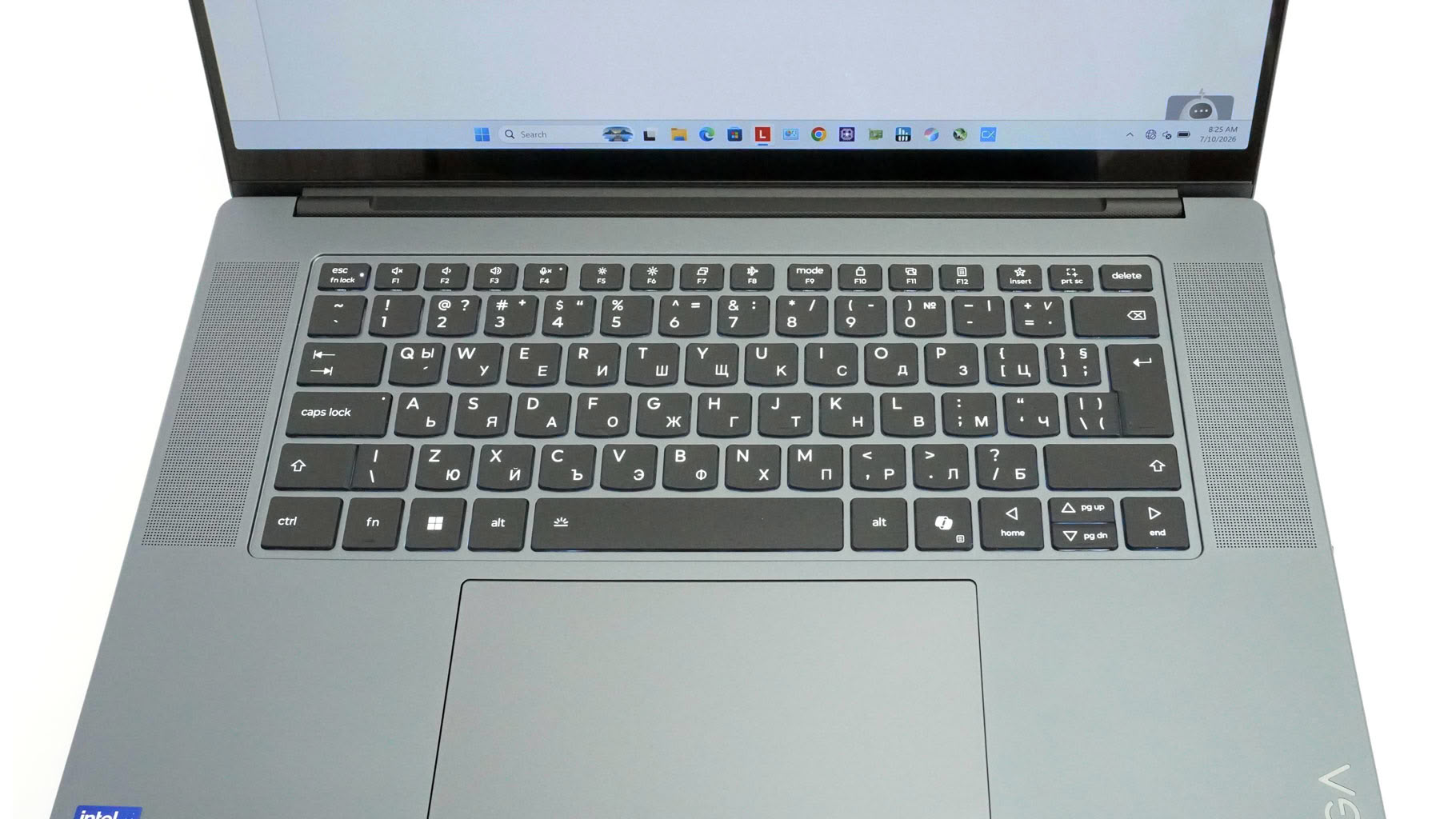
Now for the input devices. Lenovo made a bold structural trade-off here: they completely ditched the traditional Numpad. Before you get upset about the missing keys, trust me—the acoustic payoff is well worth it. Or at least, if you aren't an accountant. The extra space allowed Lenovo to flank the keyboard with massive, top-firing speaker grilles housing the tweeters, and the resulting soundstage is hands-down mind-blowing. If you genuinely can't live without a number pad, you'll need to pack Lenovo's external Go wireless pad—though I love that they mapped a quick calculator macro to the F12 key as a consolation prize.
As for the typing experience, the subtly dished keys feature a specialized oil- and water-resistant coating to keep ugly finger smudges at bay. While Lenovo's official spec sheet quotes a standard 1.5 mm of key travel, the tactile feedback feels a bit deeper and significantly punchier than your average thin-and-light. It's snappy enough for both heavy daily workflows and casual gaming sessions, and the three-stage backlighting (Auto/Low/High) plays nicely with the usual Fn + Space shortcut.
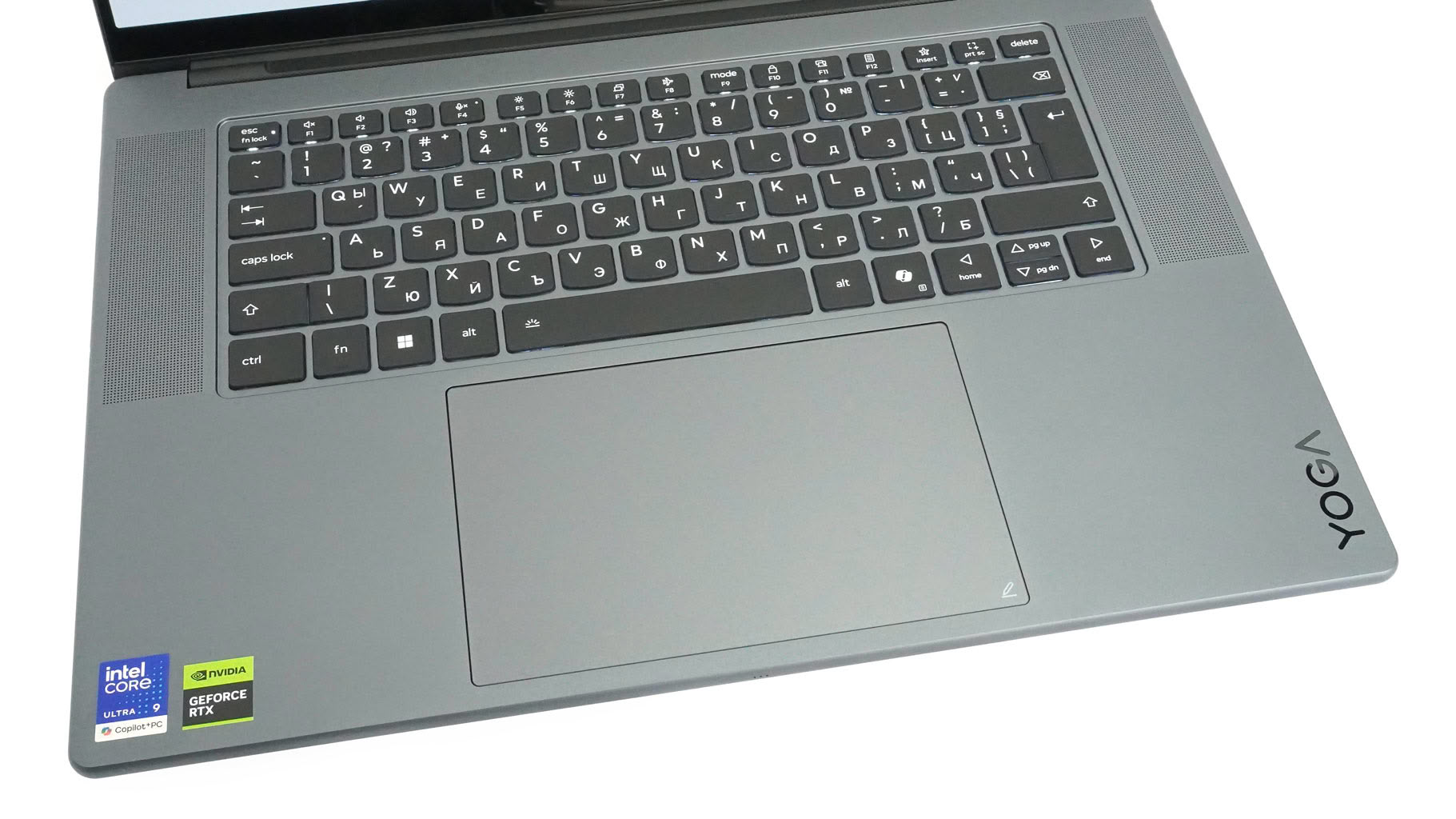
The real star of the input show on our configuration is (once again) the massive 95 x 150 mm glass Force Pad. Lenovo did something clever here by baking a smart sensor right under the glass. The second you bring the optional Yoga Pen Gen 2 close to the surface, the trackpad instantly morphs into a fully fledged, Wacom-powered sketching canvas. In my testing, pen tracking felt remarkably snappy and precise, making it an absolute home run for quick photo edits or on-the-fly digital doodling. It eliminates the need to toss a dedicated graphics tablet into your backpack, and when you're done working, the silky-smooth glass surface makes standard Windows navigation feel effortless.
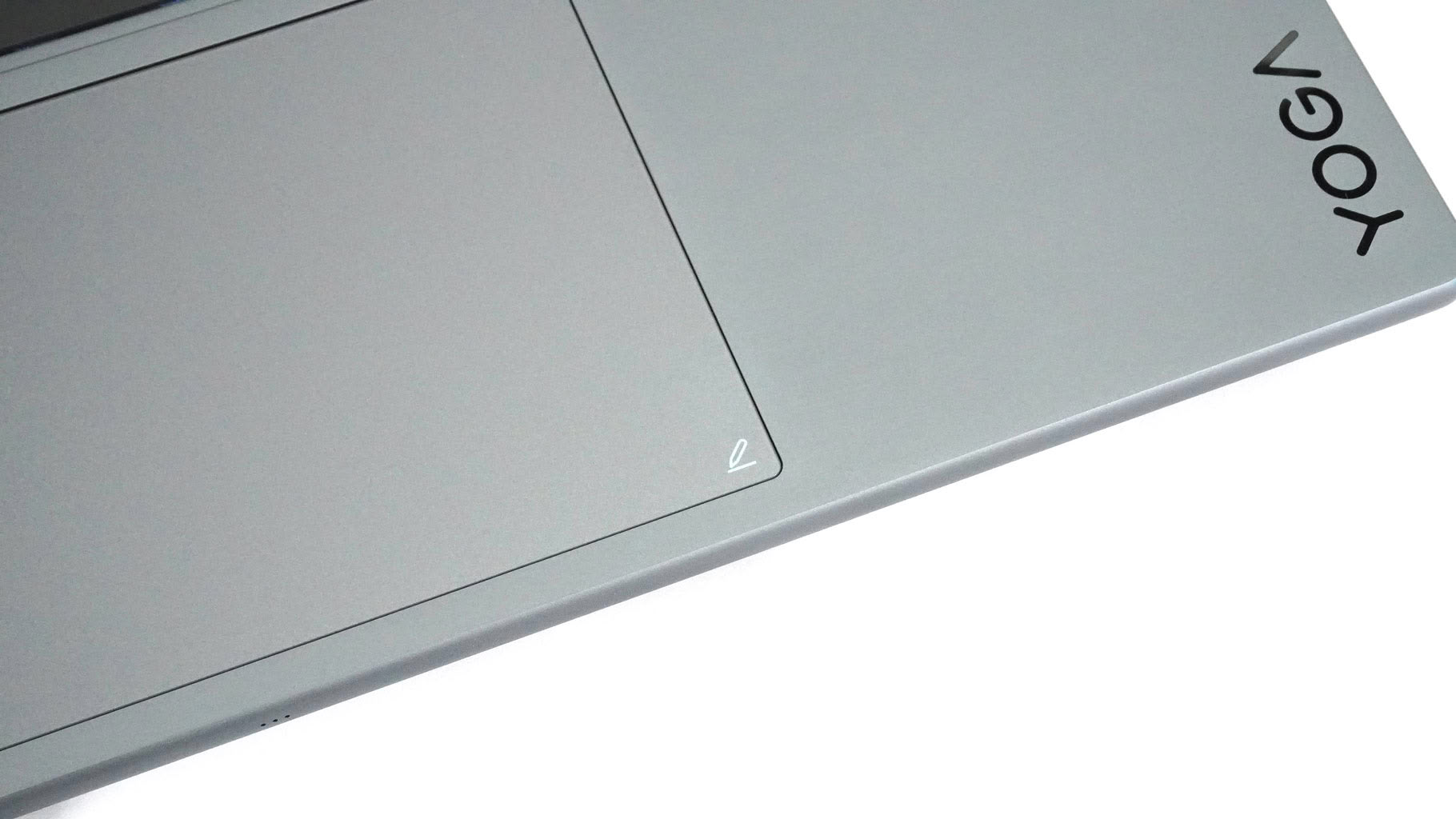
Tapping with the stylus on this symbol can automatically trigger pen shortcuts.
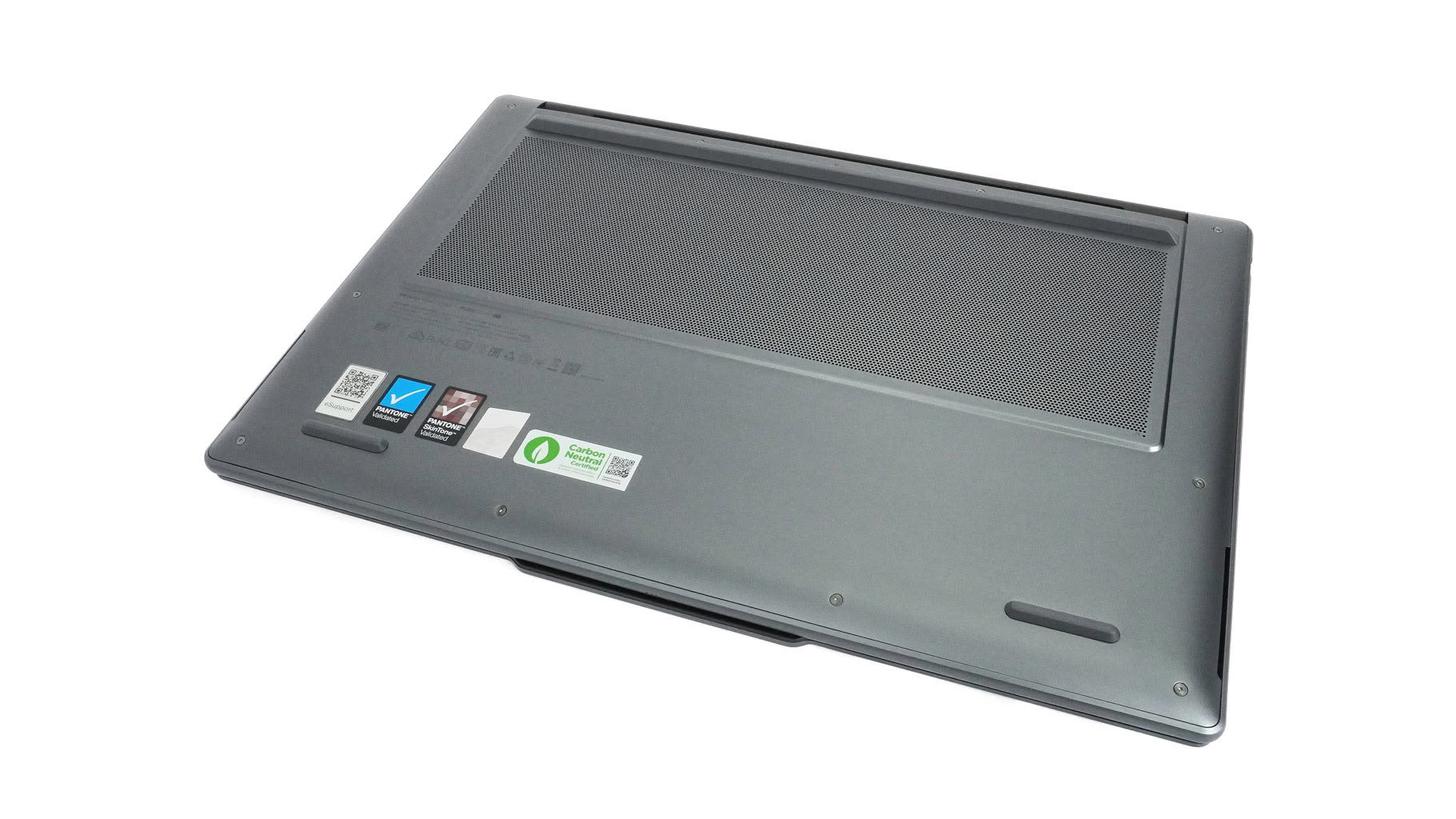
There's nothing unusual on the bottom for a Lenovo laptop of this caliber. You'll find one fairly large ventilation grille and three rubber feet. The rear foot is a bit taller than usual, allowing more fresh air to reach the cooling fans. The side speaker cutouts sit close to the front edges.
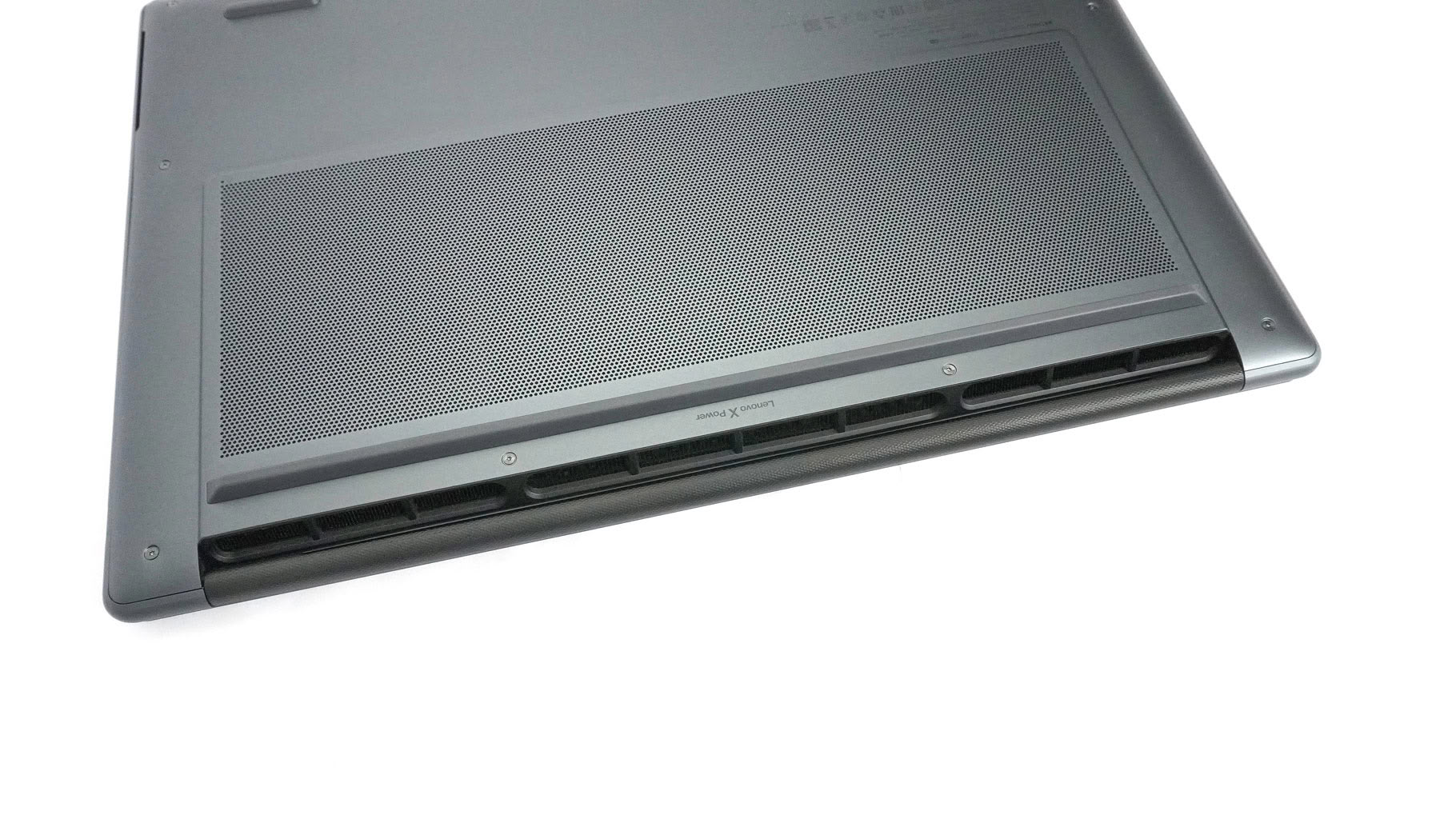
Hot air escapes the chassis through three rear exhaust vents, where the central vent handles additional heat dissipation.
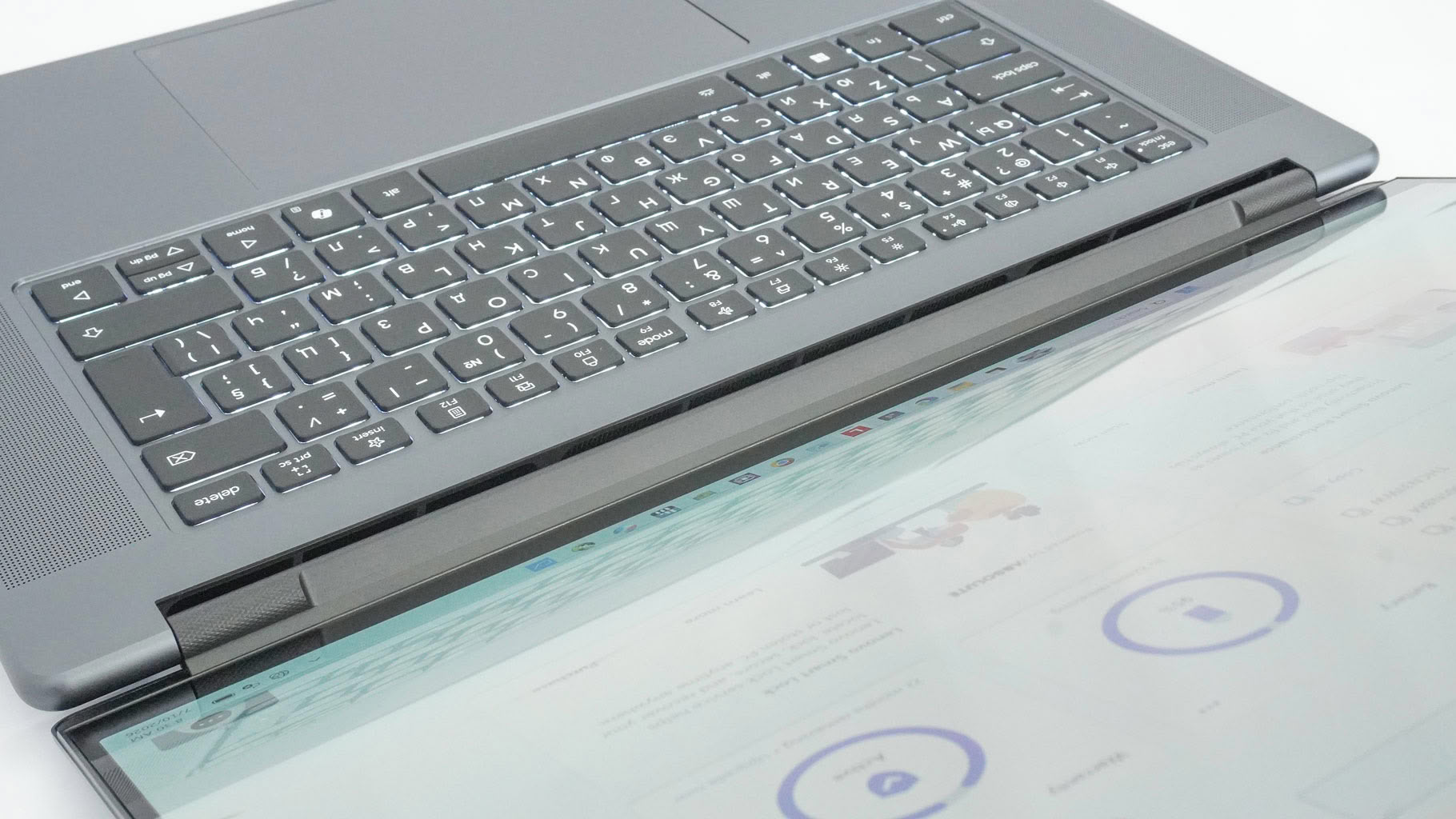
Just like on the Yoga Pro 7i and Yoga Slim 7i, the hinge barrel blocks part of the exhaust to keep hot air from directly hitting the expensive OLED display.
Nov 19th, 2026 15:48 CST
change timezone
Latest GPU Drivers
New Forum Posts
- Honestly, do you care about GTA VI? (163)
- Windows 11 General Discussion (7736)
- Current Sales, Bundles, Giveaways (10448)
- Last game you purchased? (1409)
- WarpCoreBench scores! (76)
- Got the EOL 32GB TridentZ 6000 CL26 1.4V (12)
- Dell Workstation Owners Club (3516)
- Making a game in Godot engine (4)
- DTS DCH Driver for Realtek HDA [DTS:X APO4 + DTS Interactive] (2815)
- Security Apps (2)
Popular Reviews
- Acemagic Retro X3 Review
- Ugreen NASync DXP4800 GT Review
- Upcoming Hardware Launches 2027 (Updated Nov 2026)
- Pulsar Office Tour & First Look at P1 Dual-Sensor Mouse
- AMD Zen 6 Technical Deep Dive
- Biwin Black Opal NV7400 2 TB Review
- Sapphire Radeon RX 7700 XT Pure Review
- Sapphire Radeon RX 7700 XT Pulse Review
- AMD Ryzen 7 9800X3D Review - The Best Gaming Processor
- Chieftec Iceberg PRO 360 DARK Review
TPU on YouTube
Controversial News Posts
- NVIDIA Co-Founder and CEO Jensen Huang Officially Resigns (488)
- Report: Jensen Huang Eyes NVIDIA Comeback (223)
- Open Letter Asking NVIDIA to Reinstate Jensen Huang Passes 115,000 Signatures (184)
- OpenAI CEO Argues Home PCs Waste the World's Limited DRAM Supply (152)
- NVIDIA Launches Investigation Into Jensen Huang's Relationship With Suspected Chinese Spy (136)
- Intel "Raptor Lake Next" 16-Core and 20-Core CPUs Surface (130)
- Legendary Game Studio BioWare Shuts Down Following EA Layoffs (104)
- Dell CEO Says the Memory Shortage Will Get Worse in 2027 (95)