 15
Lenovo Yoga Slim 7i Gen 11 Aura Edition (14IPH11) Review - Panther Lake & OLED on the Go
Display Testing »Disassembly and Teardown
The 14-inch Lenovo Yoga Slim 7i Aura Edition 14IPH11 is a compact, powerful, and easy-to-service machine. Let's open it for a quick sneak peek.
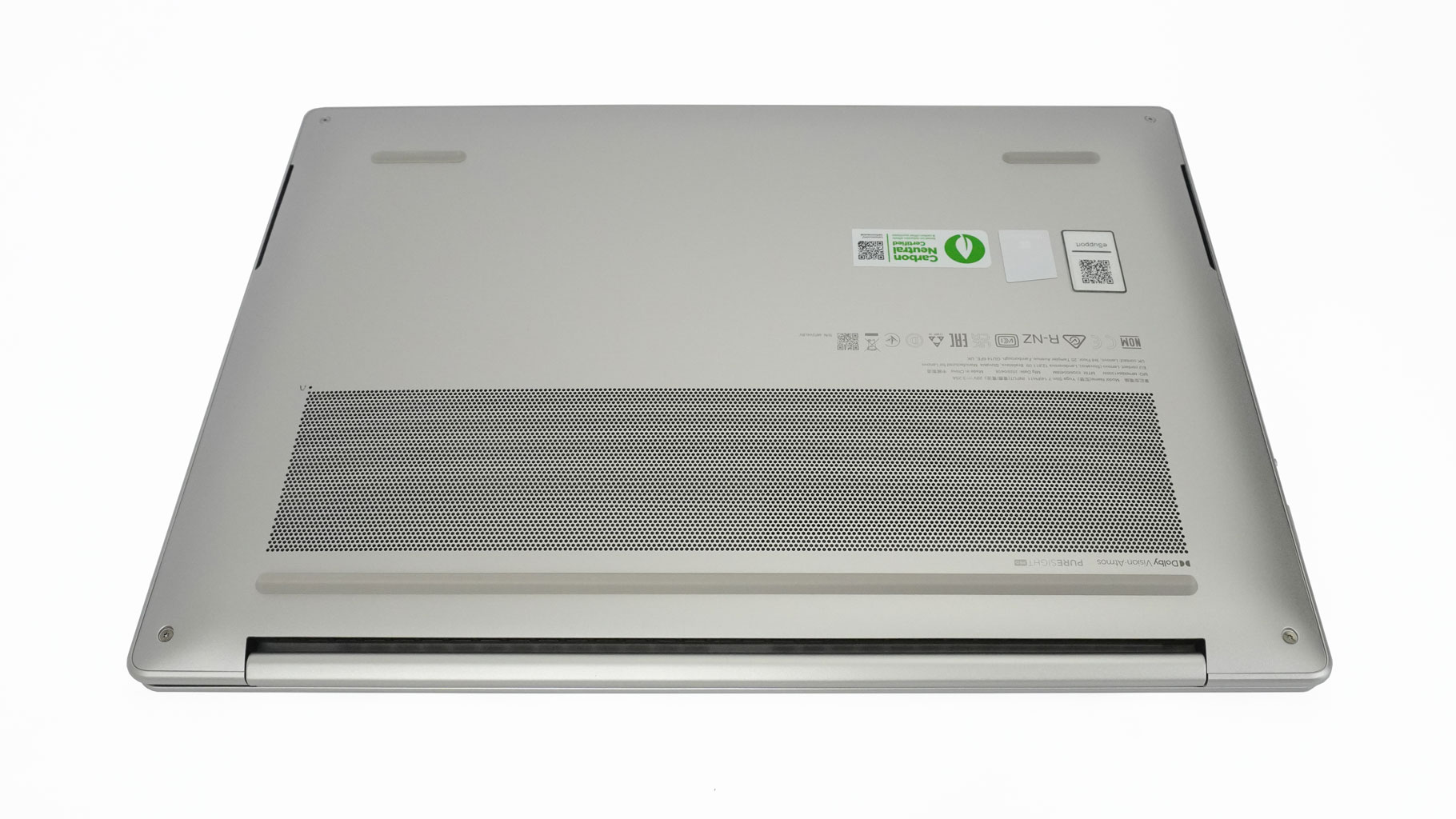
To remove the bottom plate, you have to undo just four Torx head screws. Use a lever tool to pop the area around the hinge cover. Doing this should loosen up half of the panel. I'm in a bit of a rush, so I'll pop the rest loose through the speaker cutouts. If you don't want to risk damaging anything, use a plastic tool to pry the rest of the cover off.
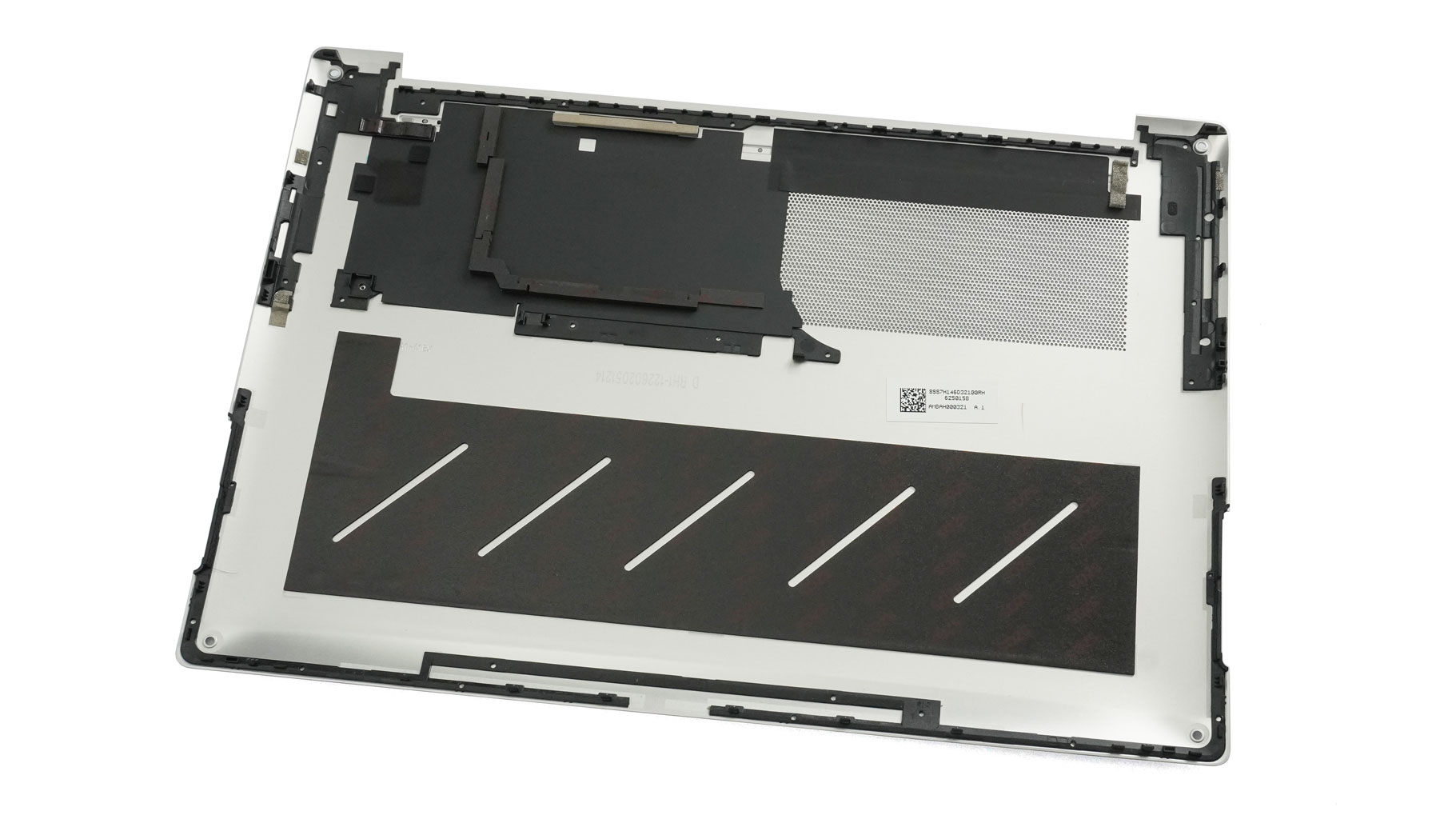
Here's the bottom plate flipped.

This machine is equipped with a 70 Wh battery. To remove it, pull the connector to the left and undo the five screws that secure the unit to the base.

That capacity gives you enough juice for almost 8 hours of 4K YouTube video playback. That's a respectable result.
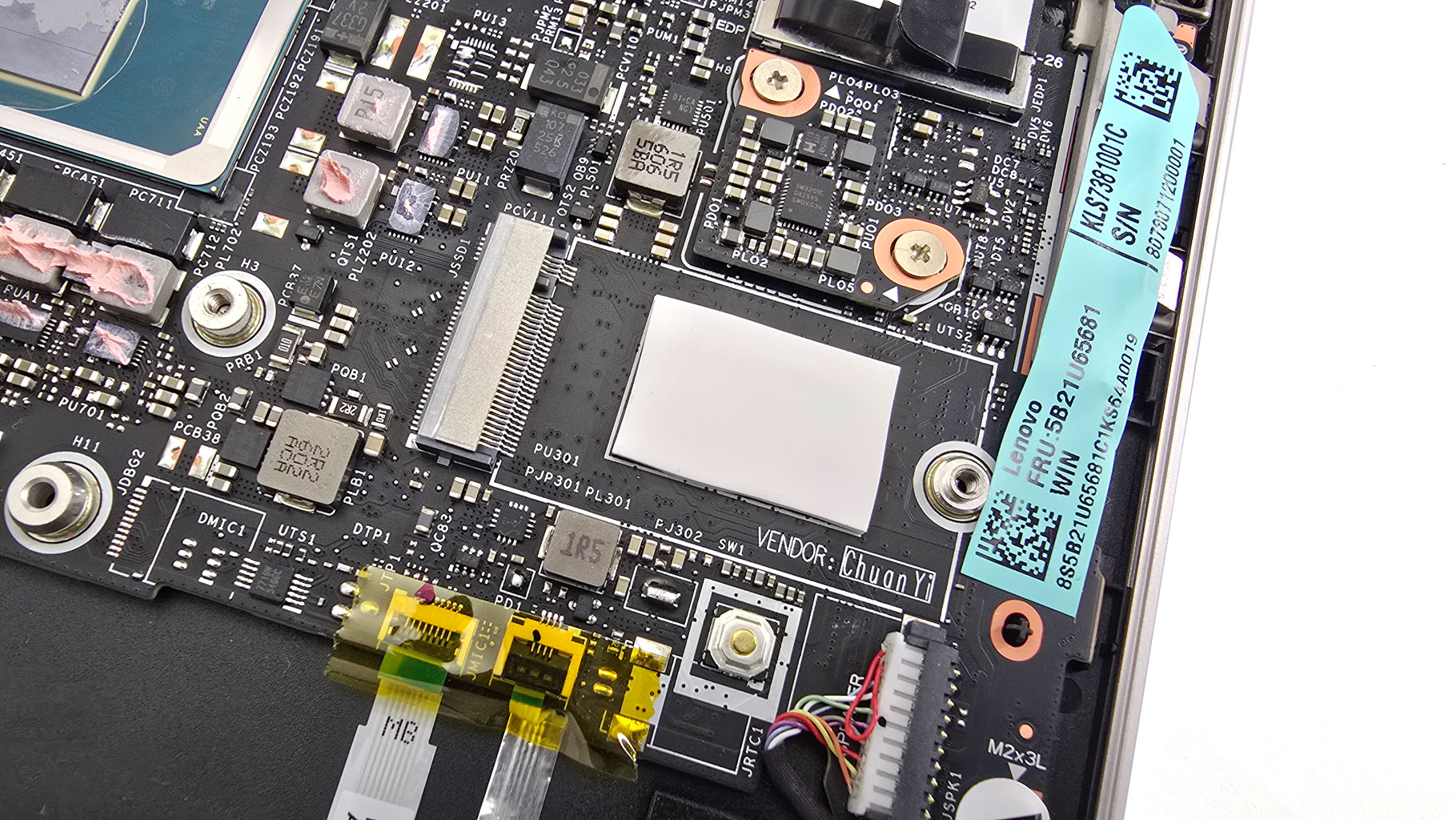
For storage, you get just a single M.2 slot that supports the shorter 2242 Gen 4 SSDs. The system NVMe drive is cooled by a thermal pad underneath.
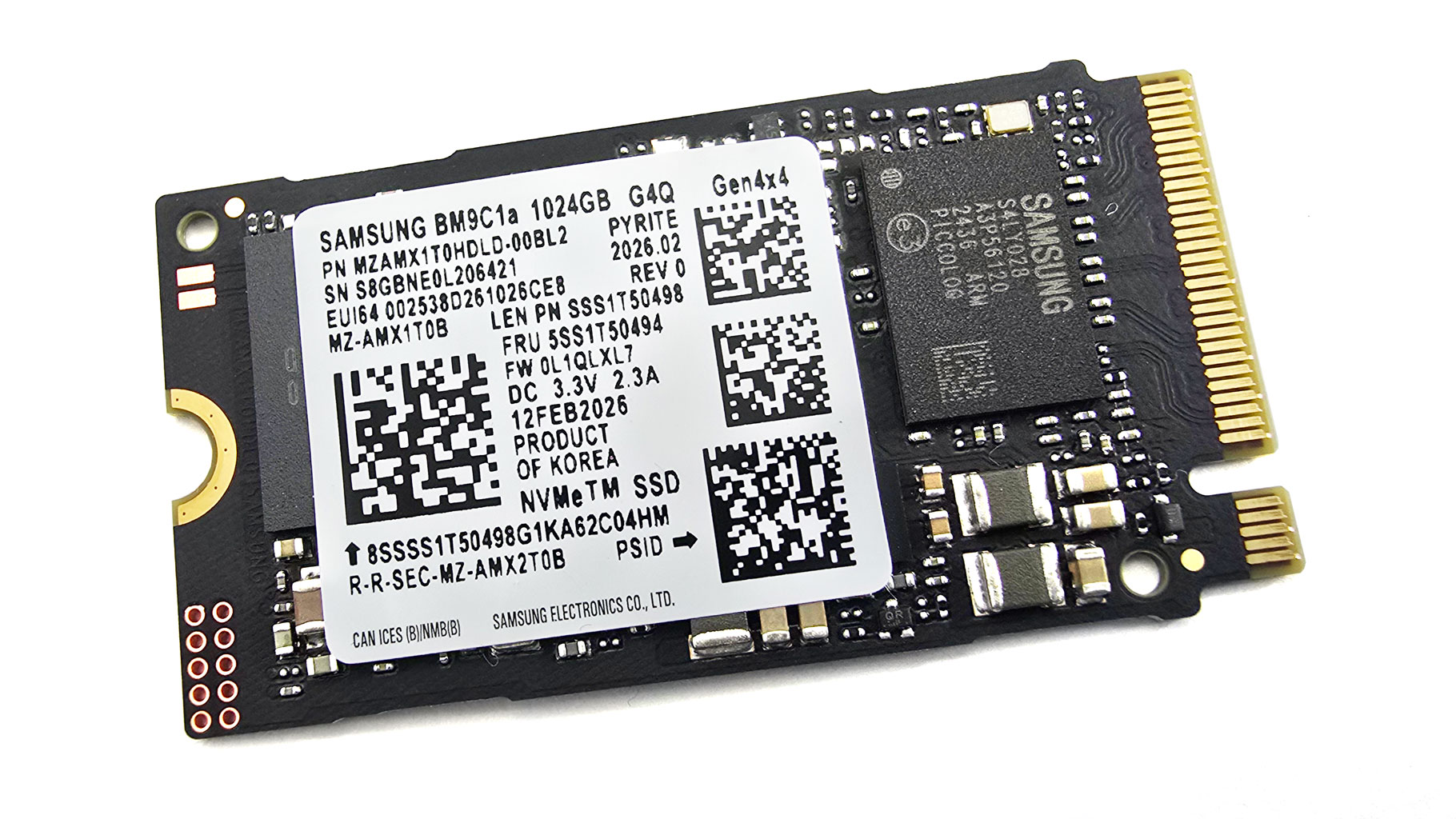
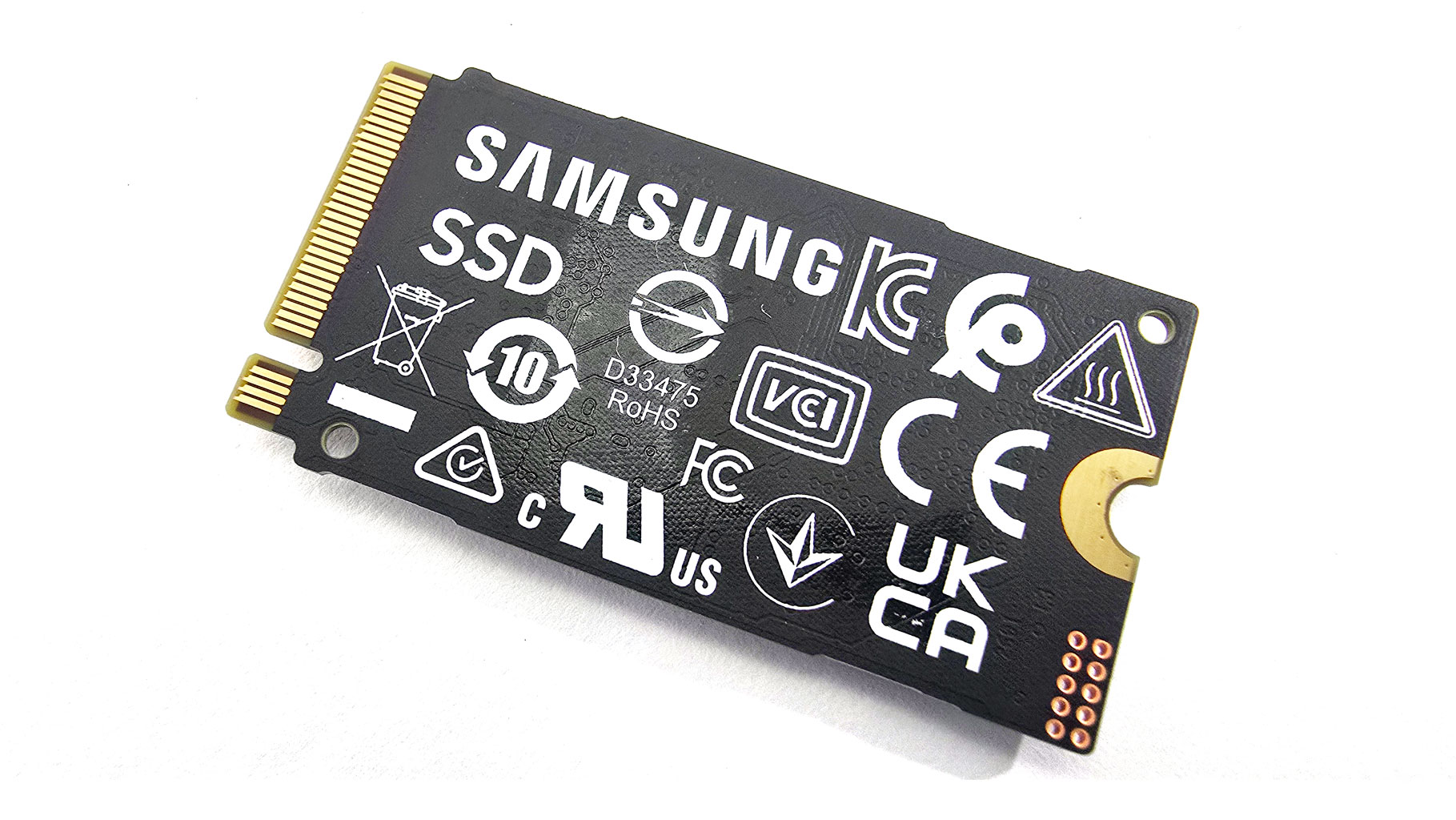
Here's the system NVMe.
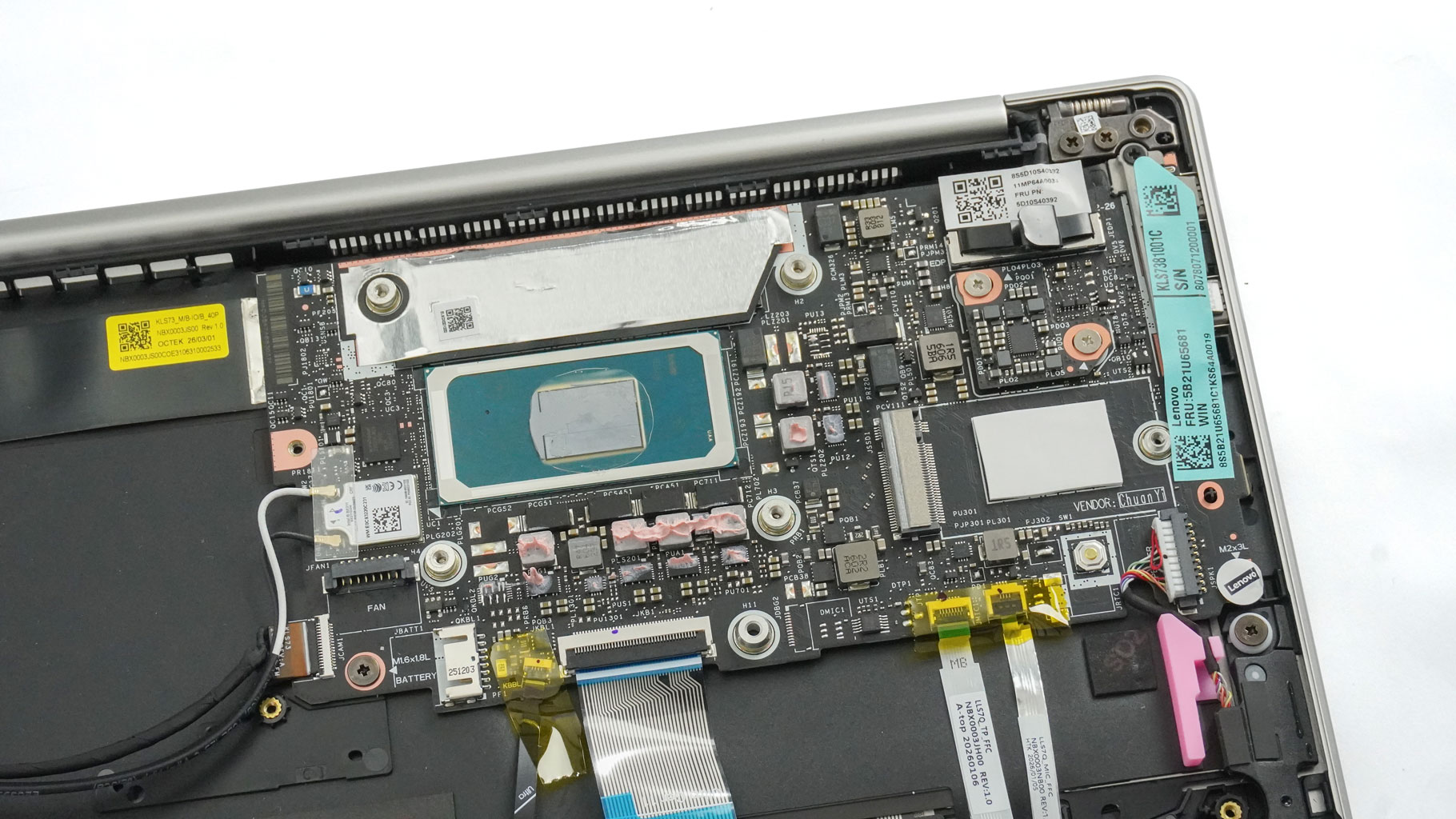
The memory is soldered. Pretty standard stuff for most Panther Lake-based laptops. You get a choice of 16 or 32 GB of LPDDR5x-7467 RAM.
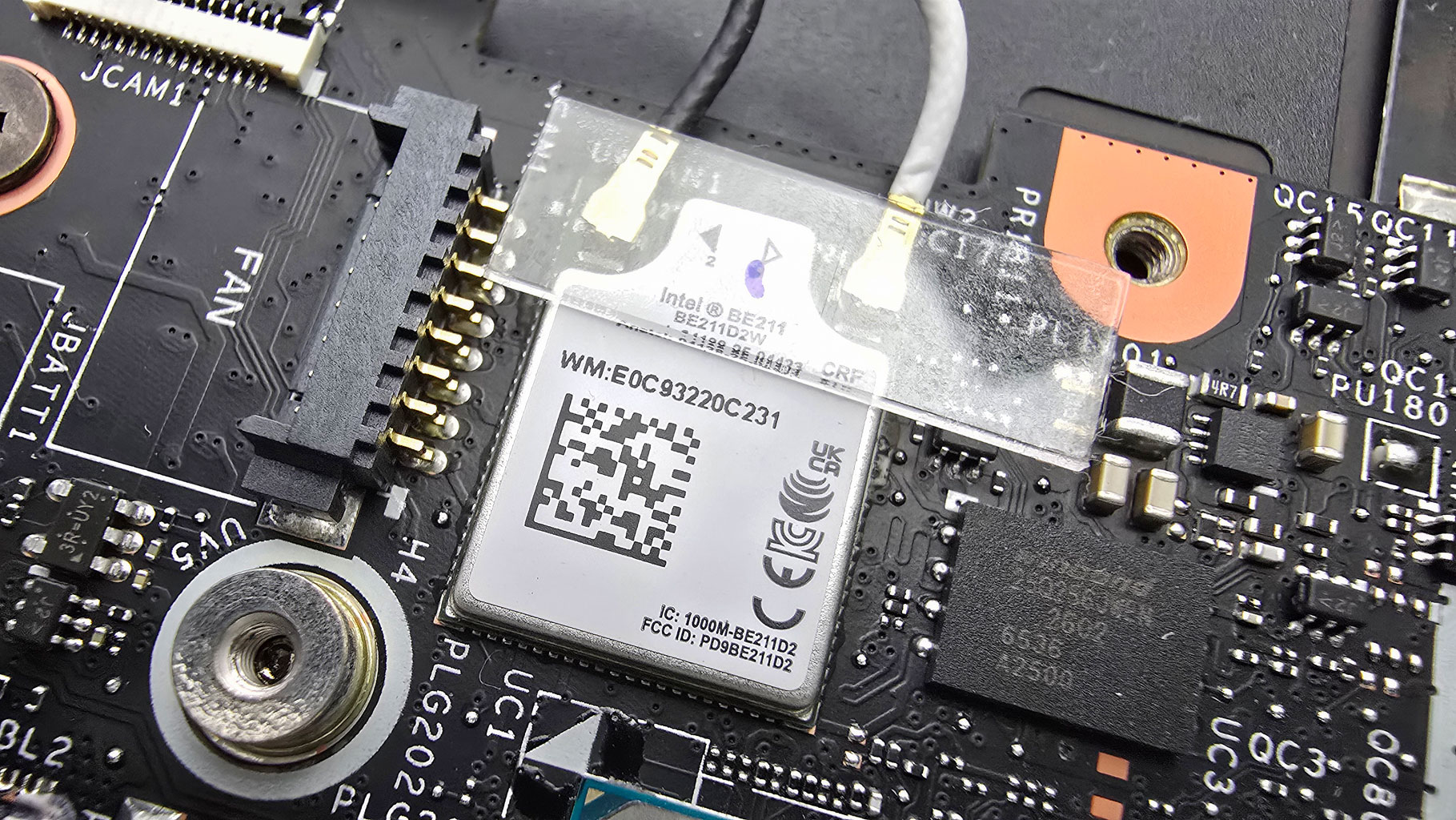
The Wi-Fi 7 card is also soldered down to the motherboard.

The cooling looks pretty good for an iGPU-only machine. It sports a pair of fans, two decently long heat pipes, one large top-mounted heatsink, and a heat spreader on top of the CPU.
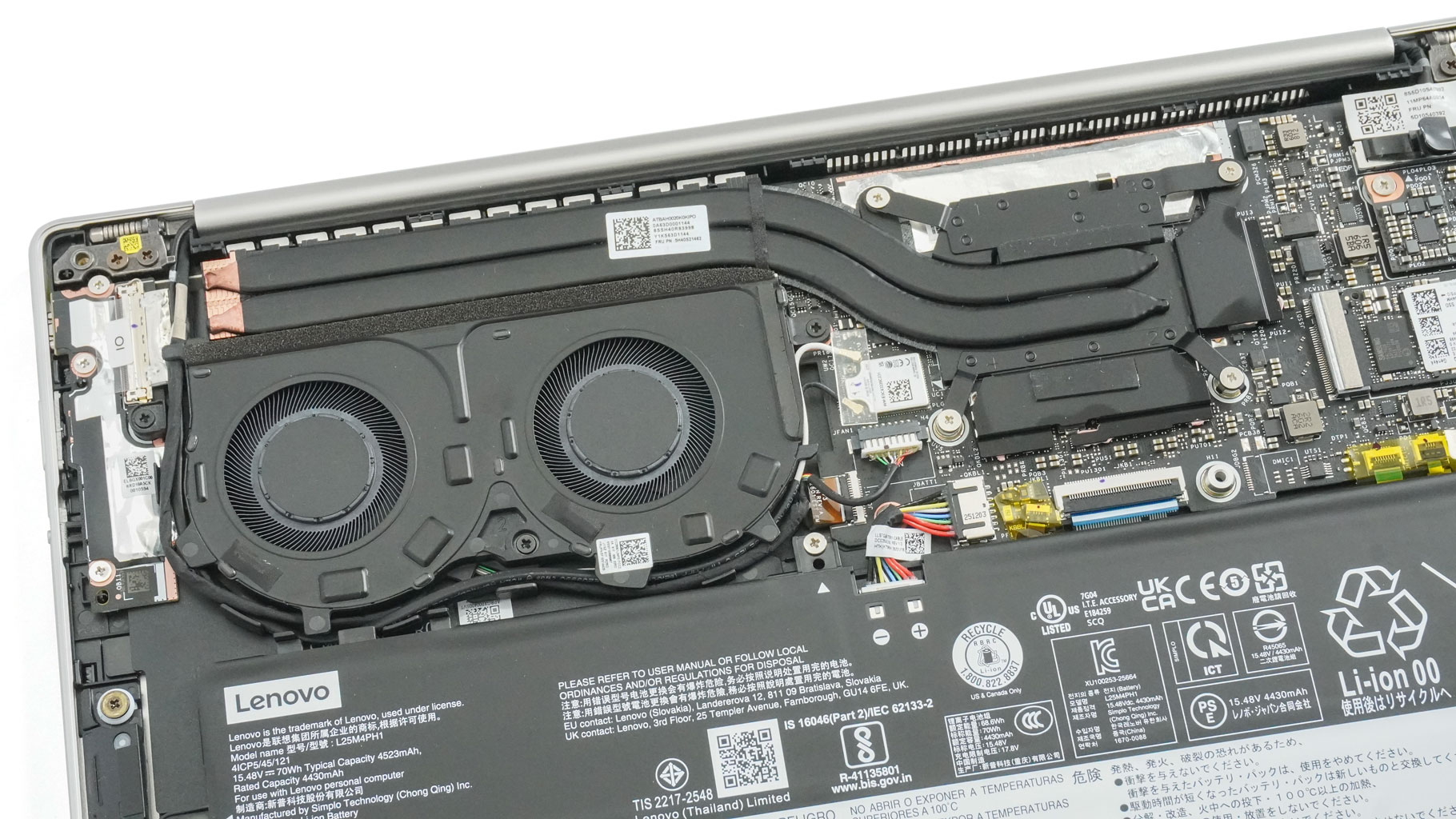
Let's remove the thermal system. Pull down the fan connector, then untangle the cables around the fan housings. The rest is easy - you just have to undo three screws holding the fan assembly and four more around the processor.
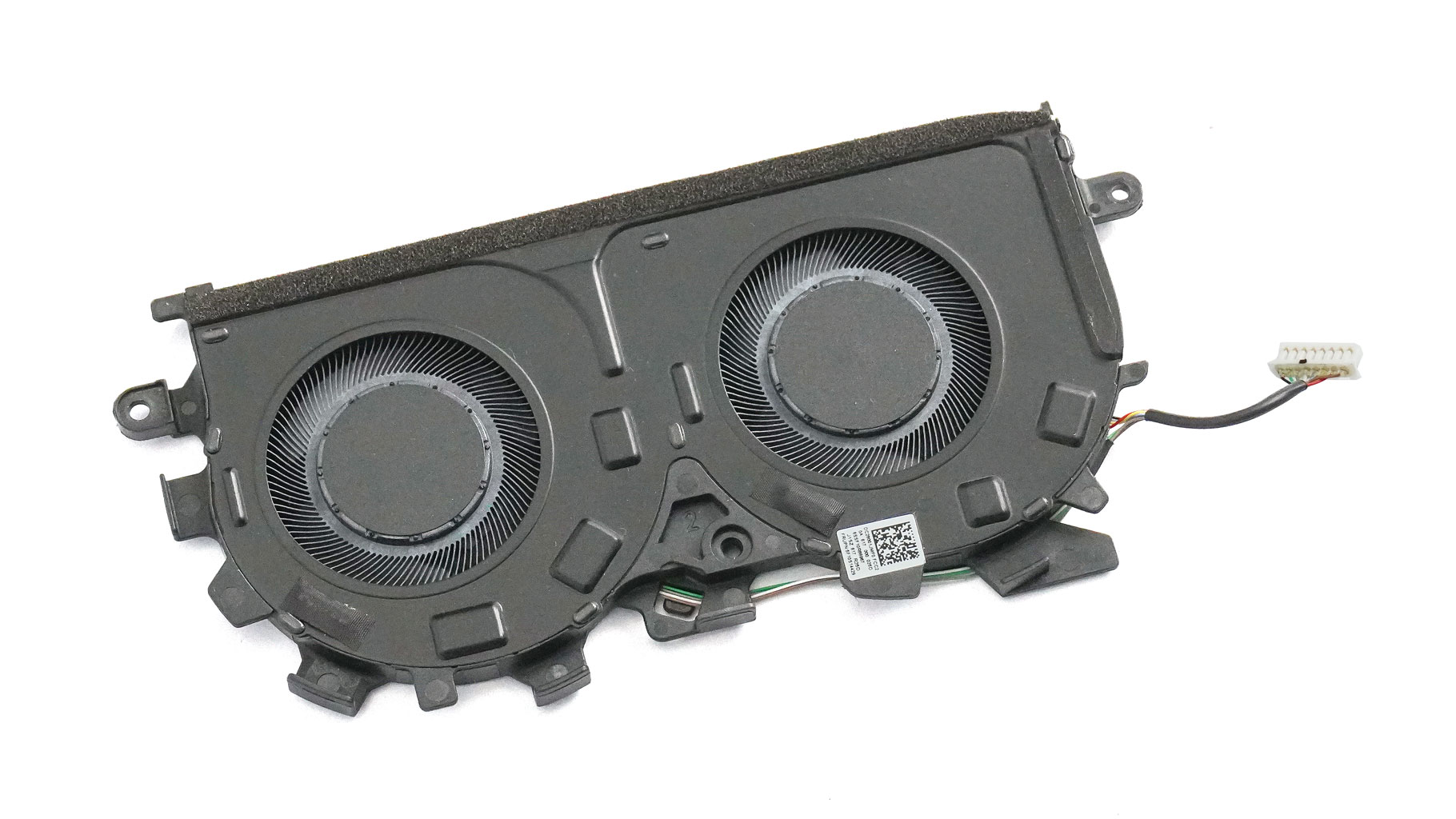
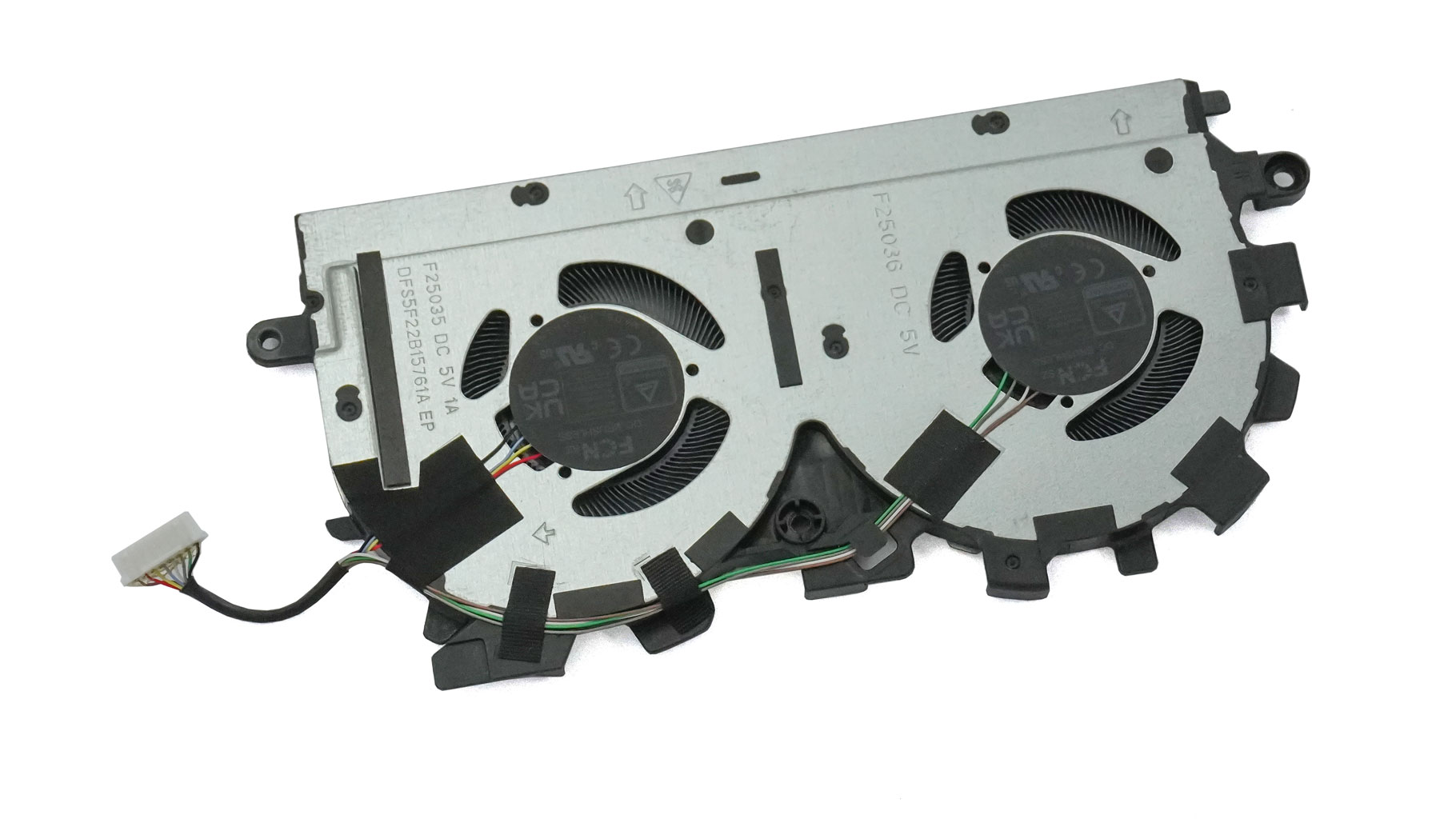
Note that the fans can be removed separately, which is pretty handy if you just want to clean them without pulling out the entire cooling.
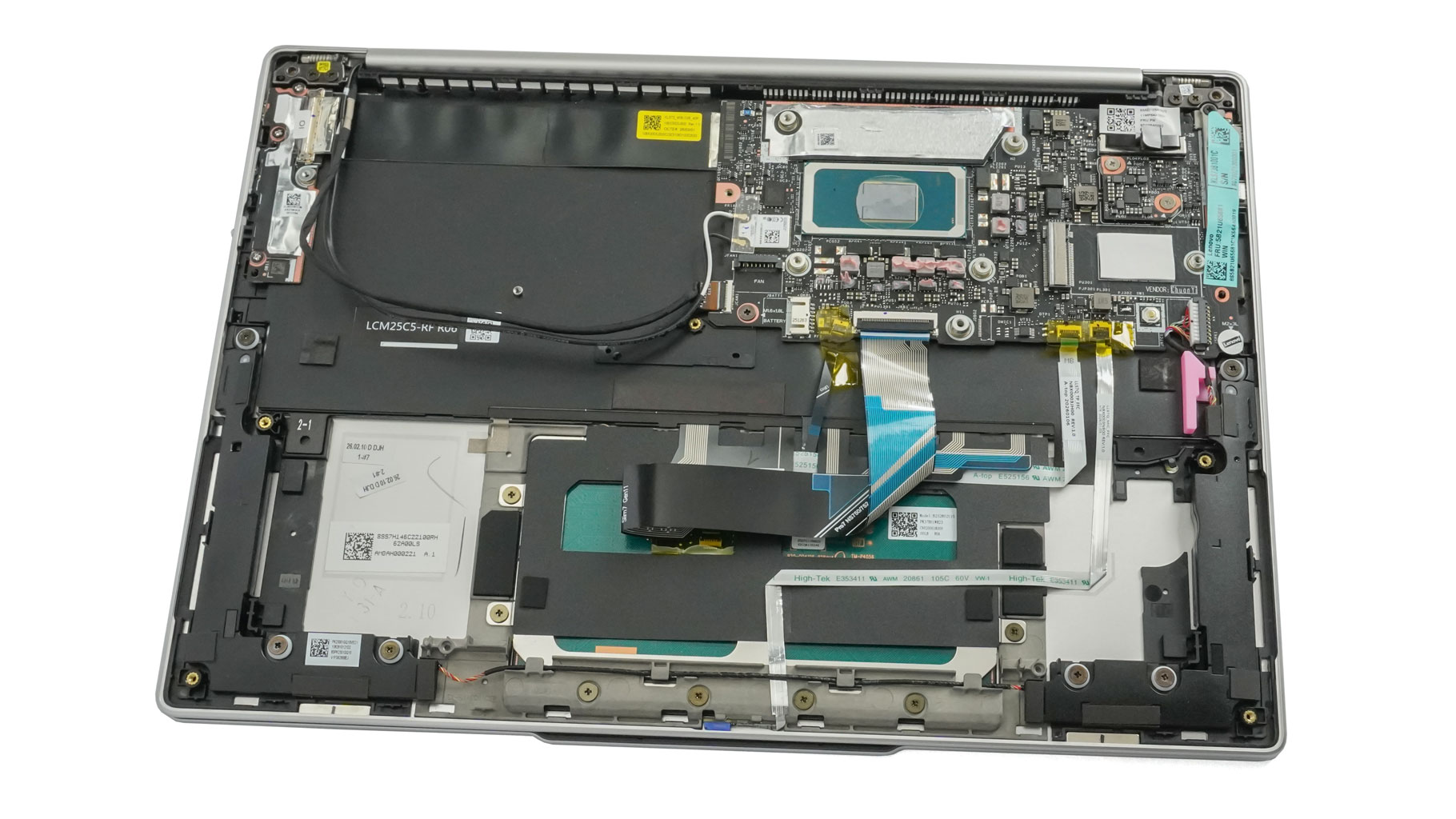
Carefully pry up the thermal system with a lever tool.
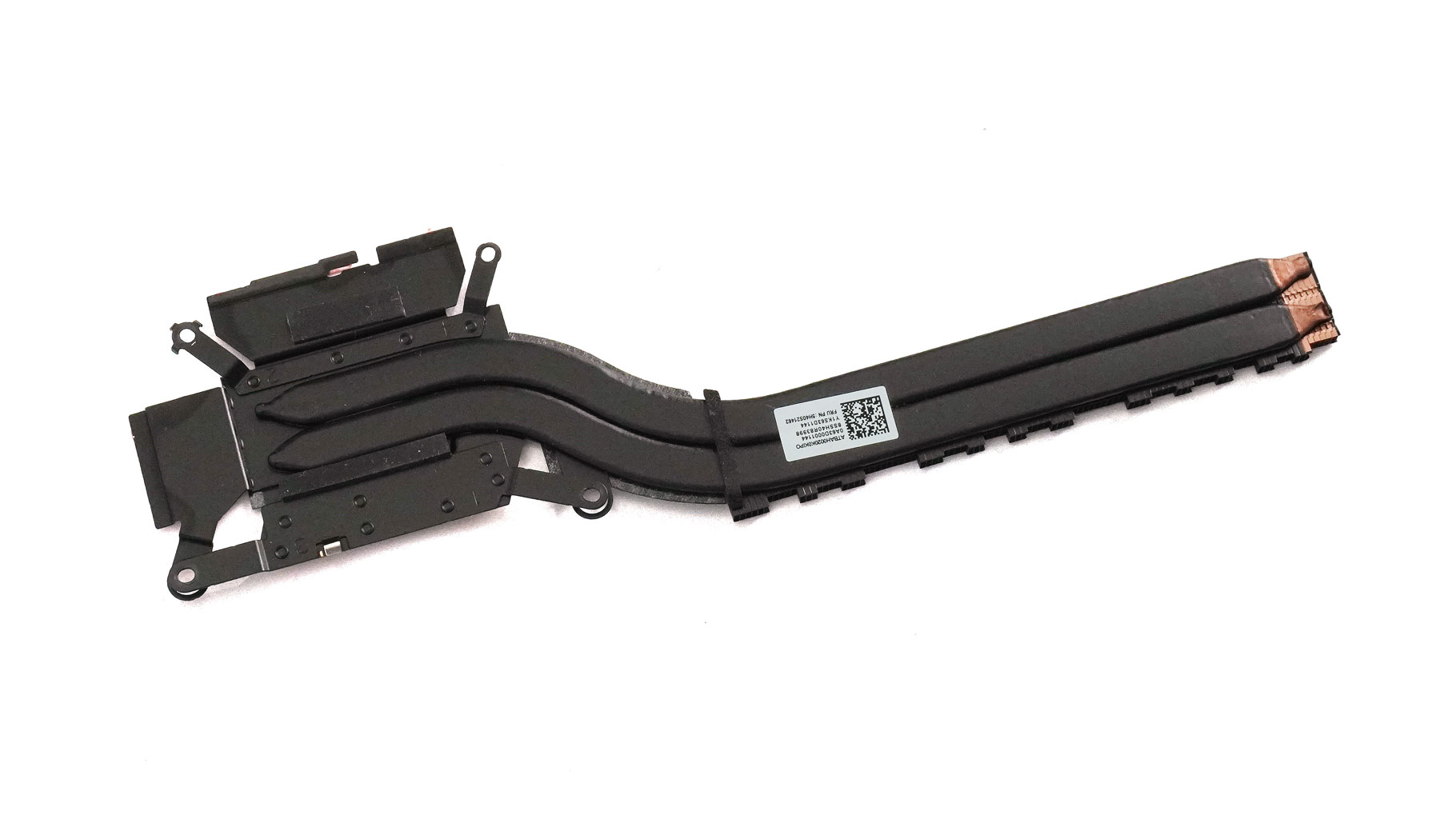
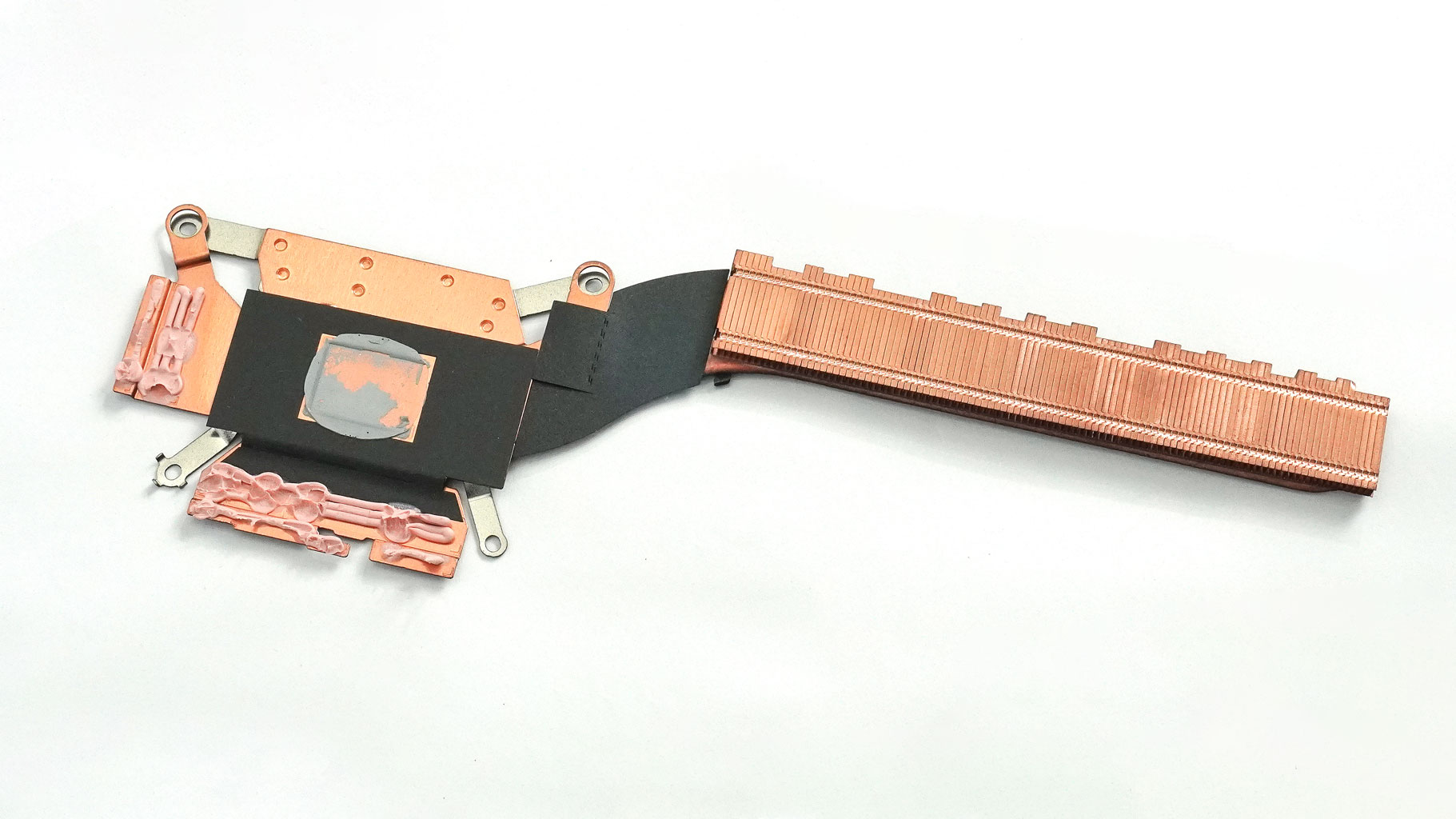
This reveals the underside of the heat pipes.
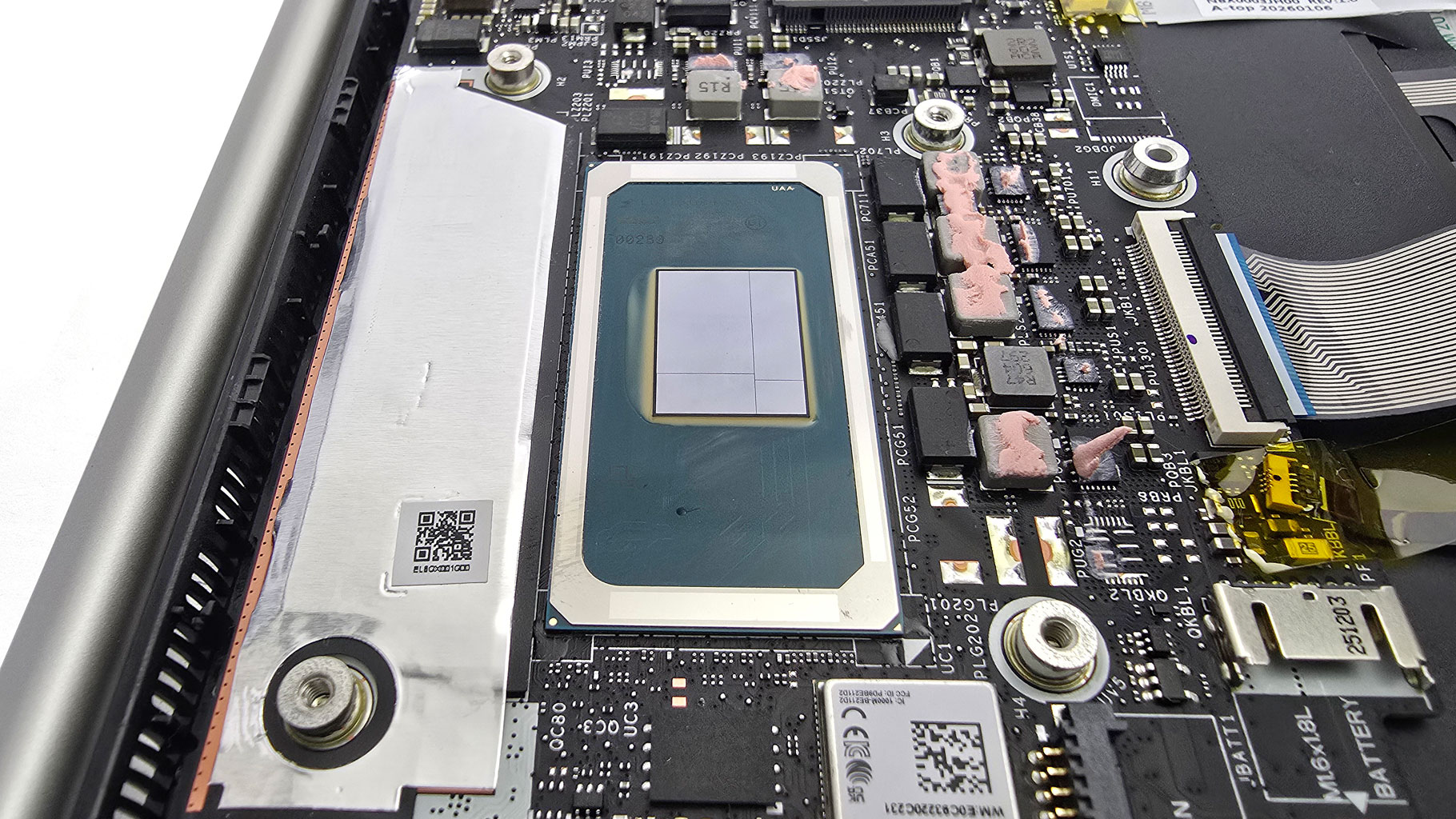
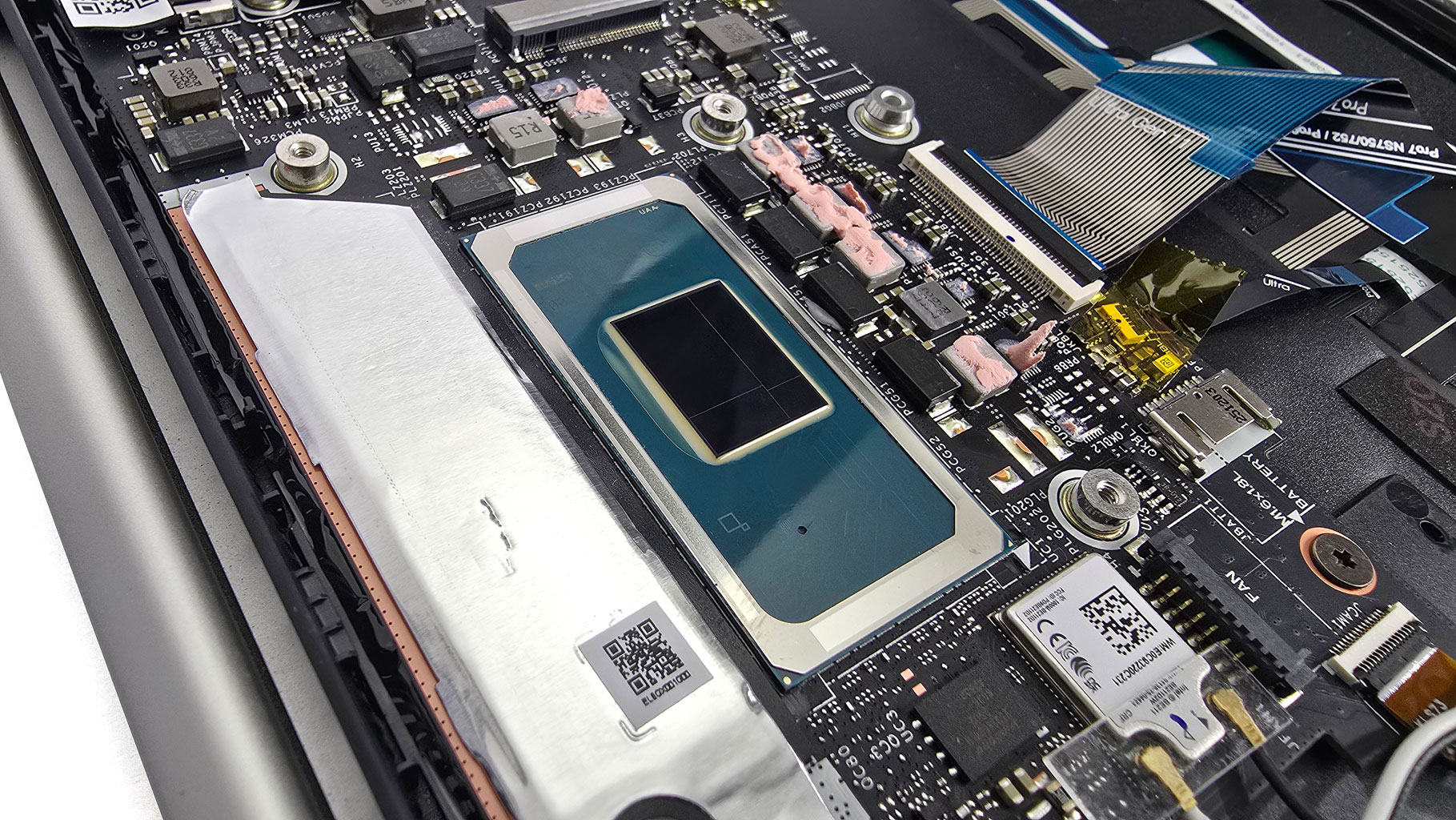
A look at the motherboard and we can inspect closely the Panther Lake processor and the soldered memory above it.
Nov 22nd, 2026 18:43 CST
change timezone
Latest GPU Drivers
New Forum Posts
- Increasing Power Limit? (6)
- What are you playing? (26240)
- UPS what one to get? (48)
- Honestly, do you care about GTA VI? (265)
- Your PC ATM (36458)
- Gacha Games - Discussions, Pulls, Updates, etc. (1157)
- Last game you purchased? (1414)
- Making a game in Godot engine (19)
- Intel D270 (5)
- X870E AORUS ELITE WIFI7 thread with setting and OC (69)
Popular Reviews
- Microsoft Surface Laptop Ultra Review - The Next-gen Arm Laptop
- Corsair RM1200e (Second Generation) Review
- Upcoming Hardware Launches 2027 (Updated Nov 2026)
- Pulsar Office Tour & First Look at P1 Dual-Sensor Mouse
- Ugreen NASync DXP4800 GT Review
- AMD Ryzen 7 9800X3D Review - The Best Gaming Processor
- AMD Zen 6 Technical Deep Dive
- AMD Ryzen 7 5800X3D 10th Anniversary Review
- Phantom Blade Zero Performance Benchmark Review - 35 GPUs Tested
- Biwin Black Opal NV7400 2 TB Review
TPU on YouTube
Controversial News Posts
- NVIDIA Co-Founder and CEO Jensen Huang Officially Resigns (492)
- Report: Jensen Huang Eyes NVIDIA Comeback (266)
- Open Letter Asking NVIDIA to Reinstate Jensen Huang Passes 115,000 Signatures (184)
- OpenAI CEO Argues Home PCs Waste the World's Limited DRAM Supply (152)
- NVIDIA Launches Investigation Into Jensen Huang's Relationship With Suspected Chinese Spy (136)
- Intel "Raptor Lake Next" 16-Core and 20-Core CPUs Surface (130)
- NVIDIA GeForce RTX 50-Series Scheduled for up to $500 Price Hike This Week (89)
- Intel Razor Lake Gets a 12 P-Core bLLC Chip With No E-Cores, Per Leak (86)