 20
Lian Li HydroShift II OLED Curved 360P28 Review
Finished Looks »Installation
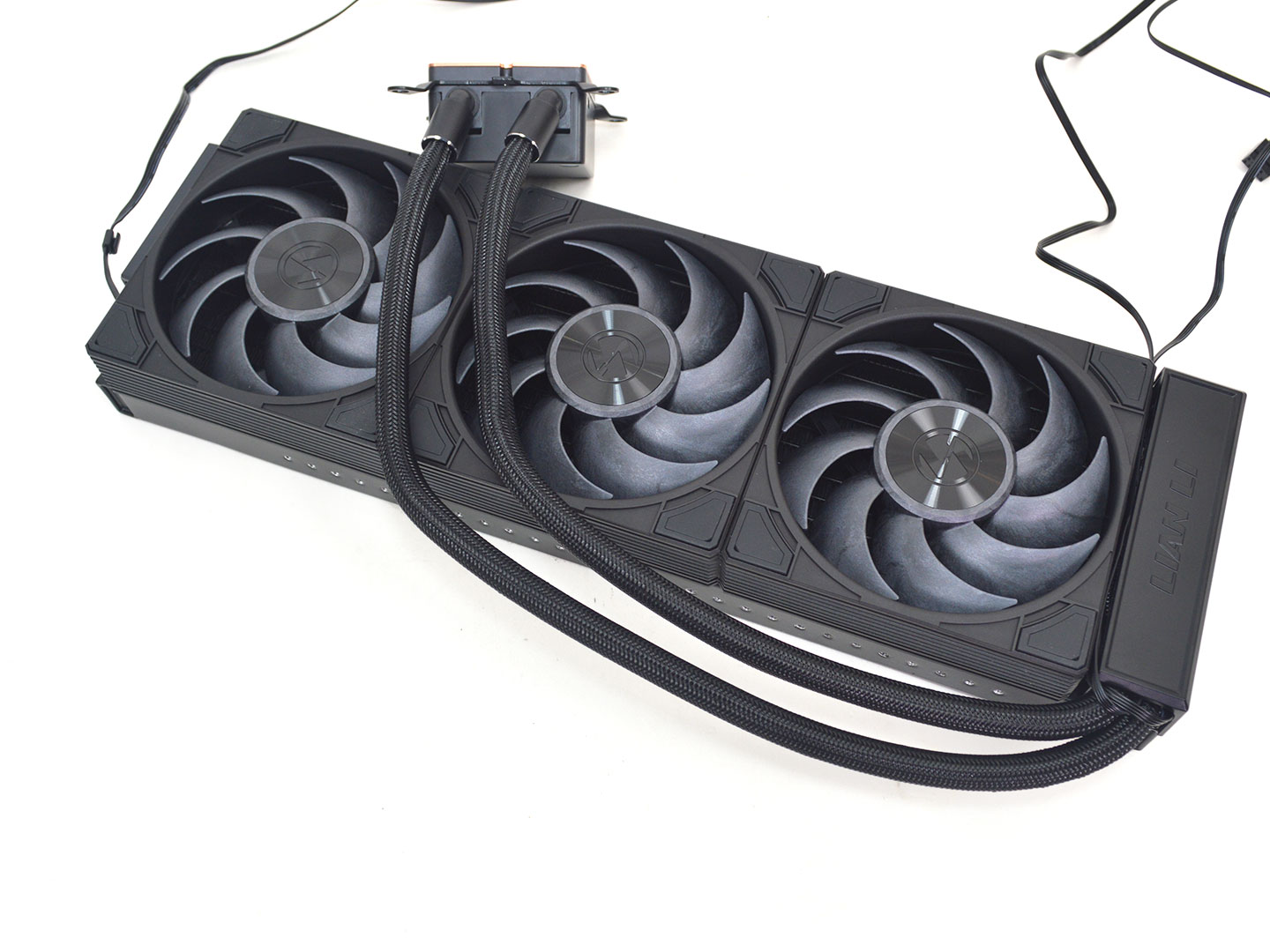
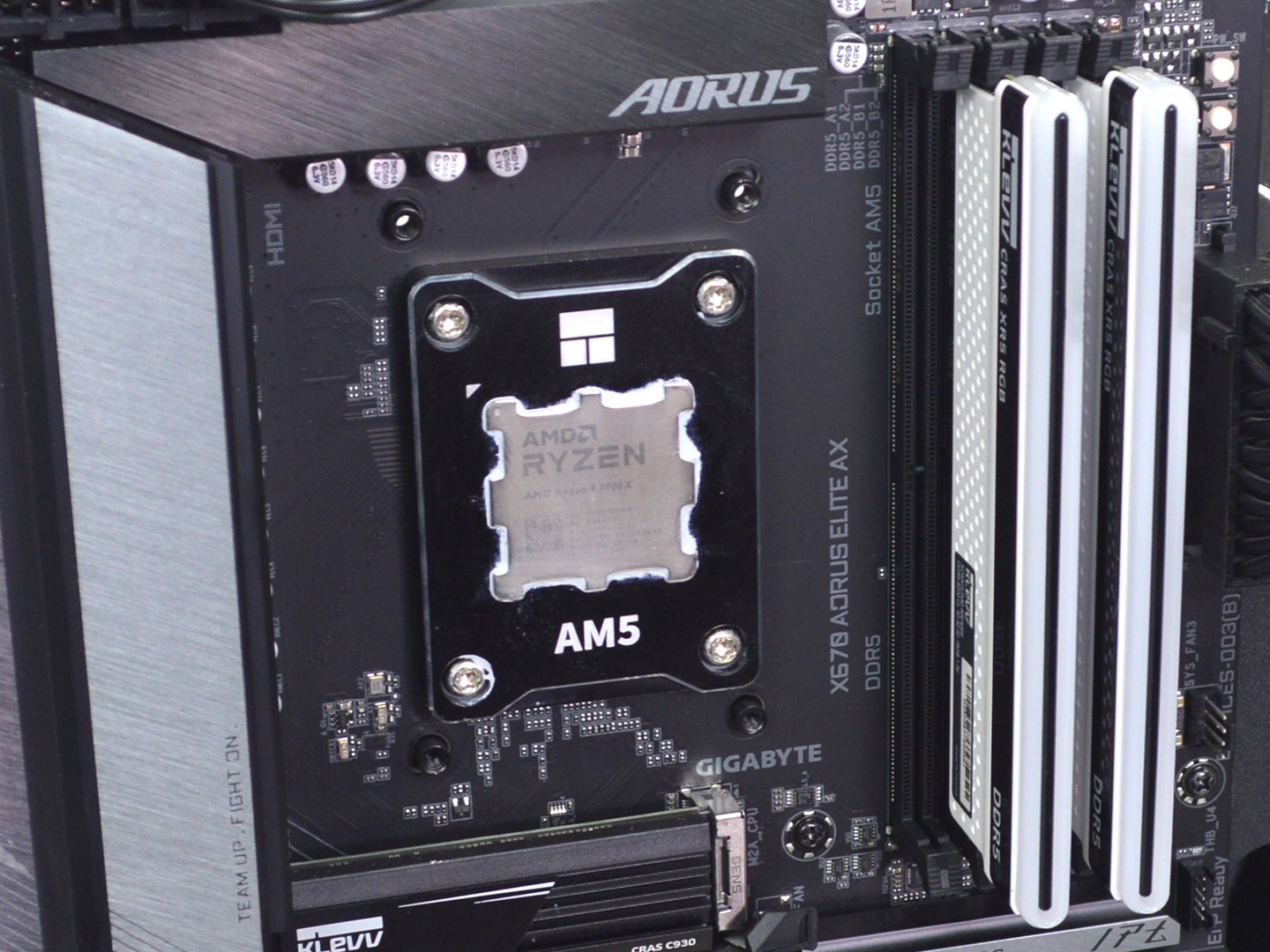
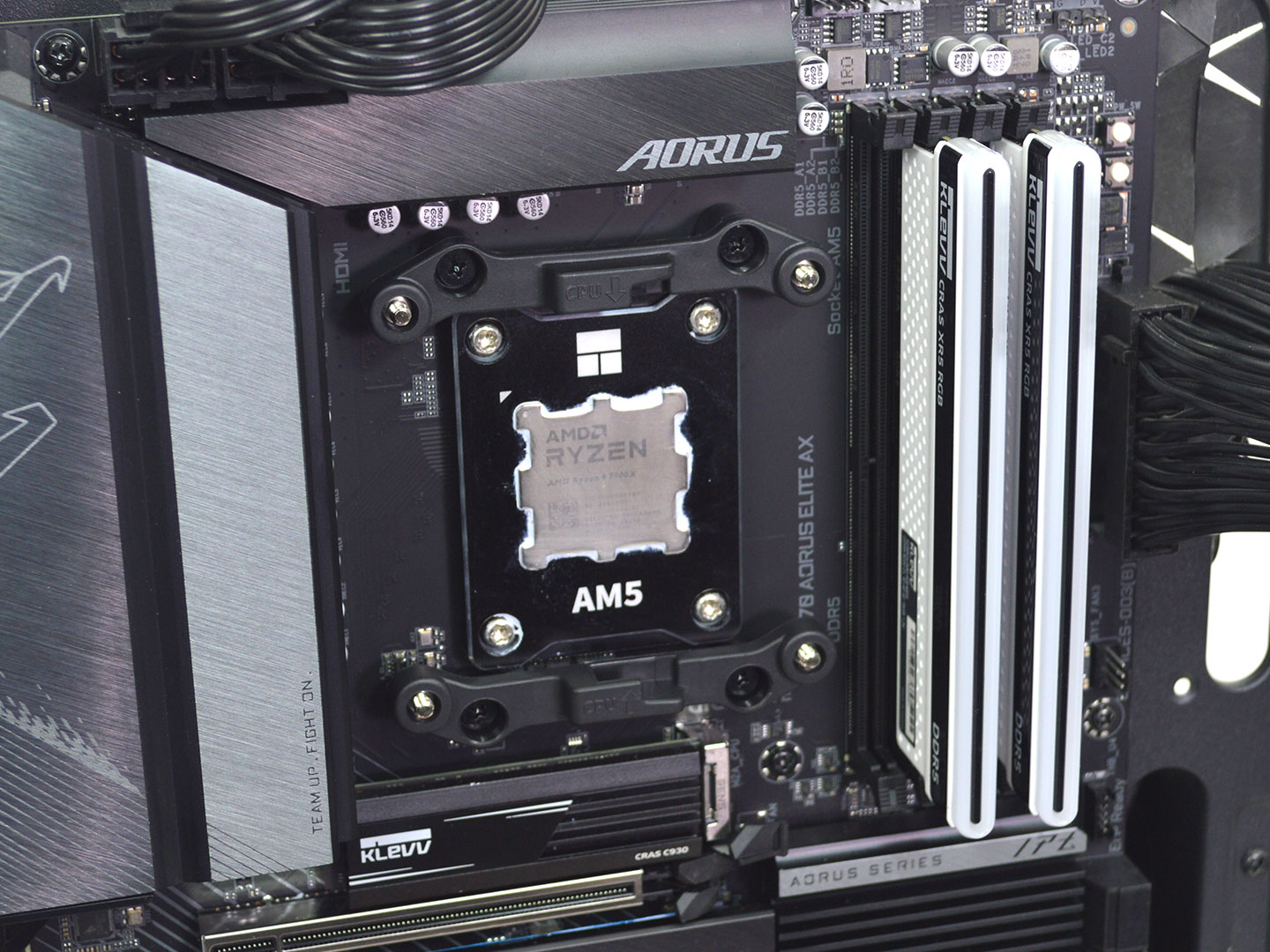
To install the cooler the first step is to take note of the tubing and make any adjustments you need to regarding the brackets. Then on AMD's AM5 Socket you will need to remove the motherboard's default brackets. Then secure the provided brackets with the provided screws.
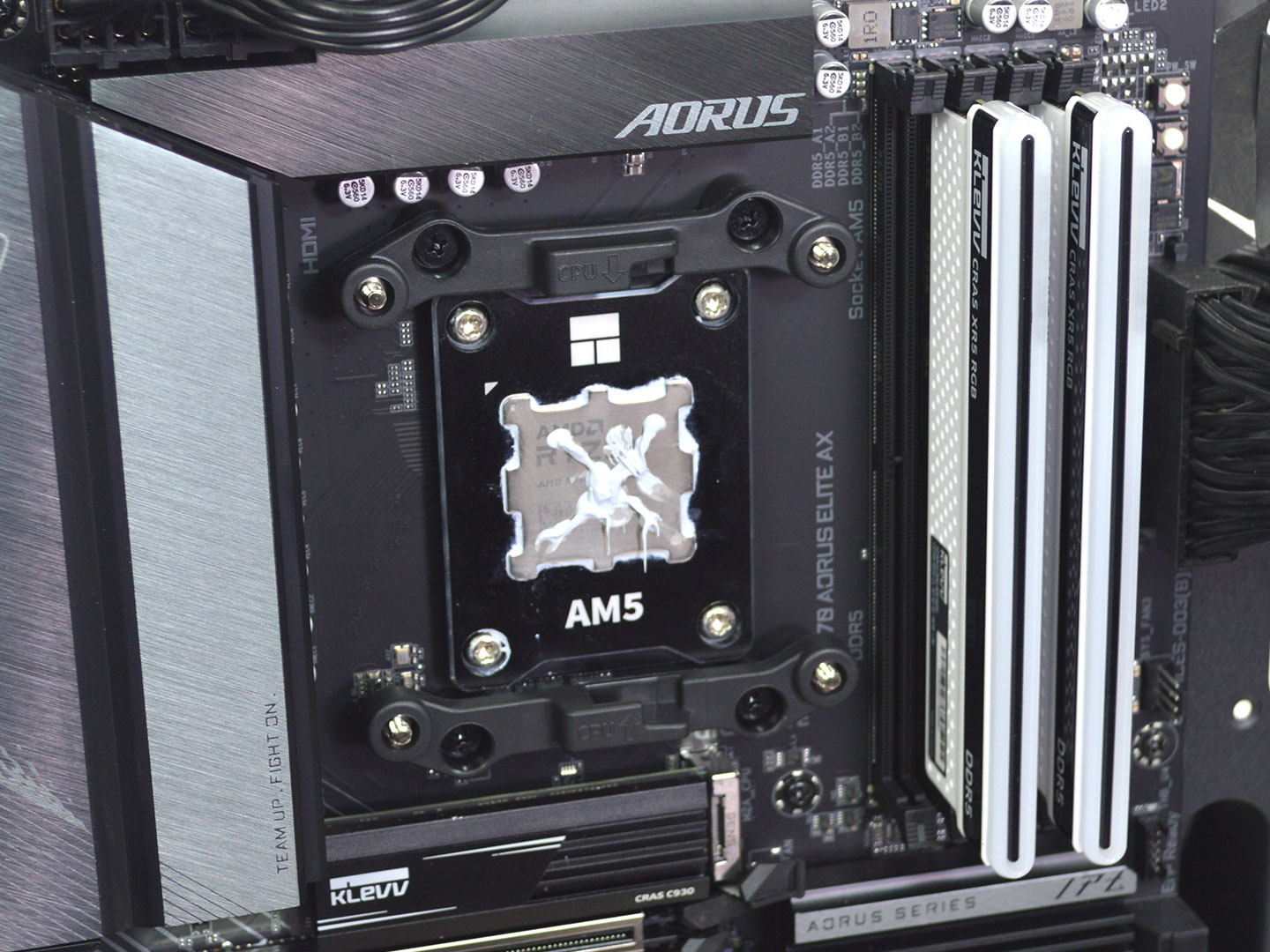
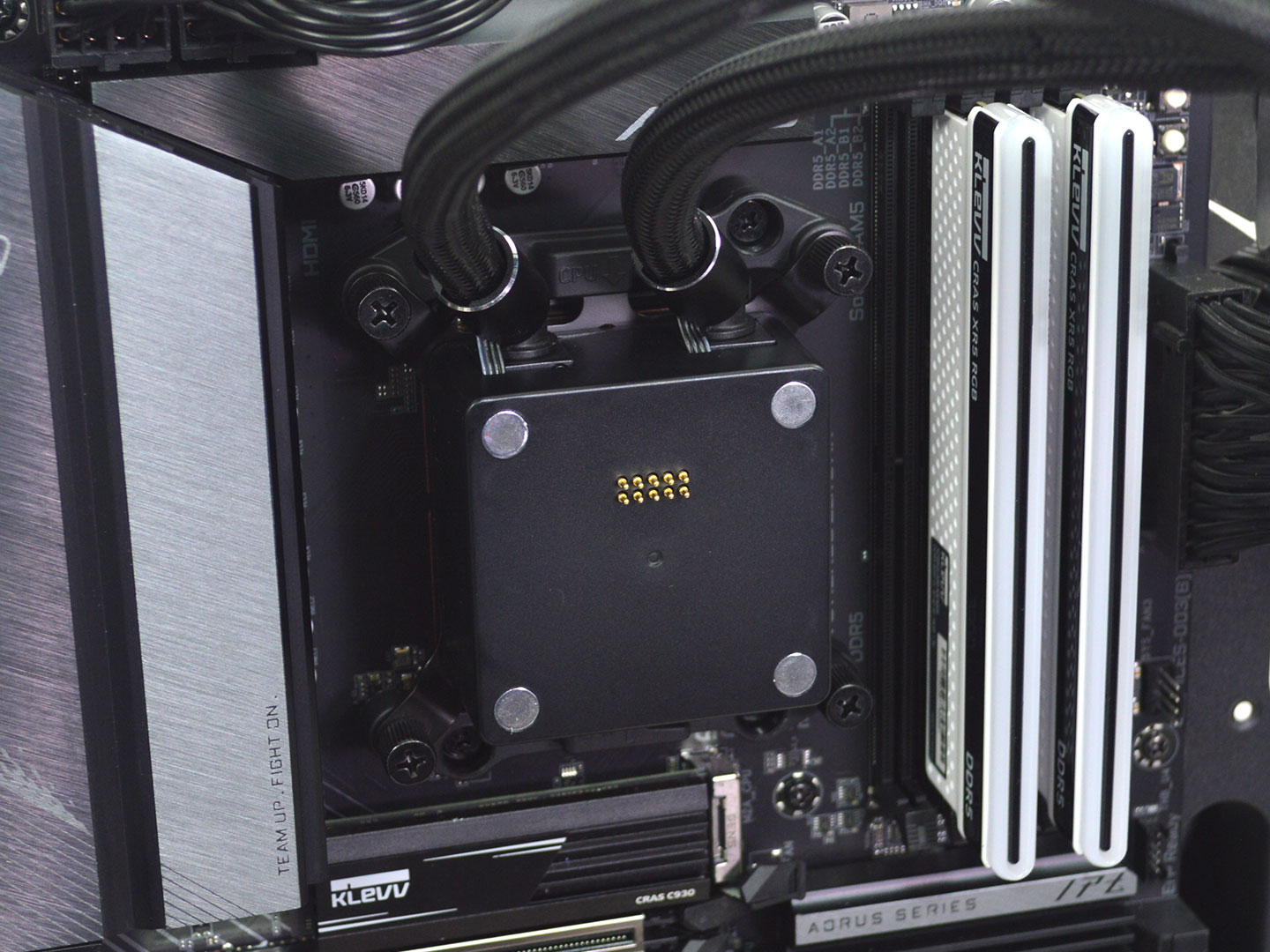
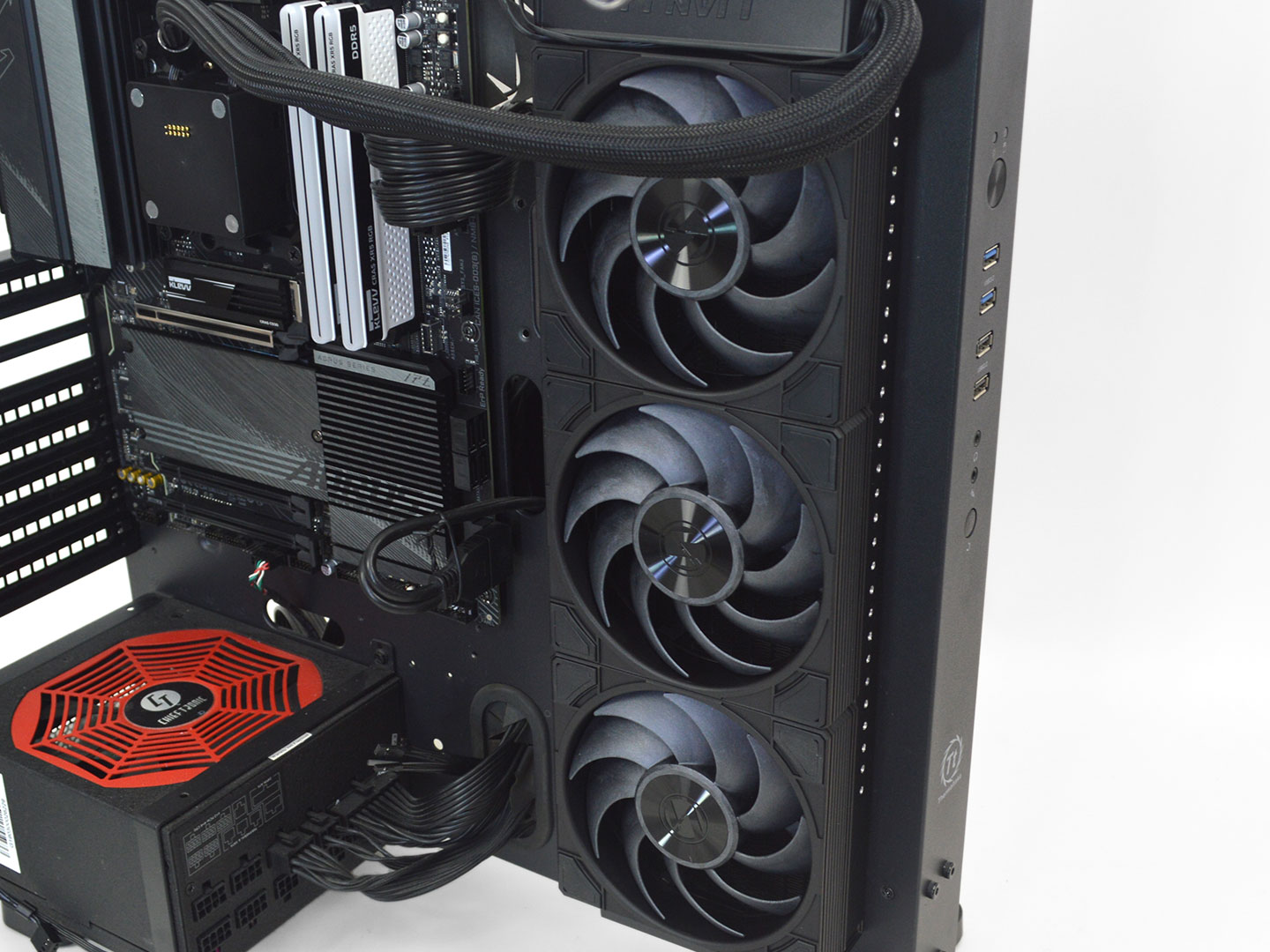
While I didn't spread the thermal paste ahead of time for the photo, I highly recommend doing so before mounting the pump. The way the pump sits in the mounting brackets causes it to slide to the left before you tighten it down, which can push the thermal paste in one direction and create hot spots. So, spread it first. Align the correct tabs on the pump with the cutouts in the bracket, then slide the pump to the left before securing it with the proper nuts. Once the pump is installed, install the radiator and fans.
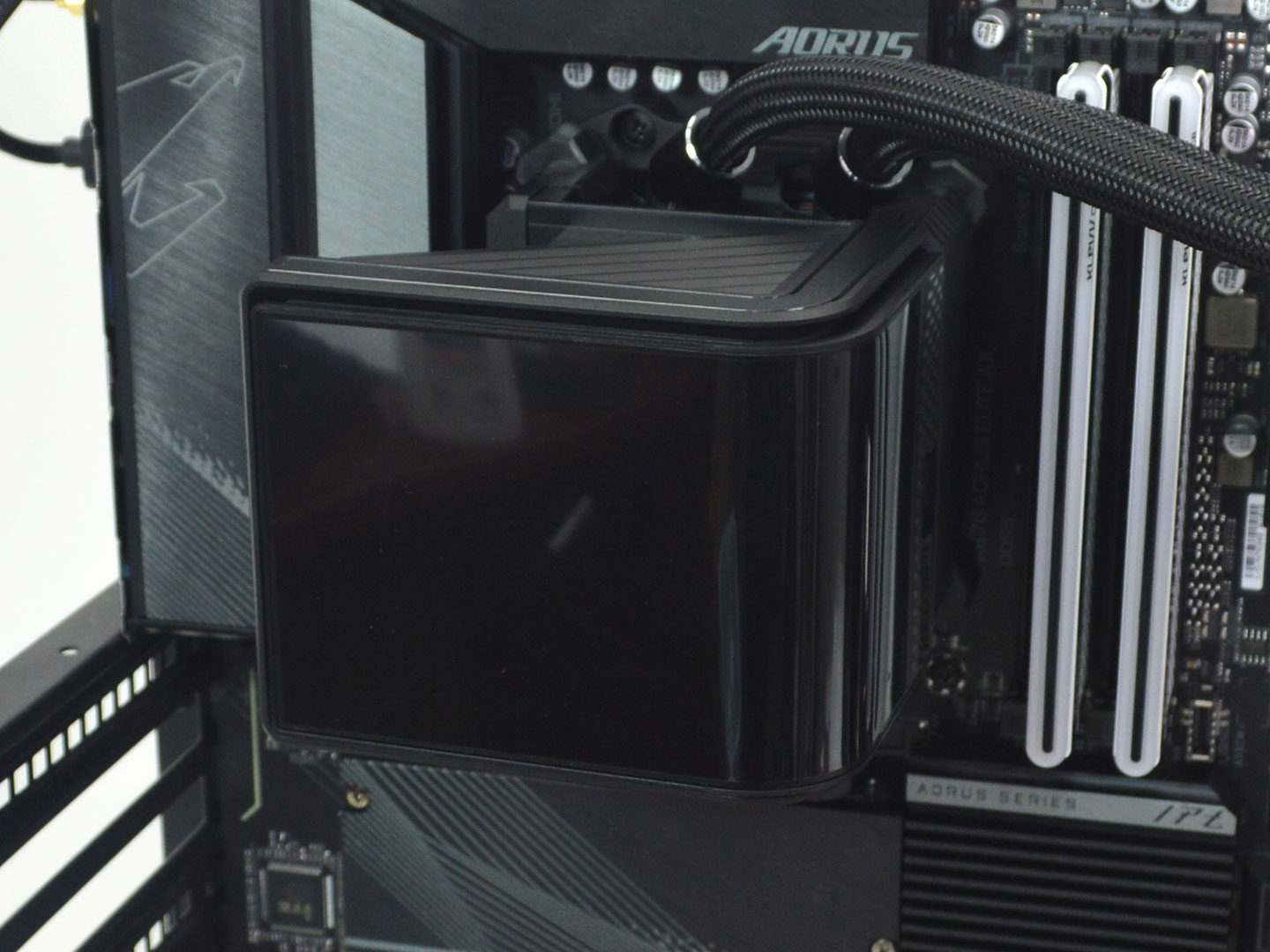
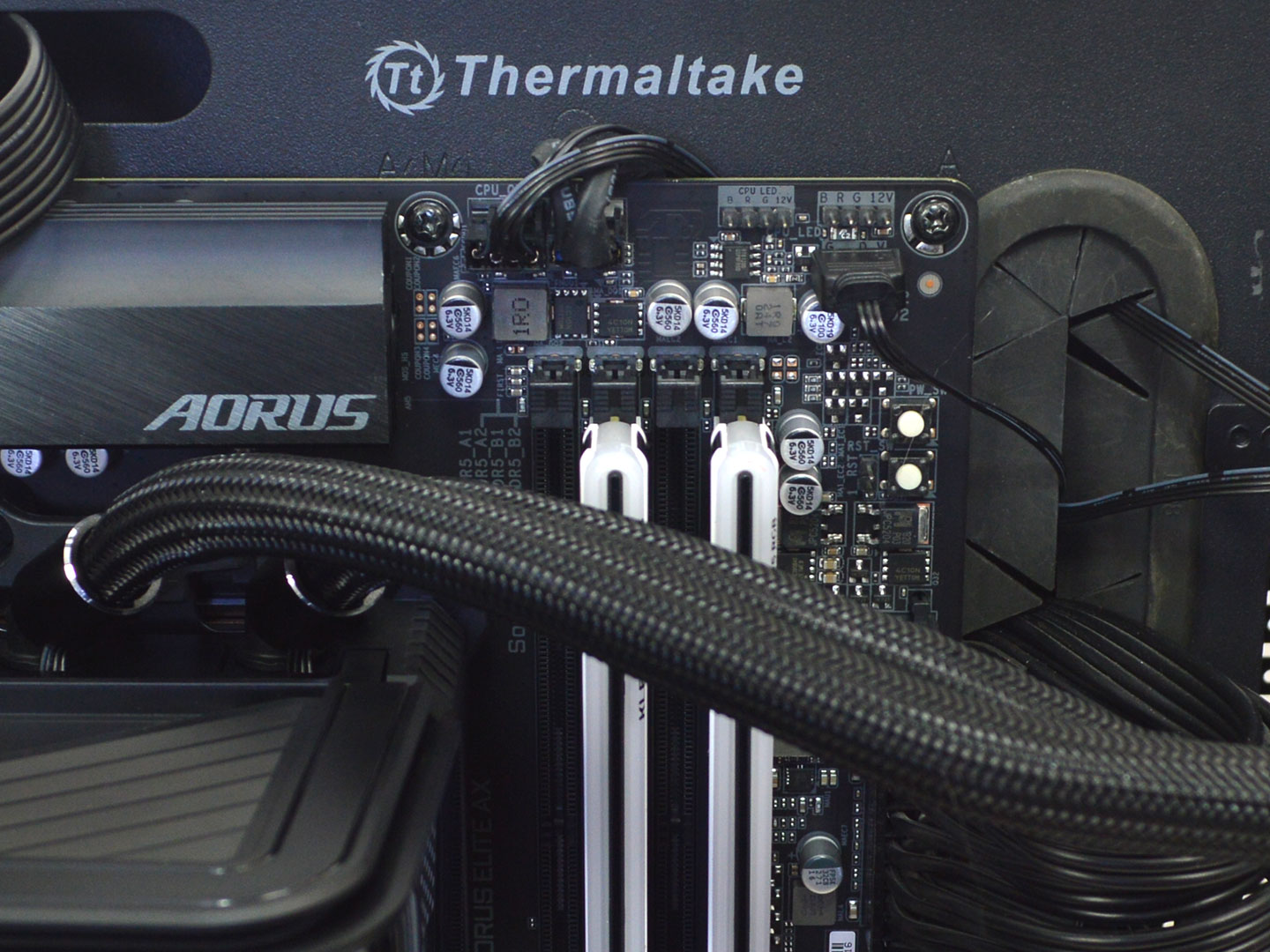
Now slide the OLED display module onto the pump and get ready from some cable management fun. Once all the cables are plugged in and everything is good to go all that remains is to install the L-Connect 3 software.
The installation process is relatively uncomplicated for both AMD and Intel platforms. However, I have some reservations about the mounting hardware and overall design. The hardware, while sturdy, complicates achieving an even thermal paste spread. If you're not careful, or if you apply too much pressure while positioning the pump, you might end up shifting the thermal interface material to one side. Spreading it first mitigates this problem, so it's not a huge deal—just something to be aware of.
Finally, while the tubing setup is fantastic for a system with the radiator at the top of the chassis, trying any other location such as in the front or on the side is just plain ugly, with the tubing not being switchable from one side or the other like the older HydroShift AIOs. Essentially, it's meant to be installed in the top position and if your case isn't suitable for that you're going to have a rough time.
Furthermore, the various setup options for ARGB and power is over engineered and just plain clunky. To put it bluntly you have wiring on both ends of the radiator along with needing a USB splitter (included) cable routing everything until its neat and tidy. Just about every other AIO design on the market you have an ARGB, fan, pump and a single USB wire. Daisy-chained fans help a lot but at the end of the day this entire ecosystem is a mess of wires and diagrams. I applaud Lian Li for trying different designs, but they really need to refine what they have already this has been an ongoing pain point for the HydroShift II series and the OLED Curved 360P28 is no different.
Nov 23rd, 2026 13:27 CST
change timezone
Latest GPU Drivers
New Forum Posts
- Gacha Games - Discussions, Pulls, Updates, etc. (1158)
- WarpCoreBench scores! (90)
- Refurbished Gaming Laptop (5070 TI) 2,000 dollars (1)
- Increasing Power Limit? (17)
- TPU's Nostalgic Hardware Club (22201)
- RAM overclock cause worse feeling than JEDEC (8)
- GTA6 Single Player & Online discussion (1)
- What are you playing? (26252)
- Your PC ATM (36472)
- Last game you purchased? (1417)
Popular Reviews
- Microsoft Surface Laptop Ultra Review - The Next-gen Arm Laptop
- Corsair RM1200e (Second Generation) Review
- Upcoming Hardware Launches 2027 (Updated Nov 2026)
- Pulsar Office Tour & First Look at P1 Dual-Sensor Mouse
- AMD Ryzen 7 9800X3D Review - The Best Gaming Processor
- Ugreen NASync DXP4800 GT Review
- ASRock X870E Challenger Wi-Fi White Review
- AMD Zen 6 Technical Deep Dive
- Phantom Blade Zero Performance Benchmark Review - 35 GPUs Tested
- AMD Ryzen 7 5800X3D 10th Anniversary Review
TPU on YouTube
Controversial News Posts
- NVIDIA Co-Founder and CEO Jensen Huang Officially Resigns (492)
- Jensen Huang Reinstated as CEO of NVIDIA (295)
- Report: Jensen Huang Eyes NVIDIA Comeback (278)
- Open Letter Asking NVIDIA to Reinstate Jensen Huang Passes 115,000 Signatures (184)
- OpenAI CEO Argues Home PCs Waste the World's Limited DRAM Supply (152)
- NVIDIA Launches Investigation Into Jensen Huang's Relationship With Suspected Chinese Spy (136)
- Intel "Raptor Lake Next" 16-Core and 20-Core CPUs Surface (130)
- NVIDIA GeForce RTX 50-Series Scheduled for up to $500 Price Hike This Week (89)