 32
MSI Claw 8 EX AI+ CG3EM Review - Panther Lake FTW
Software »Ports and Wireless Performance
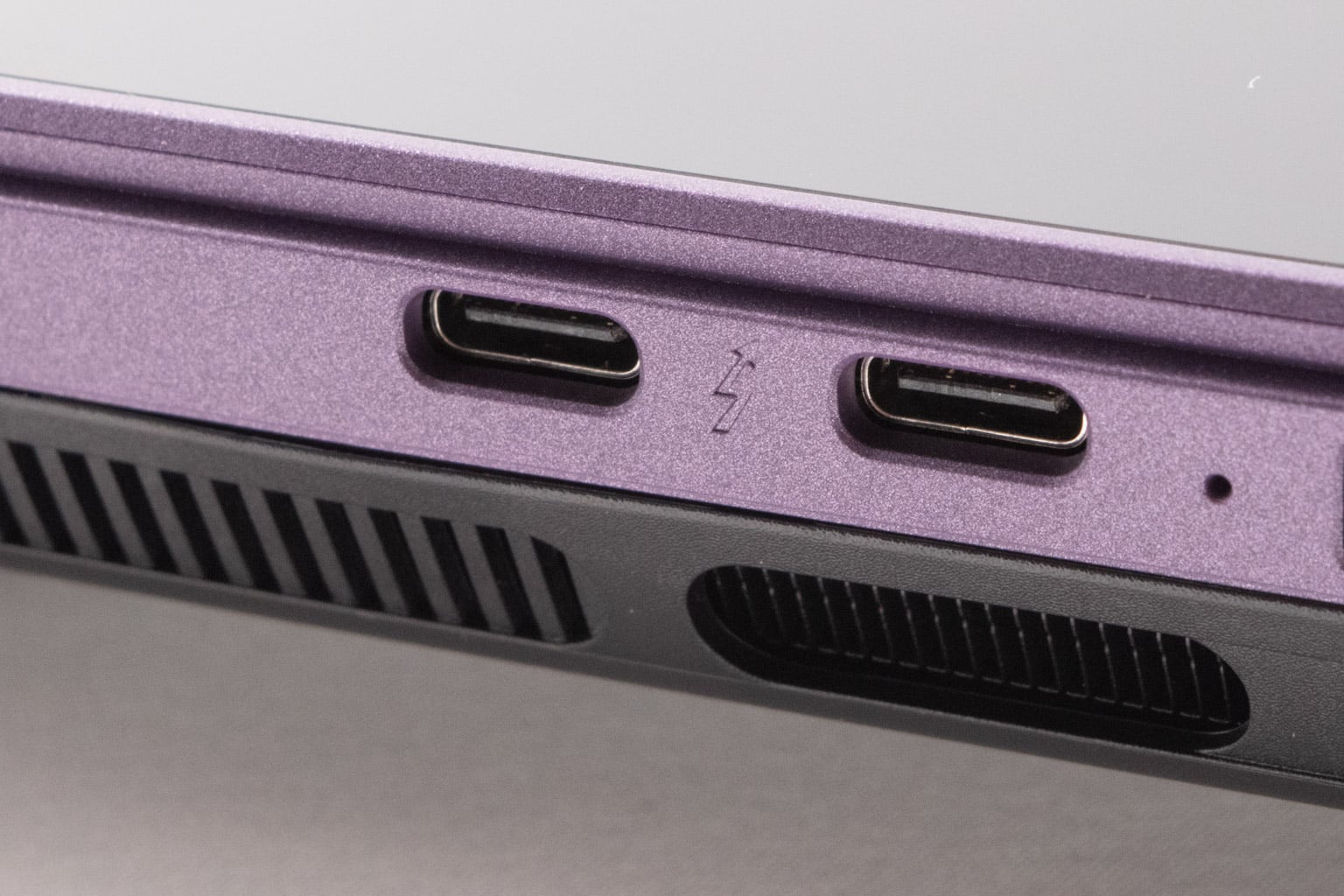
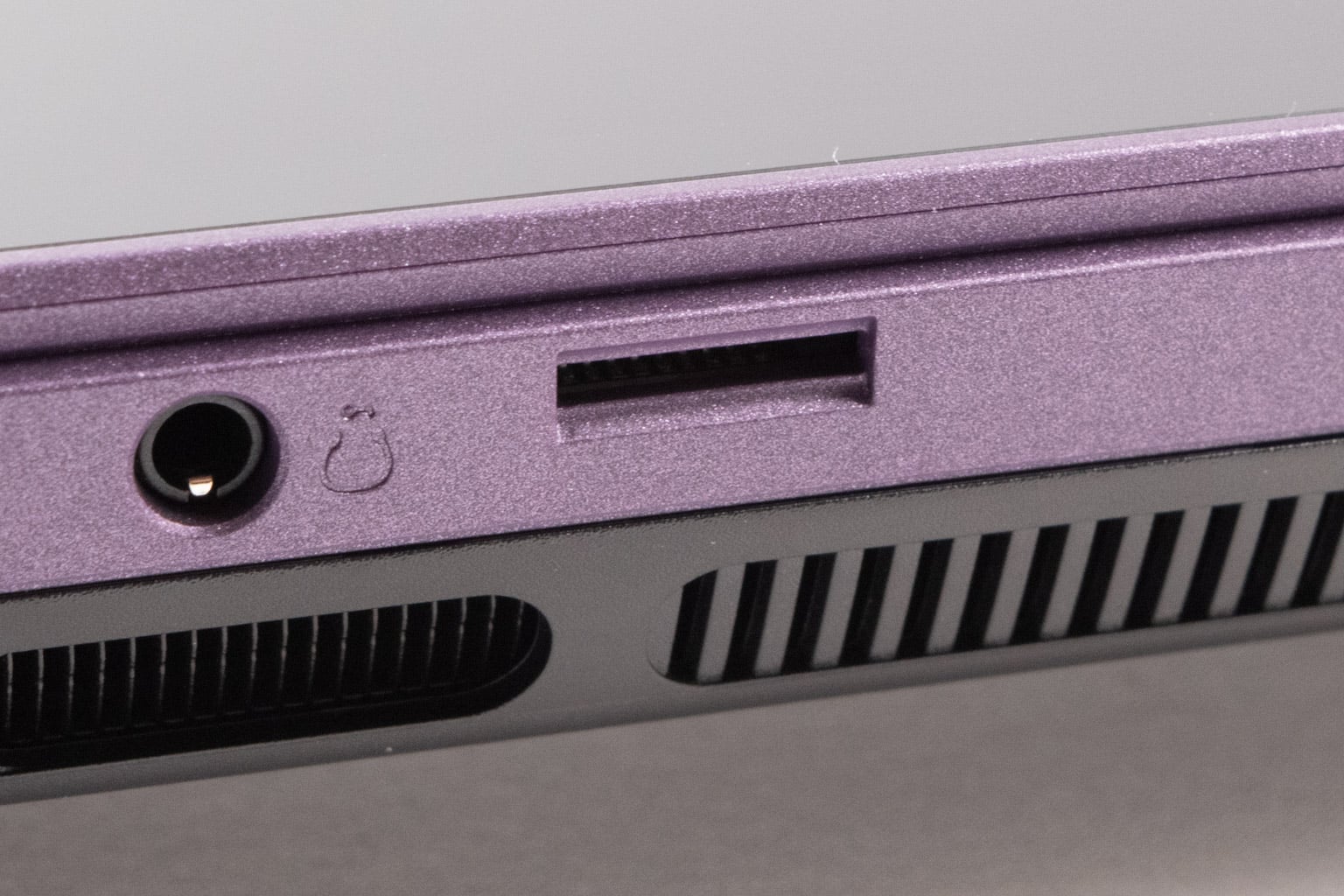
The MSI Claw 8 EX comes with two Thunderbolt 4 ports, a microSD Express card slot, and a combo audio jack. Overall, this is a great setup for a handheld PC with a ton of bandwidth. Hooking up a USB-C dock can turn the Claw 8 EX into a powerful portable PC thanks to the excellent CPU and plentiful memory, and with a Thunderbolt or USB4 dock, you can get a proper desktop replacement, at least from a connectivity standpoint.
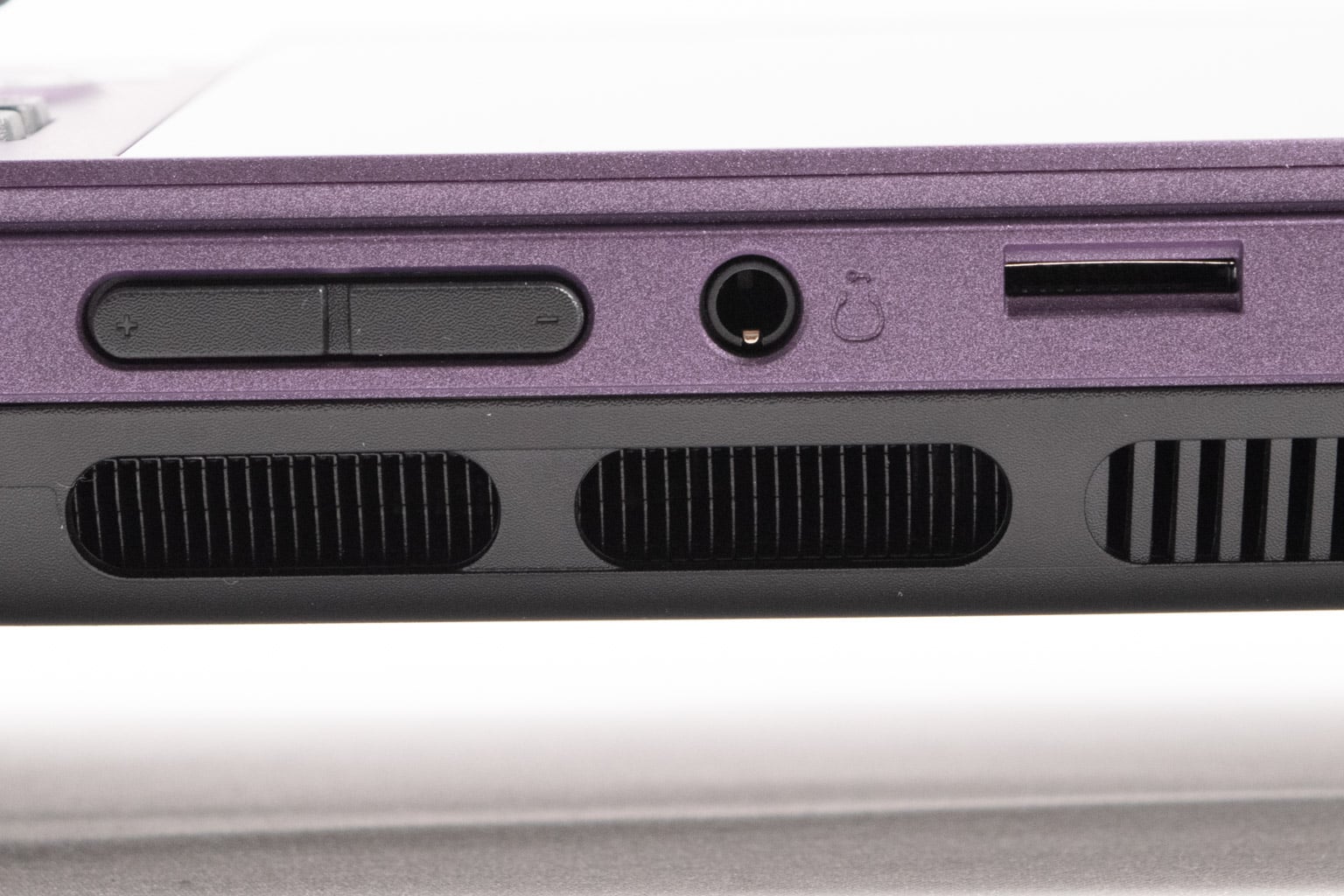
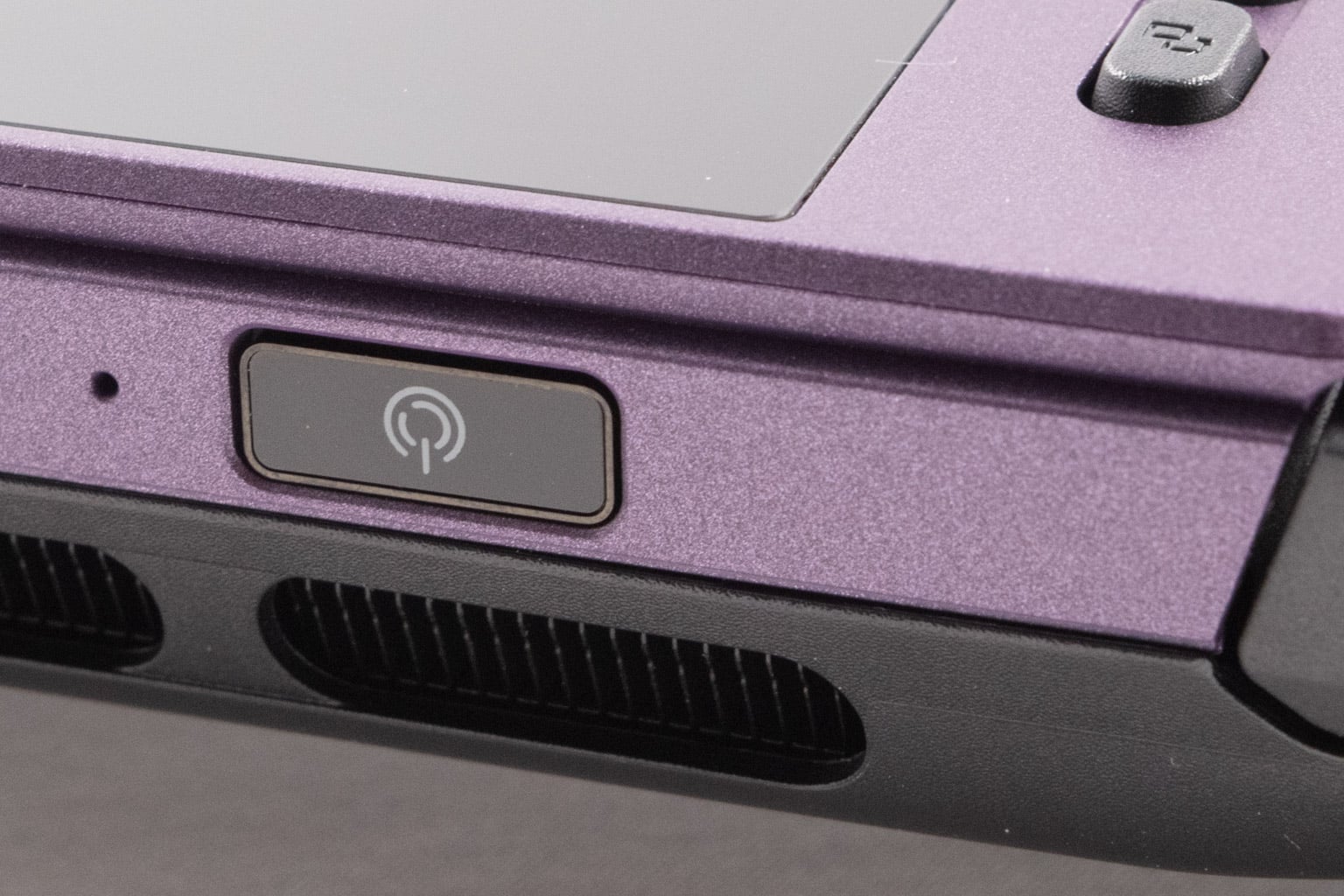
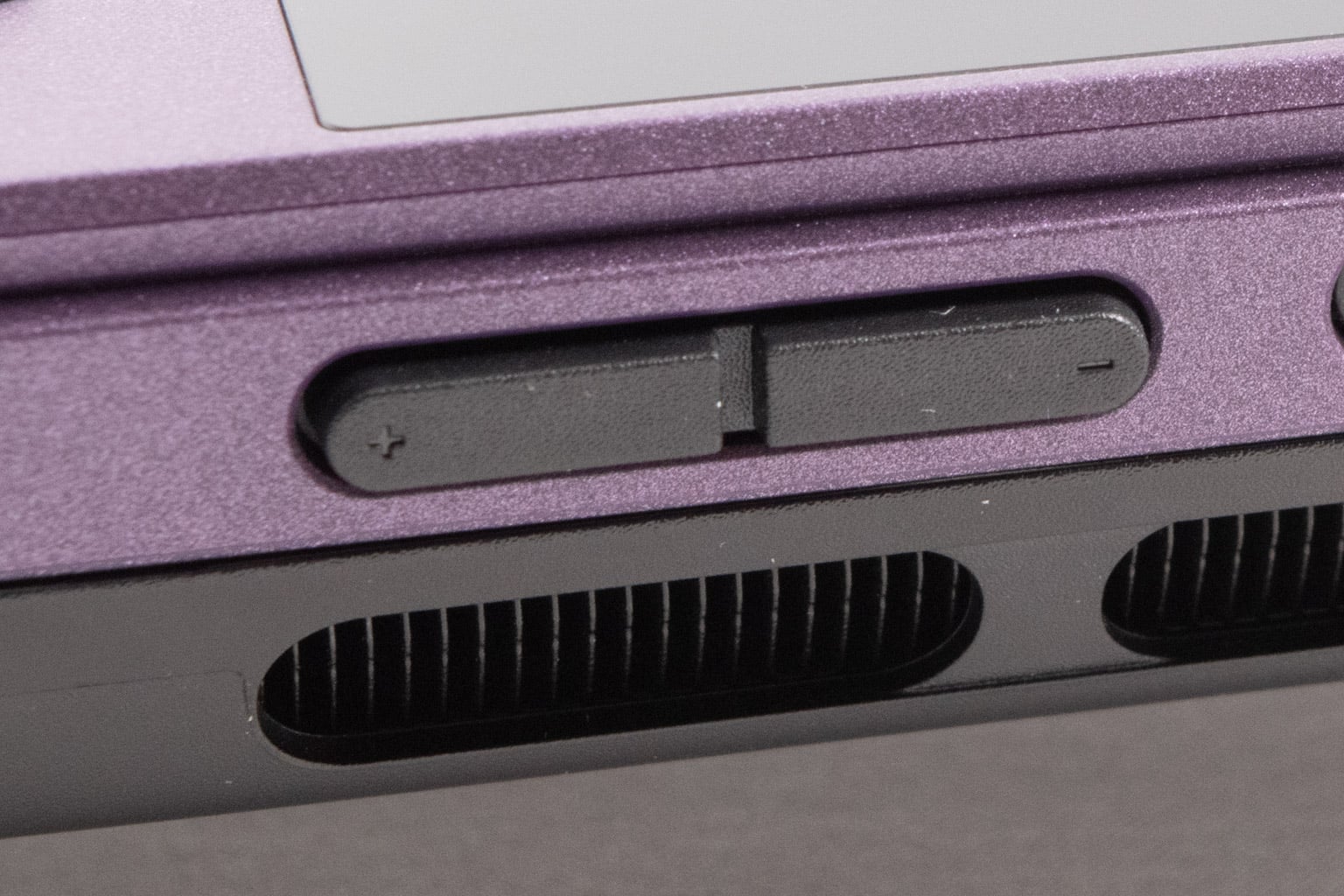
We really like the inclusion of a microSD Express card slot that's also compatible with regular microSD cards. When (or better yet, if) storage prices return to normal, you'll be able to get a microSD Express card, which can top out at about 900 MB/s and 700 MB/s for sequential reads and writes, respectively, and gain a ton of fast storage without having to open the device and replace the default SSD.
It's just a shame that microSD Express cards sport especially ludicrous prices right now because they're fast enough to deliver seamless loading times in all games aside from those with DirectStorage support. Even most of those should work fine because they're perfectly playable on SATA SSDs, whose performance most microSD Express cards match.
All our chargers capable of delivering 65 W or more played nicely with the Claw 8 EX, and we were able to maximize TDP settings while charging the device.
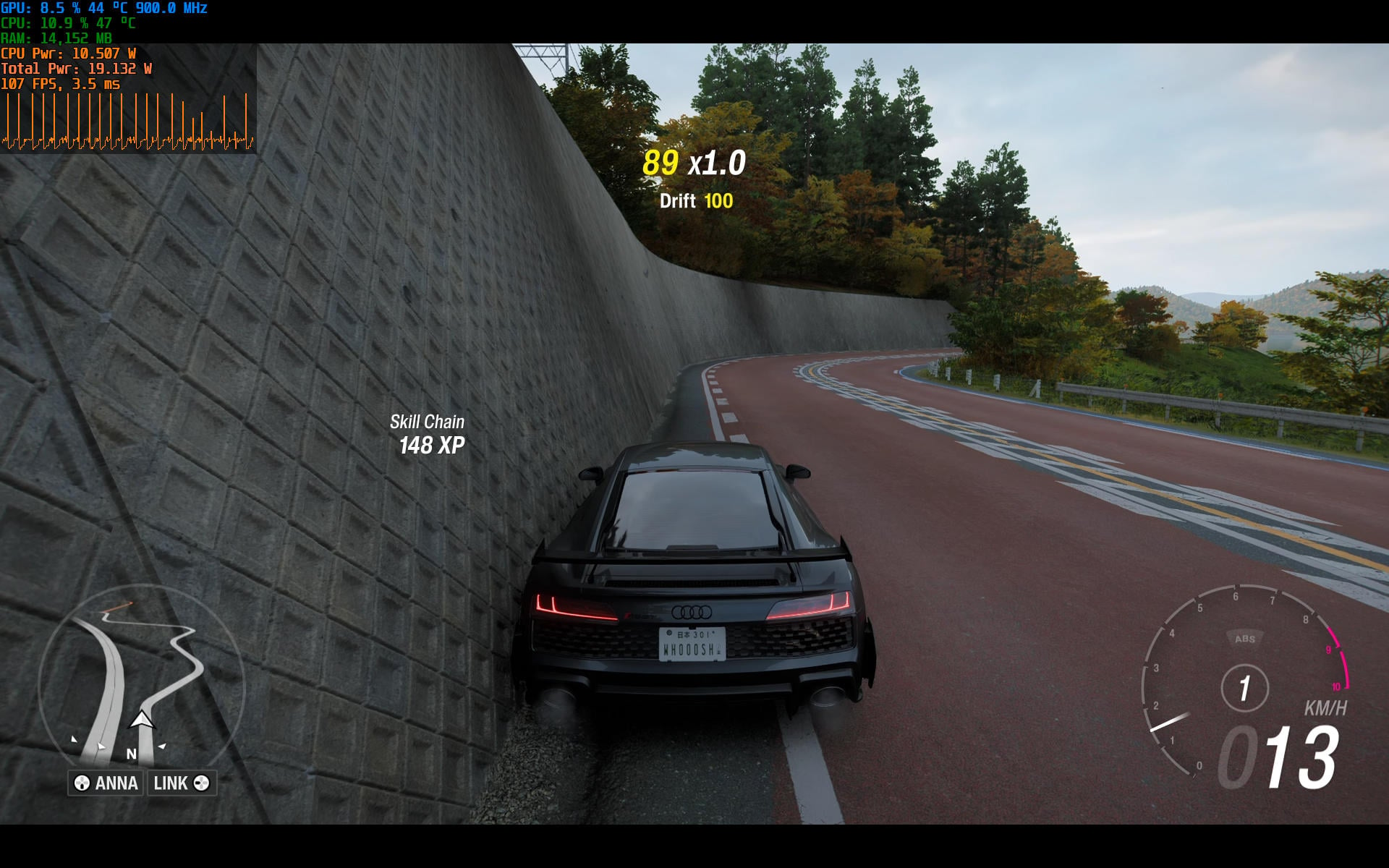
As for the Intel BE213 Wi-Fi 7 chip, it performed admirably across the board, except in one case. When locally streaming games from our PC to the Claw 8 EX, we noticed massive lag spikes occurring every 10 minutes or so, as you can see in the screenshot above. This made local game streaming all but impossible on the Claw 8 EX because the game would become unplayable for several seconds every 10 minutes.
We have a decent Wi-Fi 6E router and run a dedicated 6 GHz SSID exclusively for our handheld PCs to achieve the best local game streaming performance, but nothing we did stopped these spikes.
After a bit of research, we found out that Intel Wi-Fi chips (Wi-Fi 6 and newer) have had issues with scanning for Wi-Fi networks for years, resulting in these latency spikes. Older Wi-Fi drivers shipped with an option called "Block Global BG Scanning" that disabled Wi-Fi network scanning and removed the lag spikes, but newer drivers have removed this option.
Luckily, we found a solution that fixed the issue. All you have to do is follow the tutorial available on the dev.moe website. All it takes is digging through the Registry Editor a bit and creating a registry file where you'll paste some code. After doing this, the "Block Global BG Scanning" option reappeared in the wireless adapter options found in Device Manager, allowing us to disable Wi-Fi network scanning, and local game streaming has worked flawlessly since.
TechPowerUp forum member THEBOSS619 has been providing modified Wi-Fi drivers for various Intel chips on TPU's forums for years, so if you own a device packing one of the supported Wi-Fi chips (check the modified drivers thread to see which chips are supported), you can install modified drivers that include the "Block Global BG Scanning" option. Unfortunately, these drivers don't support the BE213 chip found in the Claw 8 EX or the BE201 chip found in the Claw 8, leaving only the first solution. That said, it does fix the lag spikes, so it's definitely worth trying. We also recommend disabling Location Services in Windows Settings for the best local game streaming performance.
Battery Life
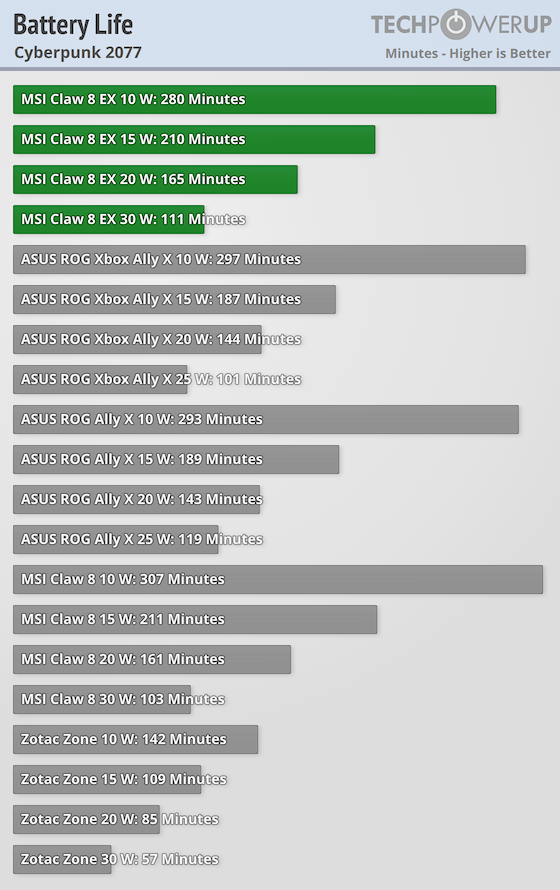
We tested the battery life with the screen brightness set to 50%. Note that the battery drain when sleeping is about 0.5% per hour.
The MSI Claw 8 EX is very similar to its predecessor with regard to battery life at every power setting except 10 W. That said, the 10 W result isn't bad by any stretch; it's just lower than what both the Claw 8 and the Xbox Ally X achieved.
At 30 W, you're looking at almost two hours of gaming time, which increases to more than two and a half hours at 20 W. At 15 W, you can game for three and a half hours before needing to look for a charger. Considering how powerful the G3 Extreme is at around 15 W, you can enjoy games for more than three hours with similar settings and frame rates to what the Z2 Extreme can achieve at about 25 W. The only outlier here is battery life at 10 W, which is about 20 minutes shorter than expected. That's not much, but it is noticeable.
Nov 24th, 2026 07:08 CST
change timezone
Latest GPU Drivers
New Forum Posts
- Games at first startup always worse why? (0)
- GTA VI (30)
- Increasing Power Limit? (27)
- HP ZBook 17 G3 i7 – black screen and fans running at max speed after switching SSD to GPT (0)
- Strange PC issues with Z690 setup (2)
- How to prevent OLED burn damage due to PC freezes or power outtages? (58)
- Which ryzen am5 cpu ? (201)
- Your PC ATM (36486)
- AI generated images... (234)
- Without Jensen, PC gaming will be (58)
Popular Reviews
- Microsoft Surface Laptop Ultra Review - The Next-gen Arm Laptop
- ASRock X870E Challenger Wi-Fi White Review
- Upcoming Hardware Launches 2027 (Updated Nov 2026)
- Corsair RM1200e (Second Generation) Review
- AMD Ryzen 7 9800X3D Review - The Best Gaming Processor
- AMD Zen 6 Technical Deep Dive
- AMD Ryzen 7 7700X3D Review
- Pulsar Office Tour & First Look at P1 Dual-Sensor Mouse
- Phantom Blade Zero Performance Benchmark Review - 35 GPUs Tested
- Ugreen NASync DXP4800 GT Review
TPU on YouTube
Controversial News Posts
- NVIDIA Co-Founder and CEO Jensen Huang Officially Resigns (492)
- Jensen Huang Reinstated as CEO of NVIDIA (434)
- Report: Jensen Huang Eyes NVIDIA Comeback (281)
- Open Letter Asking NVIDIA to Reinstate Jensen Huang Passes 115,000 Signatures (184)
- OpenAI CEO Argues Home PCs Waste the World's Limited DRAM Supply (152)
- NVIDIA Launches Investigation Into Jensen Huang's Relationship With Suspected Chinese Spy (136)
- Intel "Raptor Lake Next" 16-Core and 20-Core CPUs Surface (130)
- NVIDIA GeForce RTX 50-Series Scheduled for up to $500 Price Hike This Week (89)