 97
MSI GeForce RTX 5090 Lightning Z Review - Up to 1000 W
(97 Comments) »Introduction

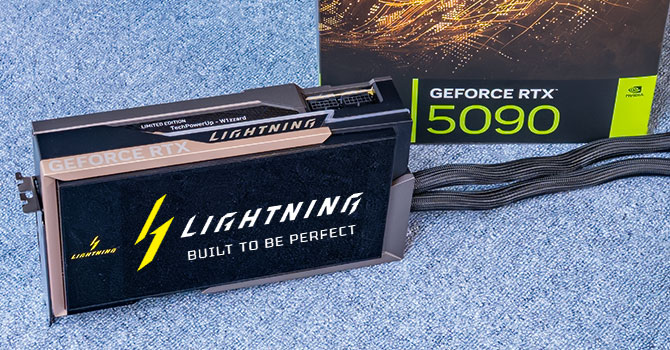
MSI GeForce RTX 5090 Lightning Z is designed to be a paragon of enthusiast-class PC hardware, appealing to professional overclockers and gamers for whom money is no object when seeking out the very best the market has to offer. This card, produced in very limited quantities, comes with one of the industry's strongest graphics card VRM solutions that can handle continuous loads of up to 1000 W, using two 600 W power inputs; making for a top-binned GeForce RTX 5090 GPU that can sustain the highest clock speeds with minimal effort; and a host of segment-first features.
MSI positions the GeForce RTX 5090 Lightning Z several notches above its current flagship graphics card, the RTX 5090 SUPRIM Liquid SOC. The Lightning Z brand dates back nearly 15 years, when MSI designed special graphics card SKUs targeting professional overclockers. Fast-forward to 2026, and the RTX 5090 Lightning Z is trying to do the same thing, but with most of its capability out of the box, not needing aftermarket cooling. MSI overclocked the RTX 5090 to 2730 MHz, compared to 2527 MHz of the SUPRIM Liquid SOC, and 2407 MHz NVIDIA reference. That's not all, while the SUPRIM Liquid SOC comes with a power limit of 575 W that can be extended to 600 W via software, the new Lightning Z supercharges this to 800 W, with a power limit unlock that takes it all the way to 1000 W, provided both 12V-2x6 connectors are in place and each are capable of 600 W. Extreme overclockers can optionally use a 2500 W BIOS that pushes the power limits even further, but this will likely require cooling modifications.
NVIDIA GeForce RTX 5090 represents the apex of the GeForce RTX Blackwell generation. At its heart is the huge GB202 chip, a 750 mm² slab of silicon with over 92 billion transistors, and 192 streaming multiprocessors (SM). The GPU introduces several firsts-to-market features, including the PCI-Express 5.0 x16 host interface, ATX 3.1 + PCIe Gen 5 power architecture, DisplayPort 2.1b UHBR20, and the new GDDR7 memory standard. The GPU features a broad 512-bit GDDR7 memory interface driving 32 GB of 28 Gbps GDDR7 memory for a jaw-dropping 1,792 GB/s memory bandwidth. The GPU needs this for neural rendering, DLSS 4 multi frame generation, and other new technologies to work. The RTX 5090 enables 170 out 192 SM, and 96 MB out of the 128 MB L2 cache physically present on the silicon. It also gets 3 out of 4 NVENC accelerators, and 2 out of 4 NVDEC. This works out to 21,760 CUDA cores, 680 Tensor cores, and 170 RT cores, across 11 GPCs.
The Blackwell graphics architecture, now in its second year, introduces Neural Rendering. You've already seen the awesome power of generative AI in creating photorealistic images and video. NVIDIA figured out a way for the GPU to run a generative AI model and render graphics in tandem, thanks to a new component called AMP (AI management processor). The GPU combines 3D objects created by the generative AI model with raster 3D graphics much in the same way that it combines real-time ray traced objects. The result is a technological leap in photorealism and geometric detail. We were blown away by the tech demos NVIDIA showed us at CES, and we can't wait to see game developers pick up on the tech. On its part, NVIDIA collaborated with Microsoft to standardize the tech, by making it possible for 3D applications to directly address Tensor cores. The shader execution reordering engine supports neural shaders.
The new 4th Generation RT core has added hardware for Mega Geometry, the ability to give ray traced object exponentially higher poly counts, and for all those added surfaces to accurately interact with rays. Then there's DLSS 4. NVIDIA replaced the convoluted neural networks (CNN) based AI model powering the various components of DLSS, with a new transformer-based model that is more accurate, and provides higher image quality at every performance preset. This works not only on the RTX 40-series Ada and RTX 30-series Ampere generations, but even the RTX 20-series Turing cards, what's exclusive to Blackwell, though, is Multi Frame Generation. NVIDIA created a way for the frame generation AI model to create not just every second frame following a conventionally rendered one, but up to three such AI generated frames, which take into account motion vectors and other relevant information. When combined with super resolution, it takes the rendering power of 1 pixel to create up to 16 pixels. This feature relies on a crucial hardware component found in the display engine of Blackwell—hardware flip-metering—for smooth frame pacing, which is why Multi Frame Generation is exclusive to Blackwell.
MSI GeForce RTX 5090 Lightning Z is part of a recent new wave of premium overclocked RTX 5090 graphics cards that have been announced between late-2025 and early-2026. In the year since its announcement, board partners have been able to accumulate sufficient numbers of high-binned GB202 silicon, which they've combined with their learnings from the RTX 5090 over the year, to design these new enthusiast-segment cards. The Lightning Z is designed to fiercely compete with the likes of the ASUS ROG Matrix RTX 5090 and GIGABYTE RTX 5090 AORUS Infinity.
The card comes with a custom-designed all-in-one liquid cooling solution that uses a full-coverage copper baseplate, with the coolant channel pulling heat form not just the GPU, but also the VRM and memory. This is then dissipated by a large 360 mm radiator with a trio of high performance fans. There are several enthusiast-segment touches such as a dual 12V-2x6 input that reduces load per connector (thus connector pins run cooler), a powerful VRM solution capable of in excess of 1000 W, and several overclocker-friendly features. There's a true-color display on the card itself, which when paired with the company's Afterburner software, can be made to display just about anything, including real-time monitoring stats. MSI did not design this card for those who just want an RTX 5090, but those who want the very best RTX 5090. It is hence priced at $5,090.
| Price | Cores | ROPs | Core Clock | Boost Clock | Memory Clock | GPU | Transistors | Memory | |
|---|---|---|---|---|---|---|---|---|---|
| RTX 4070 | $500 | 5888 | 64 | 1920 MHz | 2475 MHz | 1313 MHz | AD104 | 35800M | 12 GB, GDDR6X, 192-bit |
| RX 7800 XT | $470 | 3840 | 96 | 2124 MHz | 2430 MHz | 2425 MHz | Navi 32 | 28100M | 16 GB, GDDR6, 256-bit |
| RTX 4070 Super | $600 | 7168 | 80 | 1980 MHz | 2475 MHz | 1313 MHz | AD104 | 35800M | 12 GB, GDDR6X, 192-bit |
| RX 7900 GRE | $550 | 5120 | 160 | 1880 MHz | 2245 MHz | 2250 MHz | Navi 31 | 57700M | 16 GB, GDDR6, 256-bit |
| RTX 4070 Ti | $700 | 7680 | 80 | 2310 MHz | 2610 MHz | 1313 MHz | AD104 | 35800M | 12 GB, GDDR6X, 192-bit |
| RTX 5070 | $540 | 6144 | 80 | 2325 MHz | 2512 MHz | 1750 MHz | GB205 | 31100M | 12 GB, GDDR7, 192-bit |
| RTX 4070 Ti Super | $750 | 8448 | 96 | 2340 MHz | 2610 MHz | 1313 MHz | AD103 | 45900M | 16 GB, GDDR6X, 256-bit |
| RX 7900 XT | $620 | 5376 | 192 | 2000 MHz | 2400 MHz | 2500 MHz | Navi 31 | 57700M | 20 GB, GDDR6, 320-bit |
| RX 9070 | $530 | 3584 | 128 | 2070 MHz | 2520 MHz | 2518 MHz | Navi 48 | 53900M | 16 GB, GDDR6, 256-bit |
| RX 9070 XT | $600 | 4096 | 128 | 2400 MHz | 2970 MHz | 2518 MHz | Navi 48 | 53900M | 16 GB, GDDR6, 256-bit |
| RTX 5070 Ti | $750 | 8960 | 96 | 2295 MHz | 2452 MHz | 1750 MHz | GB203 | 45600M | 16 GB, GDDR7, 256-bit |
| RX 7900 XTX | $750 | 6144 | 192 | 2300 MHz | 2500 MHz | 2500 MHz | Navi 31 | 57700M | 24 GB, GDDR6, 384-bit |
| RTX 4080 | $850 | 9728 | 112 | 2205 MHz | 2505 MHz | 1400 MHz | AD103 | 45900M | 16 GB, GDDR6X, 256-bit |
| RTX 4080 Super | $1000 | 10240 | 112 | 2295 MHz | 2550 MHz | 1438 MHz | AD103 | 45900M | 16 GB, GDDR6X, 256-bit |
| RTX 5080 | $1000 | 10752 | 112 | 2295 MHz | 2617 MHz | 1875 MHz | GB203 | 45600M | 16 GB, GDDR7, 256-bit |
| RTX 4090 | $1800 | 16384 | 176 | 2235 MHz | 2520 MHz | 1313 MHz | AD102 | 76300M | 24 GB, GDDR6X, 384-bit |
| RTX 5090 | $2600 | 21760 | 176 | 2017 MHz | 2407 MHz | 1750 MHz | GB202 | 92200M | 32 GB, GDDR7, 512-bit |
| MSI RTX 5090 Lightning Z | $5090 | 21760 | 176 | 2017 MHz | 2730 MHz | 1750 MHz | GB202 | 92200M | 32 GB, GDDR7, 512-bit |
Packaging

The Lightning Z comes in a huge package—I've put a RTX 5090 Founders Edition next to it to give you a feel for the size.
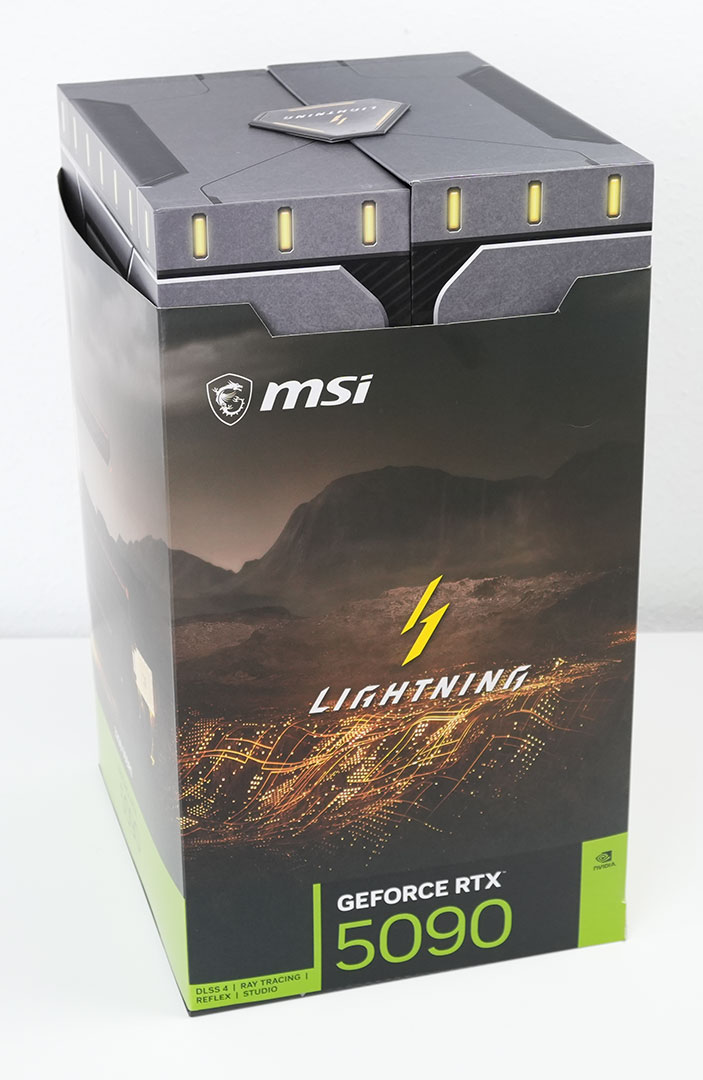

Inside you find another big box and two small ones with accessories.

The big box opens spectacularly to reveal the Lightning Z in all its glory.
The Card

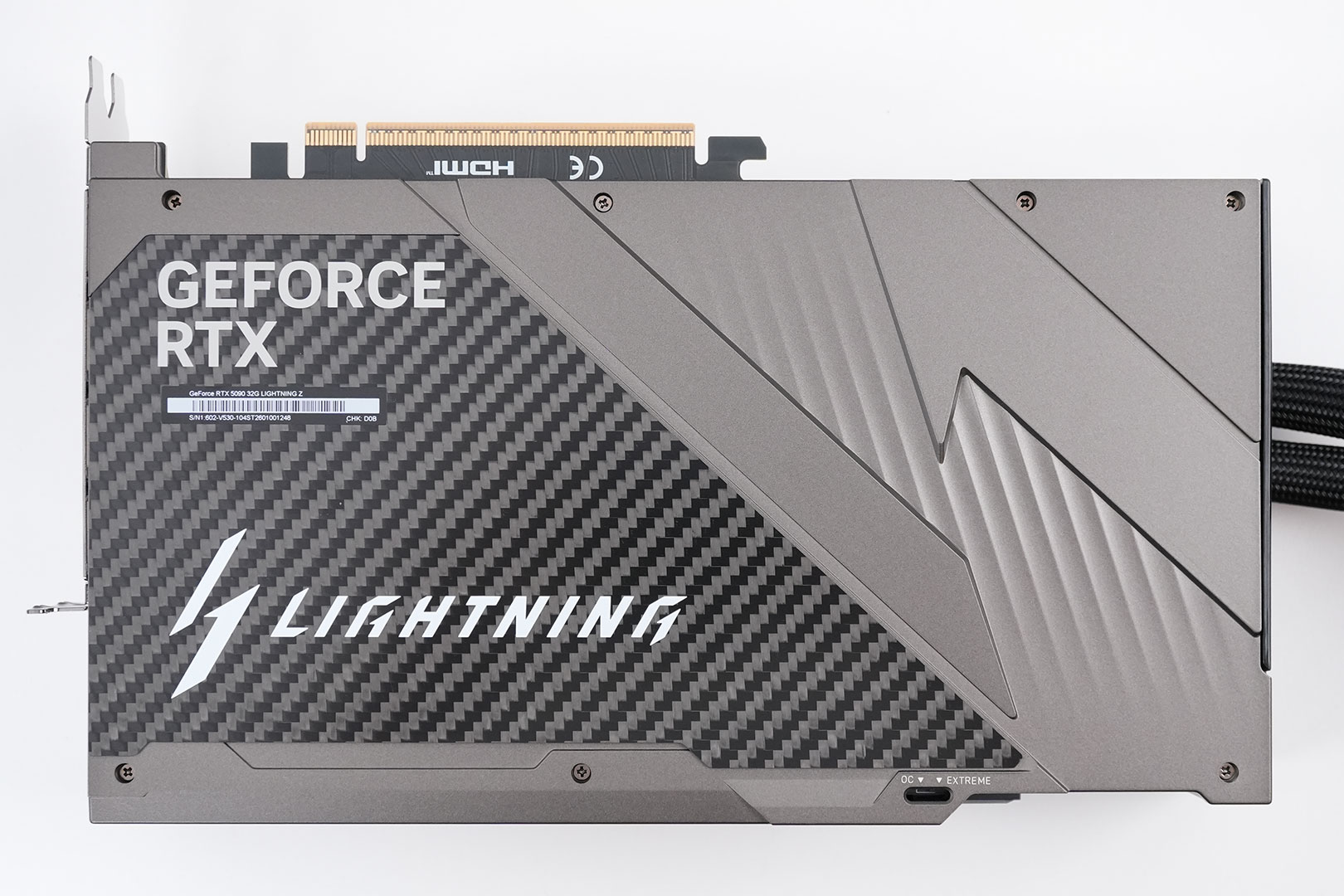

MSI's Lightning Z design is unlike any other. The front side is dominated by a large 8" LCD screen that can be used to play back videos, sensor info, or anything you can put on a second screen in your OS. On the back you get a metal backplate with a carbon fiber plate—very nice.
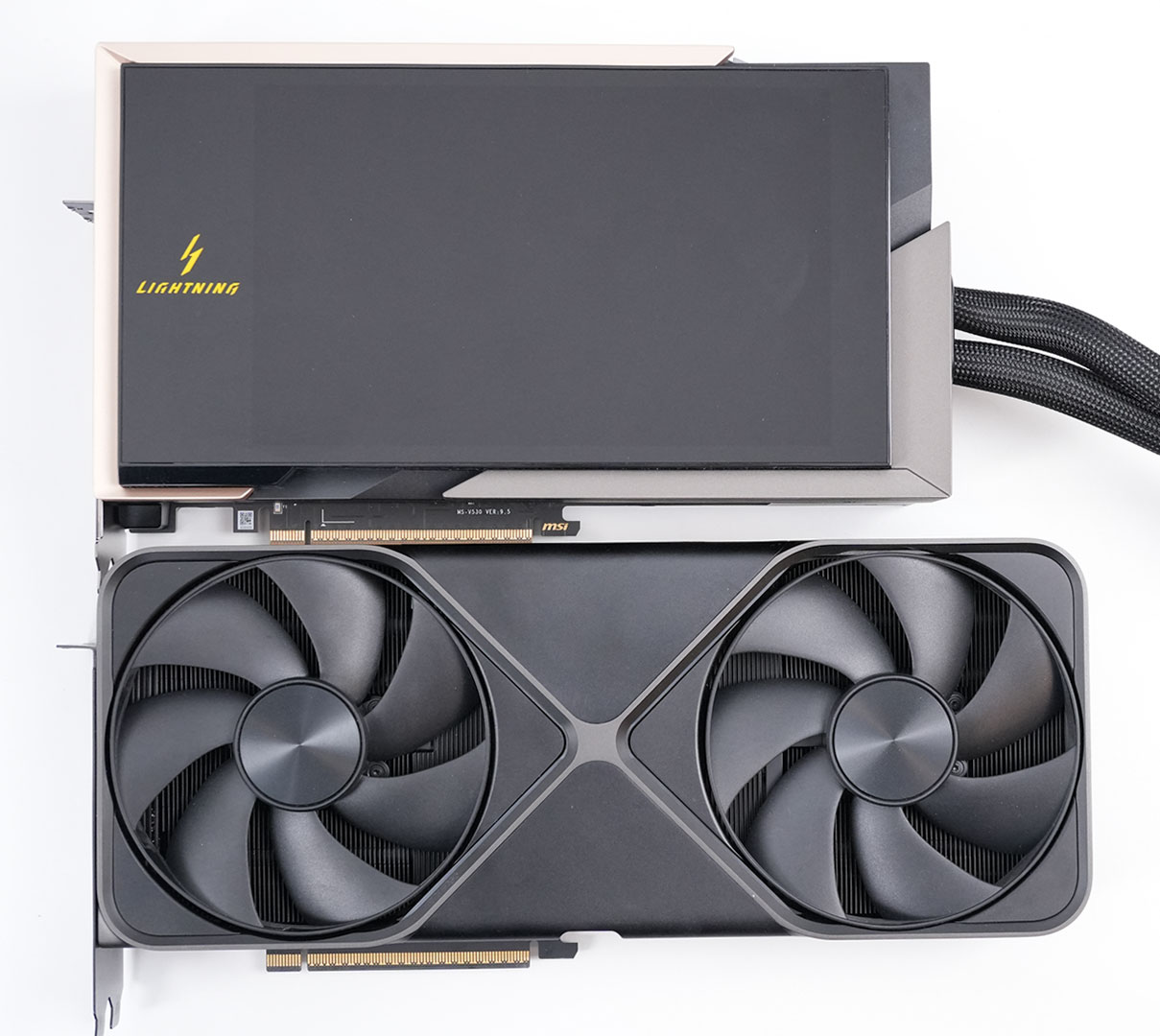
Here's the Lightning Z next to the RTX 5090 Founders Edition. MSI's card is a little bit shorter, but is slightly taller.
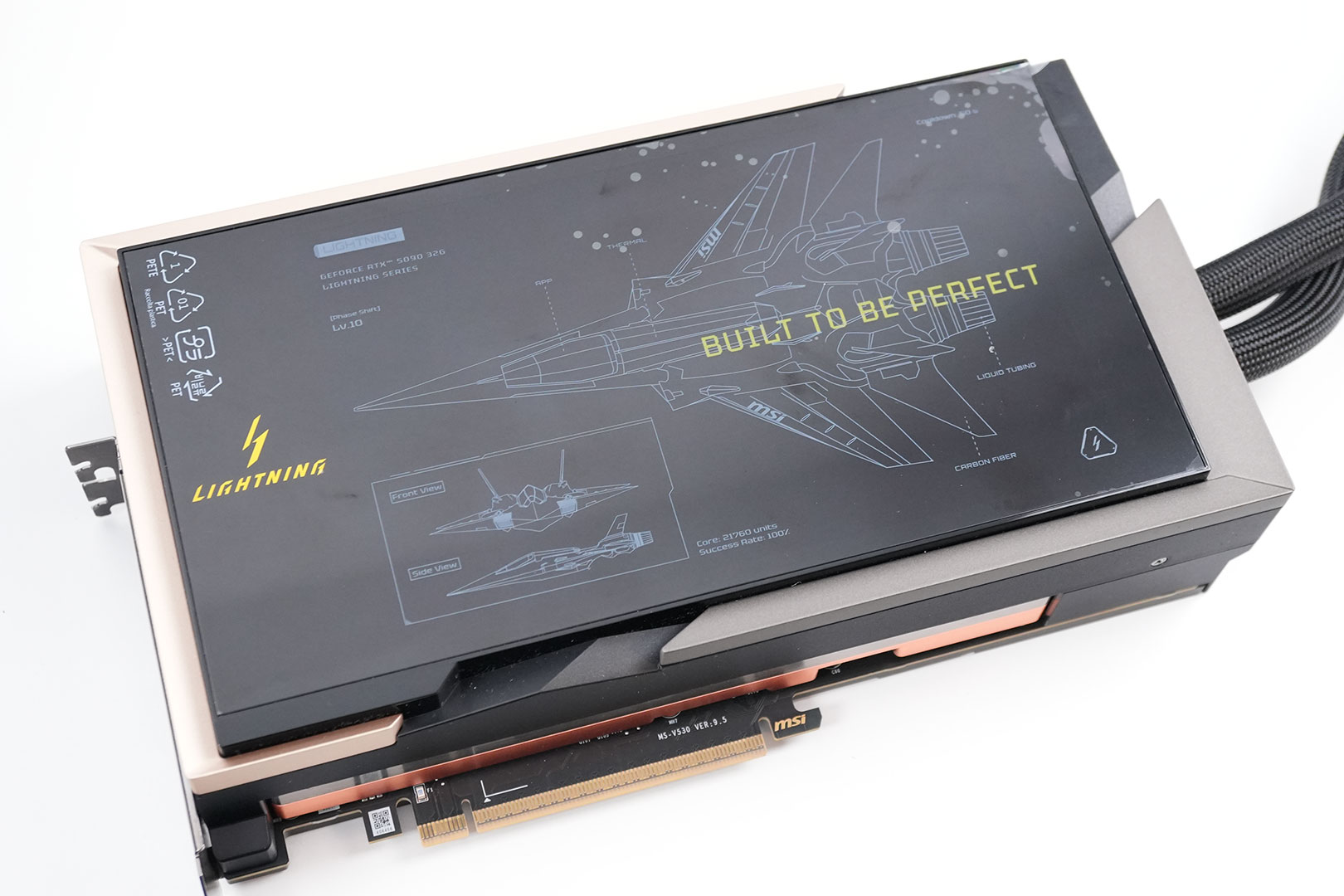
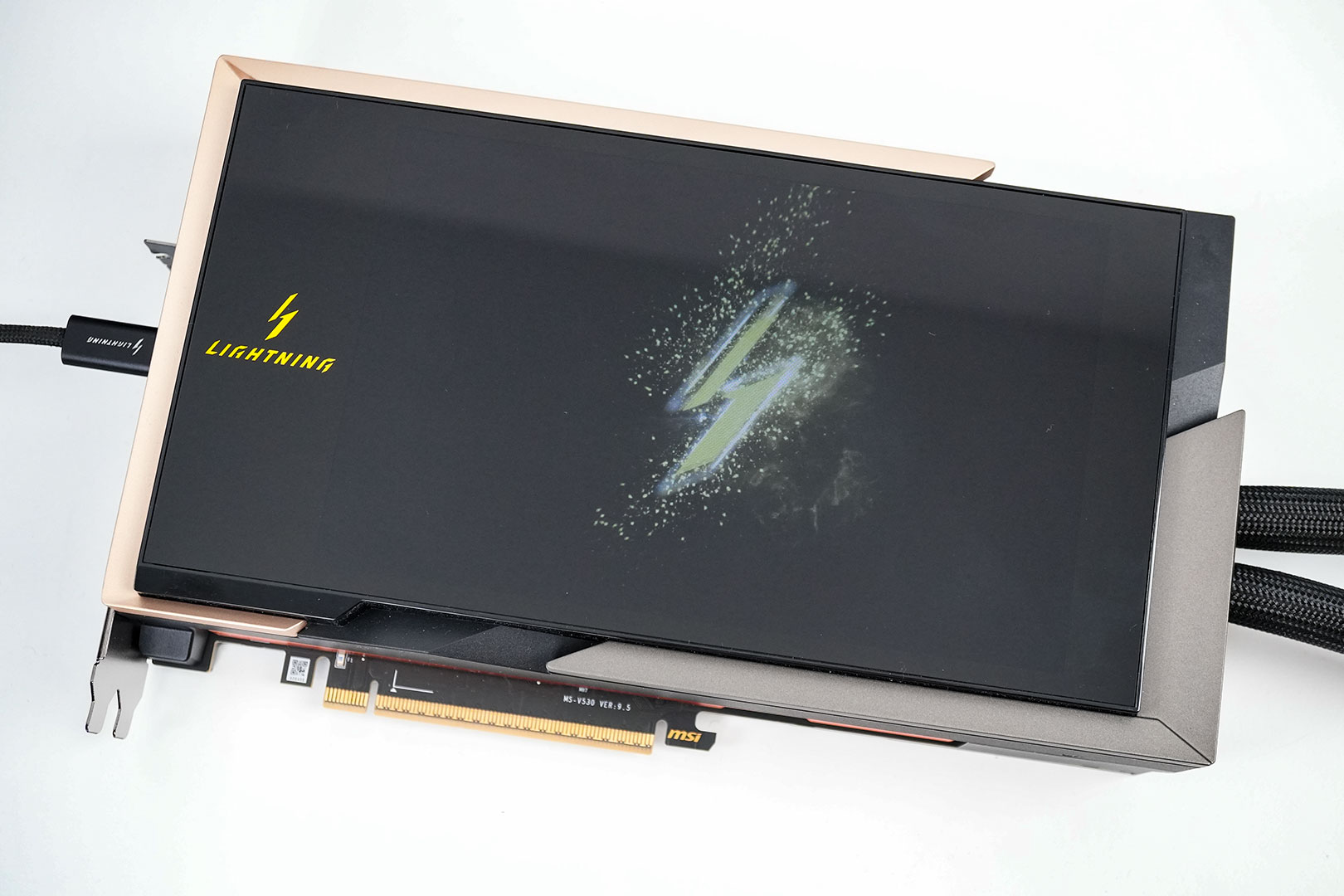
The integrated LCD screen is covered by a plastic foil that you'll want to peel off before usage. Once powered via the USB connection, it will display a default startup animation, which can be replaced with another video using MSI's software.
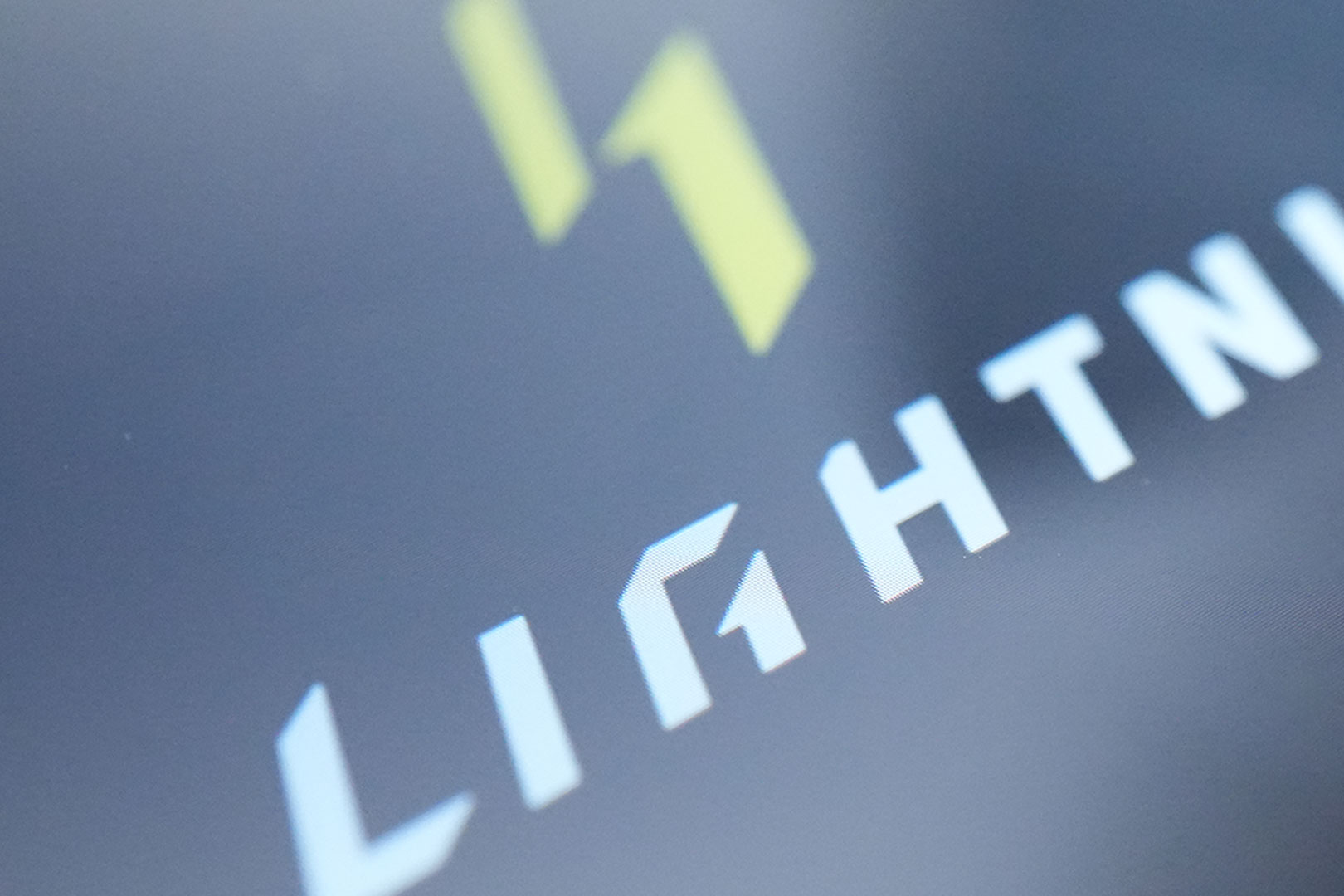
The display is of good quality with a solid resolution, although I found the glare somewhat distracting.
Here's the default animation of the Lightning Z.
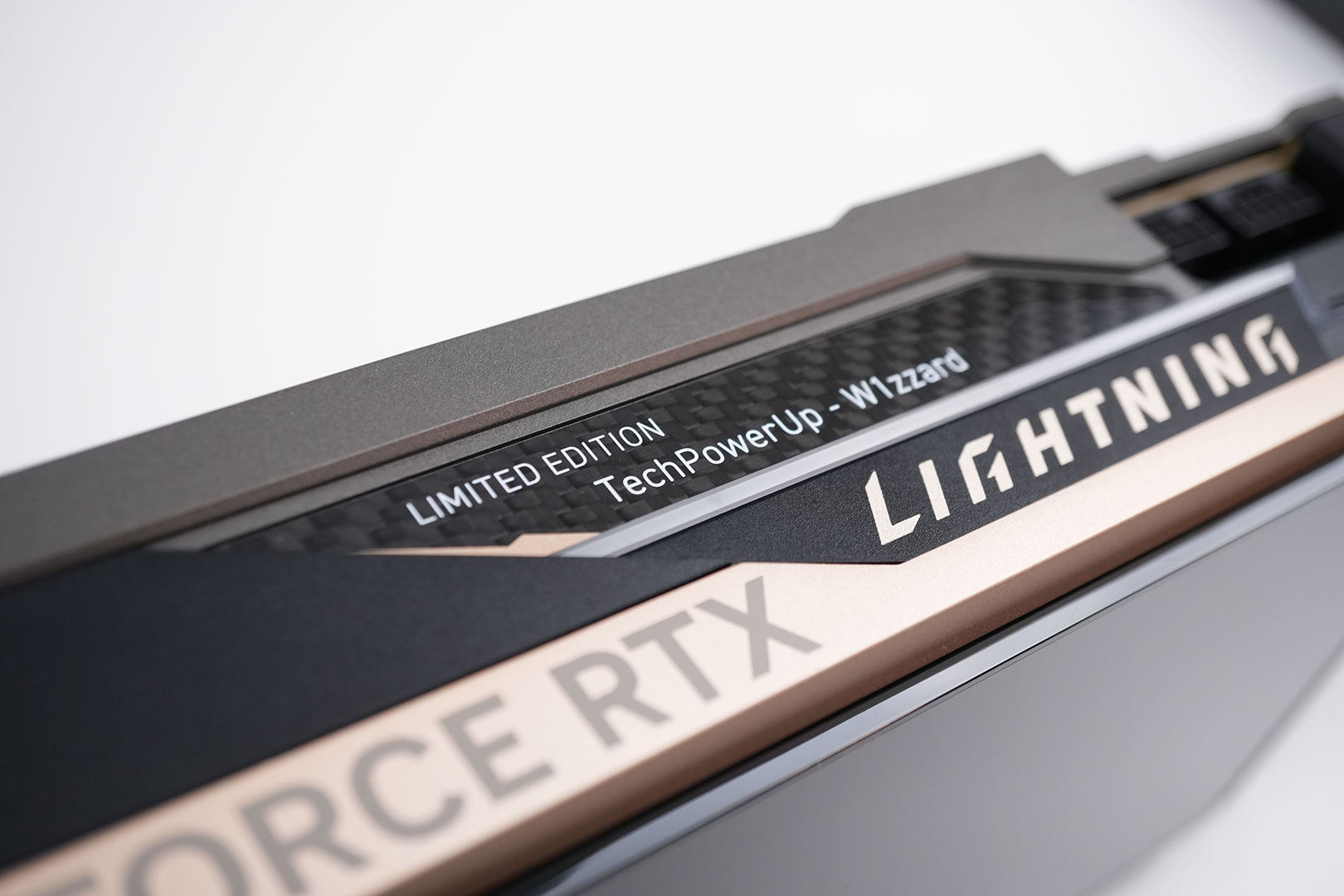
The MSI Lightning Z is a limited edition production run with 1300 units made—here you can see how they labeled my sample. Normally you'd see a number here "xxx/1300."
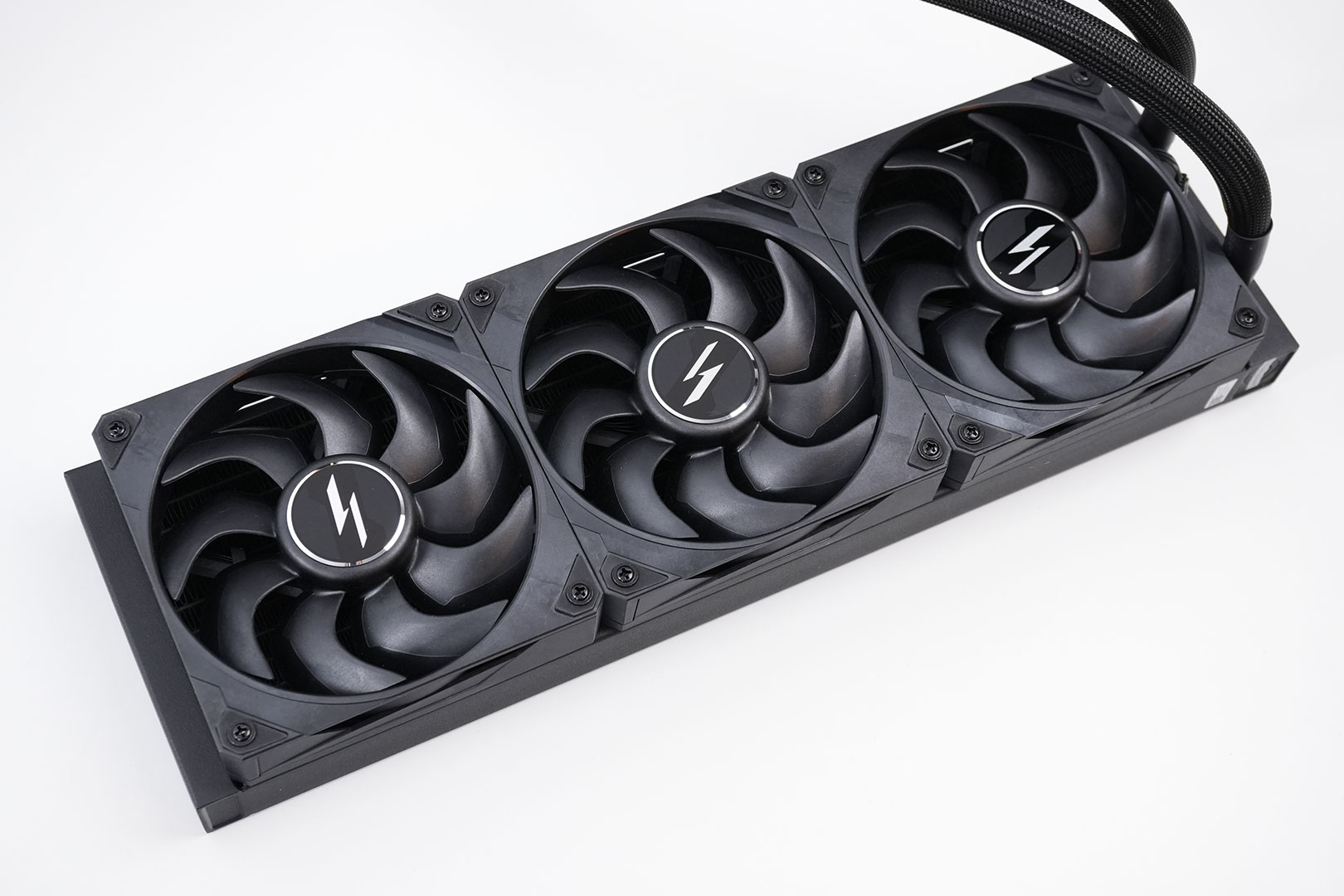
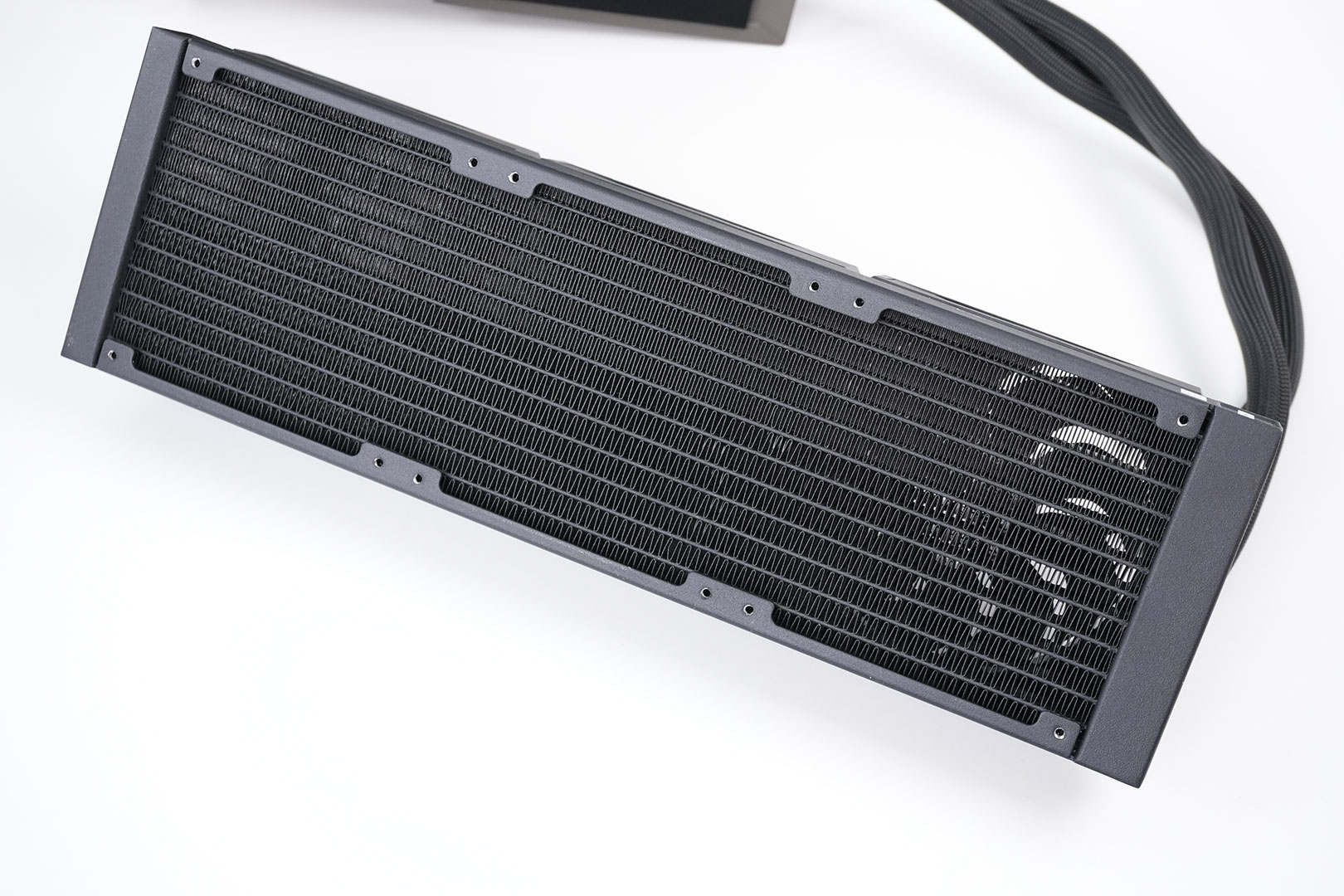
The watercooling radiator is a standard triple fan cooling solution.
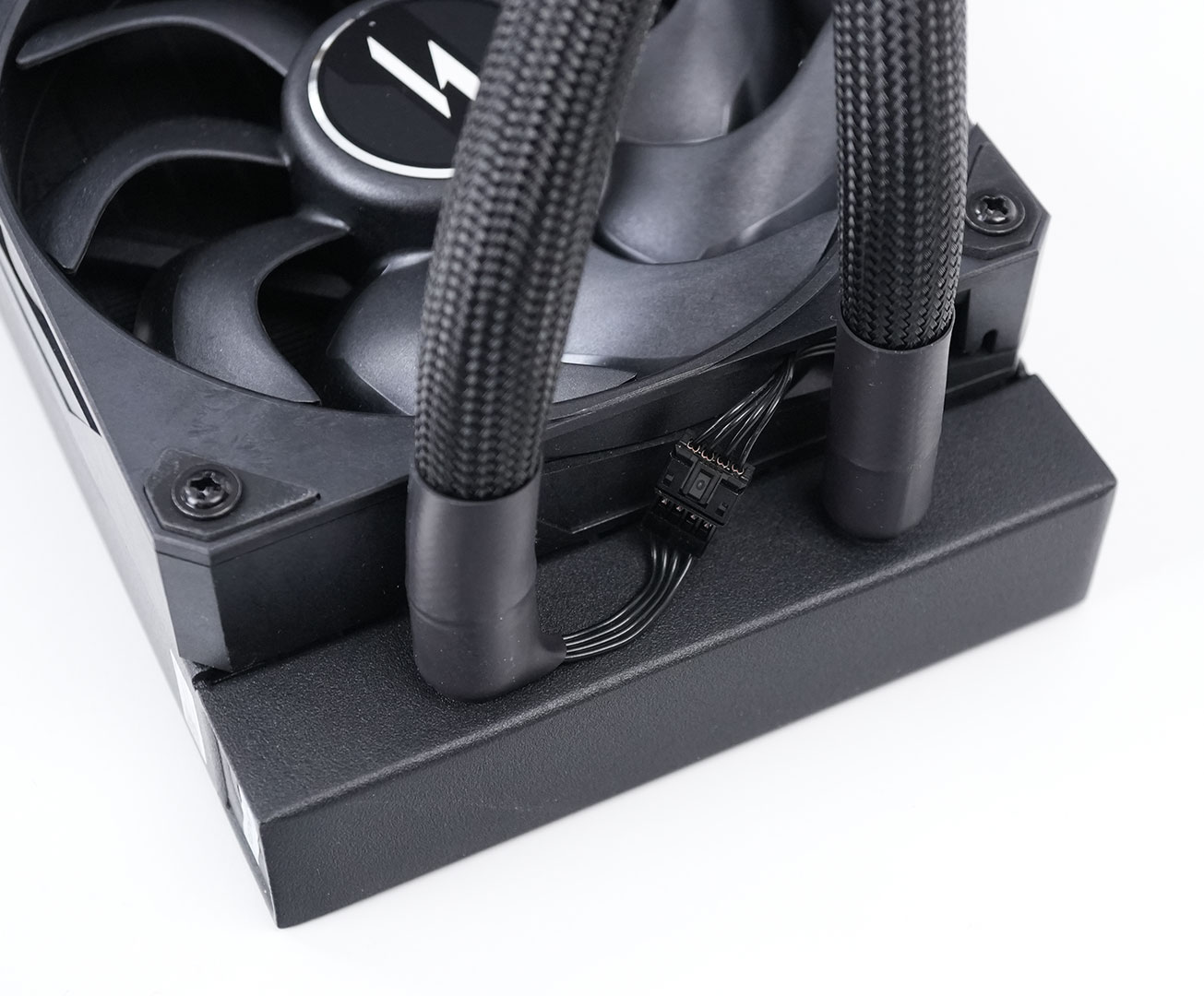
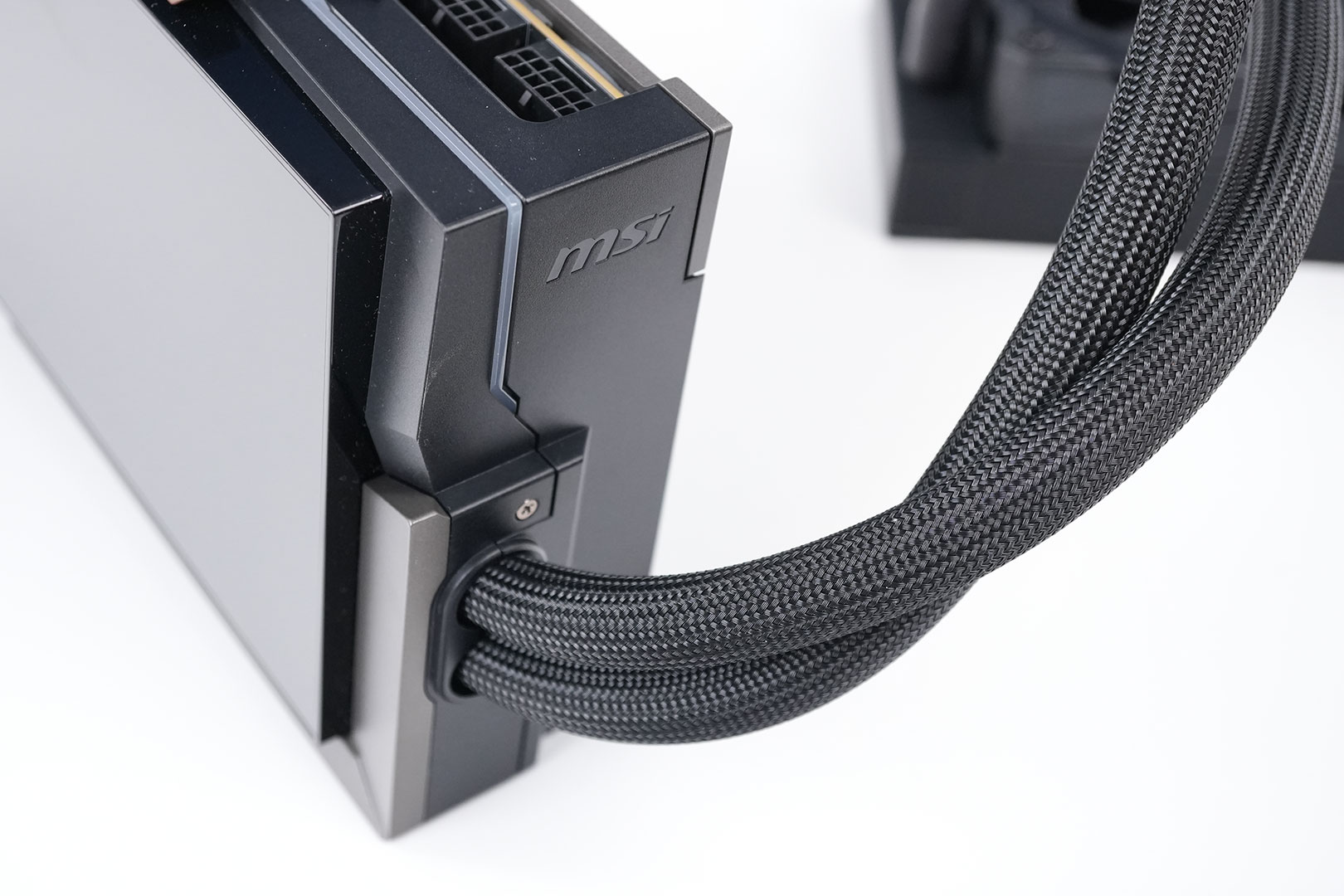
Everything is neatly integrated and there are no messy cables around. The fans are powered and controlled by the graphics card—no additional cables to connect.
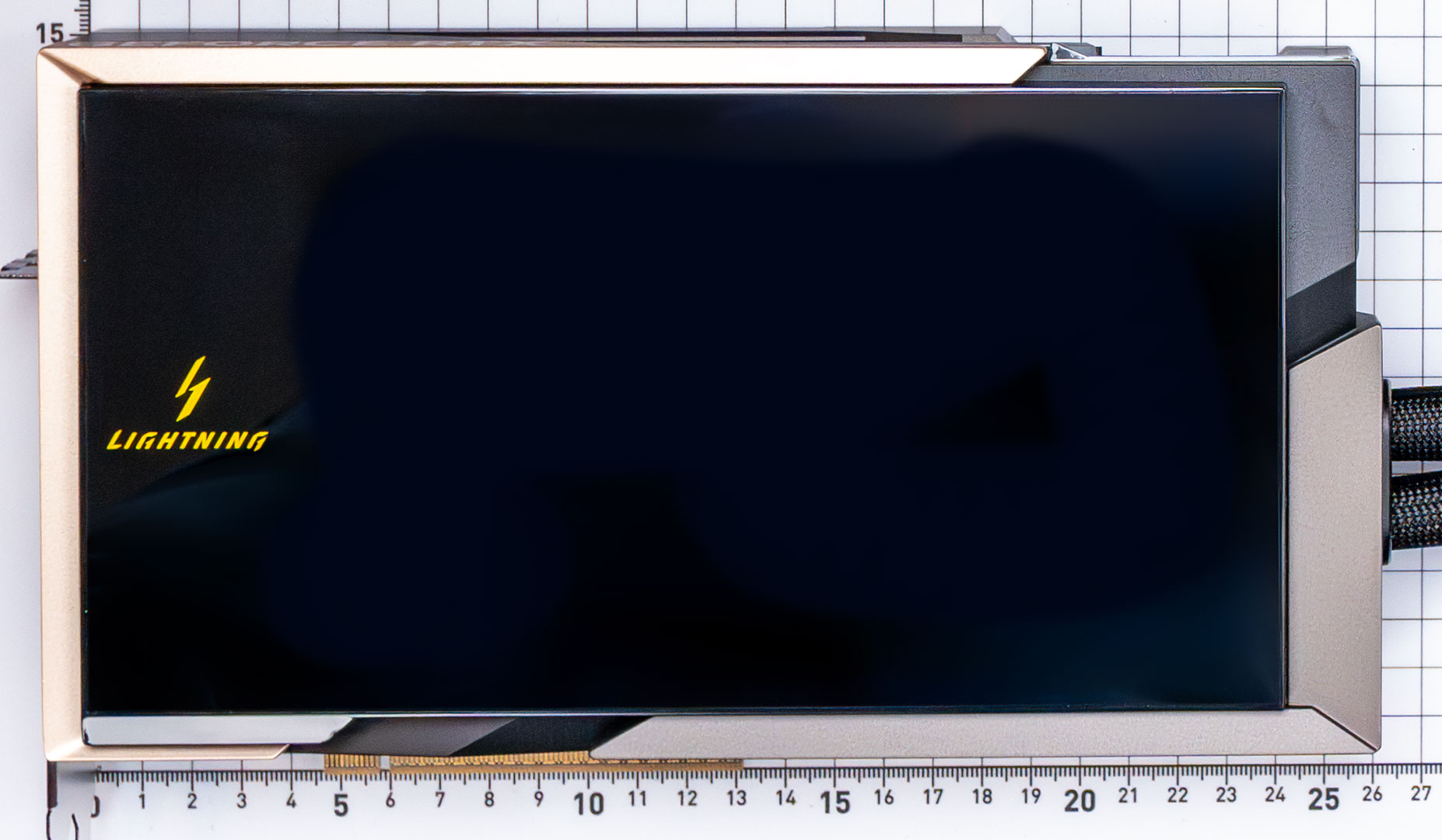
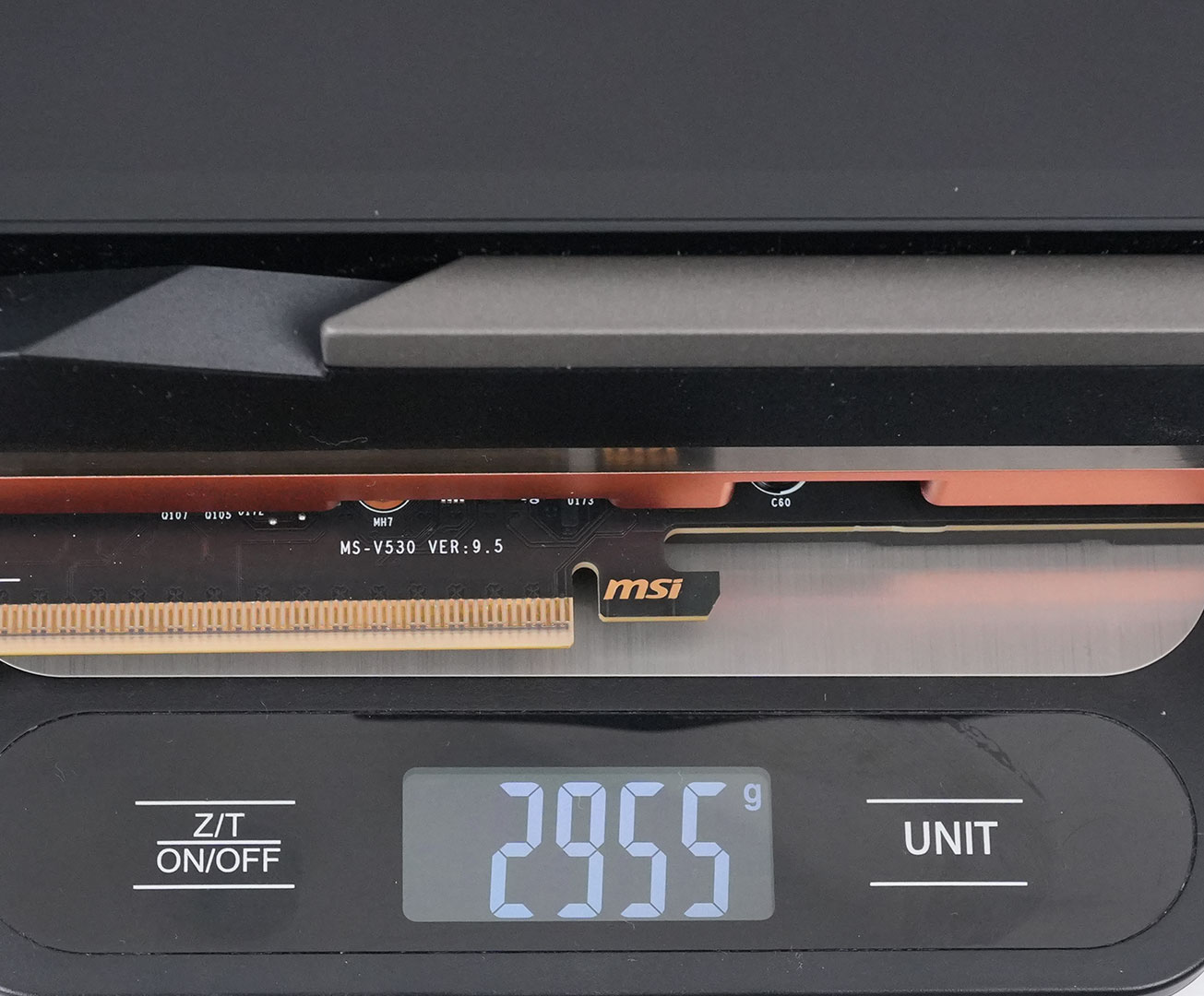
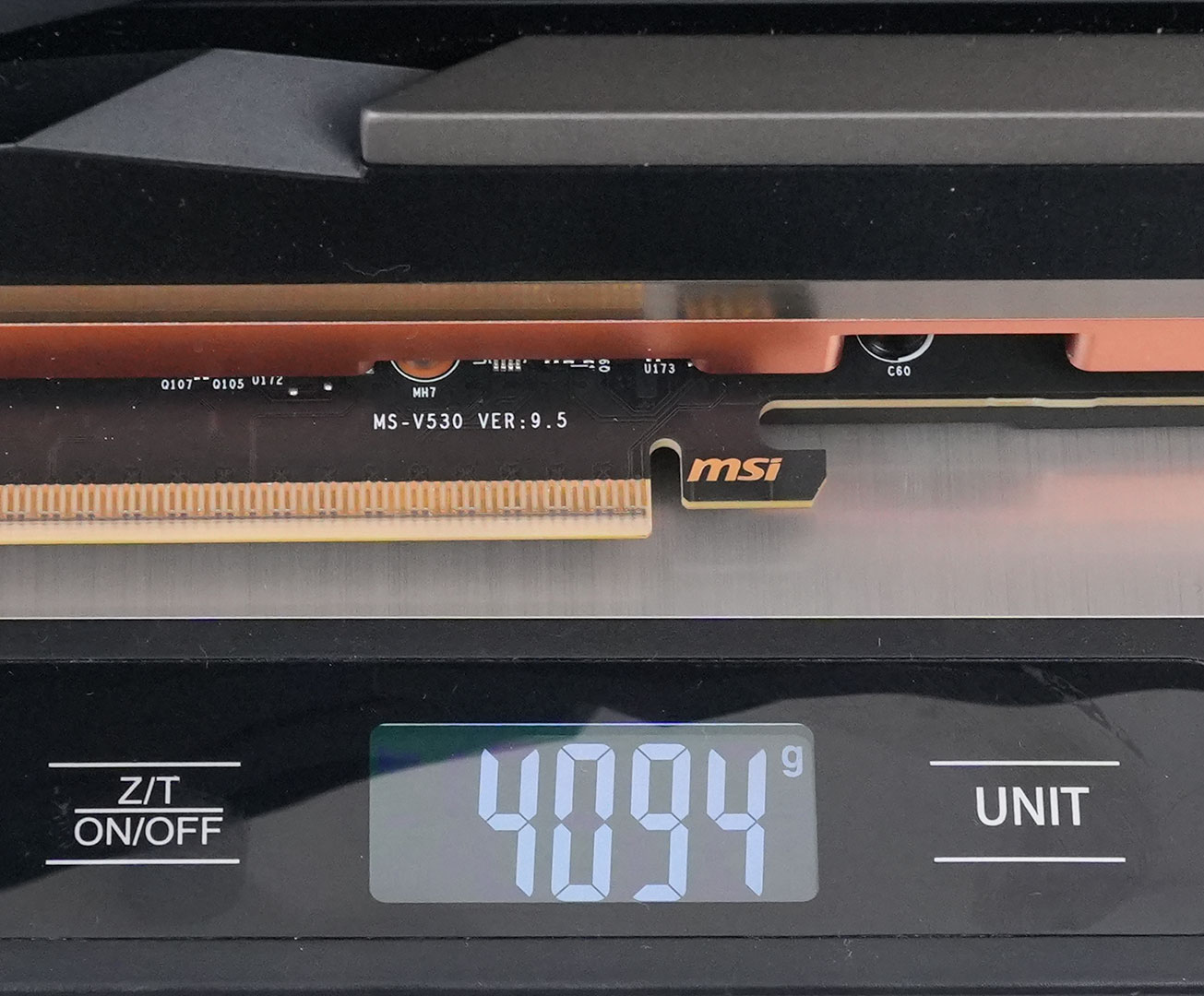
Dimensions of the card are 26.0 x 15.0 cm, and it weighs 2955 g (card only)/4094 g (including radiator).
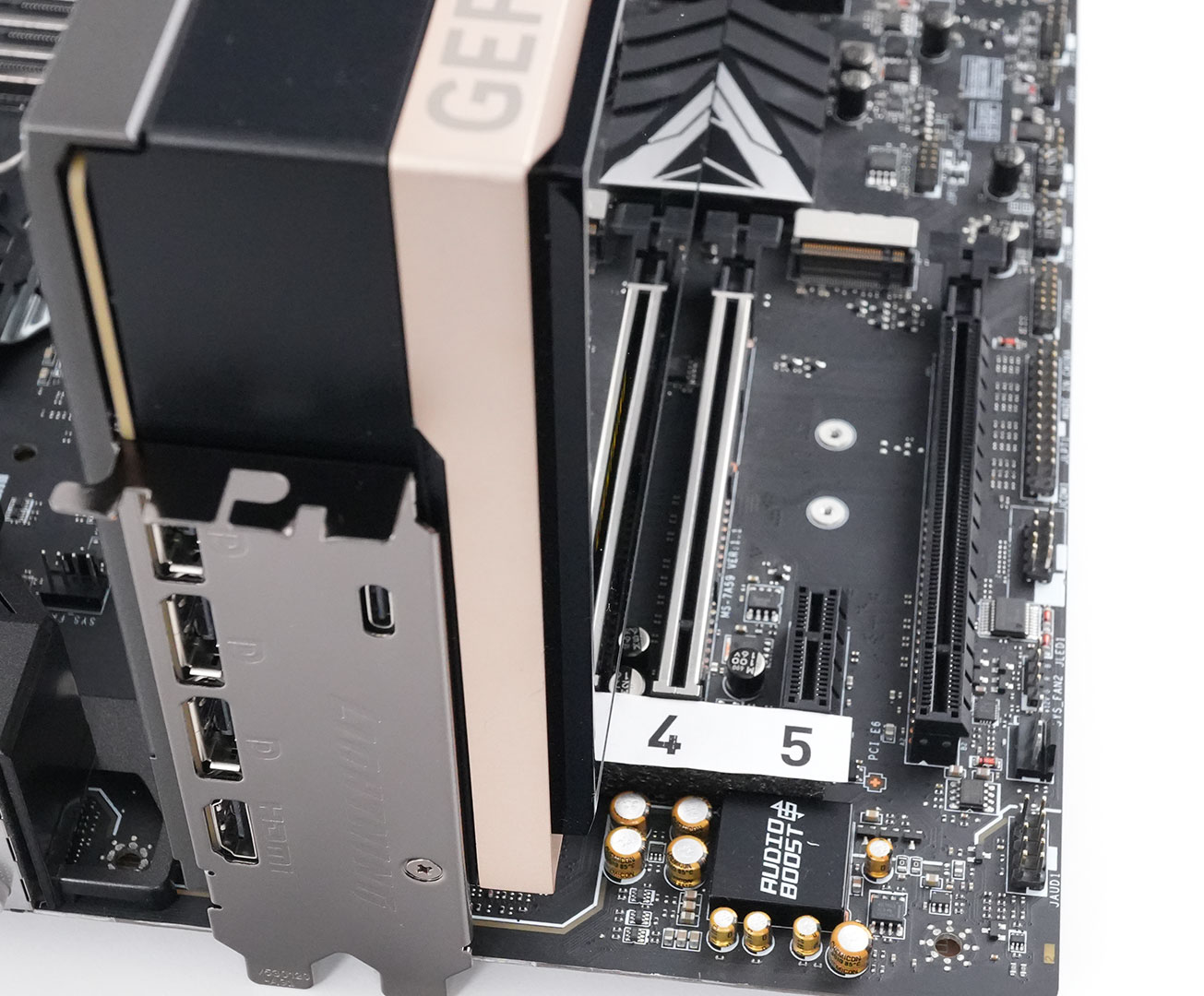
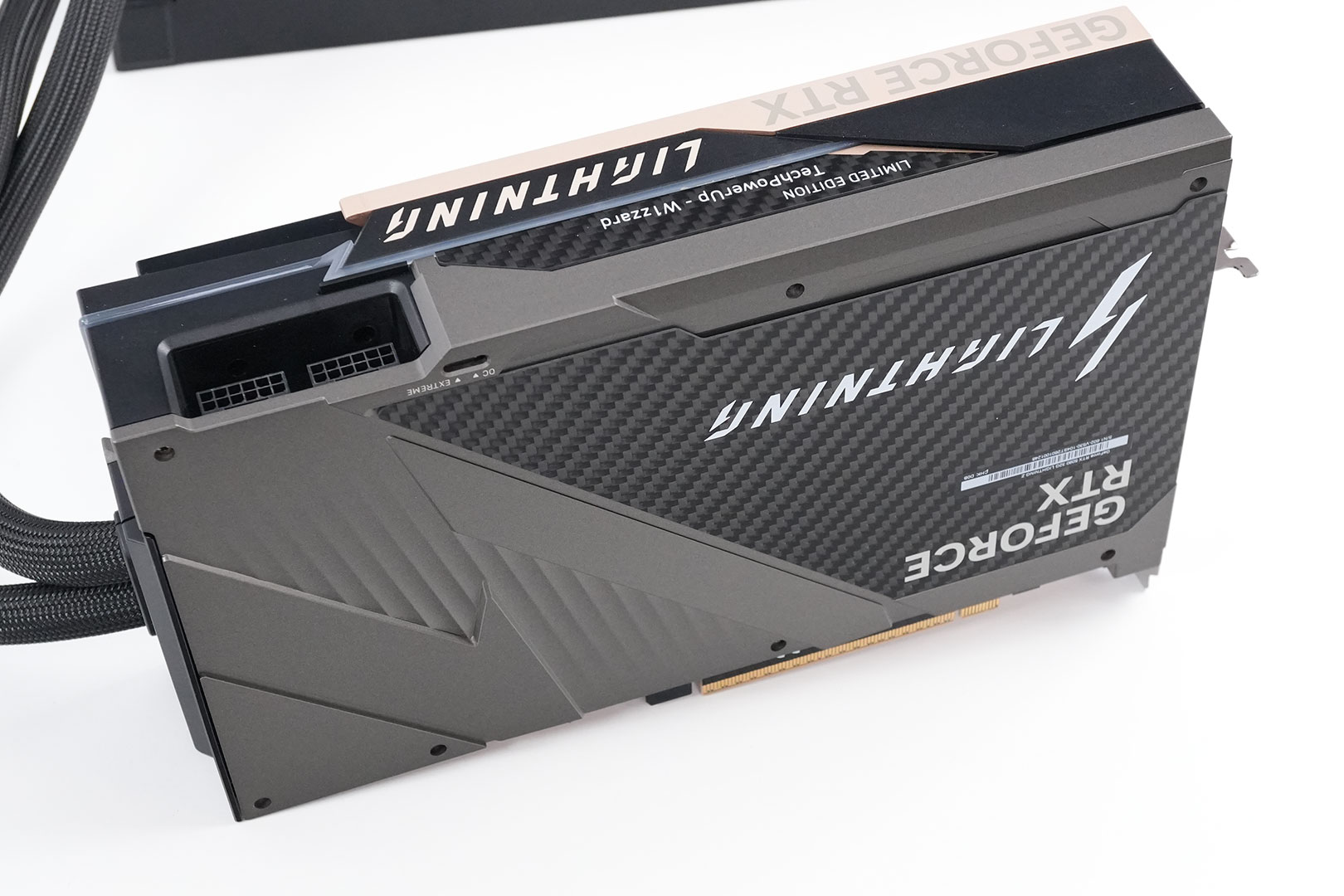
Installation requires three slots in your system. We measured the card's width to be 60 mm.
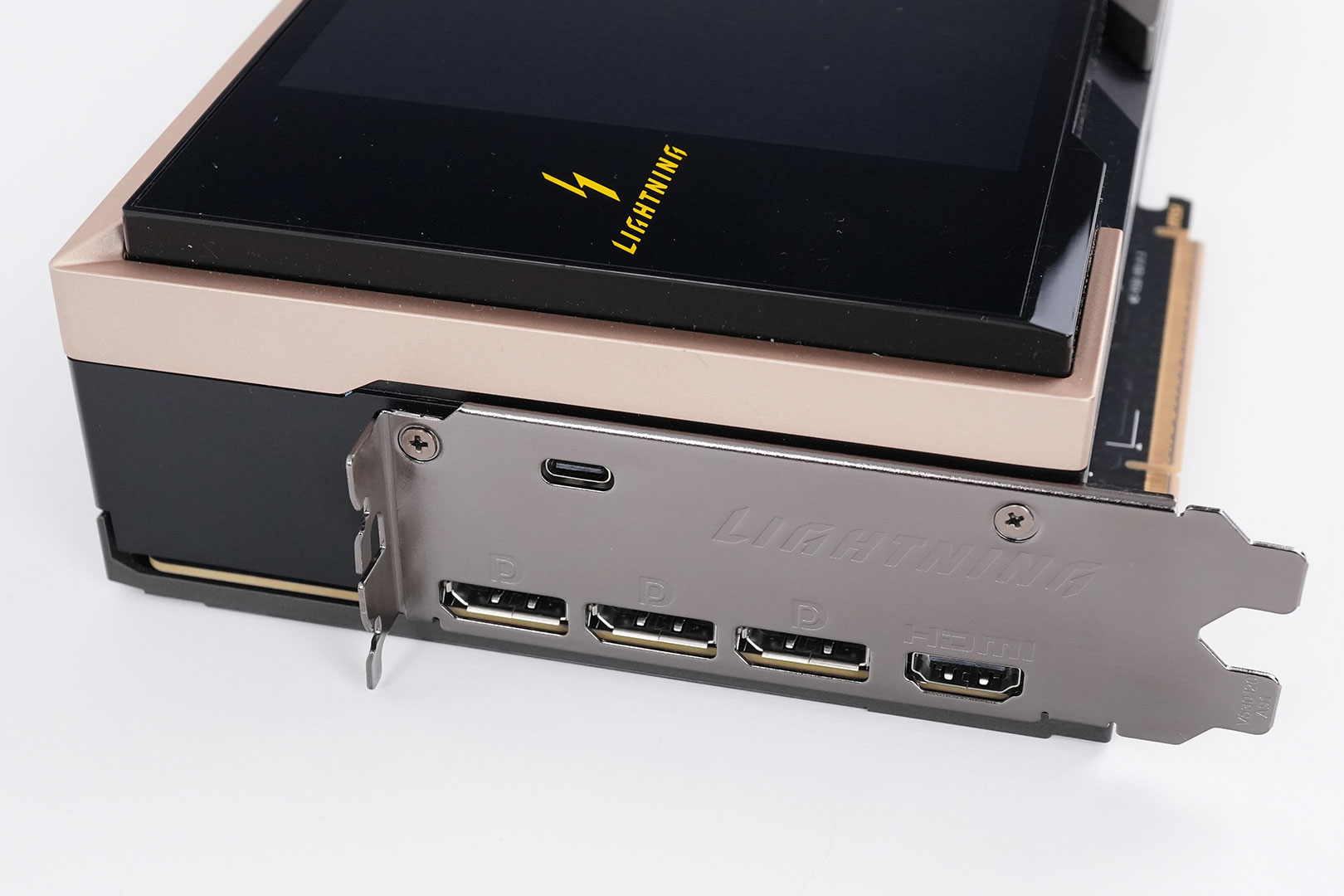
Display connectivity includes three standard DisplayPort 2.1b and two HDMI 2.1b. Also note the small USB-C connector here, which is used to connect the integrated display to your motherboard using an included USB-C to USB-A cable. Just to clarify, this is the "receiving" end, you cannot connect any other devices to this port.
All GeForce RTX 50-series Blackwell cards feature a new display engine supporting DisplayPort 2.1b with UHBR20, as well as HDMI 2.1a. Both interfaces support DSC (display stream compression). With DSC enabled, a single DisplayPort on this card can drive 4K 12-bit HDR at 480 Hz; or 8K 12-bit HDR at up to 165 Hz. The RTX 5090 features an updated media acceleration engine with support for 4:2:2 video formats, AV1 UHQ, and MV-HEVC. There are three independent NVENC units, and two NVDEC.

The card uses two 16-pin connectors, the board power limit is set to 800 W in default mode and 1000 W in extreme mode. There's also a 2500 W BIOS available, to effectively remove the power limit, but using that BIOS does void the warranty. Running the card with a single 16-pin cable is not supported. This has the advantage that MSI is able to share the load, which means you'll only hit 400 W on each connector (500 W each with the 1000 W BIOS).
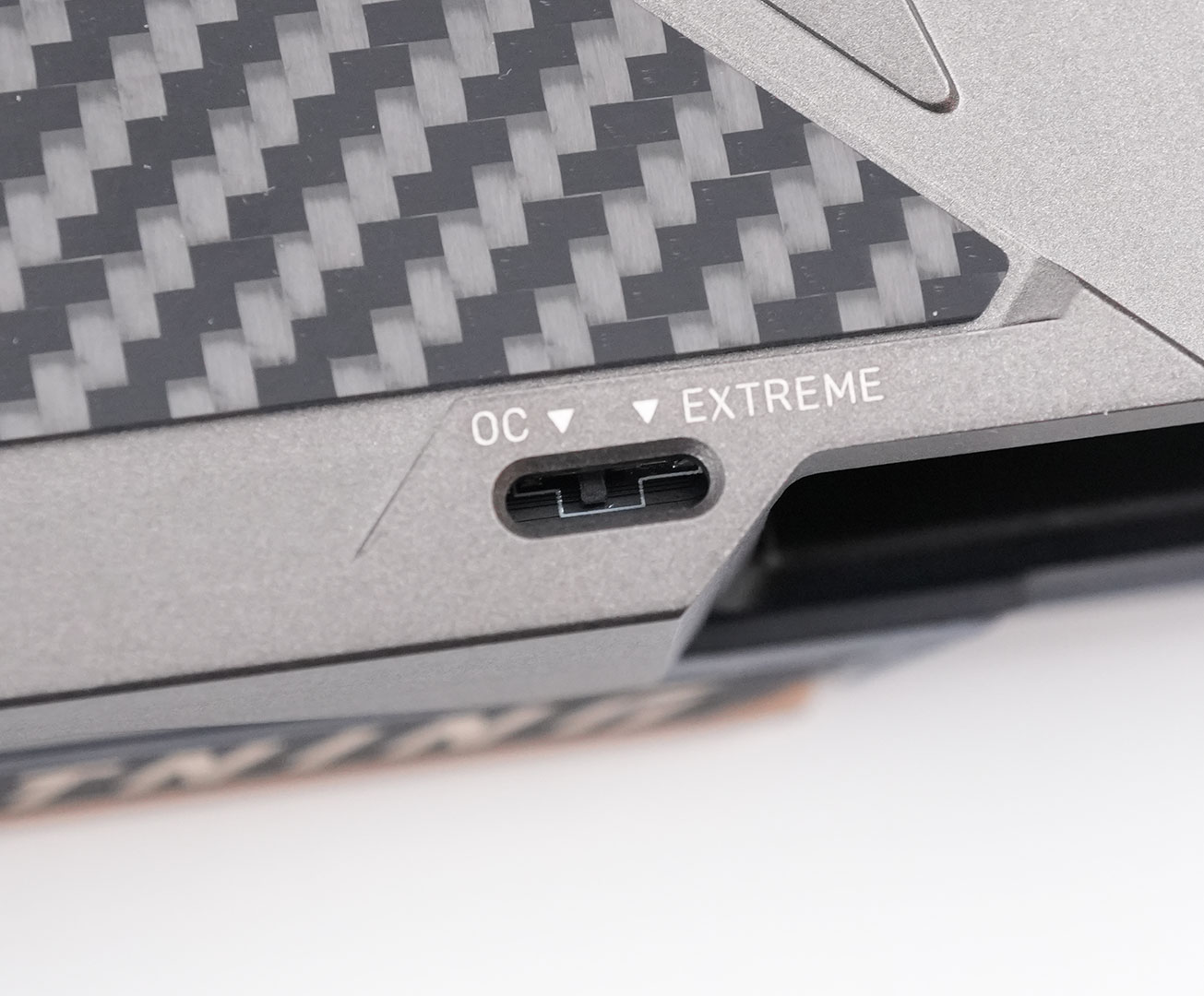
Here's the BIOS switch that lets you toggle between the default "OC" 800 W BIOS and the "Extreme" 1000 W BIOS. Reaching the switch is more complicated than I had hoped. Although a tool is included, ideally it should be designed to be easily accessible without any tools.
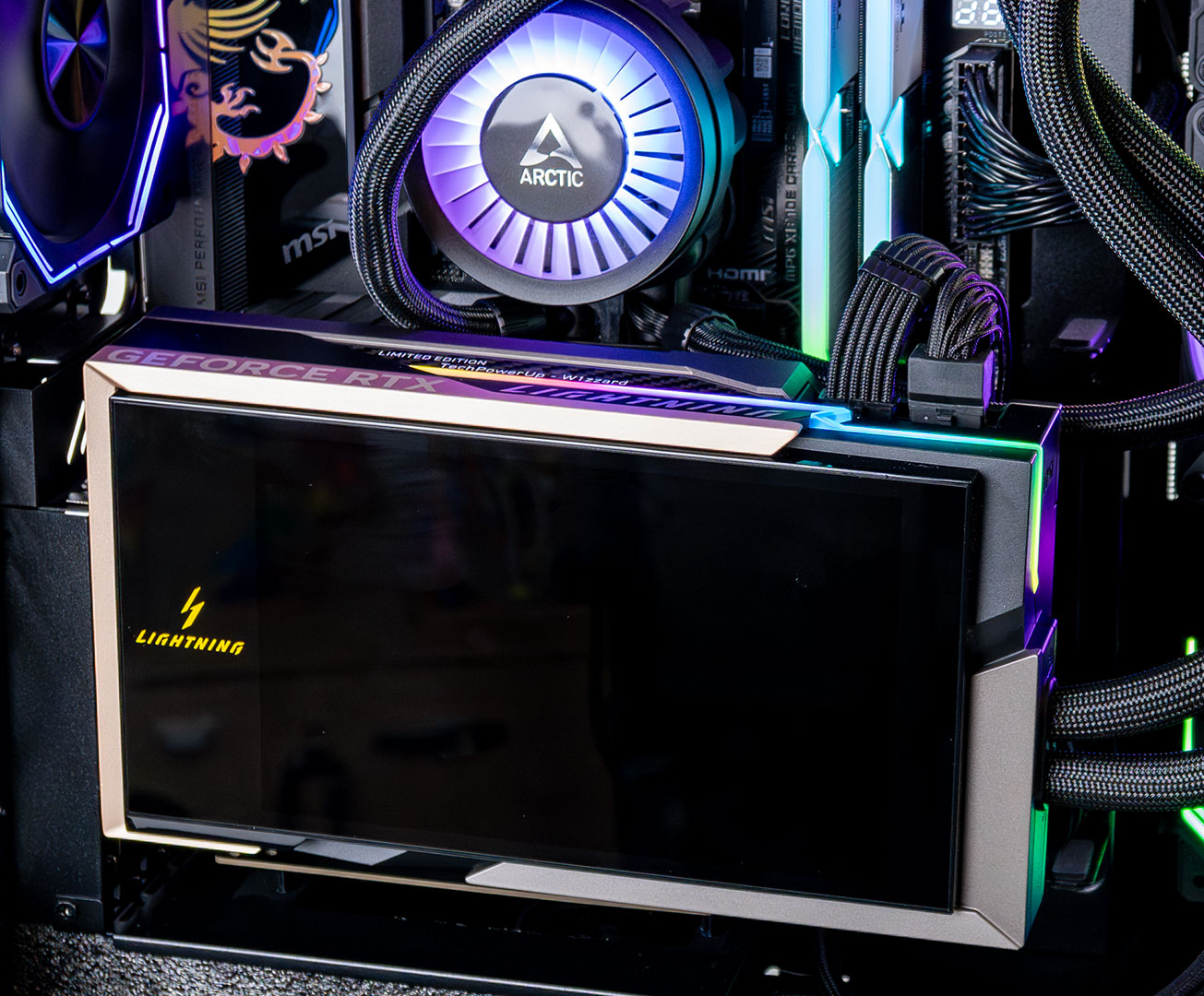
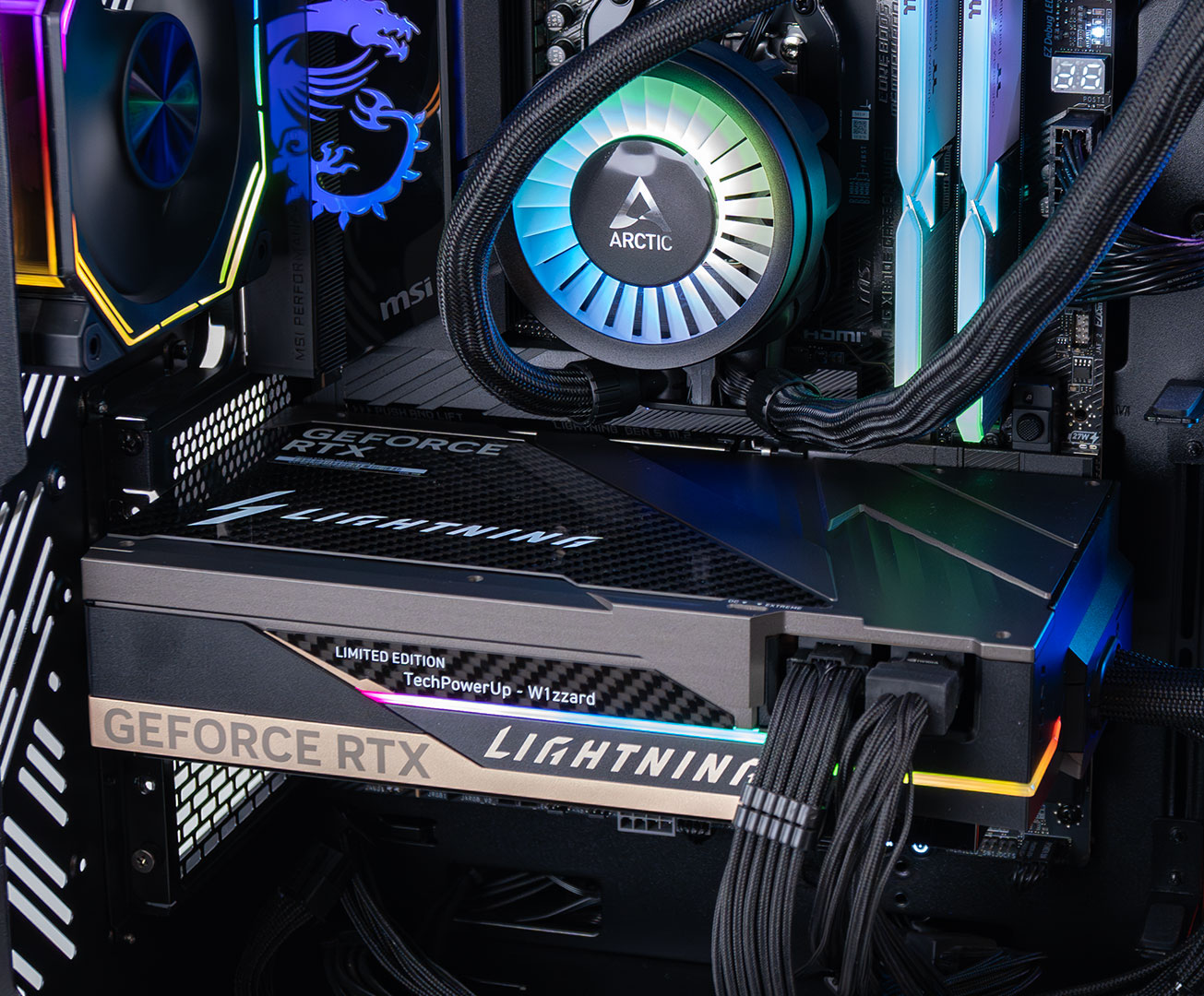
An LED strip runs along the top edge of the card and curves around to the back.
Teardown
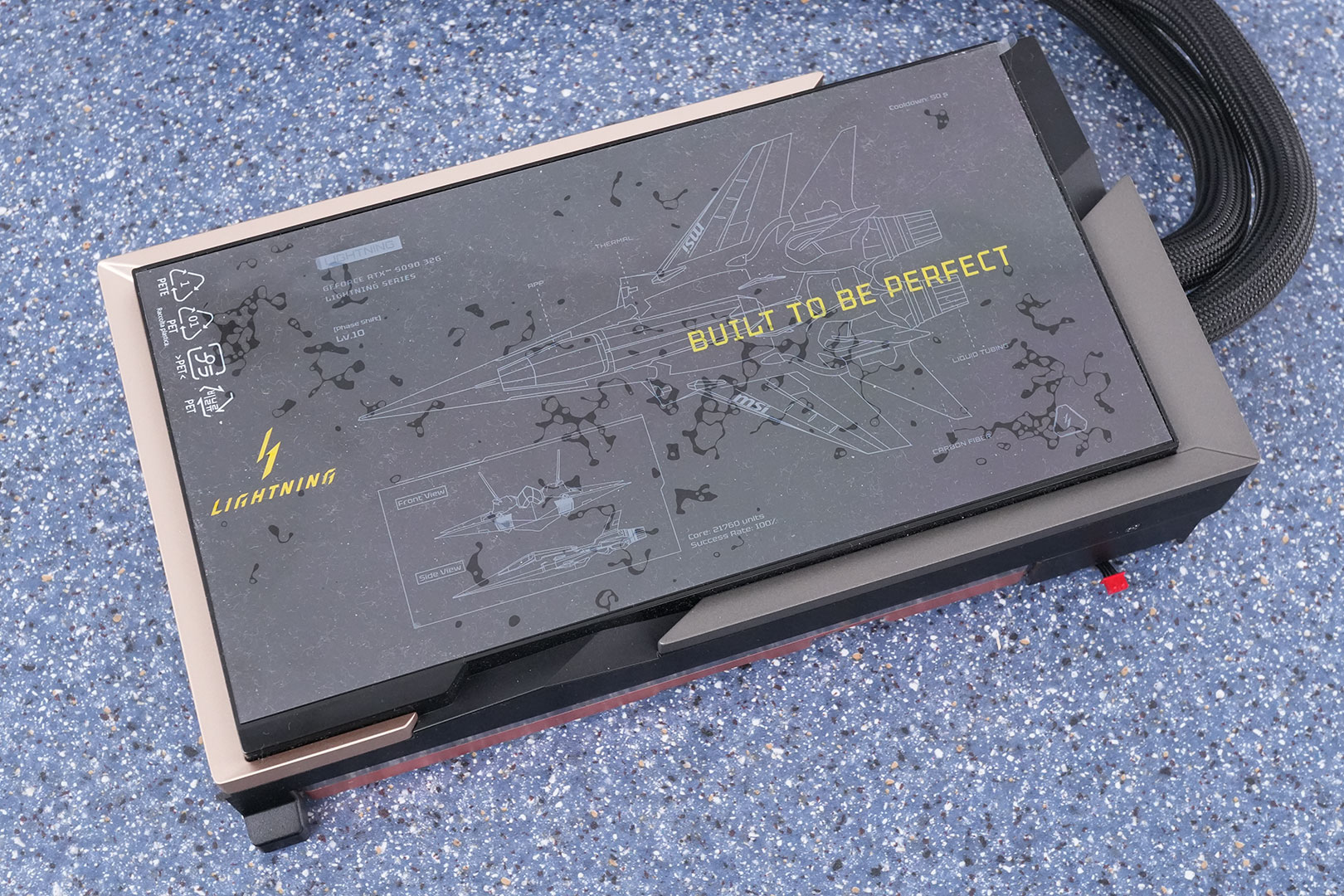
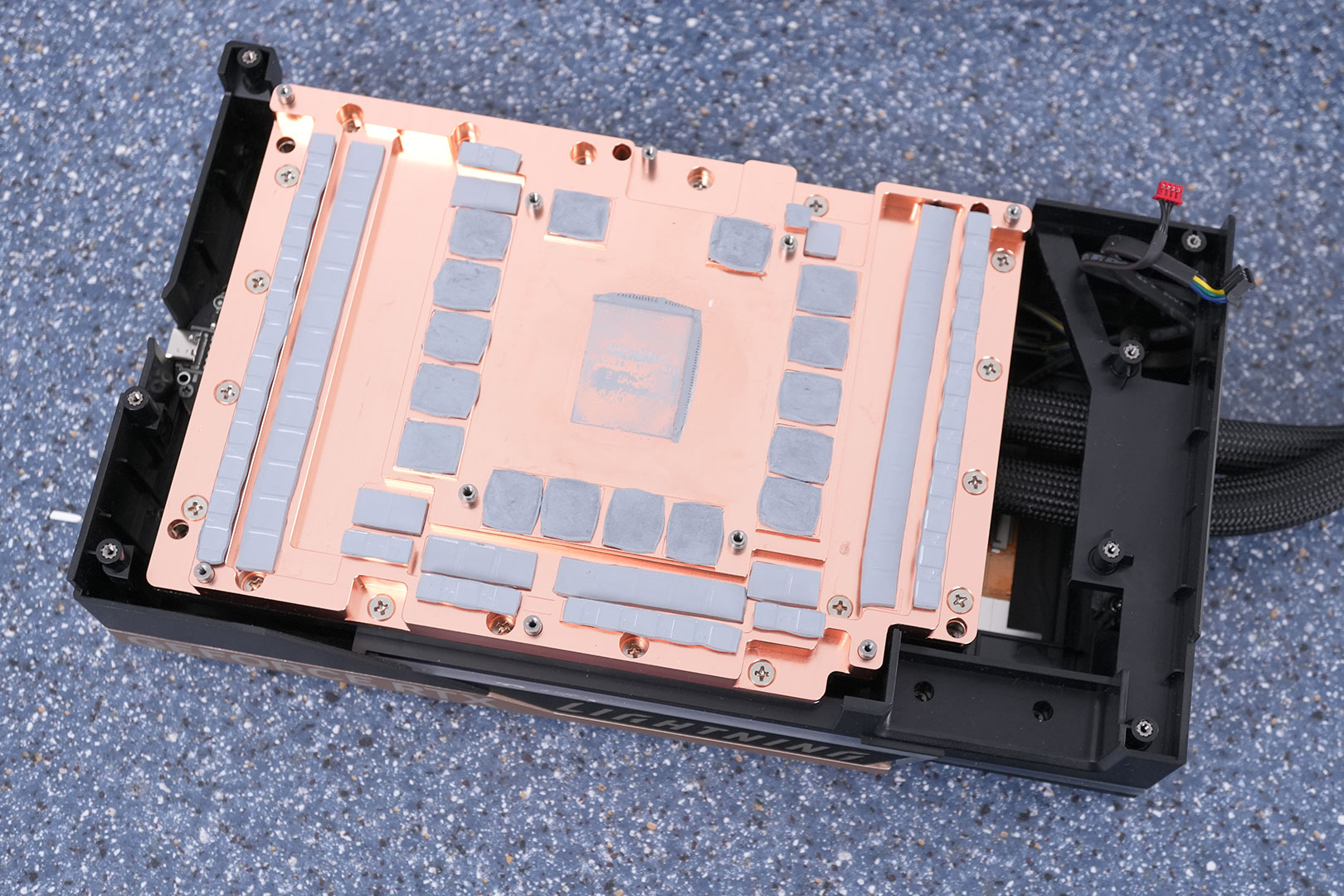
MSI's cooler is surprisingly easy to disassemble, just remove a bunch of screws and you're done. The heatsink waterblock doesn't cover just the GPU chip, it also makes direct contact with the memory and the VRM circuitry, providing excellent cooling for all of them.
Keep the LCD protection foil so you can put it back when handling the card. This will help prevent accidentally scratching the display, as I did.
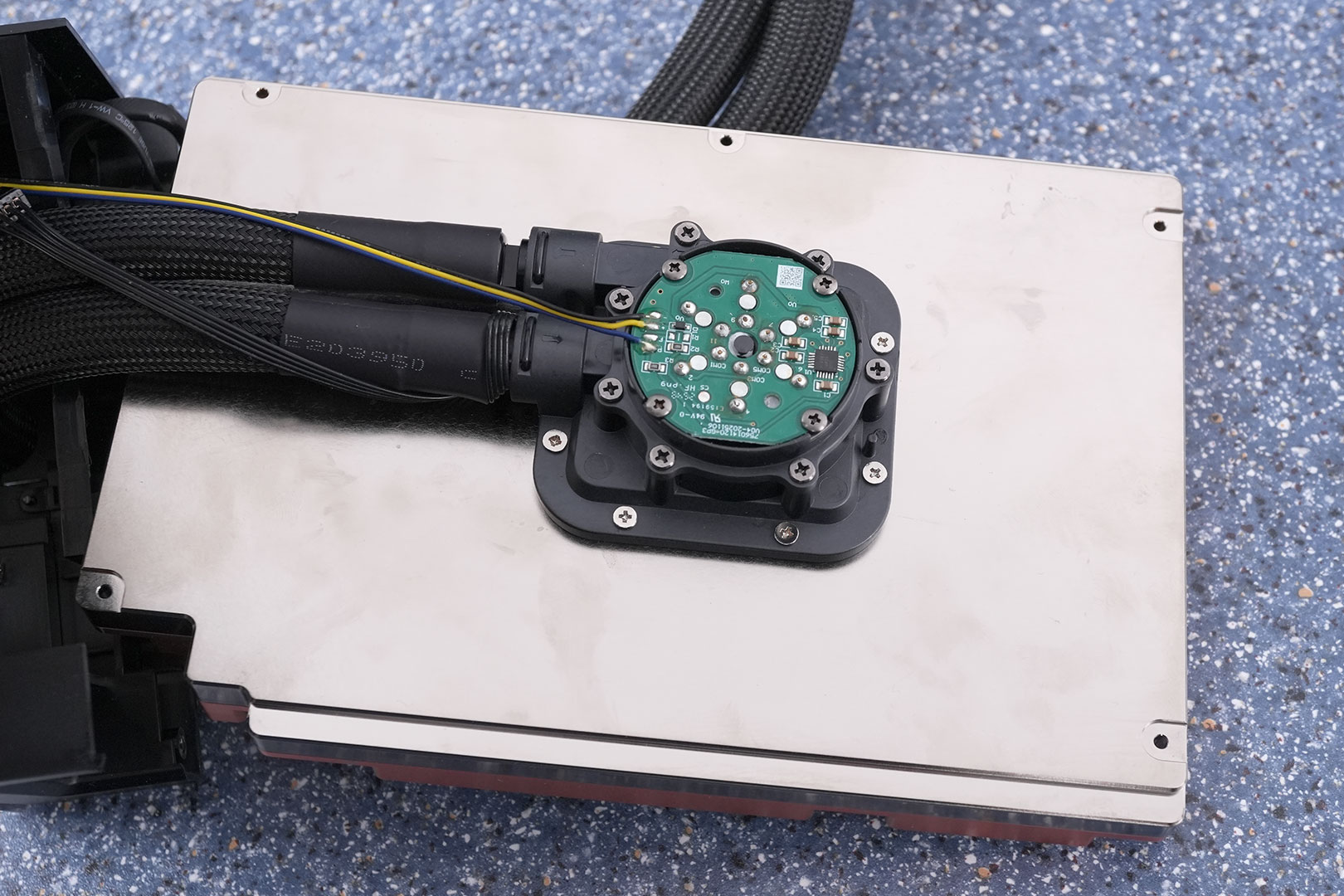
The other side of the waterblock has the integrated pump. There is no pump stop. I asked MSI about this, and they explained that if the pump was stopped, overheating could occur when a 1000 W load turns on in less than a second, because there's a short delay due to sensors and motor start time. Makes sense. When the card is idle, the pump runs at low speed, and switches to a higher speed mode when the GPU fans exceed 1000 RPM, providing more liquid flow to help with cooling.
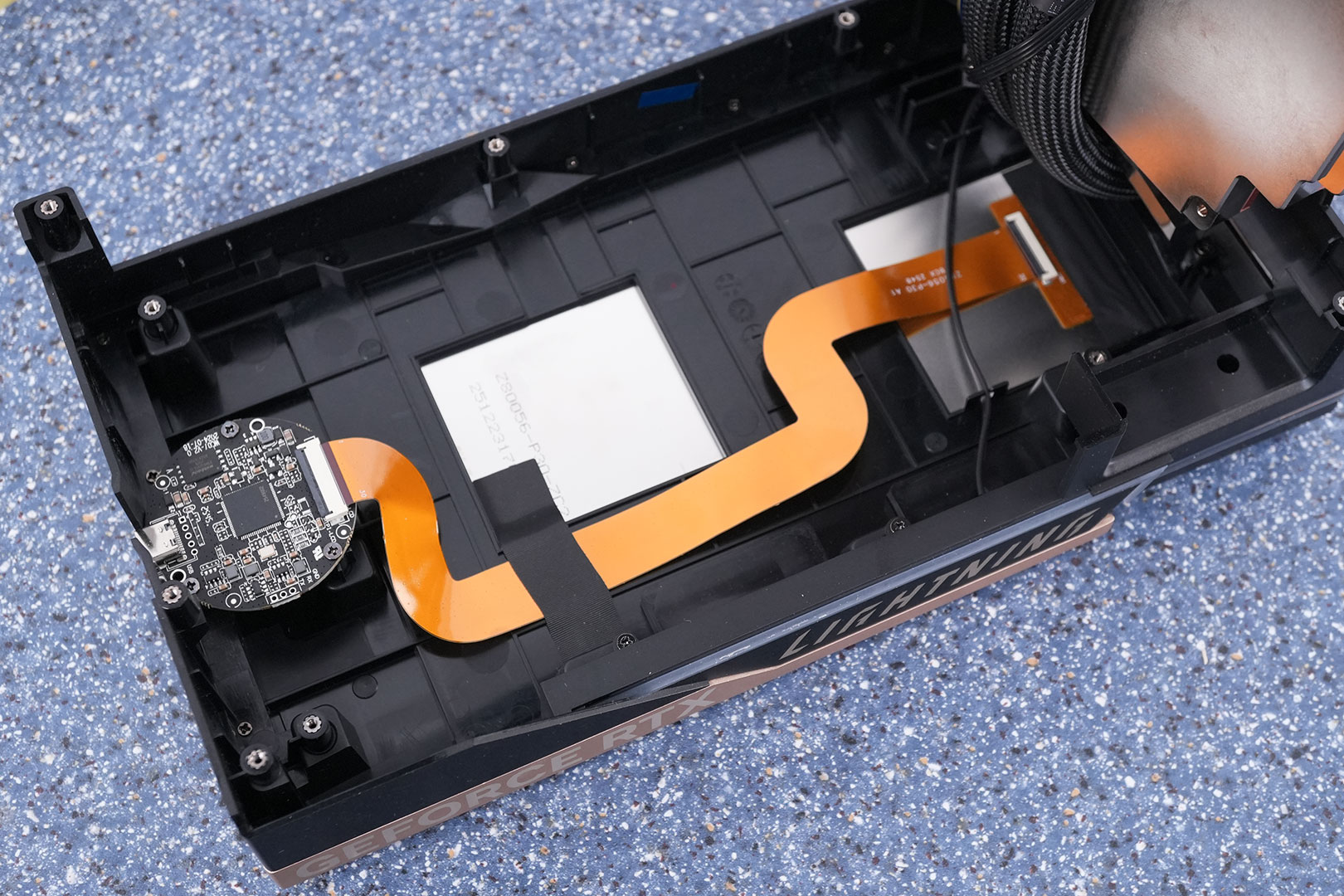
Here's the inside of the cooler shroud. You can see the small PCB for the LCD, which is completely independent of the rest of the card.
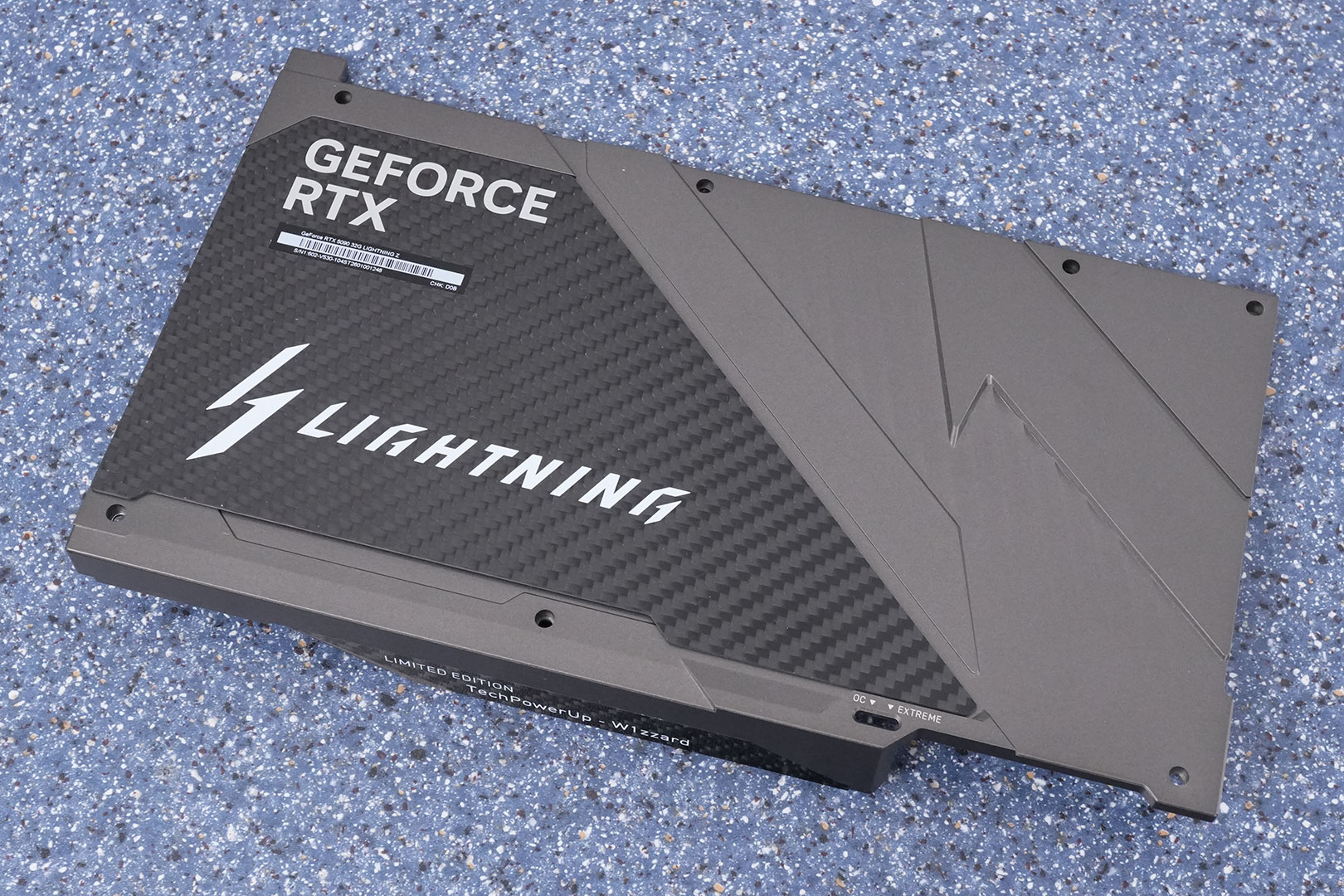
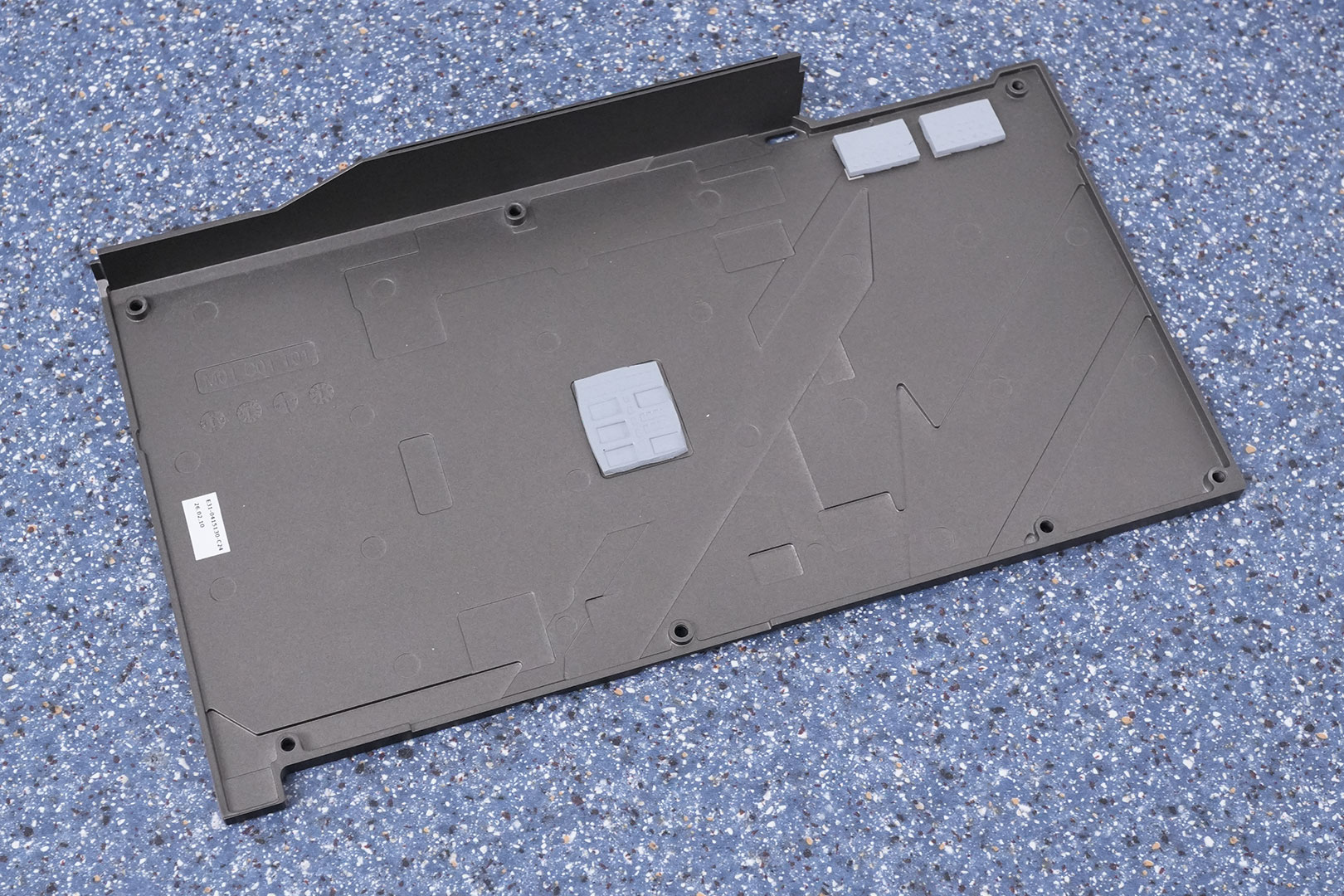
The metal and carbon fiber backplate protects the card against damage during installation and handling.
High-resolution PCB Pictures
These pictures are for the convenience of volt modders and people who would like to see all the finer details on the PCB. Feel free to link back to us and use these in your articles, videos or forum posts.

High-resolution versions are also available (front, back).
Circuit Board (PCB) Analysis

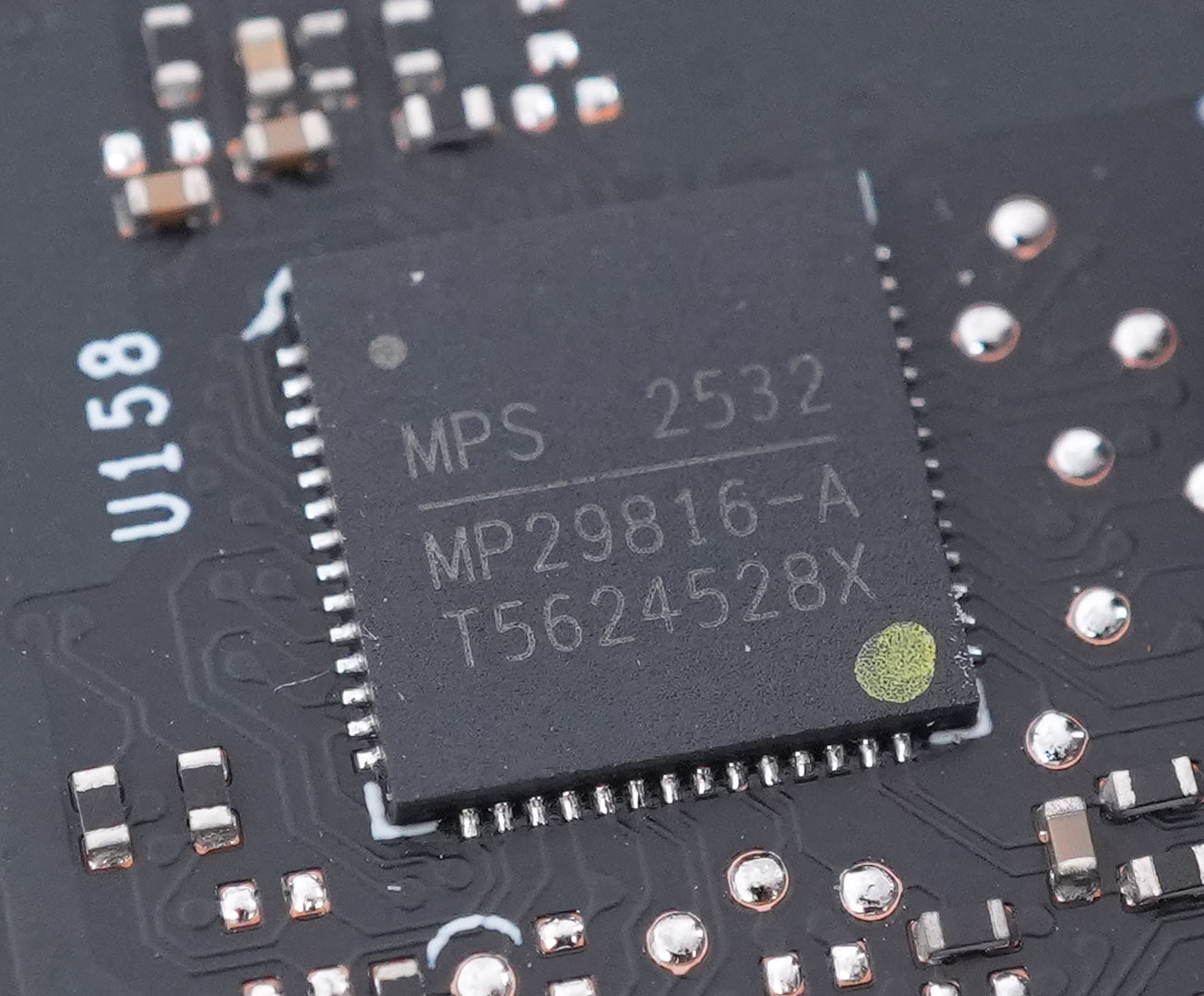

A 33-phase VRM powers the GPU, highlighted in the red rectangles above. These are controlled by two Monolithic Power Systems MP29816 controllers.
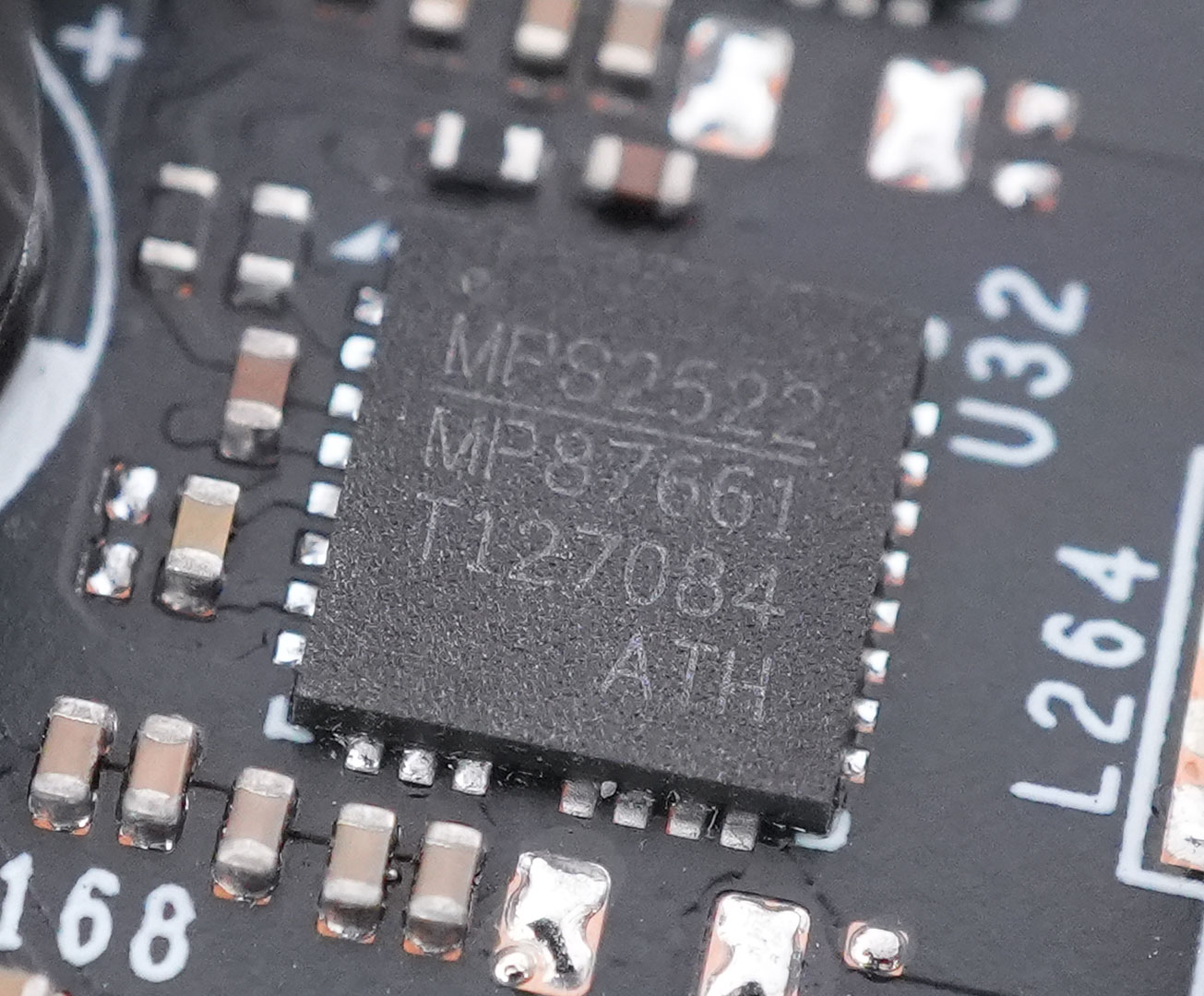
All GPU power phases use Monolithic MPS MP87661 DrMOS with a 60 A rating.

Powering the 16 GDDR7 memory chips is a 7-phase VRM driven by the second MP29816 that also takes care of GPU voltage.
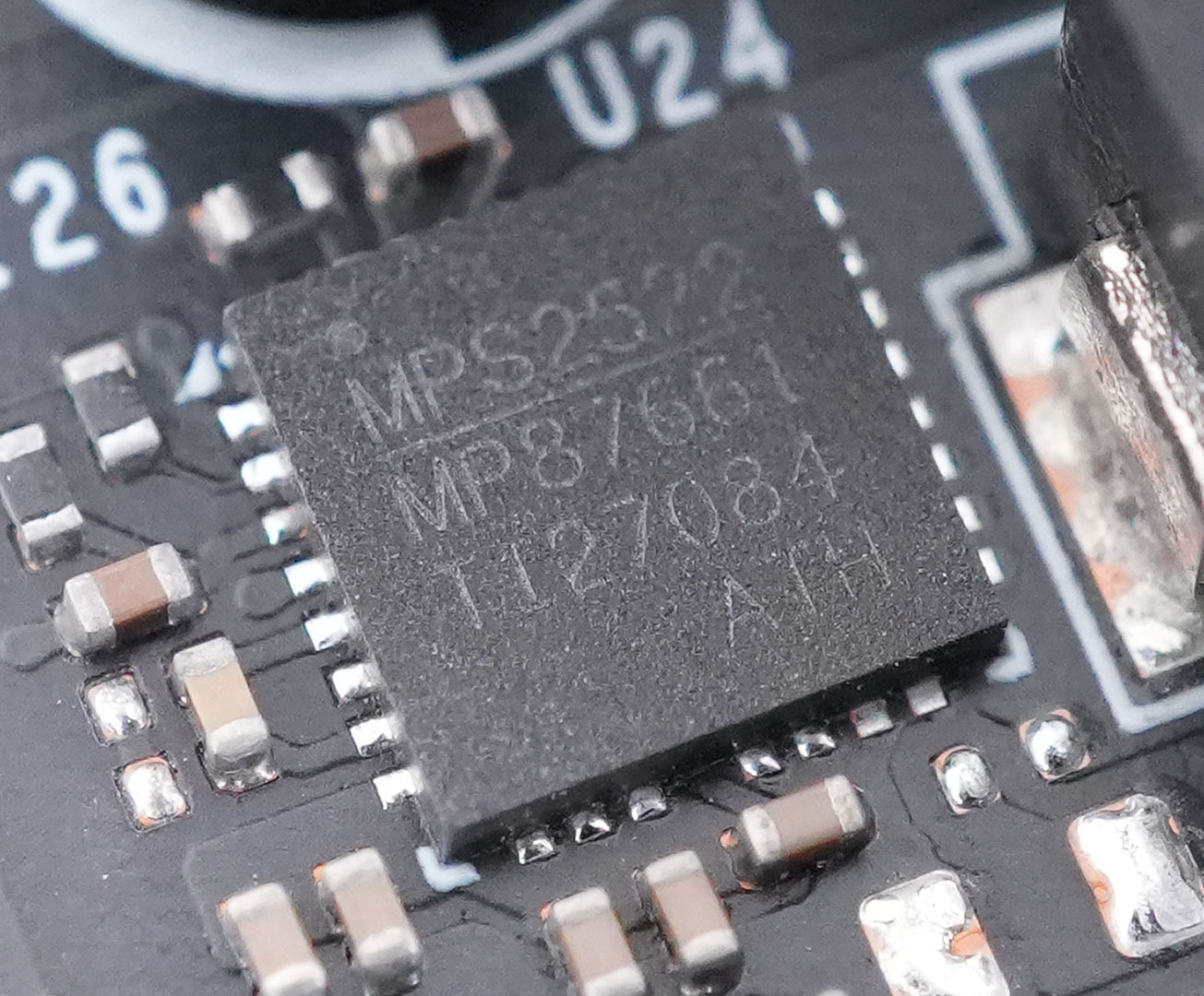
Just like GPU, the memory is handled by Monolithic MP87661 DrMOS chips, too, rated for 60 A.
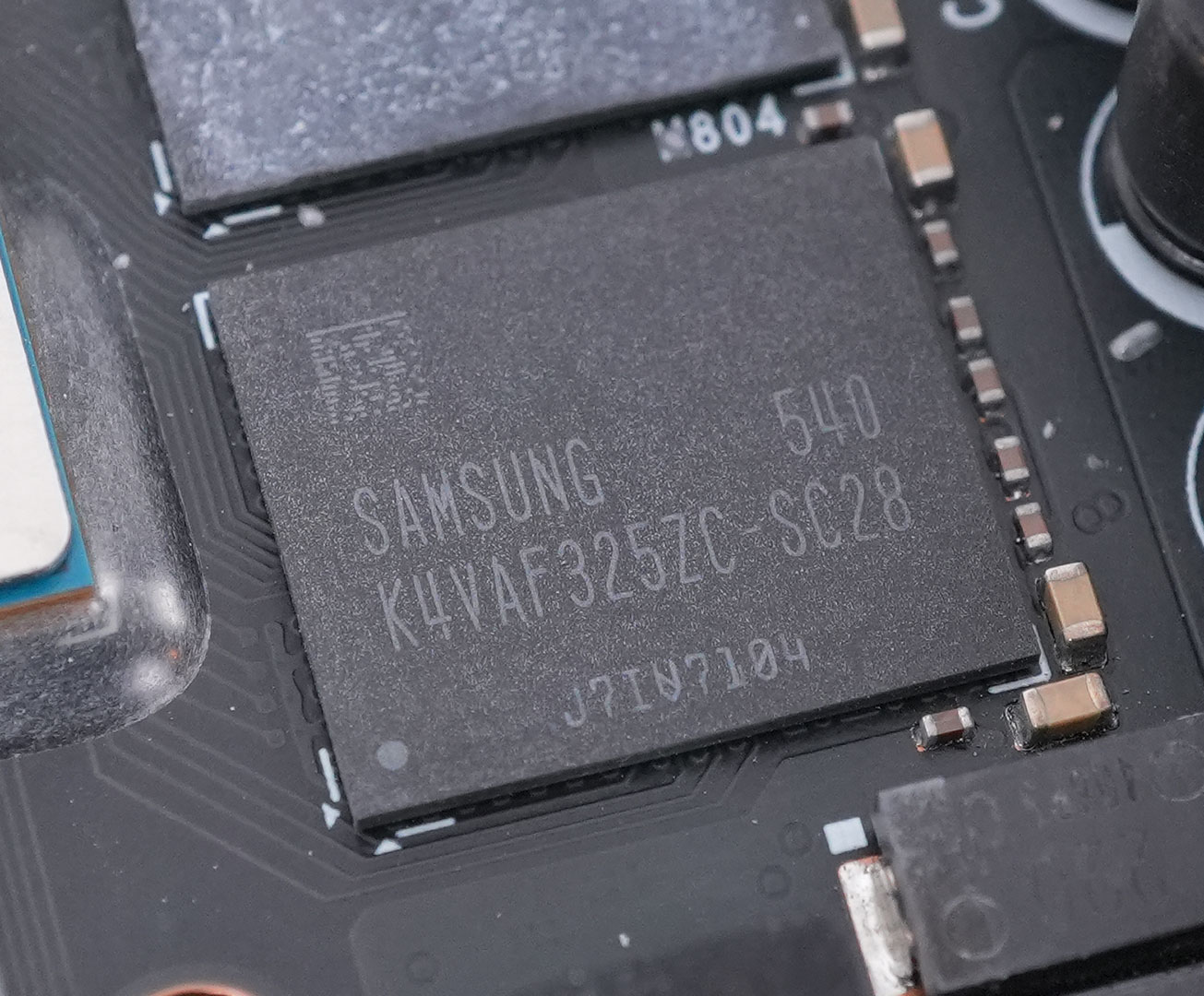
The GDDR7 memory chips are made by Samsung, and bear the model number K4VAF325ZC-SC28, they are rated for 28 Gbps.
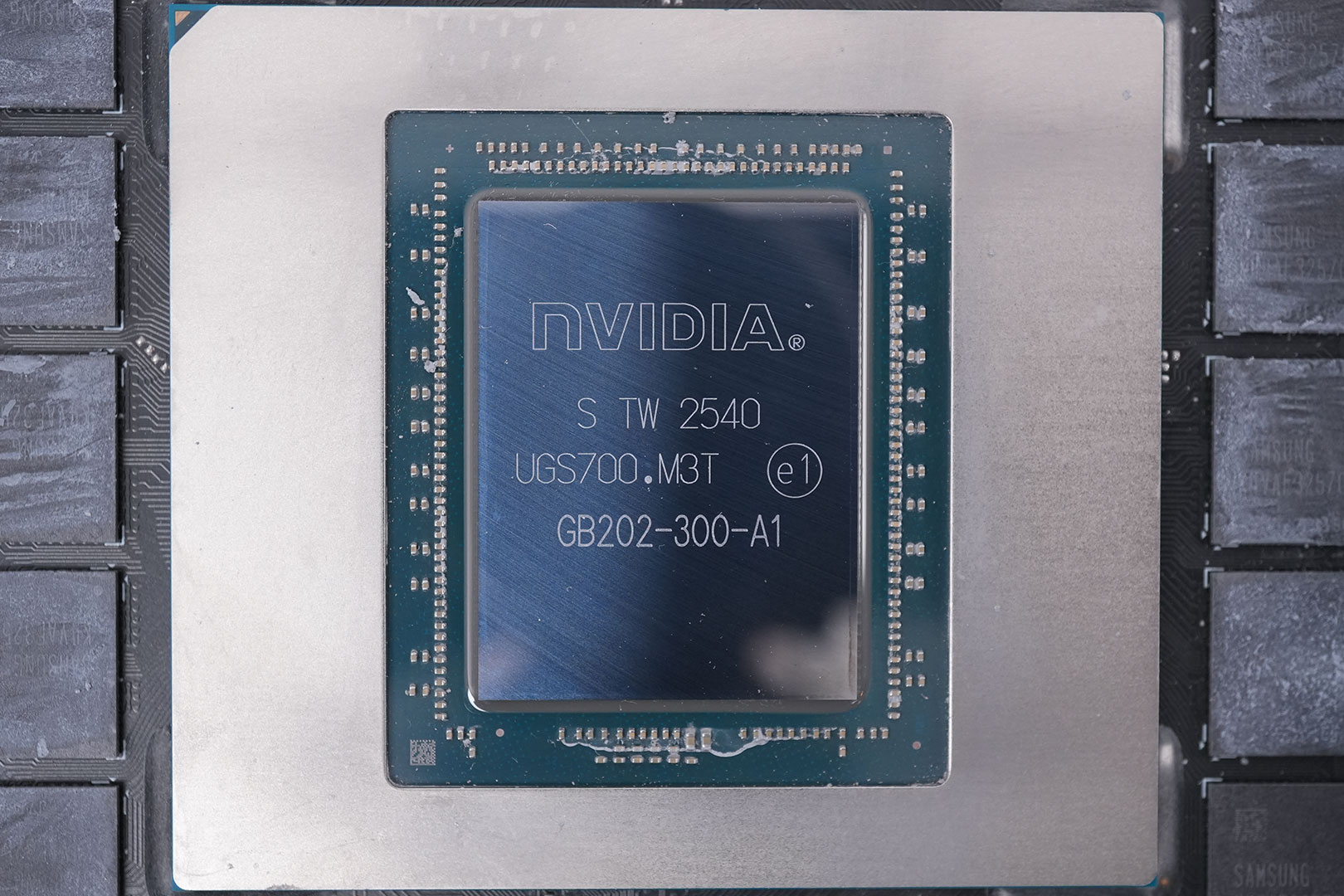
The NVIDIA GB202 GPU at the heart of the GeForce RTX 5090 is massive. It is fabricated using a 5 nanometer "NVIDIA 4N" process at TSMC Taiwan (same process as Ada). The die measures 750 mm², and comes with a transistor count of 92.2 billion.
Our Patreon Silver Supporters can read articles in single-page format.
Nov 14th, 2026 14:04 CST
change timezone
Latest GPU Drivers
New Forum Posts
- Your PC ATM (36420)
- Tell me about your favourite graphics card (72)
- What can the FX 8320 do today? Here is the answer. (35)
- auto-closed by somethings by actions (1)
- What card do I get for VR? (30)
- no "PhysX" workable (10)
- TPU's Nostalgic Hardware Club (22162)
- Slow SSD read speeds - help! (7)
- Ddr4 instead of ddr5 for 9060xt 8 gb over 5060 8 gb (7)
- Microsoft Exchange/365 outages? (62)
Popular Reviews
- AMD Zen 6 Technical Deep Dive
- ASUS ROG Strix B850-I Gaming Wi-Fi7 W Review
- Corsair HX1000i Shift Crystal Review
- NZXT C1200 Platinum Review
- Upcoming Hardware Launches 2027 (Updated Nov 2026)
- Montech King 95 3D PRO Review
- NZXT H7 RGB+ Review
- NZXT H5 Review
- Phantom Blade Zero Performance Benchmark Review - 35 GPUs Tested
- XPG NIMBUS PLUS Review - Mid-range Chair With Strong Competitors
TPU on YouTube
Controversial News Posts
- NVIDIA Co-Founder and CEO Jensen Huang Officially Resigns (402)
- OpenAI CEO Argues Home PCs Waste the World's Limited DRAM Supply (152)
- NVIDIA Launches Investigation Into Jensen Huang's Relationship With Suspected Chinese Spy (136)
- Intel "Raptor Lake Next" 16-Core and 20-Core CPUs Surface (130)
- Legendary Game Studio BioWare Shuts Down Following EA Layoffs (104)
- Dell CEO Says the Memory Shortage Will Get Worse in 2027 (95)
- NVIDIA GeForce RTX 50-Series Scheduled for up to $500 Price Hike This Week (89)
- Modder Fits RTX 5090 With Four 8-Pin Connectors, Halving Current per Wire (80)