 7
MSI MPG 271QR QD-OLED X50 Review - 500 Hz for the Elite Few
Connectivity & Power Consumption »Design and Ergonomics
The MPG 271QR QD-OLED X50 shares its design language with the rest of MSI's current QD-OLED lineup, including the recently reviewed MPG 322UR QD-OLED X24. I'll rehash my thoughts on the design and ergonomics, and point out the differences which the MPG 271QR QD-OLED X50 brings to the table.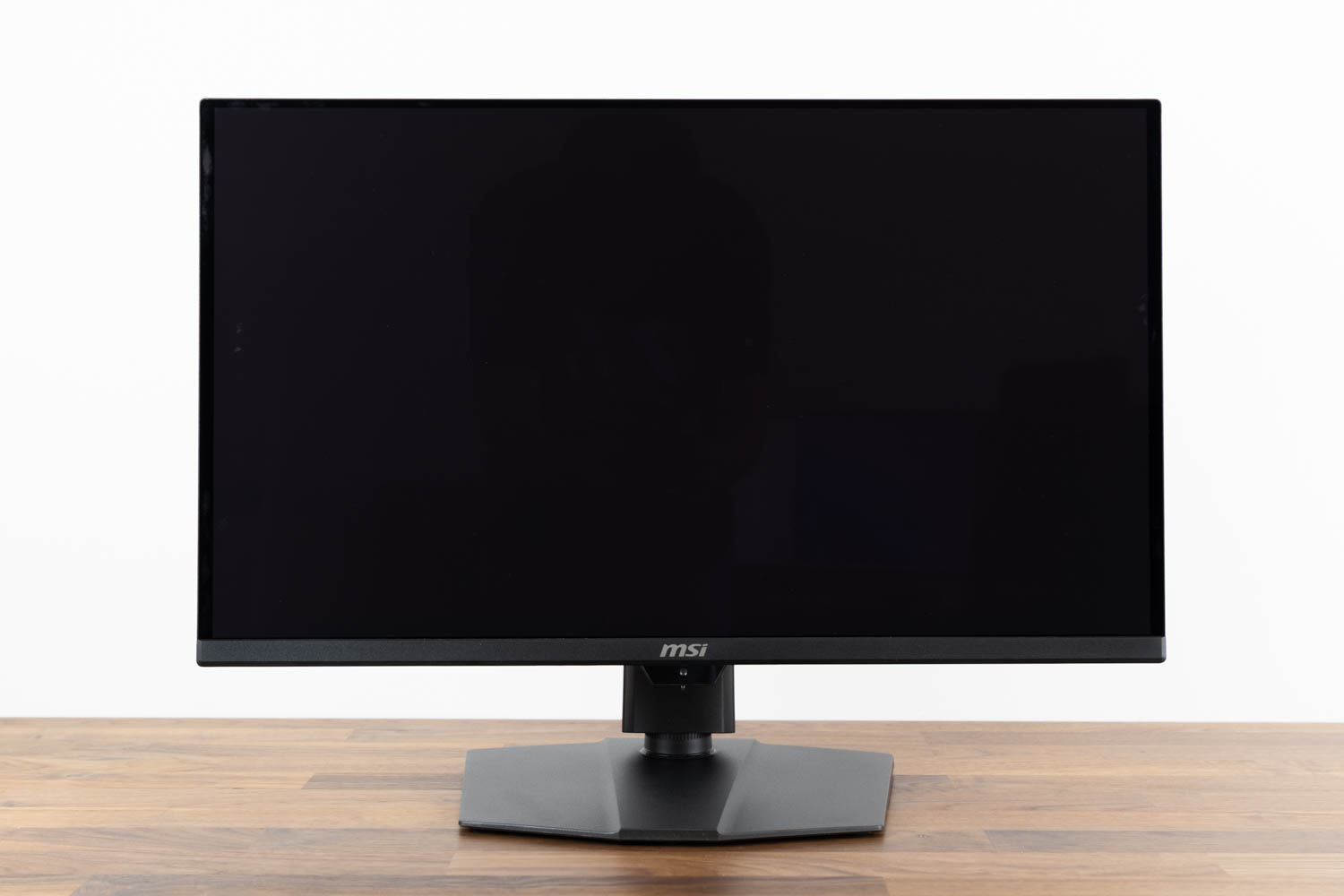
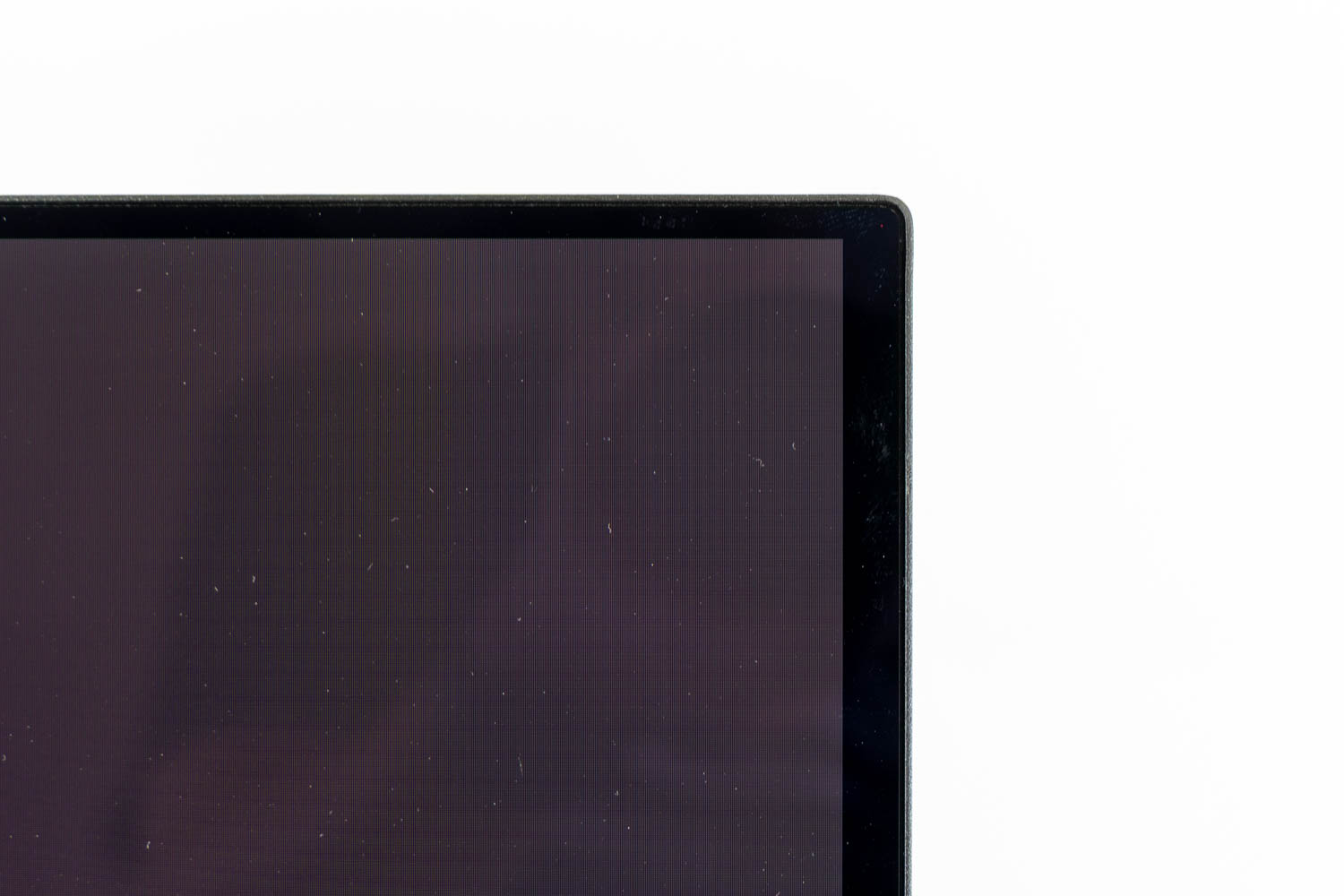
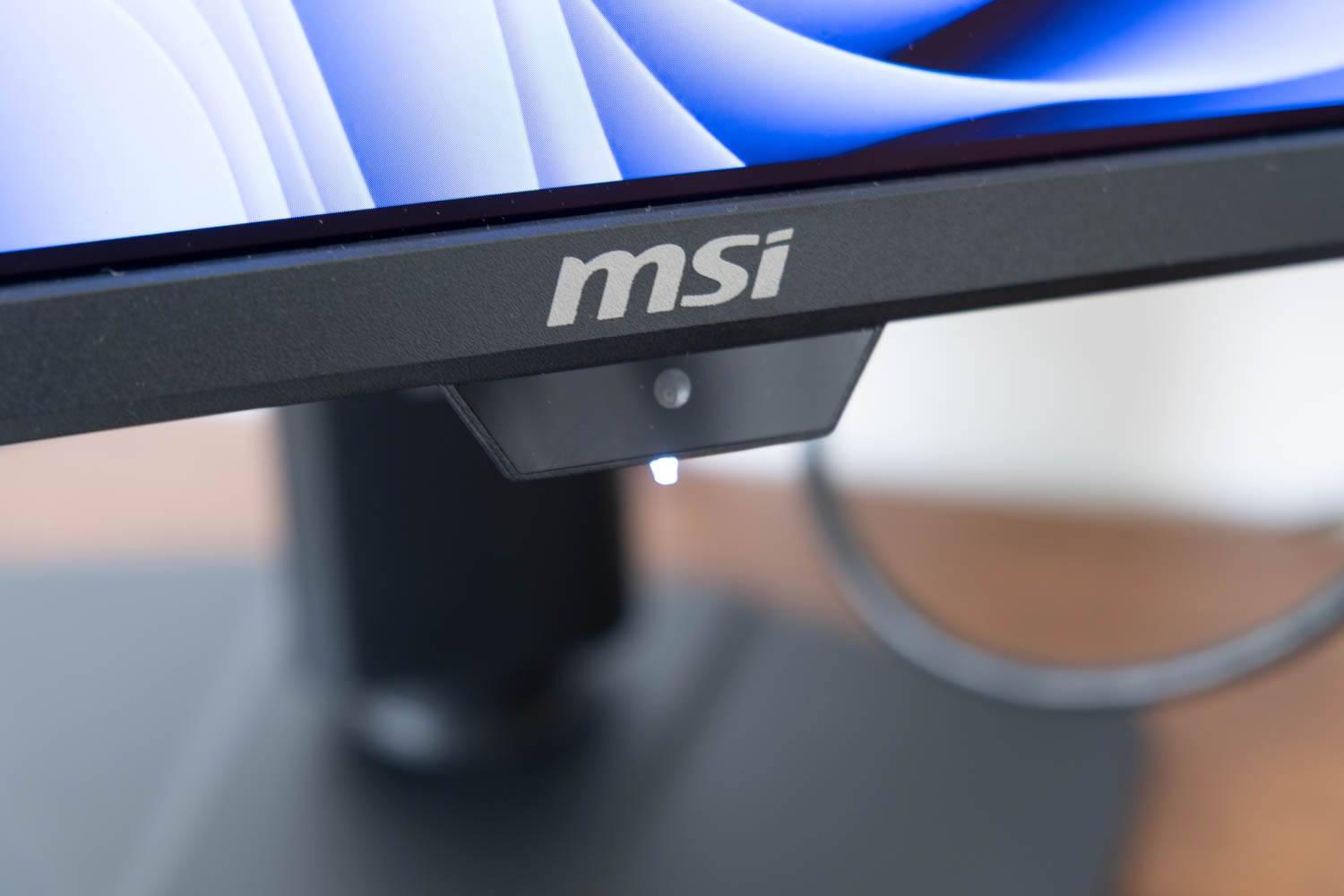
From the front, the monitor presents a clean look with slim bezels on the top and sides, and a slightly thicker bottom chin finished in gray to accommodate the MSI branding. Directly beneath the logo sits the protruding module that houses the AI Care Sensor hardware. The power LED is positioned below the sensor module, which makes it look like it hangs from the bottom of the monitor. It can be distracting, but MSI lets you turn it off in the OSD. The exterior is entirely made of plastic but feels very sturdy, with no flex or rattling when adjusting the panel.
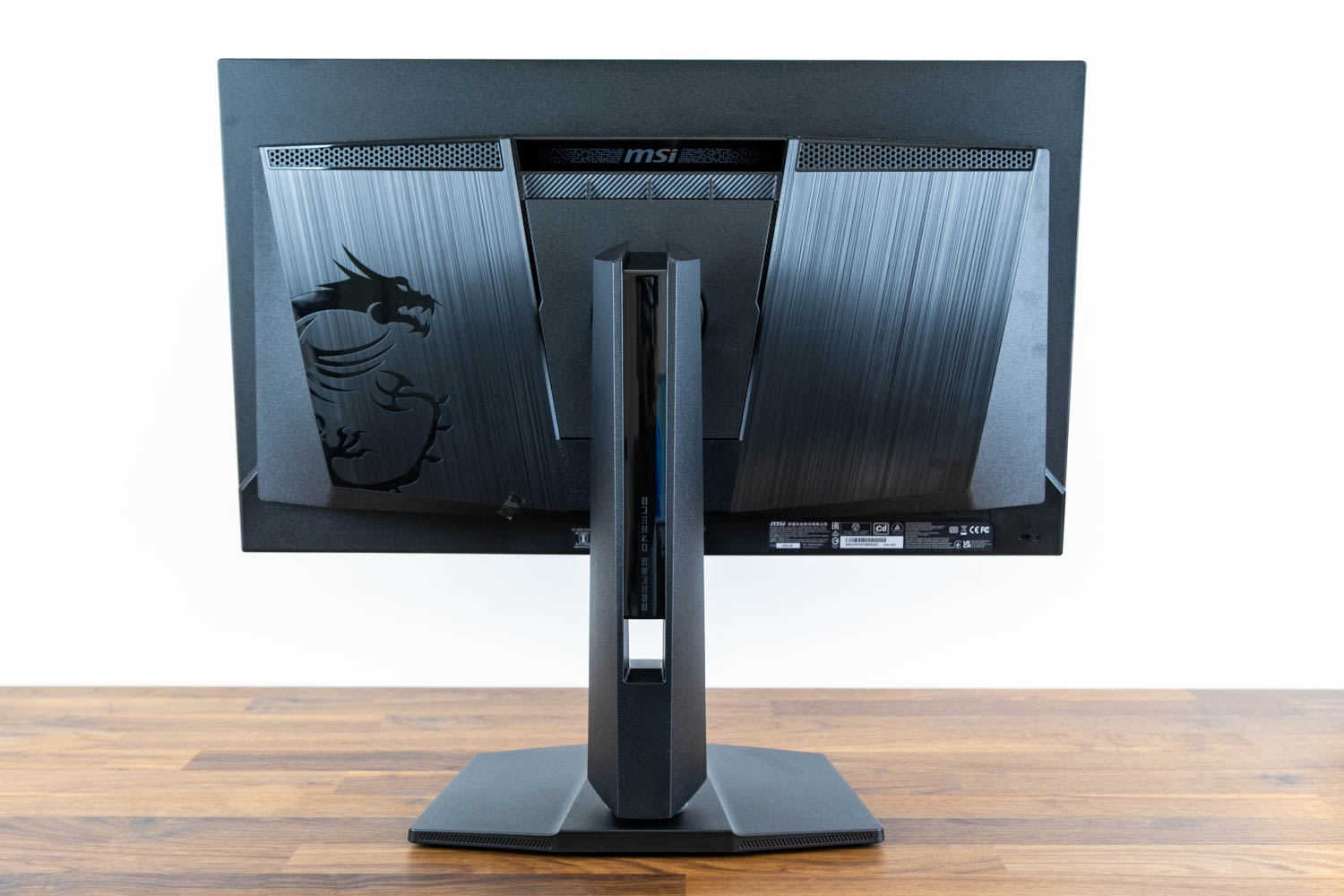
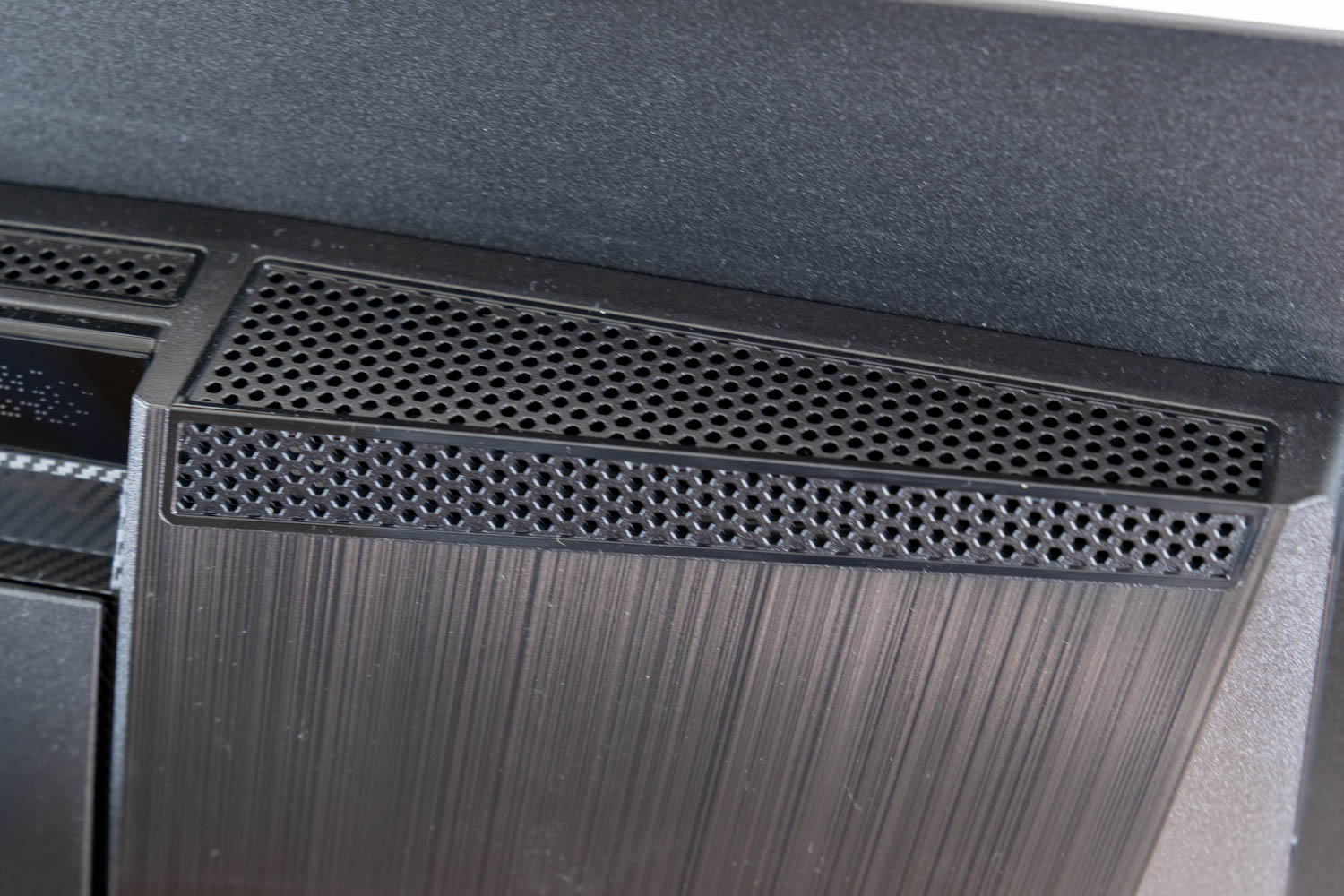
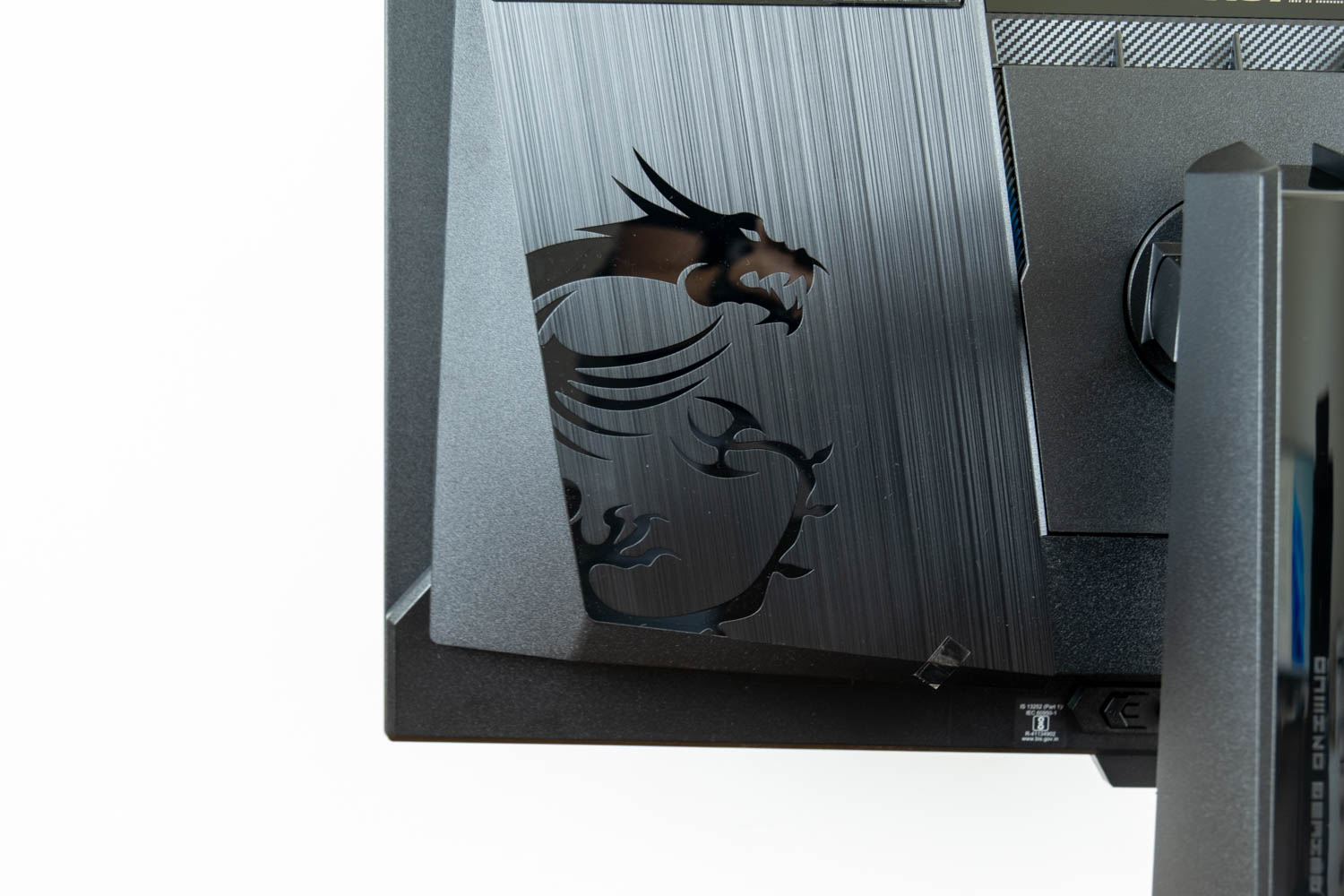
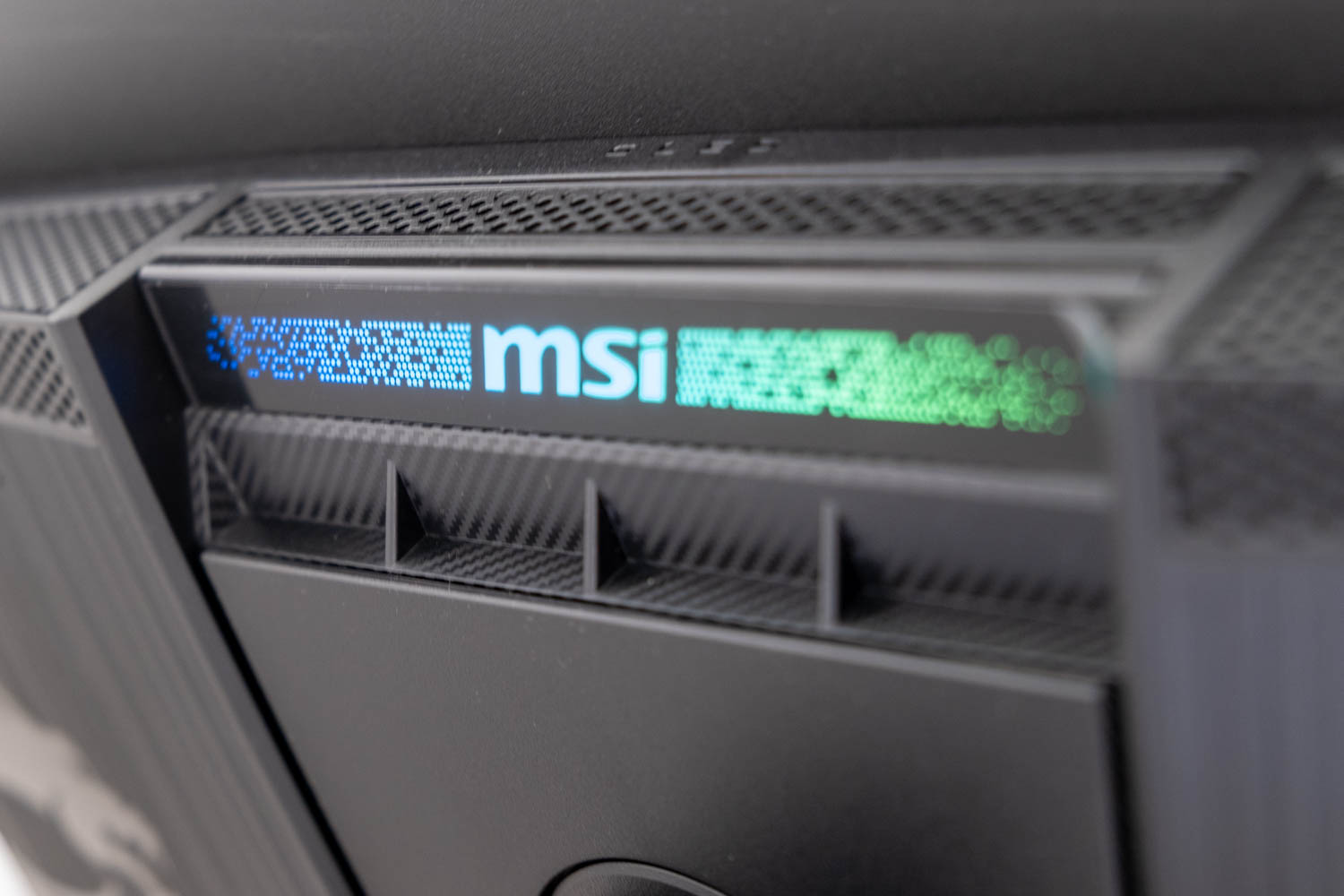
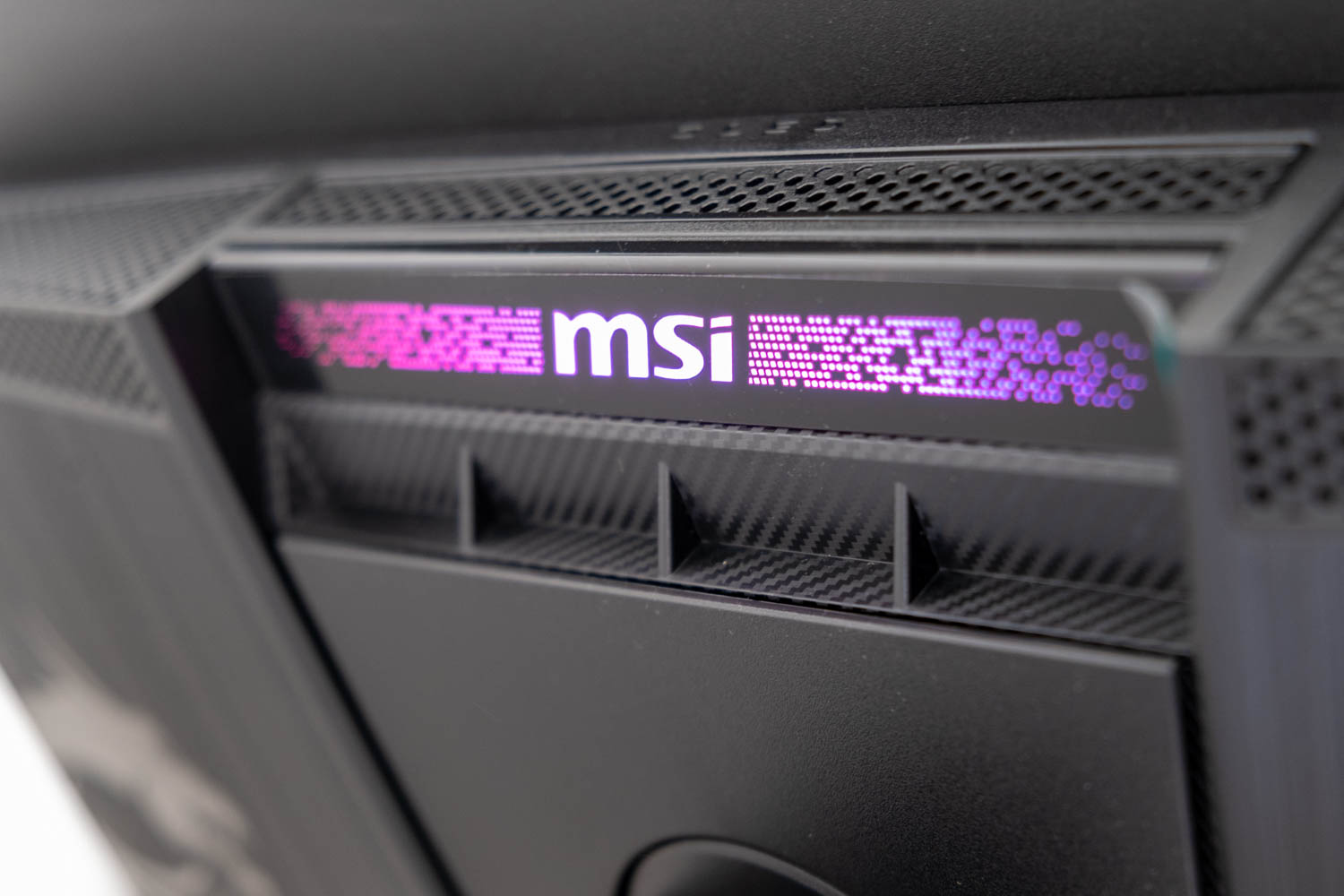
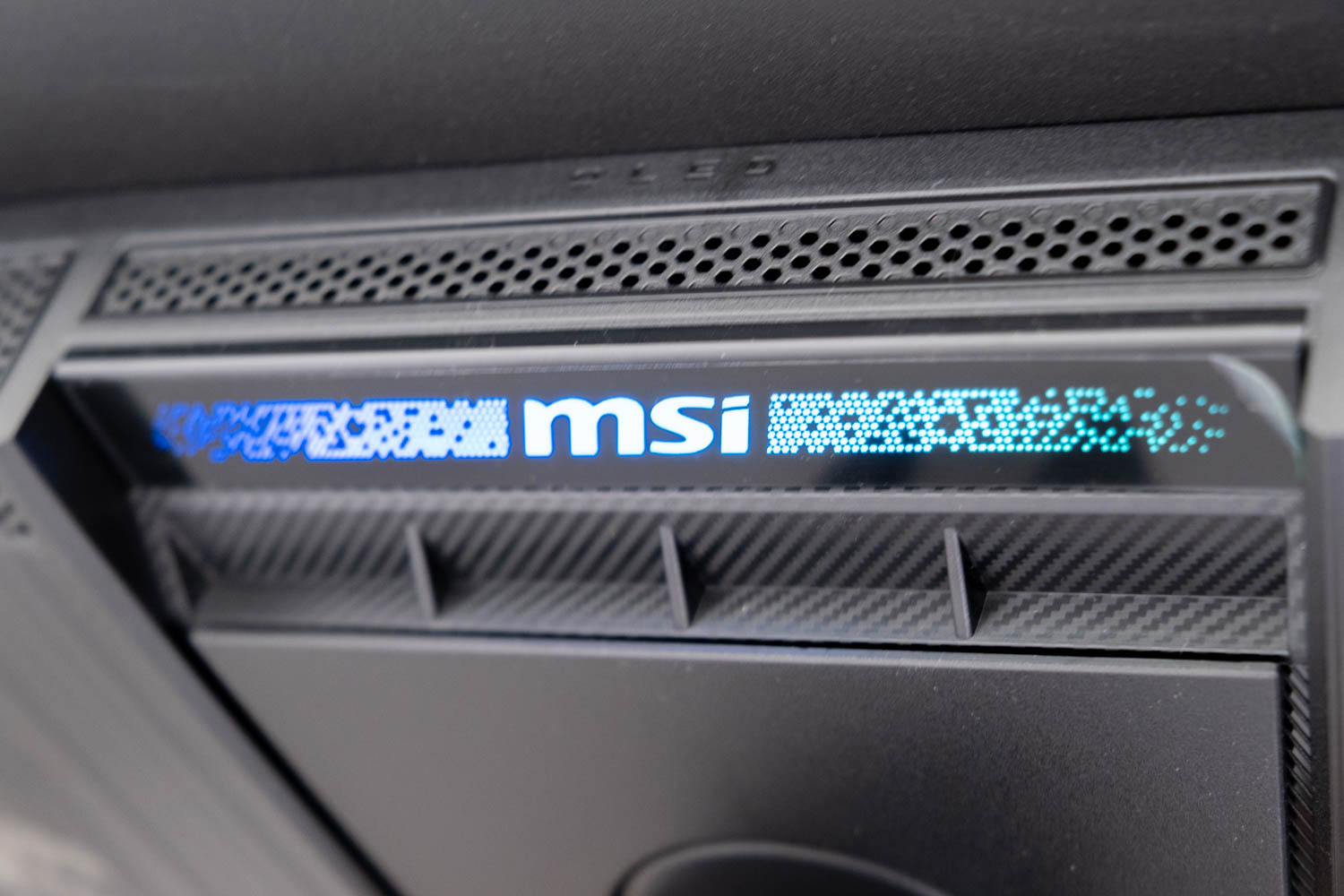
The rear of the monitor offers textured panels around the stand mount, an embossed MSI dragon graphic, and a horizontal RGB lighting element across the ventilation area. Ventilation openings with honeycomb perforations are integrated into the surfaces surrounding the stand attachment point.
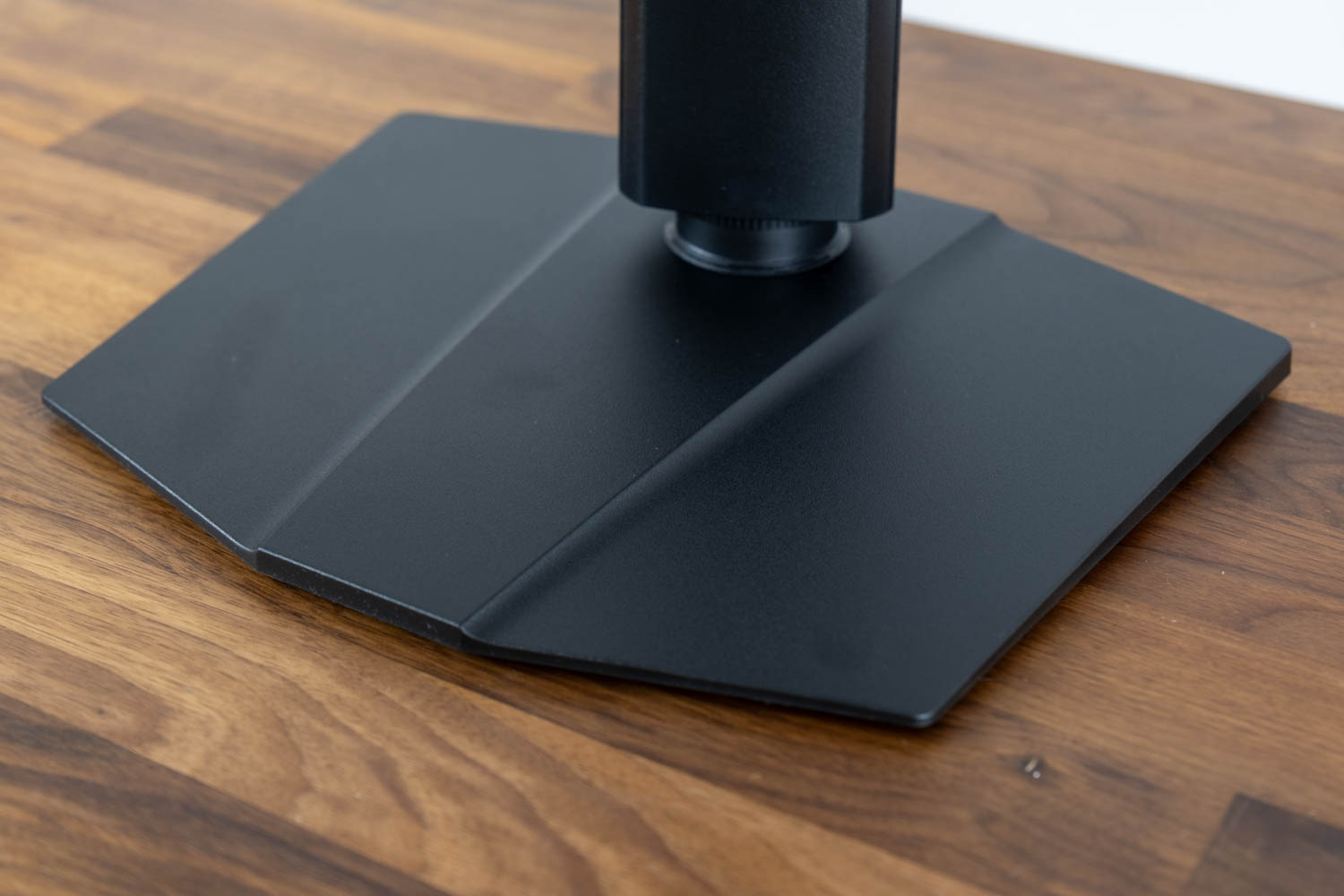
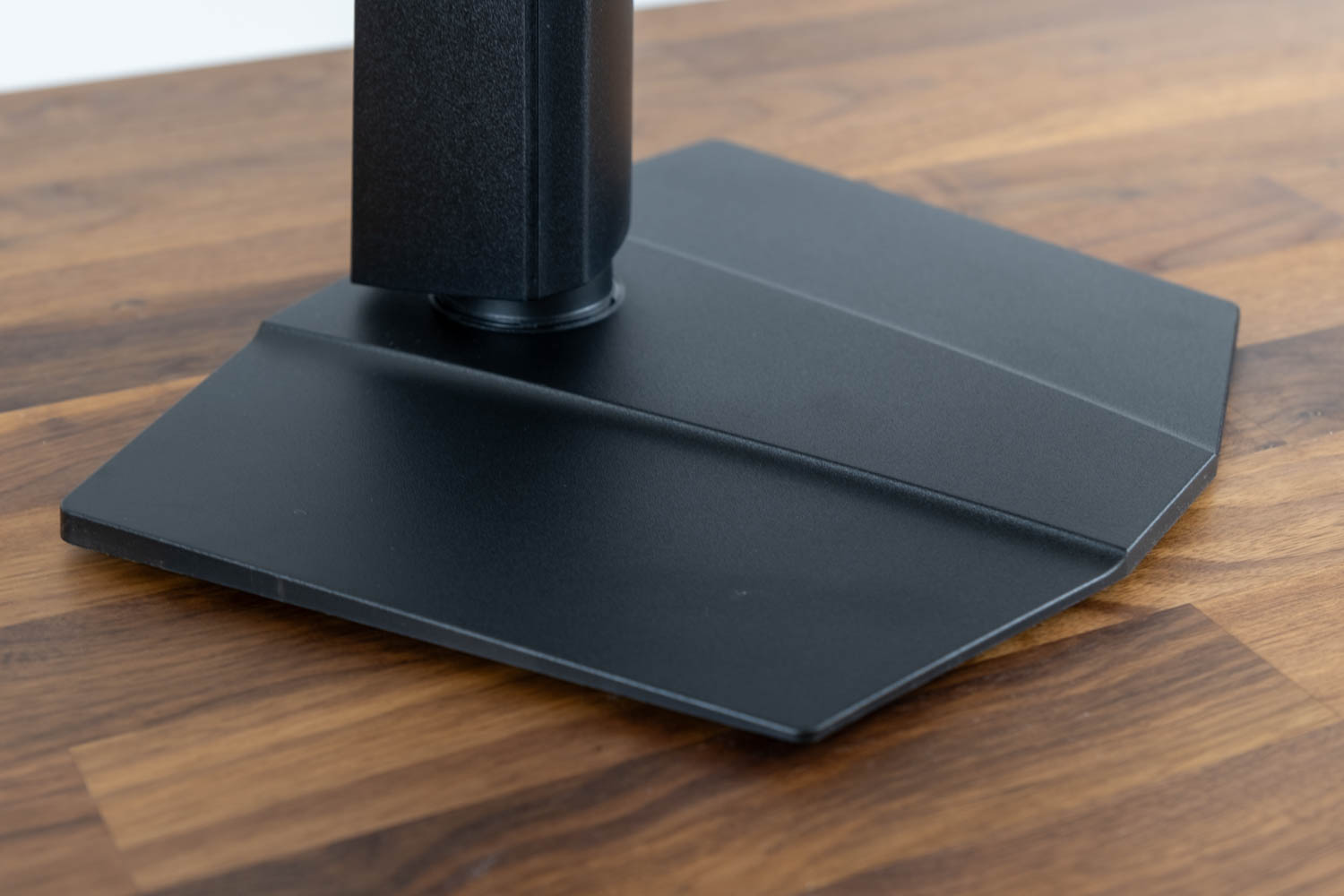
The base is a wide, low-profile metal plate with sharply cut edges and a plastic matte black cover. The front edge is beveled and sits close to the desk surface, giving the monitor a stable stance without a bulky appearance. This geometry leaves usable desk space in front of the monitor for a keyboard and mouse. It measures 30 cm (11.8 in) at the widest point and 24.3 cm (9.6 in) in depth.
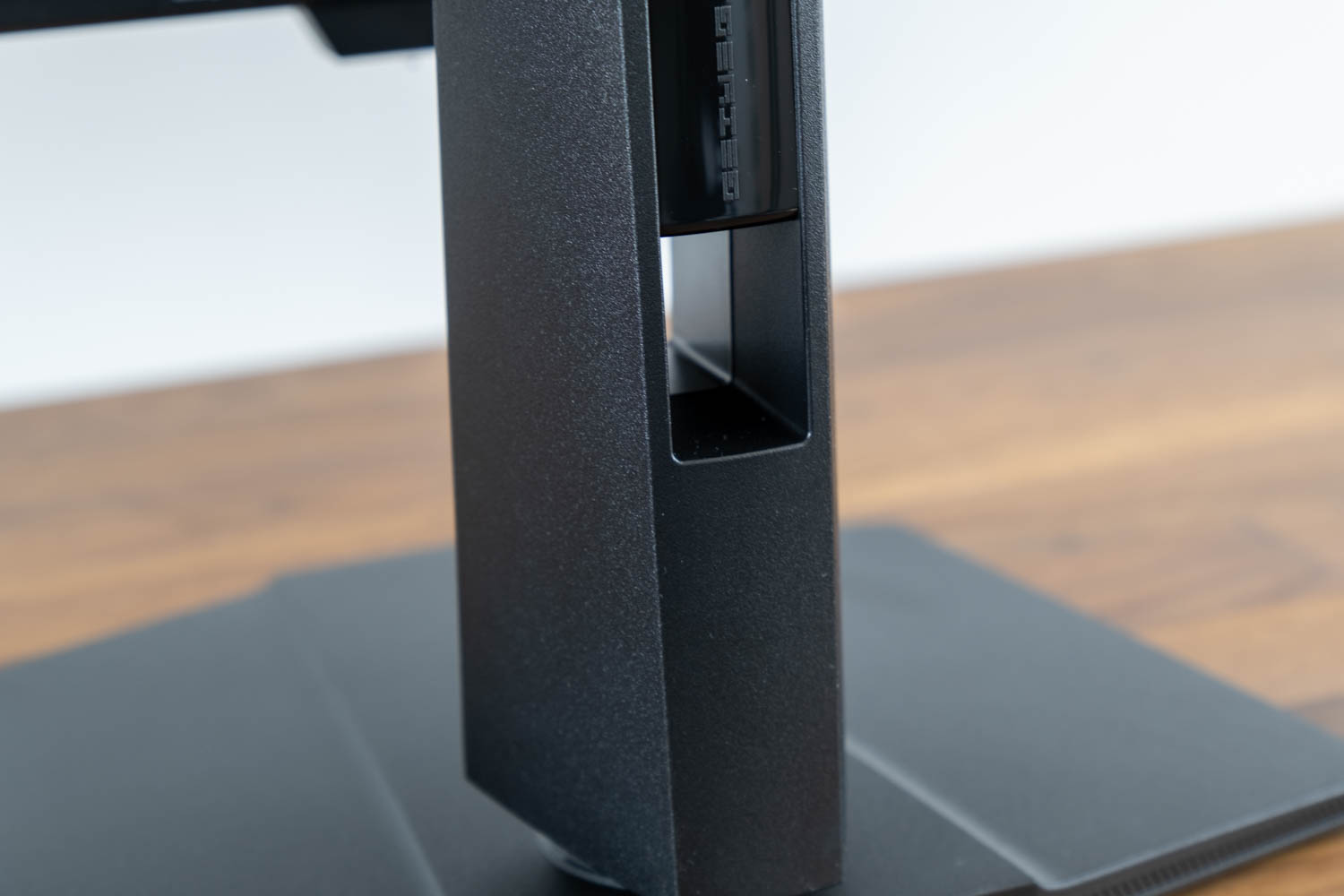
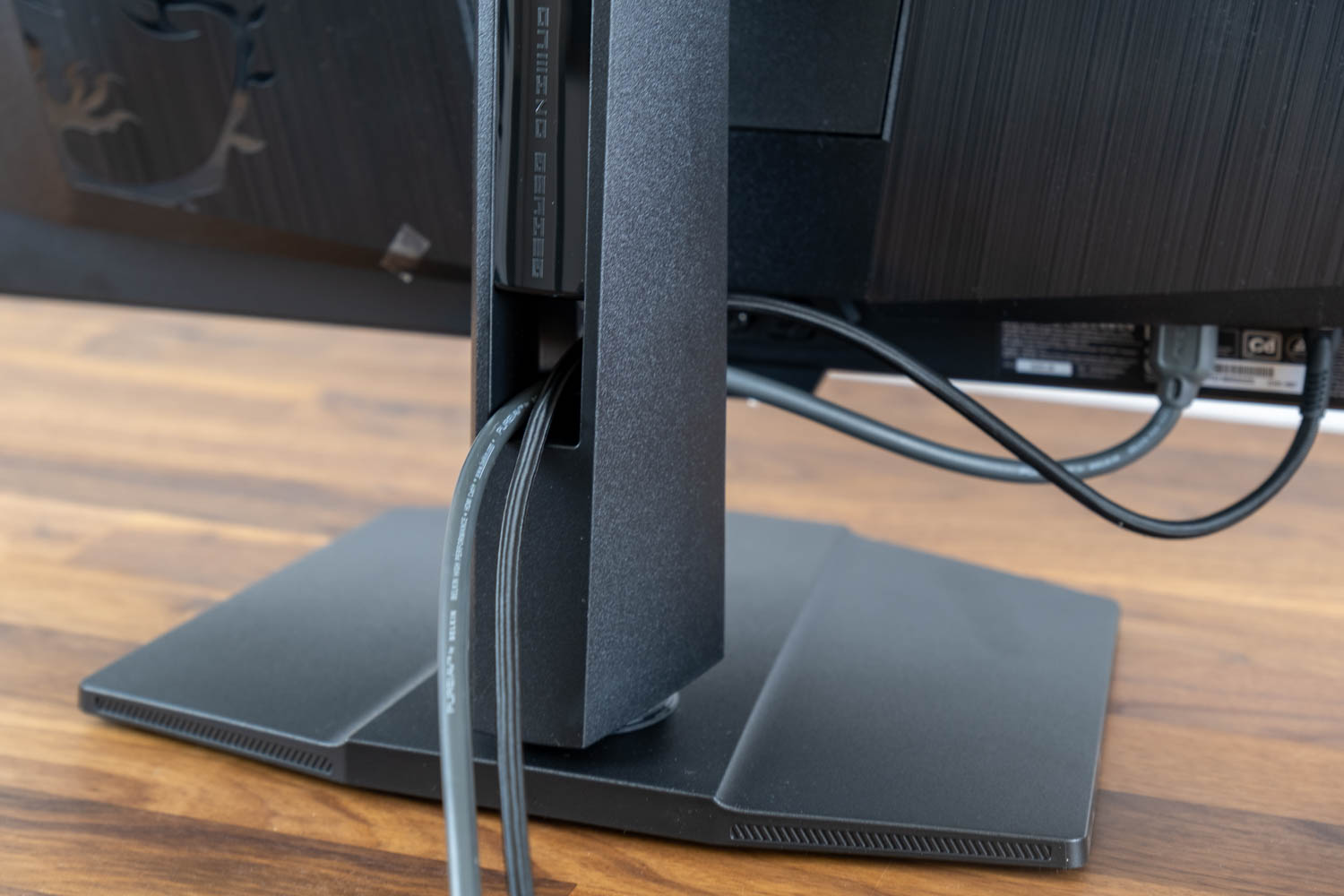
The central pillar is rigid and includes a wide cable-management opening on the rear, making it easy to route thicker DisplayPort or power cables through it toward the desk.
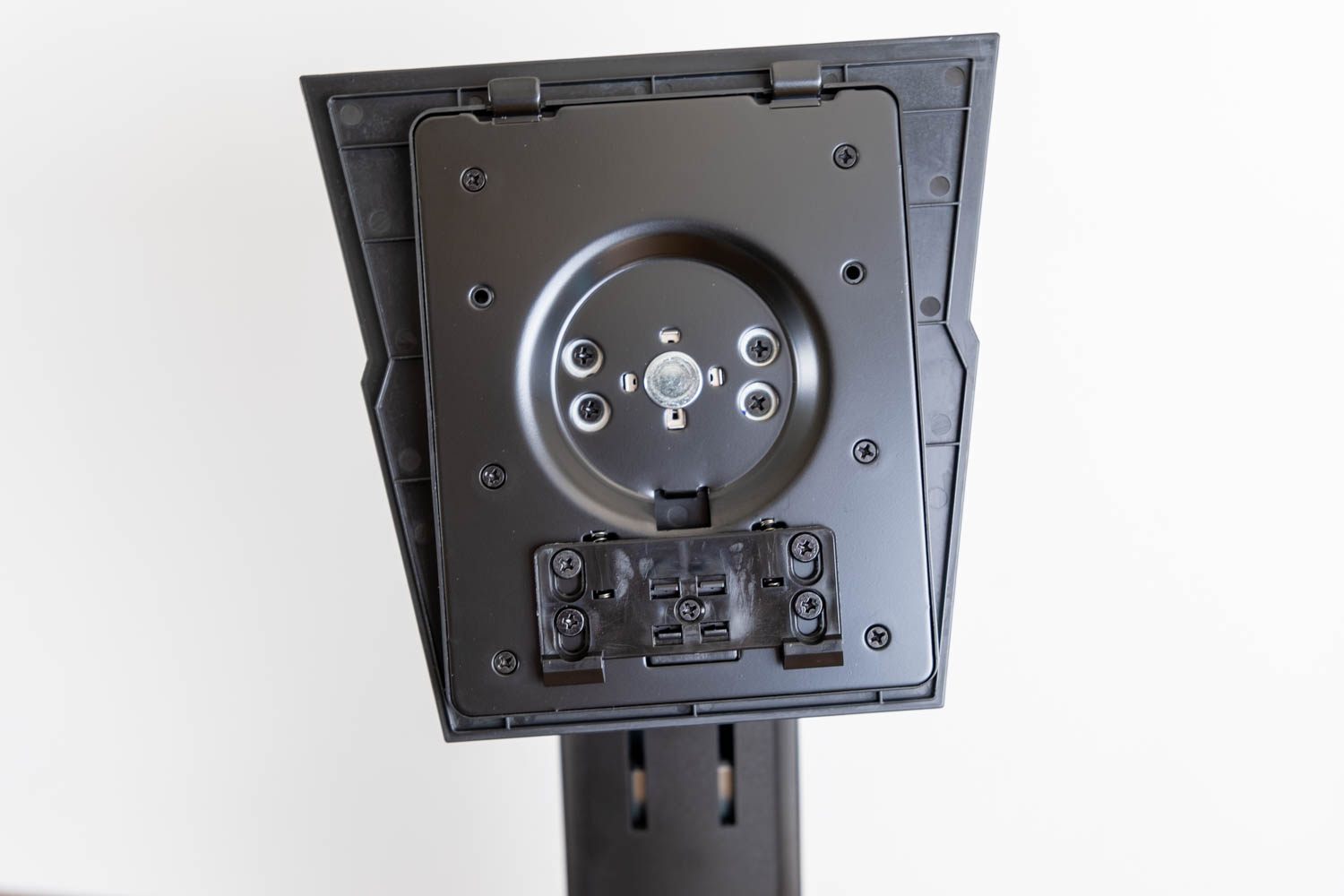
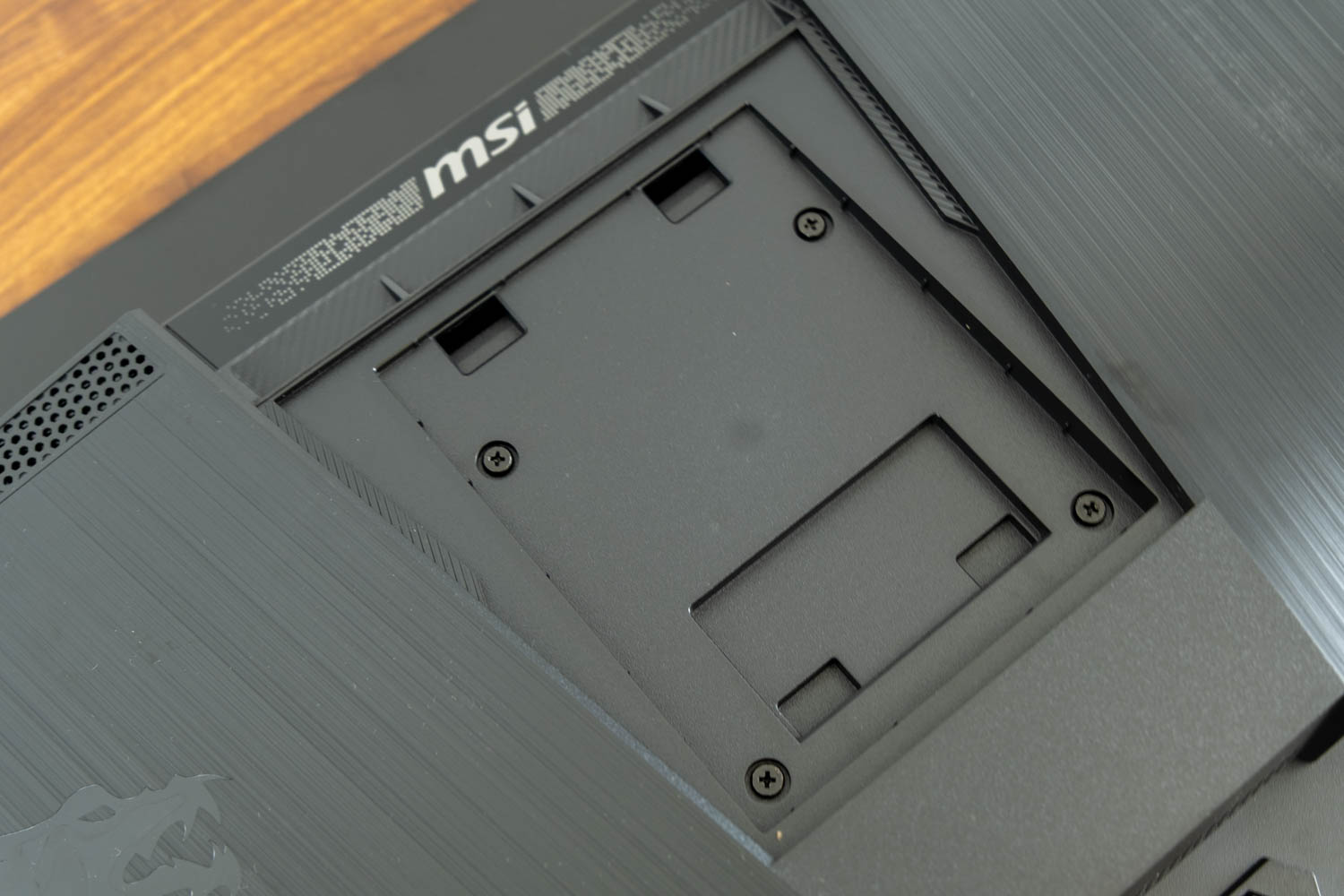
If you prefer a wall mount or monitor arm, detaching the stand reveals a standard 100×100 mm VESA hole pattern. MSI includes the required mounting screws in the box.
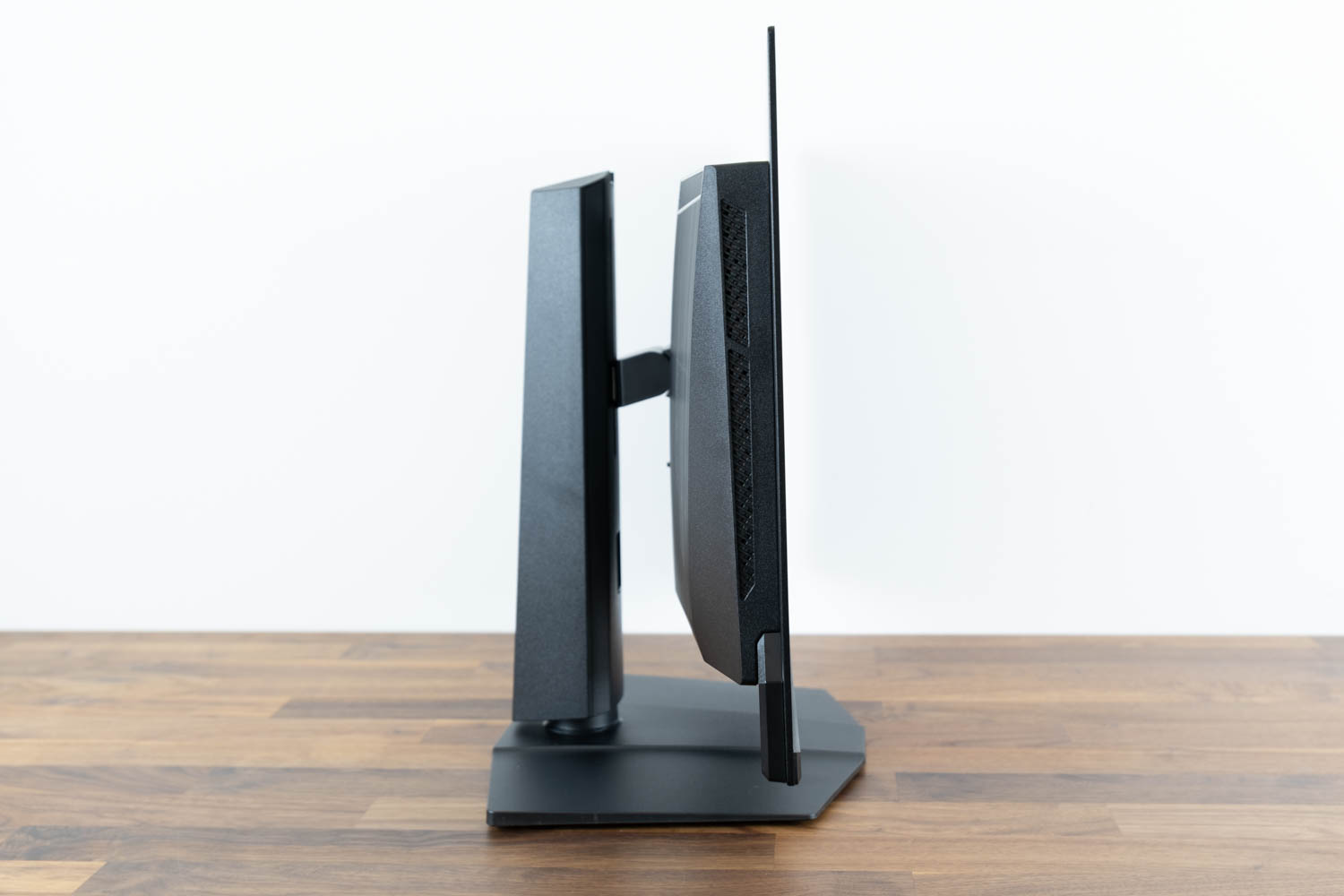
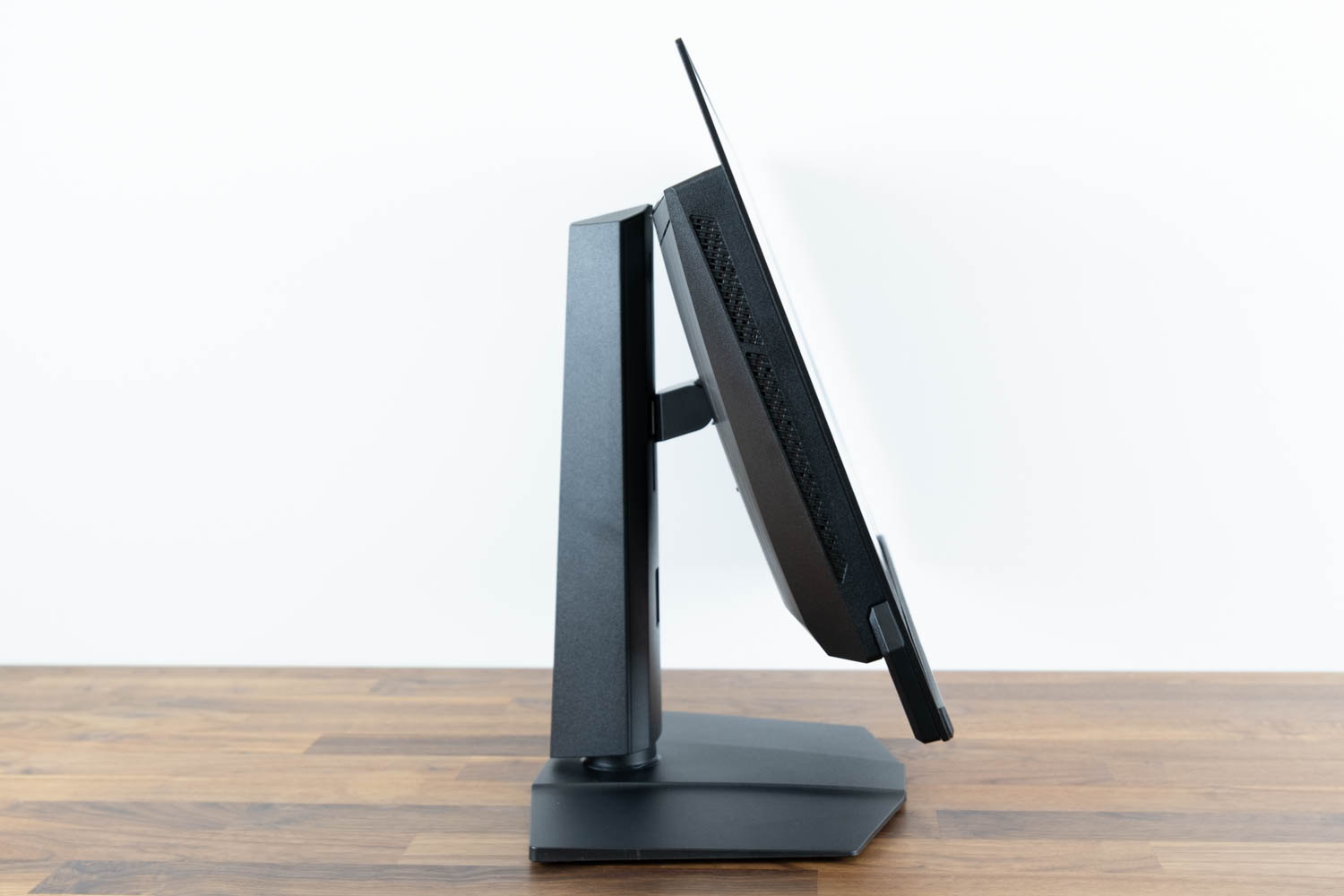
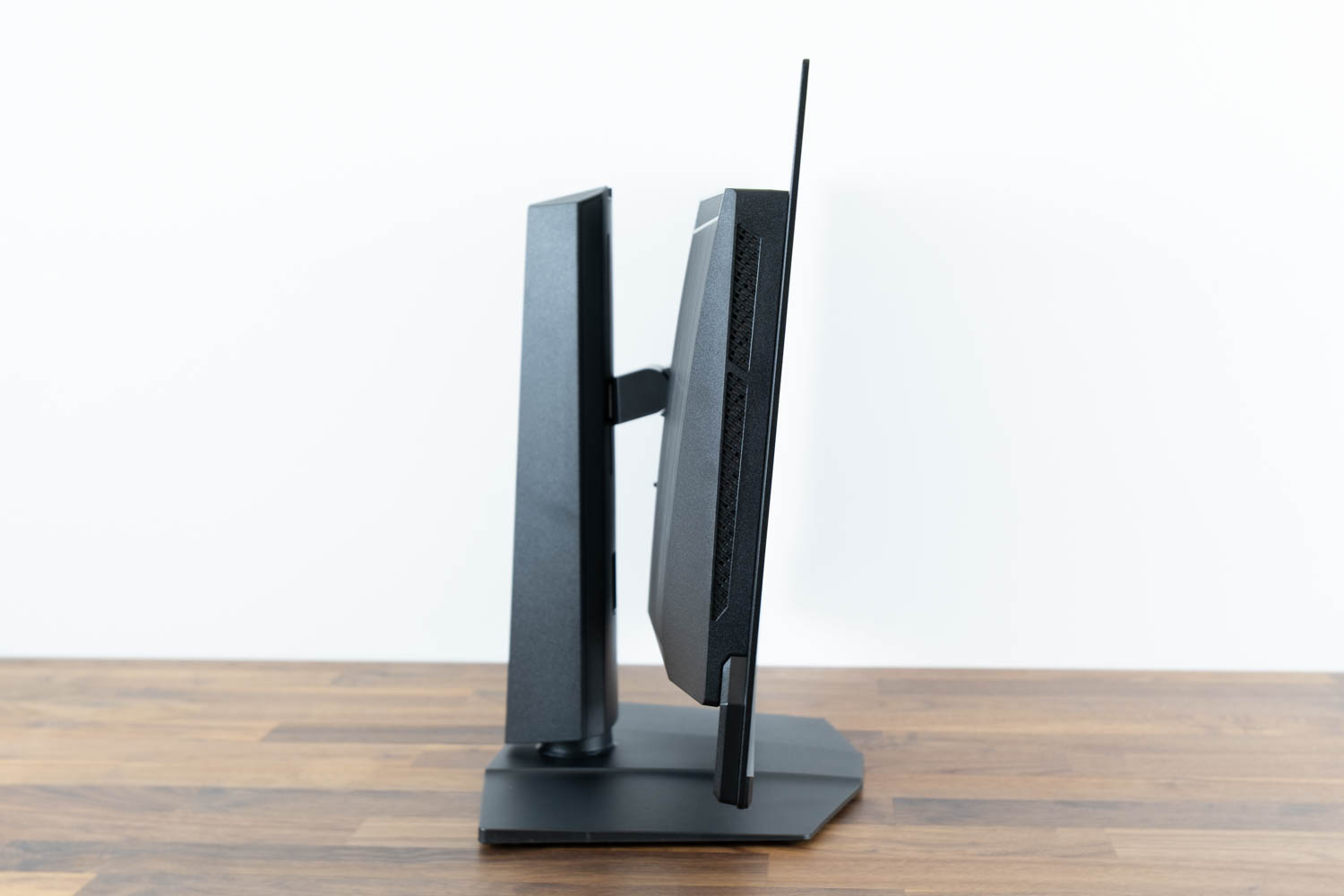
The screen can be tilted from -5° to +20°, which is a slightly wider range than the 322UR's -5° to +15°.
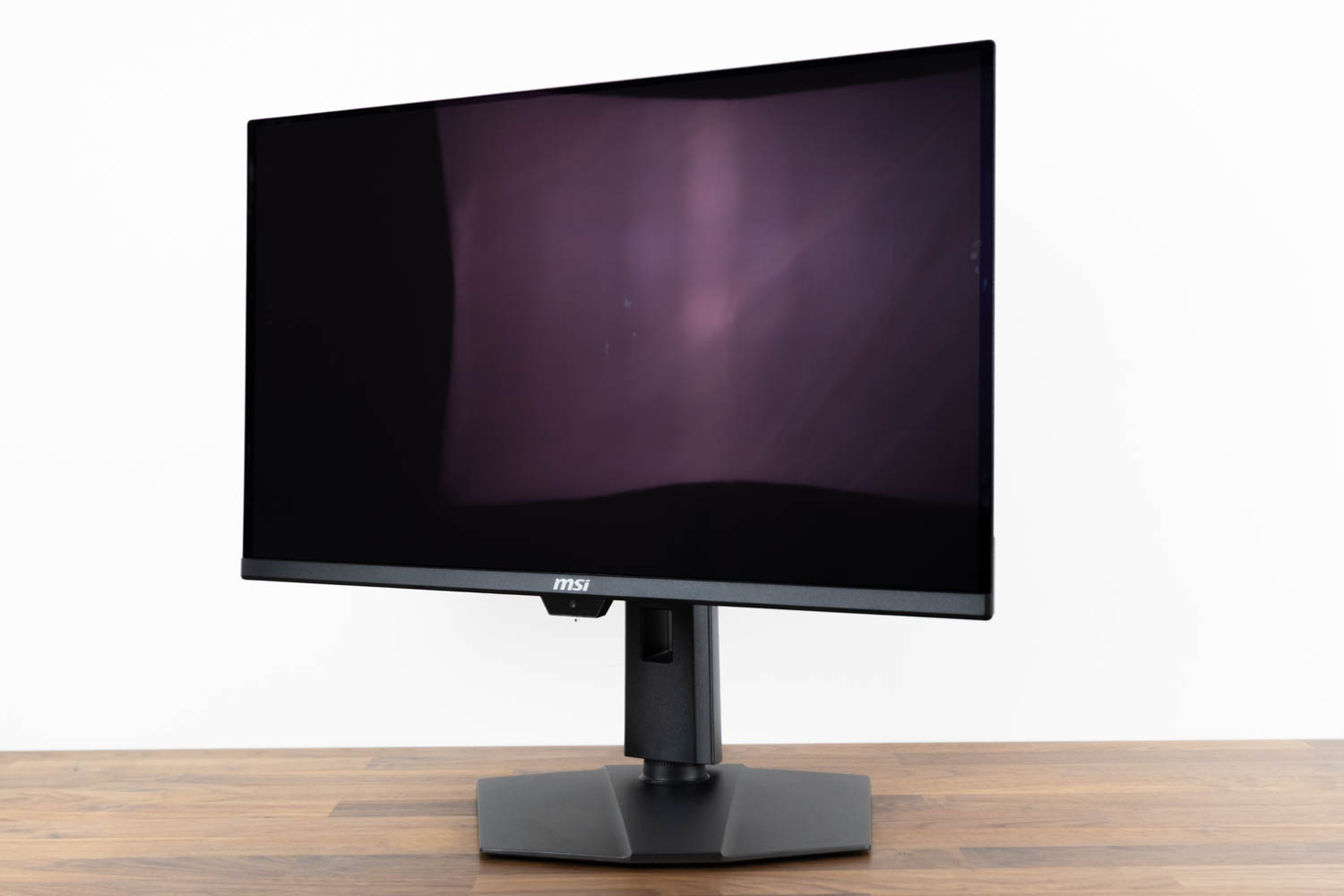
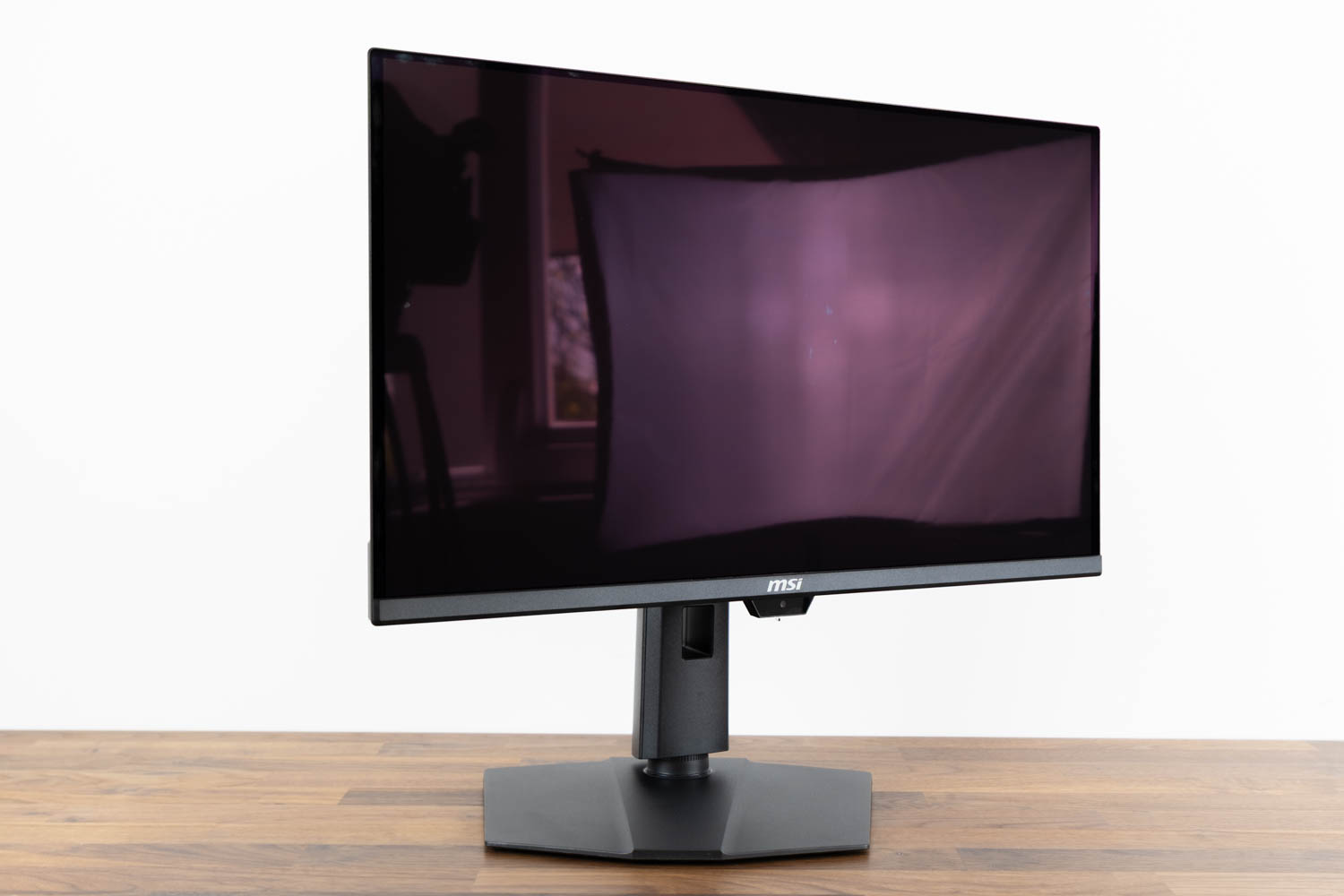
The swivel range (left-to-right rotation) is ±30°.
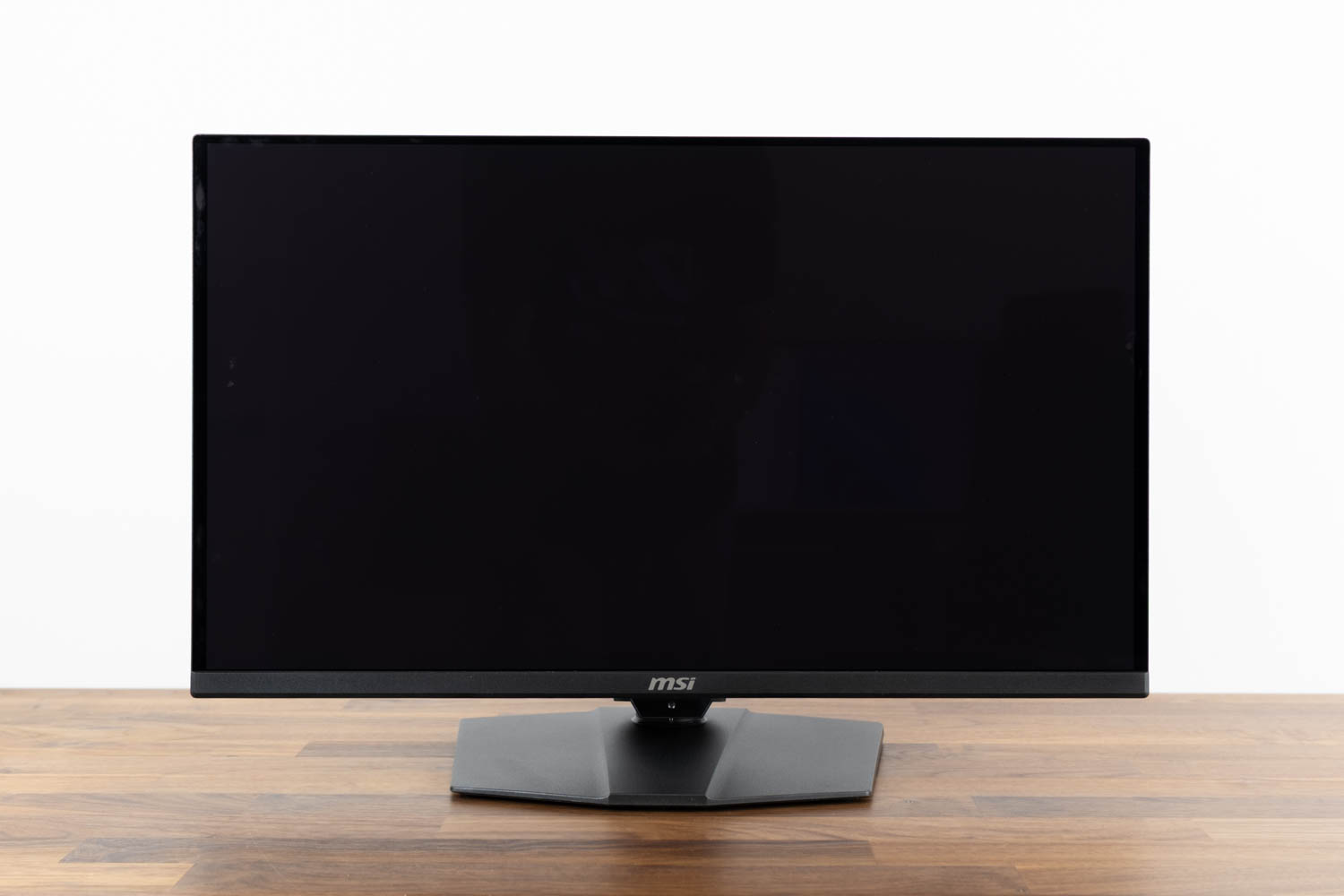
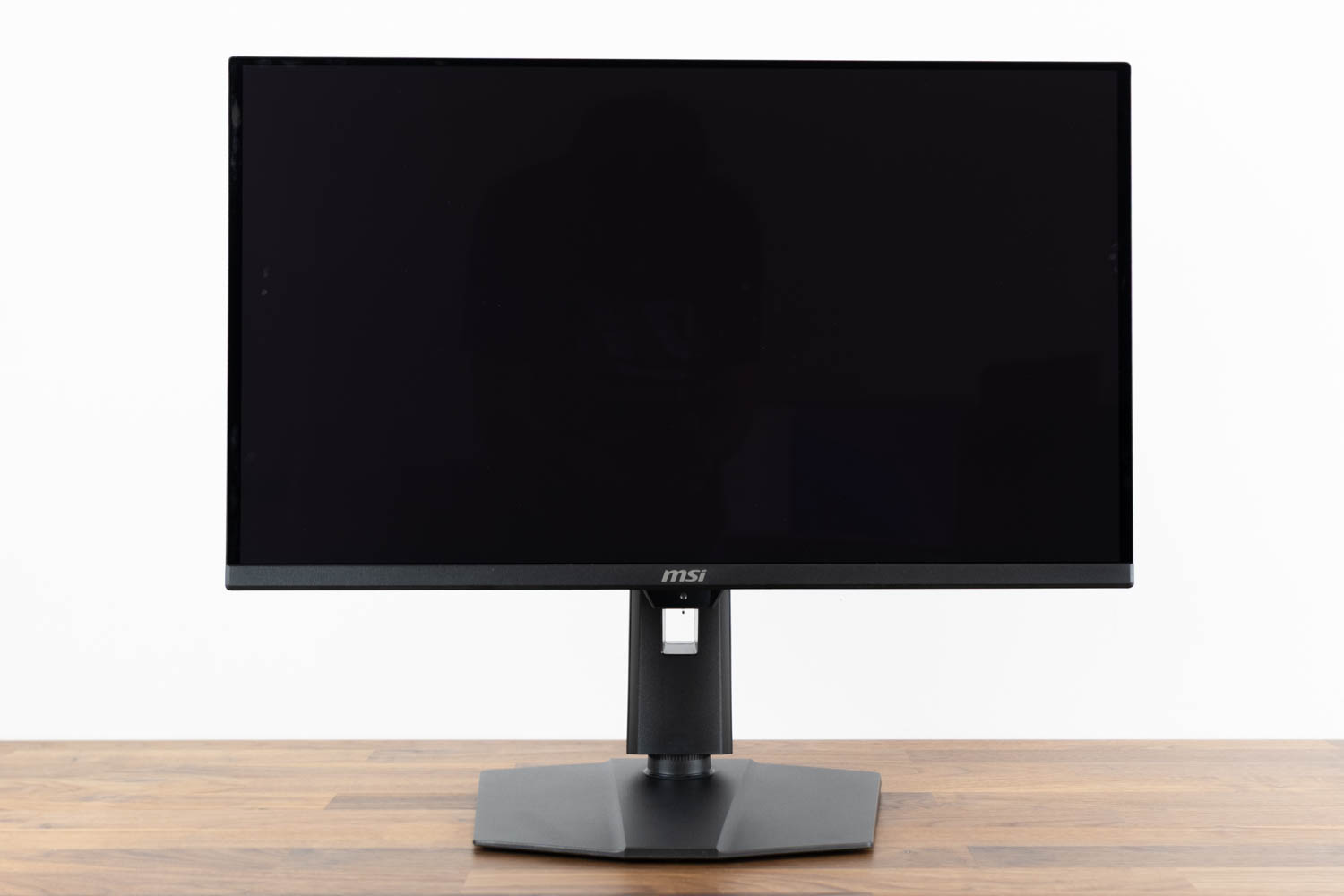
The panel's height is adjustable. In its lowest position, the distance from the desk to the bottom edge of the screen is 7 cm (2.76 in). At its highest, that distance increases to 18 cm (7.09 in), providing a total adjustment range of 11 cm (4.33 in).
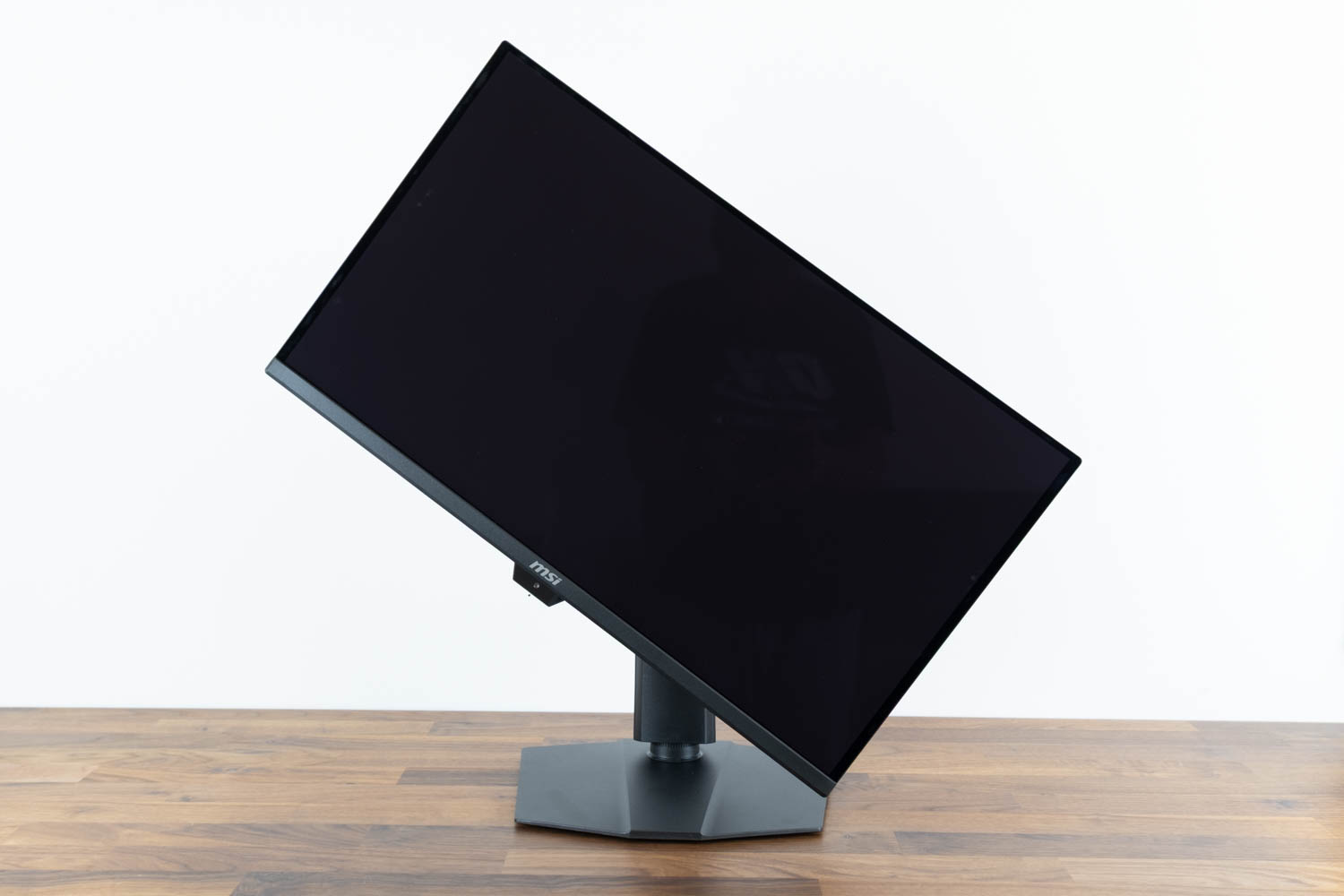
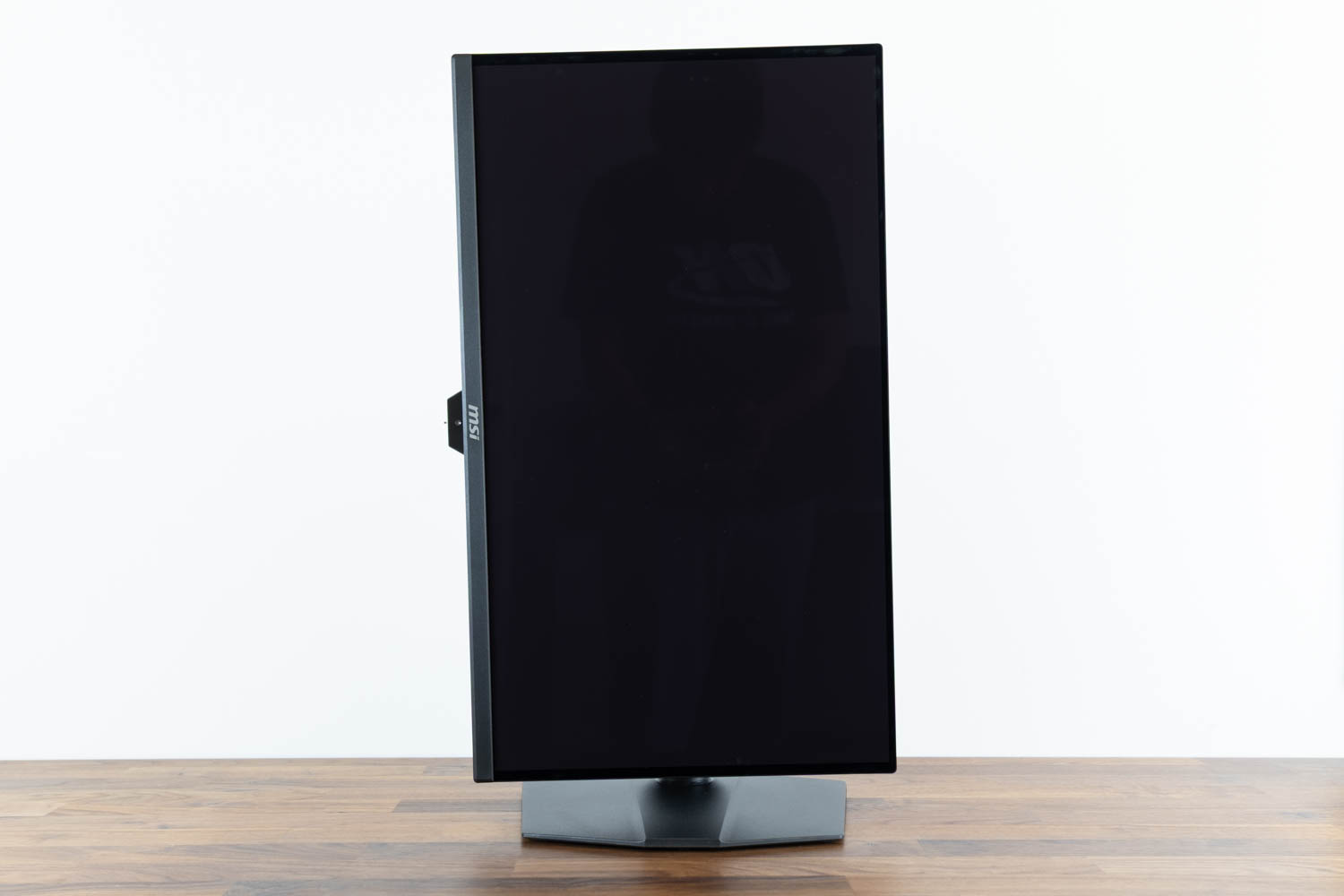
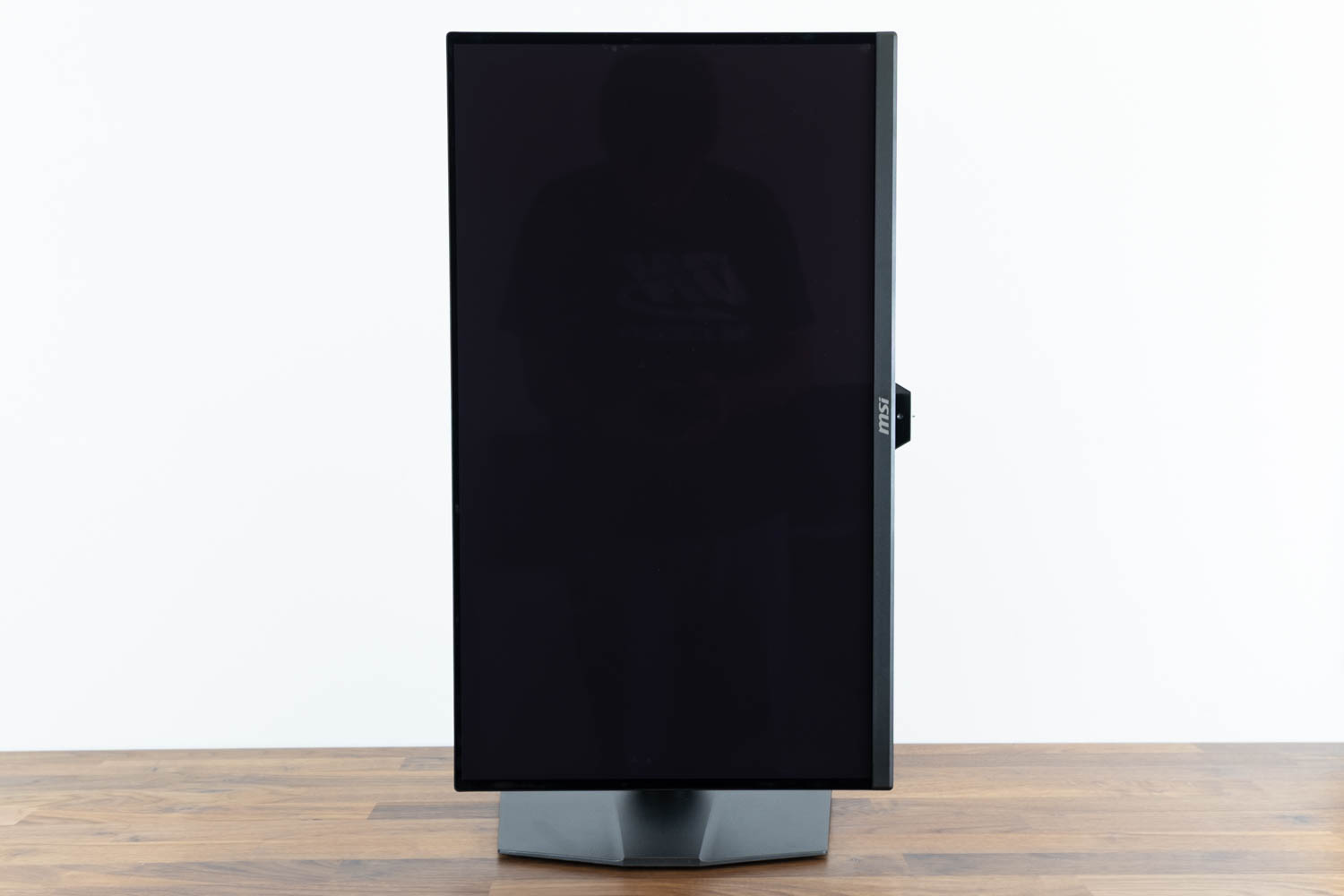
Unlike the MPG 322UR QD-OLED X24, the MPG 271QR QD-OLED X50 offers full pivot adjustment of ±90°, which allows portrait-mode use. Rotating the panel requires two hands due to the resistance of the pivot mechanism. The OSD includes an OSD Rotate option that flips the on-screen menu to match the portrait orientation.
Nov 26th, 2026 09:51 CST
change timezone
Latest GPU Drivers
New Forum Posts
- Wireless Internet sharing between PC and router both-ways, is it possible? (24)
- Can you guess Which game it is? (366)
- Post your CrystalDiskMark speeds (658)
- Making a game in Godot engine (20)
- What's your main Black Friday / Cyber Monday purchase? (17)
- X79 and/or rampage IV OC'ing thread for those of us still left.... (2459)
- Exploring Local LLMs: Models, Hardware and Setup Experiences (4)
- Linpack Xtreme Released (513)
- Claude credits purchased on or after Dec. 7 now have an expiry date (20)
- Acer TravelMate P414-51 (i5-1135G7): CPU stuck at x4 / ~200 MHz effective under 100% load, no throttle flags. How to find who's clamping it? (1)
Popular Reviews
- ASRock X870E Challenger Wi-Fi White Review
- VZMORE AX9 Max Review
- Upcoming Hardware Launches 2027 (Updated Nov 2026)
- Microsoft Surface Laptop Ultra Review - The Next-gen Arm Laptop
- AMD Ryzen 7 9800X3D Review - The Best Gaming Processor
- AMD Zen 6 Technical Deep Dive
- Corsair RM1200e (Second Generation) Review
- Phantom Blade Zero Performance Benchmark Review - 35 GPUs Tested
- Montech CyberFlow ARGB 360 Review
- Pulsar Office Tour & First Look at P1 Dual-Sensor Mouse
TPU on YouTube
Controversial News Posts
- Jensen Huang Reinstated as CEO of NVIDIA (585)
- NVIDIA Co-Founder and CEO Jensen Huang Officially Resigns (492)
- Report: Jensen Huang Eyes NVIDIA Comeback (281)
- Open Letter Asking NVIDIA to Reinstate Jensen Huang Passes 115,000 Signatures (184)
- OpenAI CEO Argues Home PCs Waste the World's Limited DRAM Supply (152)
- NVIDIA Launches Investigation Into Jensen Huang's Relationship With Suspected Chinese Spy (136)
- Intel "Raptor Lake Next" 16-Core and 20-Core CPUs Surface (130)
- Intel Razor Lake Gets a 12 P-Core bLLC Chip With No E-Cores, Per Leak (94)