 34
MSI MPG 322UR QD-OLED X24 Review - Less Expensive and Even Better
Connectivity & Power Consumption »Design and Ergonomics

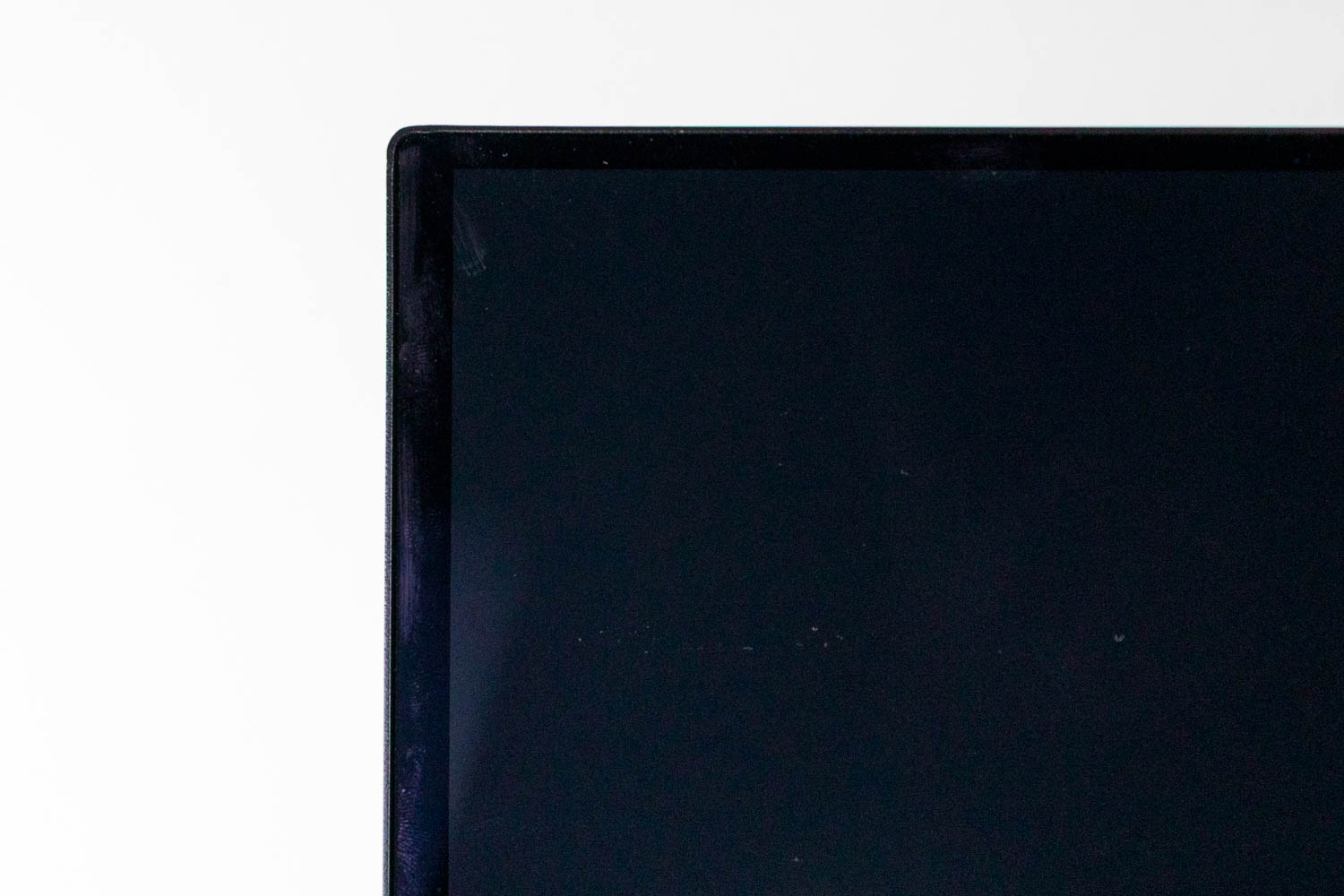
The MPG 322UR QD-OLED X24 shares its chassis design with the MPG 322URX that preceded it. From the front, the monitor presents a clean look with slim bezels on the top and sides, and a slightly thicker bottom chin finished in gray to accommodate the MSI branding. Directly beneath the logo sits the small protruding module that houses the AI Care Sensor hardware. The exterior is entirely made of plastic but feels very sturdy, with no flex or rattling when adjusting the panel.
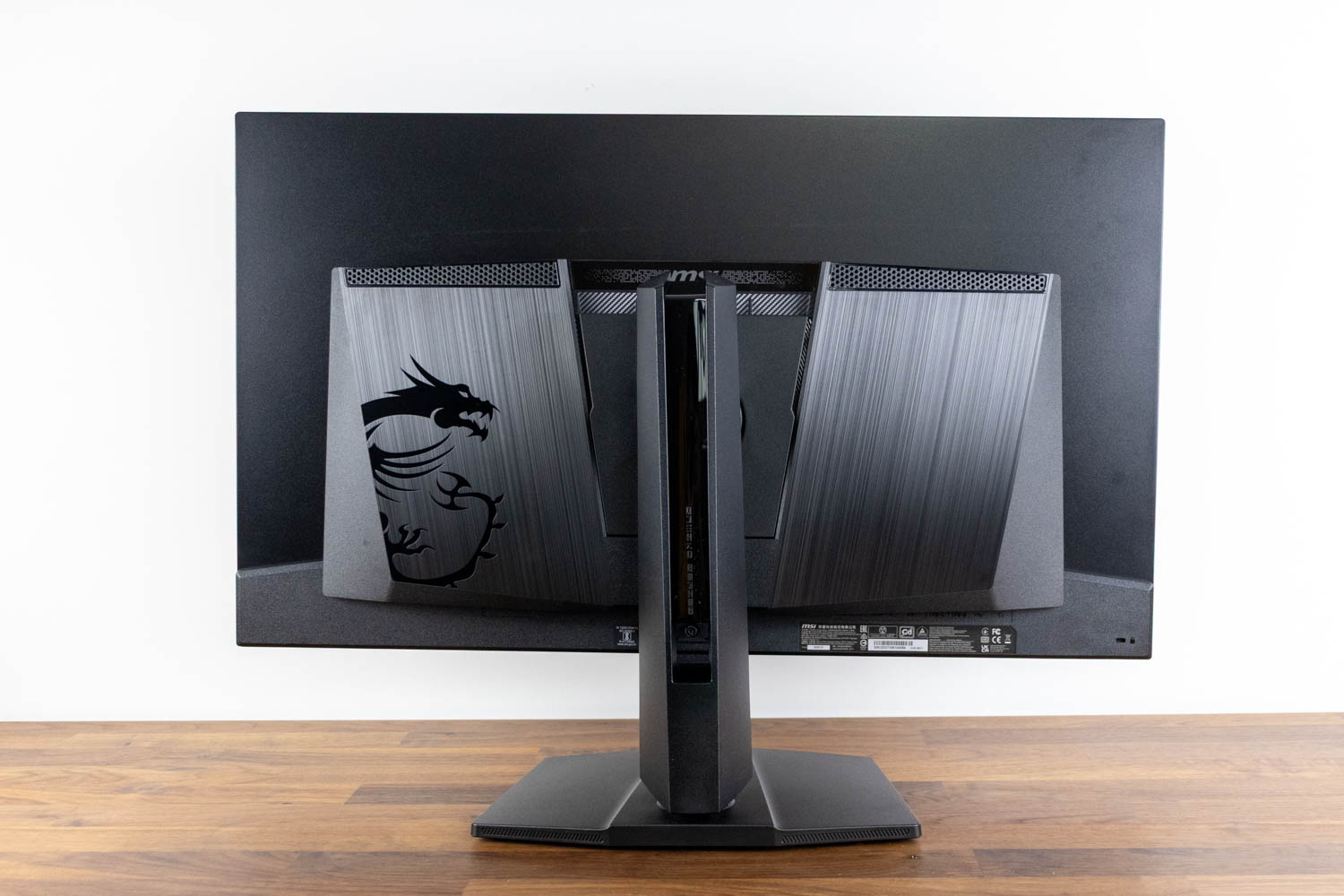
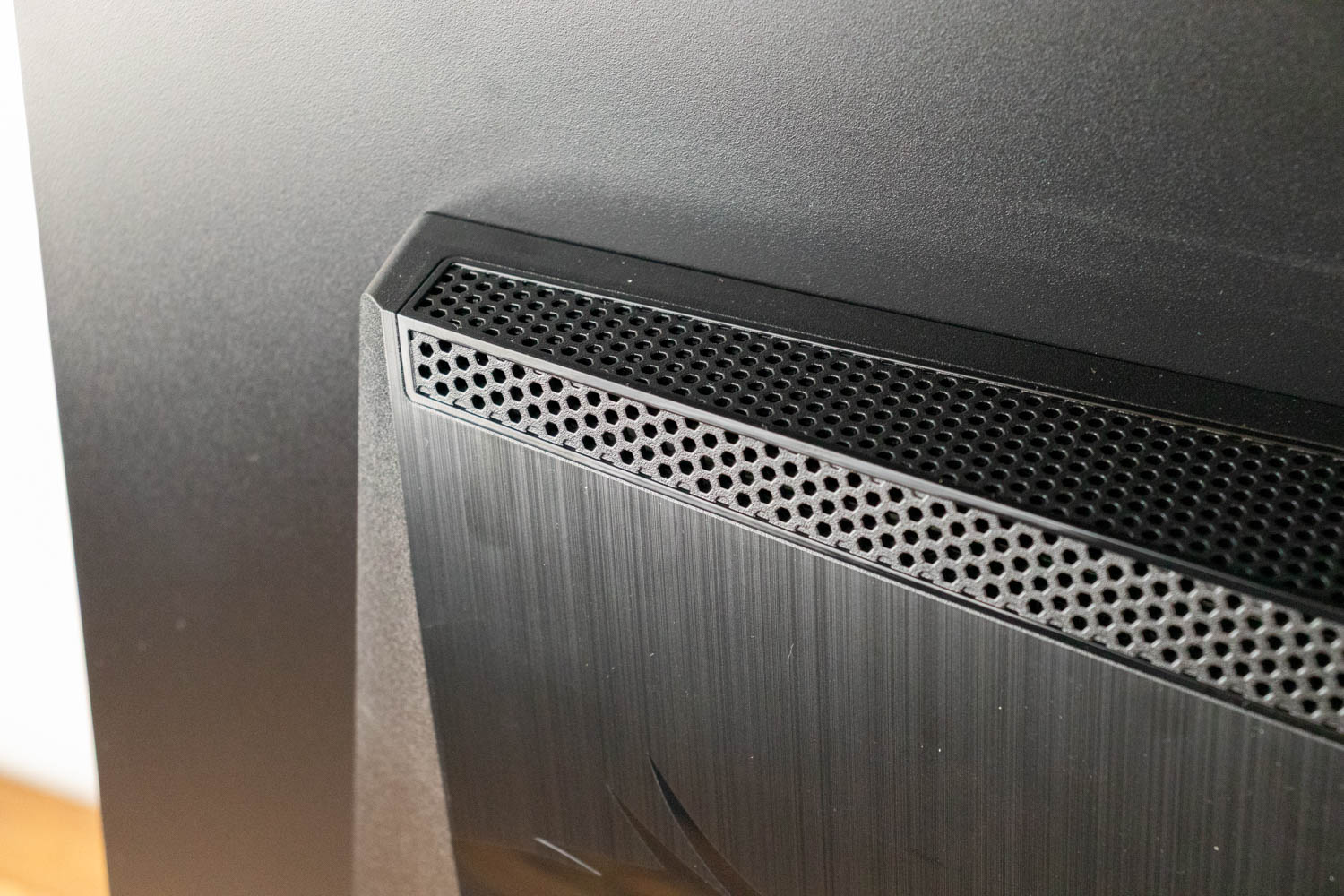
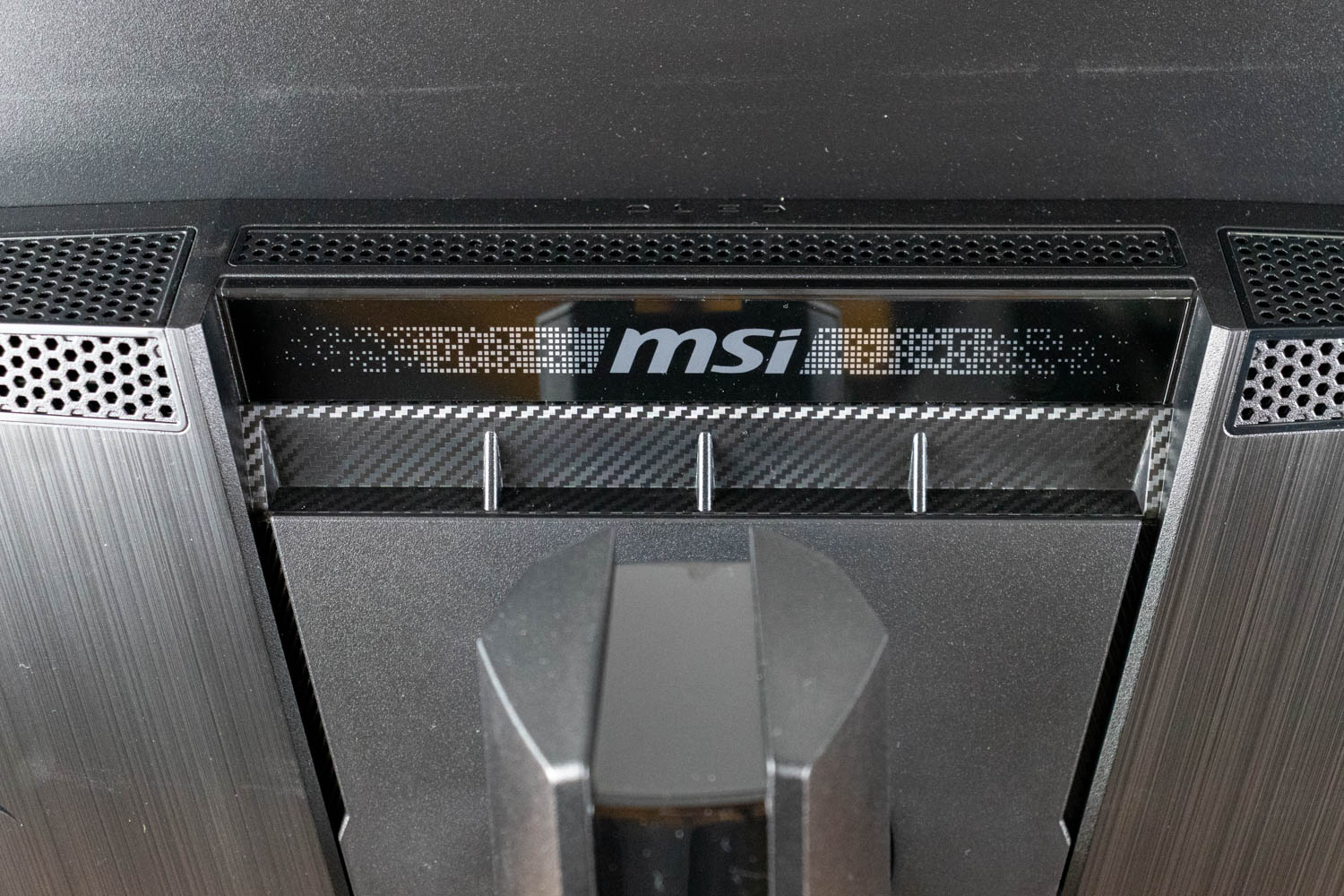
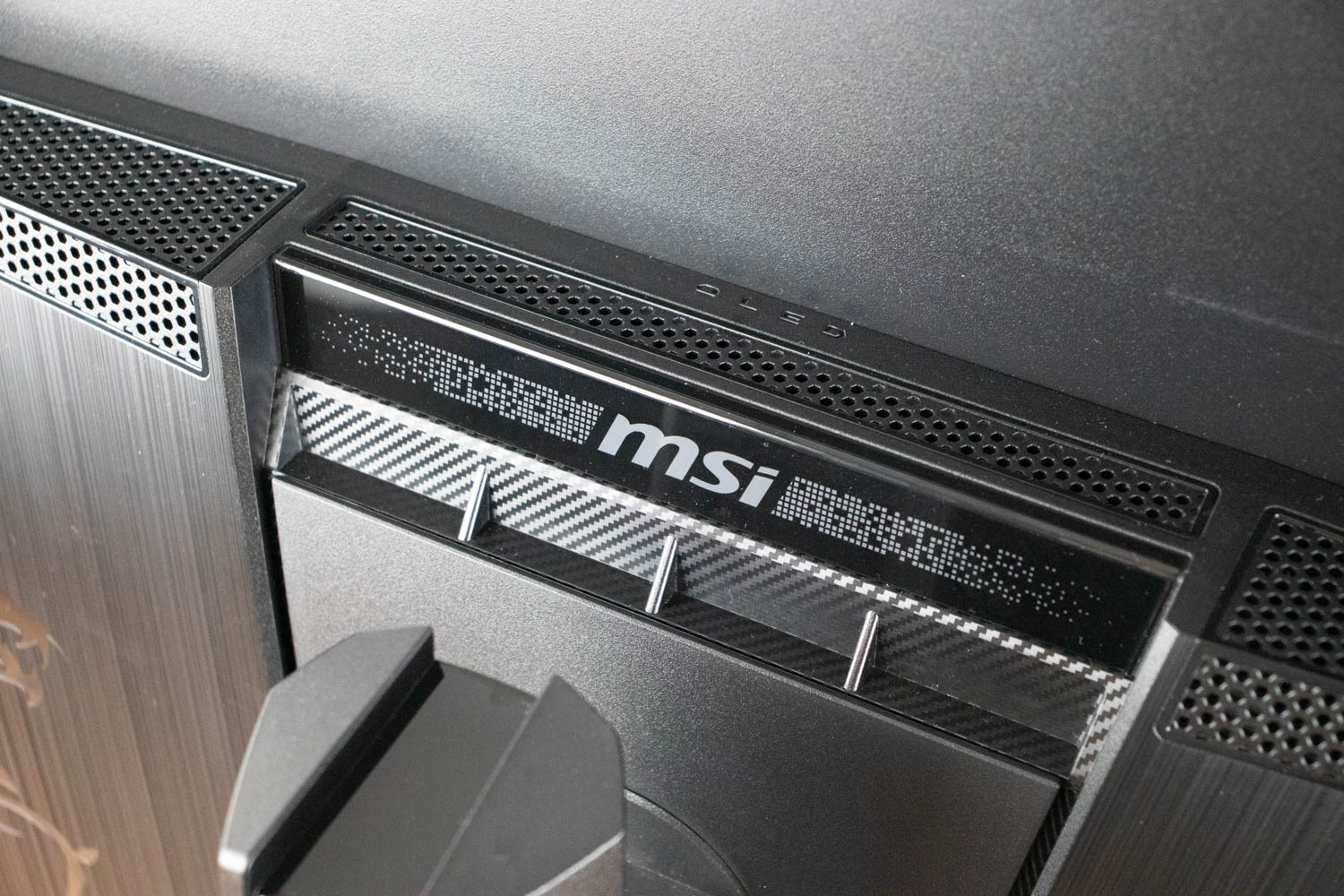
The rear of the monitor is more expressive. The central section around the stand mount incorporates textured panels and an embossed MSI dragon graphic. A horizontal RGB lighting element runs across the ventilation area, adding an accent visible from behind. Ventilation openings are integrated into the surfaces surrounding the stand attachment point, with honeycomb perforations that signal thermal management without drawing unnecessary attention.
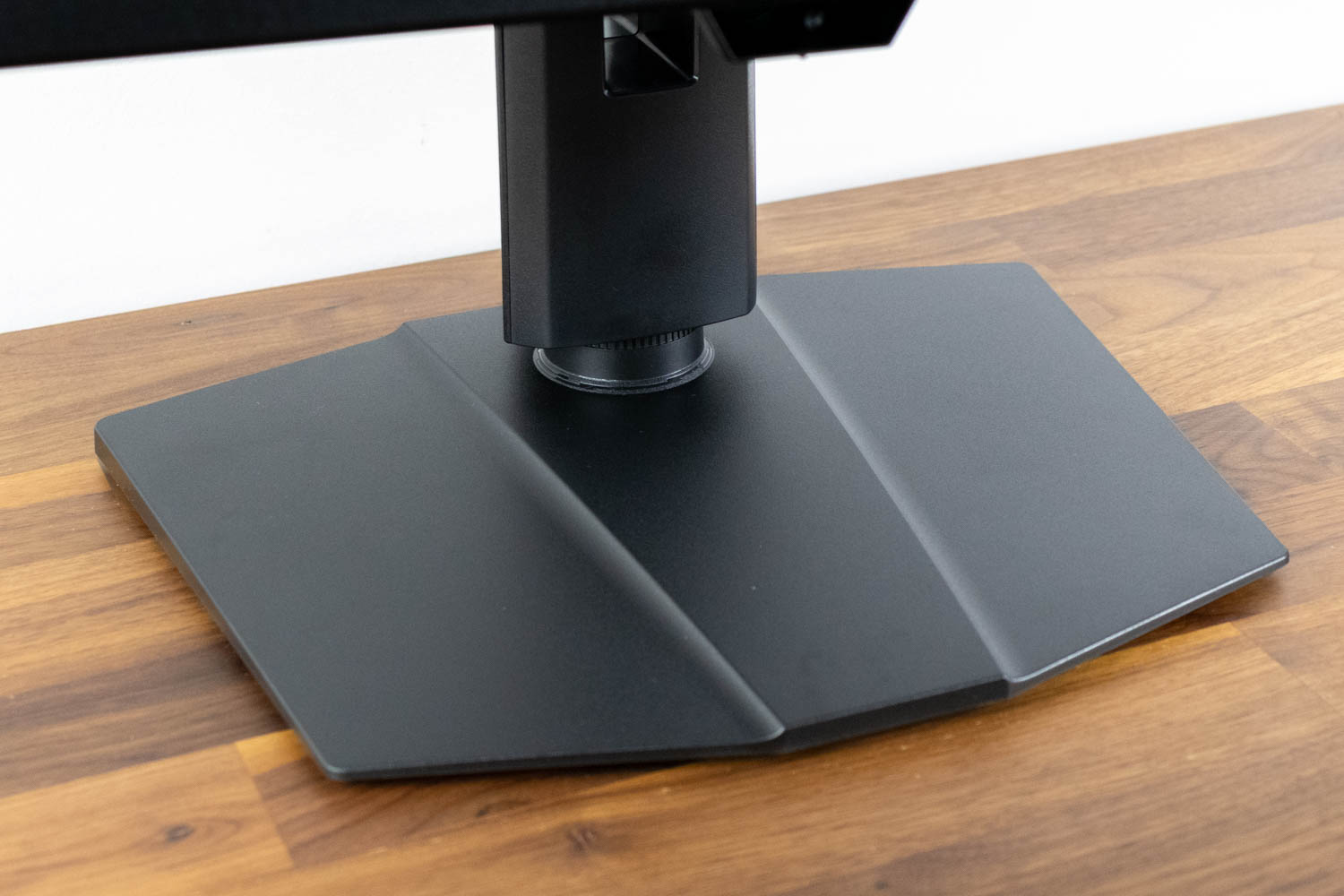
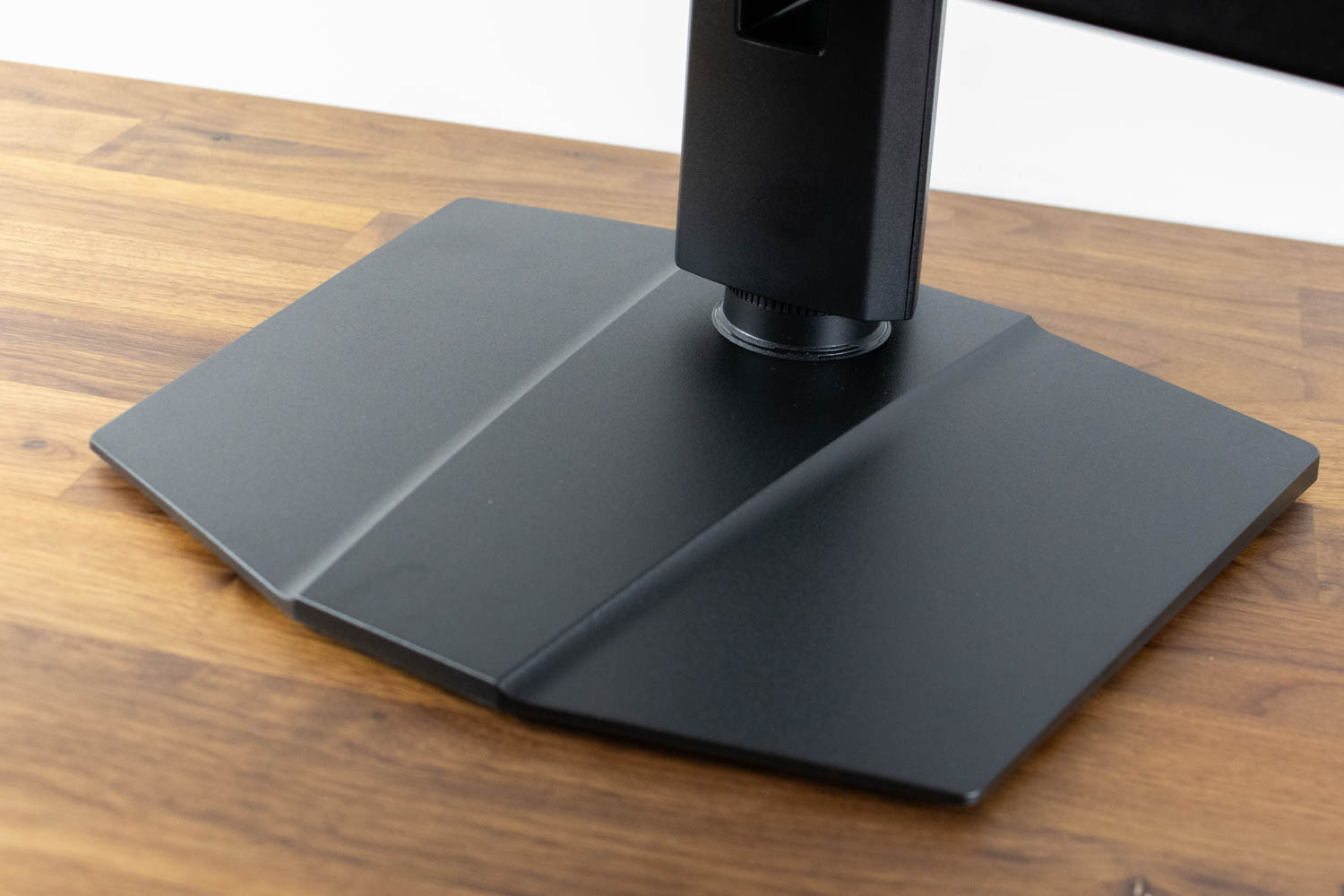
The base is a wide, low-profile metal plate, covered in matte black plastic, with sharply cut edges that match the rest of the chassis. It measures 30 cm (11.8 in) at the widest point and 24.3 cm (9.6 in) in depth. The front edge is beveled and sits close to the desk surface, giving the monitor a stable stance without a bulky appearance. This geometry leaves usable desk space in front of the monitor for a keyboard and mouse.
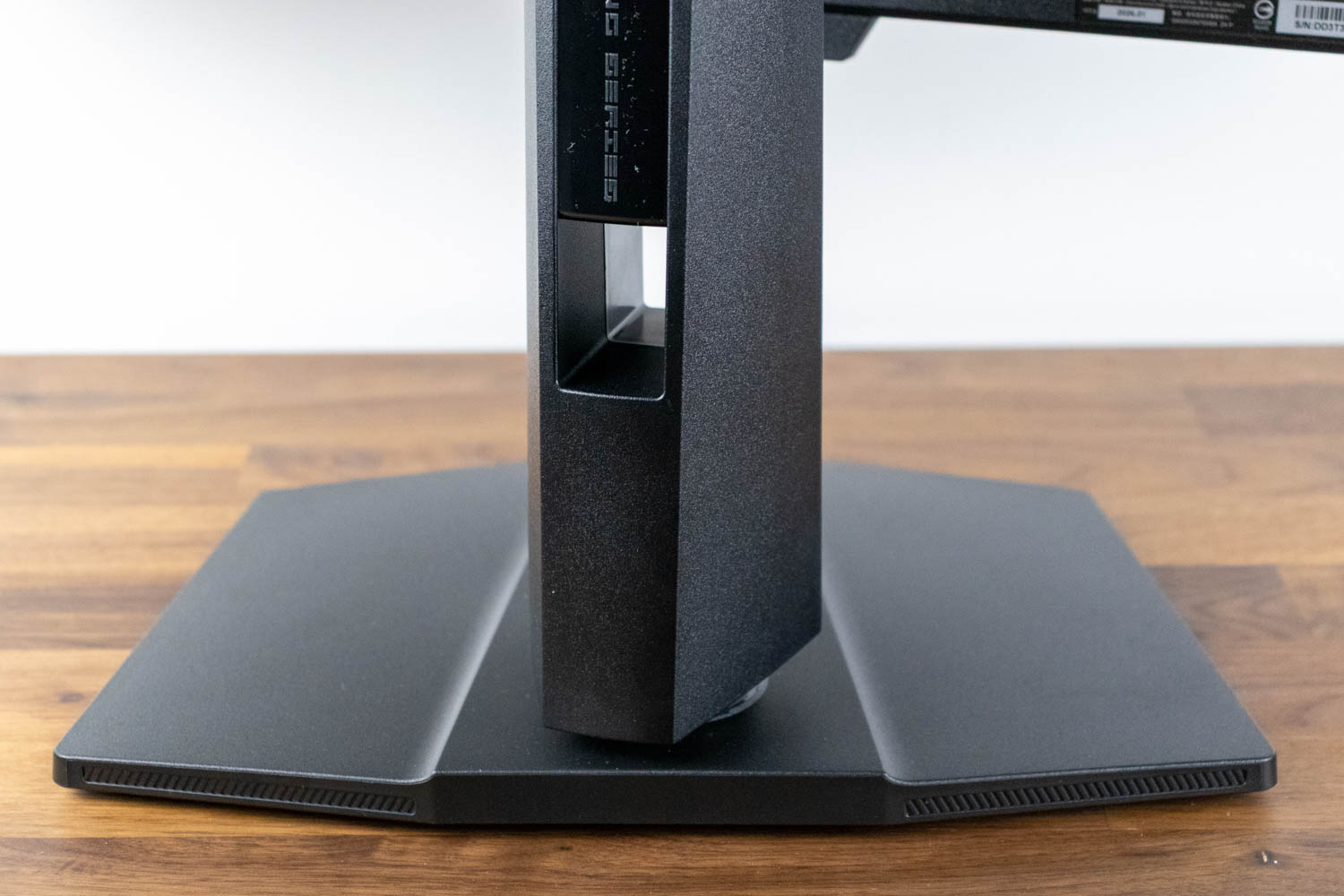
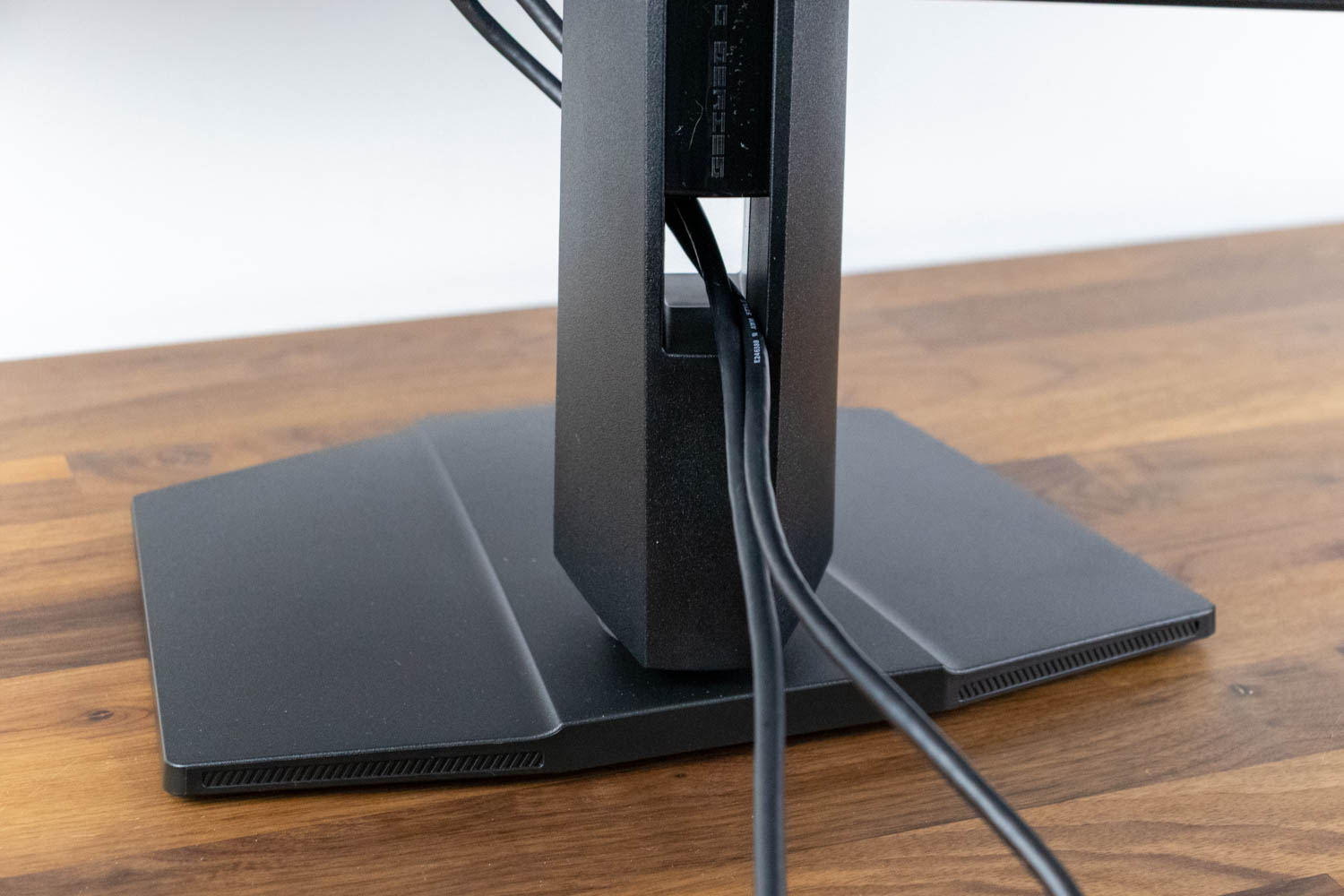
The central pillar is tall and rigid, which suits the 32-inch panel. The rear of the stand includes a wide cable-management opening positioned at a practical height, making it easy to route thicker DisplayPort or power cables through it toward the desk.
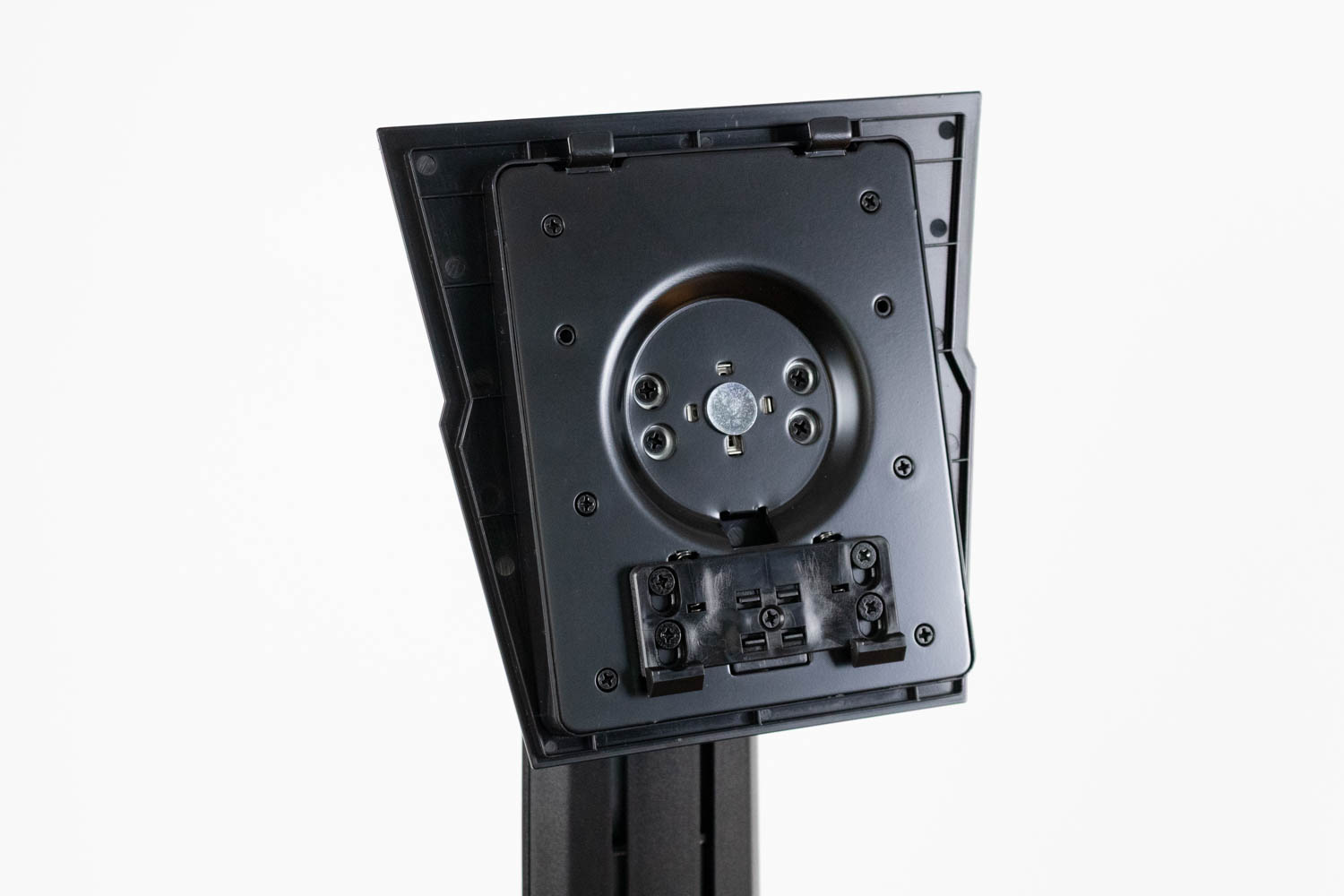
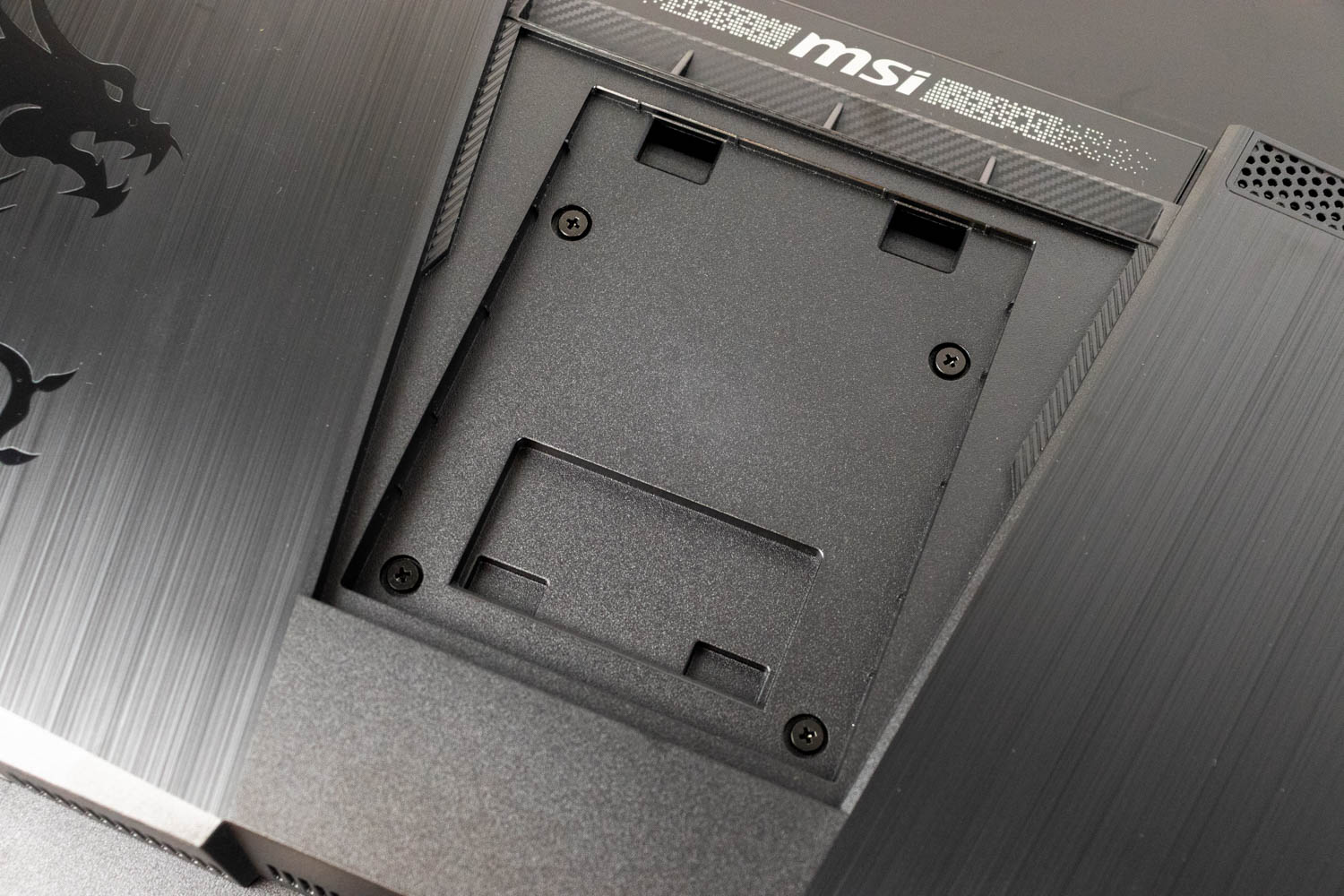
If you prefer a wall mount or monitor arm, detaching the stand reveals a standard 100×100 mm VESA hole pattern. MSI includes the required mounting screws in the box.
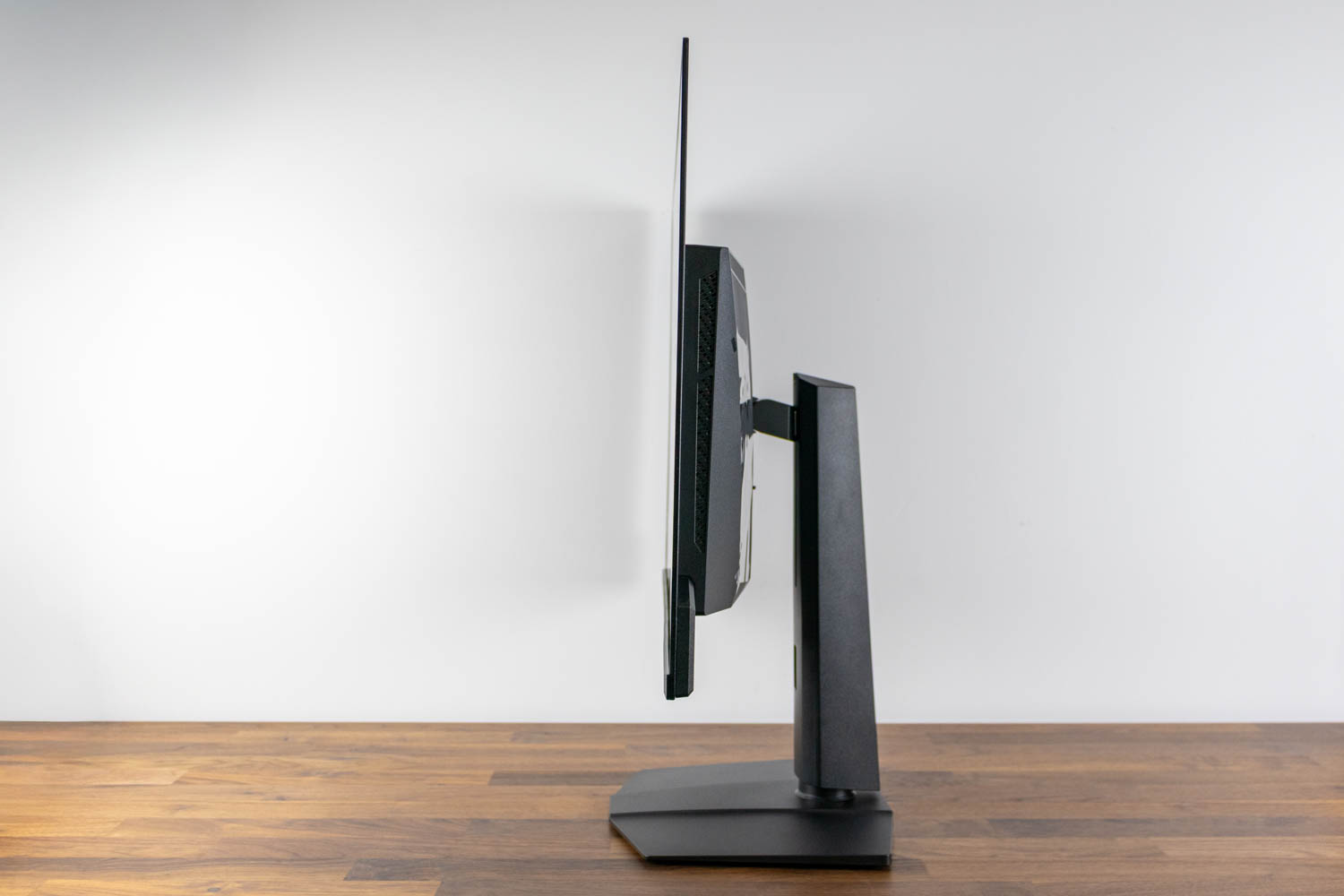
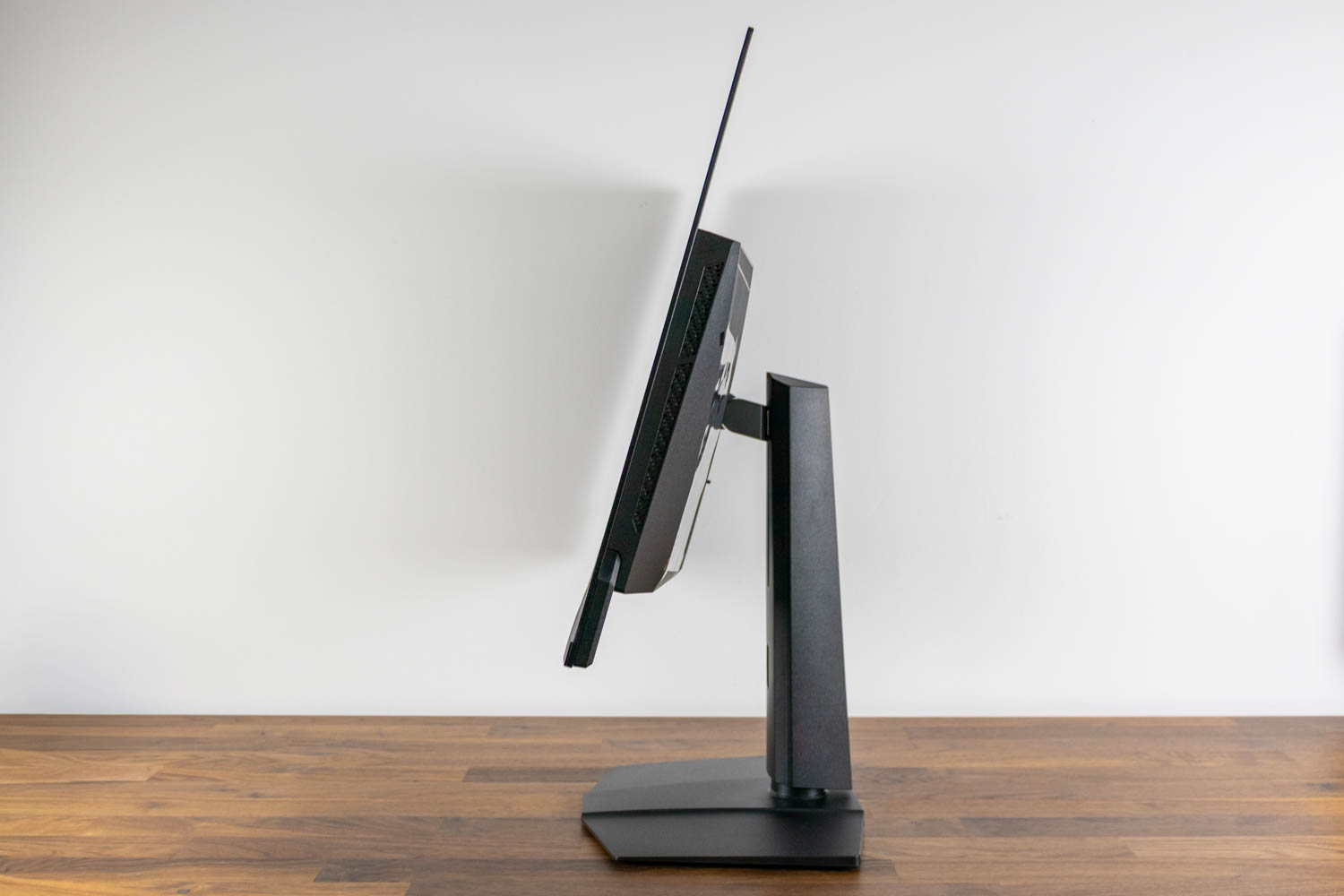
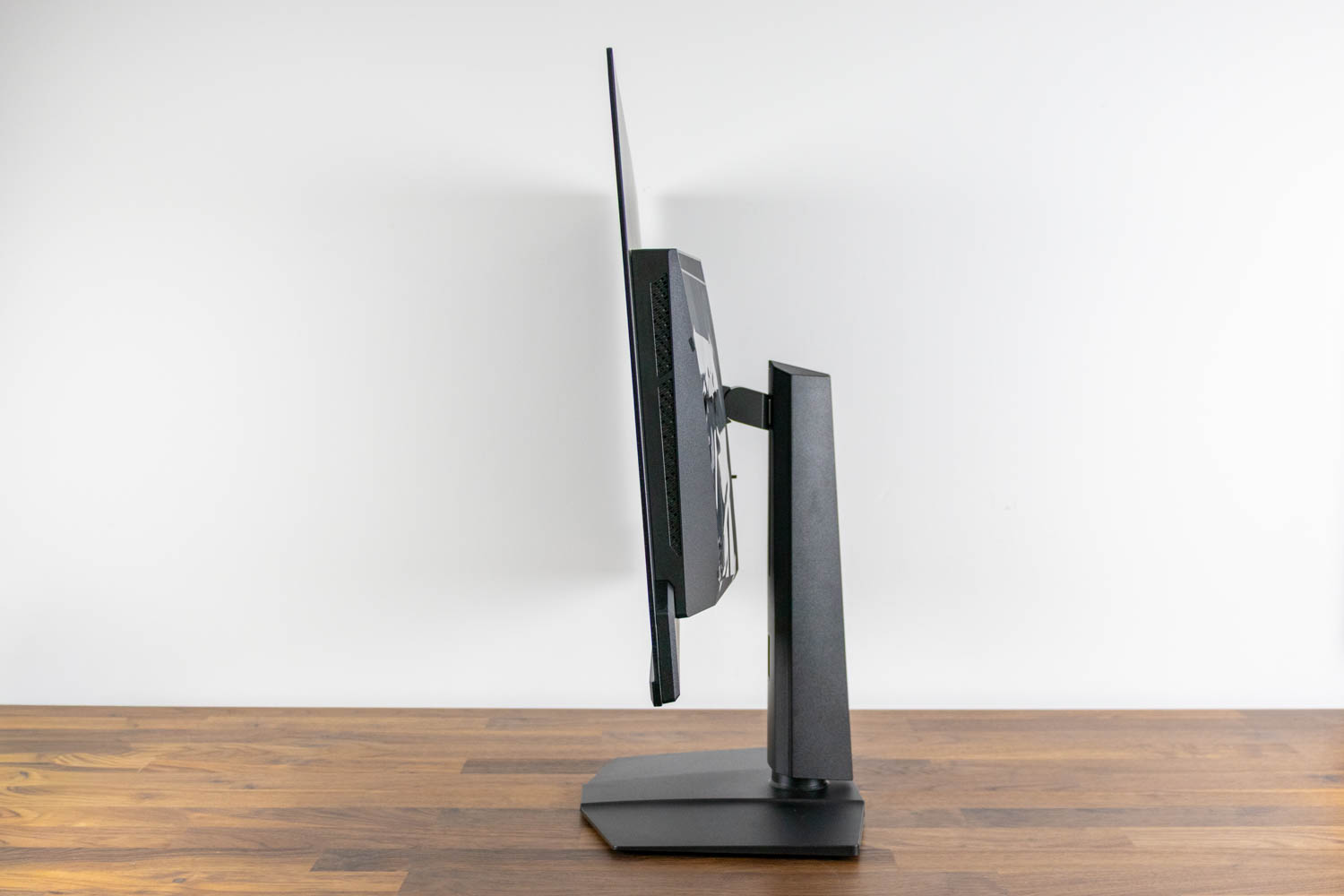
The screen can be tilted from -5° to +15°.
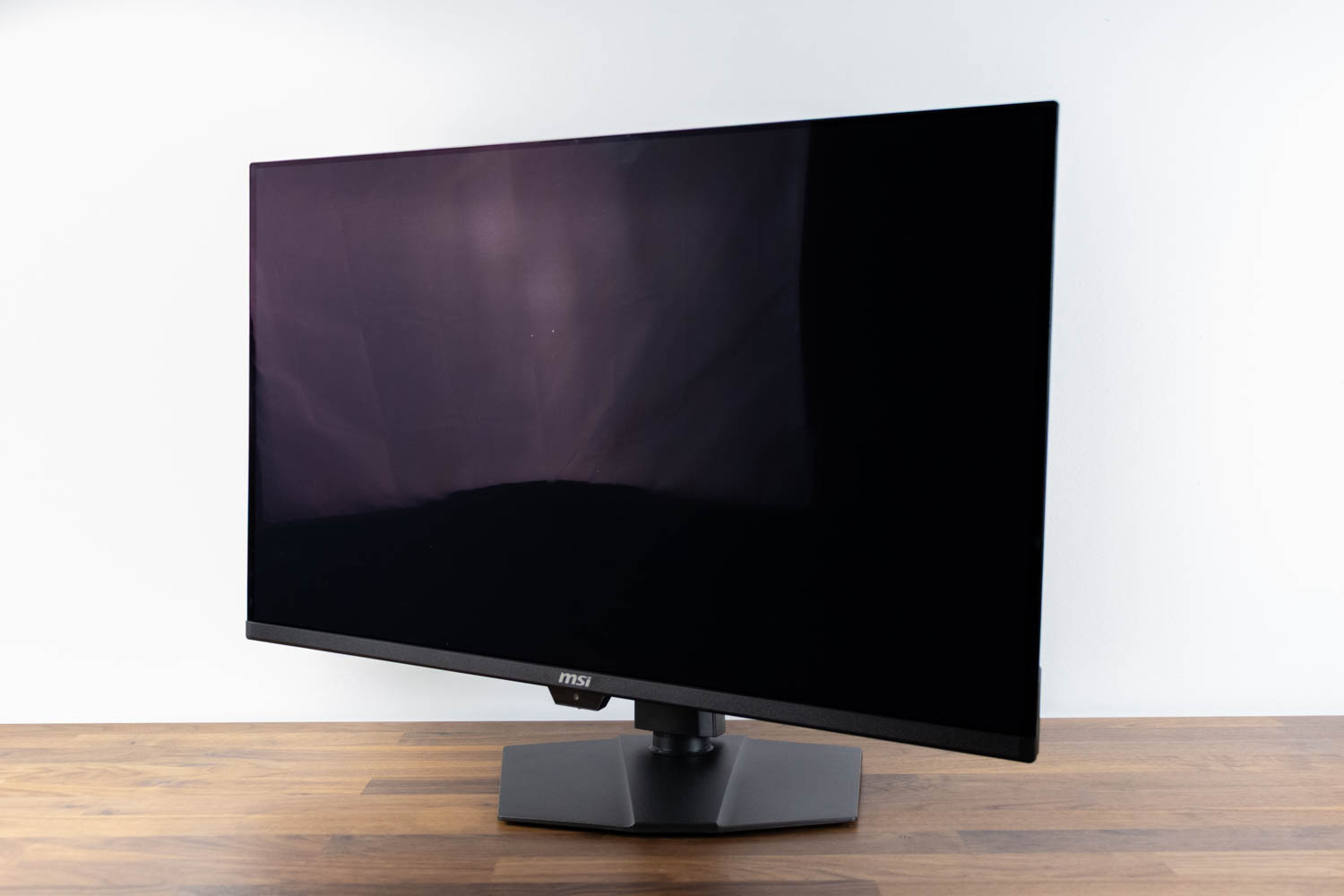
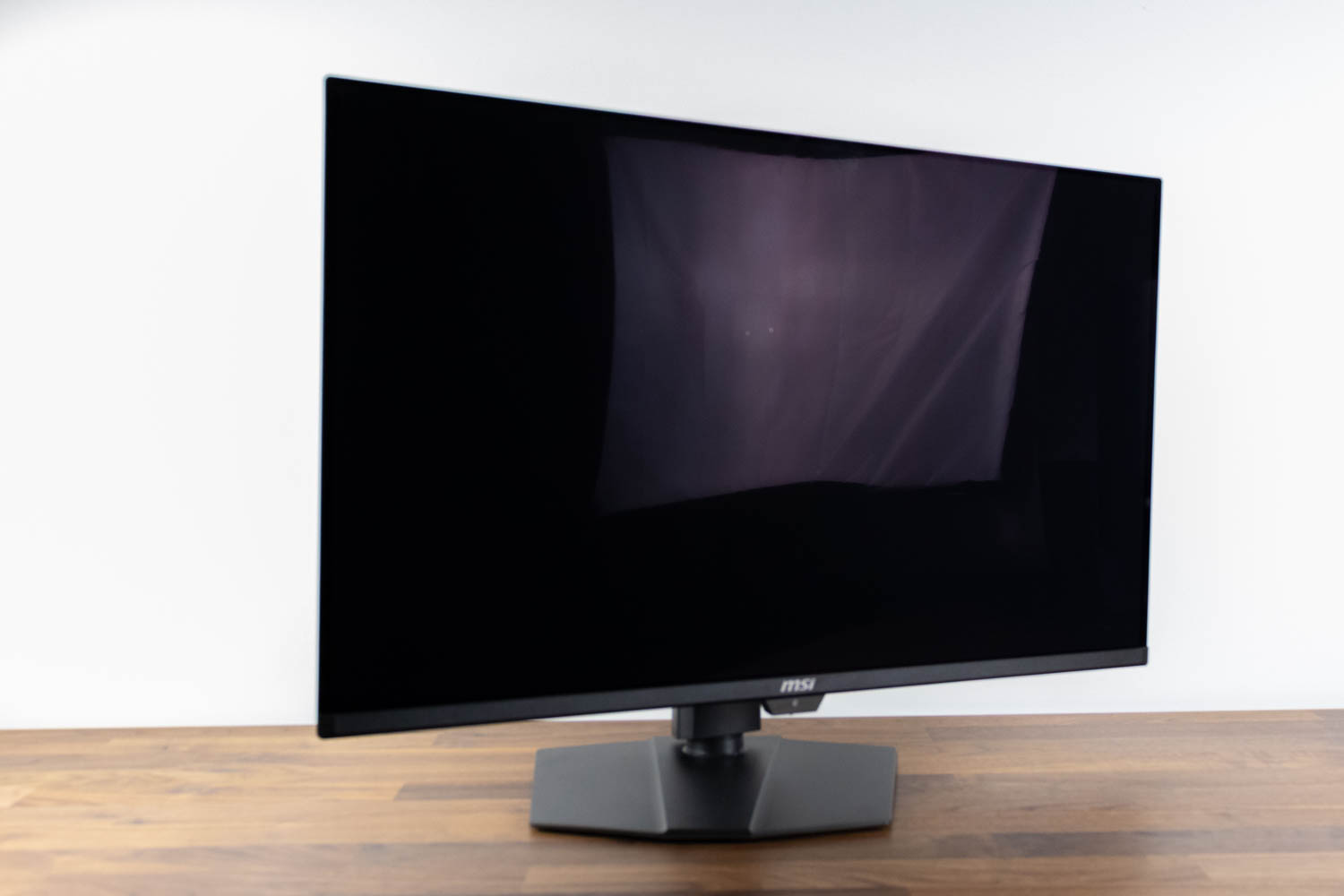
The swivel range (left-to-right rotation) is ±30°.
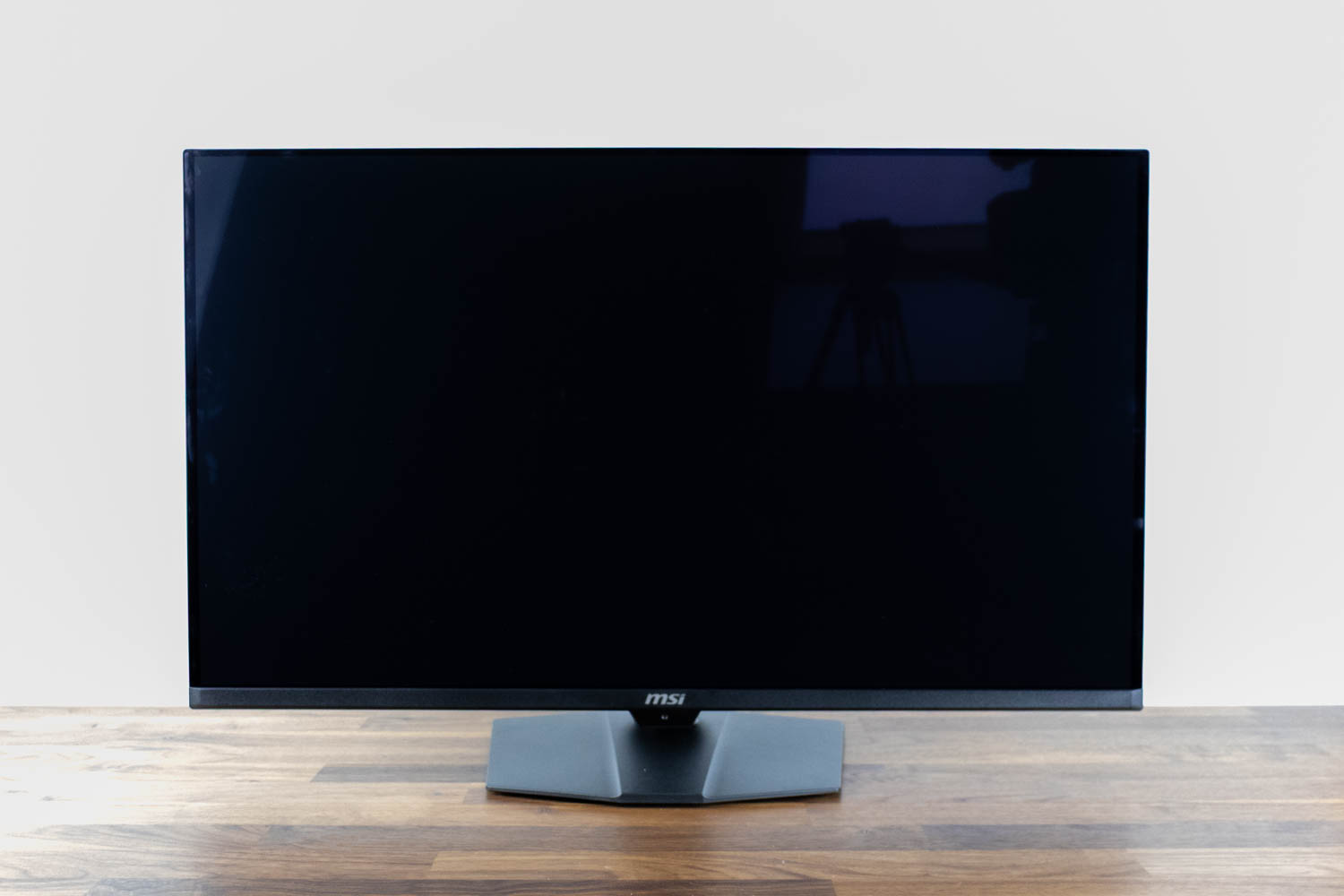
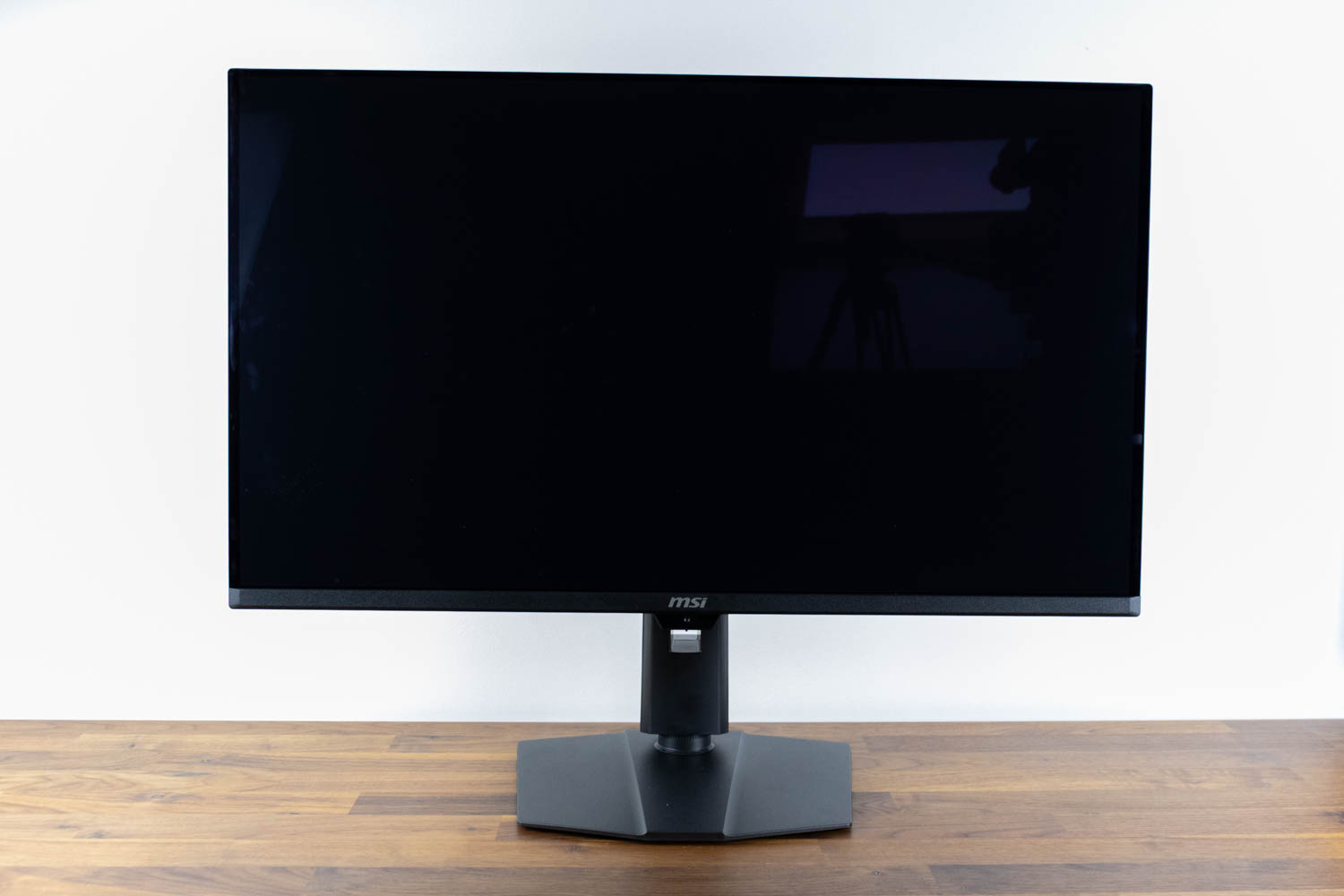
The panel's height is also adjustable. In its lowest position, the distance from the desk to the bottom edge of the screen is 6.5 cm (2.56 in). At its highest, that distance increases to 17.5 cm (6.89 in), providing a total adjustment range of 11 cm (4.33 in).
One notable omission is pivot, which is a surprising cut on an otherwise feature-complete product. The predecessor didn't offer this functionality either, and I was certain they'd add it in a refresh, but that ended up not being the case. If you want to use the monitor in portrait mode, you'll have to affix it to an appropriate aftermarket table stand.
Nov 20th, 2026 14:35 PST
change timezone
Latest GPU Drivers
New Forum Posts
- Logitech Headsets Modded Driver — Unlock Dolby in G HUB (23)
- 1 - 5 person file storage server equivalent accasible from anywhere + general VM server. (1)
- WarpCoreBench scores! (81)
- How to prevent OLED burn damage due to PC freezes or power outtages? (48)
- RX 9000 series GPU Owners Club (2247)
- Honestly, do you care about GTA VI? (208)
- When you could finally run Crysis maxed out? (63)
- GTA VI (20)
- Anthrophics IPO (25)
- GeekMagic Ultra Smart WiFi Weather Station (8)
Popular Reviews
- AMD Zen 6 Technical Deep Dive
- Microsoft Surface Laptop Ultra Review - The Next-gen Arm Laptop
- Ugreen NASync DXP4800 GT Review
- Corsair RM1200e (Second Generation) Review
- Acemagic Retro X3 Review
- Upcoming Hardware Launches 2027 (Updated Nov 2026)
- Pulsar Office Tour & First Look at P1 Dual-Sensor Mouse
- Biwin Black Opal NV7400 2 TB Review
- AMD Ryzen 7 9800X3D Memory Performance Scaling
- AMD Ryzen 7 9800X3D Review - The Best Gaming Processor
TPU on YouTube
Controversial News Posts
- NVIDIA Co-Founder and CEO Jensen Huang Officially Resigns (490)
- Report: Jensen Huang Eyes NVIDIA Comeback (256)
- Open Letter Asking NVIDIA to Reinstate Jensen Huang Passes 115,000 Signatures (184)
- OpenAI CEO Argues Home PCs Waste the World's Limited DRAM Supply (152)
- NVIDIA Launches Investigation Into Jensen Huang's Relationship With Suspected Chinese Spy (136)
- Intel "Raptor Lake Next" 16-Core and 20-Core CPUs Surface (130)
- Legendary Game Studio BioWare Shuts Down Following EA Layoffs (104)
- Dell CEO Says the Memory Shortage Will Get Worse in 2027 (95)