 16
MSI MPG X870E Carbon Max Wi-Fi Review
Value & Conclusion »Overclocking
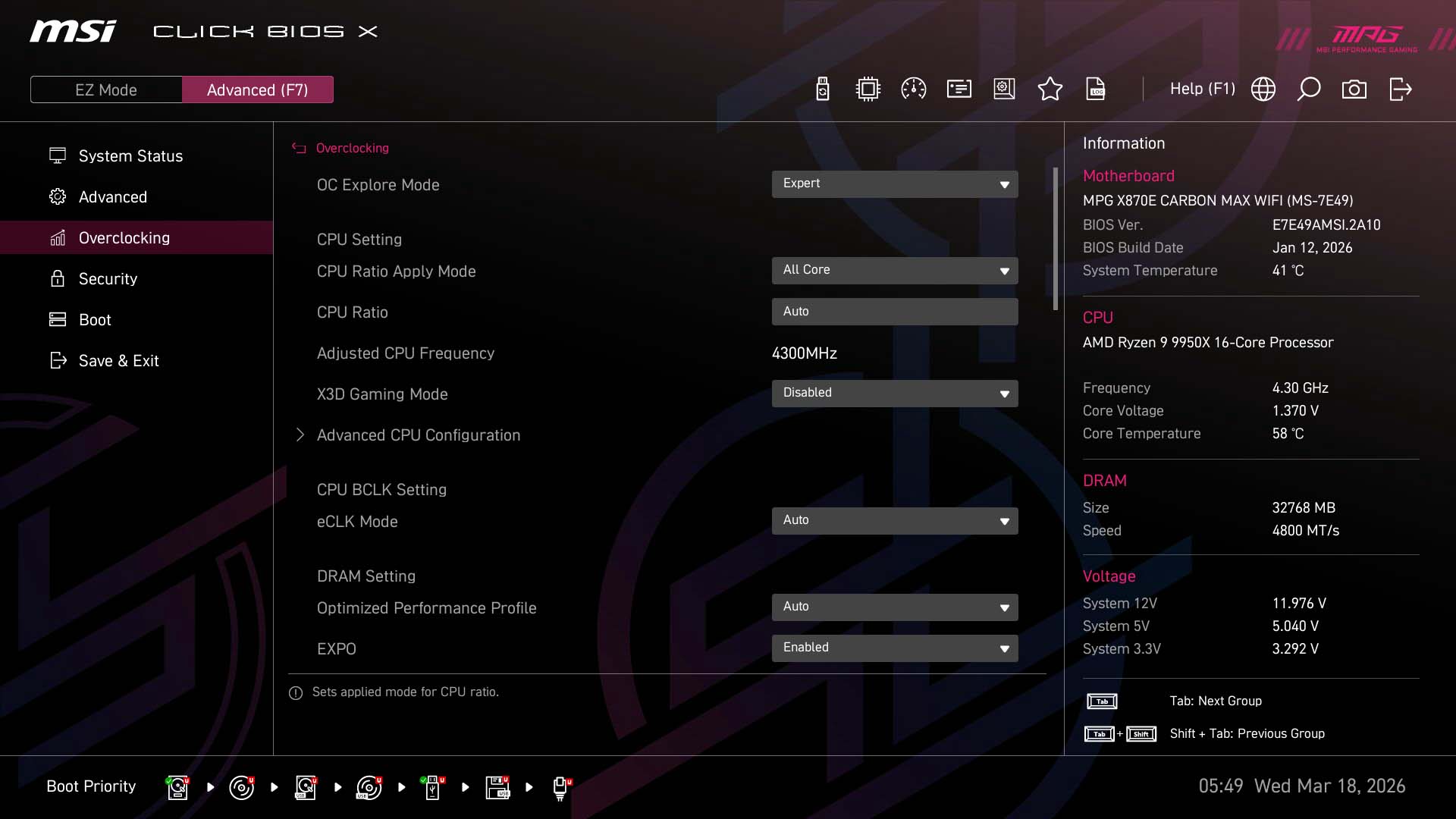
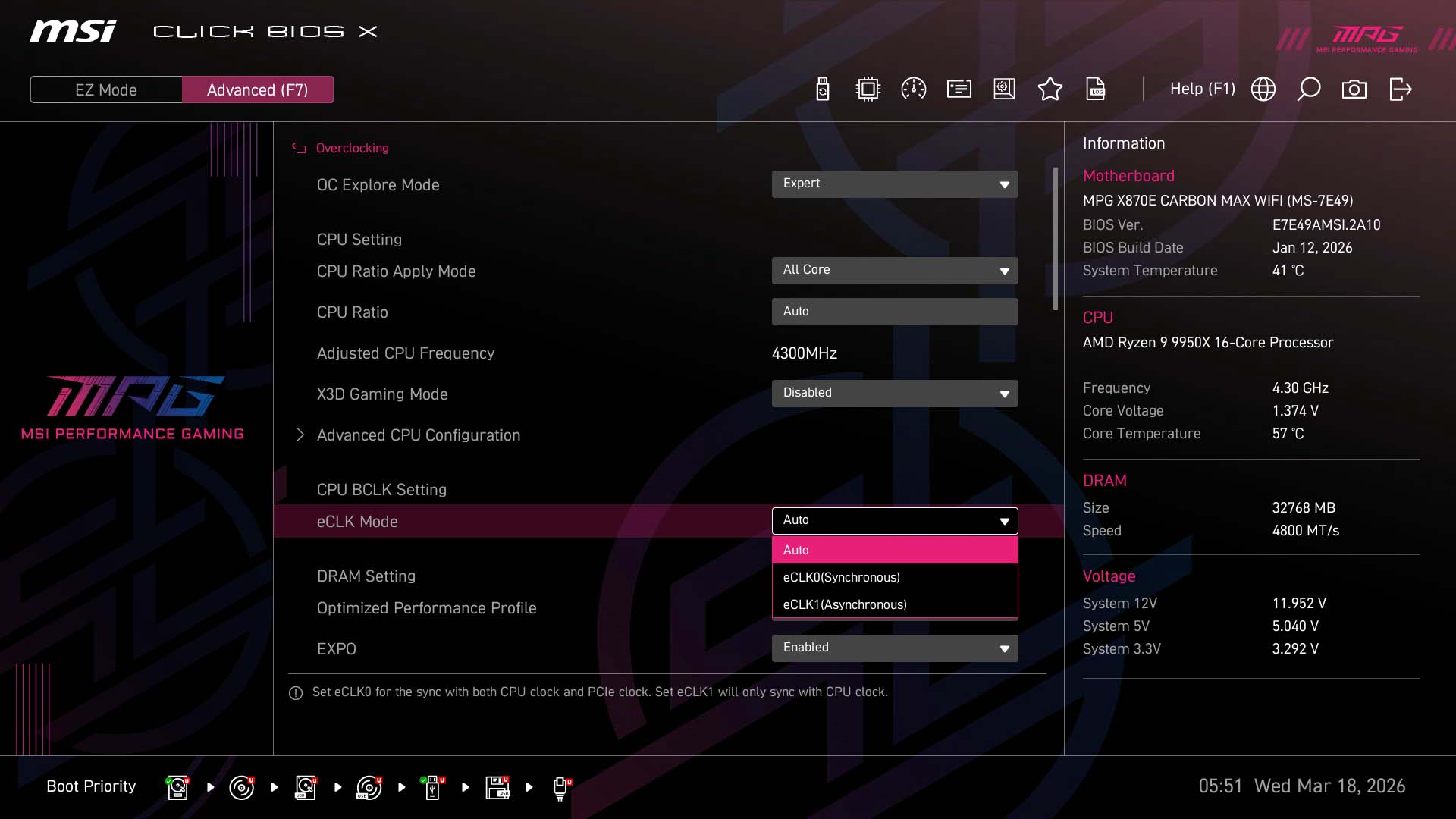
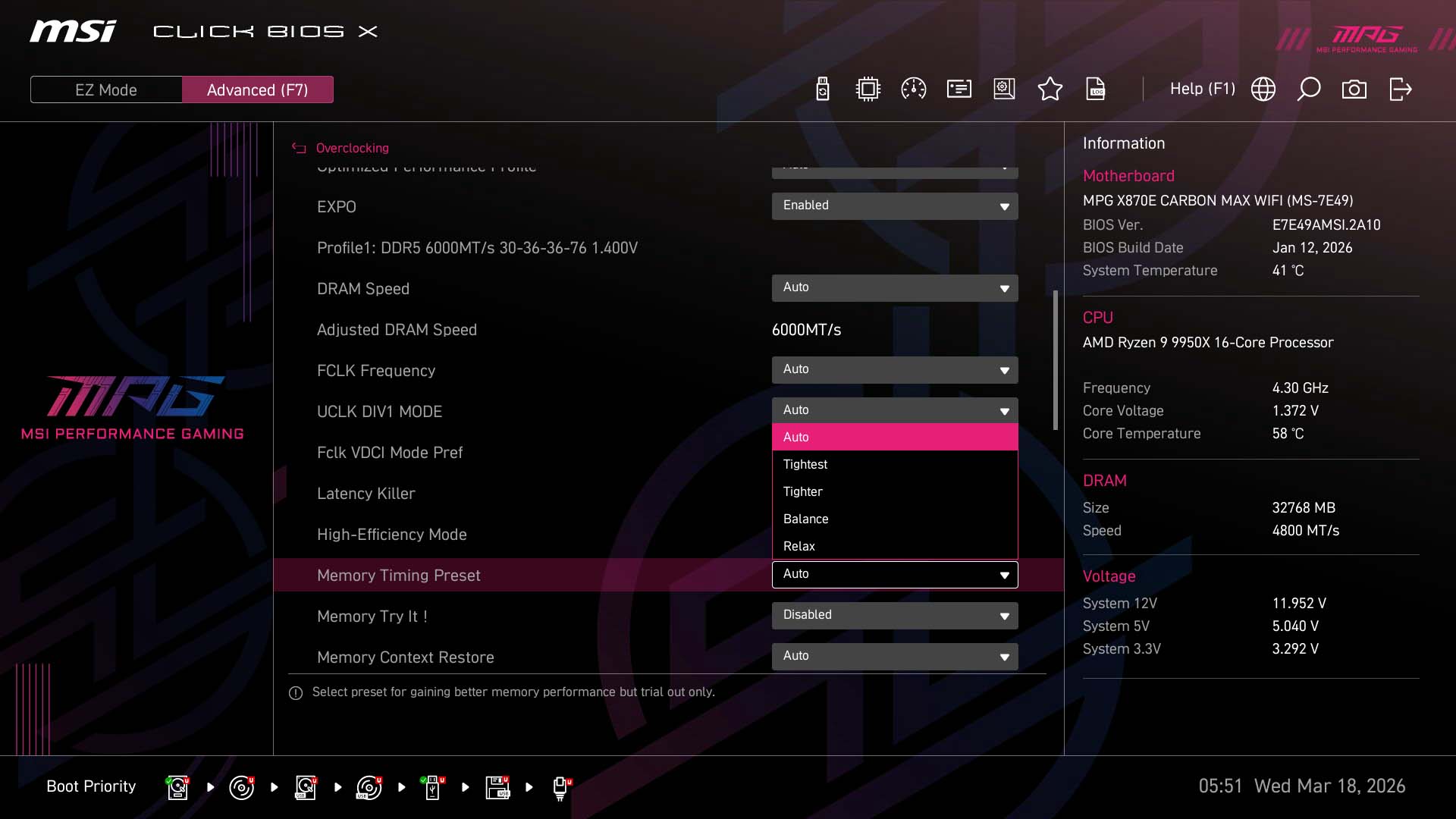
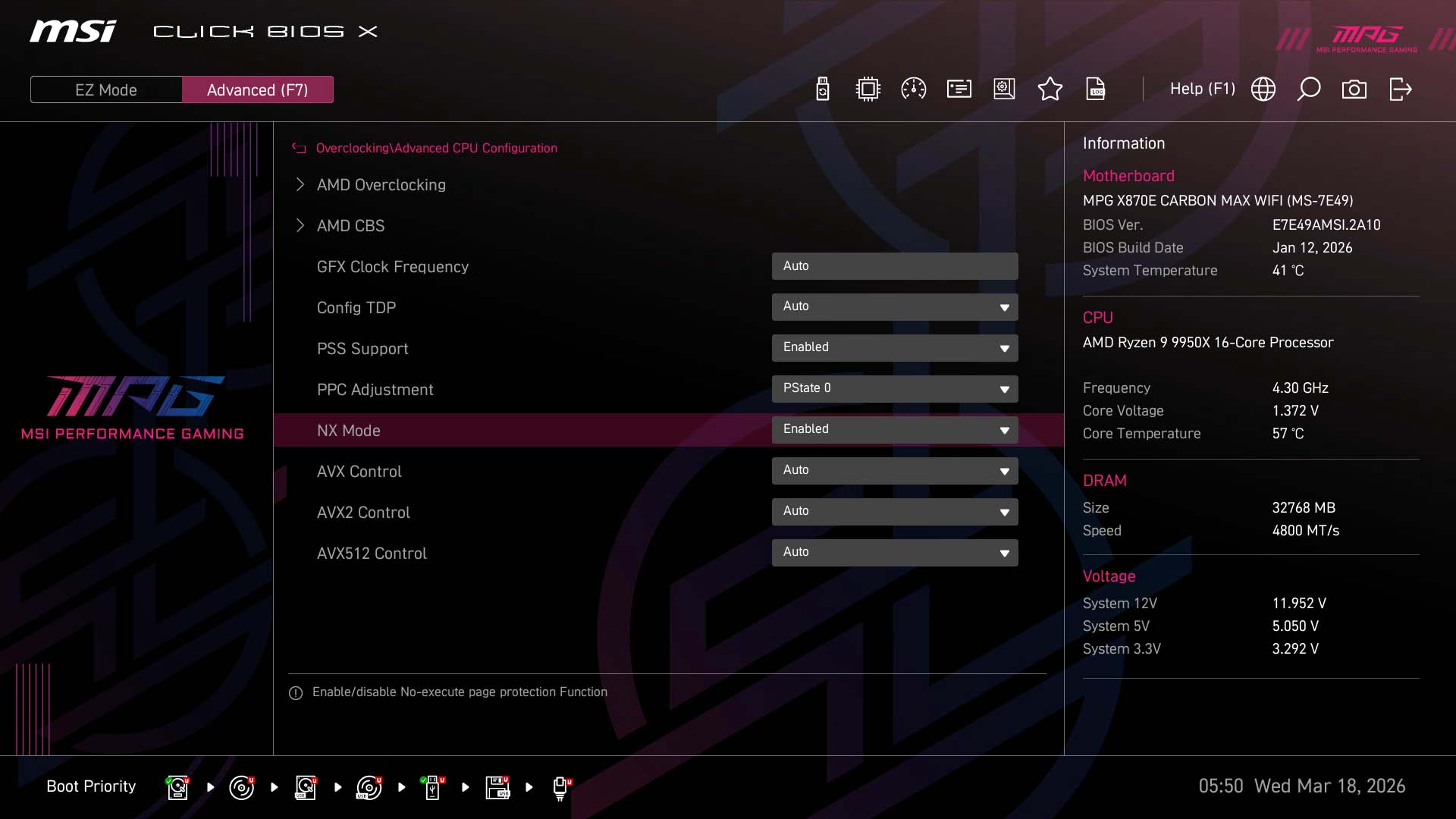
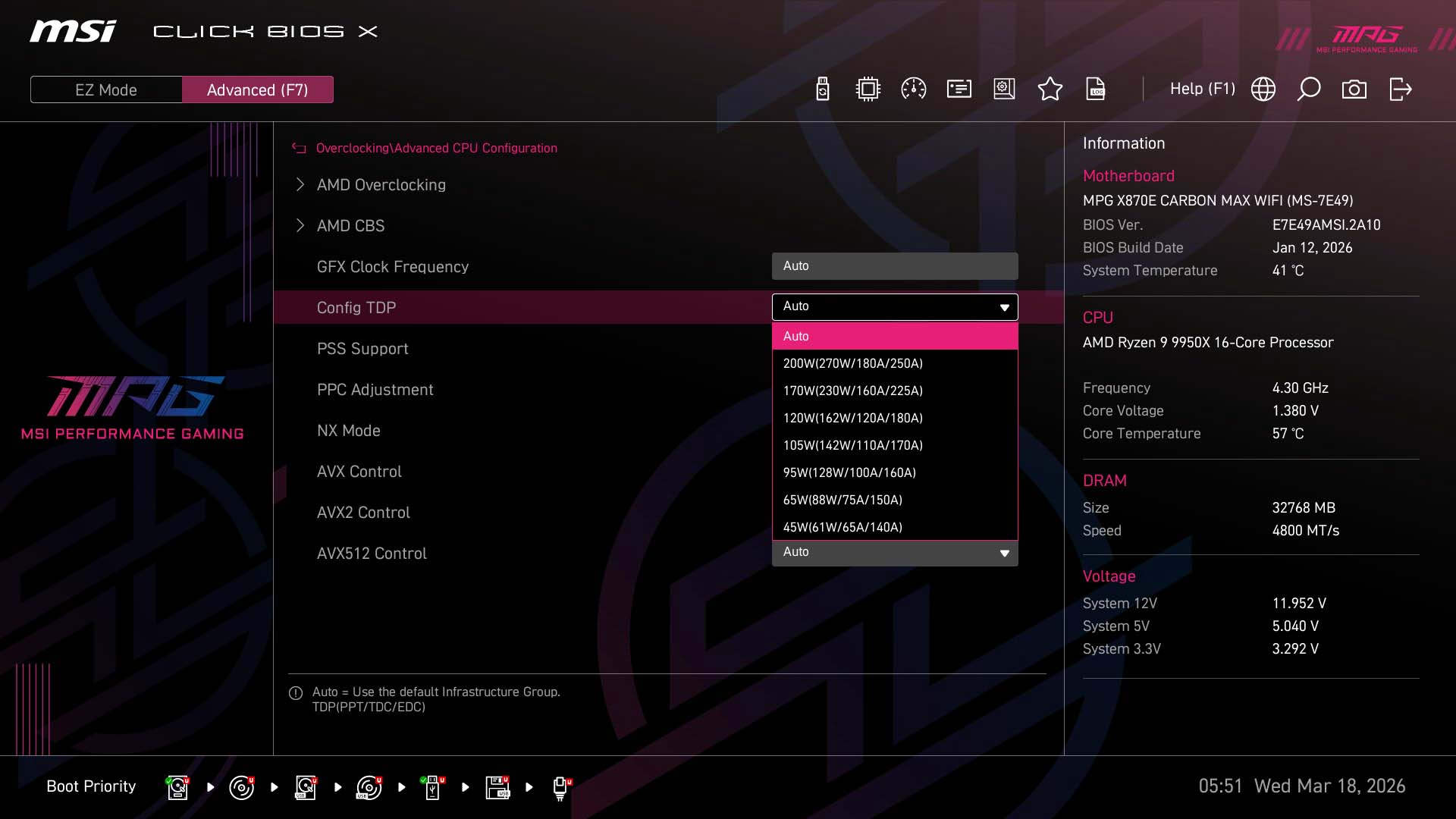
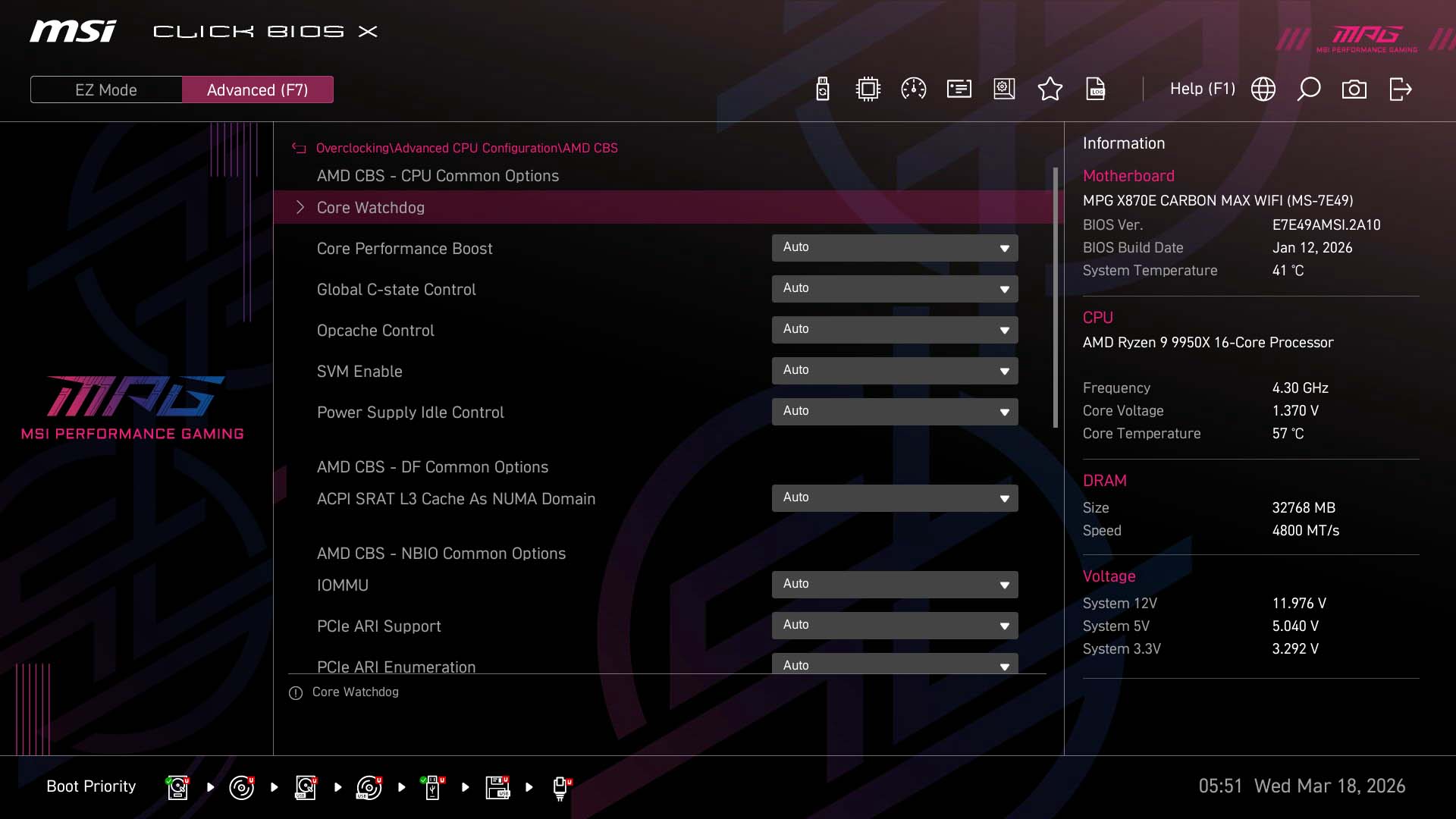
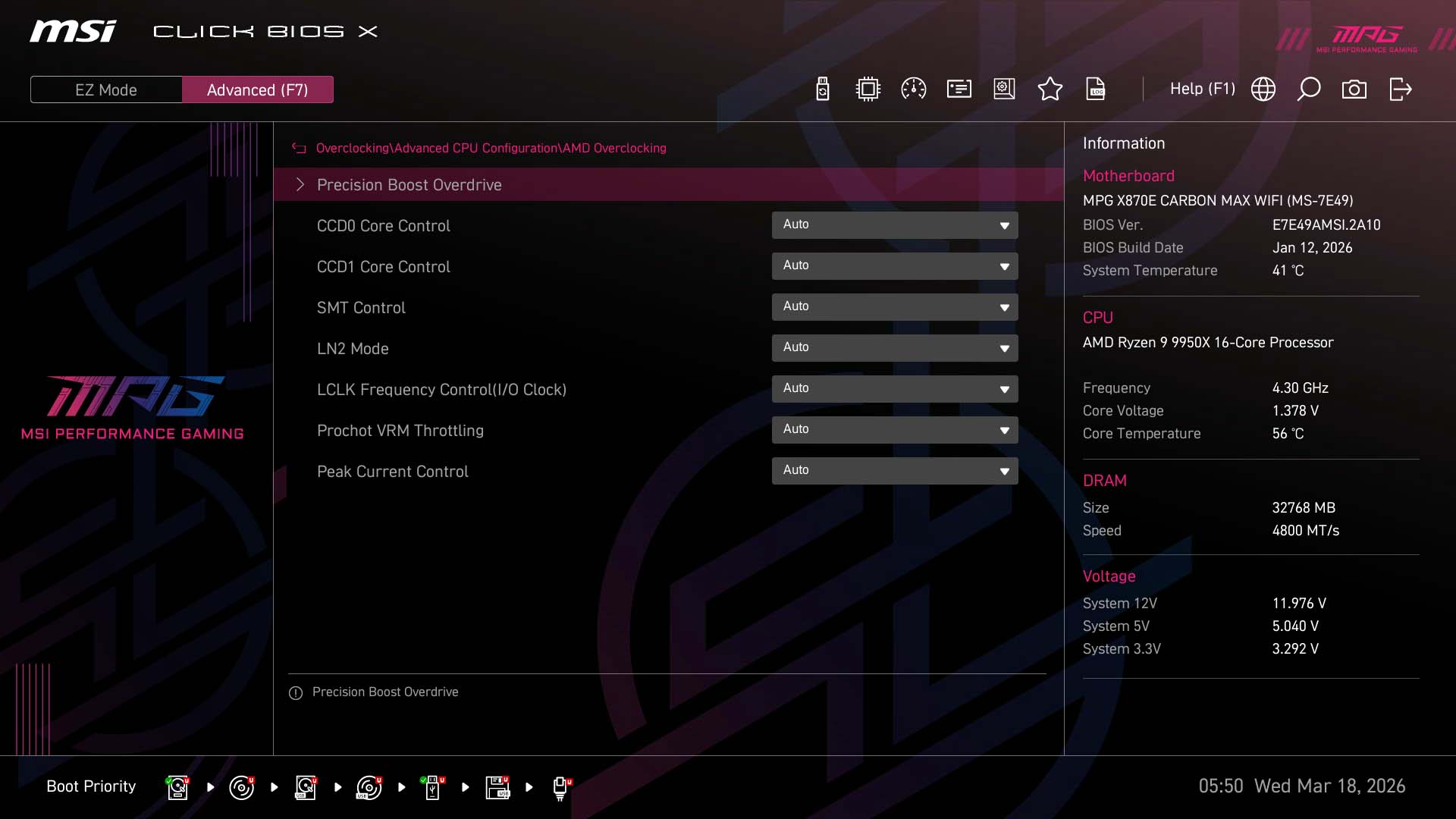
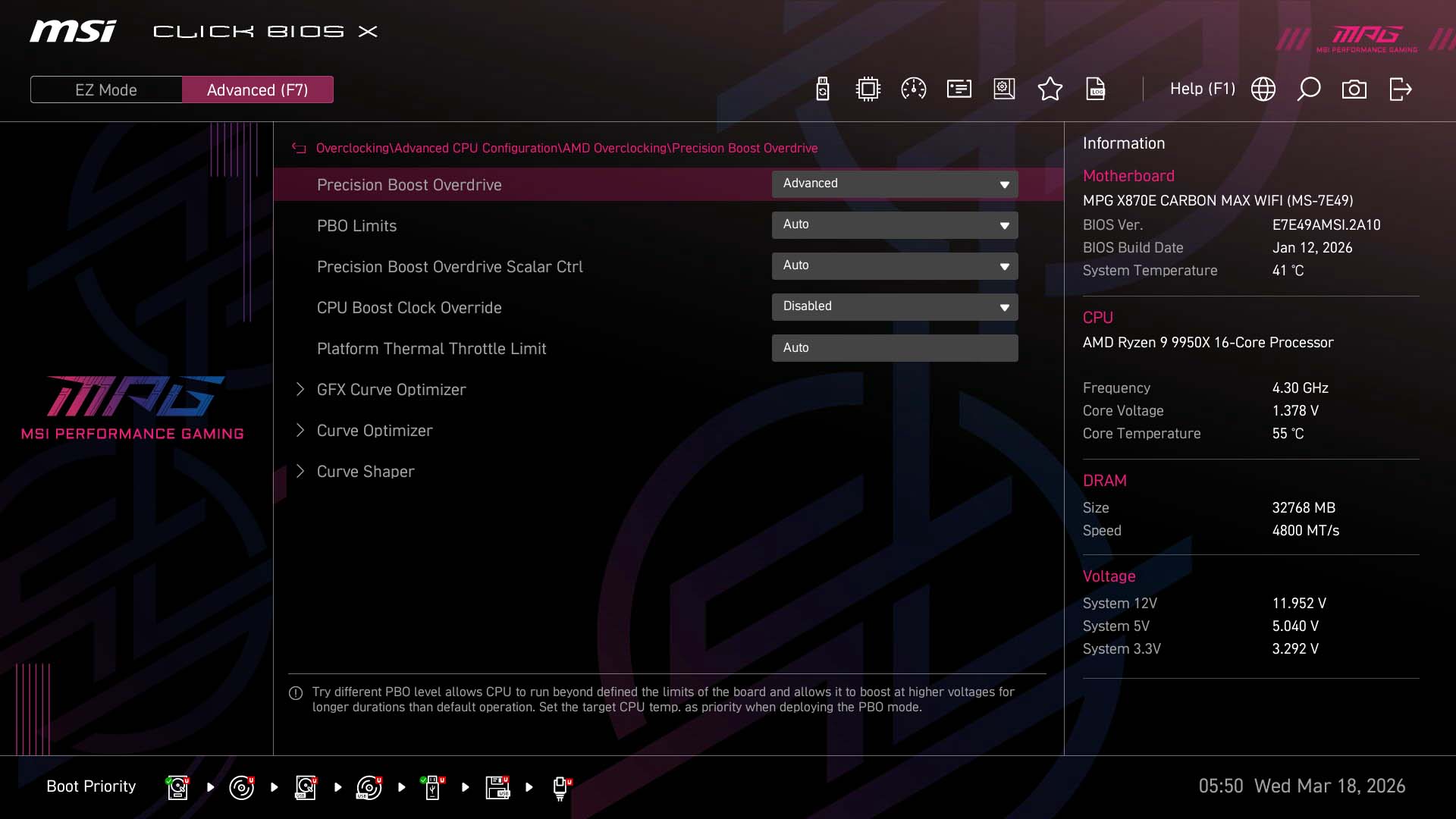
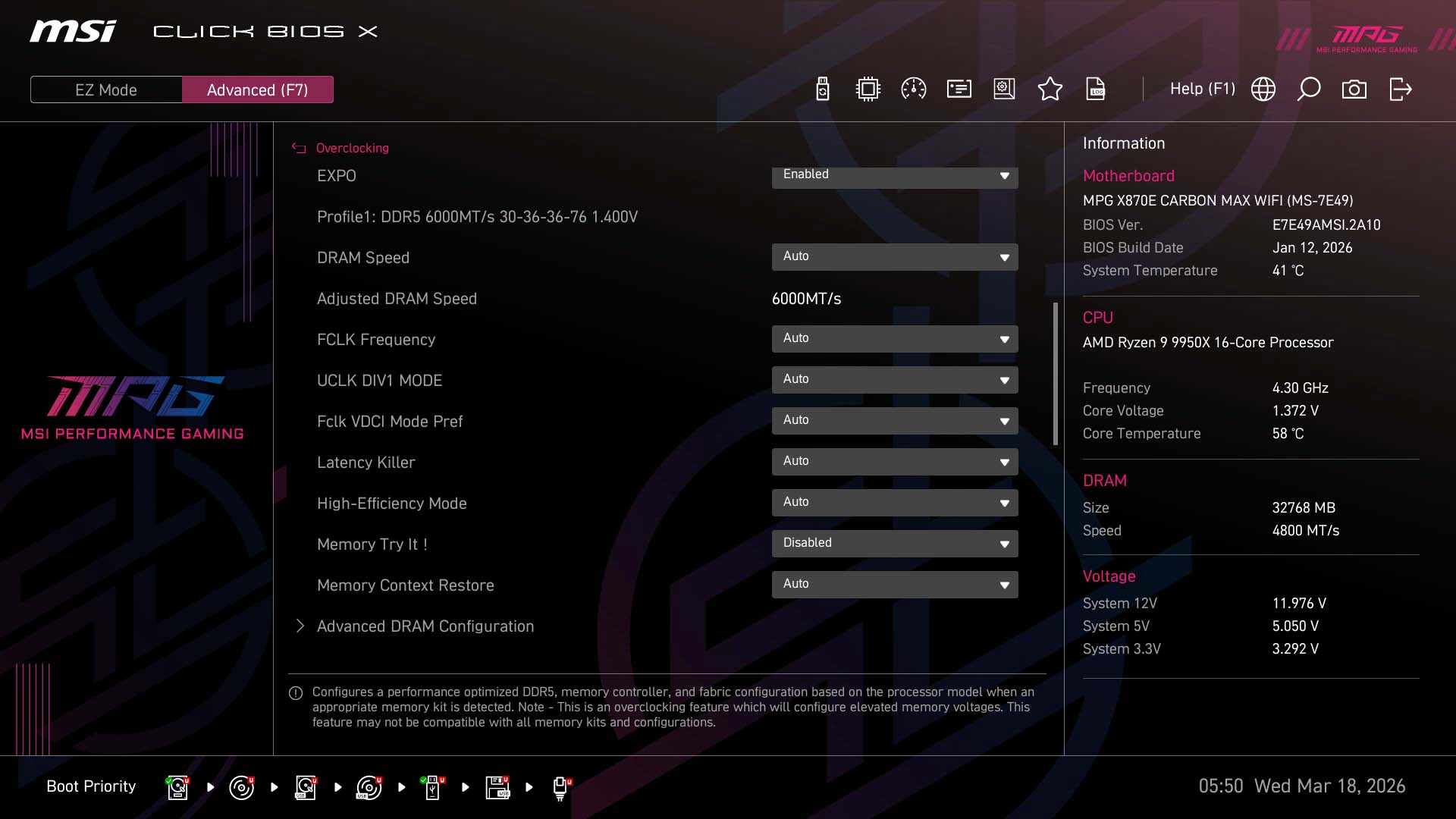
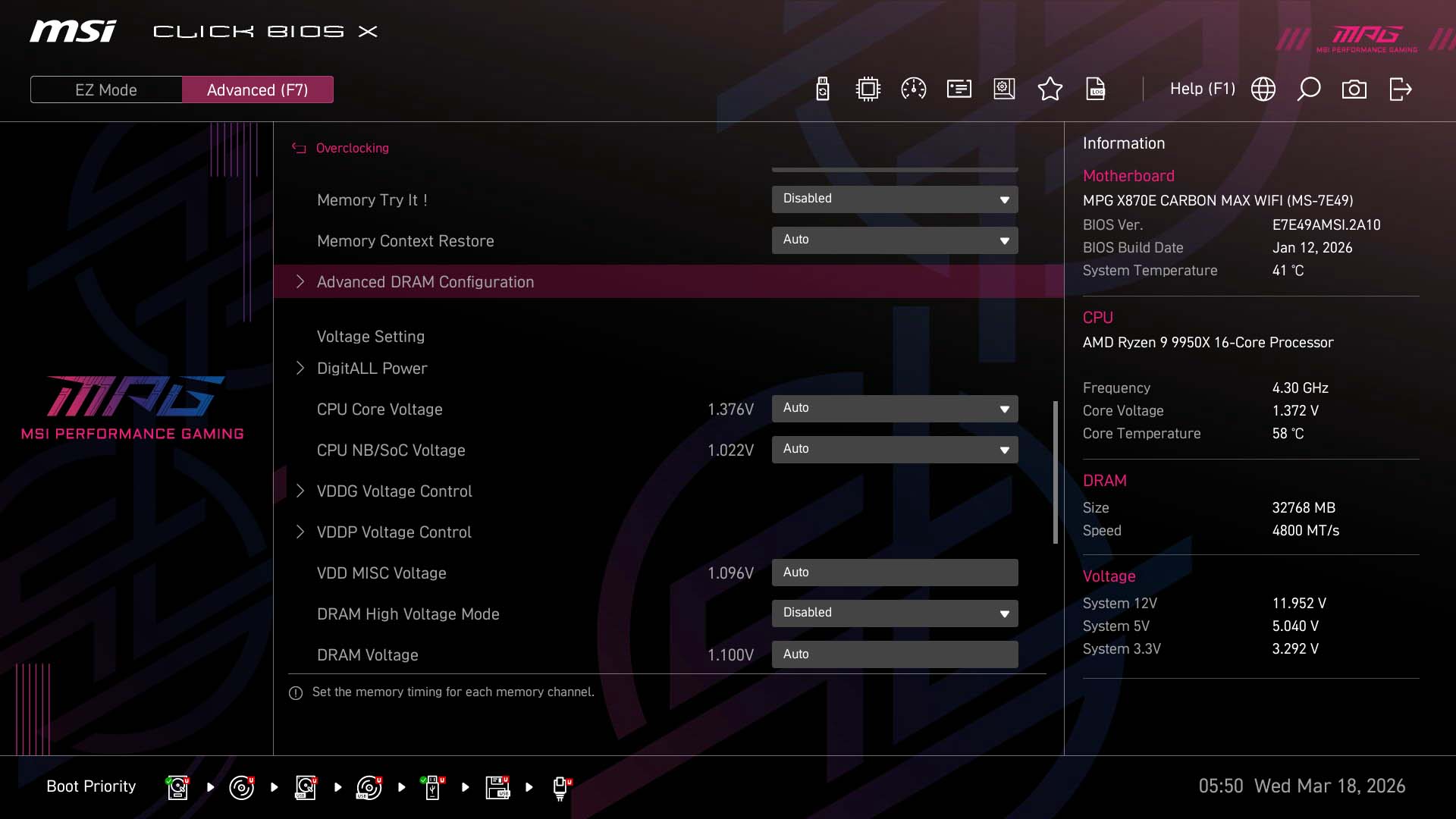
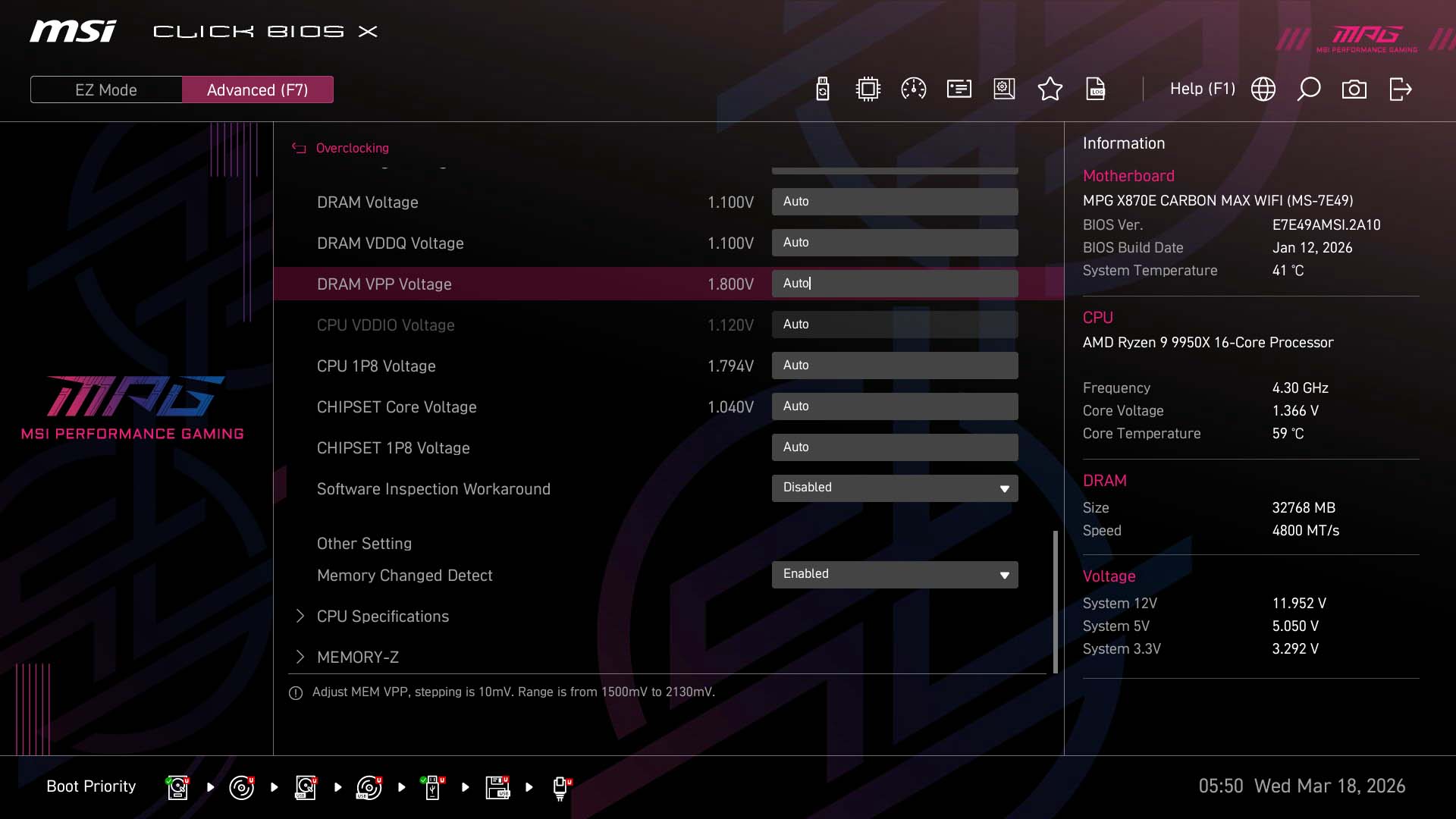
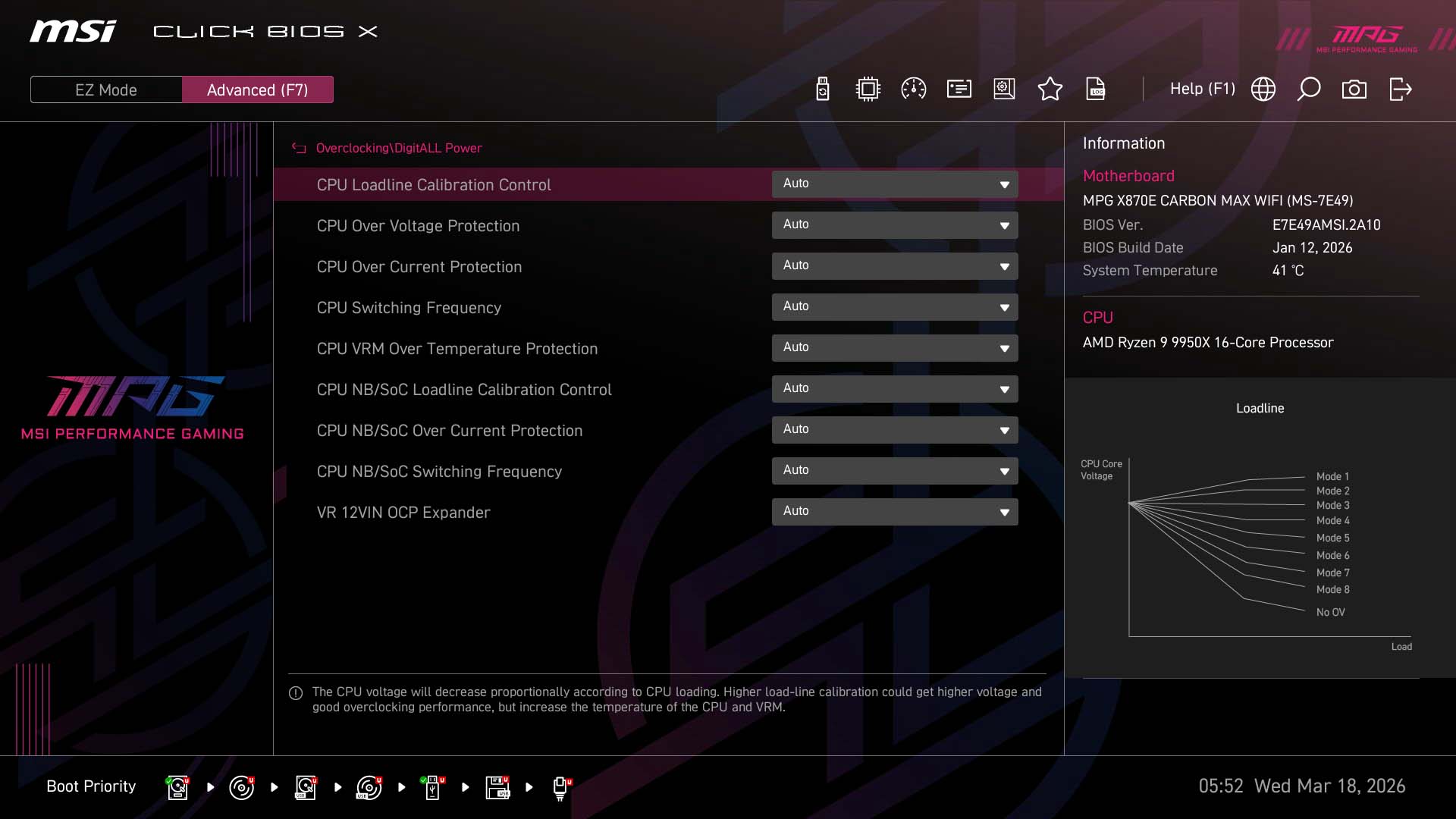
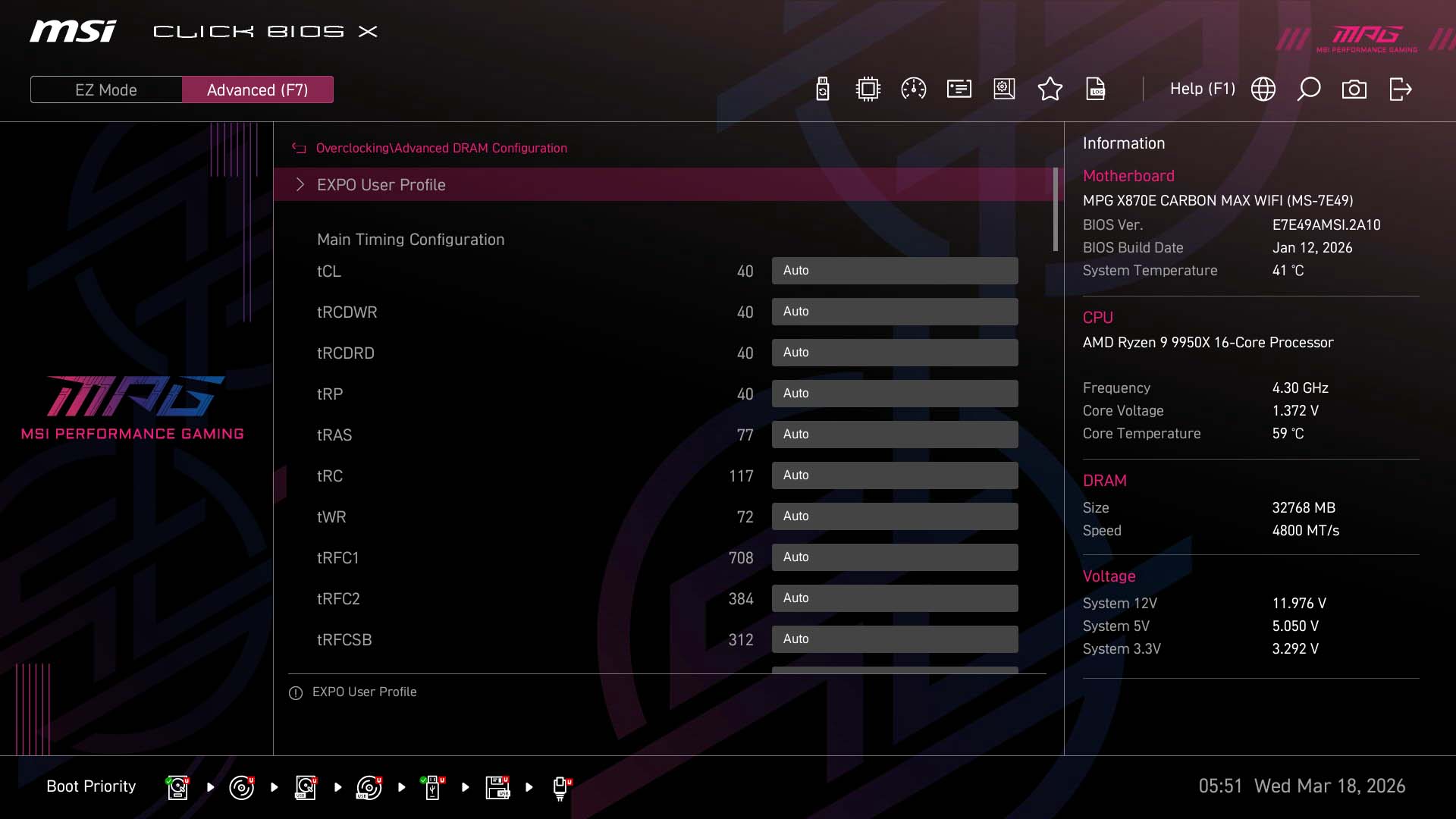
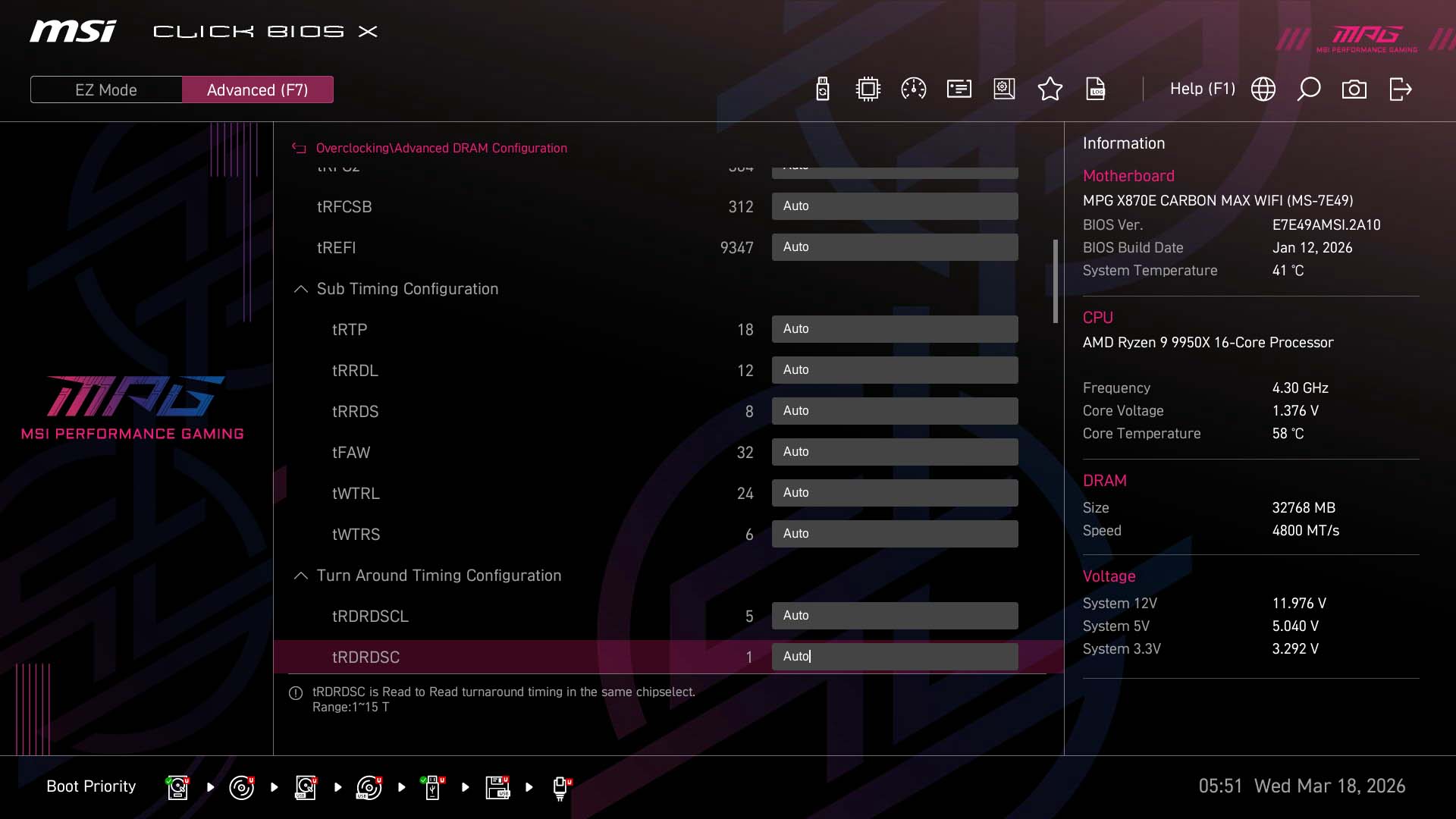
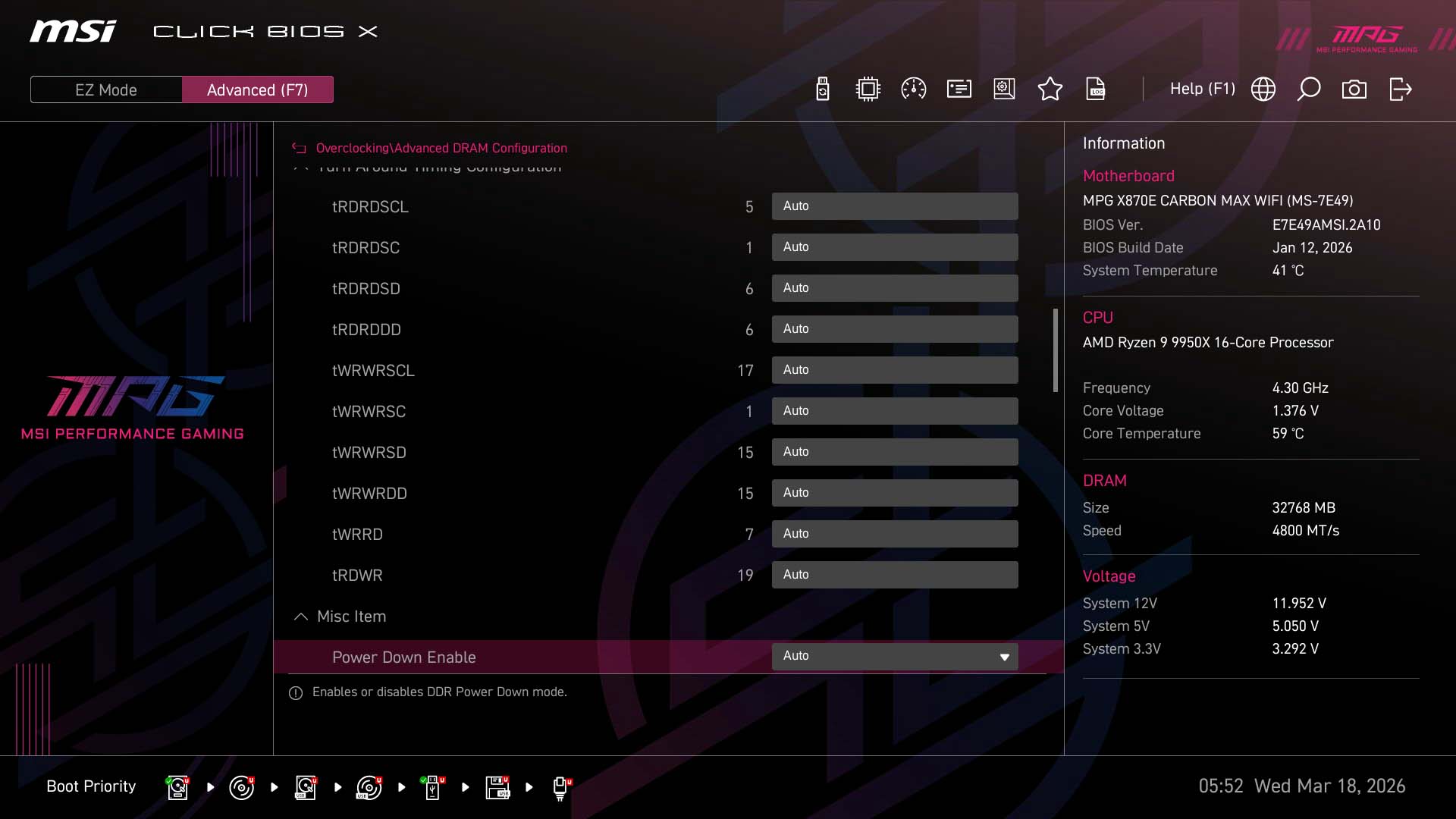
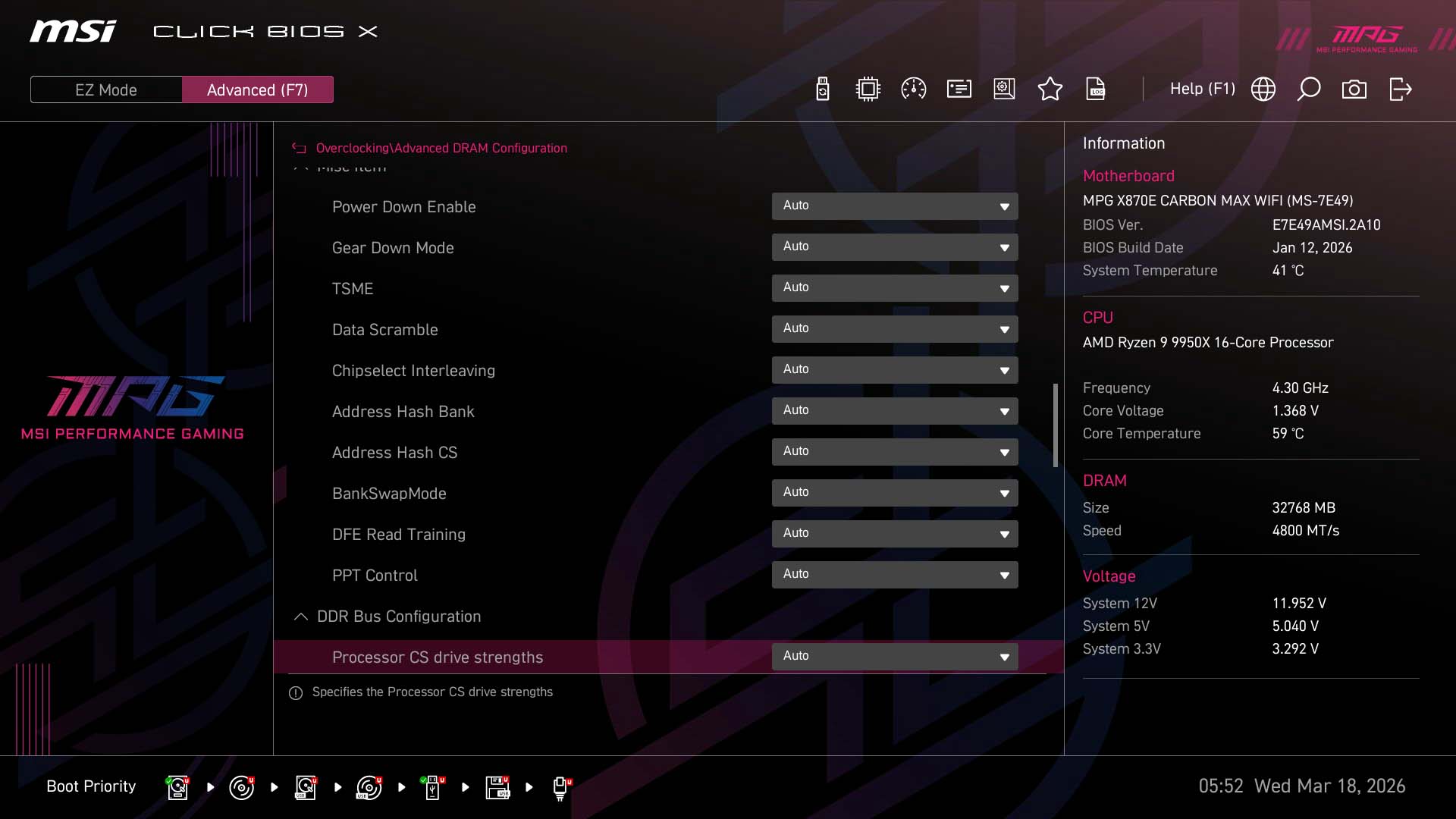
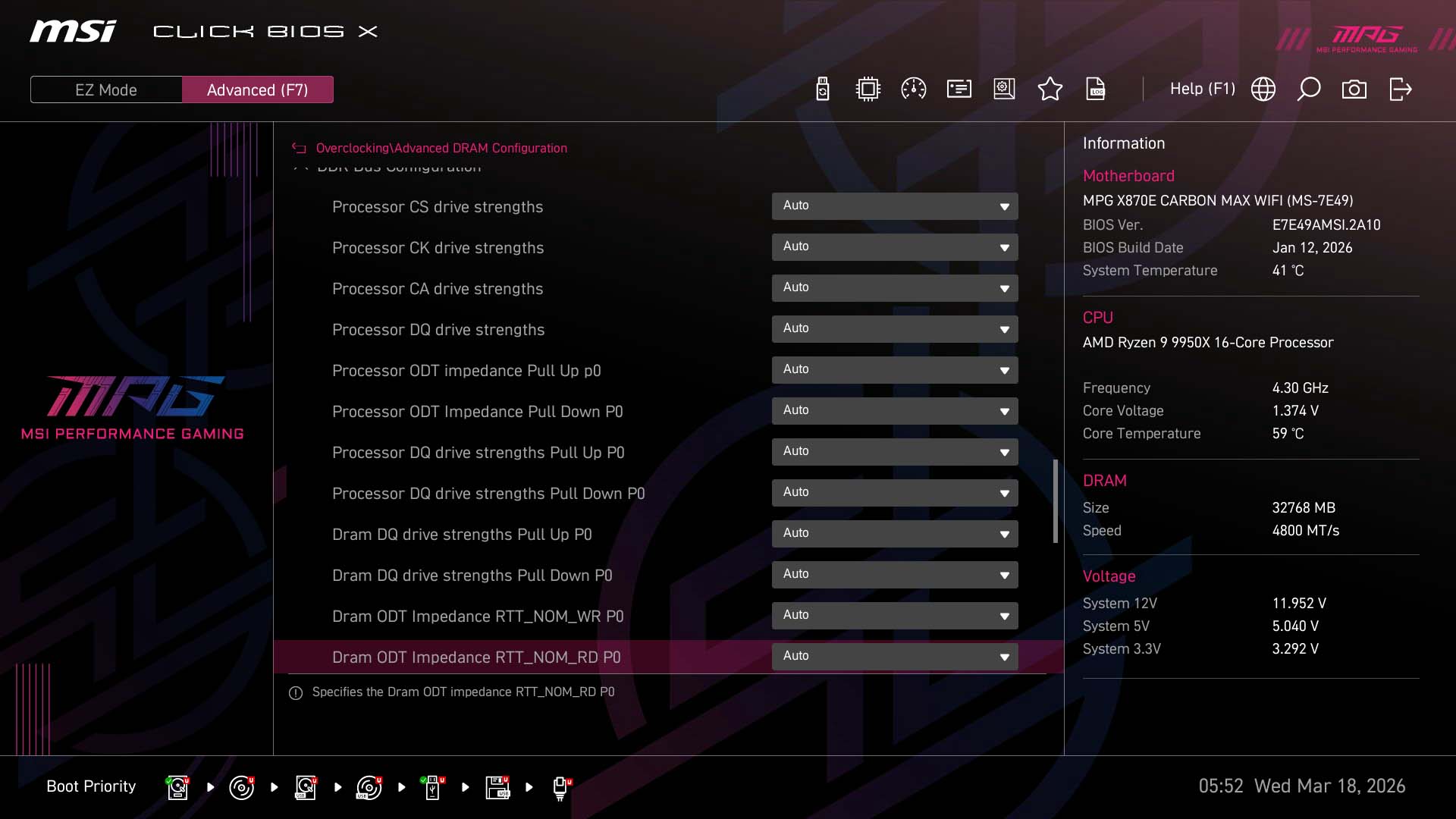
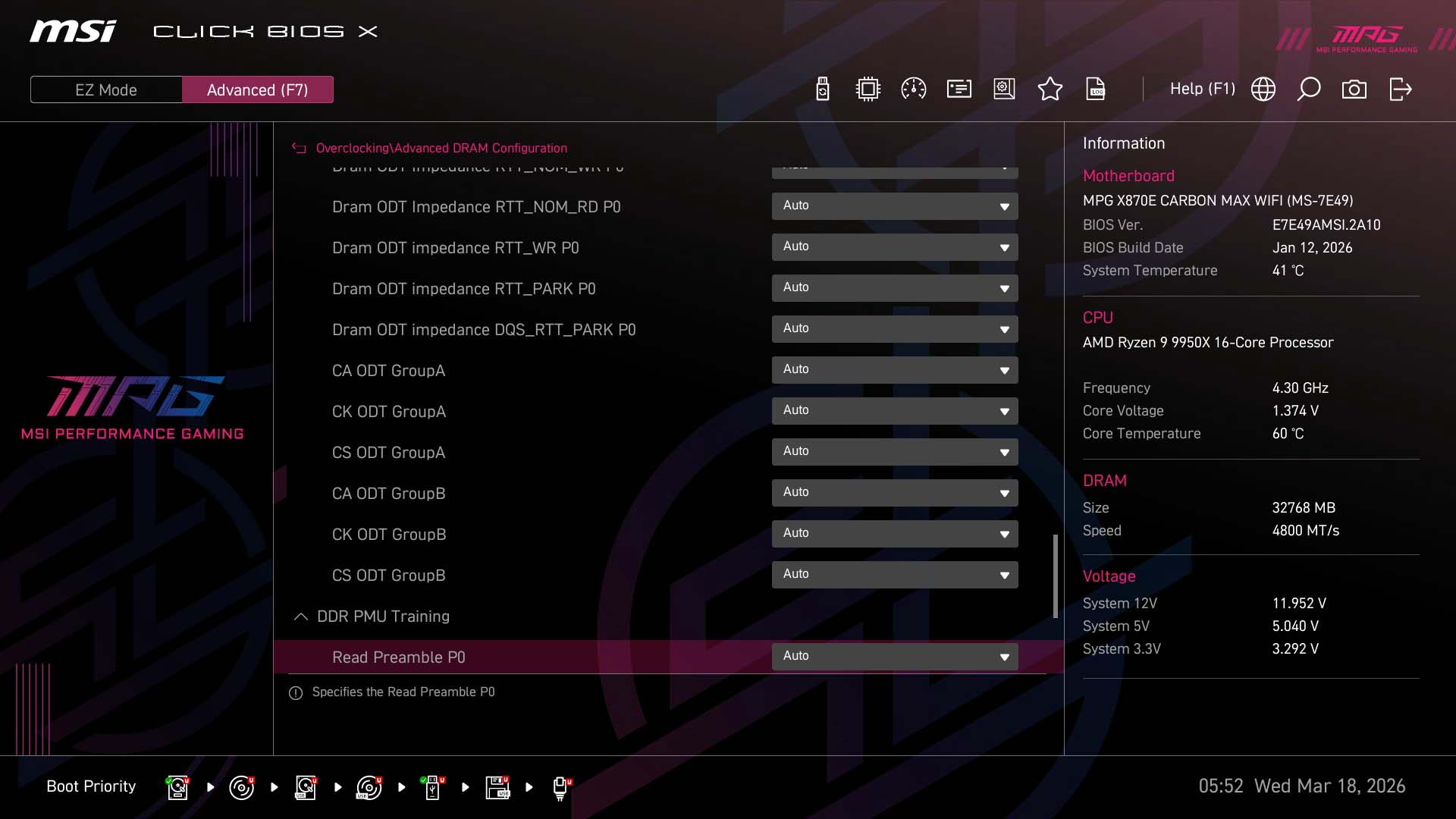
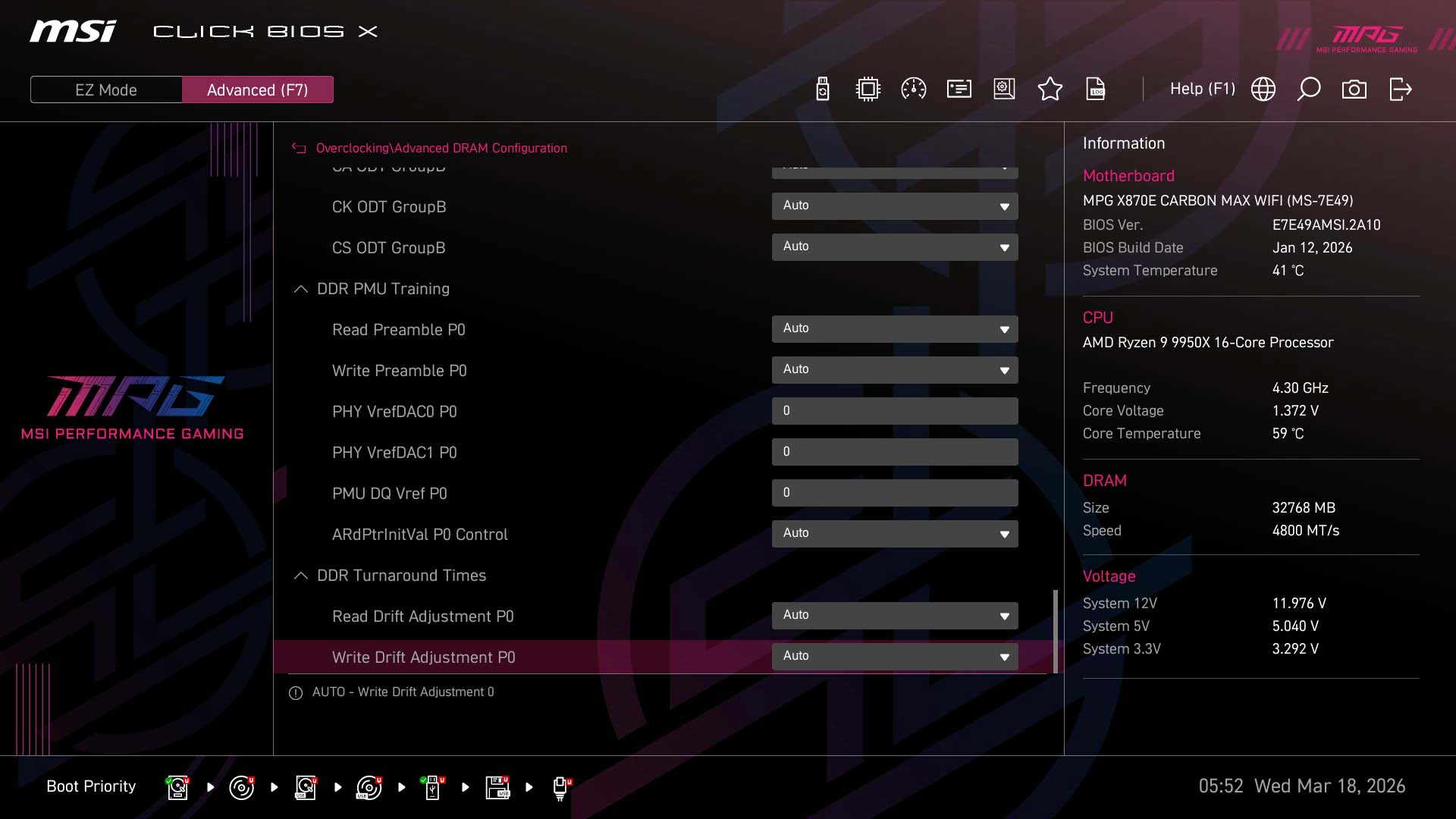
As well as manual overclocking and PBO controls, MSI offers a range of tweaking tools to take advantage of its asynchronous base clock mode via an external clock generator, separating the base clock from the rest of the system and turning it into a more useful way of overclocking. Two presets are available right from the EZ Mode screen that will add either a few MHz to the base clock or a little more. The exact amount depends on your CPU, but in general the PBO BCLK Booster 1 mode is achievable by most CPUs. It added 3 MHz to the base clock of a Ryzen 7 9800X3D and 4 MHz with a Ryzen 9 9950X. You can of course also tweak the main base clock frequency in single steps. In addition to this, there are memory timing presets that can further increase performance by cutting latency. Again, expect variation here on whether the tightest timing option works on your particular modules.Under Advanced CPU configuration in the main Overclocking menu, you'll find AMD Overclocking and its various PBO controls as well as Config TDP. This replaces Eco mode with a more granular set of power limits. The AMD Overclocking section offers specific PBO controls such as Curve Optimizer and Curve Shaper, but you'll need to switch PBO to advanced mode to see them. There are various subsections here that reduce clutter such as DigitALL Power, where you'll find loadline calibration and over current/temperature controls. On the whole MSI does a good job of keeping key controls in the main list, while subsections deal with more niche options such as very extensive DRAM timings.

Nov 16th, 2026 02:17 CST
change timezone
Latest GPU Drivers
New Forum Posts
- Your PC ATM (36443)
- Asus Rog Maximus Z890 Extreme. (Various questions). (27)
- GPU Temperatures Rise Very Quickly in FurMark – Is This Normal? (10)
- Will zen 6 mobos have anything extra vs current ones? (47)
- [Community Benchmark] MrH OpenCL Benchmark 2.0e (Windows Only – CPU & GPU) (3)
- The Official Thermal Interface Material thread (2301)
- It’s been fascinating times in Retro agian r36s isn’t even worth 50-65 dollars no more and newly listed Rm36 64gb 4in IPS models for only 34 dollars. (6)
- Power supply noise stops when I move the mouse (10)
- Can you guess Which game it is? (320)
- What is the latest game you finished or 100% (203)
Popular Reviews
- ASUS ROG Strix B850-I Gaming Wi-Fi7 W Review
- Corsair HX1000i Shift Crystal Review
- AMD Zen 6 Technical Deep Dive
- Upcoming Hardware Launches 2027 (Updated Nov 2026)
- Montech King 95 3D PRO Review
- NZXT C1200 Platinum Review
- Phantom Blade Zero Performance Benchmark Review - 35 GPUs Tested
- AMD Ryzen 7 9800X3D Review - The Best Gaming Processor
- NZXT H7 RGB+ Review
- NZXT H5 Review
TPU on YouTube
Controversial News Posts
- NVIDIA Co-Founder and CEO Jensen Huang Officially Resigns (430)
- Open Letter Asking NVIDIA to Reinstate Jensen Huang Passes 115,000 Signatures (184)
- OpenAI CEO Argues Home PCs Waste the World's Limited DRAM Supply (152)
- NVIDIA Launches Investigation Into Jensen Huang's Relationship With Suspected Chinese Spy (136)
- Intel "Raptor Lake Next" 16-Core and 20-Core CPUs Surface (130)
- Legendary Game Studio BioWare Shuts Down Following EA Layoffs (104)
- Dell CEO Says the Memory Shortage Will Get Worse in 2027 (95)
- NVIDIA GeForce RTX 50-Series Scheduled for up to $500 Price Hike This Week (89)