 7
MSI MPG Z890I Edge Ti Wi-Fi Review
VRM Overview »Component Analysis


The Thunderbolt 4 Type-C ports are powered by two JHL9040R Thunderbolt retimers that are now commonplace on many LGA1851 boards. These sit under the block of USB 3.2 Gen 2 ports and trio of buttons above on the daughterboard. This uses a Realtek RTS5420 USB 3.2 Gen 2 hub controller for the six Type-A ports located here.


Above you can see the layout of both the daughterboard and PCB below it. Thankfully, it doesn't lead to any major layout problems, although if there was a way to shrink that VRM heatsink lip, we'd prefer MSI had taken it to improve CPU cooler compatibility. The audio is located on the main PCB and is Realtek's USB-based ALC4080.

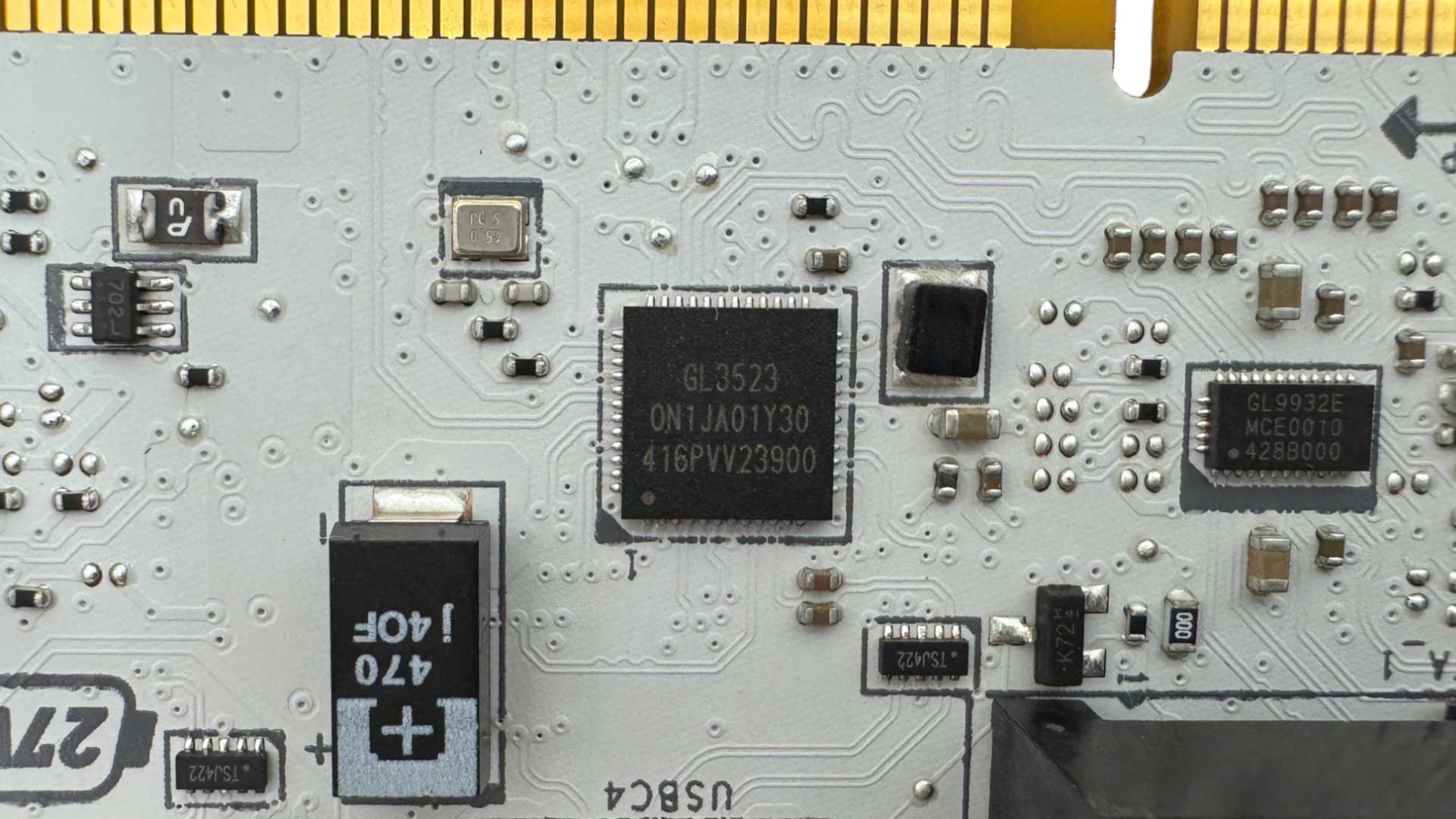
An addition USB hub controller is located on the 5-in-one Xpander in the form of a Genesys Logic GL3523 USB 3.0, while on the M.2 daughterboard we have a Genesys Logic GL850 USB 2.0 hub controller.
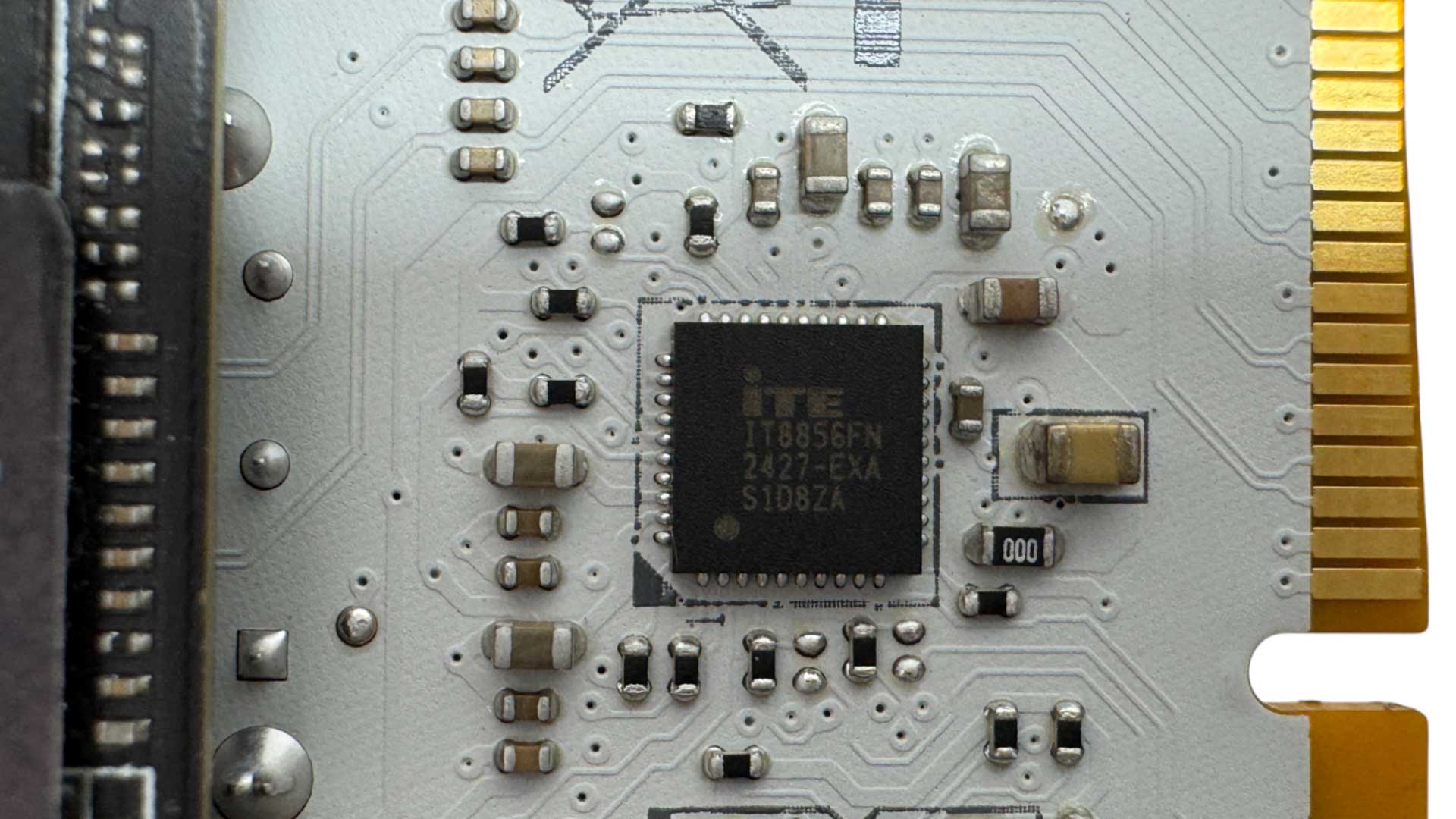
The 27 W power delivery from the Type-C front panel header is very useful for charging smartphones, with the hardware for this on the 5-in-one Xpander also including an ITE Tech IT8856FN power delivery controller.
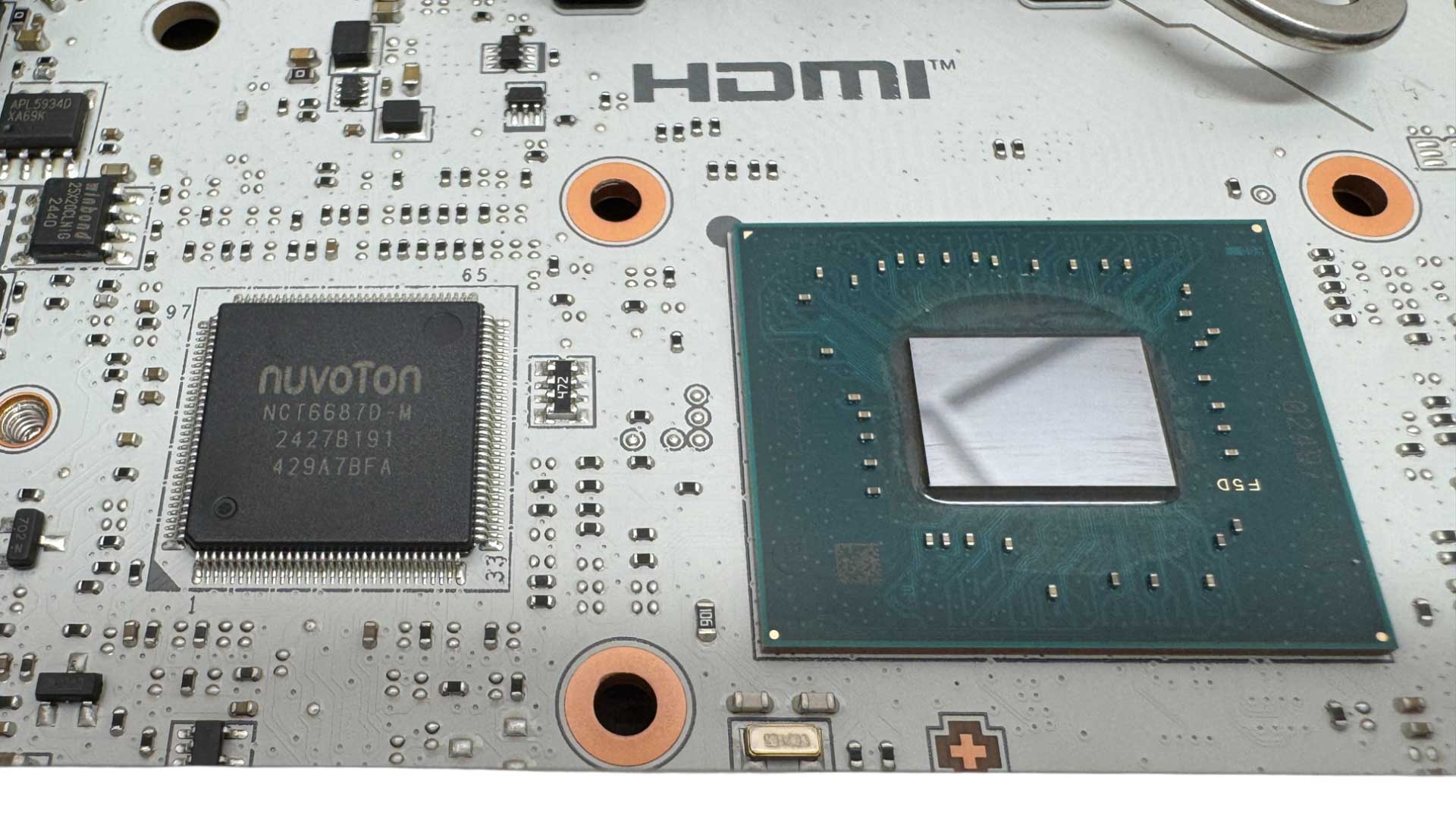
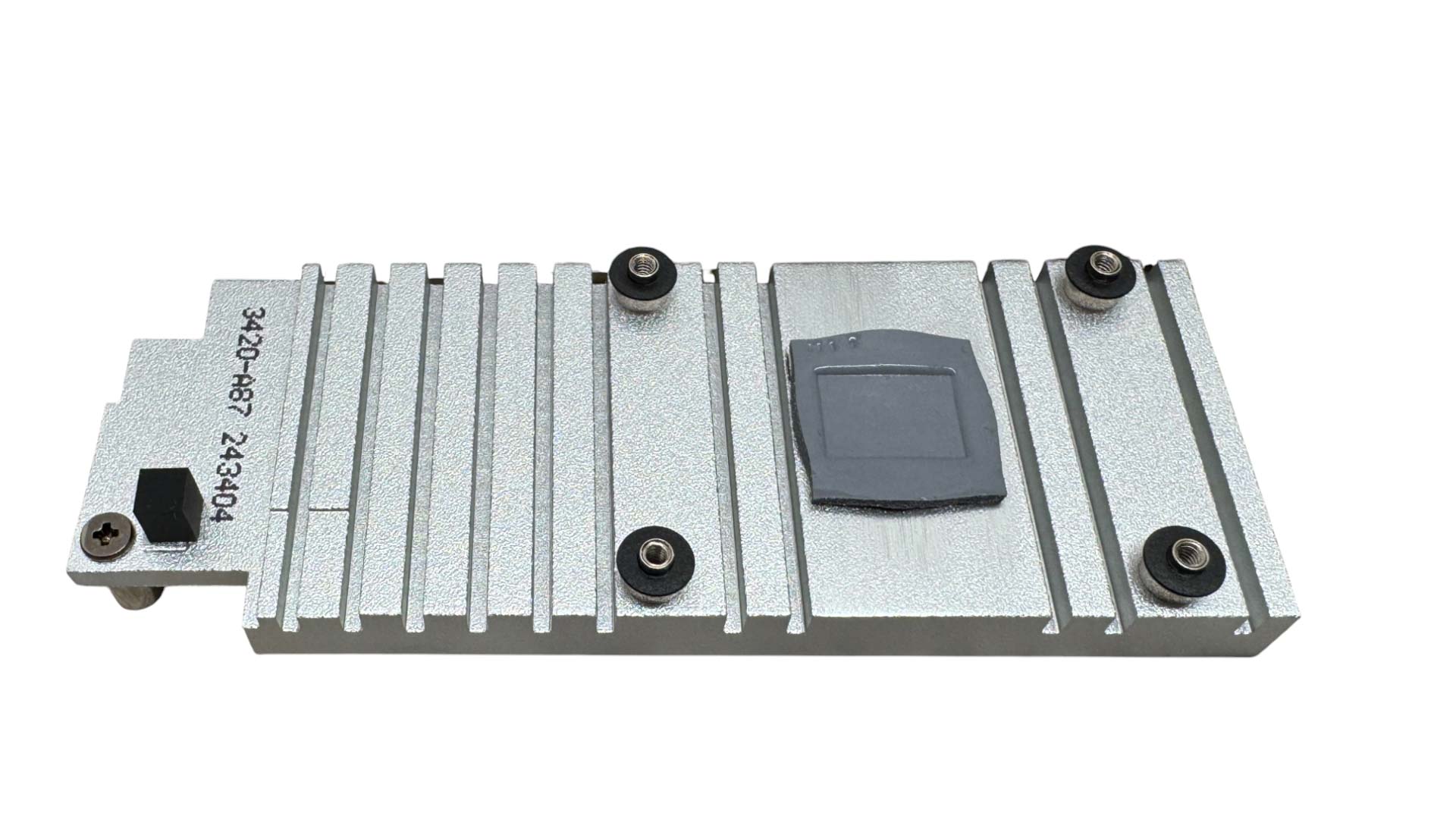
The PCH is located under the M.2 stack and shares cooling with the lower PCIe Gen 4 M.2 port. The heatsink is reasonably large, at least as far as Mini-ITX chipset heatsinks go, although SSD cooling here was quite limited.
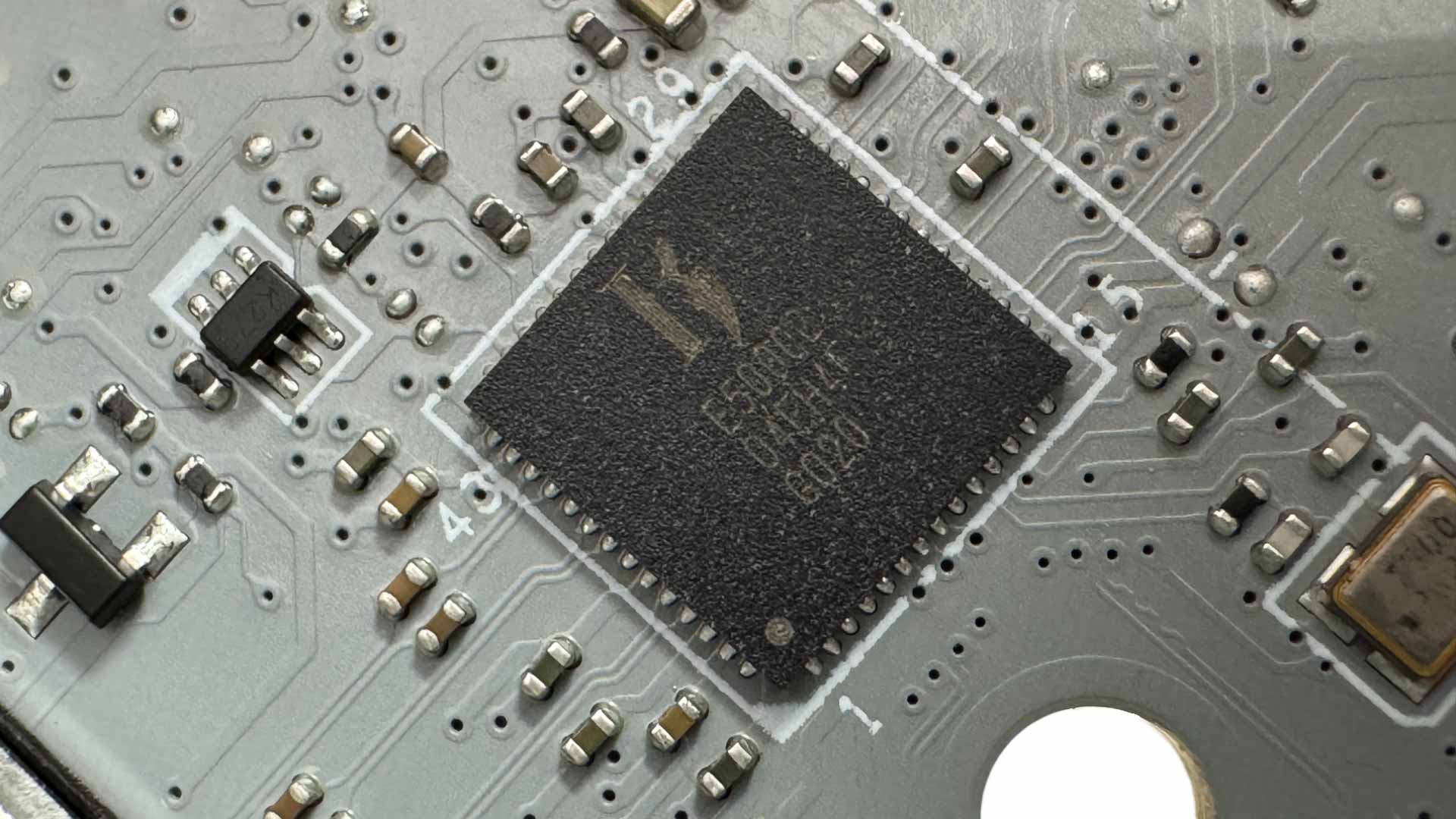
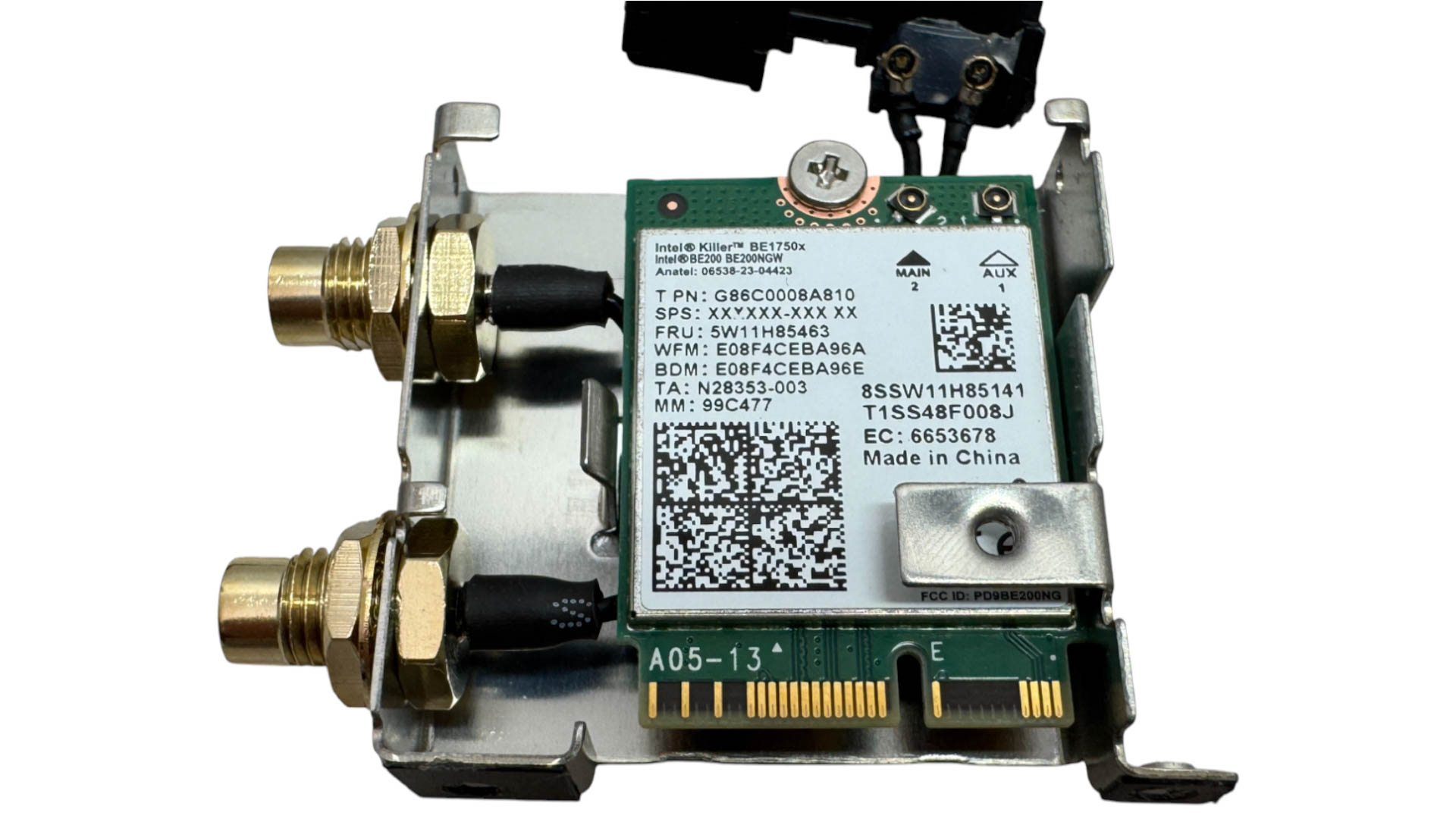
The 5 Gbps Ethernet controller is Intel's Killer E5000B, aka Realtek RTL8126, and this is located on the rear of the PCB. The Wi-Fi 7 module is also Intel branded and is labelled as the Killer BE1750X. This uses standard micro connectors internally, but externally, while MSI includes a push-fit aerial (EZ Antenna), the ports include threads that are compatible with standard Wi-Fi antennas. Removing it is a little involved but mostly painless, requiring the topside and bottomside VRM heatsinks to be removed, but not before removing the two screws on the rear of the I/O panel to release them. As usual, the Wi-Fi module is secured using two screws on the underside of the PCB.
Nov 27th, 2026 17:15 CST
change timezone
Latest GPU Drivers
New Forum Posts
- -18C on GPU by moving it to the front of the case. (17)
- Anthrophics IPO (48)
- What's your main Black Friday / Cyber Monday purchase? (41)
- Exit Adobe - PDF reader, and PDF editor recommendations (10)
- The TPU UK Clubhouse (27308)
- Wireless Internet sharing between PC and router both-ways, is it possible? (34)
- Gigabyte RX 6800 XT Gaming OC and I would like to test the BIOS version 020.001.000.071.000000. (18)
- Mouse Pad advice - Shidenkai out of production? (21)
- Which Xfinity modem/router setup supports network printing/scanning between a wired PC and a Wi-Fi Brother MFC-L8900CDW printer? (0)
- Unigine Superposition on Linux (20)
Popular Reviews
- VZMORE AX9 Max Review
- Upcoming Hardware Launches 2027 (Updated Nov 2026)
- AMD Ryzen 7 9800X3D Review - The Best Gaming Processor
- ASRock X870E Challenger Wi-Fi White Review
- Microsoft Surface Laptop Ultra Review - The Next-gen Arm Laptop
- AMD Zen 6 Technical Deep Dive
- Montech CyberFlow ARGB 360 Review
- Phantom Blade Zero Performance Benchmark Review - 35 GPUs Tested
- Moaiplay Ora Pro G1 850 Review
- ORICO Obook15 AI Review
TPU on YouTube
Controversial News Posts
- Jensen Huang Reinstated as CEO of NVIDIA (623)
- NVIDIA Co-Founder and CEO Jensen Huang Officially Resigns (492)
- Report: Jensen Huang Eyes NVIDIA Comeback (281)
- Open Letter Asking NVIDIA to Reinstate Jensen Huang Passes 115,000 Signatures (184)
- OpenAI CEO Argues Home PCs Waste the World's Limited DRAM Supply (152)
- NVIDIA Launches Investigation Into Jensen Huang's Relationship With Suspected Chinese Spy (136)
- Intel Razor Lake Gets a 12 P-Core bLLC Chip With No E-Cores, Per Leak (94)
- NVIDIA GeForce RTX 50-Series Scheduled for up to $500 Price Hike This Week (89)