 16
MSI Raider A18 HX A9W Review - The Bottleneck Resolver
Ports & Connectivity »A Closer Look - Outside
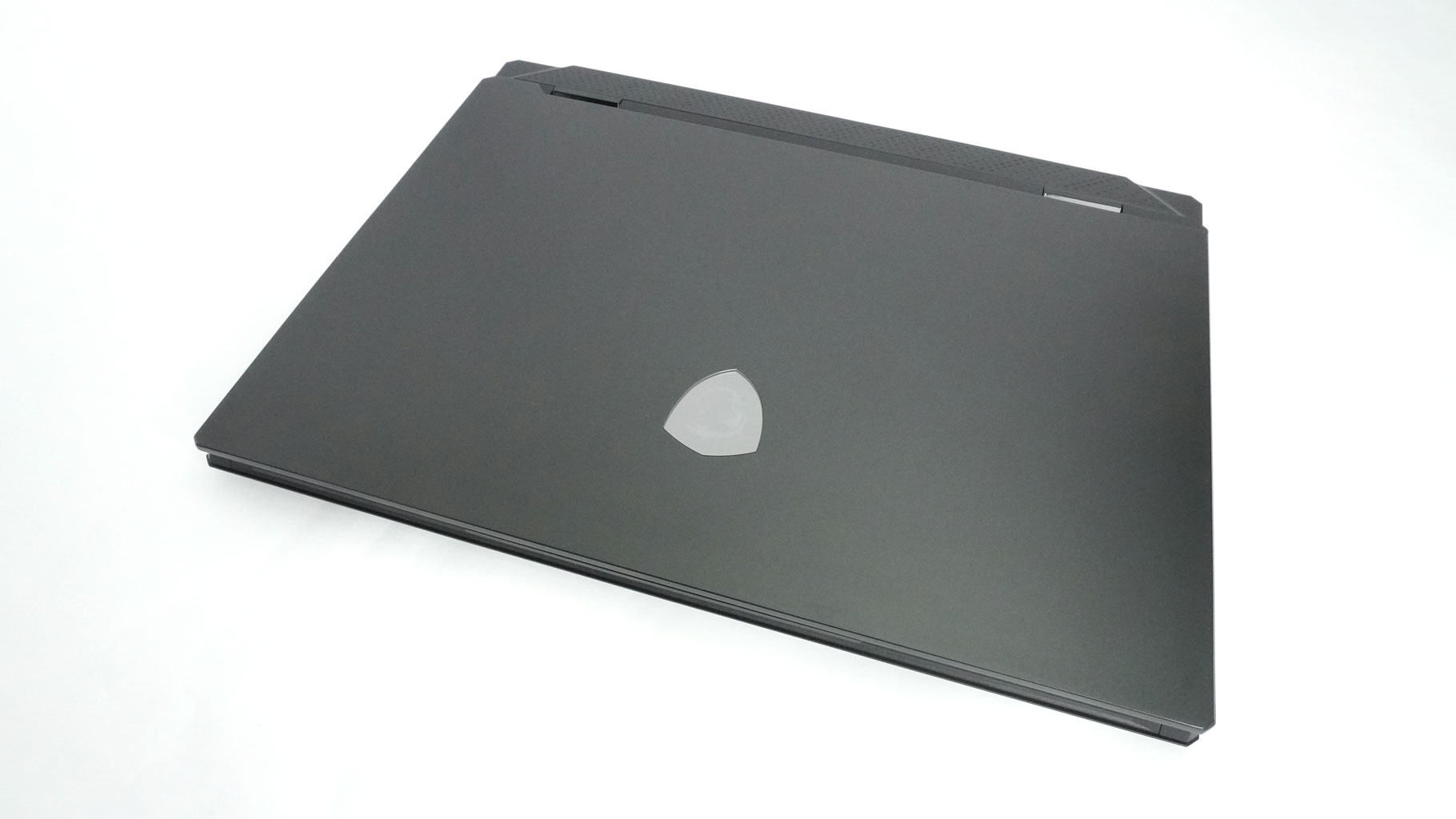
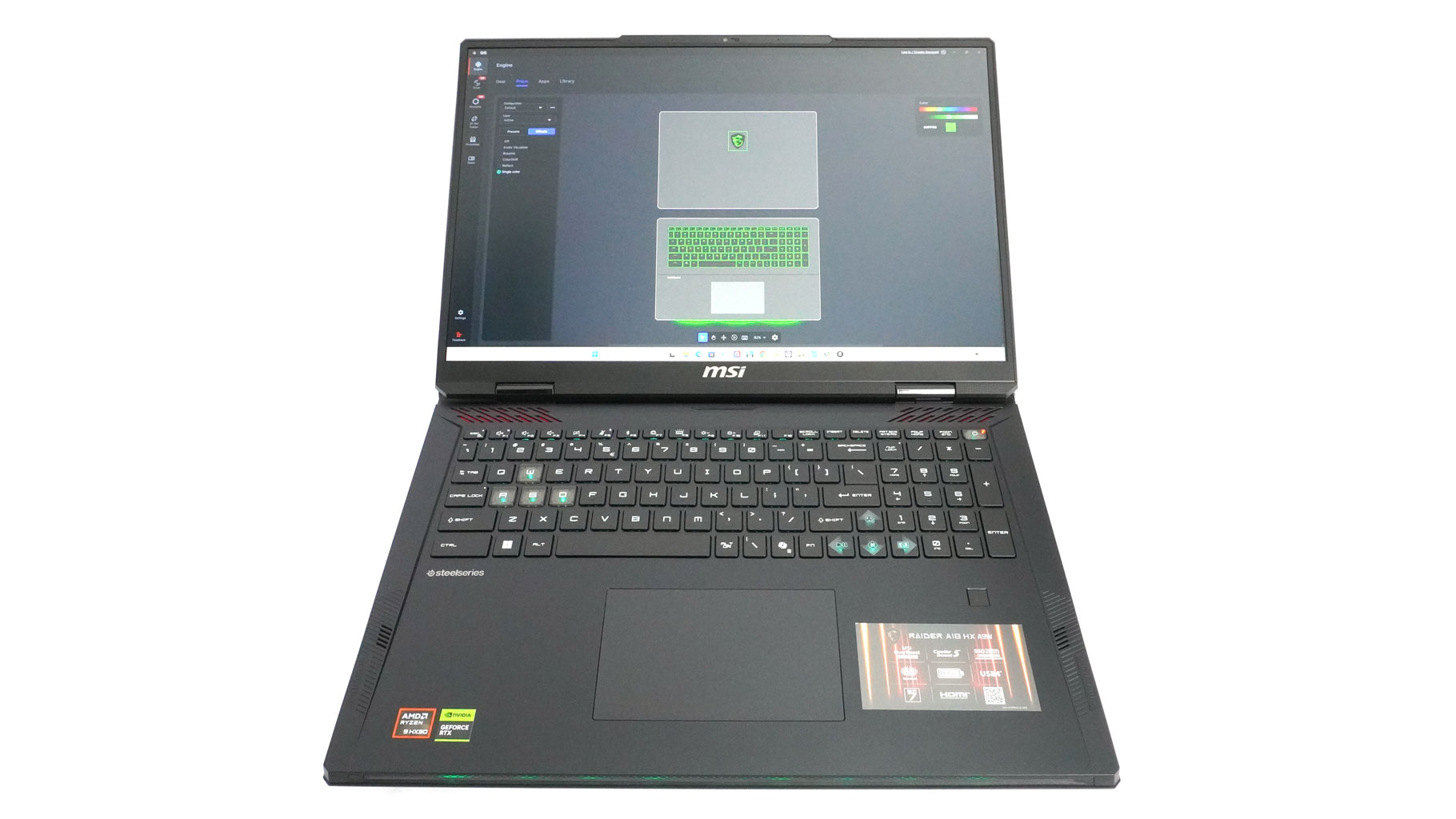
The whole chassis is executed in a Core Black finish. It gives the laptop a stealthy and classy look. This giant weighs 3.60 kg and its profile is between 24 and 32 mm thick. It's definitely a big beast, but it's a looker as well.
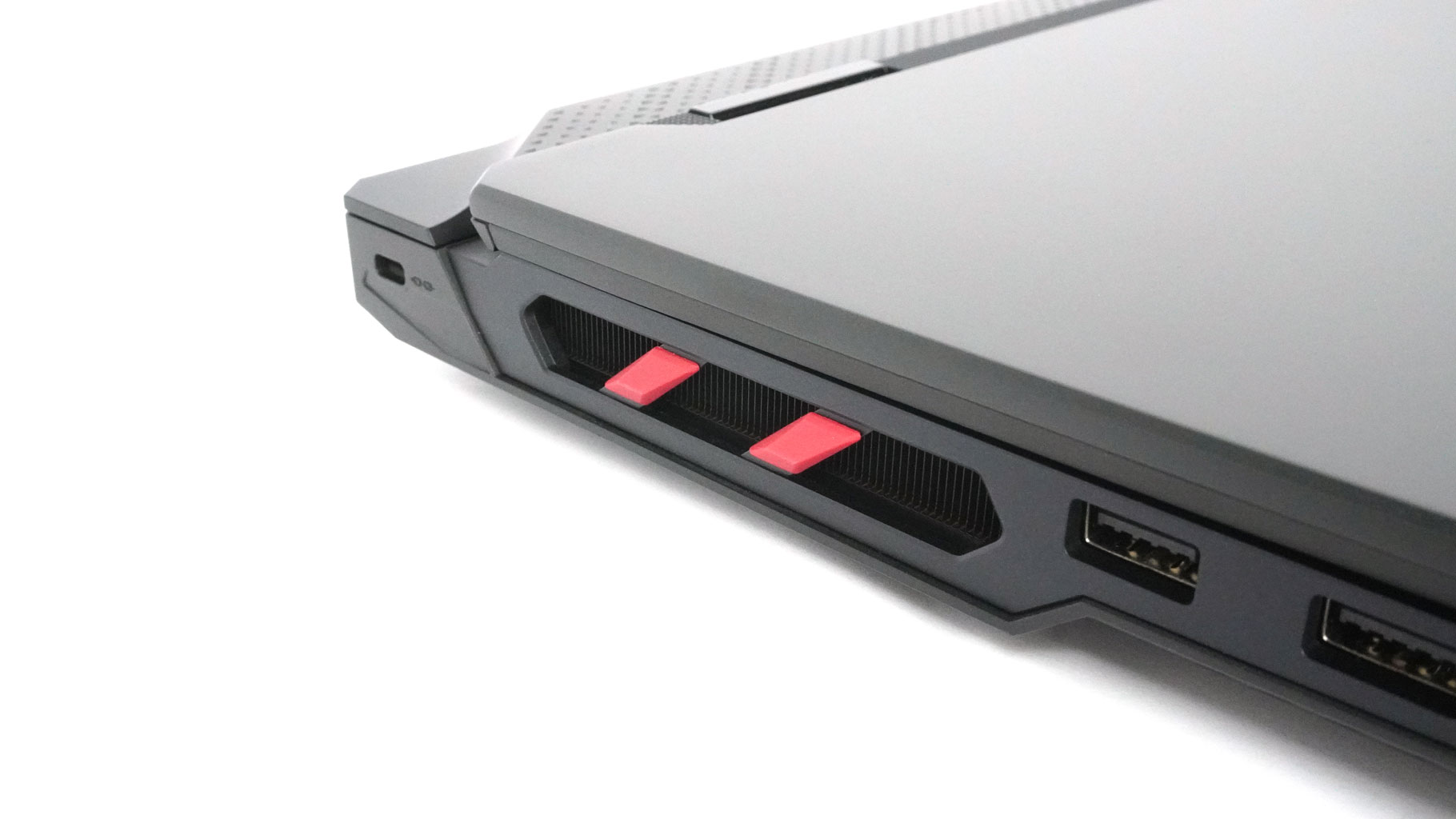
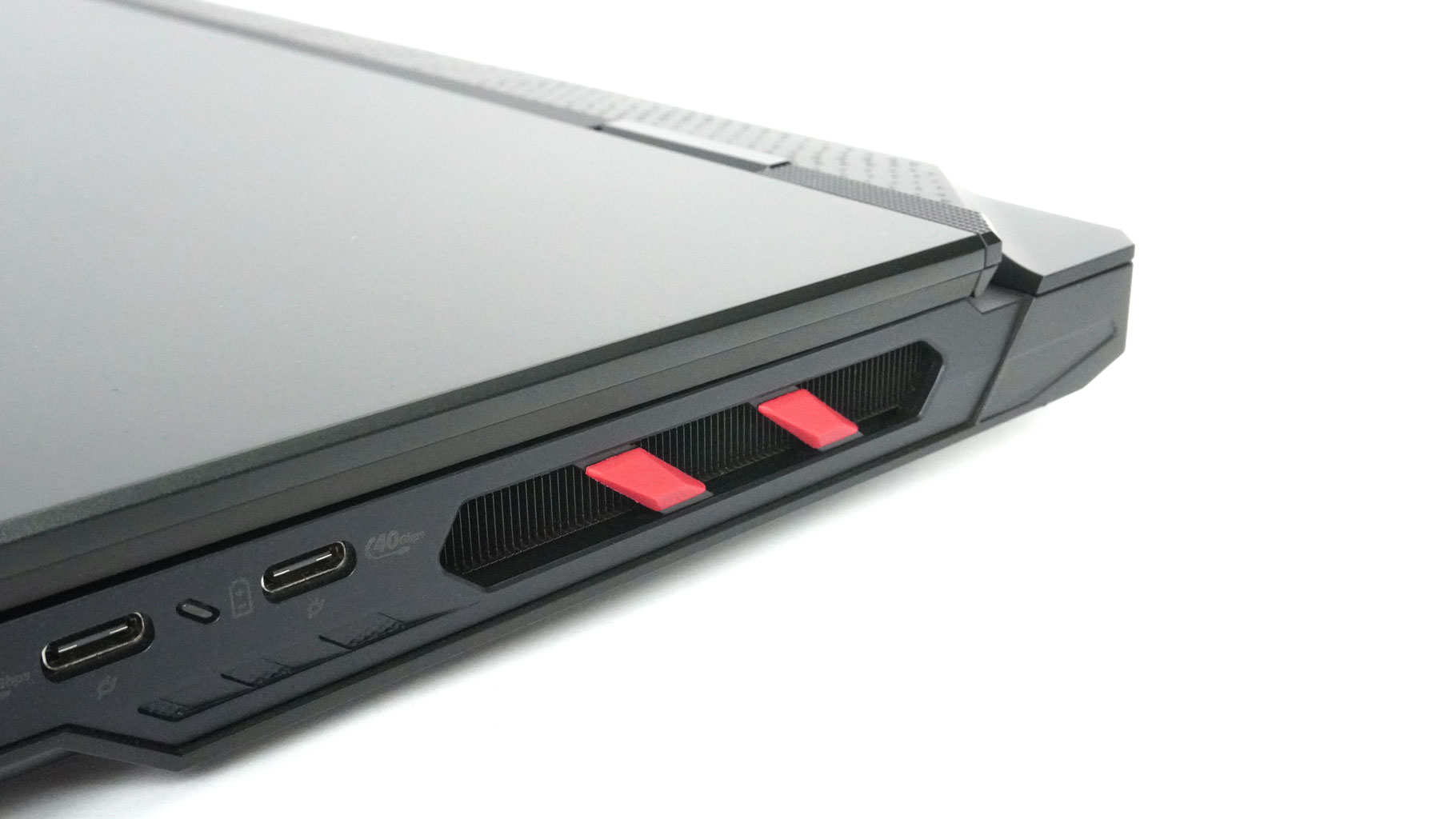
If not for the red stripes on the exhausts, some people might have mistaken this machine for a fancy-looking workstation.
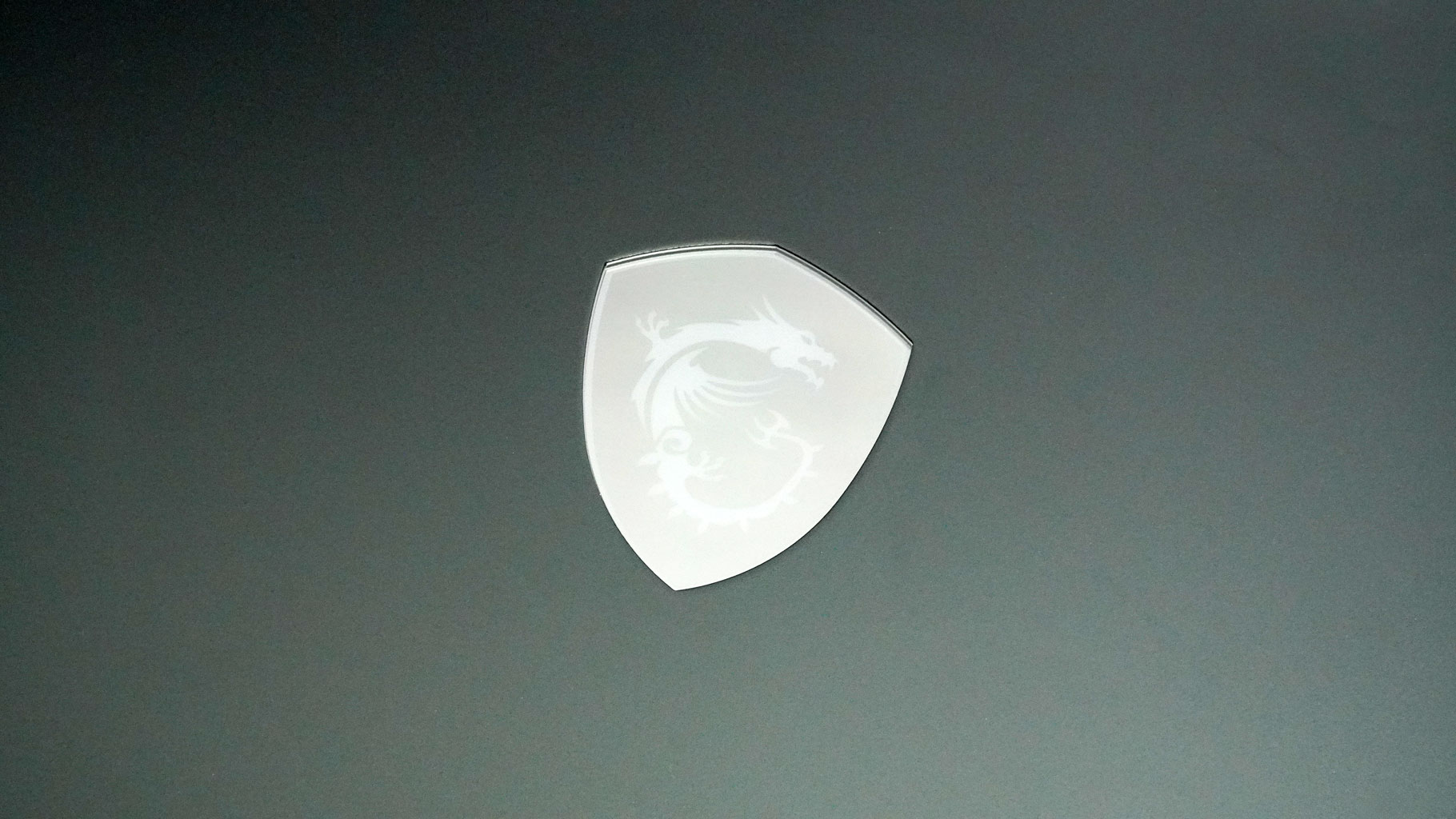
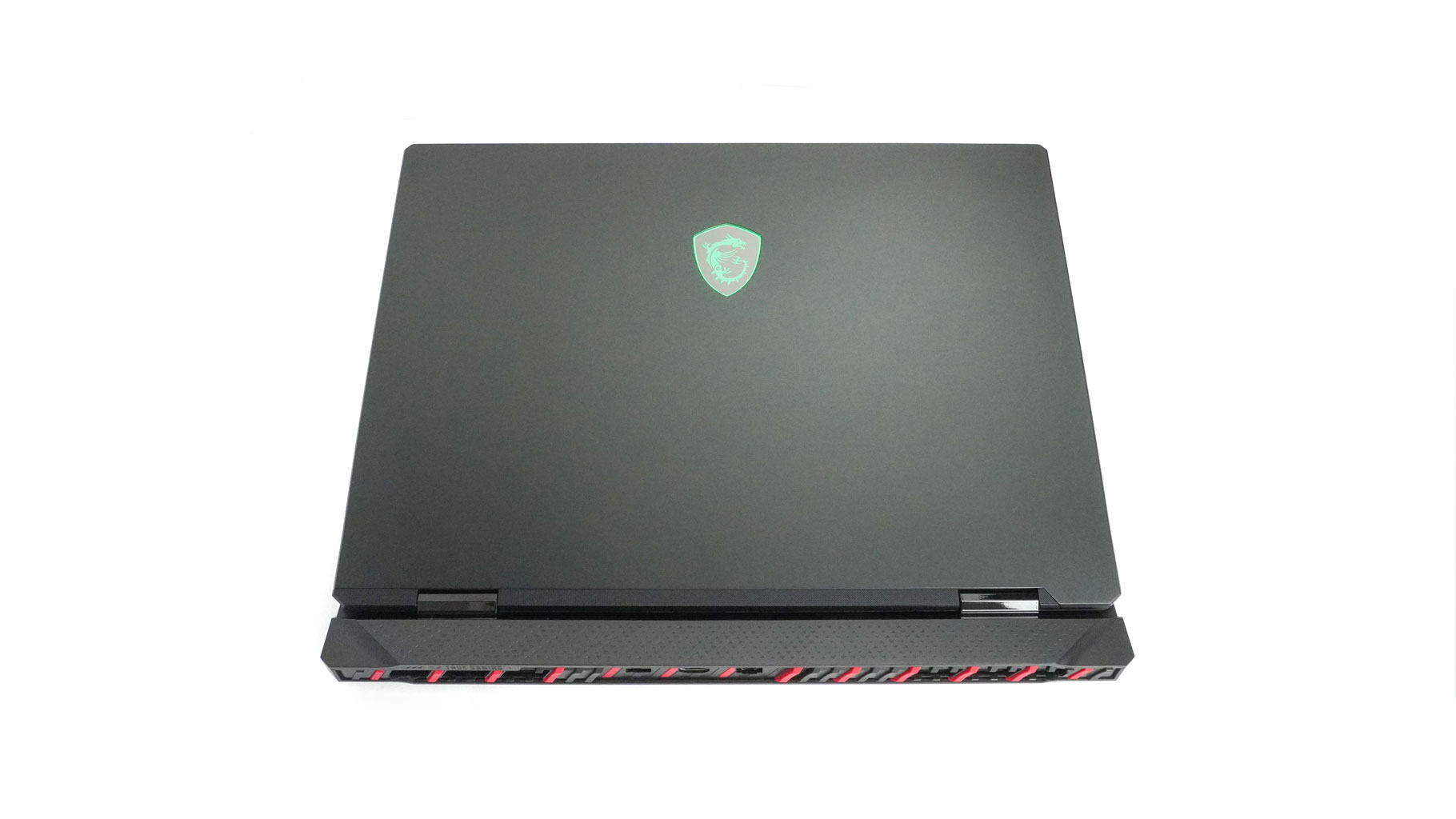
The illuminated Dragon logo on the lid looks great even when the RGB backlight is off, as its light glass surface contrasts nicely with the dark chassis.
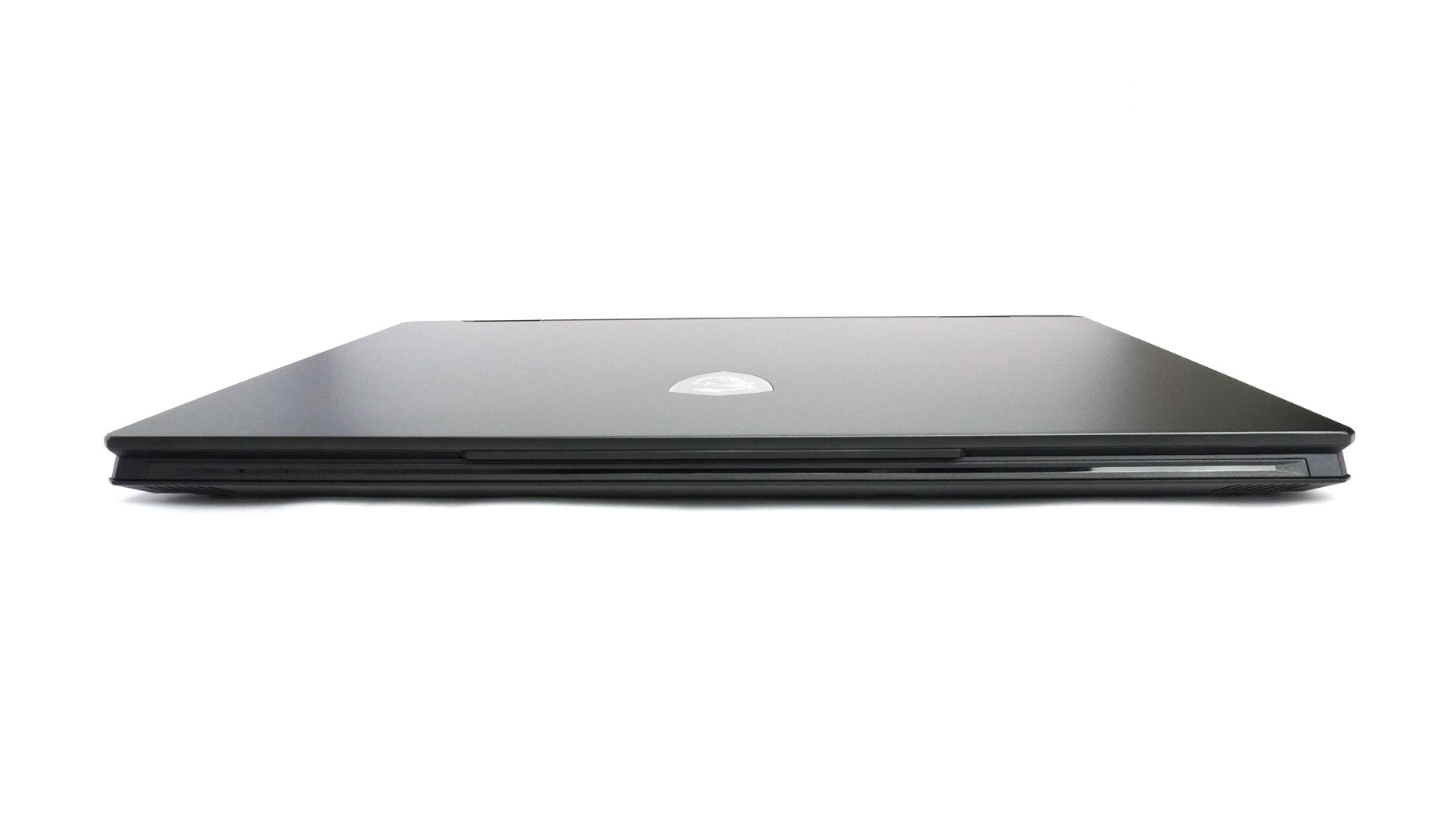
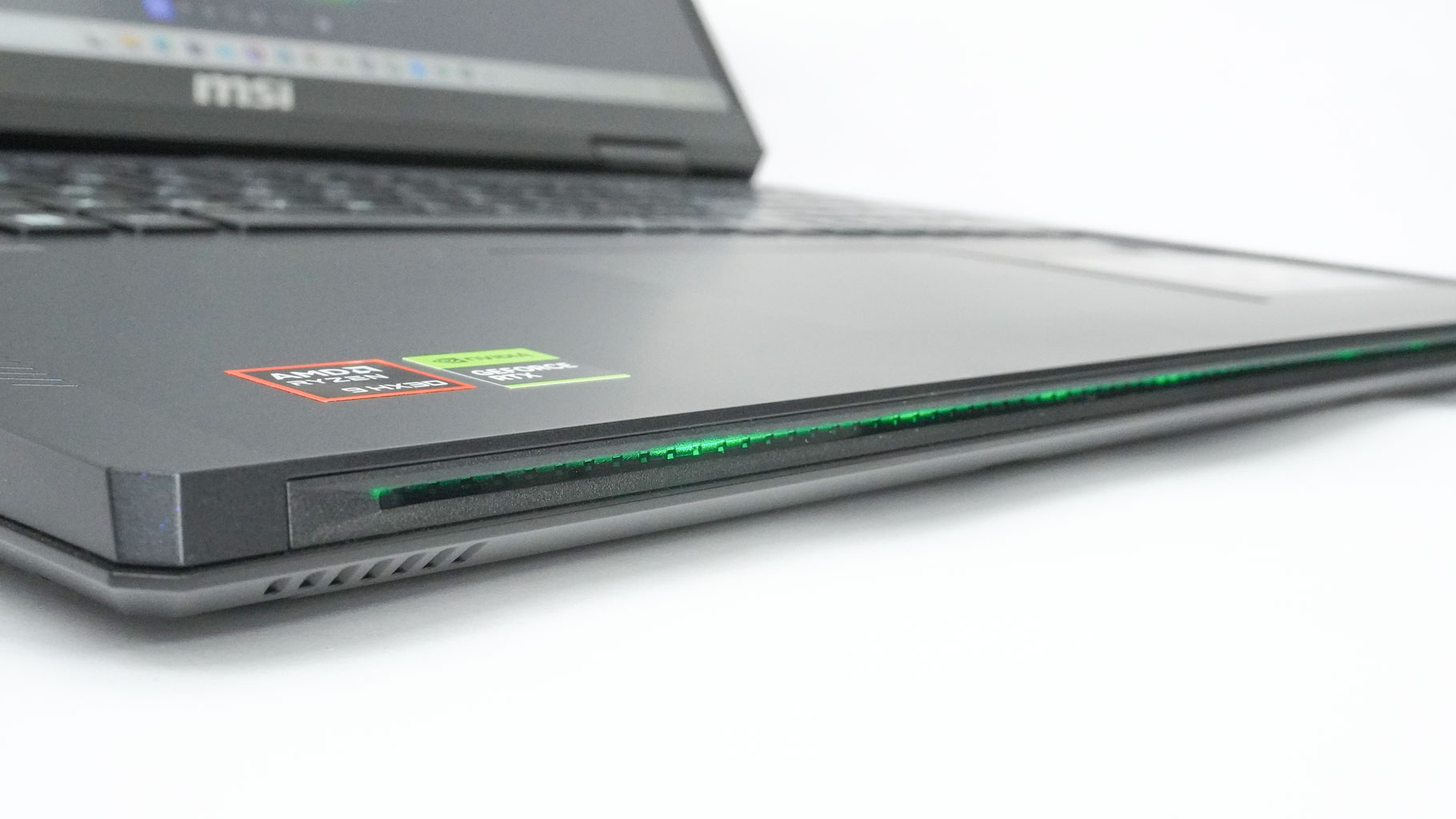
The section around the webcam slightly sticks out of the lid, while the matrix light bar underneath is positioned a bit deeper into the chassis. This creates a small space where you can comfortably place your thumb before opening the machine with one hand.
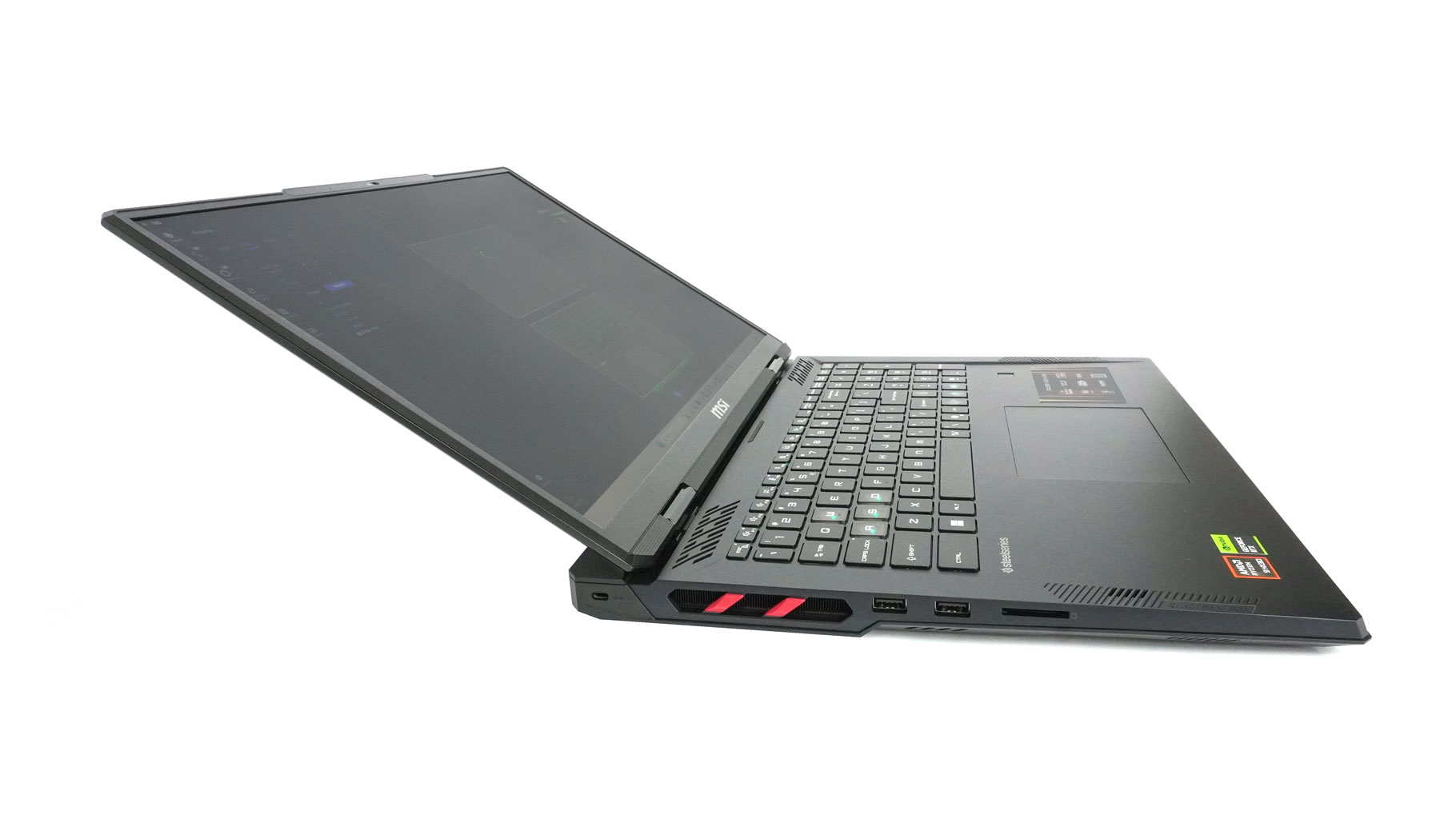
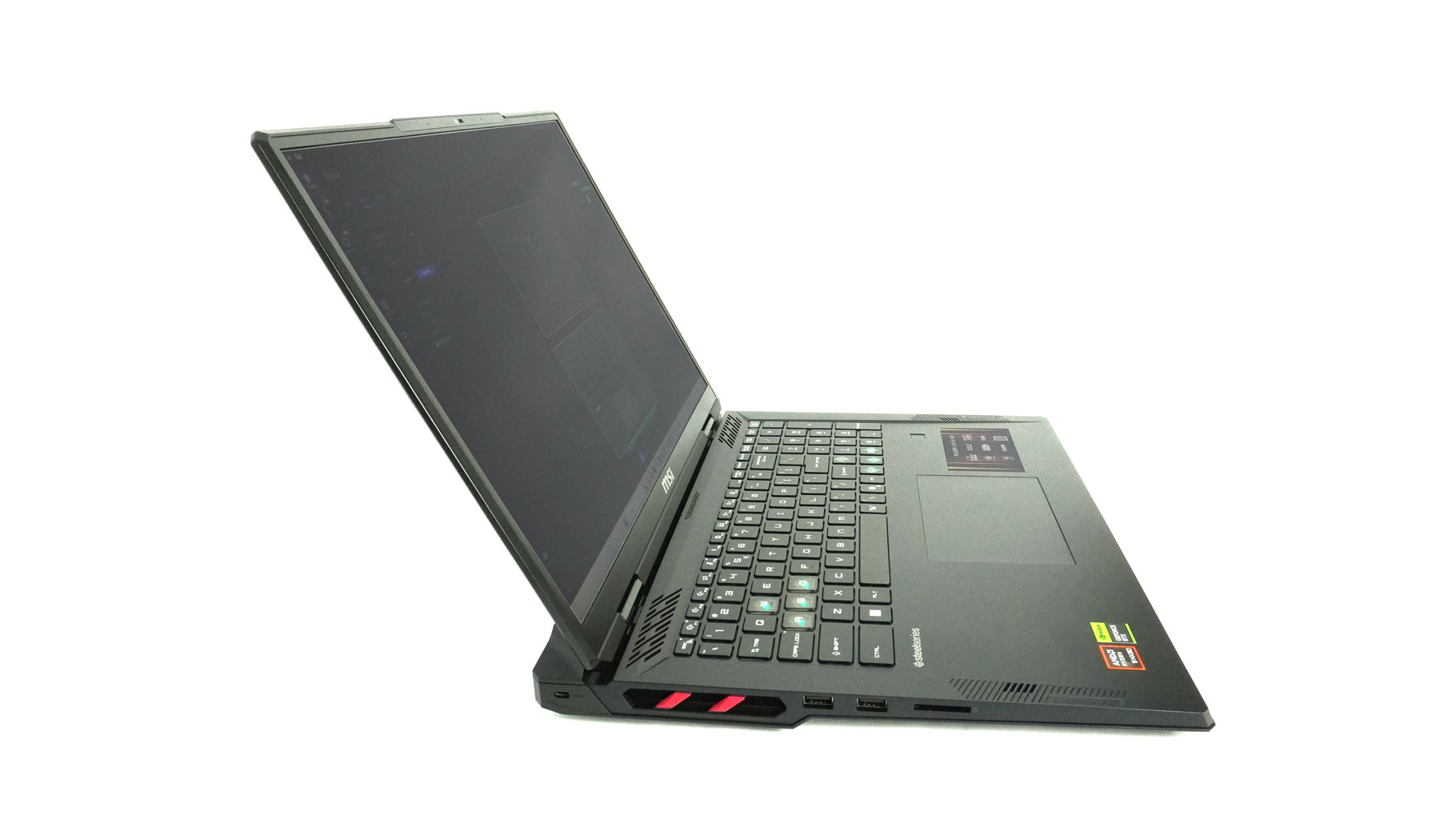
This happens without too much effort; the stable hinges are stiff without being over the top. The lid itself feels quite solid, which is impressive given its size. While you can flex it a bit in the middle or twist it slightly on purpose, the unit feels rigid enough for everyday use.
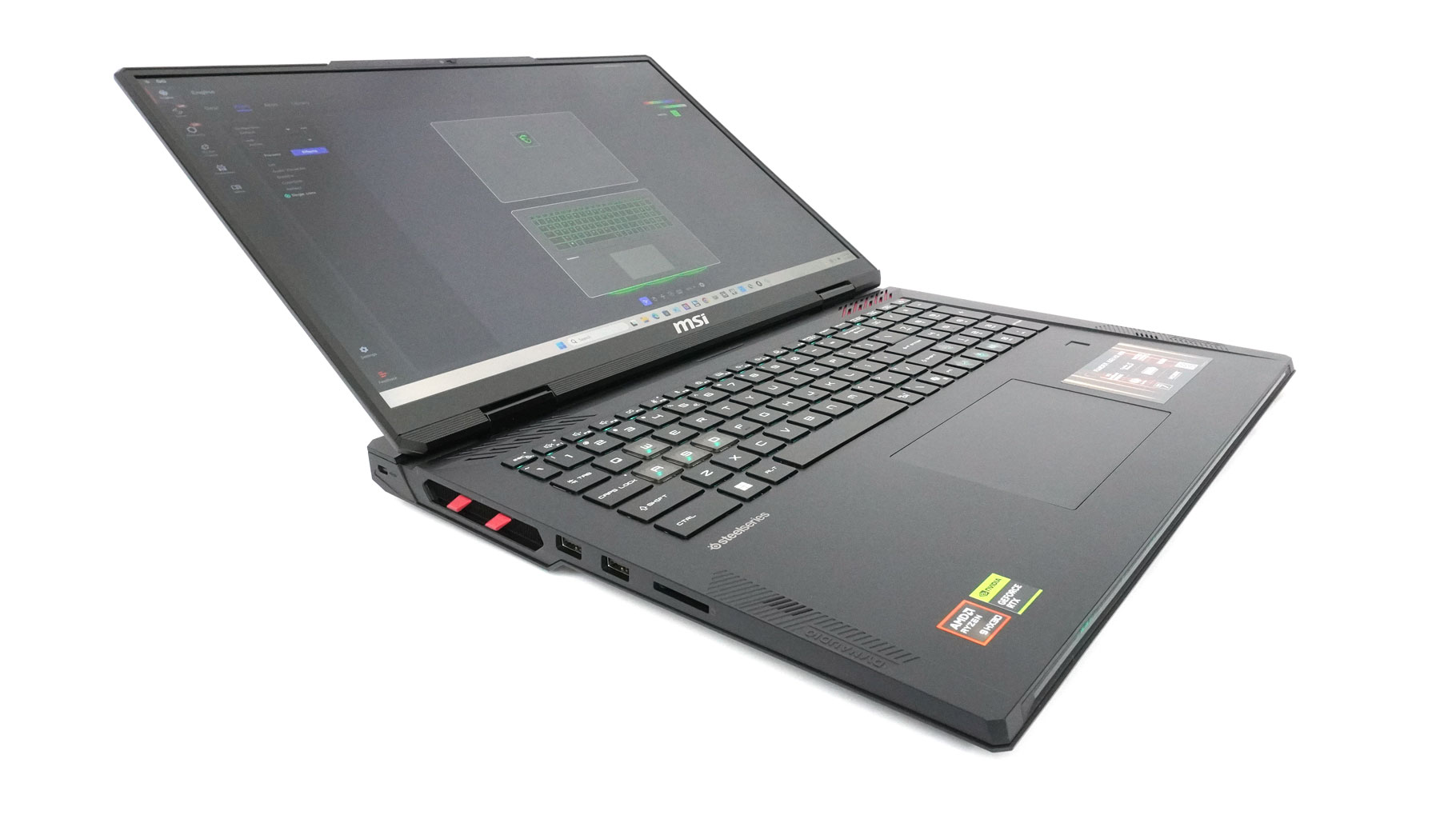
The main body is strengthened on the inside by a magnesium frame, which is why the base is rock solid with one small exception, but we'll talk about it a bit later on. The exterior of the device is made of both aluminium and plastic, I personally prefer a fully metal build.
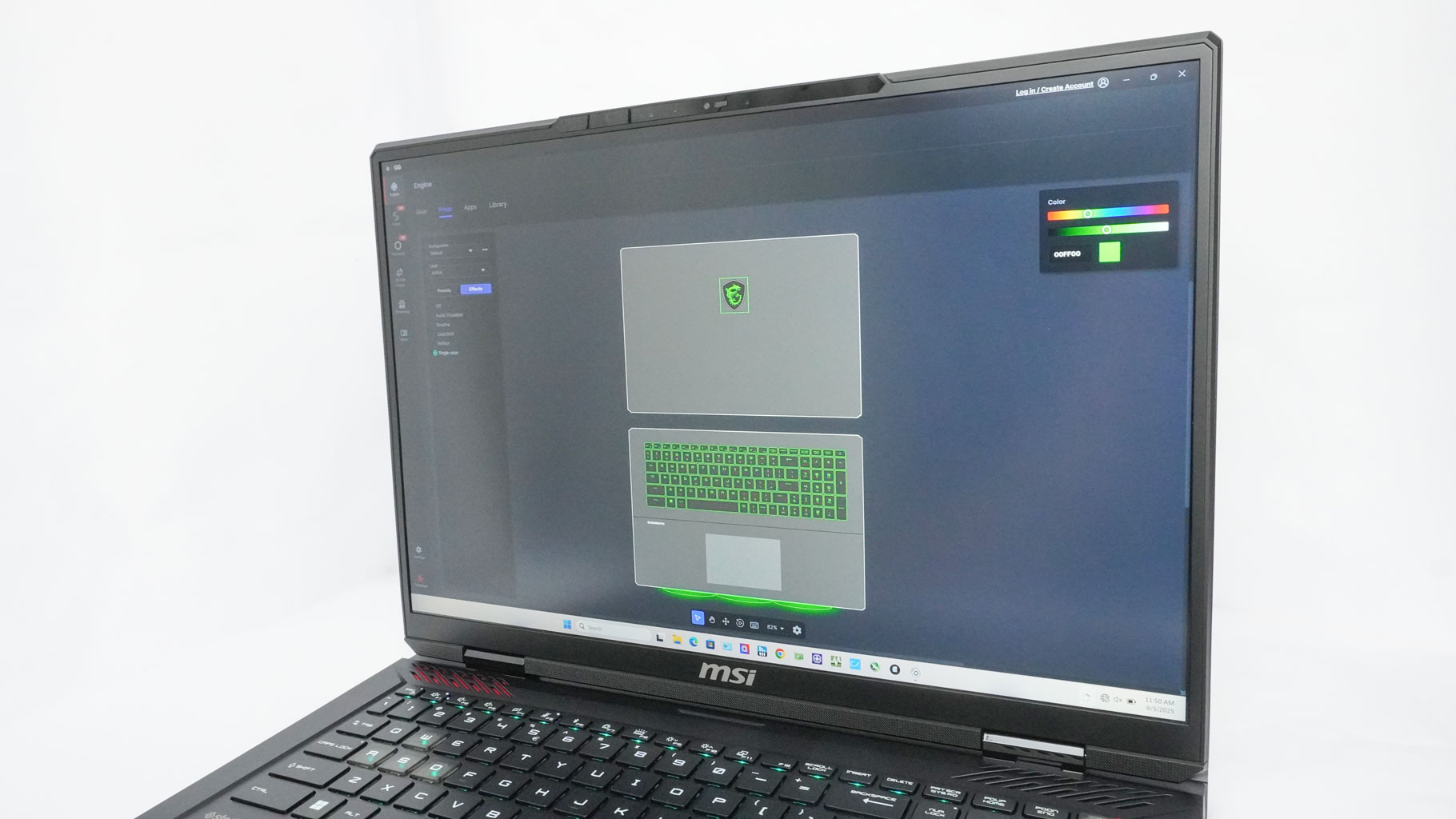
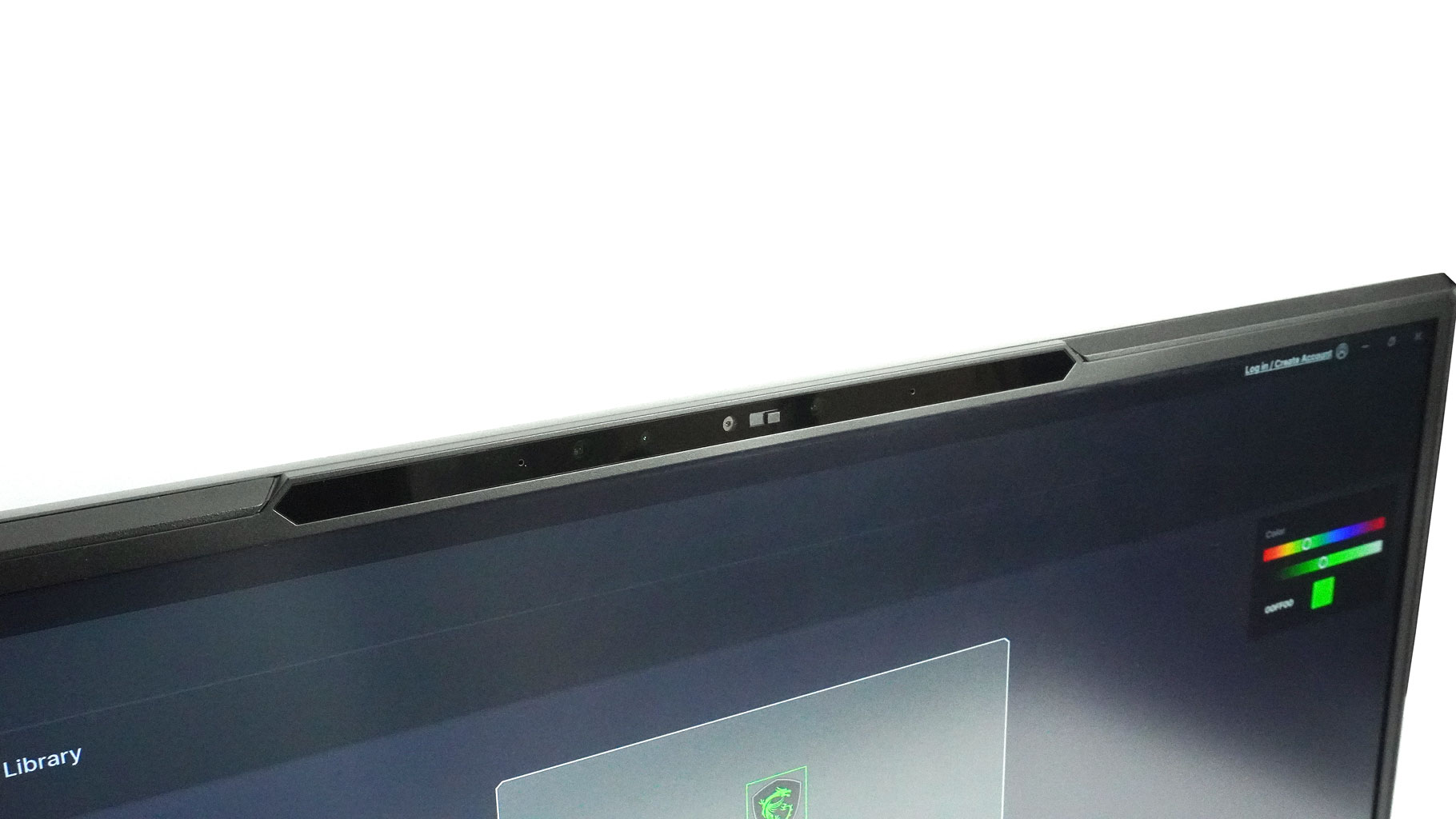
The glossy bar on top of the upper bezel is a bit thicker than the side ones because it houses the 1080p IR webcam that supports Windows Hello. For extra security, a privacy shutter is also included.
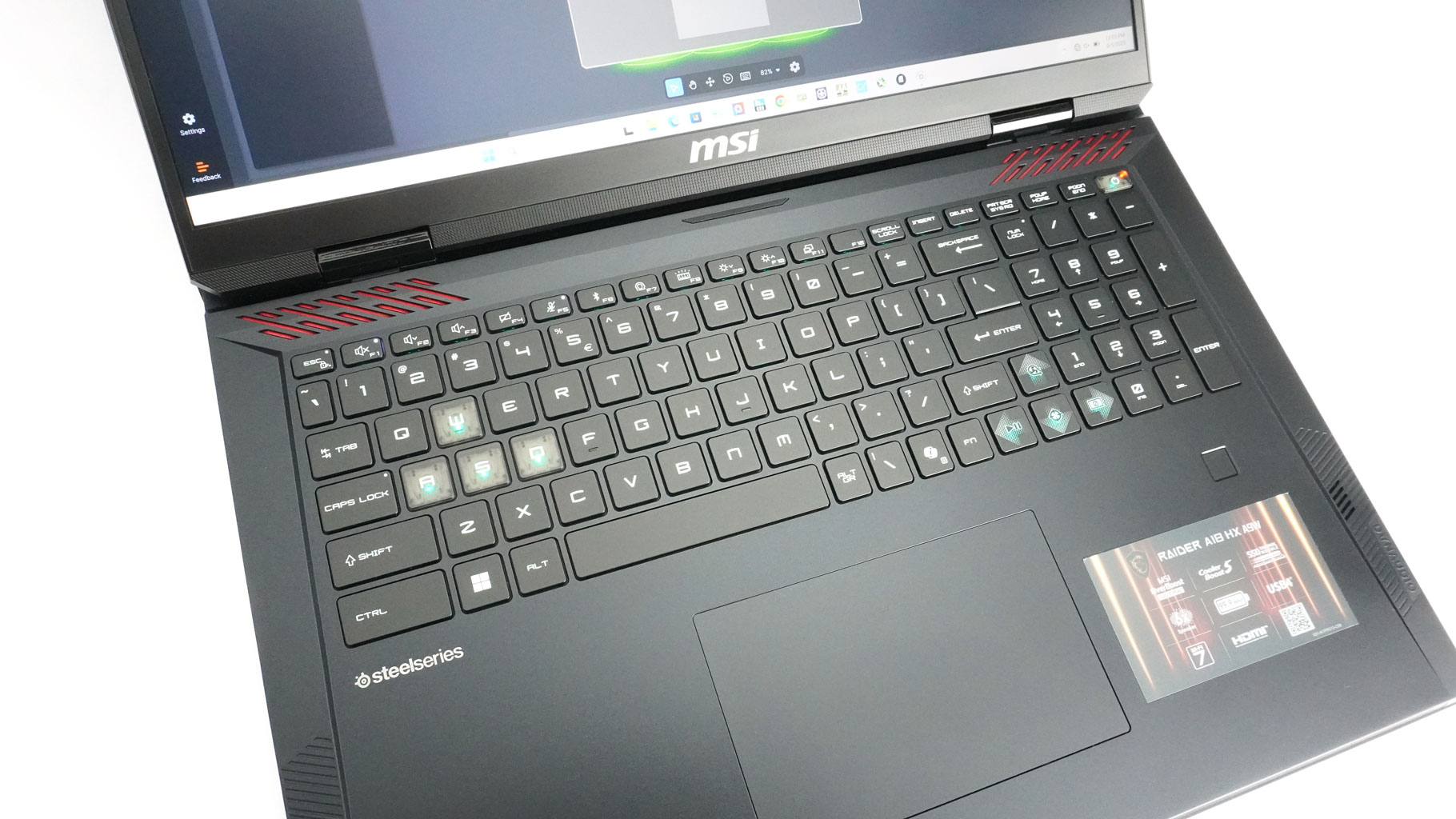
The keyboard is a fantastic SteelSeries per-key configurable RGB unit.
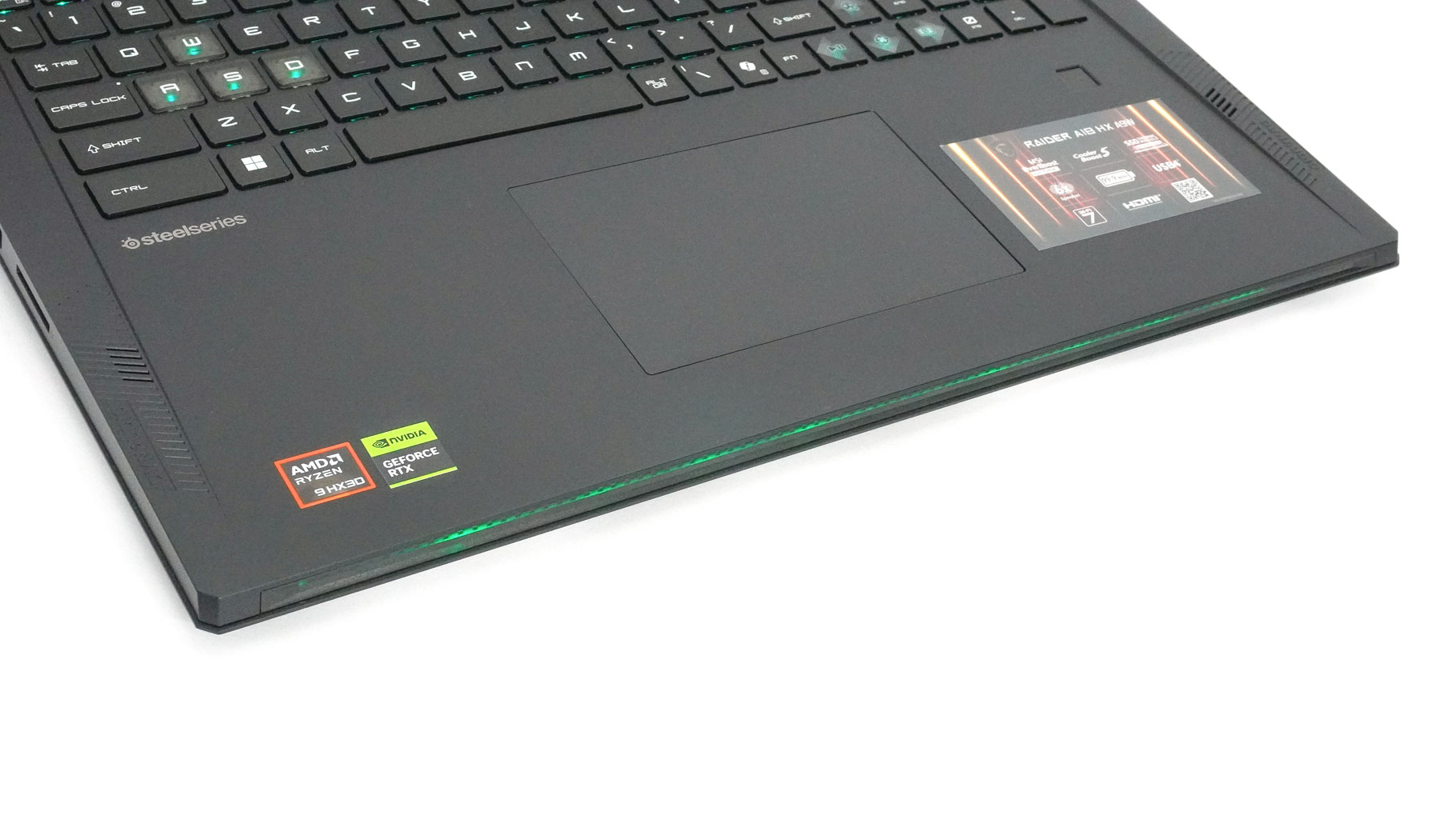
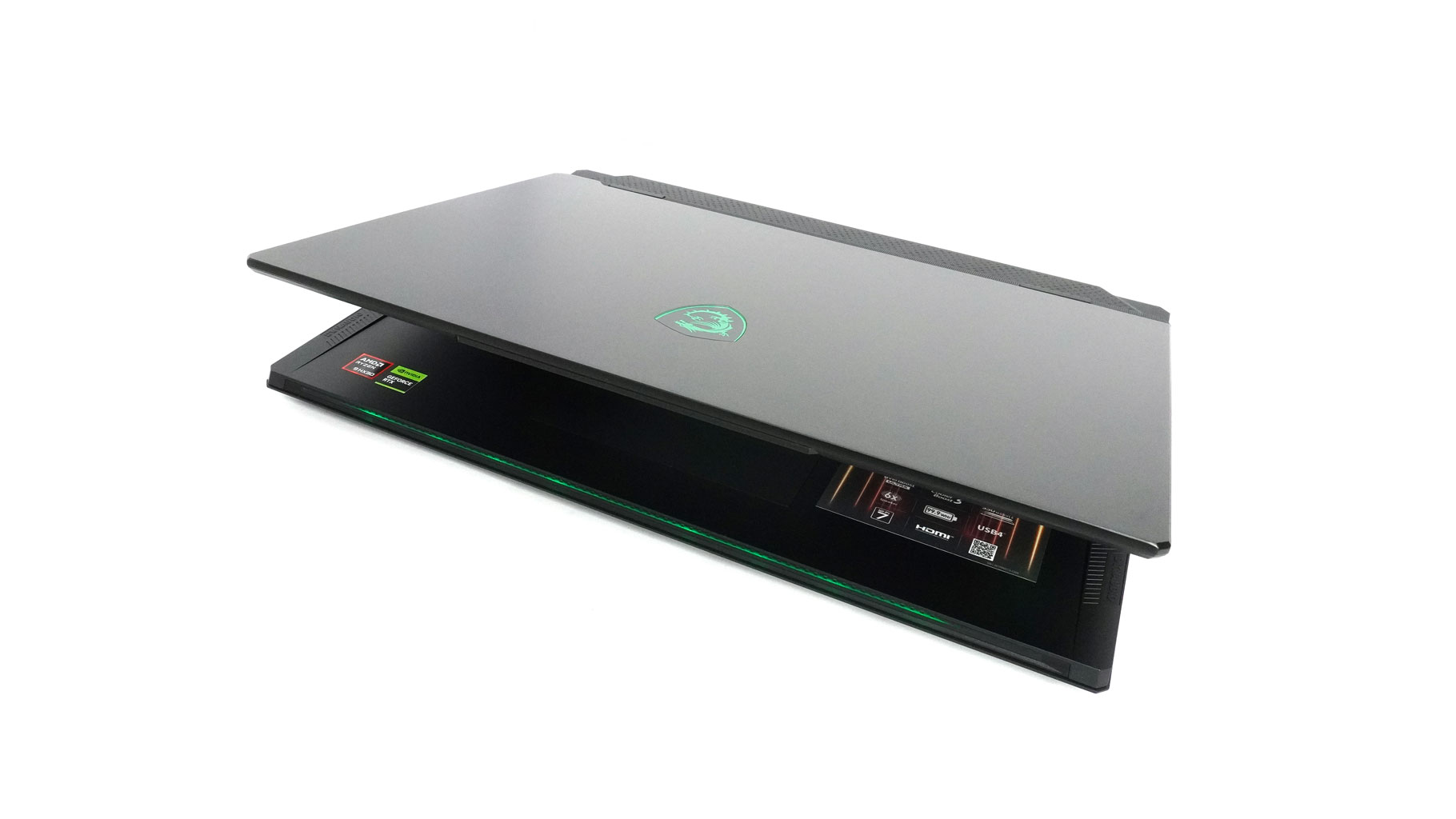
It's highly customizable via the SteelSeries GG app, which controls the lighting for the front light bar and the lid logo. I really like the spacious 4-row NumPad whose keys are as big as the main ones. All keycaps are large, well spaced and grippy, with nicely long travel and feedback that just feels good. It's a great combination for typing, gaming, or work.
I only wish the Fn key was on the left, the Enter key was bigger, and the arrow keys were separated from the main keyboard.
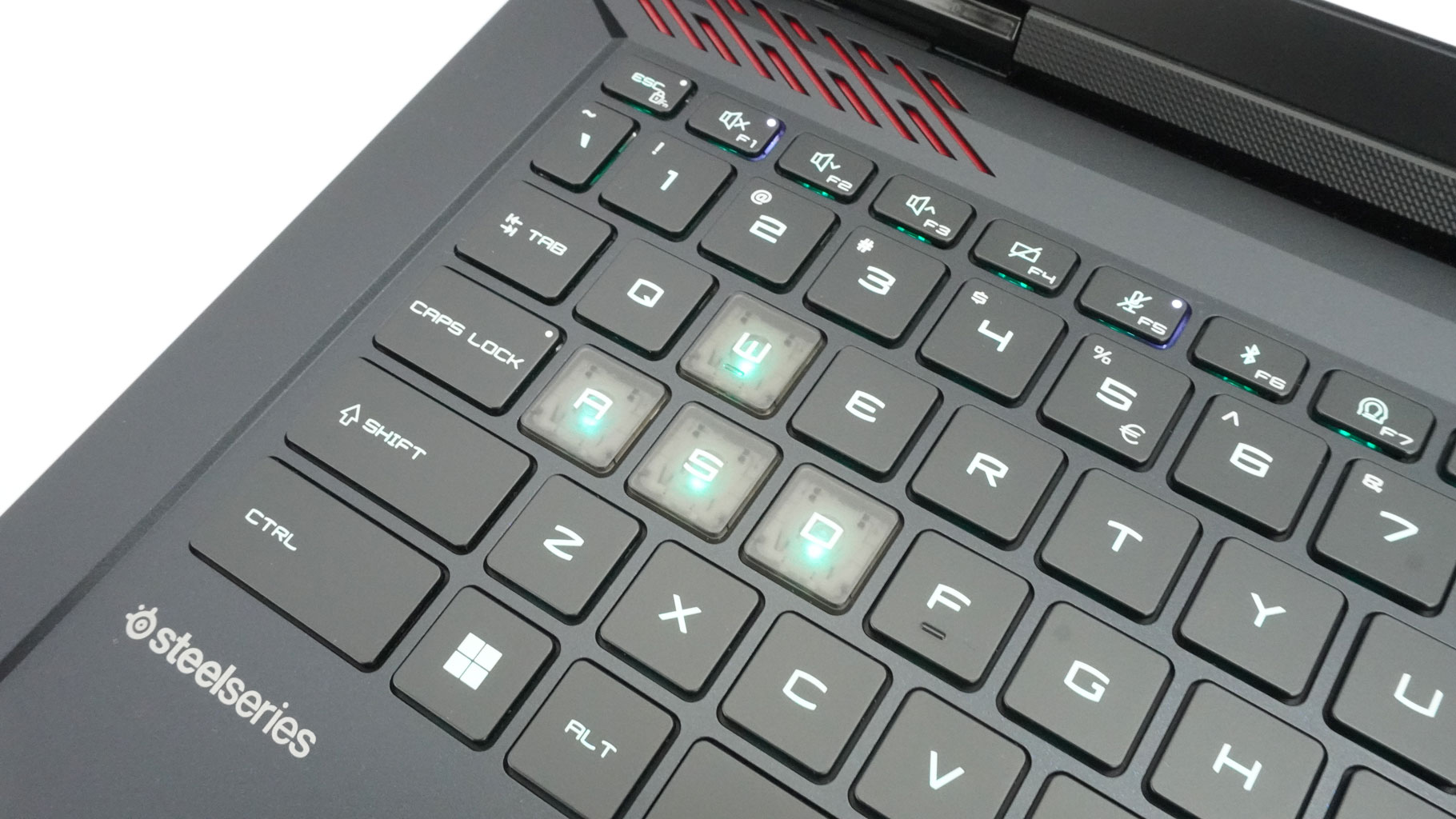

The WASD section and the Power key are translucent. The Power key changes color based on the GPU mode, glowing white when the integrated GPU is active and amber when the discrete GPU is enabled. Now it's time for a little complaining, it's strange that when you press certain keys to the right of the WASD section (specifically E, R, T, F, G), there's some visible flex.
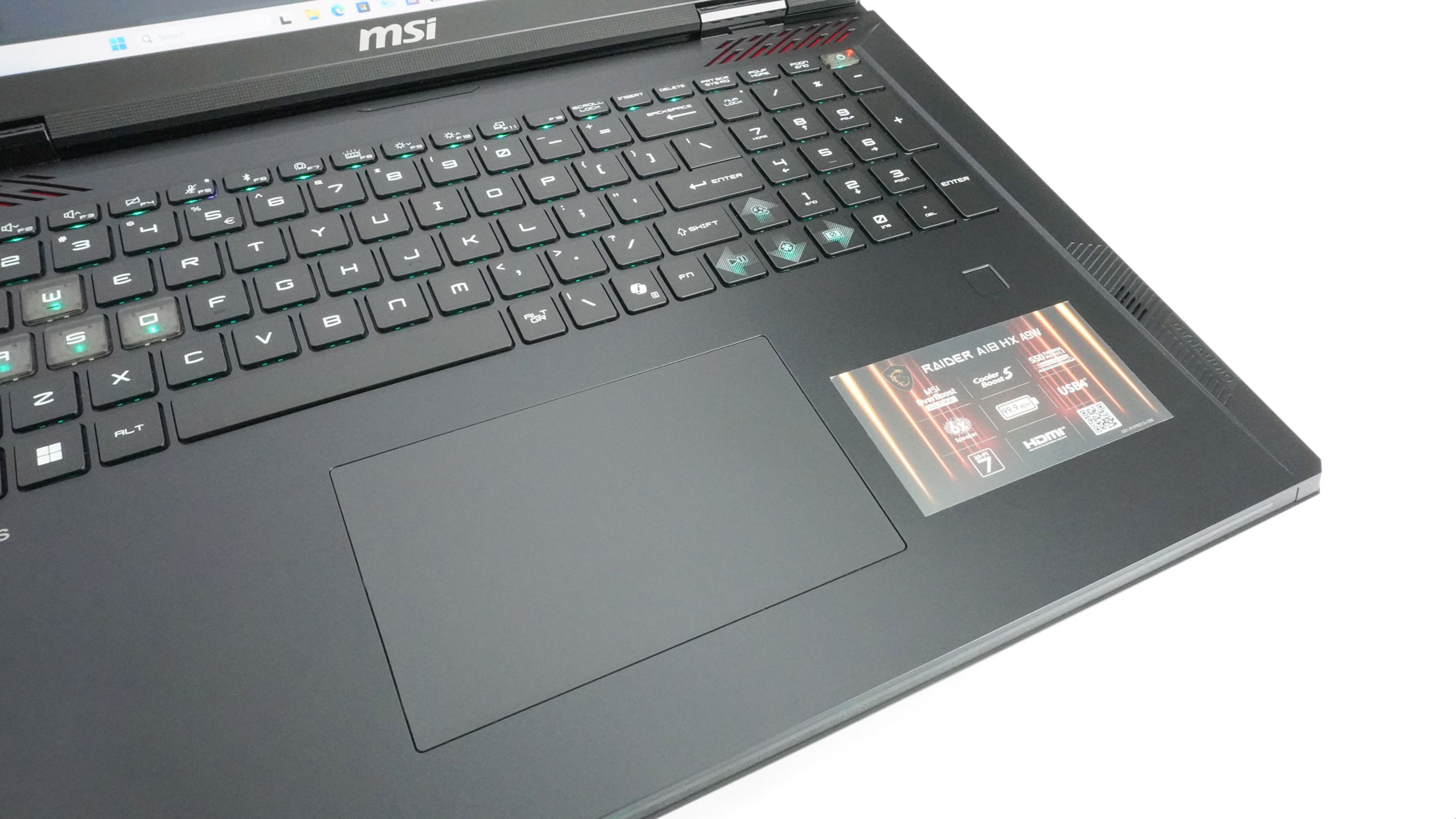
The touchpad isn't huge, but its size feels sufficient for comfortable usage. Overall, it's a decent pad that is precise, reasonably smooth, and with quiet operation. Still, its surface is made of plastic, which doesn't suit well with the premium feel of the whole laptop. Since the pad is centered, your palm won't get in the way while you're gaming.
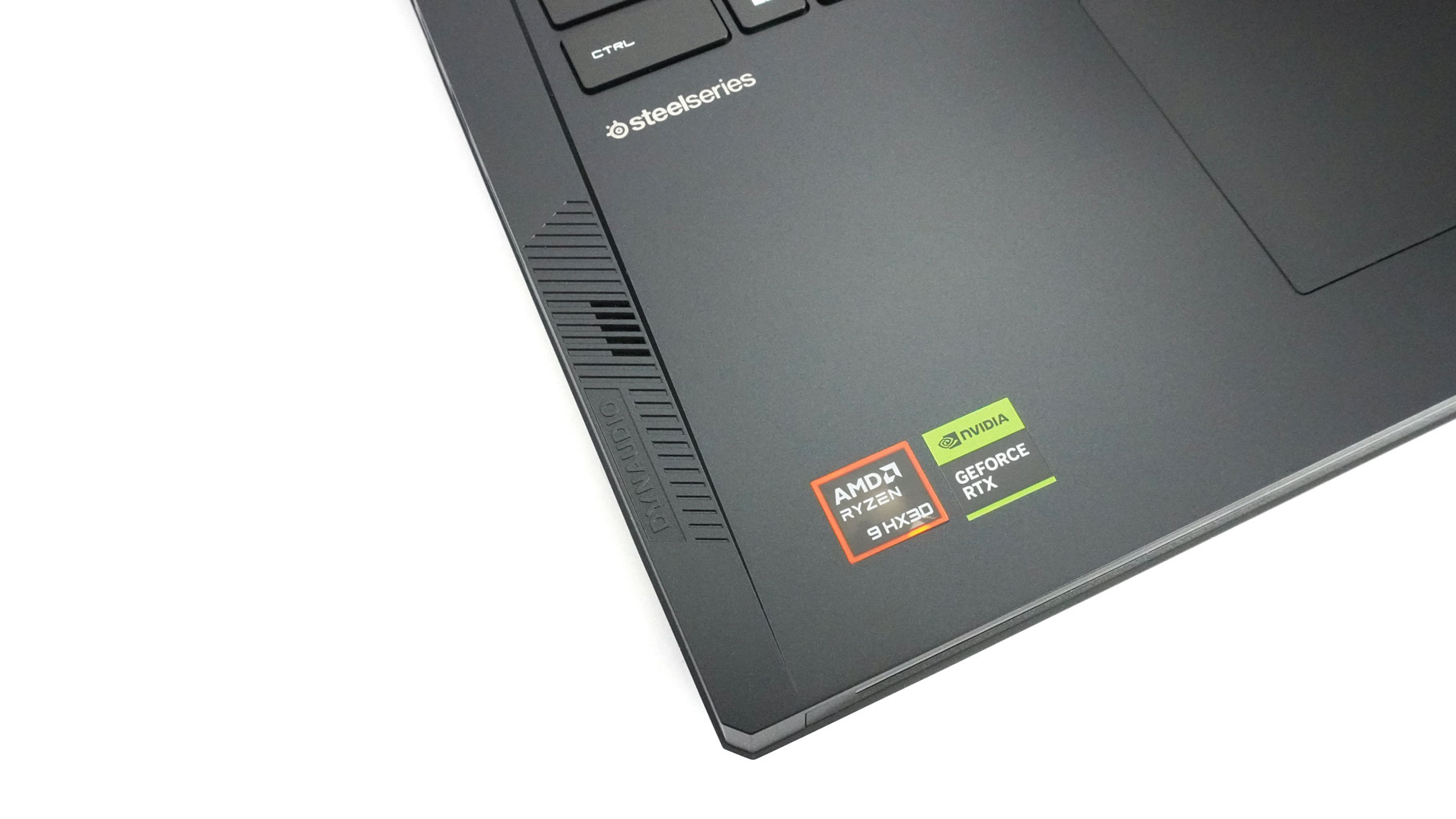
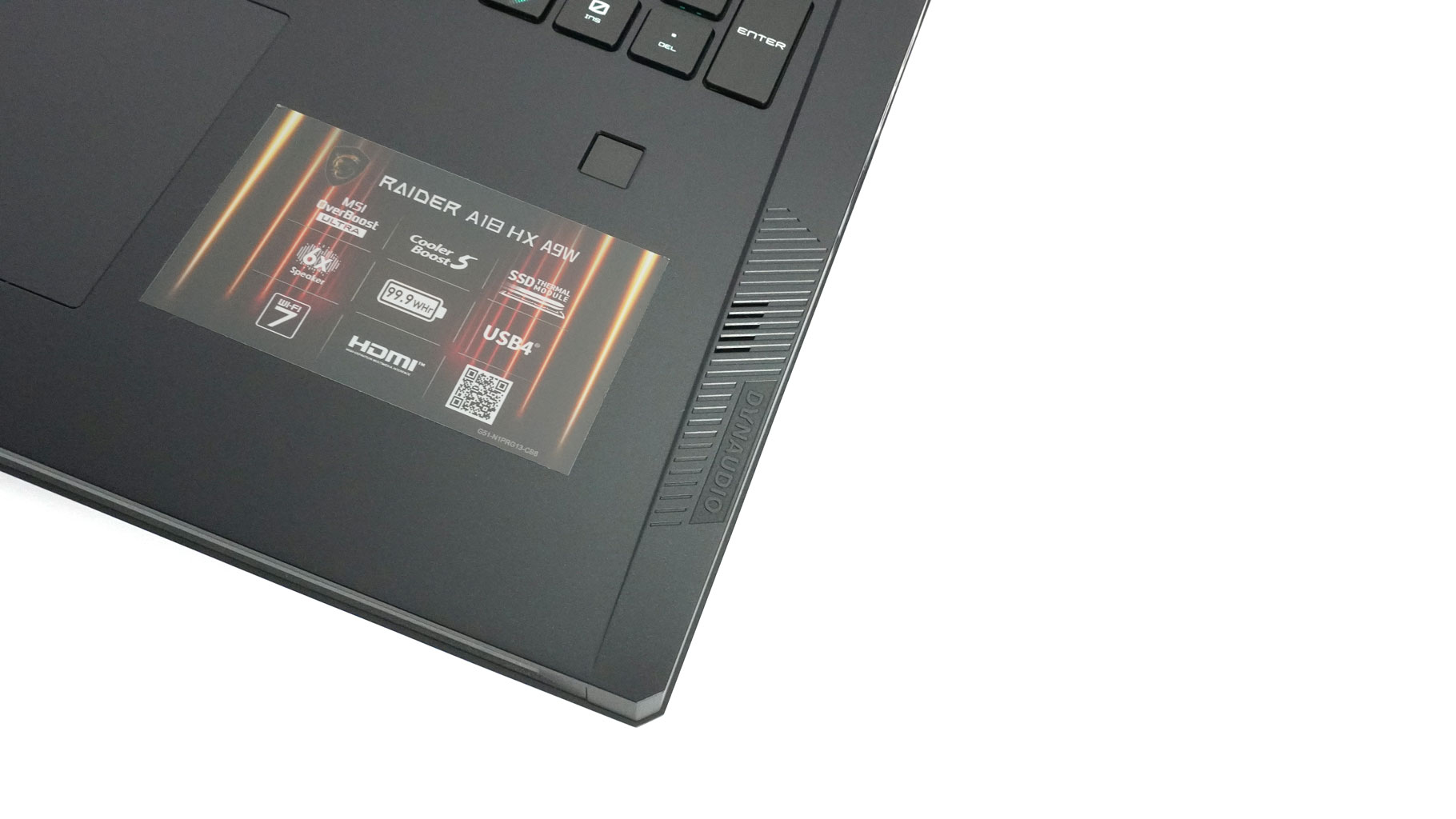
The cutouts for the front-firing subwoofers are on the sides and are marked with the Dynaudio inscription.
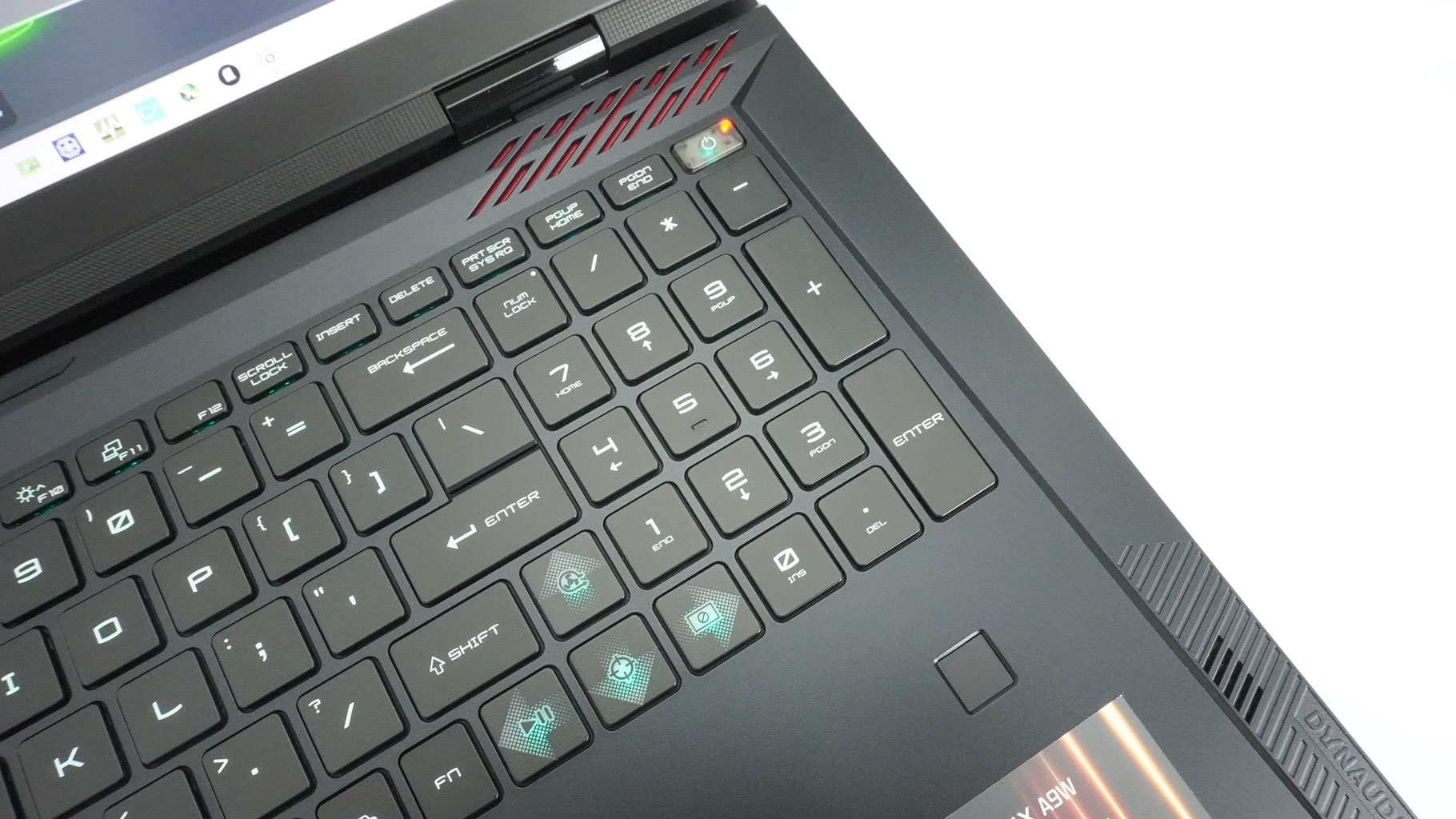
Hold your horses! There's a fingerprint reader under the NumPad! This is a rare find for a gaming laptop, but a great one. The reader works lightning fast, which is crucial—nobody likes sluggish logins.
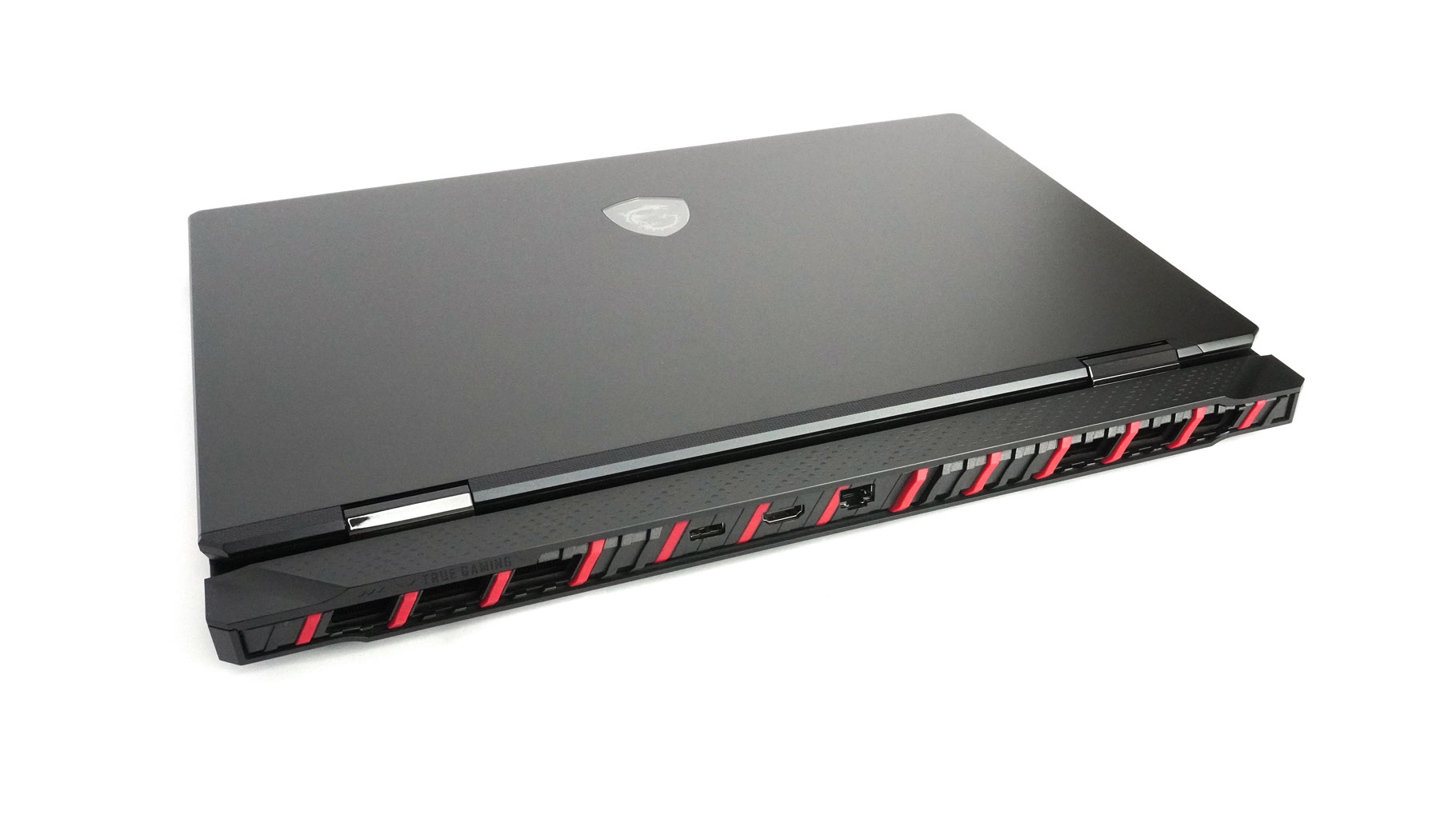
The back is characterized by a more aggressive gamer-centric design with red and black bumped stripes around the exhausts.
I definitely wish there were port indicators on the top of the rear hinge cover.
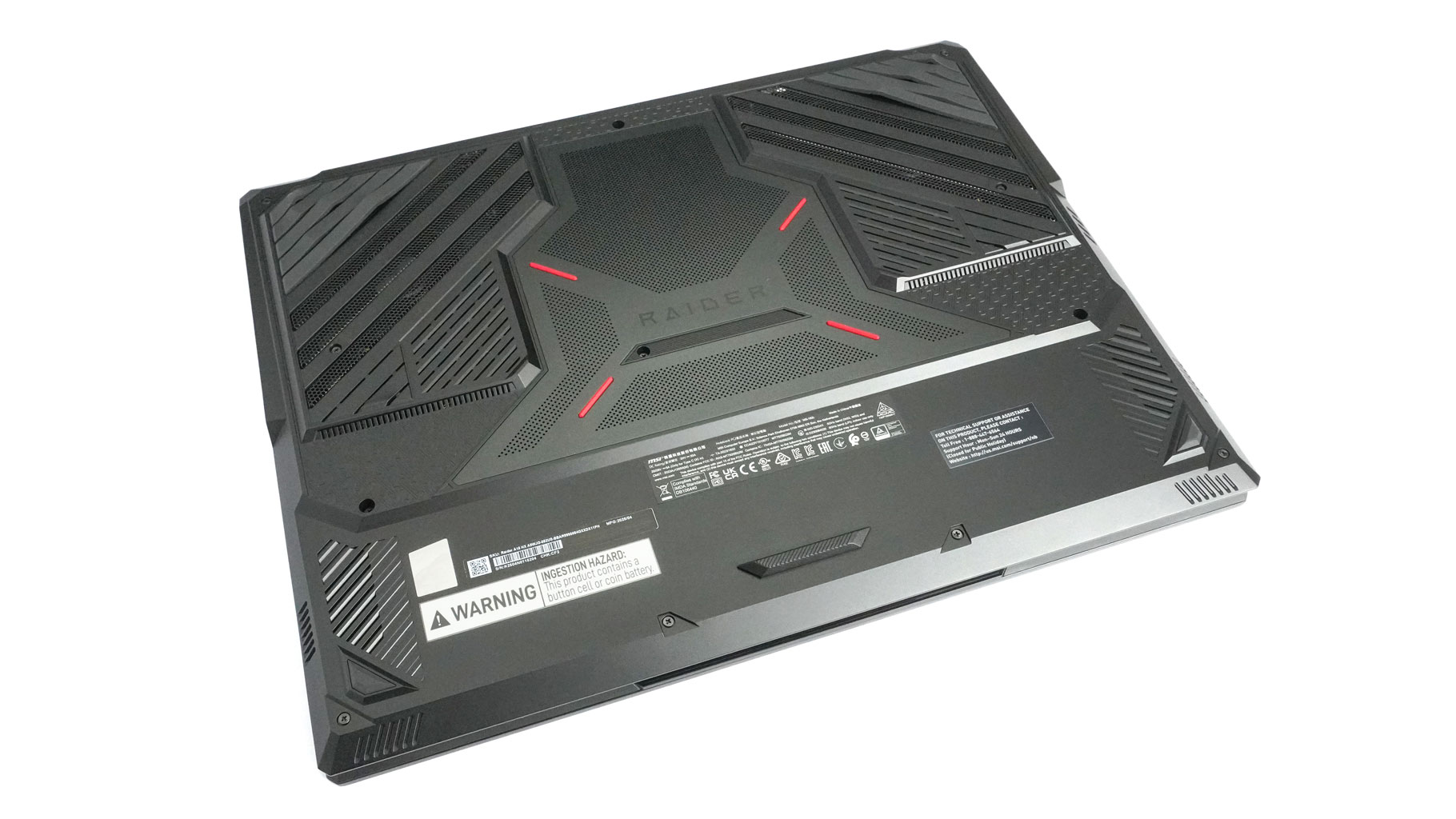
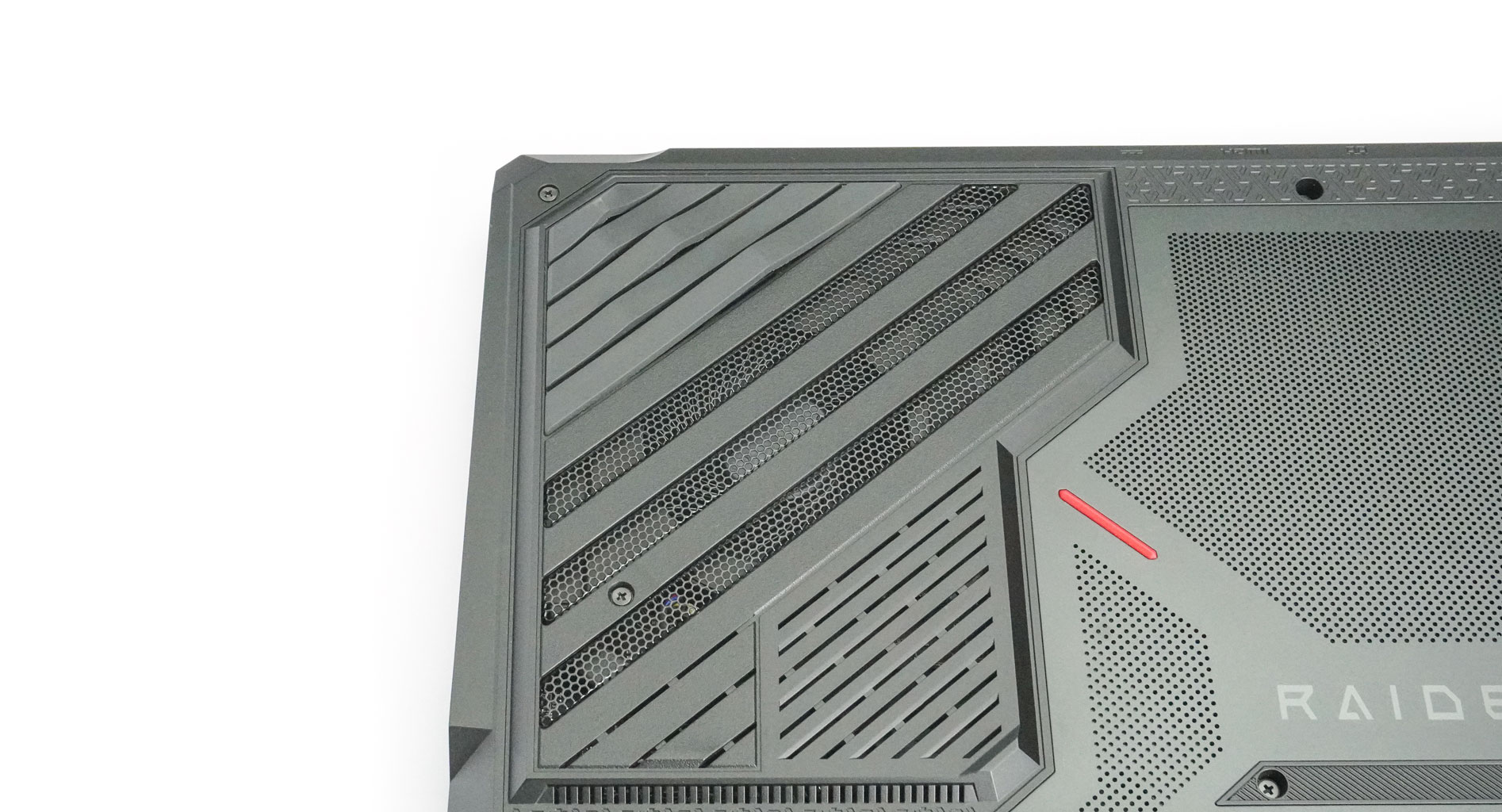
The bottom definitely reveals the gaming nature of this laptop. It boasts many vents and feet in different sizes and shapes. MSI calls the design of the rear feet "3D Stand."
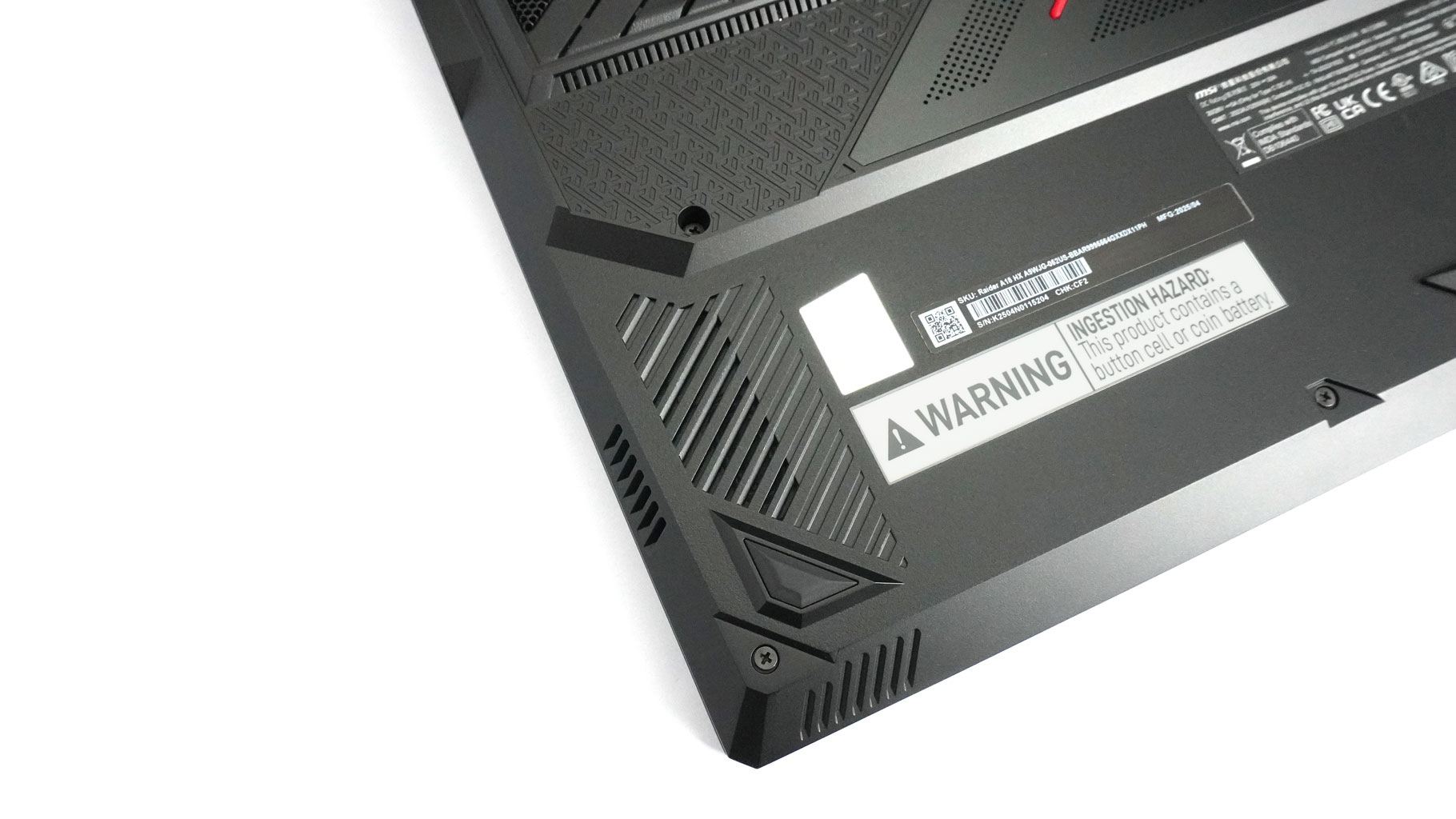
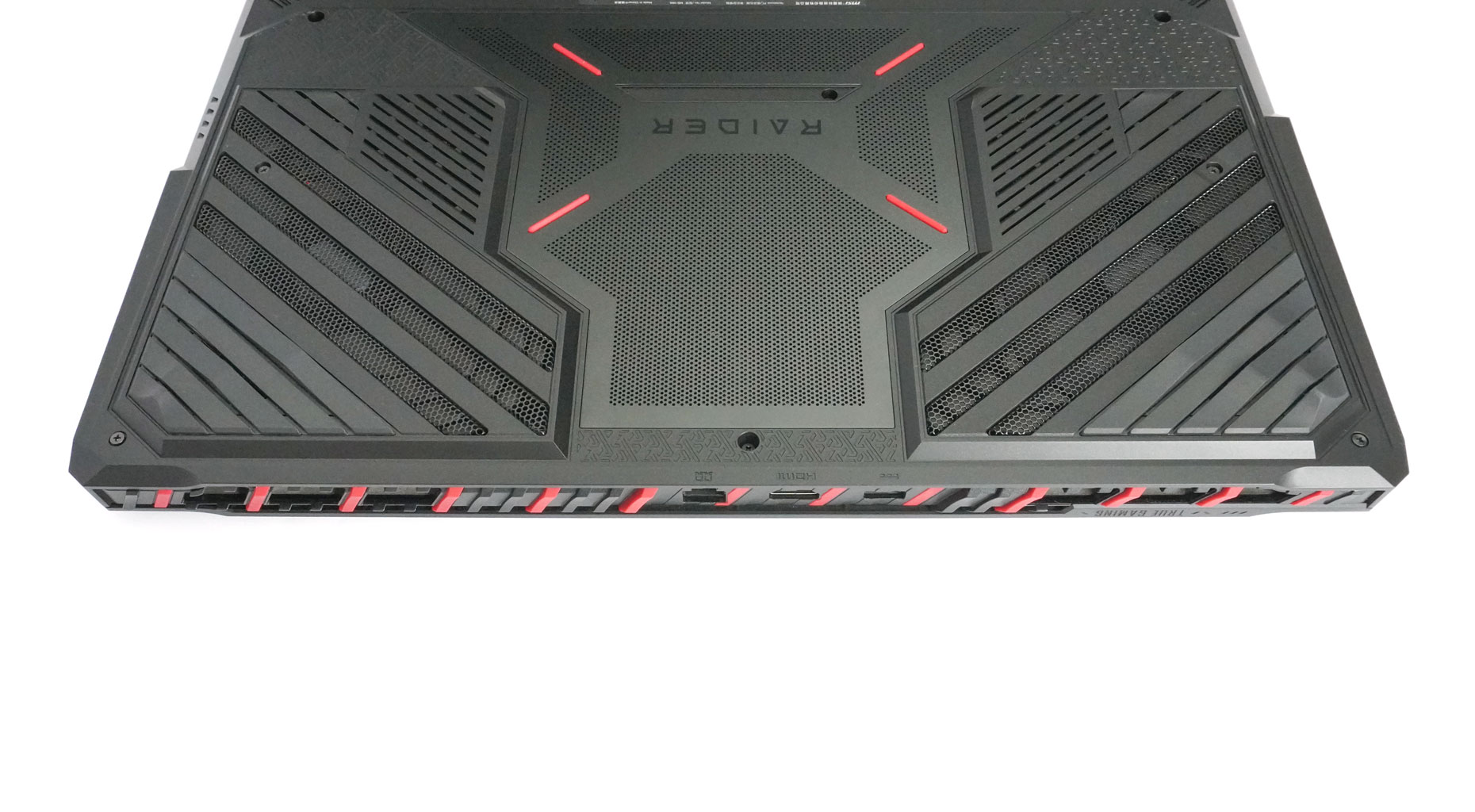
The lower side of the plate houses two-way speaker cutouts. The hot air is dissipated via four exhausts—two on the sides and two on the back.
Nov 24th, 2026 17:34 CST
change timezone
Latest GPU Drivers
New Forum Posts
- Which ryzen am5 cpu ? (208)
- X79 and/or rampage IV OC'ing thread for those of us still left.... (2453)
- The time has come to upgrade...my desktop (8)
- {NA} 2026 Black November prices / deal (1)
- Help finding Xbox Series X manual fan controller. (0)
- WireView Pro II GPU Alignment: Wired | Variant: Black (7)
- AMD ULL settings tinkering thread - post settings and Zen pics (89)
- Your PC ATM (36500)
- Linpack Xtreme Released (510)
- Asus ROG Strix XG27AQWMG compared to XG27AQWMG-R what changed? (0)
Popular Reviews
- Microsoft Surface Laptop Ultra Review - The Next-gen Arm Laptop
- ASRock X870E Challenger Wi-Fi White Review
- Upcoming Hardware Launches 2027 (Updated Nov 2026)
- Corsair RM1200e (Second Generation) Review
- AMD Ryzen 7 9800X3D Review - The Best Gaming Processor
- VZMORE AX9 Max Review
- AMD Zen 6 Technical Deep Dive
- AMD Ryzen 7 7700X3D Review
- Pulsar Office Tour & First Look at P1 Dual-Sensor Mouse
- Phantom Blade Zero Performance Benchmark Review - 35 GPUs Tested
TPU on YouTube
Controversial News Posts
- Jensen Huang Reinstated as CEO of NVIDIA (525)
- NVIDIA Co-Founder and CEO Jensen Huang Officially Resigns (492)
- Report: Jensen Huang Eyes NVIDIA Comeback (281)
- Open Letter Asking NVIDIA to Reinstate Jensen Huang Passes 115,000 Signatures (184)
- OpenAI CEO Argues Home PCs Waste the World's Limited DRAM Supply (152)
- NVIDIA Launches Investigation Into Jensen Huang's Relationship With Suspected Chinese Spy (136)
- Intel "Raptor Lake Next" 16-Core and 20-Core CPUs Surface (130)
- Intel Razor Lake Gets a 12 P-Core bLLC Chip With No E-Cores, Per Leak (93)