 13
MSI Trident X 9th (Intel Core i7-9700K + NVIDIA GeForce RTX 2080) Review
(13 Comments) »Introduction

MSI has become a powerhouse in the PC market, having grown from their humble beginnings back in 1986 to be a top-tier provider of motherboards, graphics cards, CPU coolers, laptops, desktops, and more today. Essentially, they have expanded into nearly every sector of the market with this rise to prominence being fueled by unrivaled attention to brand identity and marketing, especially over the last decade or so.

In today's review, I will be looking at MSI's Trident X 9th 9SE-06STW. This model features an Intel Core i7-9700K alongside an MSI NVIDIA GeForce RTX 2080 Ventus OC. Rounding out the typical specifications are 16 GB of DDR4, a 256 GB SSD, and a 2 TB HDD for storage, all inside a Mini-ITX chassis the size of a typical game console. It also has RGB lighting because well, why wouldn't it? Before we dig any deeper, let us take a look at the system's full specifications.
| Specifications | |
|---|---|
| Manufacturer: | MSI |
| Model: | Trident X 9th |
| Chassis: | Mini-ITX tower 1x Power switch 1x USB 3.1 Gen1 Type C 1x USB 2.0 Type A 1x USB 3.1 Gen1 Type A 1x Mic-in 1x Headphone-out |
| Processor: | Intel Core-i7 9700K 3.6 GHz base (4.9 GHz Boost) |
| CPU Cooling: | 5-heat pipe SFF cooler with 1x 120 mm RGB fan |
| Motherboard: | Intel Z370 chipset MSI Z370I GAMING PRO CARBON AC |
| Operating System: | Windows 10 64-bit |
| Integrated Graphics: | Intel UHD Graphics 630 |
| Dedicated Graphics: | MSI NVIDIA GeForce RTX 2080 Ventus 8 GB 8 GB GDDR6 3x DisplayPort 1x HDMI 1x USB-C |
| Memory: | 32 GB (2x 16 GB) Samsung CL 20-18-19-43 @ 2666 MHz DDR4 2x DIMM slots (2x occupied) |
| Storage: | 512 GB Samsung PM981 M.2 NVMe SSD 2 TB Seagate BarraCuda 5400 RPM HDD 1x M.2 slot (occupied) 2x SATA3 ports (1x occupied) |
| Optical Drive: | Not available |
| Rear I/O: | 1x PS/2 Combo Port 2x USB 2.0 1x DP out (1.2) 1x HDMI out (1.4) 1x USB 3.1 Gen2 Type A 1x USB 3.1 Gen2 Type C 2x USB 3.1 Gen1 Type A 1x RJ45 5x Audio jacks 1x Optical S/PDIF out |
| Networking/Communication: | 1x Intel I219-V Intel Dual Band Wireless-AC 3168 |
| Audio: | Realtek ALC1220 |
| Input Device: | None provided with test system |
| Power: | Thermaltake Smart 600 650 W 80 Plus Gold Not modular |
| Warranty: | One year |
| MSRP: | No price currently listed |
Packaging and Contents

Not much to say about the box since there aren't any fancy graphics or details on the system listed. Essentially, it is just an ordinary cardboard box with foam inserts to keep the Trident X safe during transport.

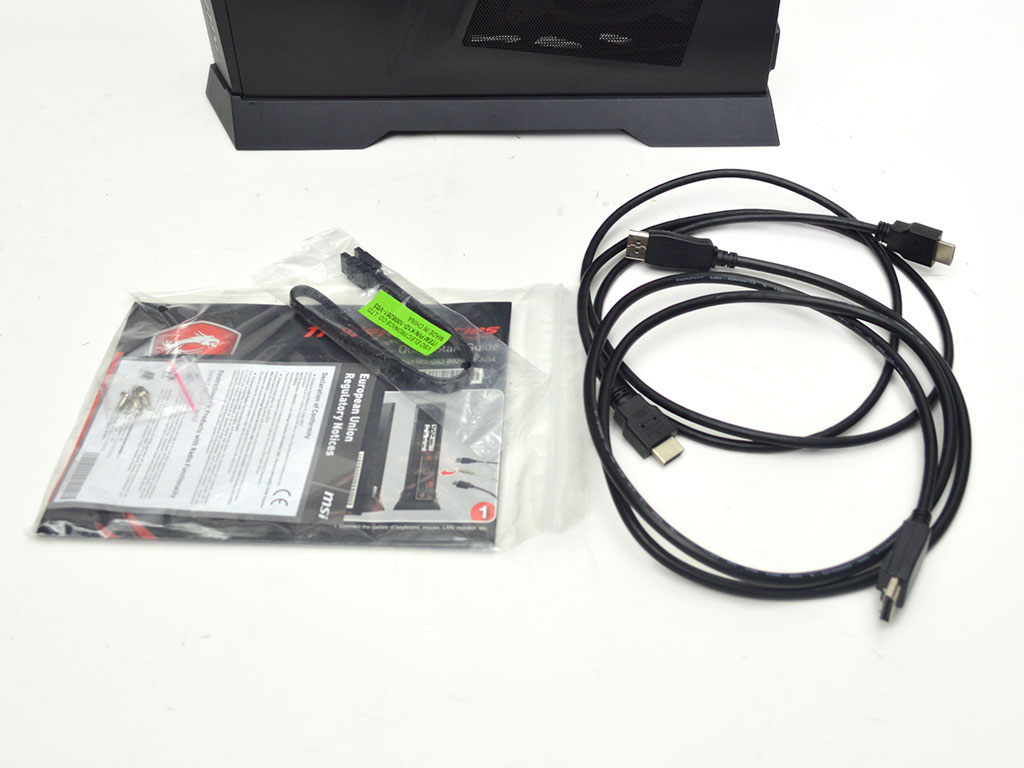
When it comes to accessories, you will find the usual assortment of extras, including SATA cables, miscellaneous literature, display cables, hinges, and a tempered glass side panel—everything you would expect to get the system up and running besides a keyboard, mouse, and monitor.
On a side note, the tempered glass side panel feels entirely unnecessary and adds next to nothing to the system other than cost. No one wants to see the wiring of their system unless it's custom. As such, MSI could save money here by excluding the tempered glass panel to improve the value of the system compared to the competition.
- Trident X 9th gaming PC
- Power cable
- Extra screws
- Extra SATA cables
- Miscellaneous literature
- Display cables
- Hinges
- Tempered glass side panel
A Closer Look
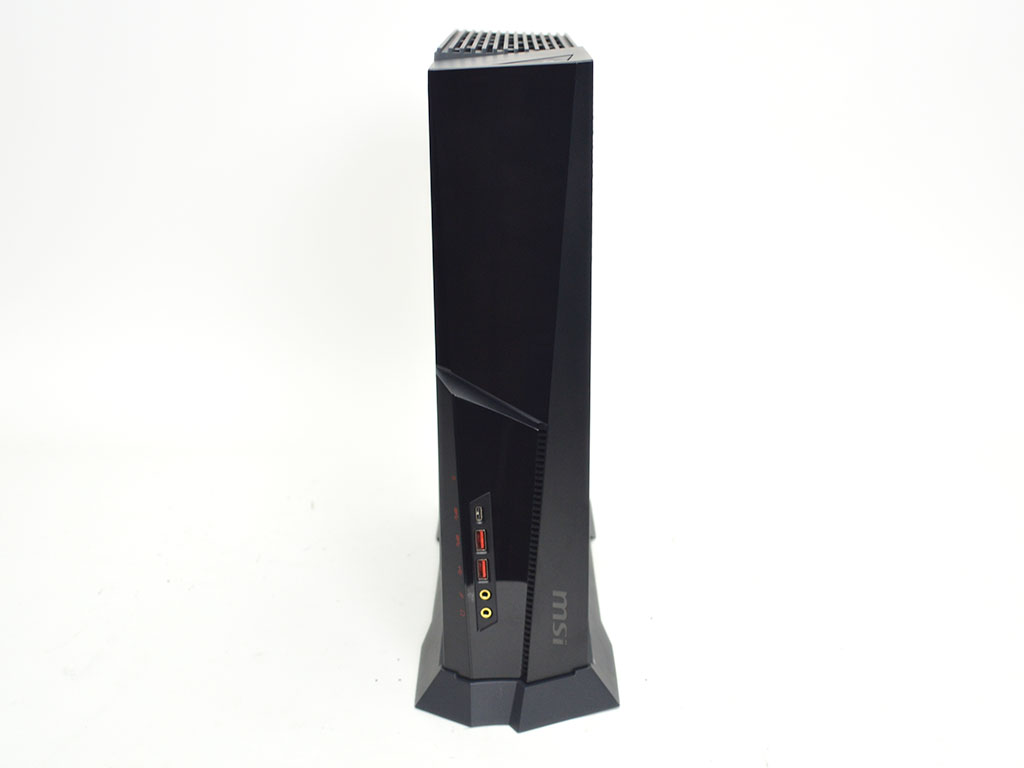
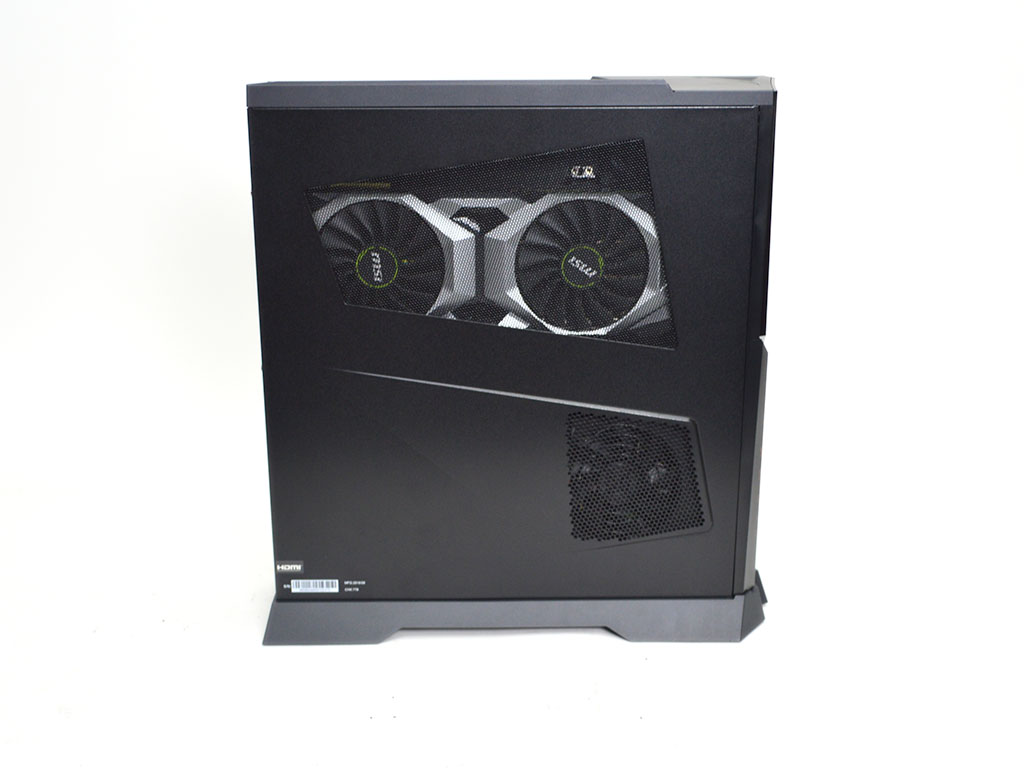
Taking a look at the front, it seems relatively plain for an MSI system at first glance; however, once the system is turned on, the plastic front is illuminated via RGB LEDs. Minor venting has also been put at the bottom front, near the USB and audio ports. Due to the system's size, no options for an optical drive exist, but that's not really a problem in this day and age. Moving on to the left-hand side, we find the graphics card and power supply, which both have direct venting for air intake. Although much more appealing to look at than a standard rectangle, the angular design of the vents offers nothing from a performance standpoint.

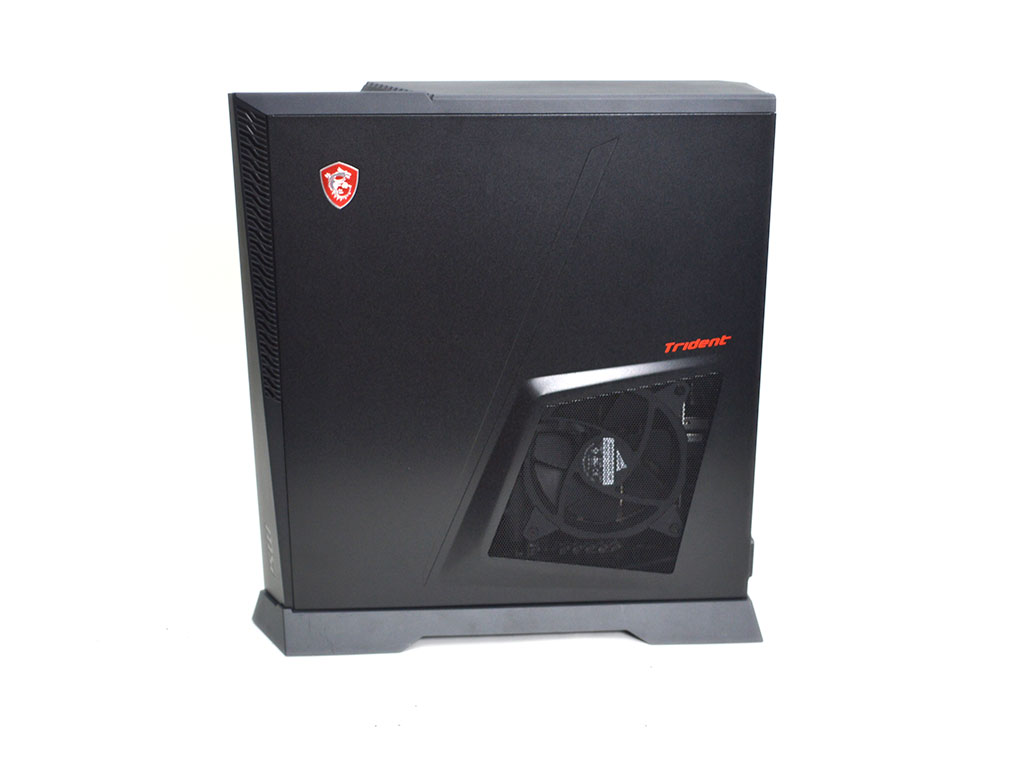
The back of the system shows off an inverted design with the motherboard at the bottom, below the graphics card and behind the power supply. Meanwhile, the right-hand side has an angular vent for the CPU heatsink fan that acts as an exhaust. An MSI badge is in the top left, near some more air vents.
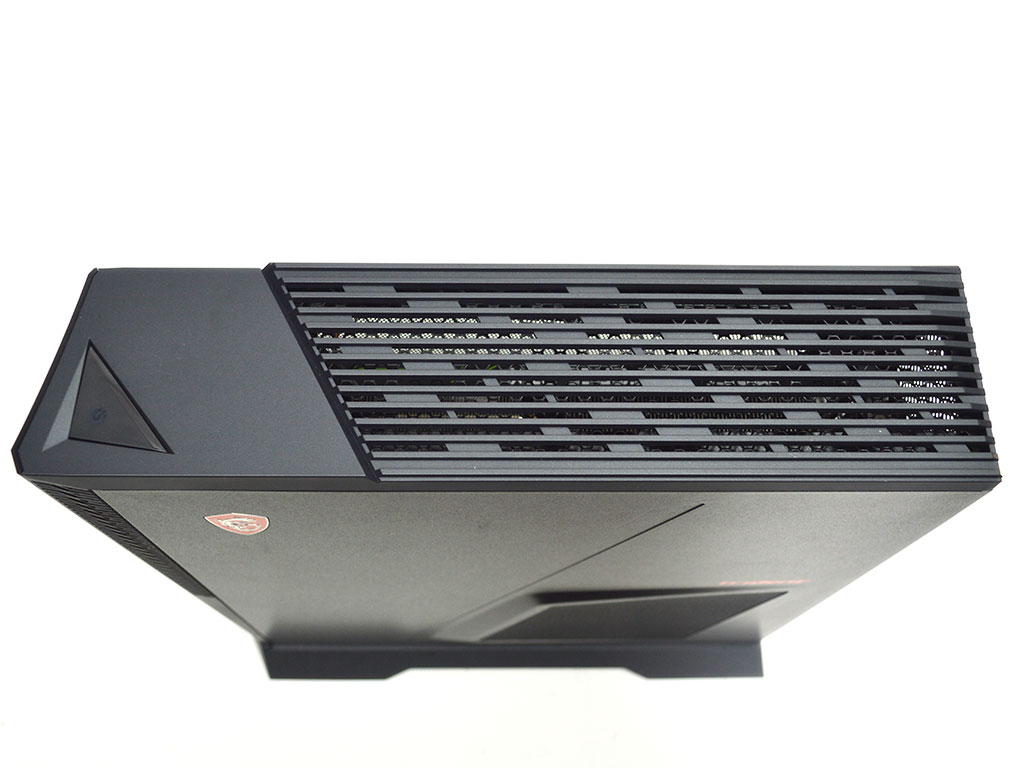
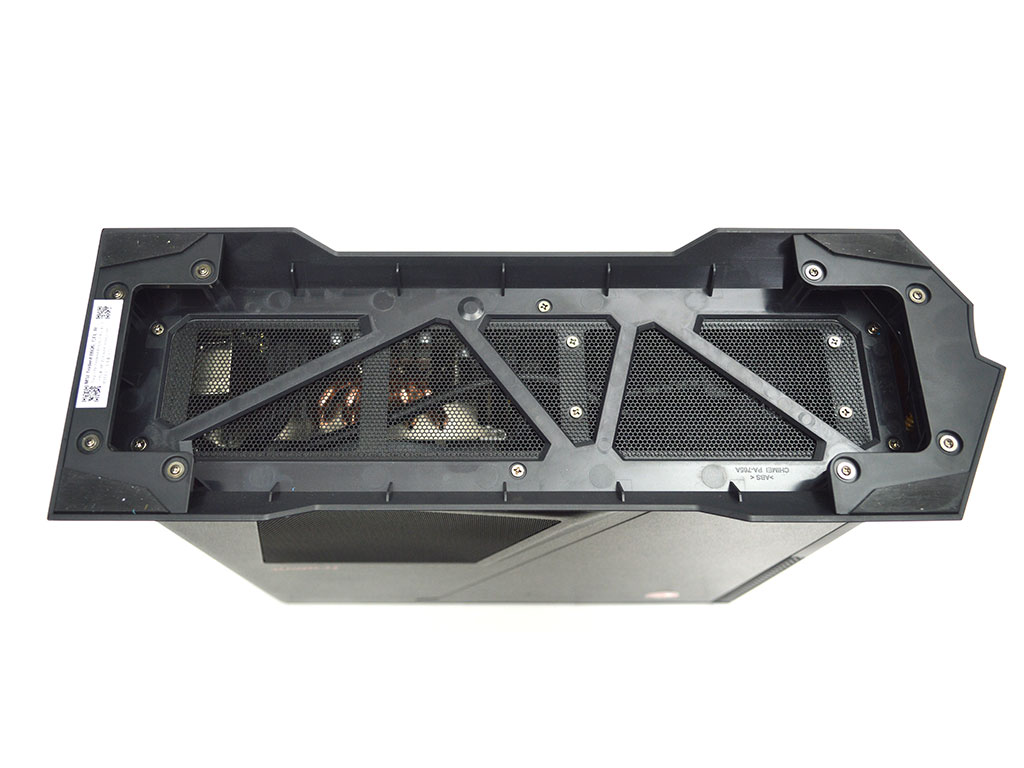
The top of the case is where the power button is located. Large air vents take up the majority of this part of the chassis and serve as an exhaust for the graphics card. As for the bottom of the case, it is lifted via plastic feet and skirting with rubber pads. A fine mesh vent here serves as an air intake for the CPU cooler.
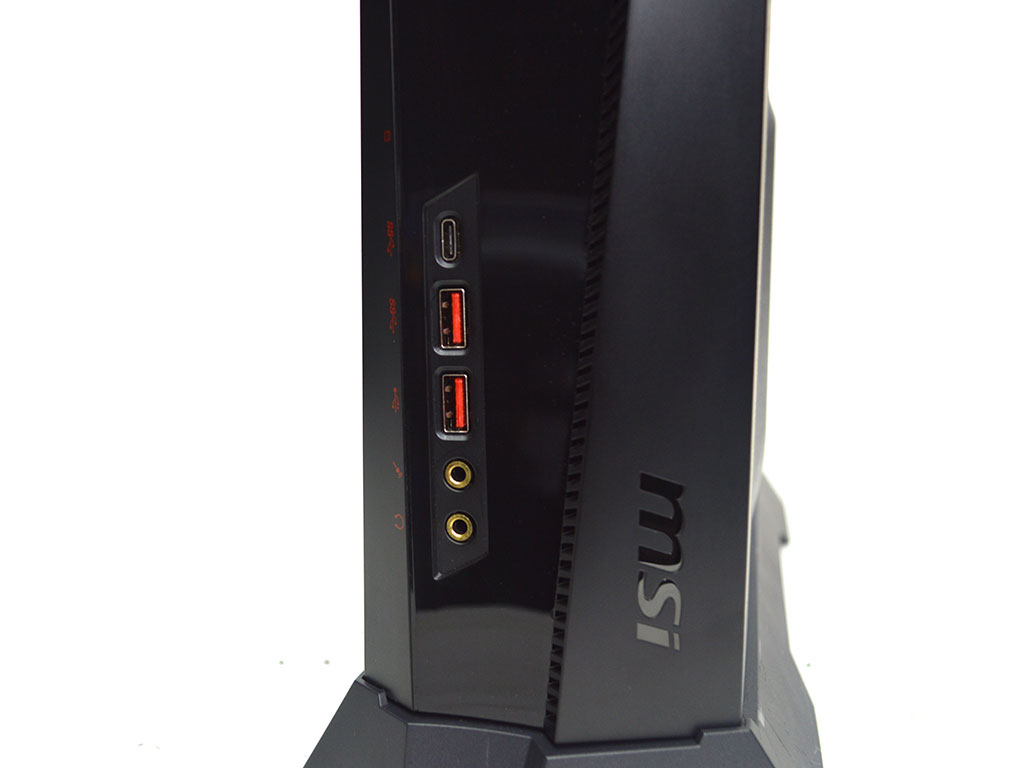
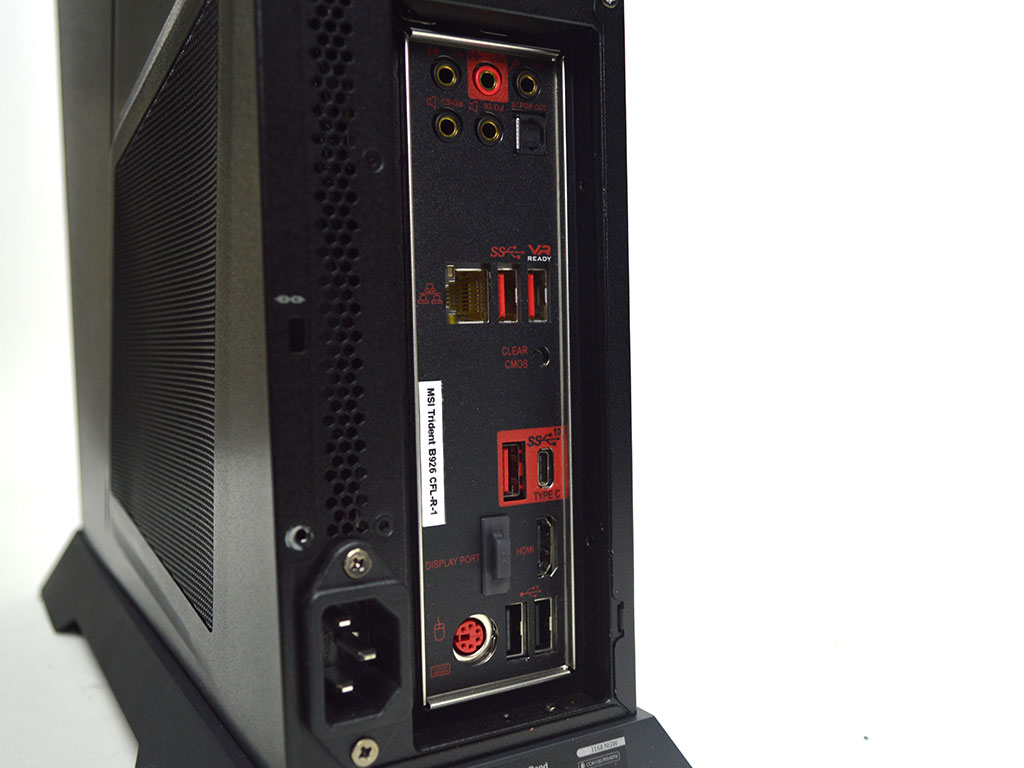
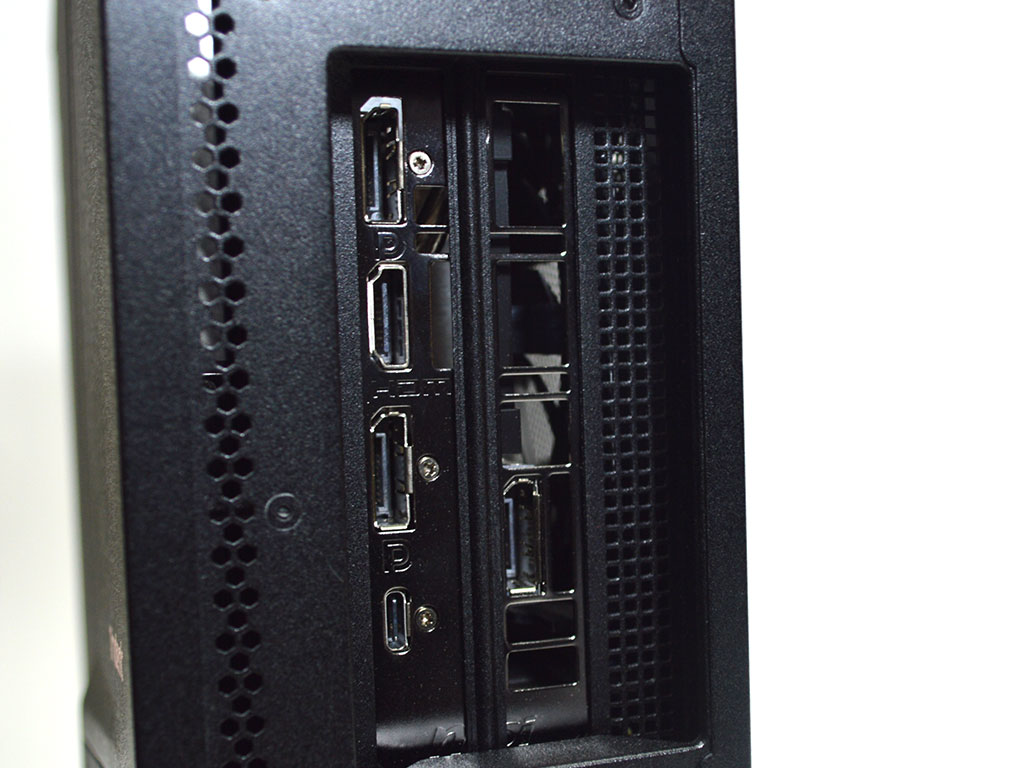
As for I/O, the system offers 1x USB 3.1 Type-C, 1x USB 3.1 Type-A, 1x USB 2.0, 1x microphone jack, and 1x headphone jack up front. Meanwhile, the motherboard offers 5x audio jacks, 1x optical S/PDIF out, 1x RJ45, 1x PS/2 combo port, 2x USB 2.0, 1x USB 3.1 Gen2 Type-A, 2x USB 3.1 Gen1 Type-A, 1x USB 3.1 Gen2 Type-C, 1x DisplayPort 1.2, and 1x HDMI 1.4. Finally, the MSI NVIDIA GeForce RTX 2080 Ventus has 3x DisplayPort 1.4, 1x HDMI 2.0b, and 1x USB Type-C outputs. All combined, the system has a decent array of I/O with the motherboard being a bit more entry level in that regard compared to more premium offerings.
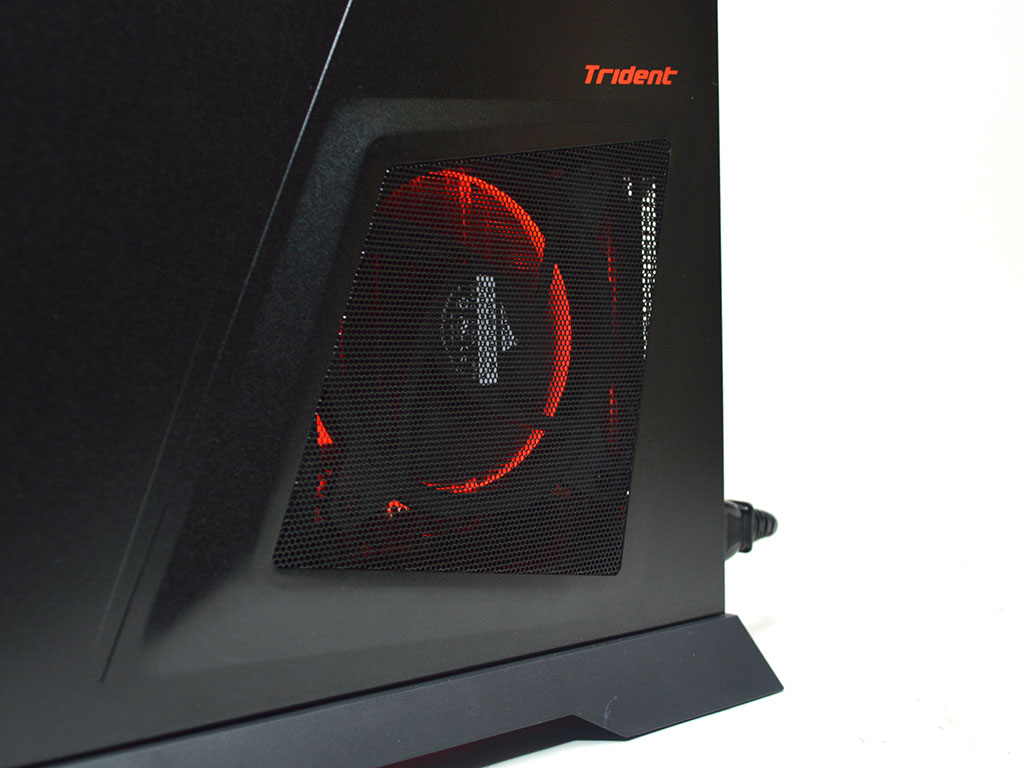
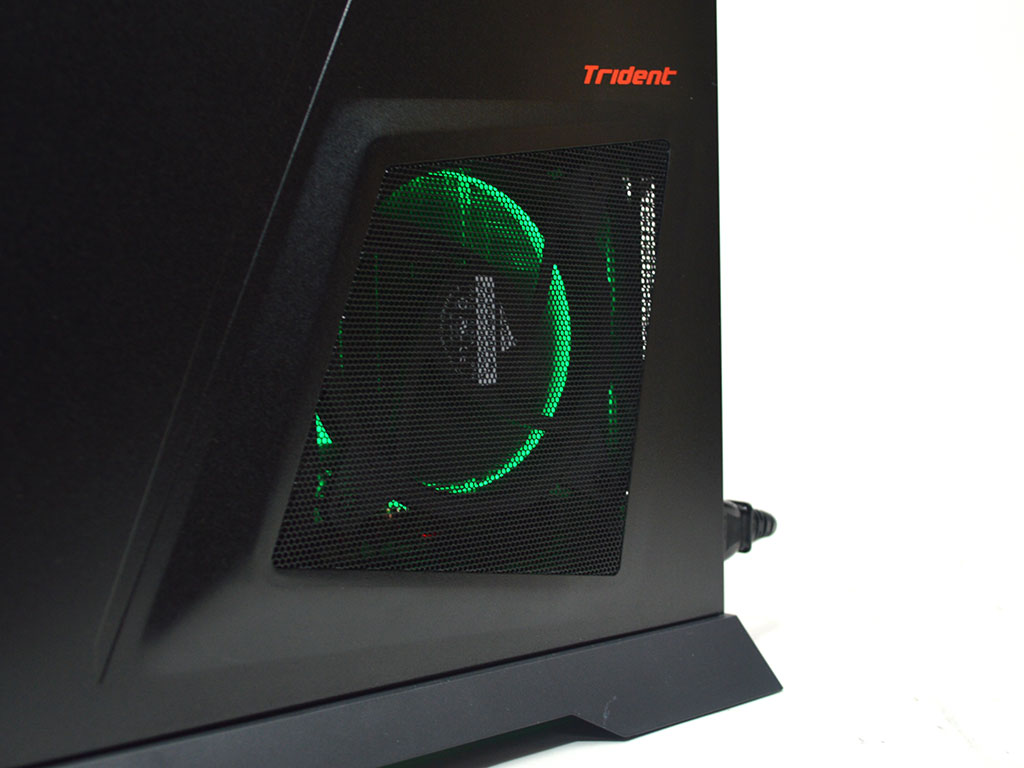
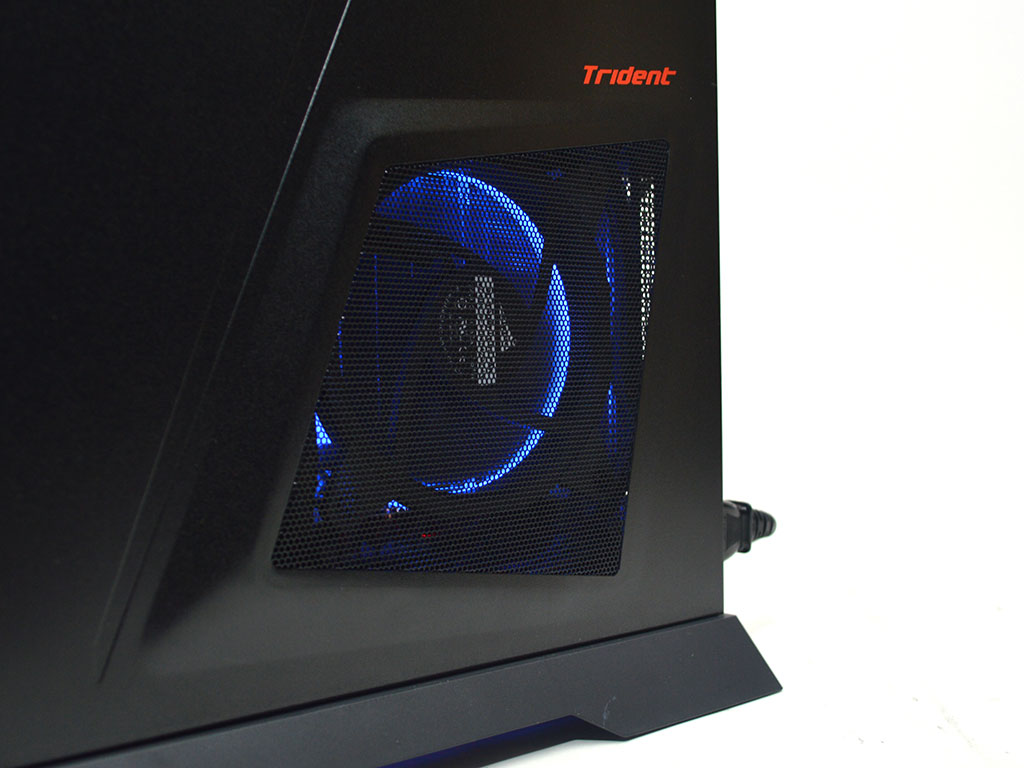
RGB effects work perfectly, with no odd colors or strange behaviors. The RGB is also fairly well done in that it is not exceedingly over the top or flashy, which could have been the case considering the amount of lighting in comparison to the system's compact size.
A look Inside


Opening the system is quick and easy. Simply remove the side panel screws and slide the panels off. The top panel is also removed by sliding it back and lifting it off.

There are two HDD trays above the motherboard; one holds a Seagate BarraCuda 2 TB 5400 RPM storage drive. The motherboard has an extra SATA port that can be used with the additional 2.5" HDD tray to expand system storage.


To access the motherboard, you will need to remove the cooler, which is quite easy. Start by taking the fan out by removing the four screws holding it to the heatsink. With that done, loosen the four screws holding the heatsink to the backplate.


With the heatsink removed, users will have access to the system's memory, and getting to the remaining SATA port is easier now as well. The heatsink itself is rather beefy for an SFF system and packs five heat pipes. As for the memory, MSI uses two 16 GB sticks from Samsung with CL 20-18-19-43 timings at 2666 MHz.

The OS drive is from Samsung as well, and it is an M.2 NVMe drive with model number PM981. It has a capacity of 512 GB.


Finally, to remove the graphics card, you will need to remove screws from three locations. The first is near the expansion slots, the second by a bracket near the power connectors along the top of the PCB, and the third at the very end of the card, near the front of the chassis and another small bracket. Once all three screws and brackets have been removed, the MSI NVIDIA GeForce RTX 2080 Ventus graphics card can be pulled free of the system.
Our Patreon Silver Supporters can read articles in single-page format.
Nov 20th, 2026 00:52 PST
change timezone
Latest GPU Drivers
New Forum Posts
- Intel Core Ultra 5 processor 250K Plus (1)
- How to prevent OLED burn damage due to PC freezes or power outtages? (41)
- WarpCoreBench scores! (79)
- RX 7600 + Ryzen 5 5600GT getting the same FPS as my old RX 6500 XT – What am I missing? (7)
- What are you playing? (26236)
- Warning for Windows 10 and 11 users running newer AMD GPU drivers (65)
- Honestly, do you care about GTA VI? (178)
- Anthrophics IPO (10)
- Upgrade Considerations: CPU (12/13/14) and Motherboard (B660/B760 and Z690/Z790) (62)
- TPU's Nostalgic Hardware Club (22172)
Popular Reviews
- AMD Zen 6 Technical Deep Dive
- Ugreen NASync DXP4800 GT Review
- Acemagic Retro X3 Review
- Corsair RM1200e (Second Generation) Review
- Upcoming Hardware Launches 2027 (Updated Nov 2026)
- Pulsar Office Tour & First Look at P1 Dual-Sensor Mouse
- Biwin Black Opal NV7400 2 TB Review
- Chieftec Iceberg PRO 360 DARK Review
- AMD Ryzen 7 9800X3D Memory Performance Scaling
- AMD Ryzen 7 9800X3D Review - The Best Gaming Processor
TPU on YouTube
Controversial News Posts
- NVIDIA Co-Founder and CEO Jensen Huang Officially Resigns (490)
- Report: Jensen Huang Eyes NVIDIA Comeback (224)
- Open Letter Asking NVIDIA to Reinstate Jensen Huang Passes 115,000 Signatures (184)
- OpenAI CEO Argues Home PCs Waste the World's Limited DRAM Supply (152)
- NVIDIA Launches Investigation Into Jensen Huang's Relationship With Suspected Chinese Spy (136)
- Intel "Raptor Lake Next" 16-Core and 20-Core CPUs Surface (130)
- Legendary Game Studio BioWare Shuts Down Following EA Layoffs (104)
- Dell CEO Says the Memory Shortage Will Get Worse in 2027 (95)