 20
Ninkear YBOOK 15 Review - Budget 2-in-1 with Caveats
(20 Comments) »Introduction

Ninkear is one of those manufacturers focused primarily on building affordable laptops. If you're hunting for a budget machine amidst fluctuating SSD and RAM prices, these notebooks might be just what you need.
But what if you want something less traditional - a device with more flexibility for your daily or office routine? A 2-in-1 usually comes to mind first, but as you probably know, they rarely come cheap. That said, the Ninkear YBOOK 15 is one of the most affordable contenders in the entry-level market. Naturally, some corners were cut to hit that attractive price point.
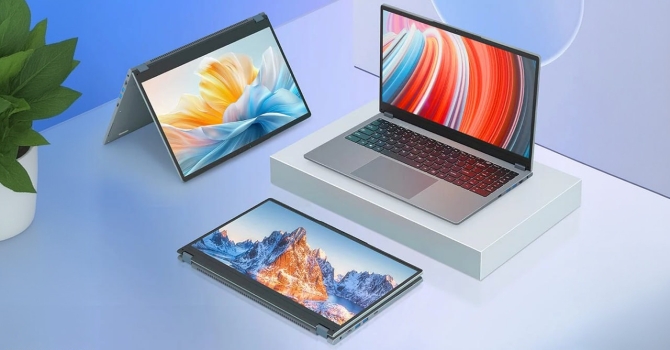
The most notable compromise is the CPU platform. It features the AMD Ryzen 3 3200U or 3250U—yes, those "good old" APUs from 2020 with just 2 cores, 4 threads, and modest Radeon RX Vega 3 graphics. It's a true blast from the past. This also means you're looking at DDR4 memory and a slower drive. Actually, I might be being a bit generous, as you're stuck with a SATA SSD rather than a faster NVMe. On the plus side, almost nothing is soldered down except for the Wi-Fi 5 card.
As for the display, you get a 15.6-inch 1080p touch unit. It's pretty basic, lacking any extra bells and whistles. However, it is an IPS panel, so at least you won't have to deal with terrible viewing angles. Colors look decent, and the image is "sharp-ish" enough for the cost.
That dual-core CPU does have one perk: it isn't very thirsty. On paper, that should mean decent battery life. On the flip side, the manufacturer opted for a modest 38Wh battery, which might raise a few eyebrows.
It's time for some positives. The memory operates in dual-channel mode, which positively affects both the CPU and the iGPU. The port selection is also kind of okay for the price, with its four USBs, LAN, and an HDMI. The full-sized keyboard has a backlight, and the trackpad is unexpectedly large.
Specifications
| Specifications | |
|---|---|
| Manufacturer: | Ninkear |
| Model: | Ninkear YBOOK 15 |
| Weight: | 1.67 kg |
| Processor: | AMD Ryzen 3 3250U/Raven Ridge/Zen 2 Cores/4 threads Up to 3.5 GHz, 4 MB L3 cache 15 W default TDP |
| Chipset: | AMD Promontory/Bixby FCH |
| Display: | Display: 15.6"/1920×1080 (16:9)/IPS/60 Hz ~200 nits/~72% sRGB Matte Touchscreen |
| Operating System: | Windows 11 Pro |
| Integrated Graphics: | AMD Radeon RX Vega 3 |
| Memory: | 16 GB of DDR4-2400 |
| Storage: | 1× M.2 2280 SATA |
| Optical Drive: | None |
| Connectivity: | 1× 5 Gbps USB Type-A/3.2 Gen. 1 2× USB 2.0 1× USB 2.0 Type-C HDMI Audio combo jack DC-in |
| Communications: | Wi-Fi 5 + Bluetooth 4.2 720p webcam |
| Audio: | 2× stereo speakers |
| Input device: | Multi-point touchpad Keyboard with backlight |
| Power: | 1× 45 W barrel plug AC adapter 38 Wh battery |
| Warranty: | Two years (region dependent) |
| MSRP: | Starting at €459 |
Packaging
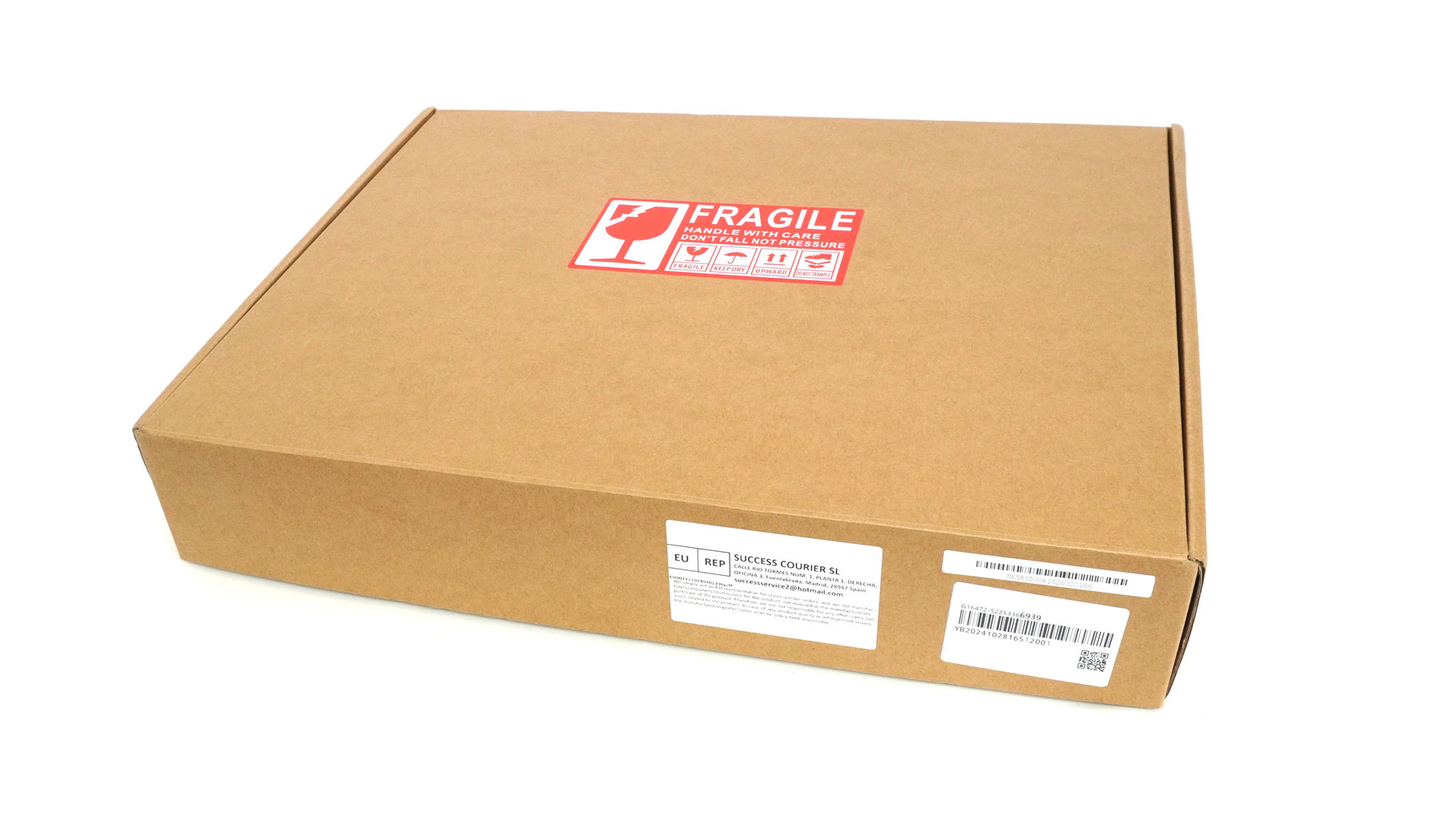
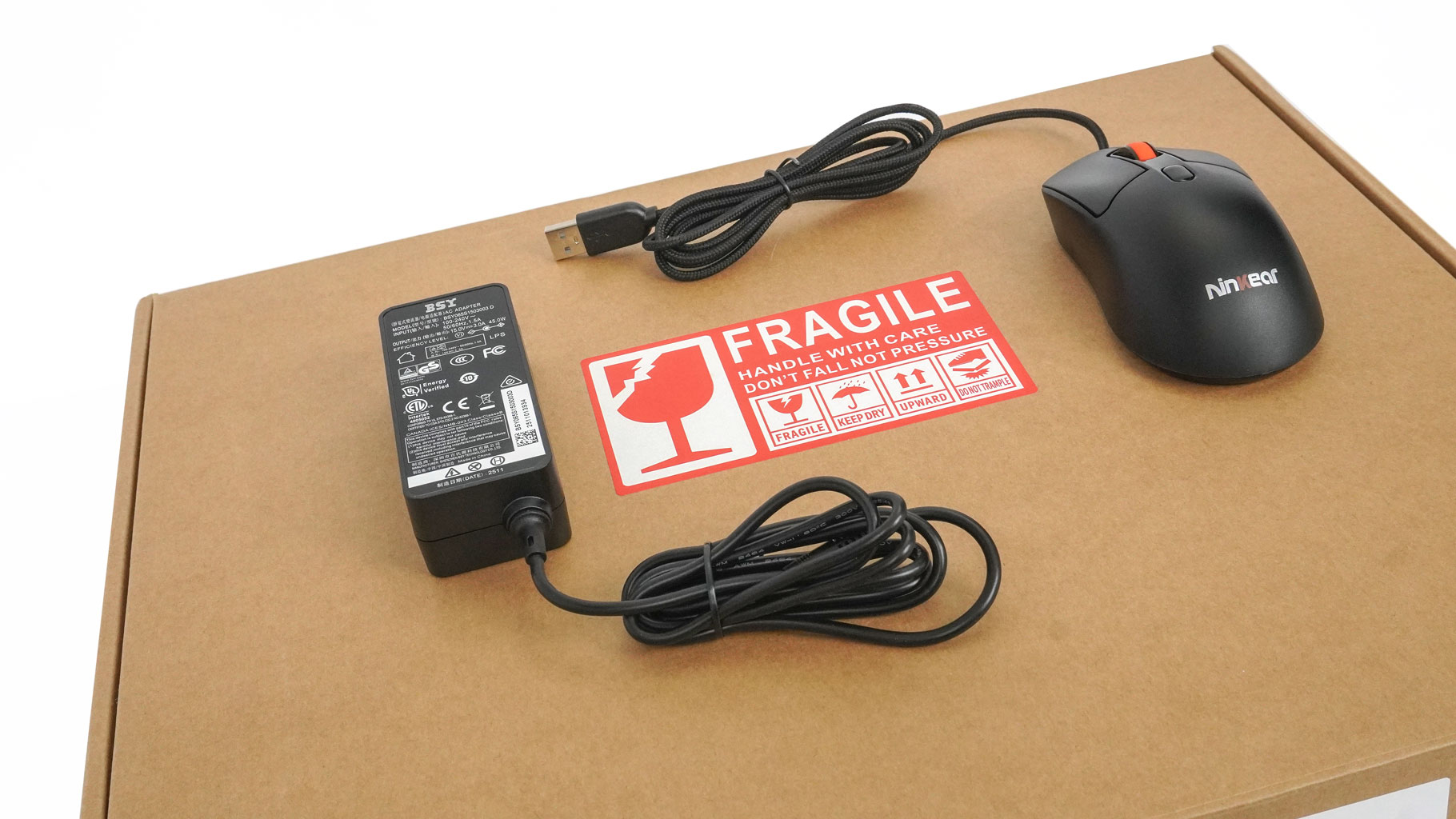
Inside the cardboard box, you'll find a few manuals and a 45 W barrel plug adapter.
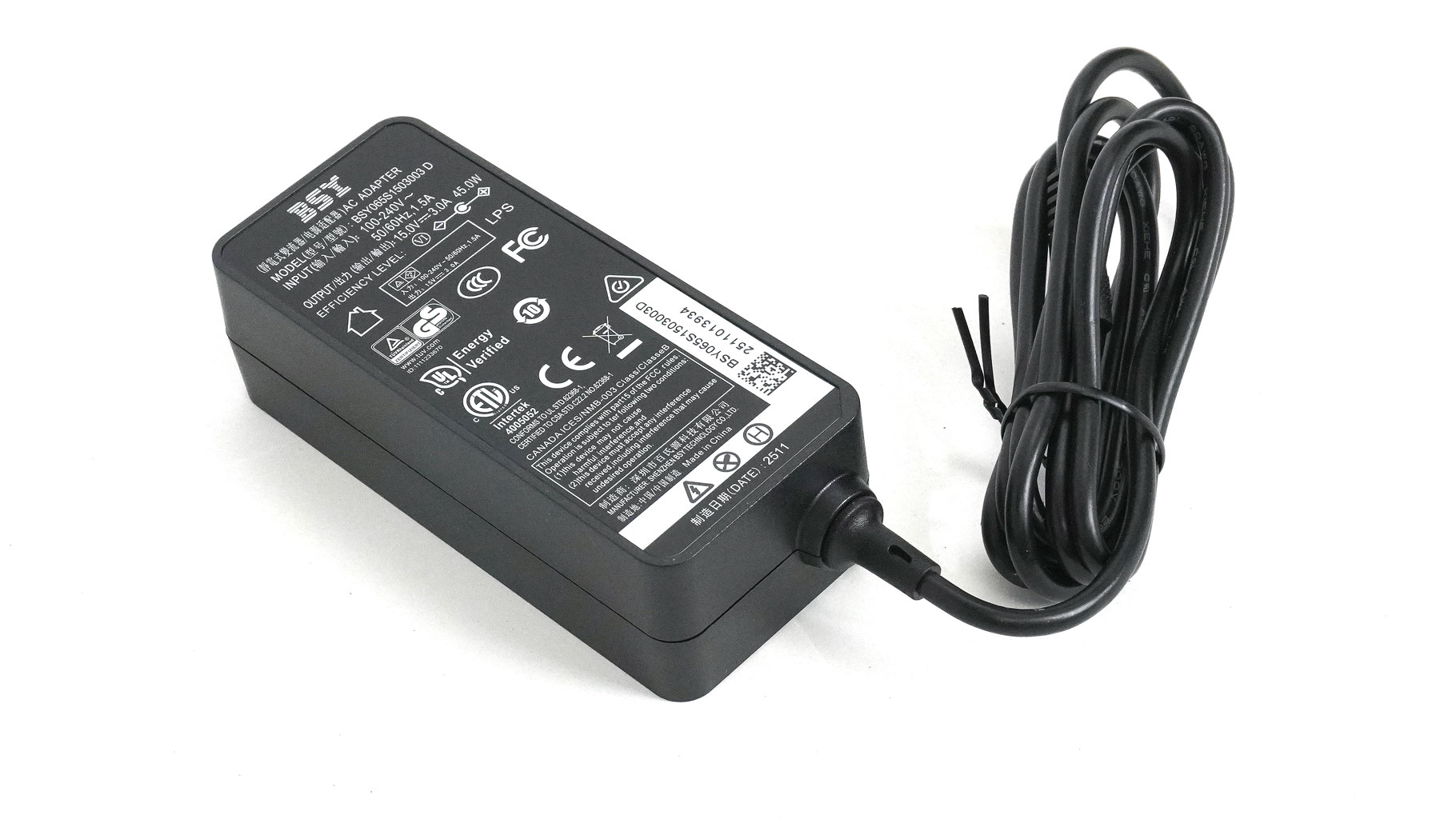
The charger will fit in most pockets with ease.
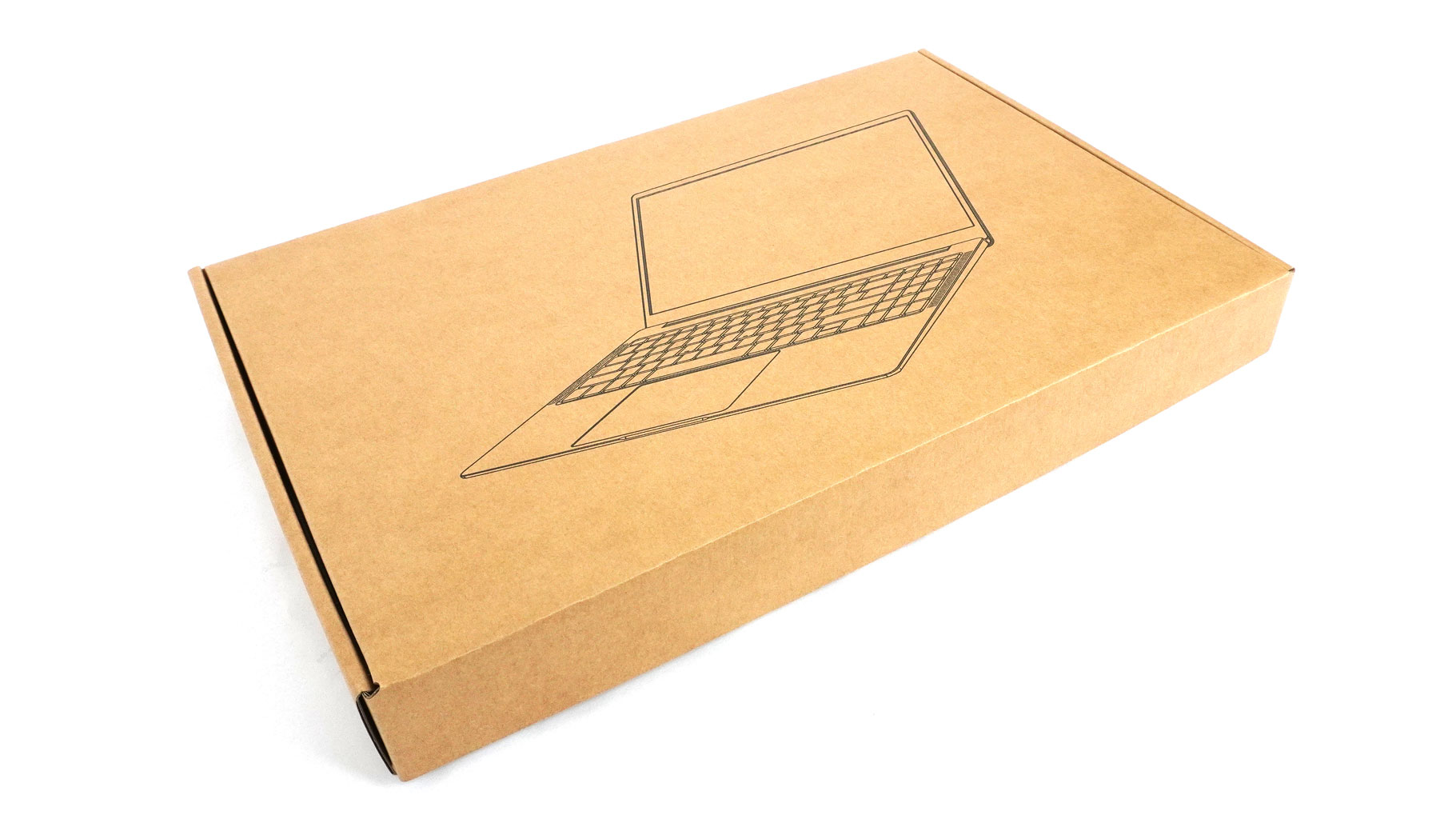

The package also came with a few extras: a wired USB mouse, a grippy rubber mousepad, some glossy stickers, and a set of keyboard decals for various languages.
A Closer Look - Outside

I'm not sure about the link between Ninkear and Alliwava, but the YBOOK 15 reminds me of the Alliwava G15. The keyboard and the top screen bezel design are the most obvious giveaways. The lid's dual-tone design adds a nice premium touch, and while the material near the hinges feels like vegan leather, it definitely isn't.
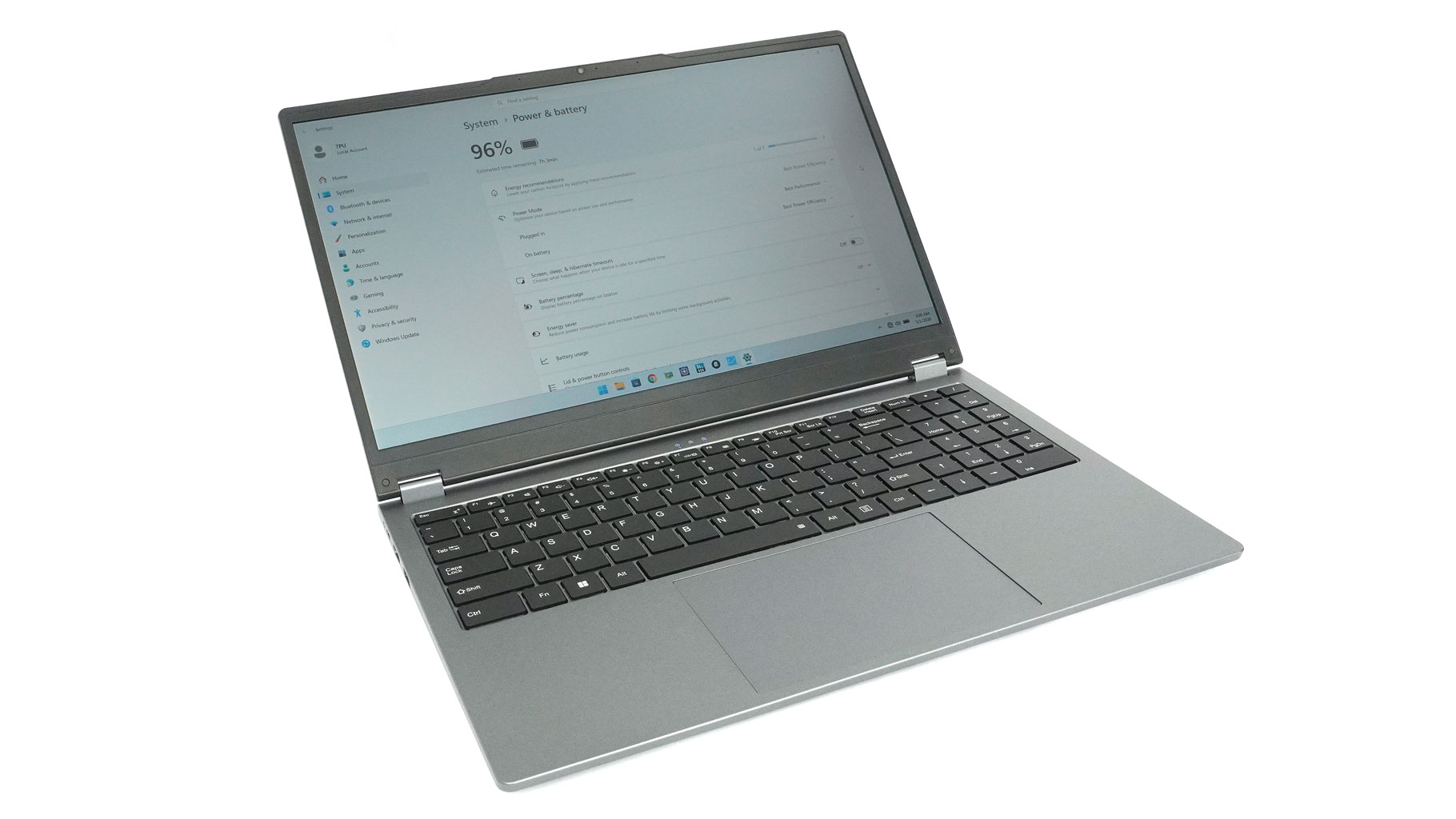
Overall, it looks and feels like a standard laptop that doesn't draw much attention - perfect for the office or school. The all-plastic chassis weighs 1.67 kg and is 23.3 mm thick, which is not bad at all for a 15.6-inch machine.
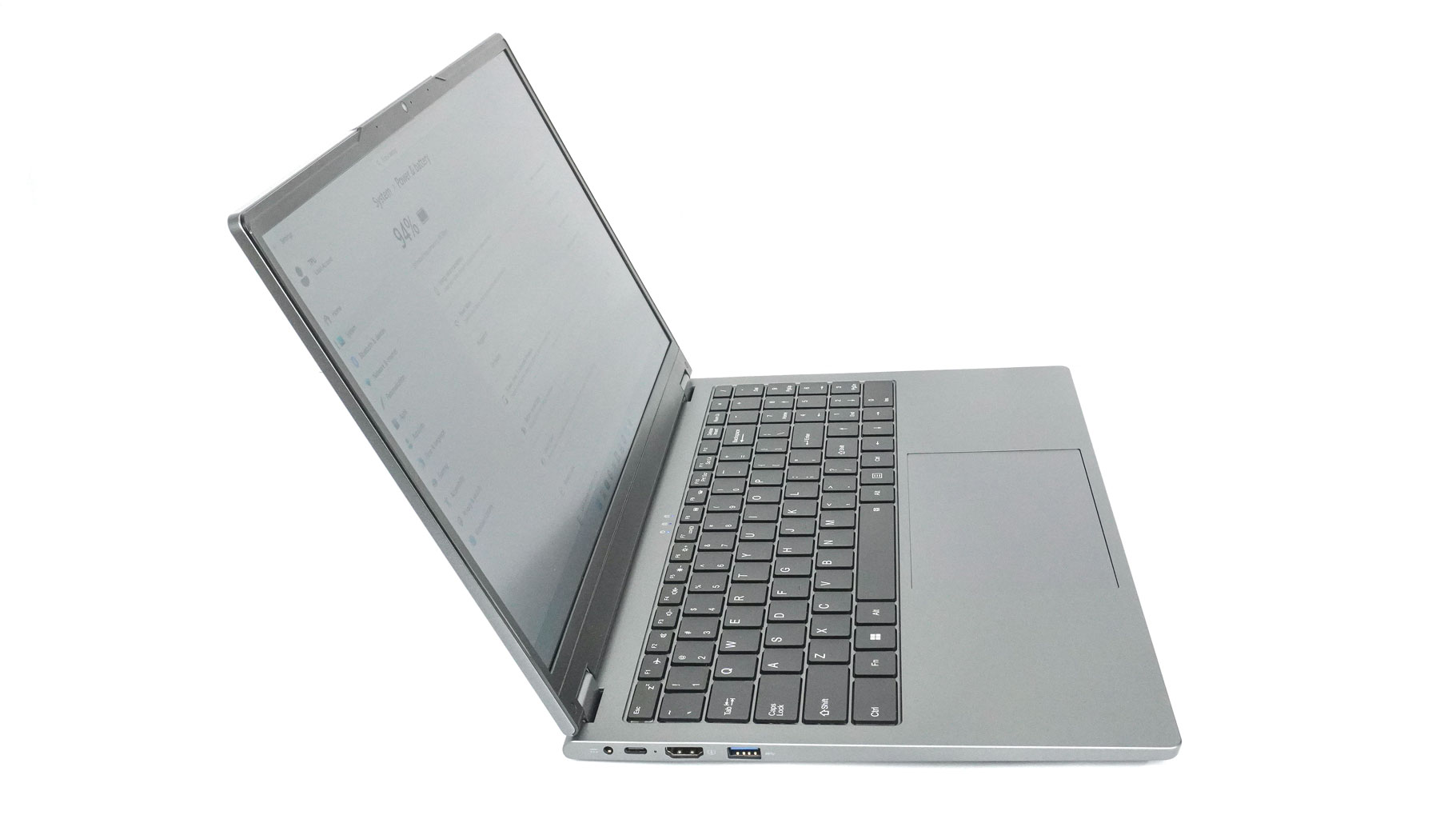
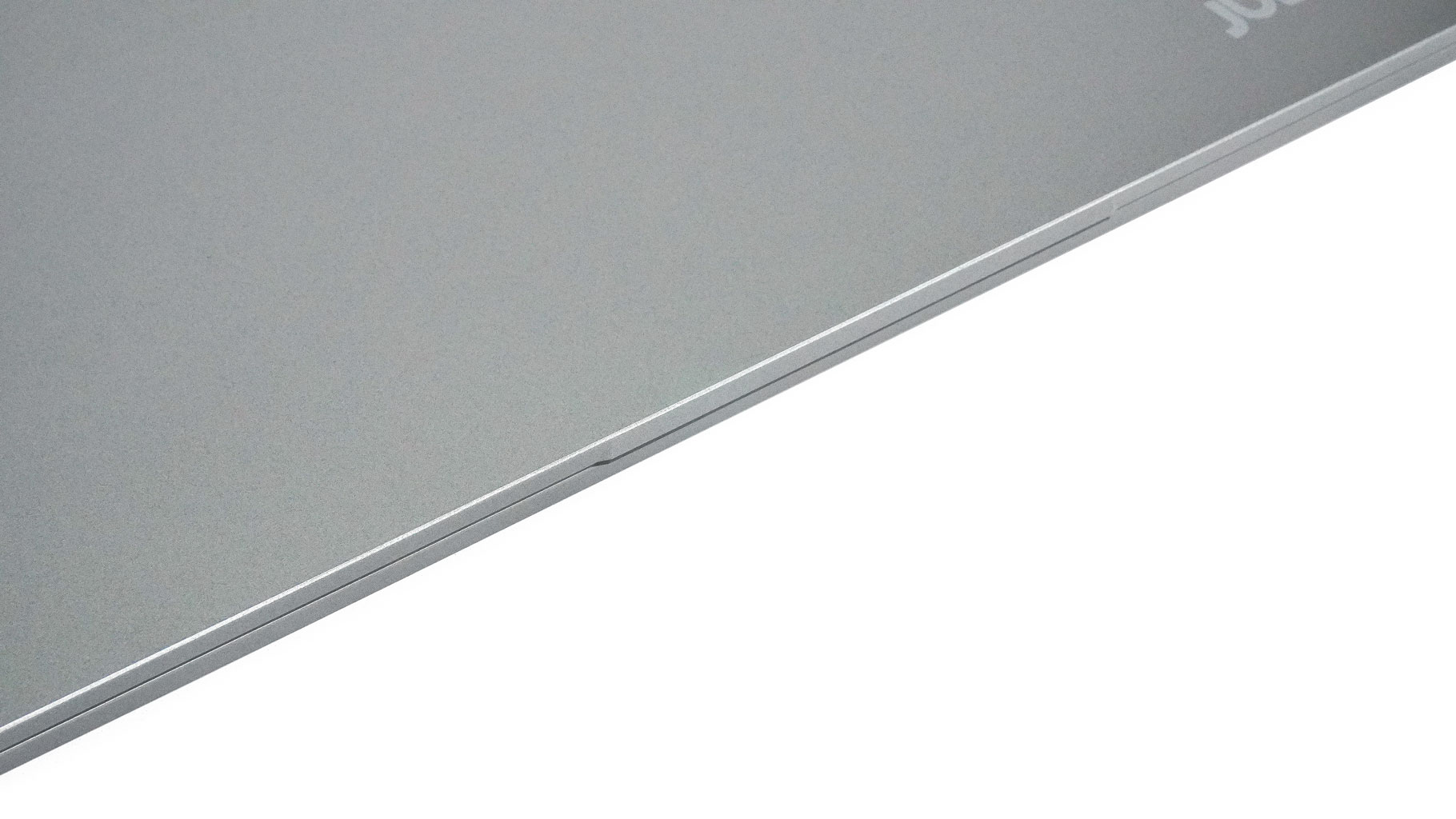
You'll need two hands to open the lid. The hinges aren't the smoothest, but that's expected at this price point. The lid features a subtle lip to help you grasp it firmly.

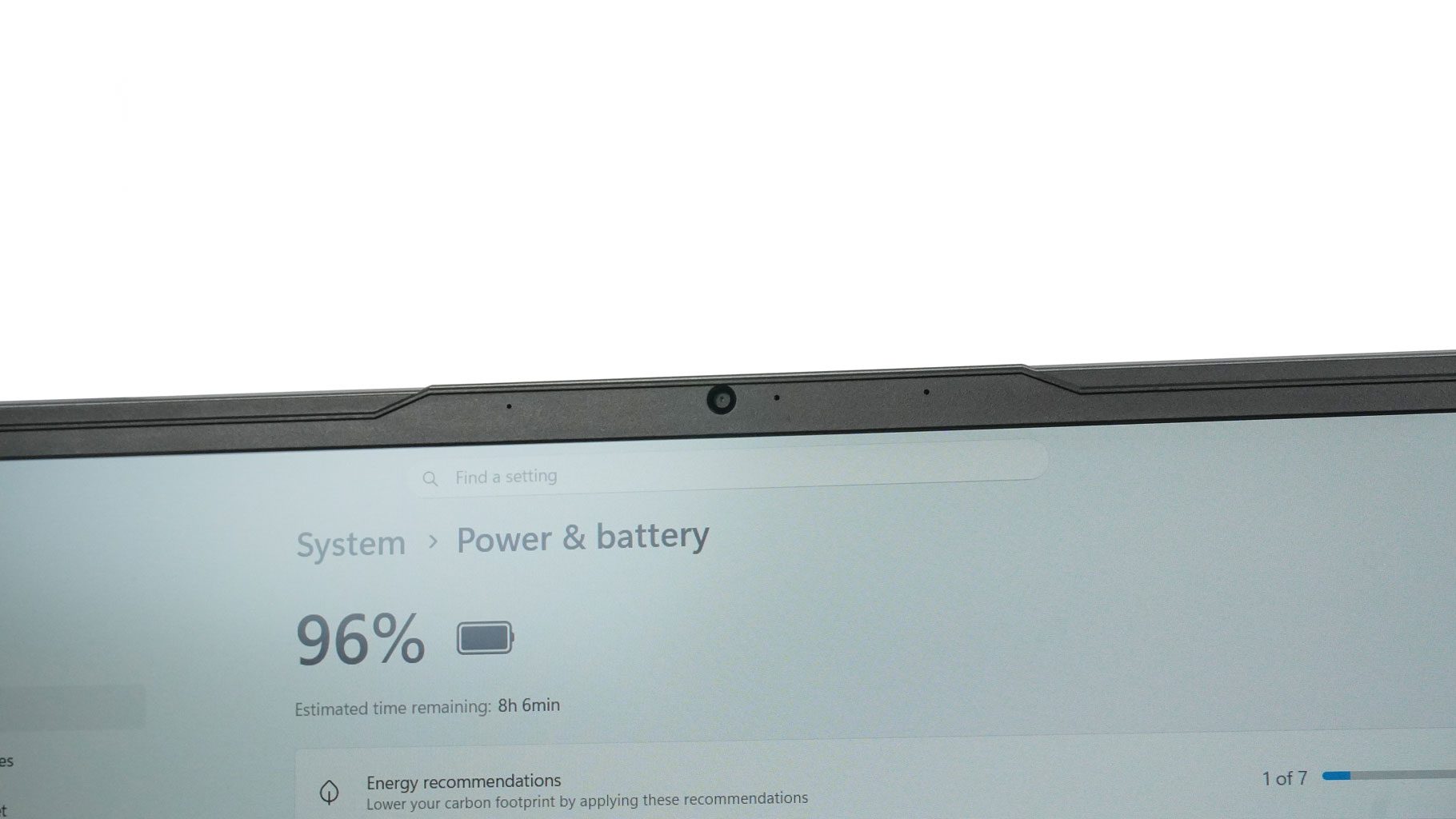
The size of the bezels around the IPS panel are okay, if you don't count the fat "chin". The 720p webcam on top lacks IR functionality and a privacy shutter, and you won't find a fingerprint reader here either. The picture here shows the "stand" mode.
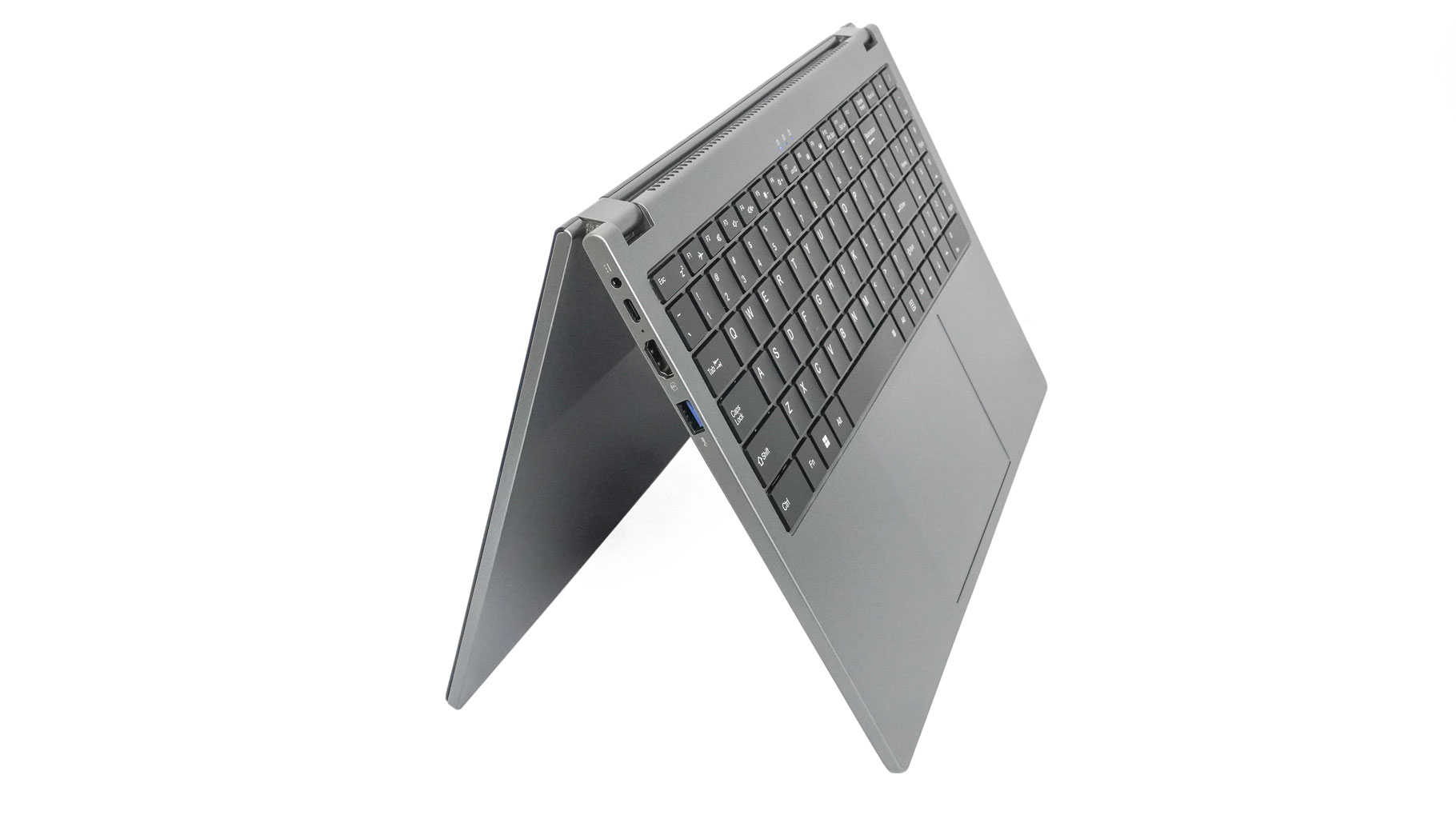
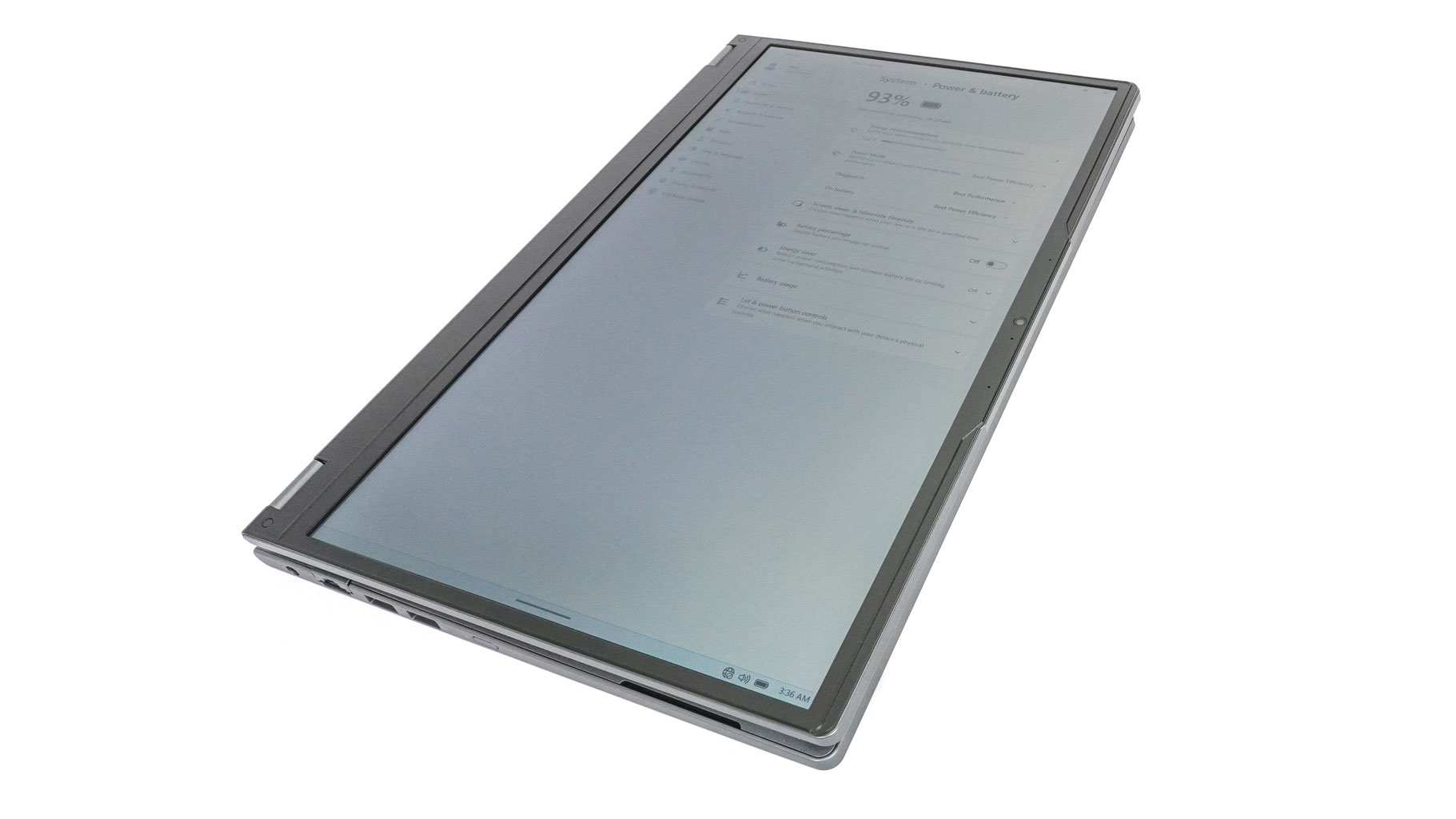
"Tent" and "Tablet" modes are also supported.

The lid is a bit spongy in the middle, but it holds up decently when you try to twist it from the sides. The base is solid, and even the section between the Space key and the touchpad remains intact when pressed hard. There's no flex during heavy typing, which is a great sign.

The keyboard is also a nice surprise, featuring a 2-step backlight, large arrow keys, and a NumPad. The latter only has three columns instead of four and skips the Enter key, which feels a bit odd during calculations. Also, the Enter and right Shift keys are a bit too small for my liking. On the bright side, the large keycaps offer decent travel and satisfying feedback, making this a solid budget choice for an office companion.
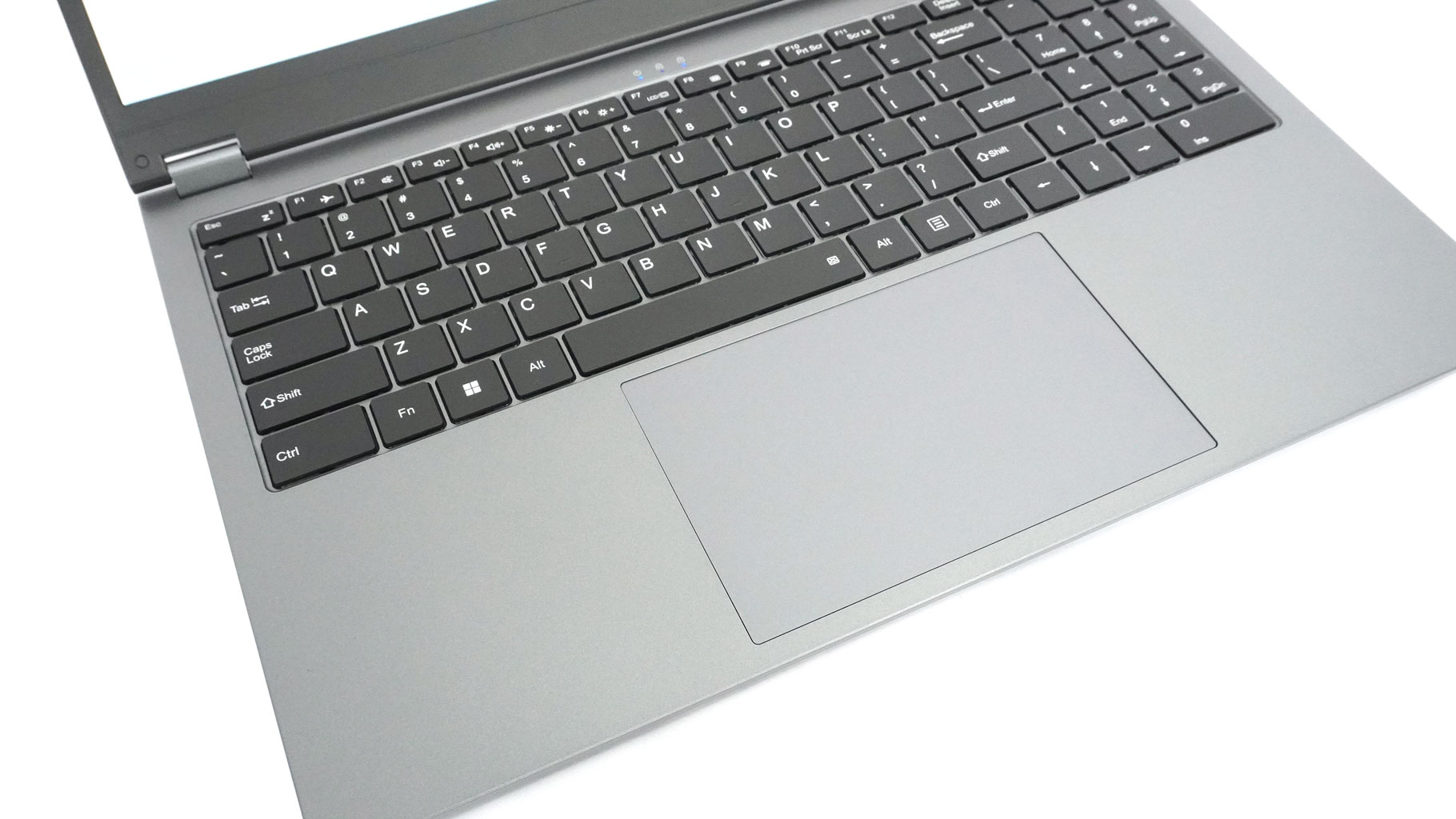
The touchpad is centered - thumbs up for that! The surface of the pad isn't the smoothest, but its precision is definitely above average.
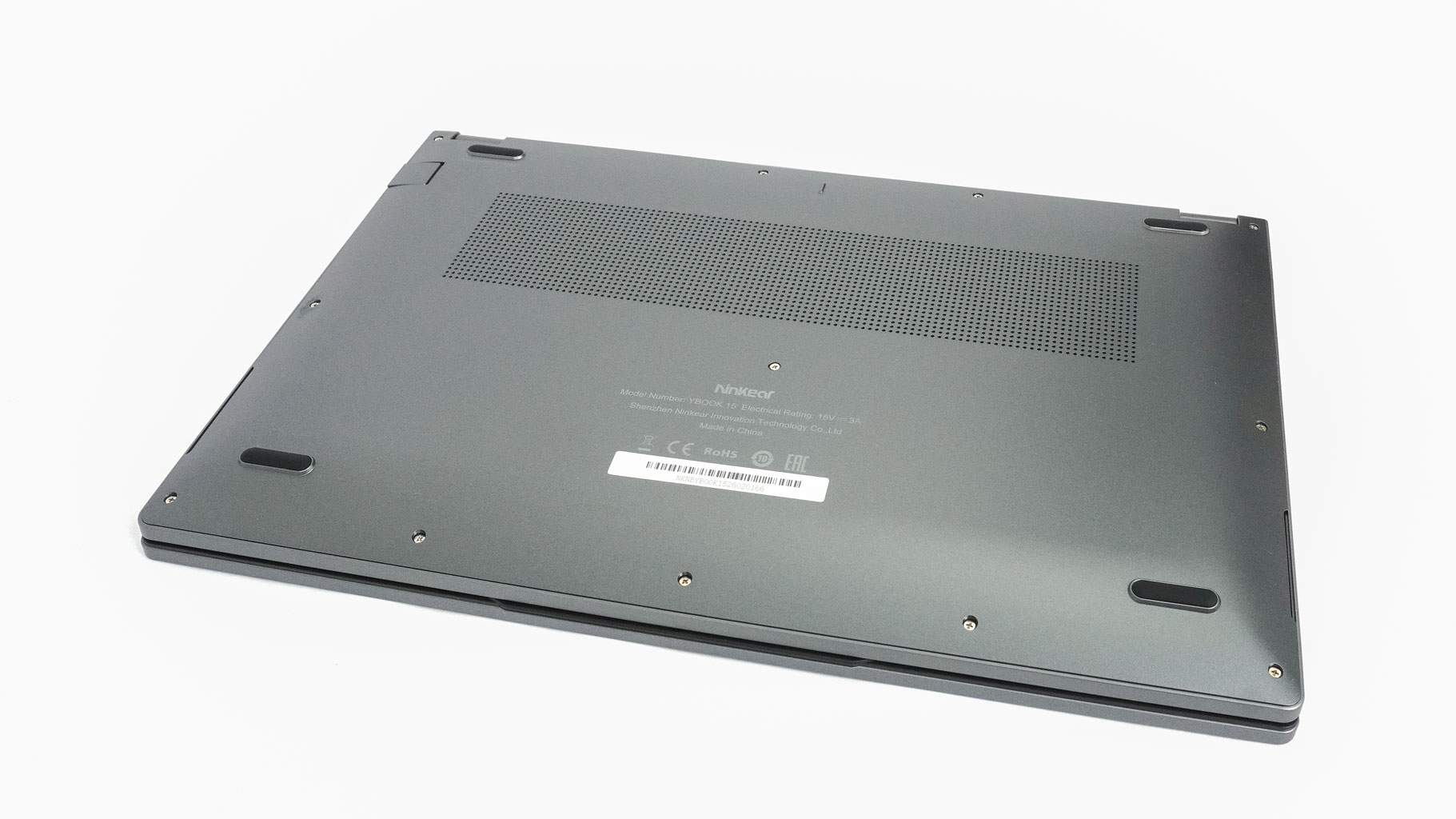
Flipping the machine over reveals a standard ventilation grille, four small rubber feet, and speaker cutouts near the edges.
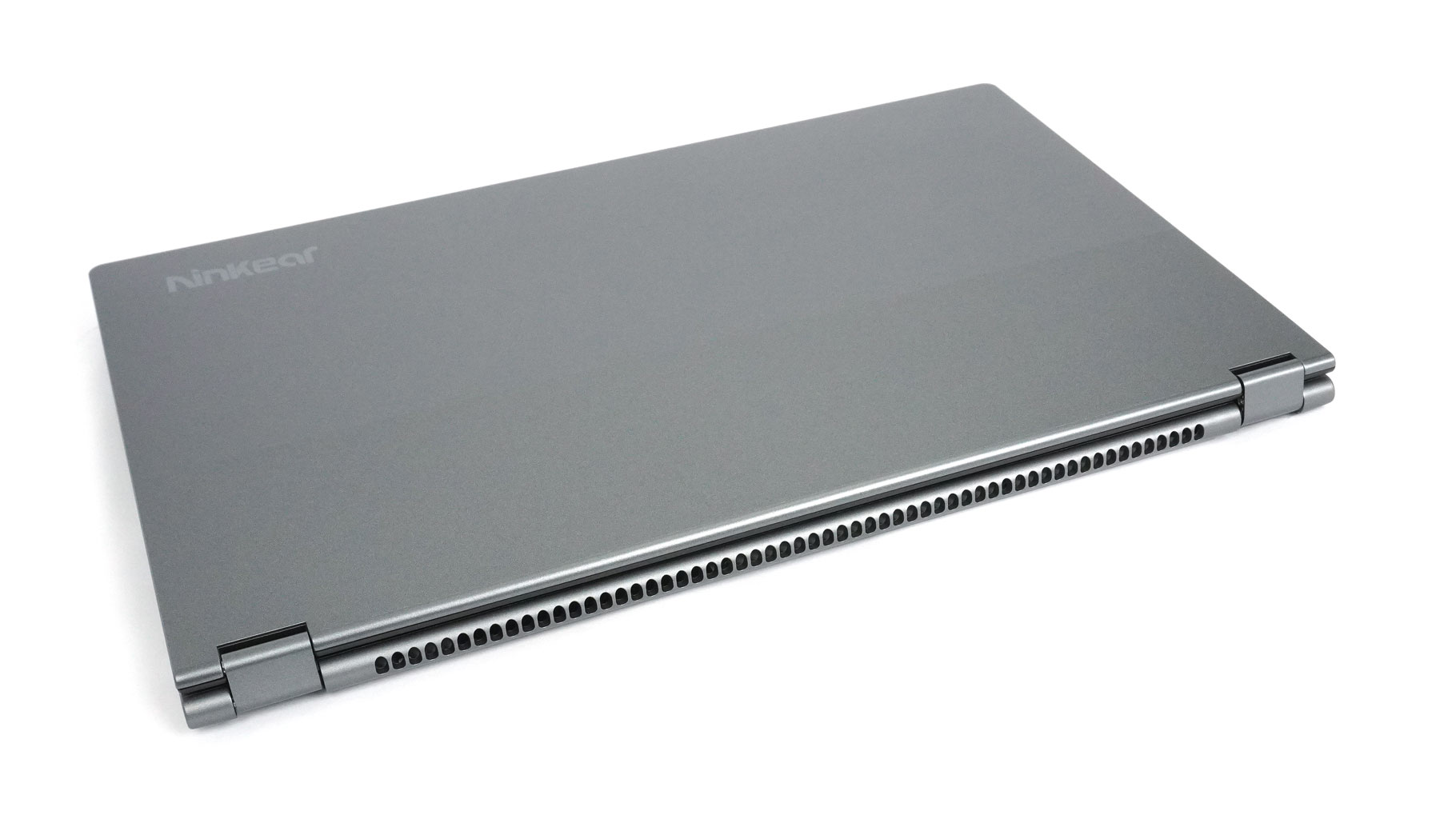
Heat is managed via an exhaust on the back.
Ports and Connectivity

On the left, there is a DC-in port, a USB 2.0 Type-C port, an HDMI, and a 5 Gbps USB Type-A 3.2 Gen. 1 port.

The right side houses a 3.5 mm Audio jack, LAN, a pair of USB 2.0 ports, and a Power button.
Our Patreon Silver Supporters can read articles in single-page format.
Nov 26th, 2026 14:32 CST
change timezone
Latest GPU Drivers
New Forum Posts
- ASUS Prime 5060 ti 16gb x4 instead of x8 PCIe (10)
- Windows 10 Power save mode. See what program that cause sleep to fail. (1)
- Mouse Pad advice - Shidenkai out of production? (1)
- Can you guess Which game it is? (370)
- WarpCoreBench scores! (110)
- TechPowerUp Screenshot Thread (MASSIVE 56K WARNING) (4388)
- TPU's WCG/BOINC Team (34809)
- UPS what one to get? (75)
- Using sodimm+adapter instead of full size dimm DDR5? (101)
- Nvidia Driver Constantly writing to SSD FIX (Read the Post) (0)
Popular Reviews
- ASRock X870E Challenger Wi-Fi White Review
- VZMORE AX9 Max Review
- Upcoming Hardware Launches 2027 (Updated Nov 2026)
- Microsoft Surface Laptop Ultra Review - The Next-gen Arm Laptop
- AMD Ryzen 7 9800X3D Review - The Best Gaming Processor
- AMD Zen 6 Technical Deep Dive
- Phantom Blade Zero Performance Benchmark Review - 35 GPUs Tested
- Corsair RM1200e (Second Generation) Review
- Montech CyberFlow ARGB 360 Review
- Pulsar Office Tour & First Look at P1 Dual-Sensor Mouse
TPU on YouTube
Controversial News Posts
- Jensen Huang Reinstated as CEO of NVIDIA (600)
- NVIDIA Co-Founder and CEO Jensen Huang Officially Resigns (492)
- Report: Jensen Huang Eyes NVIDIA Comeback (281)
- Open Letter Asking NVIDIA to Reinstate Jensen Huang Passes 115,000 Signatures (184)
- OpenAI CEO Argues Home PCs Waste the World's Limited DRAM Supply (152)
- NVIDIA Launches Investigation Into Jensen Huang's Relationship With Suspected Chinese Spy (136)
- Intel Razor Lake Gets a 12 P-Core bLLC Chip With No E-Cores, Per Leak (94)
- NVIDIA GeForce RTX 50-Series Scheduled for up to $500 Price Hike This Week (89)