 43
PowerColor Radeon RX 9070 XT Reva Review
Circuit Board Analysis »Packaging


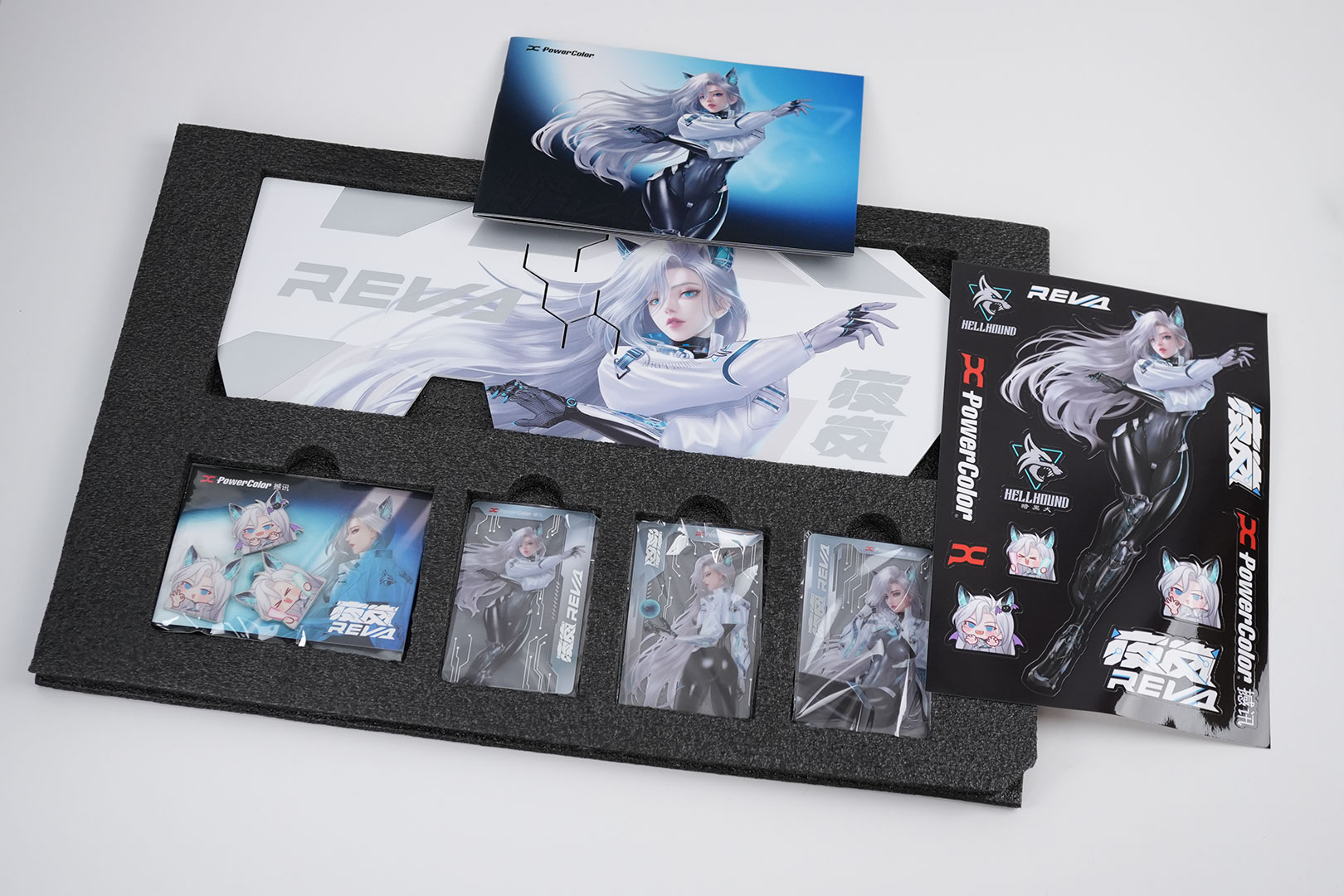
Inside the box you also get some goodies related to Reva.
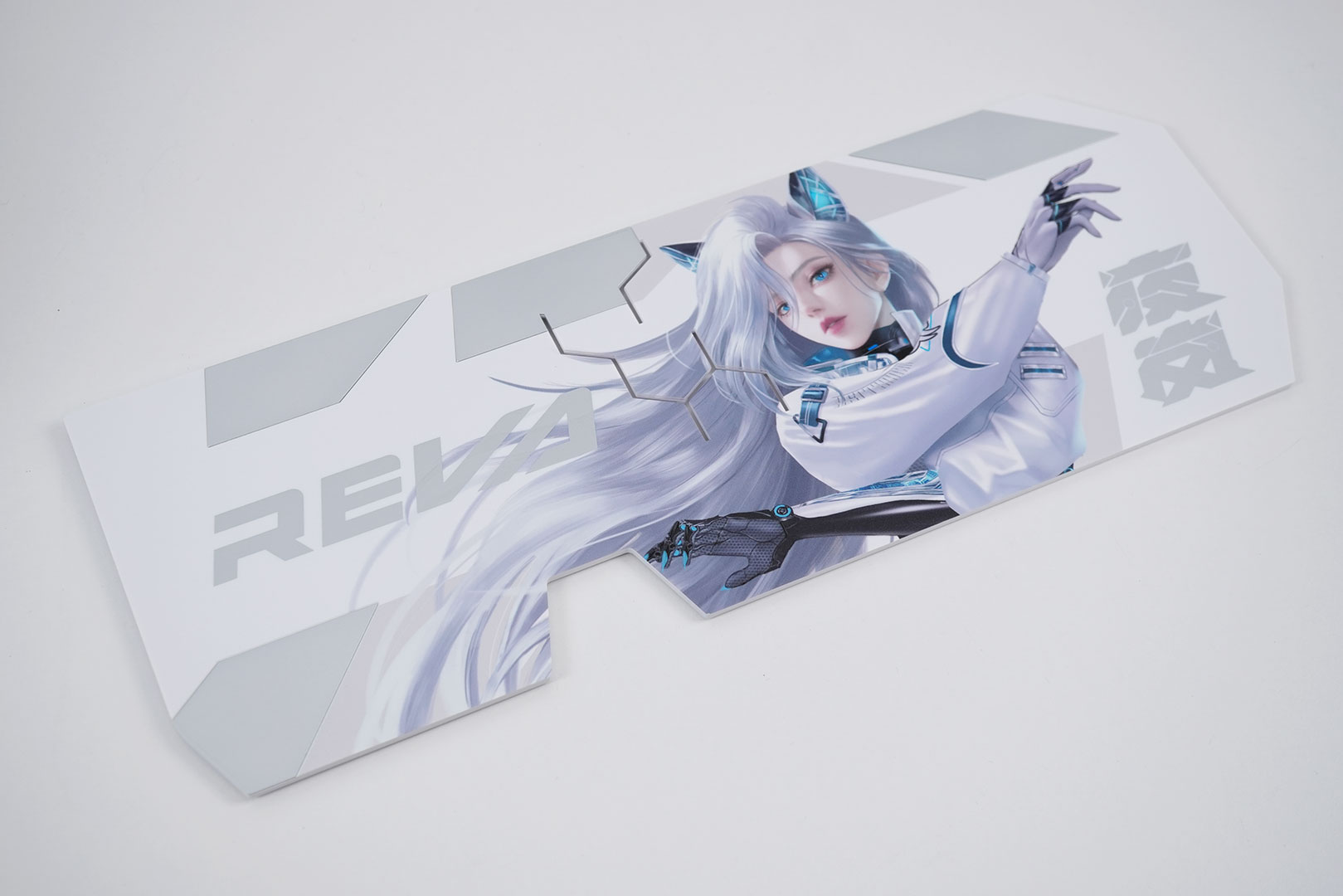
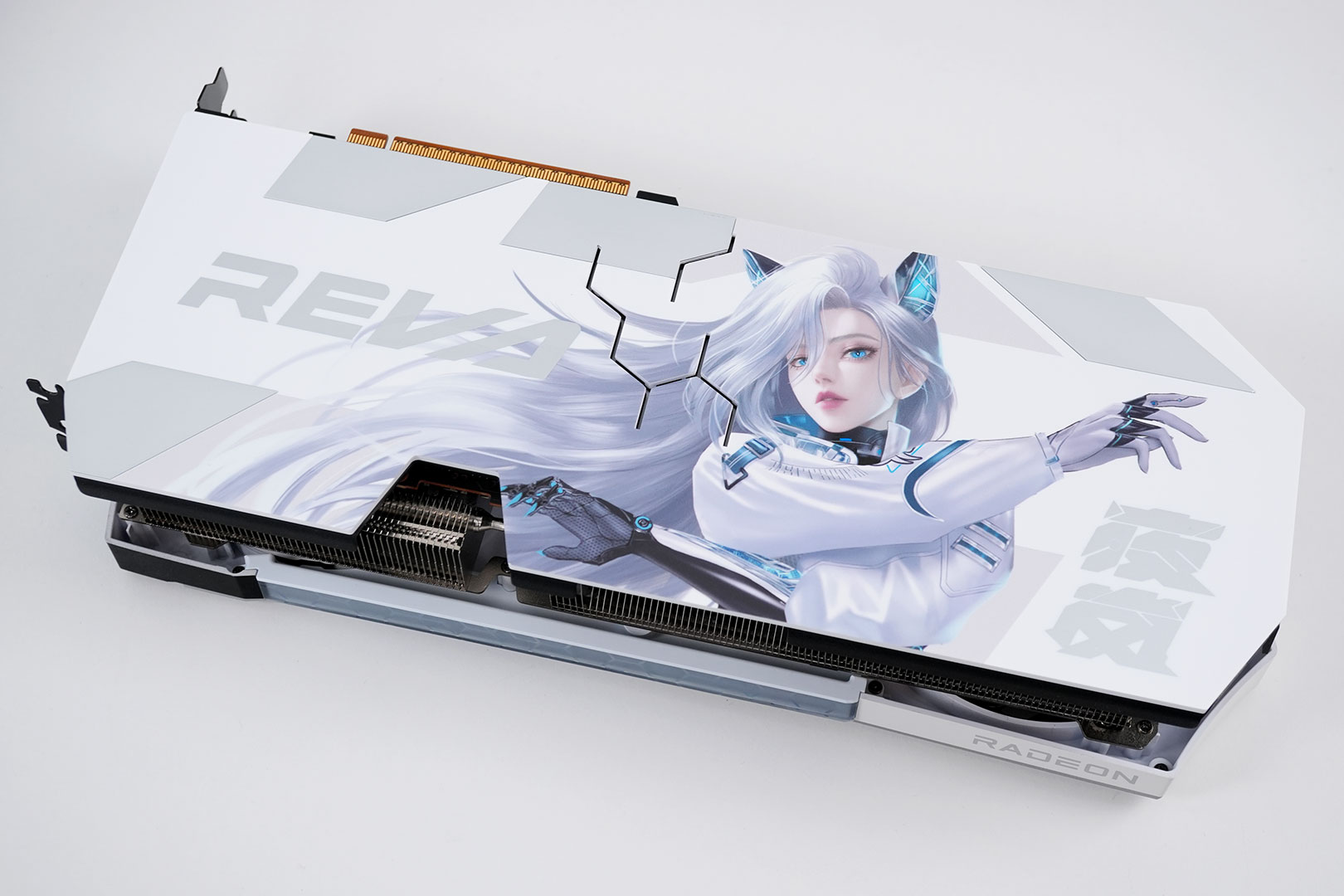
The included second backplate is magnetically attachable and looks mighty good.
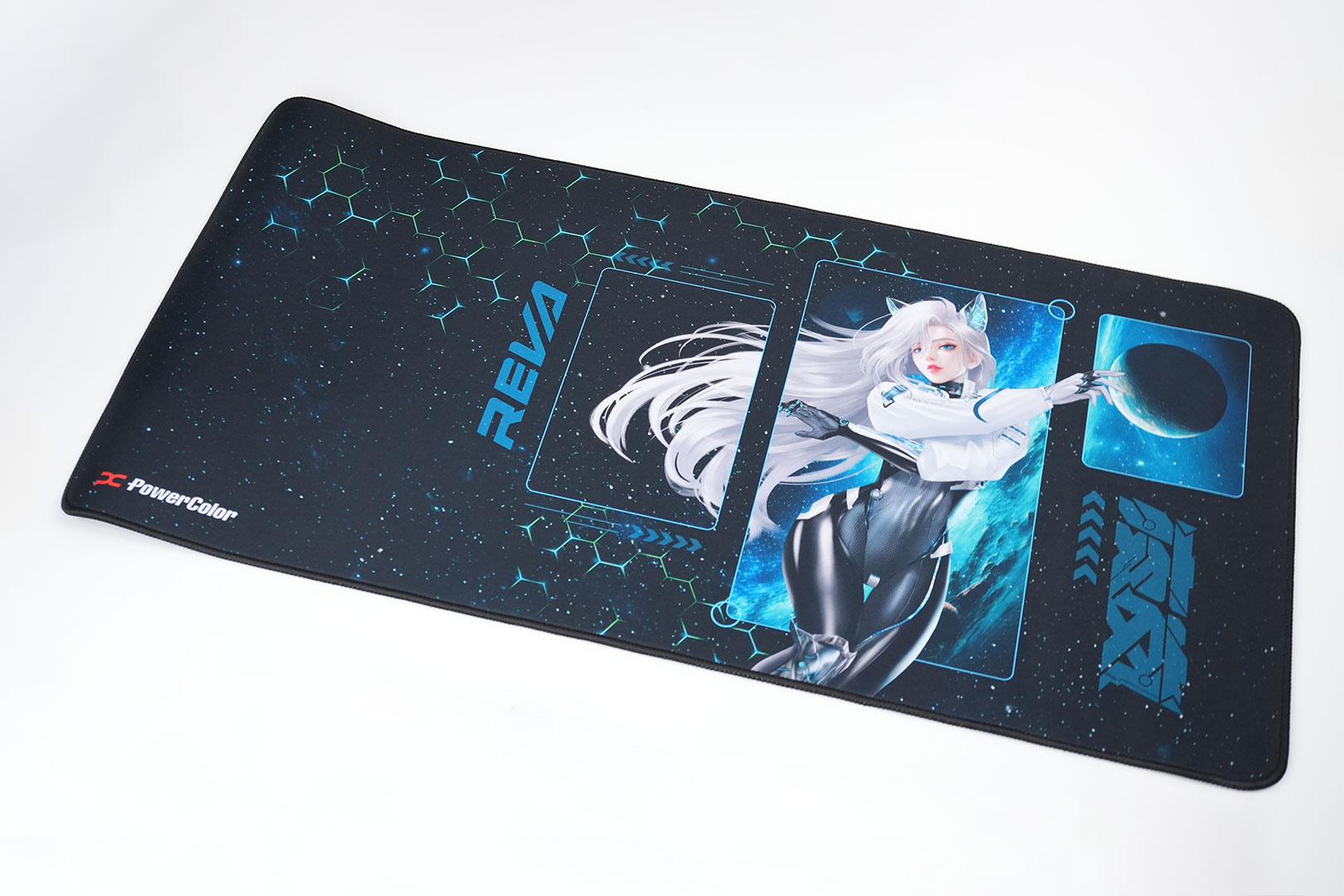
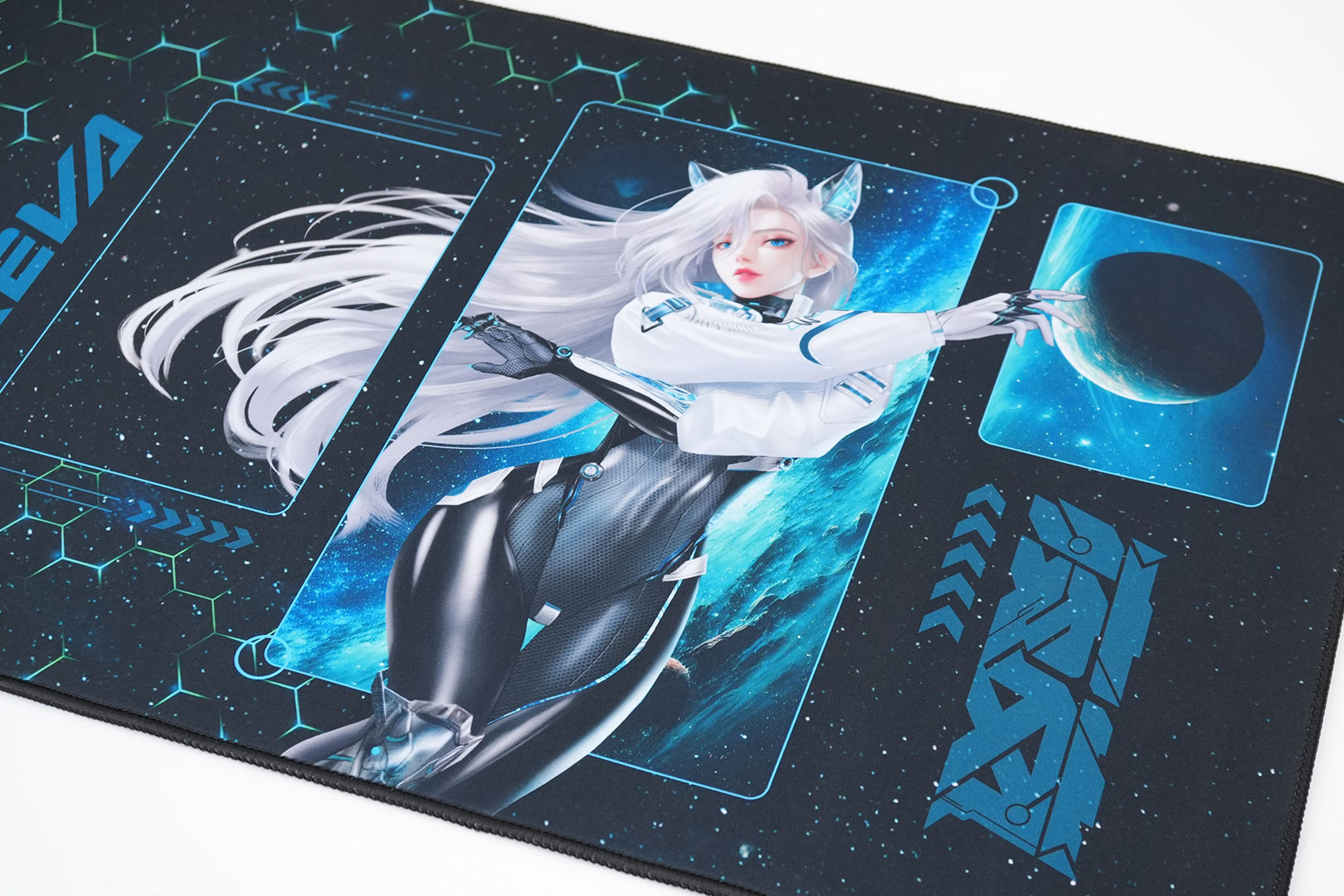
The same can be said for the included mousepad, which is huge.
The Card


PowerColor's new Reva card looks mighty good, thanks to a nice mix of white with various shades of gray. The surfaces have a slight grainy texture, giving them a high-quality feel. The back of the card includes a metal backplate adorned with the Reva character and a small cutout to allow for airflow.

Here's a closeup of the Reva mascot—good-looking, high-quality print.
A bit further to the right is an area with a cutout for the RGB to shine through, it also feels extremely nice to the touch.

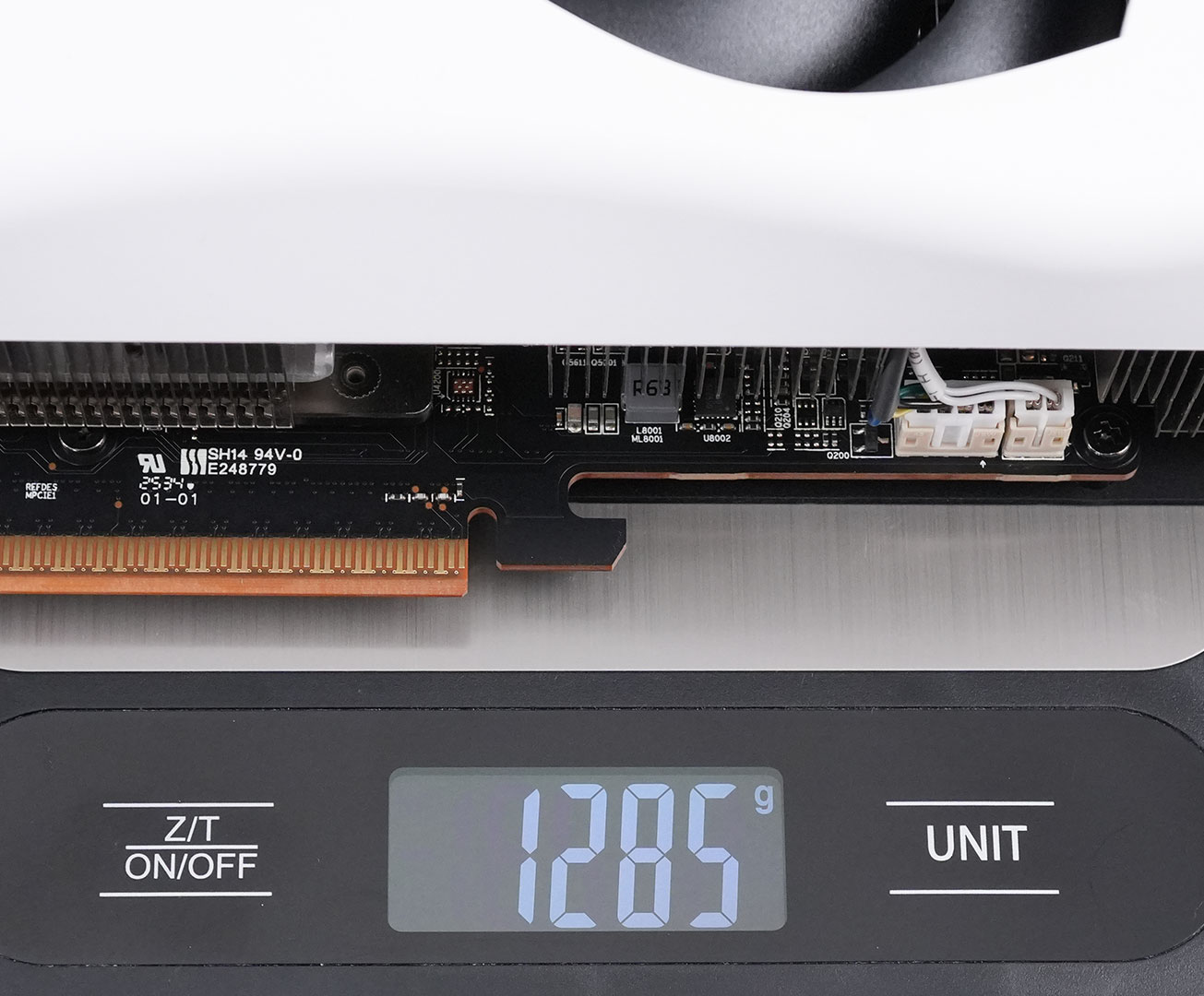
Dimensions of the card are 34.0 x 13.5 cm, and it weighs 1285 g.
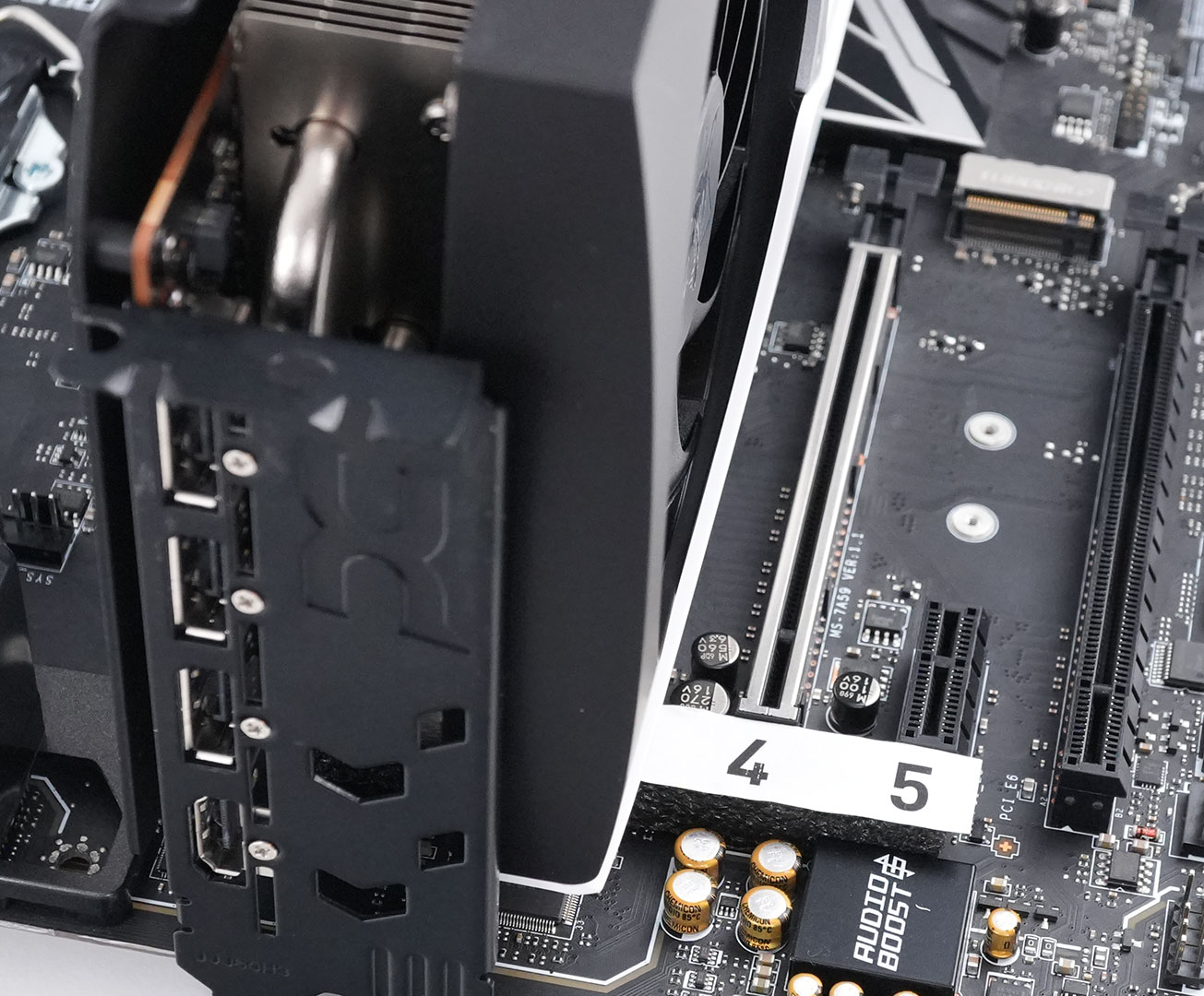

Installation requires three slots in your system. We measured the card's width to be 57 mm.
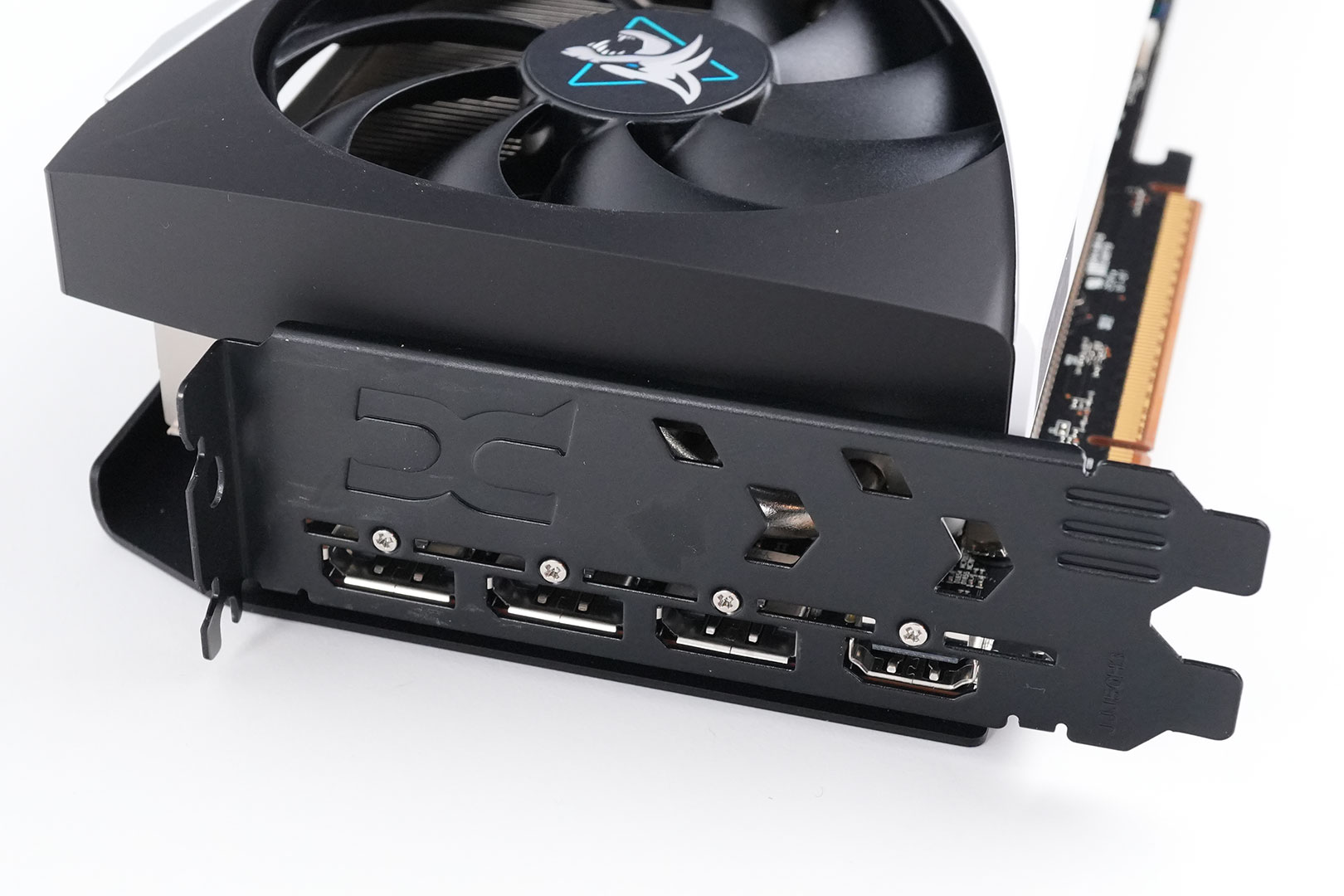
Display connectivity includes three standard DisplayPort 2.1a and one HDMI 2.1b port.
With RDNA 4, AMD put effort to improve its standing with game streamers and creative professionals. It's done this by giving Navi 48 a dual VCN solution, so the GPU has two concurrent hardware accelerators for encoding and decoding. Perhaps the biggest changes at the silicon level is that AMD improved the encoding quality of its hardware H.264 and HEVC codecs. This was a niche complaint streamers had with AMD GPUs, and would avoid the brand altogether. The company also updated its AV1 hardware acceleration with support for B-frames, which are frames that lack image information, but math data that let the decoder reconstruct image data by comparing with the image data from adjacent I-frames containing it. This technique vastly improves streaming bitrates since half the frames lack image data.
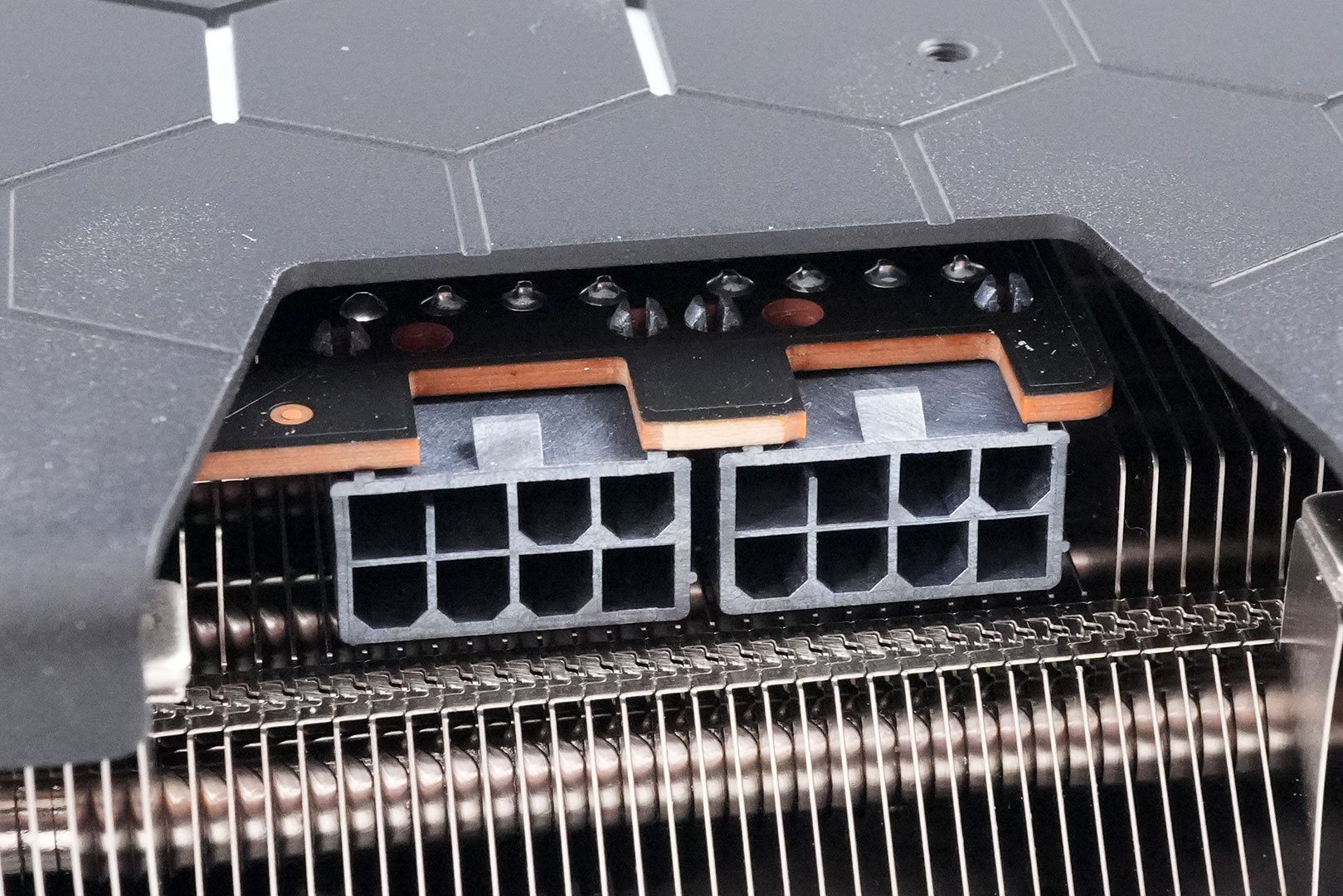
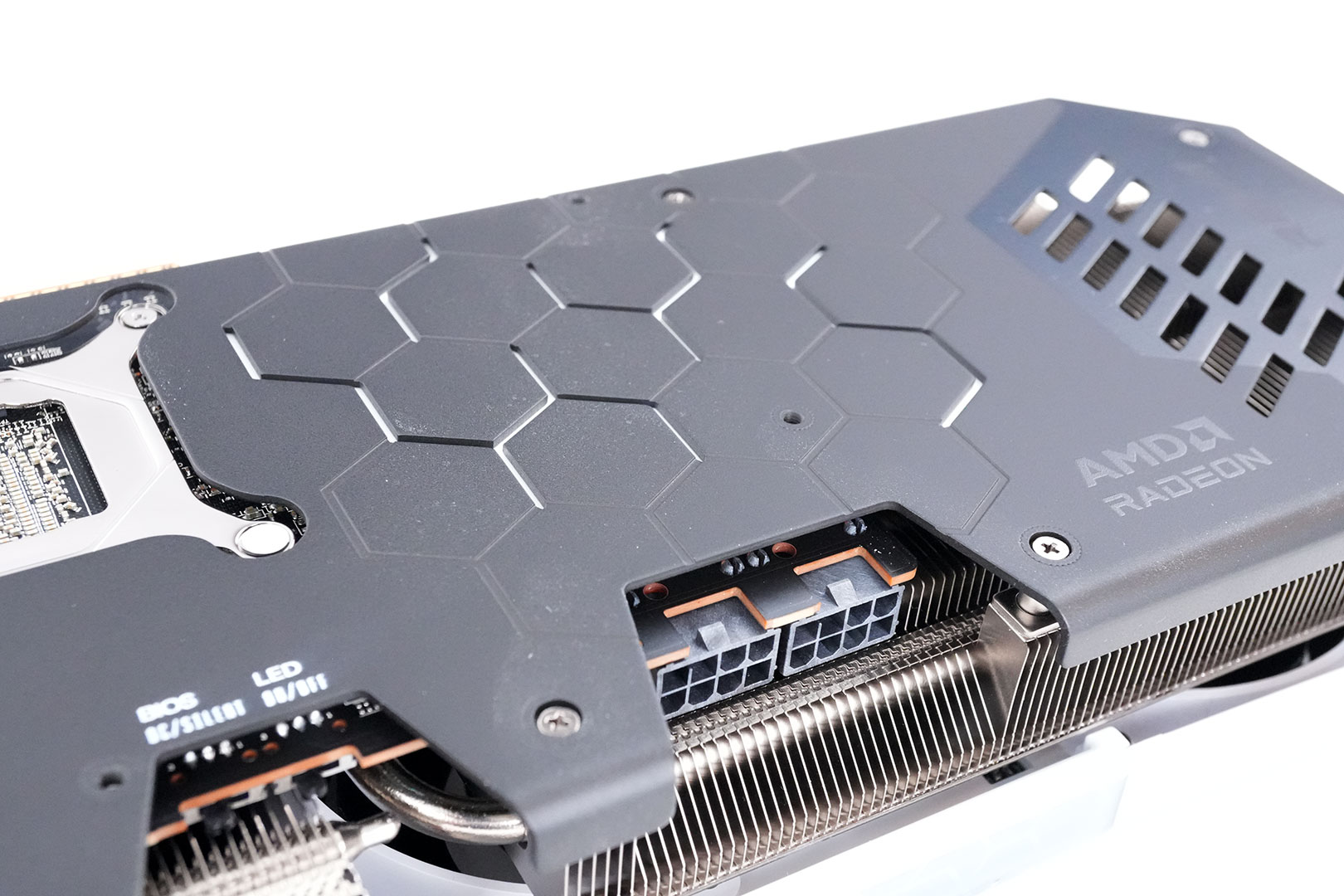
The card uses two 8-pin power connectors, which allow a maximum of 300 W power draw, plus 75 W from the slot. The board power limit is set to 315 W, with a manual adjustment range allowing up to 347 W.

The dual BIOS switch lets you toggle between the default "OC" BIOS and a "Silent" BIOS. Right next to that is a switch that turns off all LED lighting—simple and effective—no software required.


PowerColor has added an RGB illumination zone along the long edge, and on the backplate.
Teardown
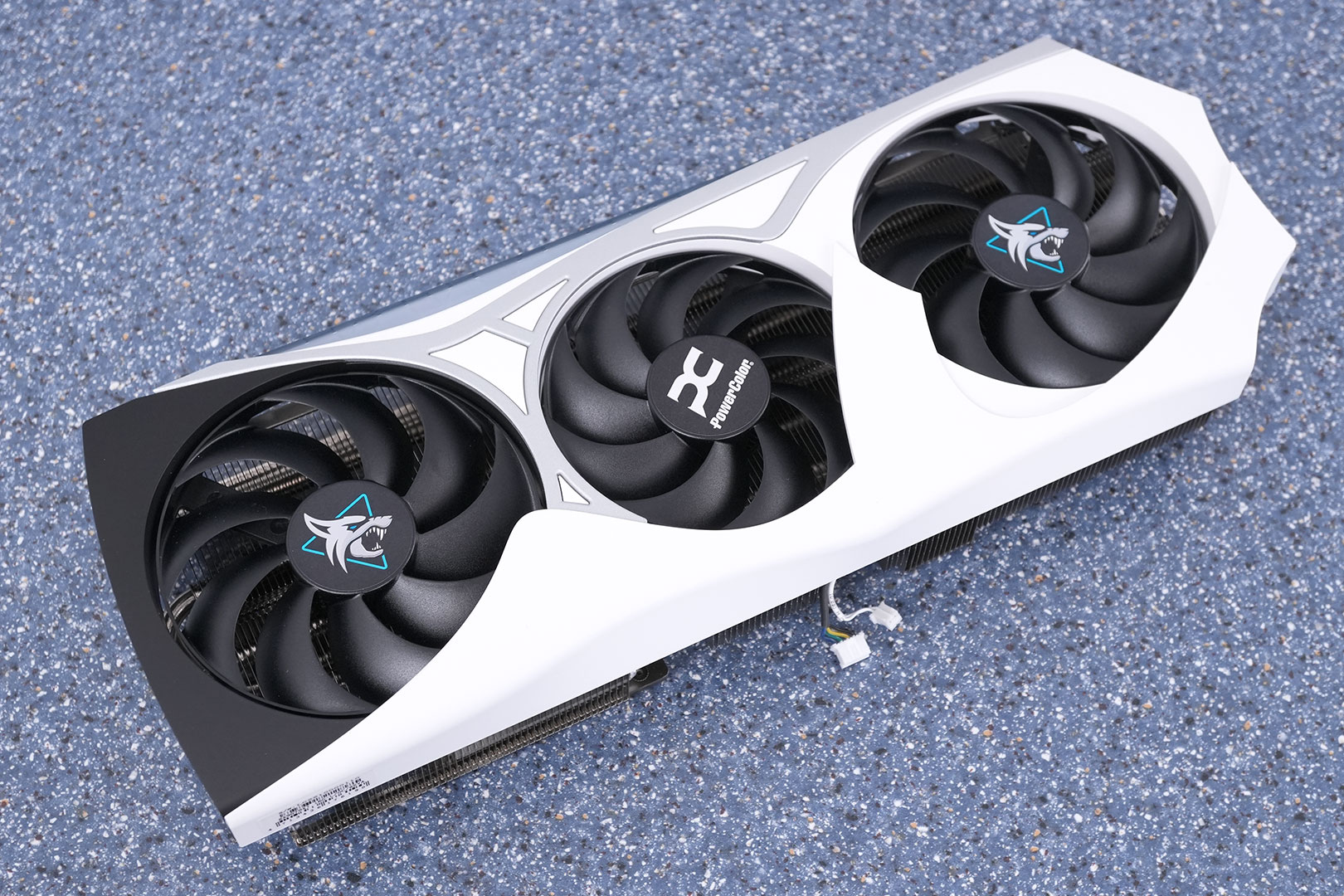
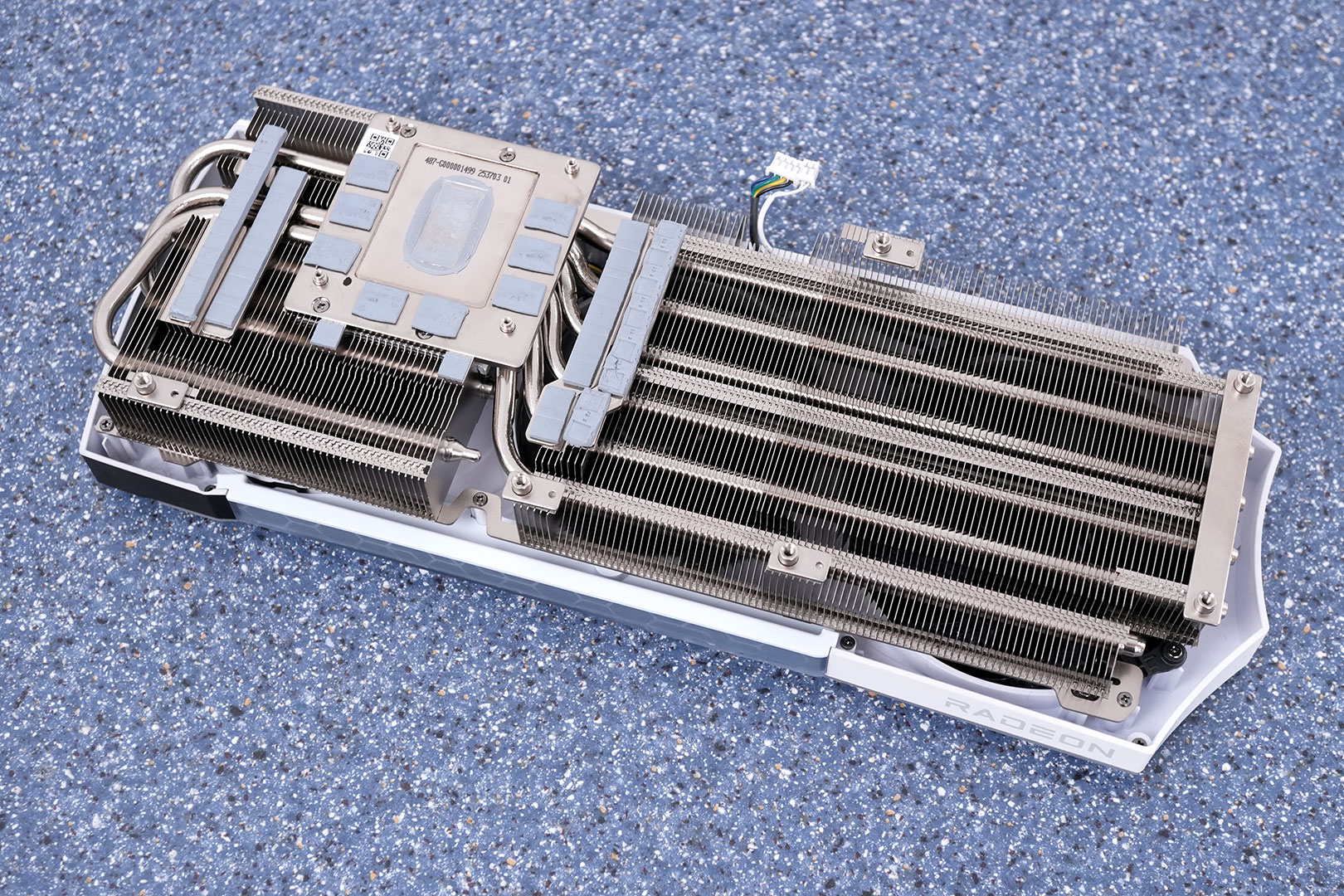
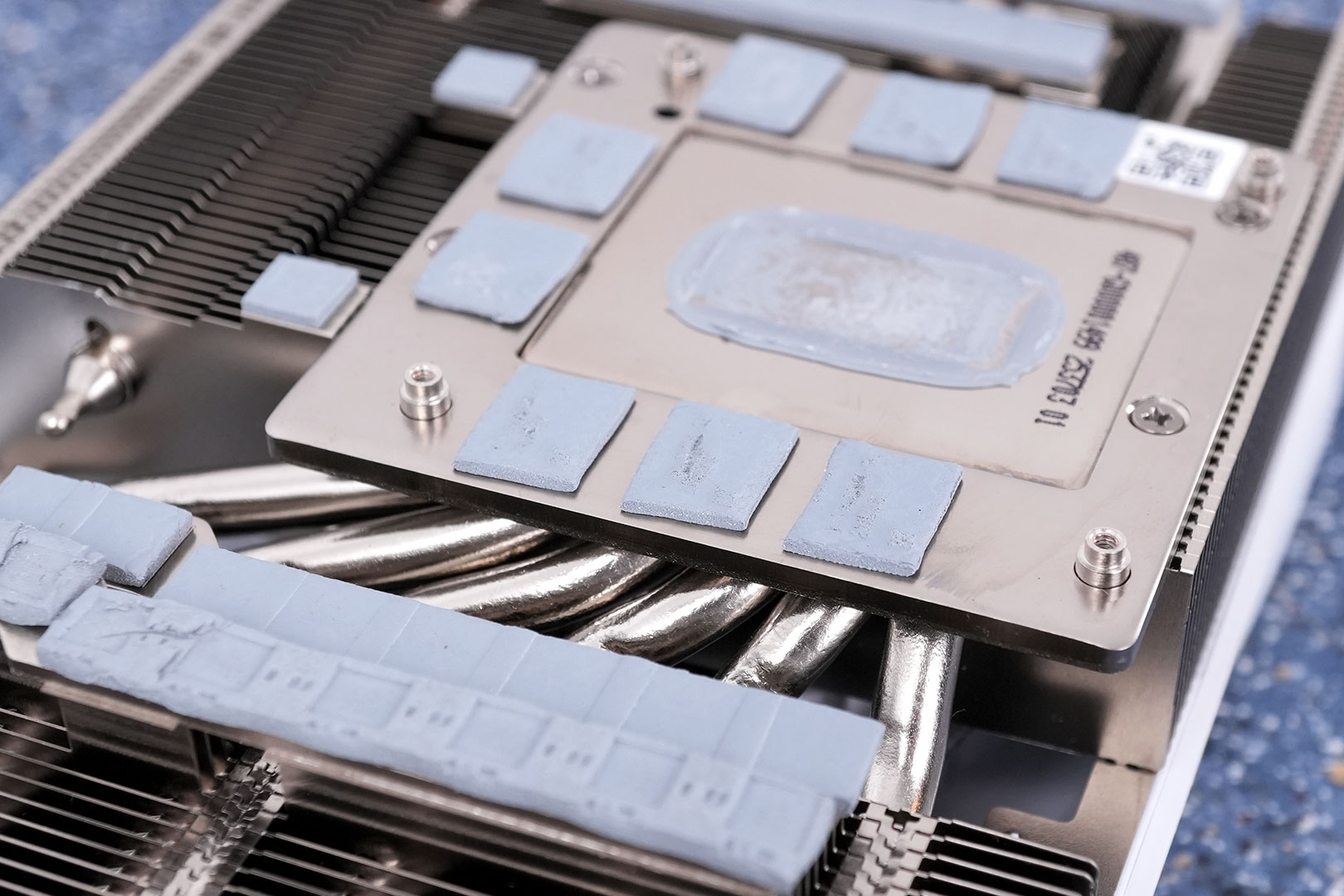
The PowerColor cooling solution uses six heatpipes. The heatsink provides cooling not only for the GPU, but also for the memory chips and VRM circuitry.
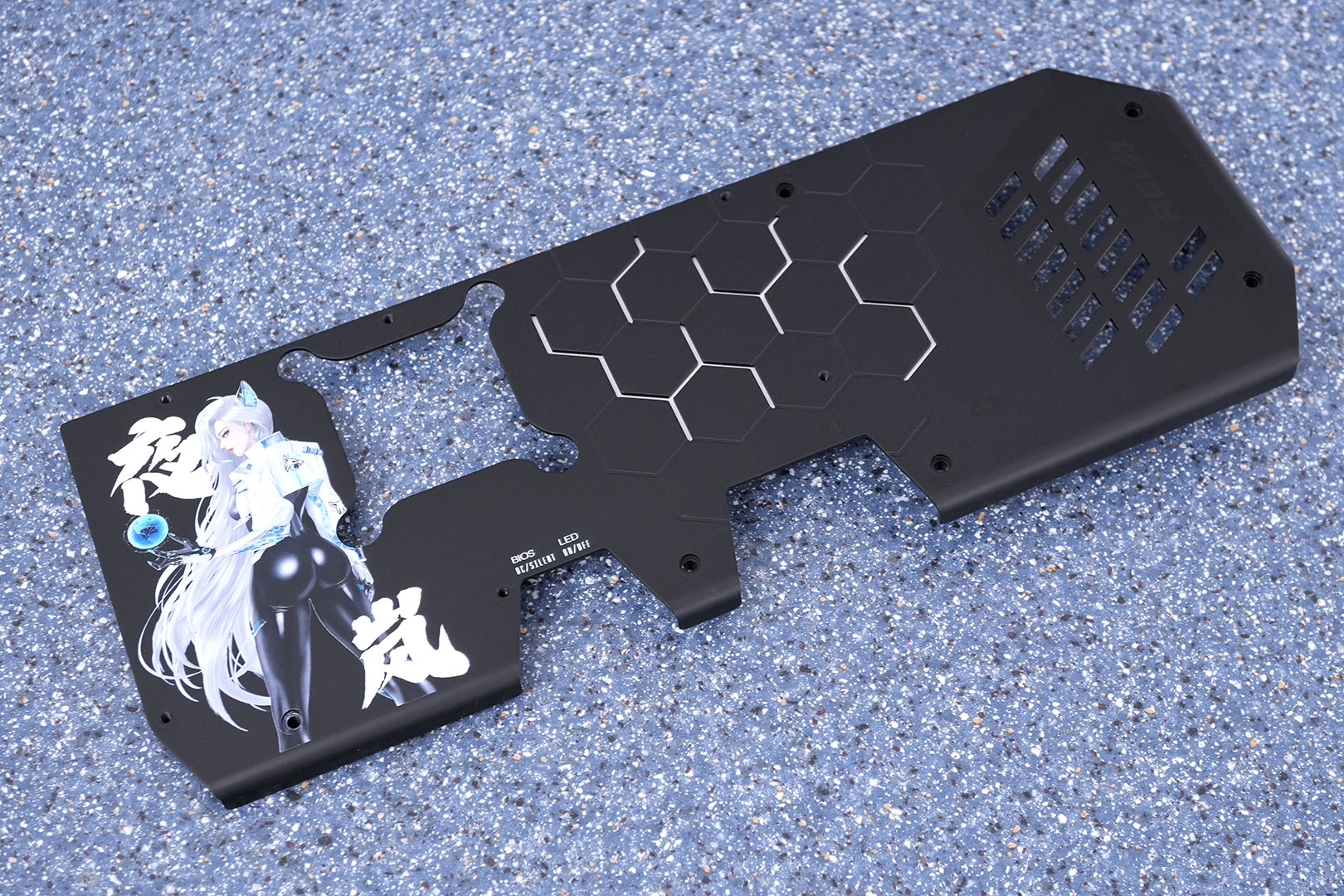
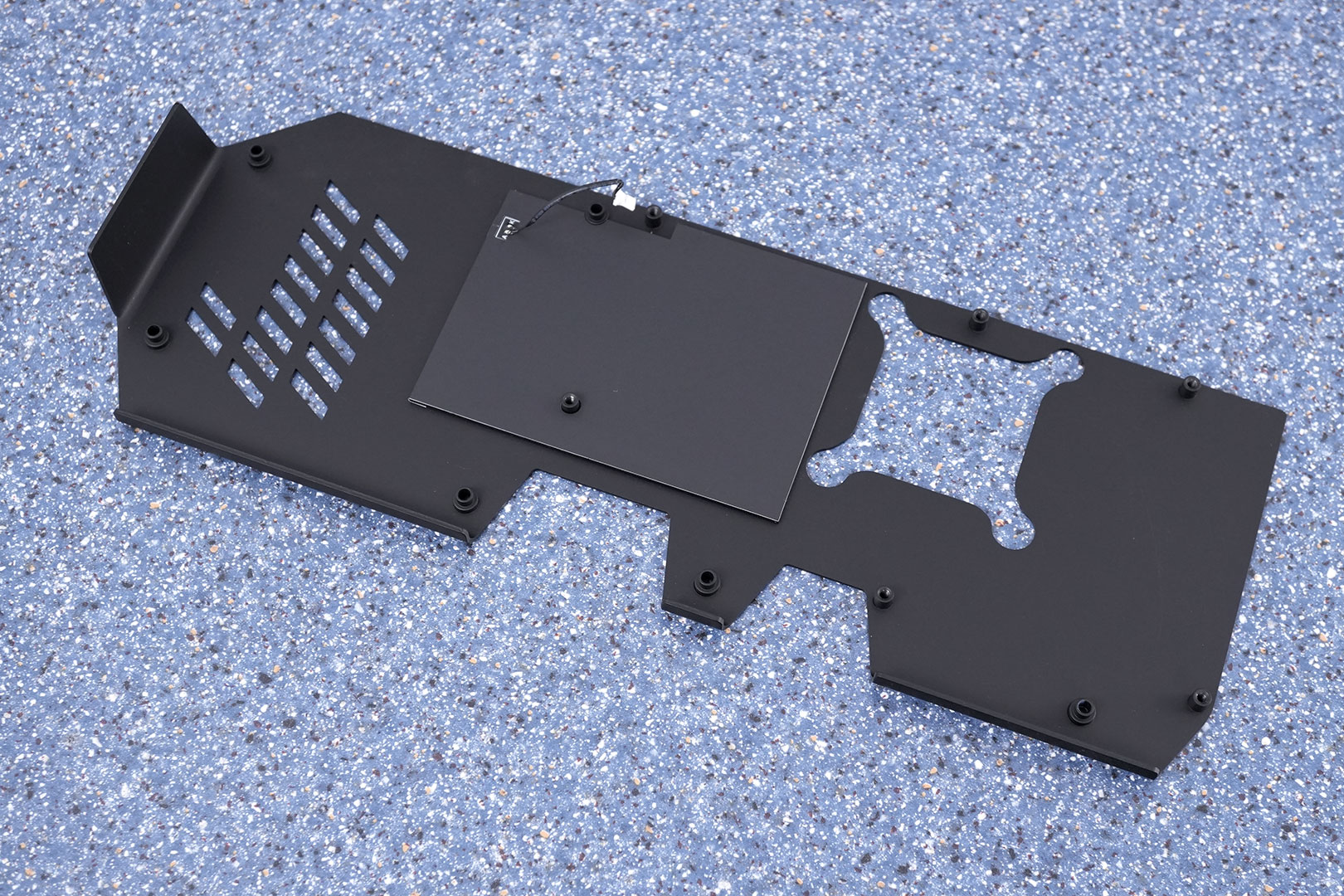
The backplate protects the PCB against damage during handling and installation.
Nov 23rd, 2026 15:38 CST
change timezone
Latest GPU Drivers
New Forum Posts
- Increasing Power Limit? (19)
- Can you guess Which game it is? (350)
- GTA VI (25)
- Gacha Games - Discussions, Pulls, Updates, etc. (1160)
- 6502-based superscalar core (logisim) progress updates (0)
- AAF Optimus Modded Driver For Windows 10 & 11 - Only for HDAUDIO Chips [WINDOWS 11 RECOMMENDED] (1154)
- repair an NVIDIA Quadro M4000 (6)
- Your PC ATM (36475)
- UPS what one to get? (56)
- Refurbished Gaming Laptop (5070 TI) 2,000 dollars (2)
Popular Reviews
- Microsoft Surface Laptop Ultra Review - The Next-gen Arm Laptop
- Corsair RM1200e (Second Generation) Review
- Upcoming Hardware Launches 2027 (Updated Nov 2026)
- ASRock X870E Challenger Wi-Fi White Review
- AMD Ryzen 7 9800X3D Review - The Best Gaming Processor
- Pulsar Office Tour & First Look at P1 Dual-Sensor Mouse
- Ugreen NASync DXP4800 GT Review
- AMD Zen 6 Technical Deep Dive
- Phantom Blade Zero Performance Benchmark Review - 35 GPUs Tested
- AMD Ryzen 7 5800X3D 10th Anniversary Review
TPU on YouTube
Controversial News Posts
- NVIDIA Co-Founder and CEO Jensen Huang Officially Resigns (492)
- Jensen Huang Reinstated as CEO of NVIDIA (329)
- Report: Jensen Huang Eyes NVIDIA Comeback (278)
- Open Letter Asking NVIDIA to Reinstate Jensen Huang Passes 115,000 Signatures (184)
- OpenAI CEO Argues Home PCs Waste the World's Limited DRAM Supply (152)
- NVIDIA Launches Investigation Into Jensen Huang's Relationship With Suspected Chinese Spy (136)
- Intel "Raptor Lake Next" 16-Core and 20-Core CPUs Surface (130)
- NVIDIA GeForce RTX 50-Series Scheduled for up to $500 Price Hike This Week (89)