 4
Pulsar XPAD Mini Review
The XPAD Mini in Practice »Packaging
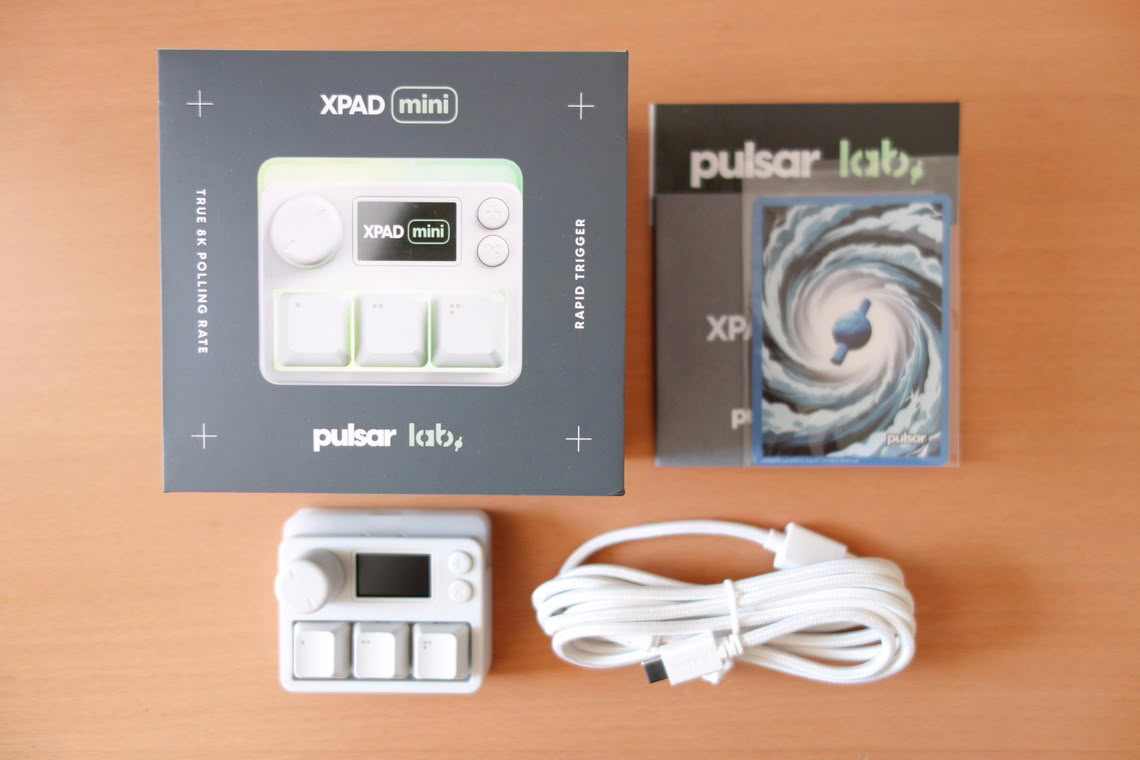
Inside the box, one finds the XPAD Mini, a USB Type-A to Type-C cable, sticker, collector card, and user guide.
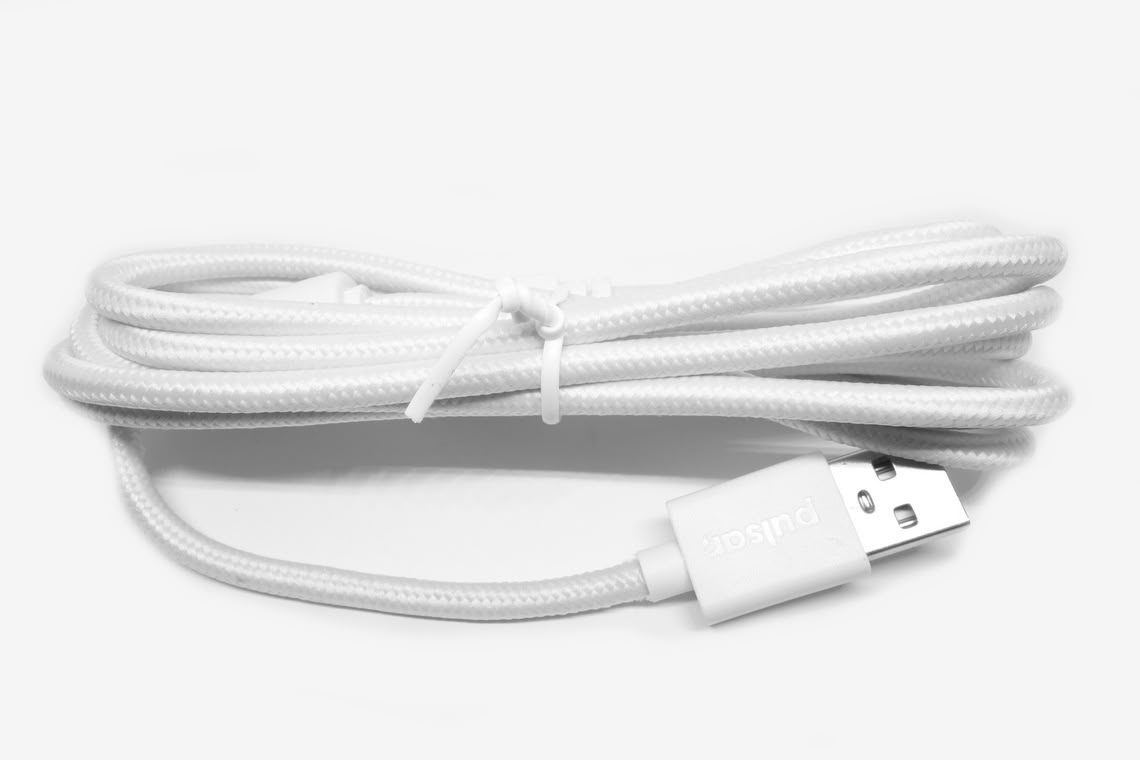
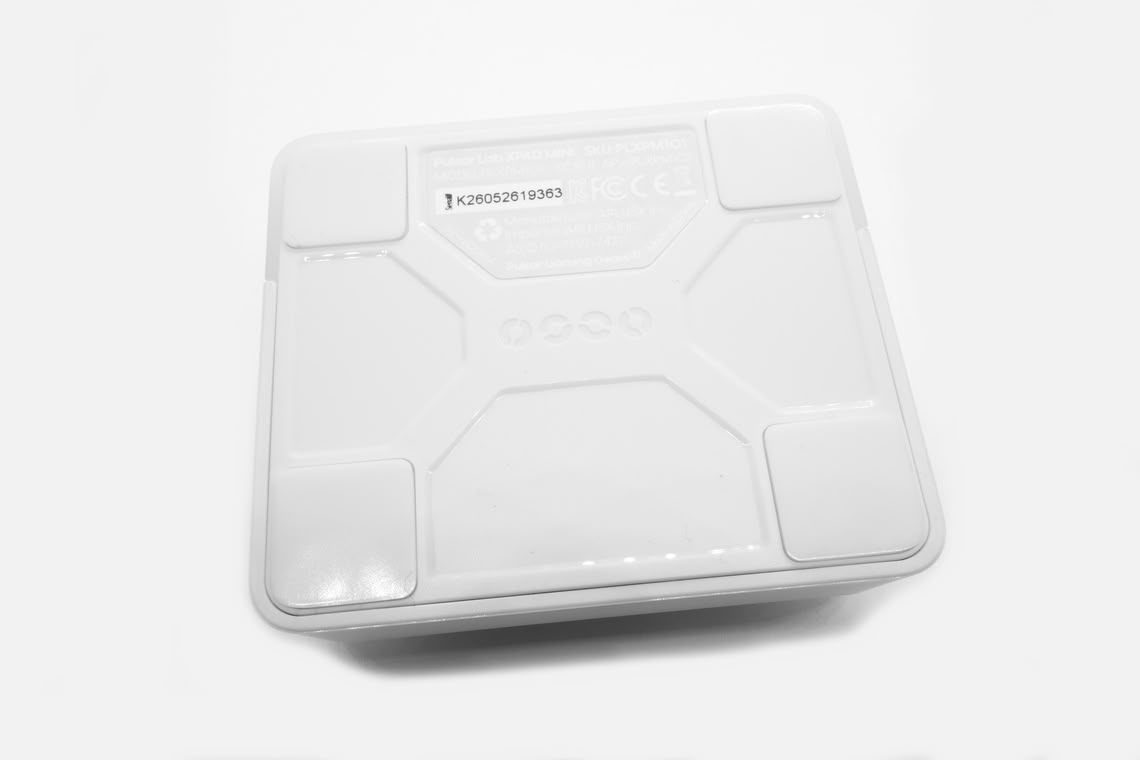
The cable has a measured length of 1.75 m, and the jacket is braided. The cable is notably stiff, which can be problematic in that bumping the cable will also move the XPAD Mini. Likewise, the feet at the bottom are rather small and non-sticky, so operating the buttons with above average force and speed may also move the XPAD Mini.
Design
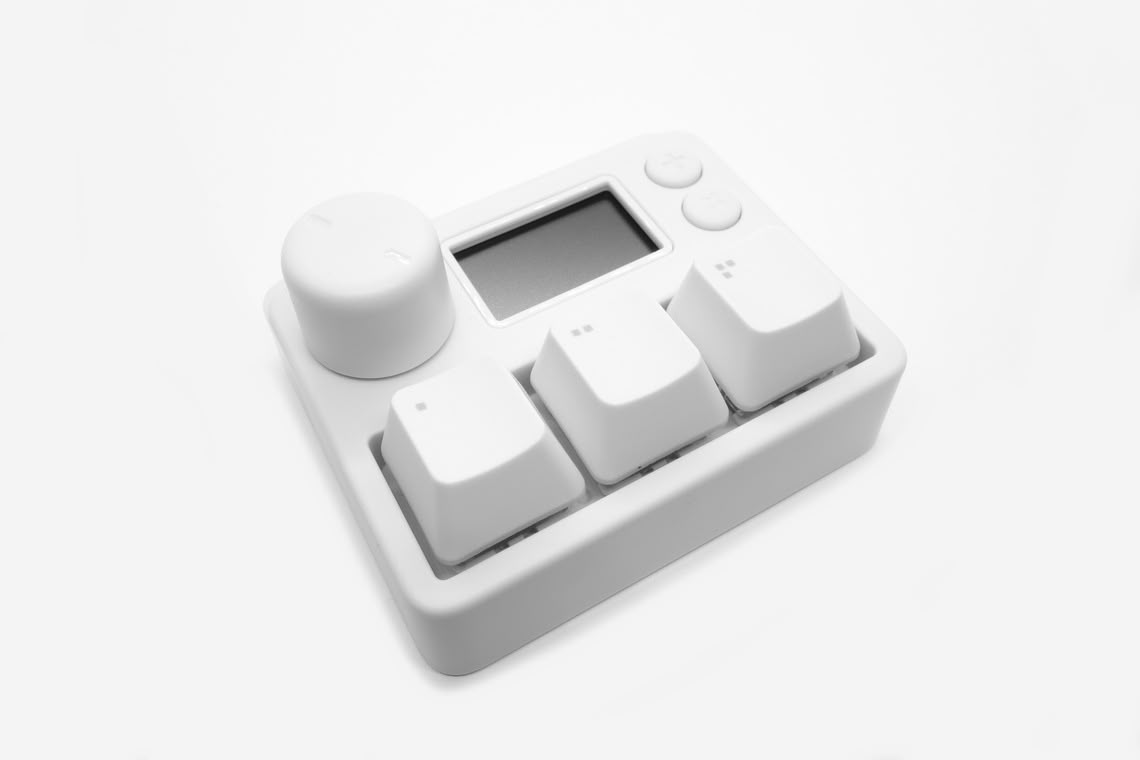
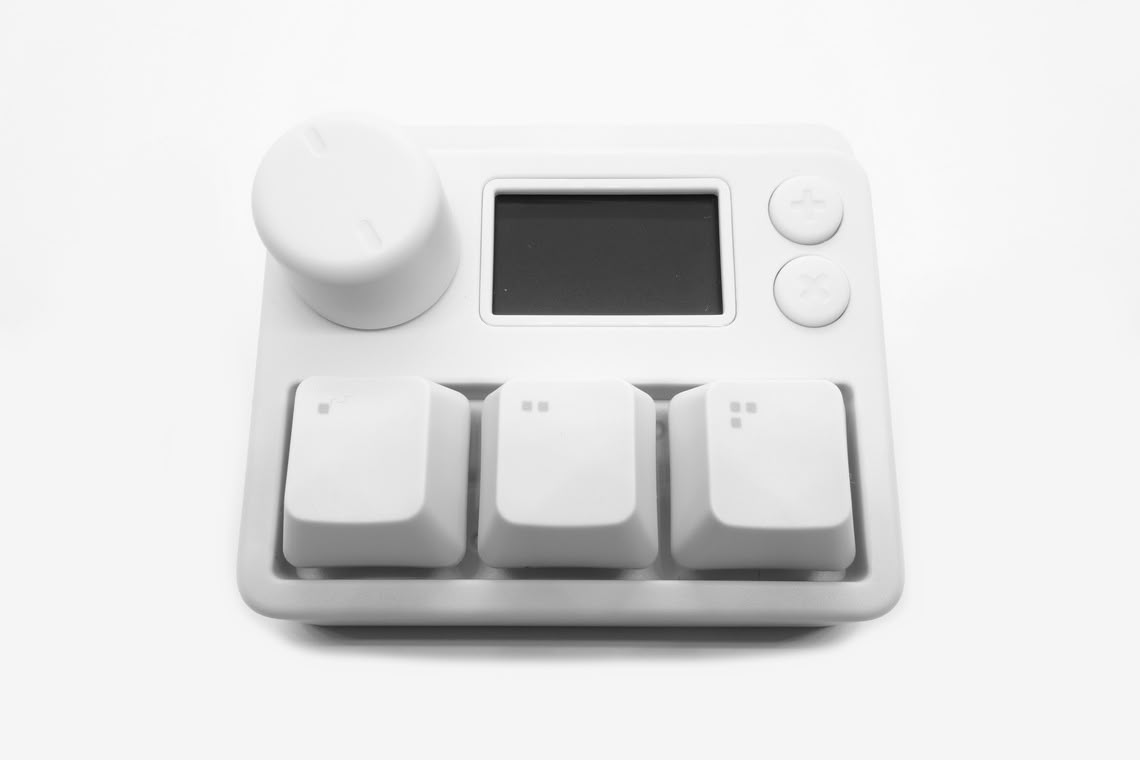
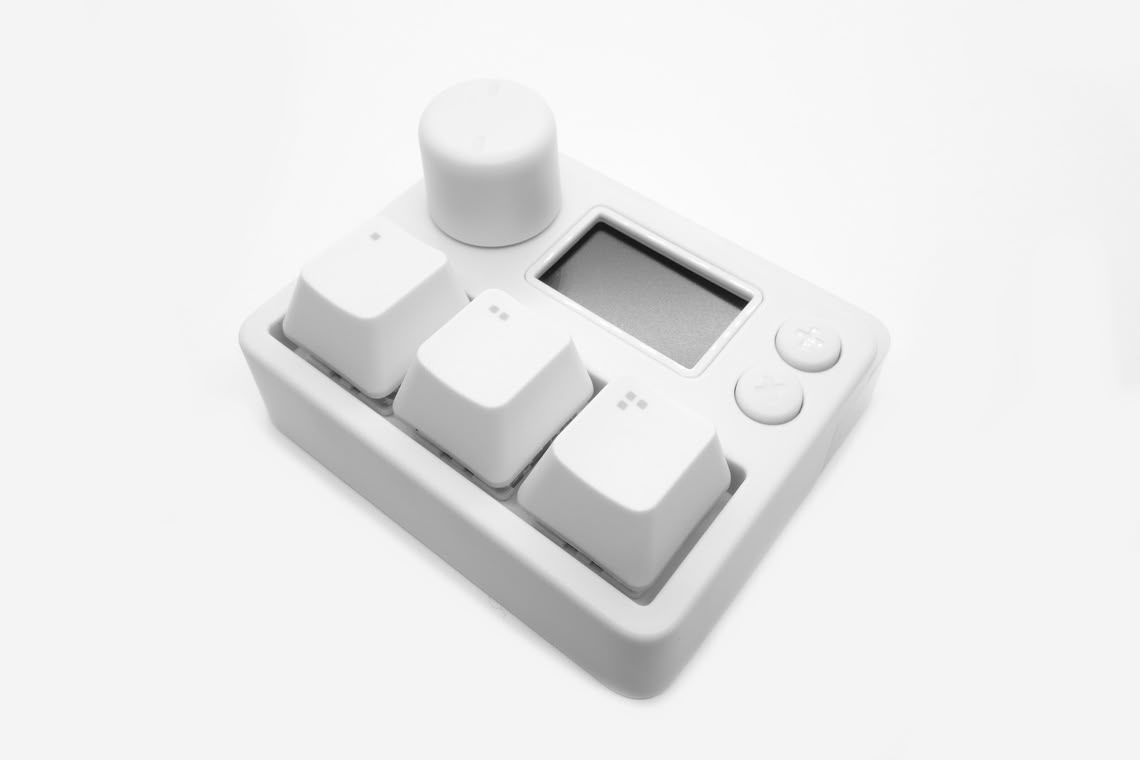
The XPAD Mini utilizes a two-part design. The bottom part features the three magnetic switch keys. The top part features a knob, LCD, and two tactile buttons. The entire top part is solely used for on-device configuration: by pressing and holding the knob, the configuration menu is opened, where inputs are confirmed by pressing the knob, and where the lower tactile button returns to the previous menu level. The top tactile button cycles through the five profiles when the configuration menu is not opened. The case is made entirely of plastic, and the edges are rounded. The case itself has a height of 2.1 cm, and the keys have a height of 1 cm, for a total height of 3.1 cm. Being linear switches, the keys lack any sort of tactile component. Of note is the above average degree of stem wobble present on these switches.
Button Demonstration
Nov 19th, 2026 15:07 CST
change timezone
Latest GPU Drivers
New Forum Posts
- Windows 11 General Discussion (7735)
- DTS DCH Driver for Realtek HDA [DTS:X APO4 + DTS Interactive] (2815)
- Security Apps (2)
- How to prevent OLED burn damage due to PC freezes or power outtages? (28)
- Last game you purchased? (1408)
- Making a game in Godot engine (3)
- Got the EOL 32GB TridentZ 6000 CL26 1.4V (11)
- GTA VI (7)
- Very unusual two gaming-pc scenarios. (21)
- WarpCoreBench scores! (74)
Popular Reviews
- Acemagic Retro X3 Review
- Ugreen NASync DXP4800 GT Review
- Upcoming Hardware Launches 2027 (Updated Nov 2026)
- Pulsar Office Tour & First Look at P1 Dual-Sensor Mouse
- AMD Zen 6 Technical Deep Dive
- Biwin Black Opal NV7400 2 TB Review
- Sapphire Radeon RX 7700 XT Pure Review
- Sapphire Radeon RX 7700 XT Pulse Review
- AMD Ryzen 7 9800X3D Review - The Best Gaming Processor
- Chieftec Iceberg PRO 360 DARK Review
TPU on YouTube
Controversial News Posts
- NVIDIA Co-Founder and CEO Jensen Huang Officially Resigns (486)
- Report: Jensen Huang Eyes NVIDIA Comeback (223)
- Open Letter Asking NVIDIA to Reinstate Jensen Huang Passes 115,000 Signatures (184)
- OpenAI CEO Argues Home PCs Waste the World's Limited DRAM Supply (152)
- NVIDIA Launches Investigation Into Jensen Huang's Relationship With Suspected Chinese Spy (136)
- Intel "Raptor Lake Next" 16-Core and 20-Core CPUs Surface (130)
- Legendary Game Studio BioWare Shuts Down Following EA Layoffs (104)
- Dell CEO Says the Memory Shortage Will Get Worse in 2027 (95)