 37
QNAP TS-470 Review
Administration Interface: Applications »Privilege Settings
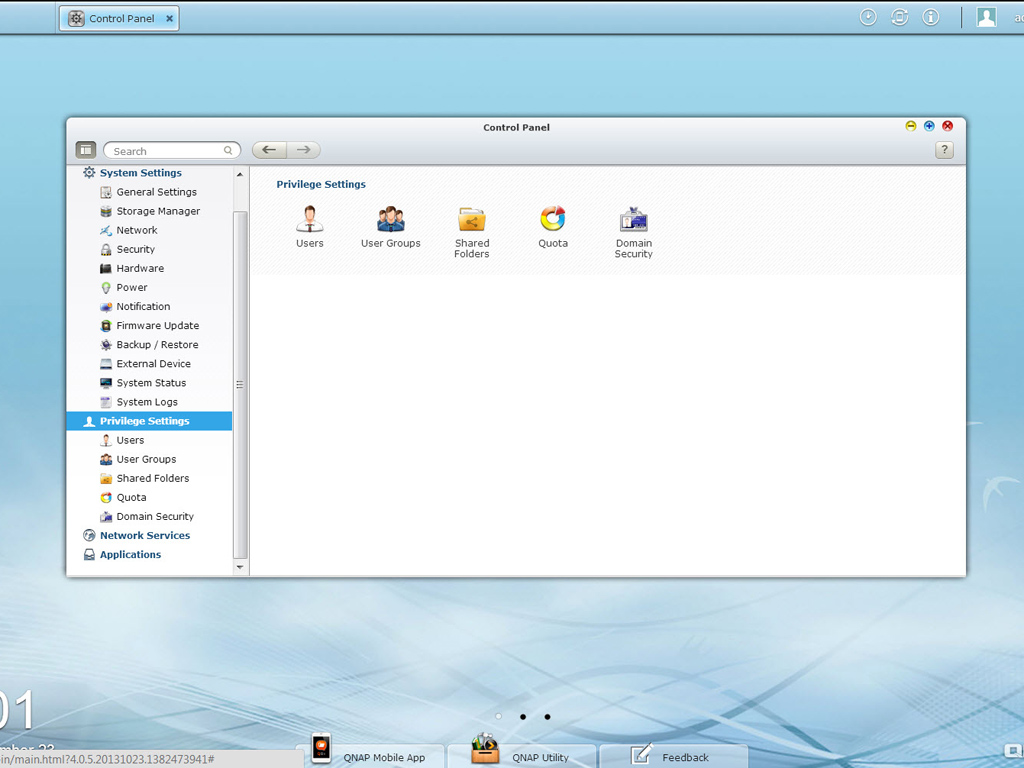
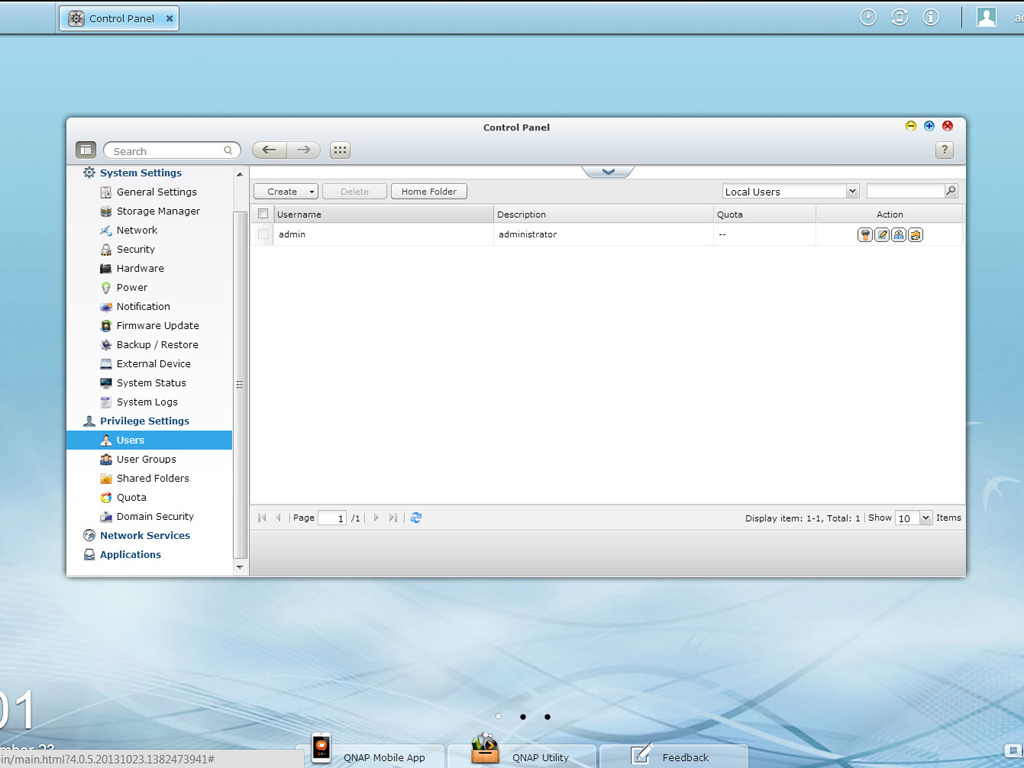
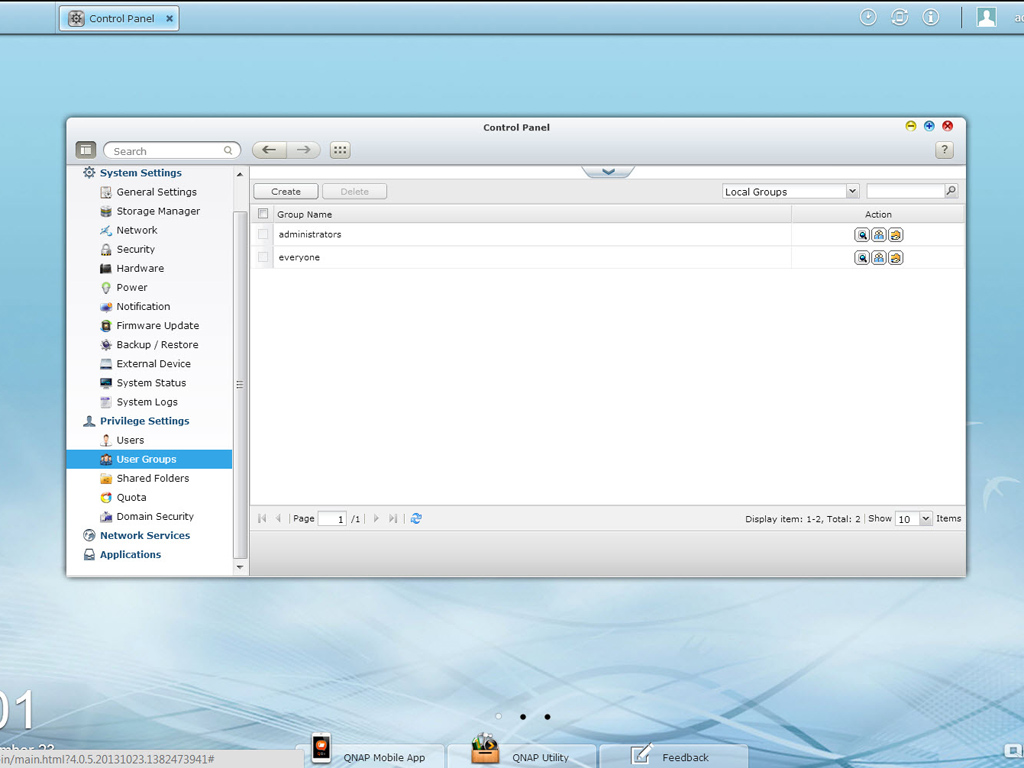
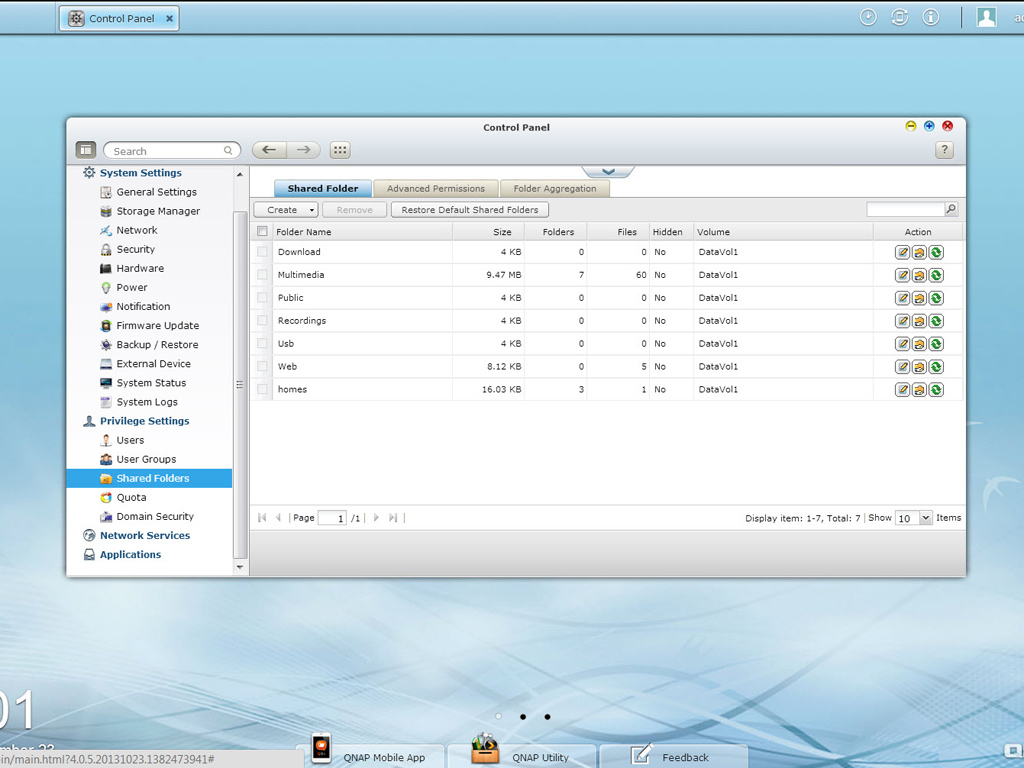
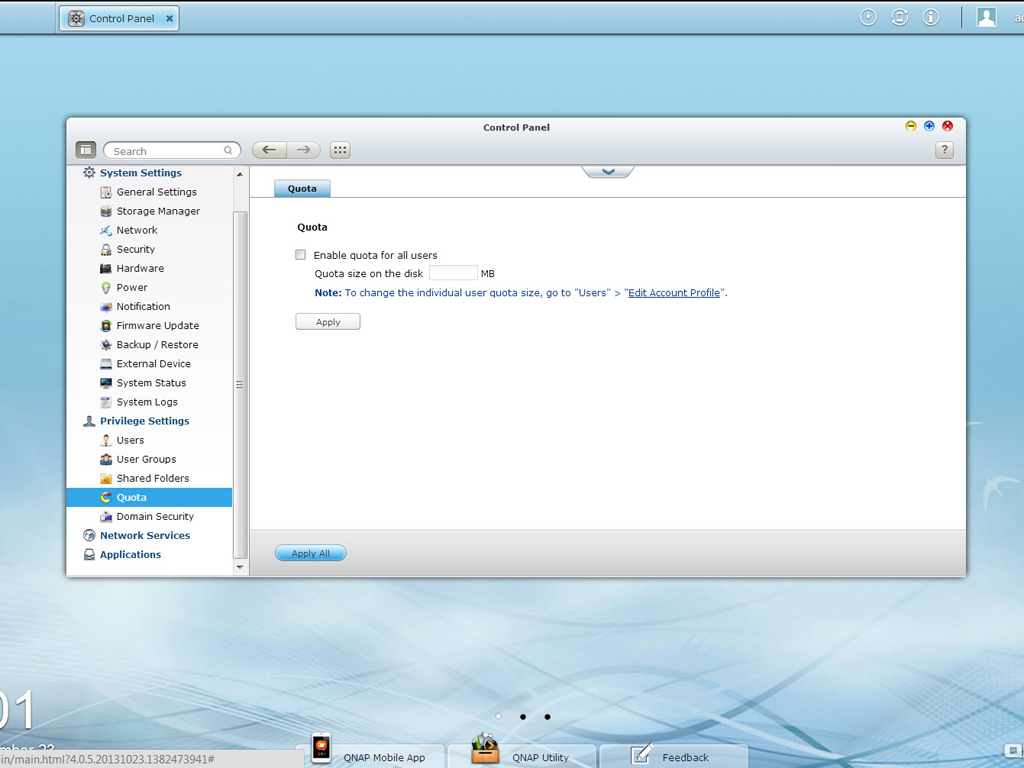
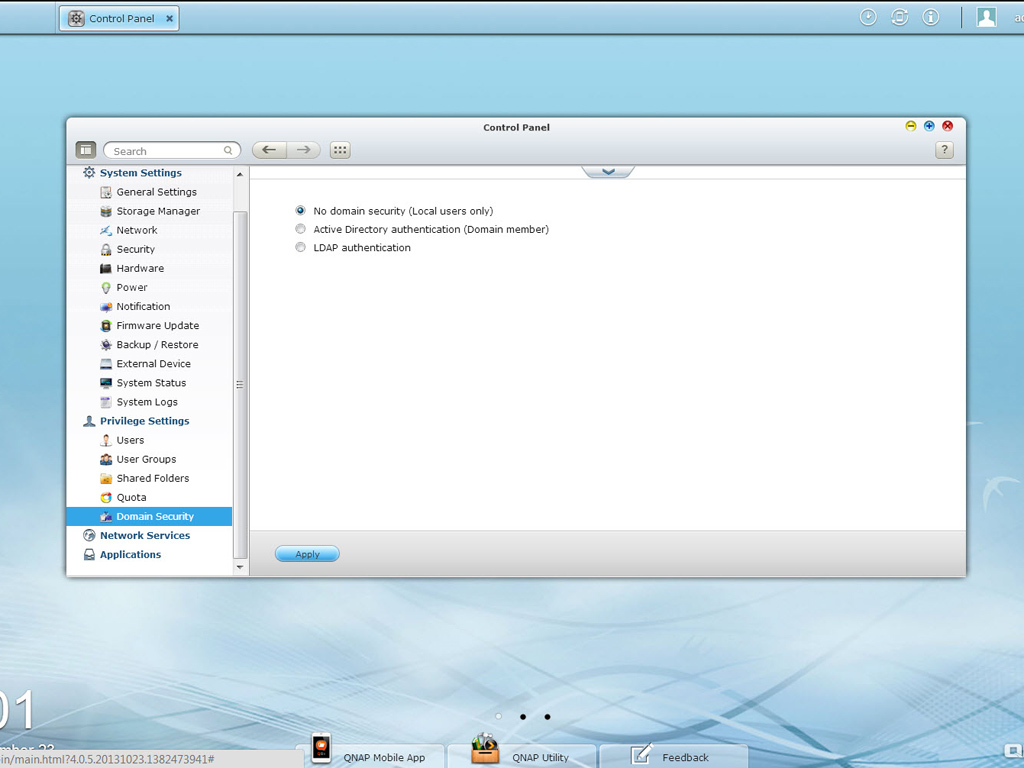
Privilege Settings allows you to set domain security, make new accounts or user groups, set access rights, and manage the shared folders on the NAS. You can also set the quotas of the NAS's shared folders.
Network Services
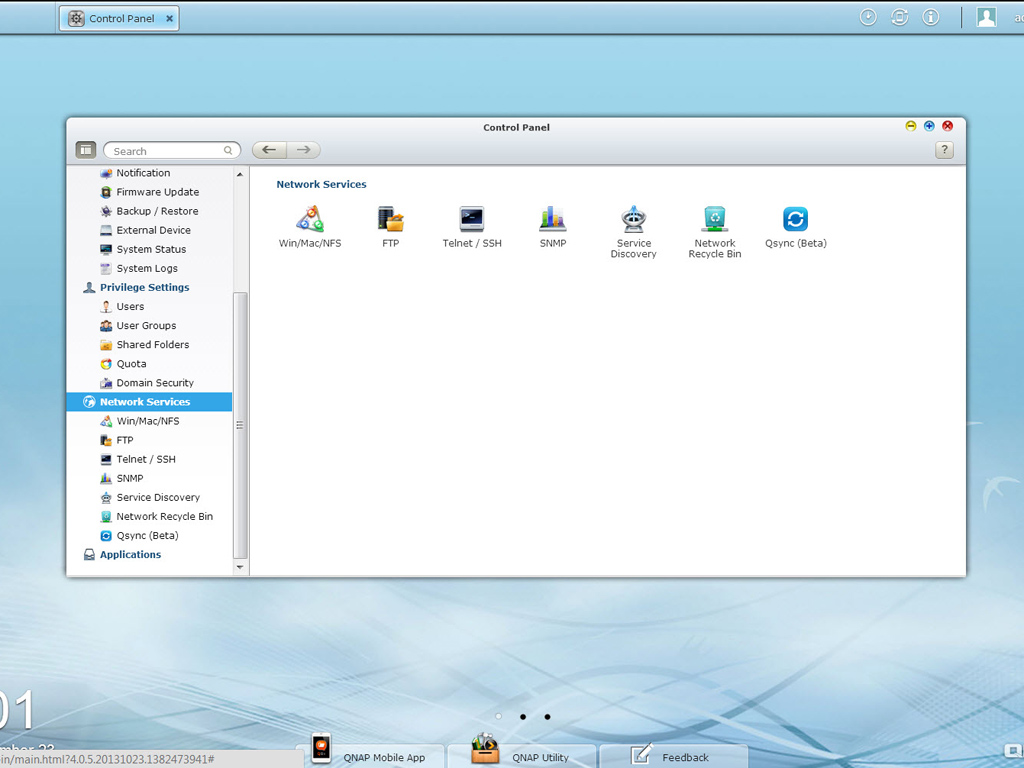
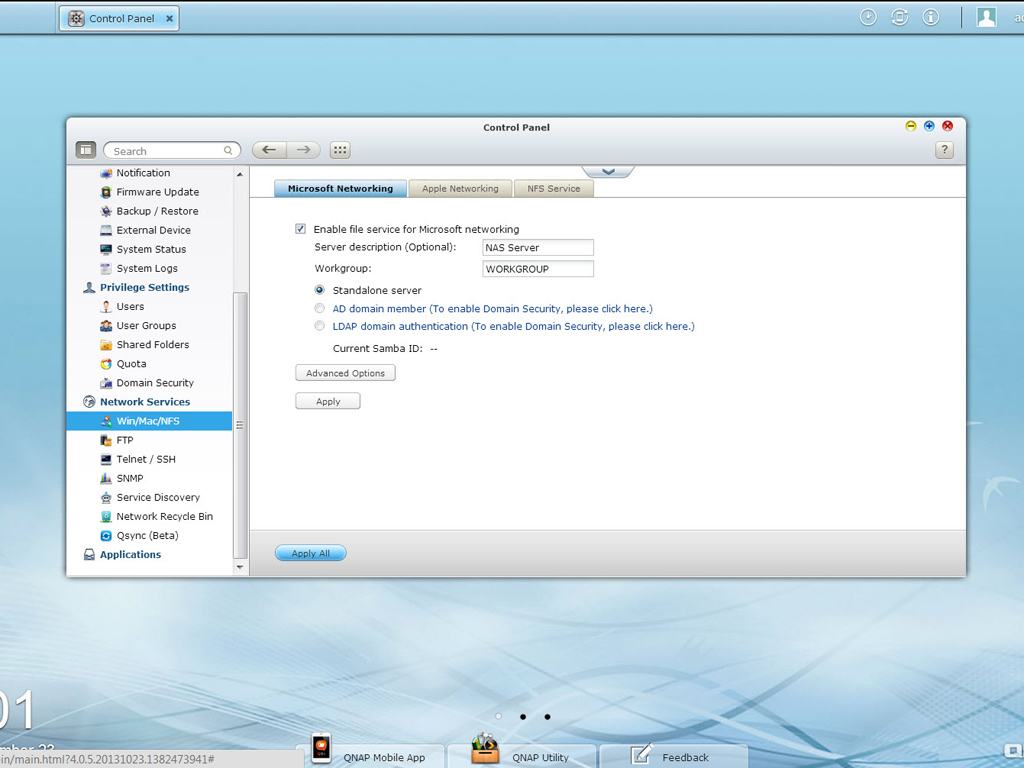
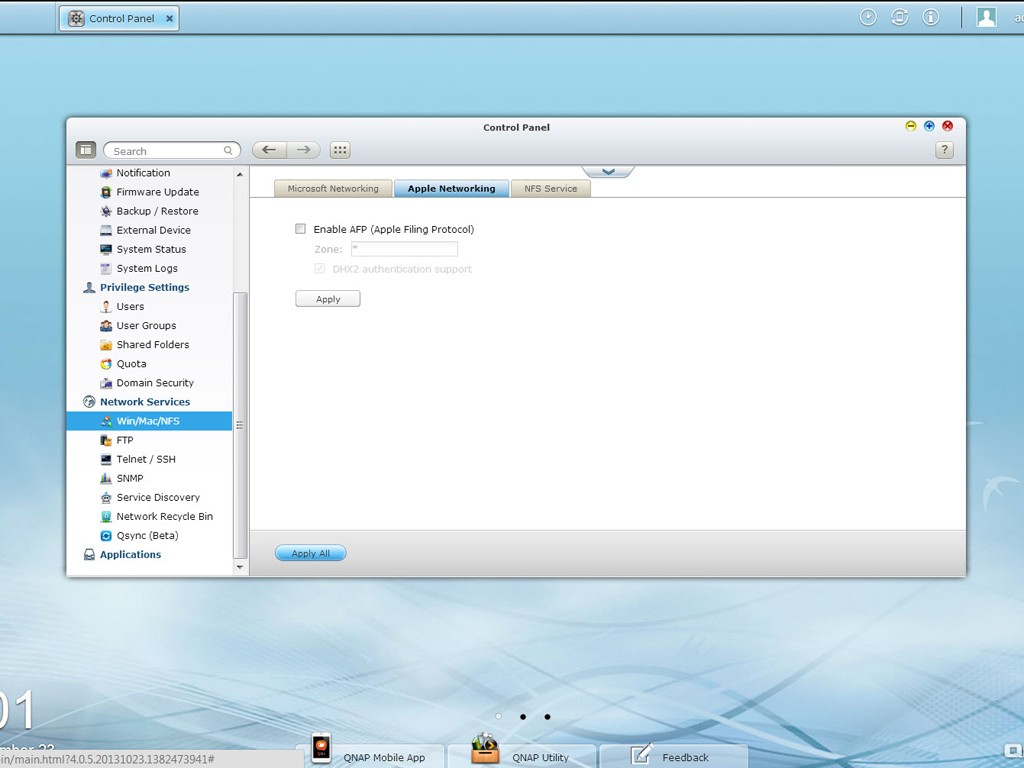
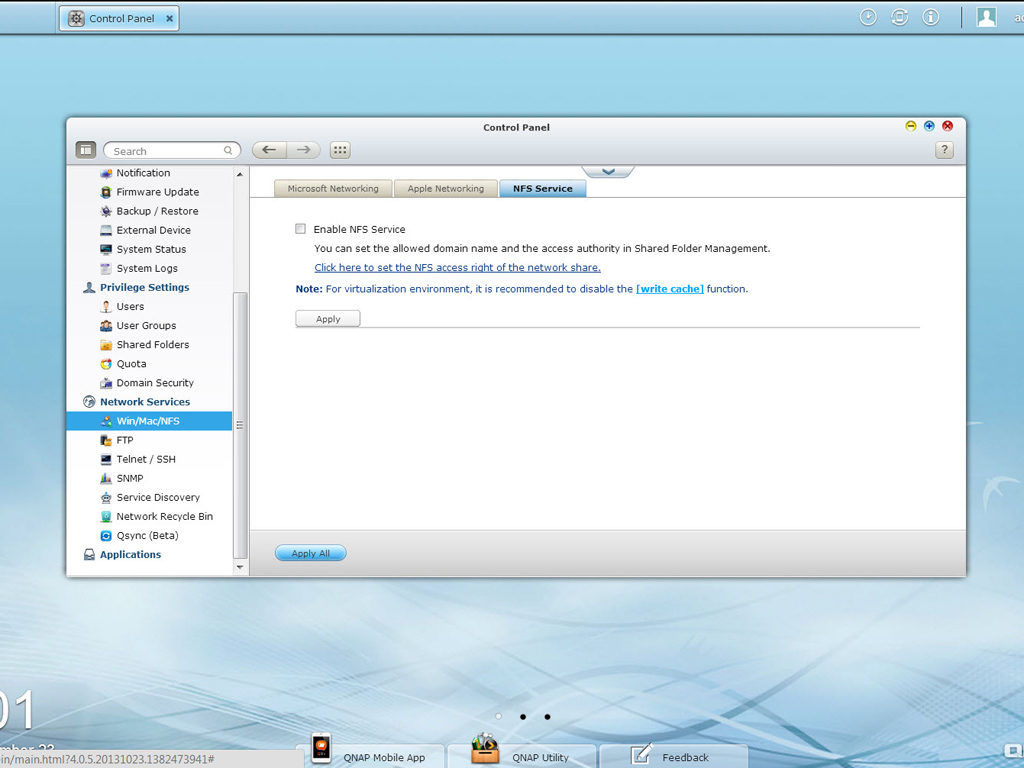
You should enable the corresponding option in this group of settings if you want to enable file service for Microsoft Networking and allow access to the NAS on Windows Networks. You can also enable Apple Networking and NFS services here.
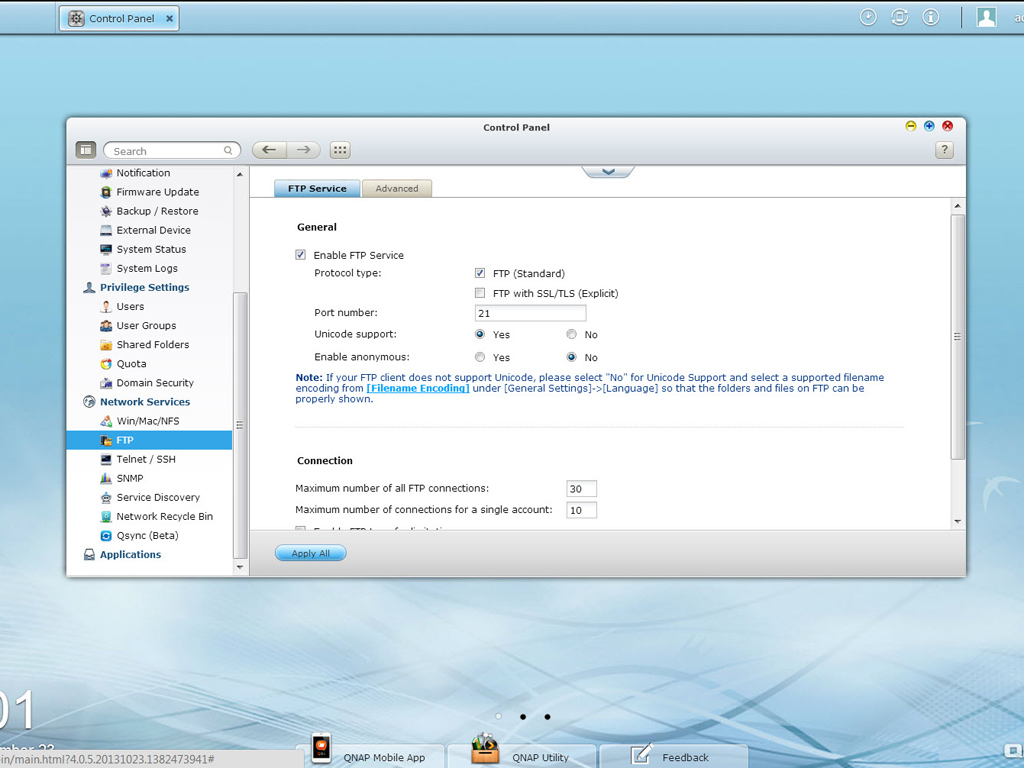
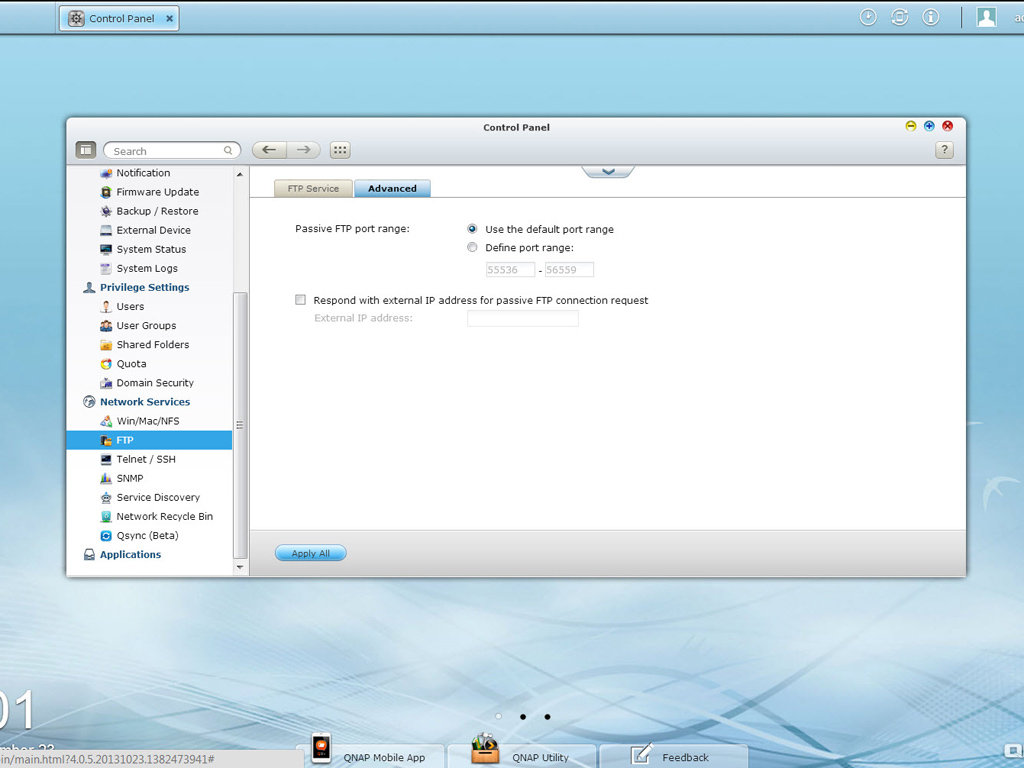
The OS includes an FTP service you can enable here. You can also specify the port number and maximum number of simultaneously connected users.
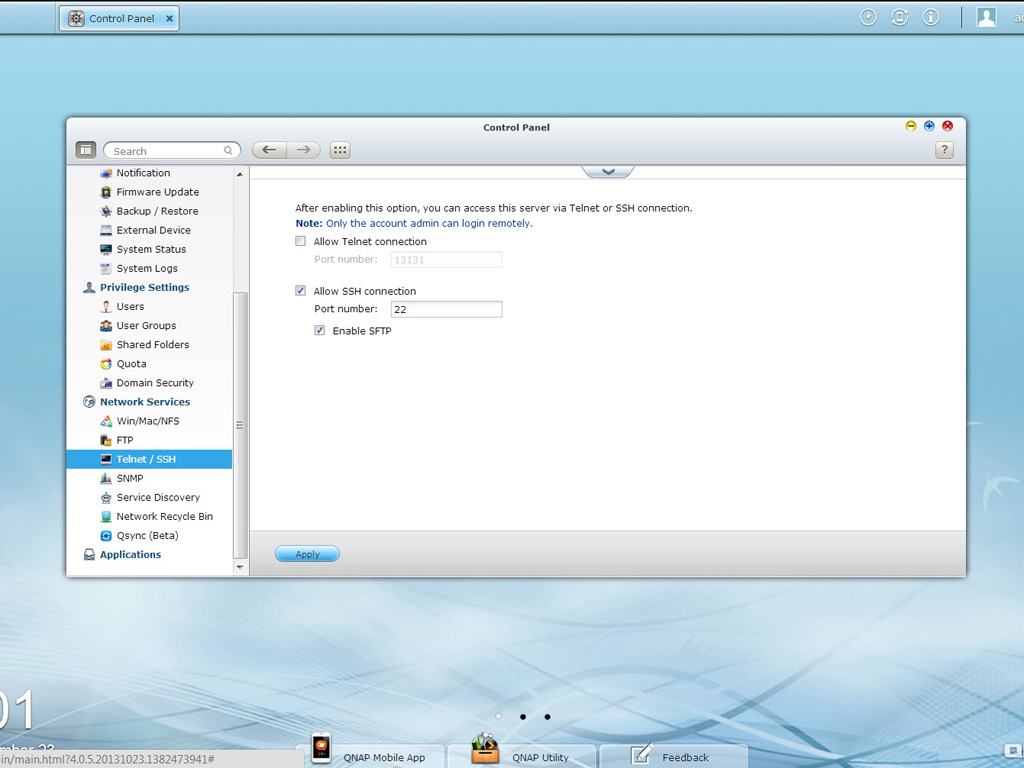
Telnet/SSH service options can be found in this menu.
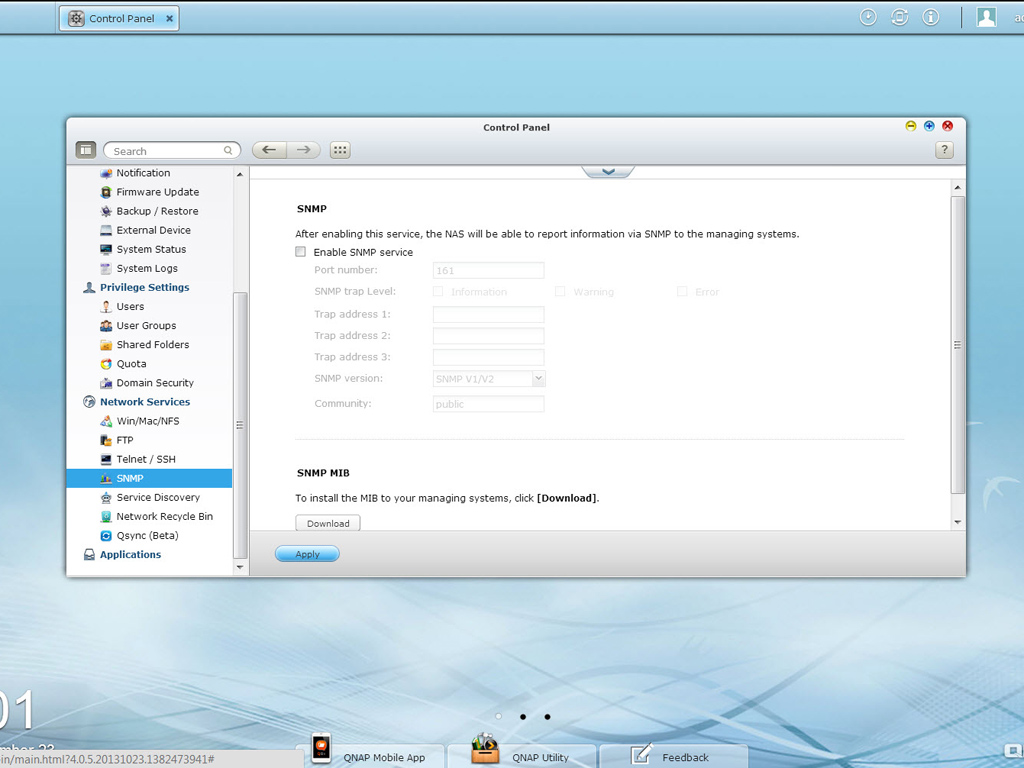
SNMP (Simple Network Management Protocol) service reports real-time events, errors, and warnings on the NAS to a PC with installed SNMP software.
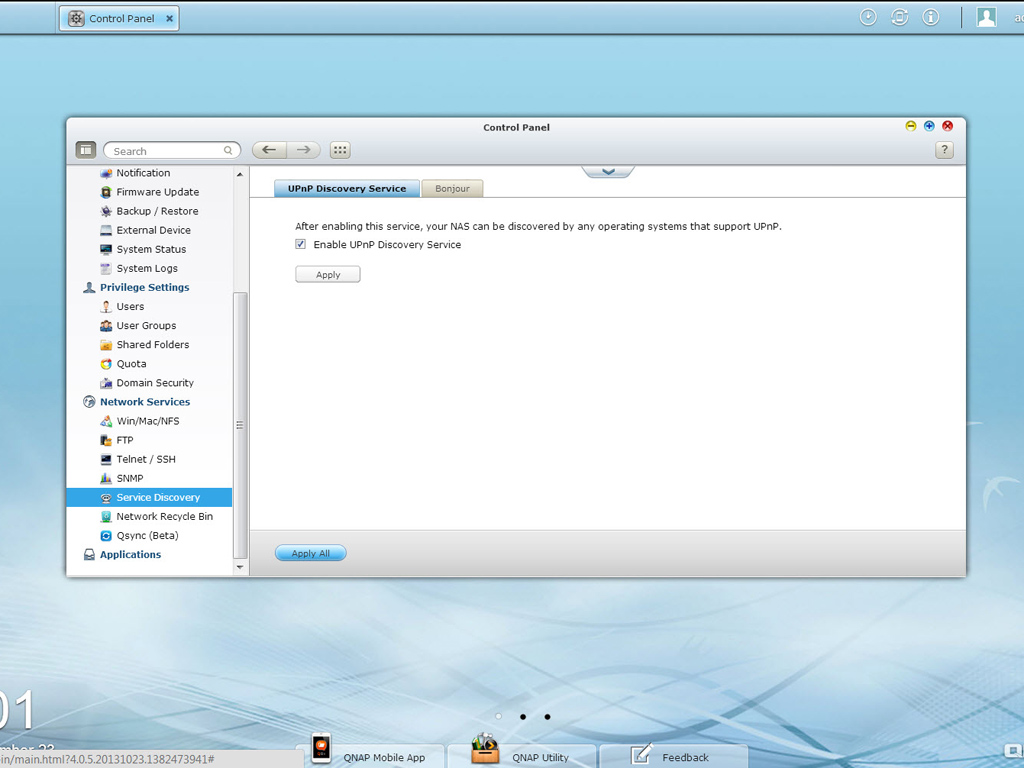
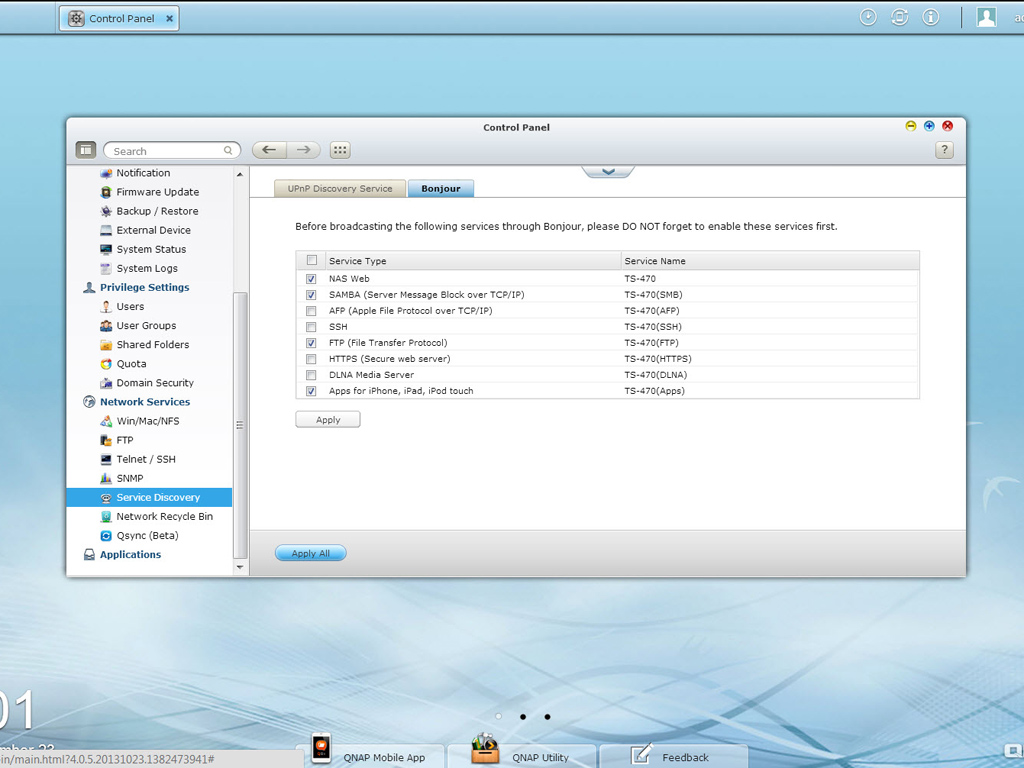
The UPnP discovery service allows the NAS to be discovered by any operating system that supports UPnP. Also, Bonjour (zero-configuration networking) can broadcast a variety of services to Mac users.
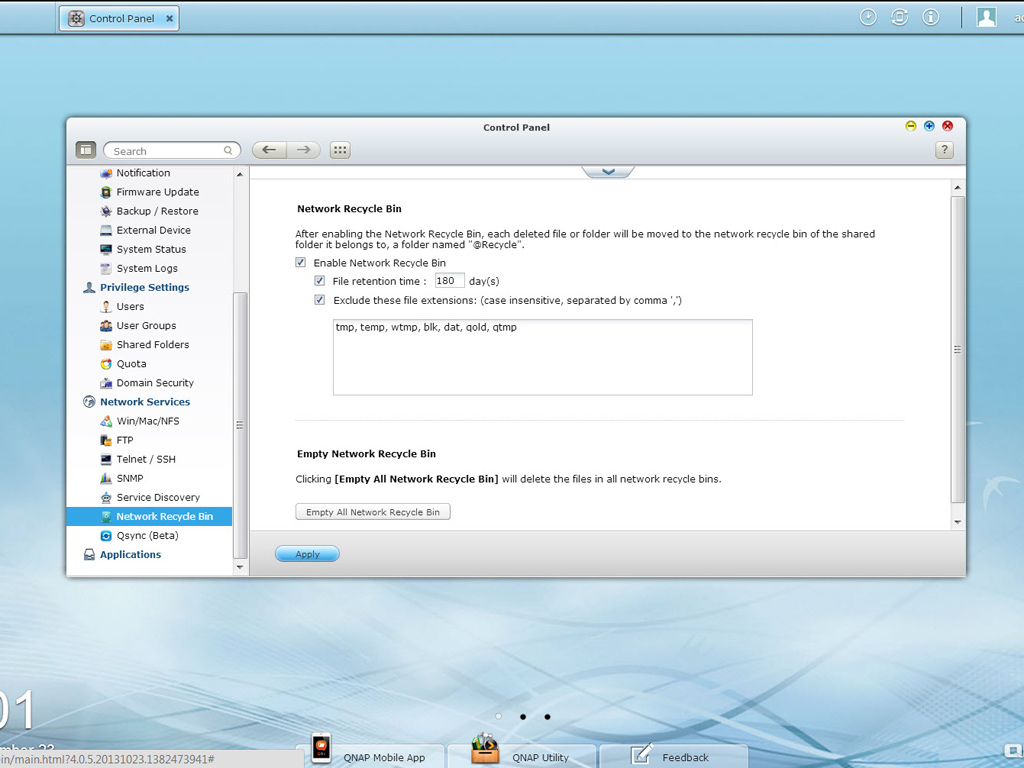
The network recycling bin keeps all deleted files on the NAS. This may be handy in some cases, but you must be careful with this option if you delete large files frequently as you may use up a significant amount of storage capacity for deleted files. You can avoid such a mishap by carefully specifying how many days (1-180) deleted files will be kept in the recycling bin.
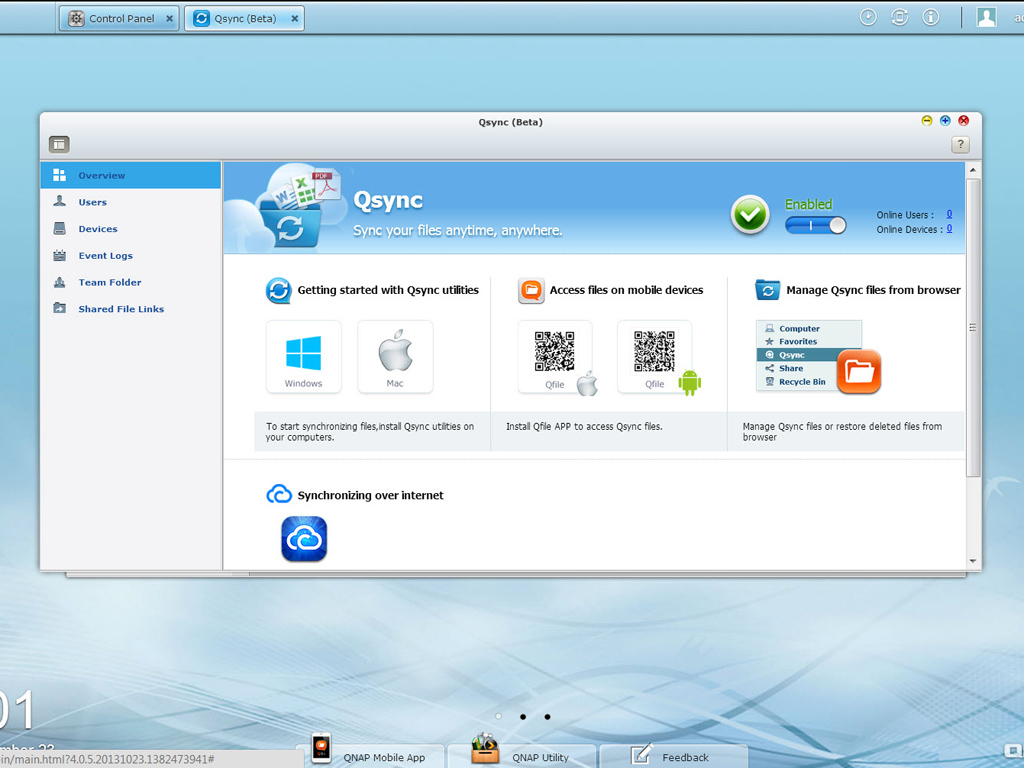
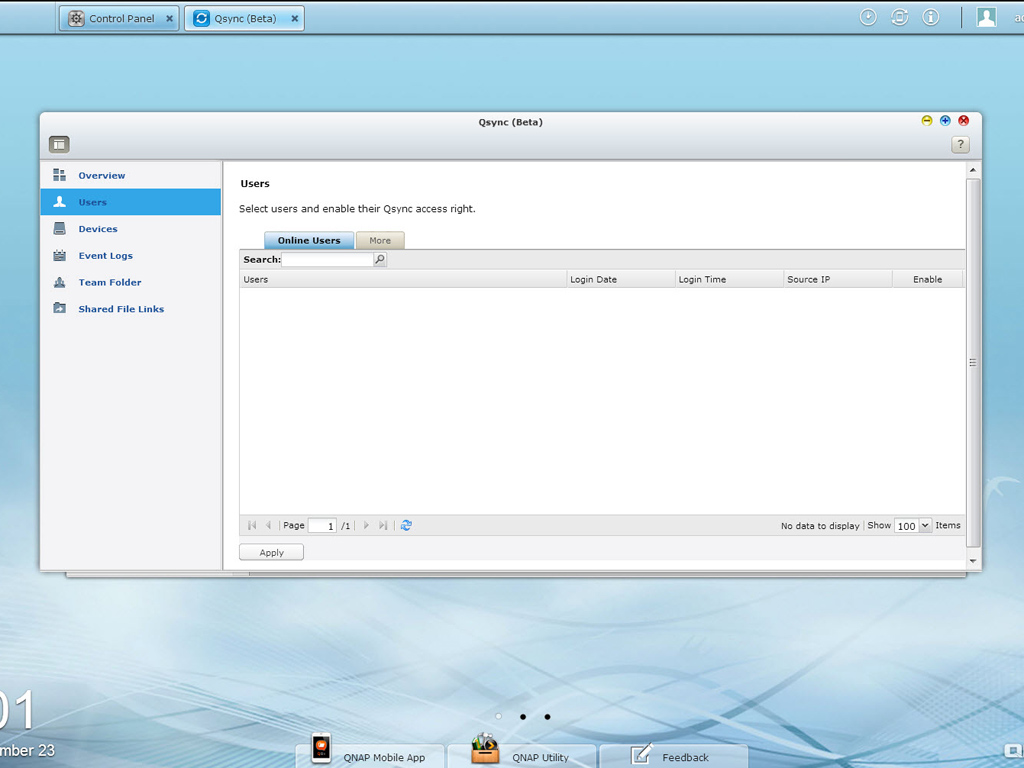
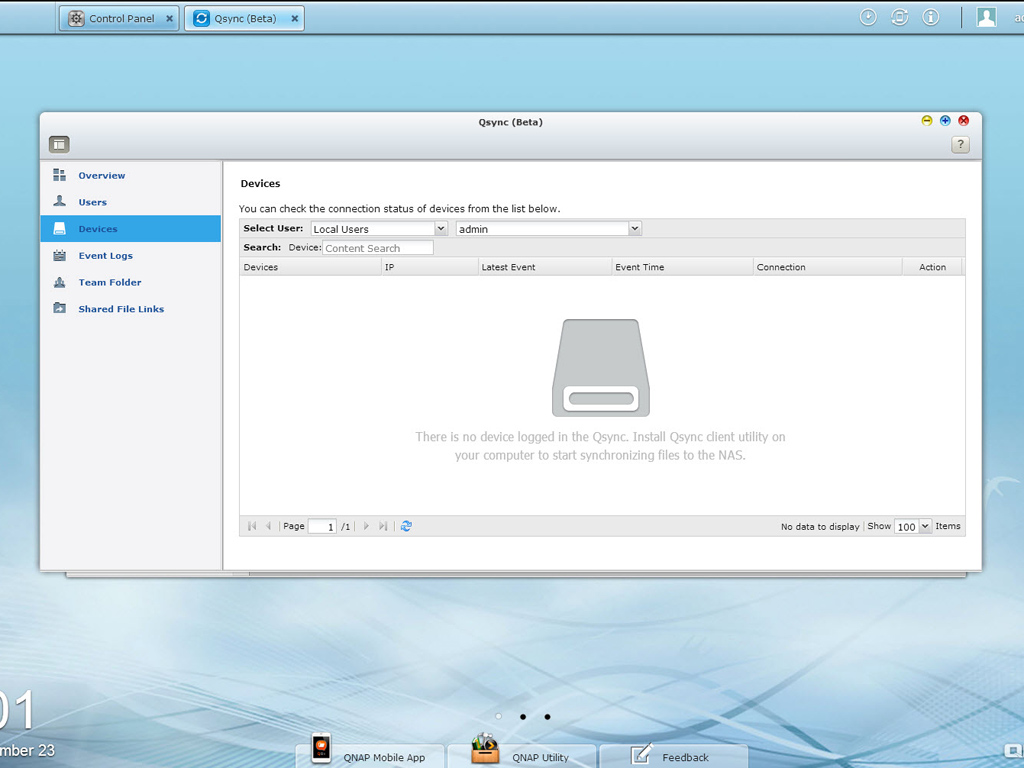


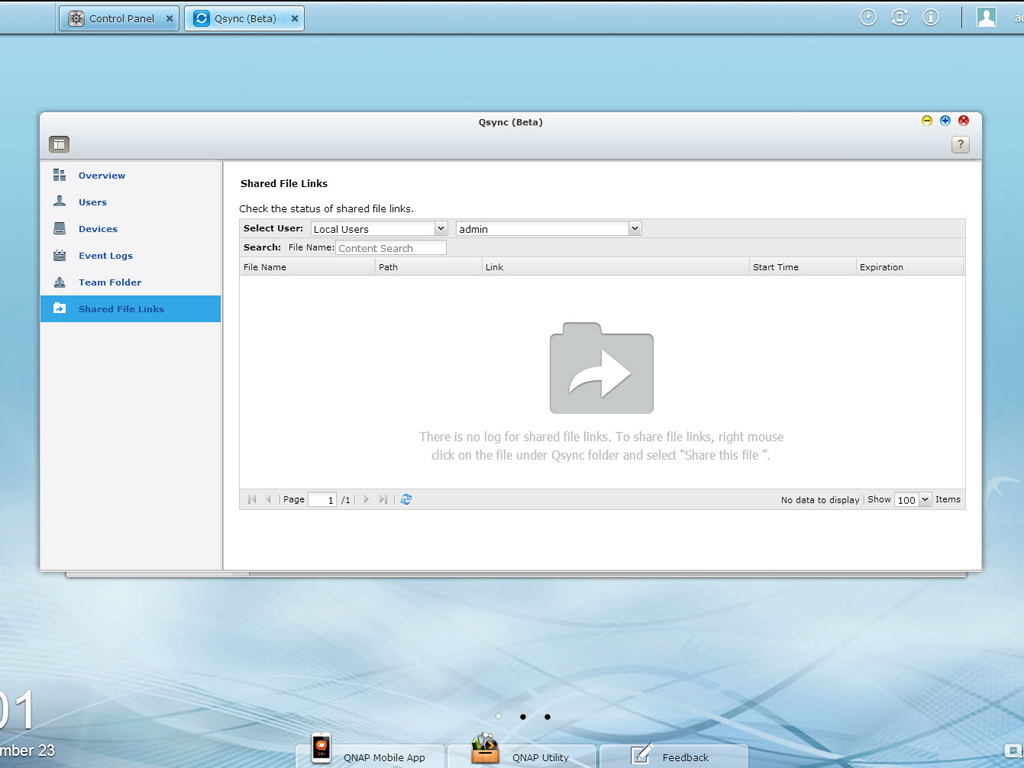
Qsync, currently in beta, is a cloud-based file synchronization service exclusive to QNAP NAS users. You simply add files to the local Qsync folder to make them available on your NAS and all of its connected devices.
Nov 19th, 2026 12:43 CST
change timezone
Latest GPU Drivers
New Forum Posts
- How to prevent OLED burn damage due to PC freezes or power outtages? (15)
- Windows HDR on = Tinted colors (8)
- Anthrophics IPO (4)
- Dual B70 or Dual R9700 Pro on Linux (10)
- GTA VI (5)
- FINAL FANTASY XIV: Dawntrail Official Benchmark (226)
- Help with fixing Overclock (11)
- Why my RX 6800 XT read that it operate at x8 not x16 ? (47)
- Got the EOL 32GB TridentZ 6000 CL26 1.4V (10)
- Honestly, do you care about GTA VI? (162)
Popular Reviews
- Acemagic Retro X3 Review
- Ugreen NASync DXP4800 GT Review
- Upcoming Hardware Launches 2027 (Updated Nov 2026)
- Pulsar Office Tour & First Look at P1 Dual-Sensor Mouse
- AMD Zen 6 Technical Deep Dive
- Biwin Black Opal NV7400 2 TB Review
- Sapphire Radeon RX 7700 XT Pure Review
- Sapphire Radeon RX 7700 XT Pulse Review
- AMD Ryzen 7 9800X3D Review - The Best Gaming Processor
- Chieftec Iceberg PRO 360 DARK Review
TPU on YouTube
Controversial News Posts
- NVIDIA Co-Founder and CEO Jensen Huang Officially Resigns (484)
- Report: Jensen Huang Eyes NVIDIA Comeback (221)
- Open Letter Asking NVIDIA to Reinstate Jensen Huang Passes 115,000 Signatures (184)
- OpenAI CEO Argues Home PCs Waste the World's Limited DRAM Supply (152)
- NVIDIA Launches Investigation Into Jensen Huang's Relationship With Suspected Chinese Spy (136)
- Intel "Raptor Lake Next" 16-Core and 20-Core CPUs Surface (130)
- Legendary Game Studio BioWare Shuts Down Following EA Layoffs (104)
- Dell CEO Says the Memory Shortage Will Get Worse in 2027 (95)