 3
Quick Look: ICY DOCK EZ-Adapter MB031U-1SMB
(3 Comments) »Introduction

I would like to thank Icy Dock for supplying the review sample.

Icy Dock has made a name for itself with products aimed at enterprise and government applications. As such, most of their offerings provide uncompromising build quality centered around steel and utilizing interfaces like U.2. The Icy Dock EZ-Adapter MB031U-1SMB, however, is a lot more end-user centric with its use of plastic as a housing and SATA based interfaces, even if its name is quite the tongue twister.
A Closer Look
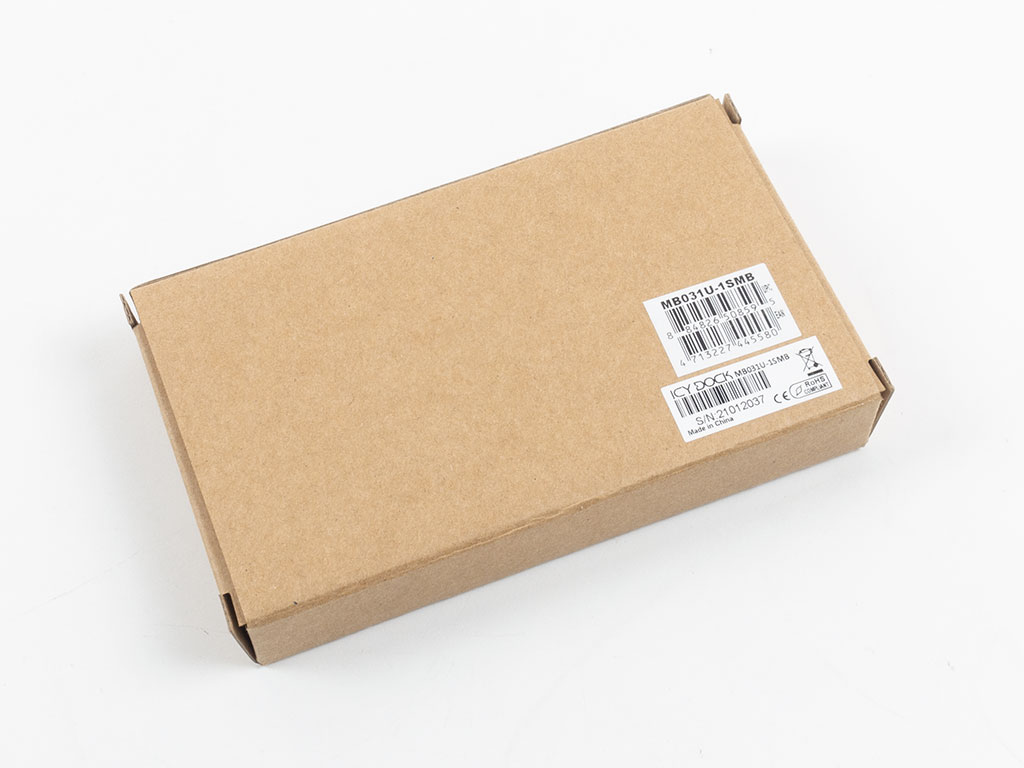
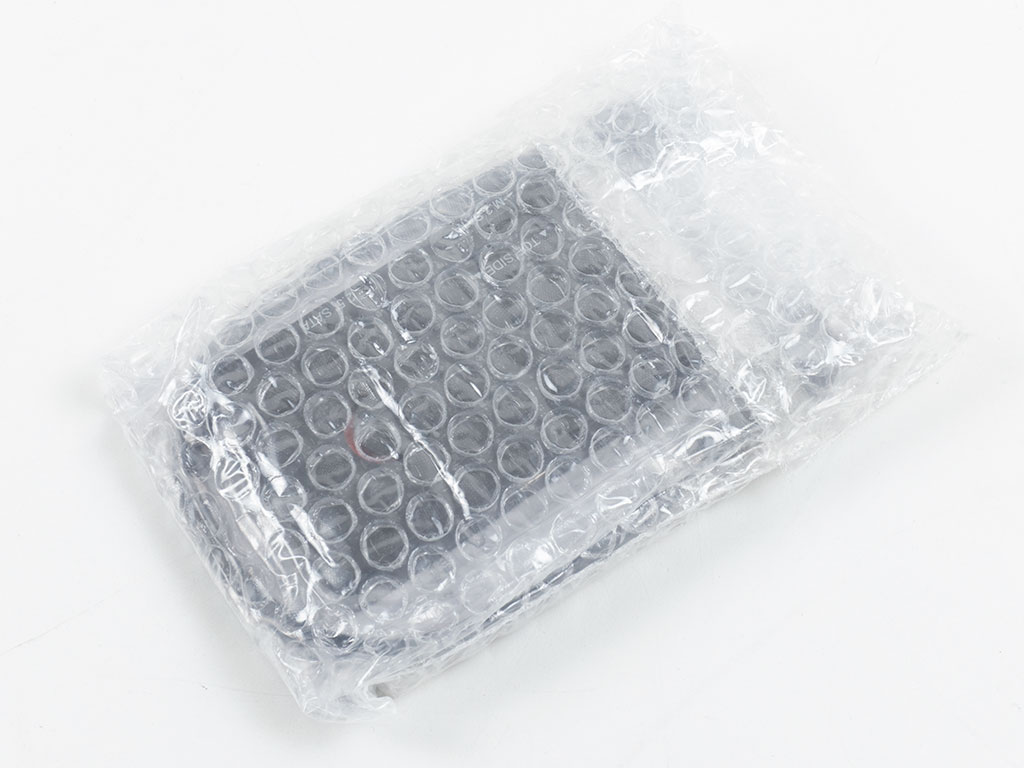
It is quite unlikely that you will find an Icy Dock products on a physical store shelf, so the MB031U-1SMB ships in nothing but a plain brown box with a single sticker to let you know what is within. A bubble wrap bag provides some protection out of the box.

You will get a really sturdy USB-C cable alongside a basic usage guide. The cable is quite thick and feels of really high quality. That said, it is really short for most usage scenarios.
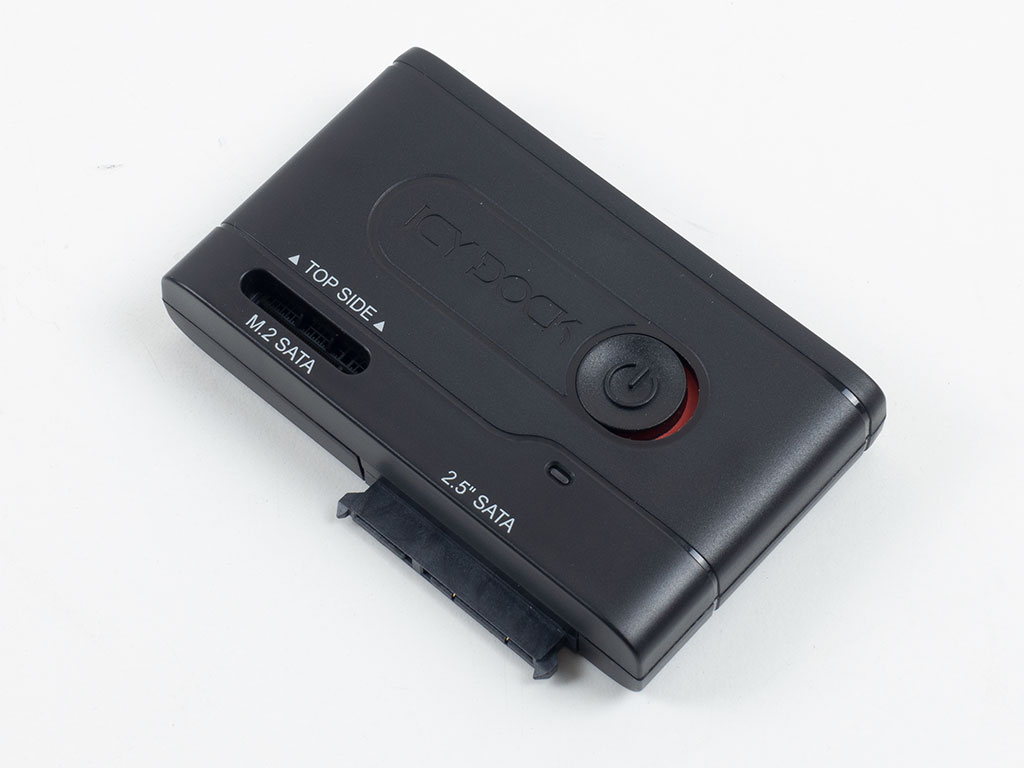

The device itself, on the other hand, with its all-plastic housing is quite light and provides a bit of a stark contrast to what we are used to seeing from Icy Dock. The top sports large branding, another thing we usually don't see a lot on their other products. On the underside, two rubber pads ensure that the unit stays in place on smooth surfaces. We tried taking it apart as there are screws underneath each of the pads, but Icy Dock seems to also weld the housing together by way of a plastic pin in the center, underneath the sticker, so pulling it apart would result in breaking it.
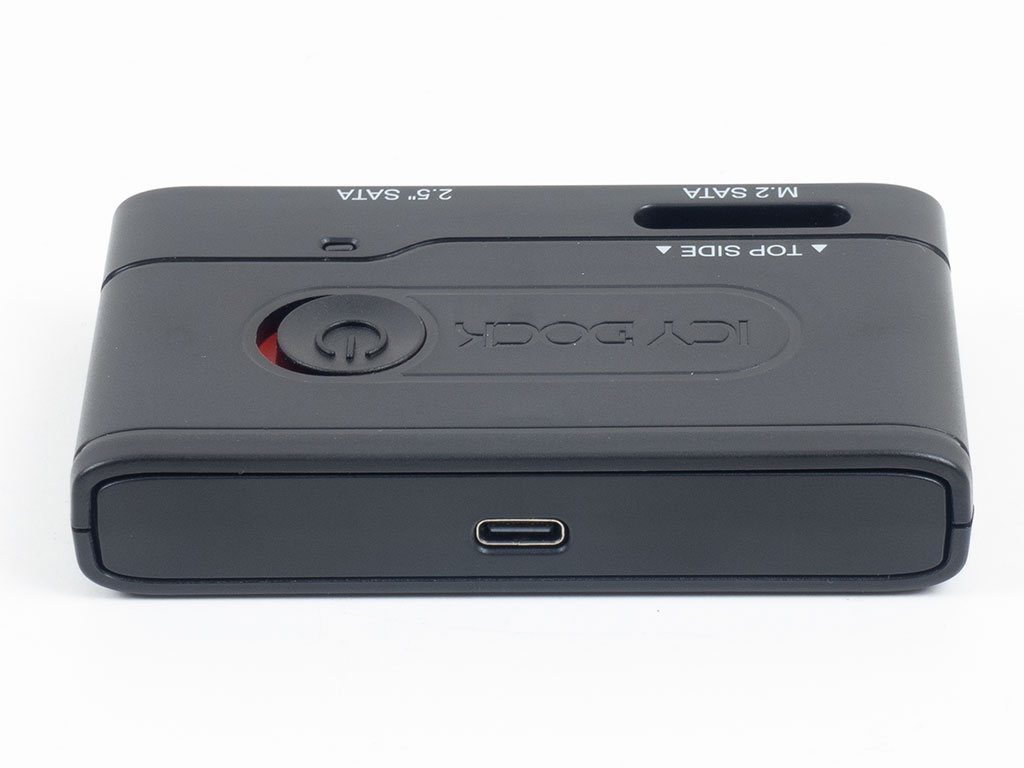
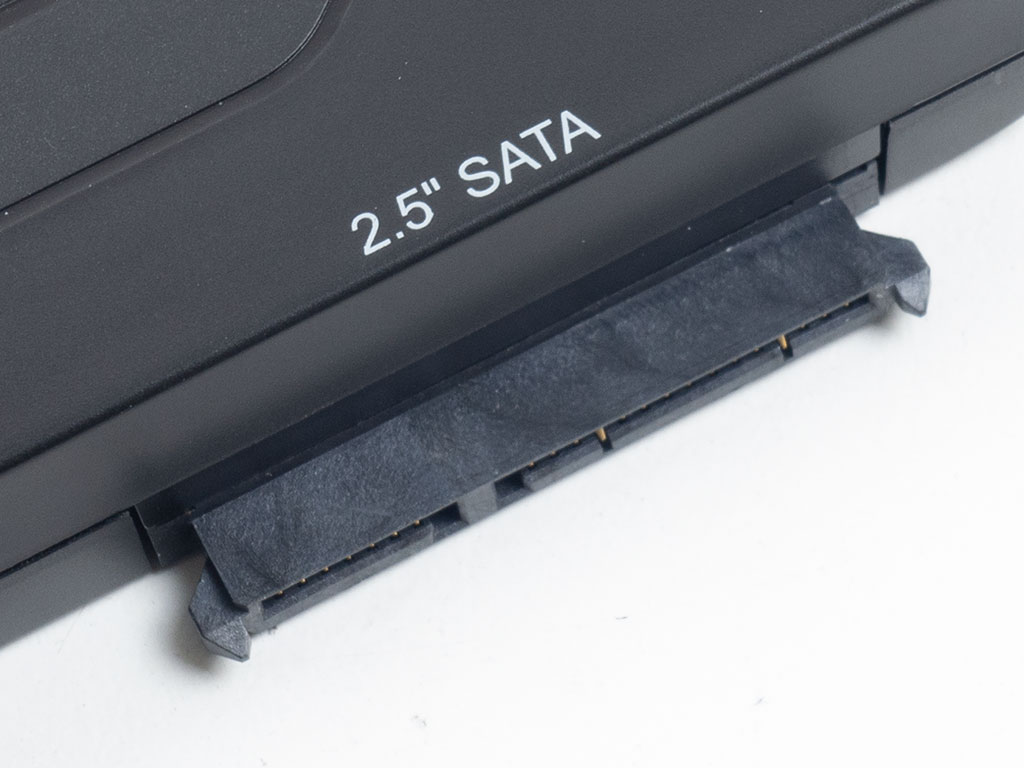
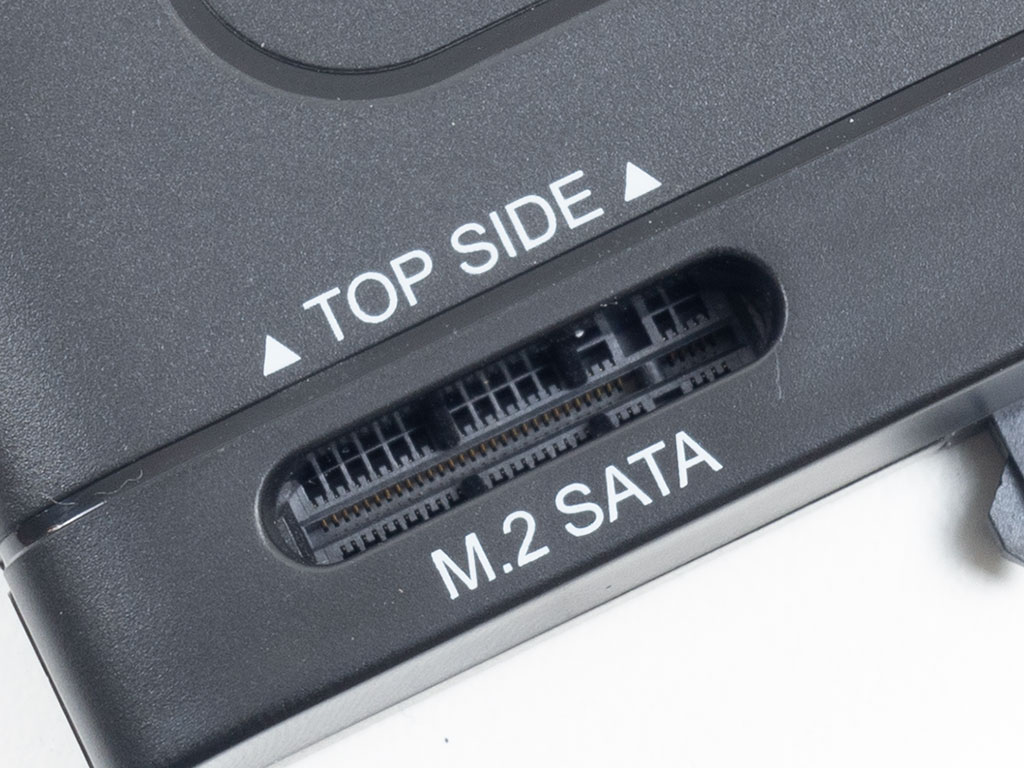
The rear sports a USB-C connector, so you are free to use a longer cable you may have lying around. The classic SATA port is exposed in the front, while the M.2 SATA connector is recessed on the top of the EZ-Adapter MB031U-1SMB. Icy Dock could have made the enclosure bigger and recessed the classic SATA port as well for additional protection, but as long as you treat it like you would the bare drives it powers, there is no real need for that.
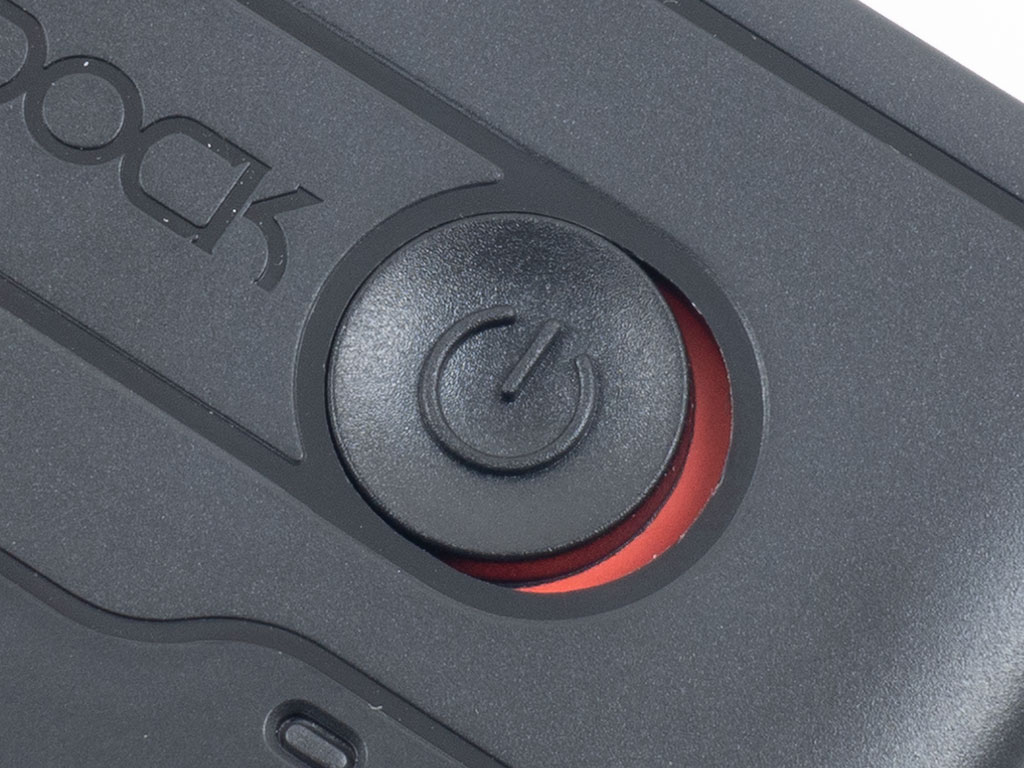
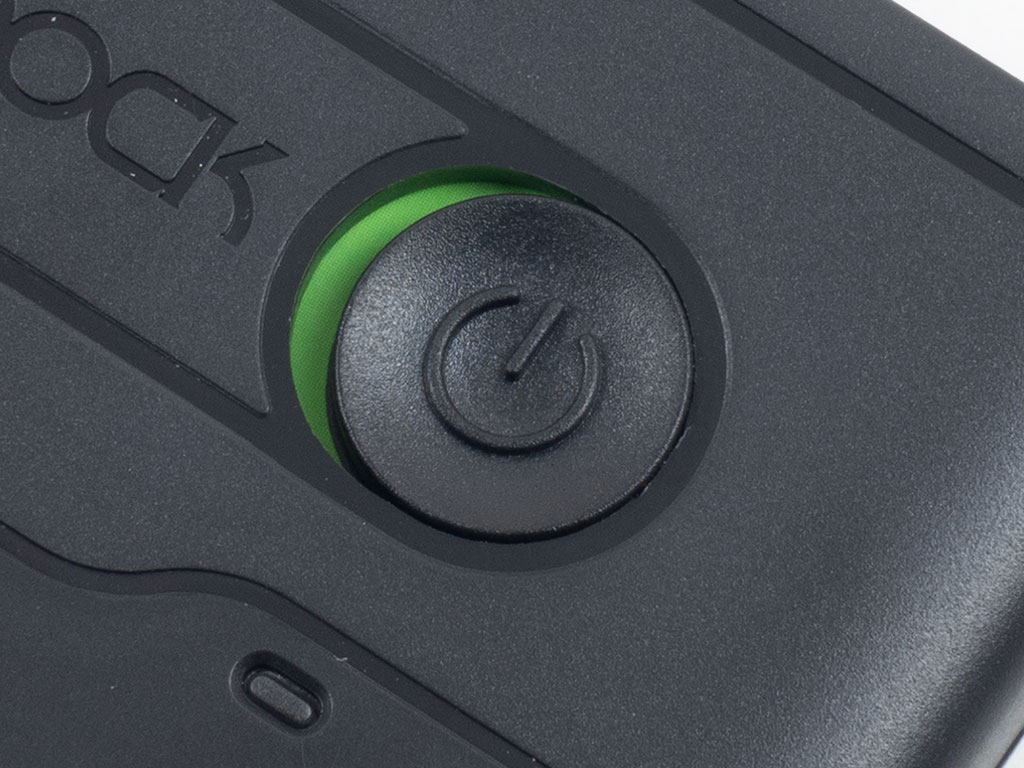
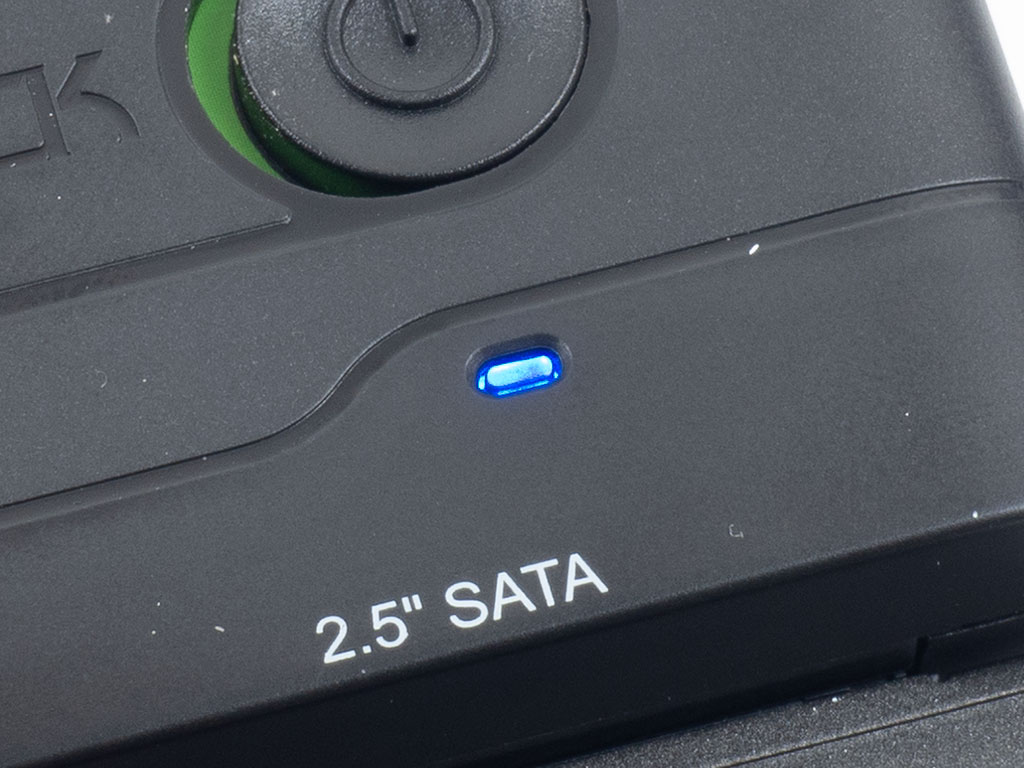
Icy Dock has placed a large, sliding and color coded on/off switch to the top of the adapter and equipped it with a blue LED that turns on accordingly while blinking when a drive is being accessed.
Our Patreon Silver Supporters can read articles in single-page format.
Nov 14th, 2026 18:28 CST
change timezone
Latest GPU Drivers
New Forum Posts
- Honestly, do you care about GTA VI? (5)
- WarpCoreBench scores! (33)
- What is in your fleet, size and contents? (27)
- 9070 GRE 3.9ghz validation reached. (10)
- X79 and/or rampage IV OC'ing thread for those of us still left.... (2452)
- Can you guess Which game it is? (317)
- What can the FX 8320 do today? Here is the answer. (43)
- Ryzen 7 8700G OC (8)
- auto-closed by somethings by actions (2)
- [Community Benchmark] MrH OpenCL Benchmark 2.0e (Windows Only – CPU & GPU) (2)
Popular Reviews
- AMD Zen 6 Technical Deep Dive
- ASUS ROG Strix B850-I Gaming Wi-Fi7 W Review
- Corsair HX1000i Shift Crystal Review
- Upcoming Hardware Launches 2027 (Updated Nov 2026)
- Montech King 95 3D PRO Review
- NZXT C1200 Platinum Review
- NZXT H7 RGB+ Review
- NZXT H5 Review
- Phantom Blade Zero Performance Benchmark Review - 35 GPUs Tested
- AMD Ryzen 7 9800X3D Review - The Best Gaming Processor
TPU on YouTube
Controversial News Posts
- NVIDIA Co-Founder and CEO Jensen Huang Officially Resigns (406)
- OpenAI CEO Argues Home PCs Waste the World's Limited DRAM Supply (152)
- NVIDIA Launches Investigation Into Jensen Huang's Relationship With Suspected Chinese Spy (136)
- Intel "Raptor Lake Next" 16-Core and 20-Core CPUs Surface (130)
- Legendary Game Studio BioWare Shuts Down Following EA Layoffs (104)
- Dell CEO Says the Memory Shortage Will Get Worse in 2027 (95)
- NVIDIA GeForce RTX 50-Series Scheduled for up to $500 Price Hike This Week (89)
- Modder Fits RTX 5090 With Four 8-Pin Connectors, Halving Current per Wire (80)