 135
Ratchet & Clank Rift Apart Benchmark Test & Performance Analysis
(135 Comments) »Introduction
"Ratchet & Clank: Rift Apart" is a visually stunning action-adventure platformer game that takes players on an exhilarating journey through multiple dimensions. Originally the title was developed by Insomniac Games and released exclusively for the PlayStation 5. As part of their push for the PC platform, Sony has brought the title to the PC. Sony contracted Nixxes Software, who have an excellent reputation for delivering solid ports—they also brought Spider-Man to the PC, too.In "Ratchet & Clank: Rift Apart," players experience fast-paced combat with diverse and imaginative weapons. They navigate through interplanetary environments, using dimensional rifts to seamlessly transition between worlds. Additionally, players control both Ratchet and Rivet, each with unique abilities, and can upgrade their equipment for a more tailored playstyle.

Ratchet & Clank is built using the company's own Insomniac Engine, which has powered Spider-Man Remastered and Spider-Man: Miles Morales before. It previously supported DirectX 12 with ray tracing, now the company has also added support for DirectStorage and additional RT techniques. You can now enable ray traced reflections, ray traced shadows and ray traced ambient occlusion. Thanks to being an NVIDIA-sponsored title, the game supports DLSS 2 and DLSS 3 Frame Generation, but there's also support for Intel XeSS upscaling and AMD's FSR.
What is surprising though is that at this time, there's no support for ray tracing on AMD Radeon cards. The developer clarified that this is only "at launch," and that "they are working with AMD to resolve the issue."
This benchmark review will evaluate the performance of Ratchet and Clank Rift Apart on a wide selection of modern graphics cards, show image quality comparisons and look at what's required in terms of VRAM usage.
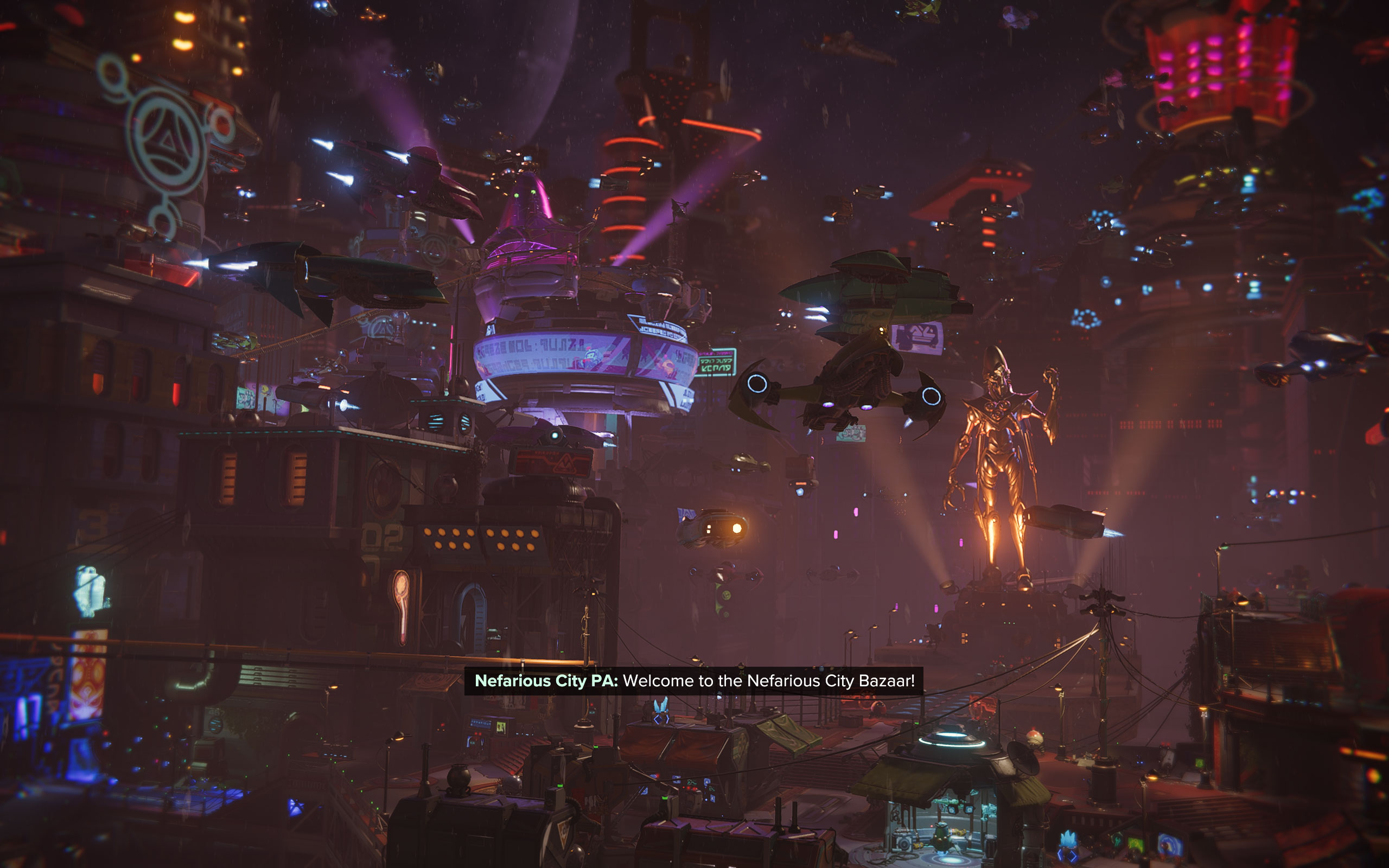
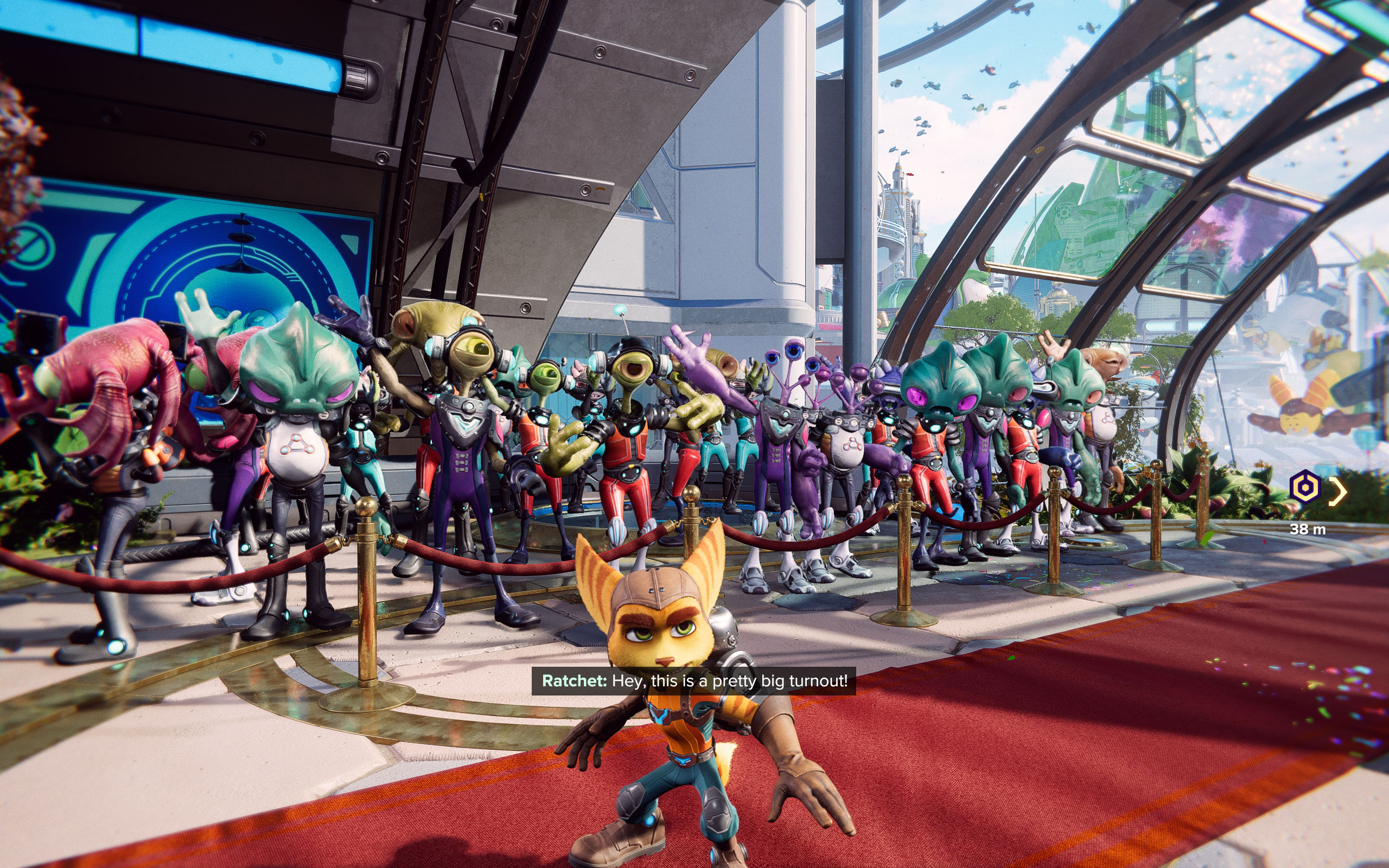
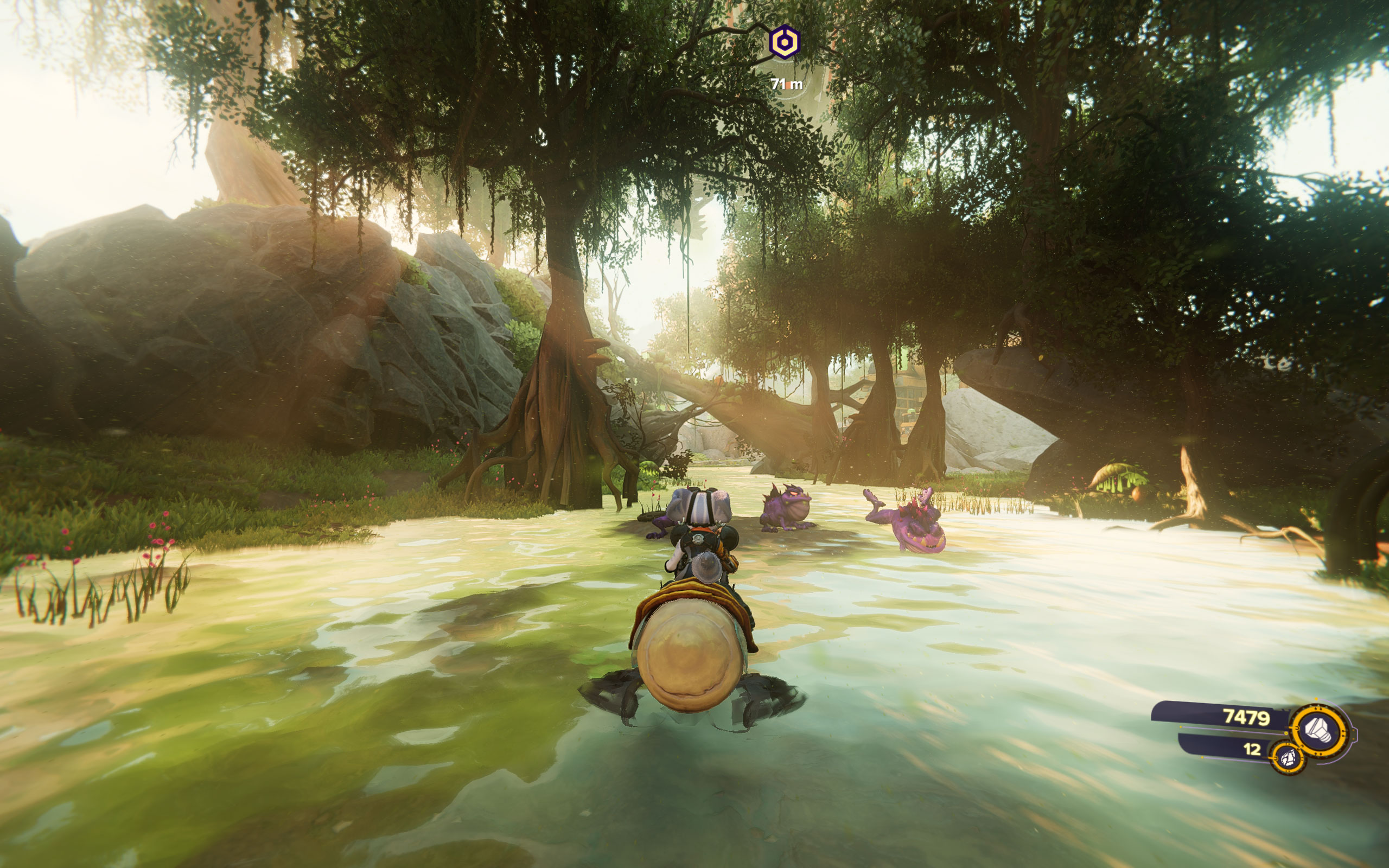
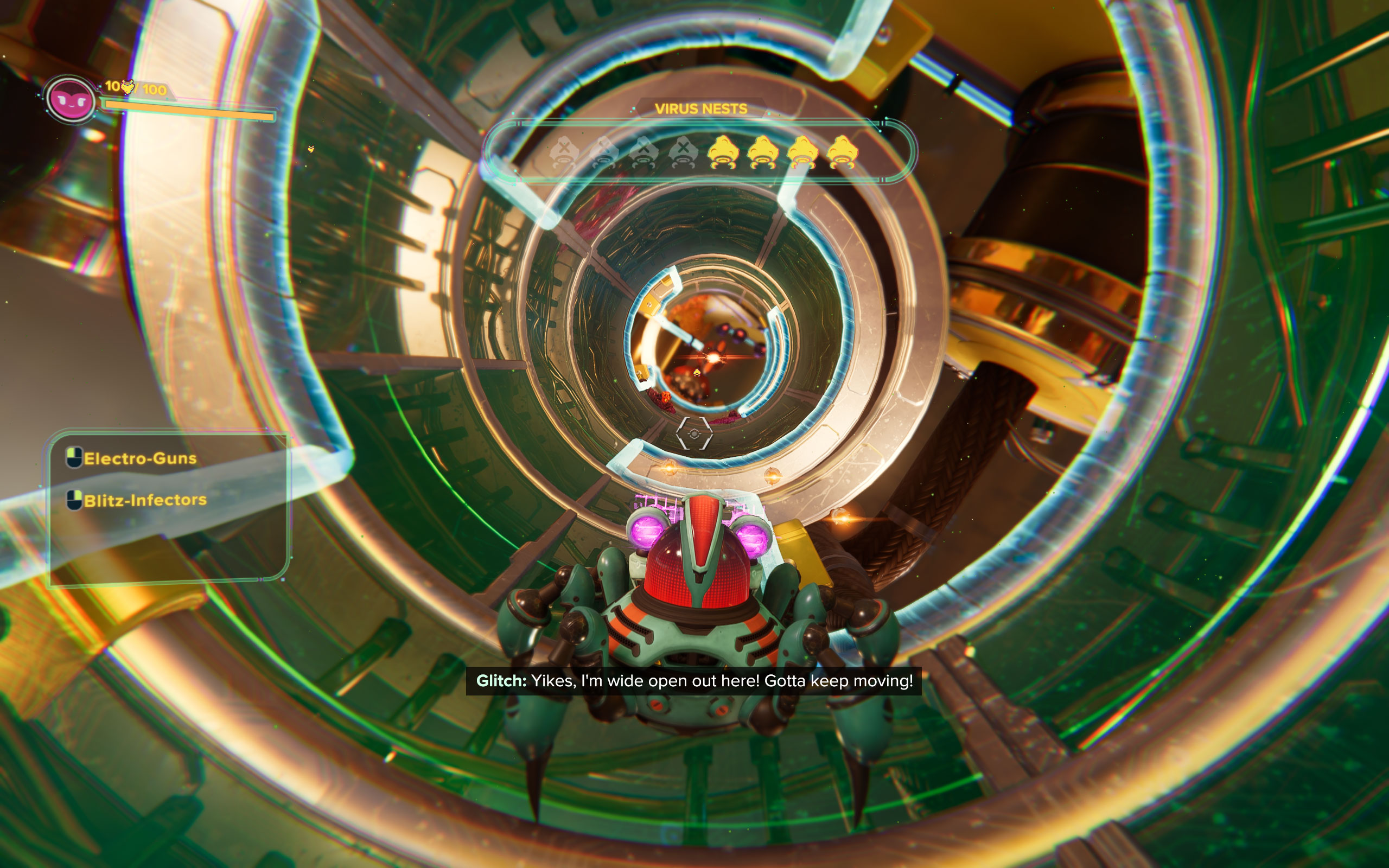
Screenshots
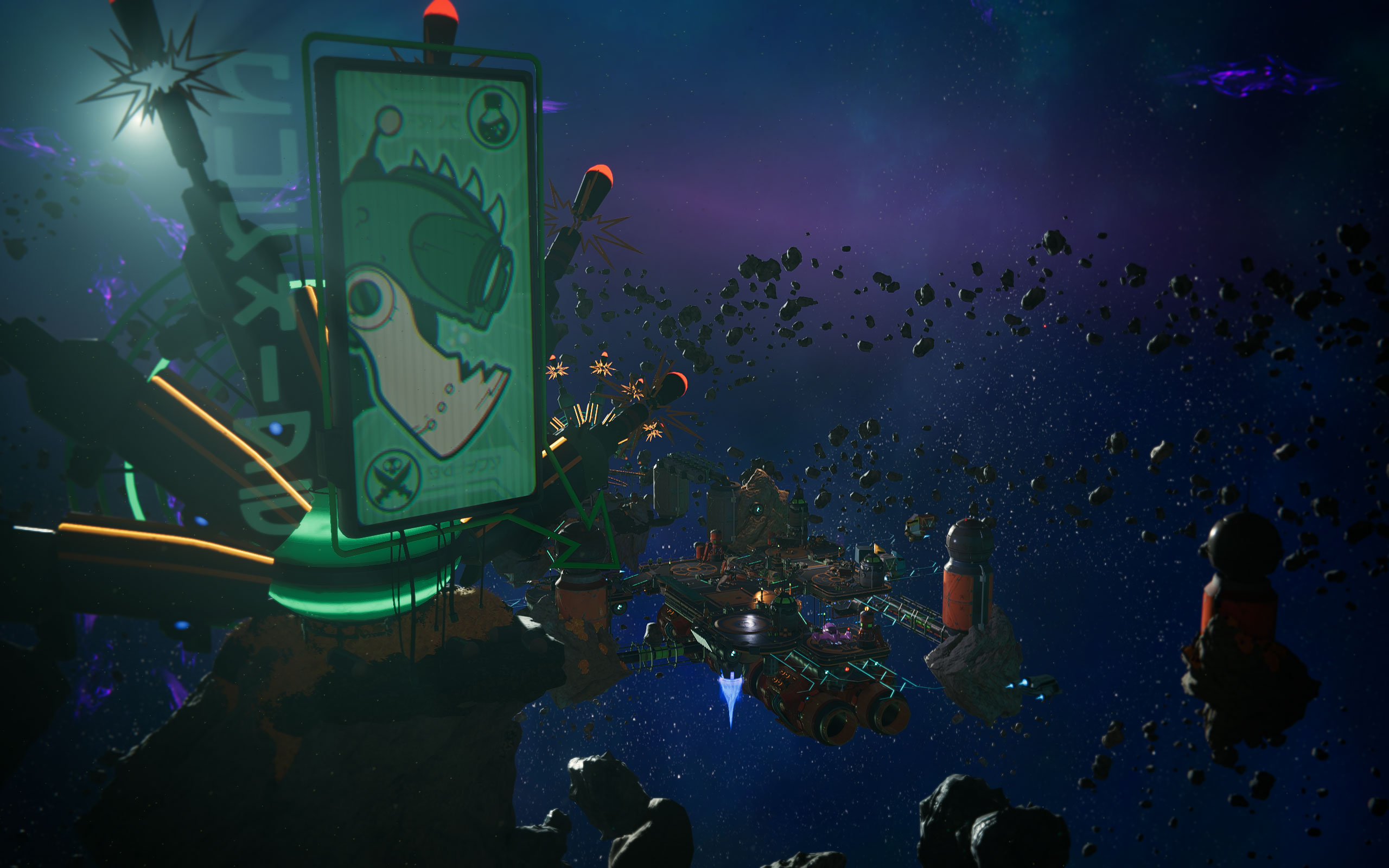
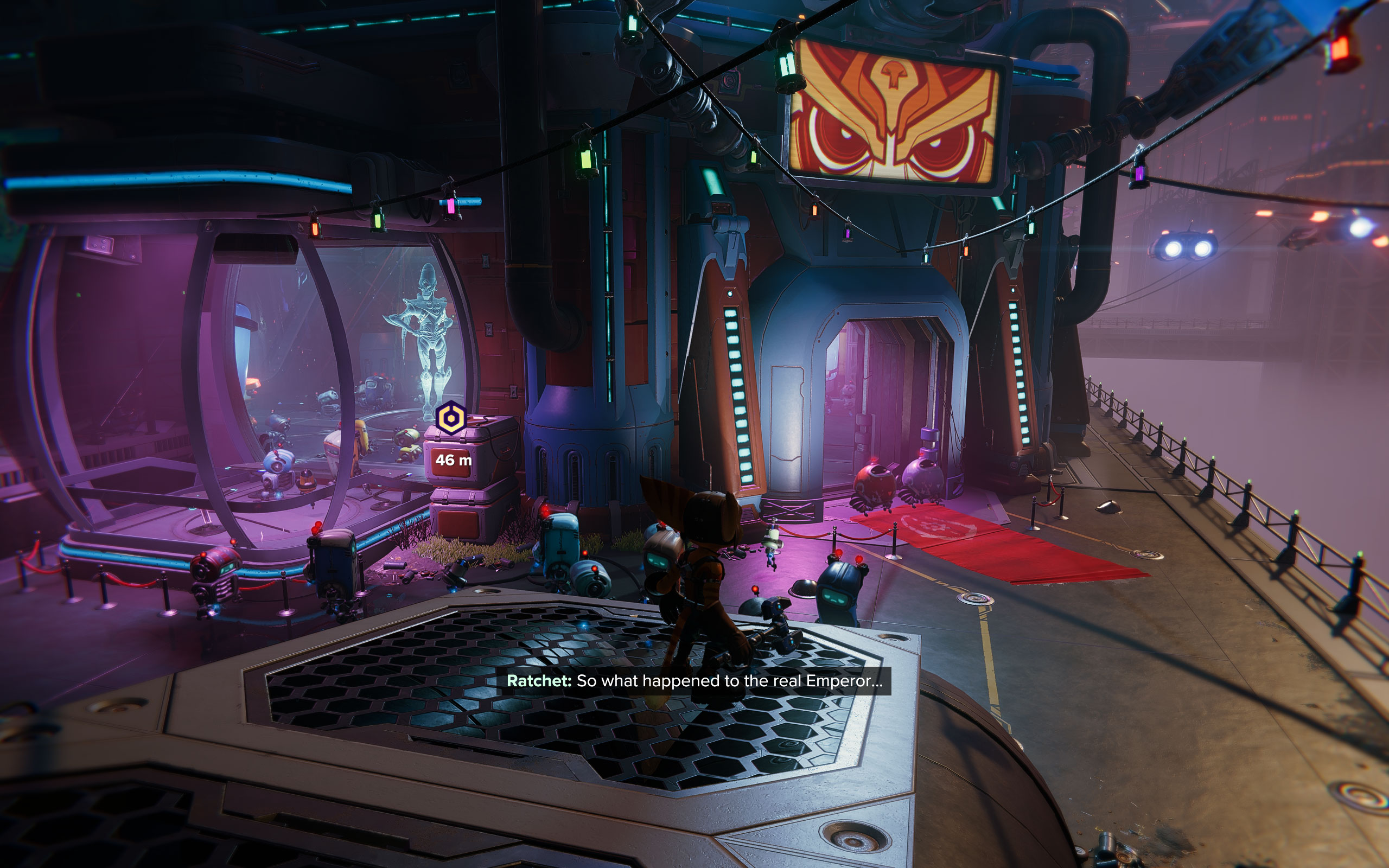
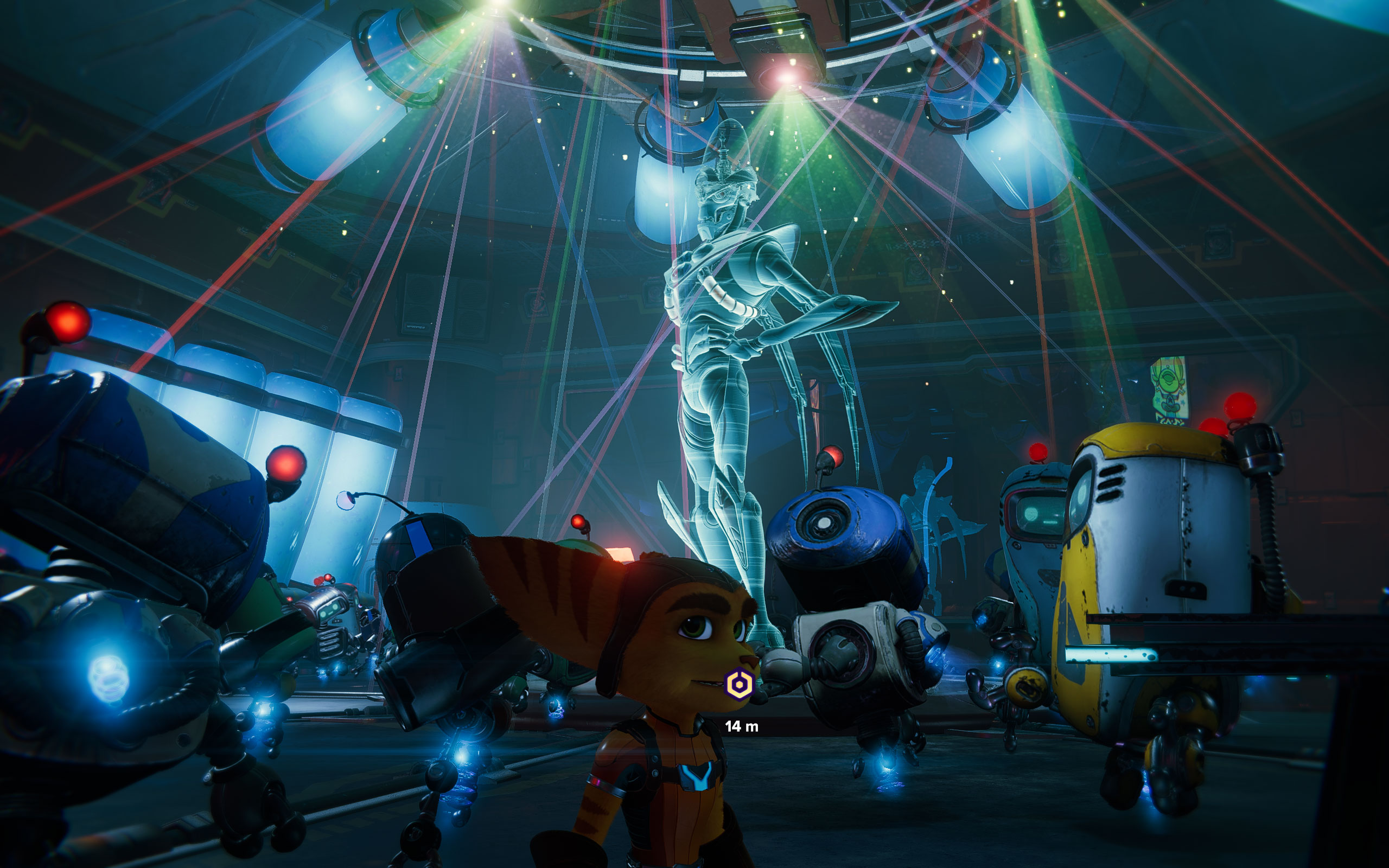
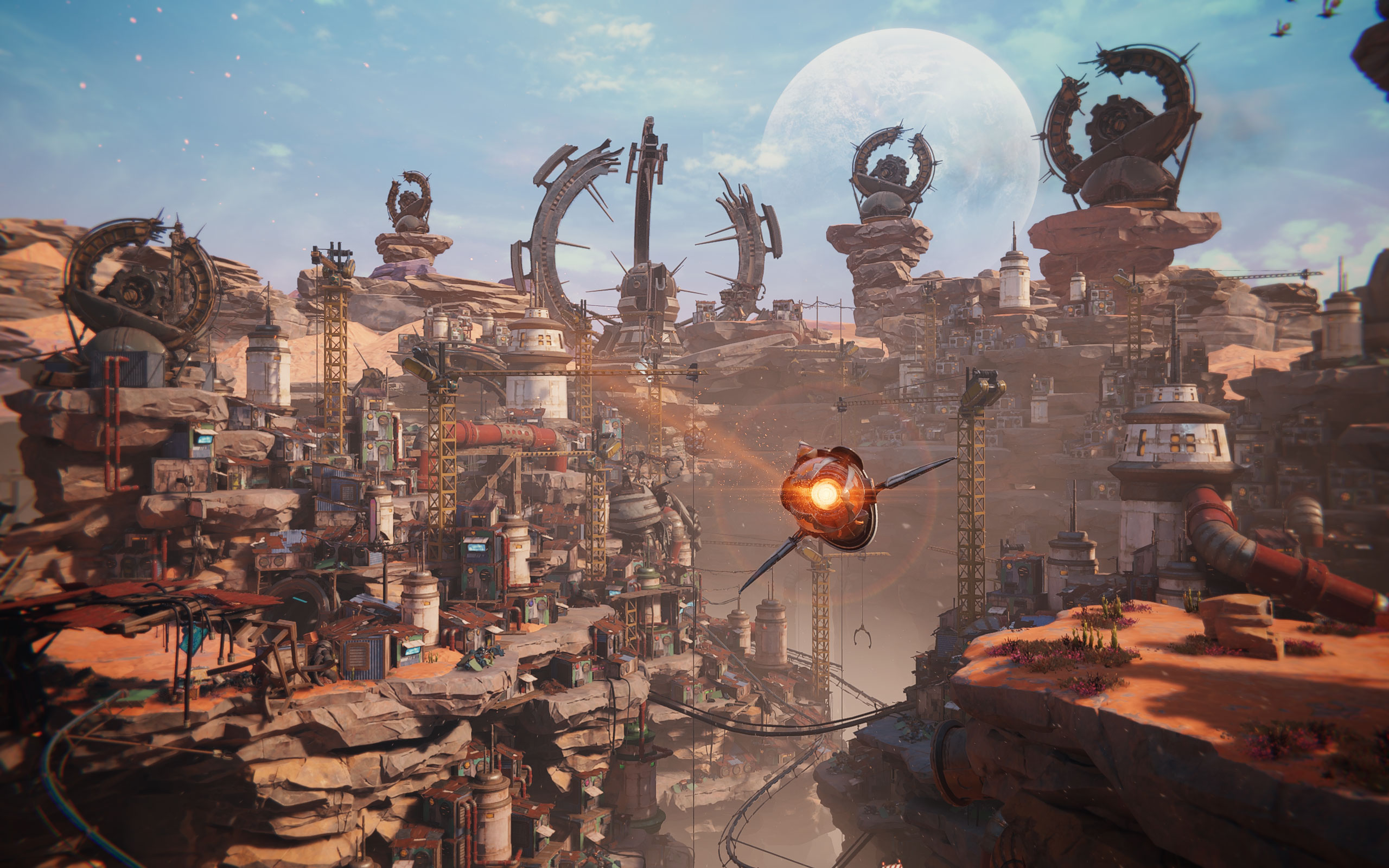
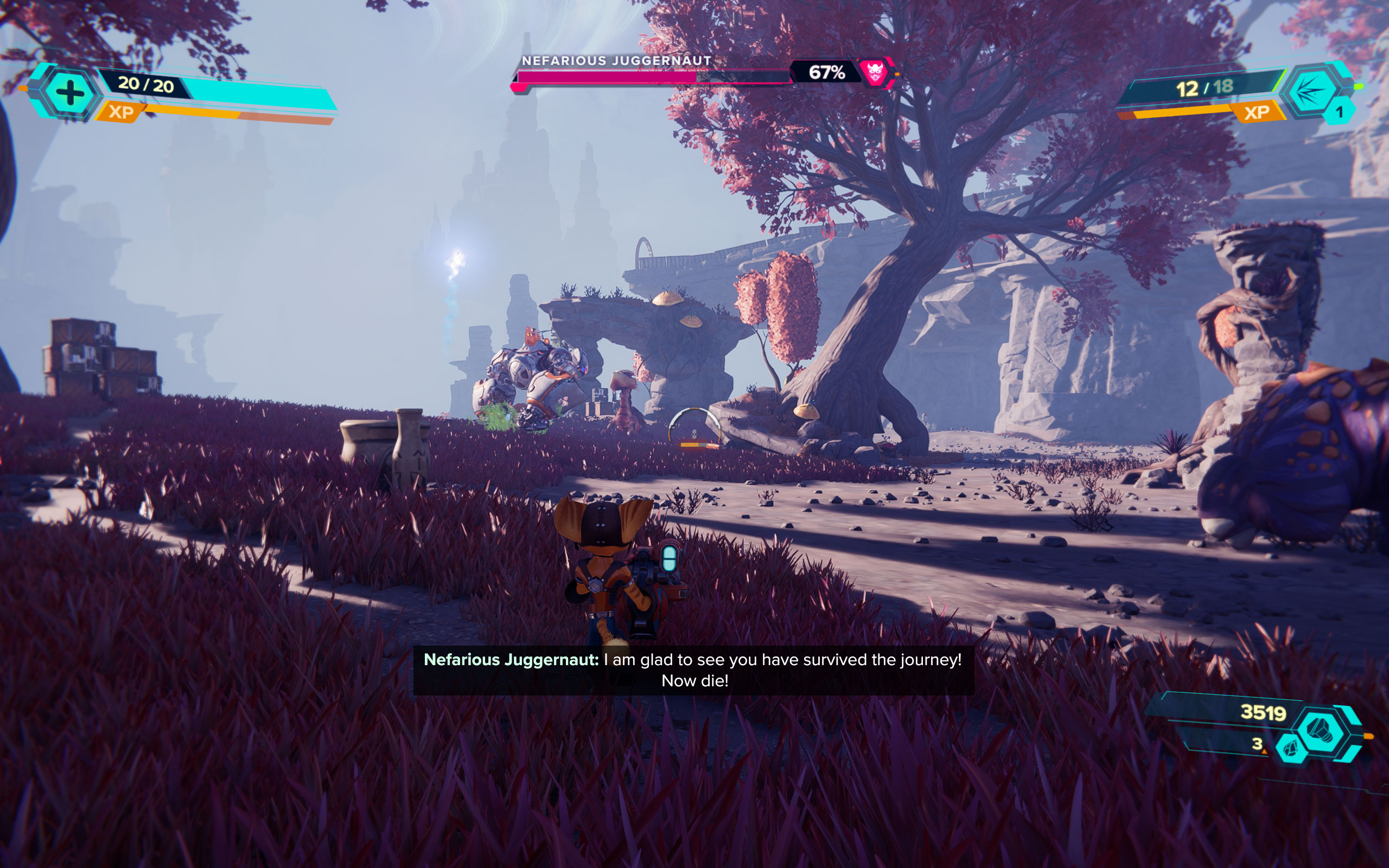
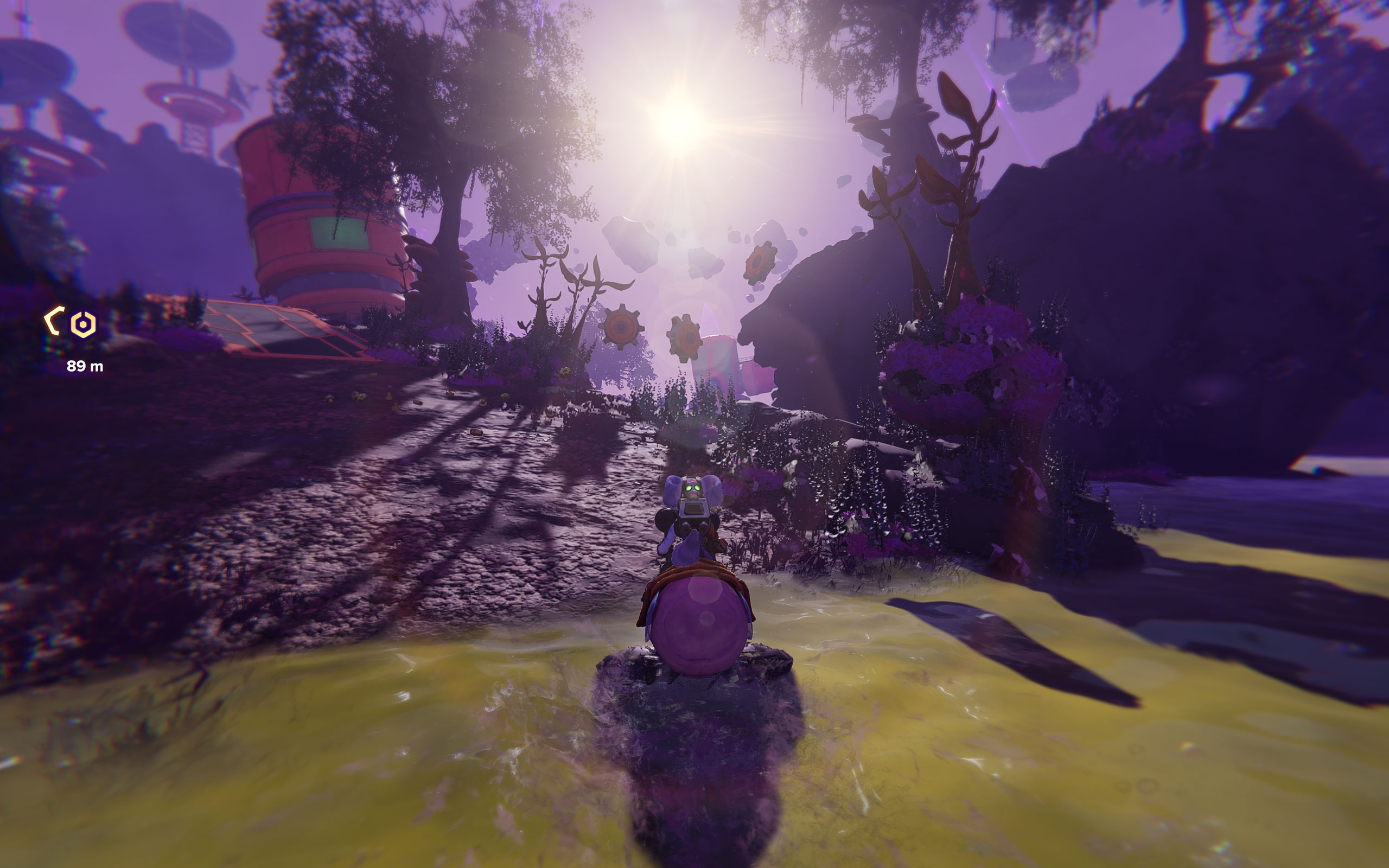
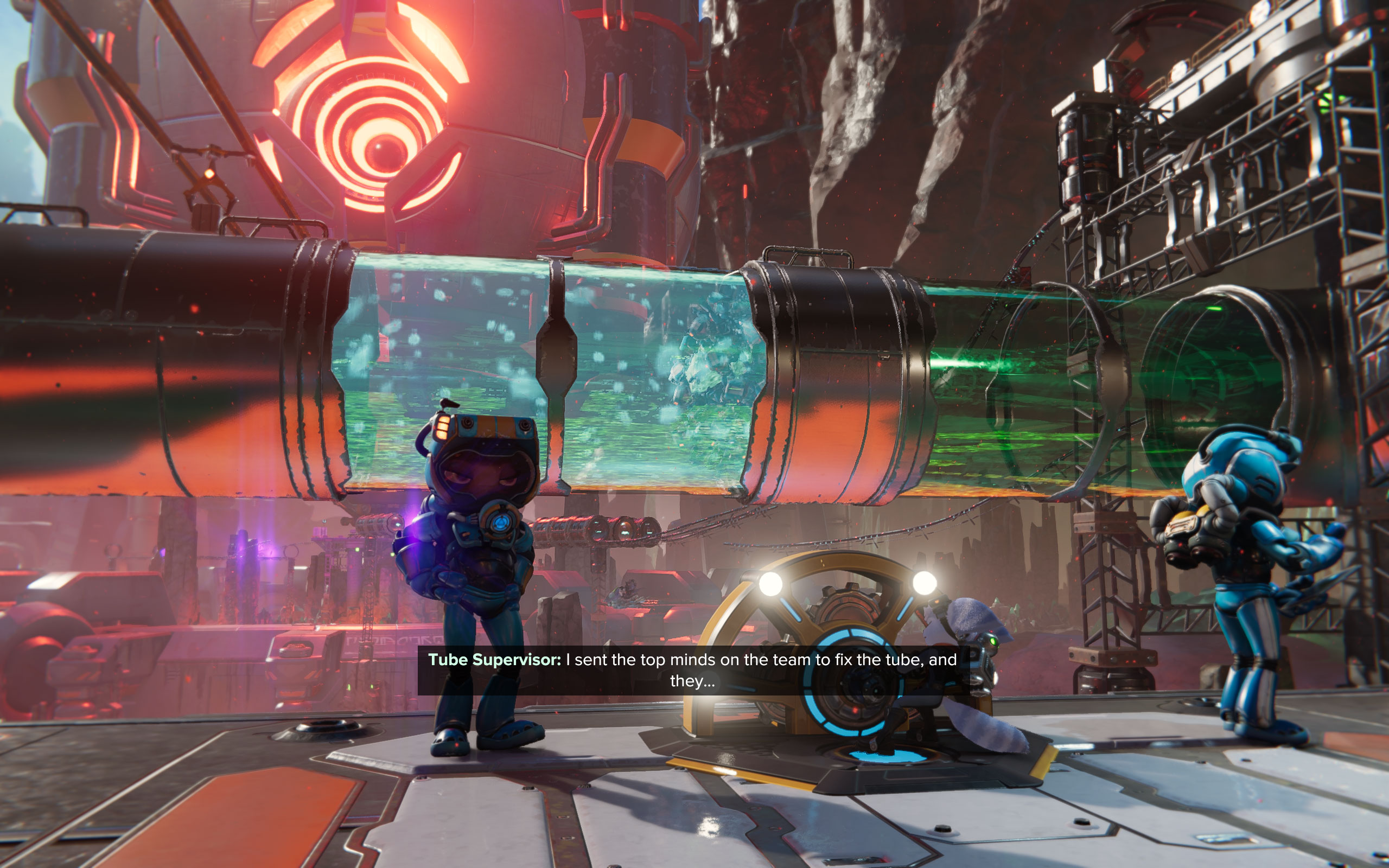
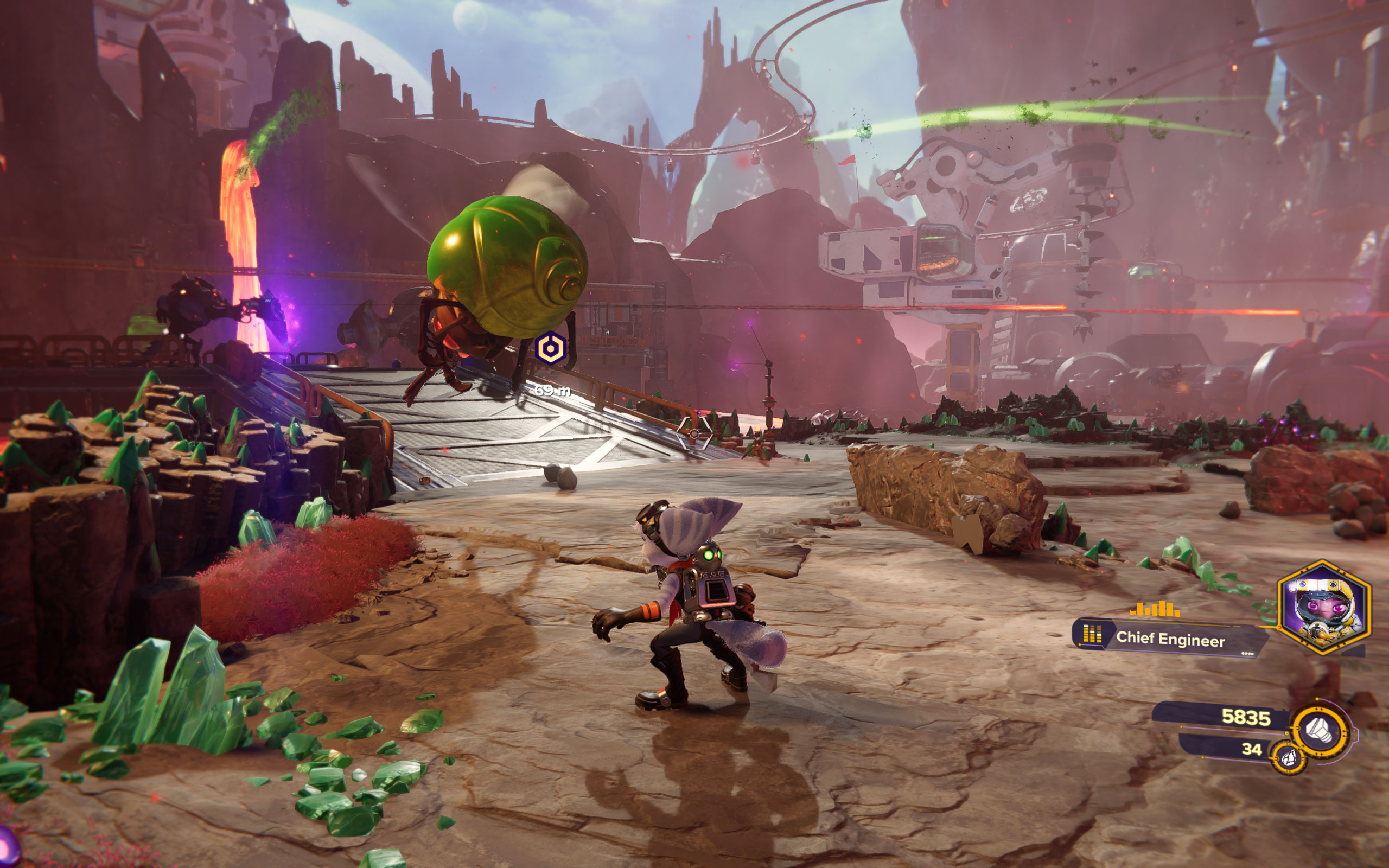
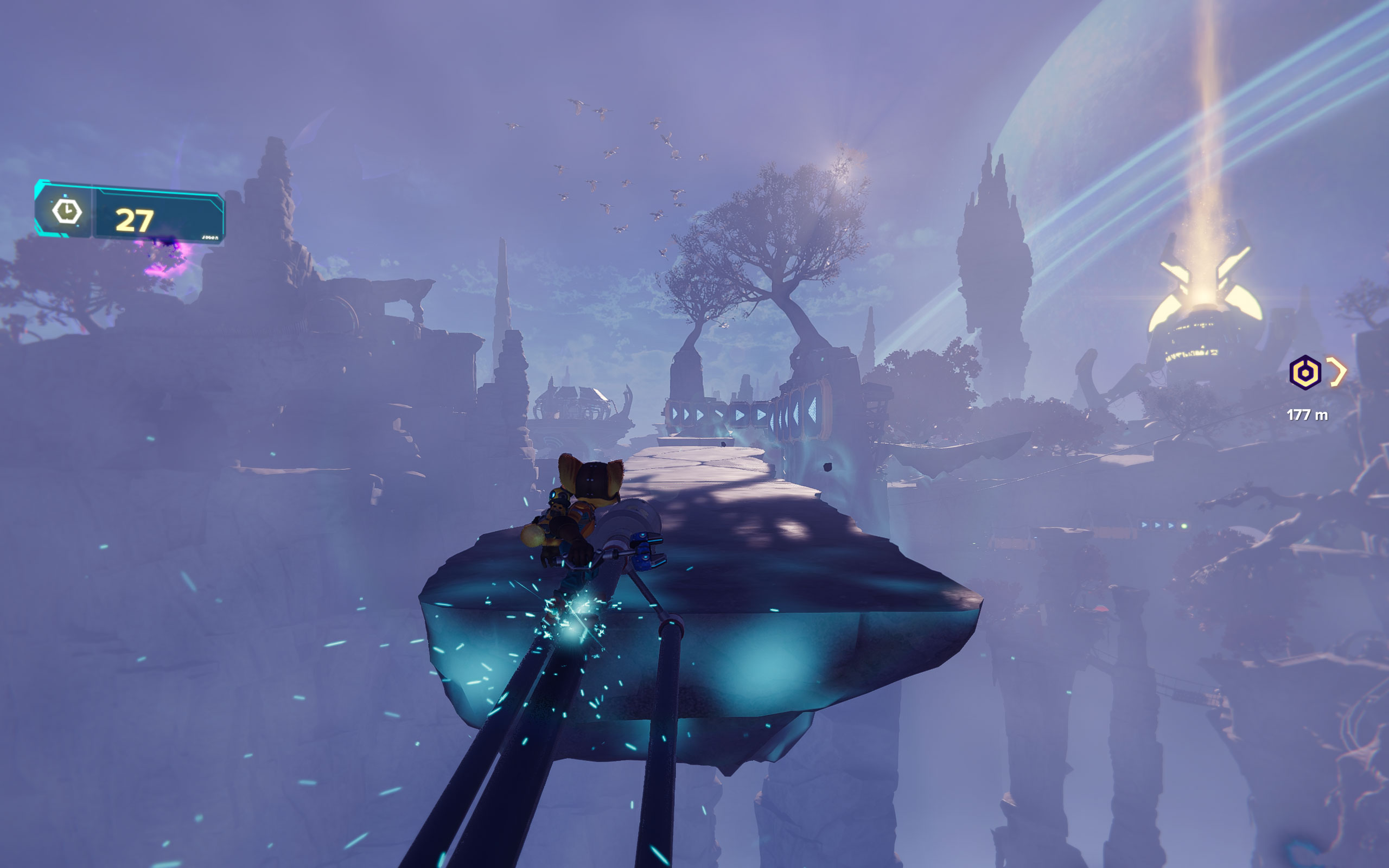
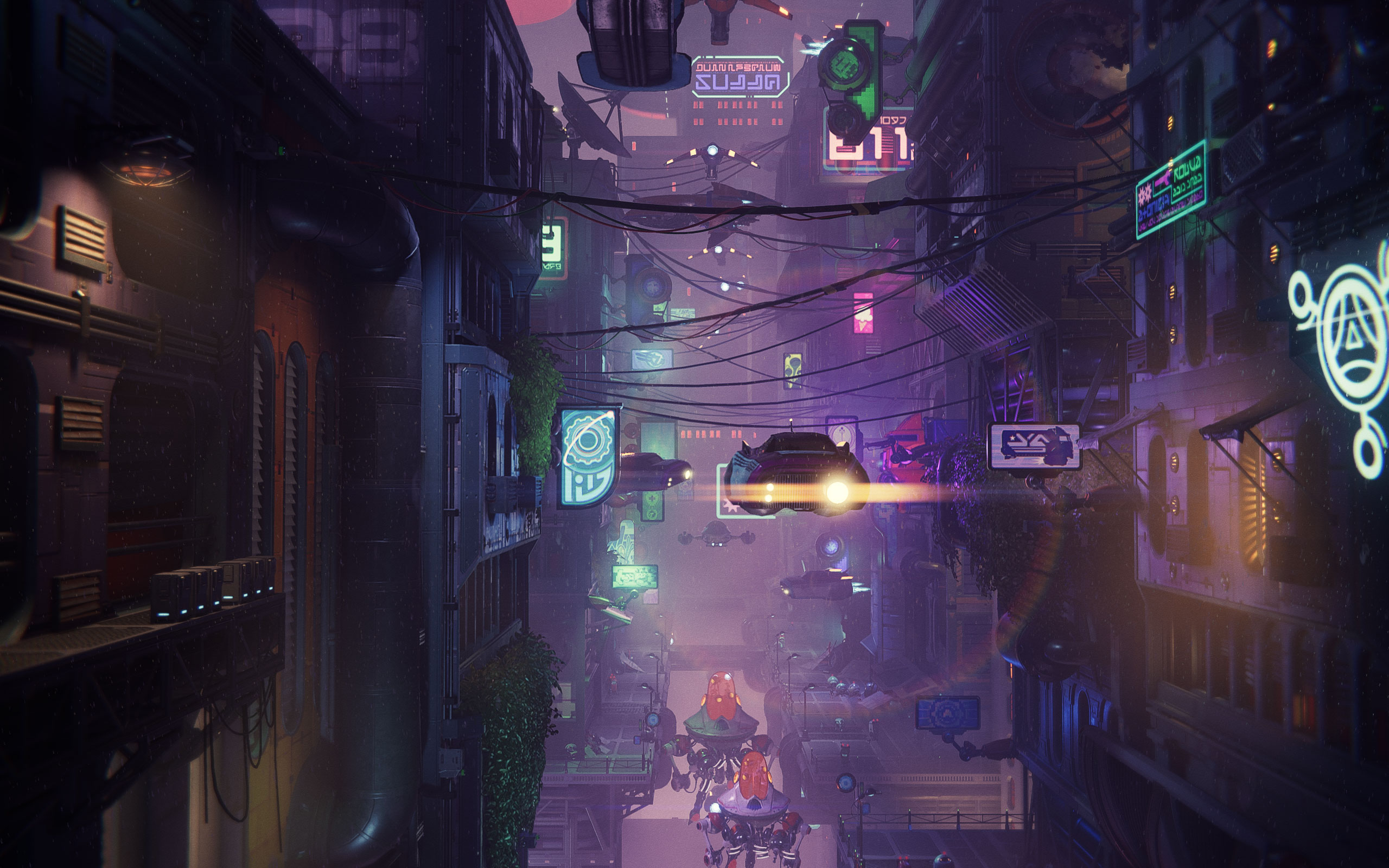
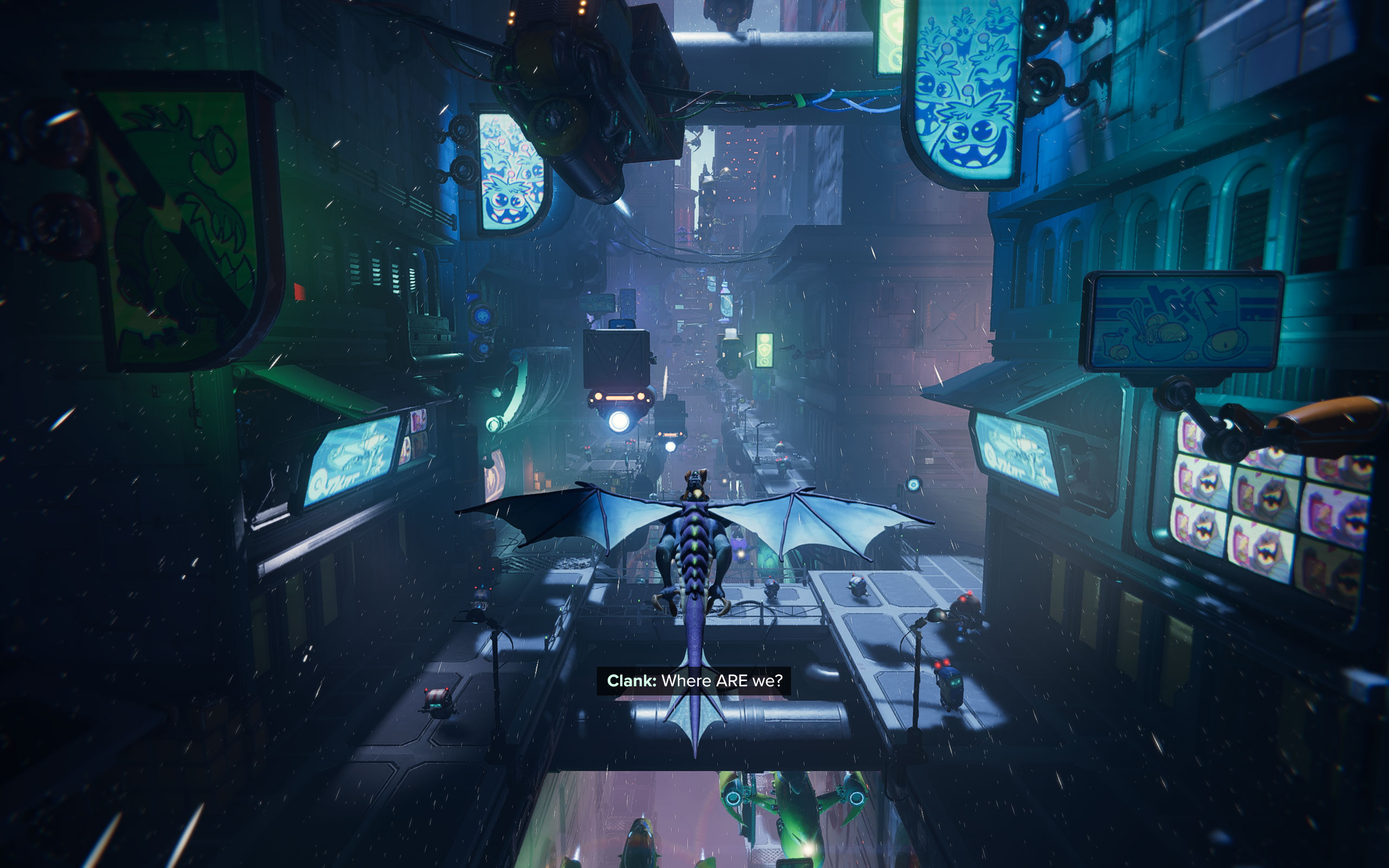
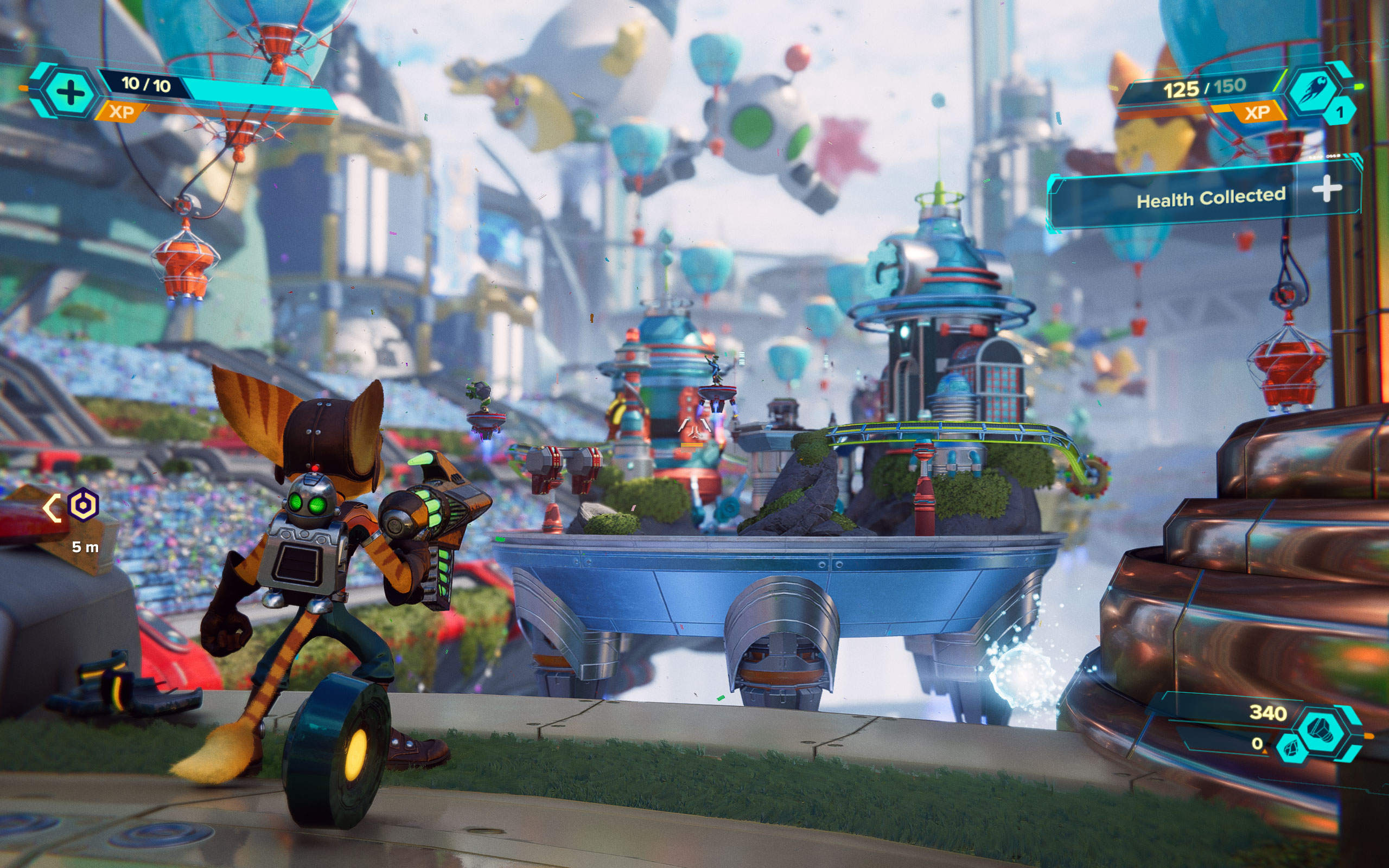
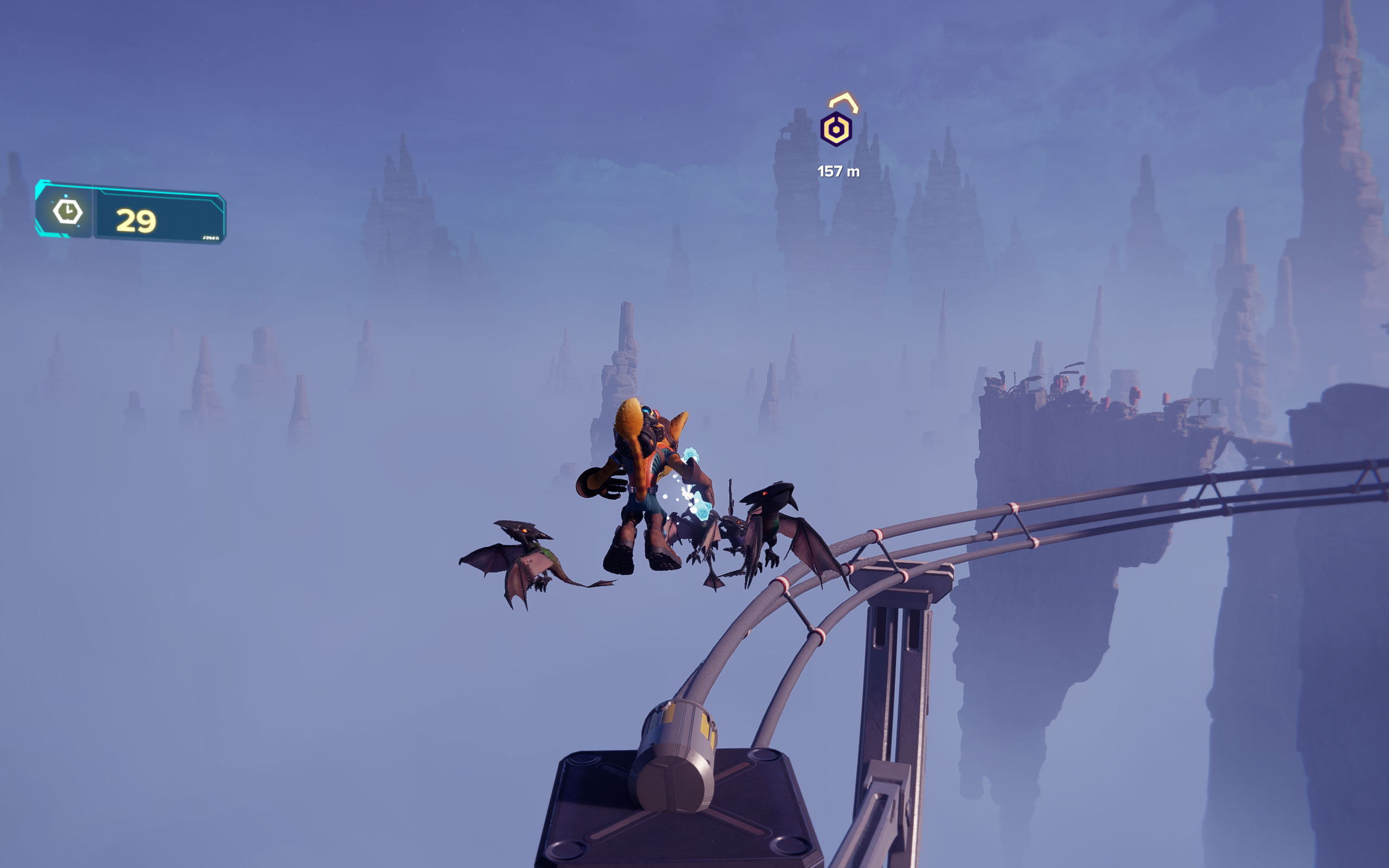
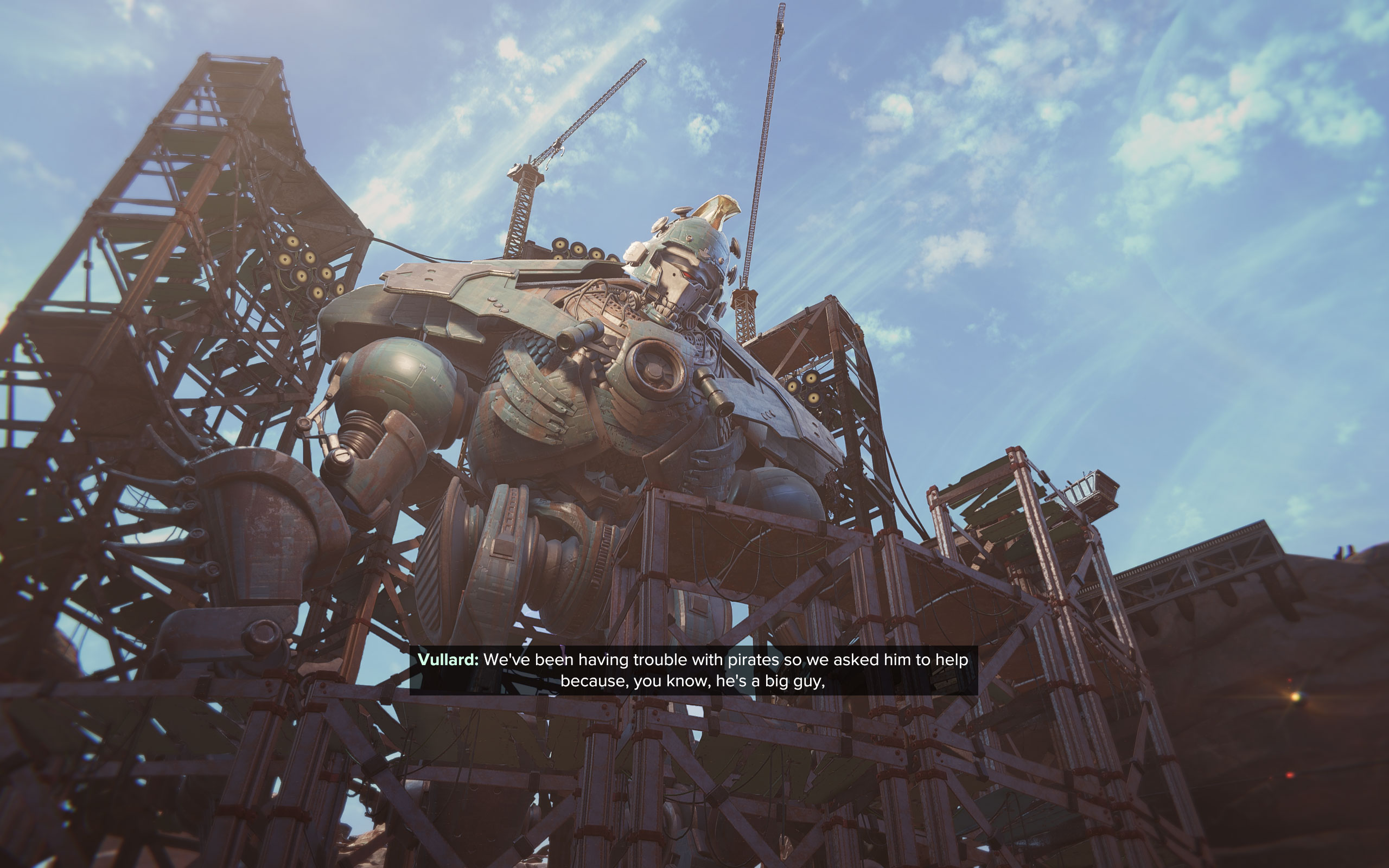
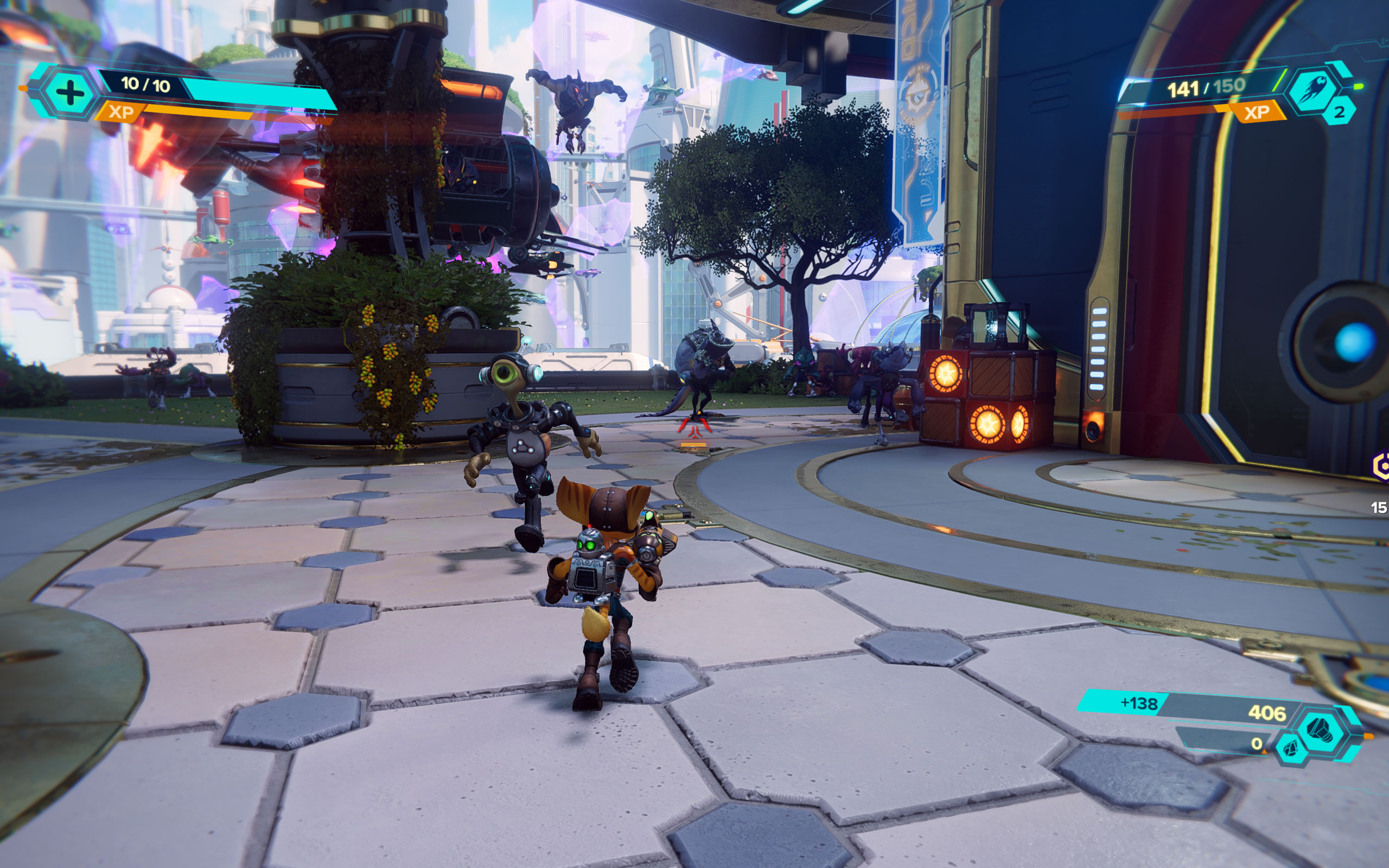
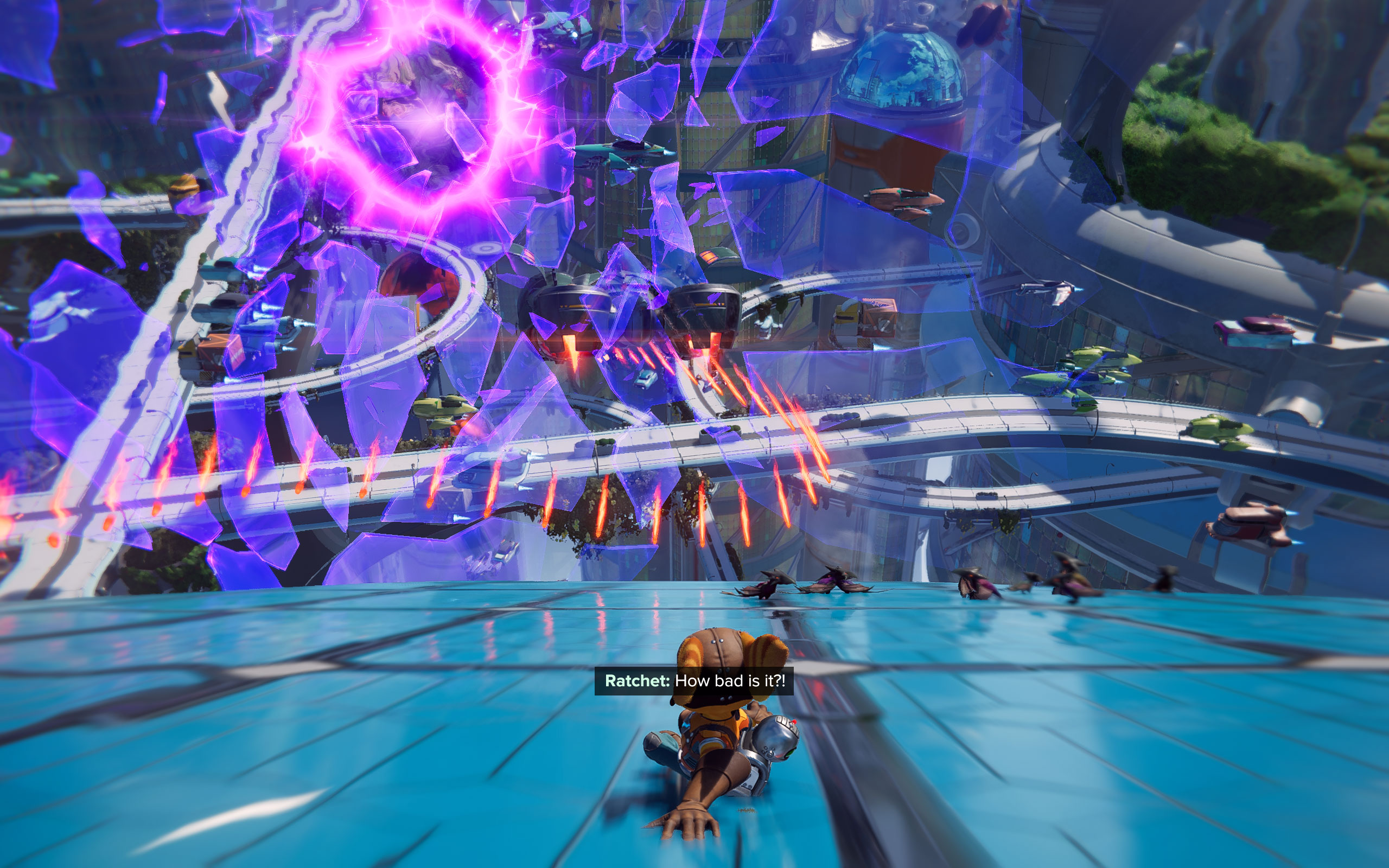
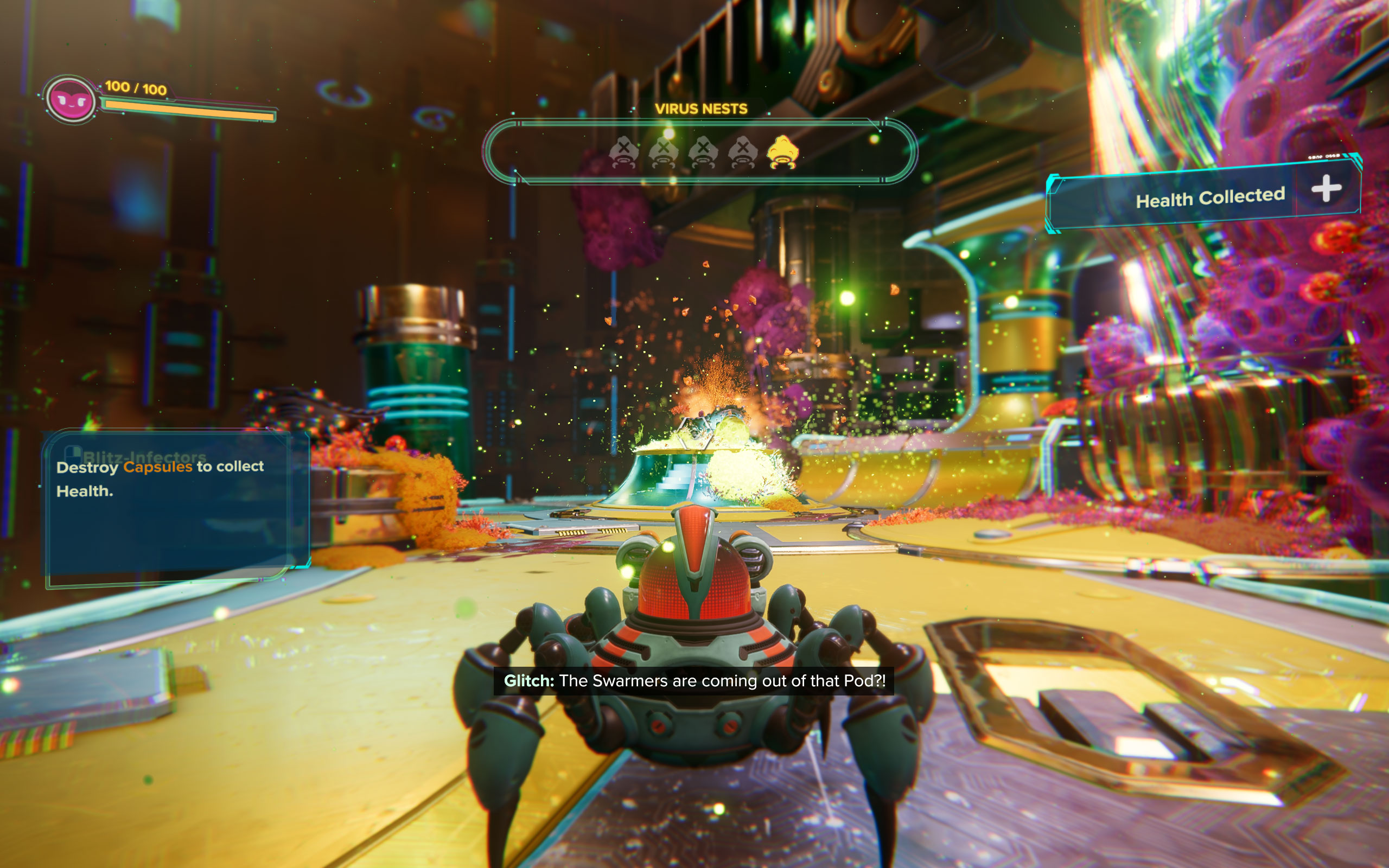
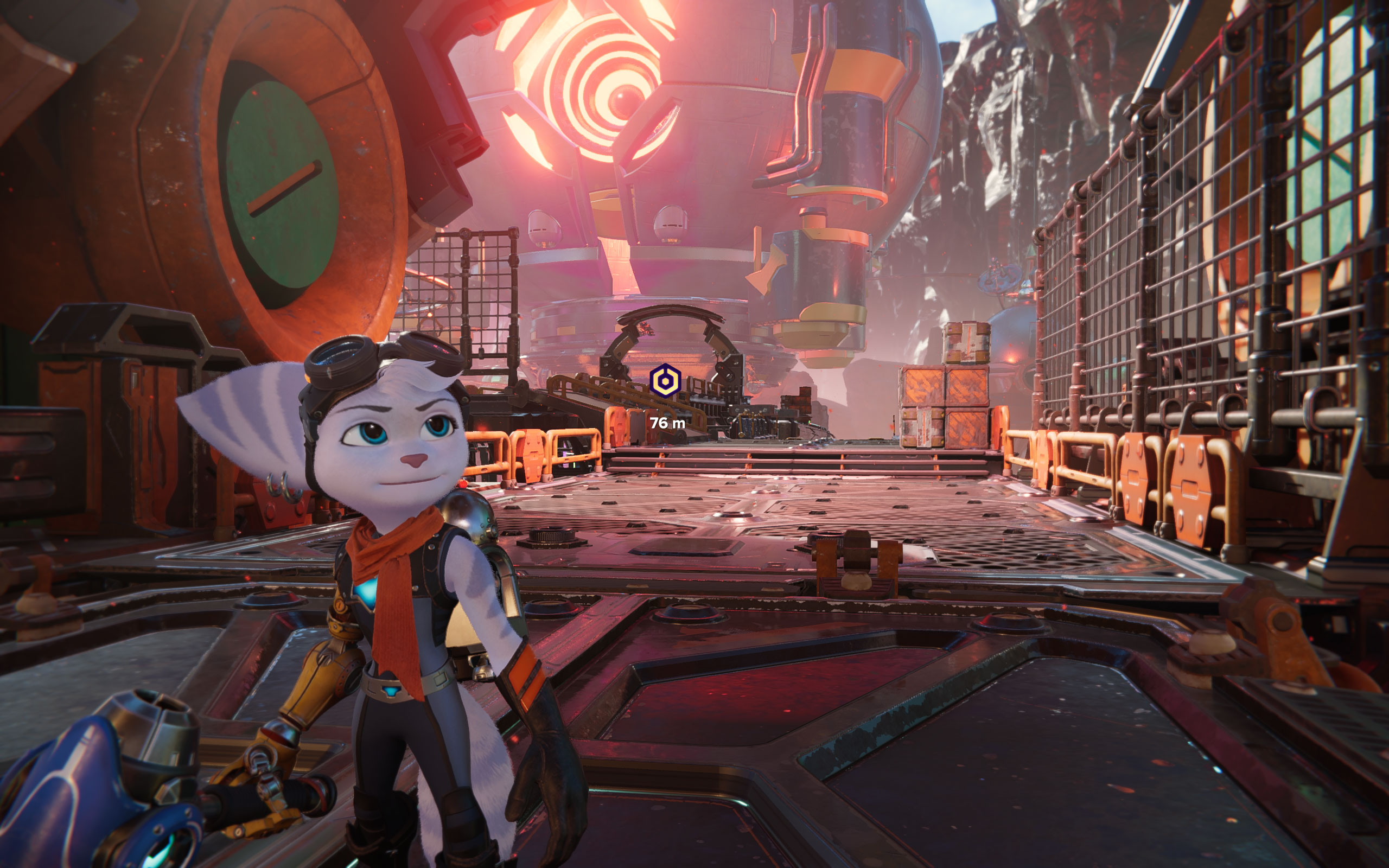
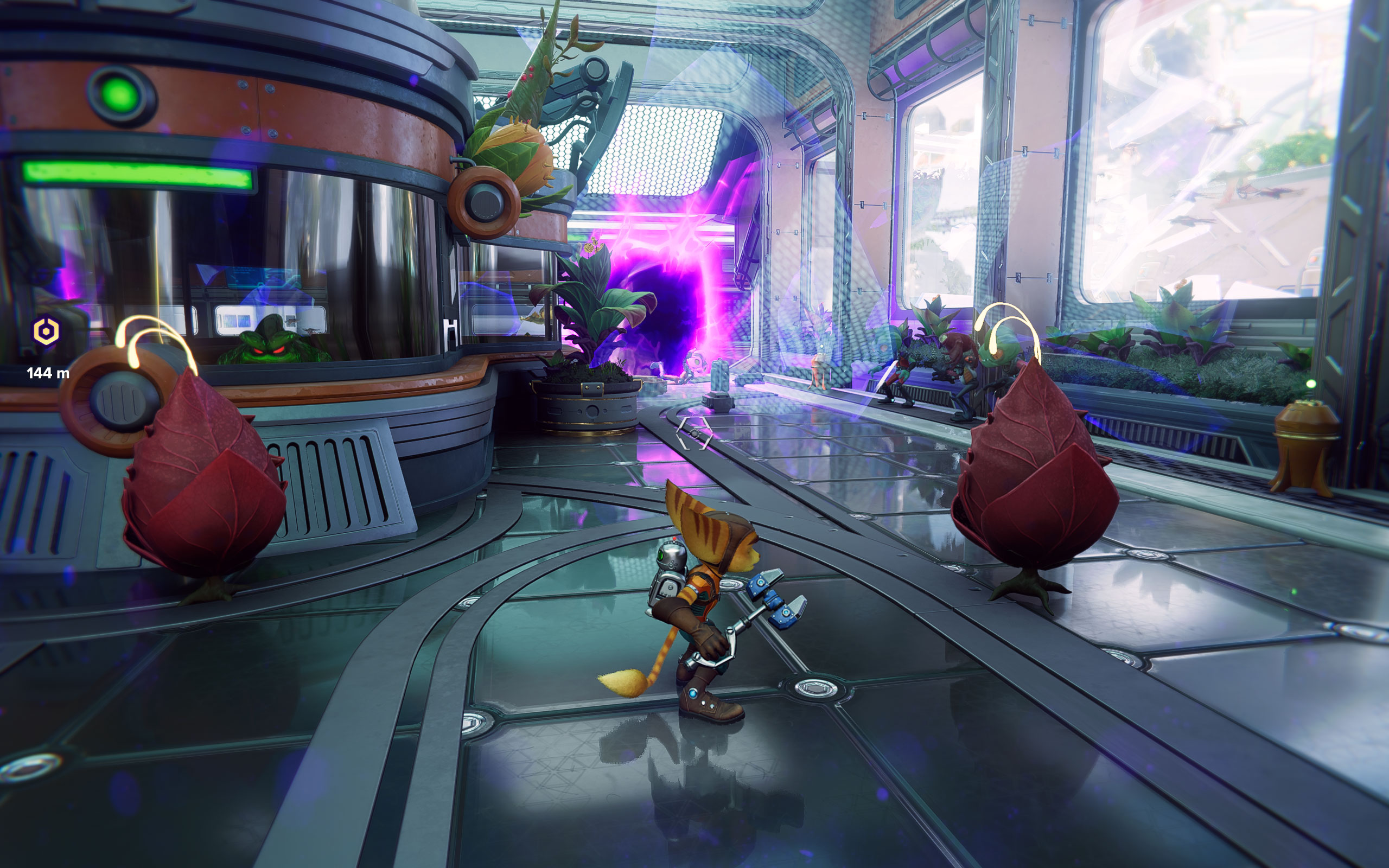
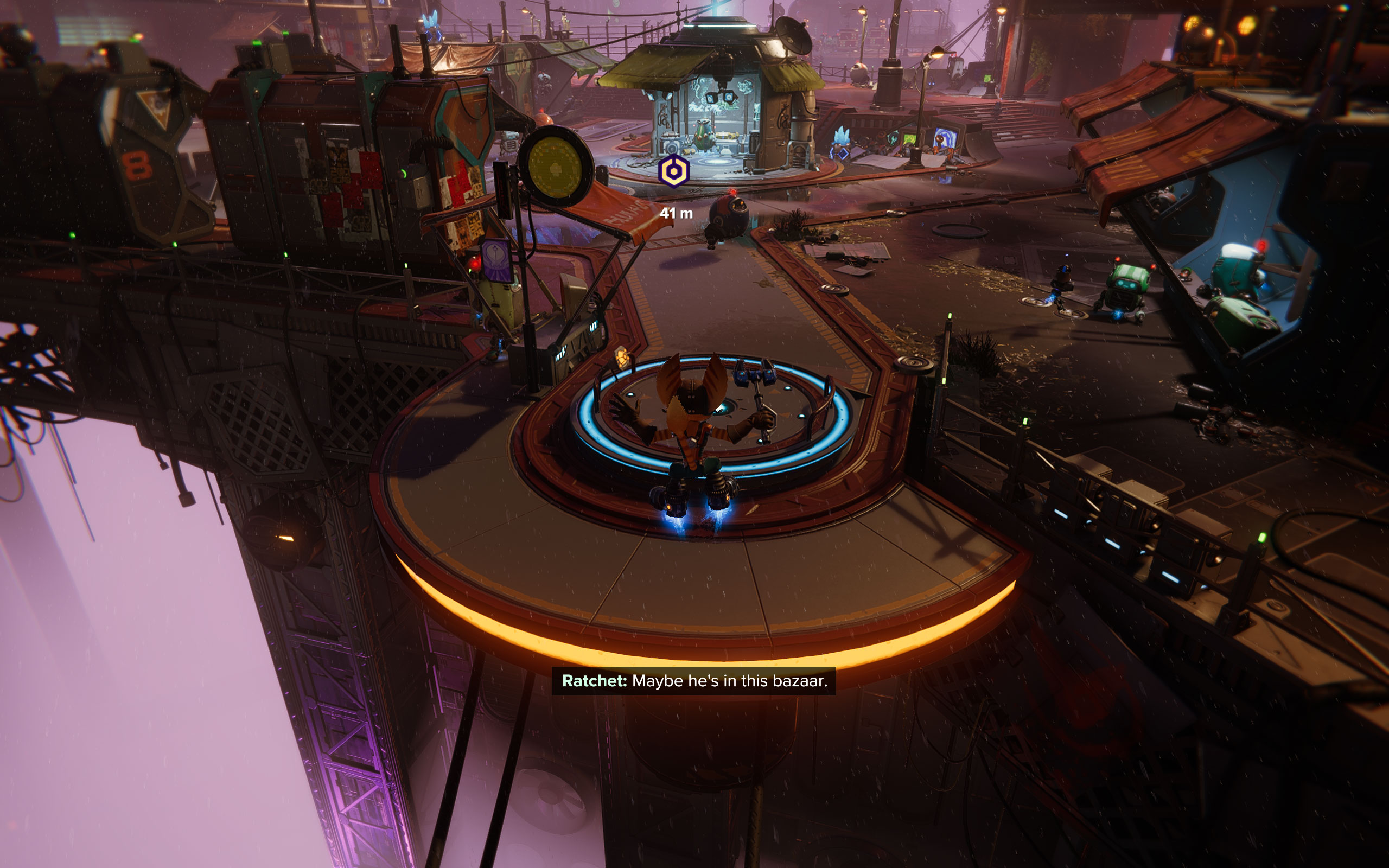
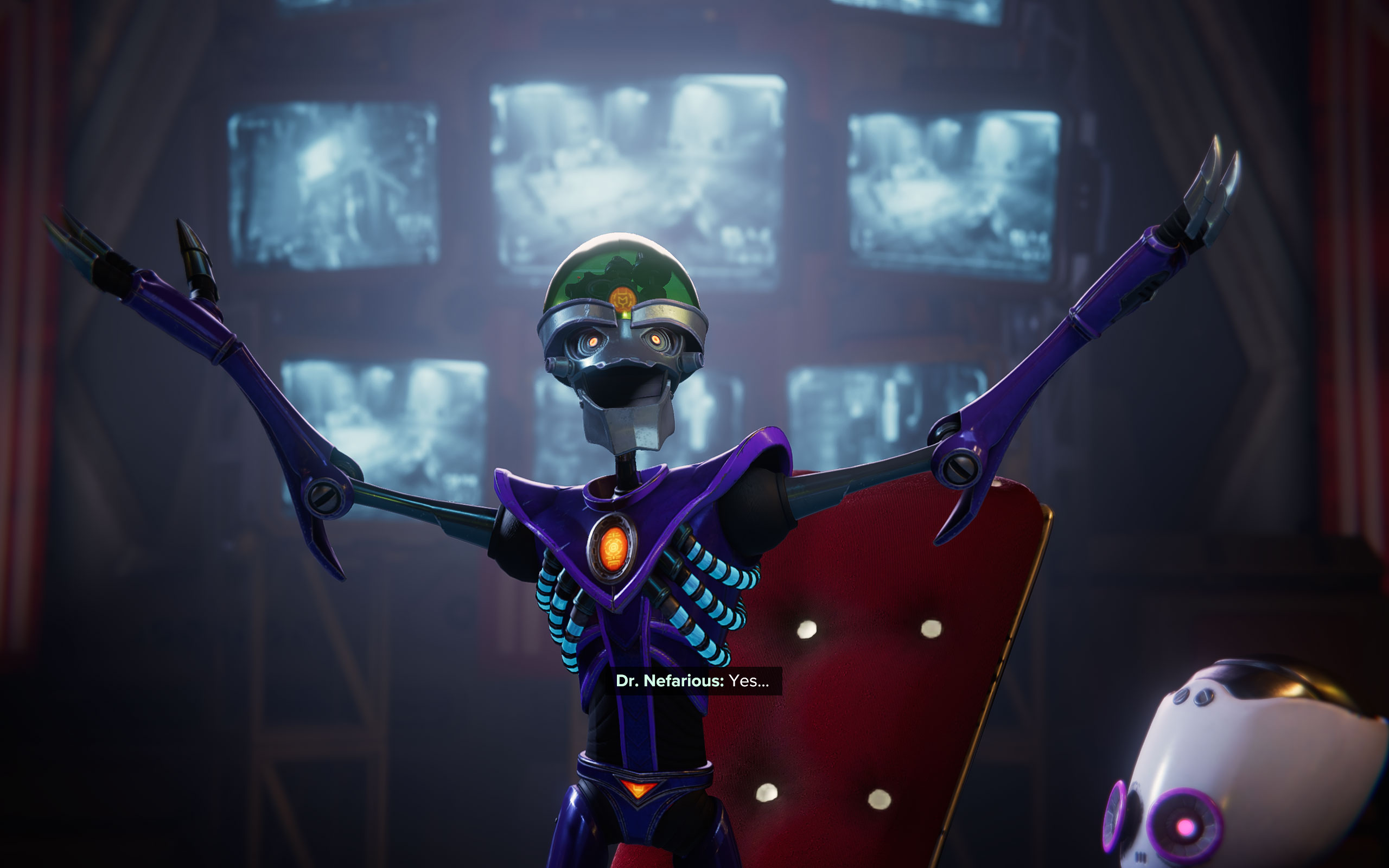
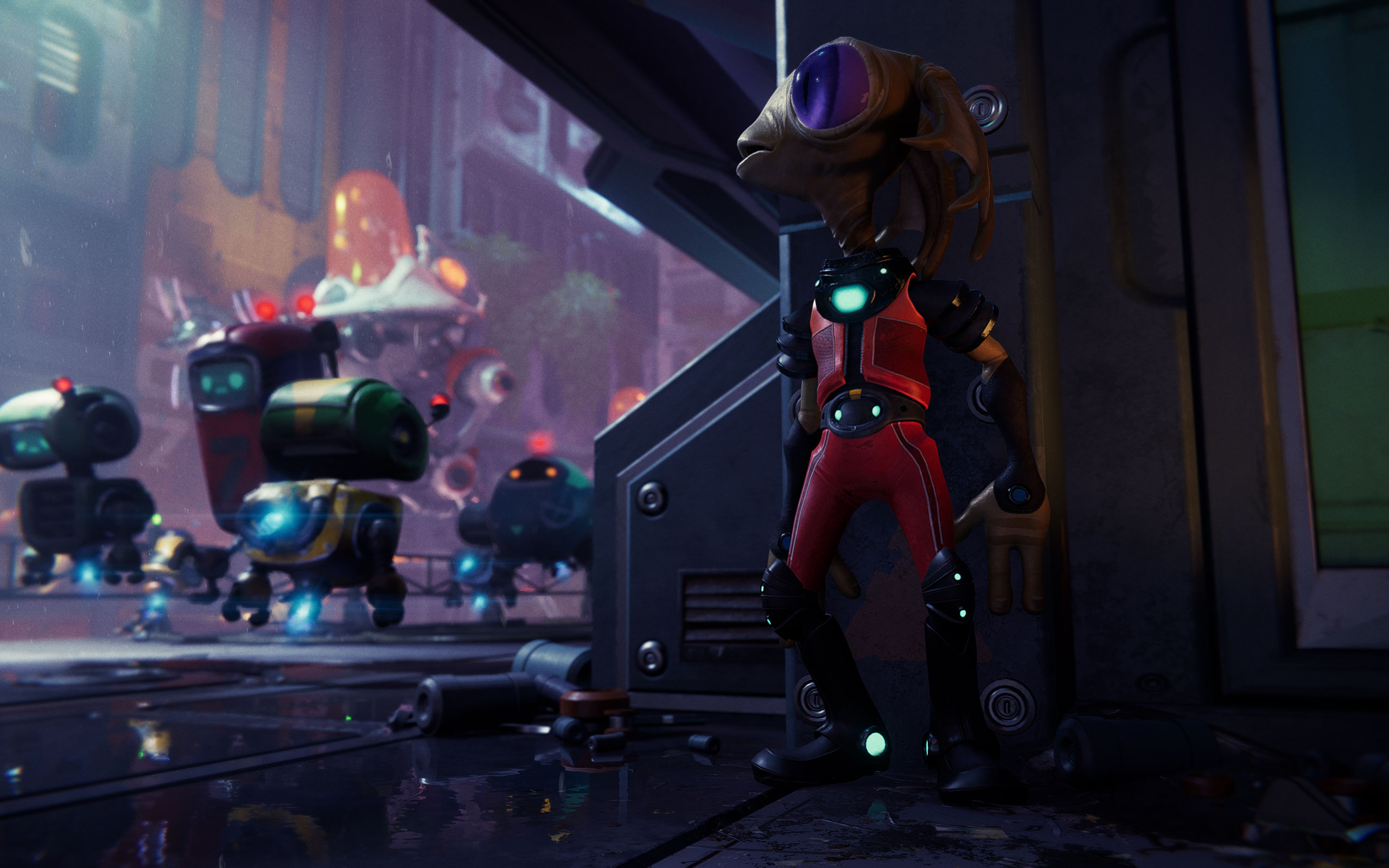
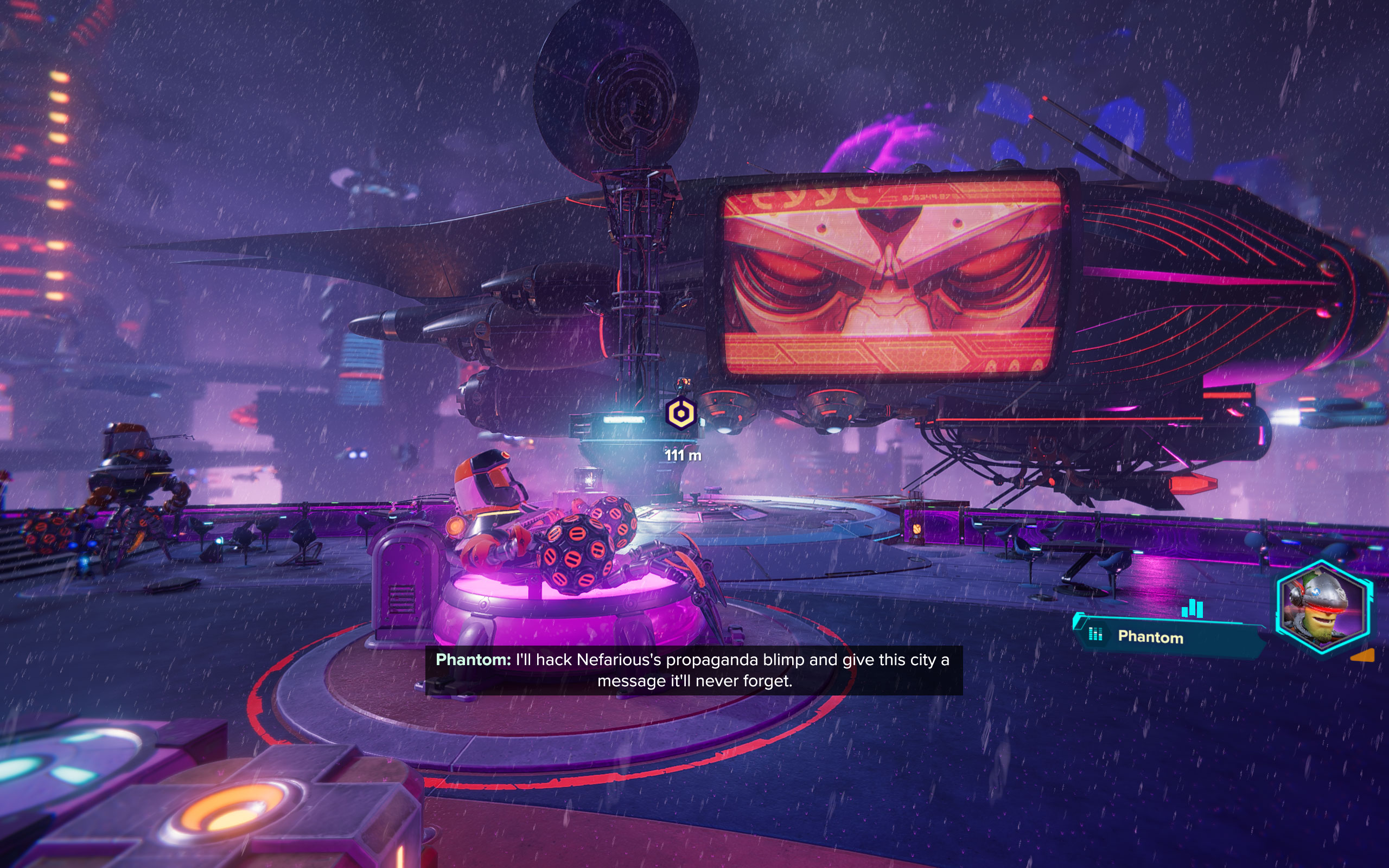
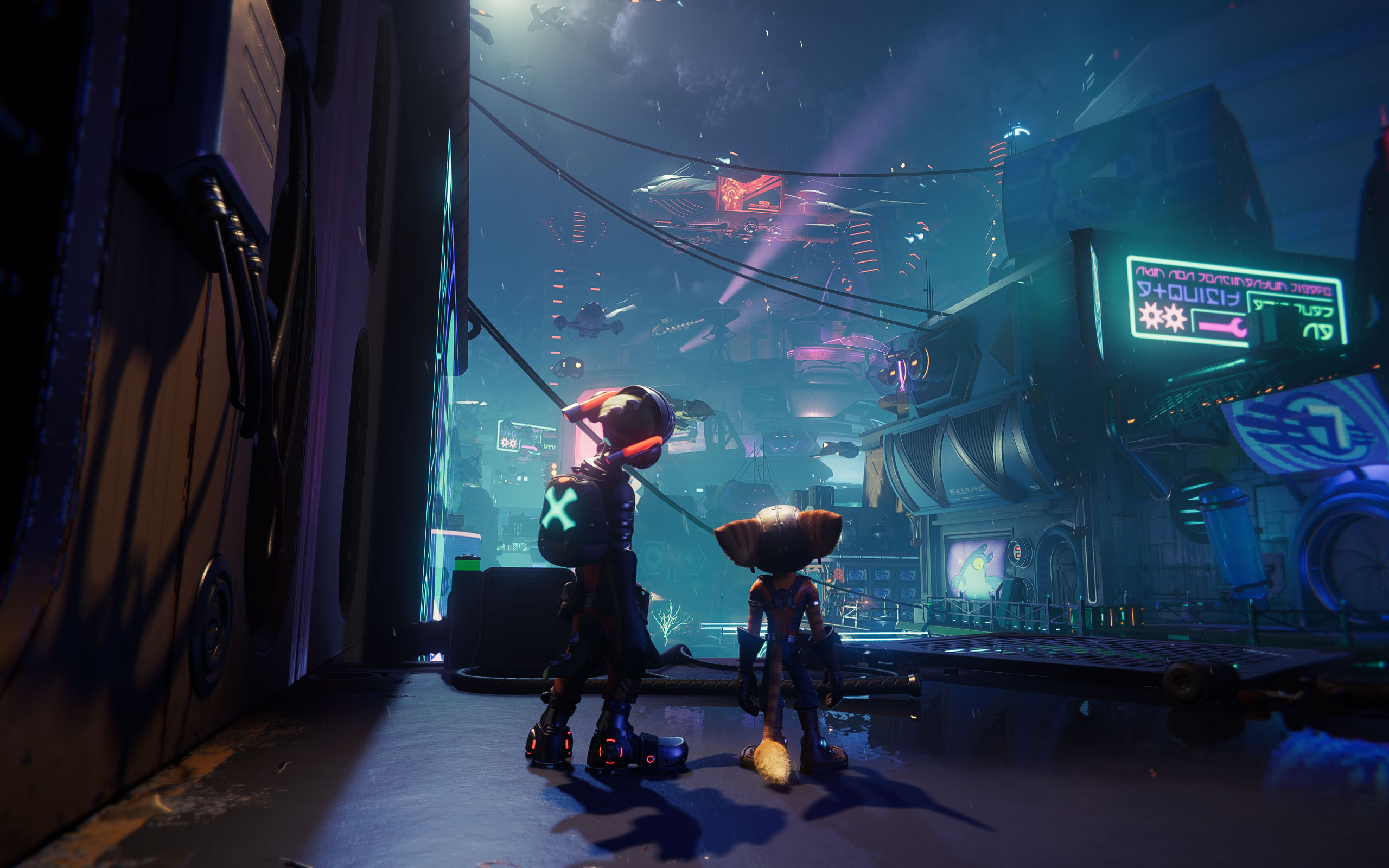
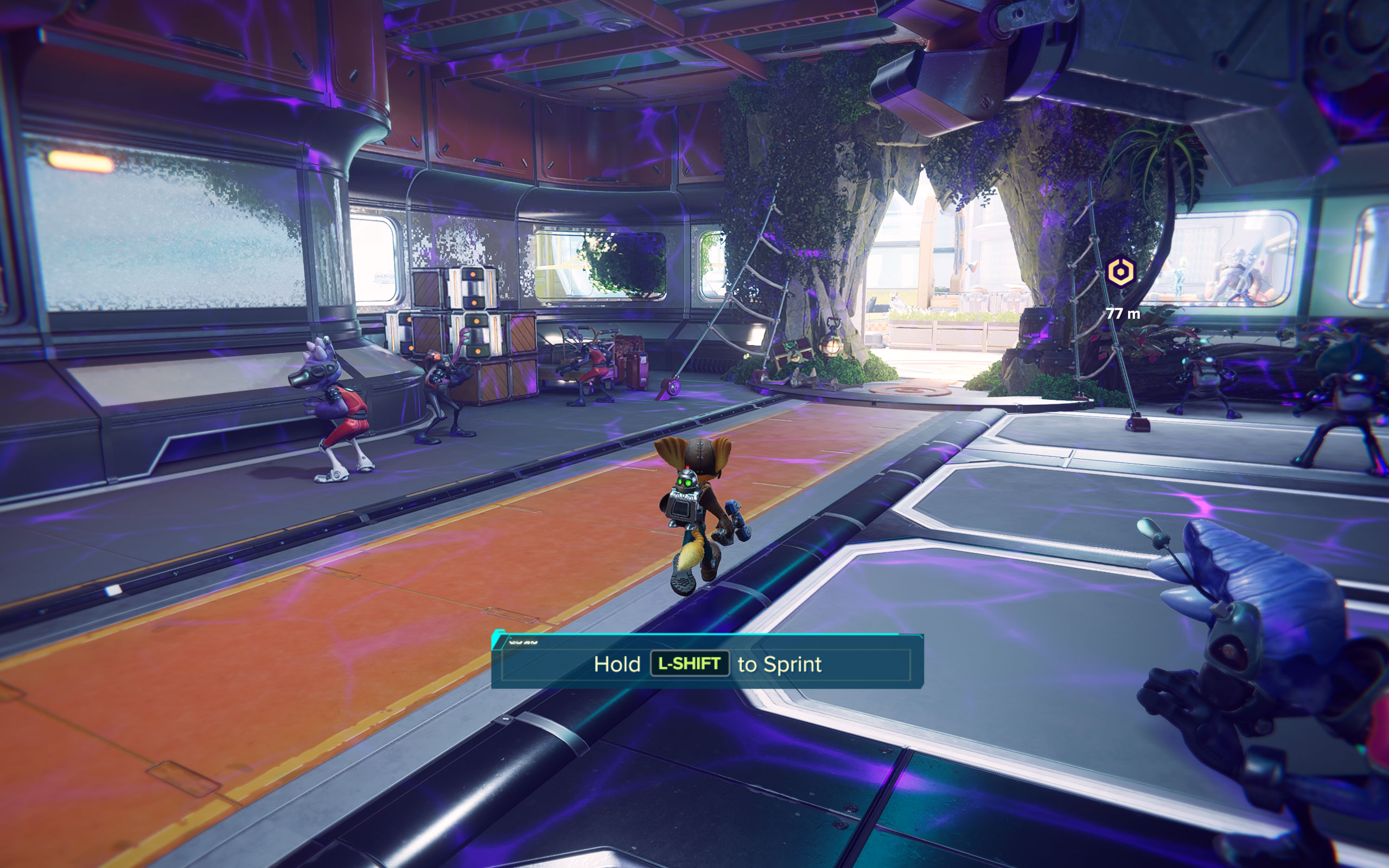
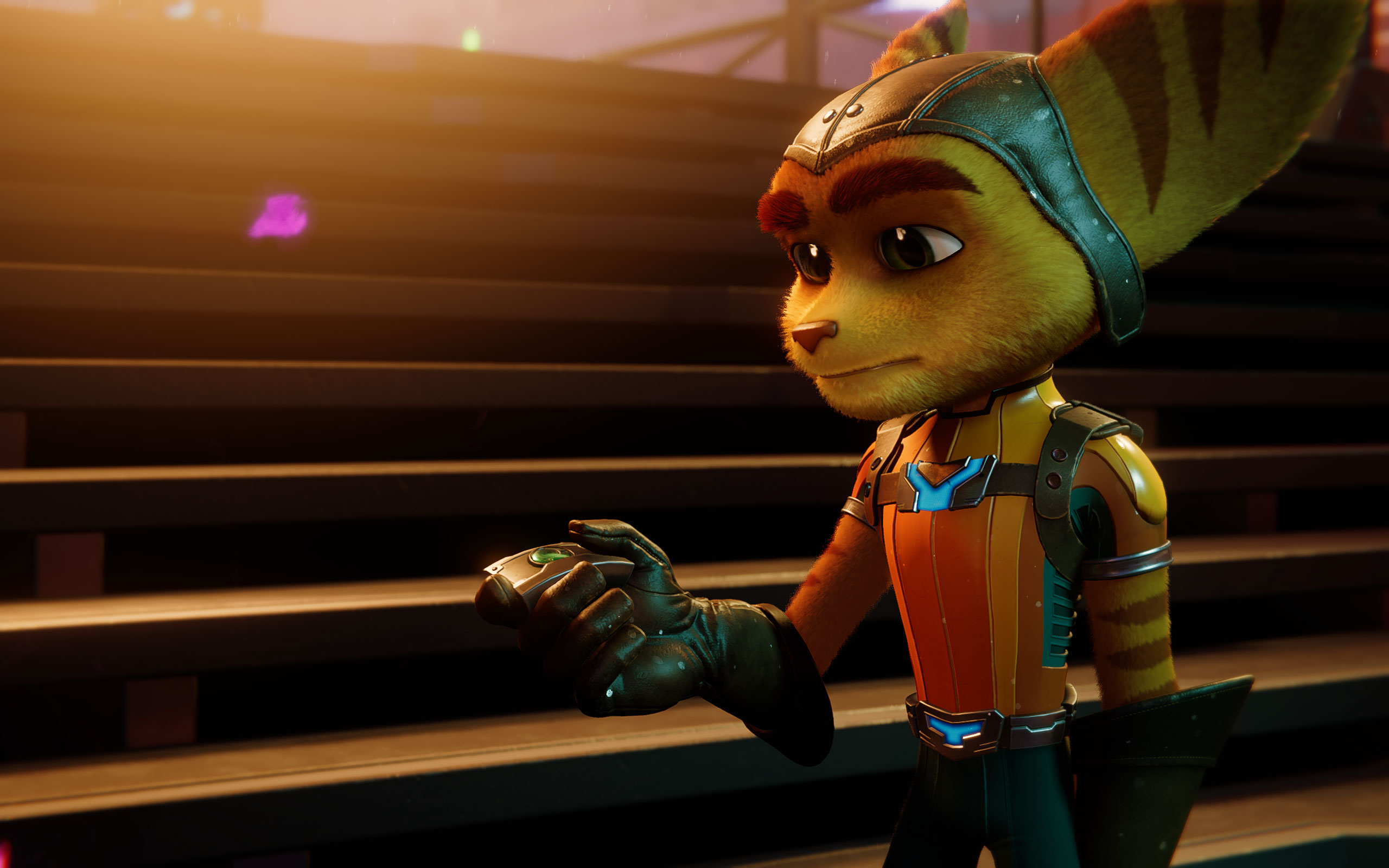
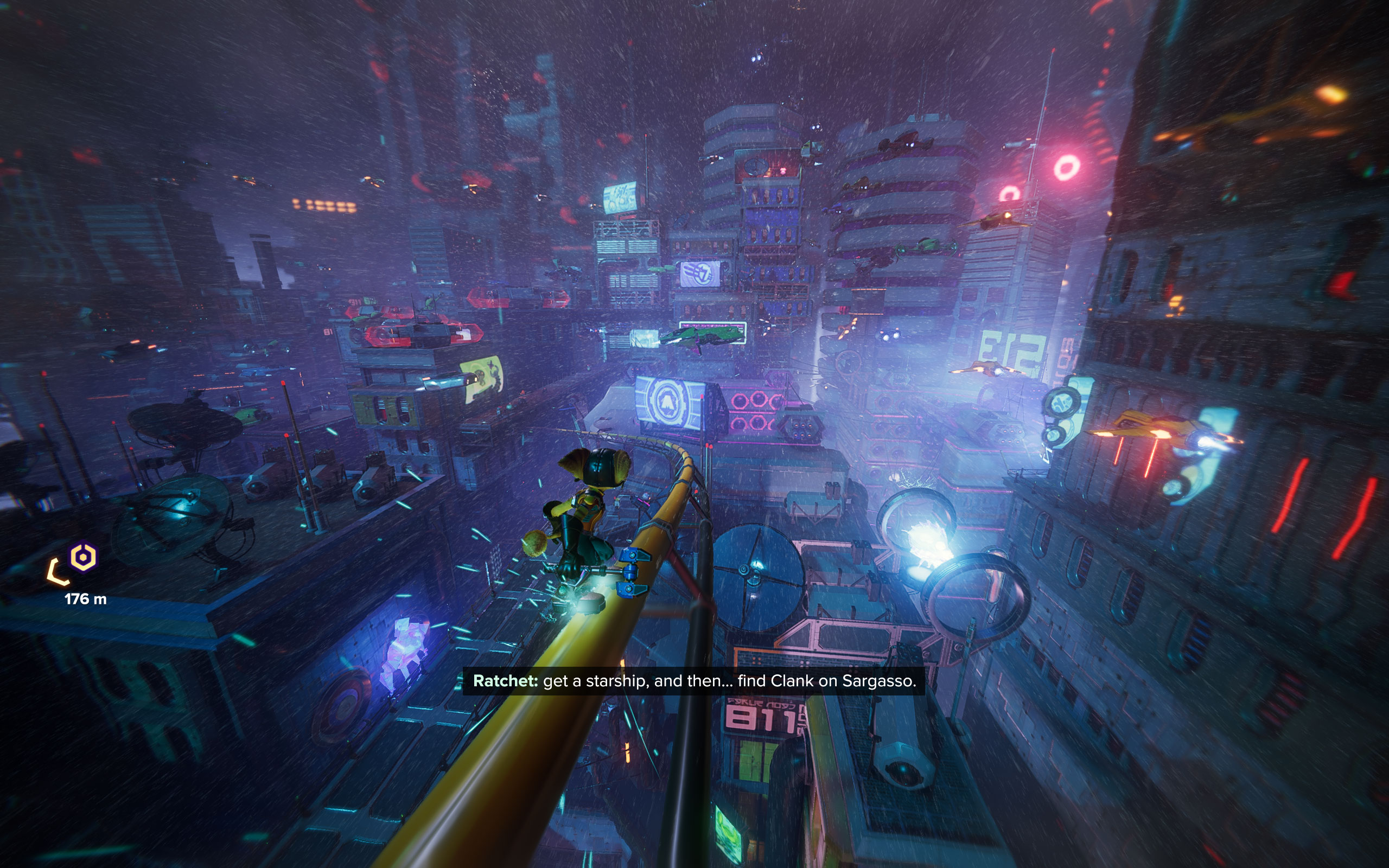
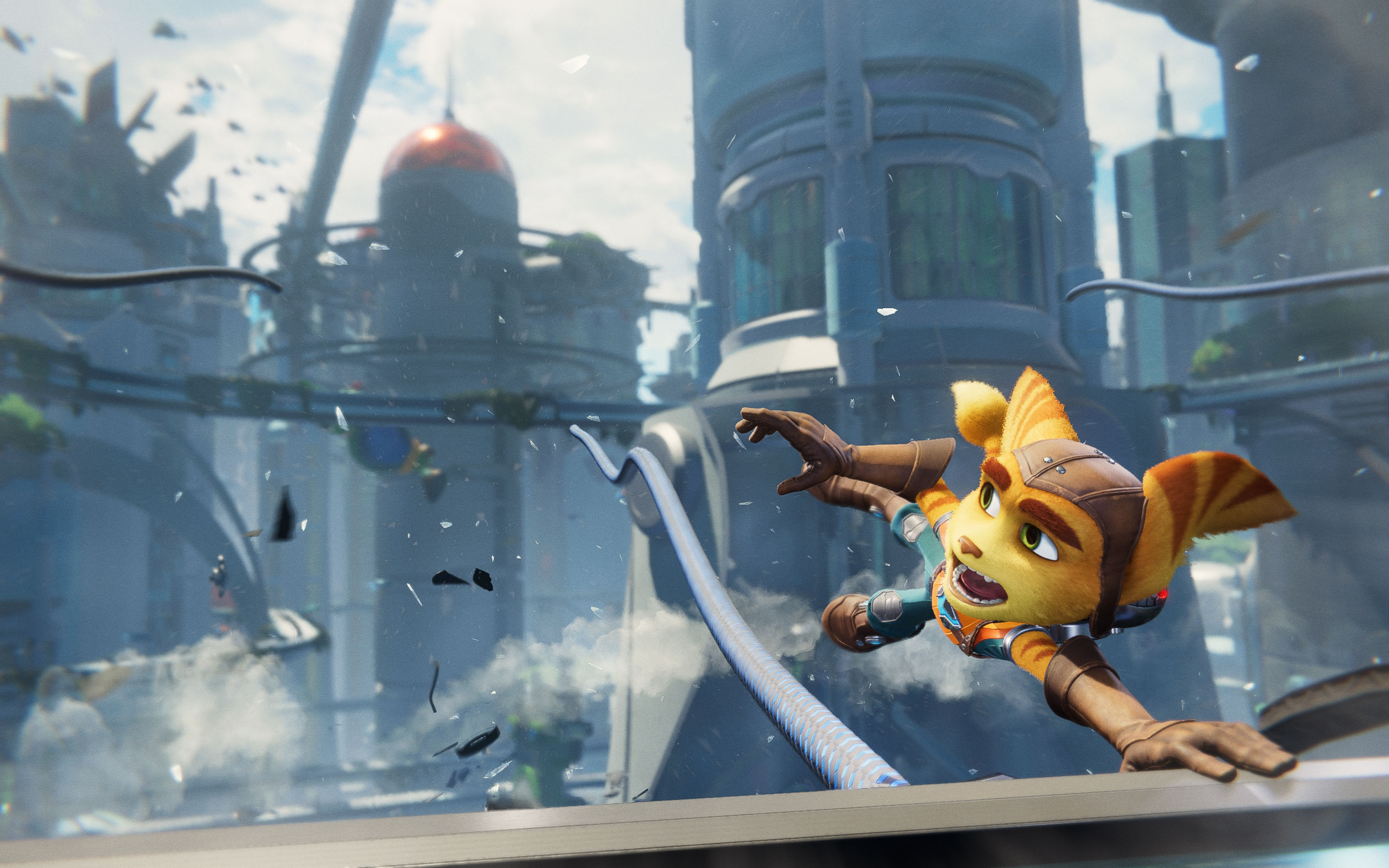
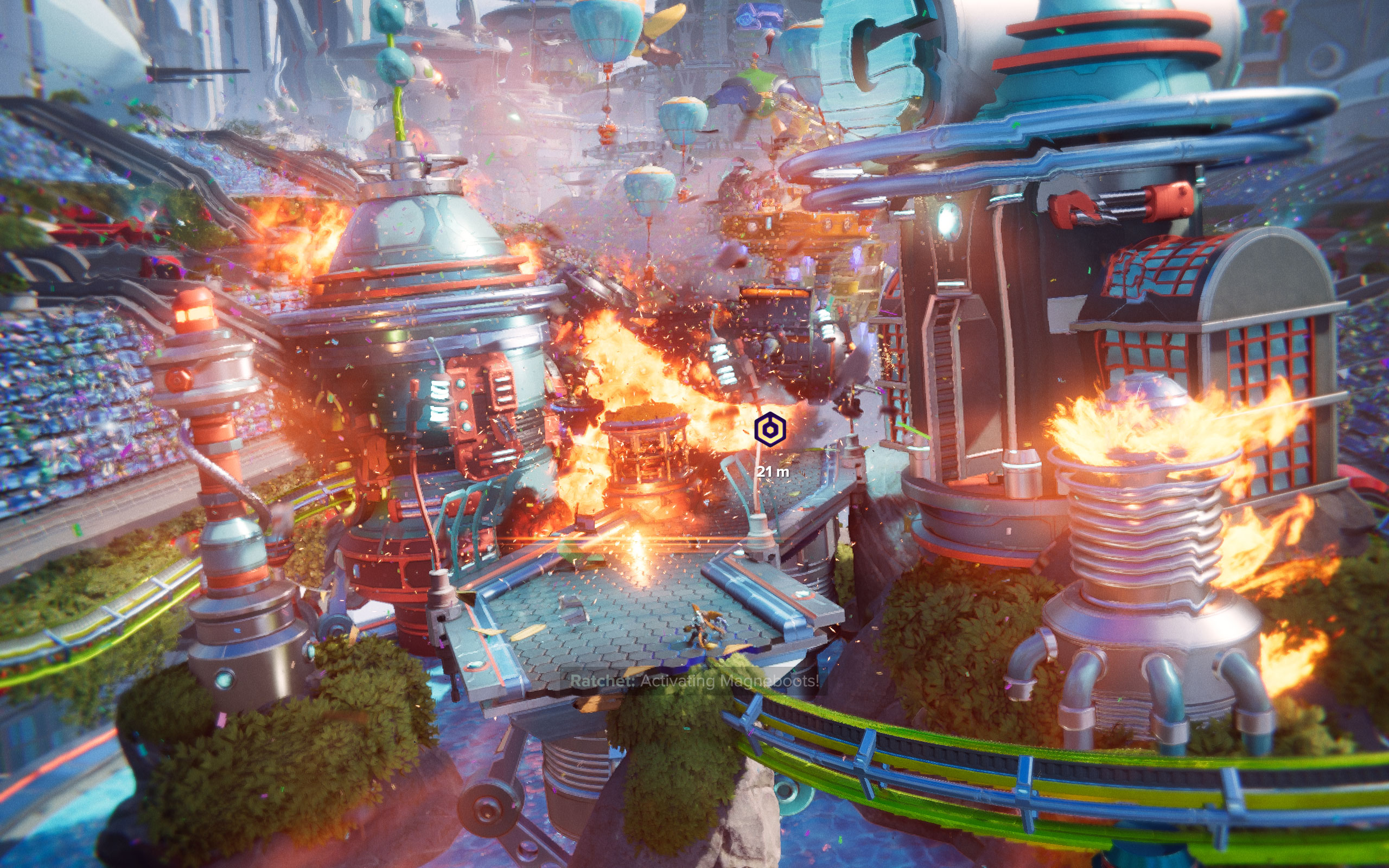
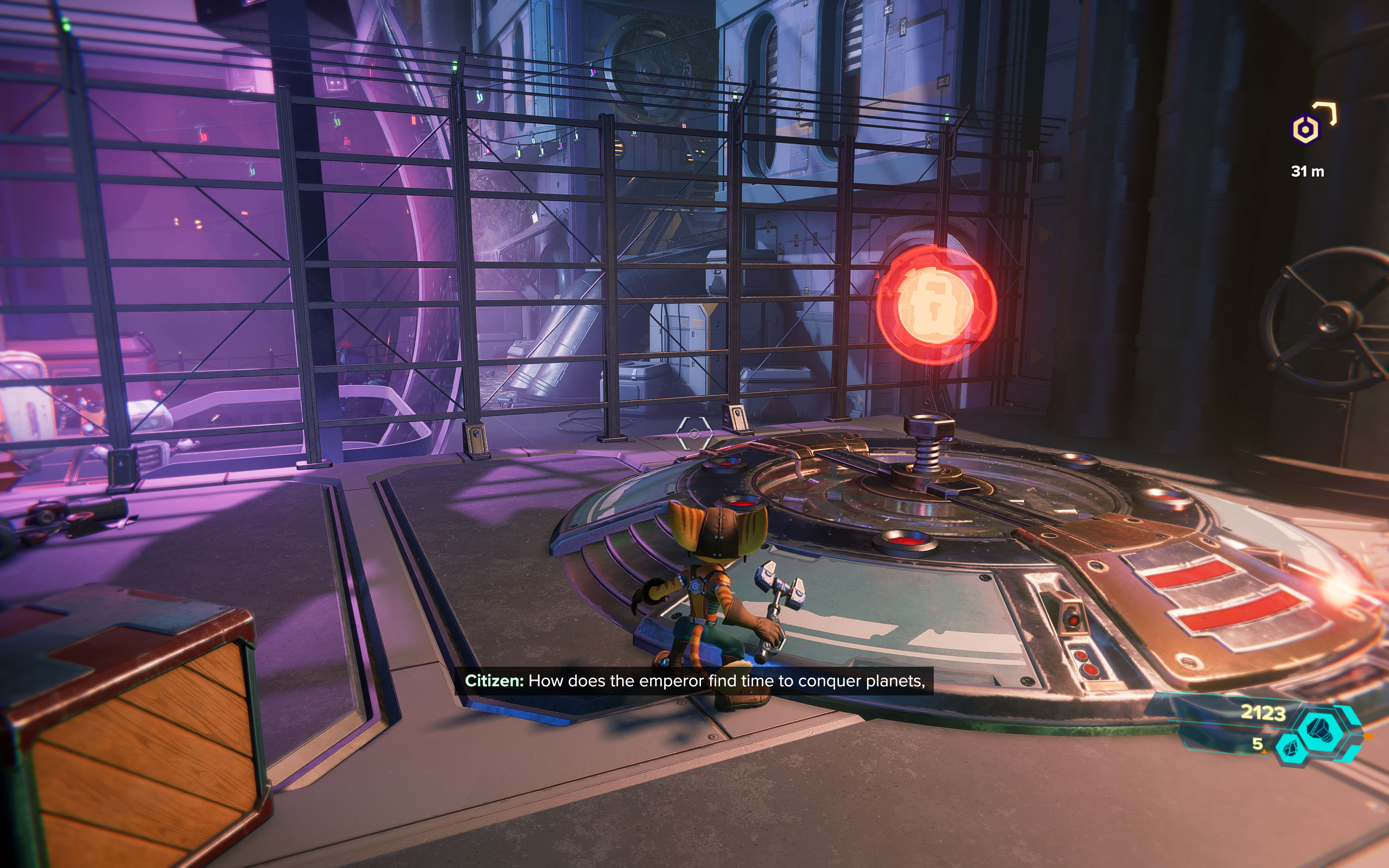
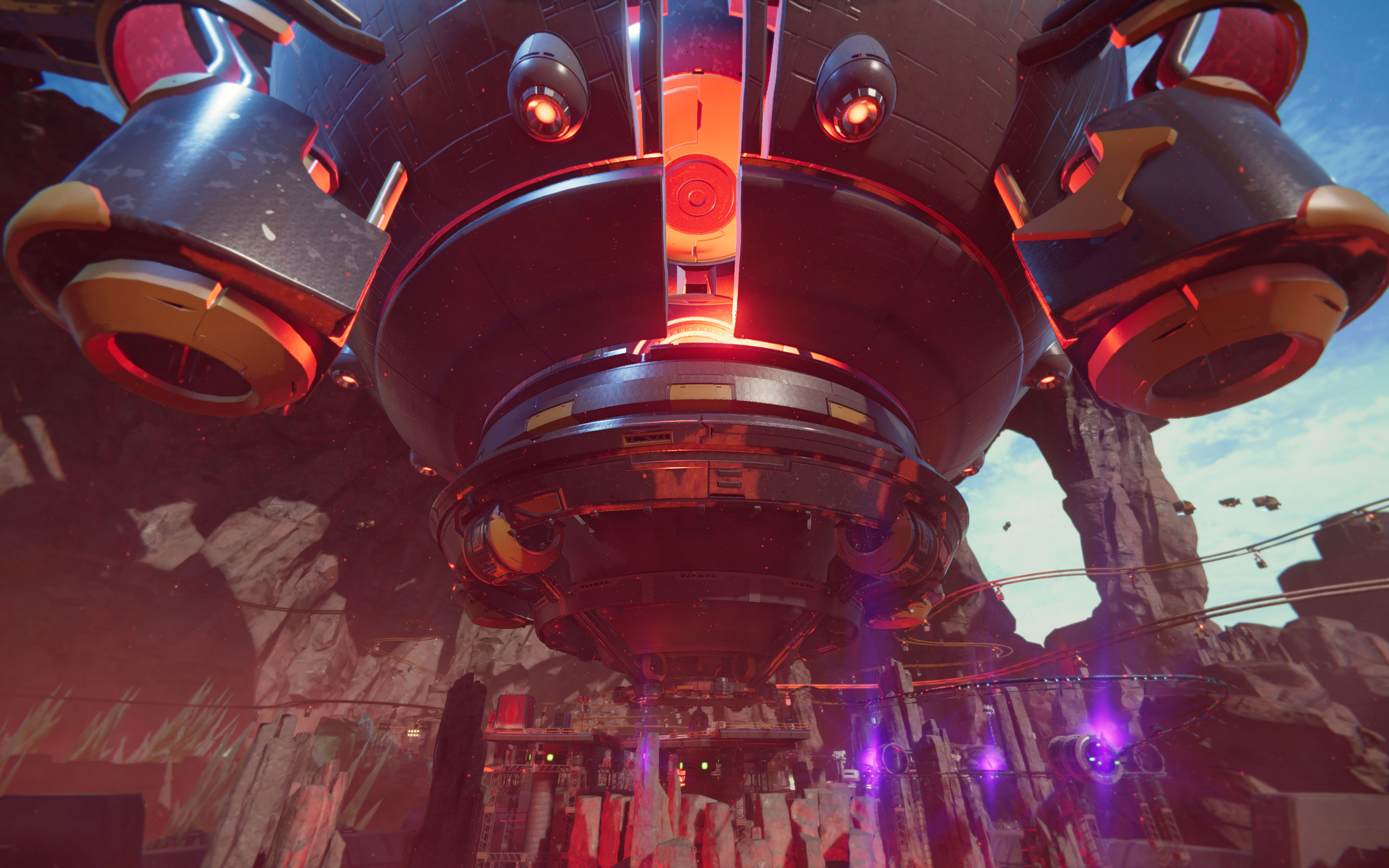
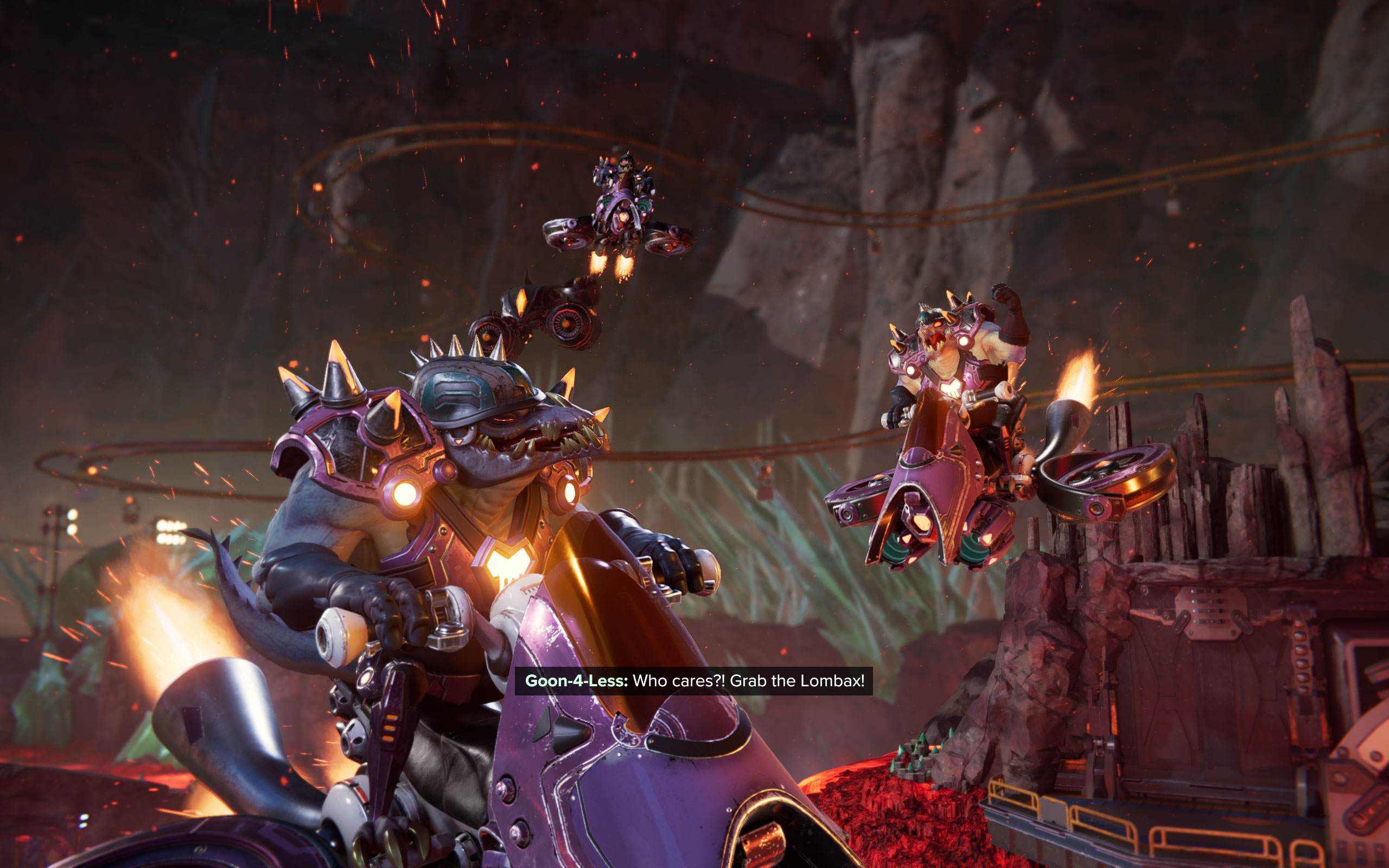
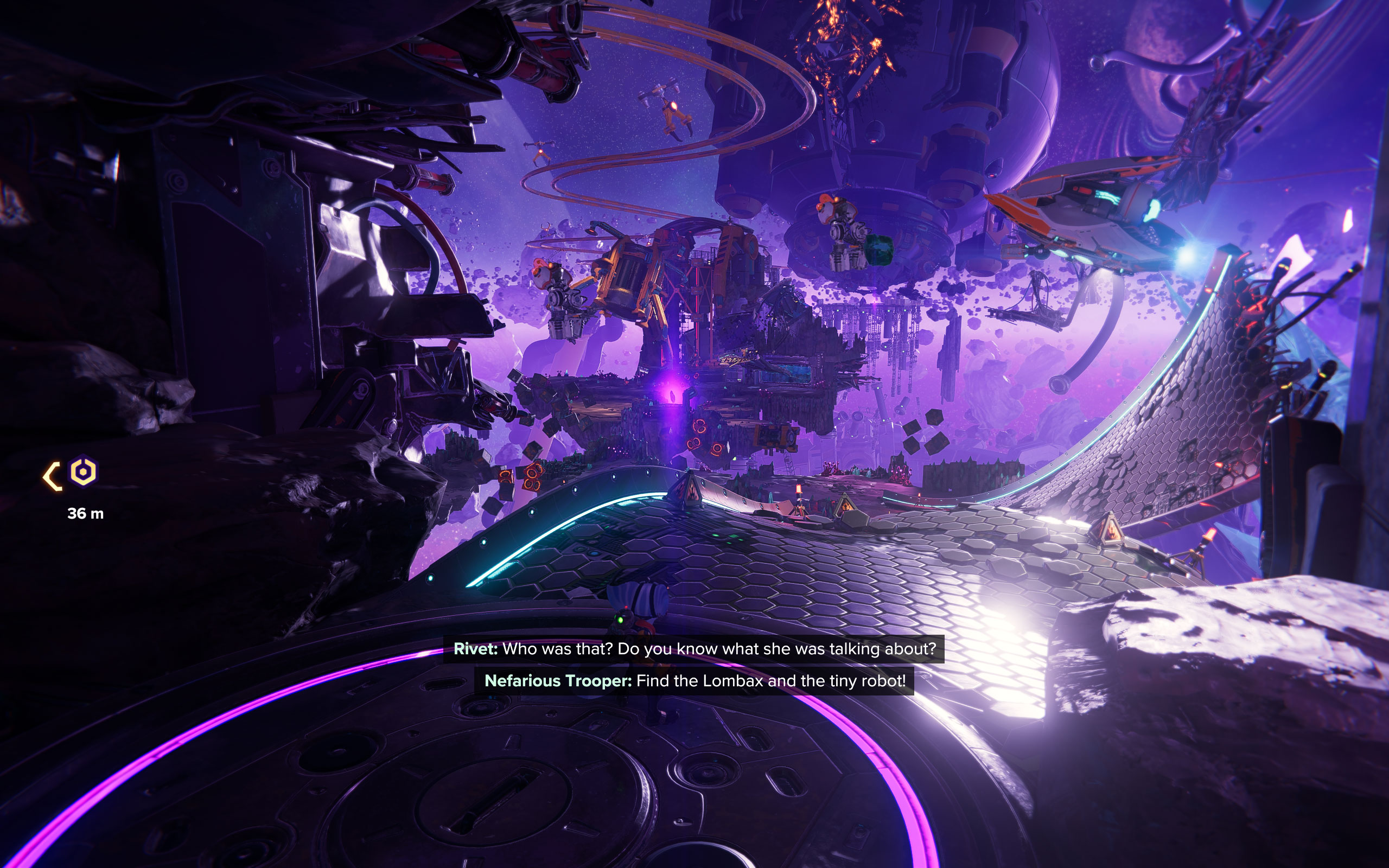
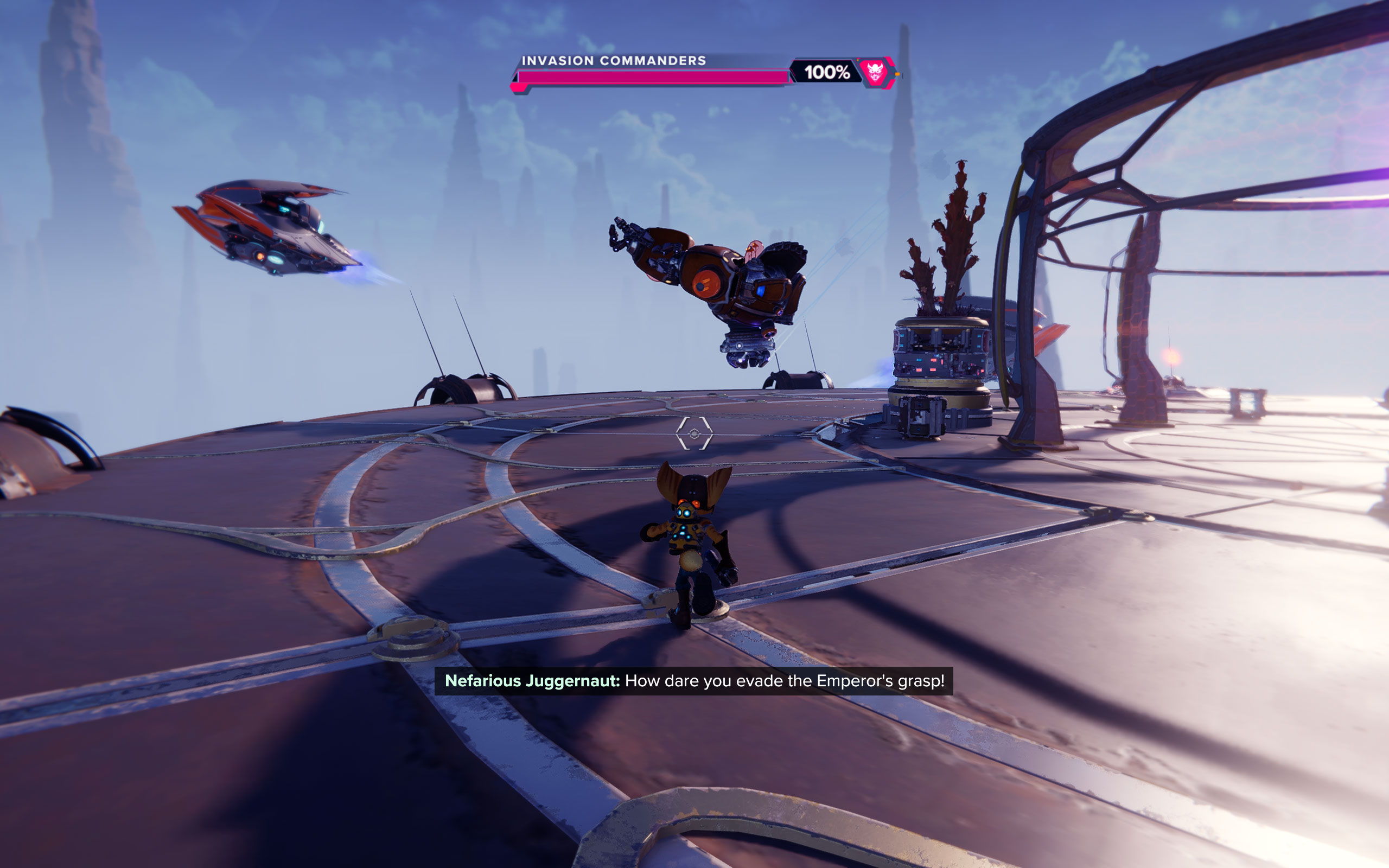
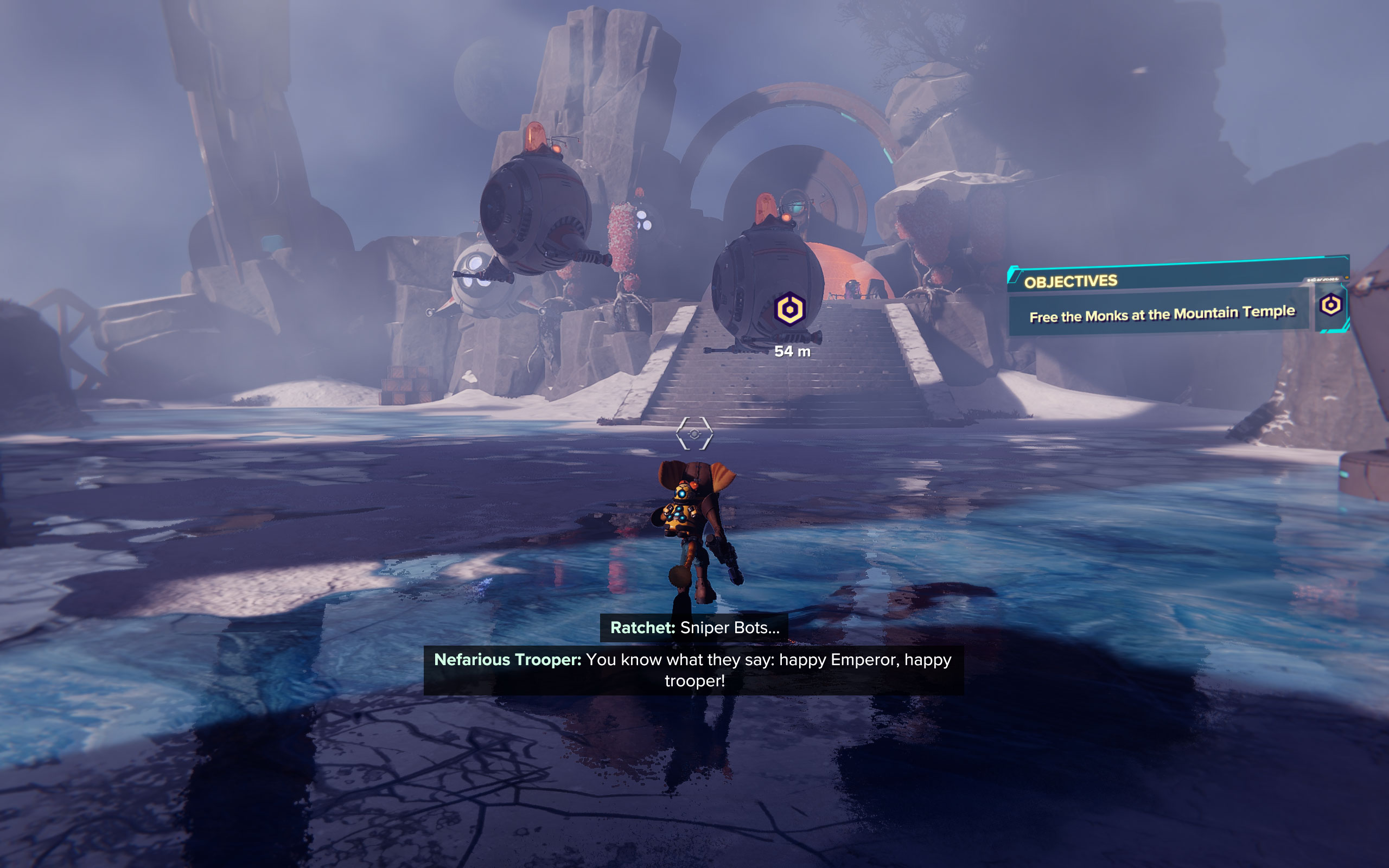
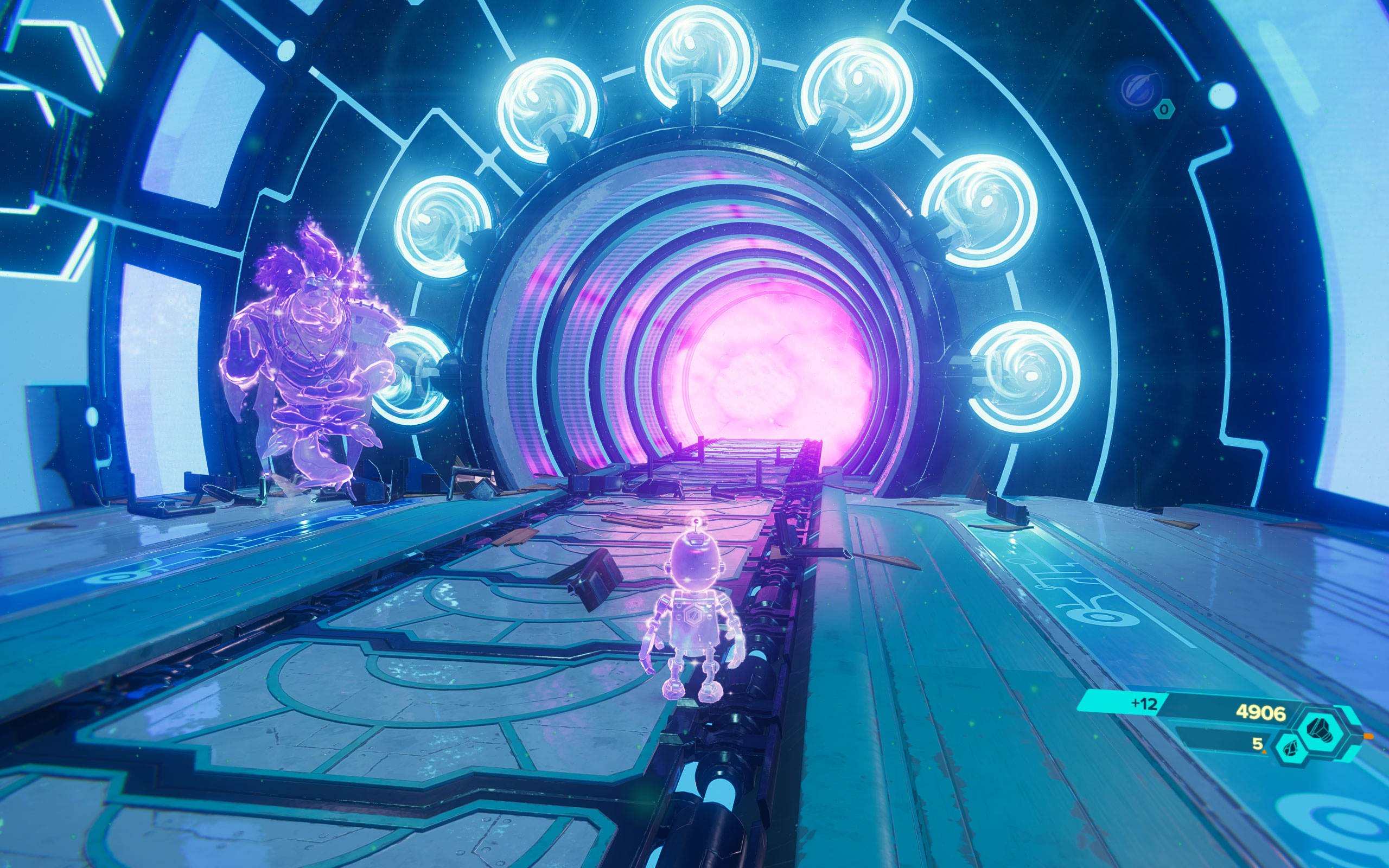
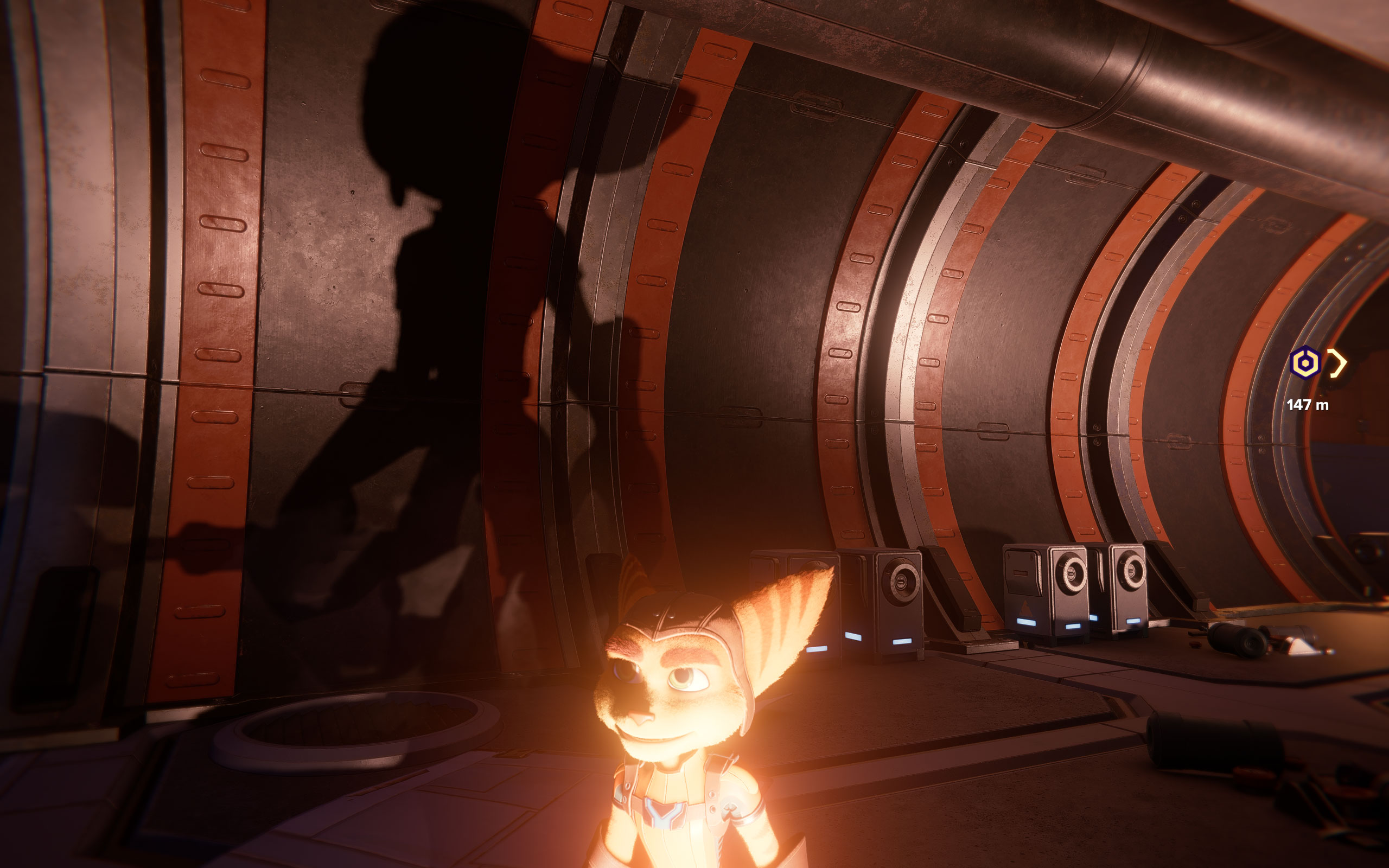
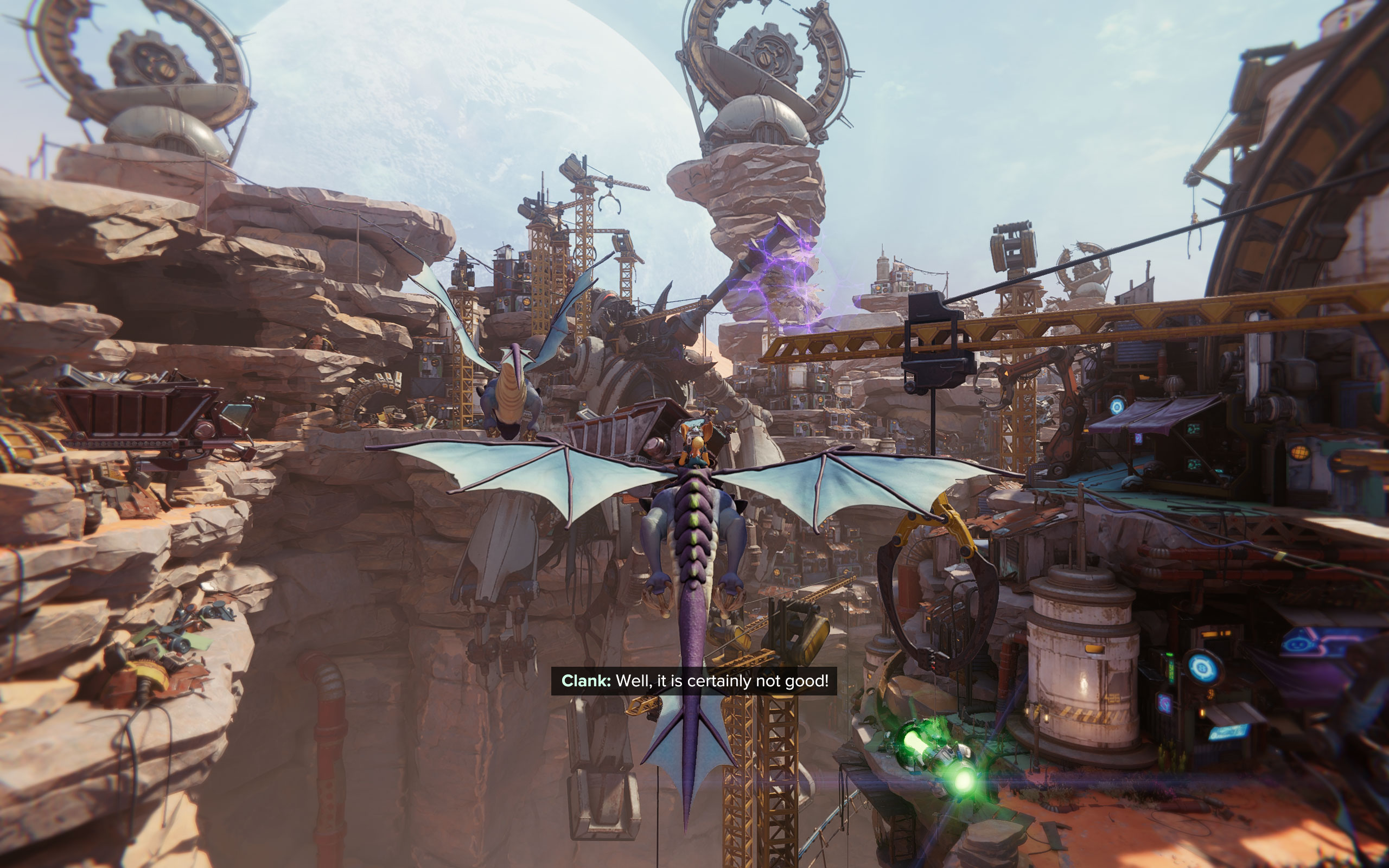
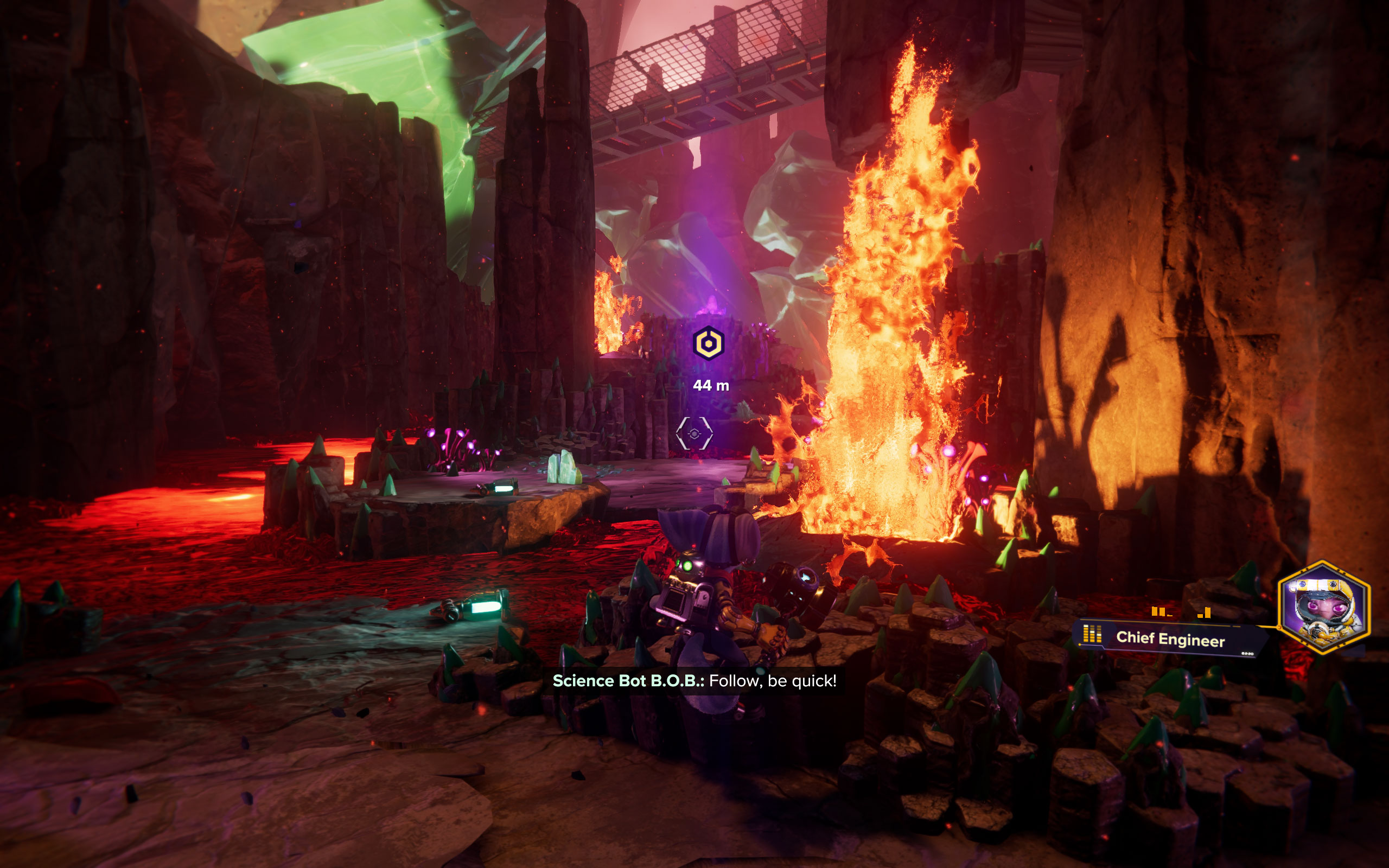
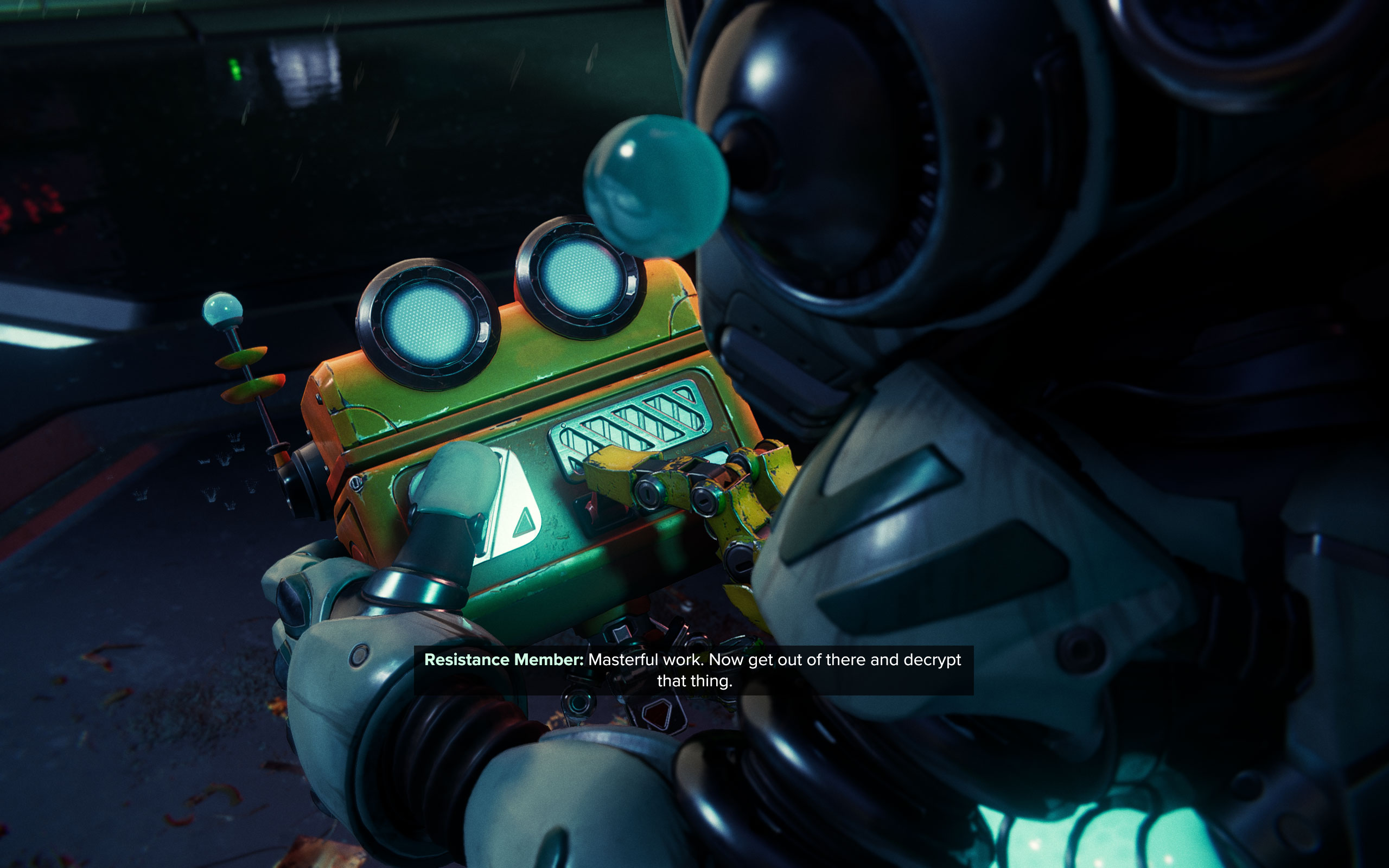
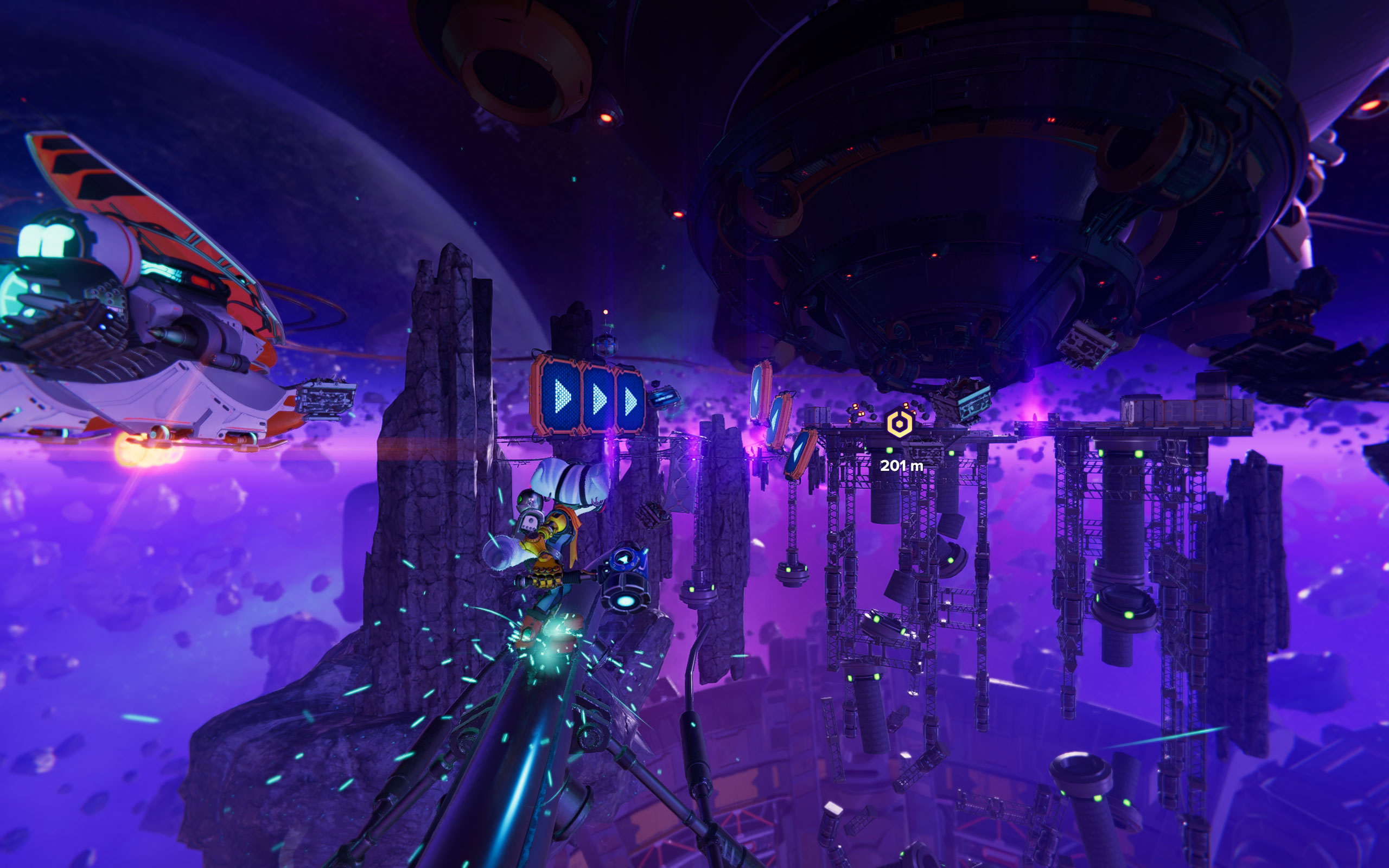
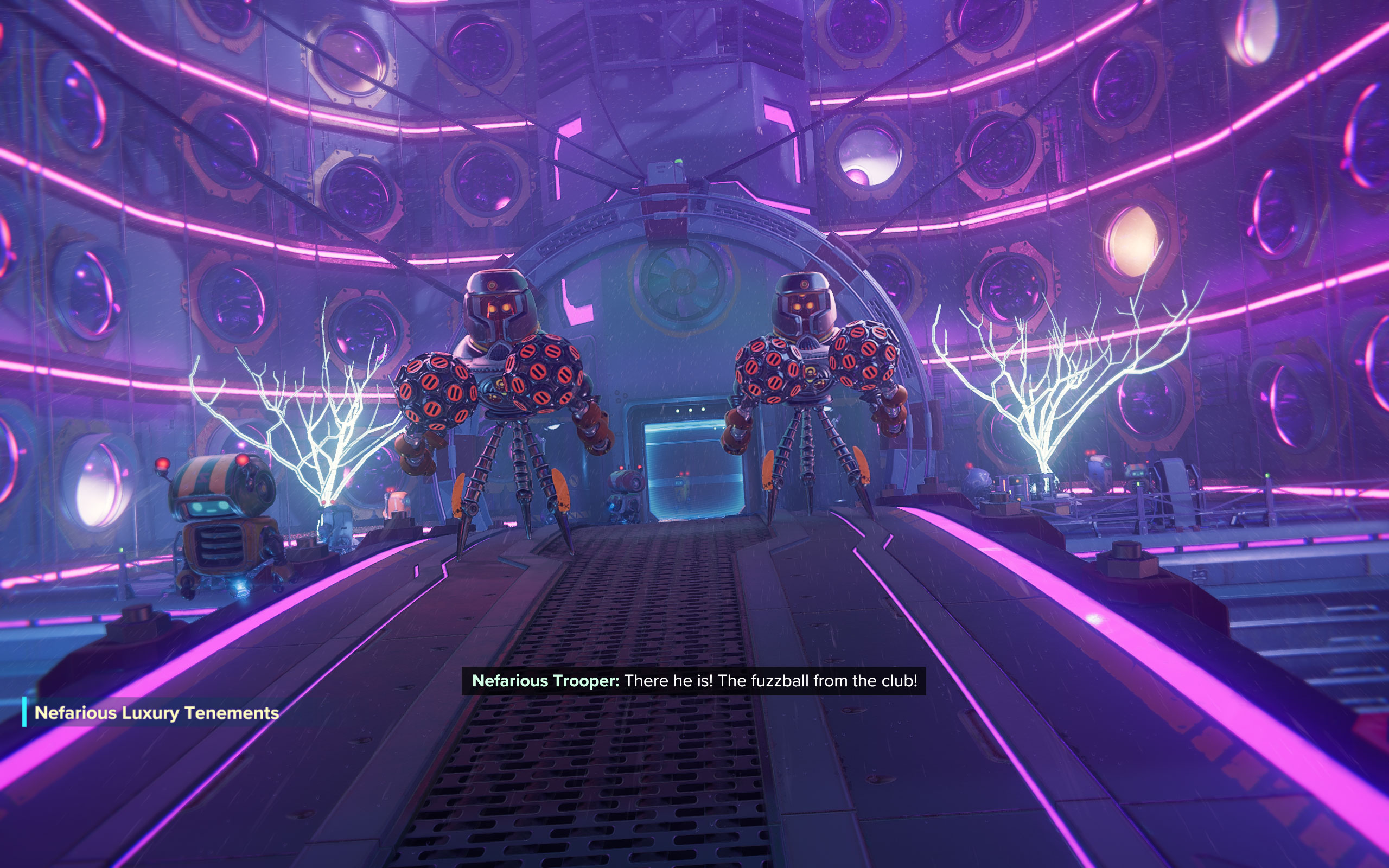
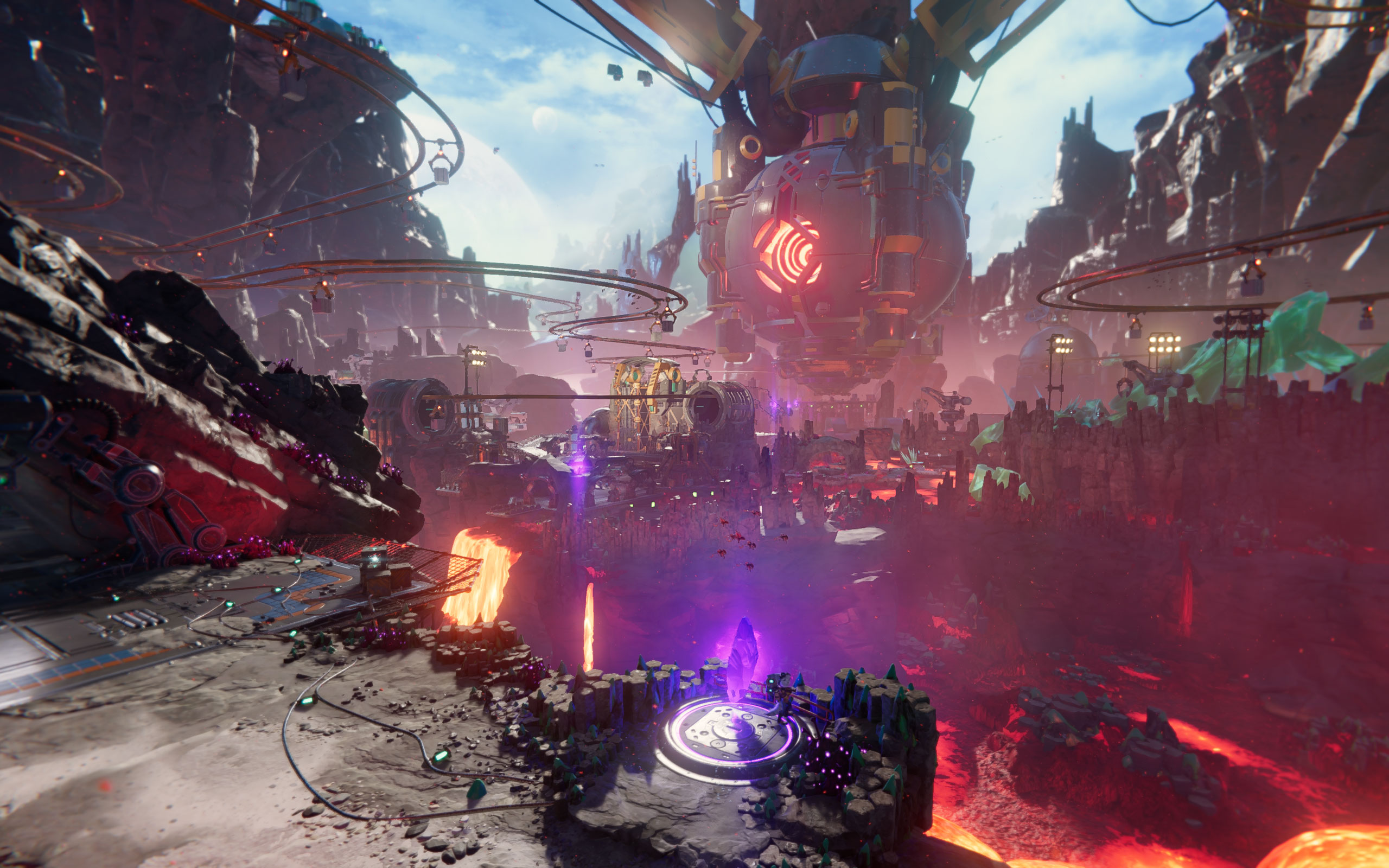
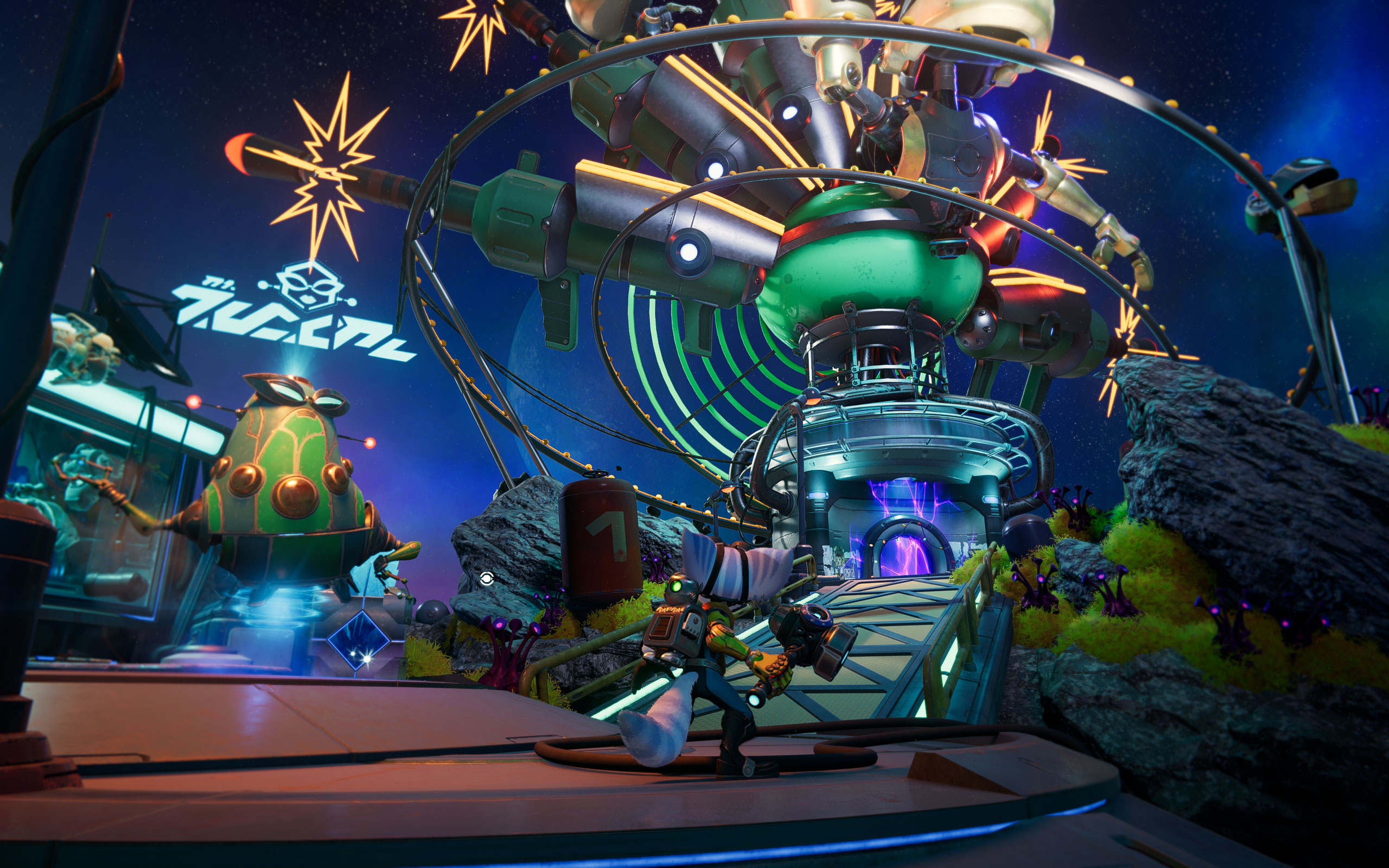
All screenshots were taken at manually maximized settings with ray tracing enabled. The gallery can be navigated with the cursor keys.









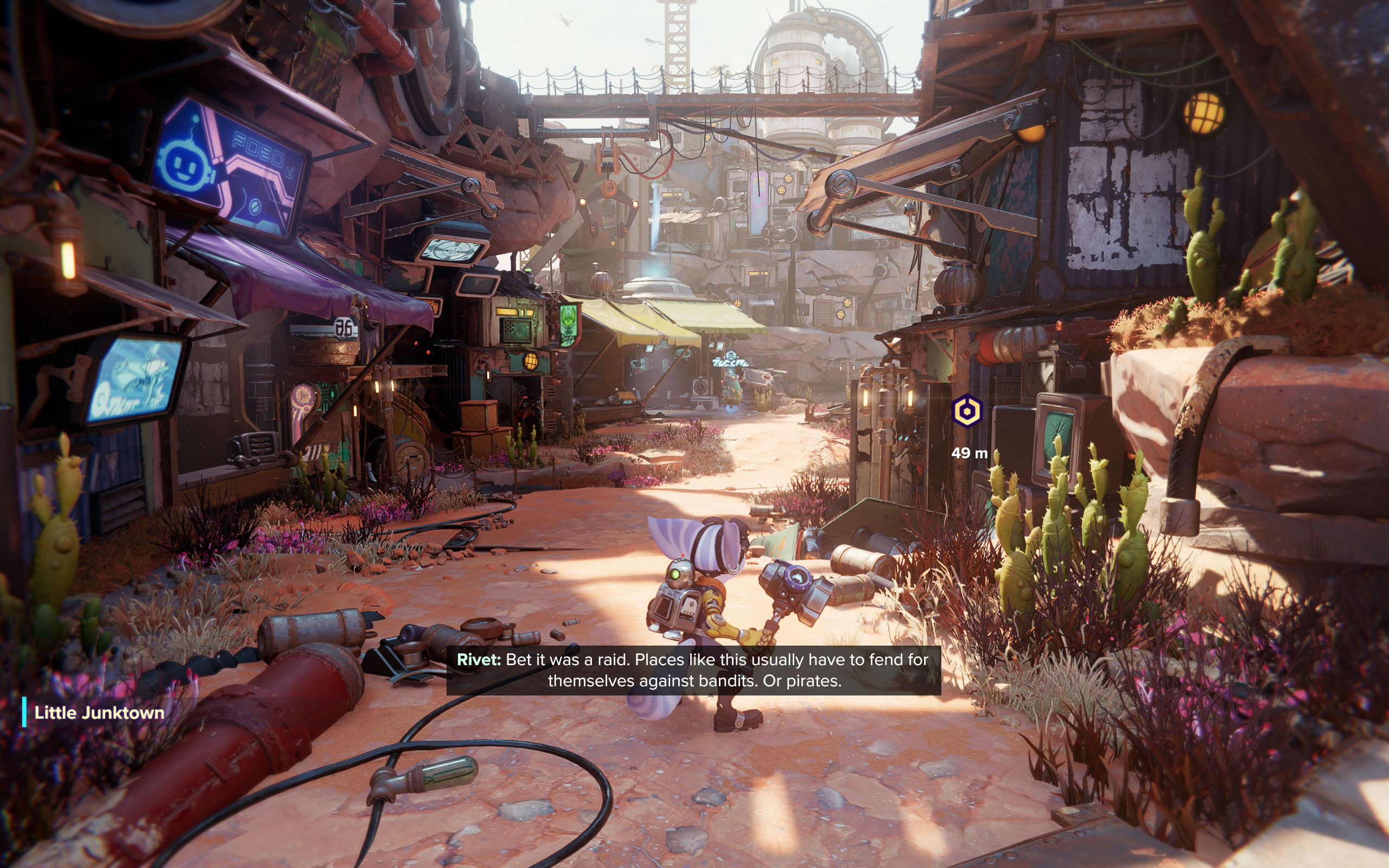

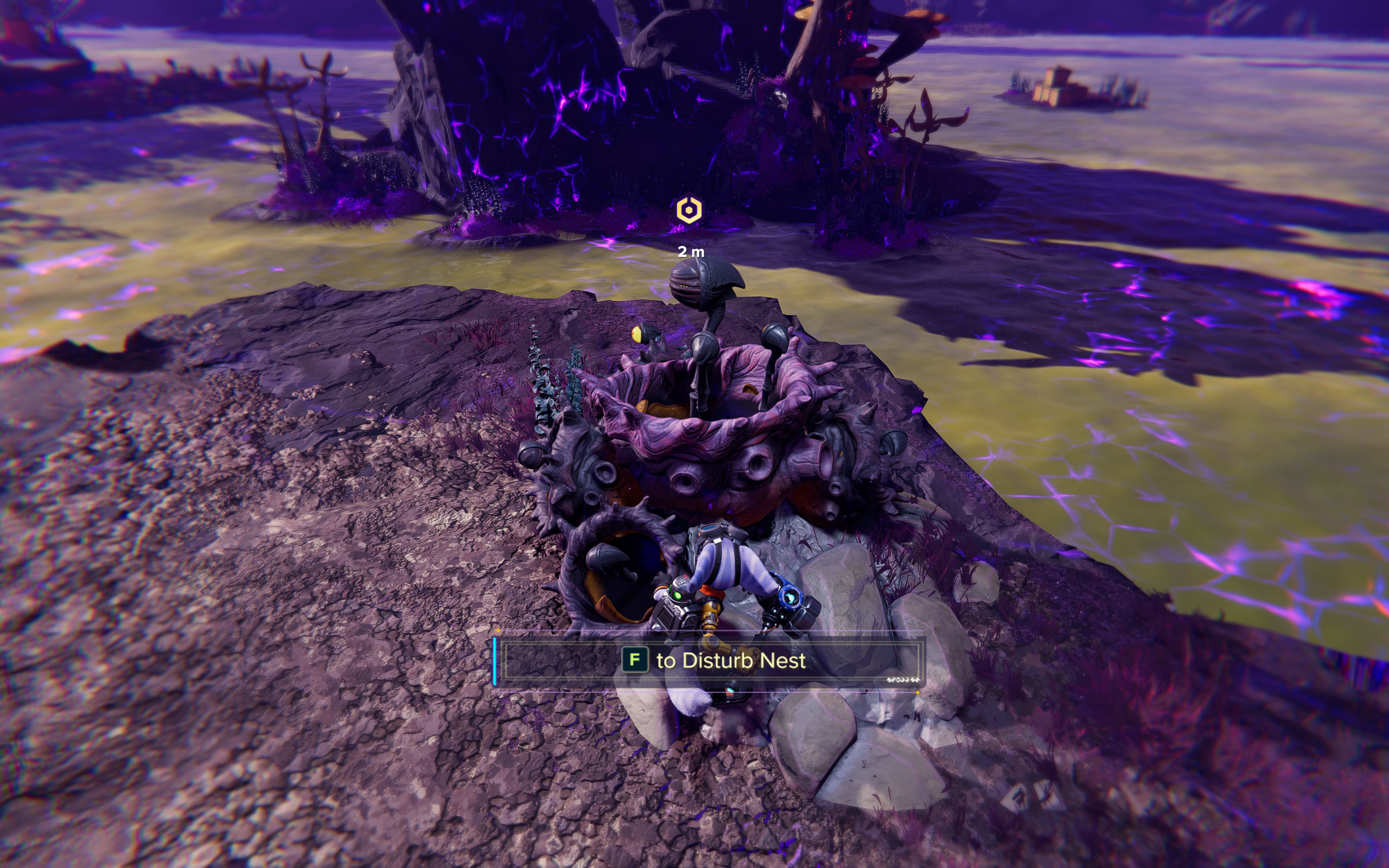
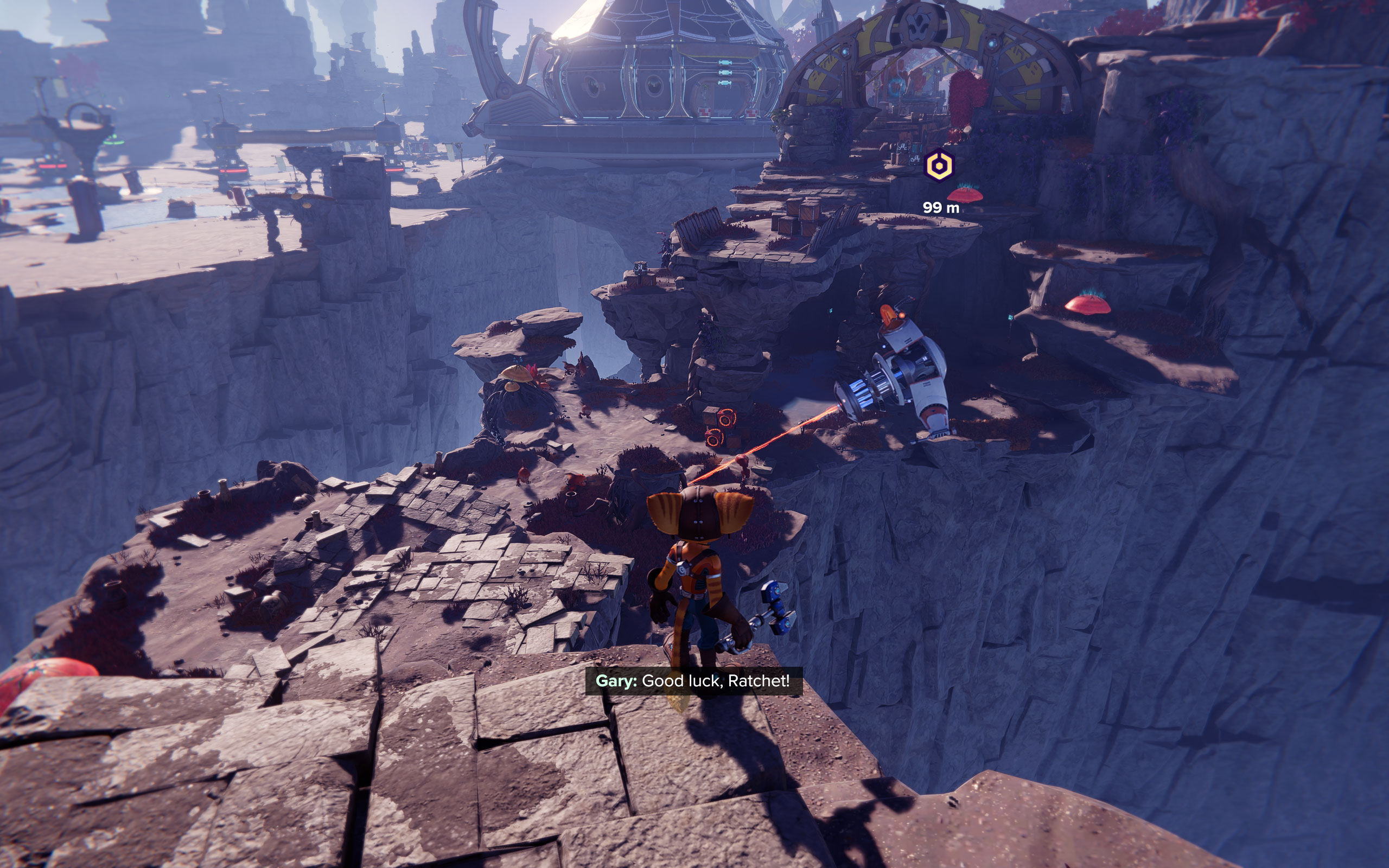

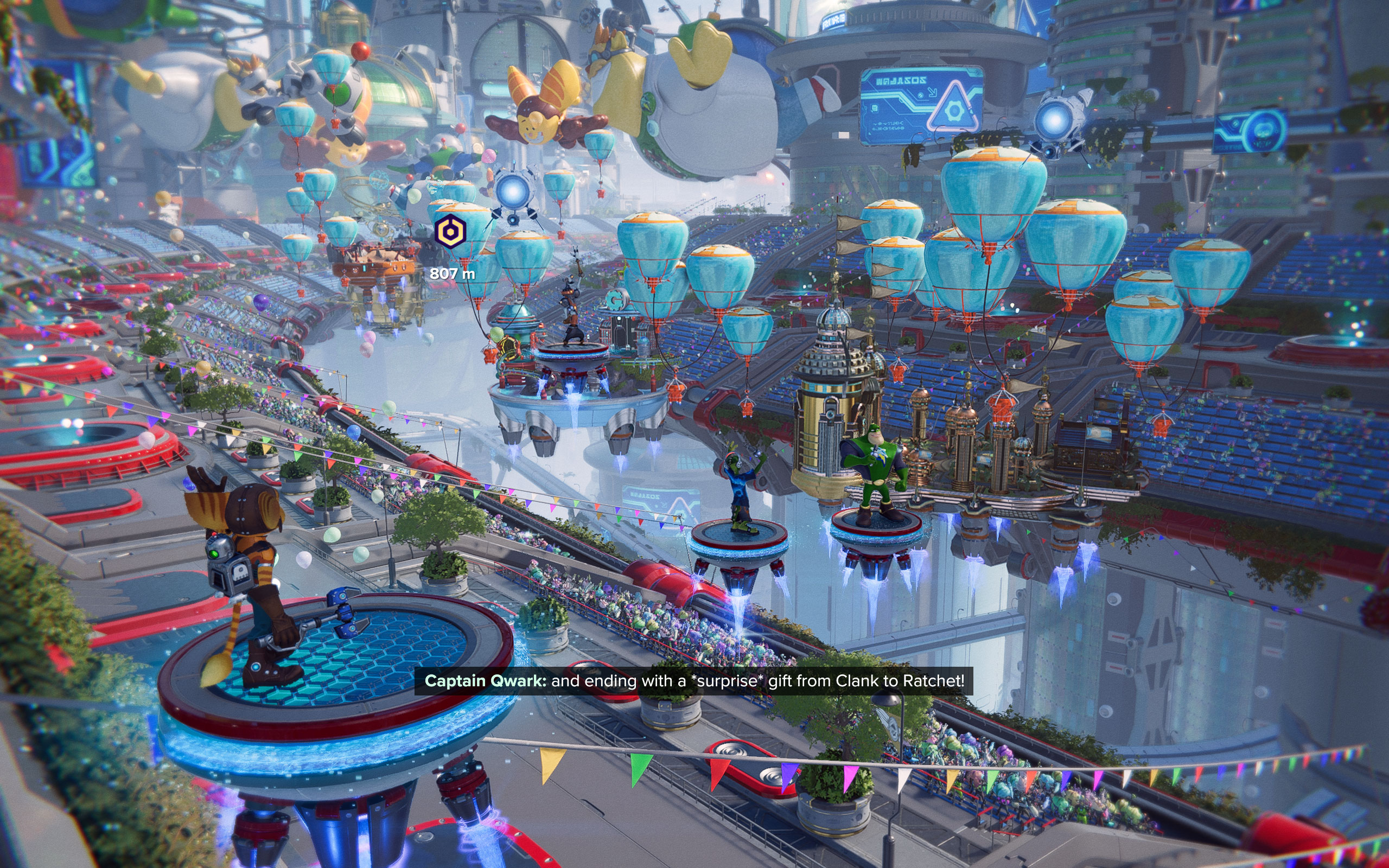
















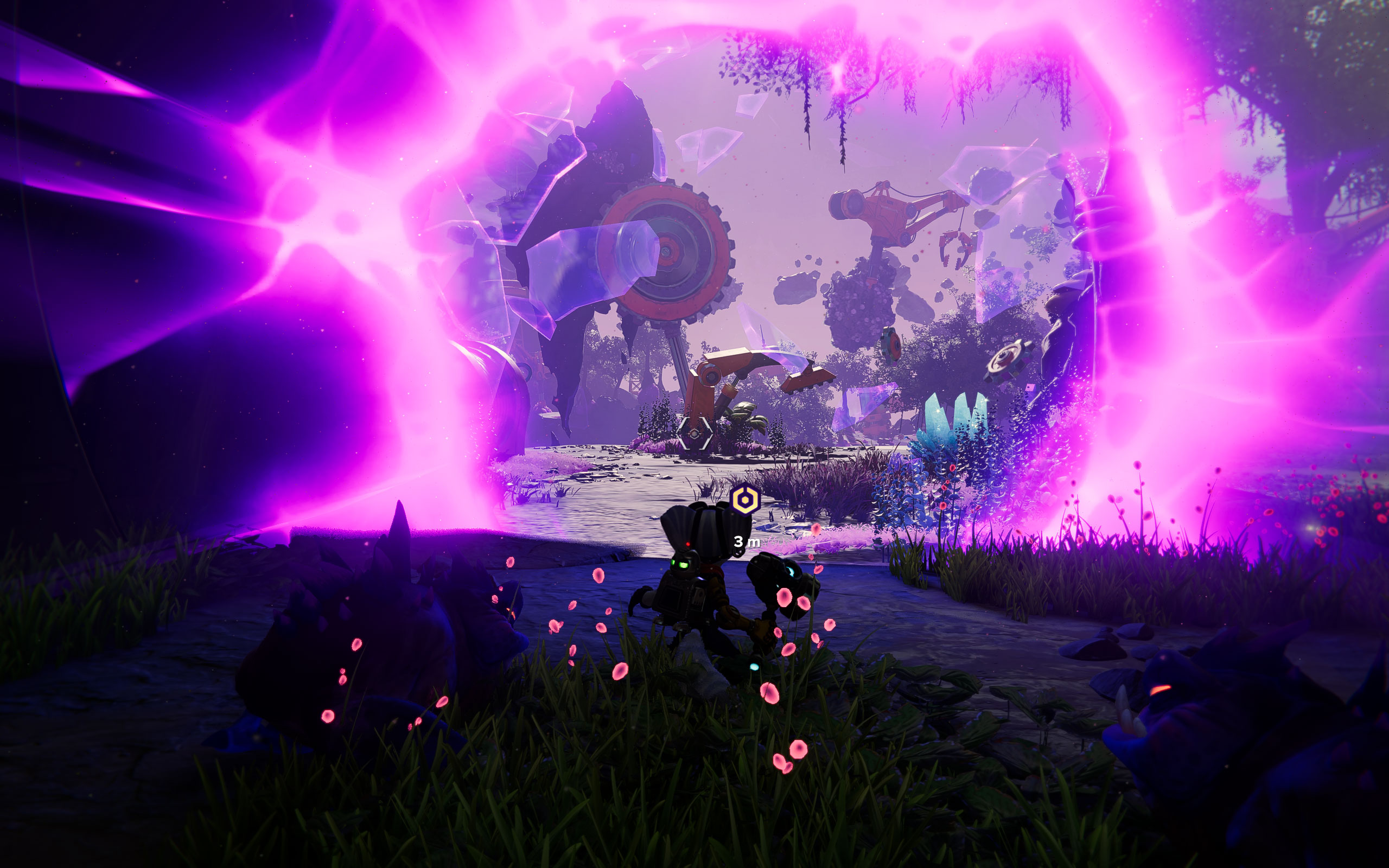
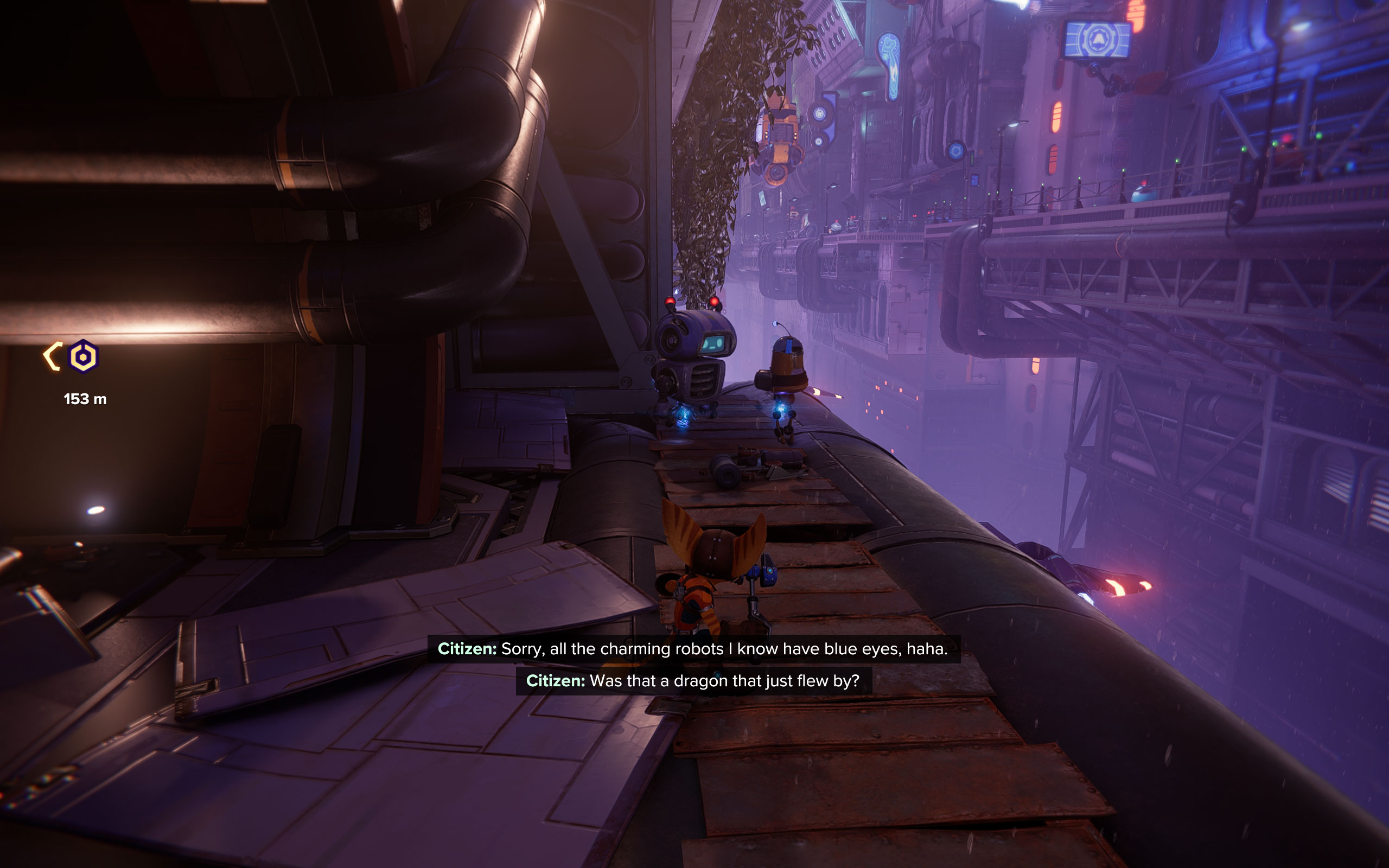
Graphics Settings

- The game supports borderless Windowed (called "Fullscreen"), Windowed and fullscreen (called "Exclusive Fullscreen")
- By default the game turns on DLSS, there's also support for IGTI, Intel XeSS and AMD FSR, we've disabled upscaling for all our testing
- Motion Blur defaults to enabled, it can be turned off
- V-Sync can be disabled, there's also a "Half Refresh Rate" option
- Anti-aliasing can be selected between "off," "SMAA," "TAA" and "DLAA." Please note that enabling DLSS will also enable "DLAA" as anti-aliasing, but I suspect it actually means "DLSS" and not "DLAA", which per definition is DLSS without upscaling.
- The "Upscale Sharpness" slider only works for FSR, not for DLSS or any other upscaler—weird
- On this screen you may also enable DLSS 3 Frame Generation, which automatically enables NVIDIA Reflex, too, as designed

- On the second screen there's a focus on graphics detail settings
- The "Preset" menu lets you select from the following profiles: "Very Low," "Low," "Medium," "High" and "Very High." Please note that "Very High" does not maximize the individual settings below.
- Distracting effects like Motion Blur can be disabled, just like Film Grain and an additional sharpening filter
- In terms of ray tracing you get ray traced reflections, which you can adjust between "High" and "Very High" (ray count)
- Ray traced shadows can be selected between "Off," "Medium," "High" and "Very High"
- Ray traced ambient occlusion can be selected between "Off," "Medium," "High" and "Very High"
- The RT section also has a slider "Object Range," which is controls how close objects have to be, before they are considered for ray tracing. In the Windows-based launcher, this is incorrectly linked to RTAO only, in-game it works correctly.
Our Patreon Silver Supporters can read articles in single-page format.
Nov 14th, 2026 20:05 CST
change timezone
Latest GPU Drivers
New Forum Posts
- Optical Disc Drive owners club (208)
- Planning for Prolonged High Prices and Maintaining What You Already Have (67)
- Game Soundtracks You Love (1287)
- WarpCoreBench scores! (35)
- Tell me about your favourite graphics card (80)
- 9070 GRE 3.9ghz validation reached. (11)
- Honestly, do you care about GTA VI? (20)
- AI generated images... (226)
- What is in your fleet, size and contents? (28)
- X79 and/or rampage IV OC'ing thread for those of us still left.... (2452)
Popular Reviews
- AMD Zen 6 Technical Deep Dive
- ASUS ROG Strix B850-I Gaming Wi-Fi7 W Review
- Corsair HX1000i Shift Crystal Review
- Upcoming Hardware Launches 2027 (Updated Nov 2026)
- Montech King 95 3D PRO Review
- NZXT C1200 Platinum Review
- NZXT H7 RGB+ Review
- NZXT H5 Review
- Phantom Blade Zero Performance Benchmark Review - 35 GPUs Tested
- AMD Ryzen 7 9800X3D Review - The Best Gaming Processor
TPU on YouTube
Controversial News Posts
- NVIDIA Co-Founder and CEO Jensen Huang Officially Resigns (406)
- OpenAI CEO Argues Home PCs Waste the World's Limited DRAM Supply (152)
- NVIDIA Launches Investigation Into Jensen Huang's Relationship With Suspected Chinese Spy (136)
- Intel "Raptor Lake Next" 16-Core and 20-Core CPUs Surface (130)
- Legendary Game Studio BioWare Shuts Down Following EA Layoffs (104)
- Dell CEO Says the Memory Shortage Will Get Worse in 2027 (95)
- NVIDIA GeForce RTX 50-Series Scheduled for up to $500 Price Hike This Week (89)
- Modder Fits RTX 5090 With Four 8-Pin Connectors, Halving Current per Wire (80)