 100
Red Dead Redemption 2 Benchmark Test & Performance Analysis
(100 Comments) »Introduction
Red Dead Redemption 2, or RDR2, is the third entry in the feverishly popular franchise of the open-world, story-driven action-adventure series from Rockstar Games, the same people who brought us Grand Theft Auto. A prequel to the events of the original Red Dead Redemption, RDR2 has an 1899 period setting spread across locations inspired by parts of the Western, Midwestern, and Southern United States that hadn't yet seen the urbanization or industrialization of the coasts. It is at the turn of the century that Modernization swept through the continent, to the disdain of free-raging bandits and gangs.Playable both as a third-person shooter with elements of FPS, you are Arthur Morgan, a gunslinger and lieutenant of a gang of outlaws, playing a pivotal role in the gang's survival and flourishing through missions that span across shootouts, heists, hunting, and some RPG elements involving non-playable characters. You will face threats from an oil magnate and his mercenaries, an Italian crime lord who's just moved in from the city, a local satrap, and a rival gang. The game spans across a vast open-world with dozens of main, factional. and side missions as you look to build a reputation through your acts and moral choices in the game.

Based on an advanced version of RAGE (Rockstar Advanced Game Engine, not id Software), Red Dead Redemption 2 takes advantage of Vulkan by default, although it also supports DirectX 12. Originally launched as a console exclusive, the PC version of RDR2 has added fidelity through higher-resolution textures, more geometry, and other features exclusive to PCs. In this review, we test a broad selection of contemporary graphics cards across three popular resolutions, in both the APIs.
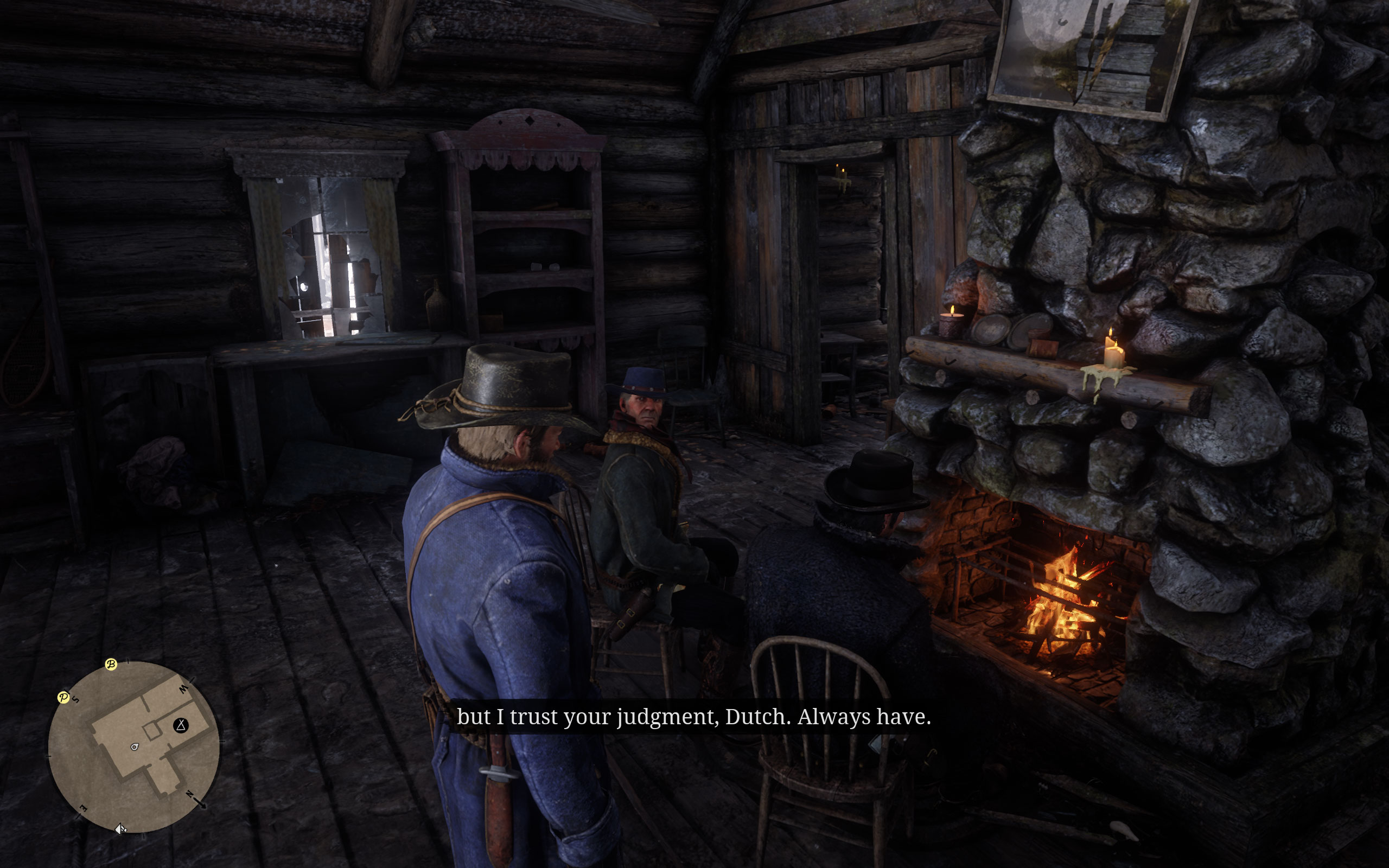
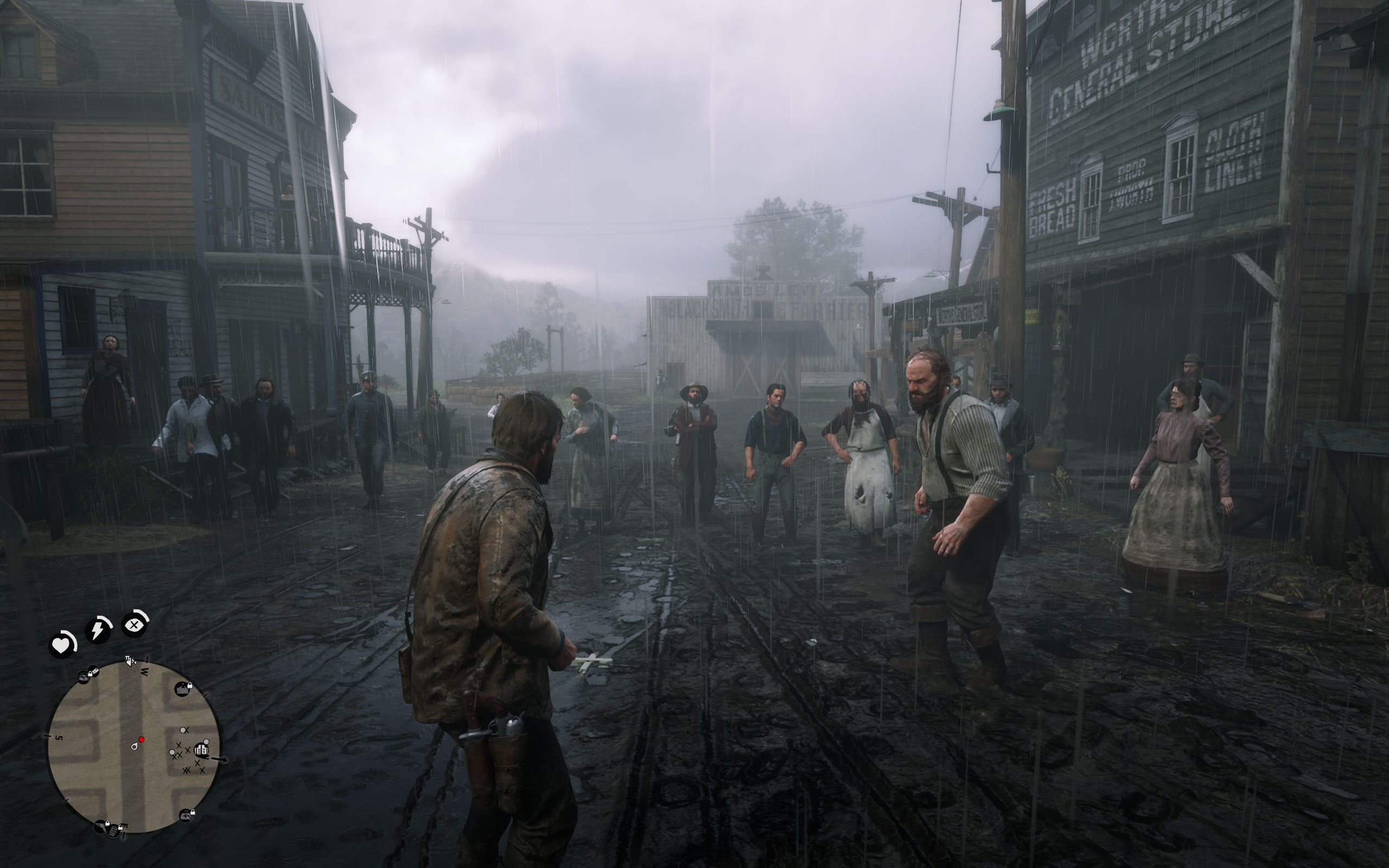
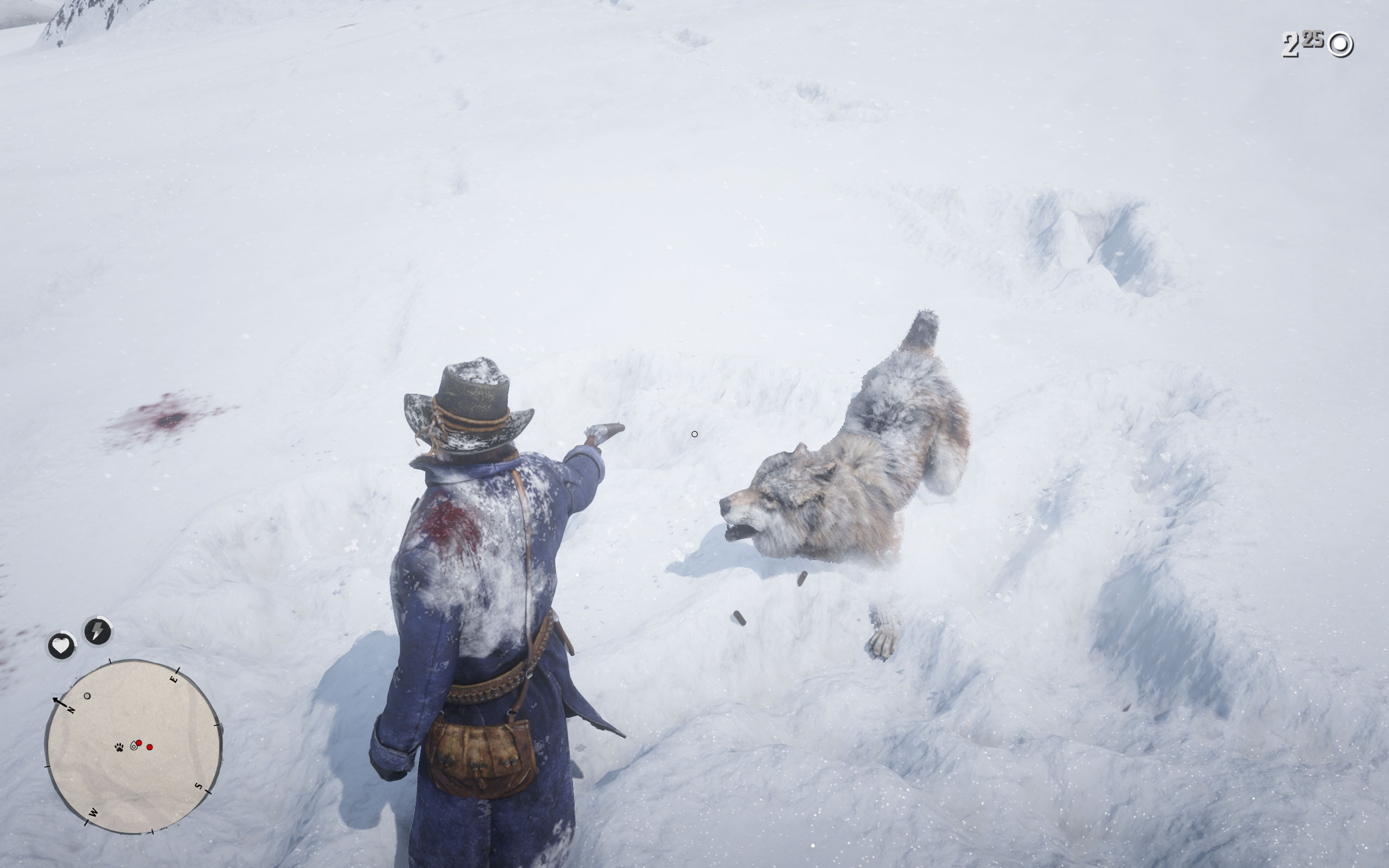
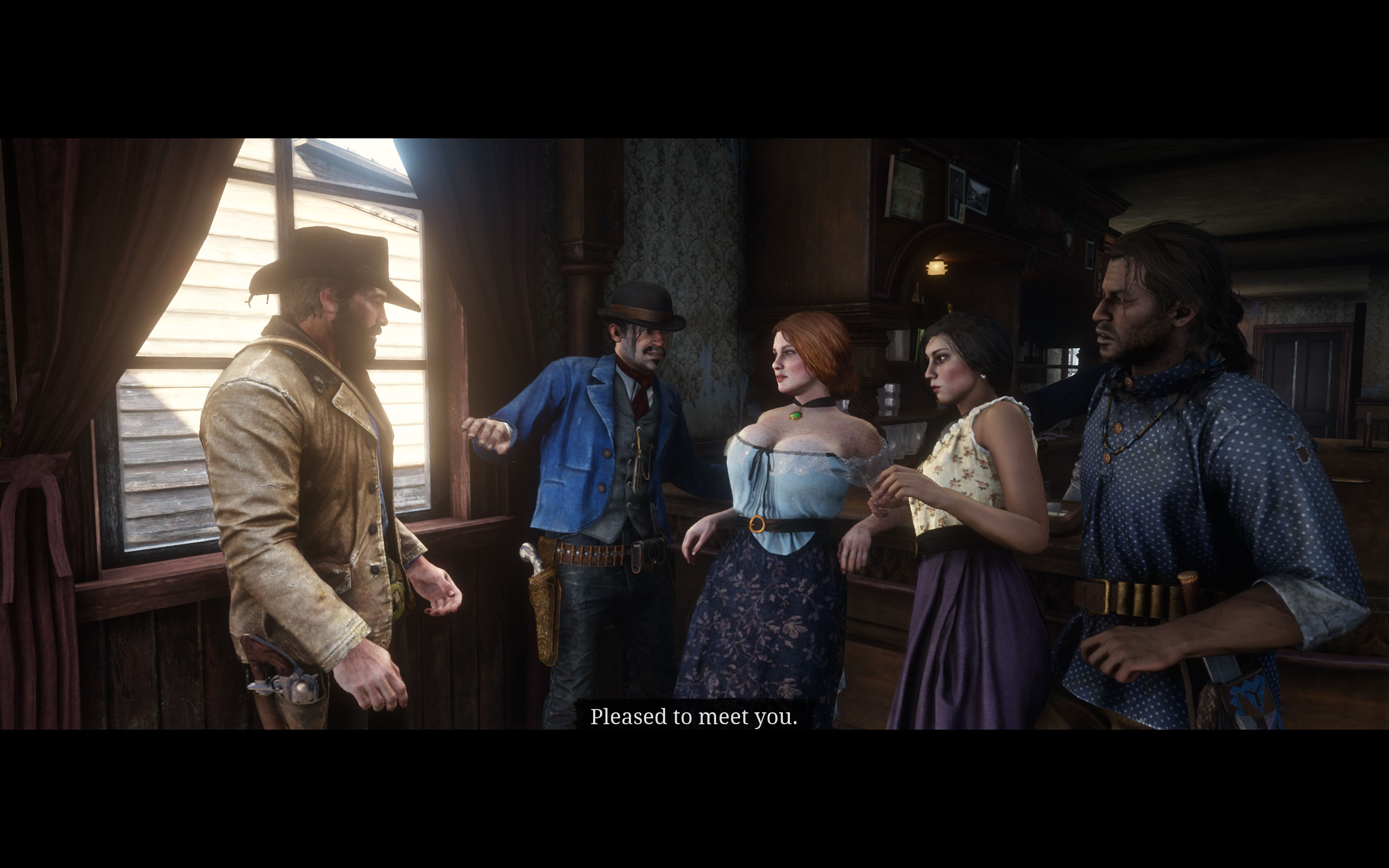
Screenshots
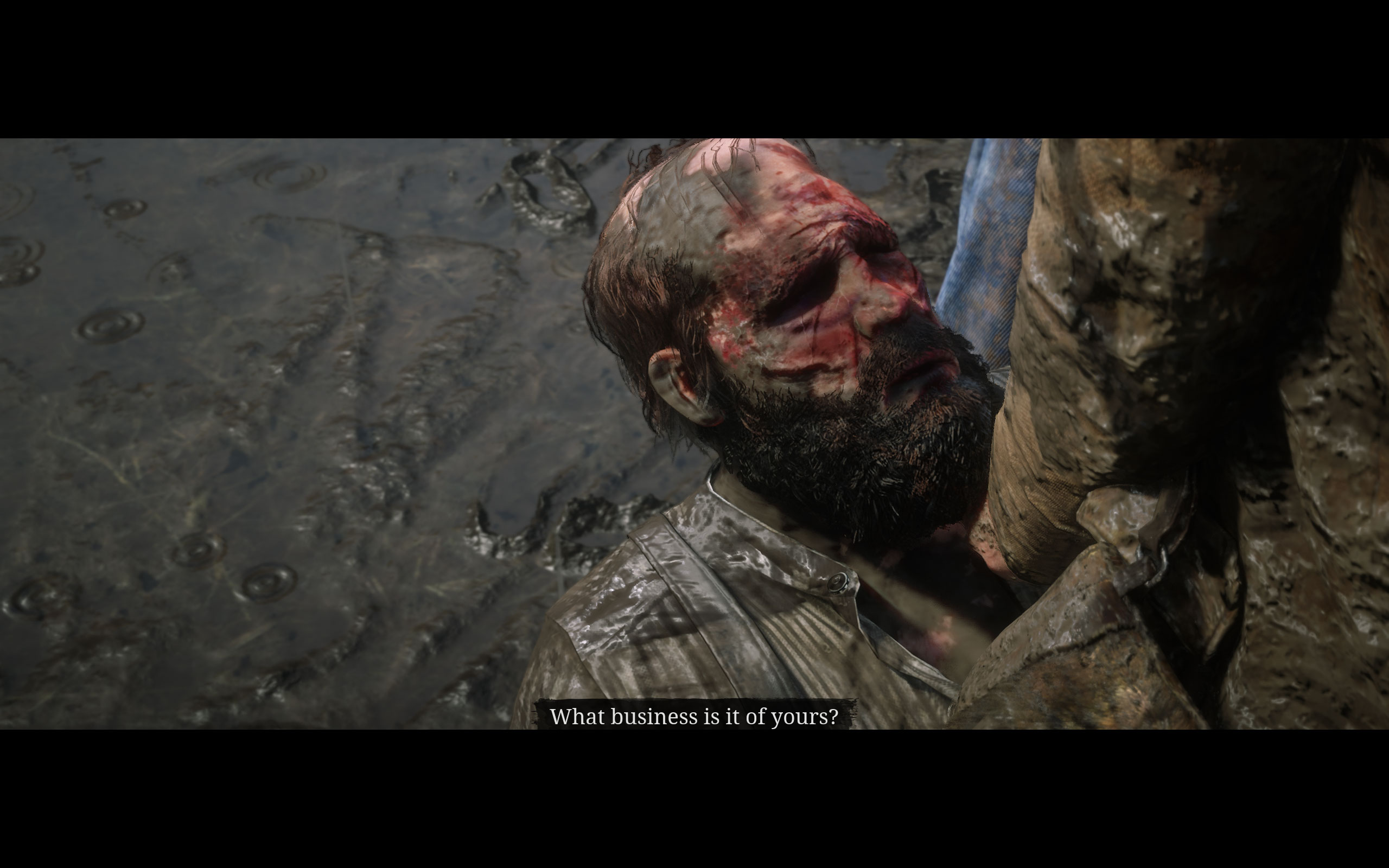
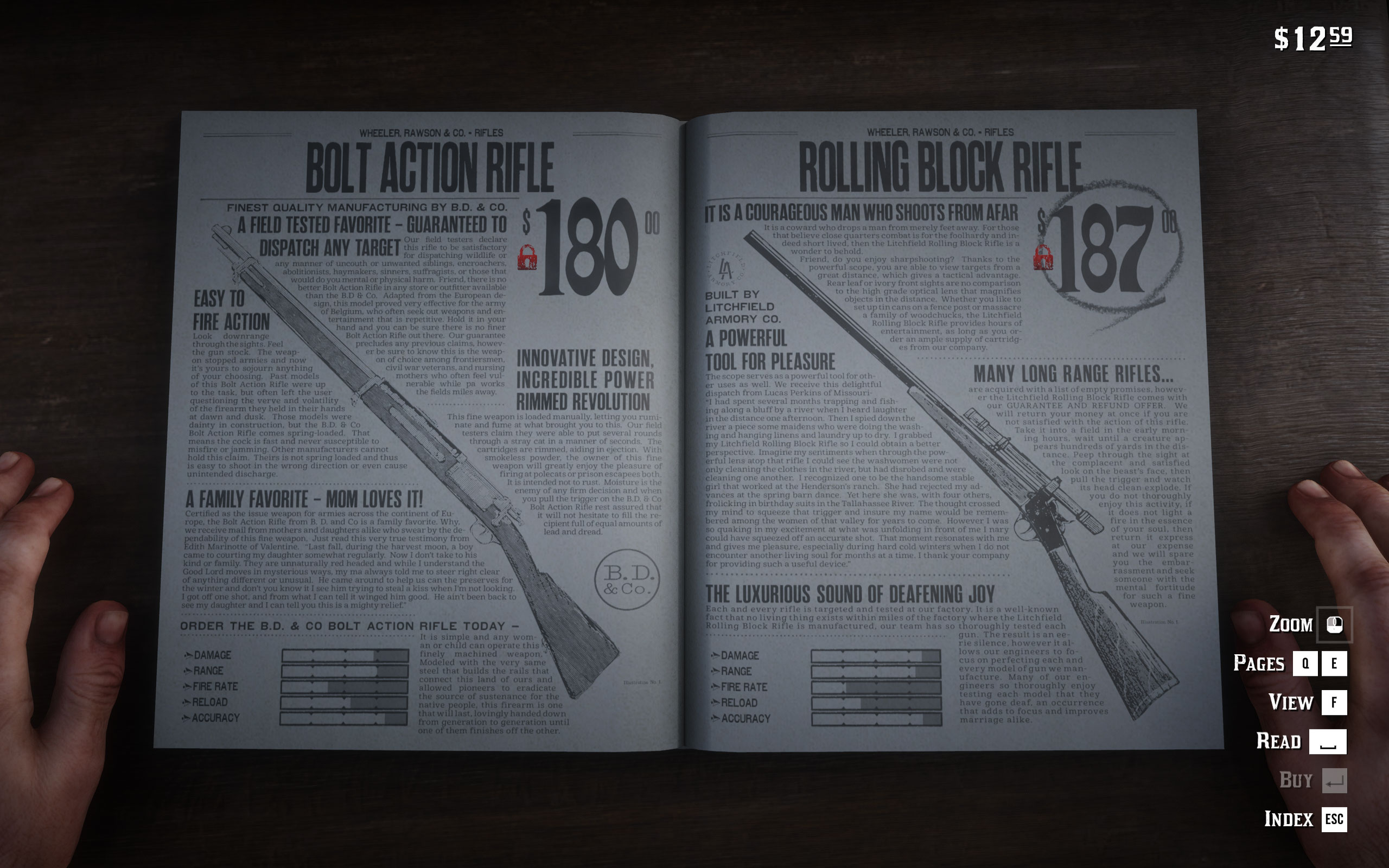
All screenshots were taken at the ultra preset (quality slider moved all the way to the right). The gallery can be navigated with the cursor keys.











Graphics Settings

- V-Sync can be disabled; there is no hidden FPS cap

- The "Quality Preset Level" lets you preselect the options below it; there are 21 steps on that slider. We moved it all the way to the right for all our testing. Even with the slider maximized, there are still some options that aren't set to the maximum.
- All anti-aliasing (TAA, FXAA, MSAA) can be disabled completely
- MSAA options are: off, x2, x4, x8

- Here, you can switch between Vulkan (default) and DirectX 12
- "Resolution Scale" lets you adjust the game's internal rendering resolution for better performance, while the HUD and texts remain crisp. The options are: off, 0.5, 0.667, 0.75, 0.8, 0.834, 0.875, 0.9, 0.916, 0.933, 0.967, 1.25, 1.5, 1.75, 2.0, and 2.5.
- Sharpening and motion blur can be disabled completely, too.
Our Patreon Silver Supporters can read articles in single-page format.
Nov 14th, 2026 13:54 CST
change timezone
Latest GPU Drivers
New Forum Posts
- Your PC ATM (36419)
- Tell me about your favourite graphics card (71)
- What can the FX 8320 do today? Here is the answer. (35)
- auto-closed by somethings by actions (1)
- What card do I get for VR? (30)
- no "PhysX" workable (10)
- TPU's Nostalgic Hardware Club (22162)
- Slow SSD read speeds - help! (7)
- Ddr4 instead of ddr5 for 9060xt 8 gb over 5060 8 gb (7)
- Microsoft Exchange/365 outages? (62)
Popular Reviews
- AMD Zen 6 Technical Deep Dive
- ASUS ROG Strix B850-I Gaming Wi-Fi7 W Review
- Corsair HX1000i Shift Crystal Review
- NZXT C1200 Platinum Review
- Upcoming Hardware Launches 2027 (Updated Nov 2026)
- Montech King 95 3D PRO Review
- NZXT H7 RGB+ Review
- NZXT H5 Review
- Phantom Blade Zero Performance Benchmark Review - 35 GPUs Tested
- XPG NIMBUS PLUS Review - Mid-range Chair With Strong Competitors
TPU on YouTube
Controversial News Posts
- NVIDIA Co-Founder and CEO Jensen Huang Officially Resigns (401)
- OpenAI CEO Argues Home PCs Waste the World's Limited DRAM Supply (152)
- NVIDIA Launches Investigation Into Jensen Huang's Relationship With Suspected Chinese Spy (136)
- Intel "Raptor Lake Next" 16-Core and 20-Core CPUs Surface (130)
- Legendary Game Studio BioWare Shuts Down Following EA Layoffs (104)
- Dell CEO Says the Memory Shortage Will Get Worse in 2027 (95)
- NVIDIA GeForce RTX 50-Series Scheduled for up to $500 Price Hike This Week (89)
- Modder Fits RTX 5090 With Four 8-Pin Connectors, Halving Current per Wire (80)