 99
Resident Evil Requiem Performance Benchmark Review - 30+ GPUs Tested
(99 Comments) »Introduction
Resident Evil Requiem is a single-player survival horror game from Capcom and the 9th mainline entry in the Resident Evil series, following Resident Evil Village (2021). The game features a dual-protagonist structure, switching between two main characters as the story progresses: FBI analyst Grace Ashcroft and series veteran Leon S. Kennedy. Grace's sections lean into classic survival horror with limited resources and evasion, while Leon's missions are more action-driven in the style of Resident Evil 4. Players can toggle between first-person and third-person perspectives at any time. The game returns to the ruins of Raccoon City and the larger Umbrella Corp narrative, with playtime split roughly equally between the two characters.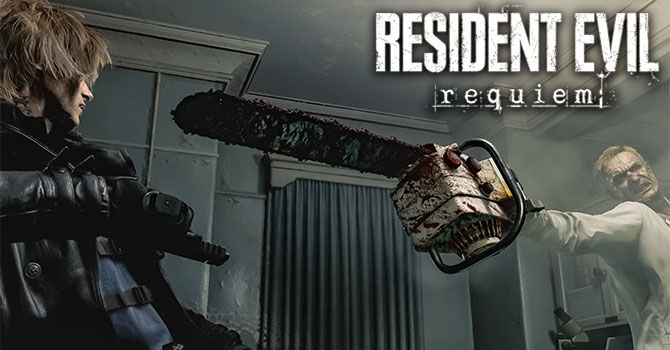
Resident Evil Requiem is built on Capcom's proprietary RE Engine, which has powered every Resident Evil title since RE7. Notably, this is the first RE Engine game to natively feature full path tracing on PC, a significant step up from the limited RTGI and ray-traced reflections seen in Village. It also features an improved hair strand system for physics-based individual hair rendering. When it comes to upscaling and frame generation, both AMD and NVIDIA have comprehensive support. NVIDIA offers features like DLSS with Multi Frame Generation, Ray Reconstruction, and Reflex, while AMD provides FSR. However, support for Intel's XeSS is notably absent. Frame generation capabilities are available for both NVIDIA and AMD platforms.
This review will evaluate the performance of Resident Evil Requiem across a wide range of contemporary graphics cards, compare image quality settings, and analyze the game's VRAM usage to provide insight into the hardware requirements needed for an optimal experience.
Screenshots
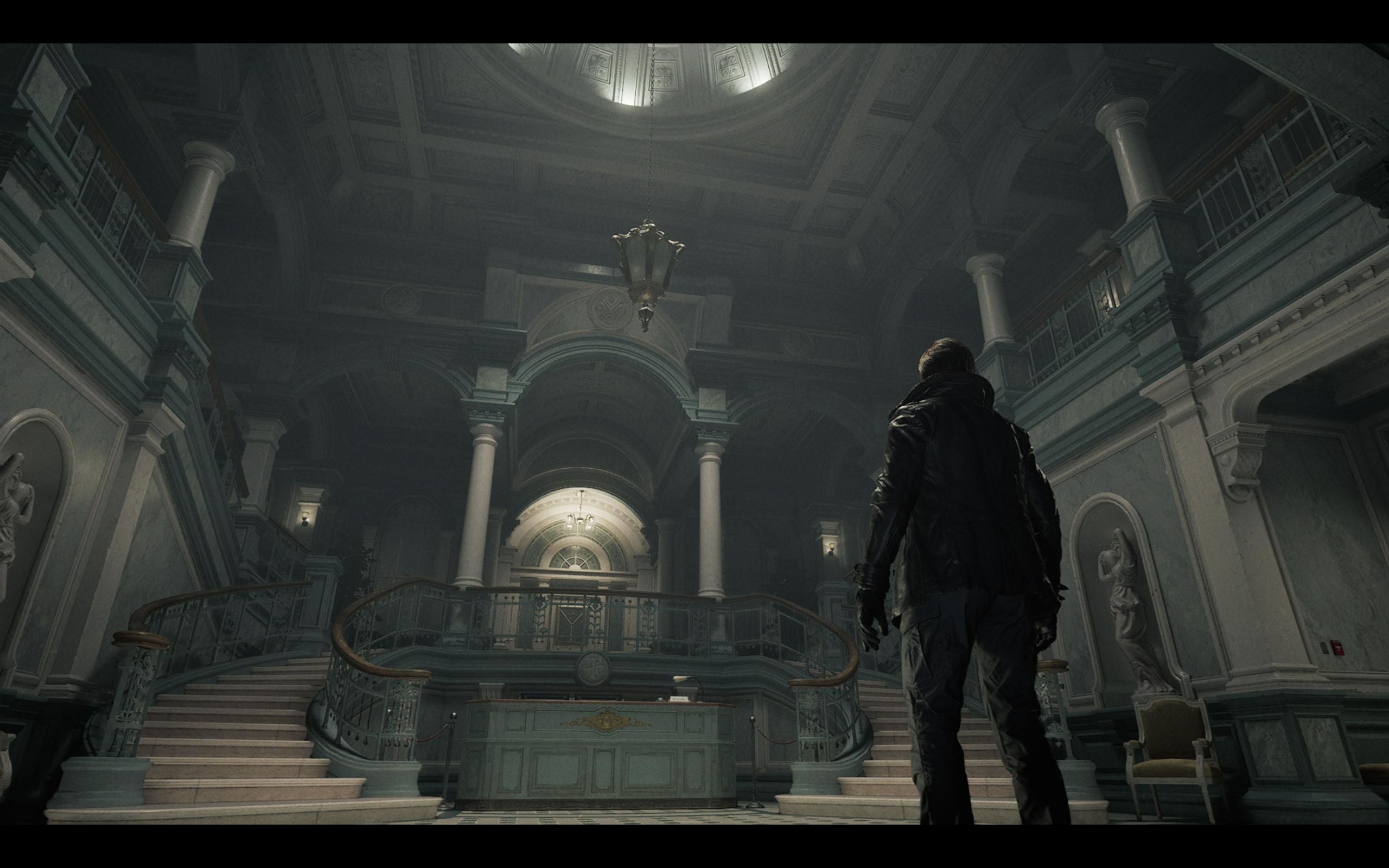
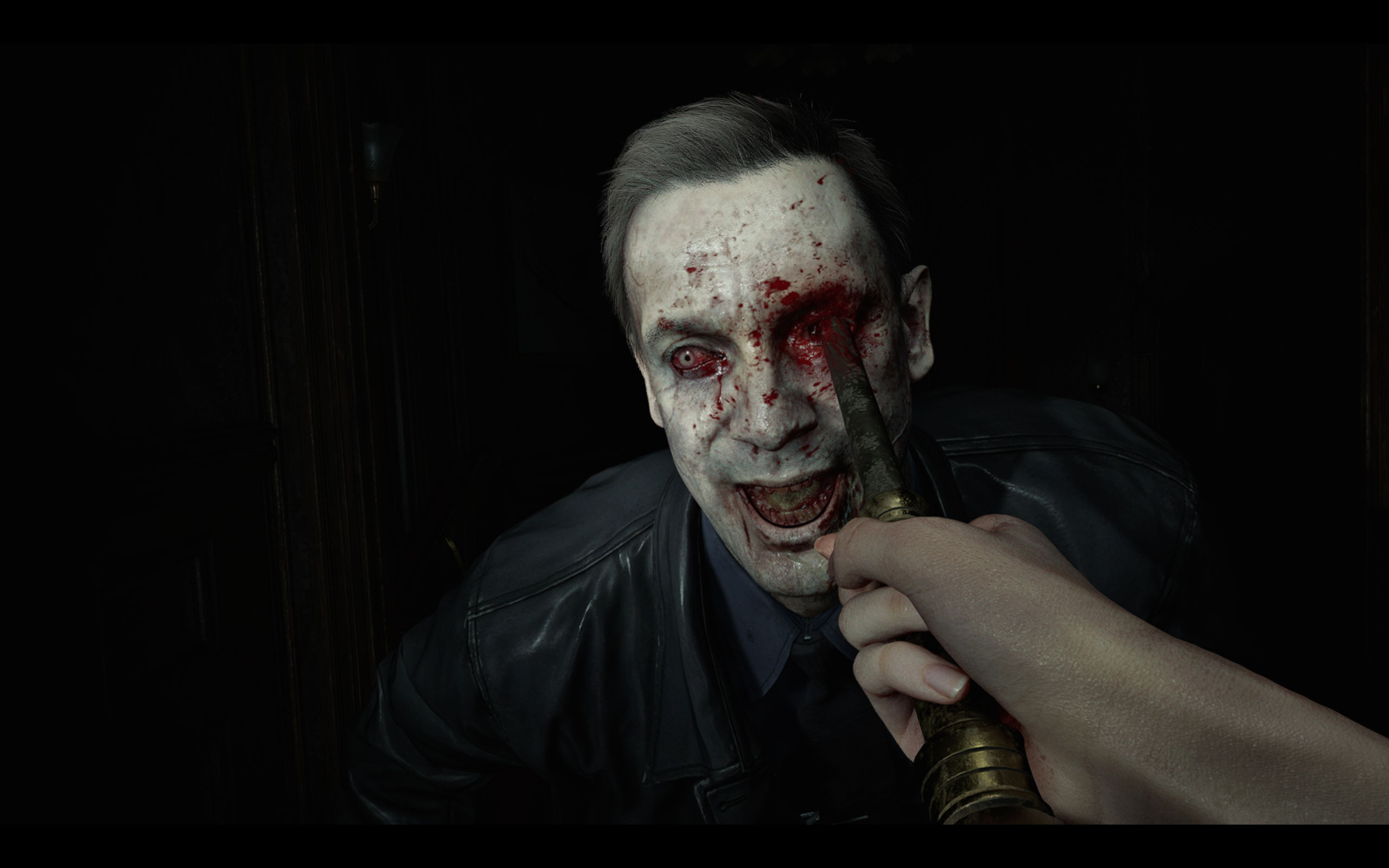
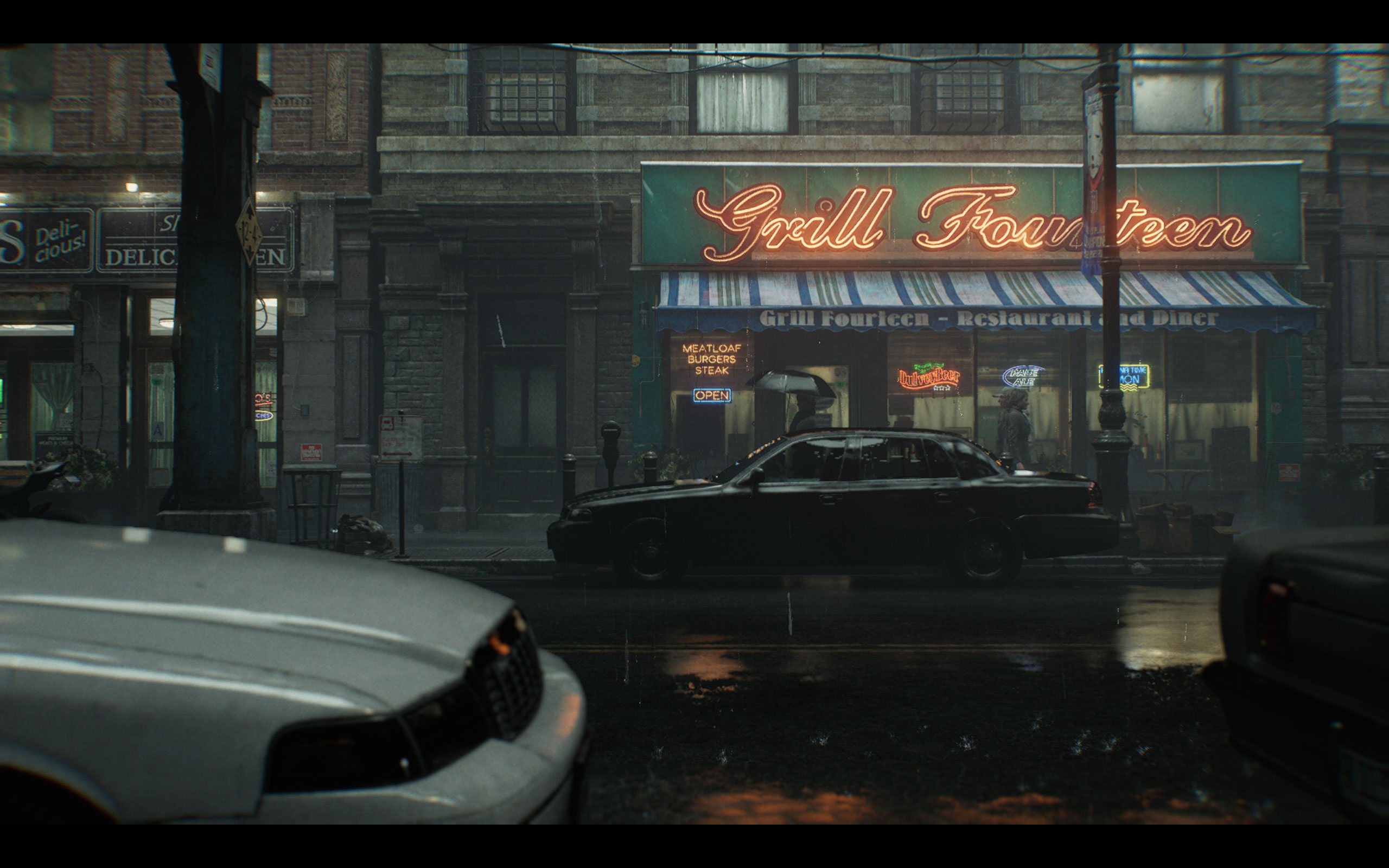
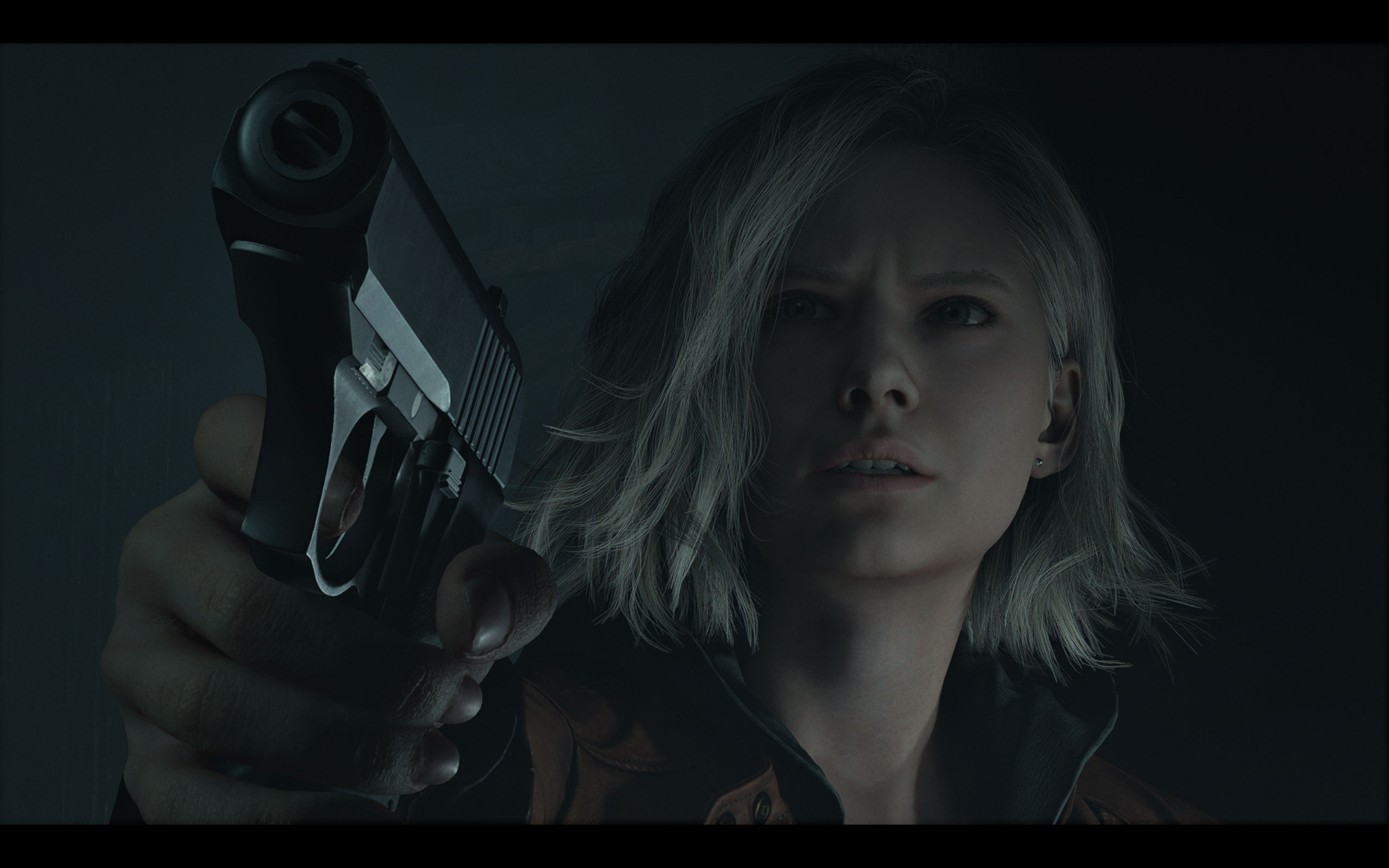
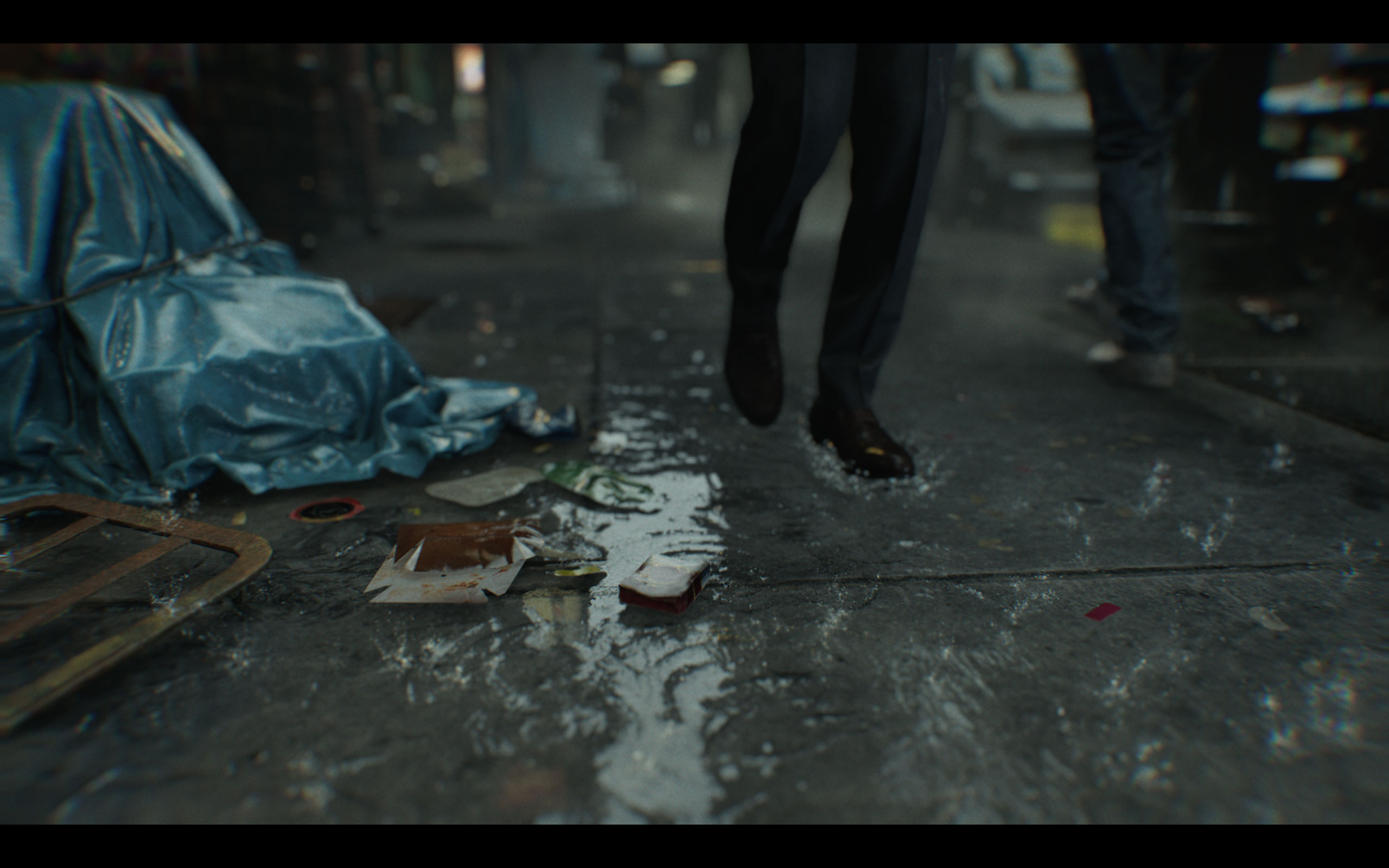
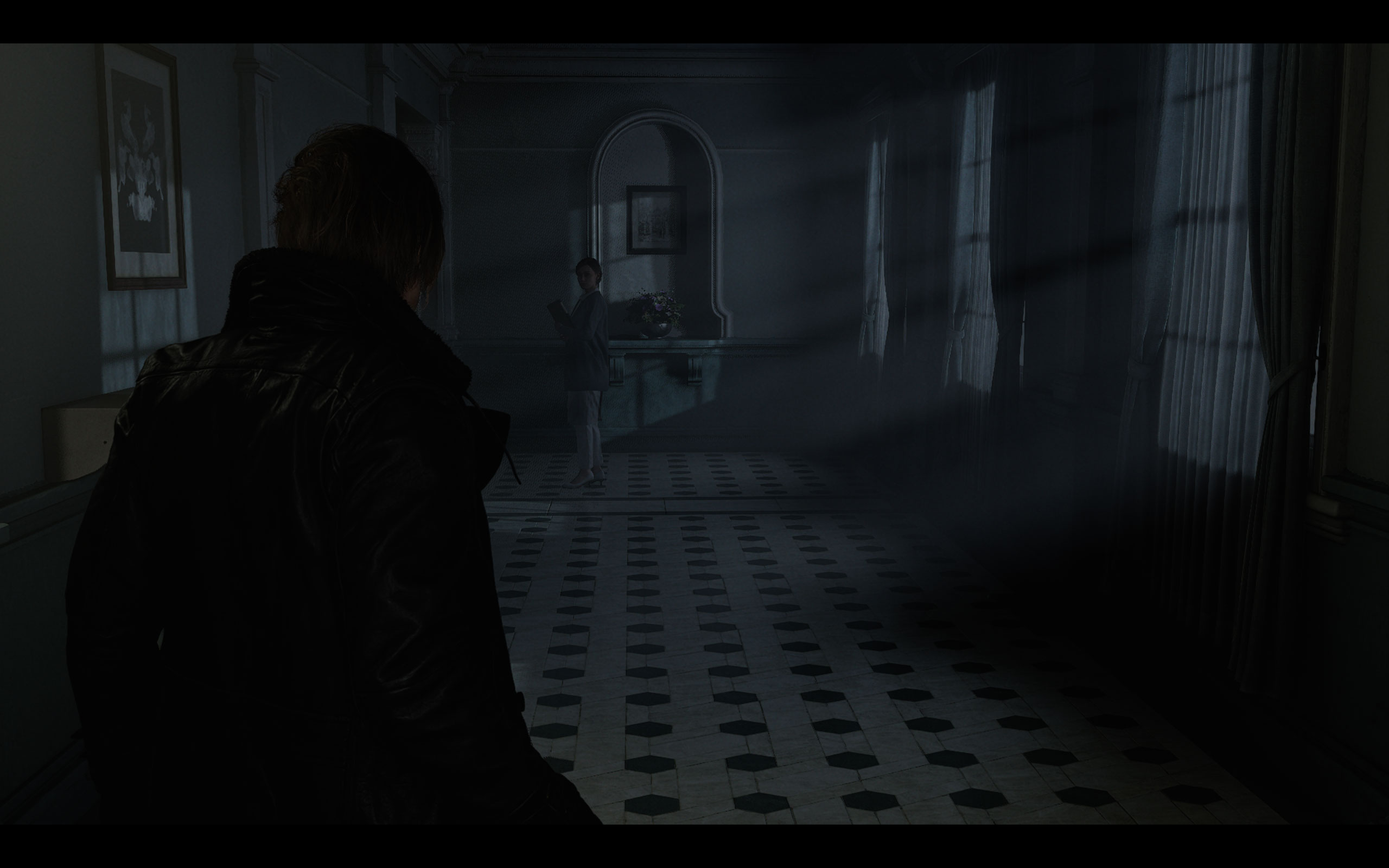
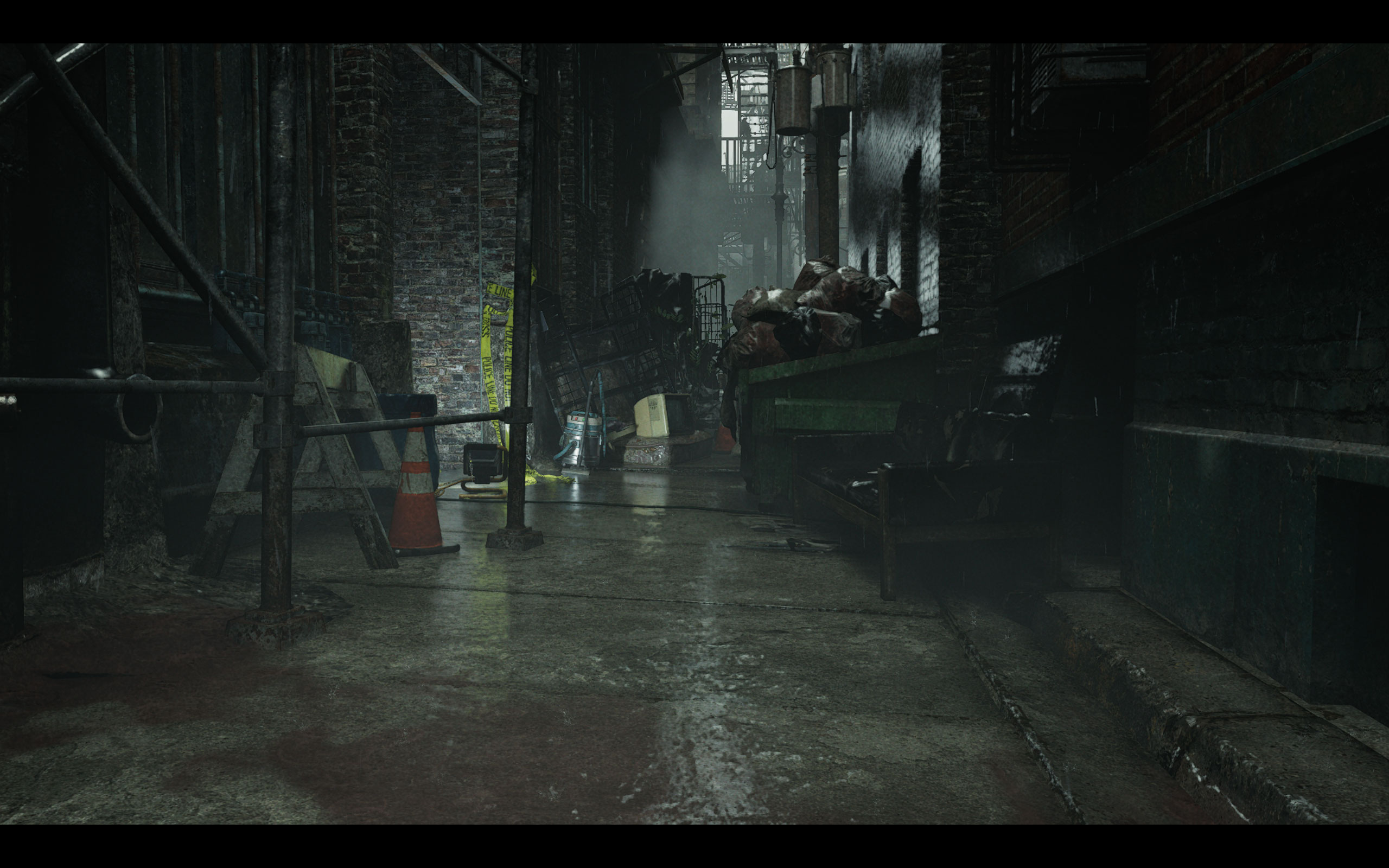
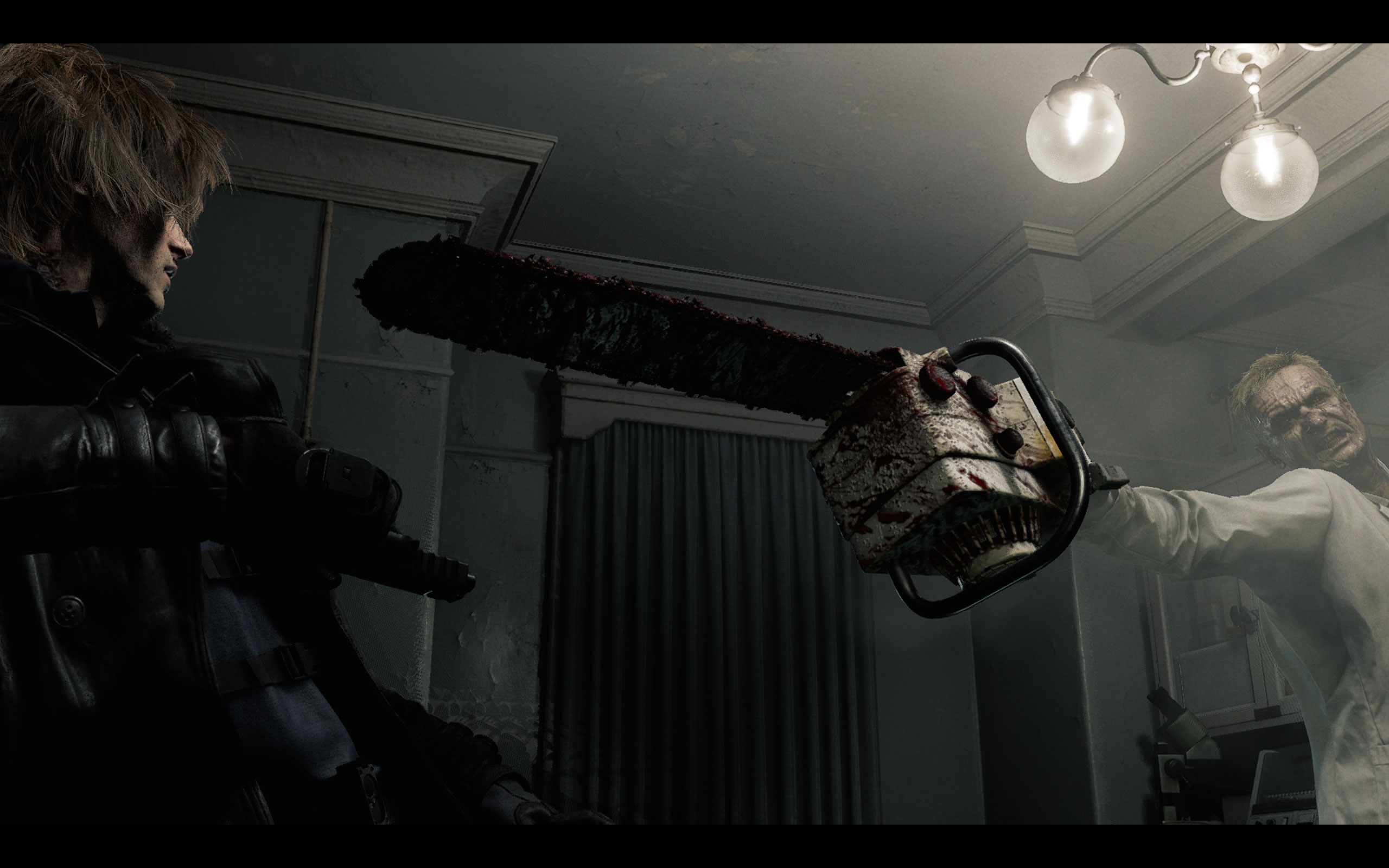
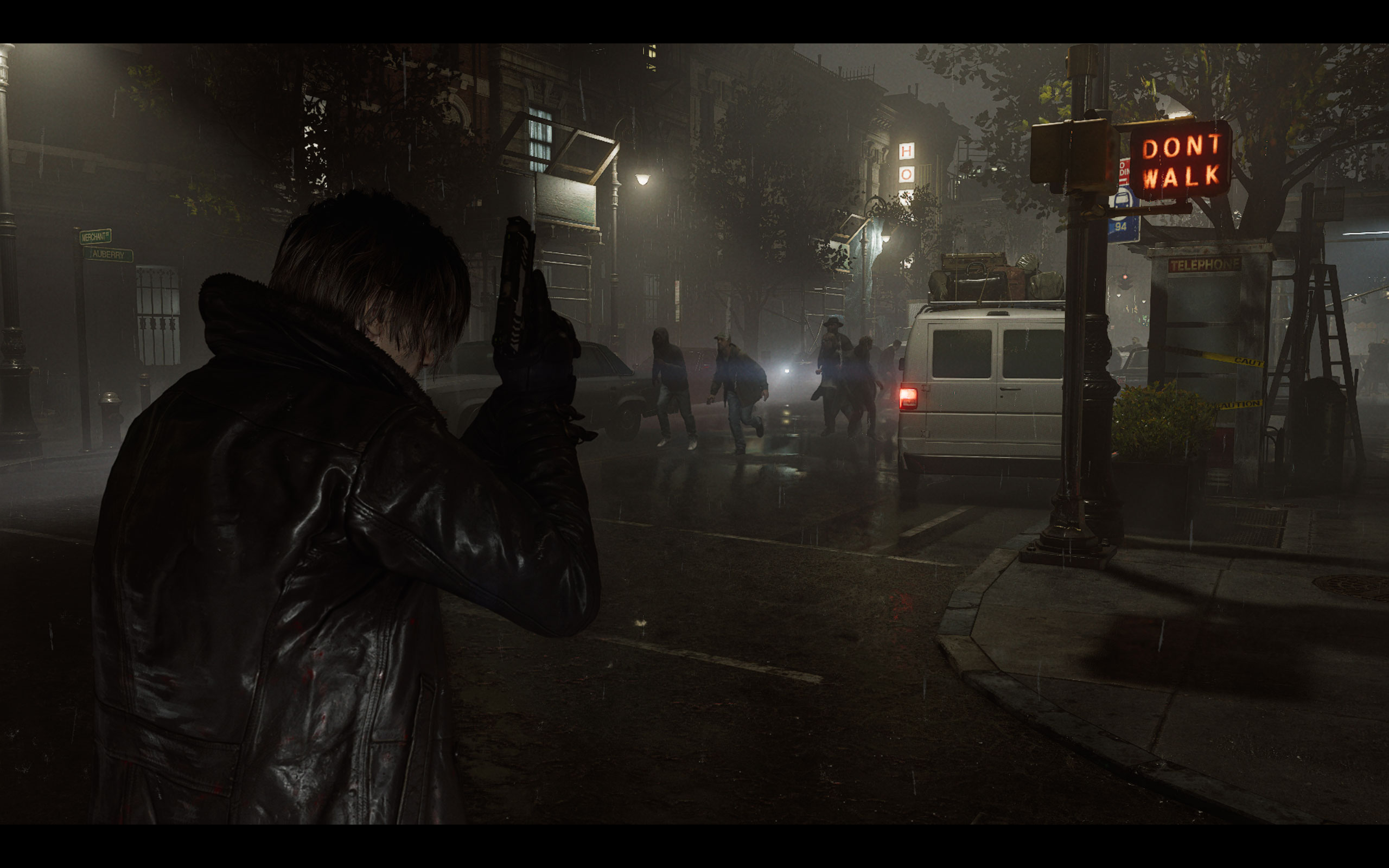
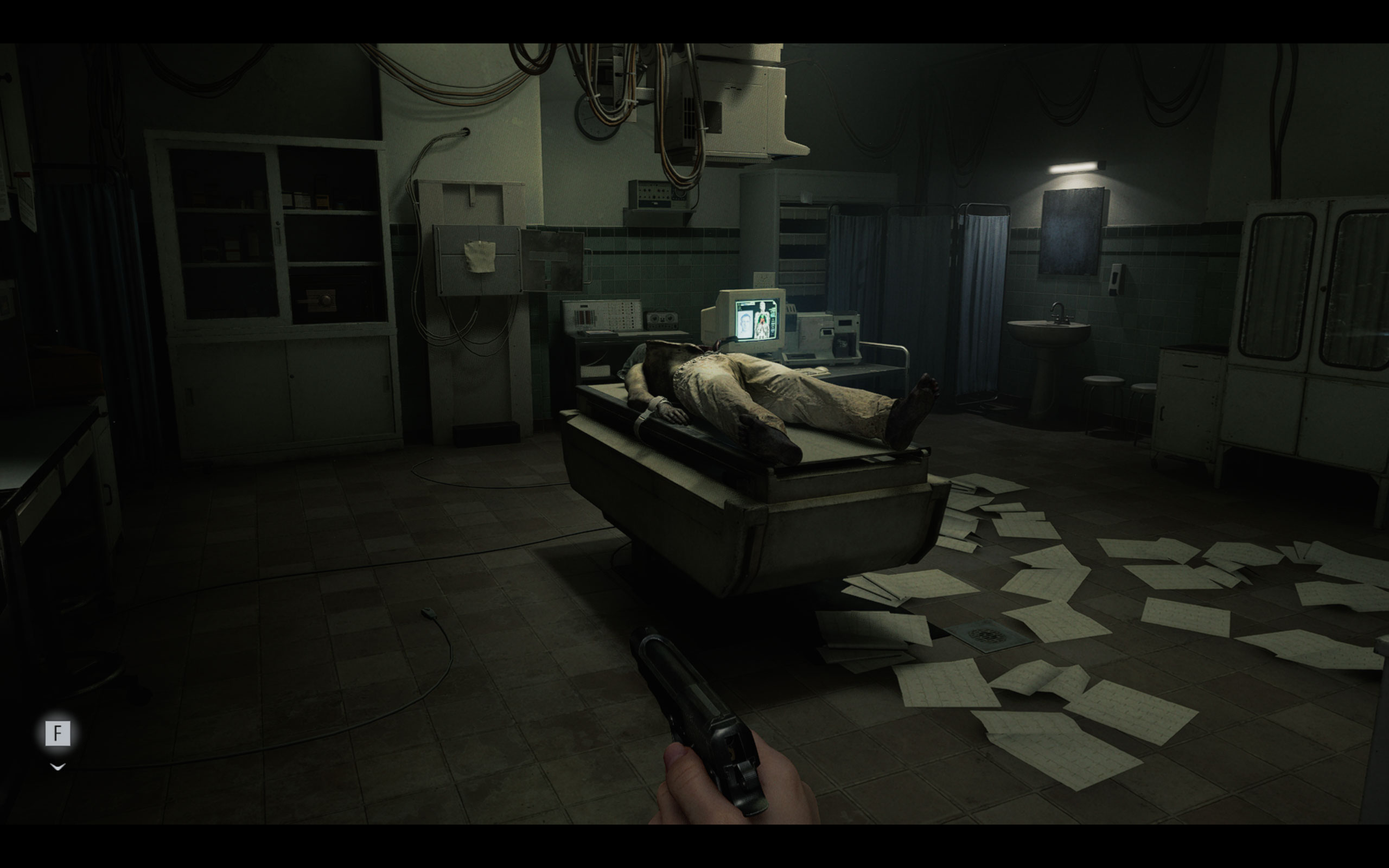
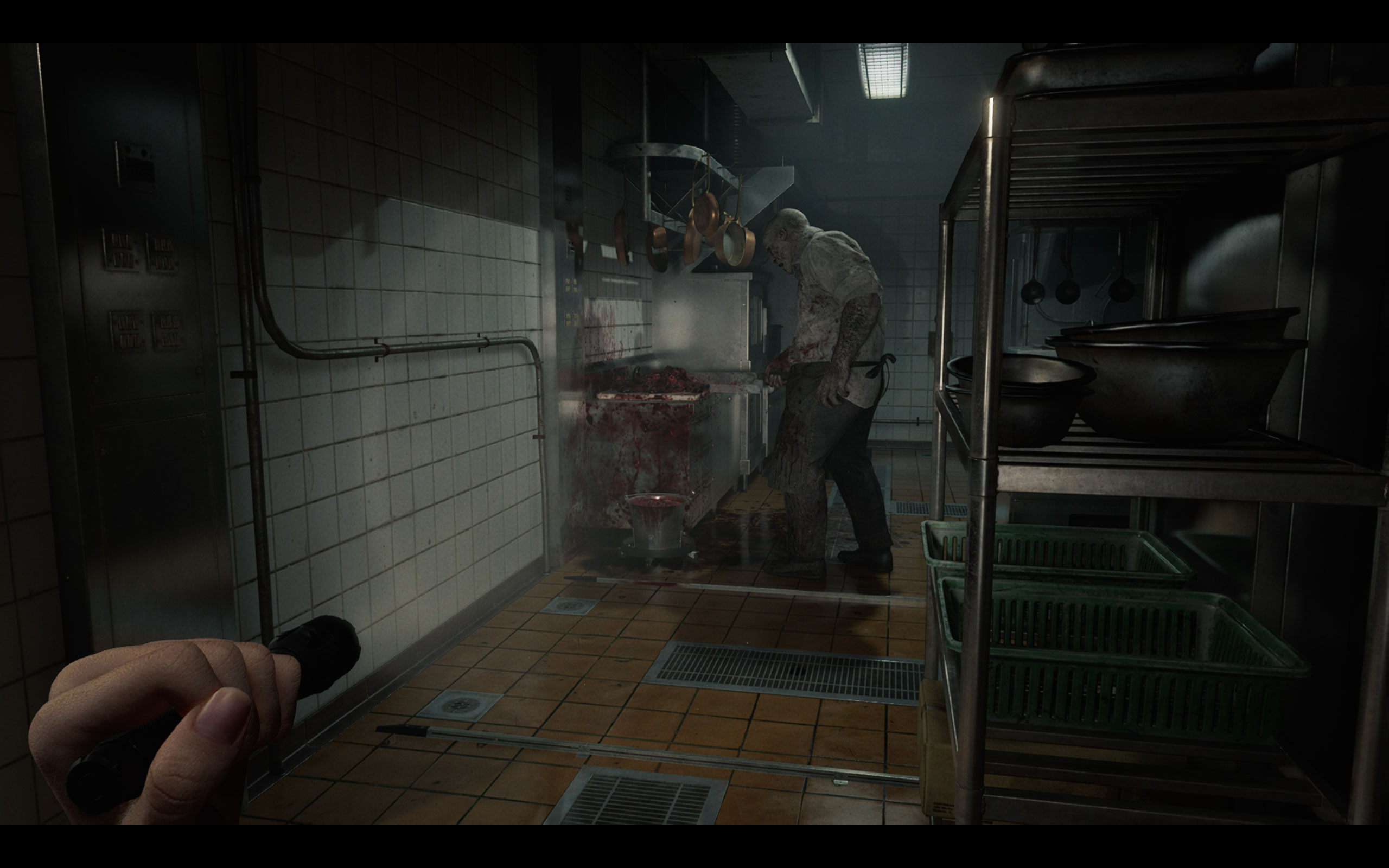
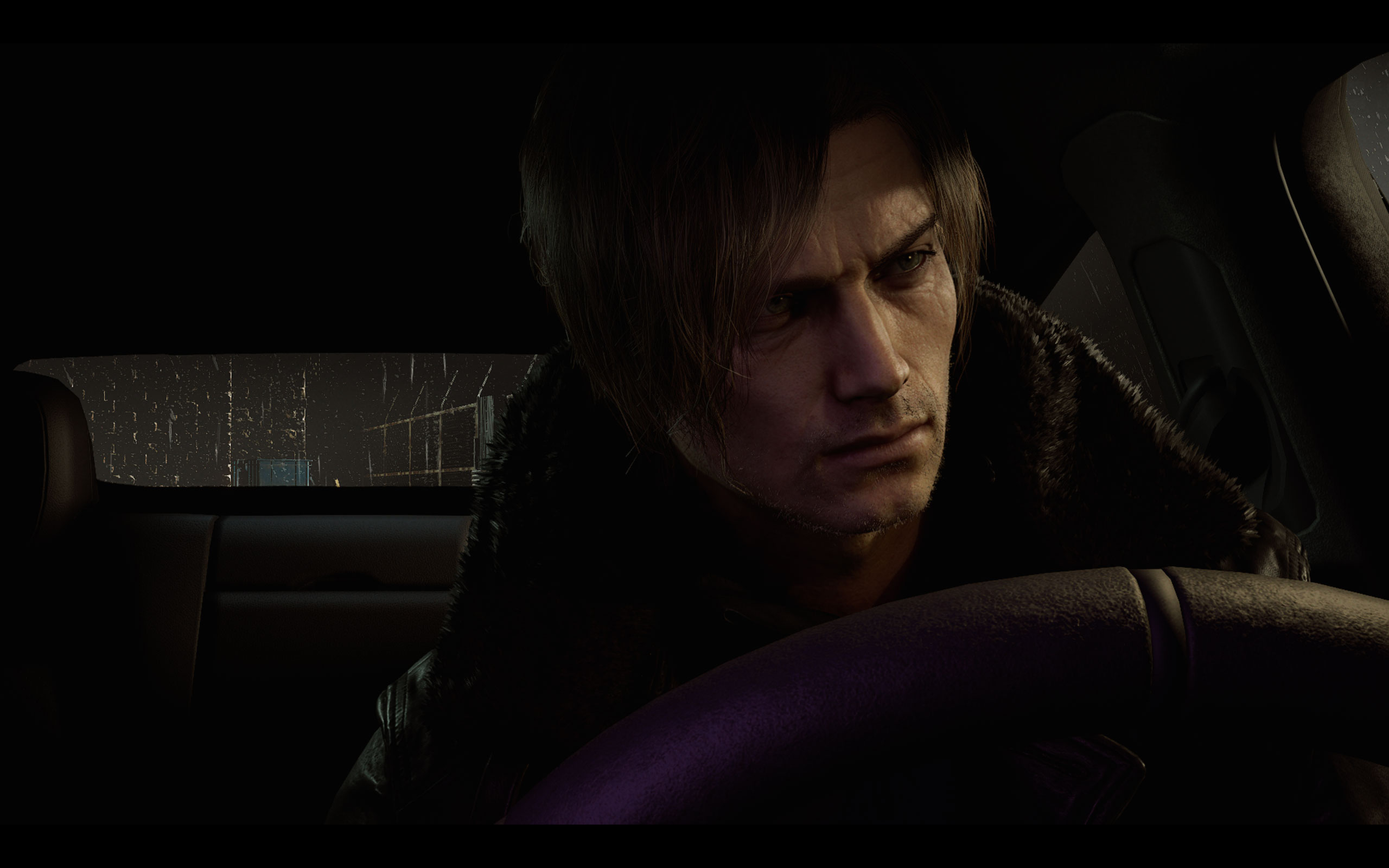
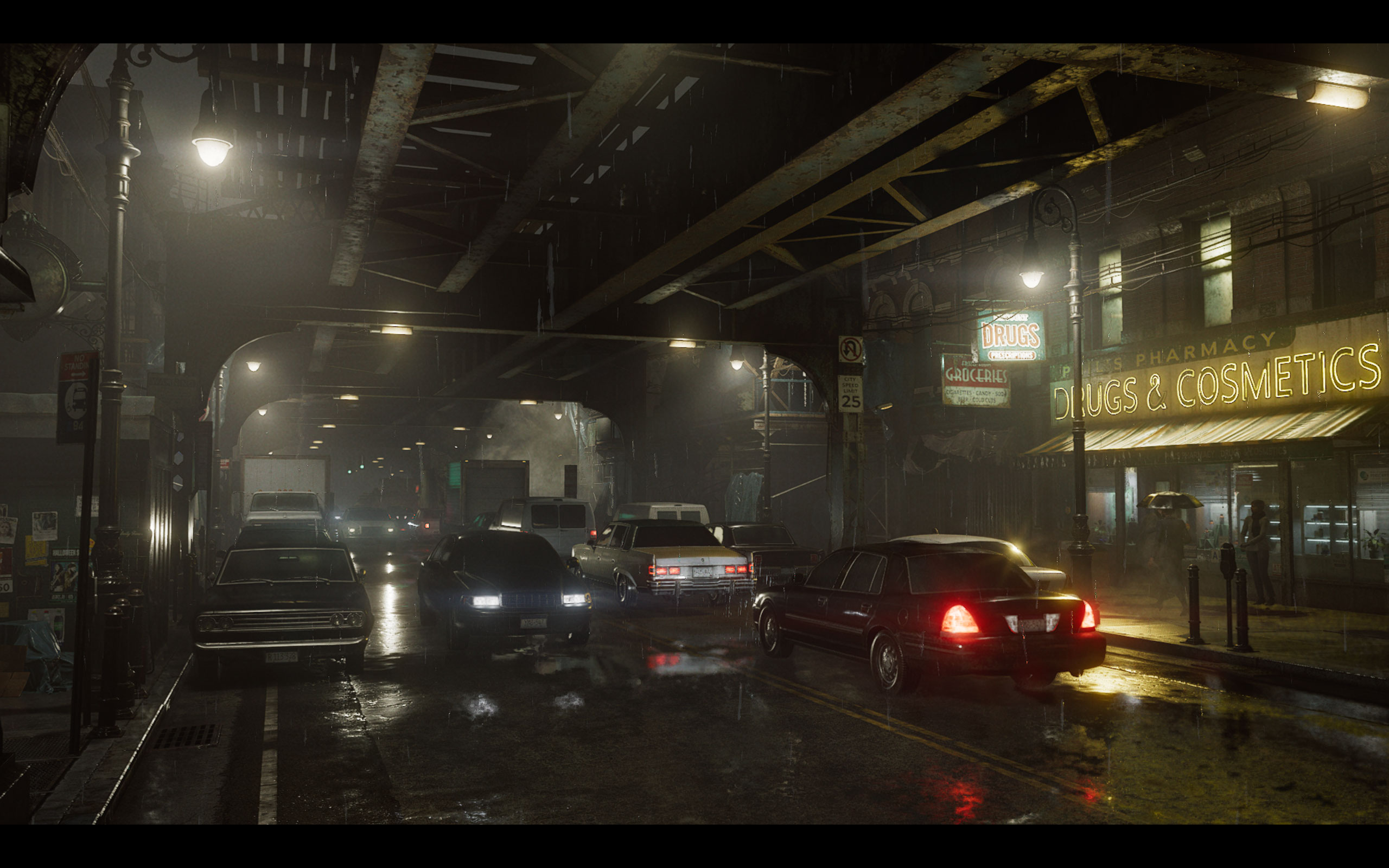
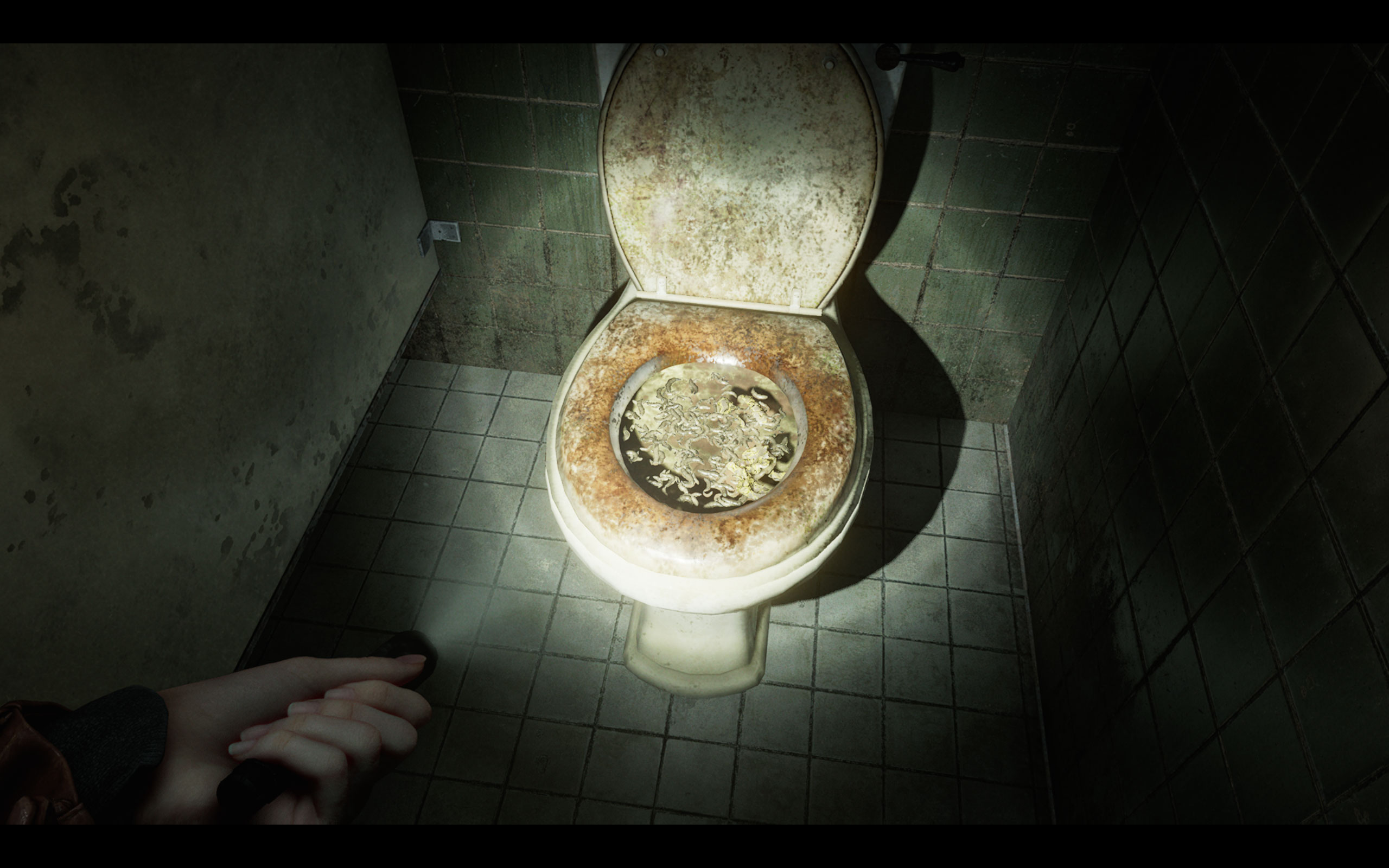
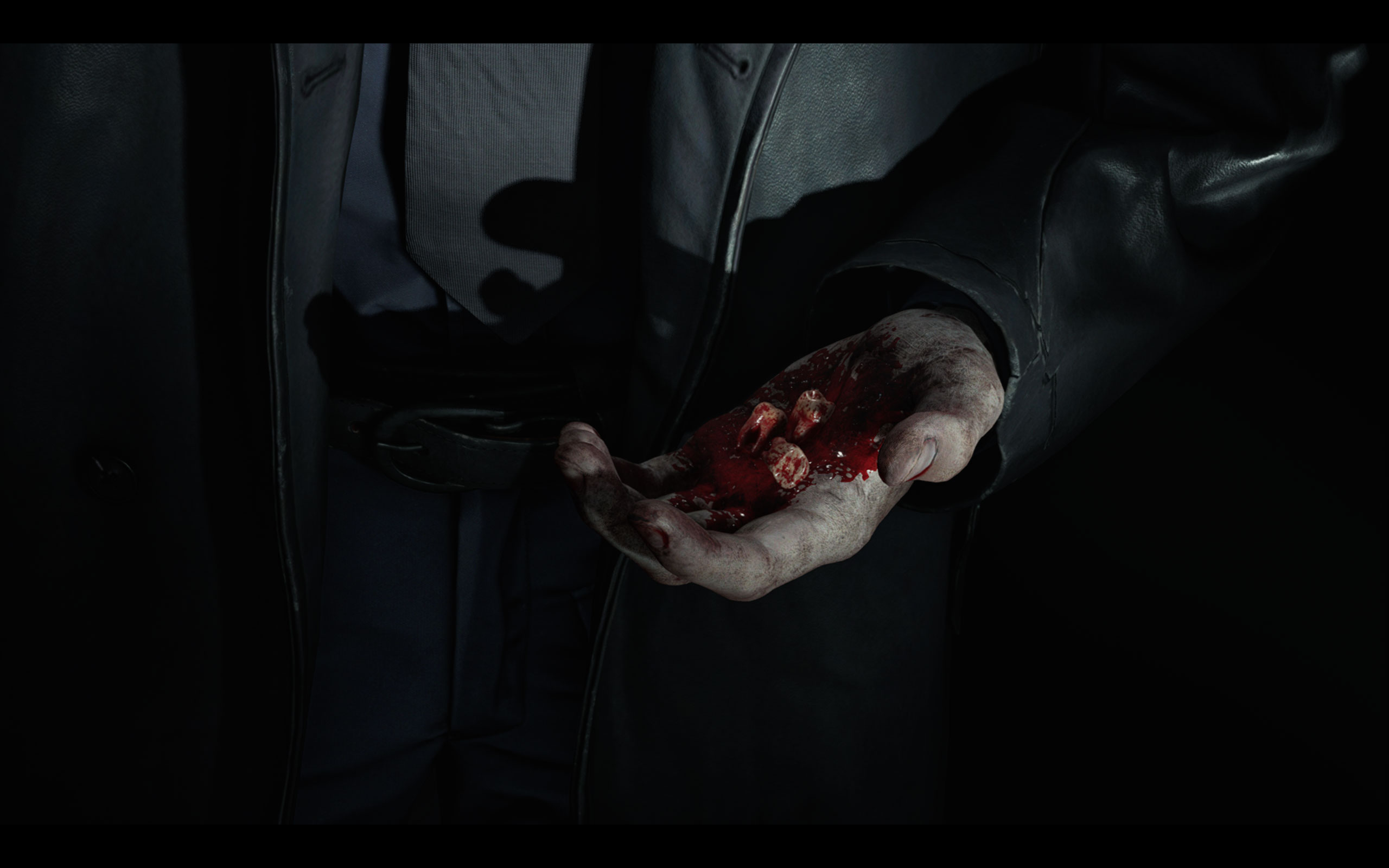
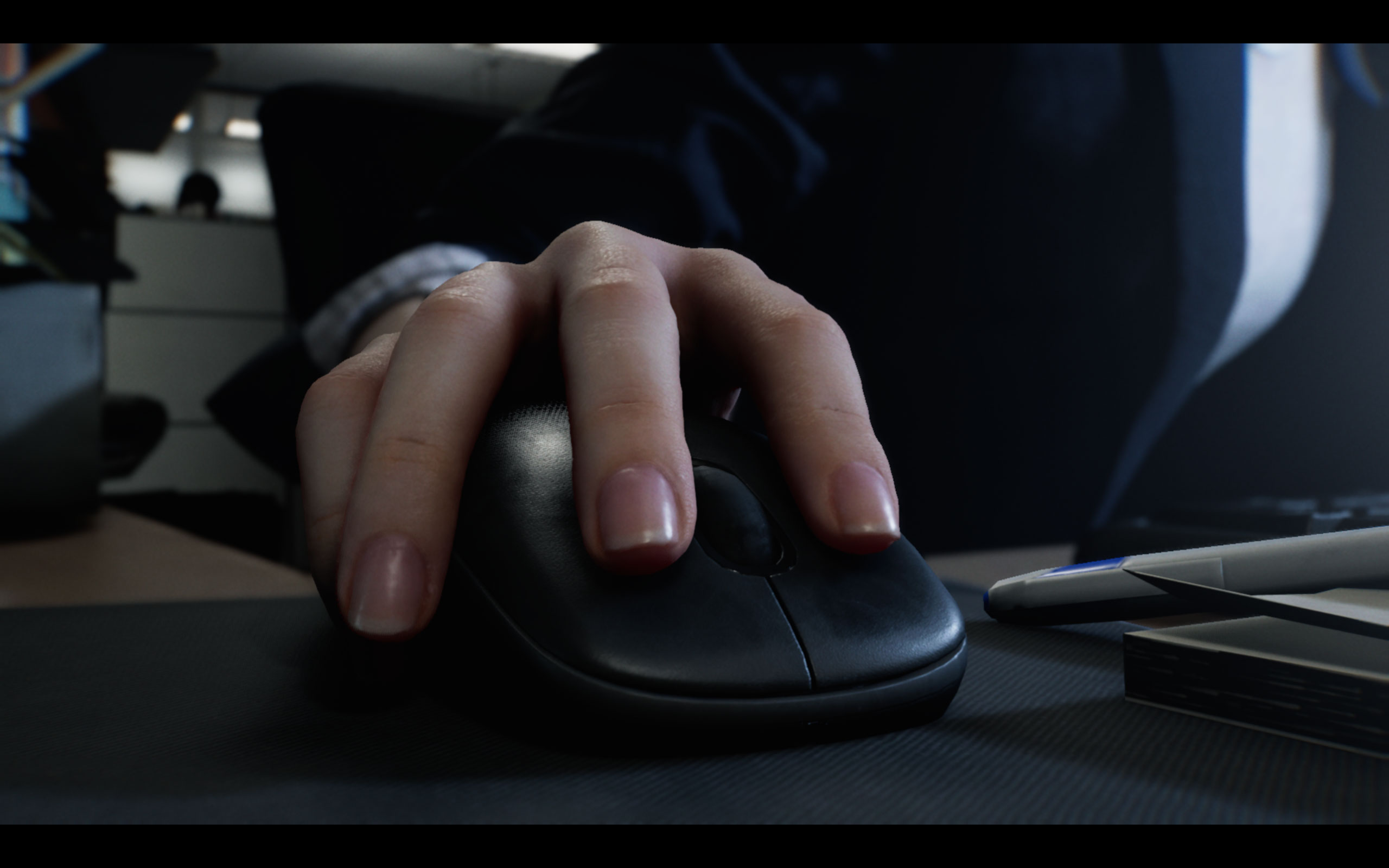
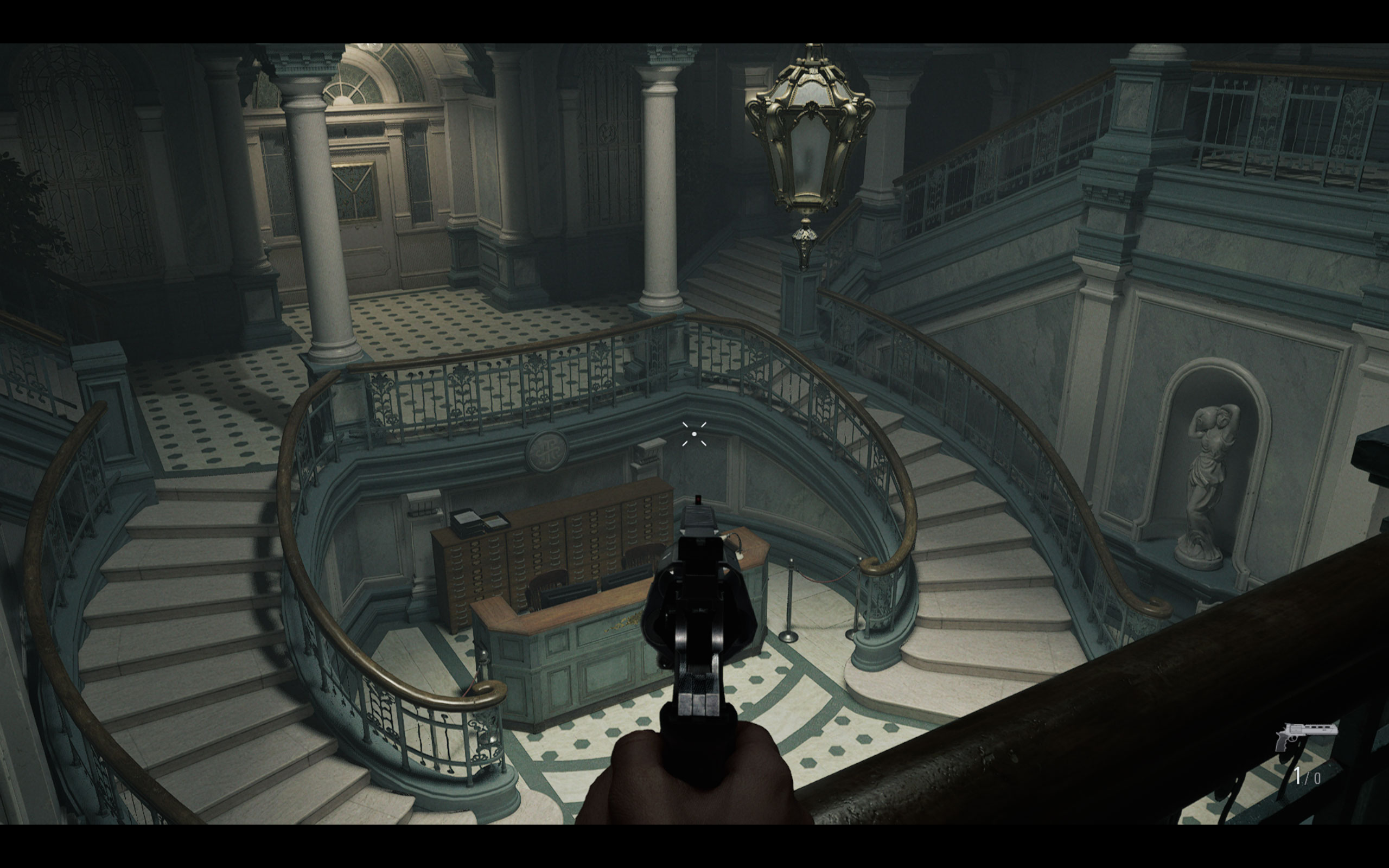
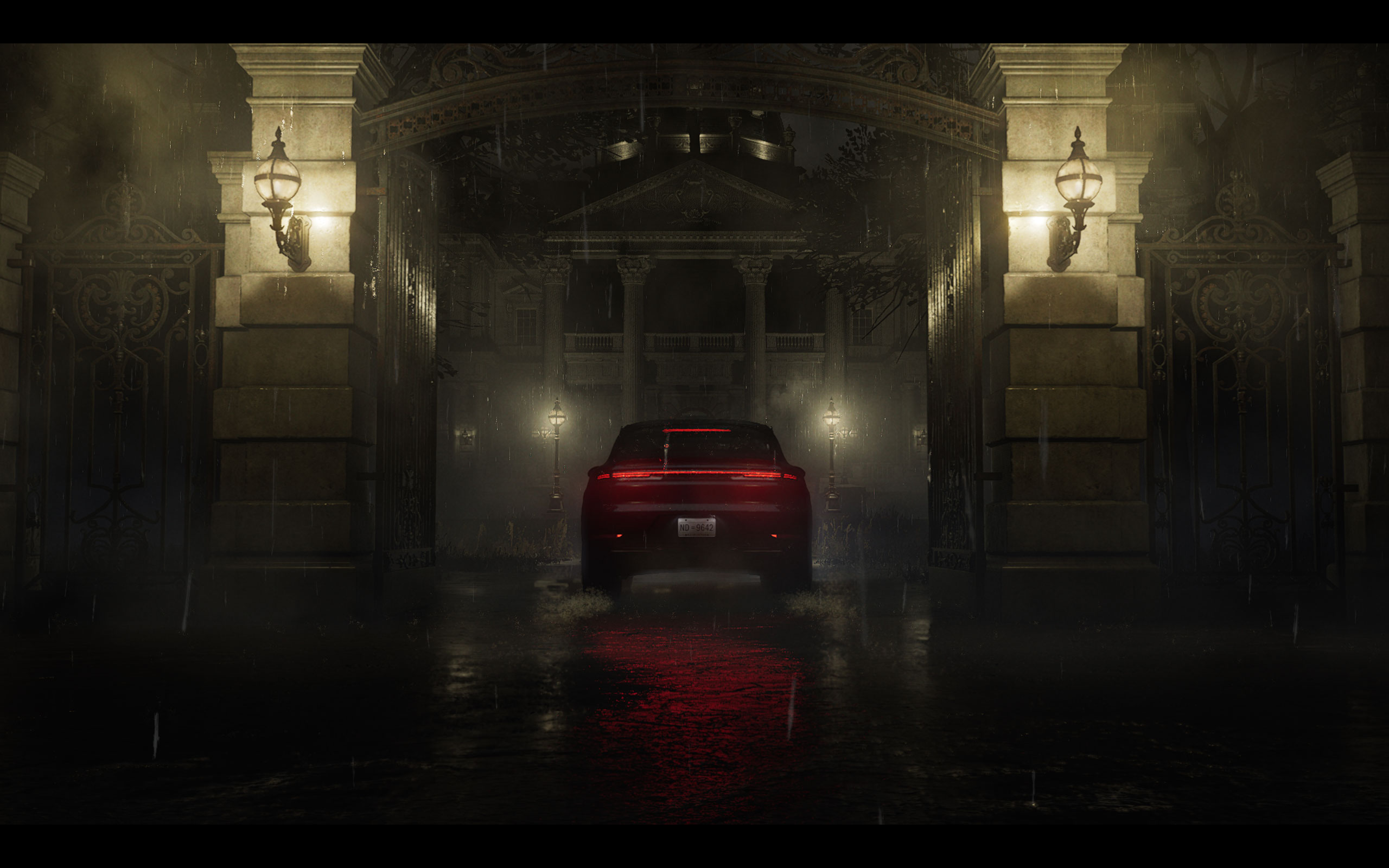
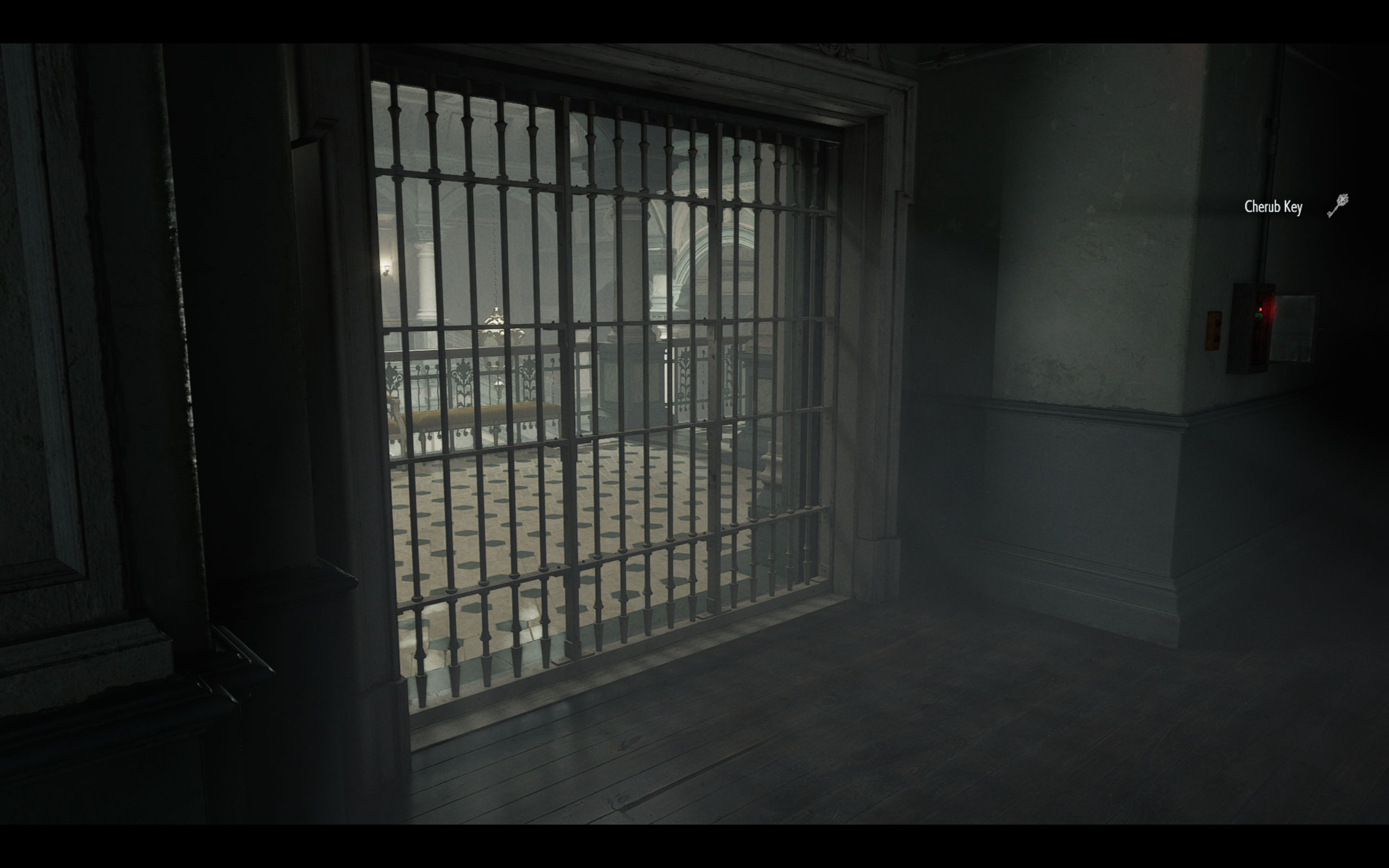
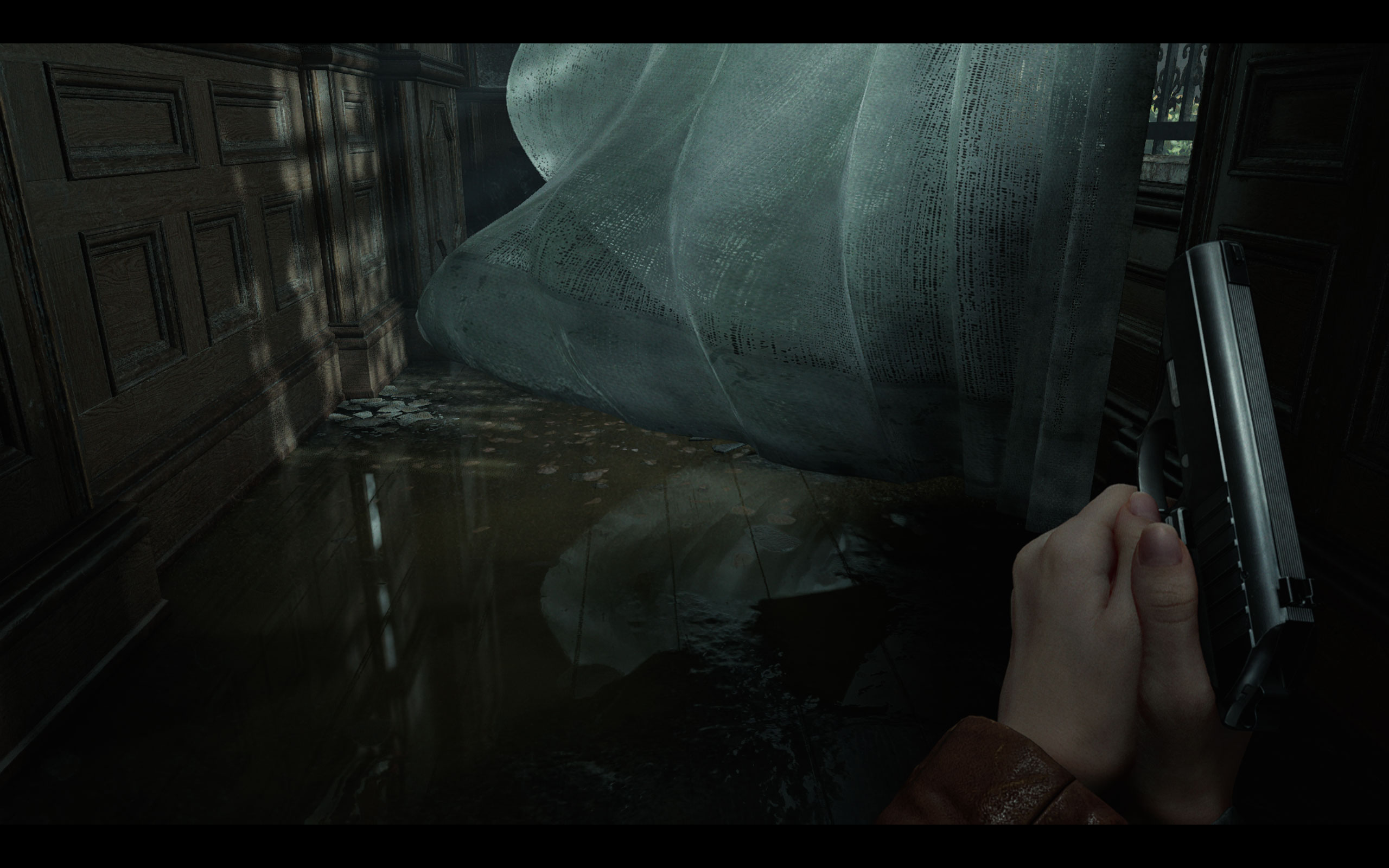
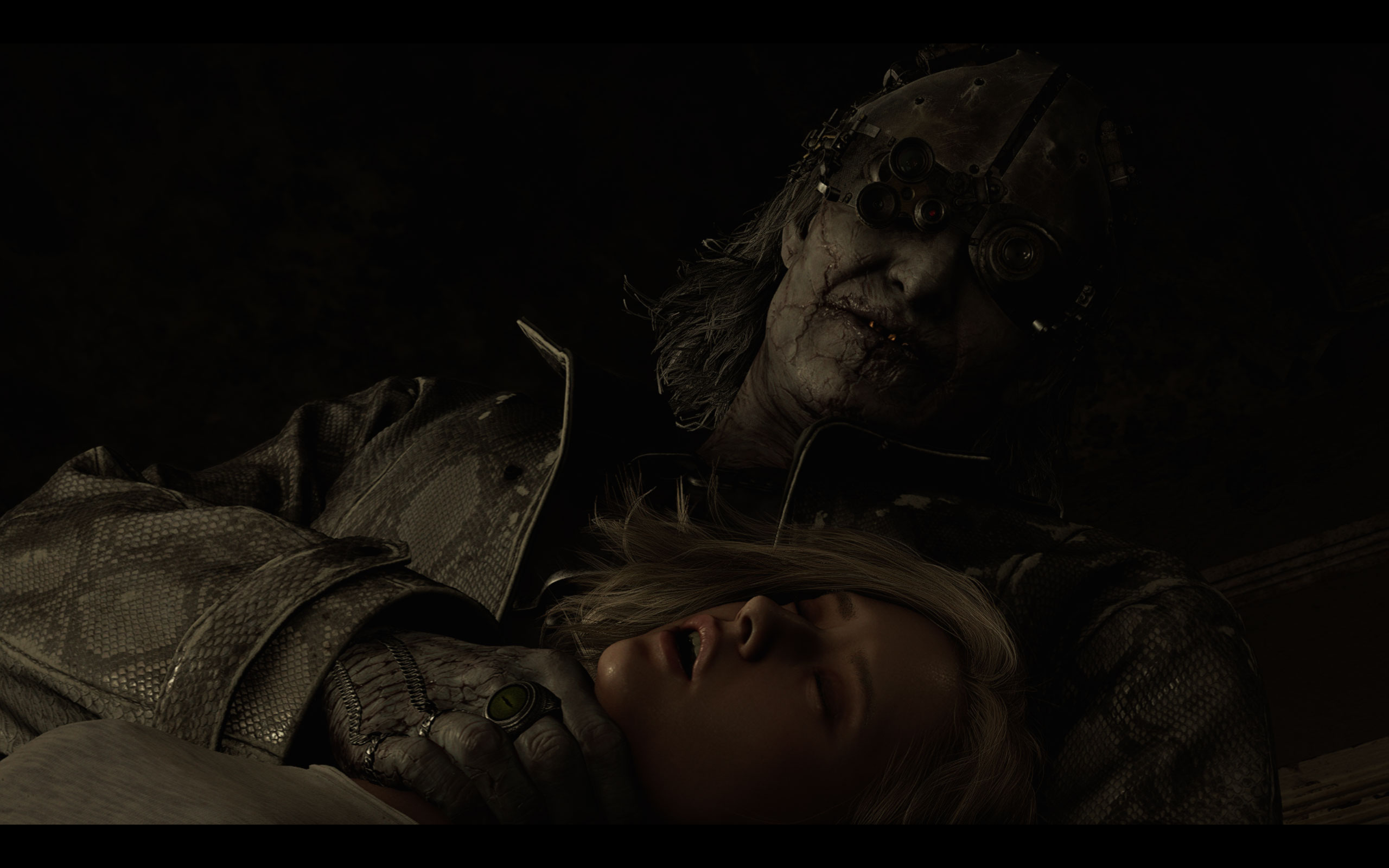
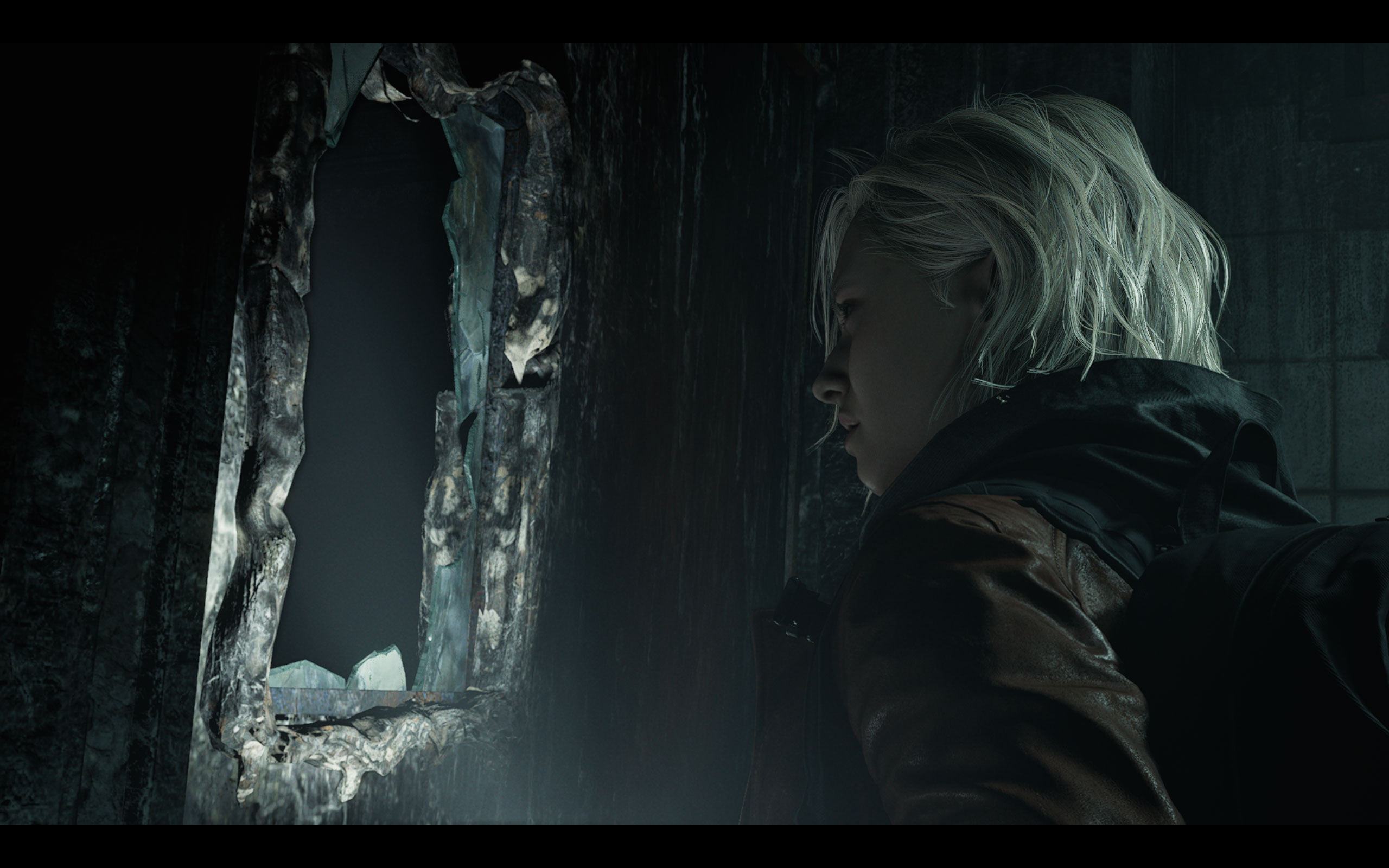
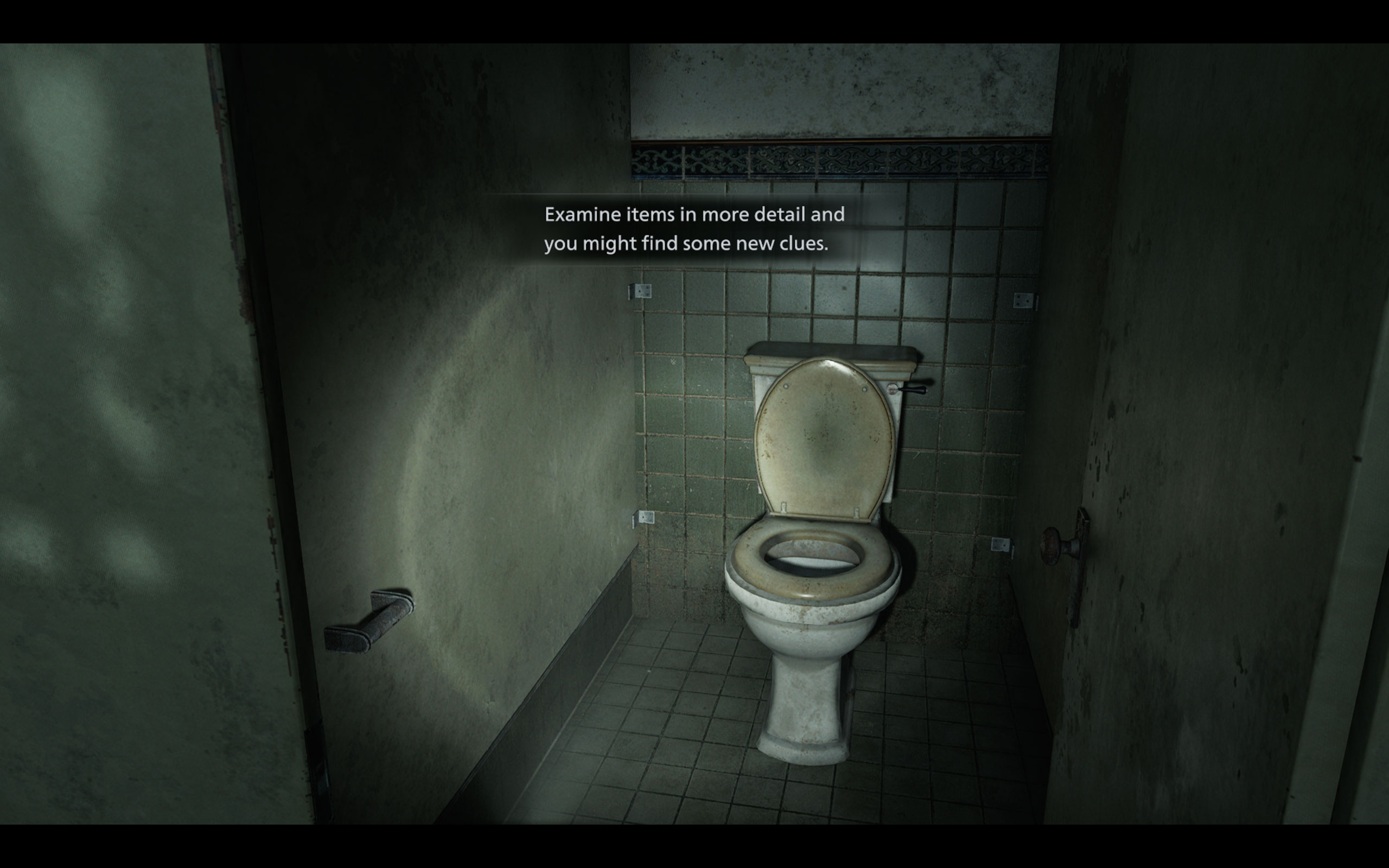
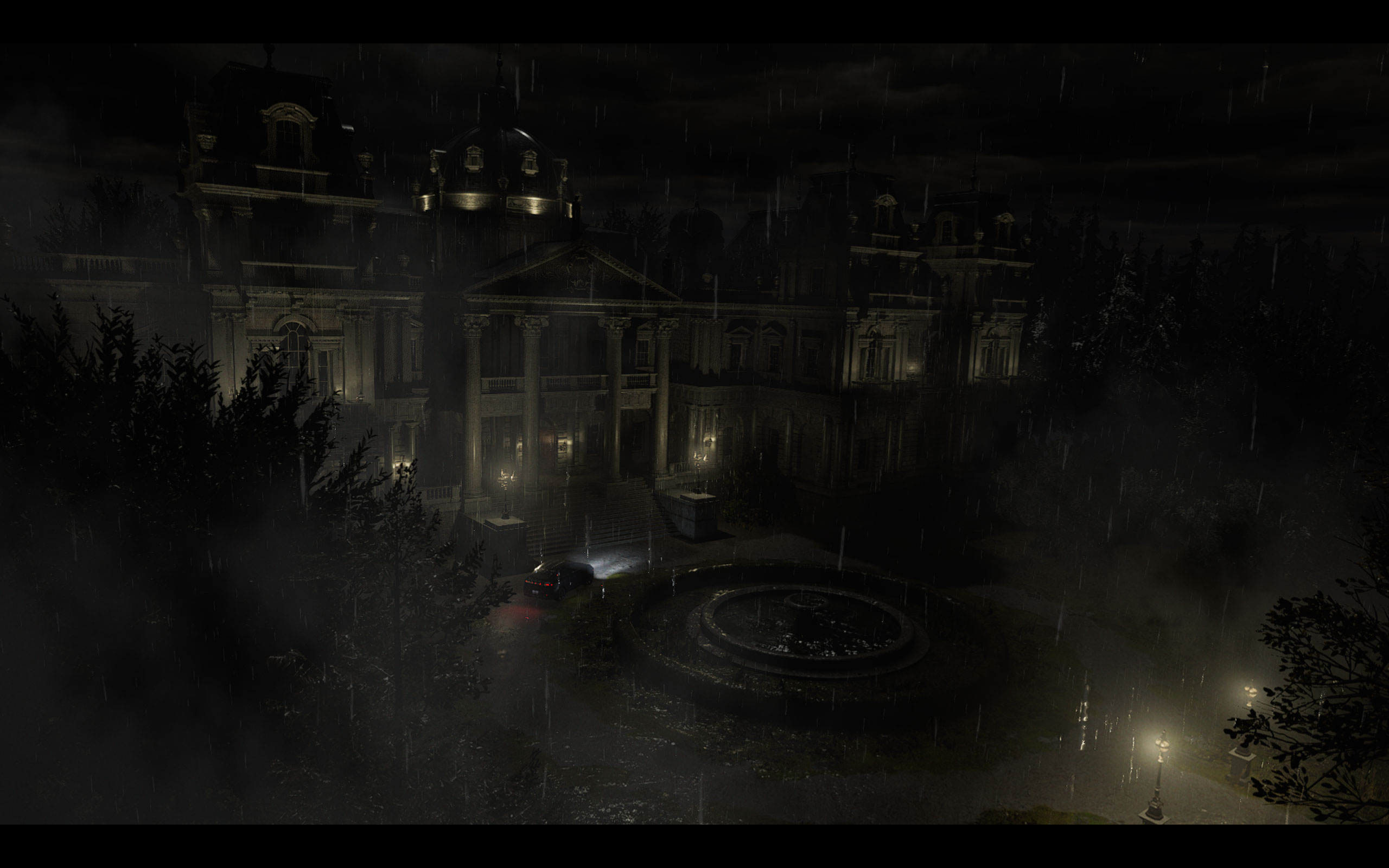
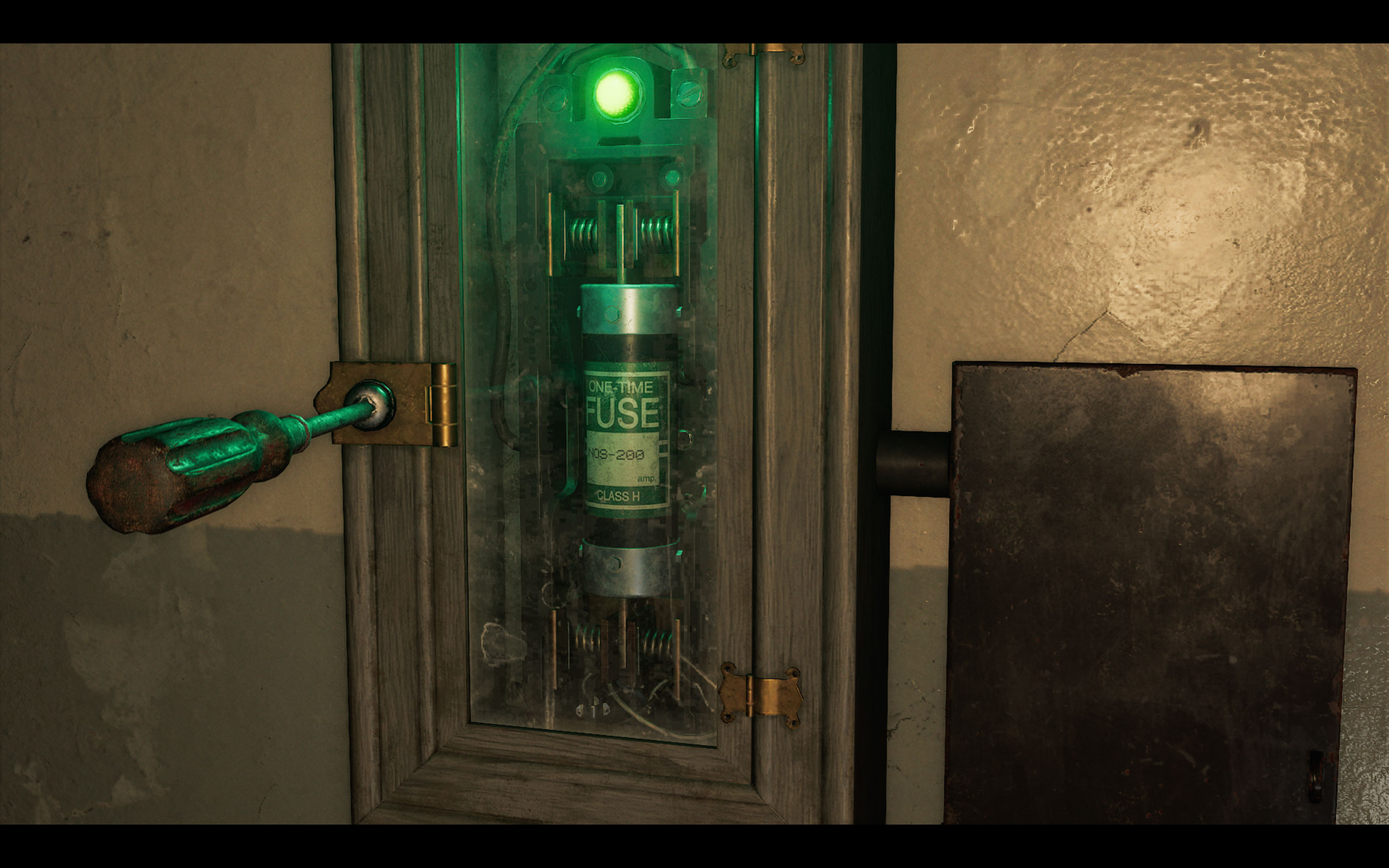
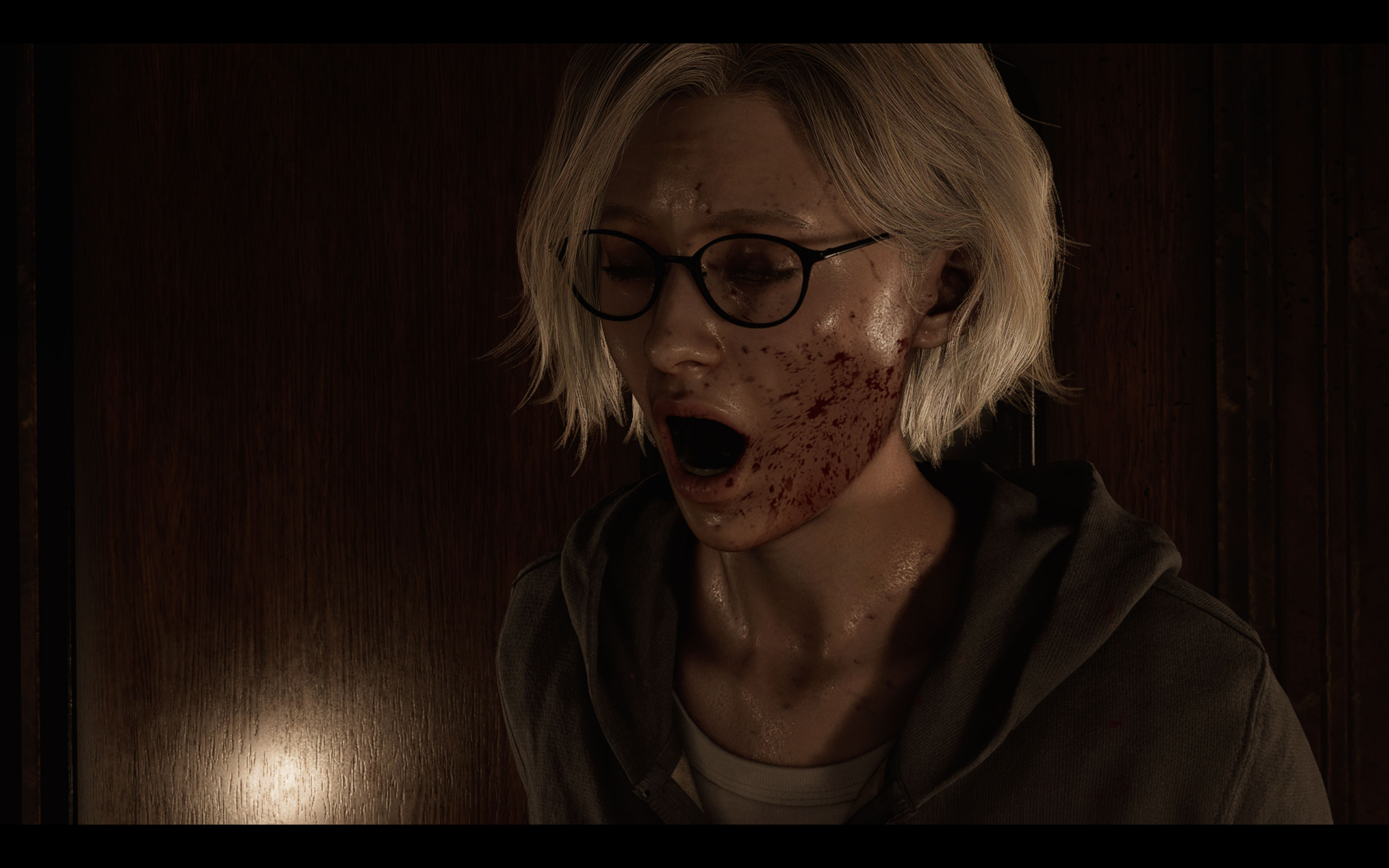
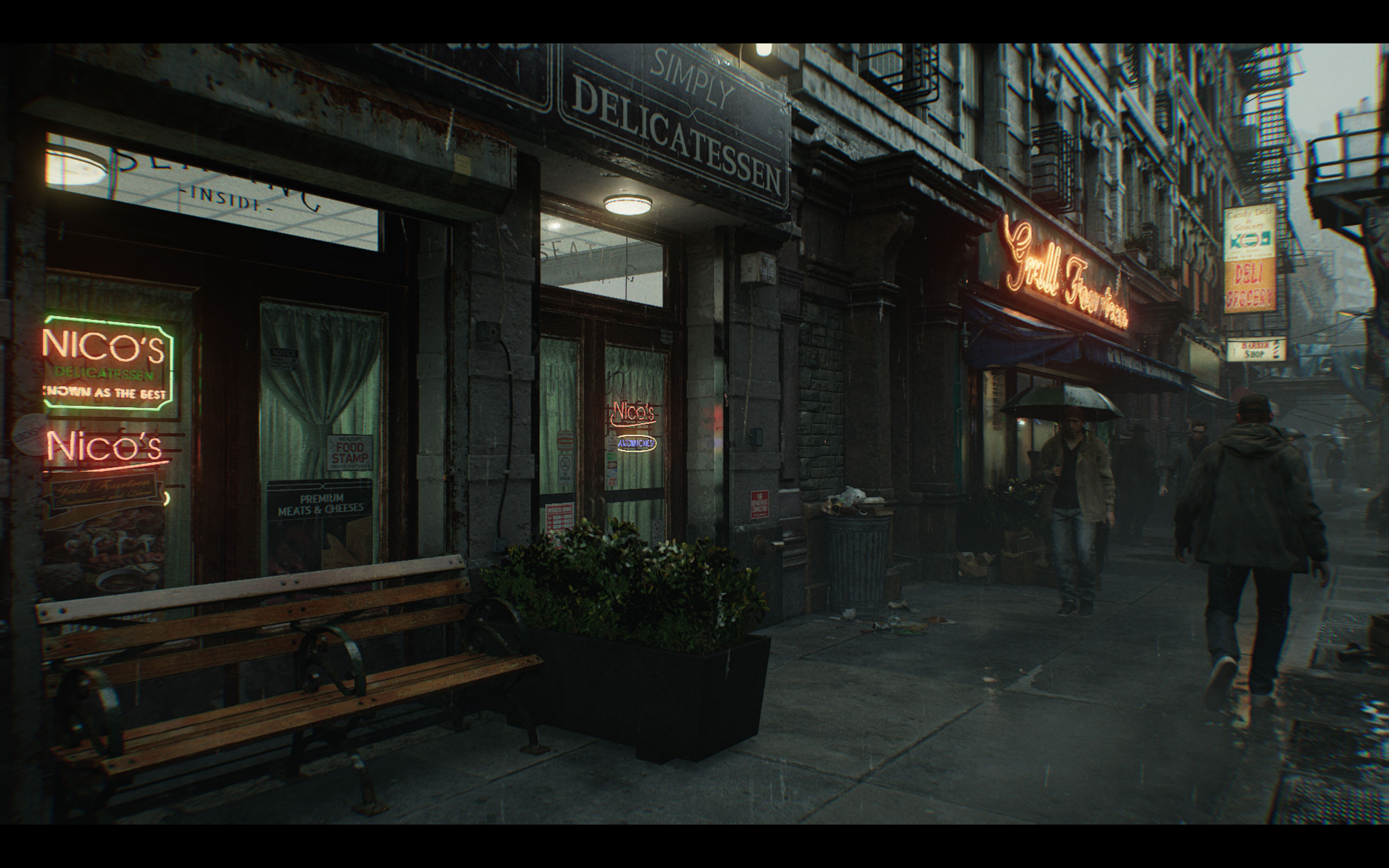
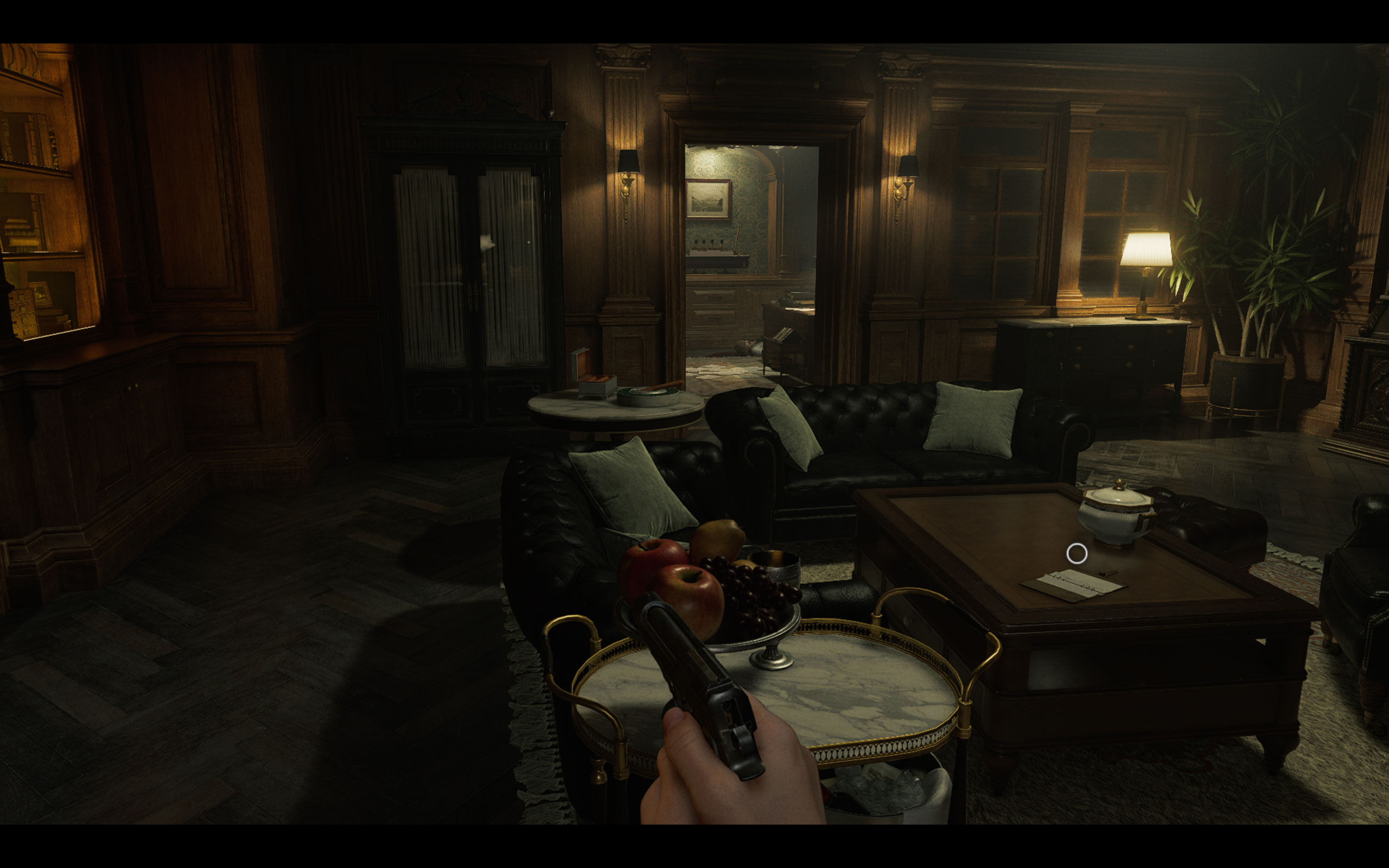
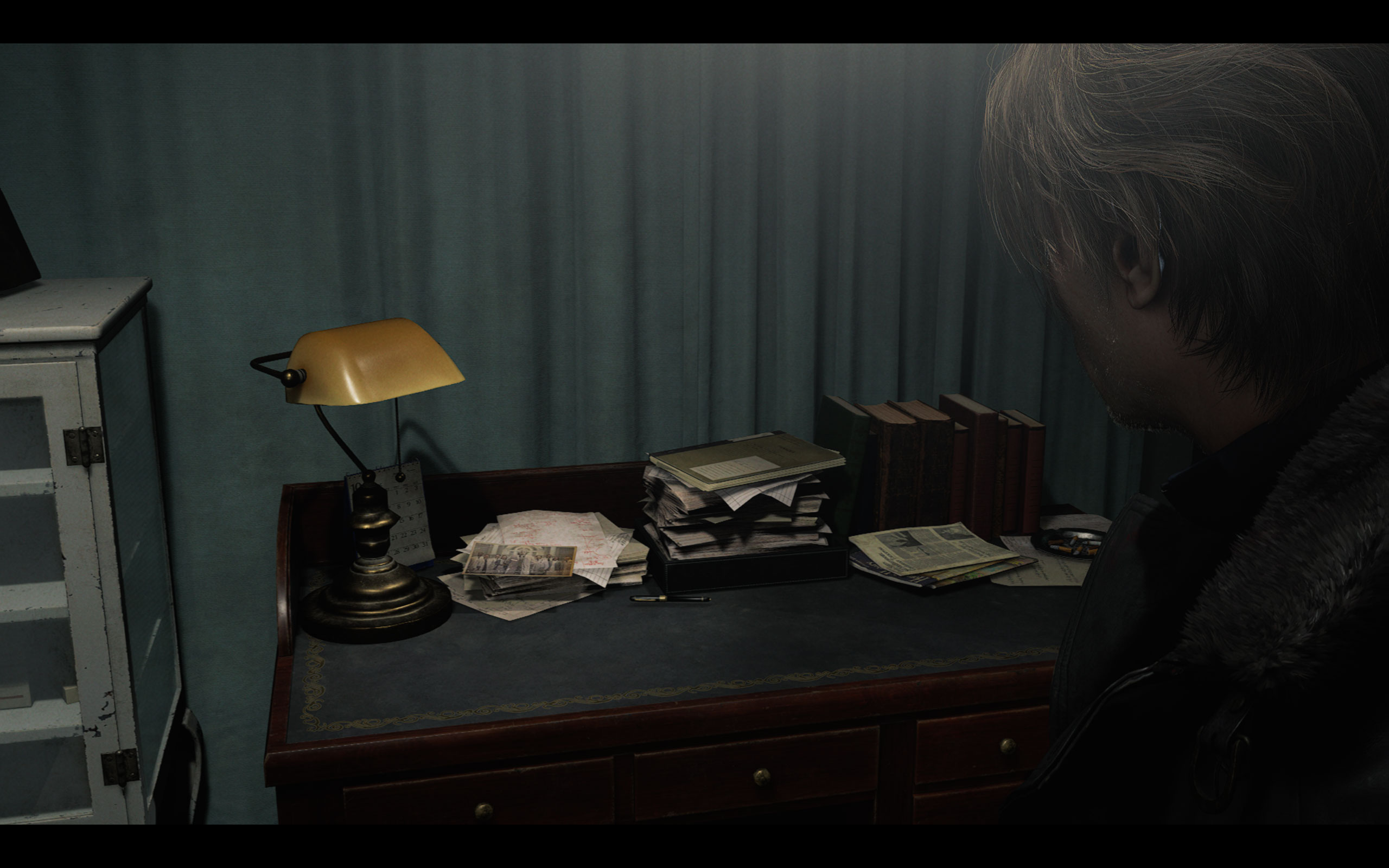
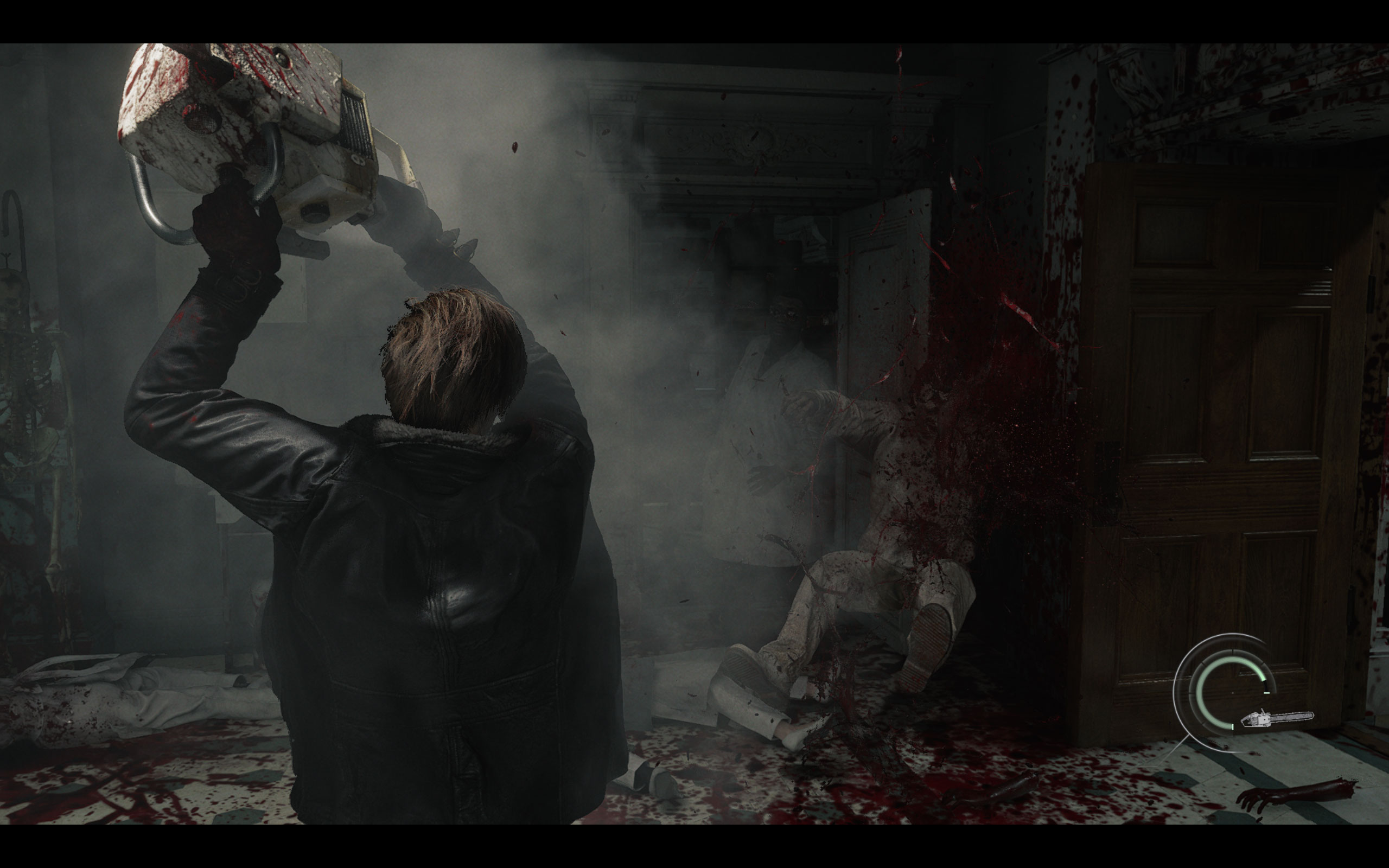
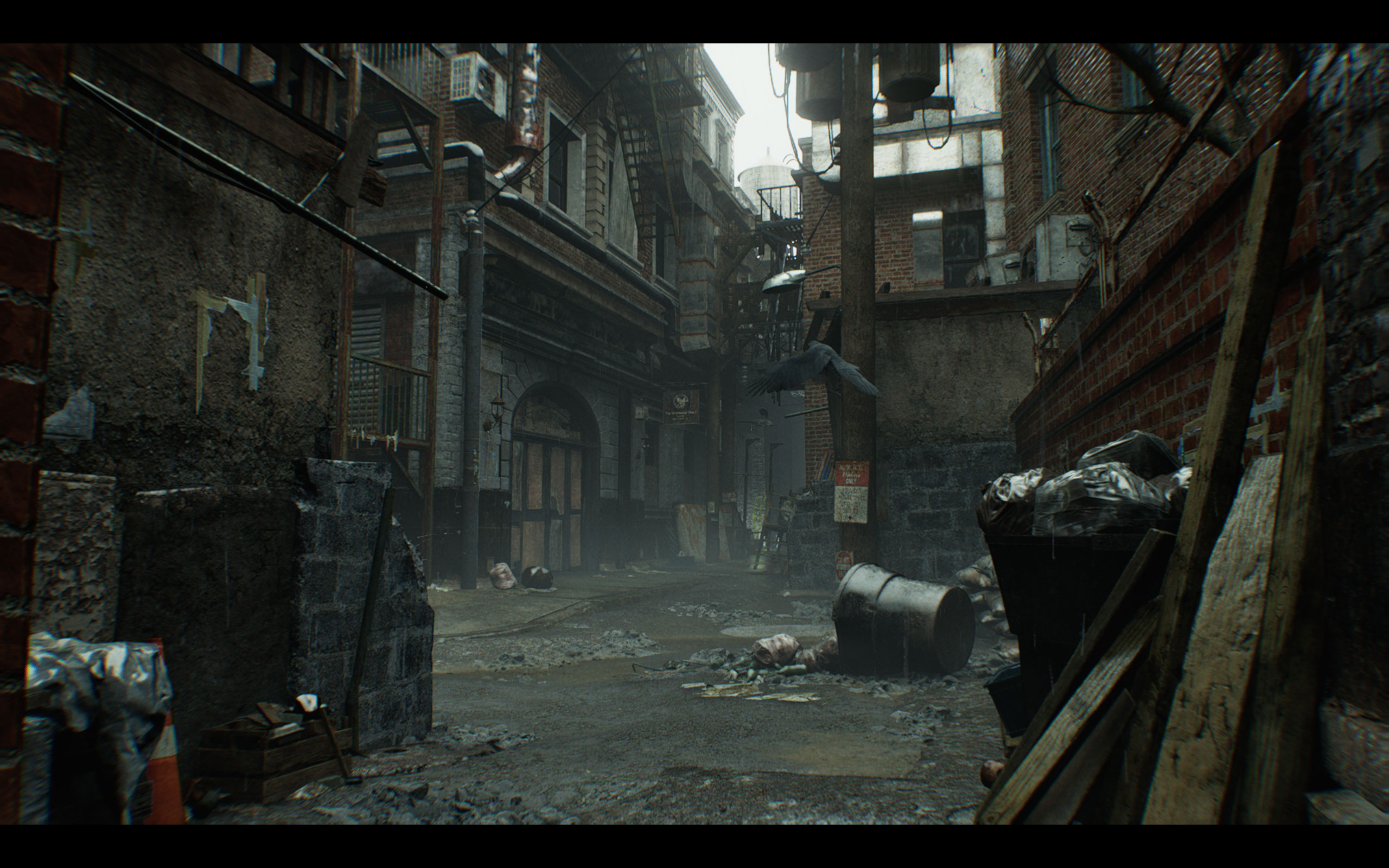
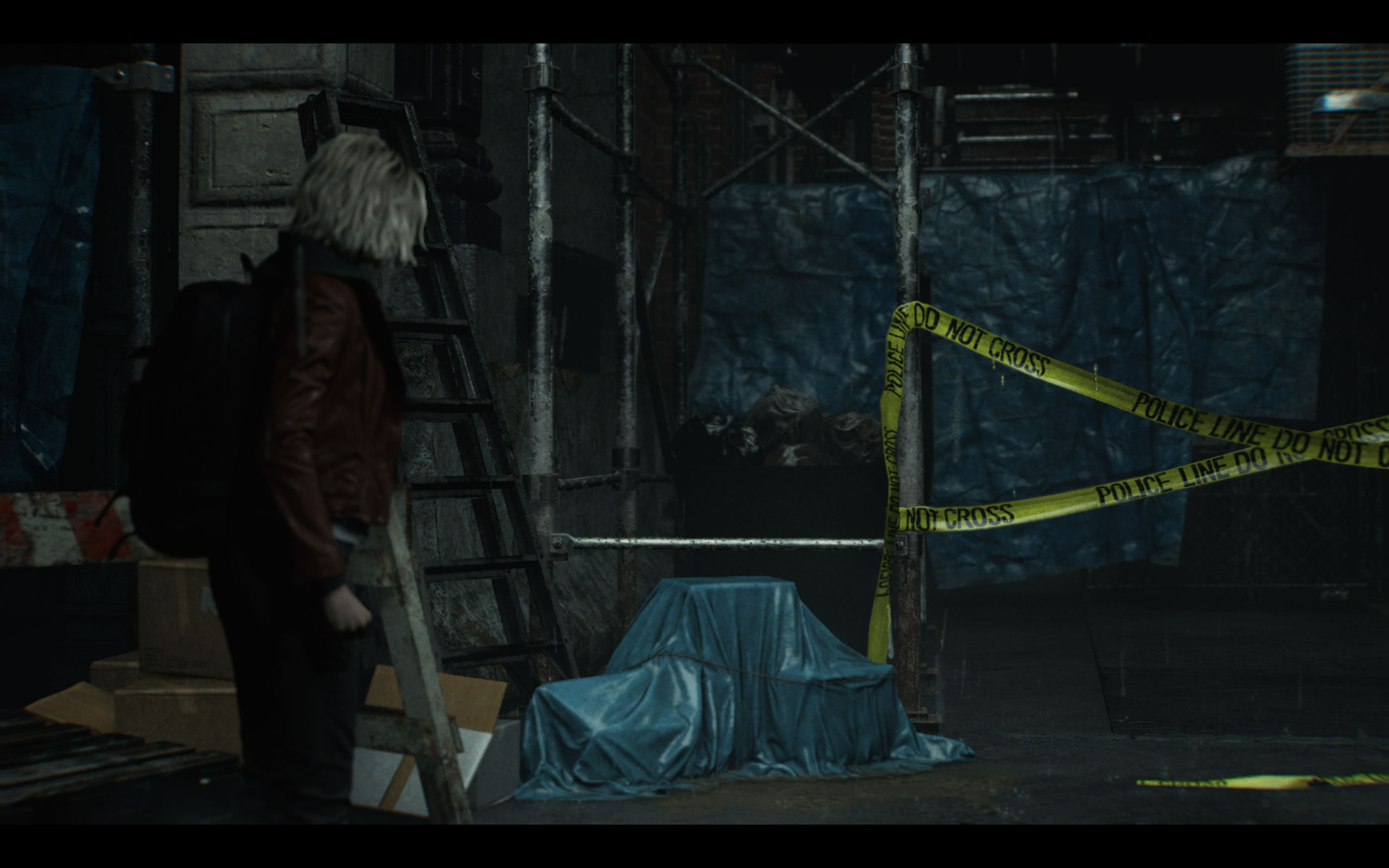
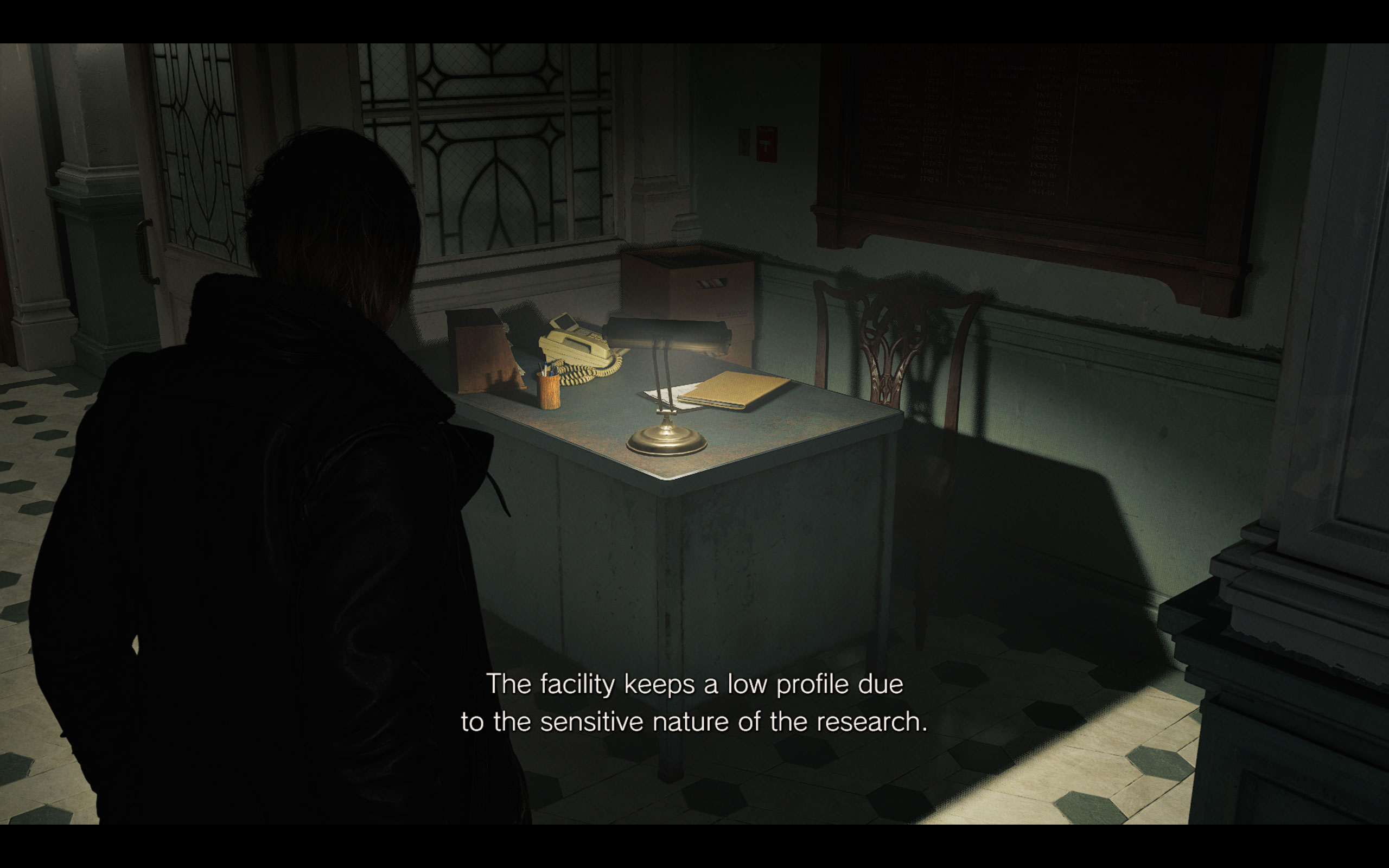
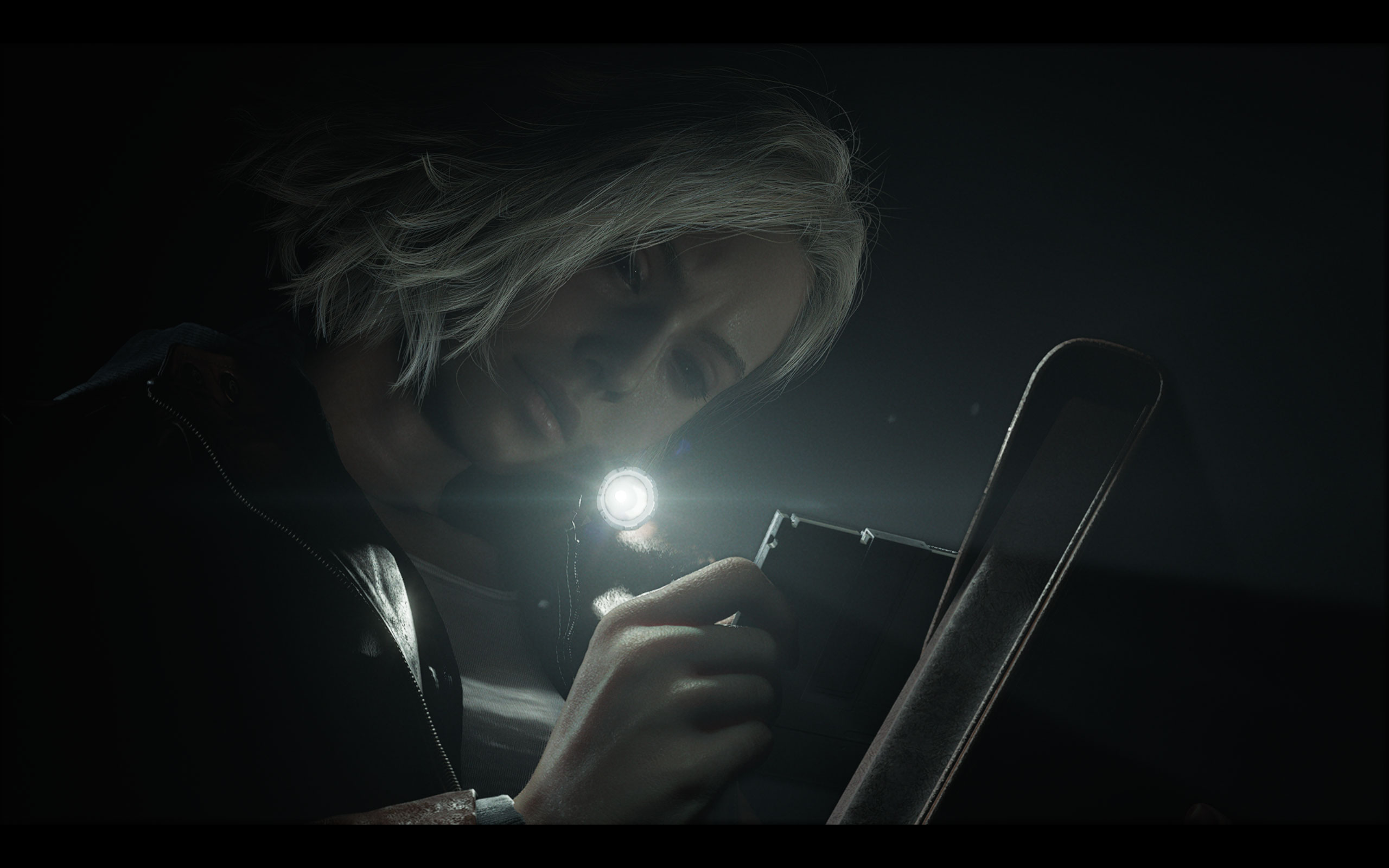
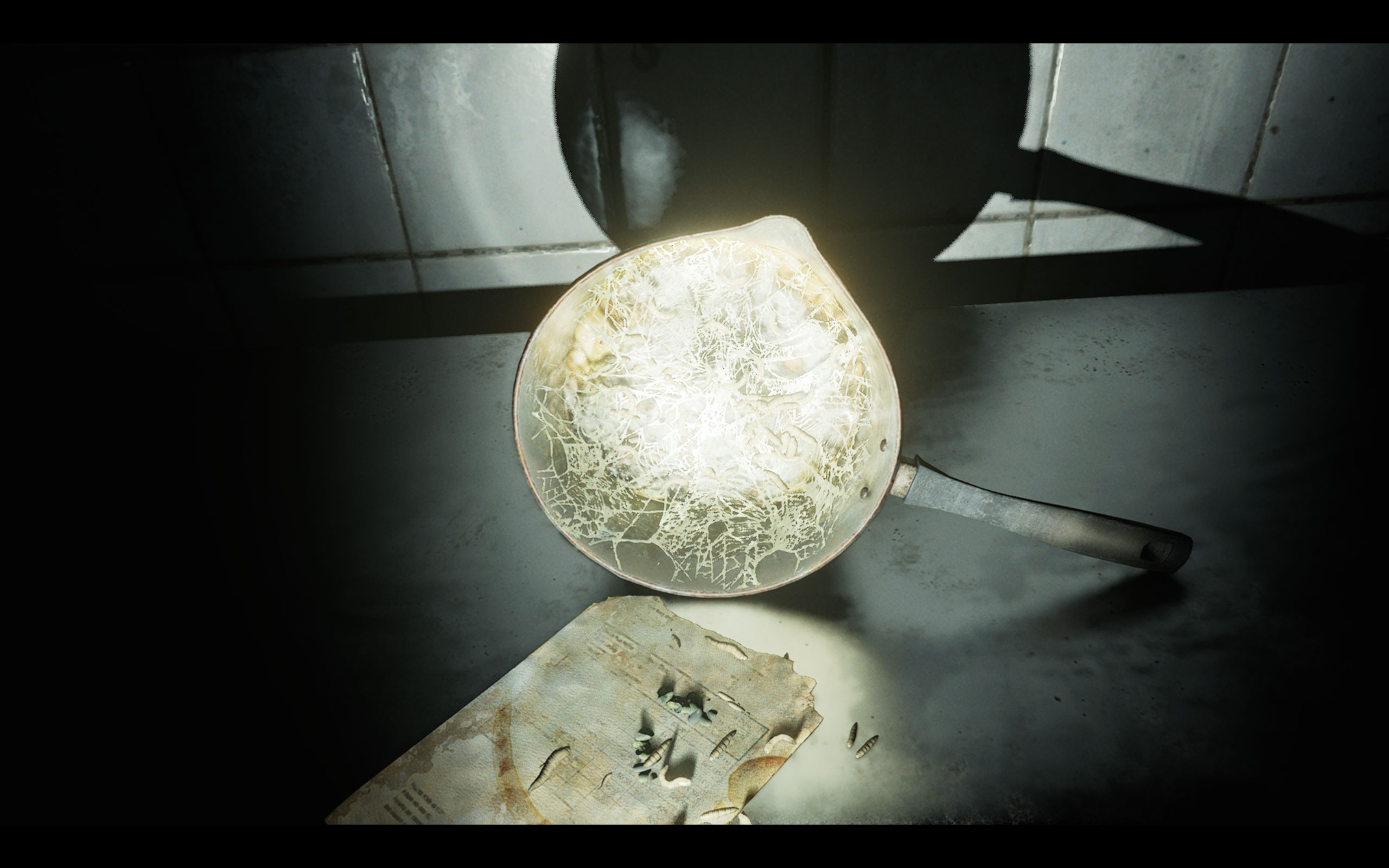
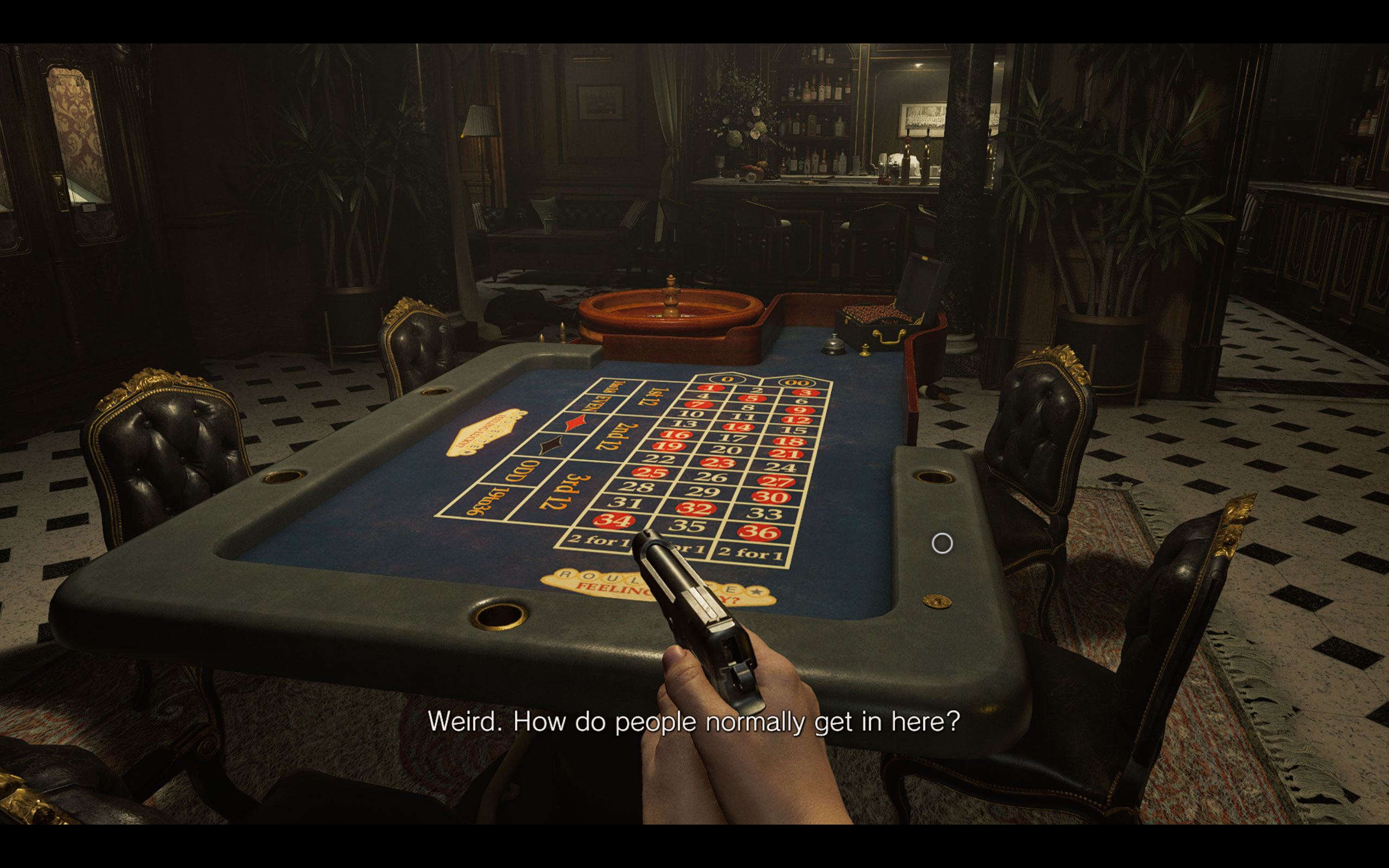
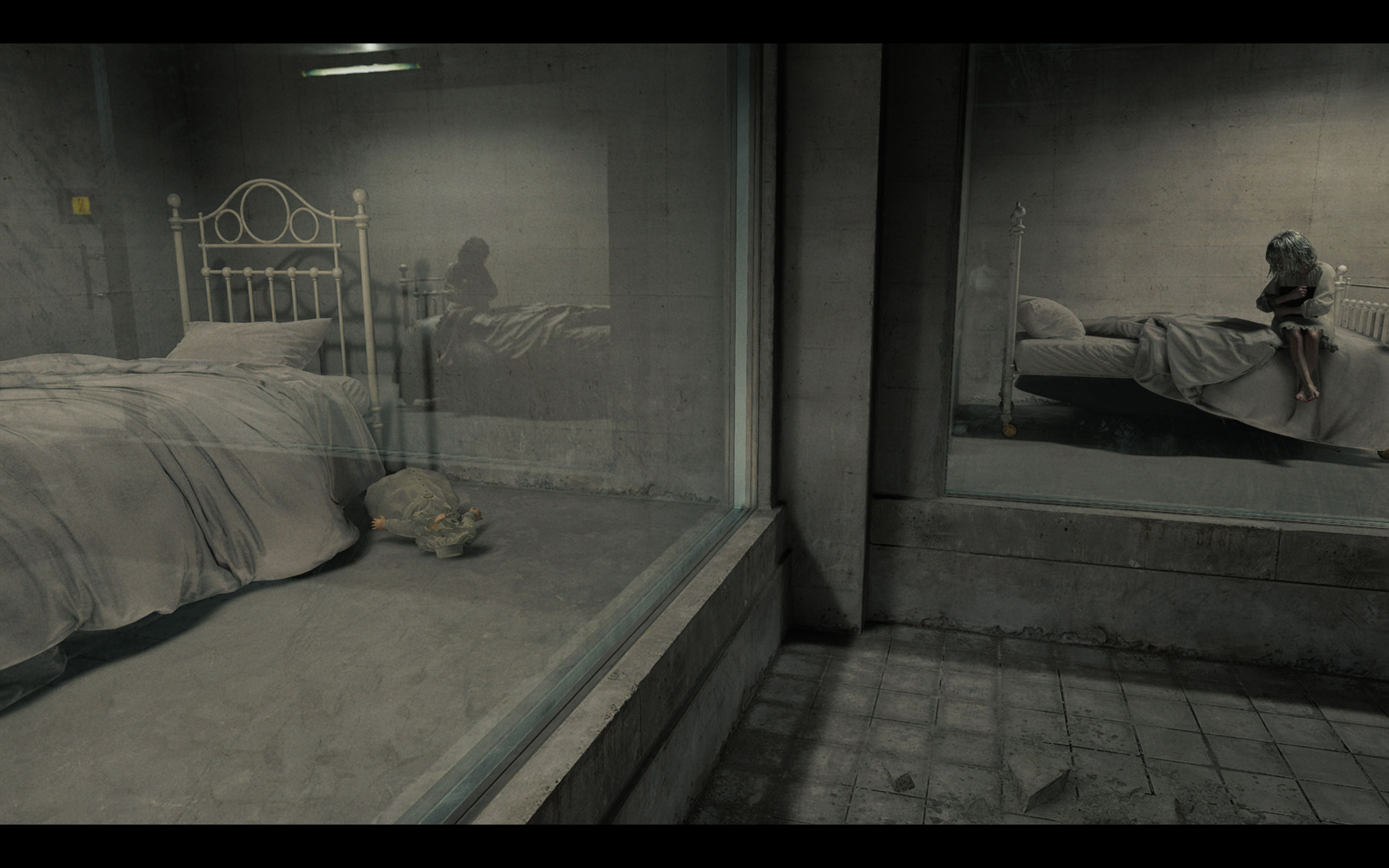
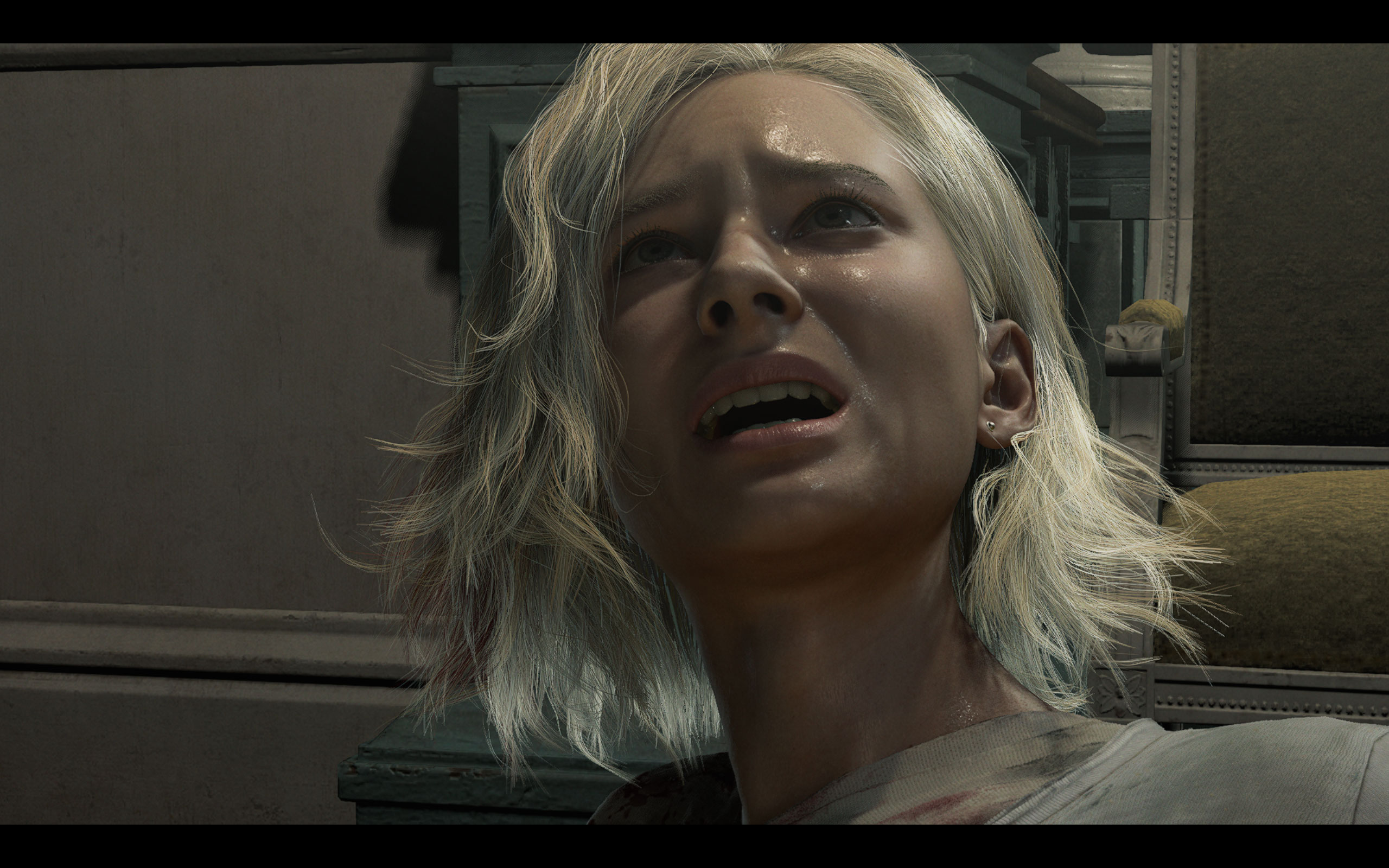
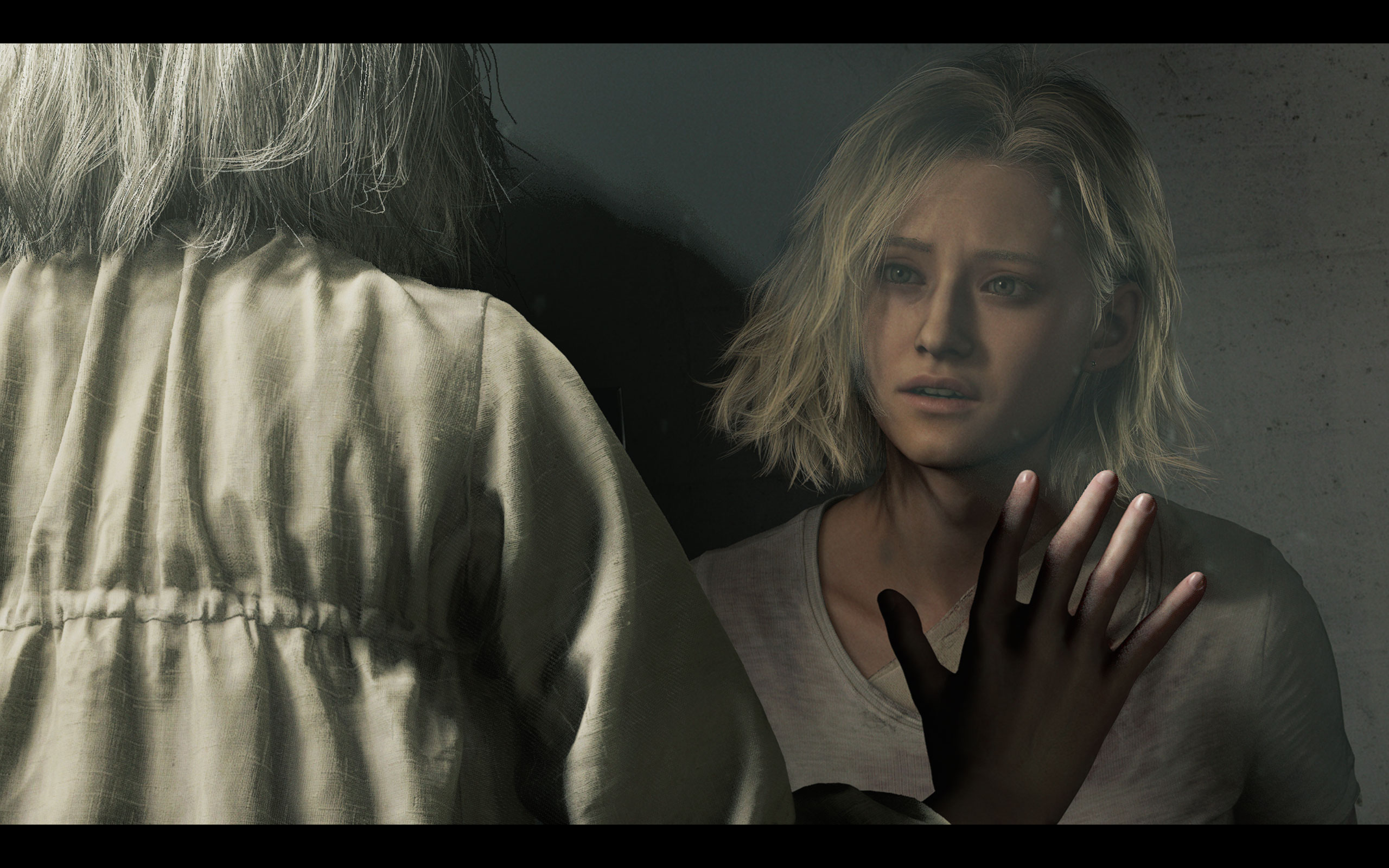
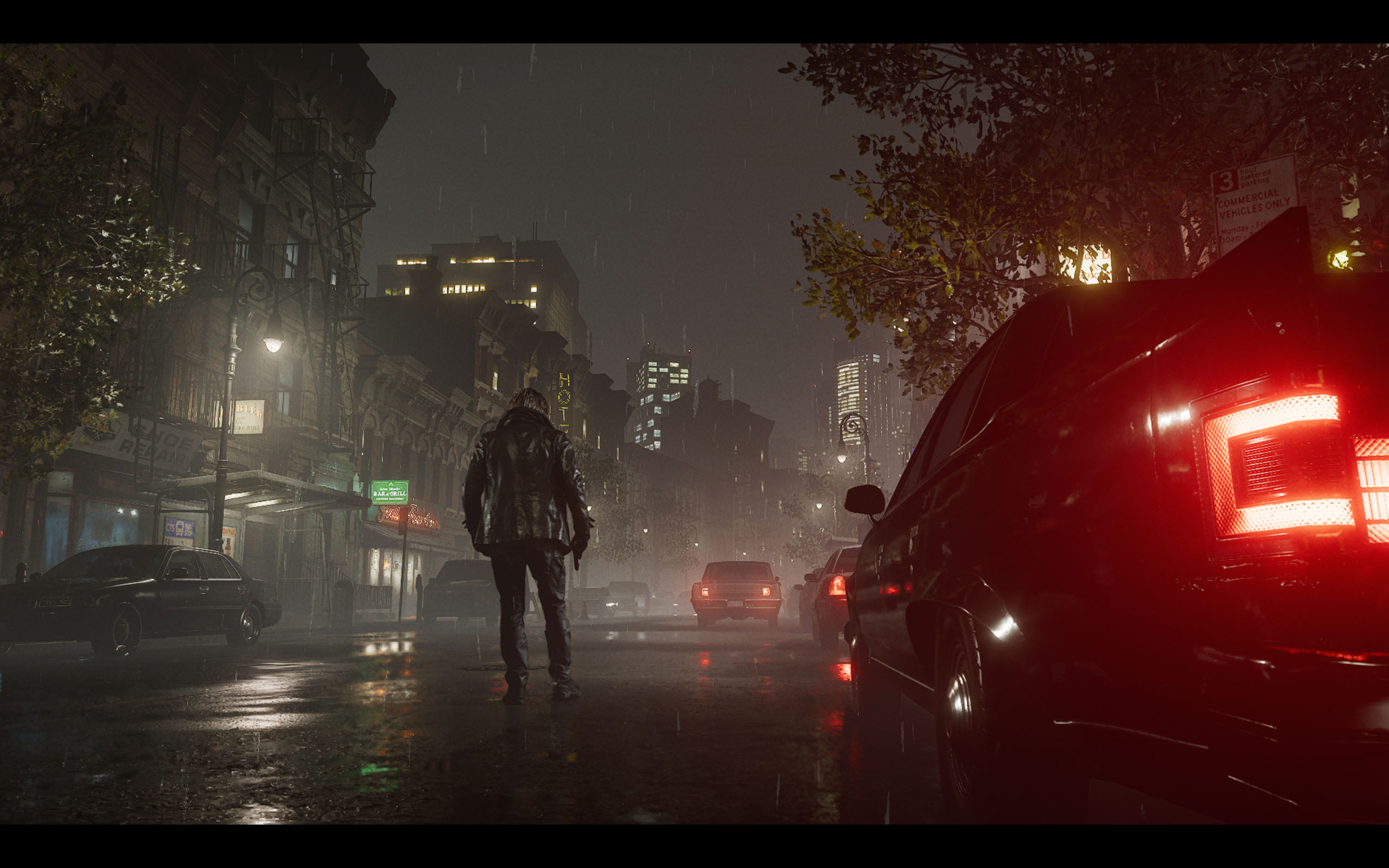
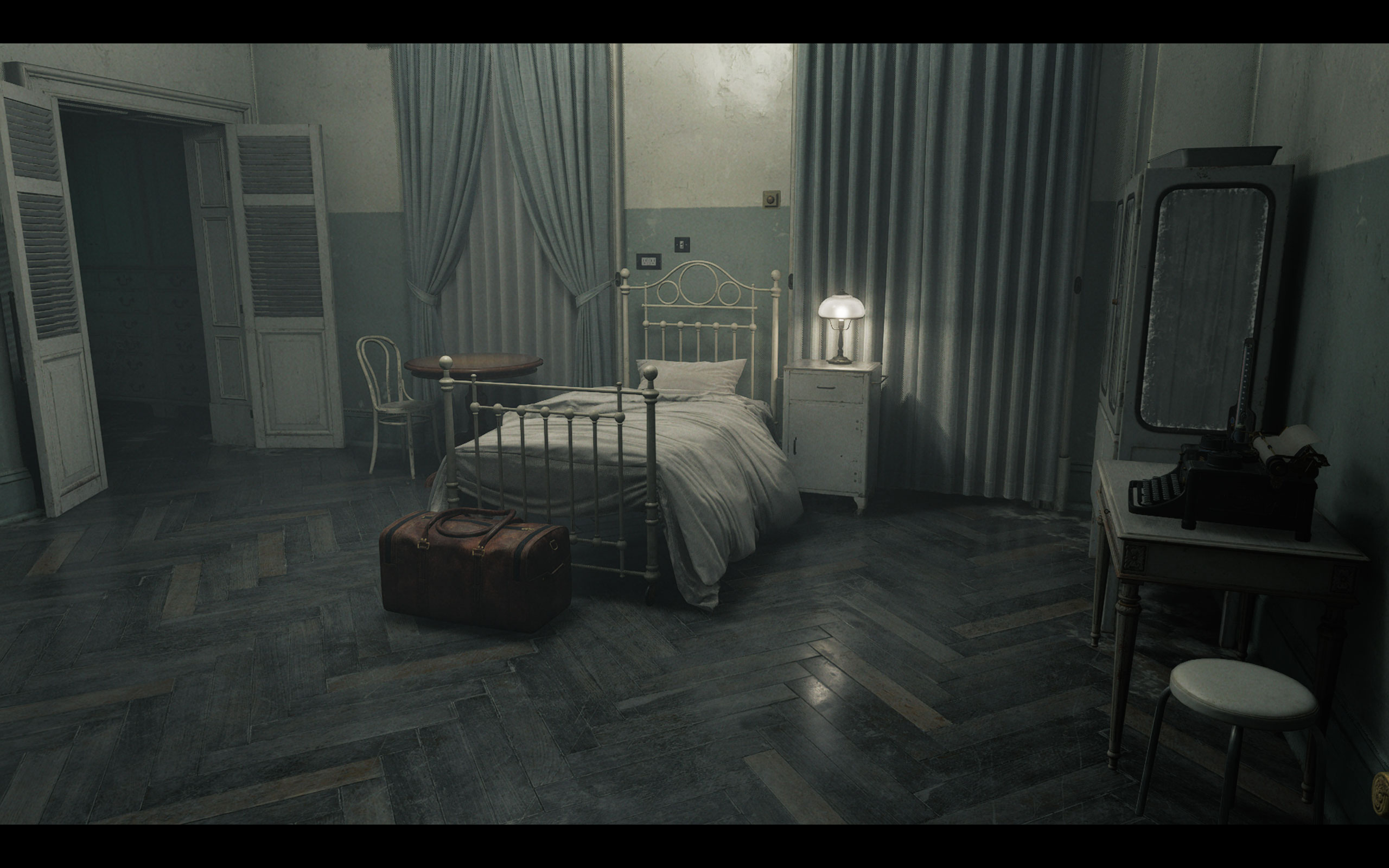
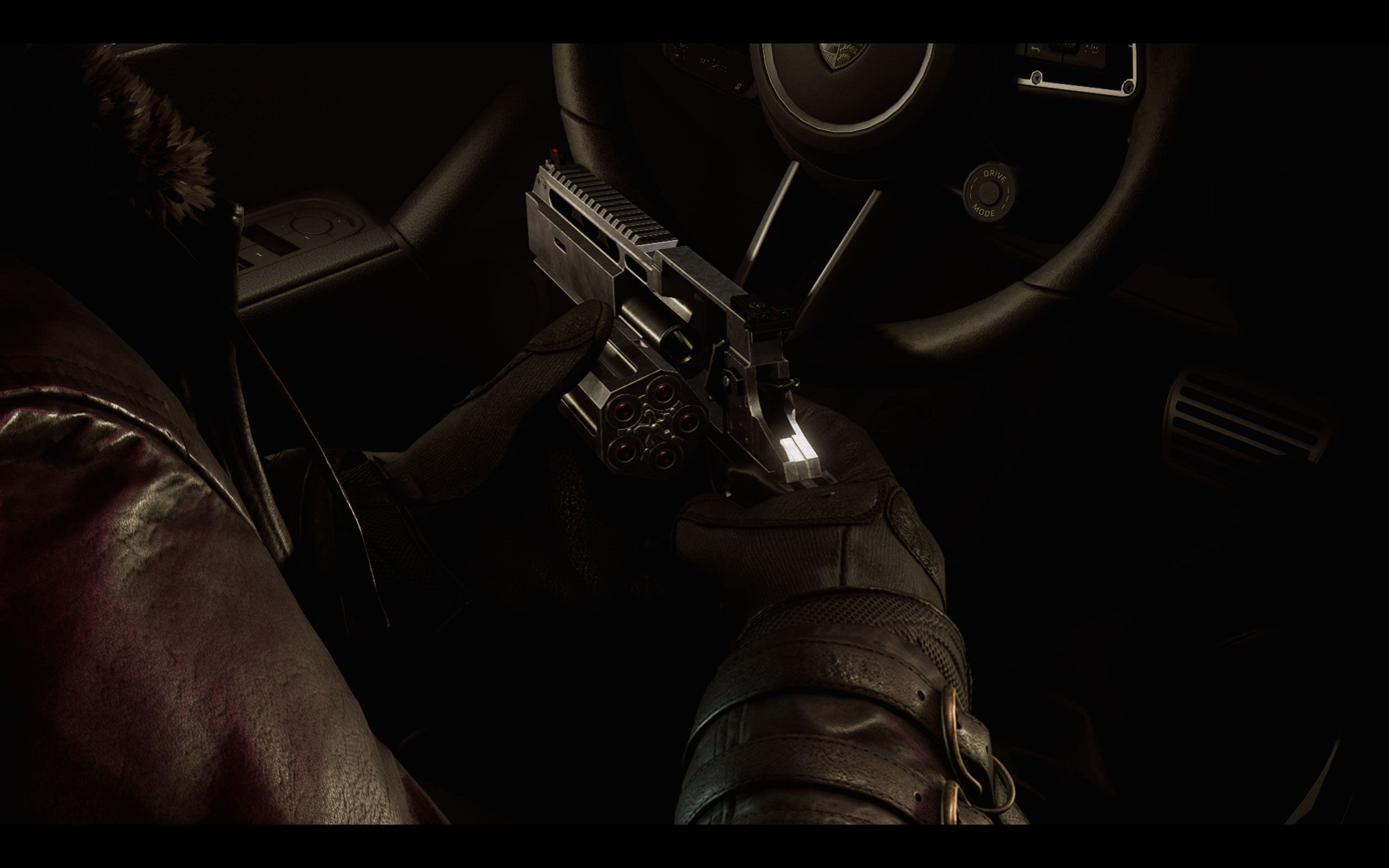
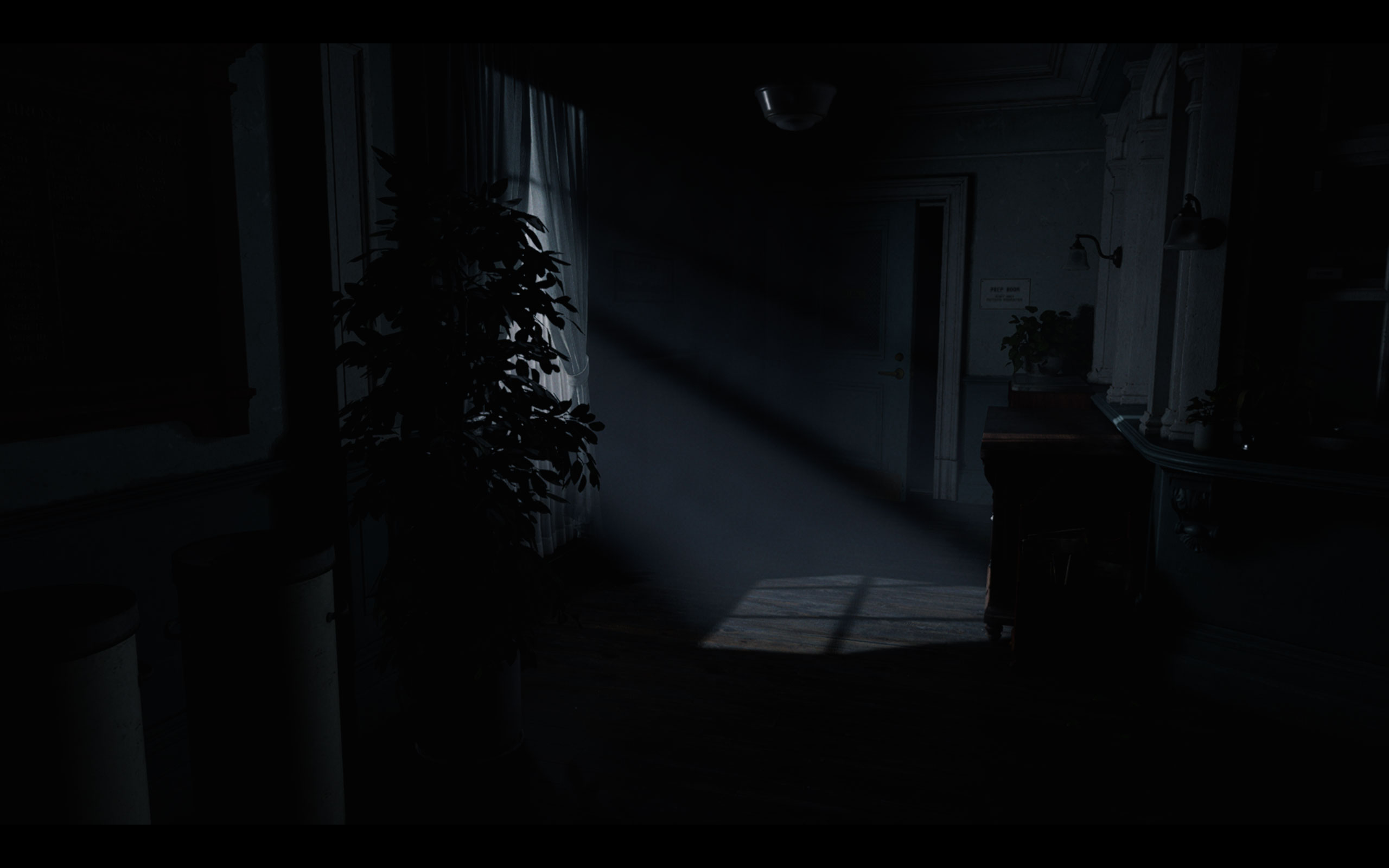
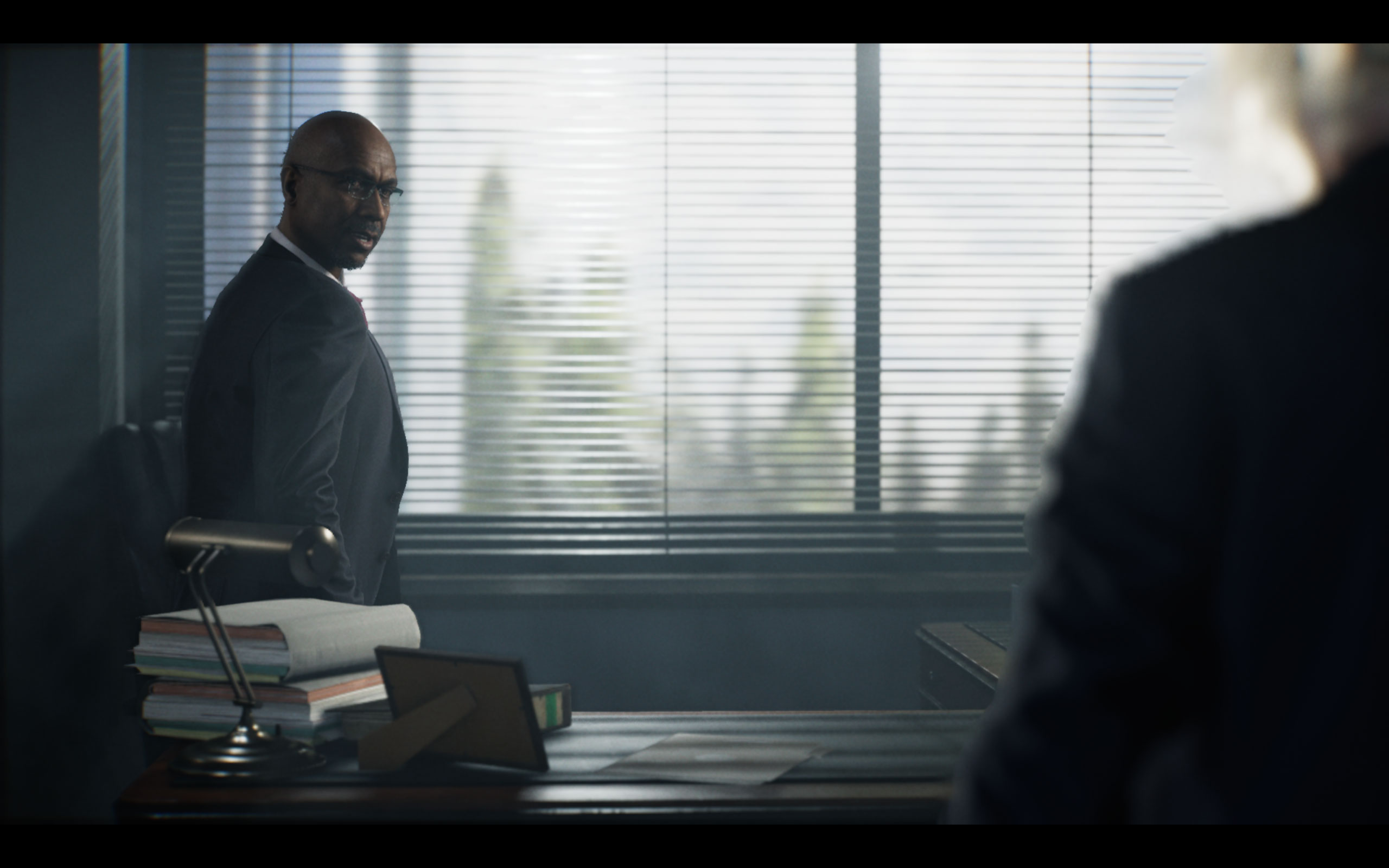
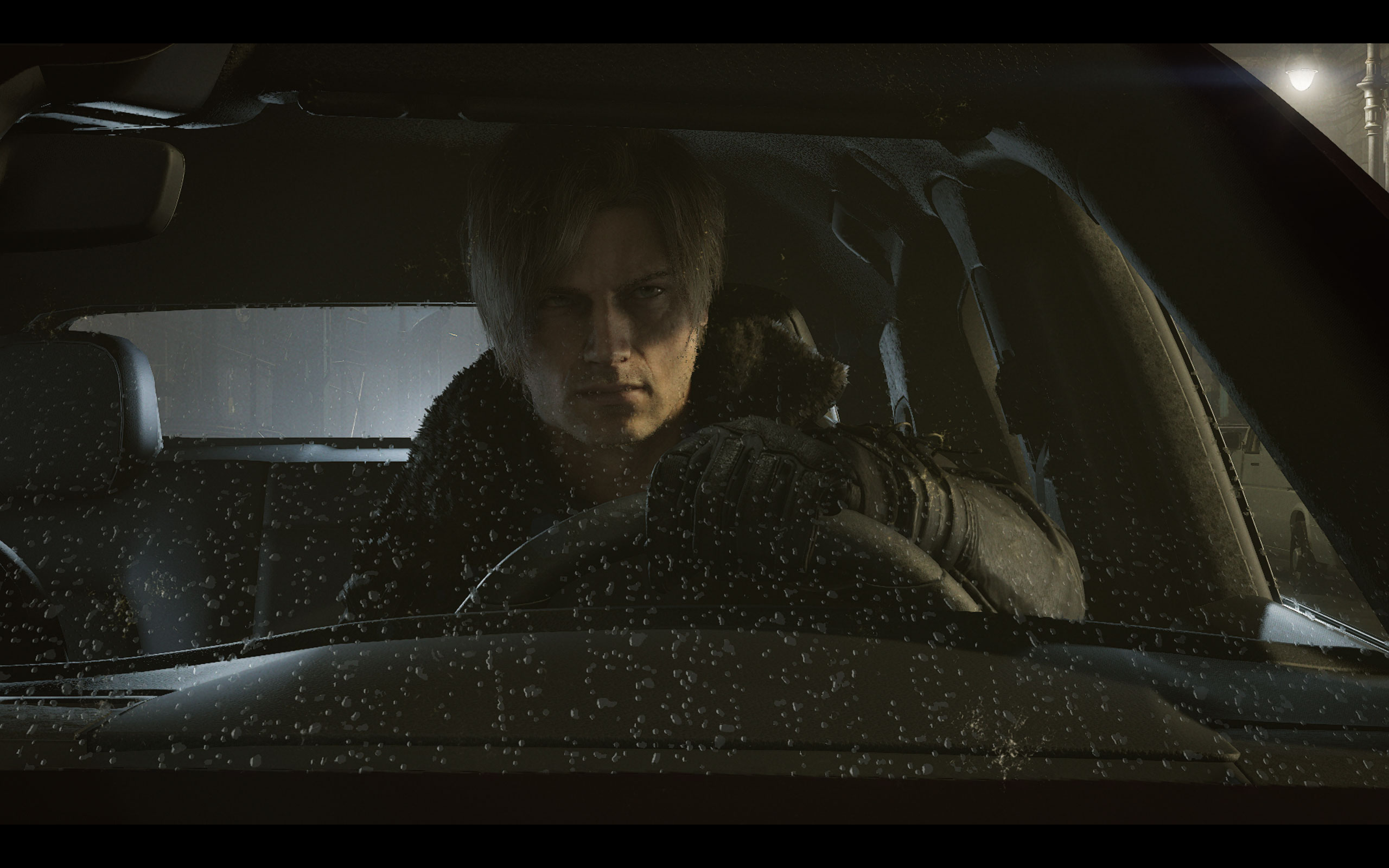
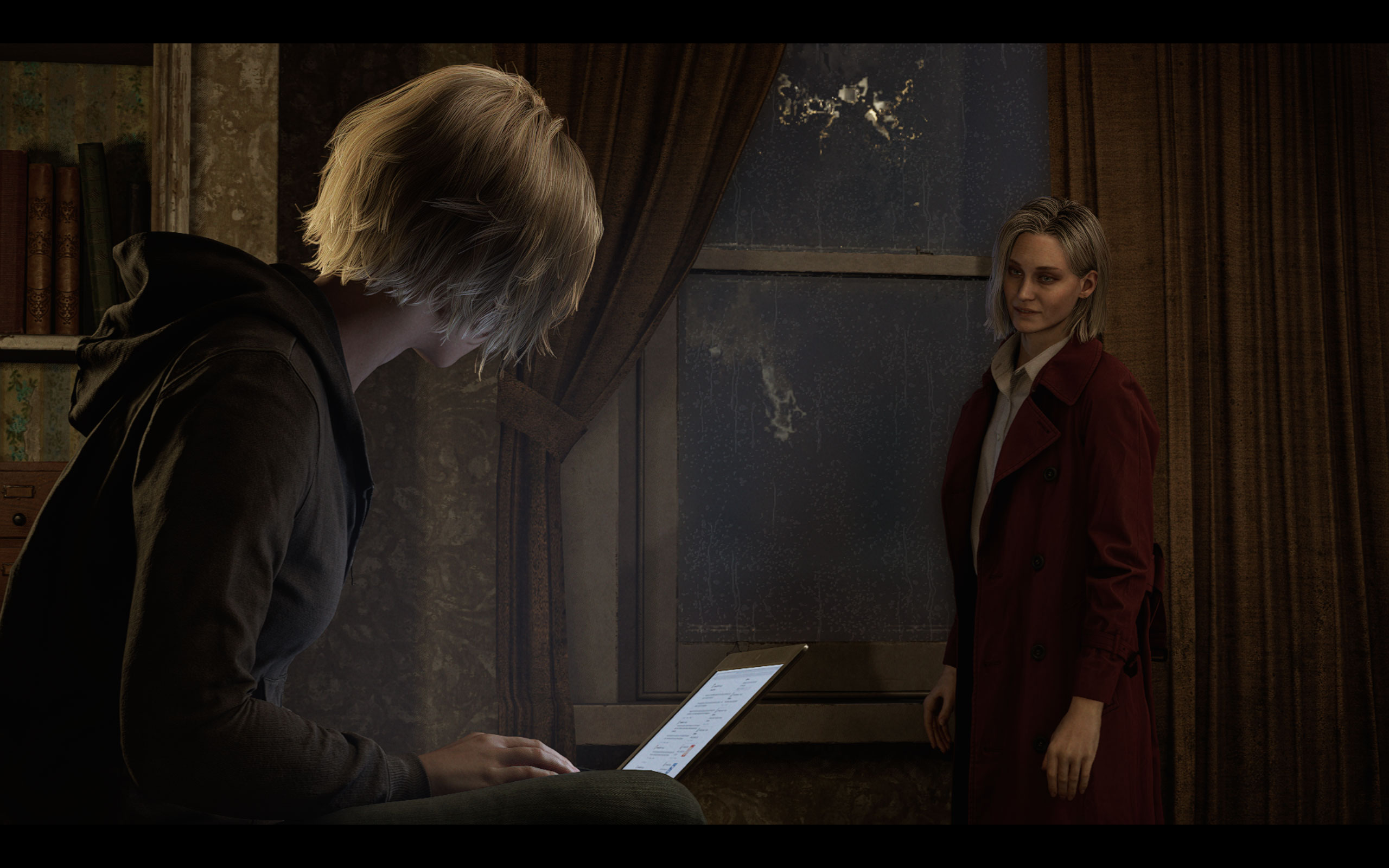
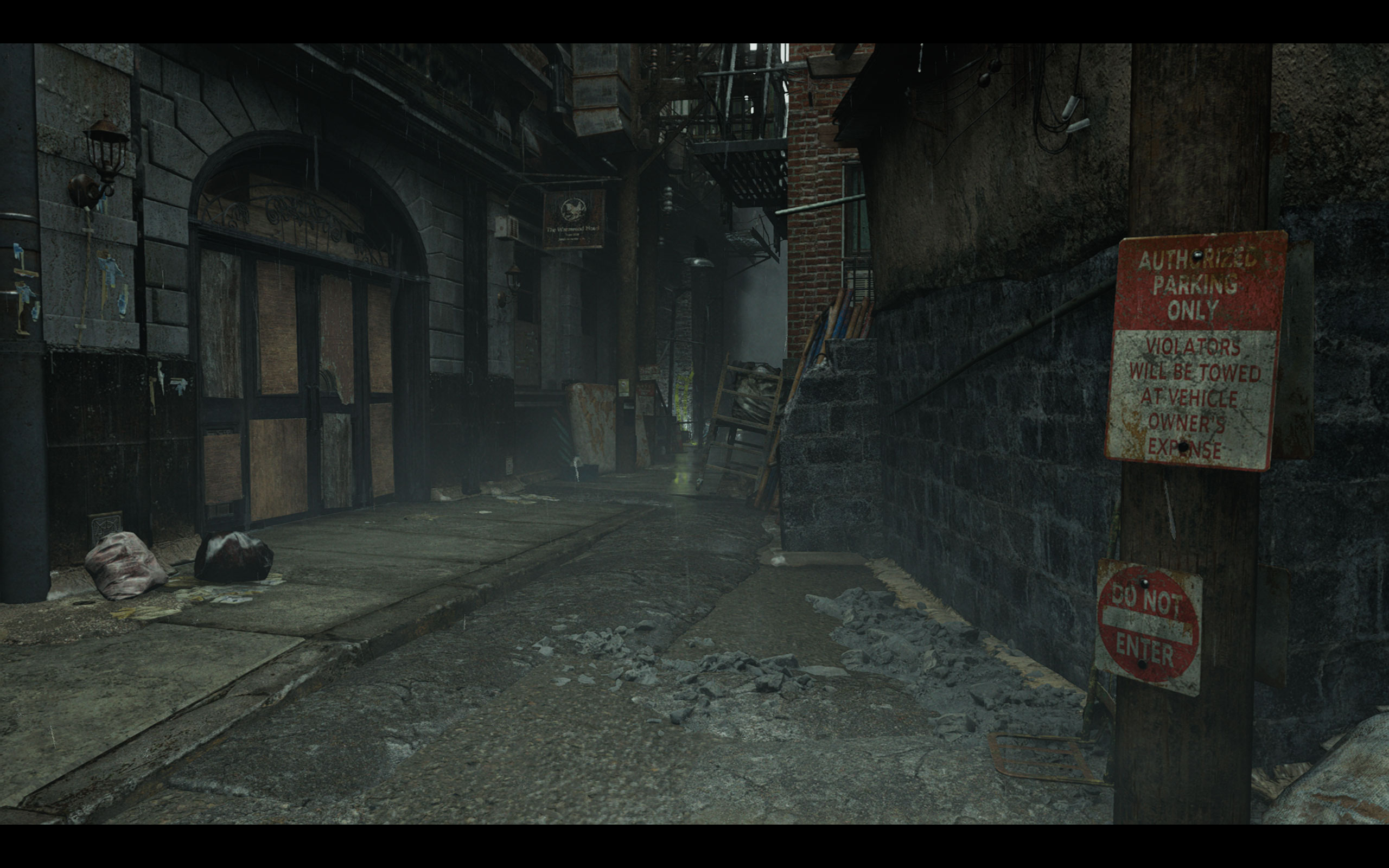
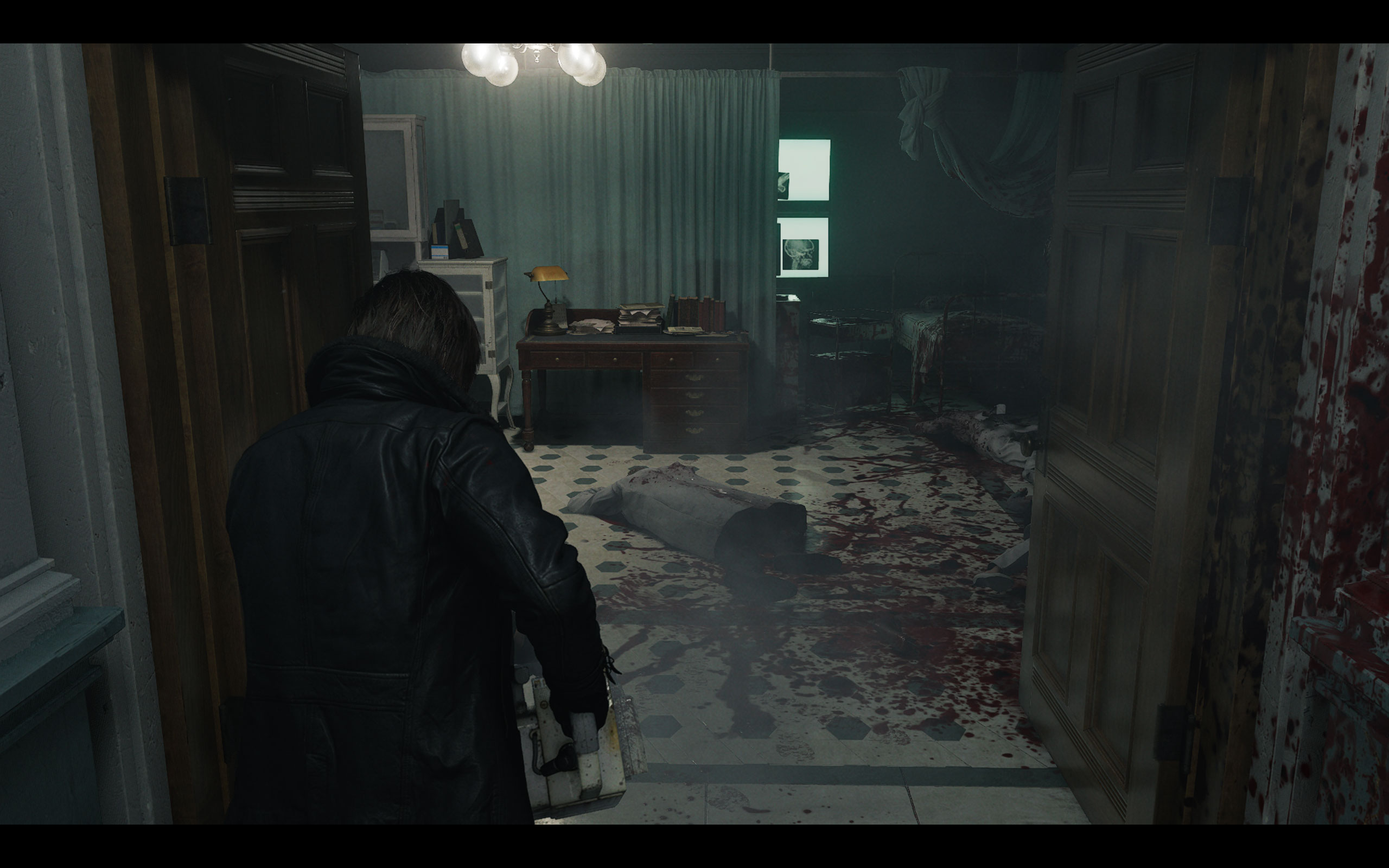
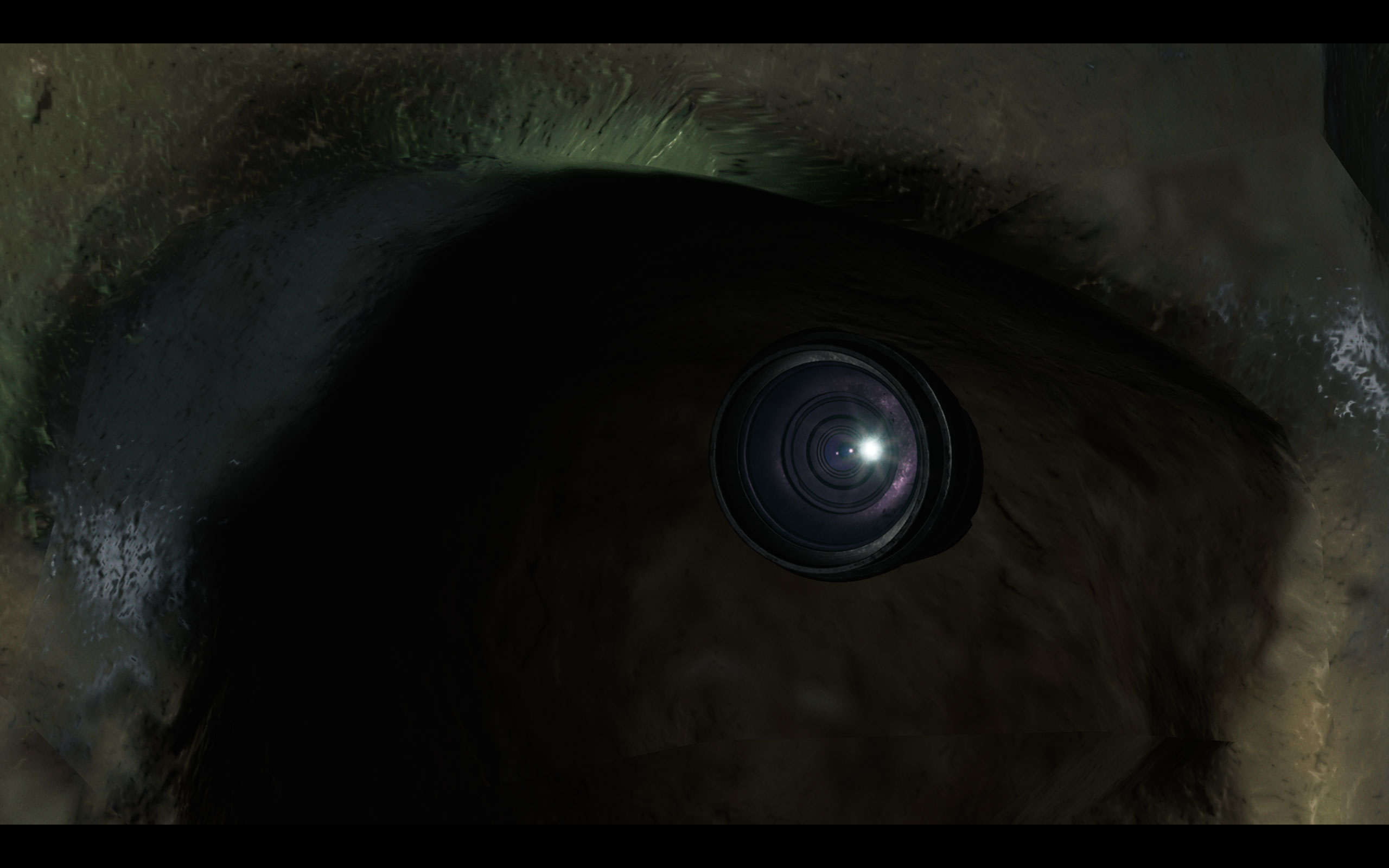
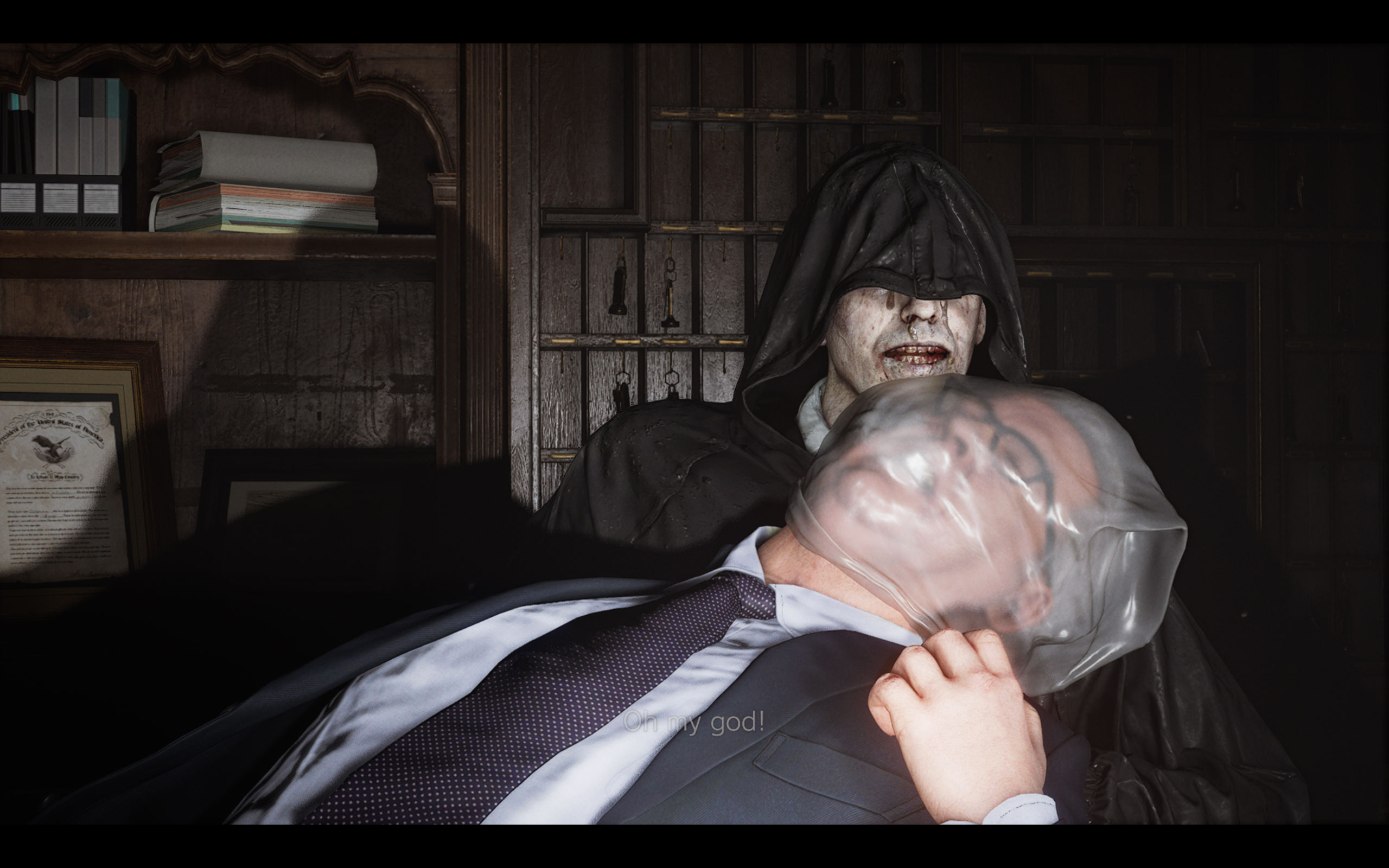
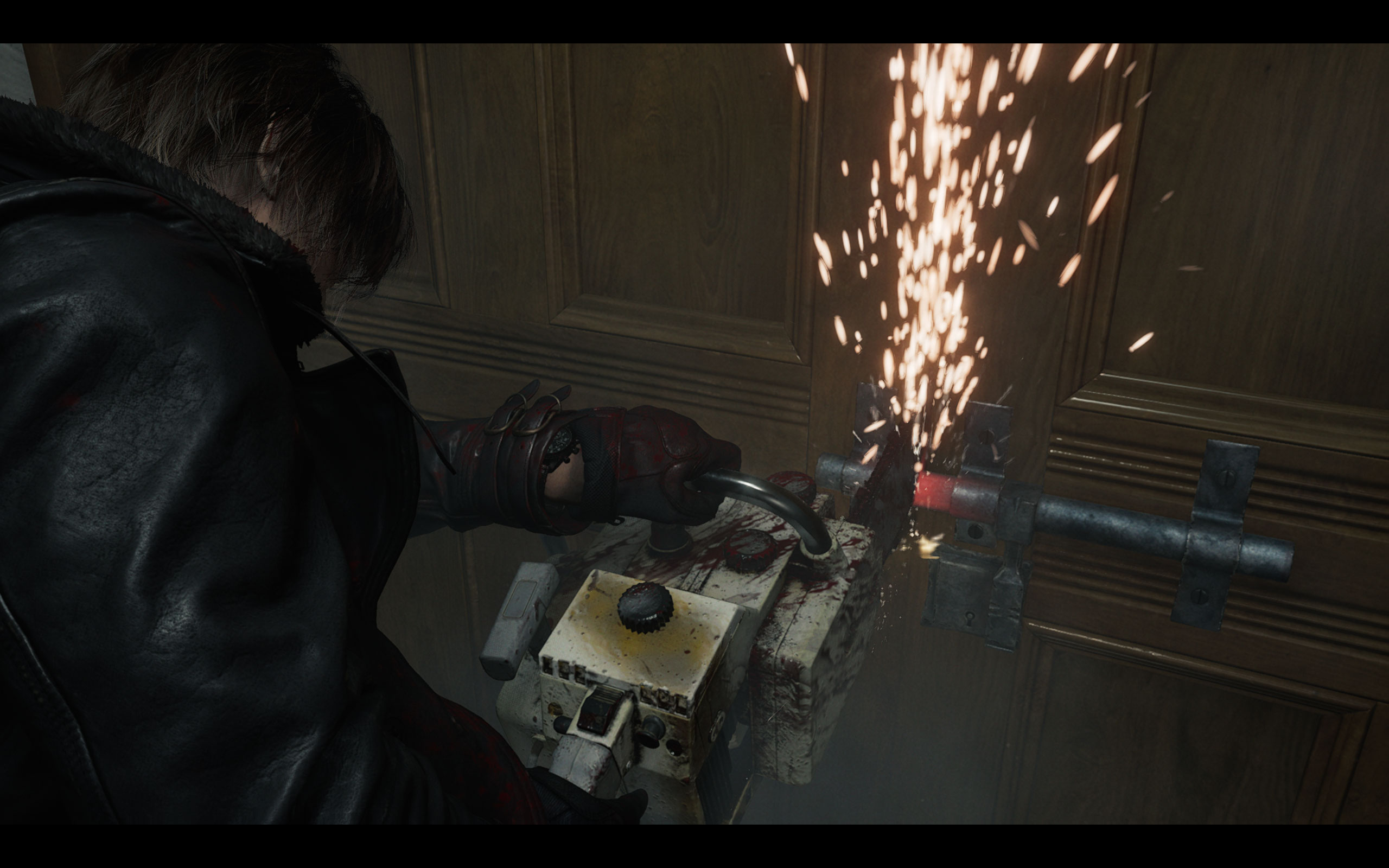
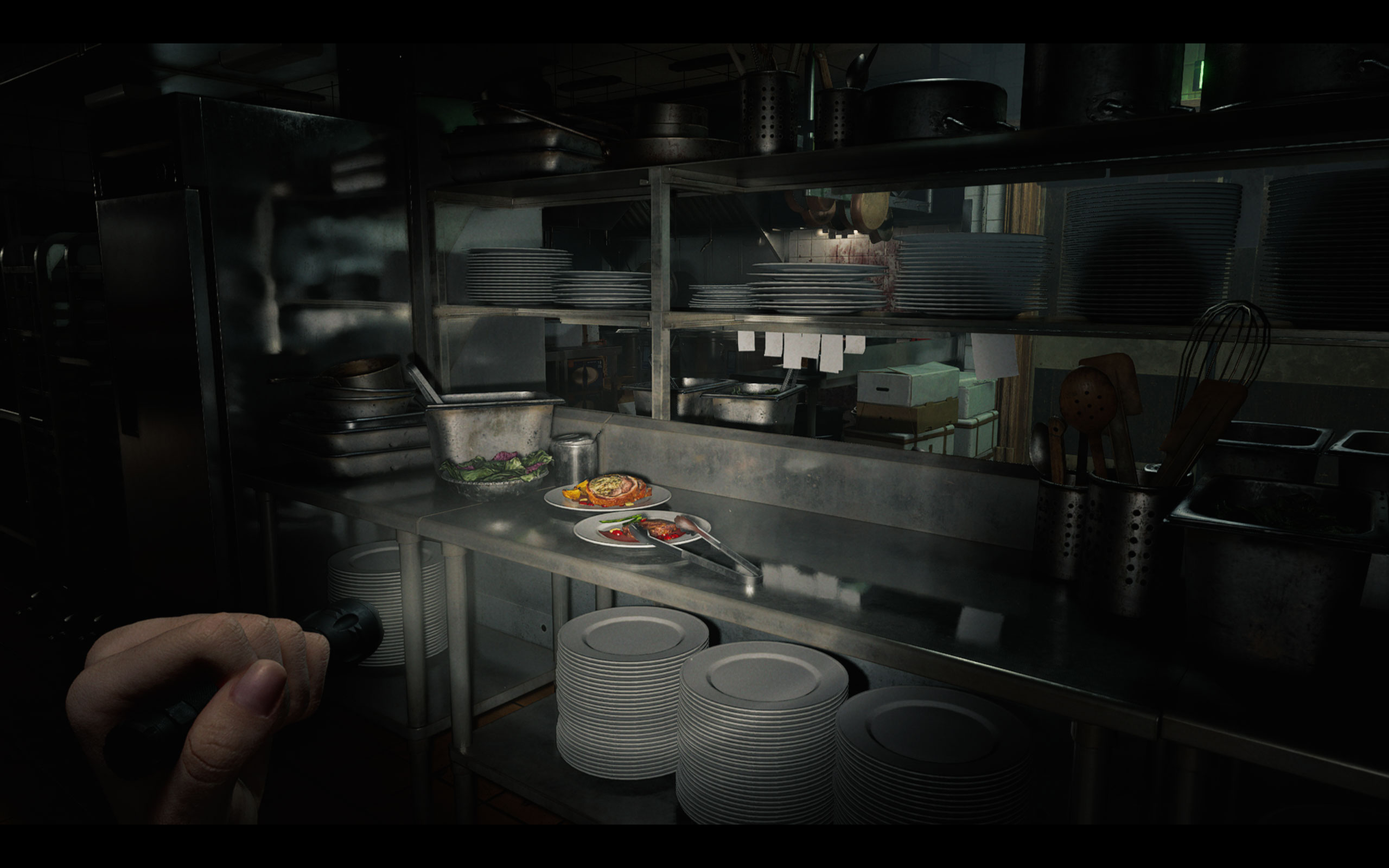
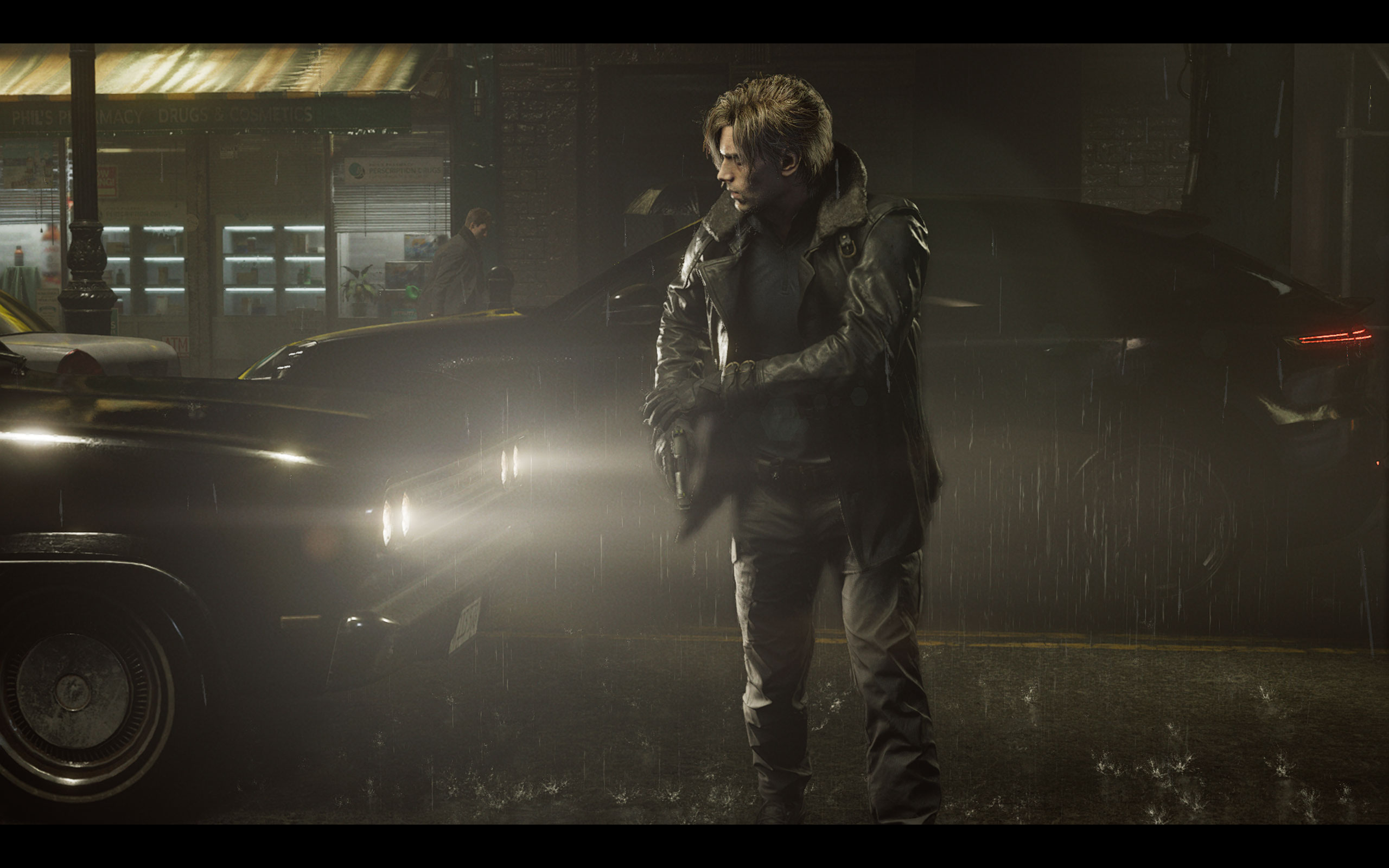
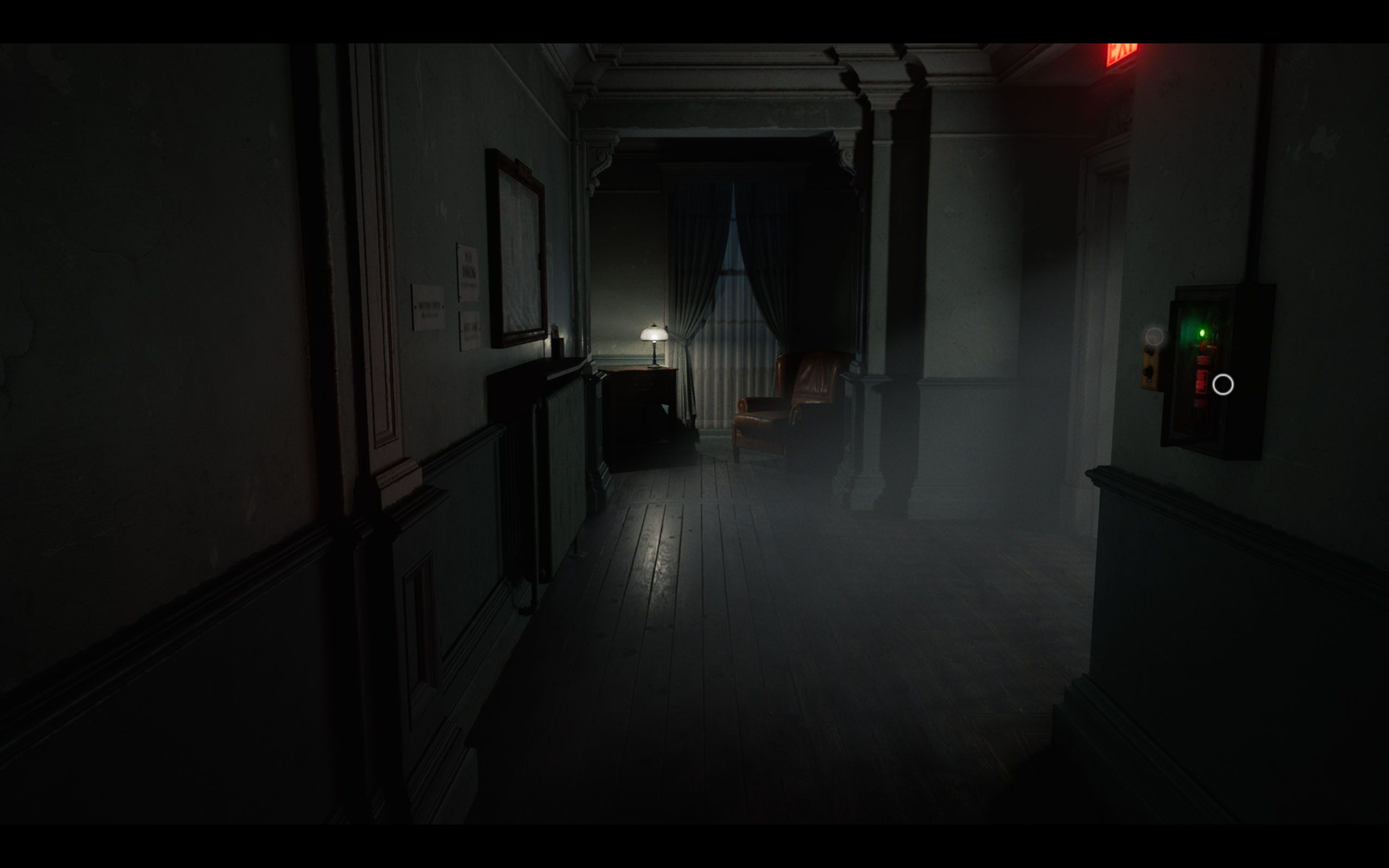
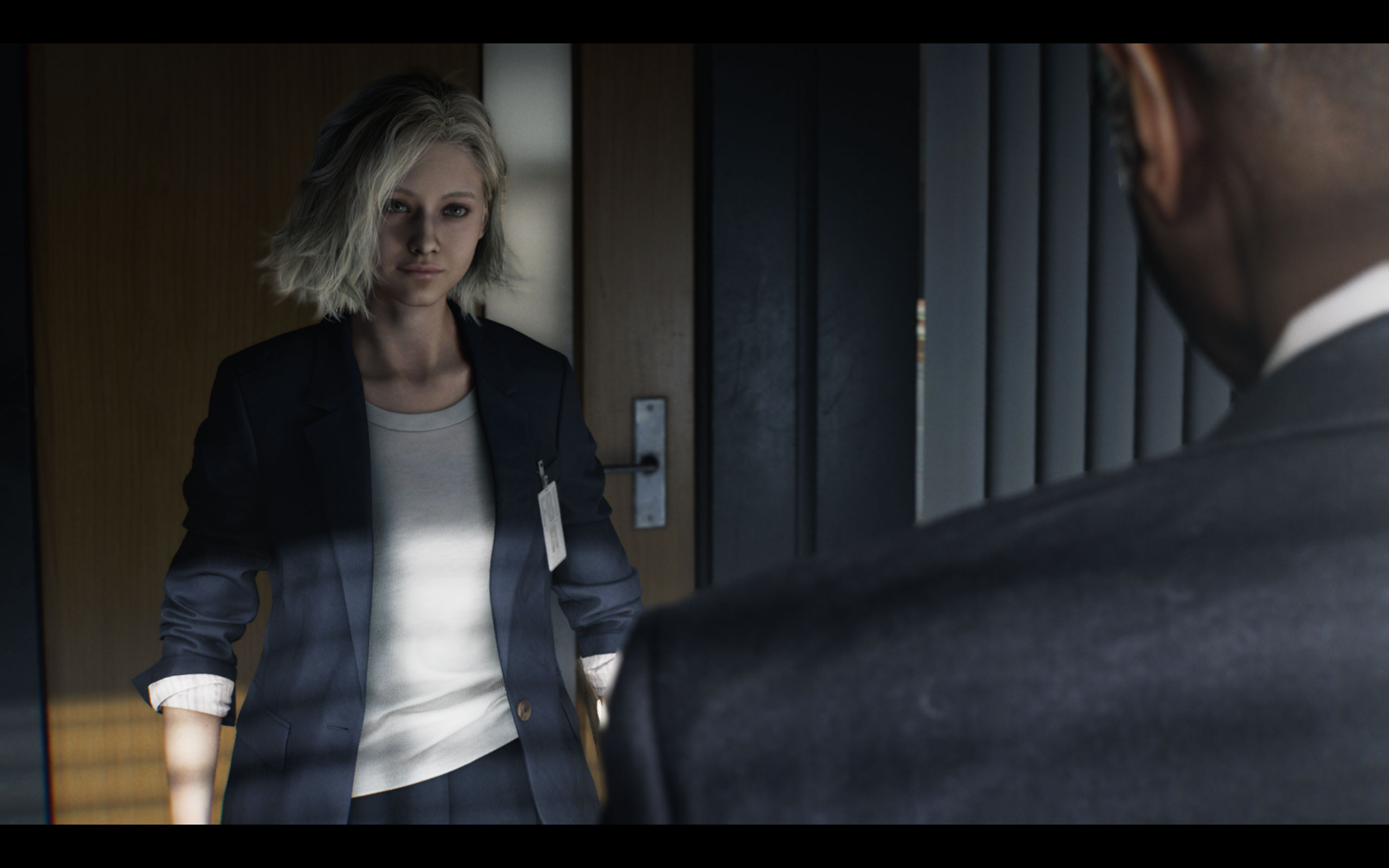
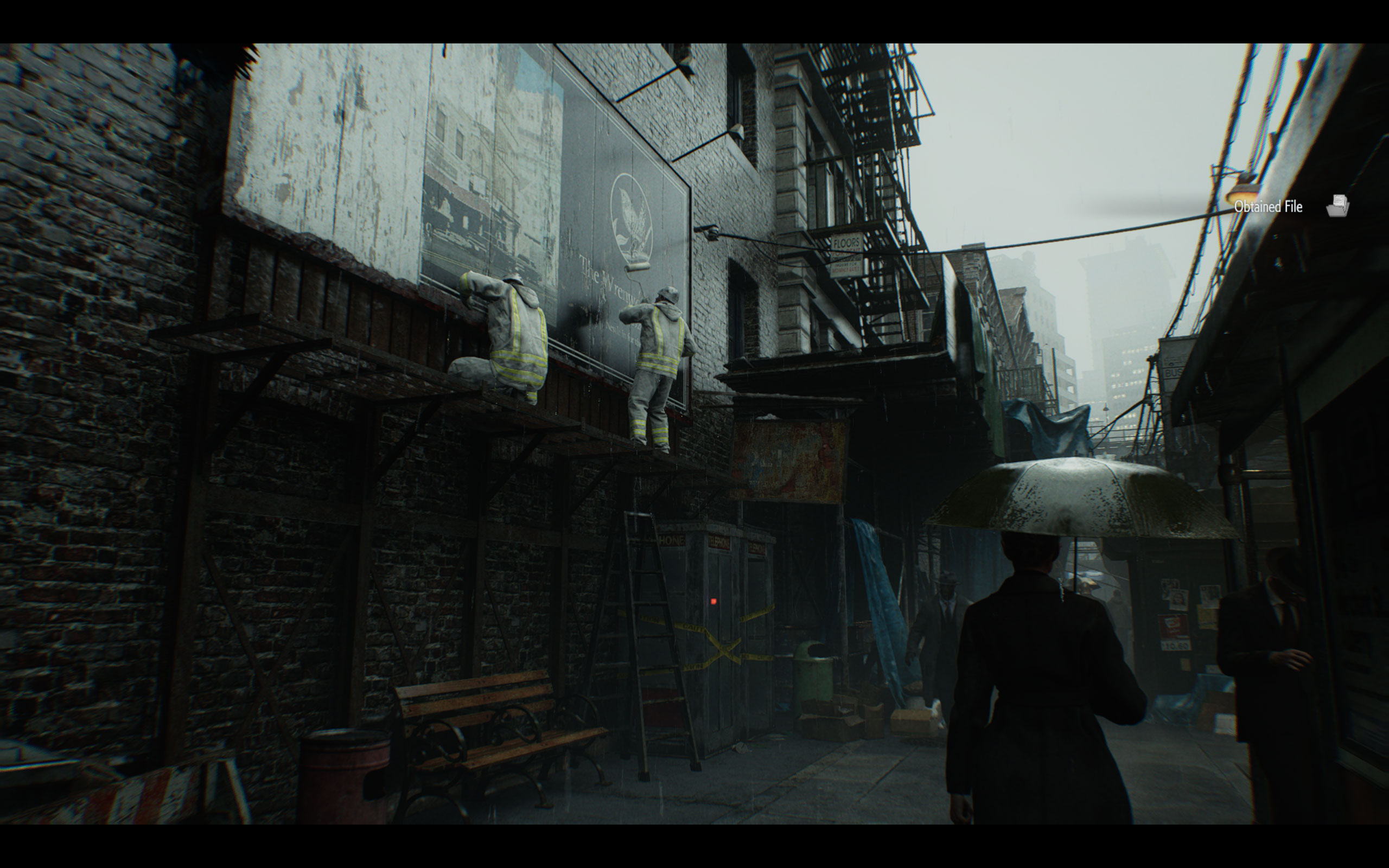
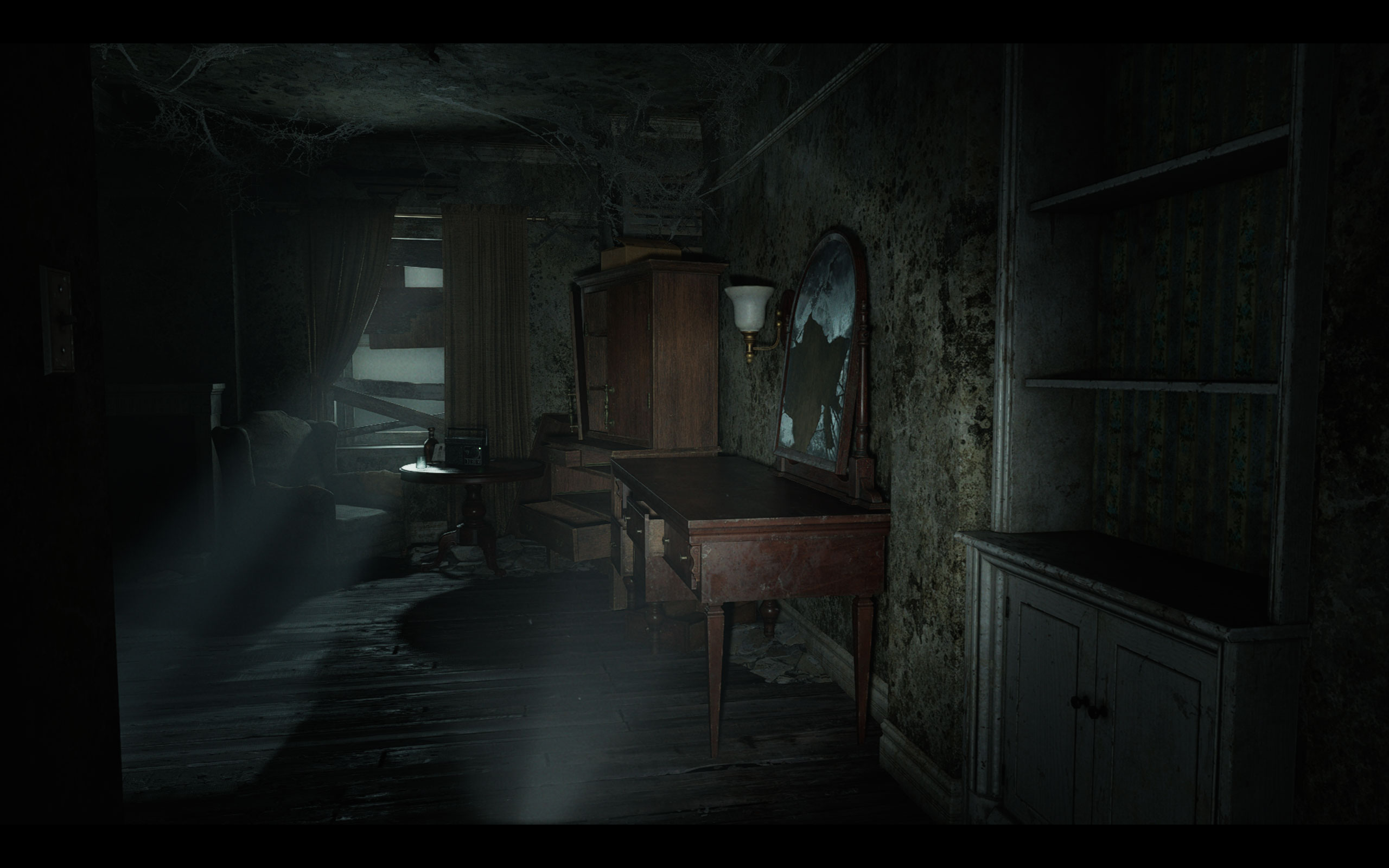
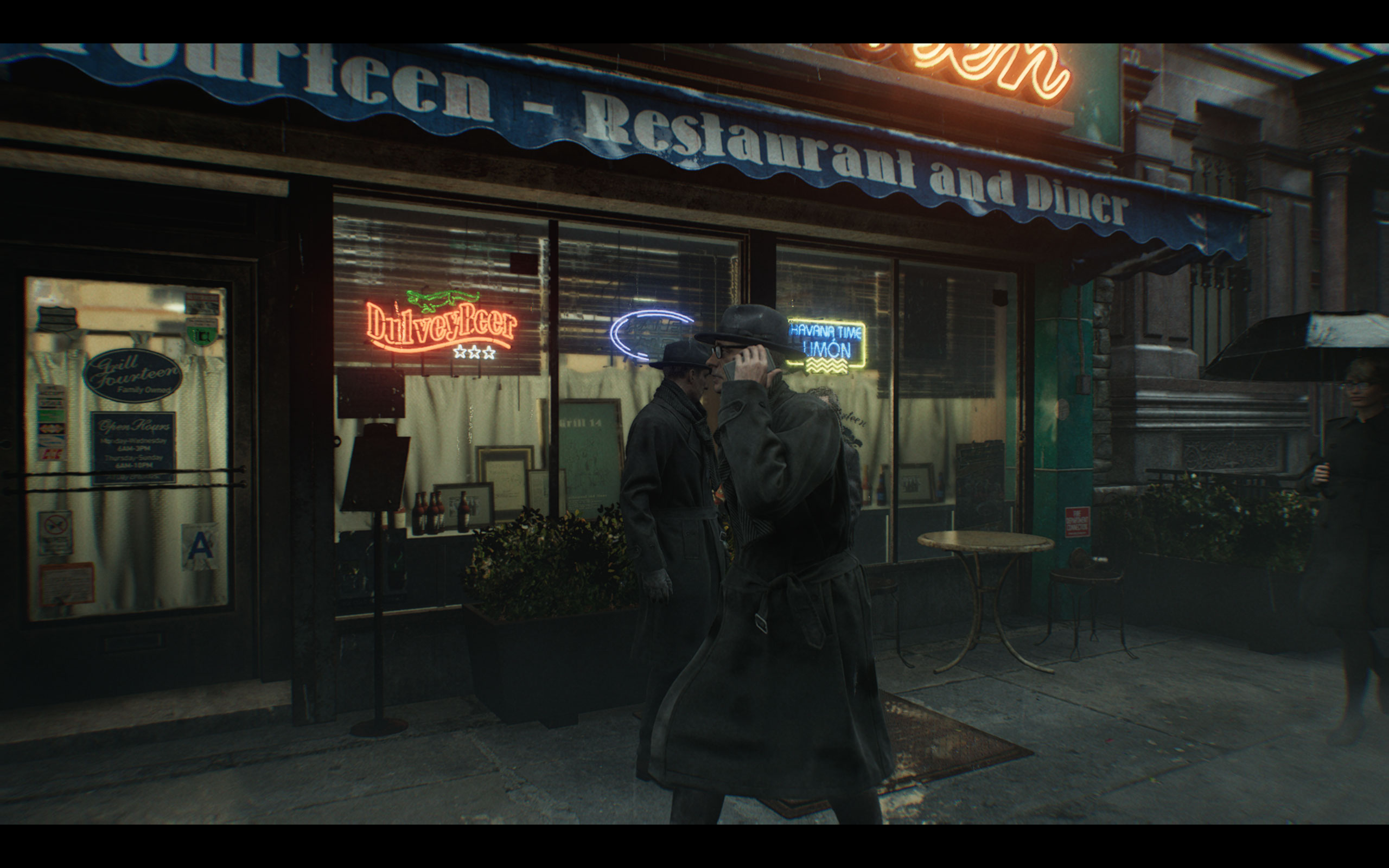
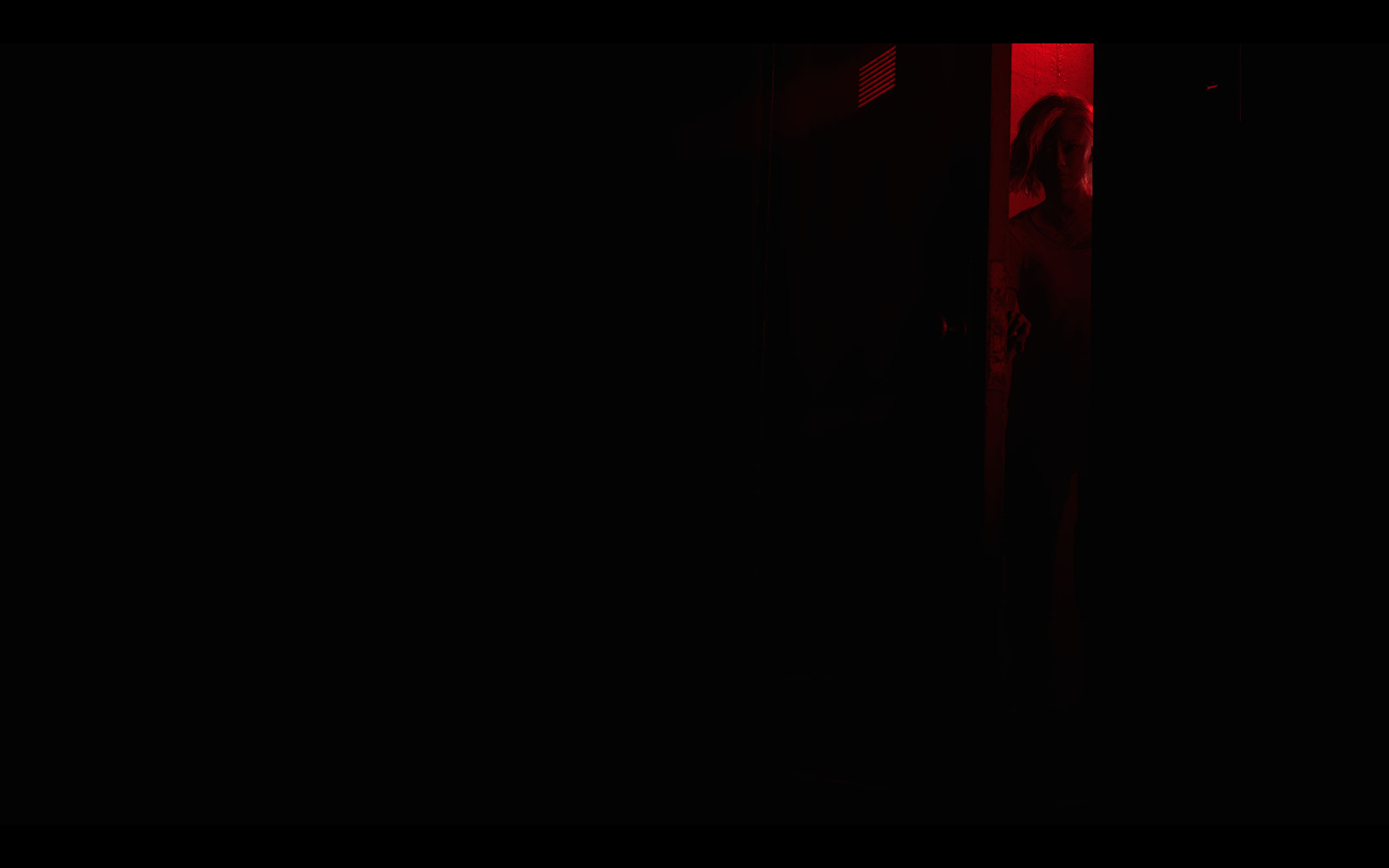
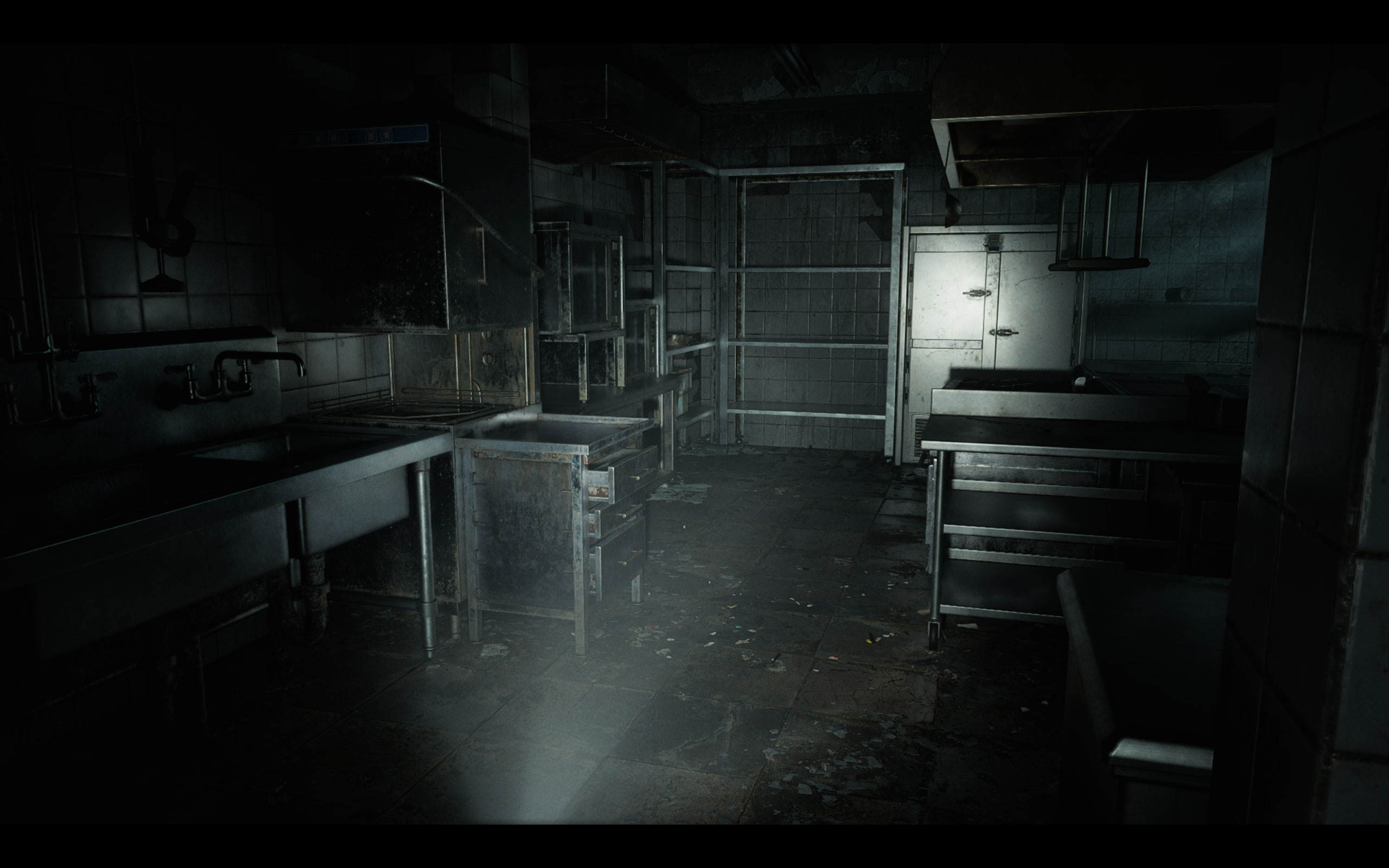
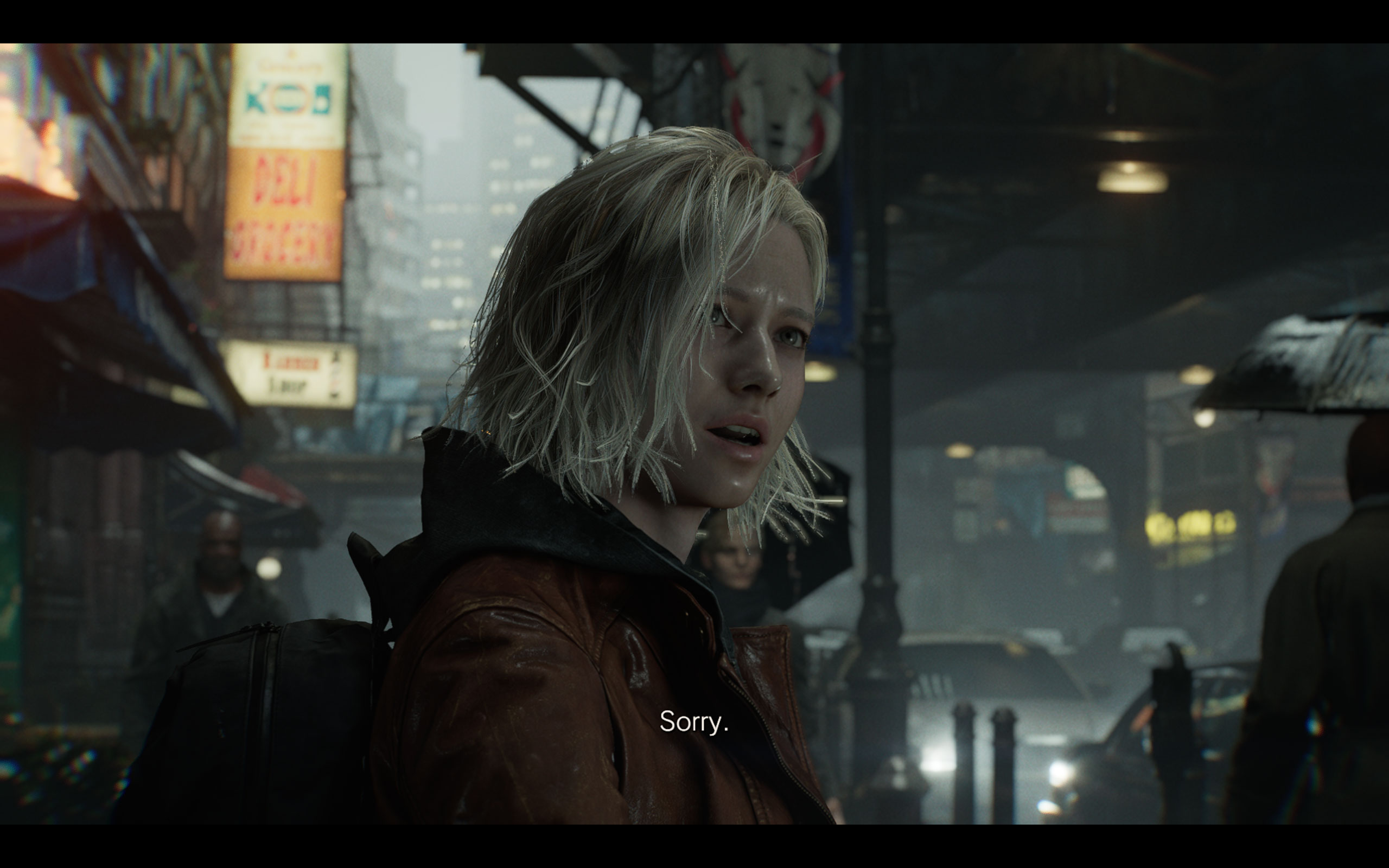
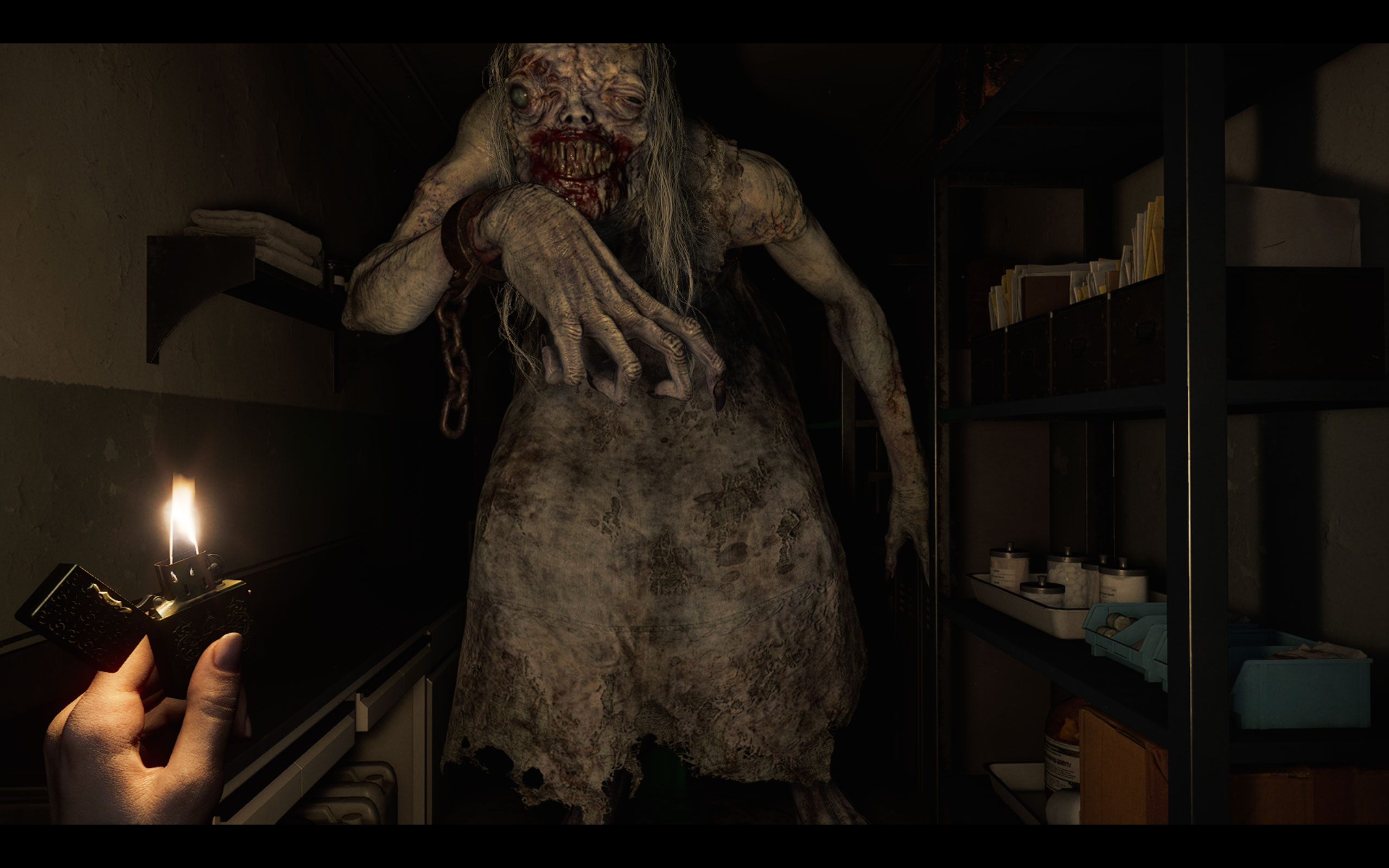
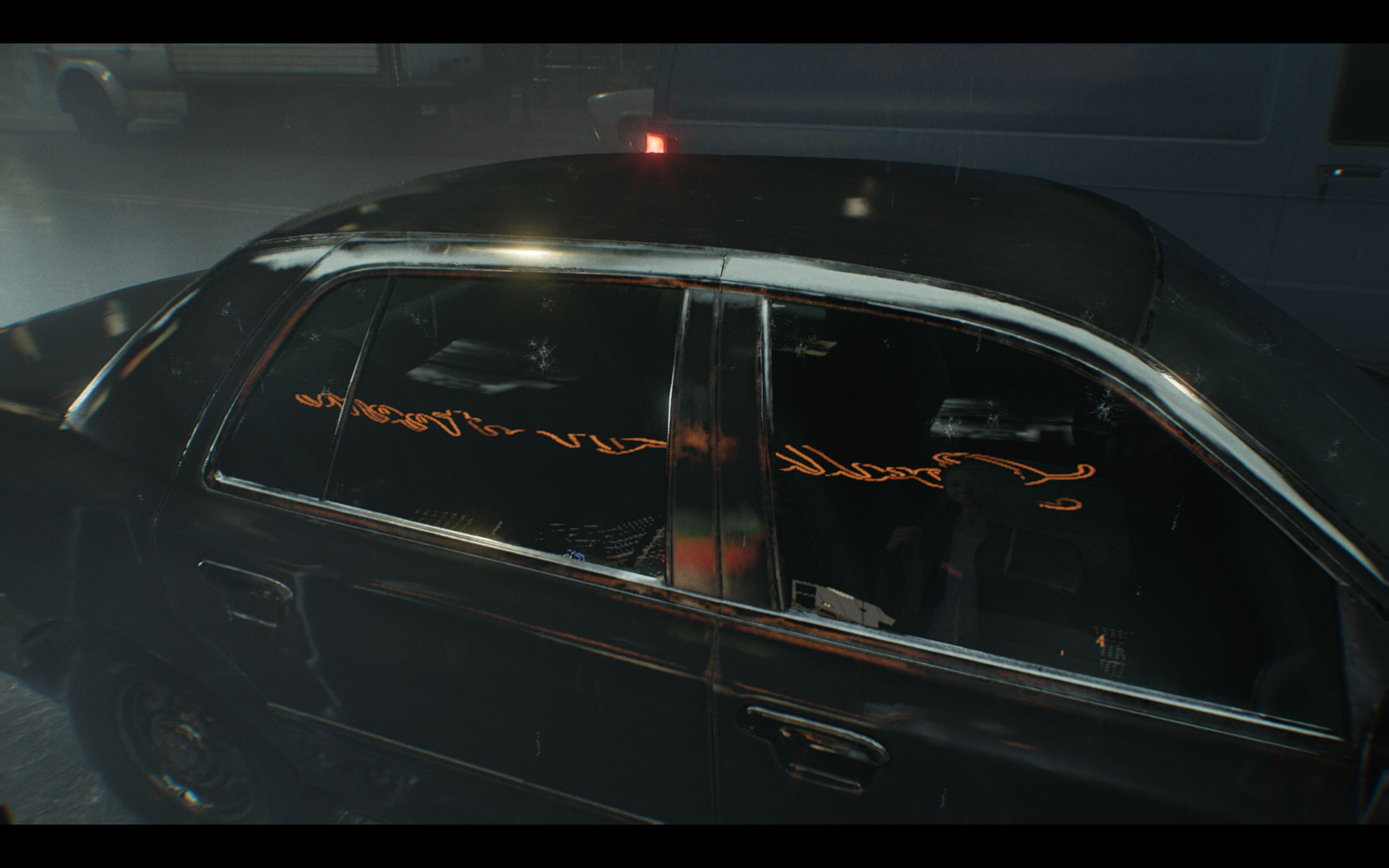
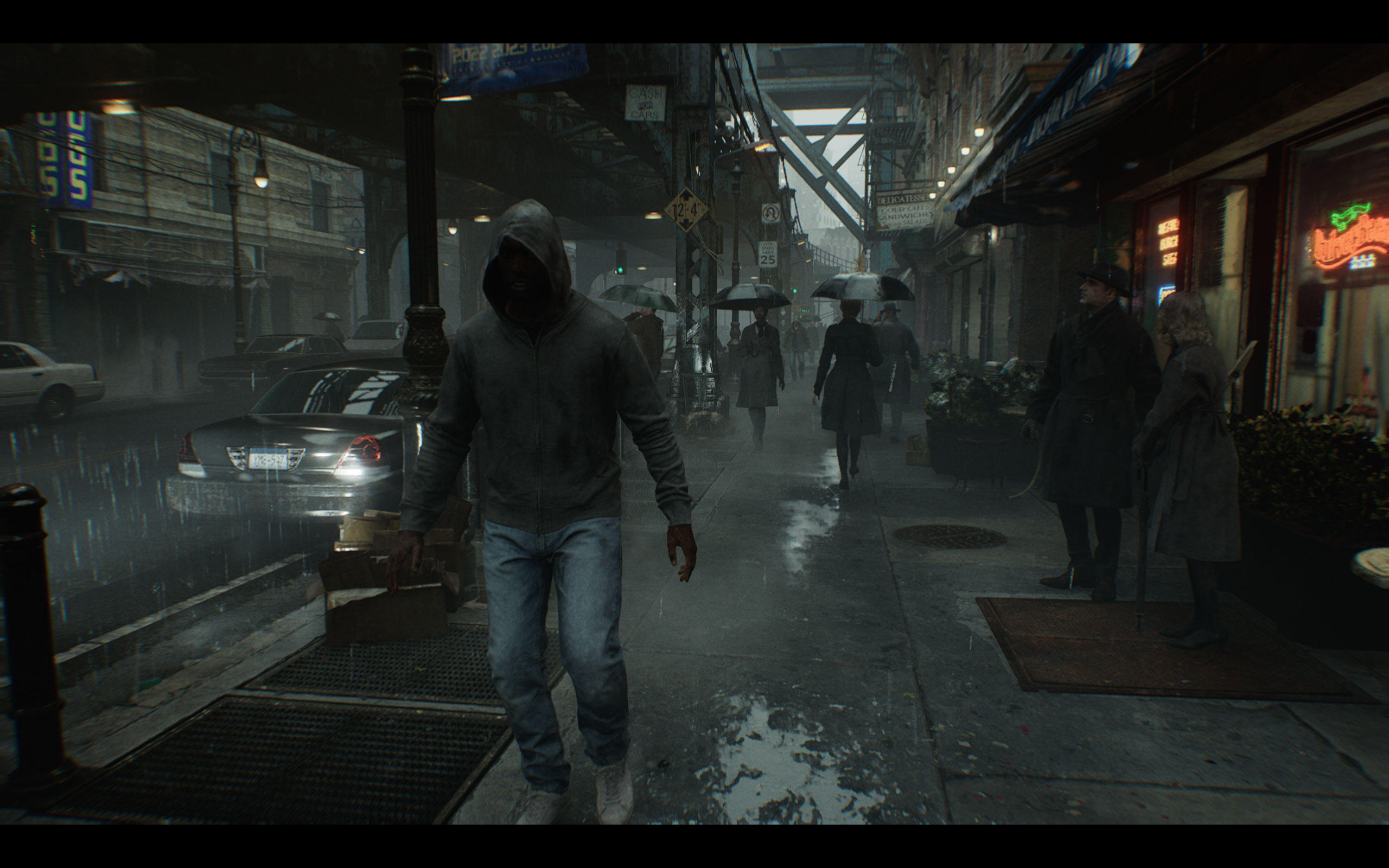
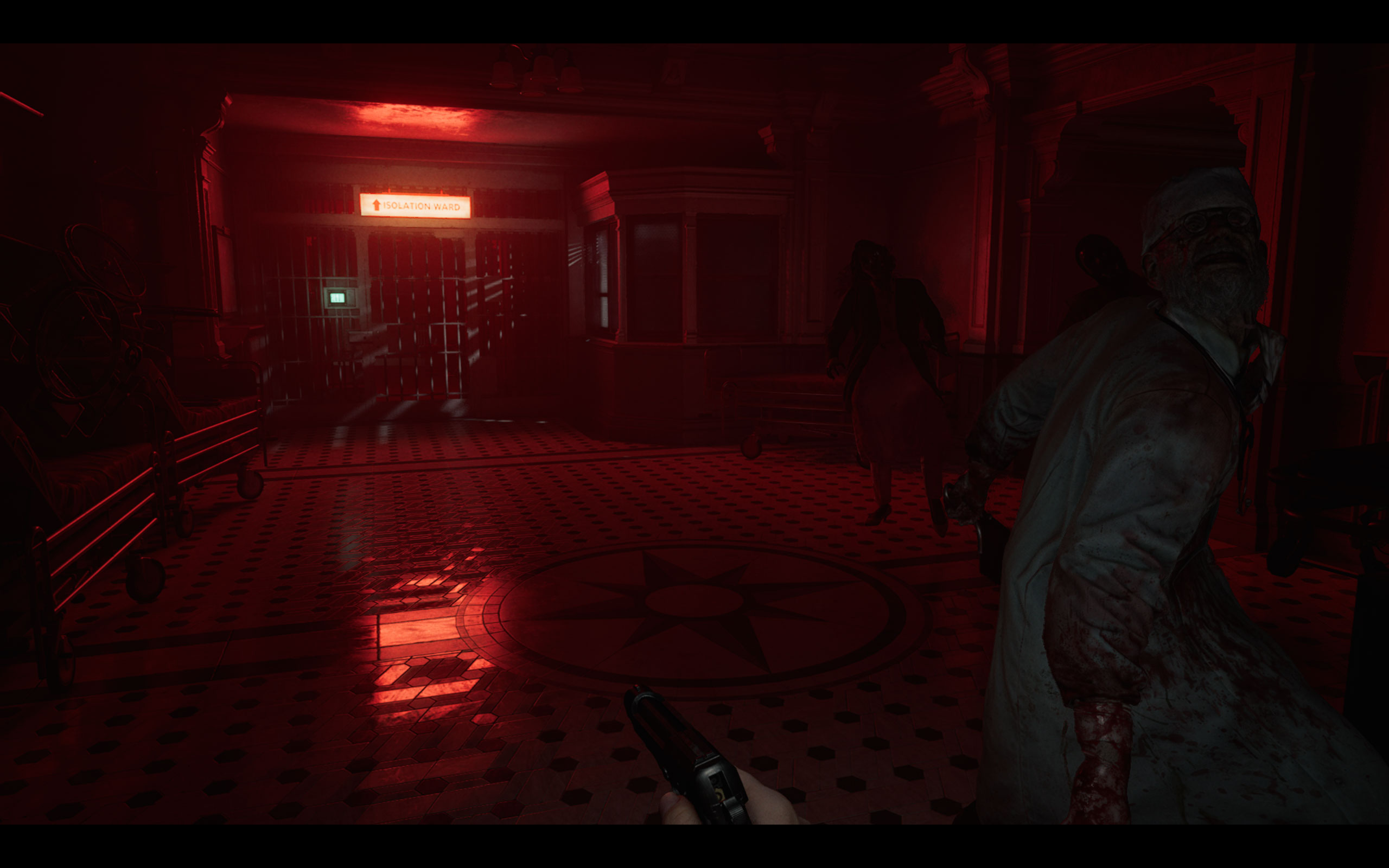
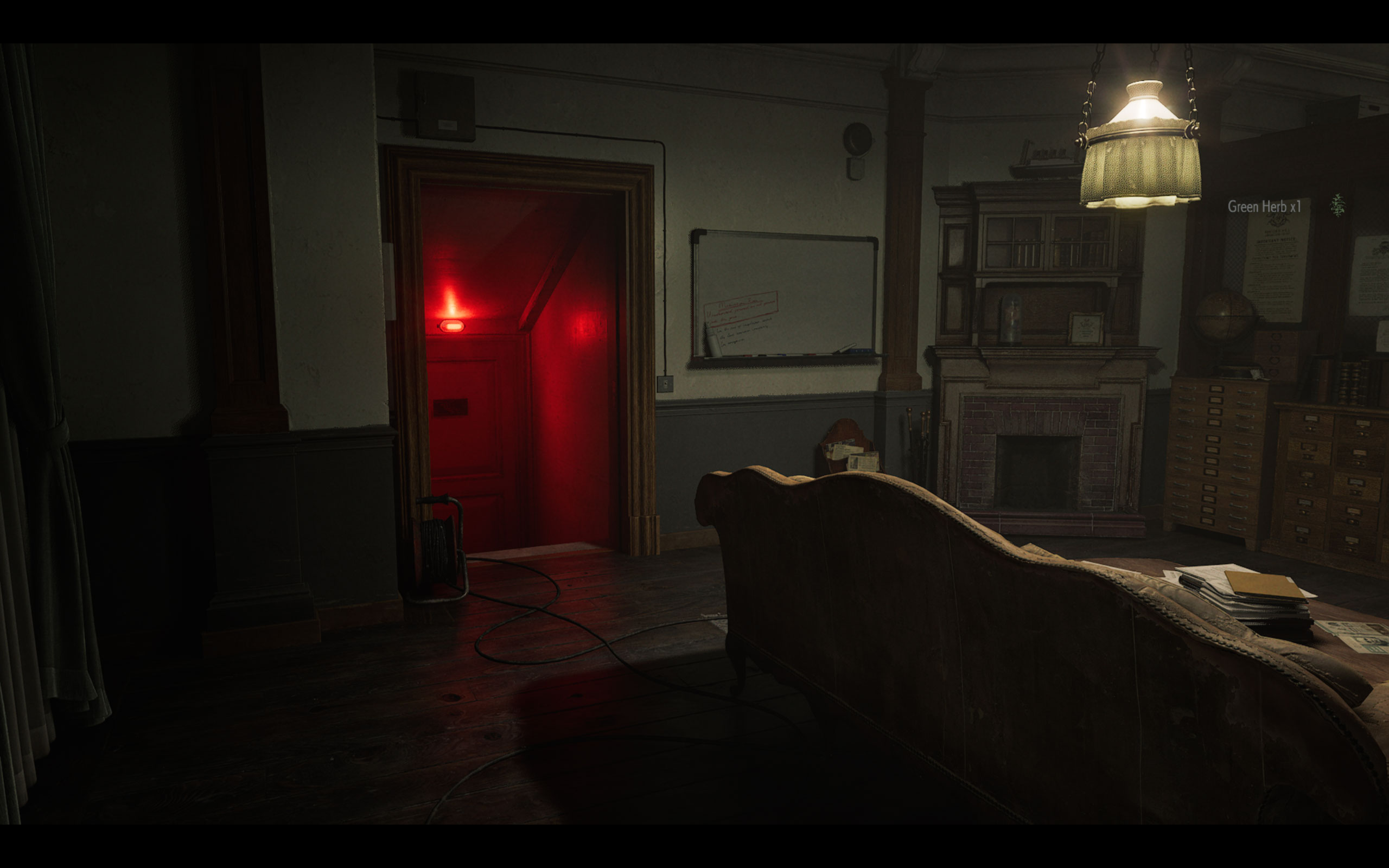
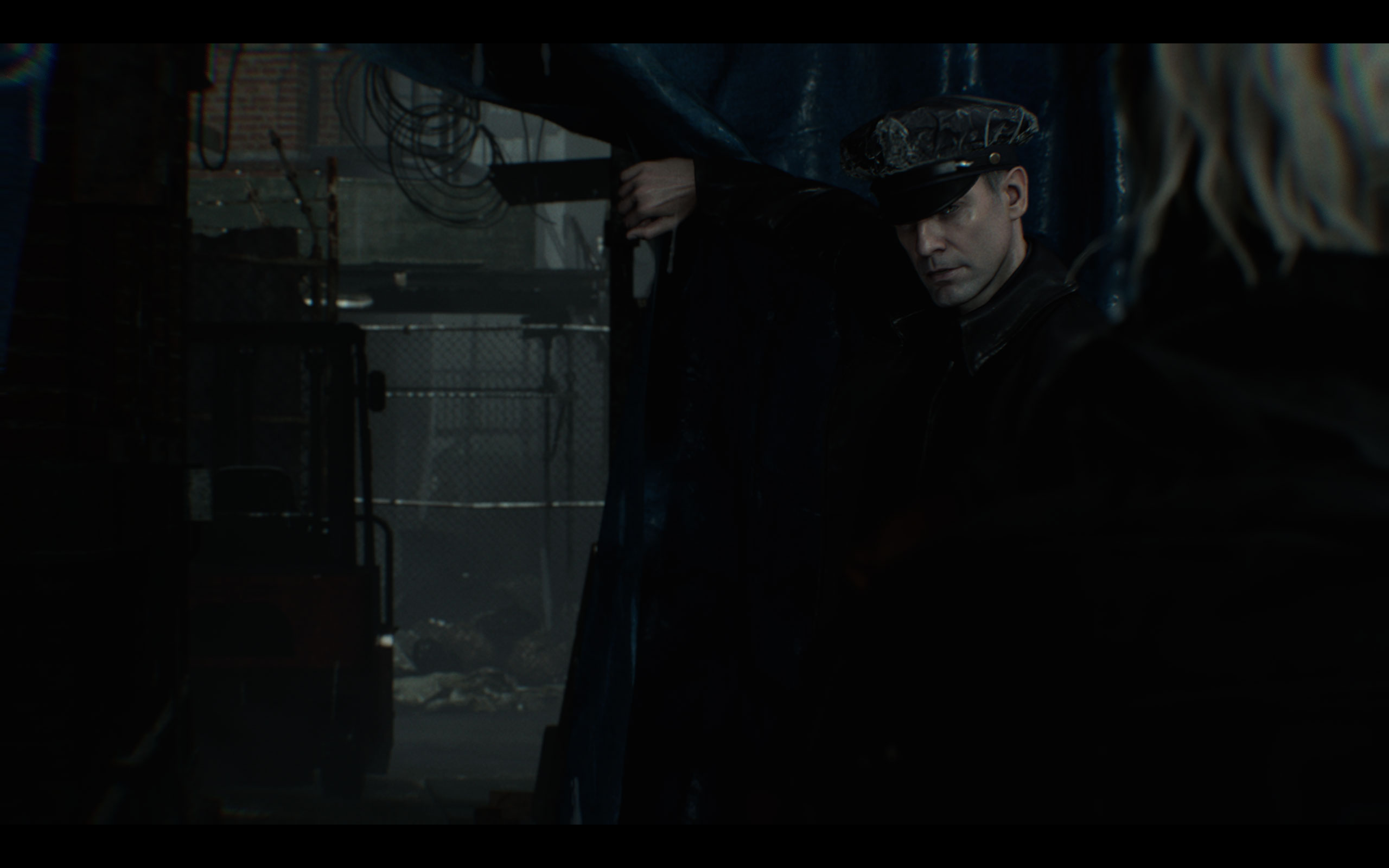
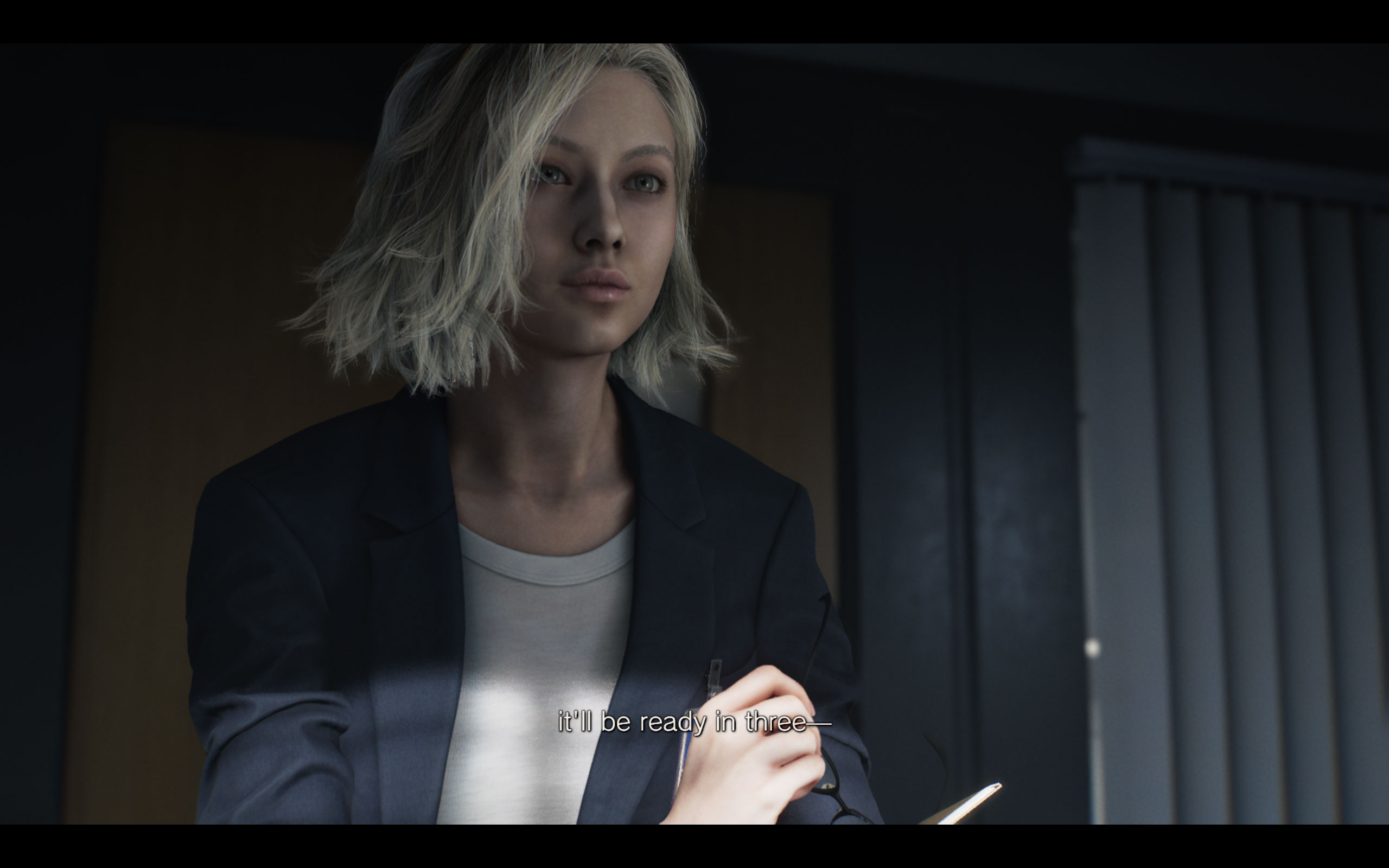
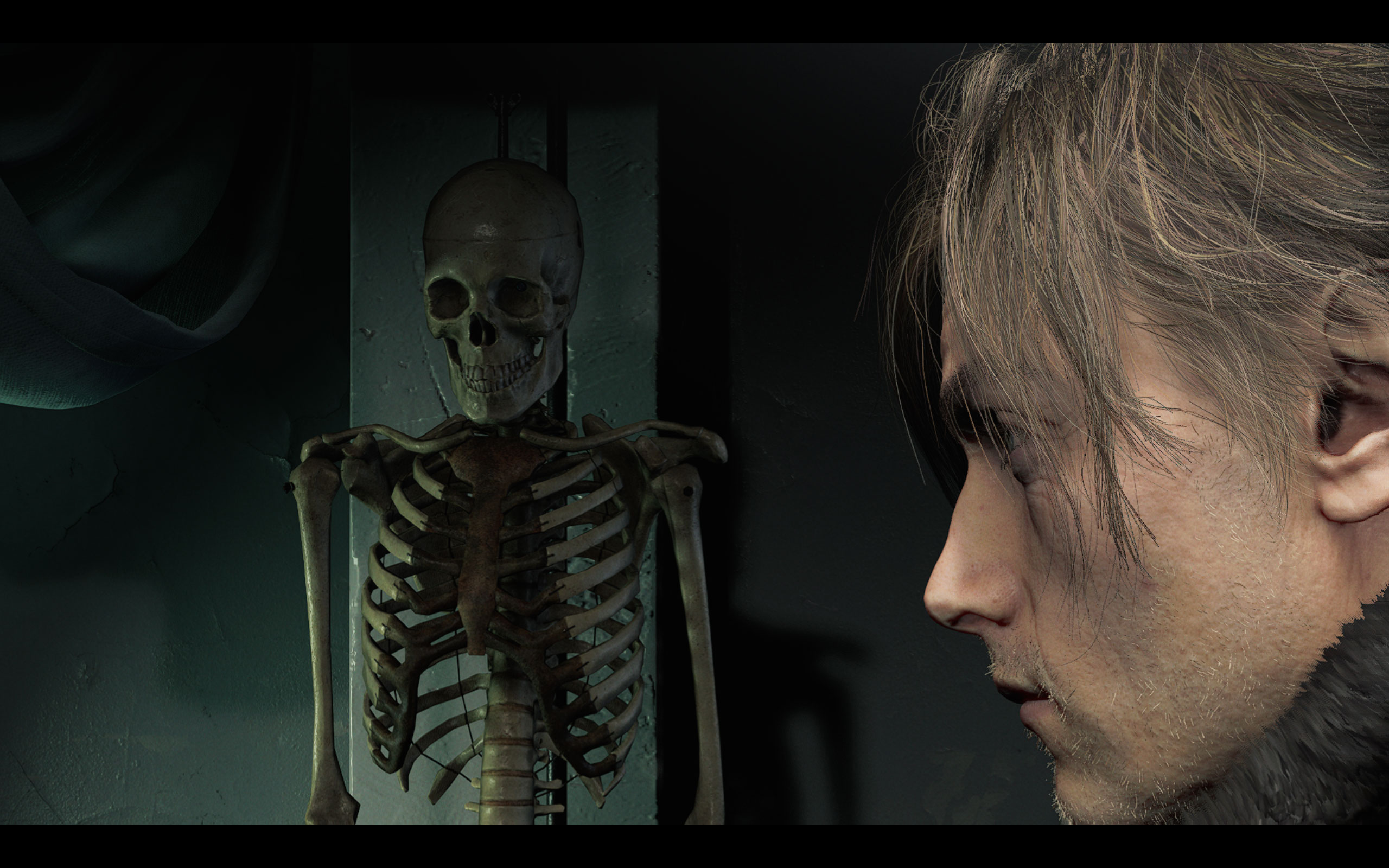
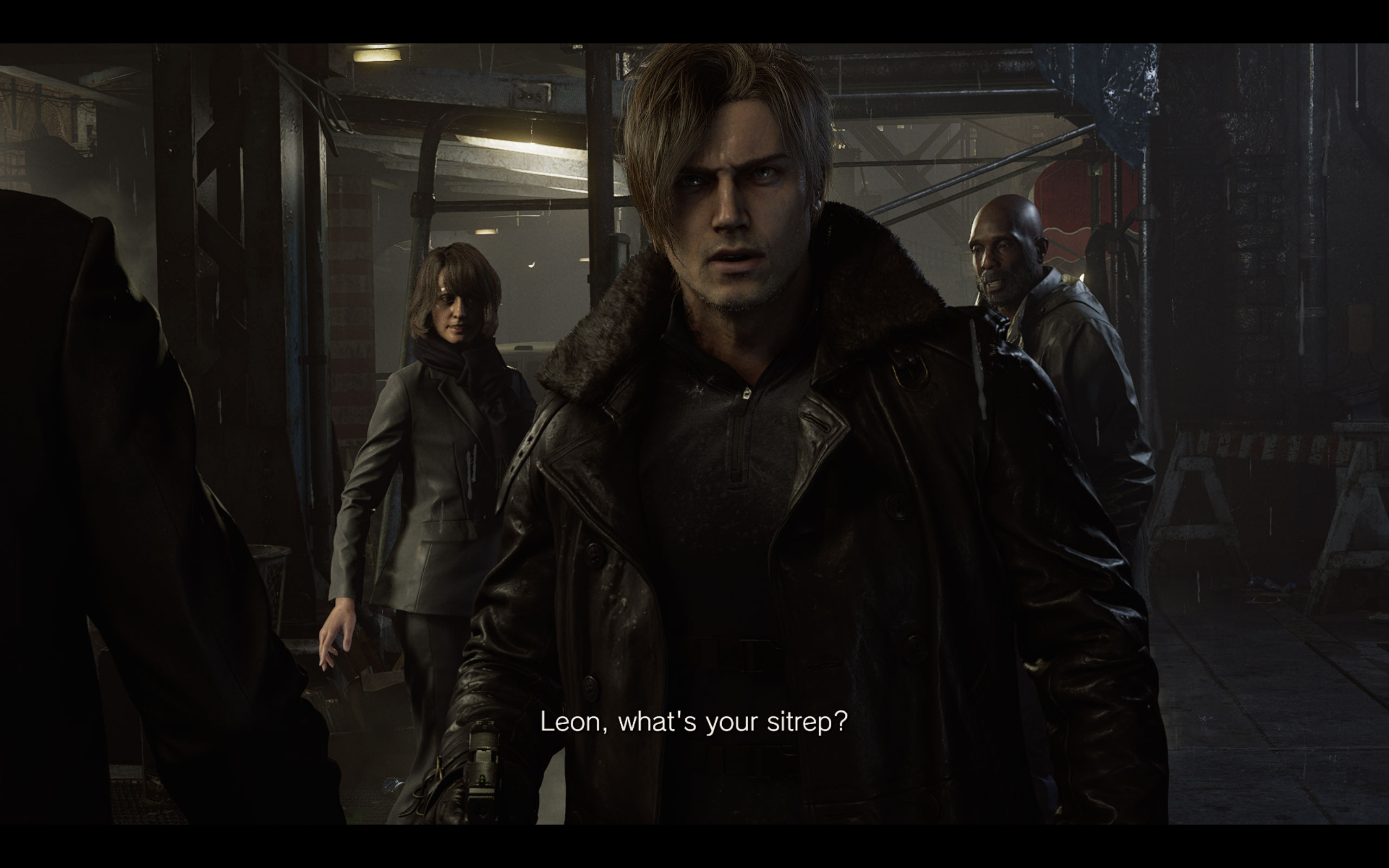
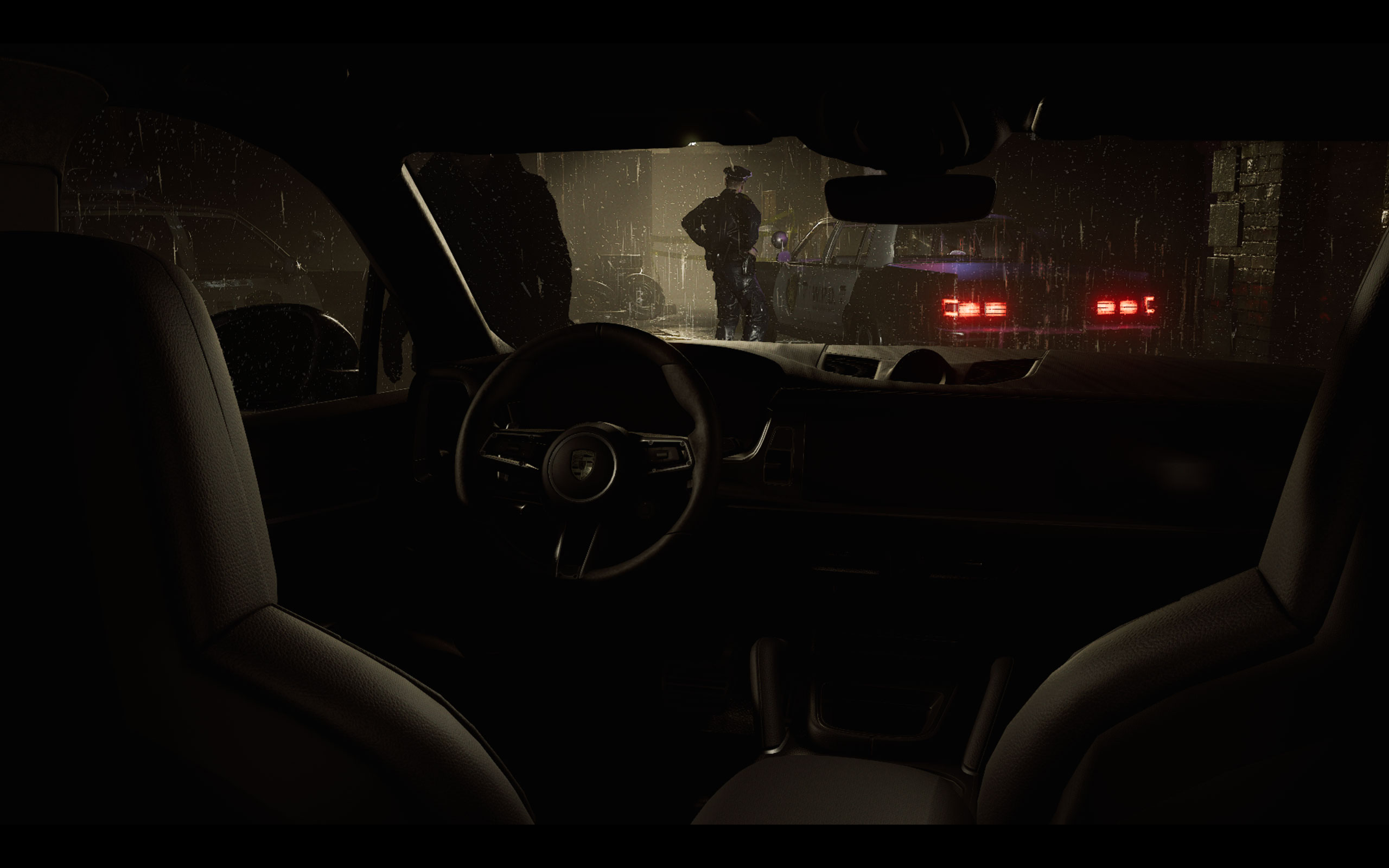
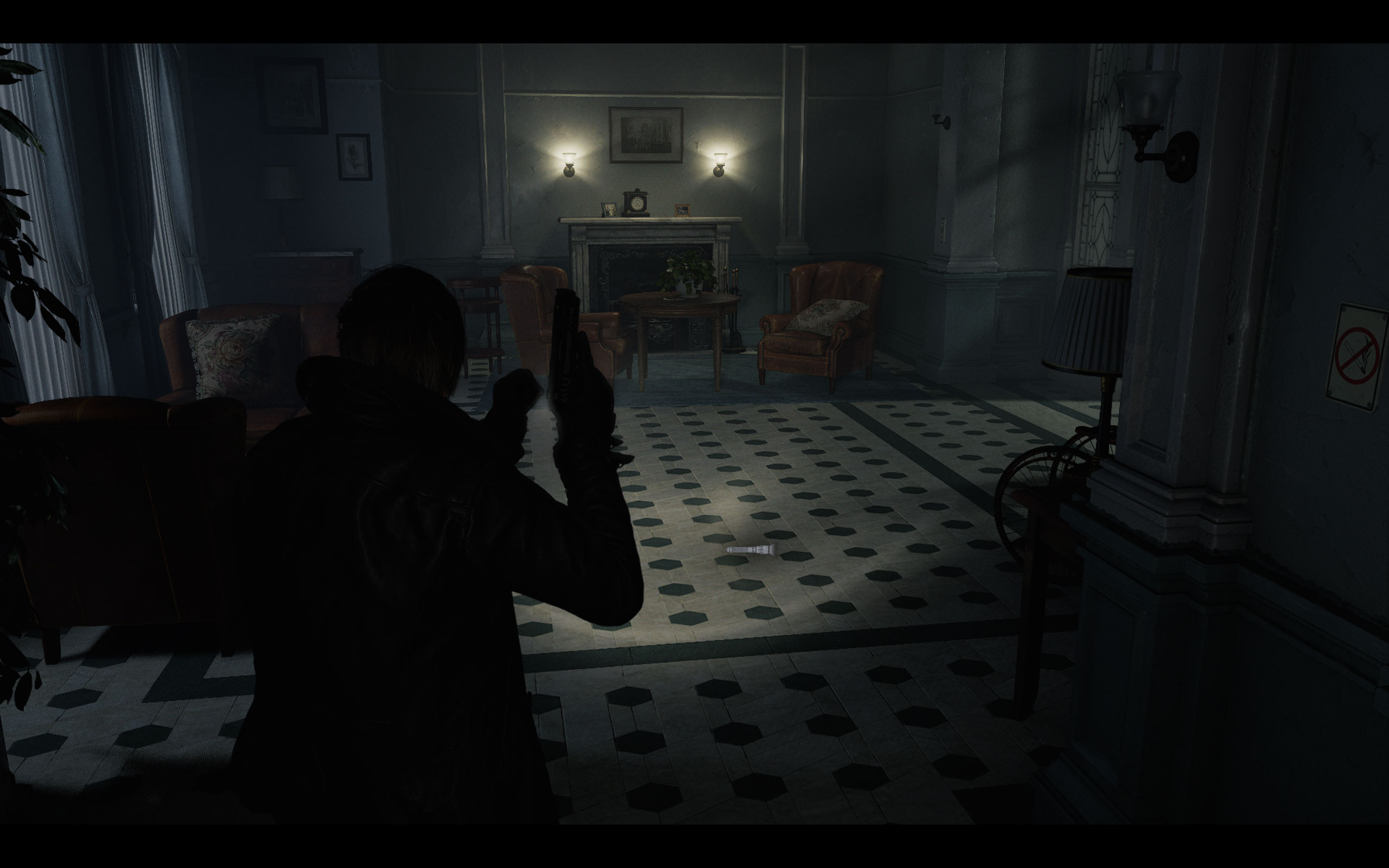
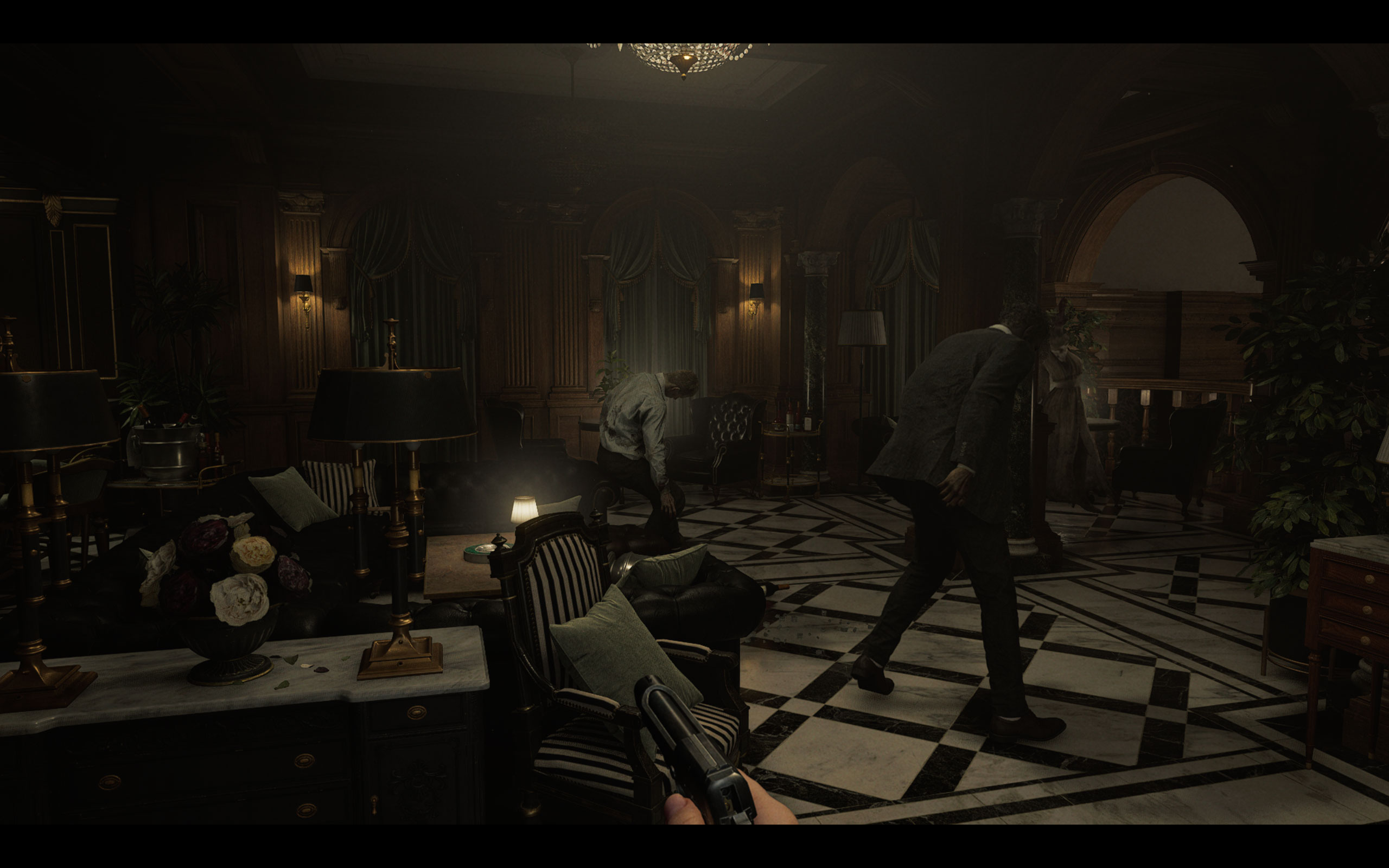
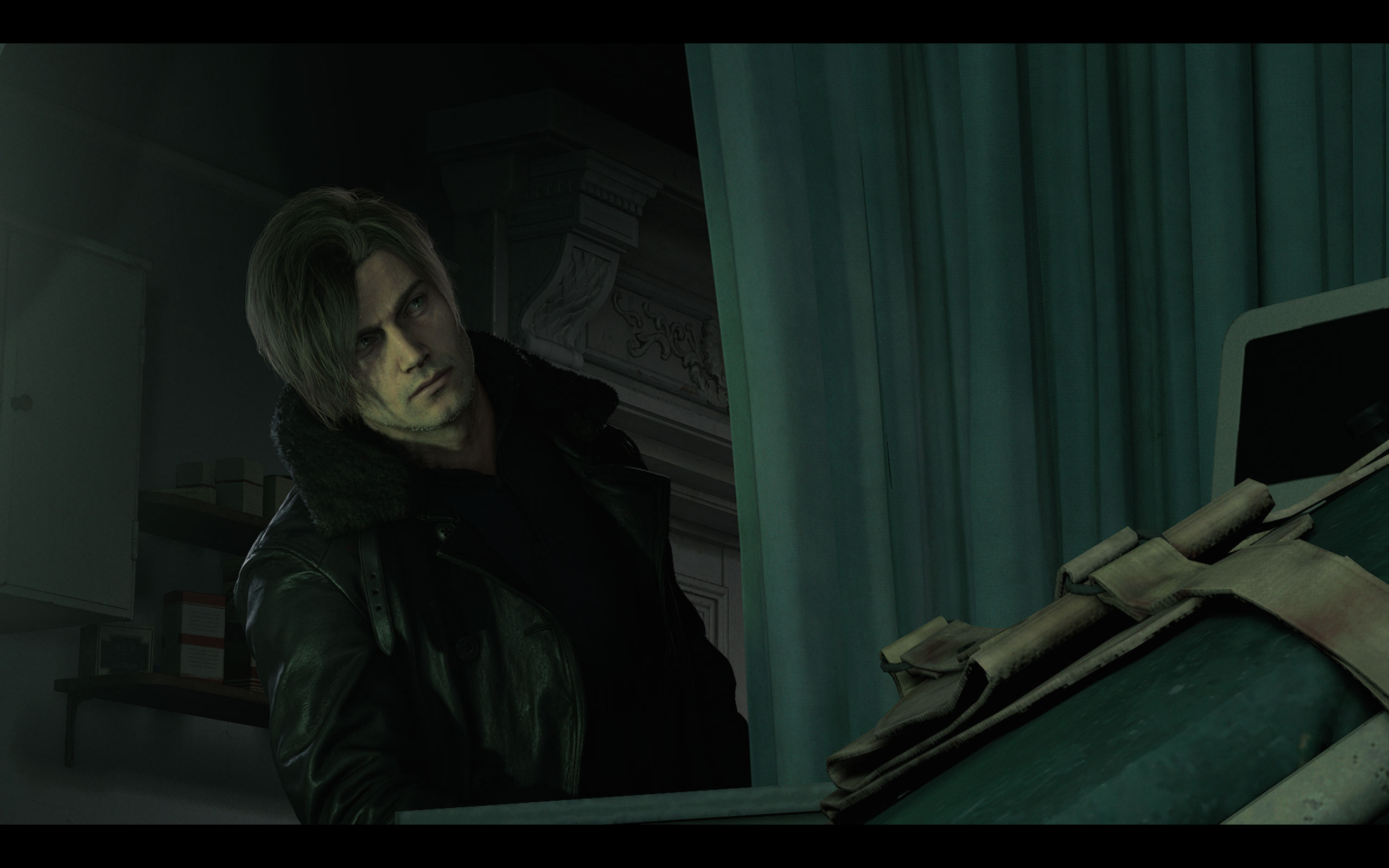
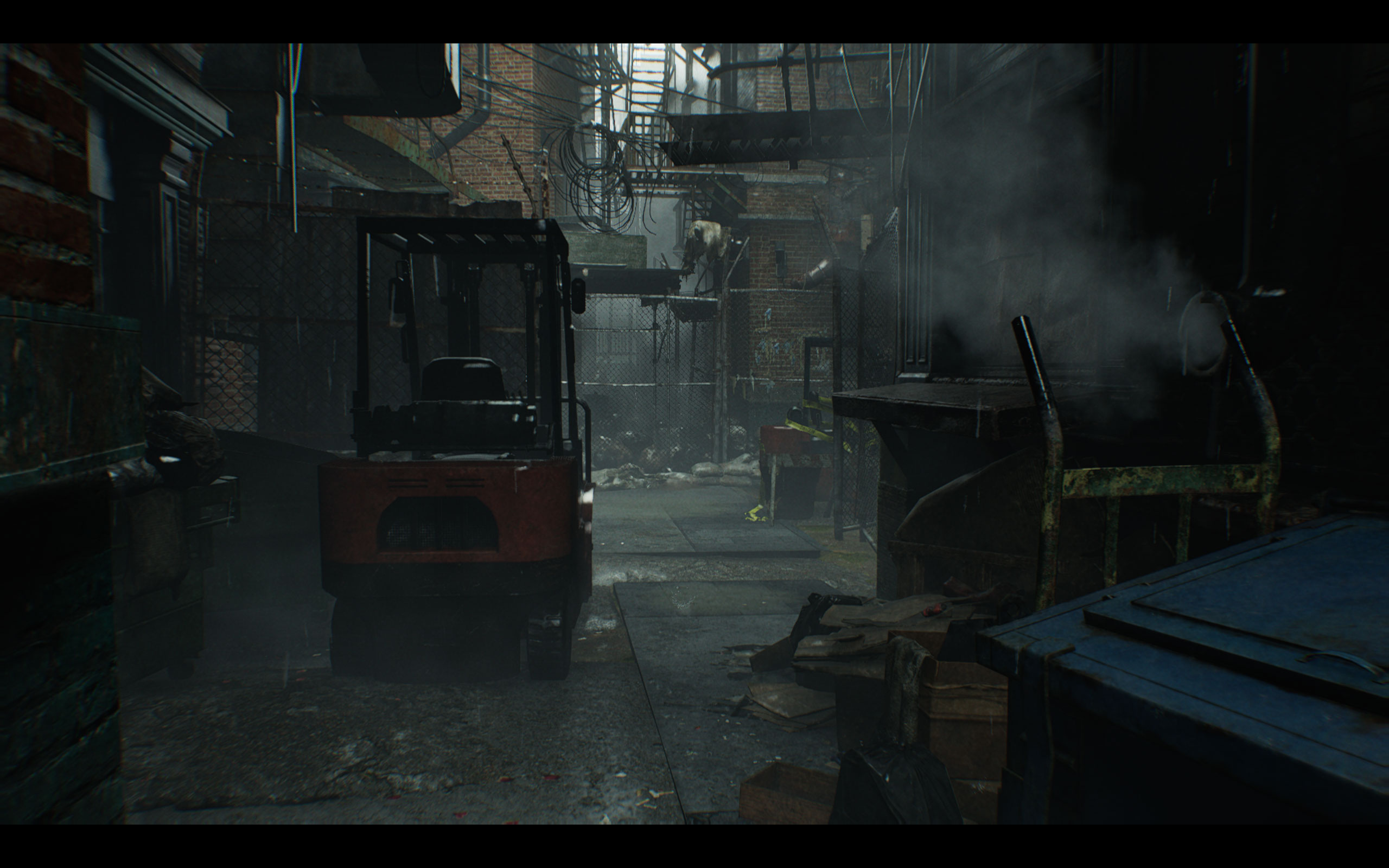
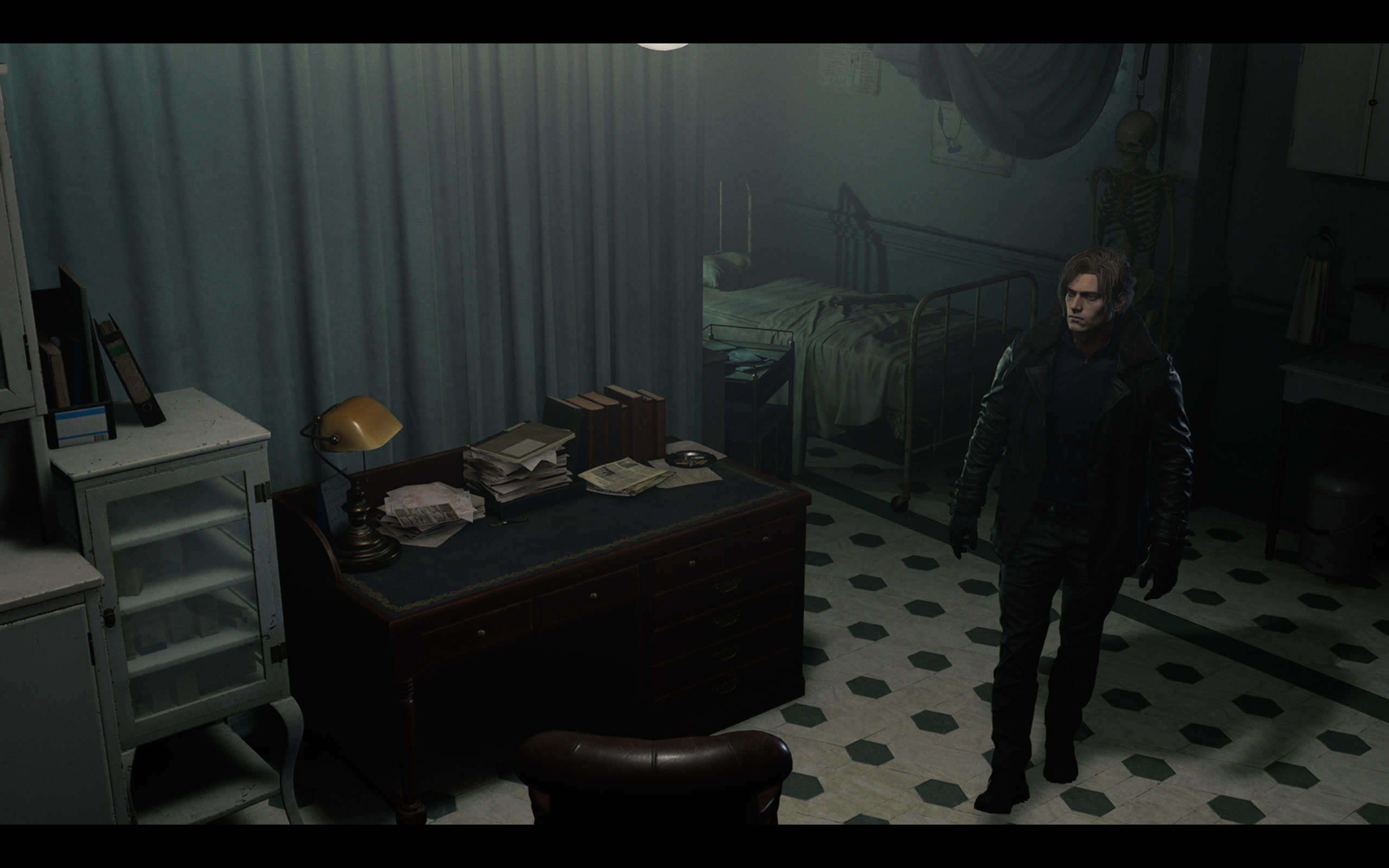
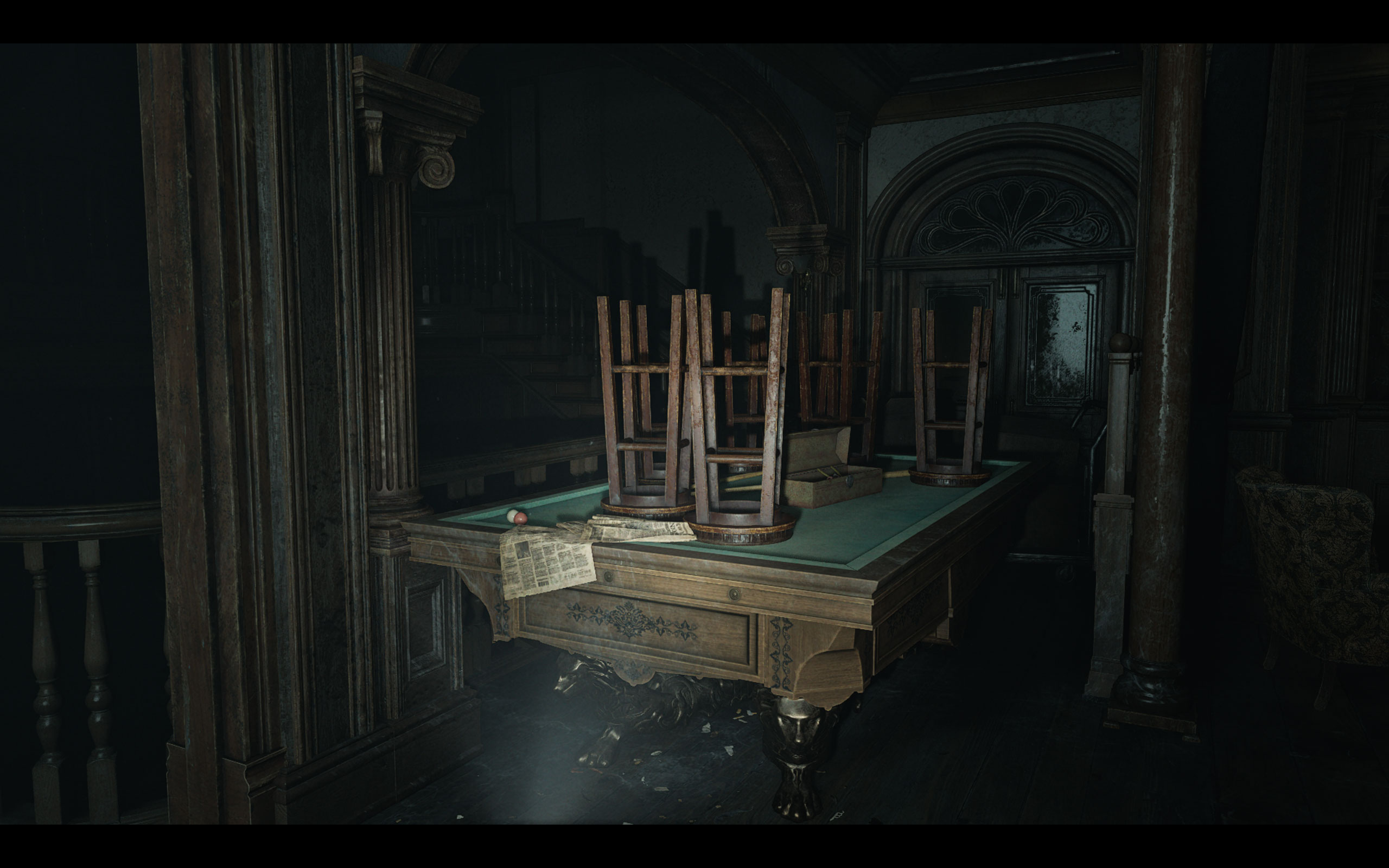
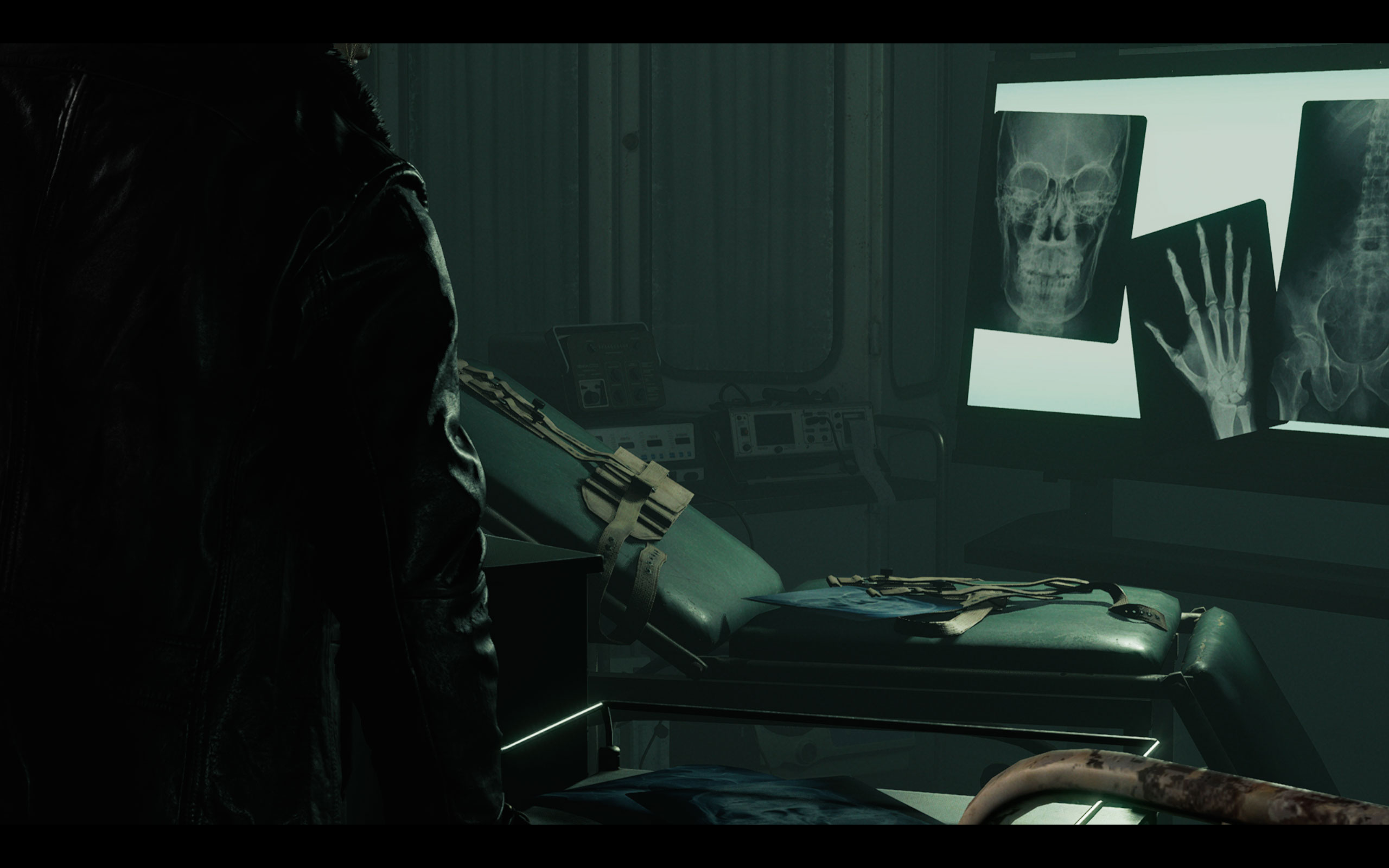
All screenshots were taken at the highest "Max" settings profile, with hardware ray tracing enabled, set to "High." Due to a configuration mistake the native resolution is 1080p, upscaled to 1600p. The gallery can be navigated with the cursor keys.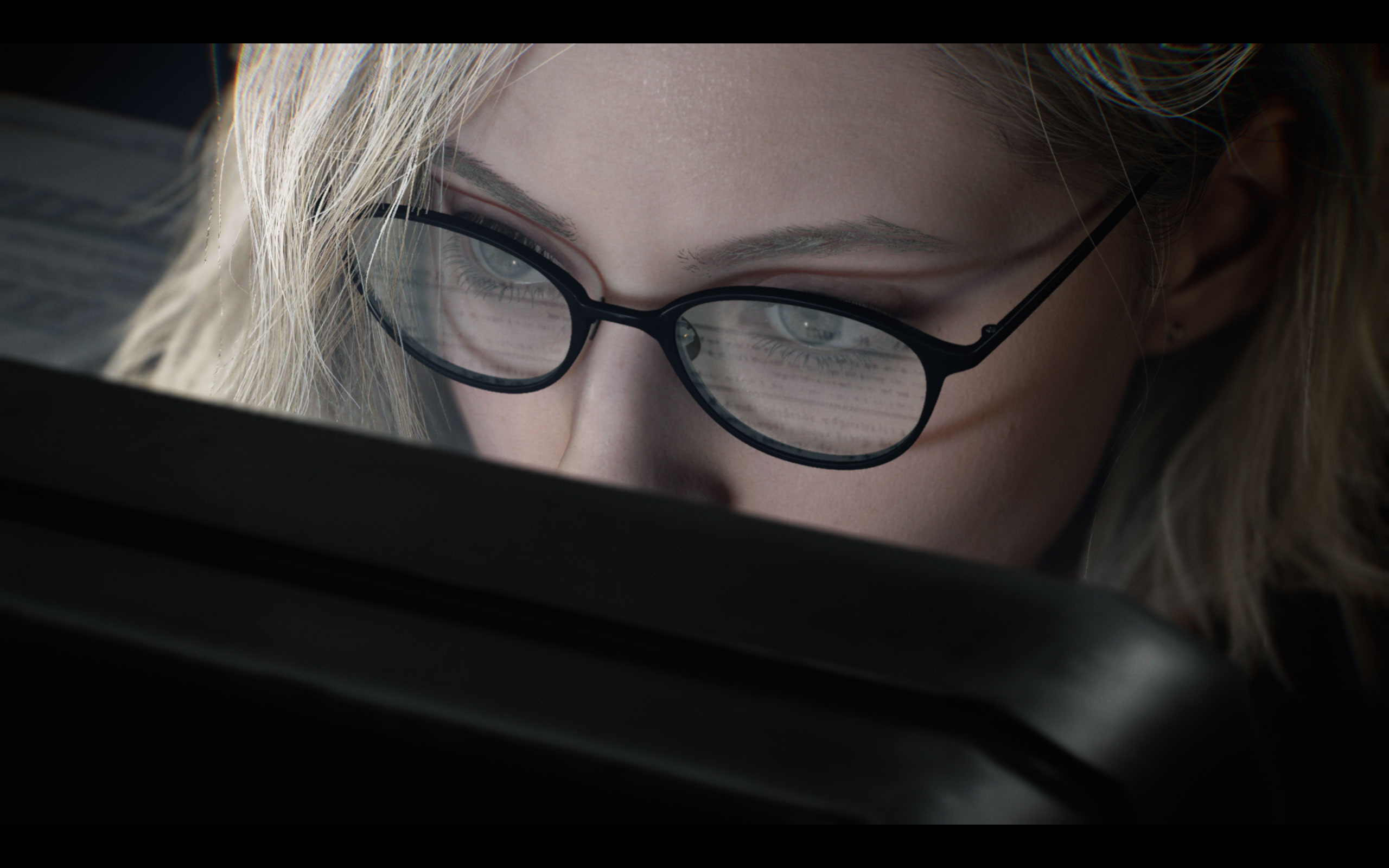



Graphics Settings
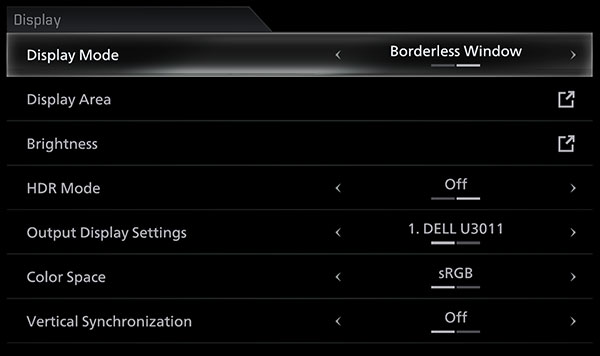
- There are two graphics settings screens, the first one deals with monitor-related settings.
- Display mode can be set to "borderless window" or "windowed," there is no real fullscreen option.
- Vertical synchronization can be toggled on or off. There is no hidden FPS cap. There is a bug though (maybe just in our press review version): enabling DLAA will cap your framerate at 60 FPS.
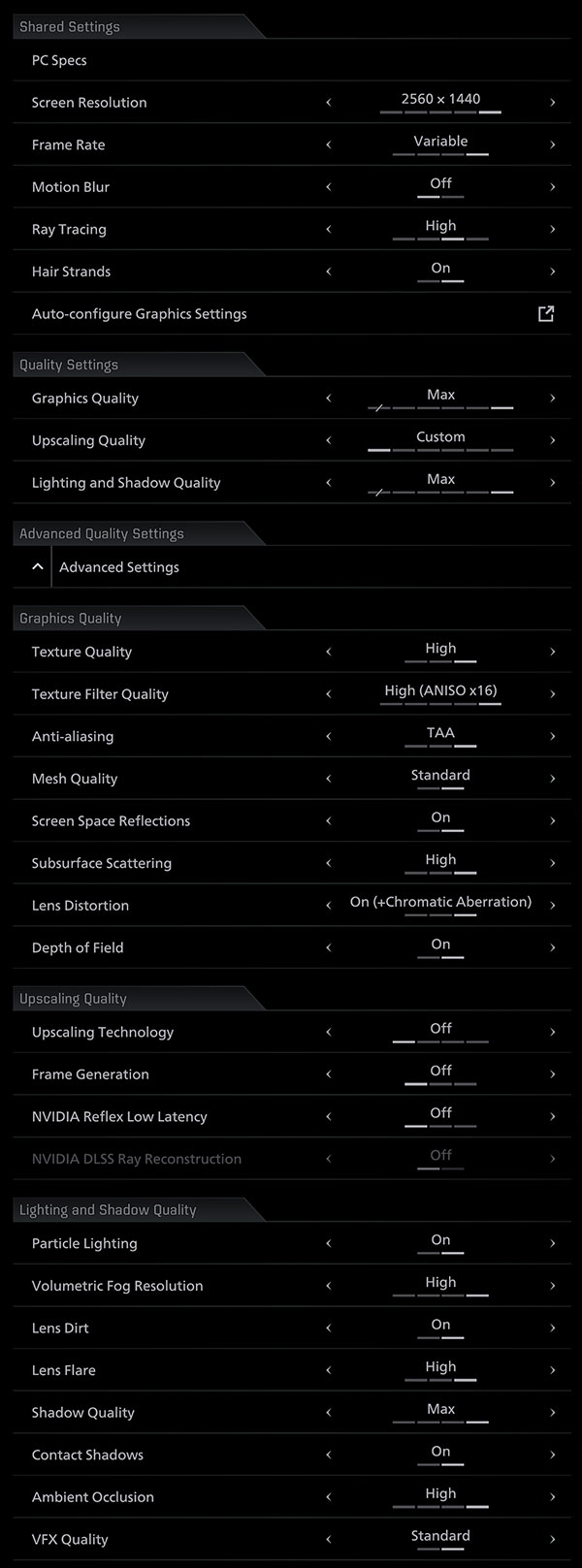
- Under Shared Settings you'll find screen resolution, frame rate, motion blur, ray tracing quality, and a hair strands toggle—there's also an "Auto-configure Graphics Settings" button that detects your hardware.
- Please note that 16:10 and probably other exotic resolutions are not supported, so on my 2560×1600 screen, it runs in 16:9, there are black bars on top and bottom of the whole game—not just in cutscenes—very sad, considering it's 2026. 21:9 and 32:9 are supported though. Another sad fact: it's not possible to change most options on this screen while in-game, you have to go to the main menu to make changes.
- Motion blur can be turned off easily.
- Ray Tracing has the following levels "off," "normal," "high" and "Path Tracing." When you enable path tracing, you'll be forced to enable DLSS upscaling (DLAA is still possible, but ends up capped at 60 FPS due to a bug).
- Quality Settings offers three broad presets: Graphics Quality, Upscaling Quality, and Lighting and Shadow Quality—each adjustable up to "Max" or set to "Custom" to access advanced options.
- Advanced Graphics Quality covers textures, anisotropic filtering (up to x16), antialiasing (TAA), mesh quality, screen space reflections, subsurface scattering, lens distortion, and depth of field.
- Chromatic Aberration is tied to the Lens Distortion setting rather than being a separate toggle.
- Advanced Upscaling Quality includes upscaling technology, frame generation, NVIDIA Reflex Low Latency, and NVIDIA DLSS Ray Reconstruction.
- Below that there's a pretty comprehensive list of lighting-related options.
Our Patreon Silver Supporters can read articles in single-page format.
Nov 14th, 2026 18:14 CST
change timezone
Latest GPU Drivers
New Forum Posts
- Honestly, do you care about GTA VI? (1)
- What is in your fleet, size and contents? (27)
- 9070 GRE 3.9ghz validation reached. (10)
- X79 and/or rampage IV OC'ing thread for those of us still left.... (2452)
- Can you guess Which game it is? (317)
- What can the FX 8320 do today? Here is the answer. (43)
- Ryzen 7 8700G OC (8)
- auto-closed by somethings by actions (2)
- [Community Benchmark] MrH OpenCL Benchmark 2.0e (Windows Only – CPU & GPU) (2)
- Show us your collections thread!! (368)
Popular Reviews
- AMD Zen 6 Technical Deep Dive
- ASUS ROG Strix B850-I Gaming Wi-Fi7 W Review
- Corsair HX1000i Shift Crystal Review
- Upcoming Hardware Launches 2027 (Updated Nov 2026)
- Montech King 95 3D PRO Review
- NZXT C1200 Platinum Review
- NZXT H7 RGB+ Review
- NZXT H5 Review
- Phantom Blade Zero Performance Benchmark Review - 35 GPUs Tested
- AMD Ryzen 7 9800X3D Review - The Best Gaming Processor
TPU on YouTube
Controversial News Posts
- NVIDIA Co-Founder and CEO Jensen Huang Officially Resigns (405)
- OpenAI CEO Argues Home PCs Waste the World's Limited DRAM Supply (152)
- NVIDIA Launches Investigation Into Jensen Huang's Relationship With Suspected Chinese Spy (136)
- Intel "Raptor Lake Next" 16-Core and 20-Core CPUs Surface (130)
- Legendary Game Studio BioWare Shuts Down Following EA Layoffs (104)
- Dell CEO Says the Memory Shortage Will Get Worse in 2027 (95)
- NVIDIA GeForce RTX 50-Series Scheduled for up to $500 Price Hike This Week (89)
- Modder Fits RTX 5090 With Four 8-Pin Connectors, Halving Current per Wire (80)