 18
Samsung Odyssey OLED G6 G60SD Review - A Matte Twist
Connectivity & Power Consumption »Design and Ergonomics
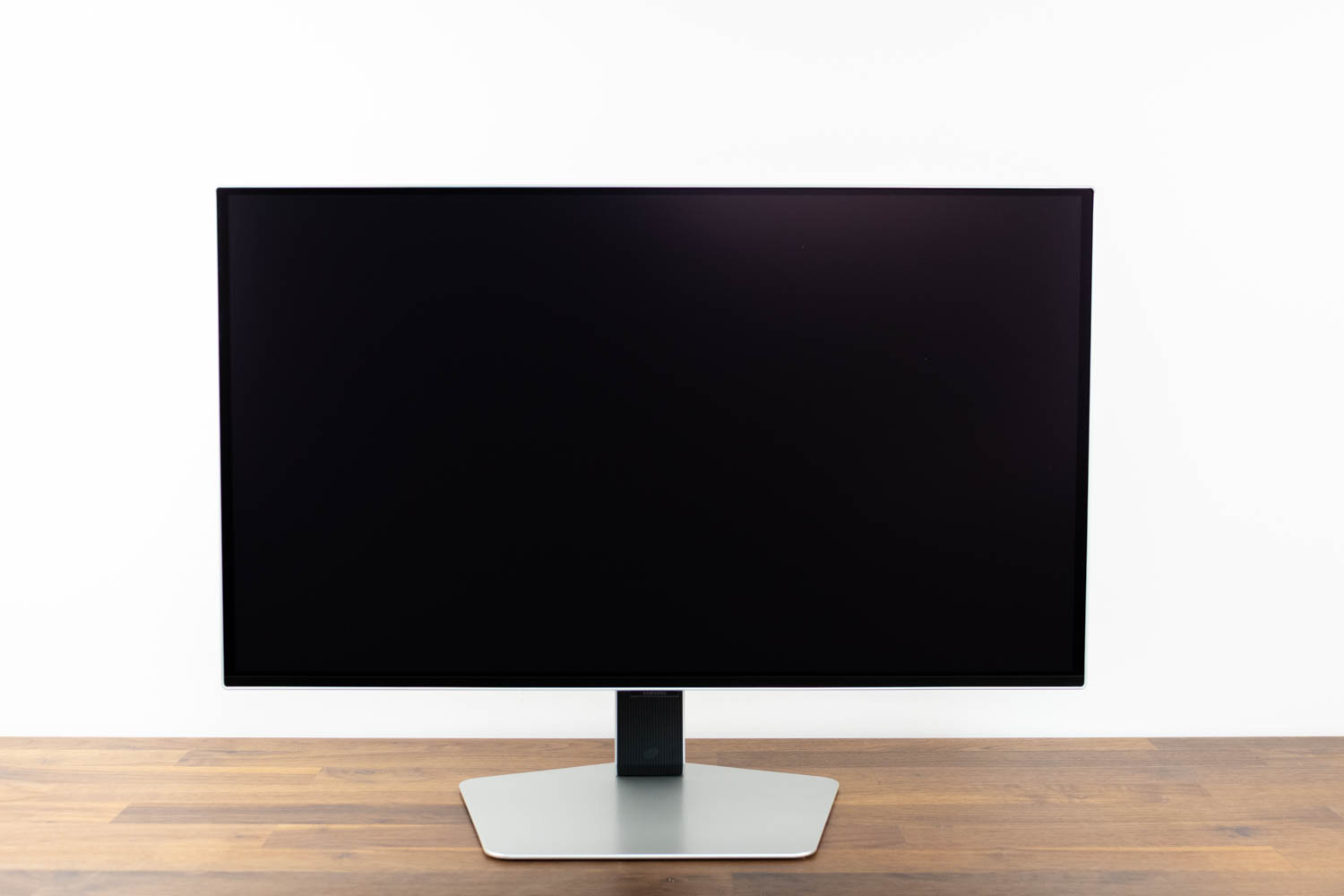
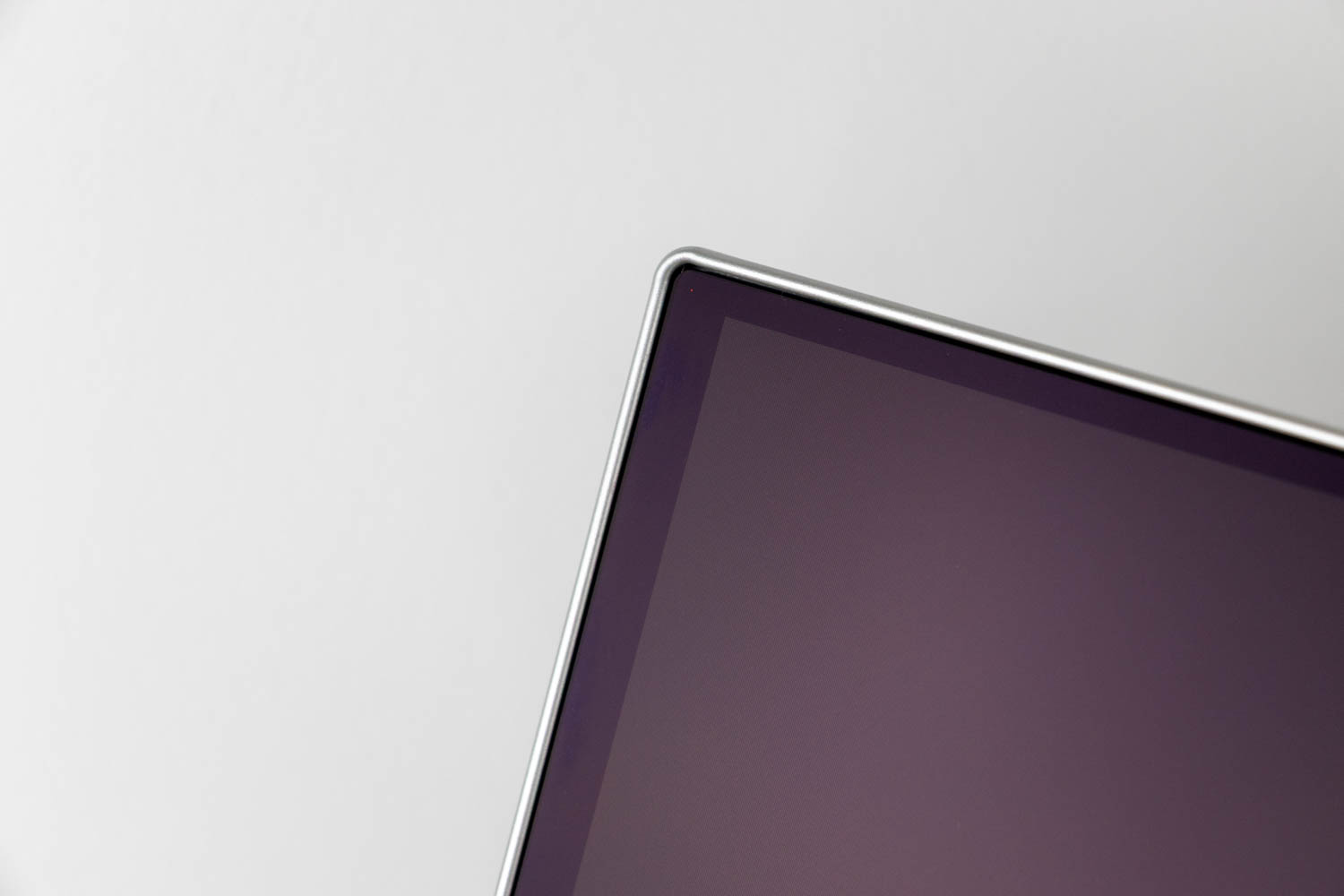
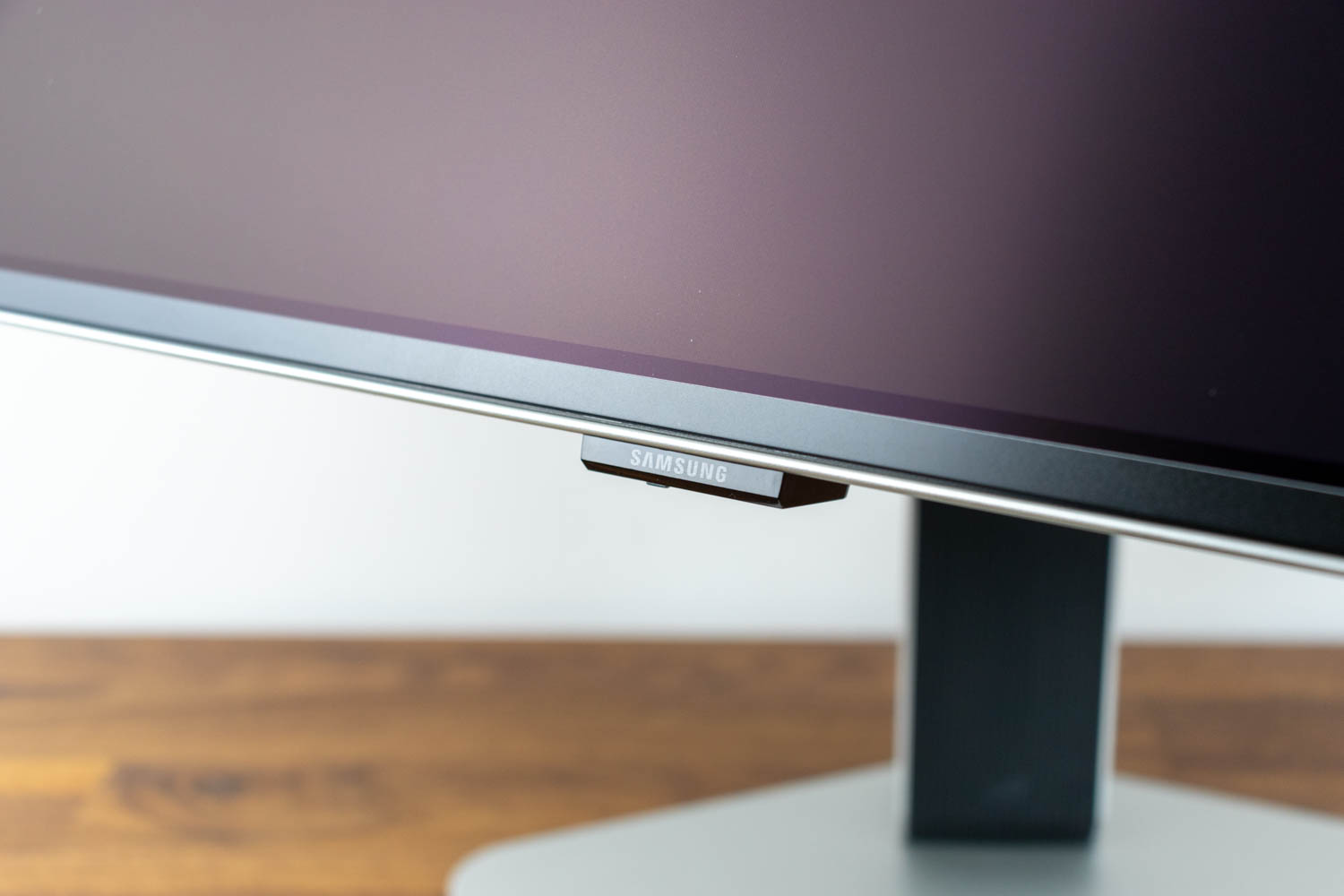
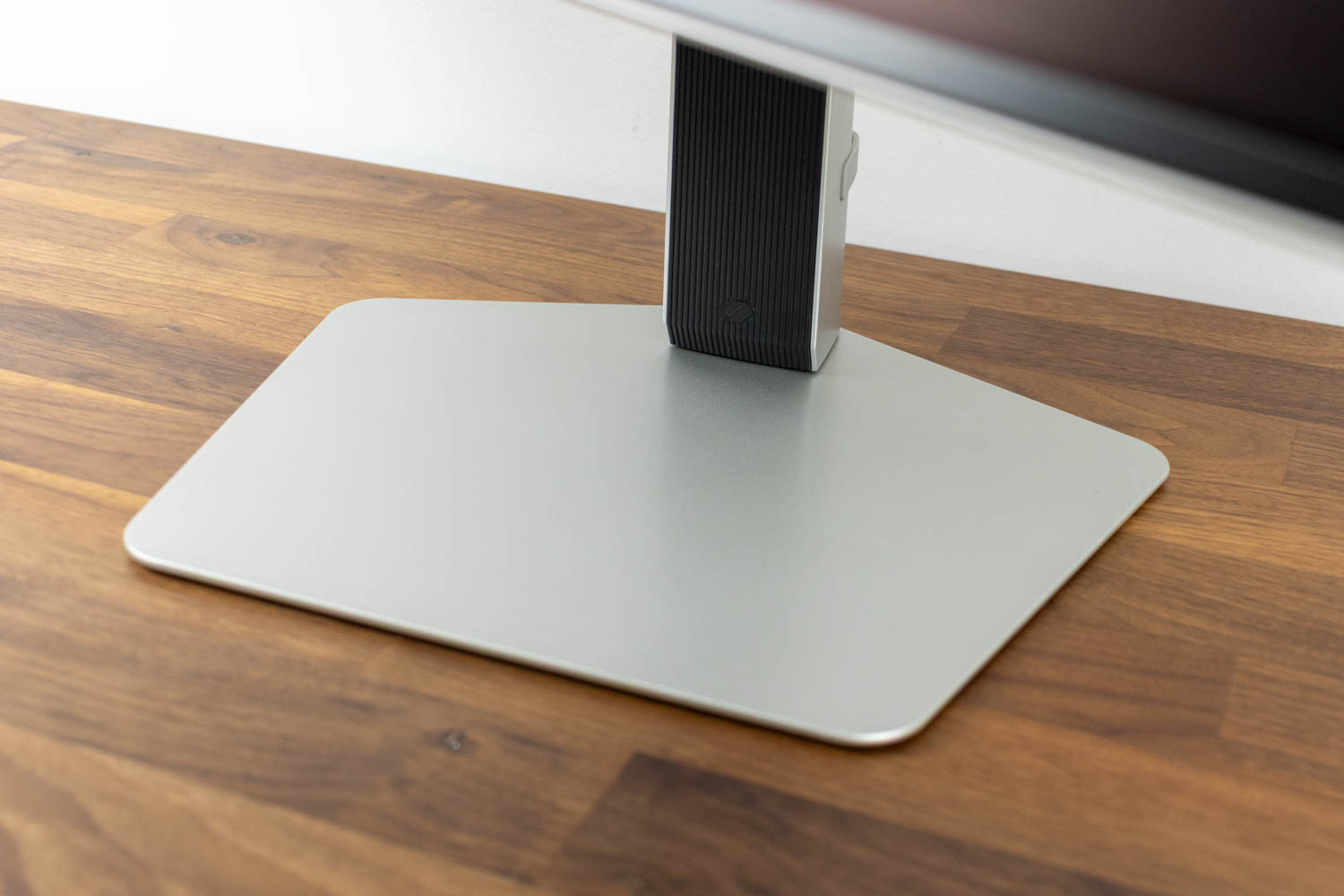
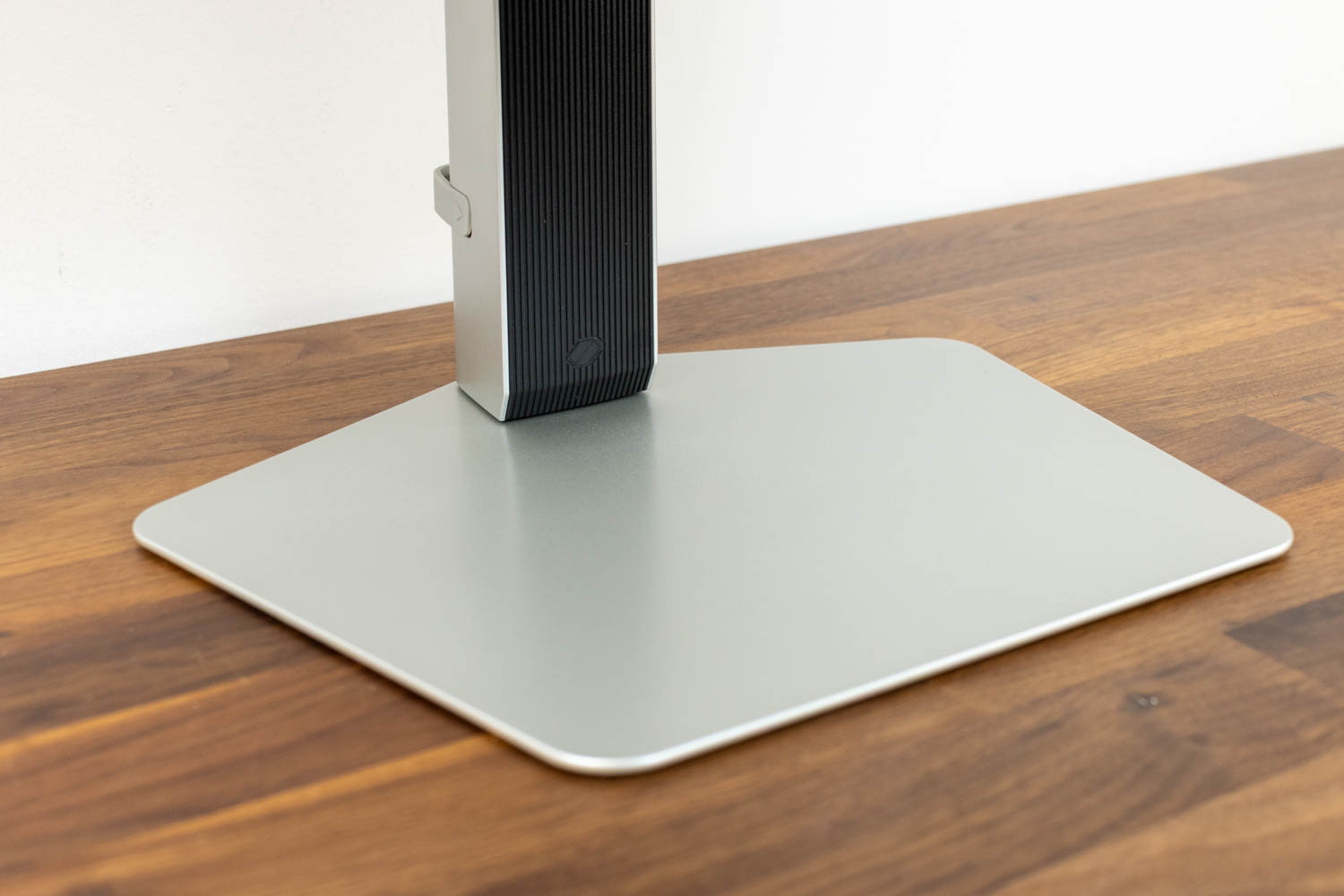
When it comes to design and construction, the Samsung Odyssey OLED G6 G60SD manages to stand out from the sea of generic black monitors. The device is built from a combination of gray and black plastic, paired with a gray metal base that provides excellent stability. The flat top surface of the base can be used to place a phone or other small items. Measuring 29.5 cm (11.61 in) in width and 25.5 cm (10.04 in) in depth, the base does not take up much desk space. Samsung's logo is located on a small, discreet "chin" instead of the bottom bezel. For reasons I can't really explain, I find this approach aesthetically more pleasing.
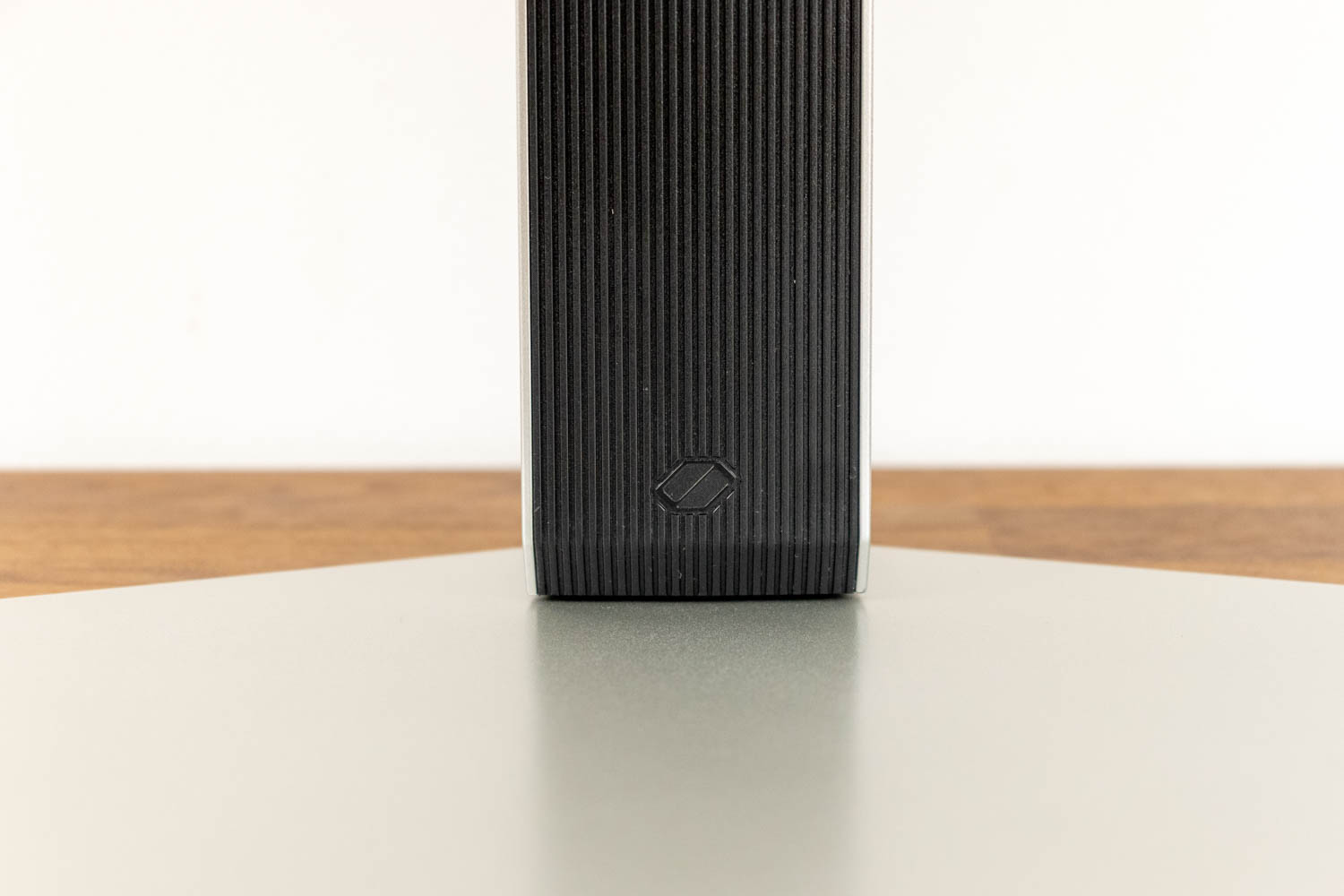
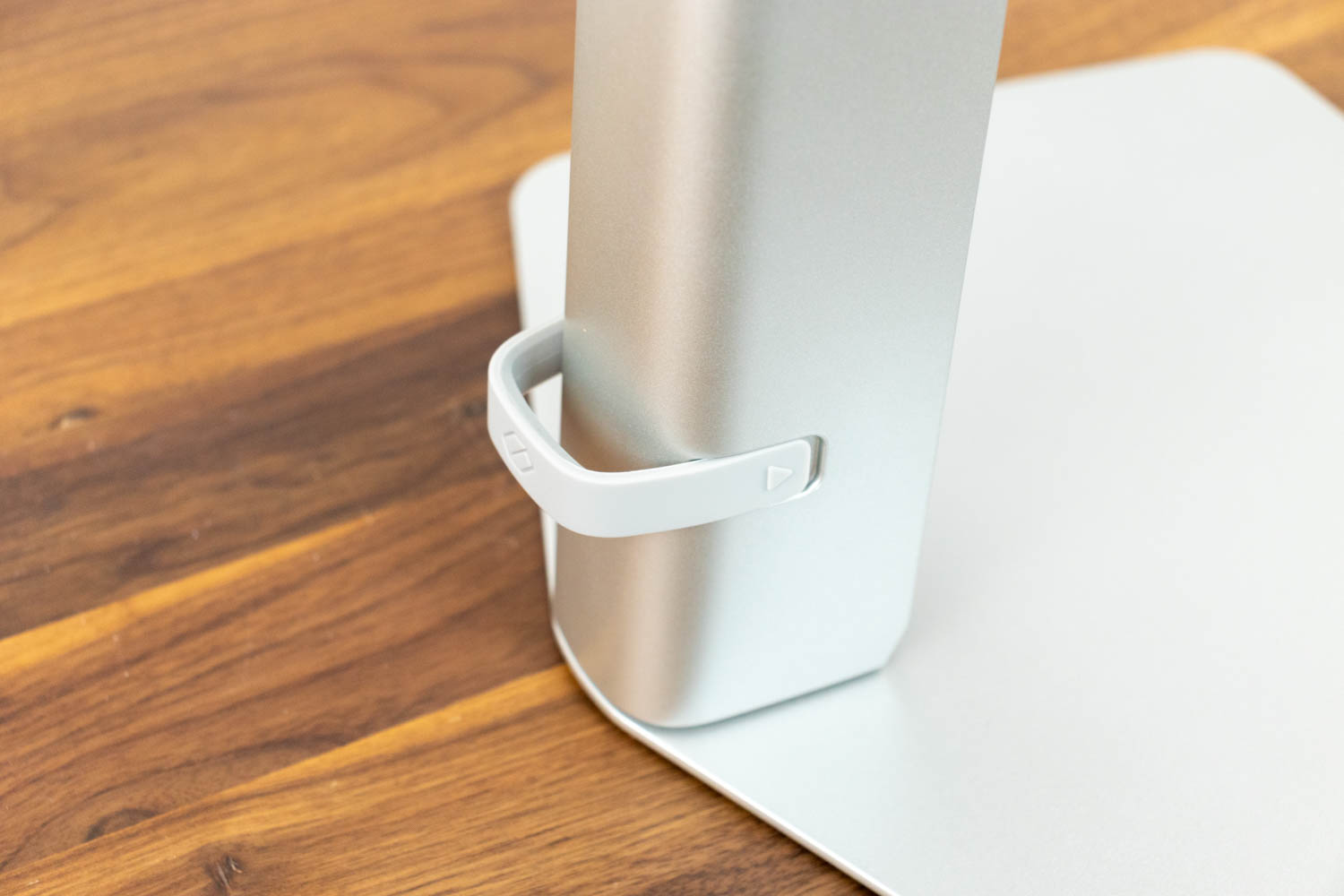
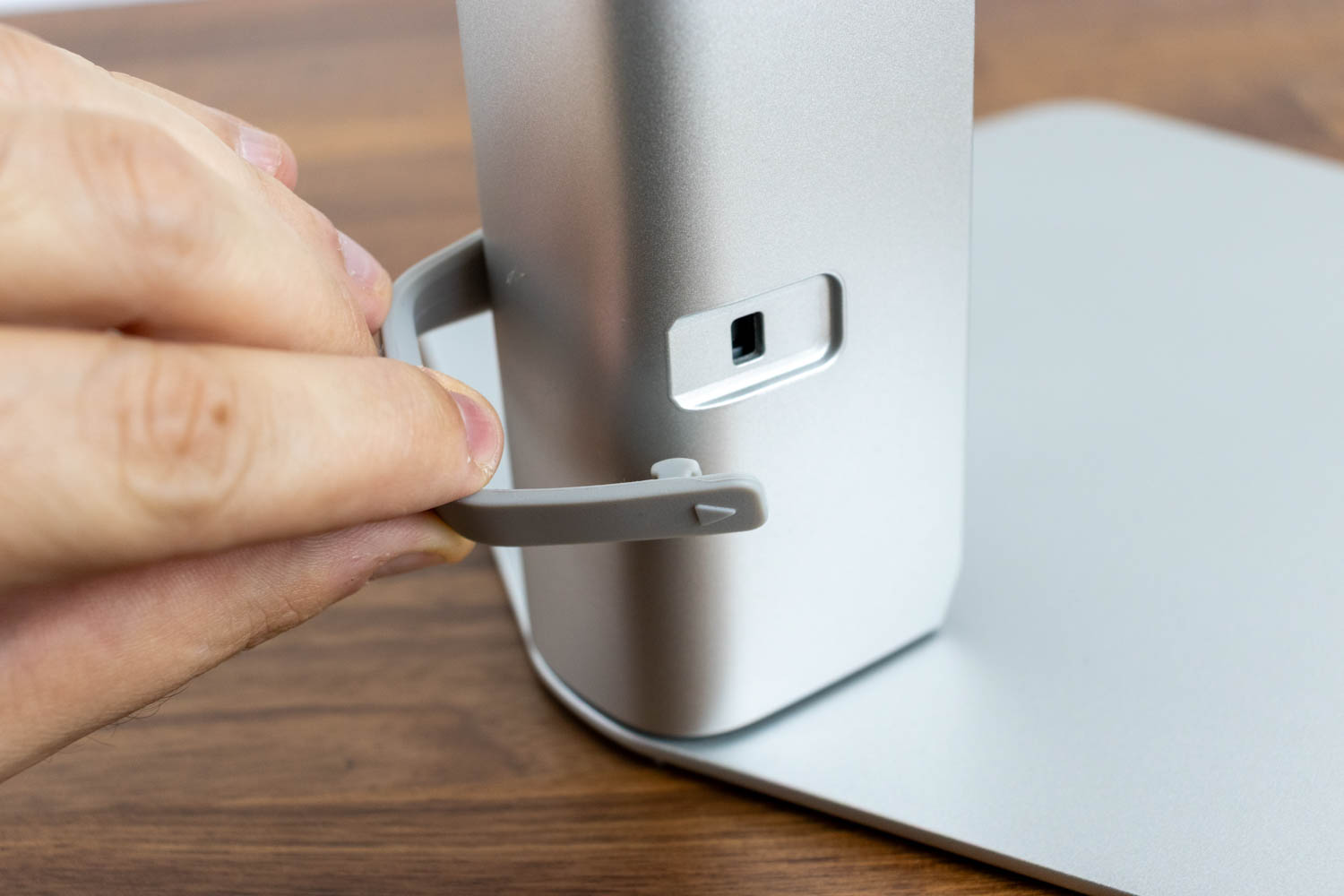
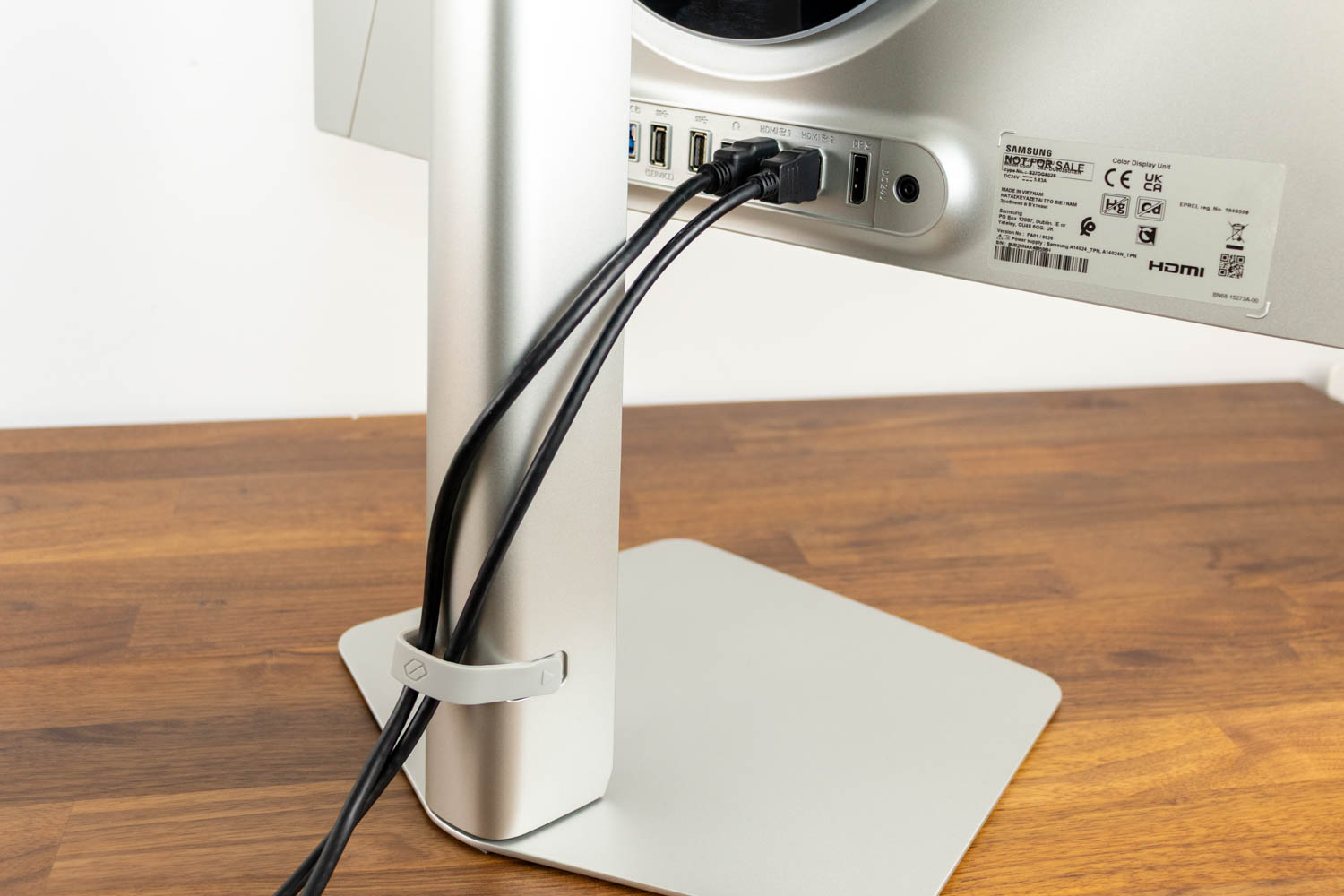
The stand attaches to the base without the need for tools or screws—it simply slots into place and locks with a 90° turn. On its back is a rubberized clip designed to keep connected cables tidy.
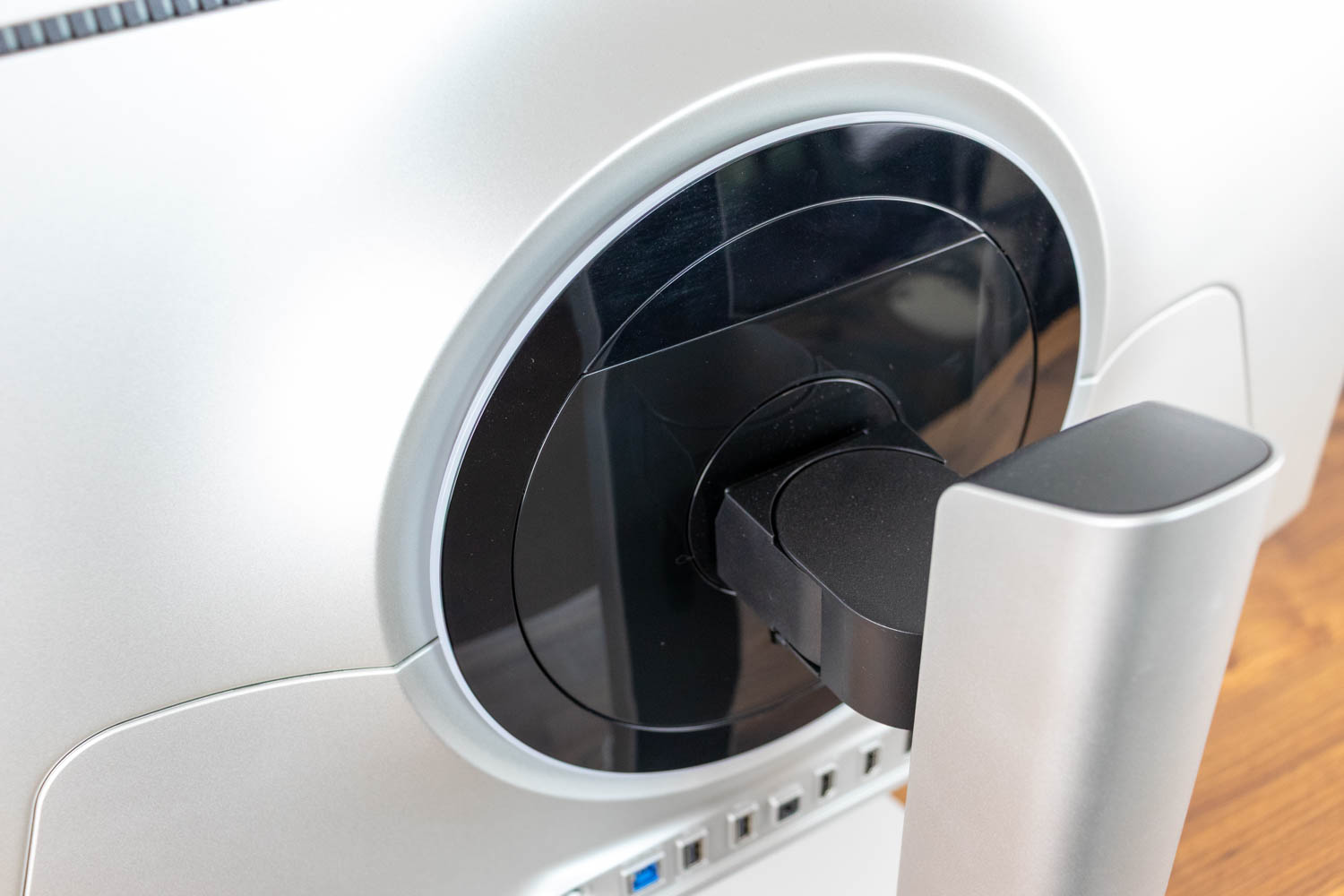
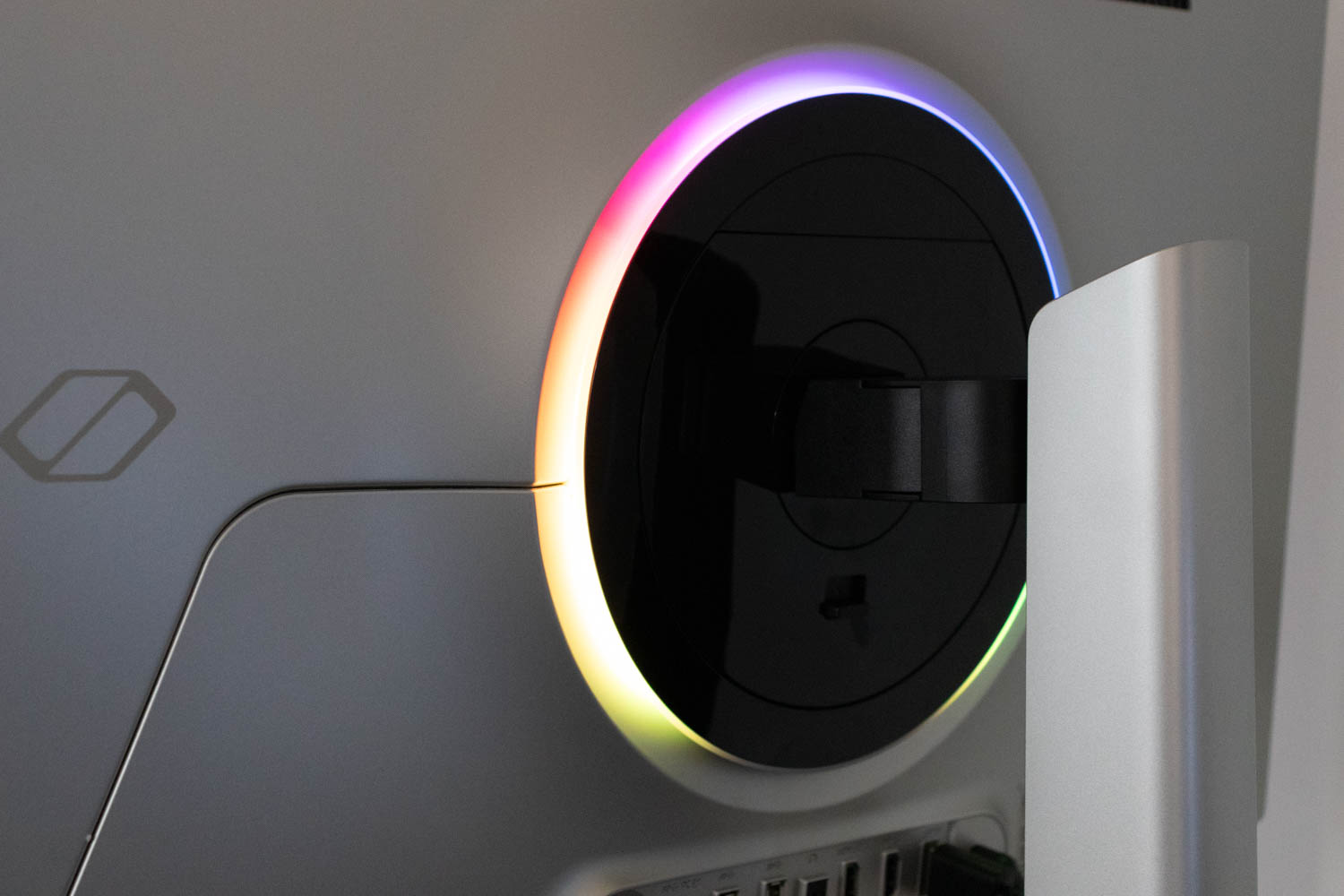
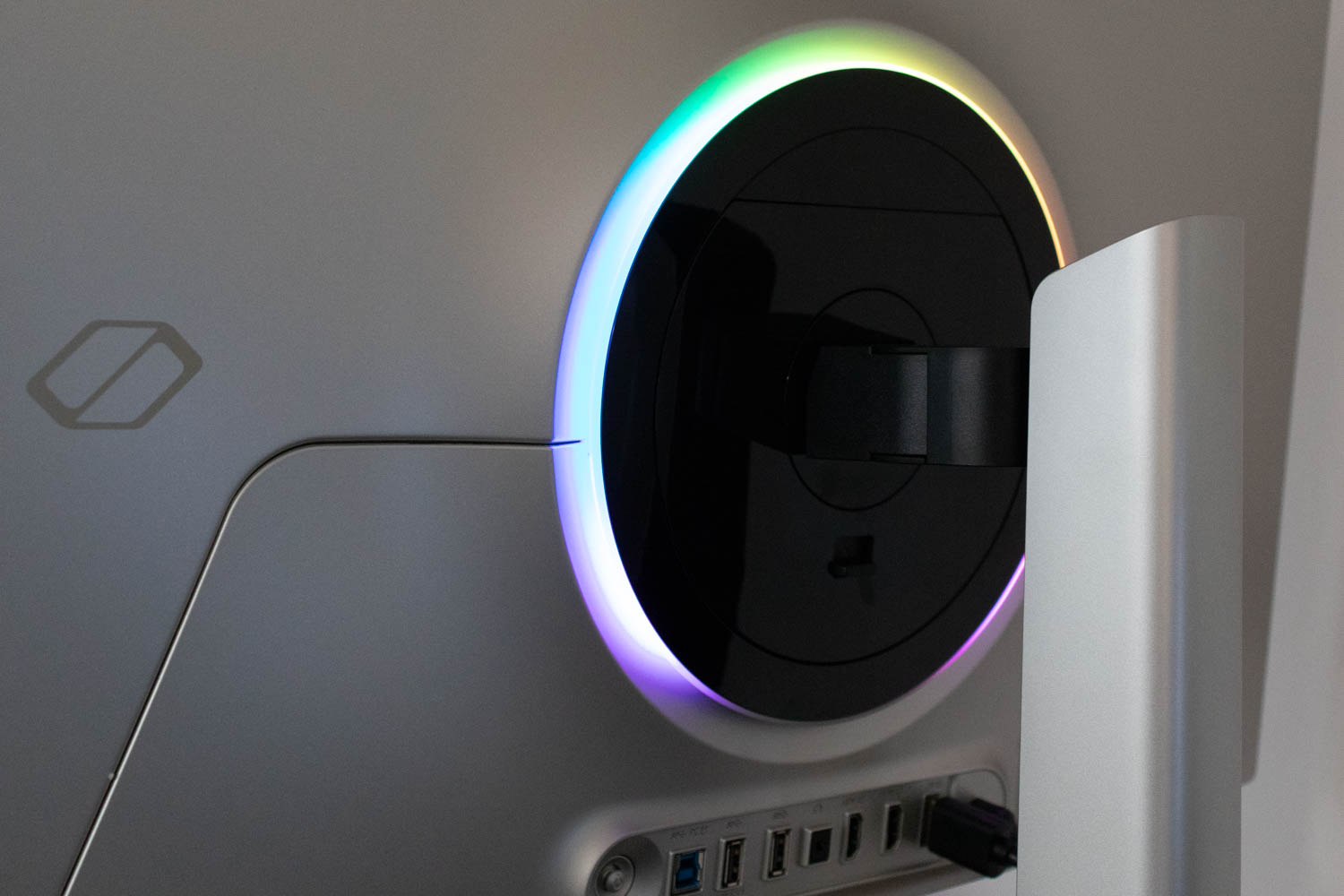
The rear section of the monitor—where the stand connects to the screen—is made of black plastic and surrounded by a ring of milky-white plastic that acts as a diffuser for the built-in LED lighting. Its brightness, regardless of the chosen color or effect, is insufficient to illuminate the wall behind the monitor. As such, it serves more as a decorative touch, likely appealing to younger users, rather than a functional feature. Samsung seems to acknowledge this, as the lighting is disabled by default. If you want to enable it, look under Game > Infinity Core Lighting in the OSD.
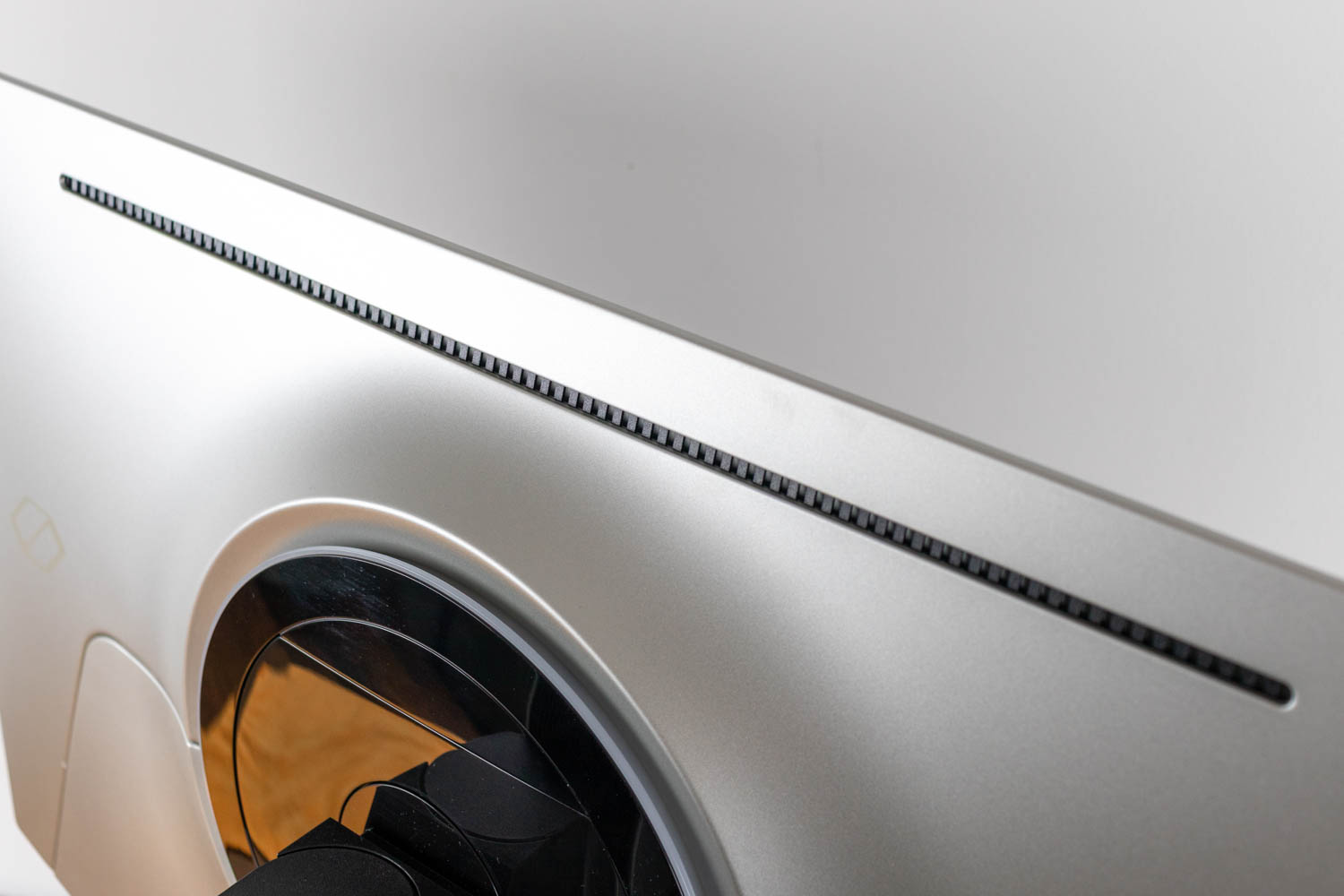
Samsung equips the Odyssey OLED G6 G60SD with what it calls the Dynamic Cooling System. Instead of using a graphite sheet to spread heat, the monitor relies on a pulsating heat pipe that circulates coolant through evaporation and condensation. According to Samsung, this method is up to five times more effective at diffusing heat, helping to lower the panel's operating temperature and reduce the risk of burn-in. While I cannot verify this claim, what can be confirmed is that the entire cooling solution is passive, so there is no fan noise to worry about. Cutouts on the top rear side of the monitor allow warm air to escape naturally.
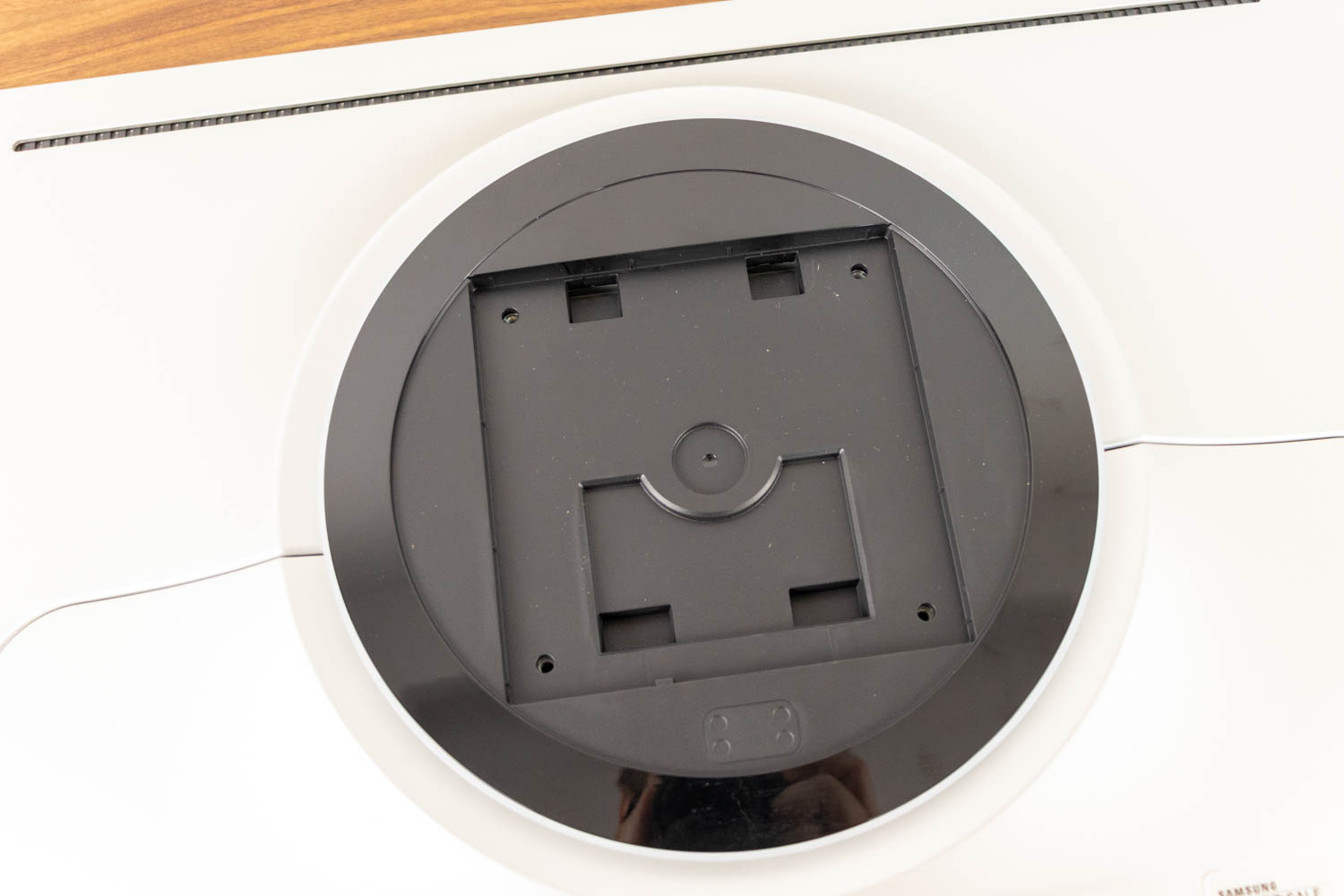
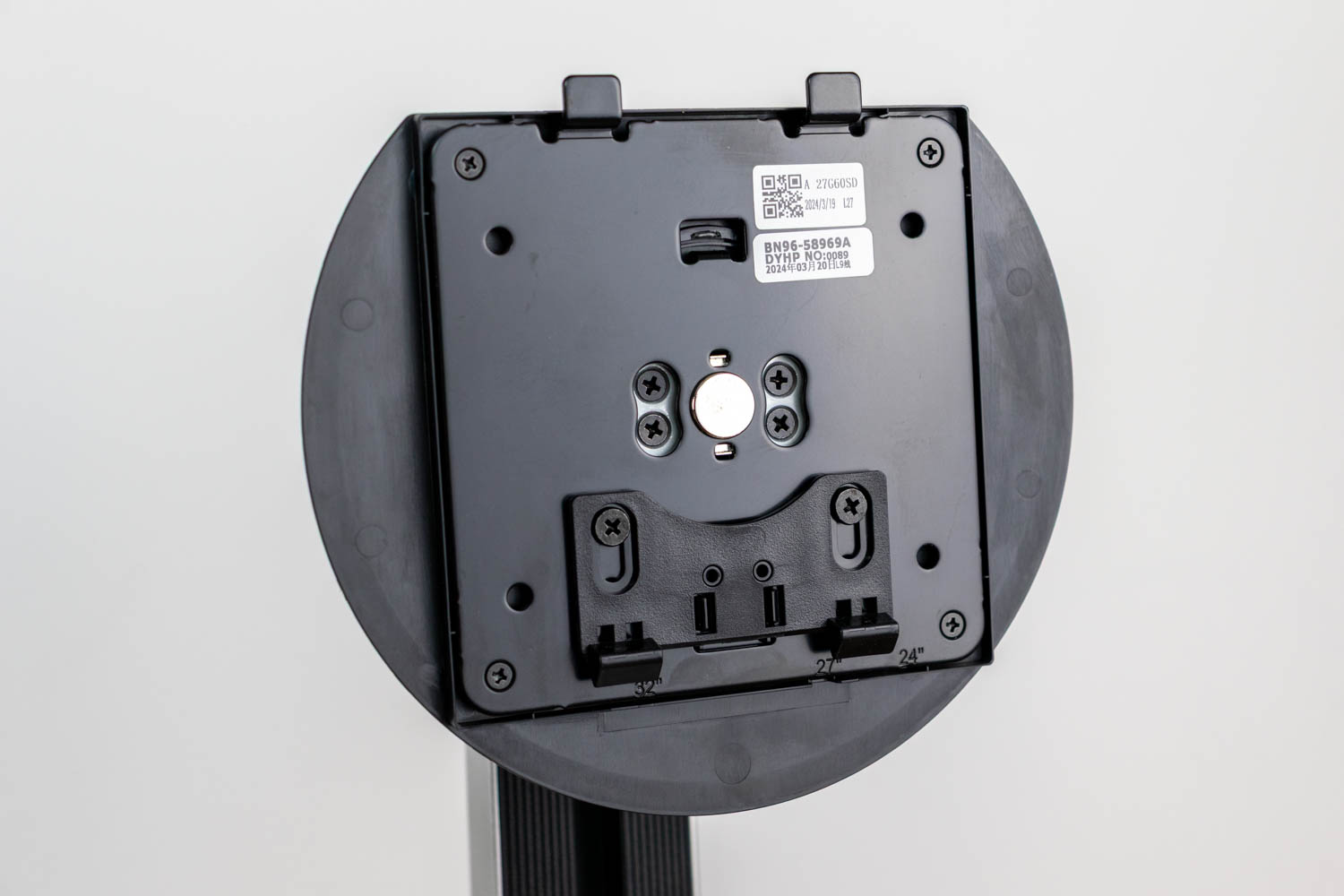
If you prefer to replace the included stand with a VESA-compatible desk or wall mount, all standard VESA 100×100 mounts are supported.
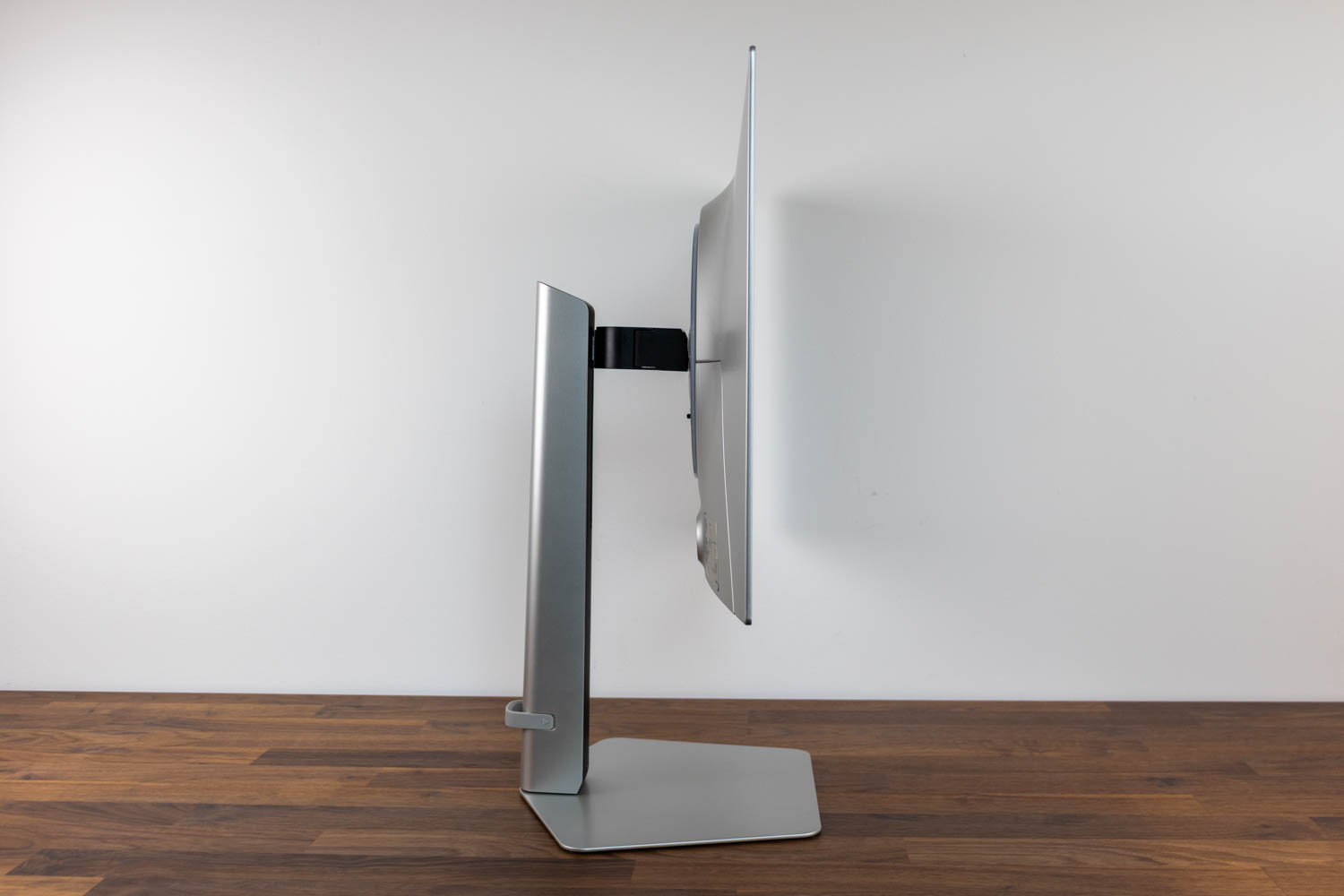
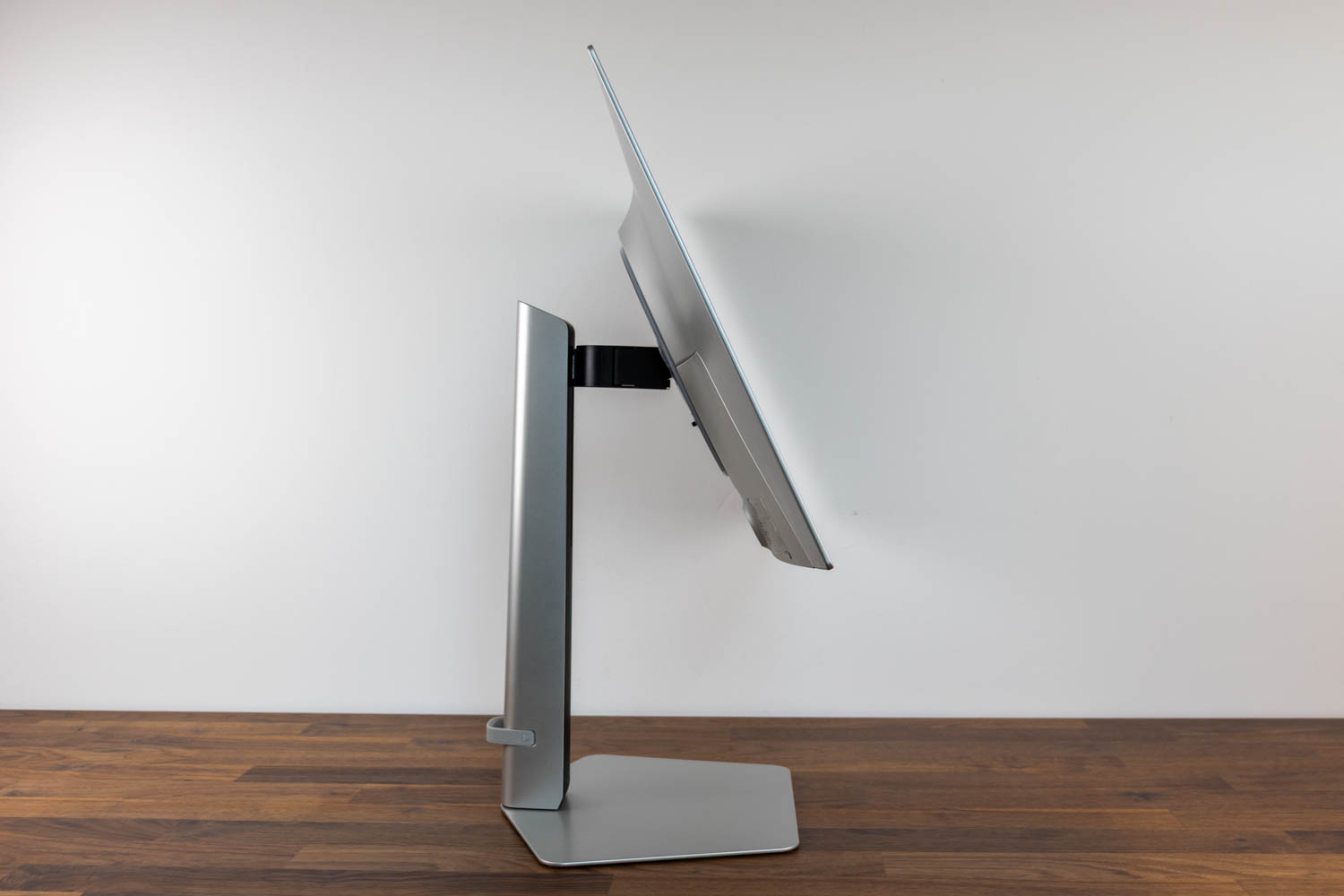
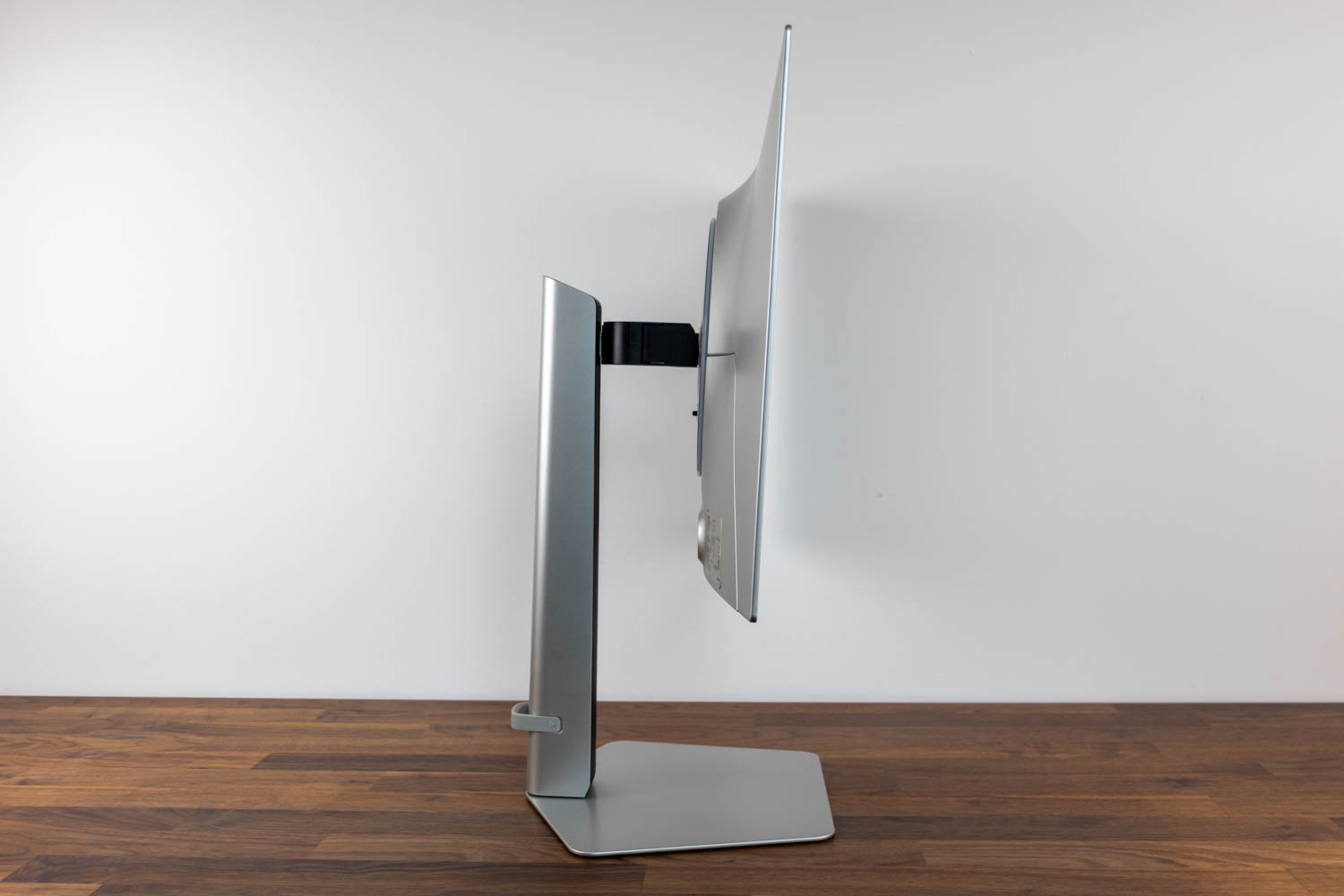
The screen can be tilted from -2° to +25°. It is best to use both hands when adjusting it.
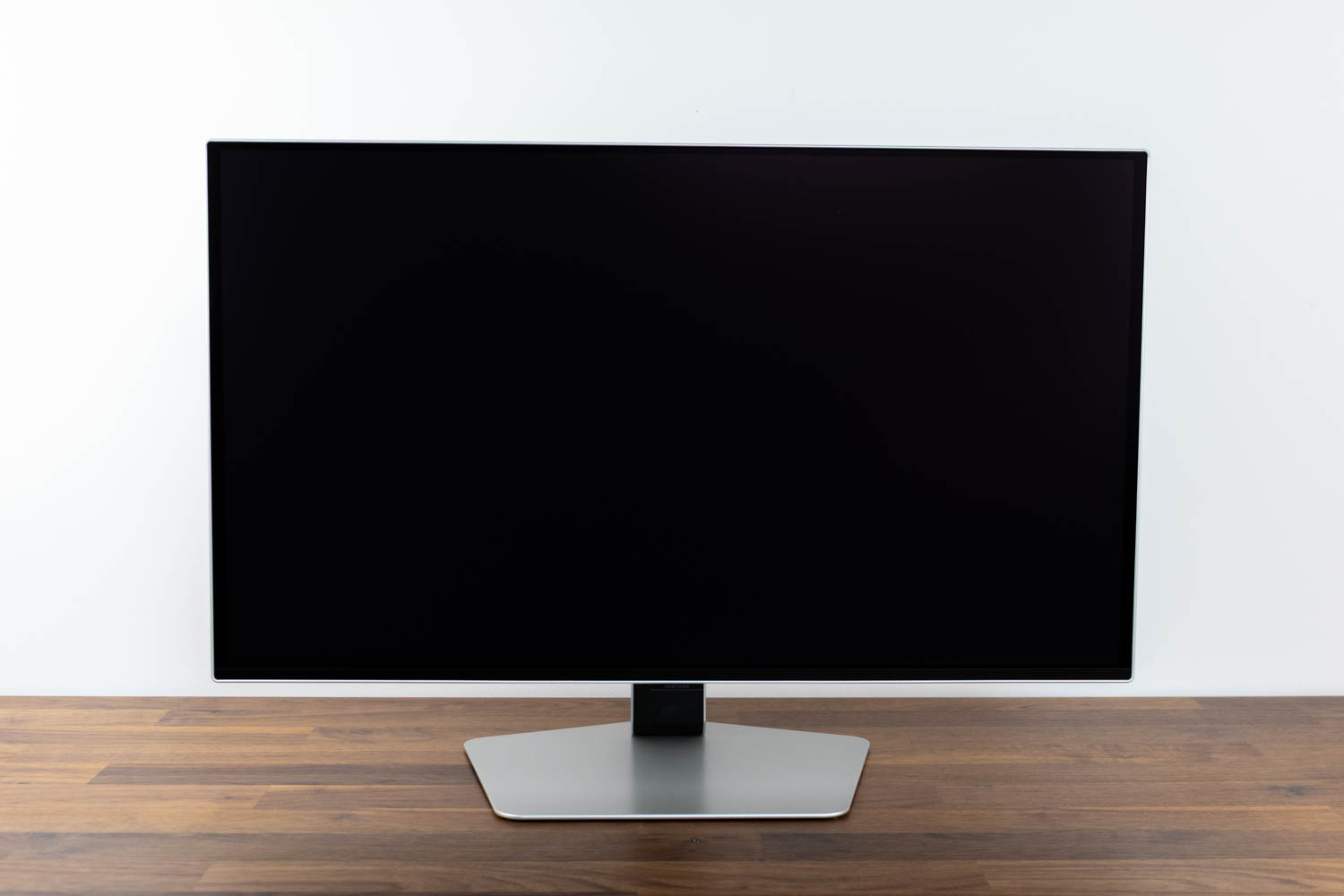
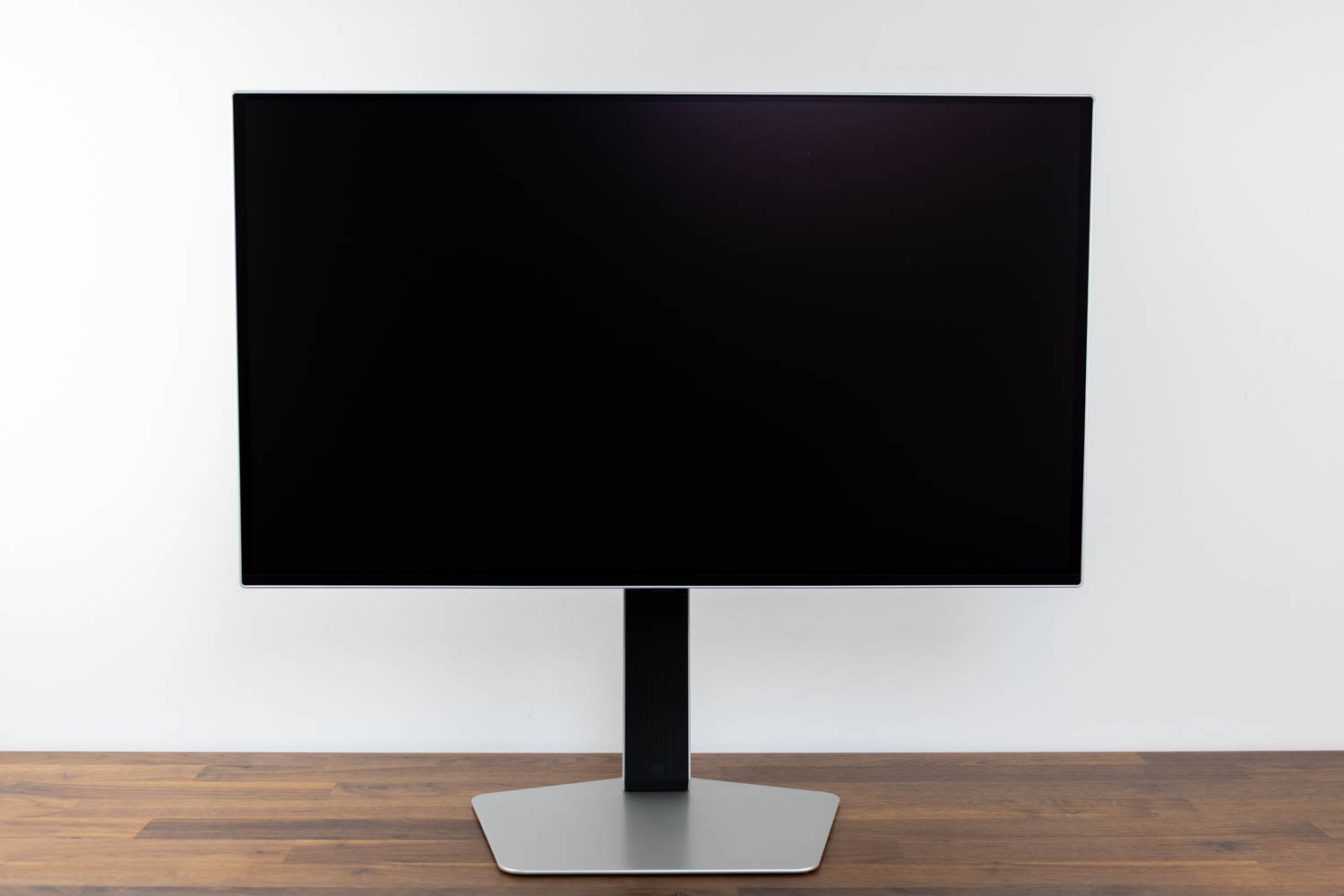
The panel's height is also adjustable. In its lowest position, the distance from the desk to the bottom edge of the screen is 8 cm (3.15 in). At its highest, that distance increases to 20 cm (7.87 in), providing a total adjustment range of 12 cm (4.72 in).
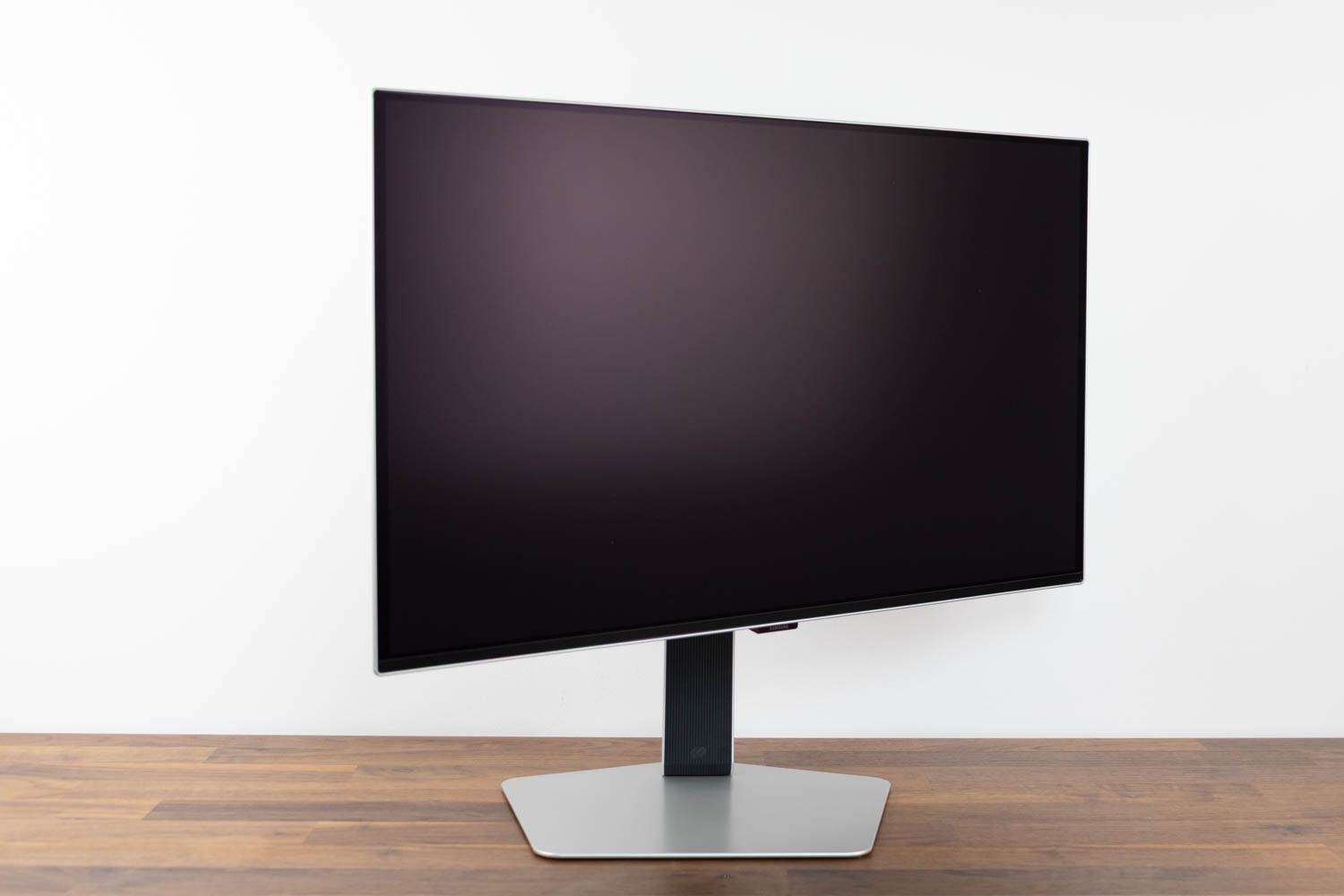
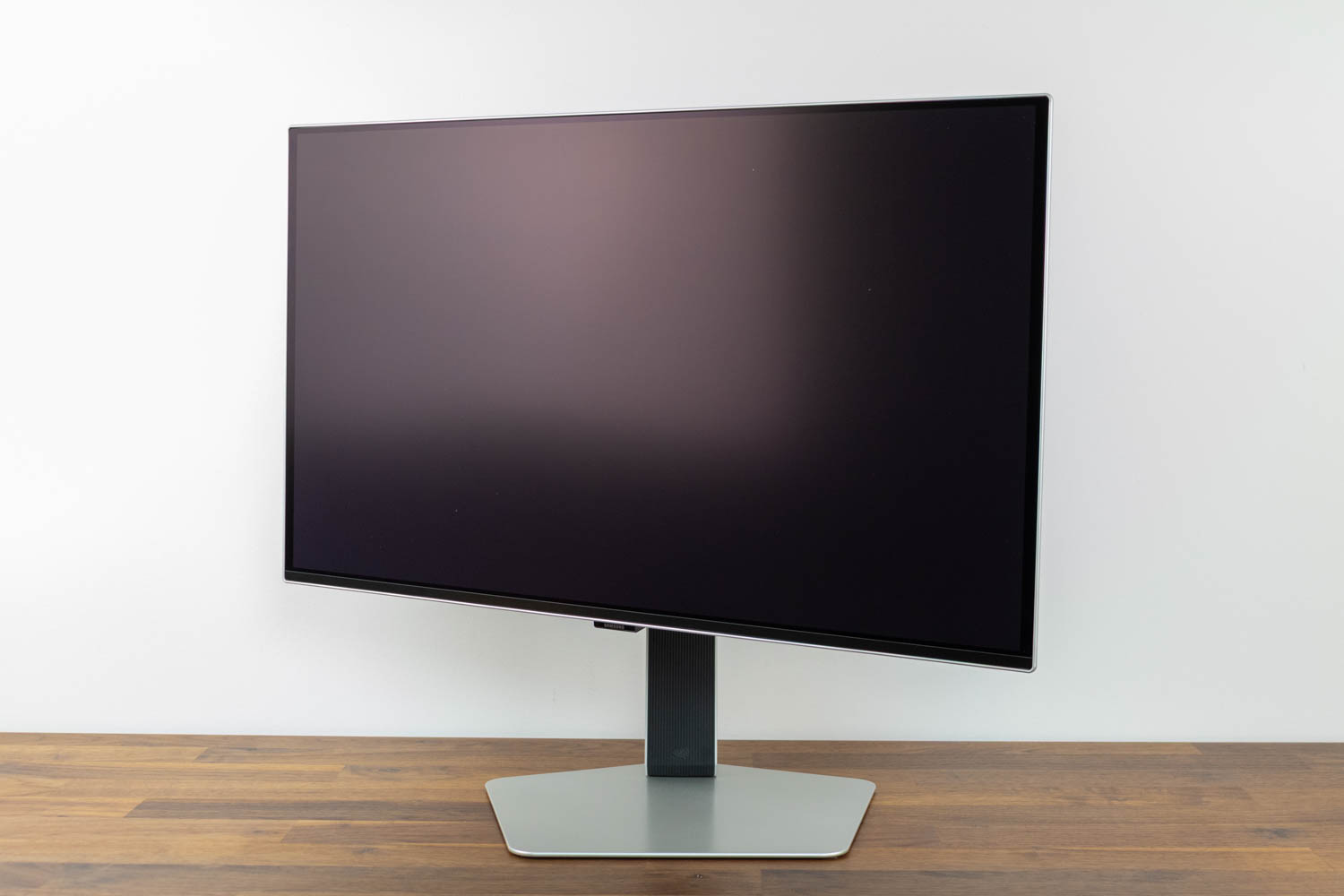
The swivel range (left-to-right rotation) is ±30°.
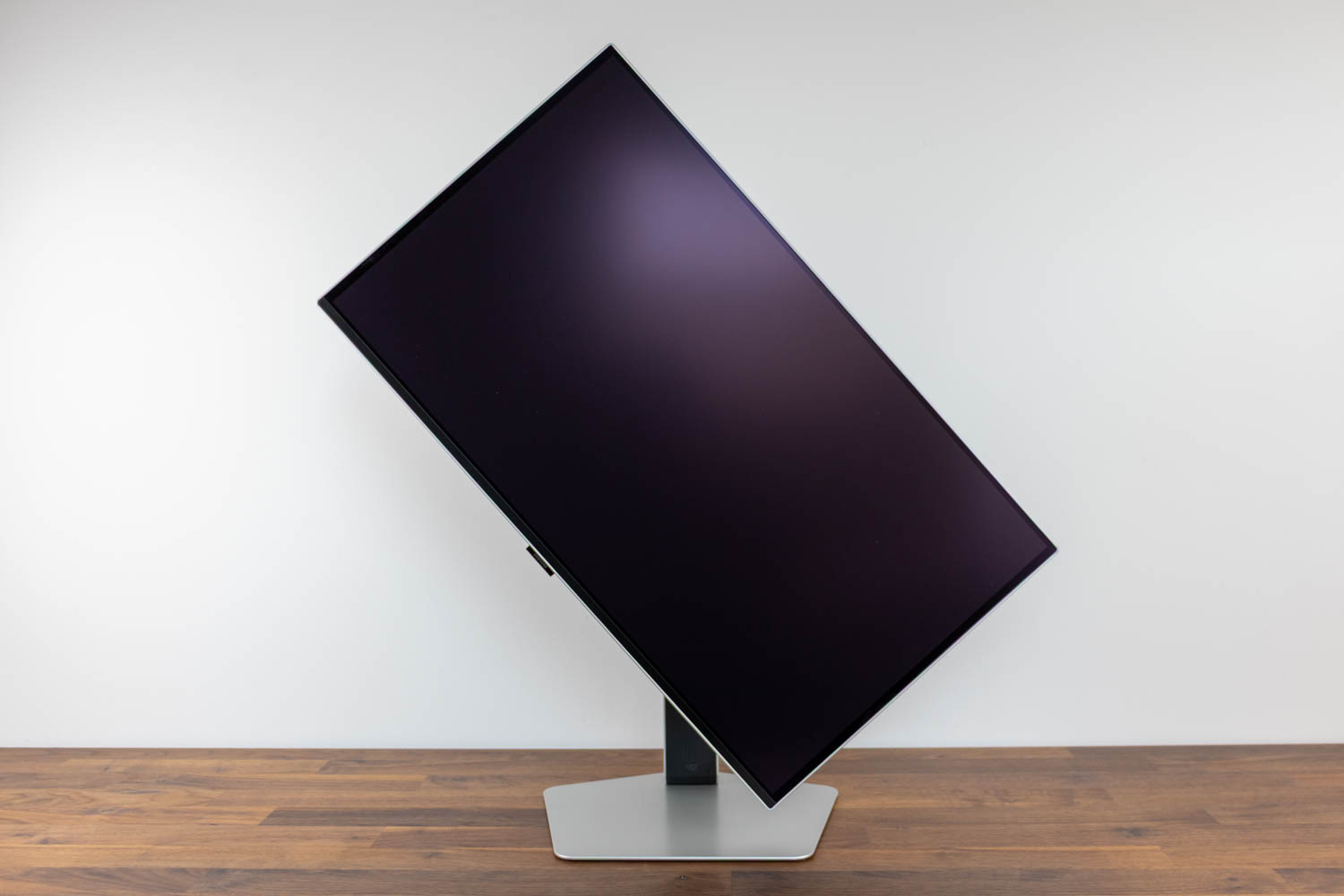
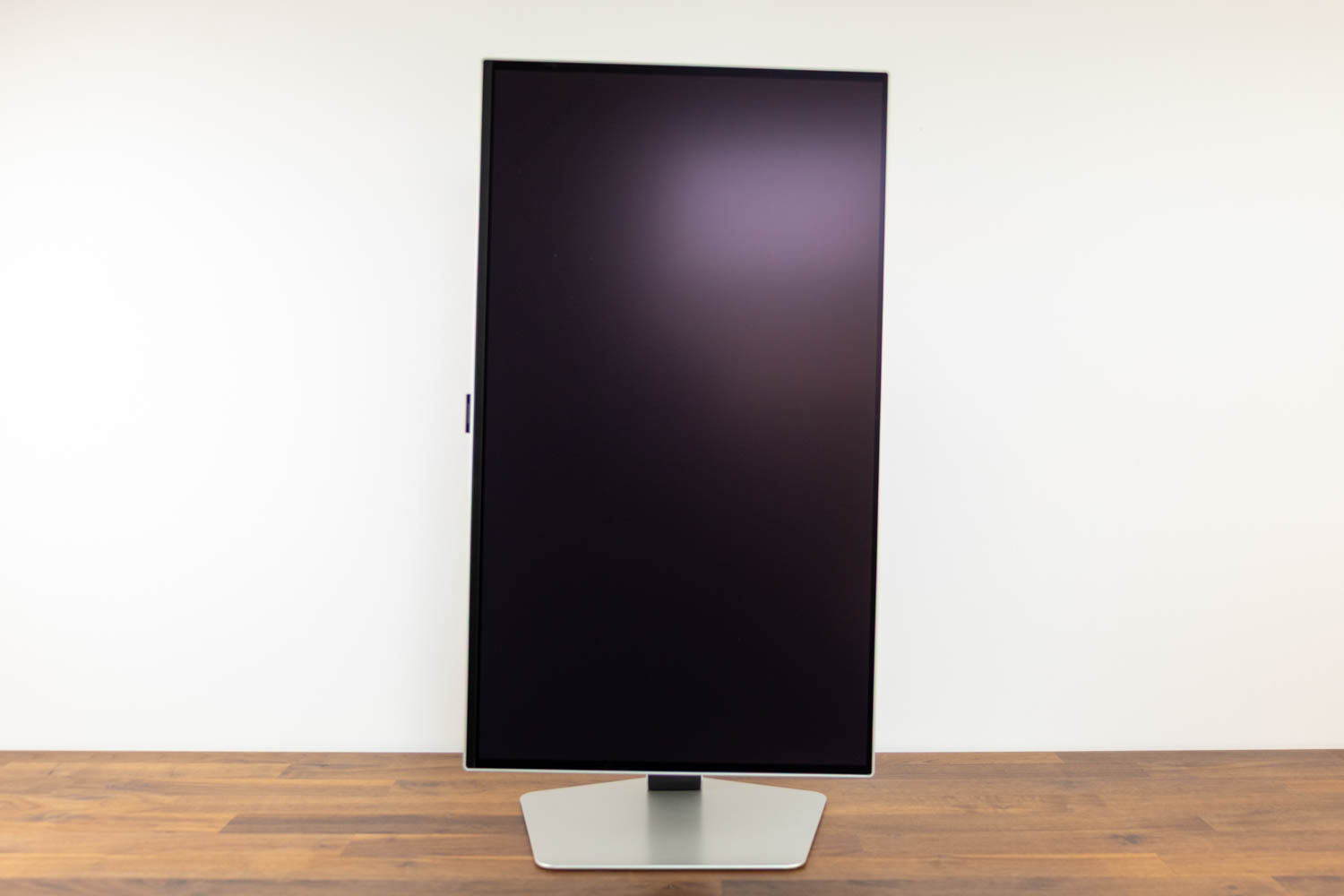
The panel can also be pivoted 90° in either direction.
Nov 18th, 2026 16:03 PST
change timezone
Latest GPU Drivers
New Forum Posts
- Honestly, do you care about GTA VI? (147)
- Got a new laptop! What should I do with it? (4)
- Dell Workstation Owners Club (3514)
- Making a game in Godot engine (2)
- [Poll] 12V-2x6 Connector Protection: What Are You Using? (WireView / Ampinel / Equalizer / Other / Nothing) (39)
- Last game you purchased? (1406)
- Time to upgrade CPU and MOBO (34)
- Can i play GTA 6 now? (Joke) (7)
- What are you playing? (26234)
- Very unusual two gaming-pc scenarios. (12)
Popular Reviews
- Acemagic Retro X3 Review
- Upcoming Hardware Launches 2027 (Updated Nov 2026)
- AMD Zen 6 Technical Deep Dive
- Ugreen NASync DXP4800 GT Review
- Biwin Black Opal NV7400 2 TB Review
- Pulsar Office Tour & First Look at P1 Dual-Sensor Mouse
- Chieftec Iceberg PRO 360 DARK Review
- Sapphire Radeon RX 7700 XT Pure Review
- ASUS ROG Strix B850-I Gaming Wi-Fi7 W Review
- Sapphire Radeon RX 7700 XT Pulse Review
TPU on YouTube
Controversial News Posts
- NVIDIA Co-Founder and CEO Jensen Huang Officially Resigns (478)
- Report: Jensen Huang Eyes NVIDIA Comeback (193)
- Open Letter Asking NVIDIA to Reinstate Jensen Huang Passes 115,000 Signatures (184)
- OpenAI CEO Argues Home PCs Waste the World's Limited DRAM Supply (152)
- NVIDIA Launches Investigation Into Jensen Huang's Relationship With Suspected Chinese Spy (136)
- Intel "Raptor Lake Next" 16-Core and 20-Core CPUs Surface (130)
- Legendary Game Studio BioWare Shuts Down Following EA Layoffs (104)
- Dell CEO Says the Memory Shortage Will Get Worse in 2027 (95)