 65
Senua's Saga: Hellblade II Performance Benchmark Review
(65 Comments) »Introduction
"Hellblade II: Senua's Saga," developed by Ninja Theory and published by Microsoft Xbox Game Studios, is the sequel to "Hellblade: Senua's Sacrifice" (2017). The game continues the story of Senua, a female warrior grappling with severe mental health issues and psychosis. Set in a dark, mythological version of 9th century Iceland, Senua embarks on a journey driven by her inner demons and visions. As she faces new and terrifying challenges, Senua must confront her past and uncover the truth behind her haunting visions. Ninja Theory is known for their detailed representation of mental health issues—"Hellblade II" aims to offer an even more profound and emotionally impactful experience than its predecessor.
Hellblade II: Senua's Saga leverages Epic's Unreal Engine 5 to deliver stunning visuals through advanced rendering techniques. The game utilizes Nanite technology for highly detailed environments and Lumen for dynamic global illumination and reflections. Despite these advanced graphics, the game does not implement hardware ray tracing, instead it relies on software methods provided by Unreal Engine to achieve realistic lighting and shadows.
In terms of upscalers, almost everything is included. There's support for NVIDIA DLSS 2 Super Resolution, AMD FSR 2 Super Resolution and Intel XeSS. Frame Generation using NVIDIA DLSS 3 is supported, there is no support for AMD FSR 3 Frame Generation though.
This benchmark review will evaluate the performance of Hellblade II on a wide selection of modern graphics cards, show image quality comparisons and look at what's required in terms of VRAM usage.
Screenshots
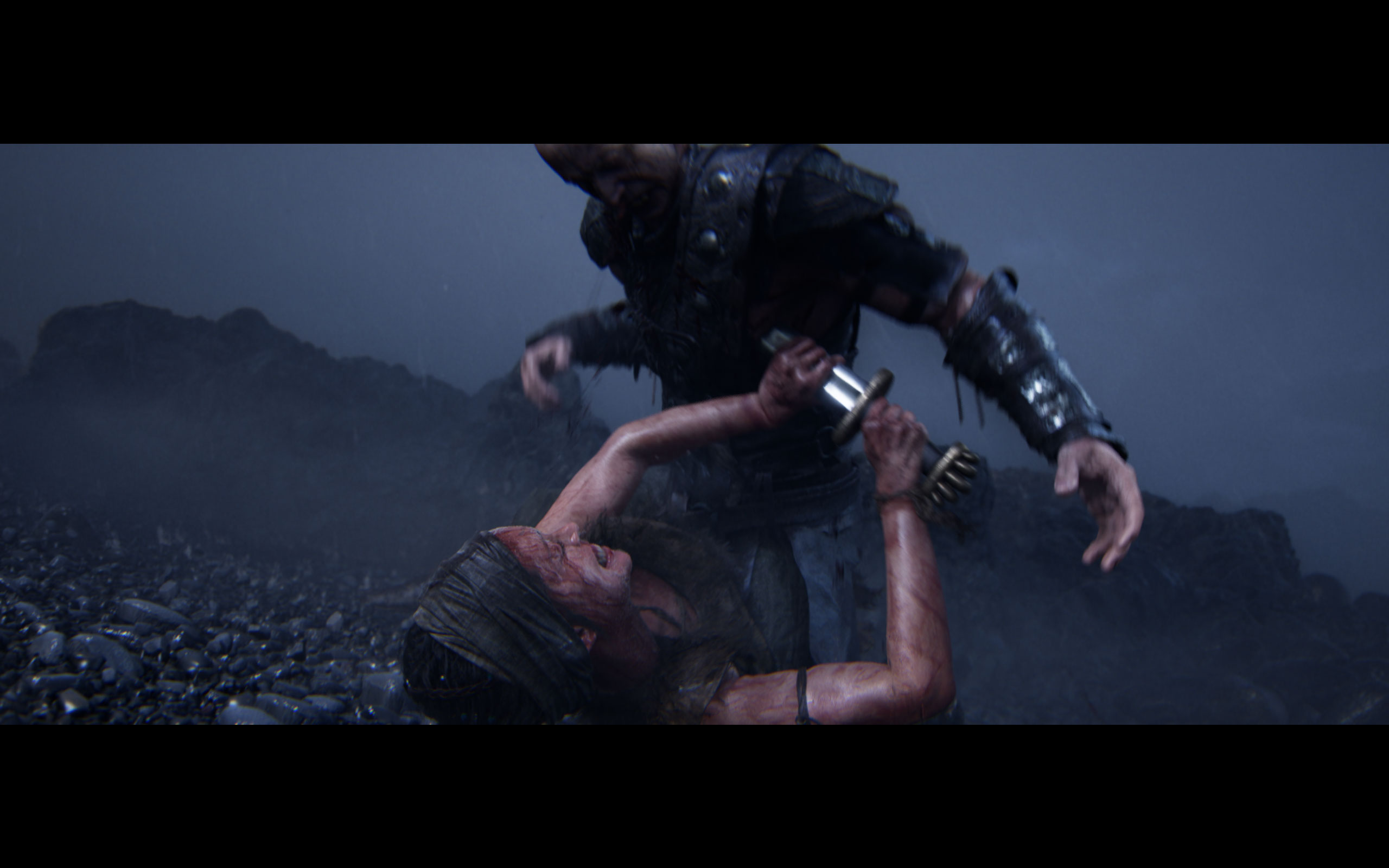
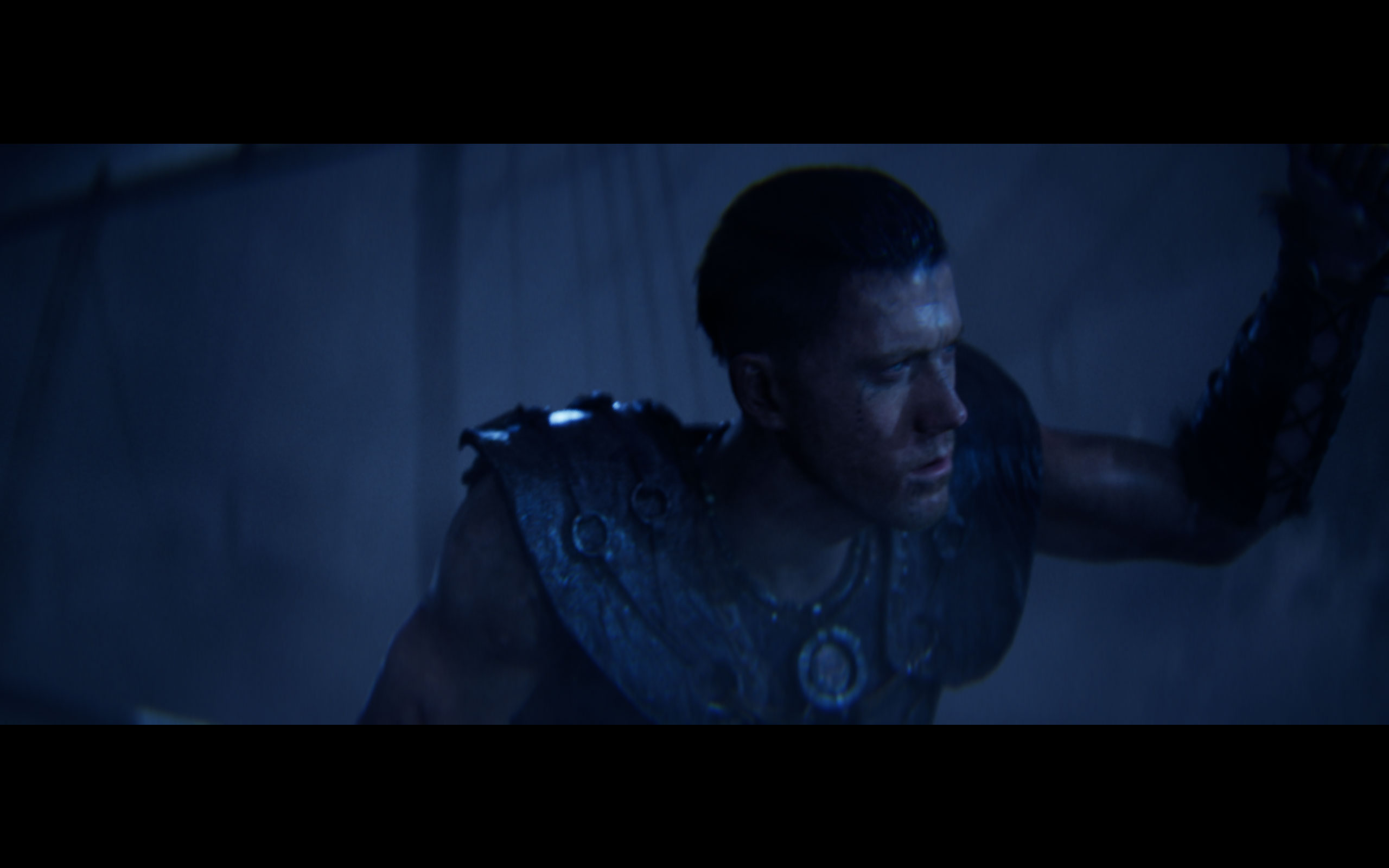
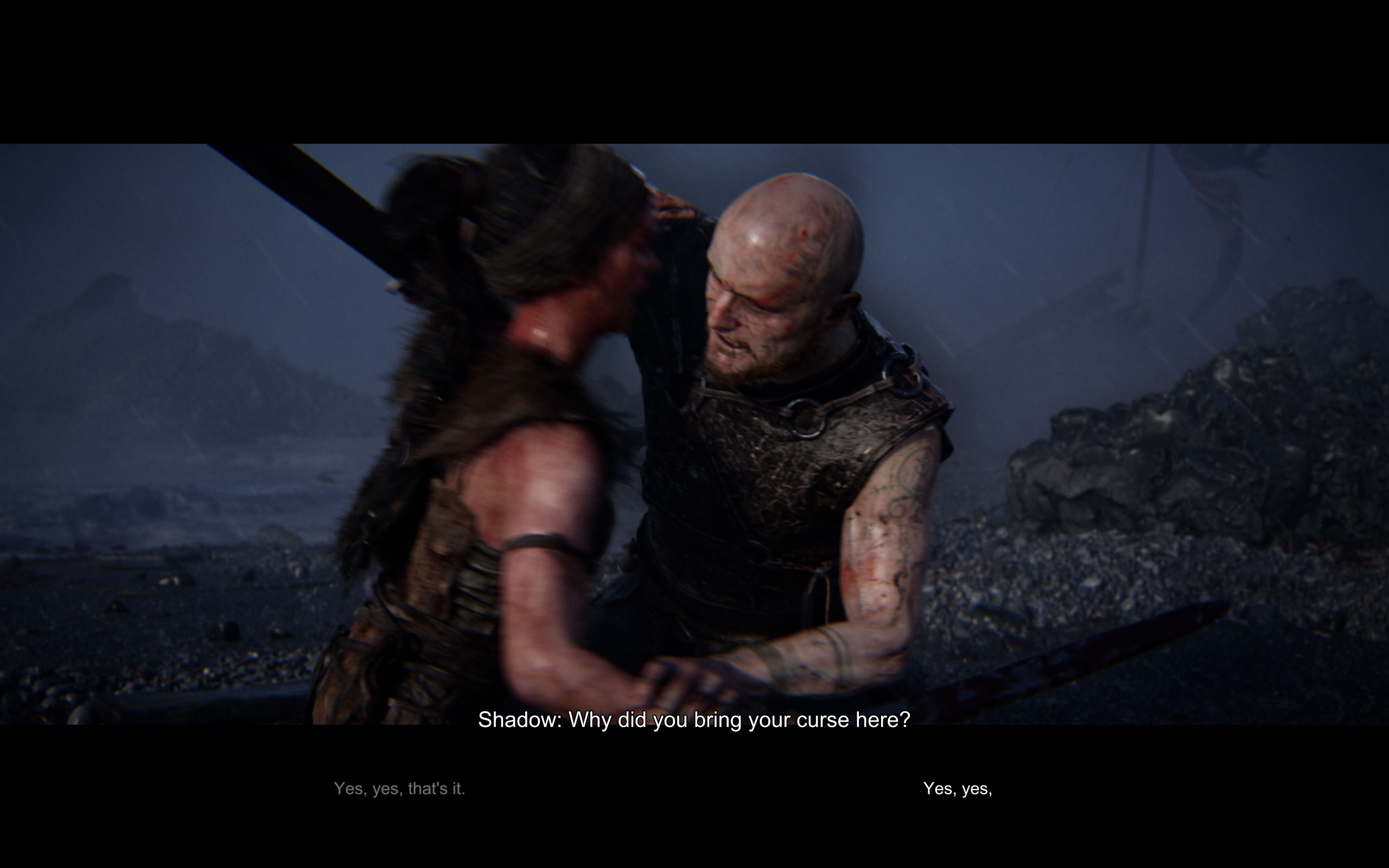
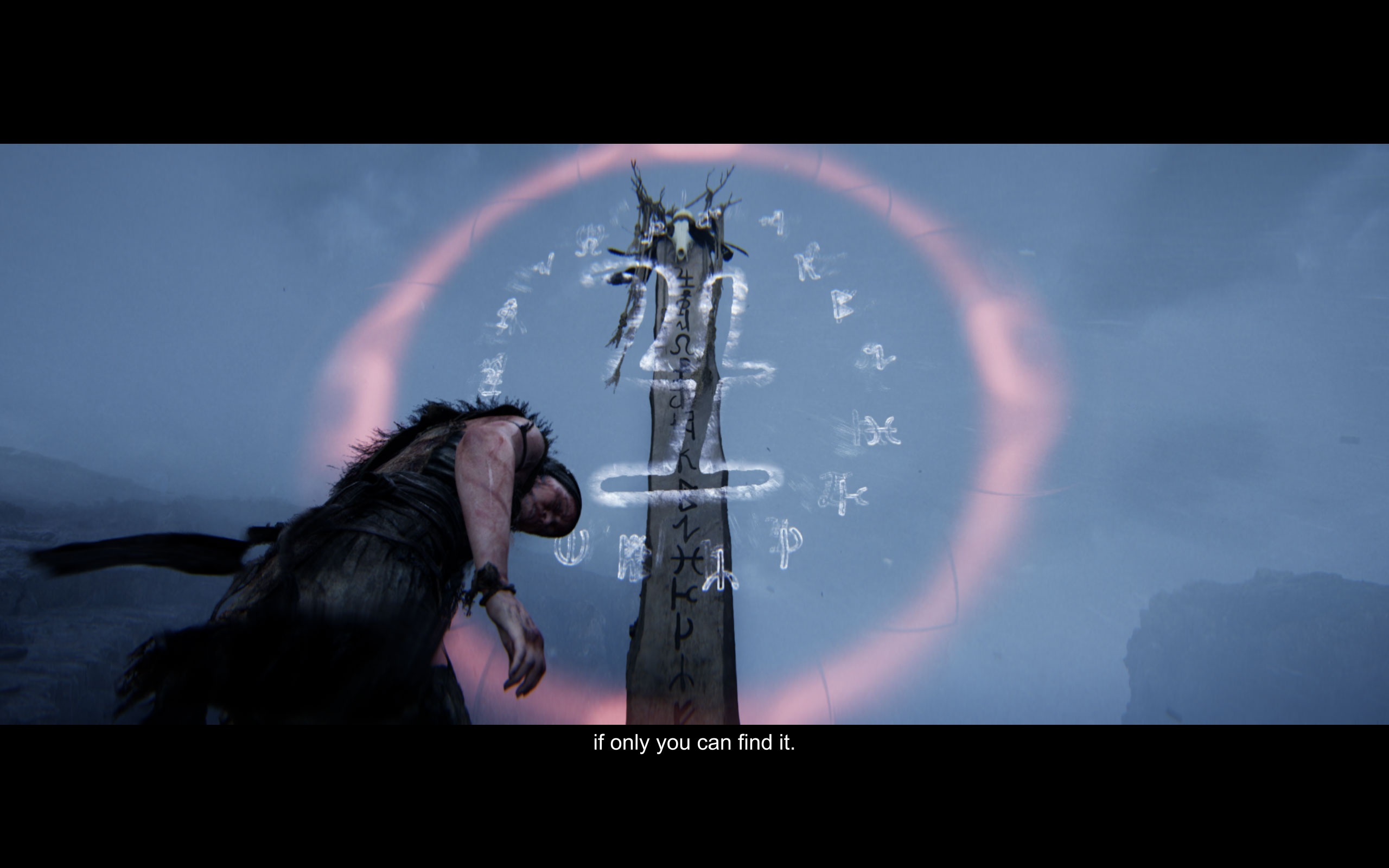
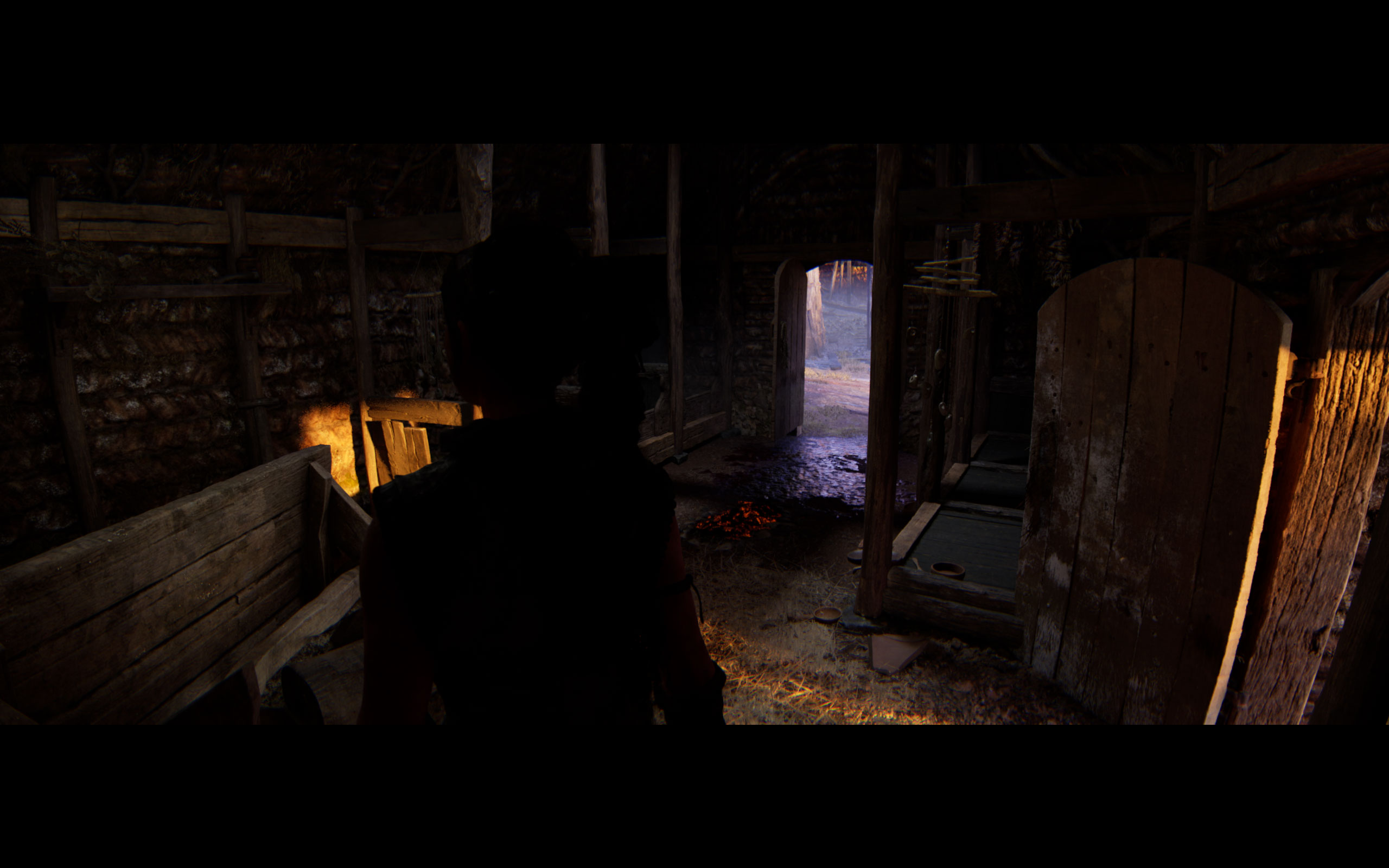
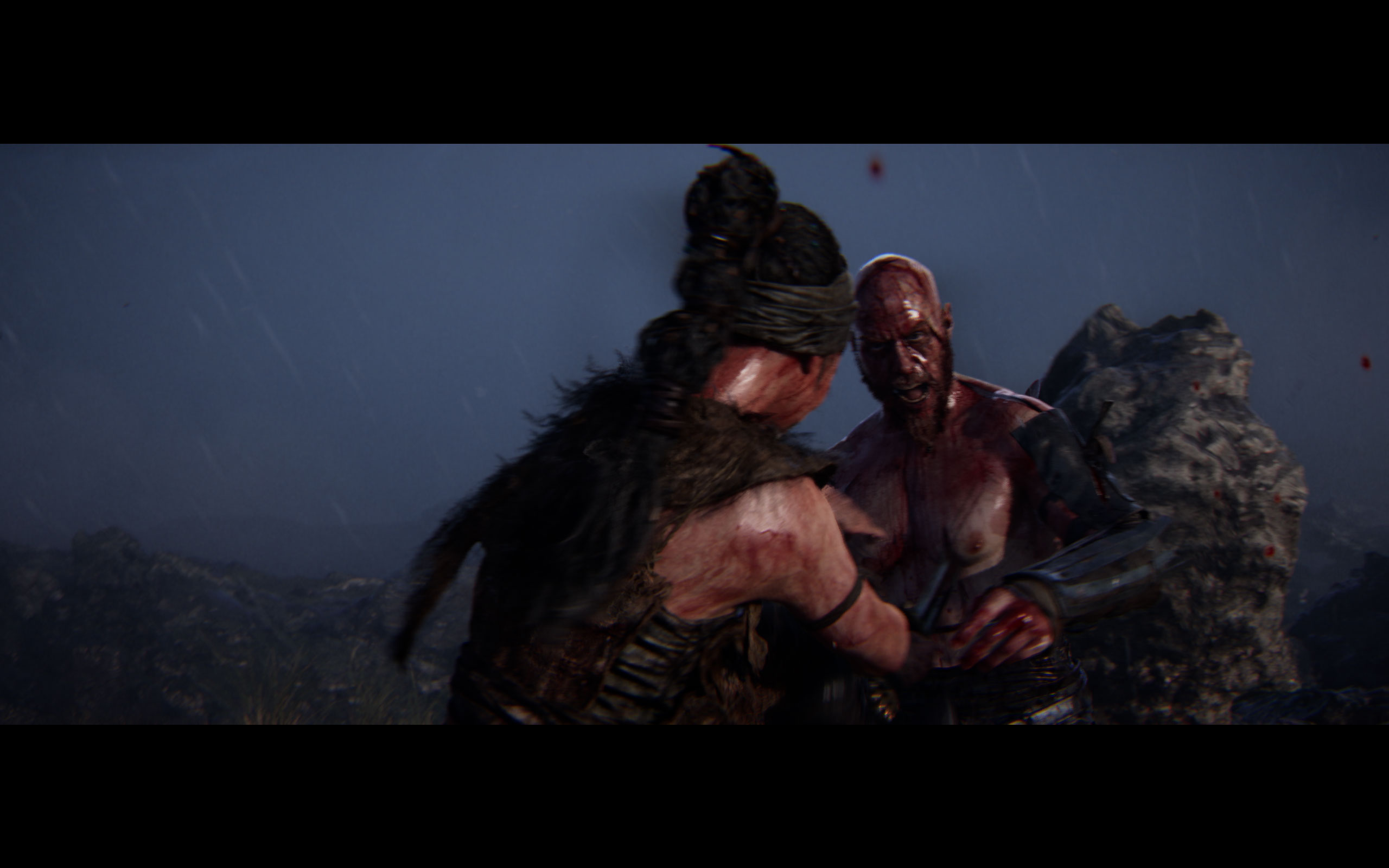
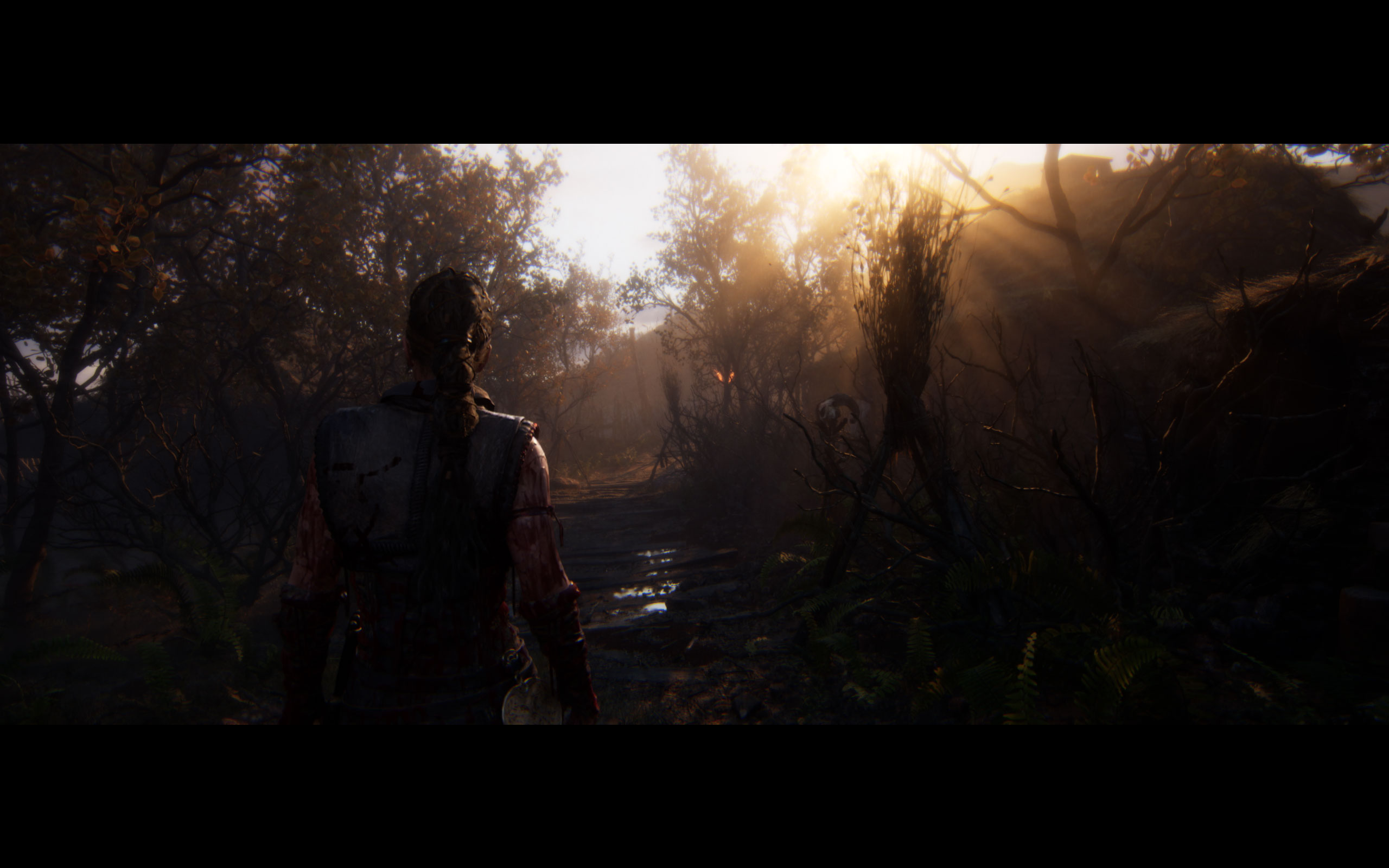
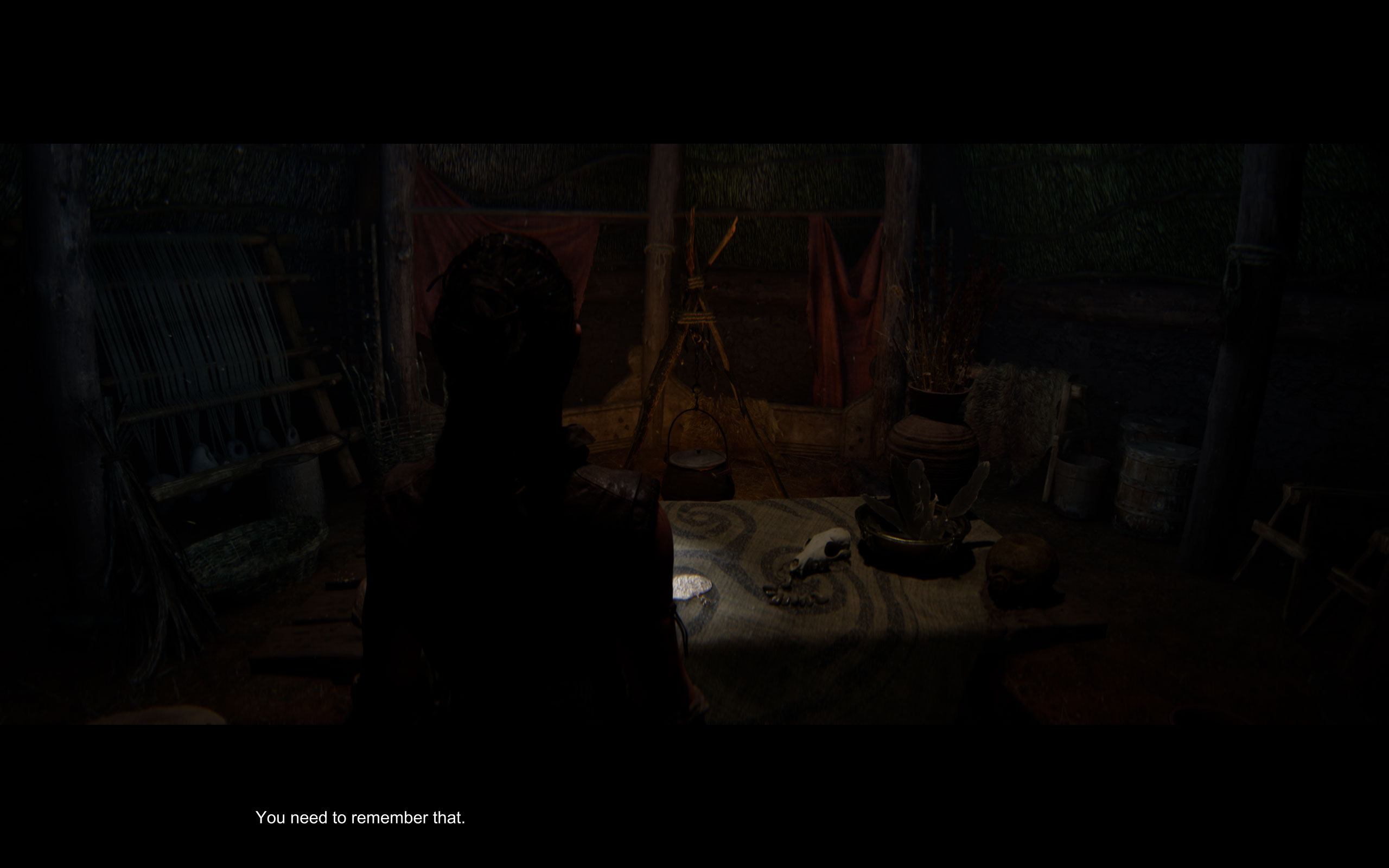
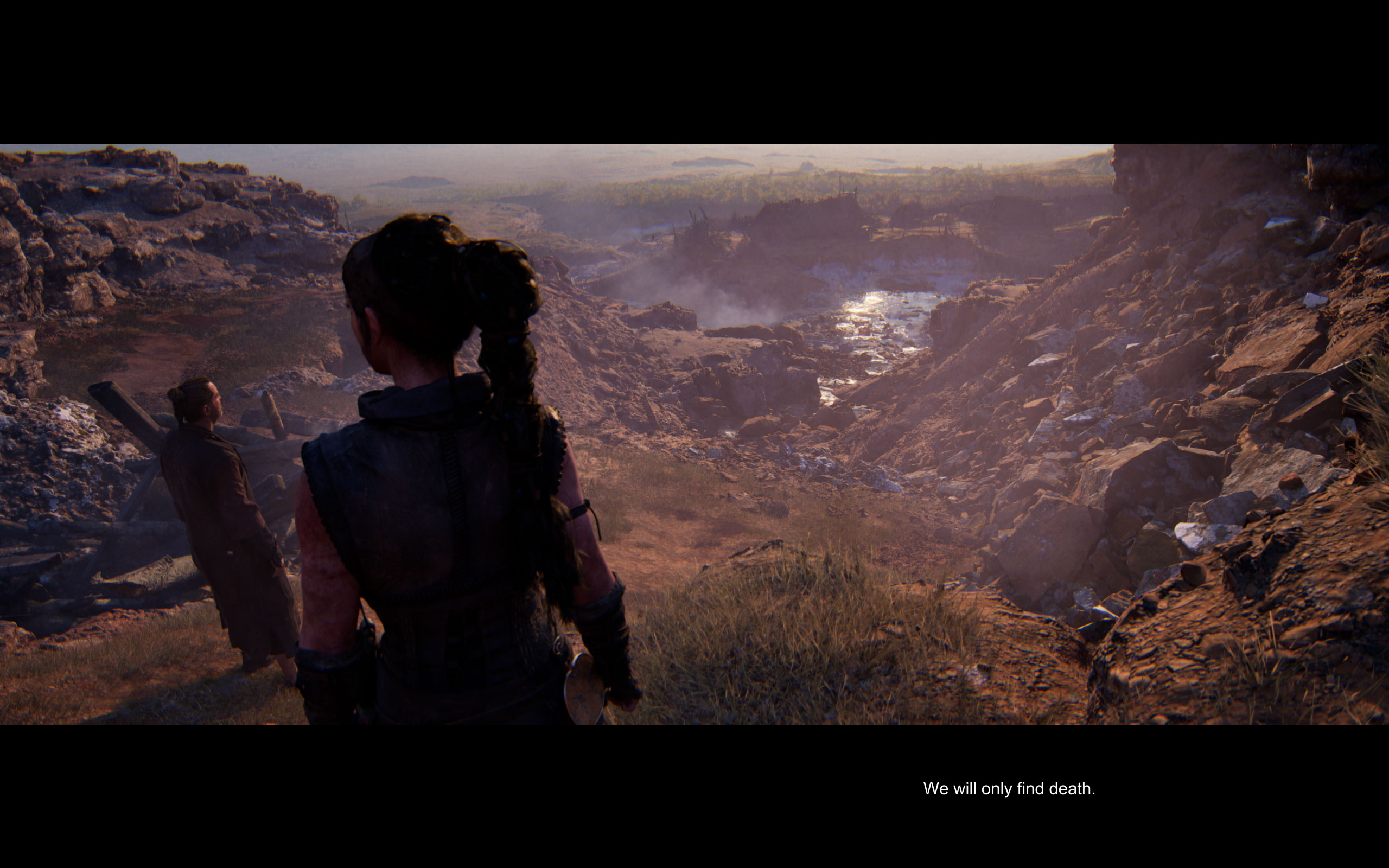
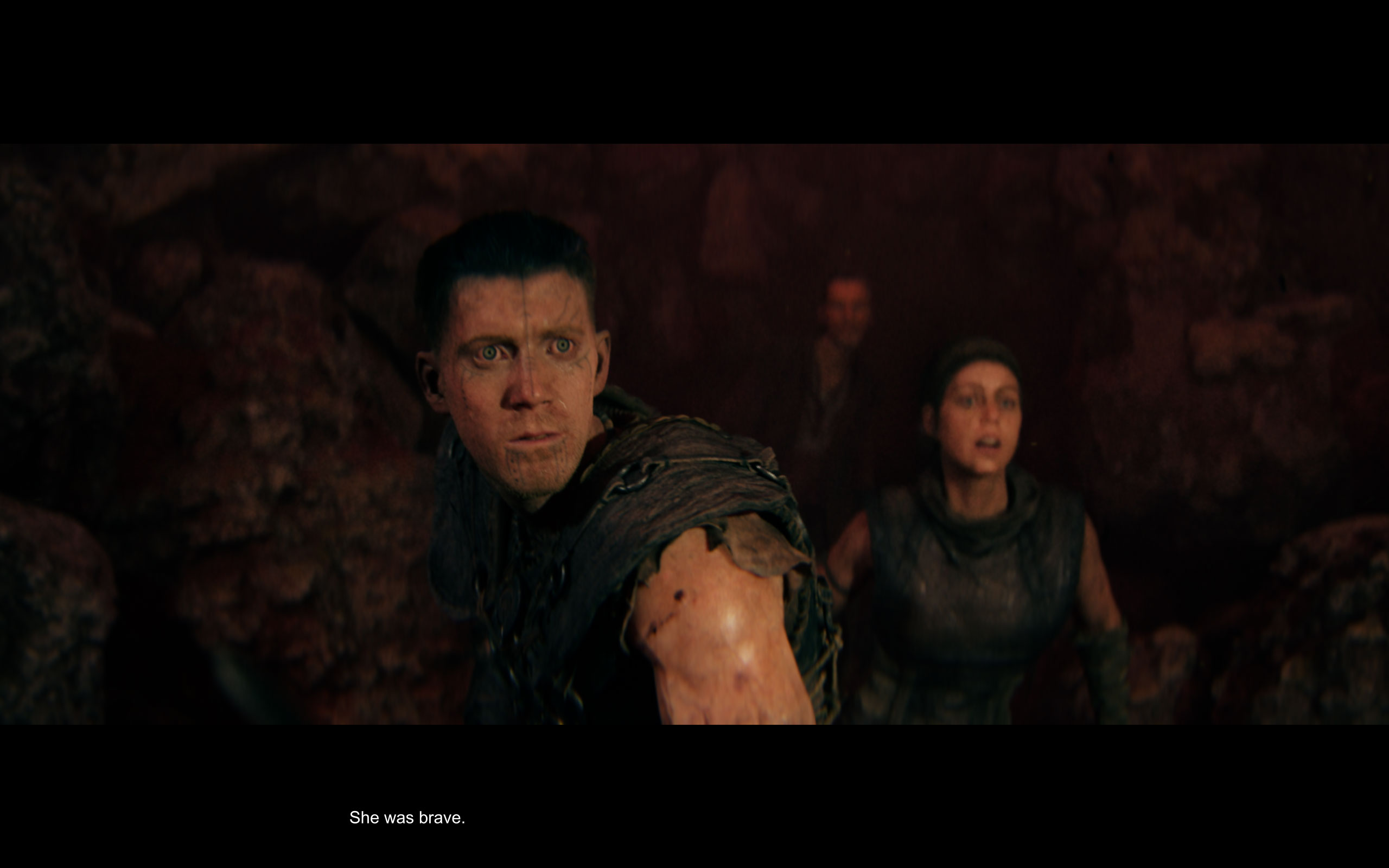
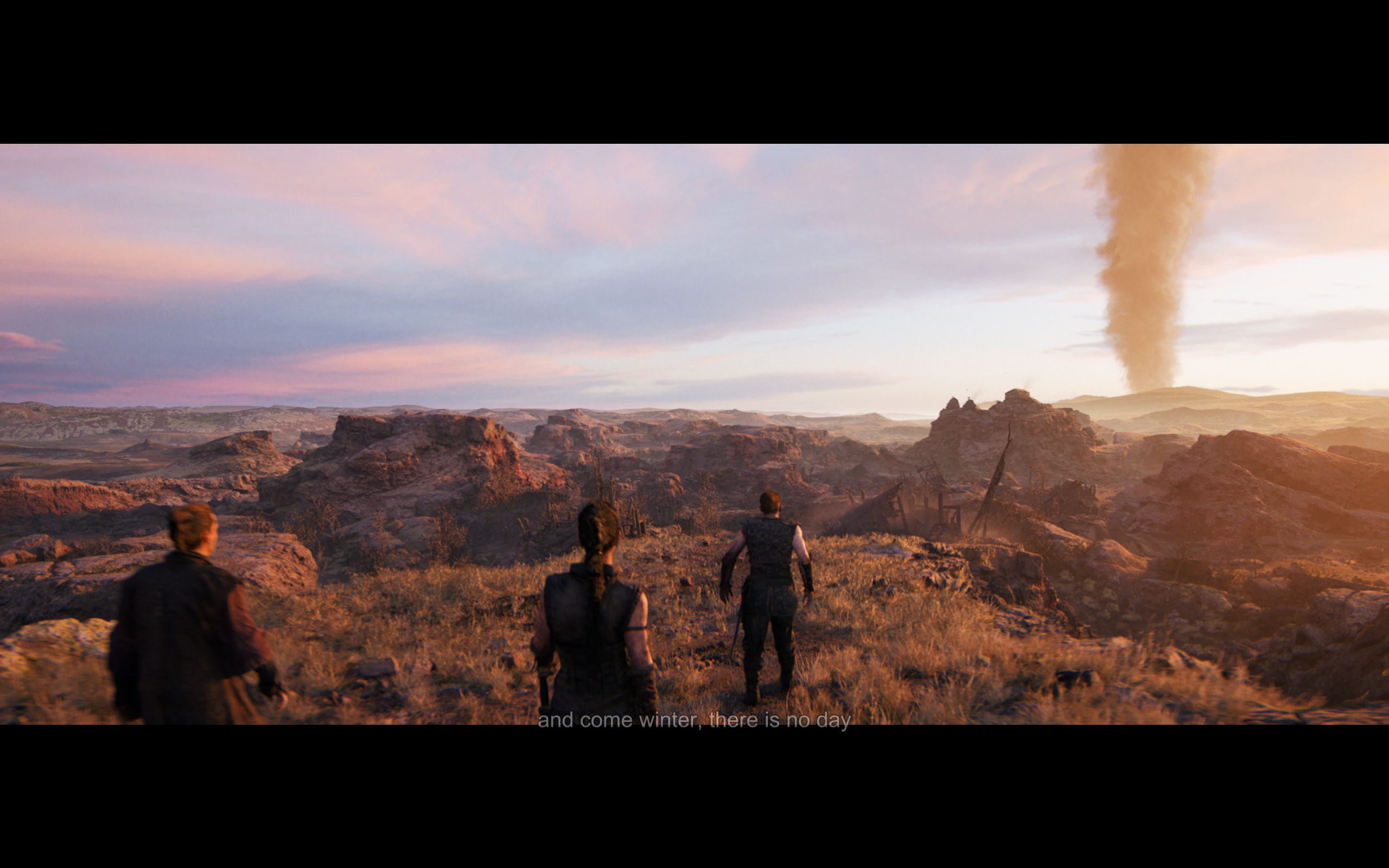
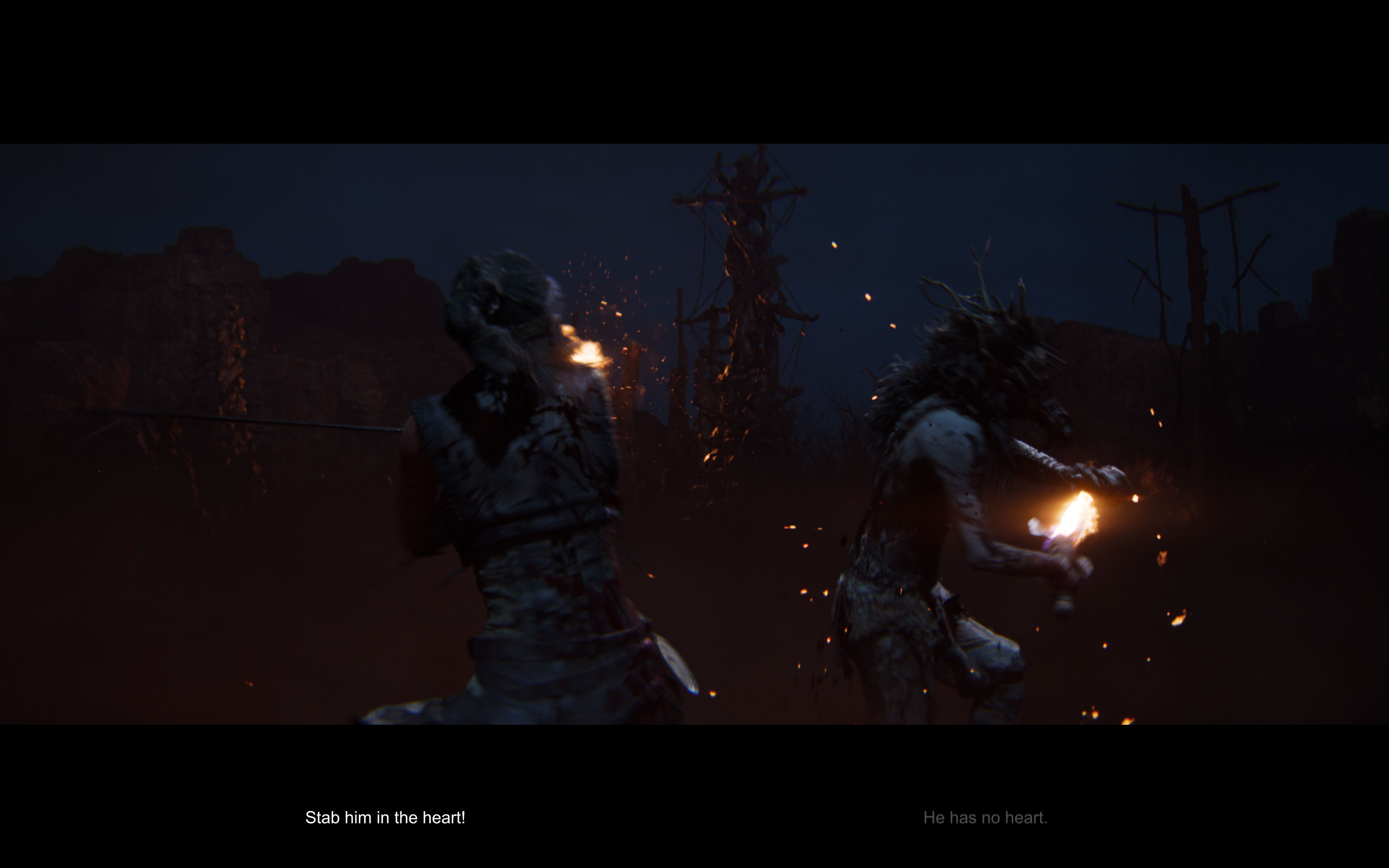
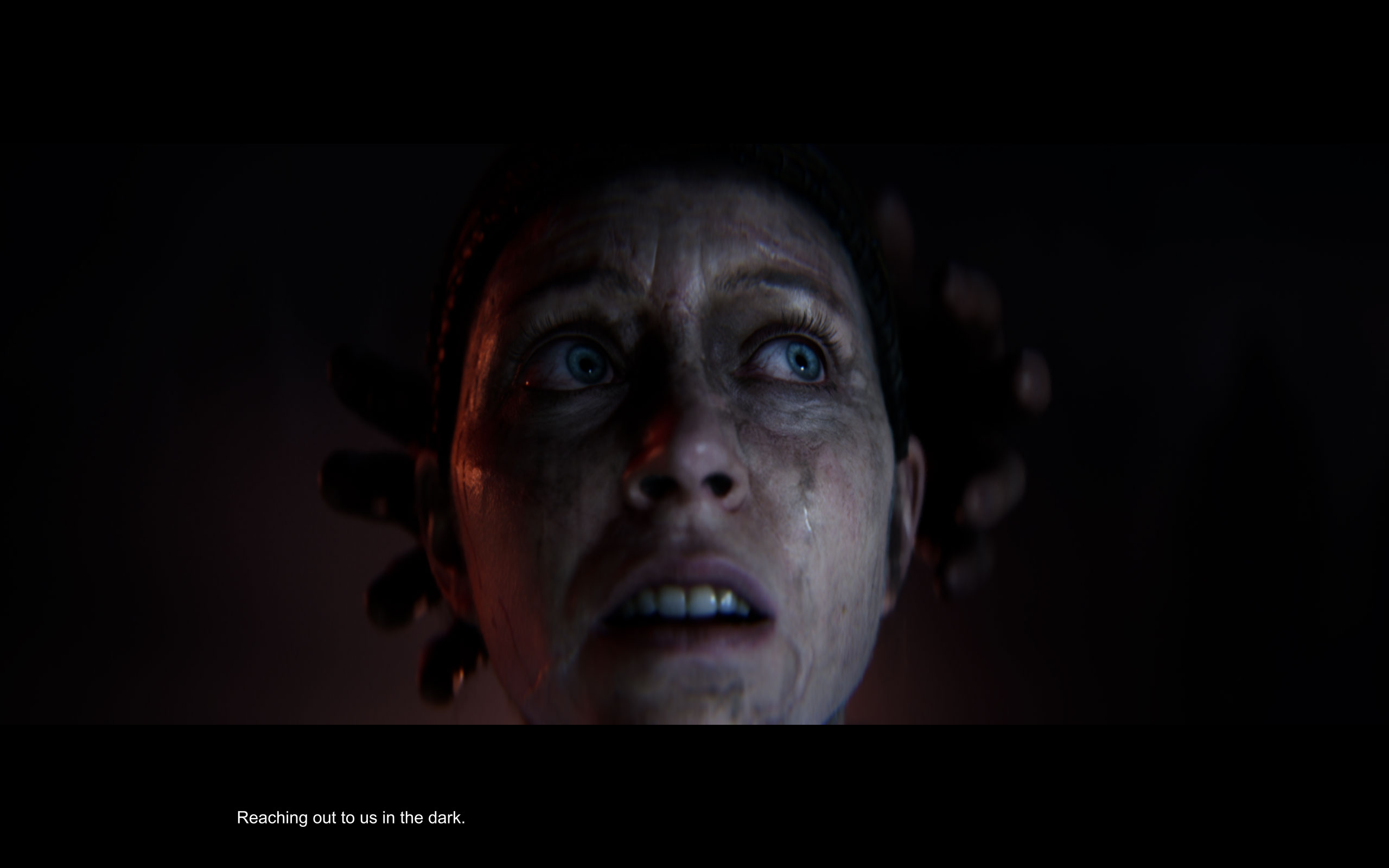
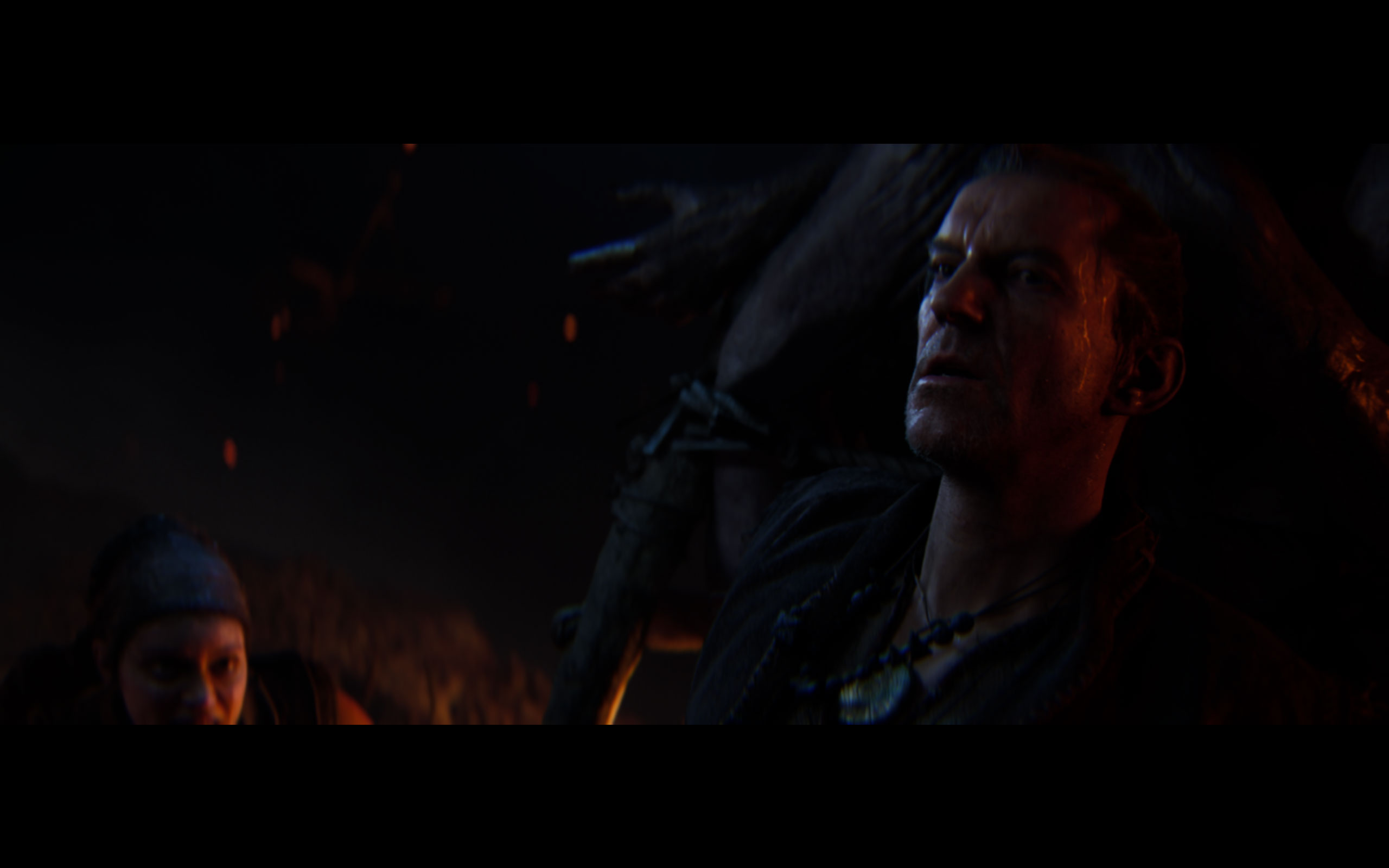
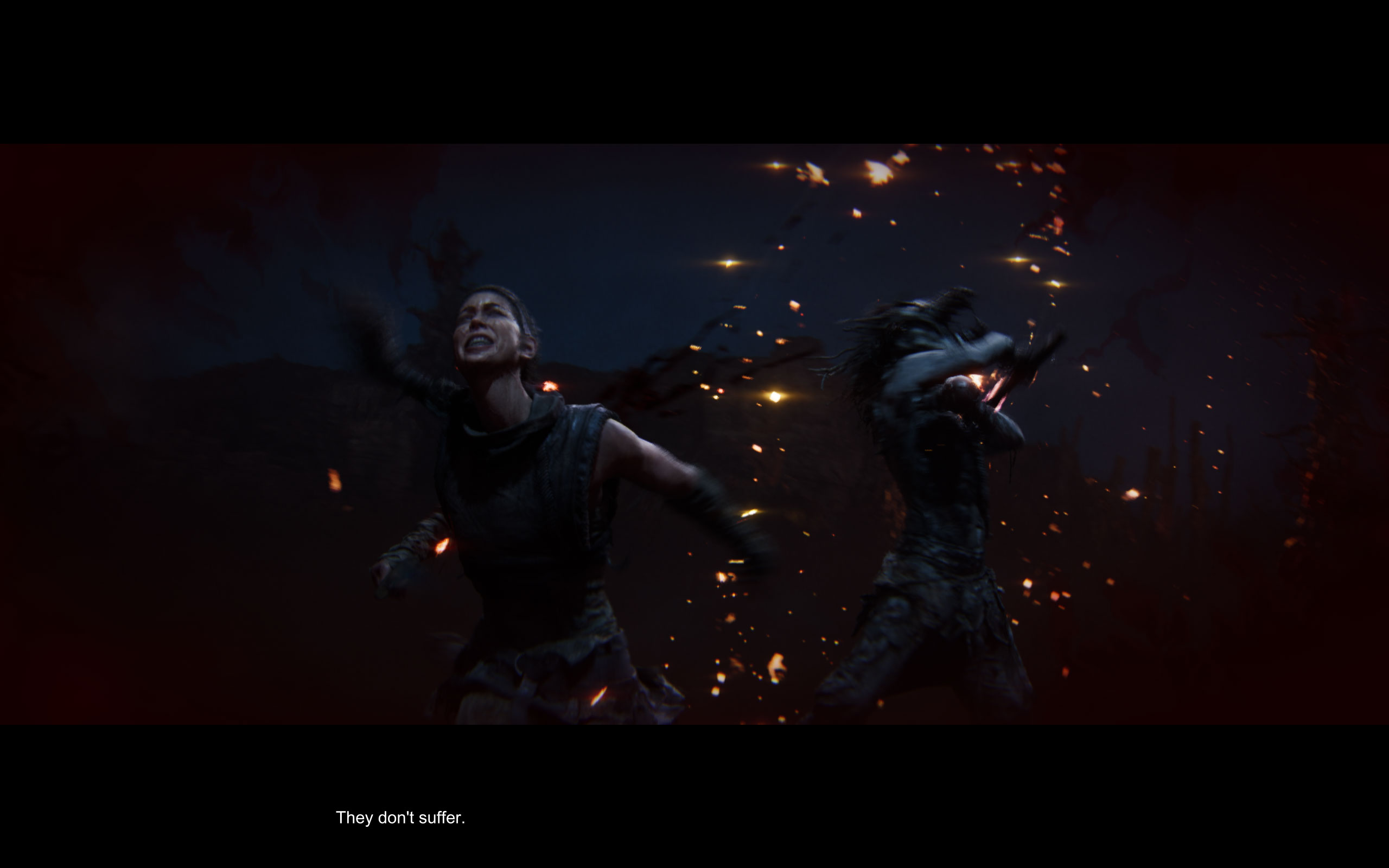
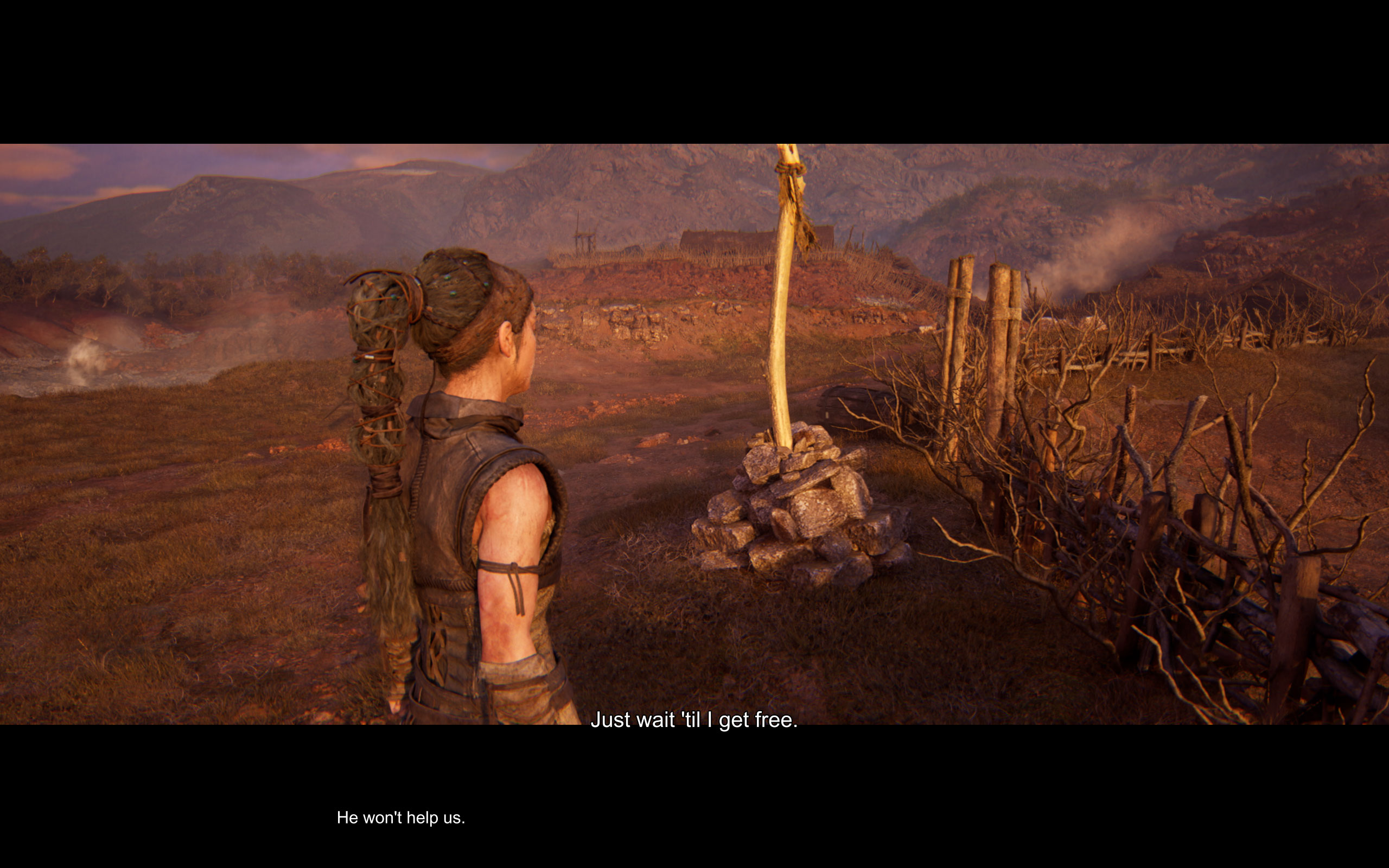
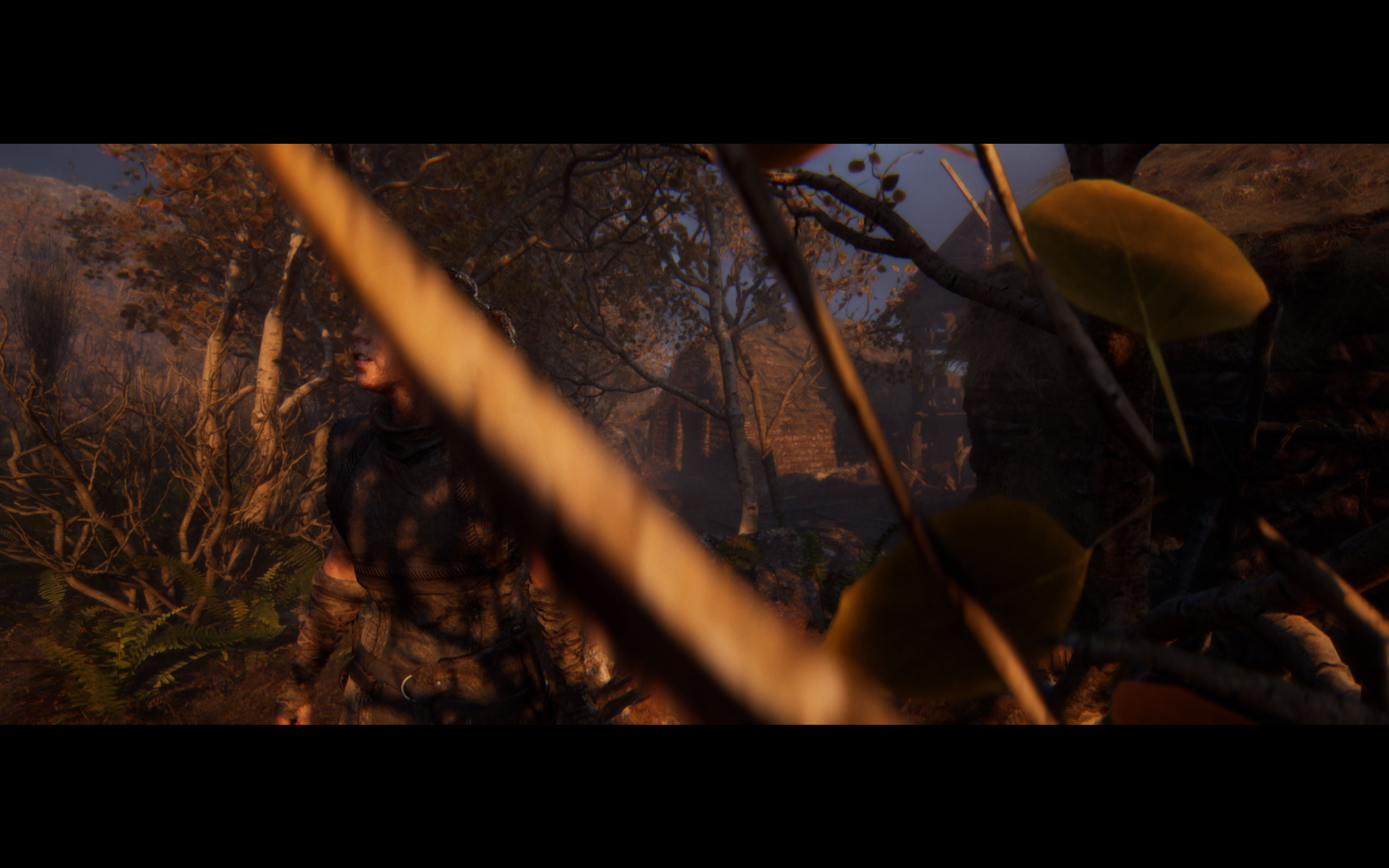
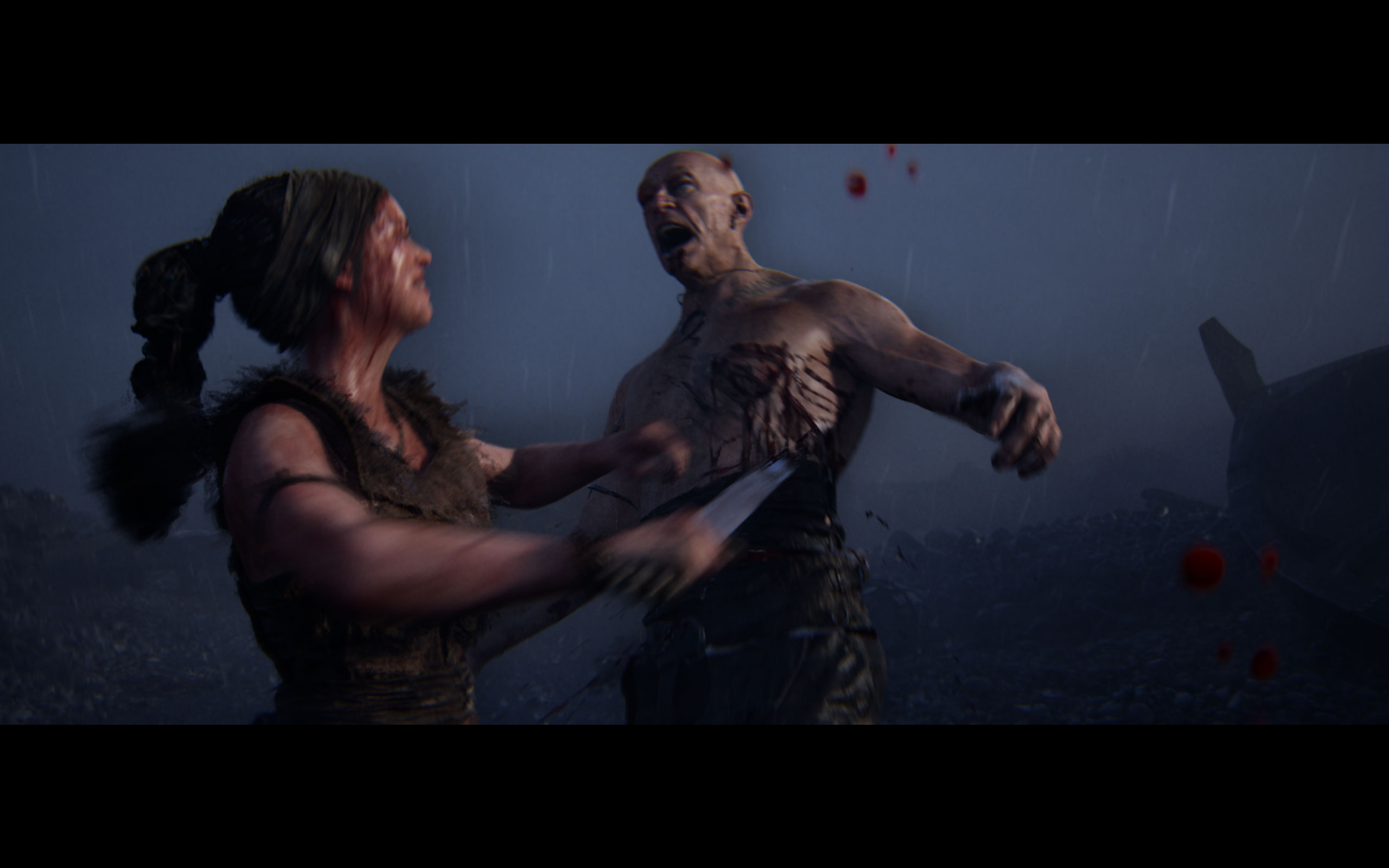
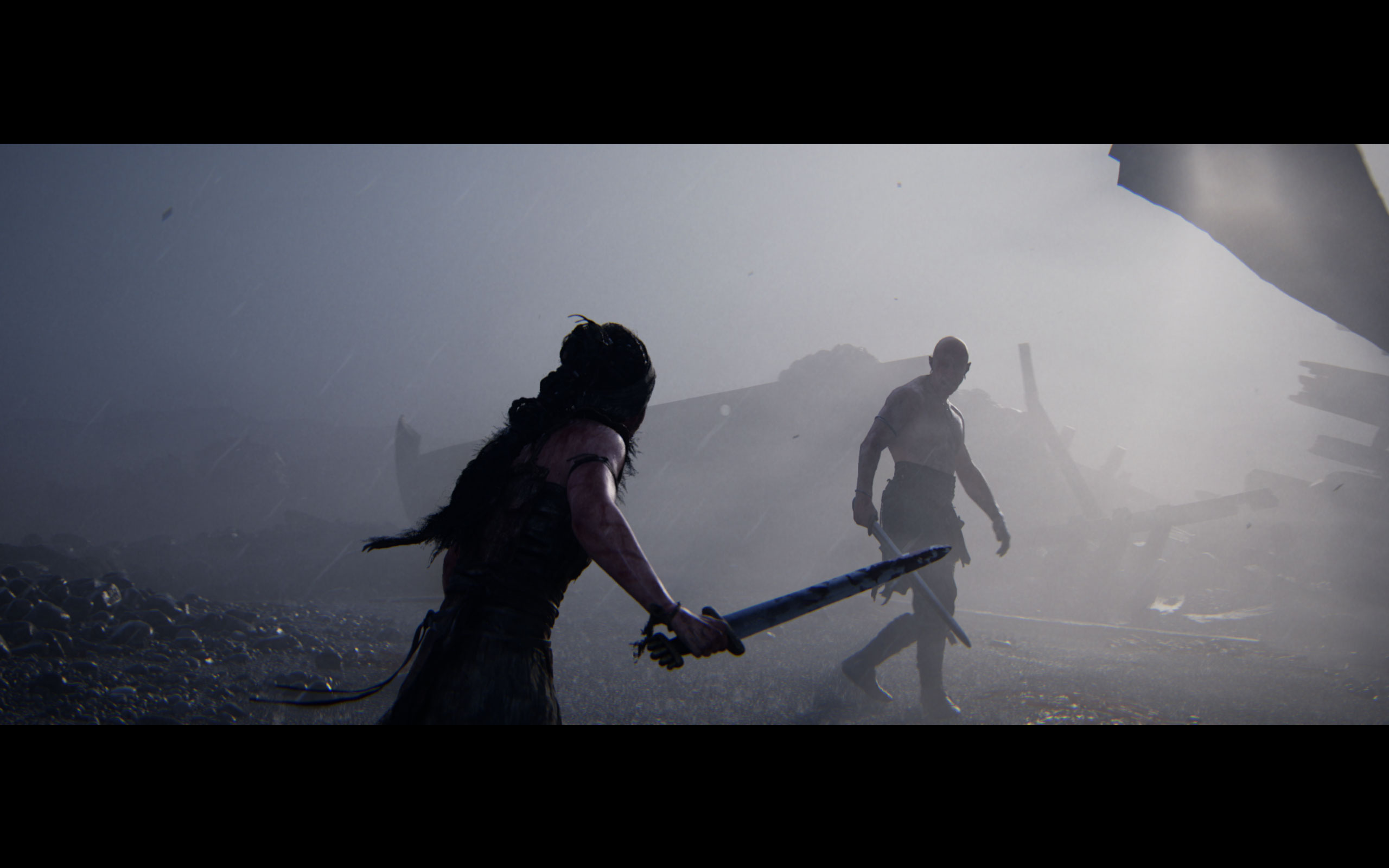
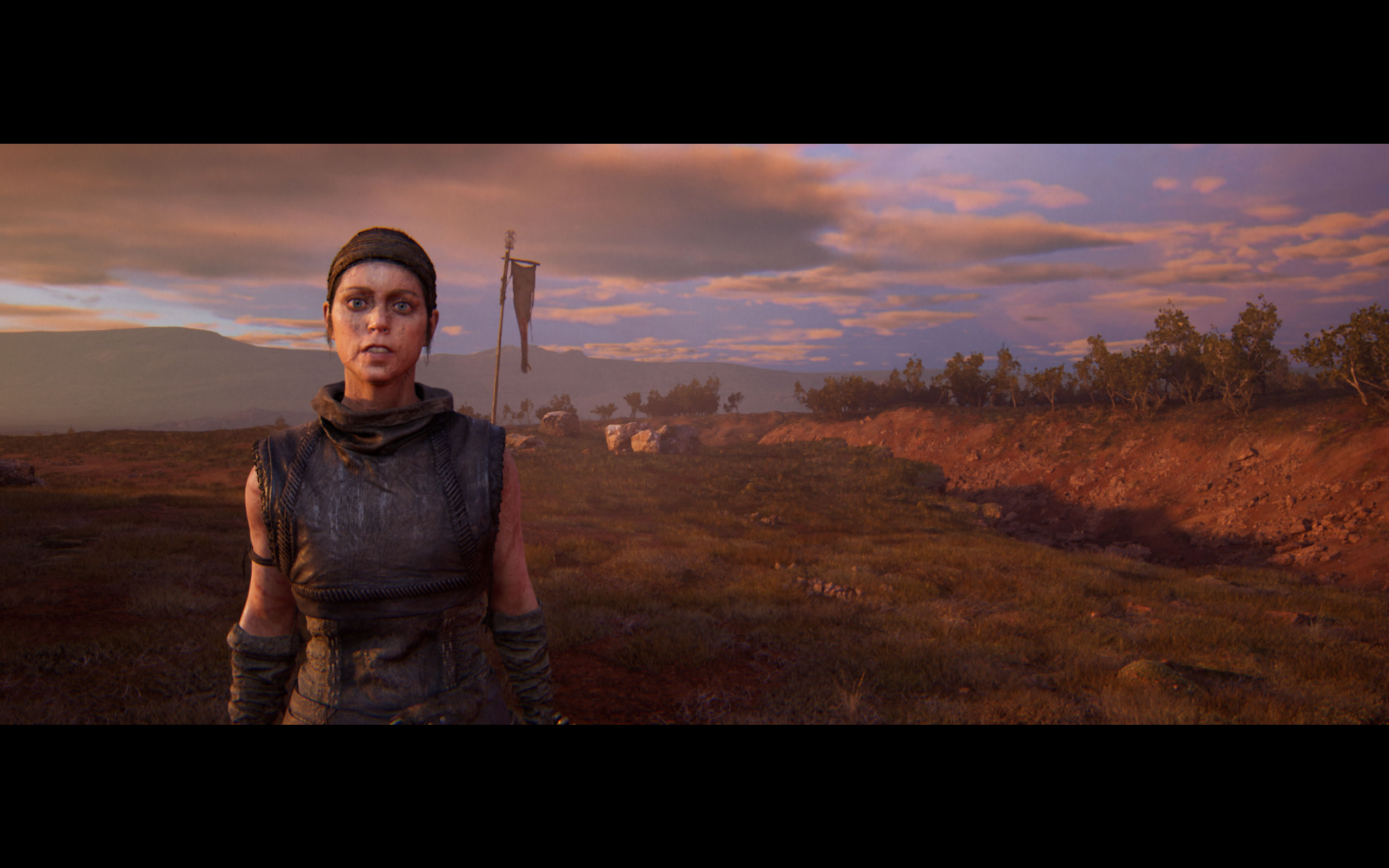
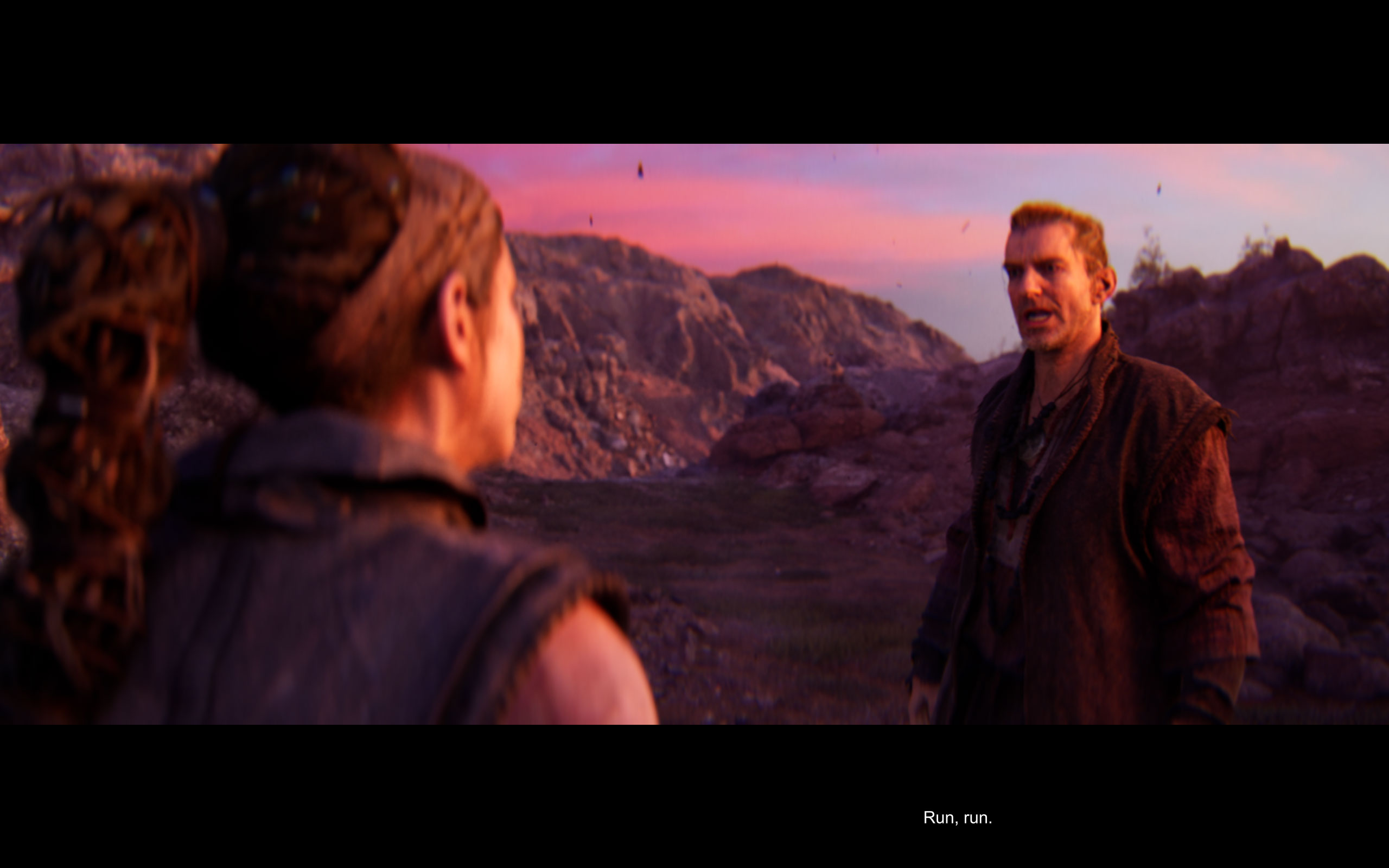
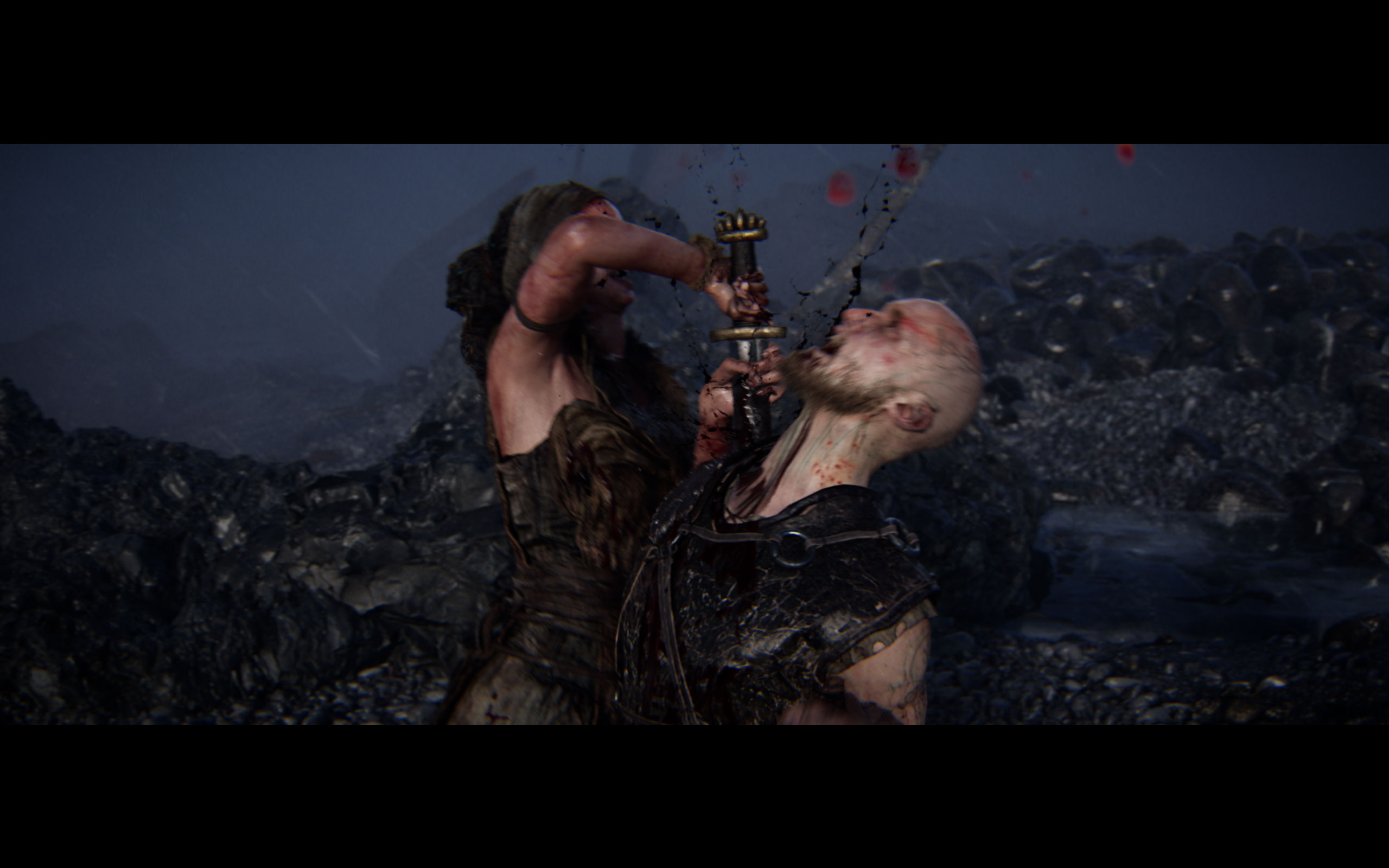
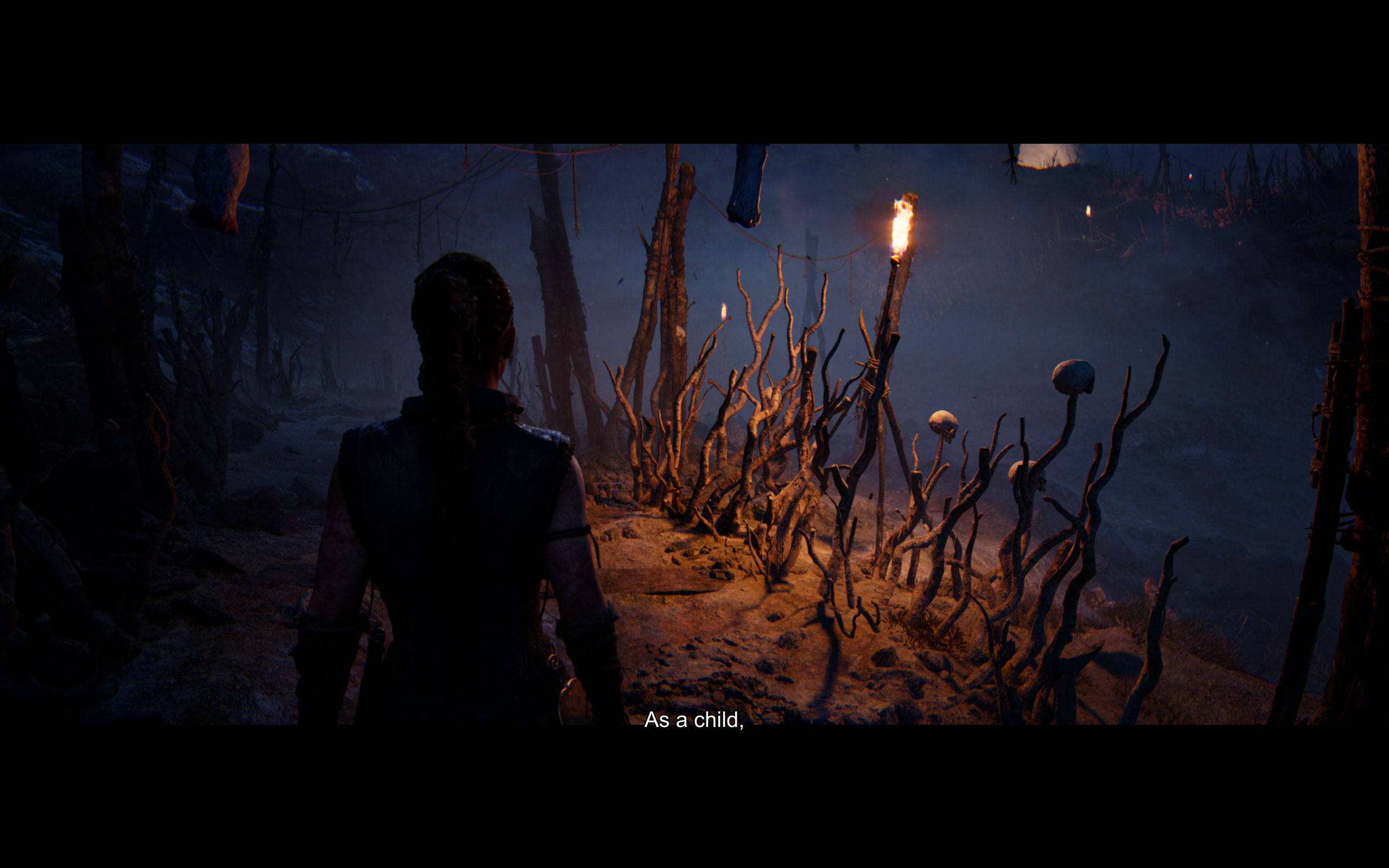
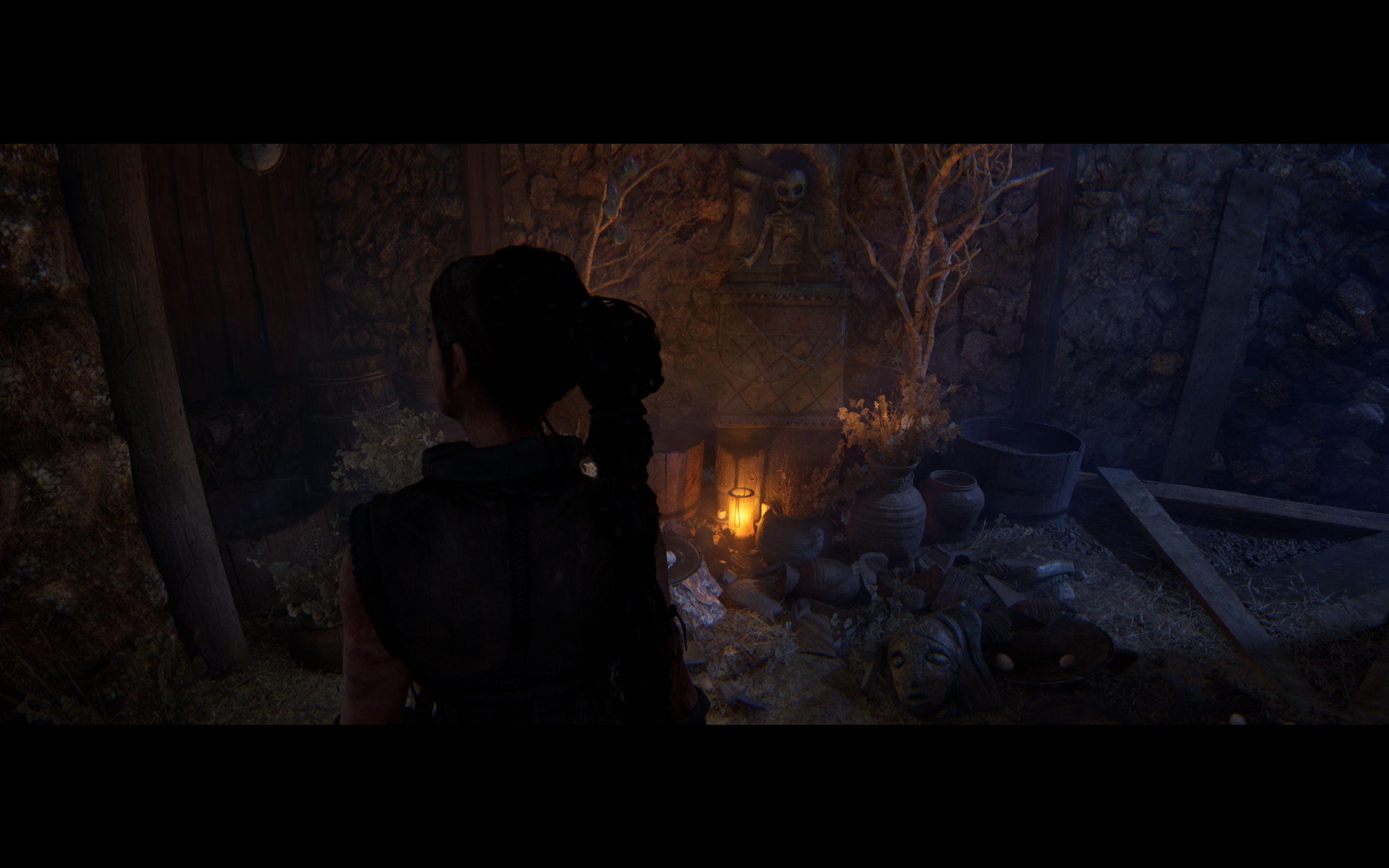
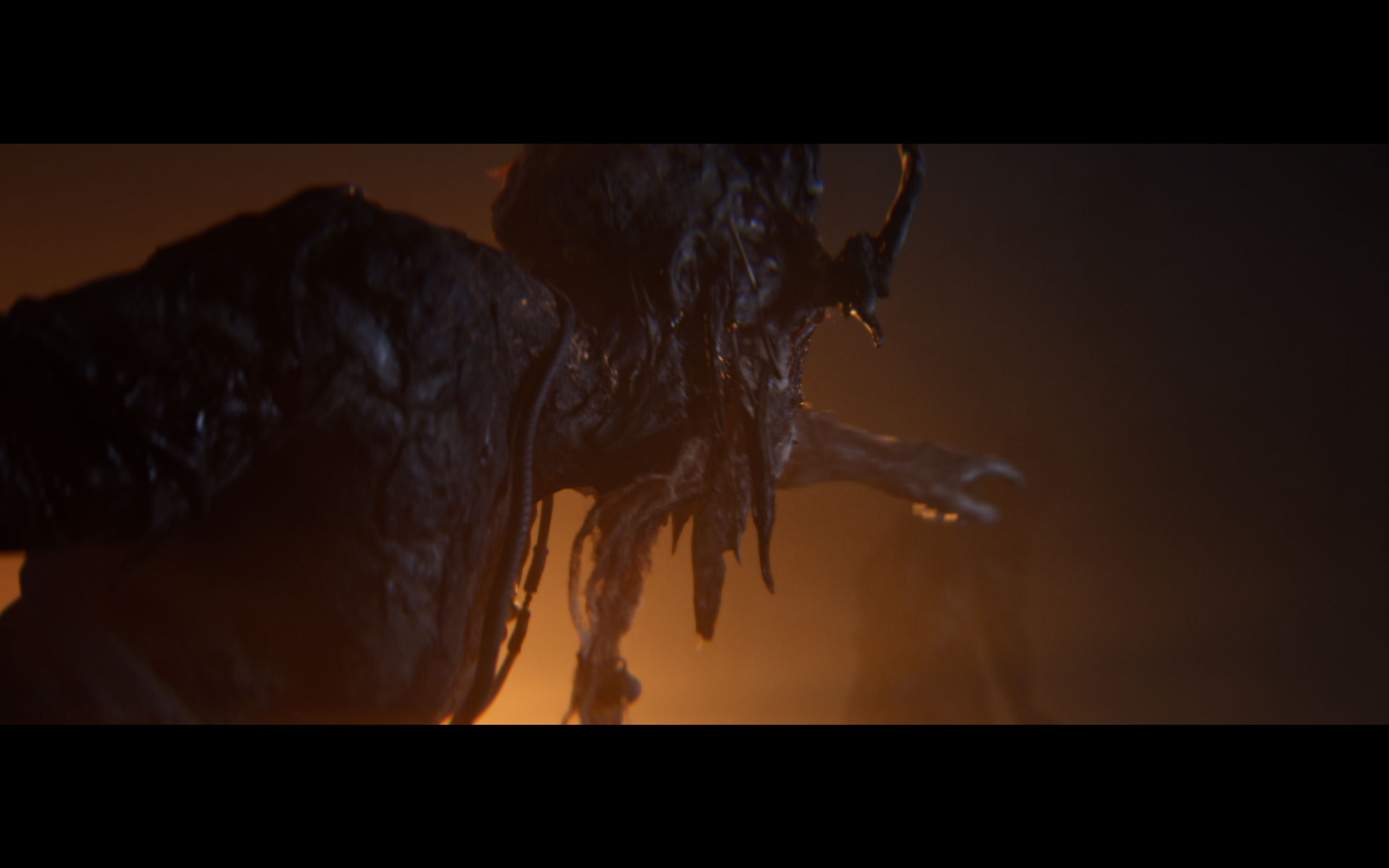
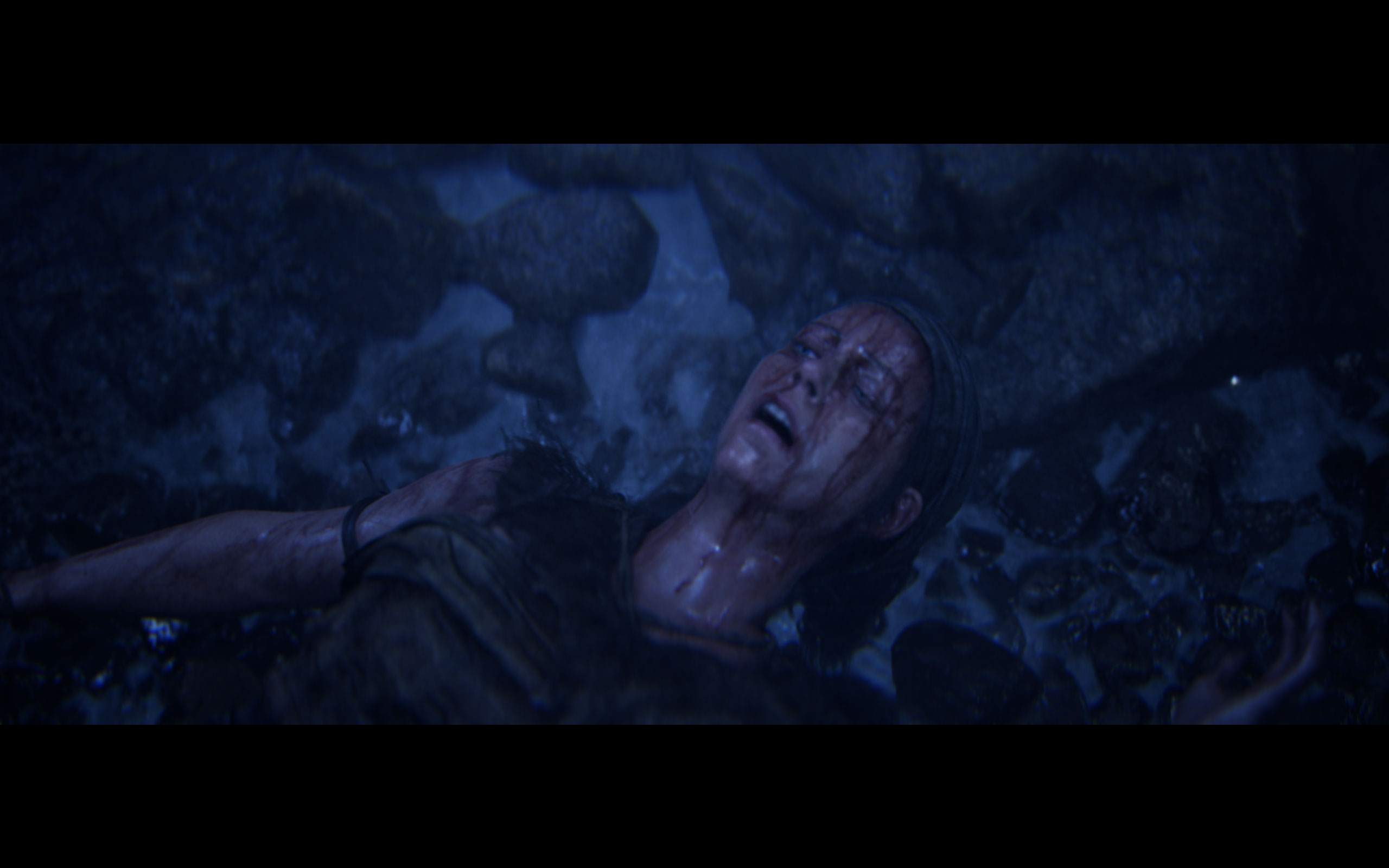
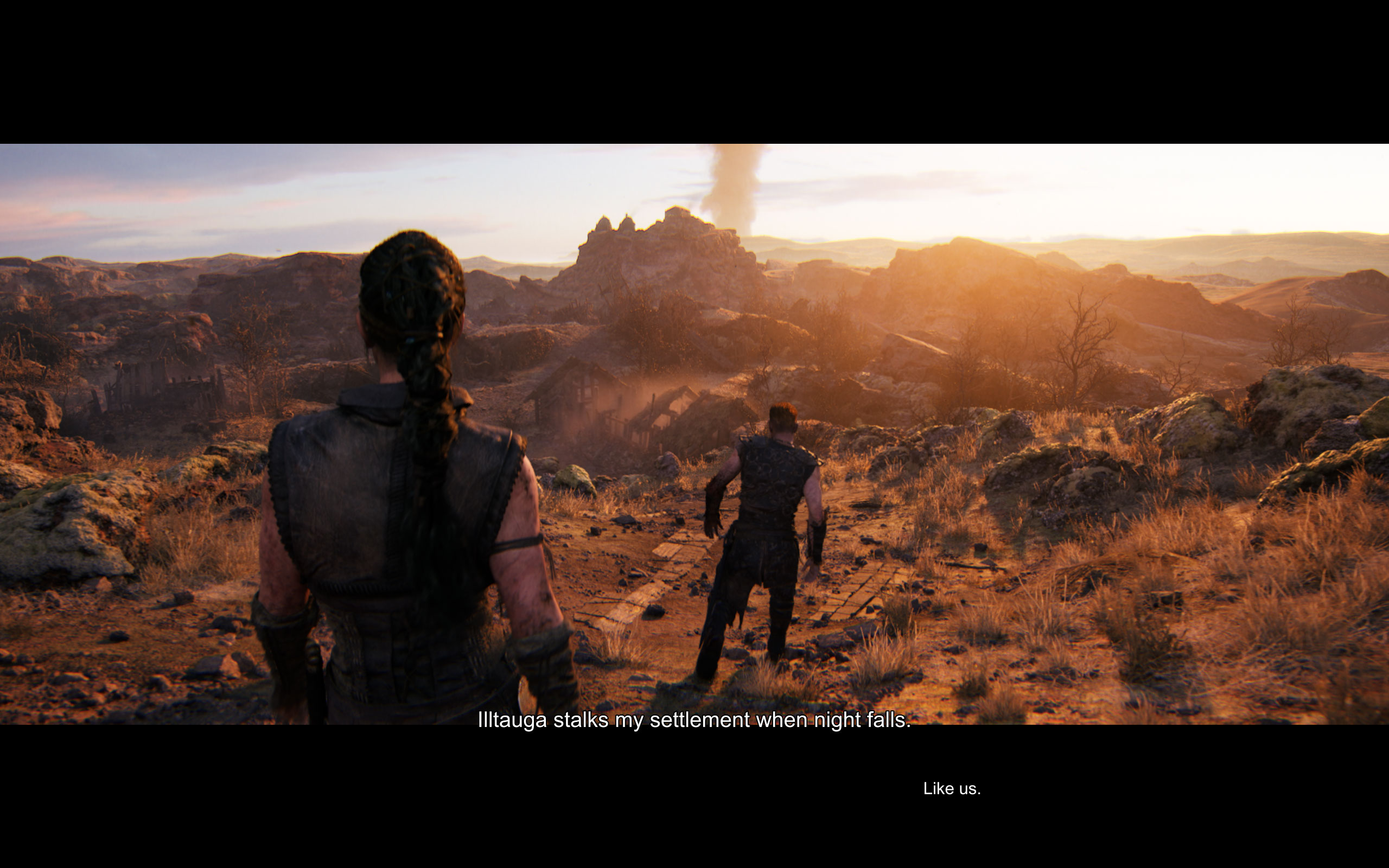
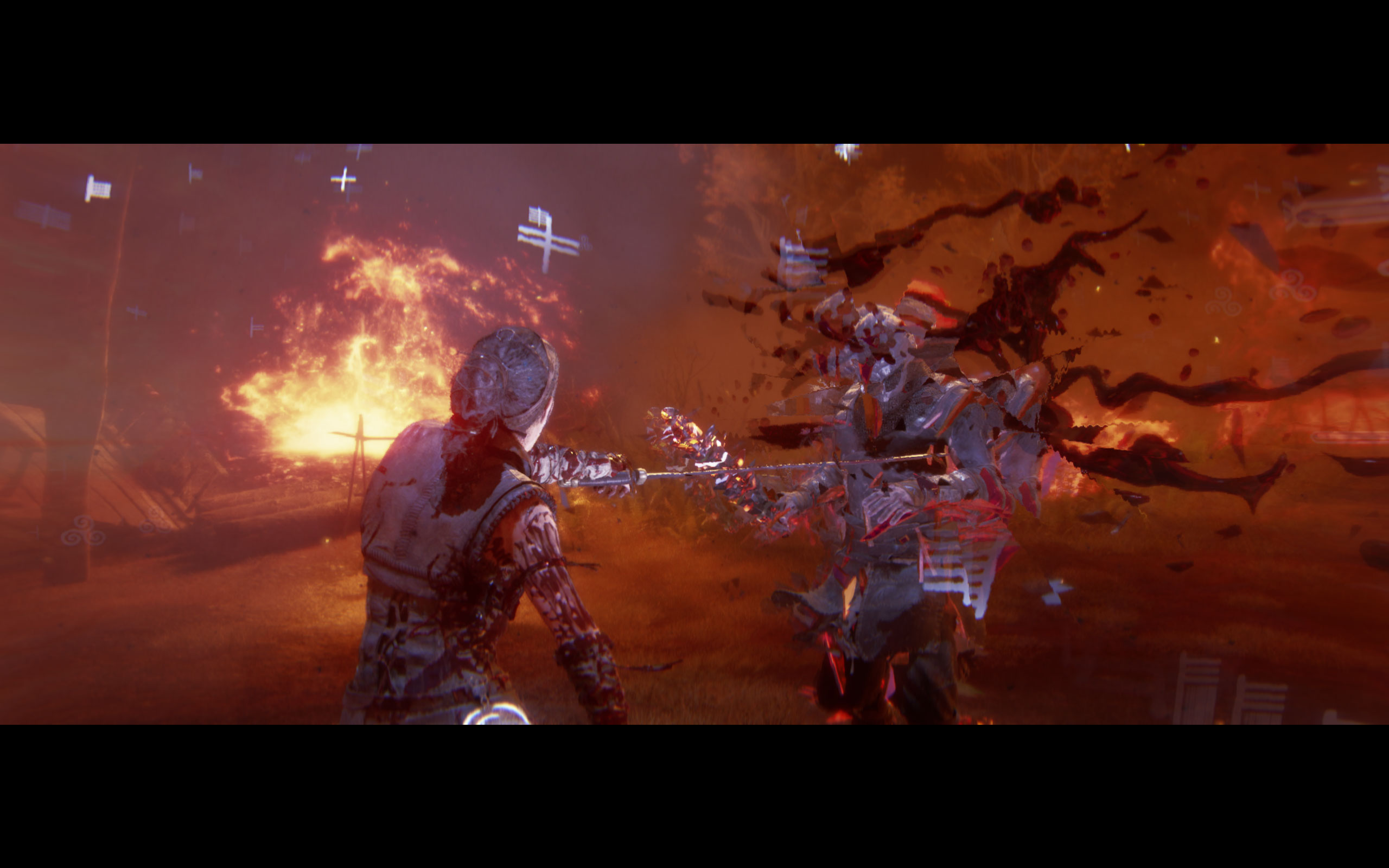
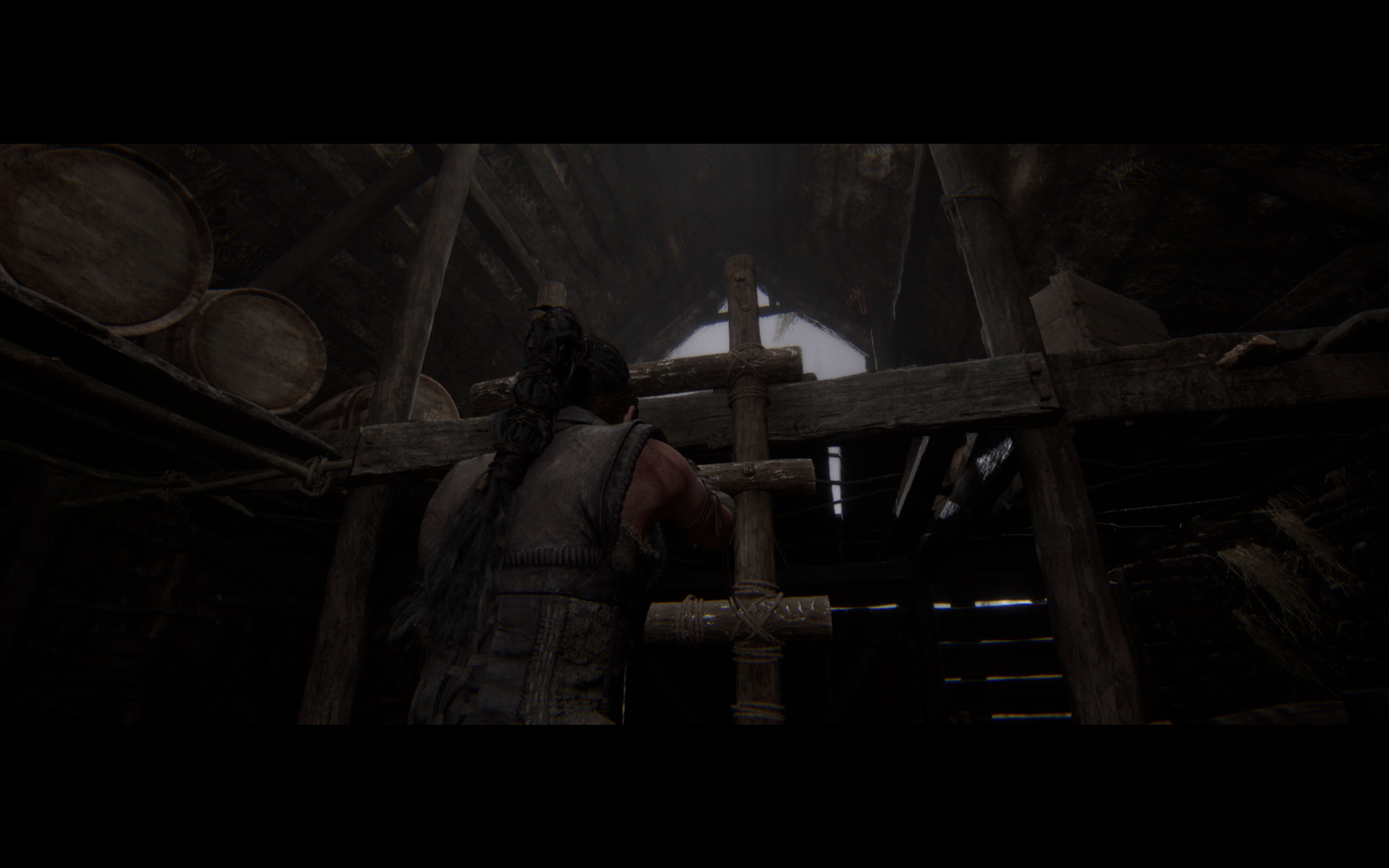
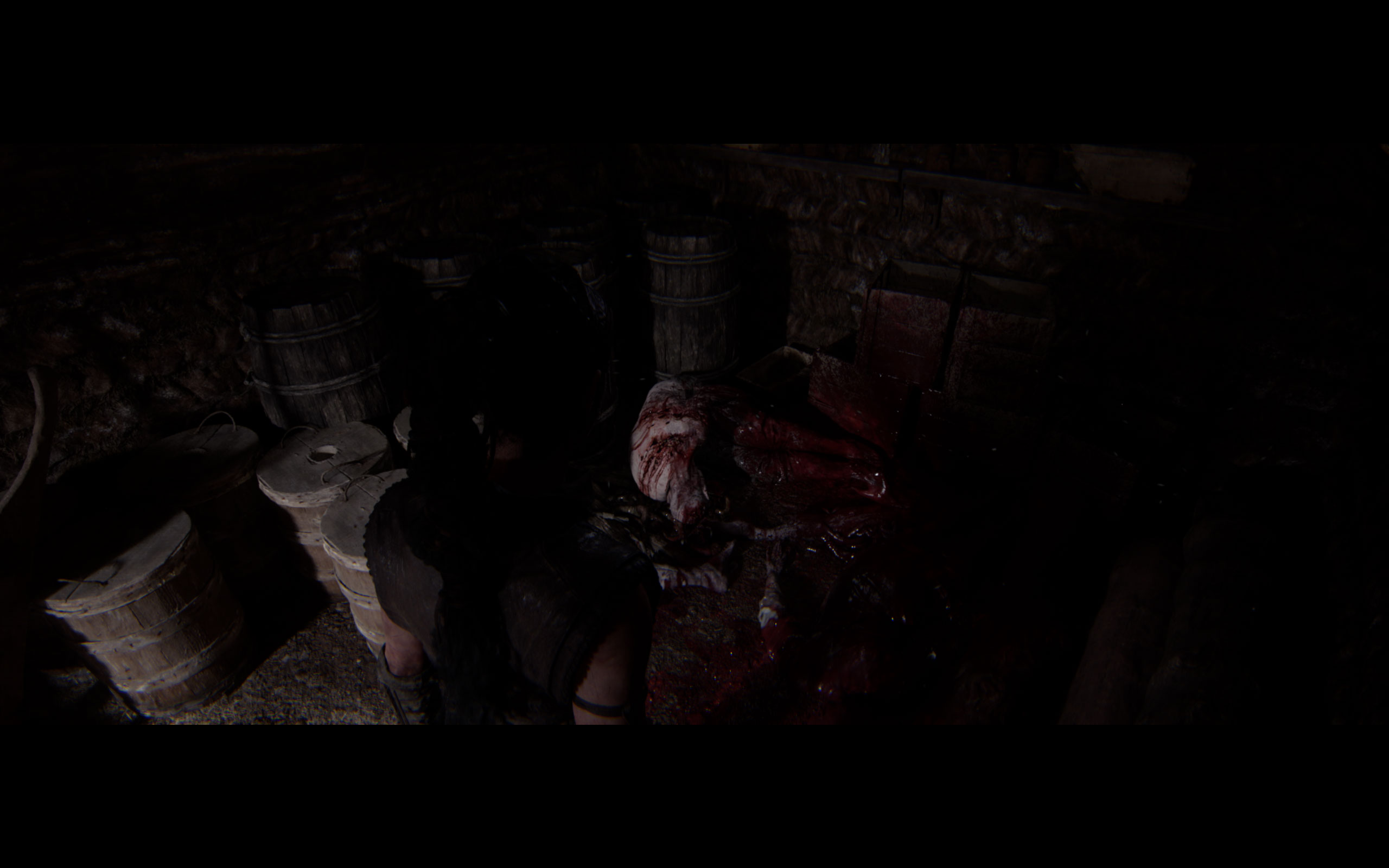
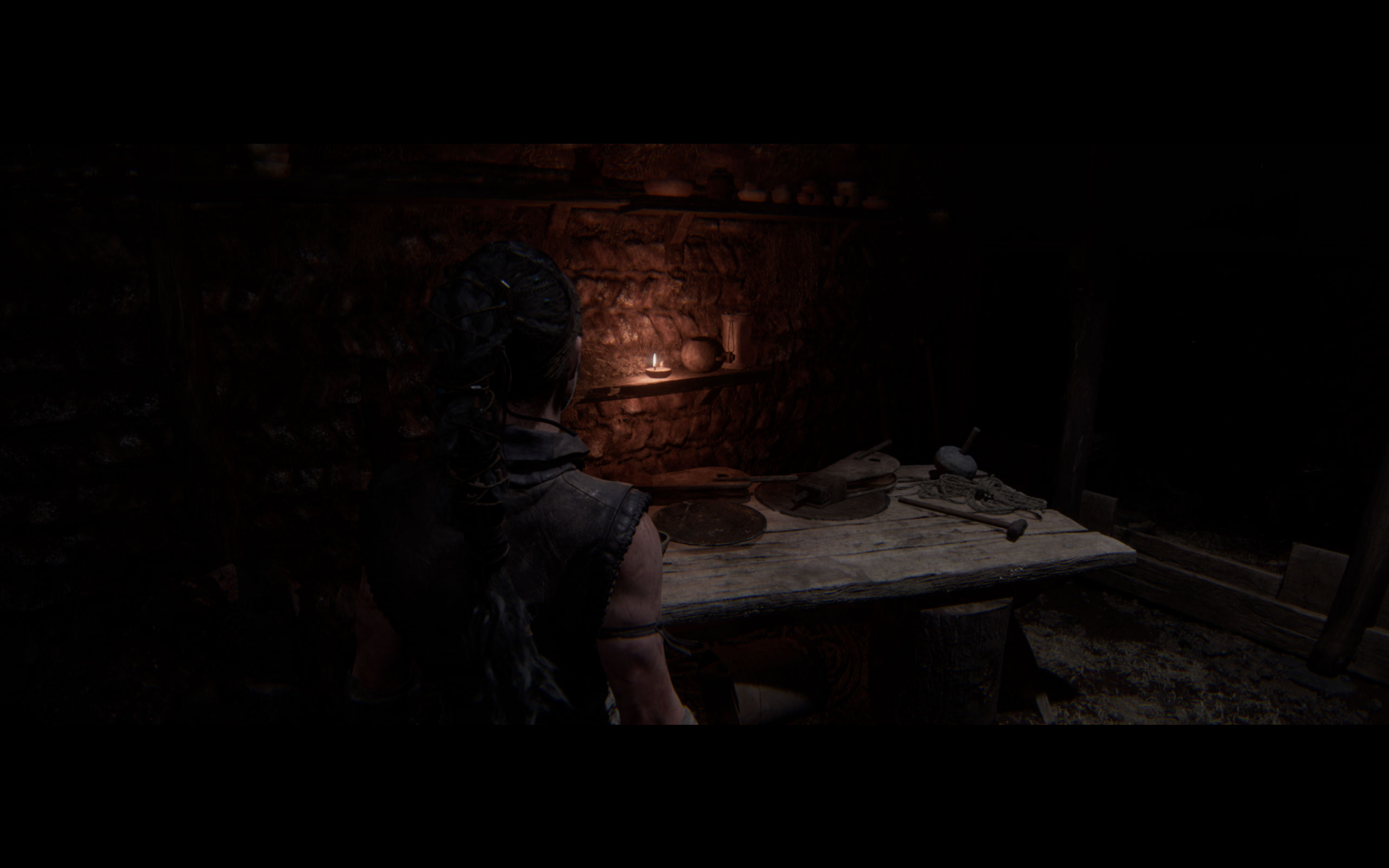
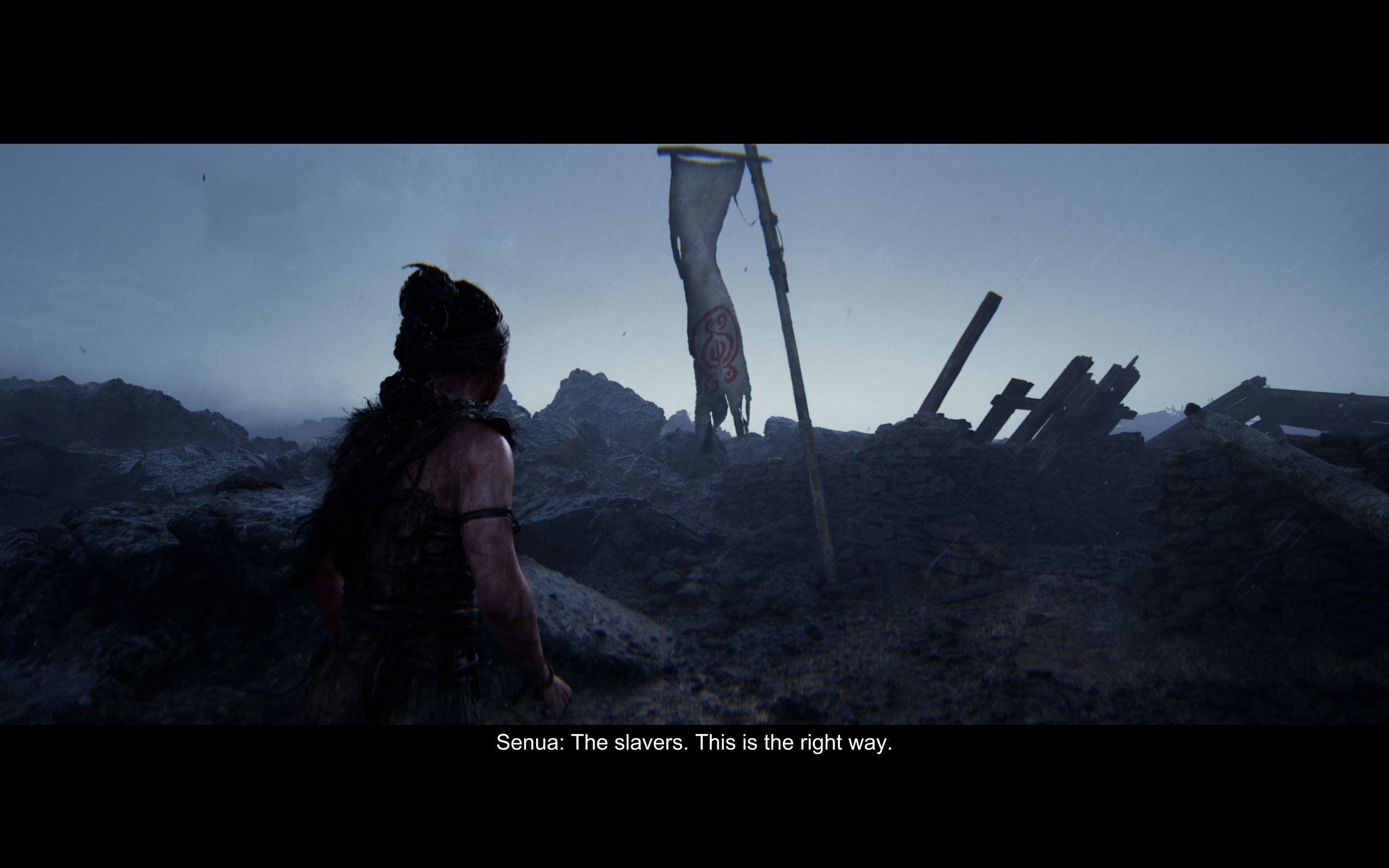
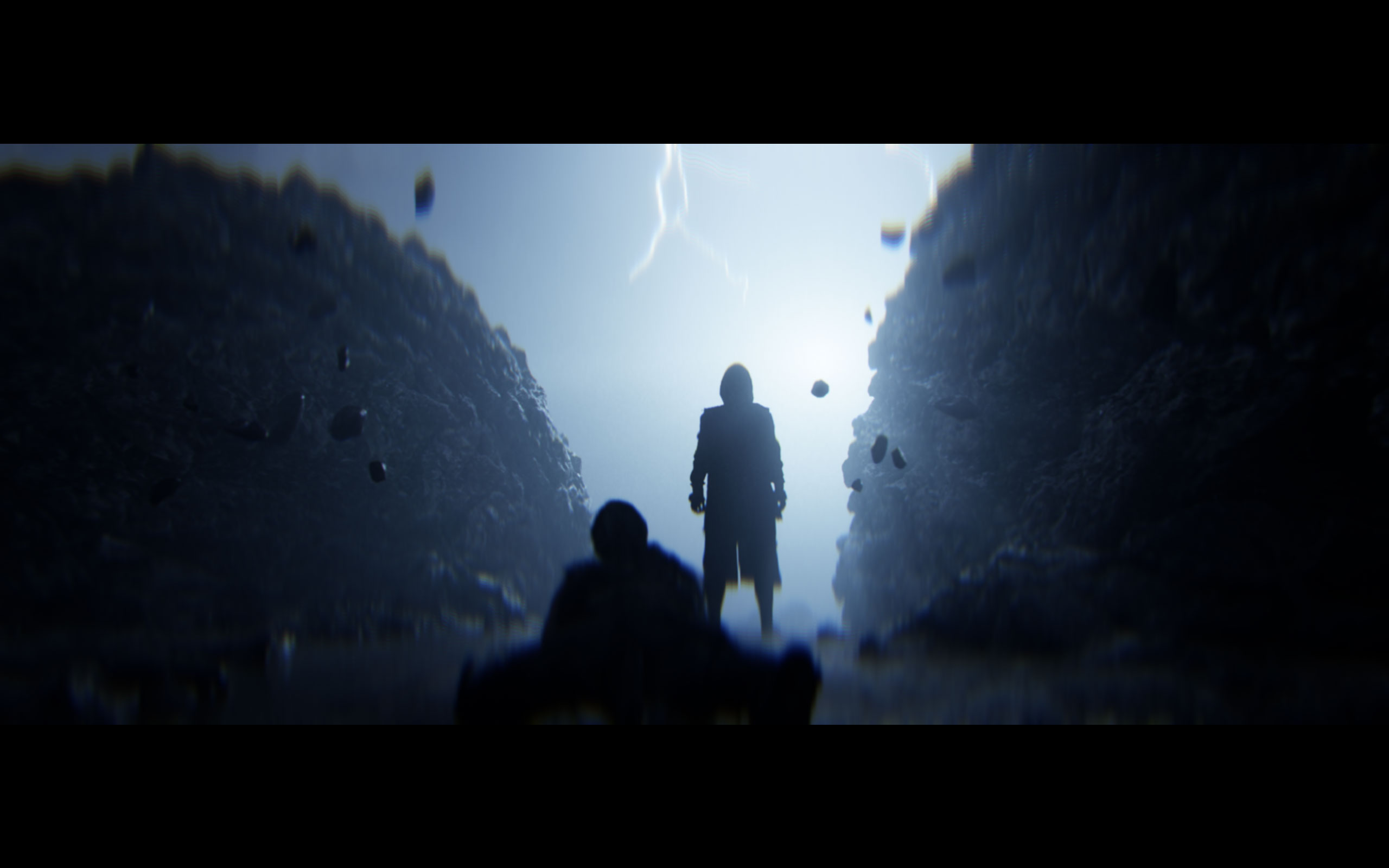
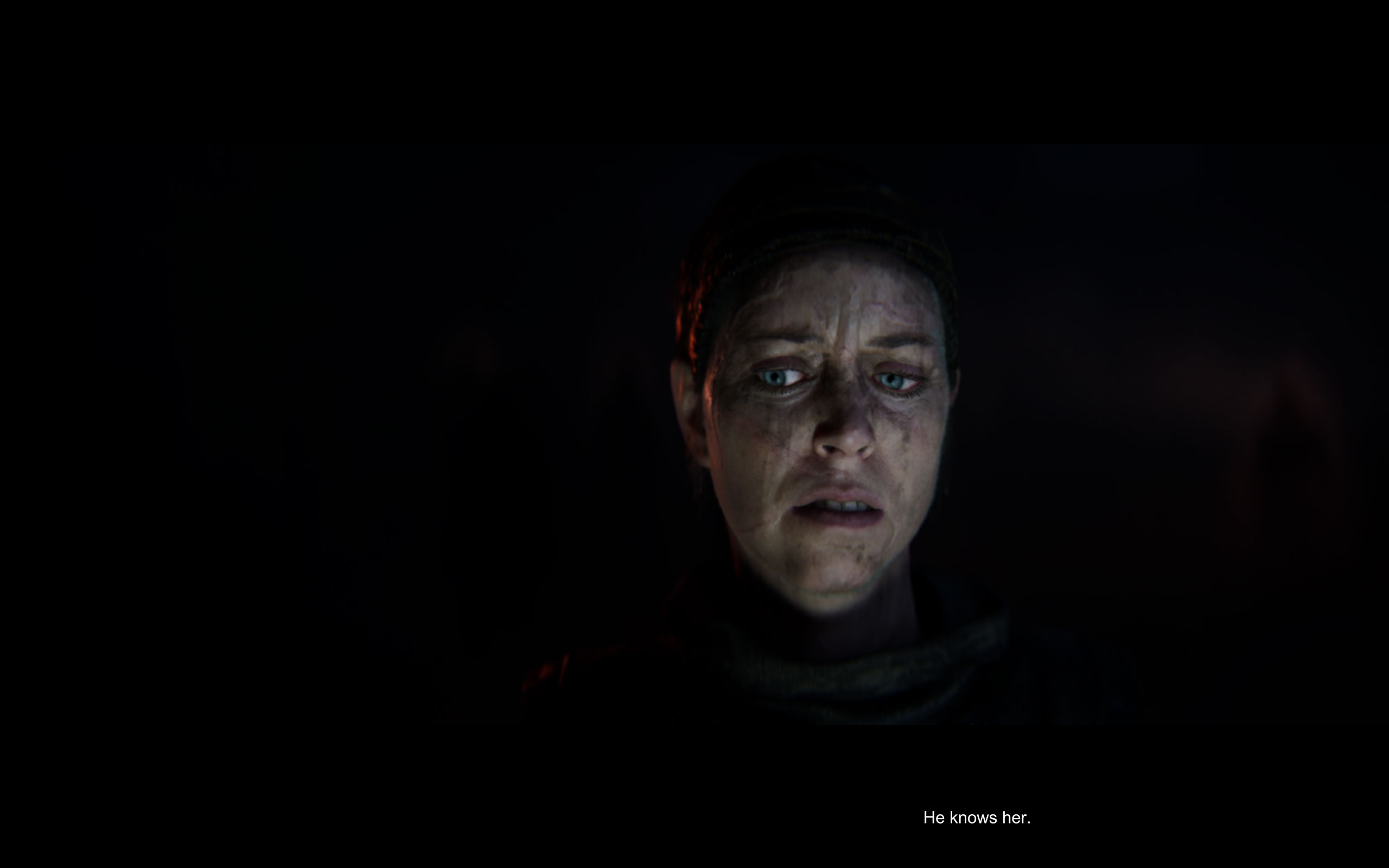
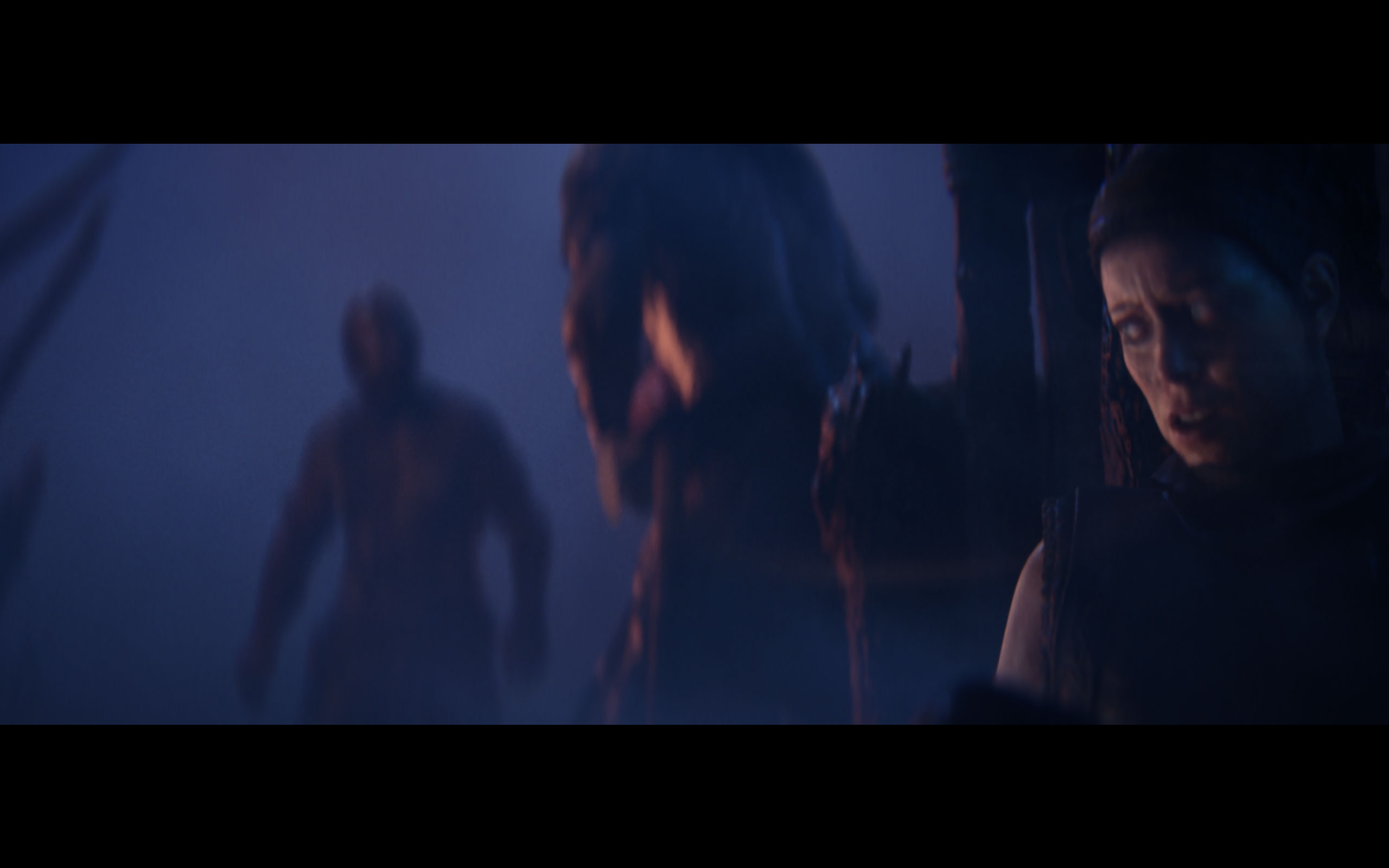
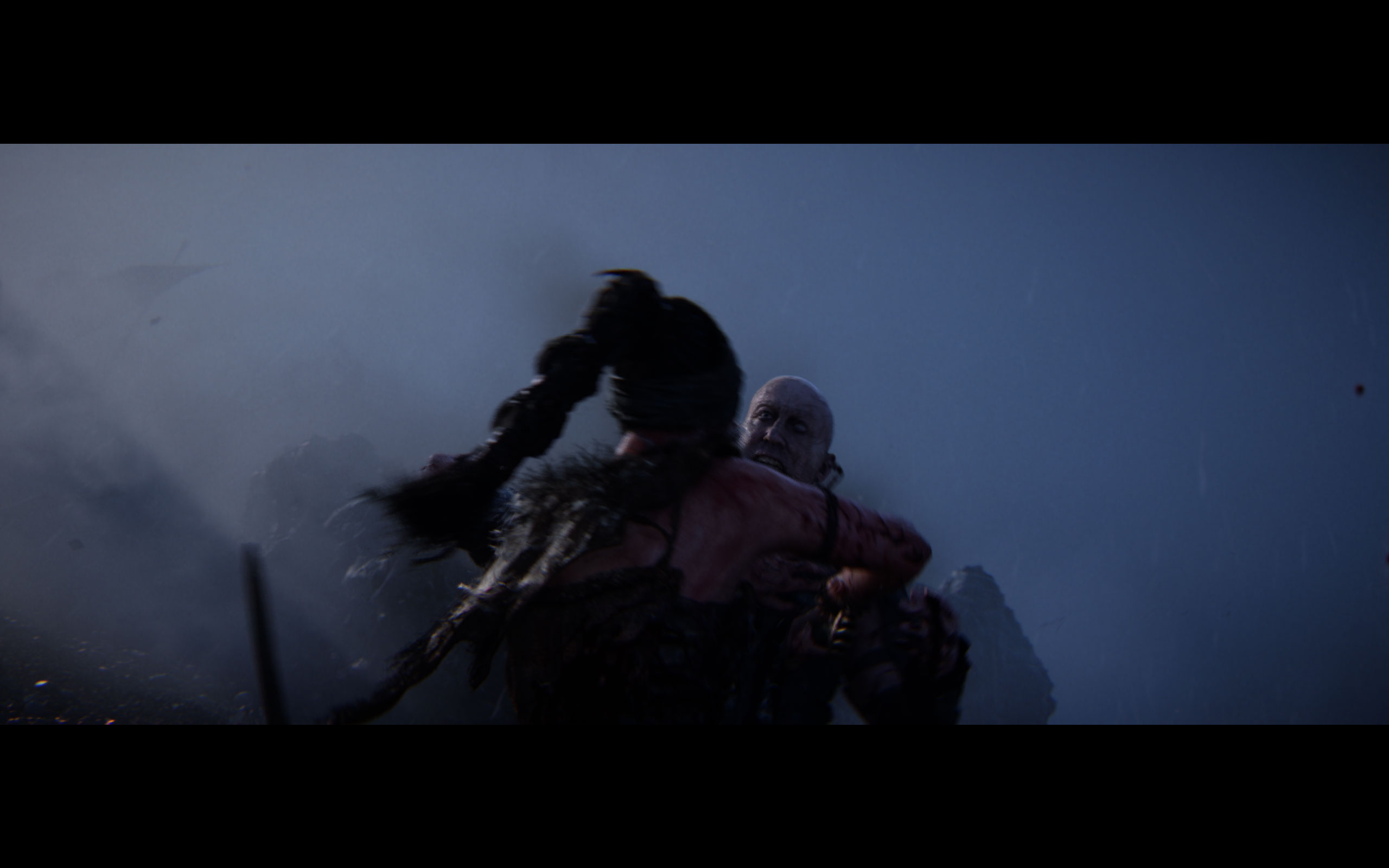
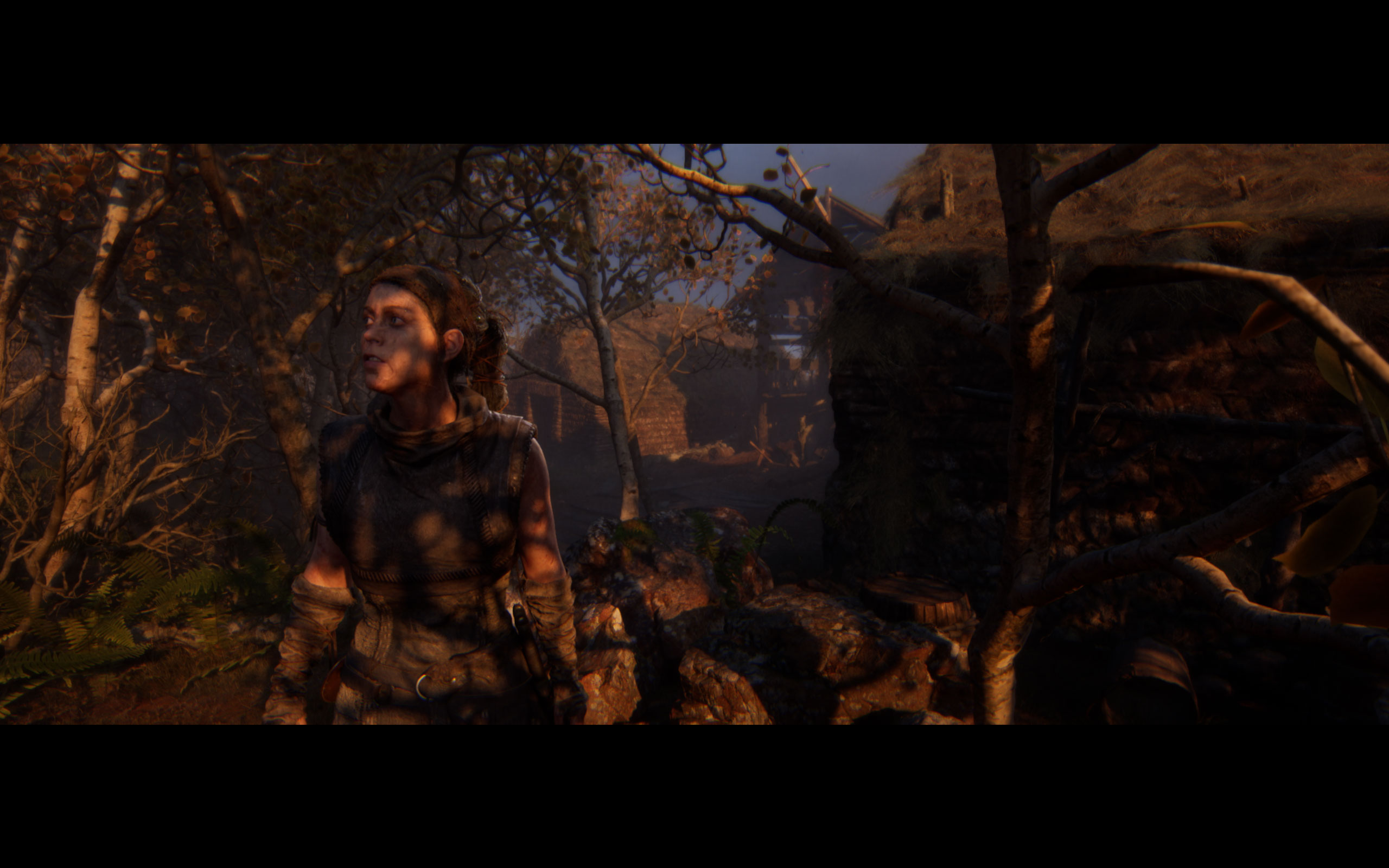
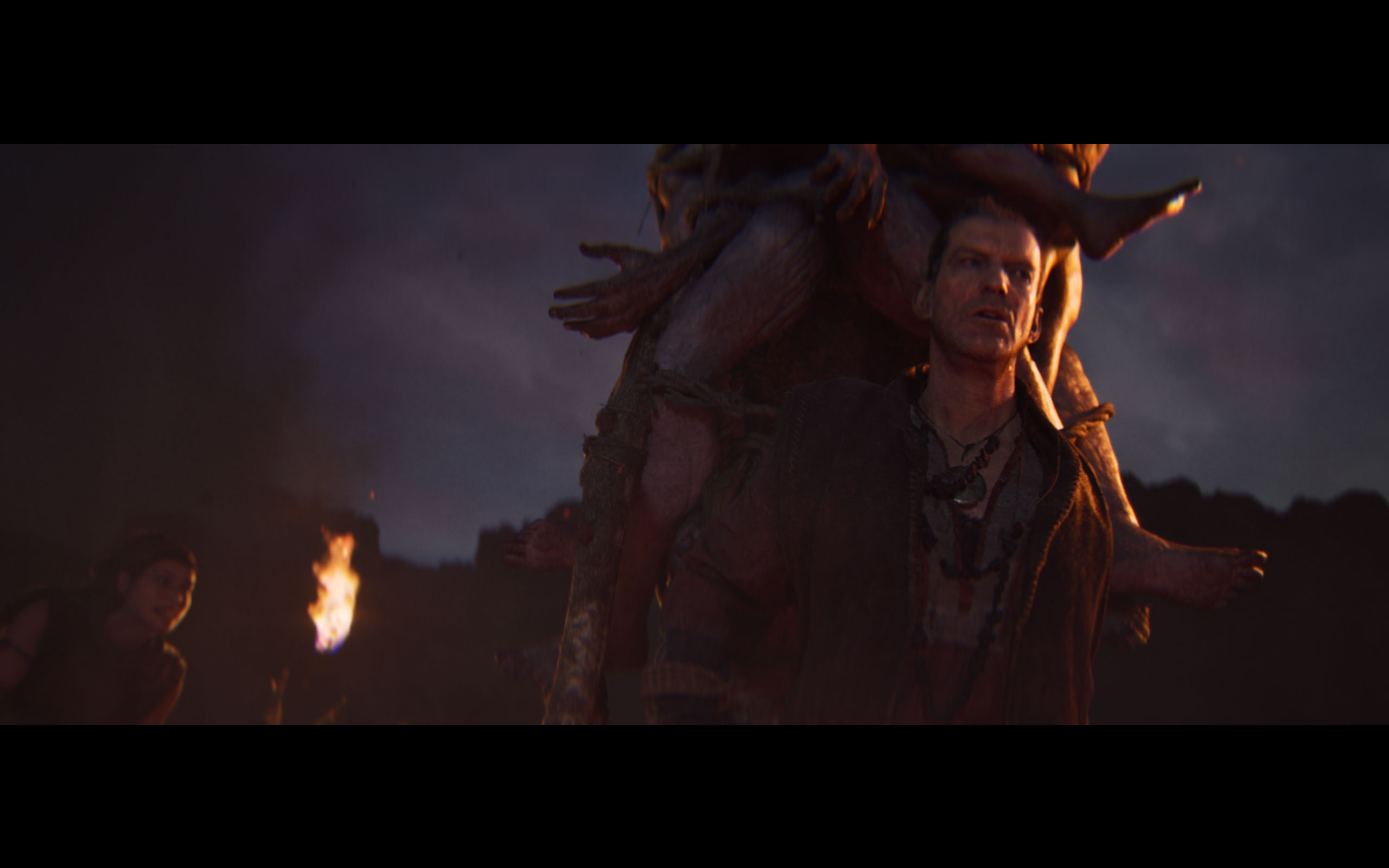
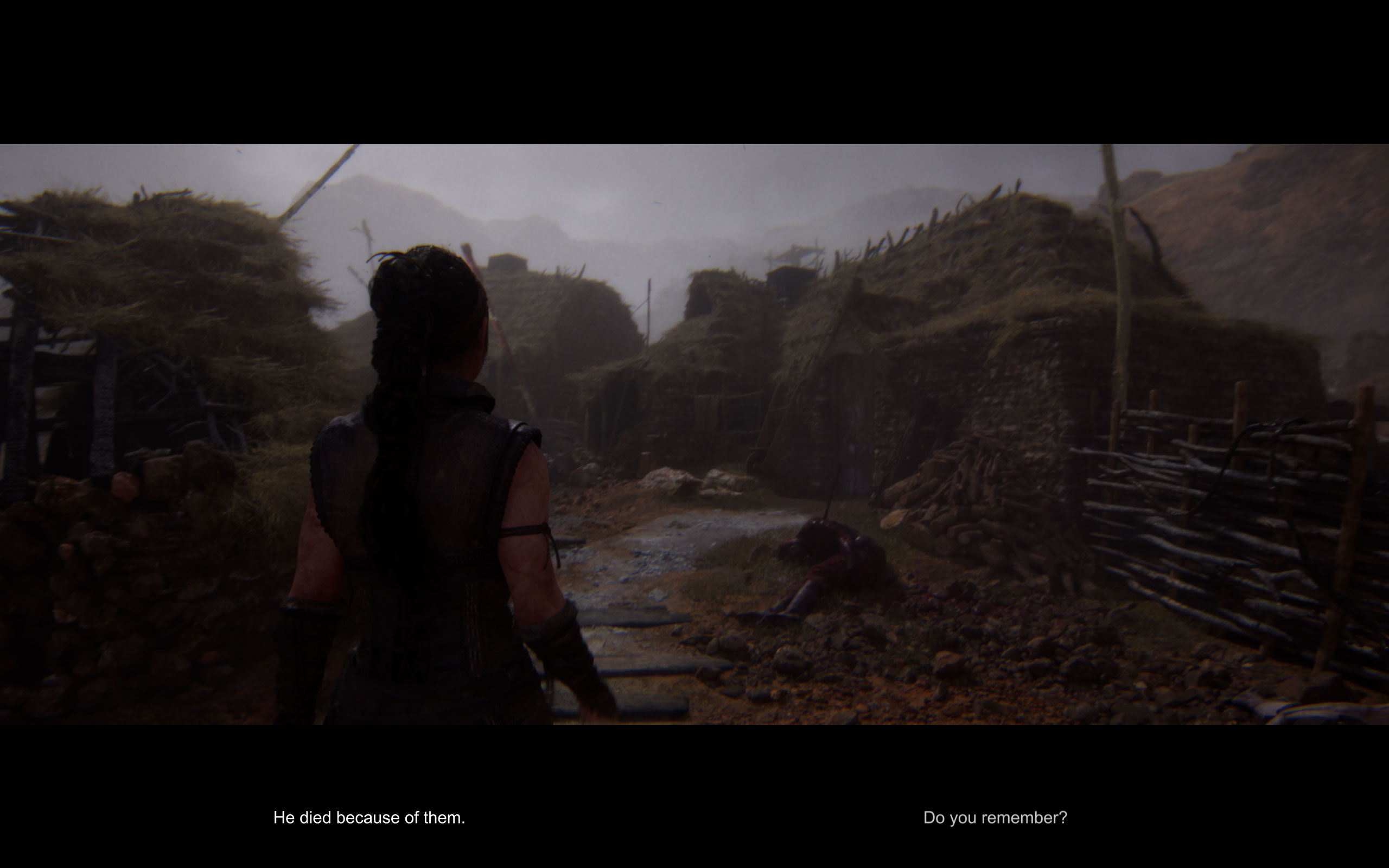
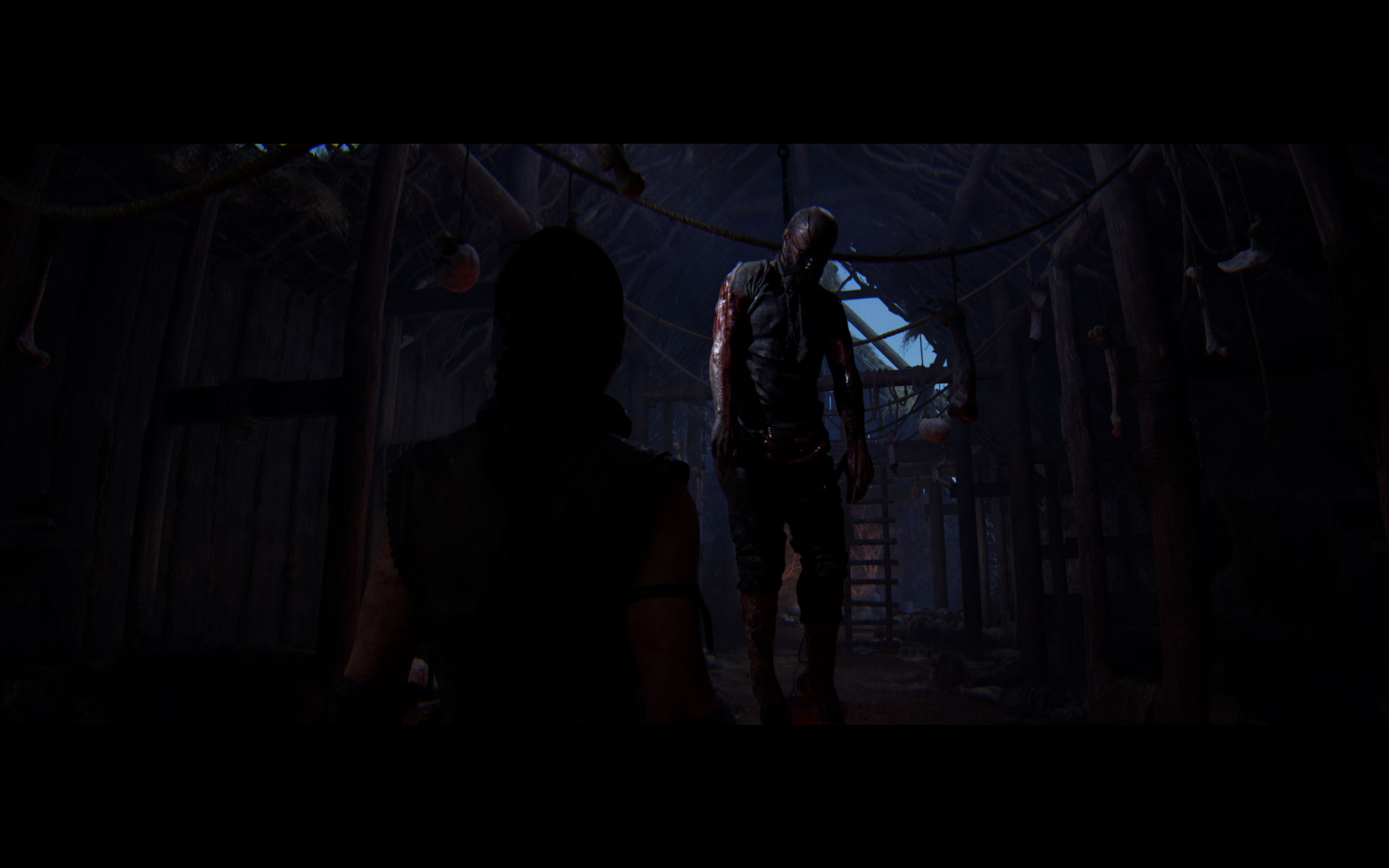
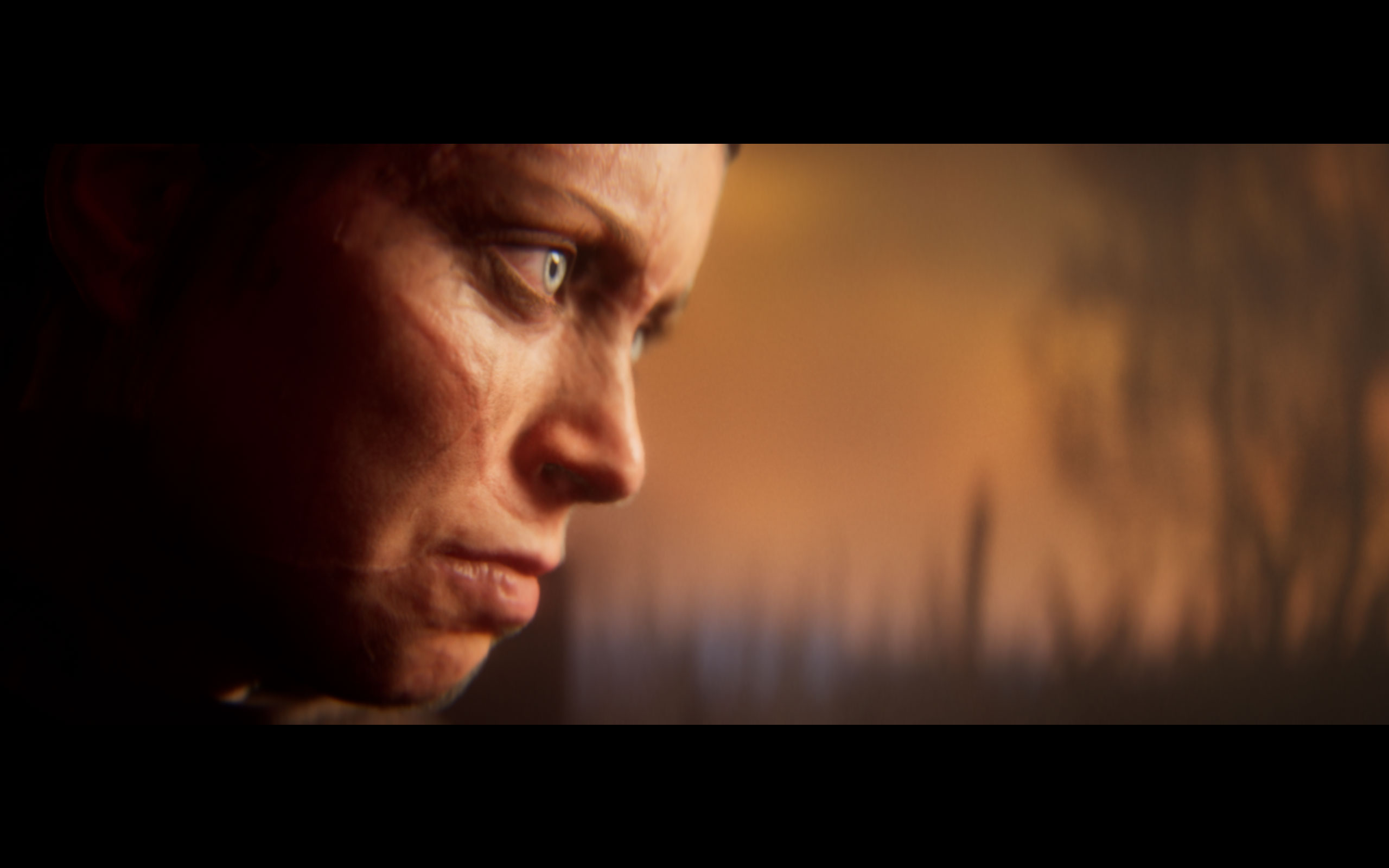
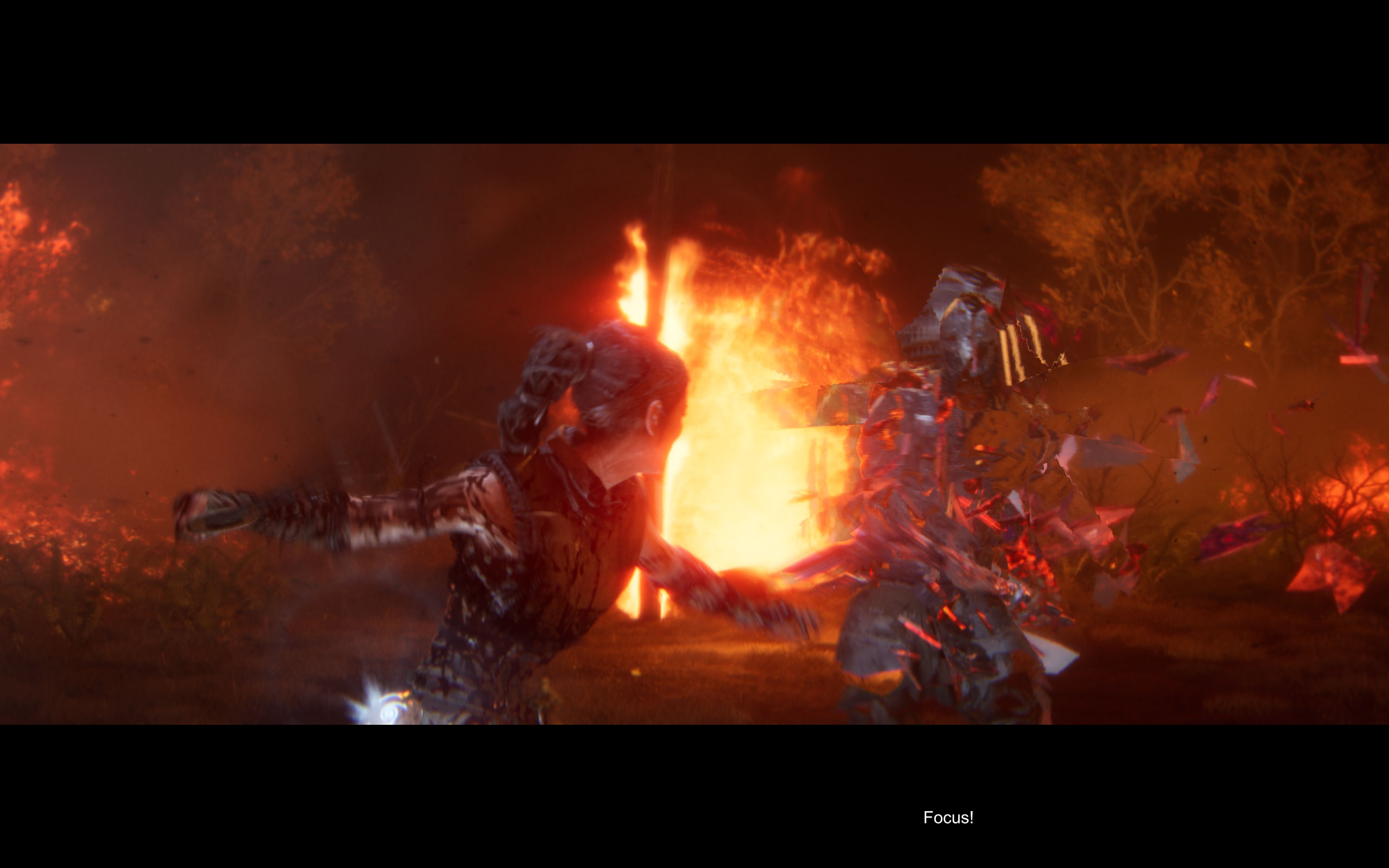
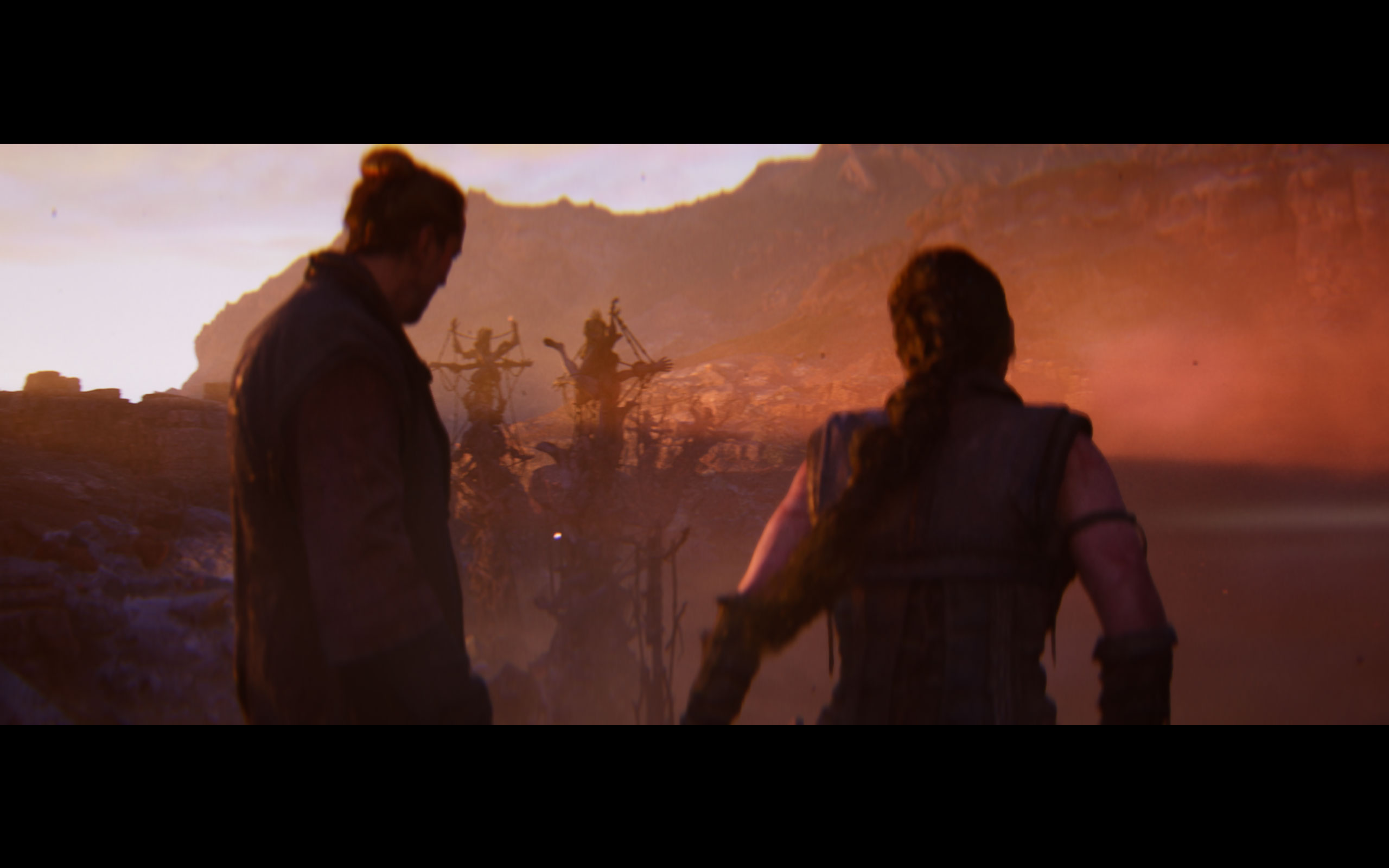
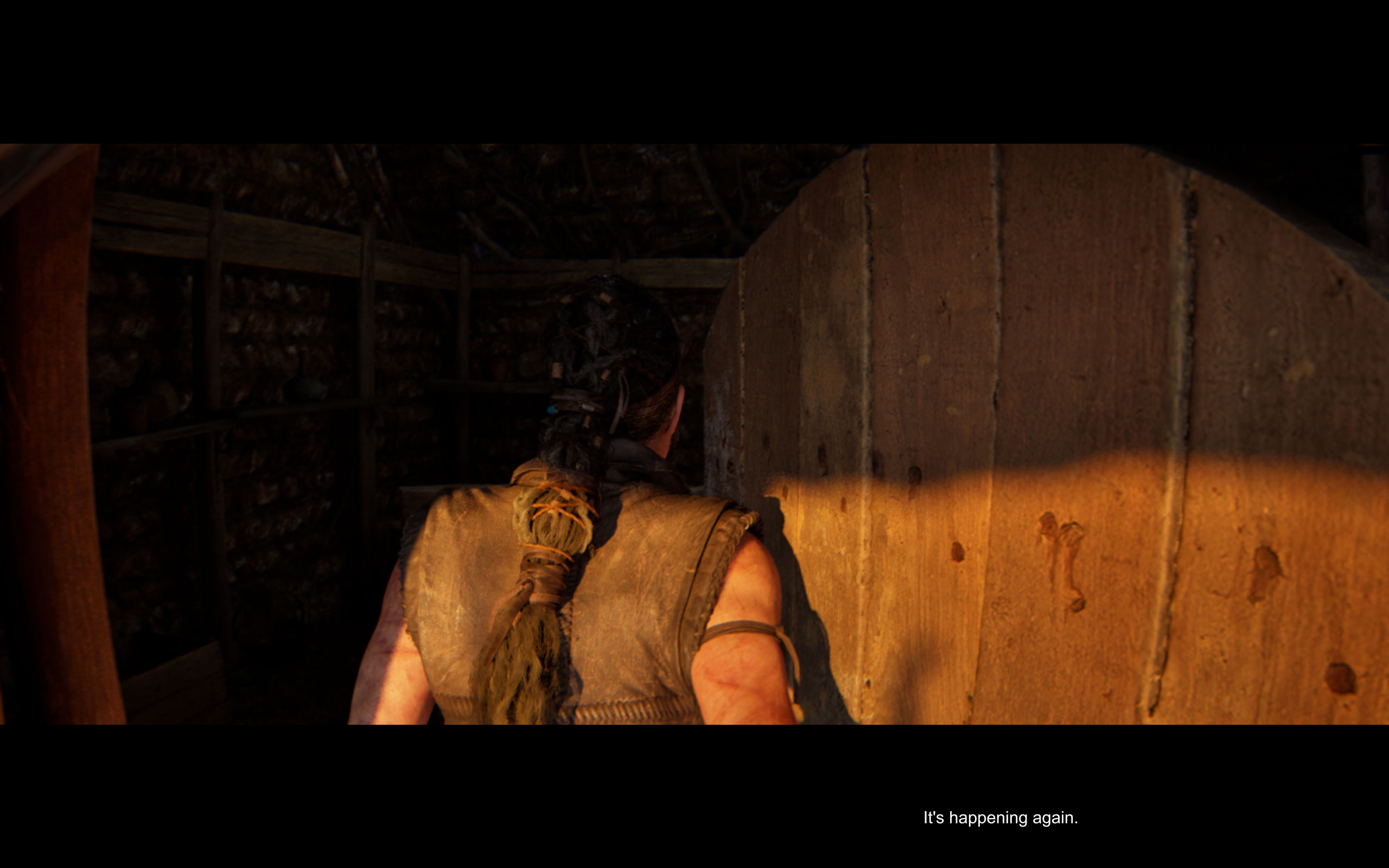
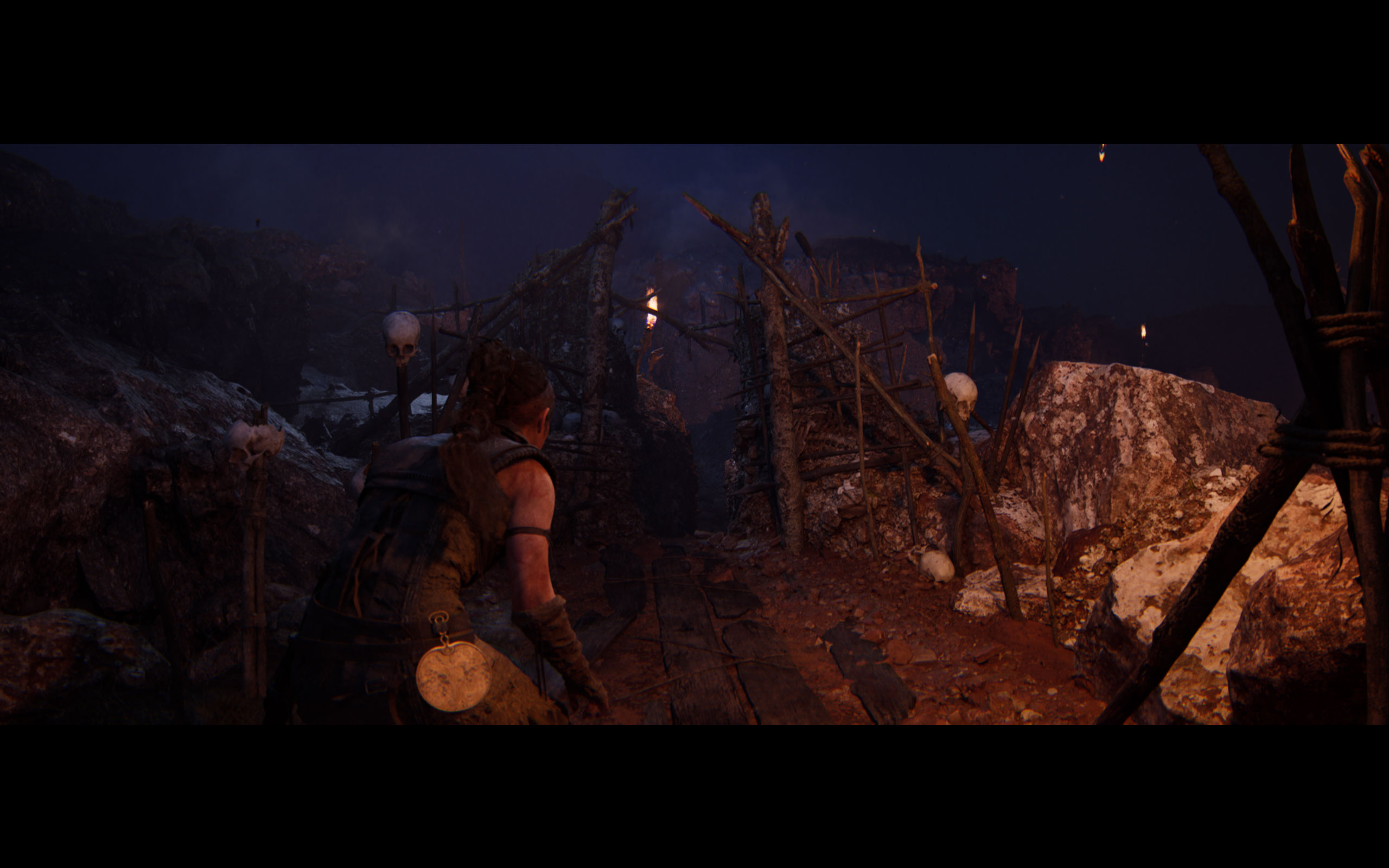
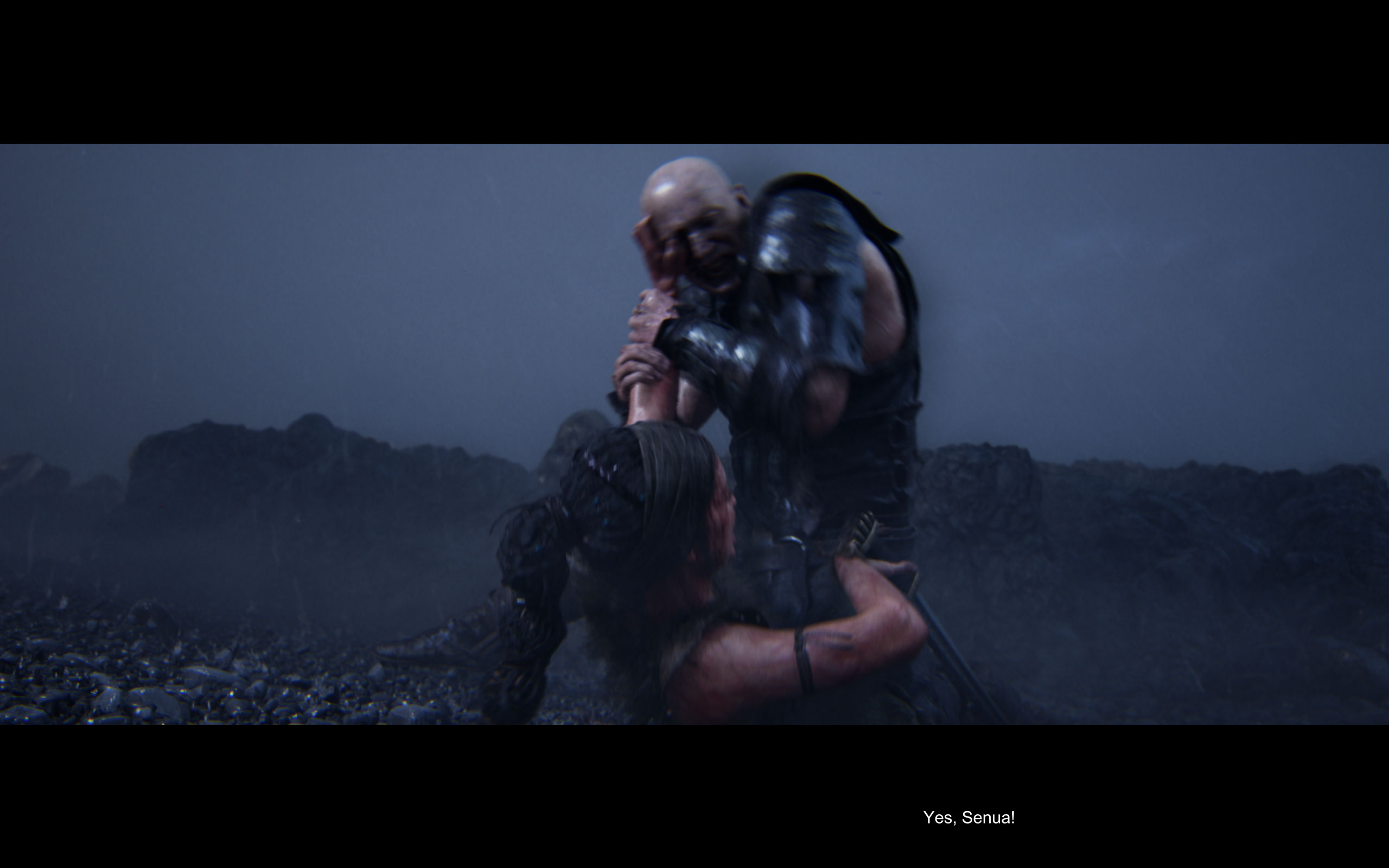
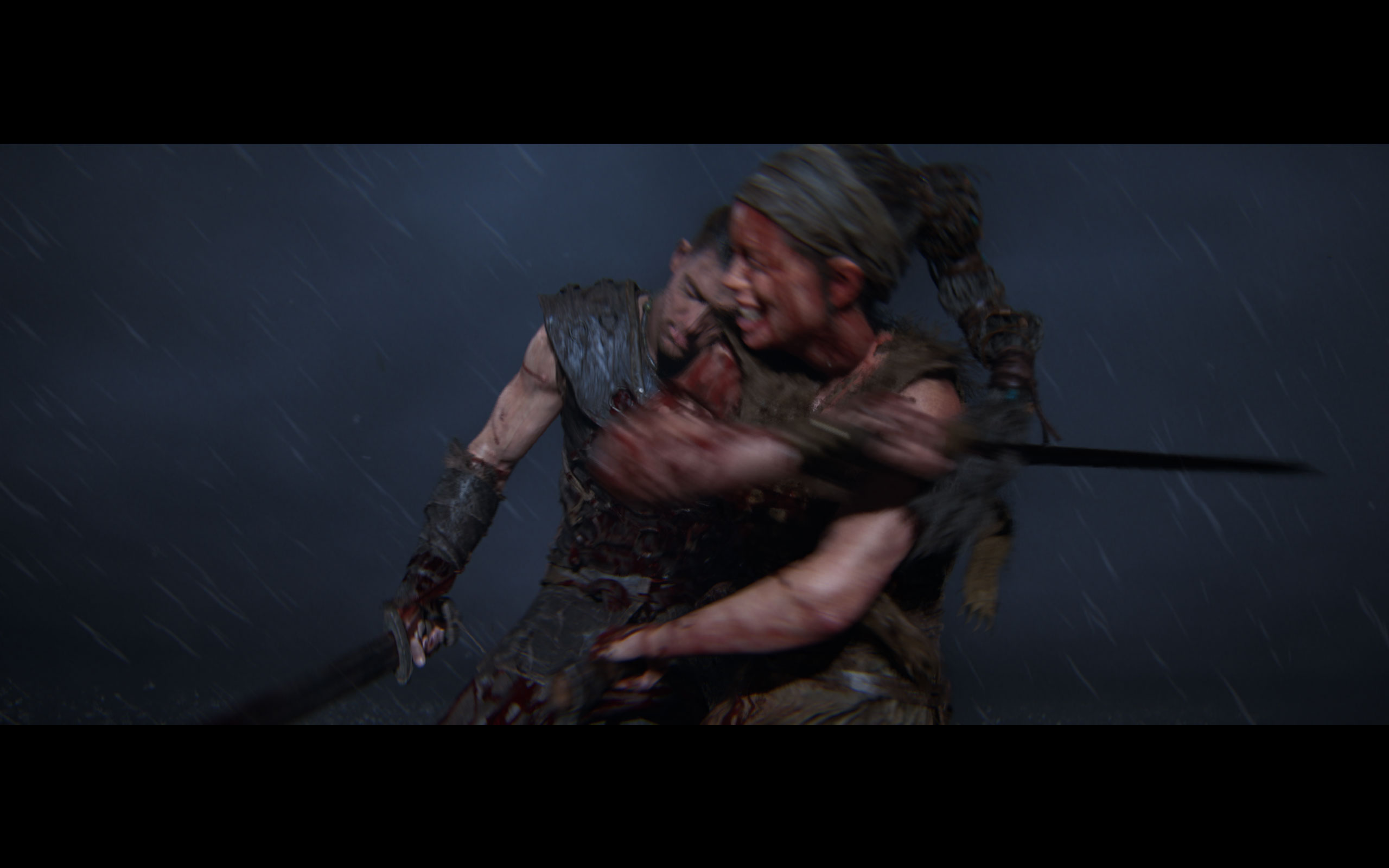
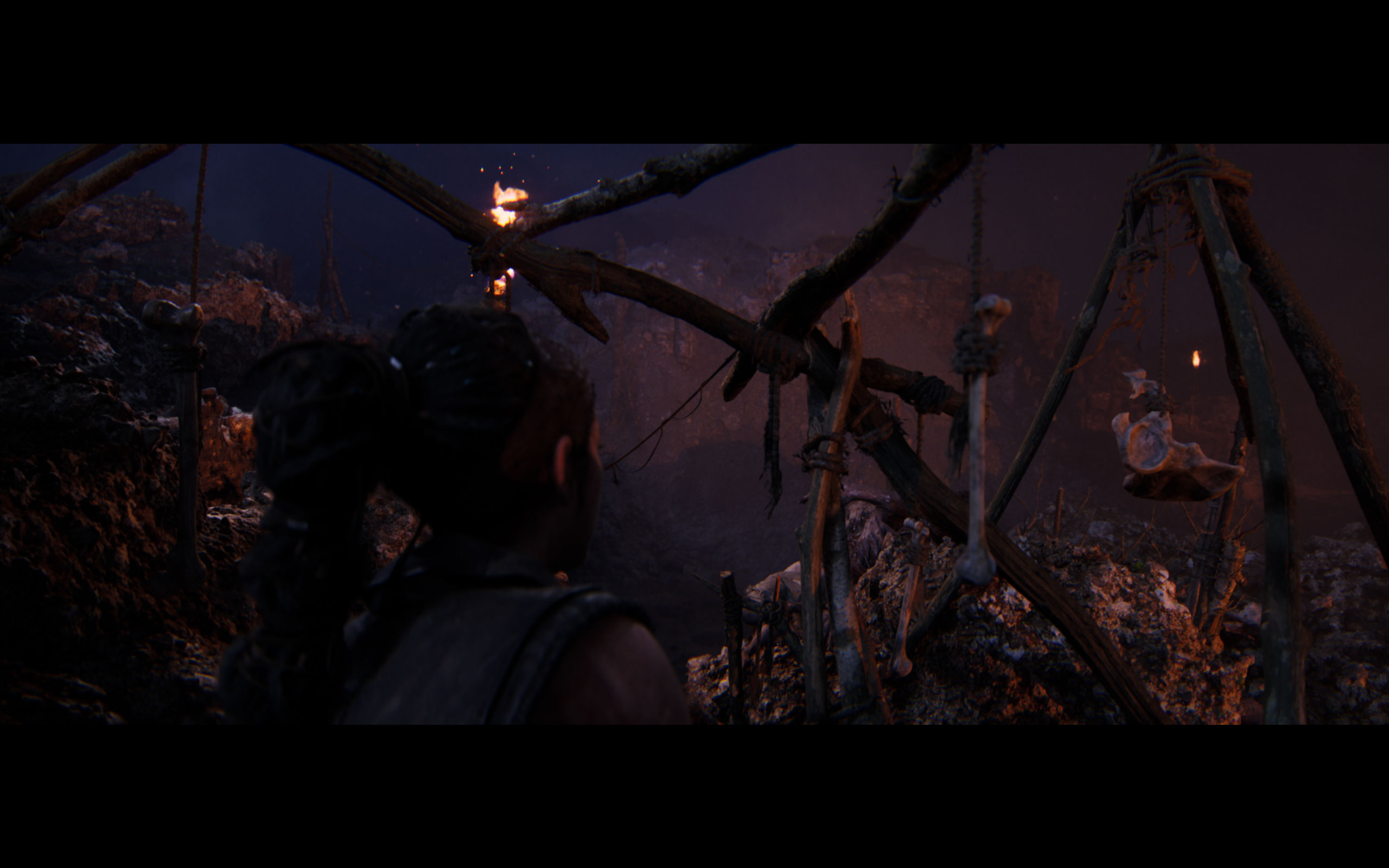
All screenshots were taken at maximum settings, with upscaling and frame generation disabled. The gallery can be navigated with the cursor keys.




























Graphics Settings

- The "Accessibility" menu near the top has a setting to set Motion Blur to zero (down from the default maximum of 10)
- Hellblade II supports running windowed and borderless, there is no exclusive fullscreen setting. You can achieve this through manual config edits though (set FullscreenMode=0).
- You may disable V-Sync, there is no hidden FPS cap and the game isn't CPU limited at all
- Upscale Method supports "DLSS," "FSR," "XeSS" and "TSR," which is Unreal Engine's own temporal upscaler
- With TSR you can set the scaling level as a percentage (or 100% for native)
- There is no option for "no upscaling," but TSR + 100% scaling is the closest thing
- FSR has support for "Native AA," which is AMD's equivalent to NVIDIA DLAA
- DLAA is supported, too
- When you enable DLSS Frame Generation, you MUST select a DLSS scaling mode, but "DLAA" is an option
- There's three quality presets "Low," "Medium" and "High." Selecting "High" sets quality to maximum, you don't have to manually adjust any other setting.
- Besides that there are several additional options for performance fine-tuning, as our comparison screenshots show, there's very little visual difference, but a pretty serious performance delta between them.
Our Patreon Silver Supporters can read articles in single-page format.
Nov 13th, 2026 08:07 PST
change timezone
Latest GPU Drivers
New Forum Posts
- Microsoft Exchange/365 outages? (45)
- Dual B70 or Dual R9700 Pro on Linux (0)
- To AiO CPU Cooler users? (6)
- I won't download games that are larger than 30–40 GB. (107)
- Slow SSD read speeds - help! (2)
- Any other old-timers here planning to play WoW Forever? (150)
- Requesting original VBIOS for Gigabyte RX 5700 XT GAMING OC 8G Rev 2.0 (Micron) (0)
- Home page search by category (6)
- Windows 11 General Discussion (7727)
- Warning for Windows 10 and 11 users running newer AMD GPU drivers (58)
Popular Reviews
- AMD Zen 6 Technical Deep Dive
- Corsair HX1000i Shift Crystal Review
- NZXT C1200 Platinum Review
- Upcoming Hardware Launches 2027 (Updated Nov 2026)
- Montech King 95 3D PRO Review
- NZXT H7 RGB+ Review
- NZXT H5 Review
- Phantom Blade Zero Performance Benchmark Review - 35 GPUs Tested
- XPG NIMBUS PLUS Review - Mid-range Chair With Strong Competitors
- Gigabyte Z890I Aorus Ultra Review
TPU on YouTube
Controversial News Posts
- NVIDIA Co-Founder and CEO Jensen Huang Officially Resigns (354)
- OpenAI CEO Argues Home PCs Waste the World's Limited DRAM Supply (152)
- NVIDIA Launches Investigation Into Jensen Huang's Relationship With Suspected Chinese Spy (136)
- Intel "Raptor Lake Next" 16-Core and 20-Core CPUs Surface (130)
- Legendary Game Studio BioWare Shuts Down Following EA Layoffs (104)
- Dell CEO Says the Memory Shortage Will Get Worse in 2027 (95)
- NVIDIA GeForce RTX 50-Series Scheduled for up to $500 Price Hike This Week (89)
- Modder Fits RTX 5090 With Four 8-Pin Connectors, Halving Current per Wire (80)