 3
Sharkoon VK4 ARGB Review
A Closer Look - Inside »A Closer Look - Outside
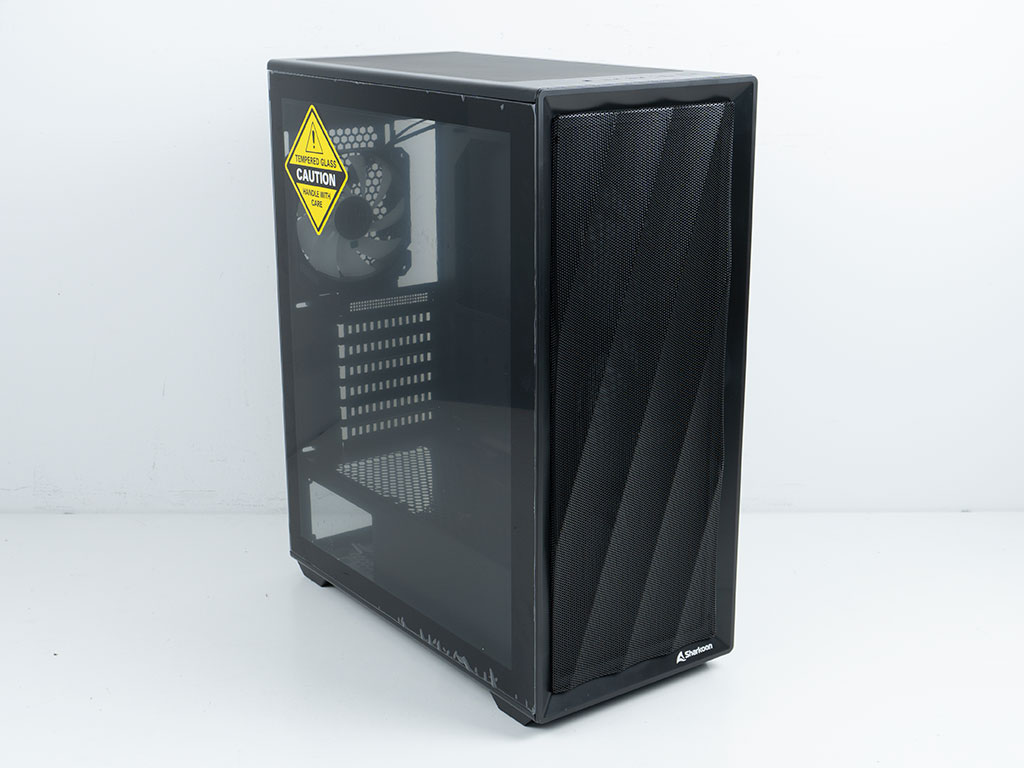
Sharkoon focuses on clean, understated cases for the most part and the VK4 ARGB is no different. The material mix is surprisingly great with very little plastic. The front panel is inset into the steel exterior, so less plastic is needed with this approach. Overall, the VK4 ARGB manages to make a better impression than some cases that cost 50% more.
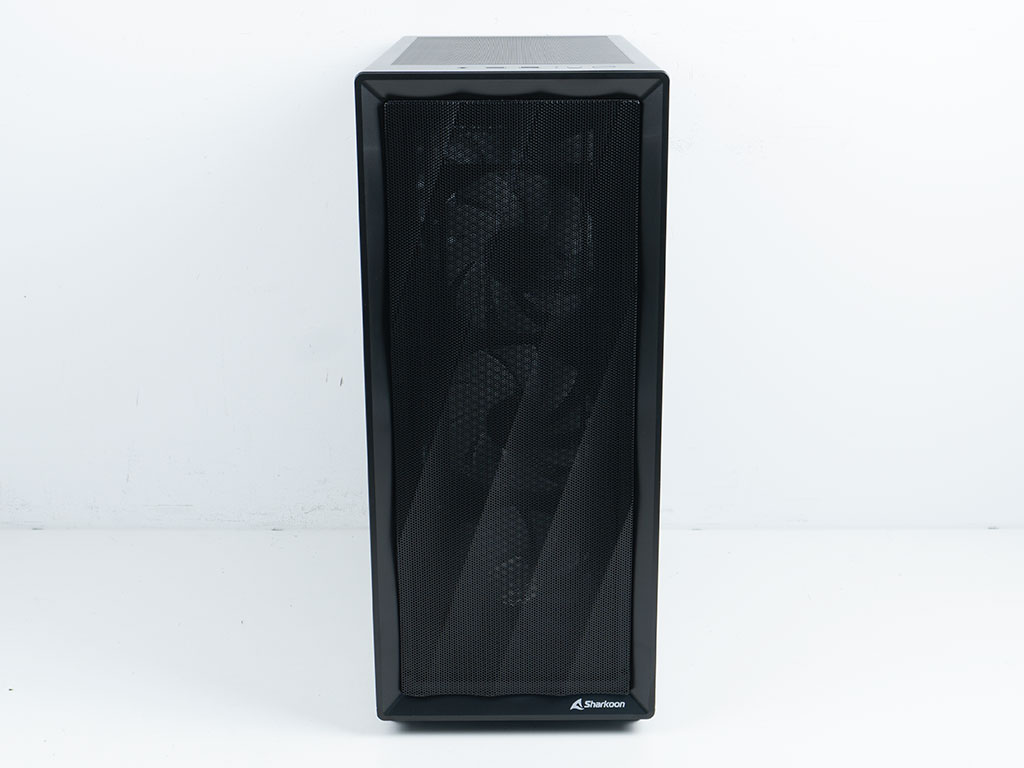
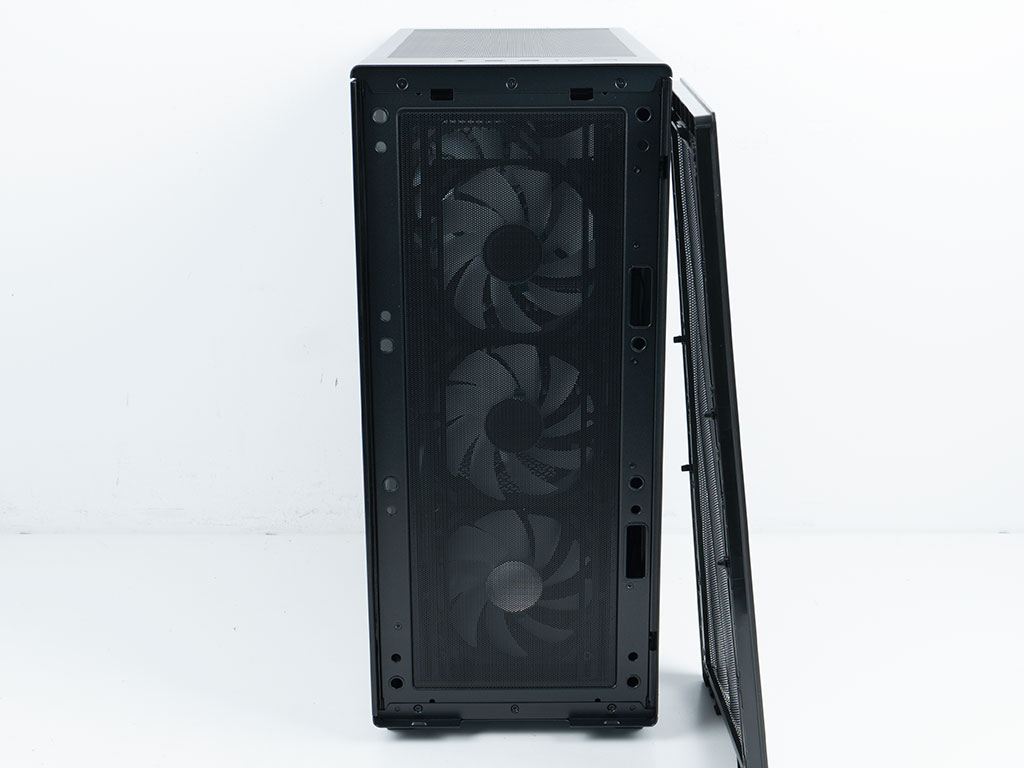
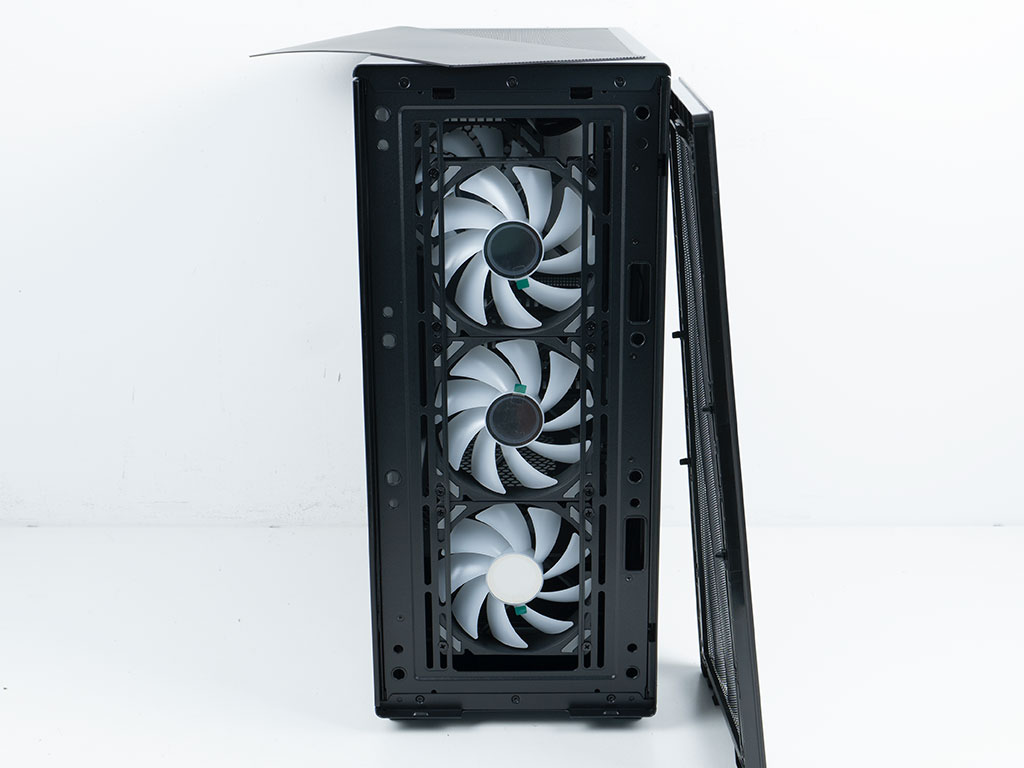

The front is mostly made of mesh with a fairly fine perforation. The wave shape gives it some much-needed depth with a small, white Sharkoon logo adorning the bottom right corner of the case. You may pull it off a bit too easily and the plastic frame—while nice and thin—is rather soft. Taking it off reveals another magnetic dust filter in front of the three pre-installed 120 mm ARGB fans. That magnetic mesh layer is completely unnecessary in every sense of the matter. It results in a dimmer final view of the ARGB elements, blocks airflow and provides very little additional dust filtering benefit over the already finely perforated front panel. In the rear, the Sharkoon VK4 ARGB sports the usual modern layout with the PSU at the bottom and an upright motherboard setup above it.
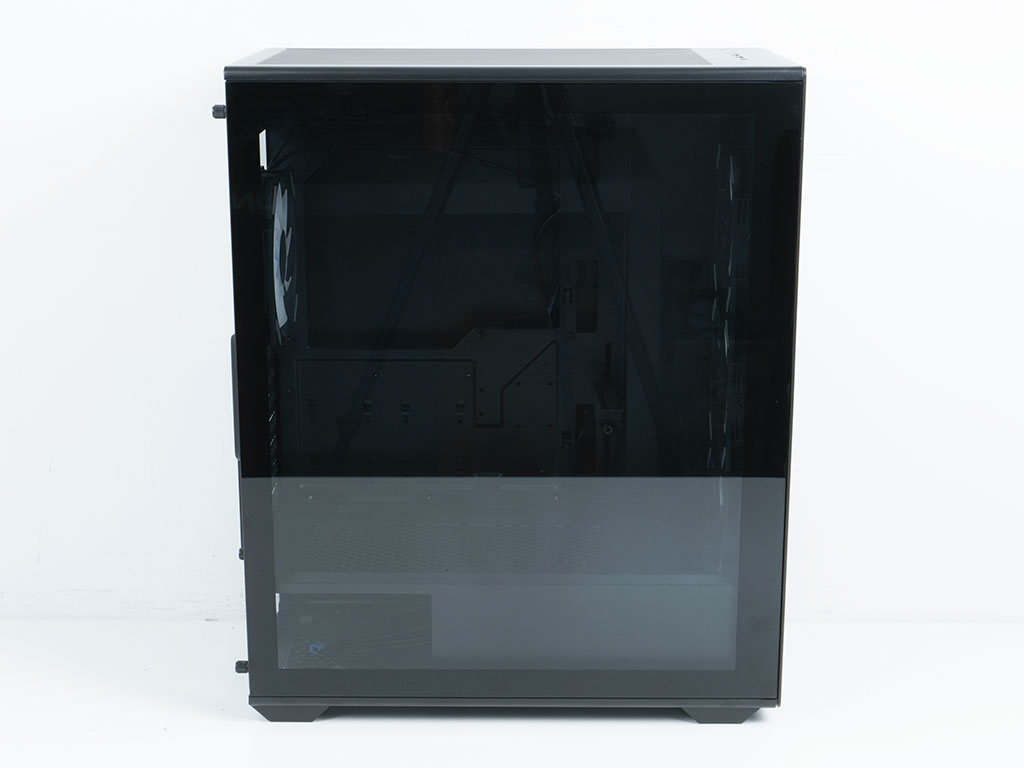
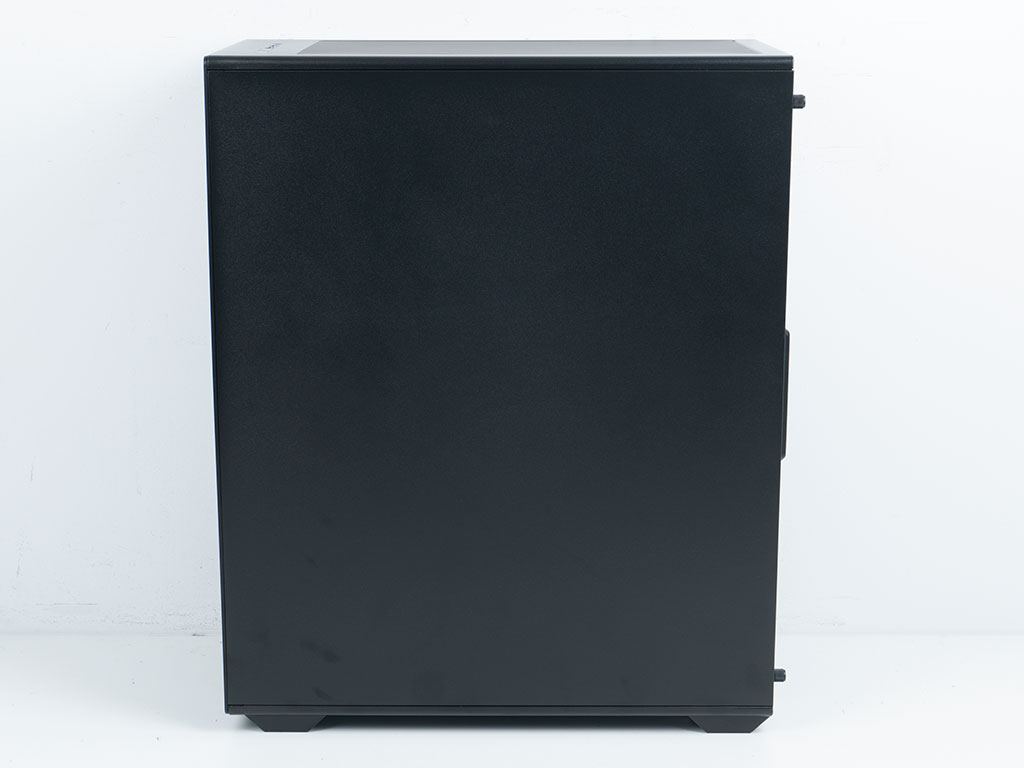
On the main side, there is a full coverage glass panel with what looks to be a very gentle tint, while the opposing side is covered by a basic metal variant instead. That one may feel a bit thin, but considering the price point, is perfectly adequate. Both panels are held in place by thumb screws for easy, traditional access.
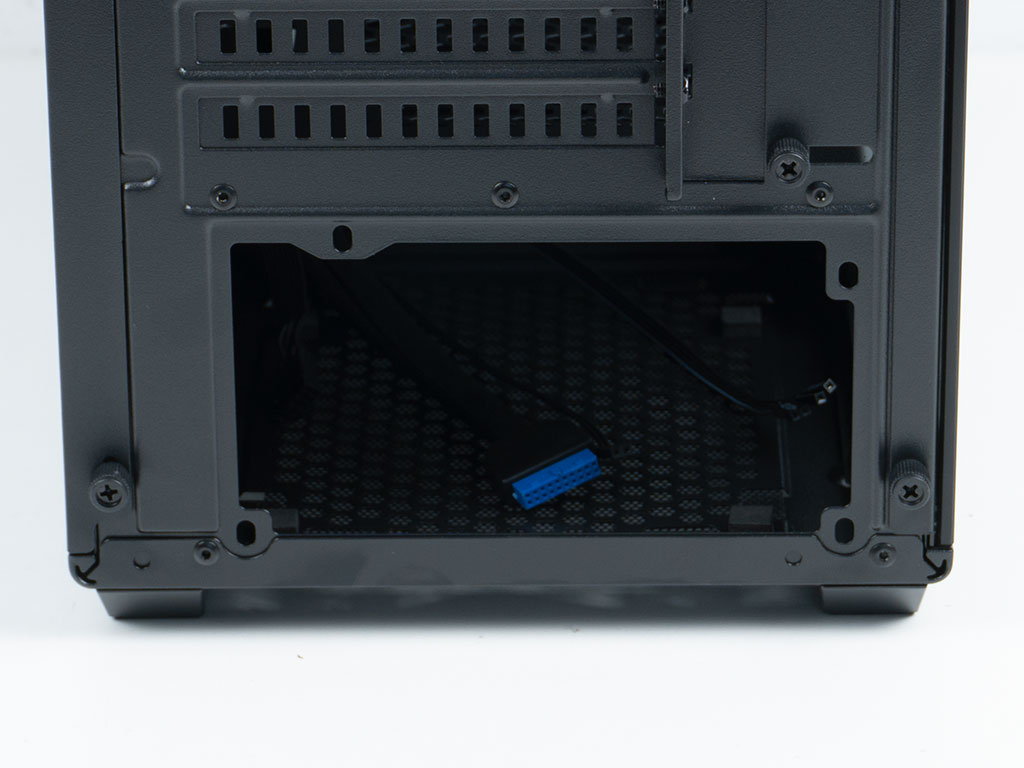
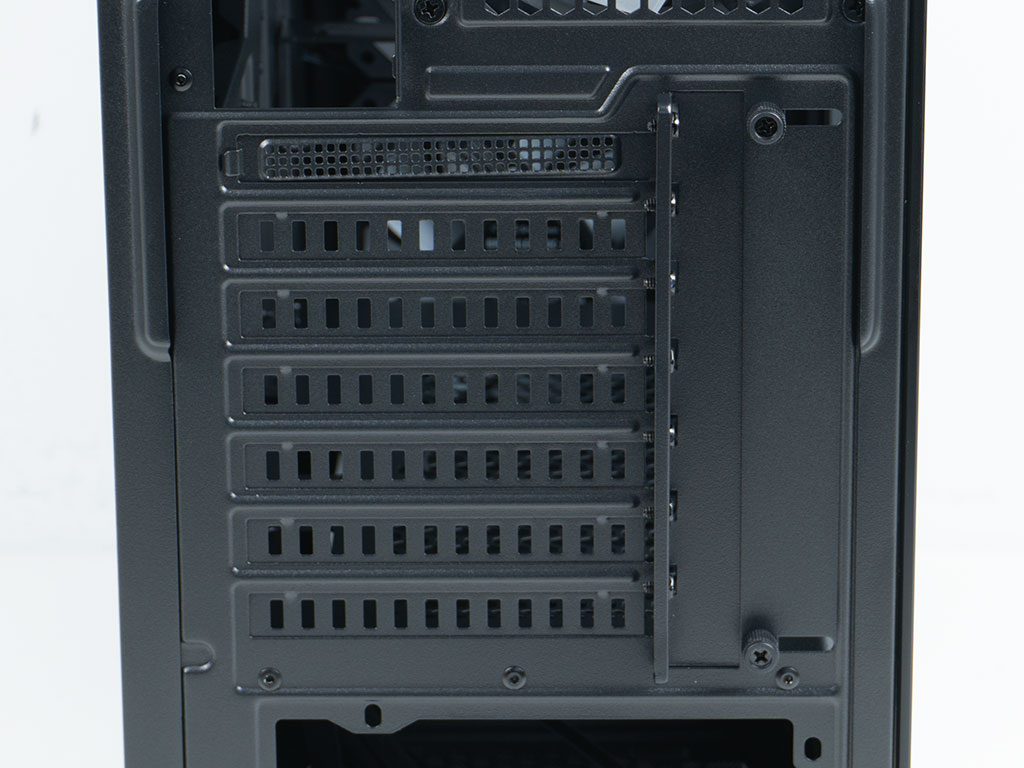
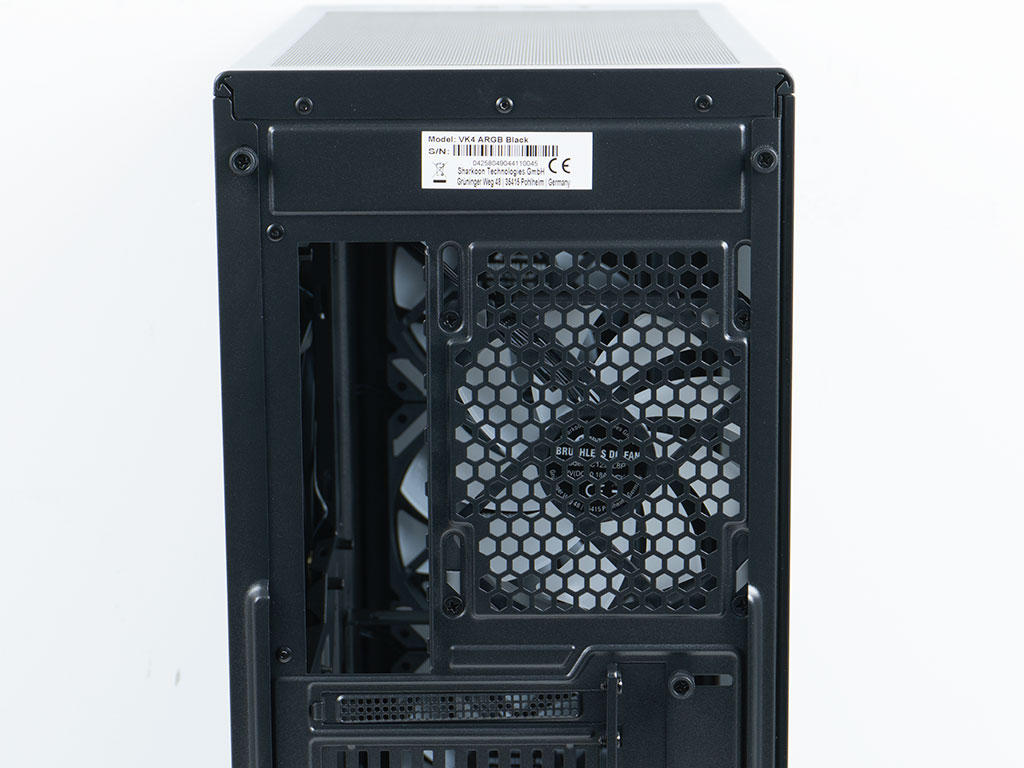
In the rear, the PSU bay is simple but should be quite functional. It has one set of mounting holes so your PSU fan will always be facing downwards. Above that are the seven expansion slots, with the screws located on the exterior. A sliding cover with two thumb screws closes the gap created by this structural detail. Only the very top expansion slot utilizes a reusable cover, while the remaining six sport the breakout kind. While this is rather frowned upon, at this price point you will have to make some compromises, and this is a minor one, unless you plan to vastly alter your setup often. At the very top, you will find a fourth 120 mm ARGB equipped fan set to push hot air out the back of the chassis. It is mounted on elongated mounting holes, so you may adjust its vertical position to suit your needs. As there is a bit of room above it, AIOs in the ceiling should also fit well.
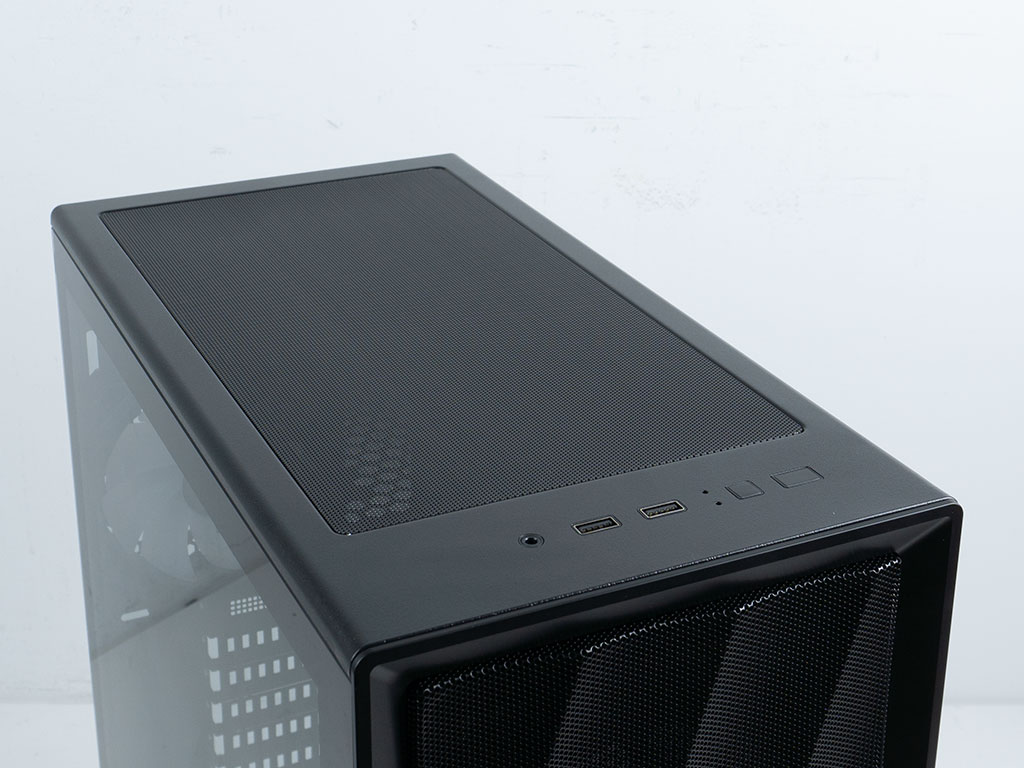
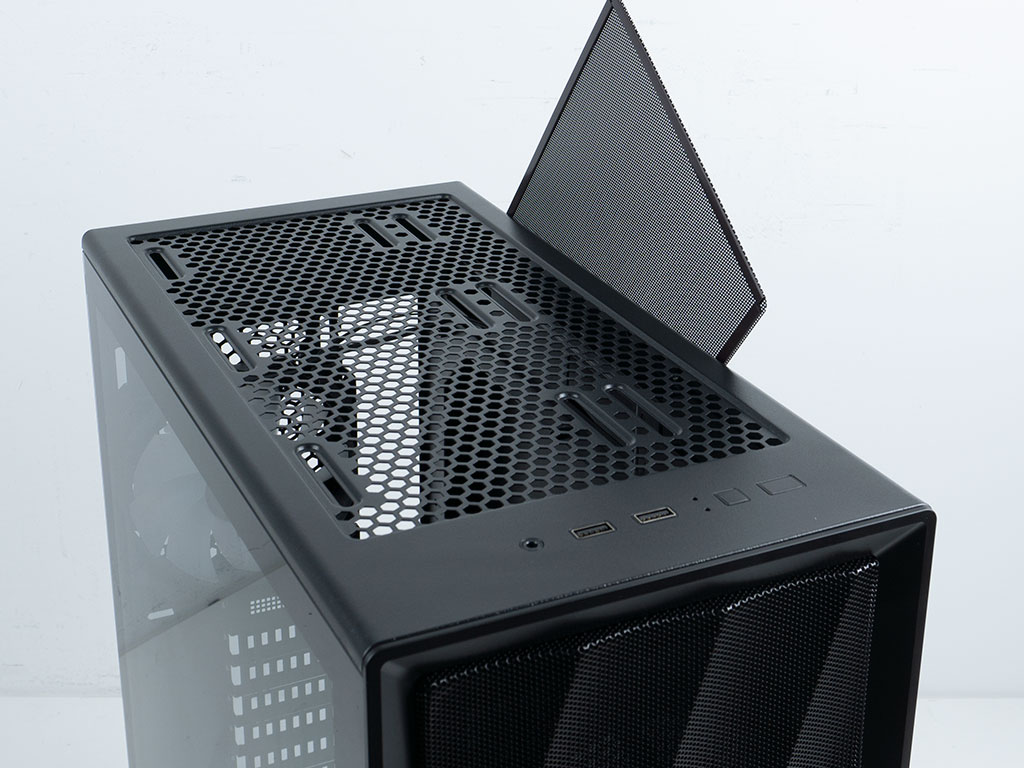
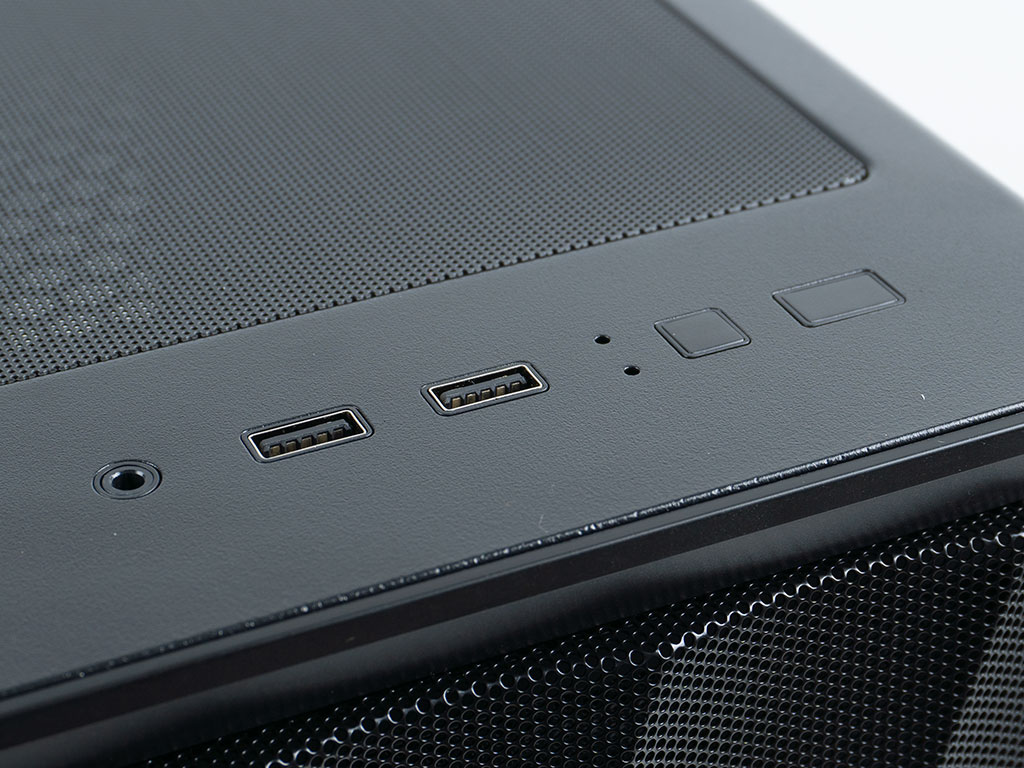
Speaking of which, the Sharkoon VK4 ARGB actually has a full metal top cover, which is awesome to see. A magnetic mesh cover keeps dirt and grime away from two 120 / 140 mm fans or an AIO of up to 280 mm in size that you may install in the ceiling. The IO at the front edge of the metal is completely unlabeled and consists of a 3.5 mm audio combo port, two USB 3.0 ports and a pair of rectangular buttons of different size. The smaller one is for ARGB control, while the other is the power button. The I/O setup is also the biggest functional compromise you will have to make, as the Sharkoon VK4 ARGB does not offer USB-C.
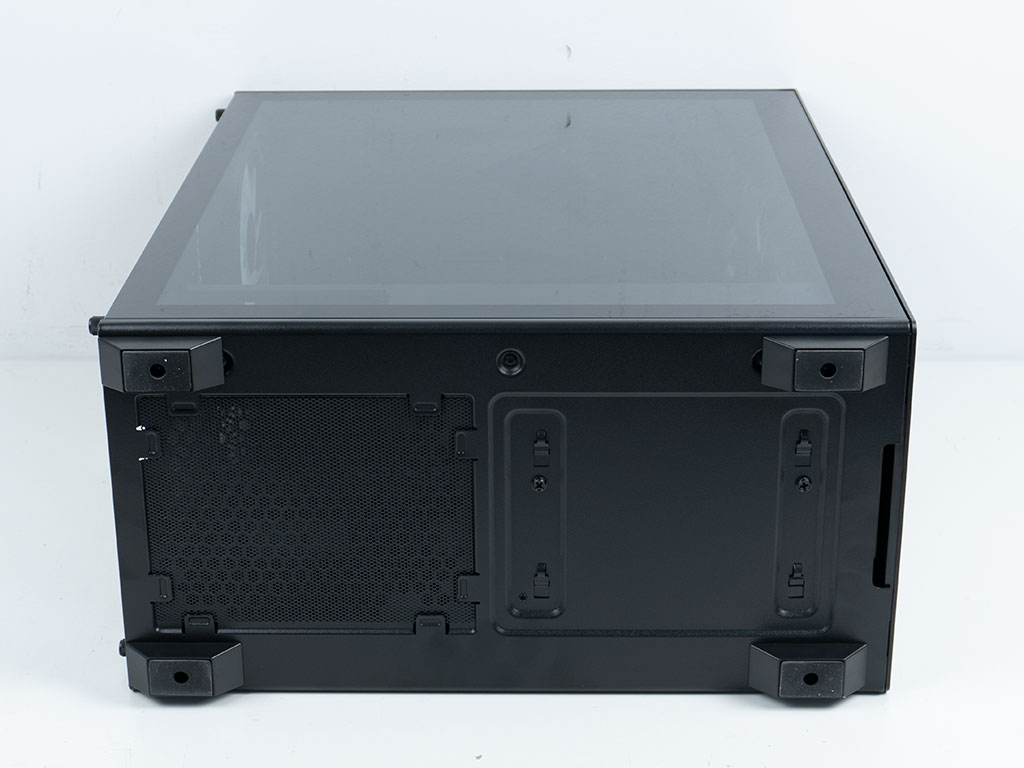
On the underside, things continue to be functional but also rather simple, as the dust filter for the PSU bay cannot be pulled out easily. Instead, you will have to tip over the system to get to it. If you look closer, you will also find a pair of classic screws holding the HDD cage in place. Things are not as bad as you may think, as the Sharkoon VK4 ARGB still ships with a plastic tray, but you will have to pull the whole cage if you want to install a second drive on top of the cage itself. Thus, this also means removing these screws to do so.
Nov 27th, 2026 10:45 CST
change timezone
Latest GPU Drivers
New Forum Posts
- Found Out Why My FygoOS Transfers Were Stuck at 11 MB/s (1)
- WireView Pro II GPU Alignment: Wired | Variant: Black (11)
- Mouse Pad advice - Shidenkai out of production? (18)
- Unigine Superposition on Linux (19)
- Exit Adobe - PDF reader, and PDF editor recommendations (8)
- -18C on GPU by moving it to the front of the case. (8)
- Technical Issues - TPU Main Site & Forum (2026) (410)
- What's your main Black Friday / Cyber Monday purchase? (31)
- Wireless Internet sharing between PC and router both-ways, is it possible? (32)
- TPU's WCG/BOINC Team (34813)
Popular Reviews
- VZMORE AX9 Max Review
- Upcoming Hardware Launches 2027 (Updated Nov 2026)
- ASRock X870E Challenger Wi-Fi White Review
- AMD Ryzen 7 9800X3D Review - The Best Gaming Processor
- Microsoft Surface Laptop Ultra Review - The Next-gen Arm Laptop
- Montech CyberFlow ARGB 360 Review
- AMD Zen 6 Technical Deep Dive
- Phantom Blade Zero Performance Benchmark Review - 35 GPUs Tested
- Corsair RM1200e (Second Generation) Review
- ORICO Obook15 AI Review
TPU on YouTube
Controversial News Posts
- Jensen Huang Reinstated as CEO of NVIDIA (621)
- NVIDIA Co-Founder and CEO Jensen Huang Officially Resigns (492)
- Report: Jensen Huang Eyes NVIDIA Comeback (281)
- Open Letter Asking NVIDIA to Reinstate Jensen Huang Passes 115,000 Signatures (184)
- OpenAI CEO Argues Home PCs Waste the World's Limited DRAM Supply (152)
- NVIDIA Launches Investigation Into Jensen Huang's Relationship With Suspected Chinese Spy (136)
- Intel Razor Lake Gets a 12 P-Core bLLC Chip With No E-Cores, Per Leak (94)
- NVIDIA GeForce RTX 50-Series Scheduled for up to $500 Price Hike This Week (89)