 10
SilverStone SETA H2 Review
A Closer Look - Inside »A Closer Look - Outside
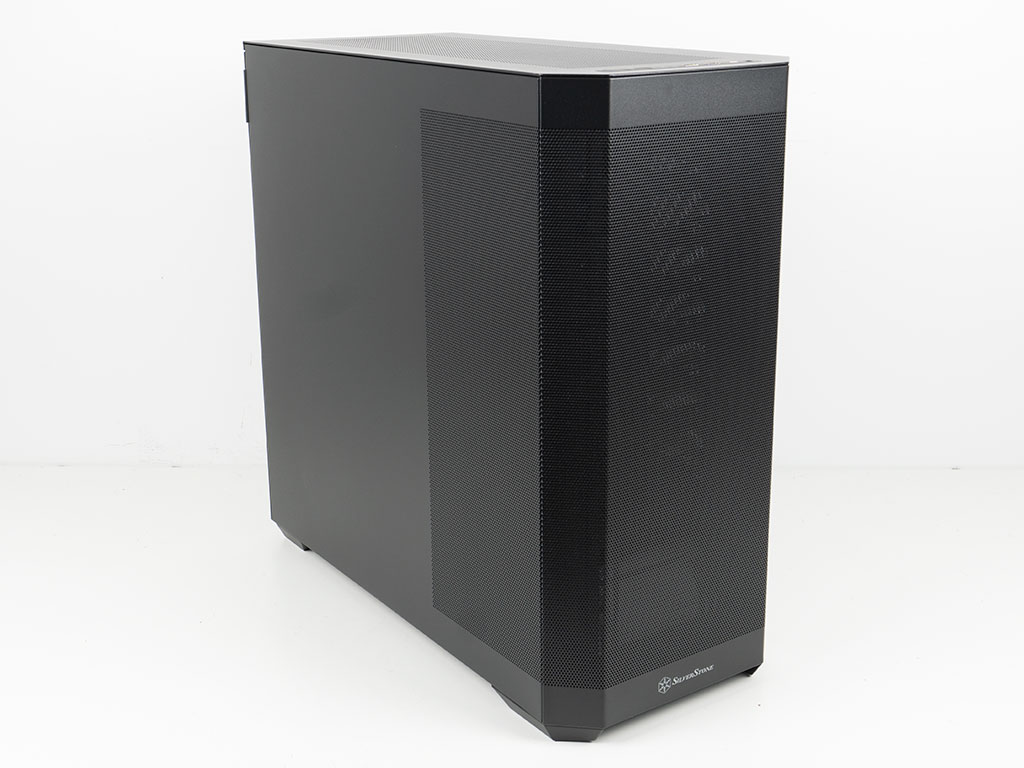
As mentioned in our SETA H2M review, the H2 is truly a larger sibling of the case and deserves the same model name. It relies exclusively on steel for its body and exterior, which is certainly a USP to drive home. SilverStone mentions that the H2 utilizes thicker steel panels than the H2M. That said, subjectively speaking, it does not feel significantly different. In fact, both cases are advertised as being "crafted from high-grade steel, provides exceptional durability and robustness."
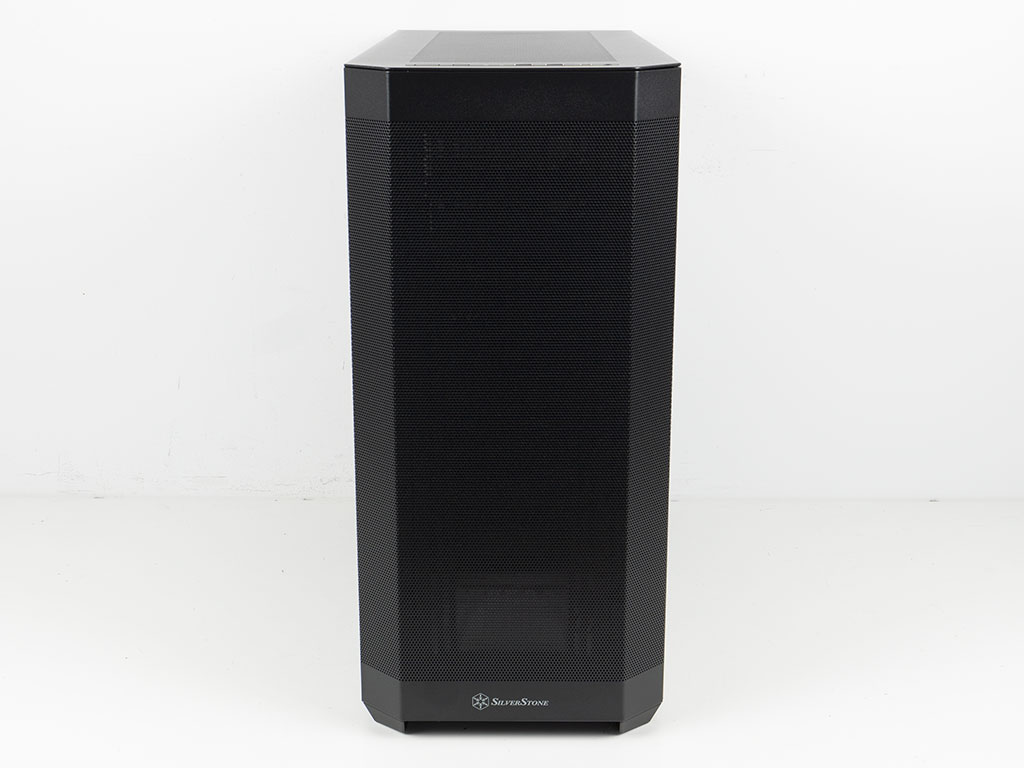
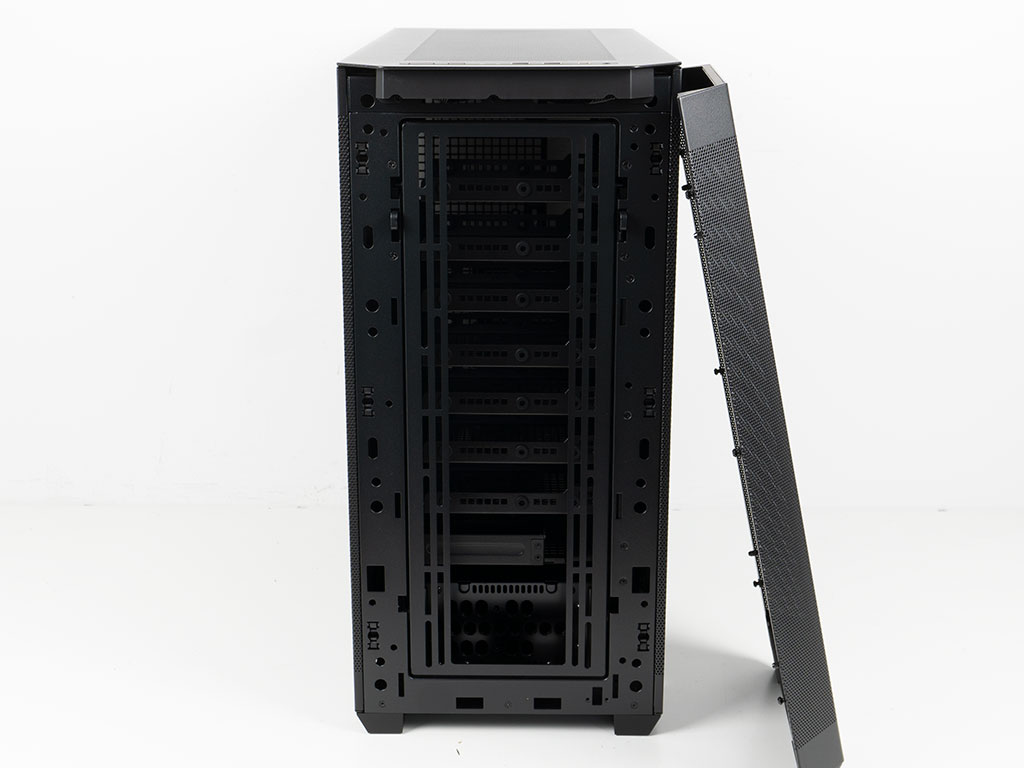
The front is perforated, with 45° bevels on both sides that give the case a bit of much-needed depth. There is a little gap at the bottom between the feet, and we were excited because this feels like the best way to pull out a dust filter for easy cleaning, but it isn't designed that way. You may pull off the whole front, which also acts as a dust filter, to reveal a removable and rotatable mounting frame for three 120 or 140 mm fans. We have reviewed six SETA-series cases from SilverStone in the last five years and every single one came equipped with plenty of large fans. It has been a core selling point and model family feature, but SilverStone has decided to ship the SETA H2 without any fans. This is a departure from the norm that should not necessarily have been taken—especially as the SETA H2 is significantly more expensive than the smaller H2M, which features preinstalled fans. In case you want to install liquid cooling here, the front of the SETA H2 can accommodate radiators of up to 420 mm in size.
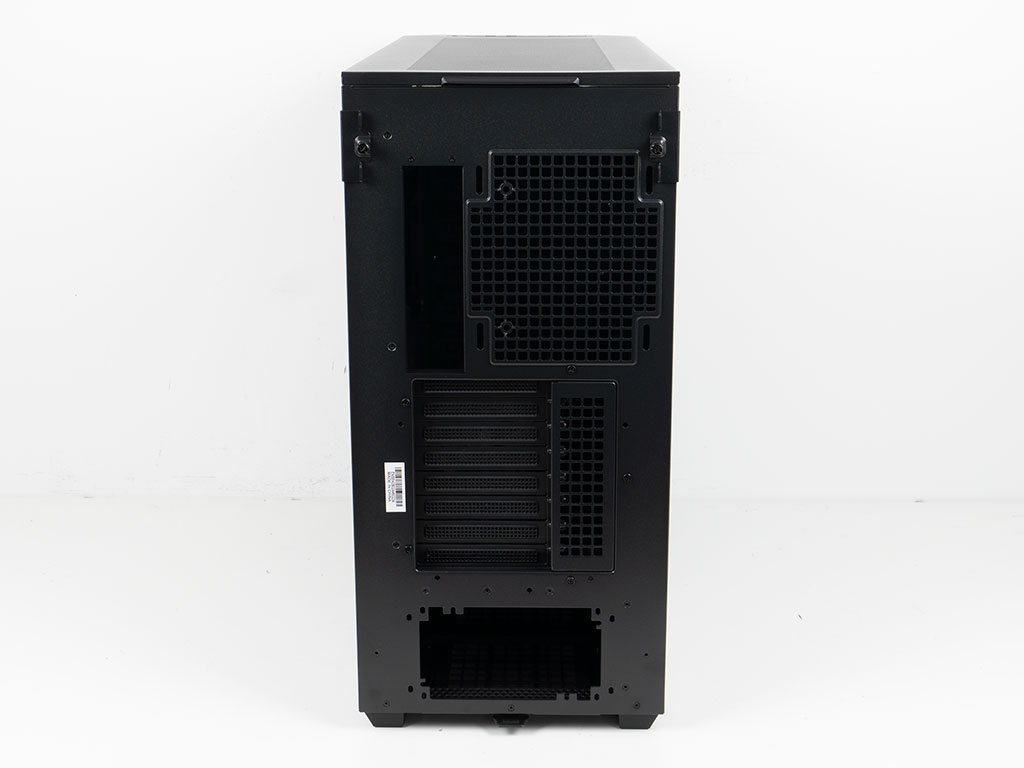
In the rear, the layout looks quite traditional for a full-tower enclosure. It is also a tad bit wider so you know you will get plenty of room to work with within the enclosure. Another small element missing from the SETA H2—which is present on the H2M—are the exterior hooks for external cable management running down the left side of the rear. While a smaller functional feature, there is no reason for those to be omitted.
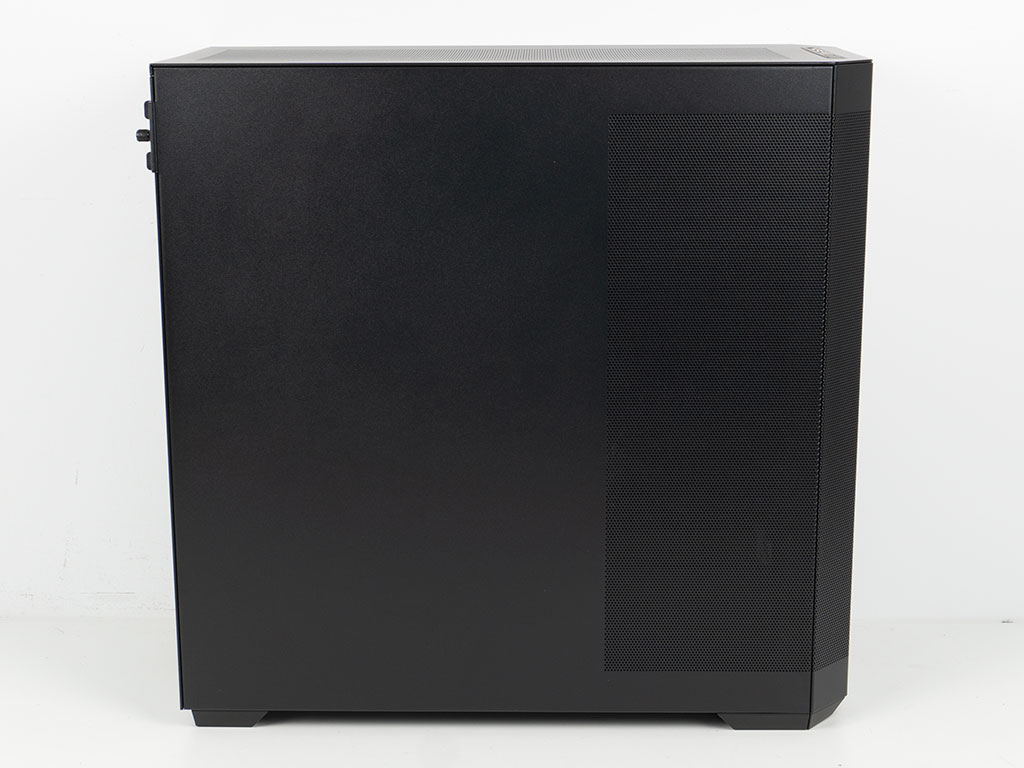
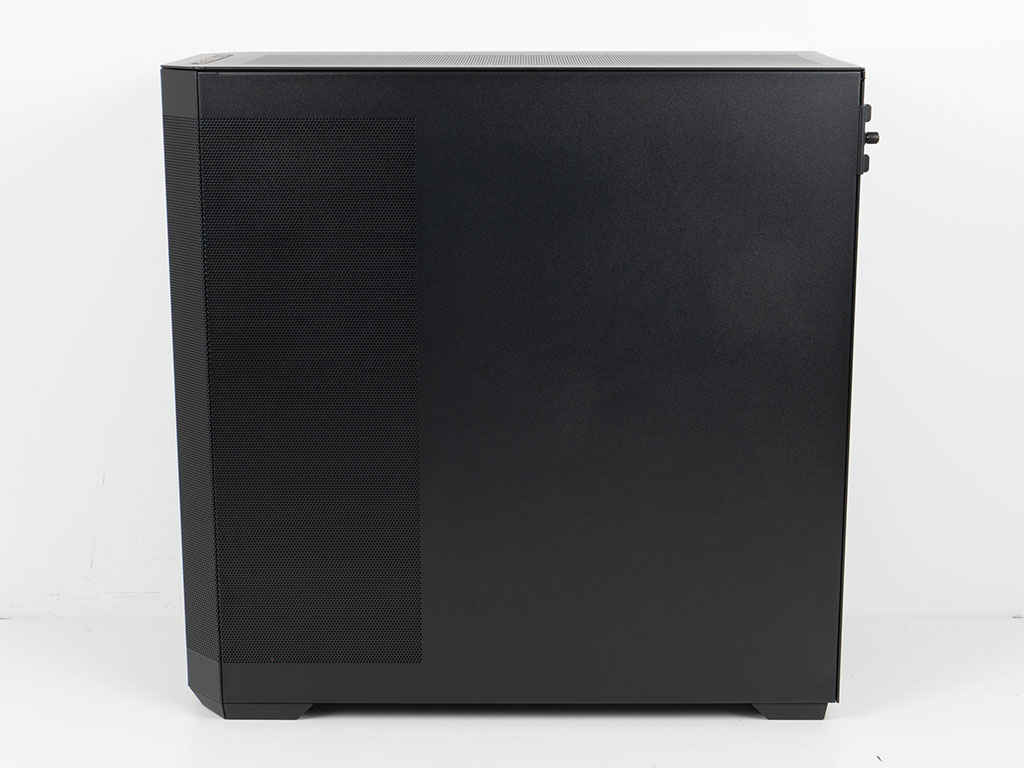
Both side panels are made of metal, with identical perforations continuing seamlessly from the front down about a third of each side. SilverStone employs captive screws to hold each panel down. That said, they come with very sturdy metal pins that have no problem staying in place even without the thumb screws in use.
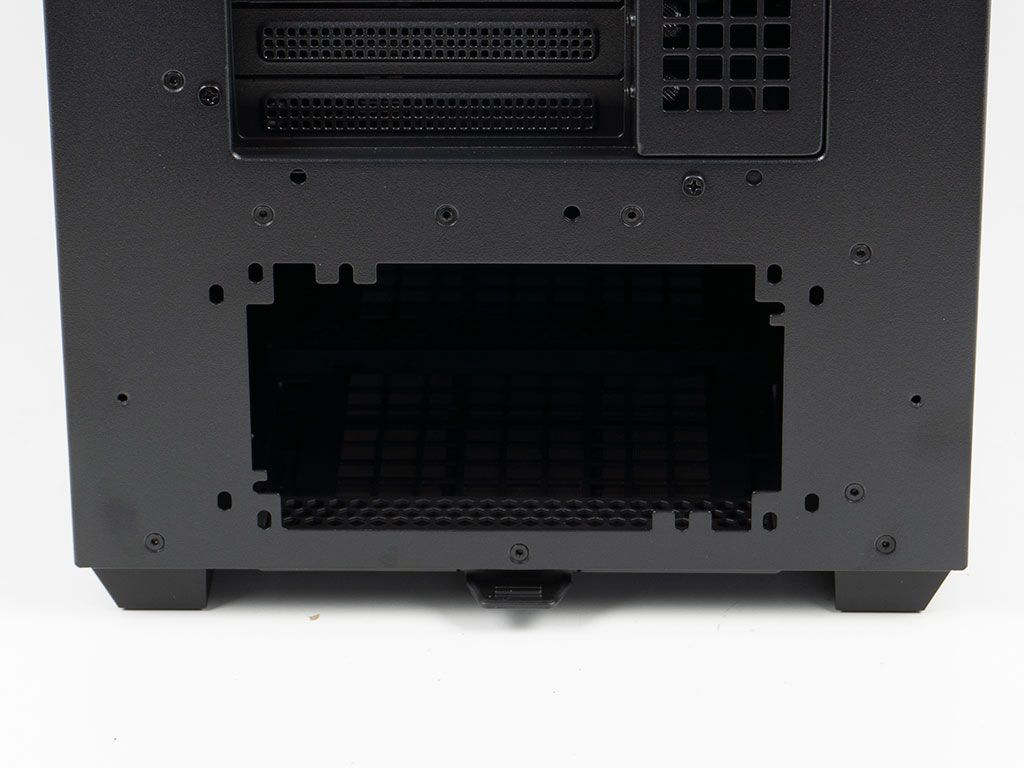

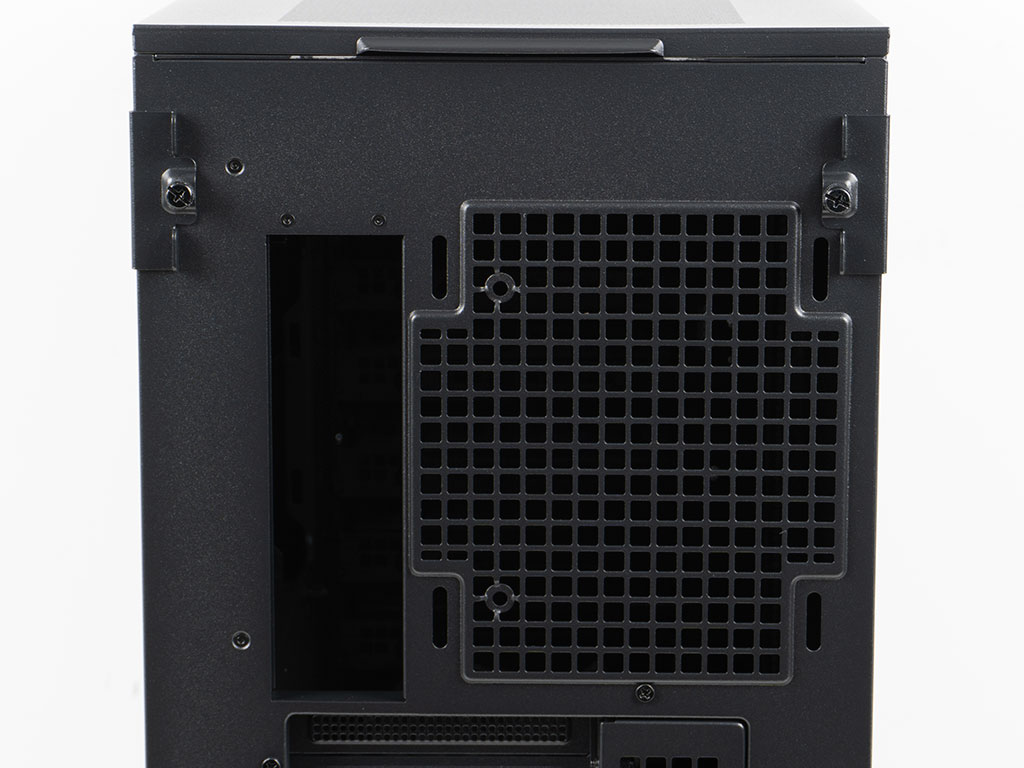
In the rear, the PSU bay sports one set of mounting holes, so it is clear that your fan will be pointing downward. Above that, you will find five expansion slots on a removable plate, with the possibility to install a 120 or 140 mm fan at the top. Only the 140 mm utilizes the four elongated mounting holes, so you can slide it down to make more room for cooling in the ceiling if needed. If you opt for a 120 mm variant, the mounting position is fixed.

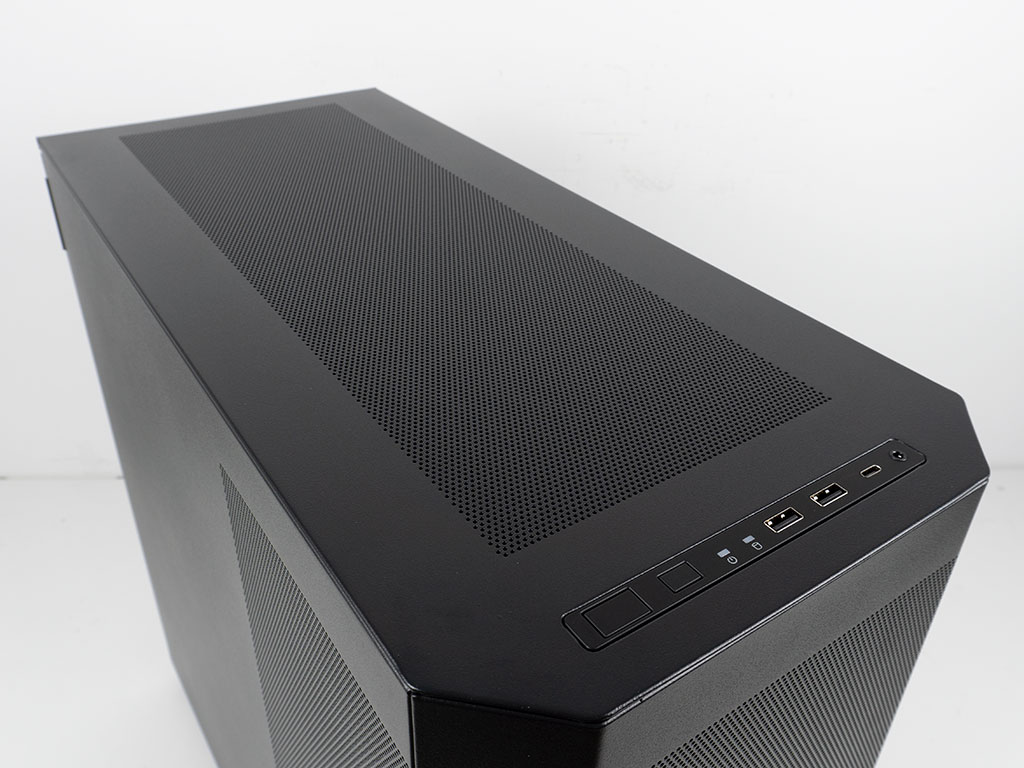
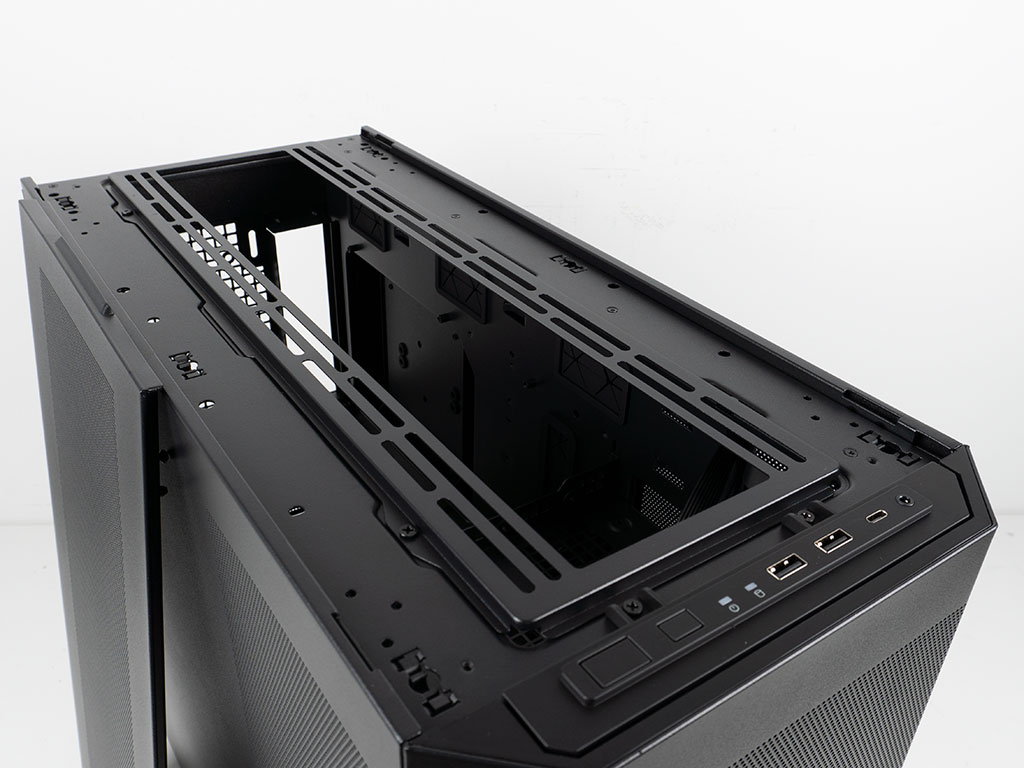
On the top, there is a black strip which holds the IO in form of two buttons, a pair of LEDs, two USB-A ports, a USB-C plug and finally an audio combo header. The two buttons are unlabeled, but the bigger one is power and the smaller is reset. Unlike the H2M, there no longer is a dedicated button for ARGB control. Popping off the perforated steel cover reveals a removable mounting frame that can hold three 120 or 140 mm fans. Alternatively, you may install a radiator of up to 420 mm in size here.

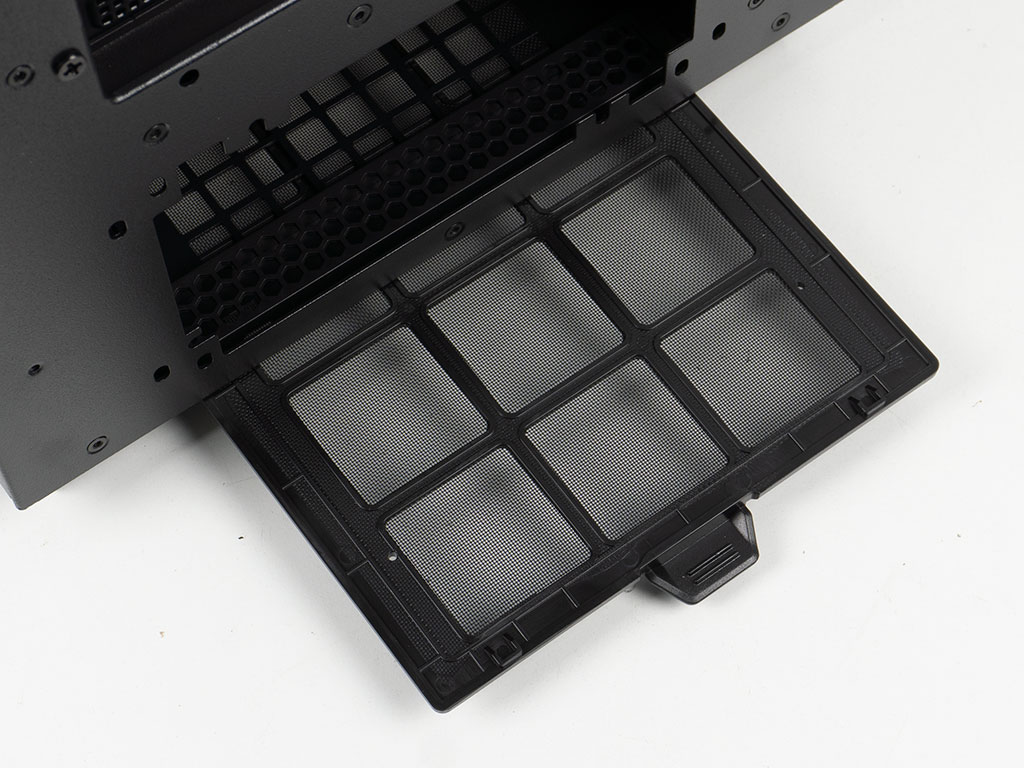
The underside holds a fine dust filter that may easily be pulled out the back. There are also four thumb screws holding a HDD cage in place. Thanks to the elongated mounting holes, you can move it seamlessly to accommodate any beefy cooling in the front of the chassis, for example.
Nov 26th, 2026 02:13 CST
change timezone
Latest GPU Drivers
New Forum Posts
- DTS DCH Driver for Realtek HDA [DTS:X APO4 + DTS Interactive] (2820)
- What's your main Black Friday / Cyber Monday purchase? (12)
- Claude credits purchased on or after Dec. 7 now have an expiry date (18)
- AI generated images... (239)
- TPU's Nostalgic Hardware Club (22209)
- Can you guess Which game it is? (365)
- Strange PC issues with Z690 setup (5)
- RTX 5080 problems, random troubleshooting "log" (8)
- Slow boot, can't launch monitoring software, general lag (38)
- Linpack Xtreme Released (512)
Popular Reviews
- ASRock X870E Challenger Wi-Fi White Review
- VZMORE AX9 Max Review
- Upcoming Hardware Launches 2027 (Updated Nov 2026)
- Microsoft Surface Laptop Ultra Review - The Next-gen Arm Laptop
- AMD Ryzen 7 9800X3D Review - The Best Gaming Processor
- AMD Zen 6 Technical Deep Dive
- Corsair RM1200e (Second Generation) Review
- Phantom Blade Zero Performance Benchmark Review - 35 GPUs Tested
- Pulsar Office Tour & First Look at P1 Dual-Sensor Mouse
- Ocypus lota P1000 Review
TPU on YouTube
Controversial News Posts
- Jensen Huang Reinstated as CEO of NVIDIA (573)
- NVIDIA Co-Founder and CEO Jensen Huang Officially Resigns (492)
- Report: Jensen Huang Eyes NVIDIA Comeback (281)
- Open Letter Asking NVIDIA to Reinstate Jensen Huang Passes 115,000 Signatures (184)
- OpenAI CEO Argues Home PCs Waste the World's Limited DRAM Supply (152)
- NVIDIA Launches Investigation Into Jensen Huang's Relationship With Suspected Chinese Spy (136)
- Intel "Raptor Lake Next" 16-Core and 20-Core CPUs Surface (130)
- Intel Razor Lake Gets a 12 P-Core bLLC Chip With No E-Cores, Per Leak (94)