 9
TerraMaster D1 SSD Pro Enclosure Review - Feature Packed and Silent
Installation & Teardown »Package


TerraMaster D1 SSD Pro comes in a premium paperboard box. An outer sleeve has richly detailed information in color, this wraps an inner cardboard box.
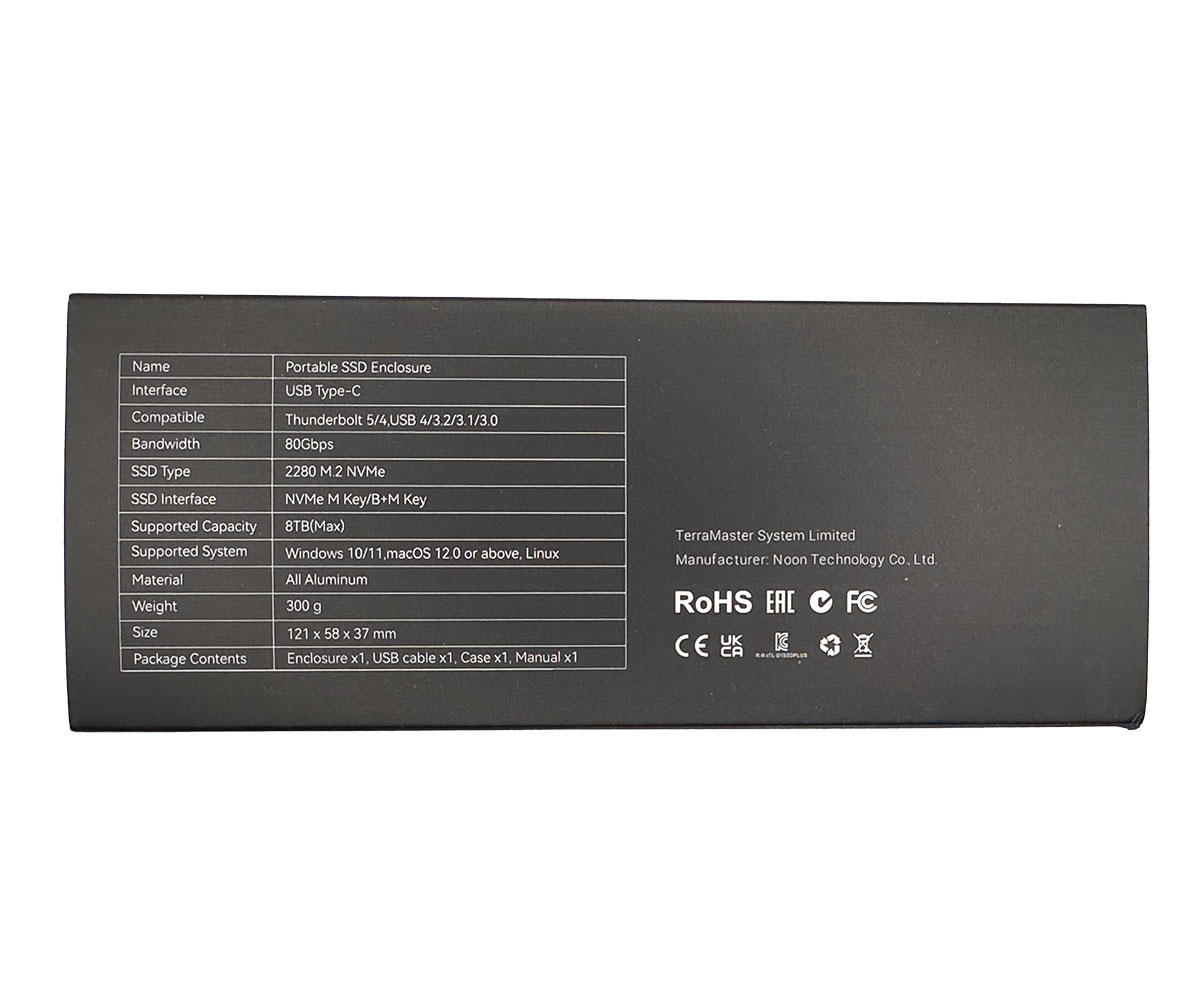
One of the side faces has a table with all its specifications.
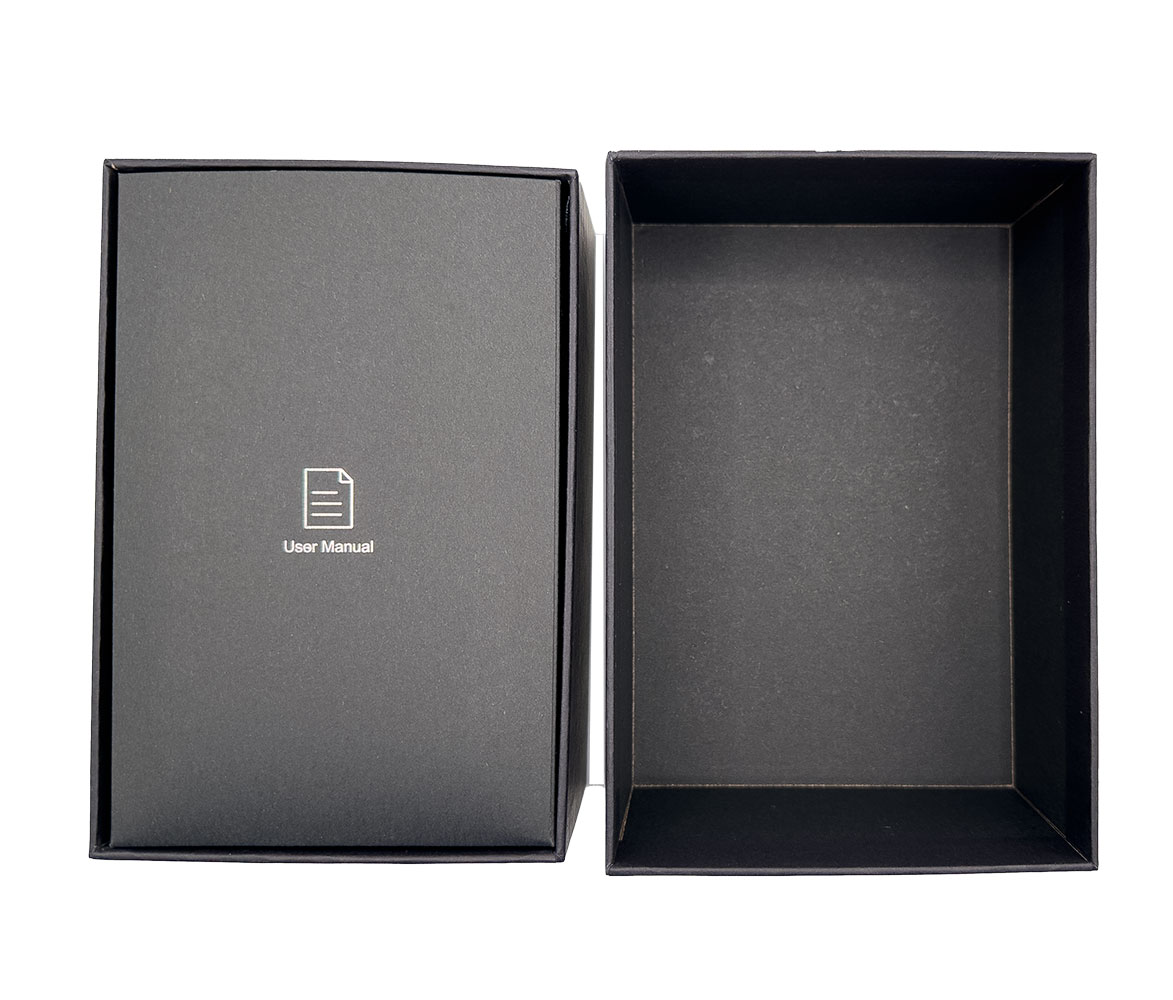

Once you remove the outer sleeve, there's a nice, chunky paperboard box, you open it to reveal an envelope containing the user manual. Below the manual is the enclosure's Nylon case, and a smaller cardboard box.
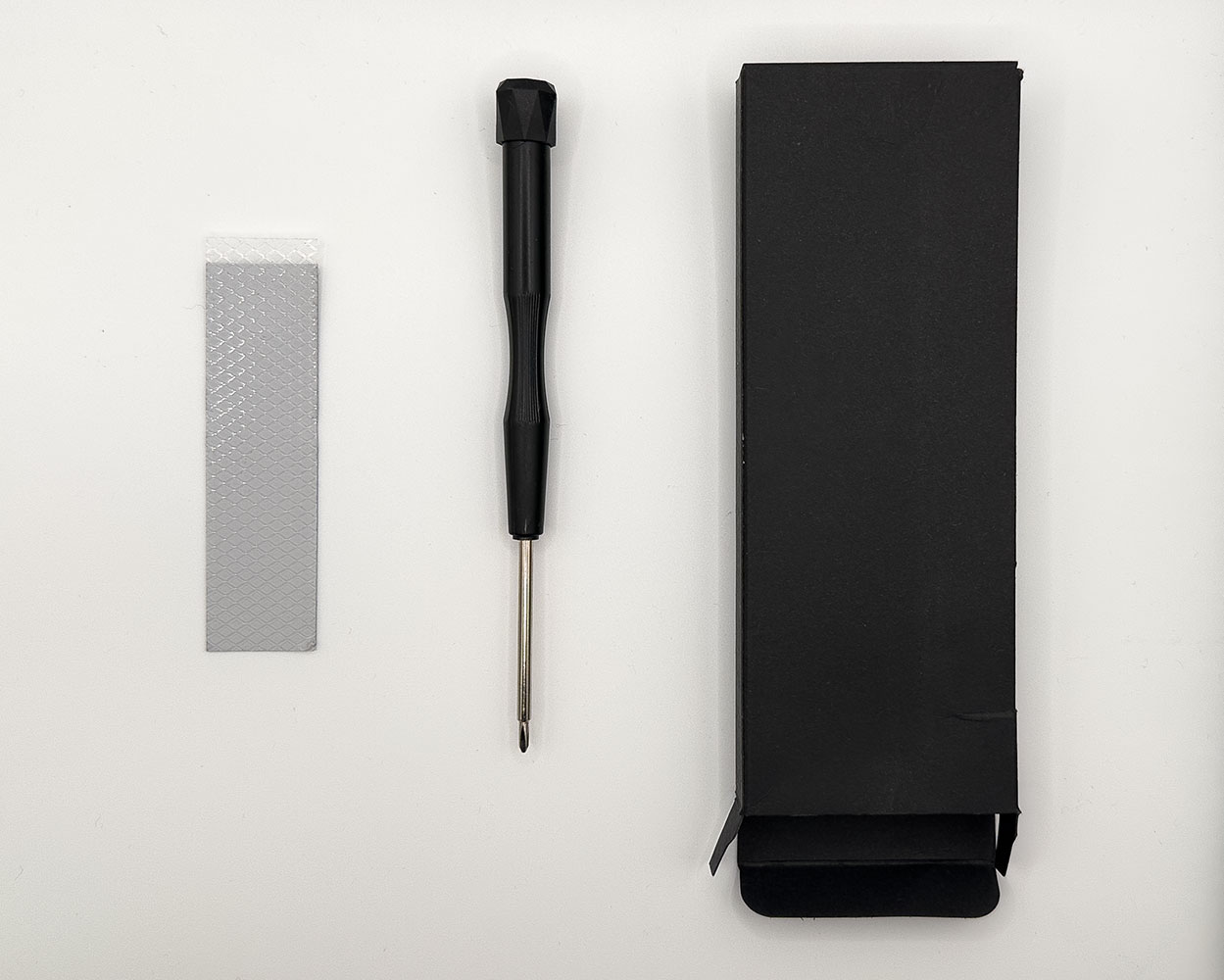
This smaller cardboard box contains a screwdriver, and a spare thermal pad.
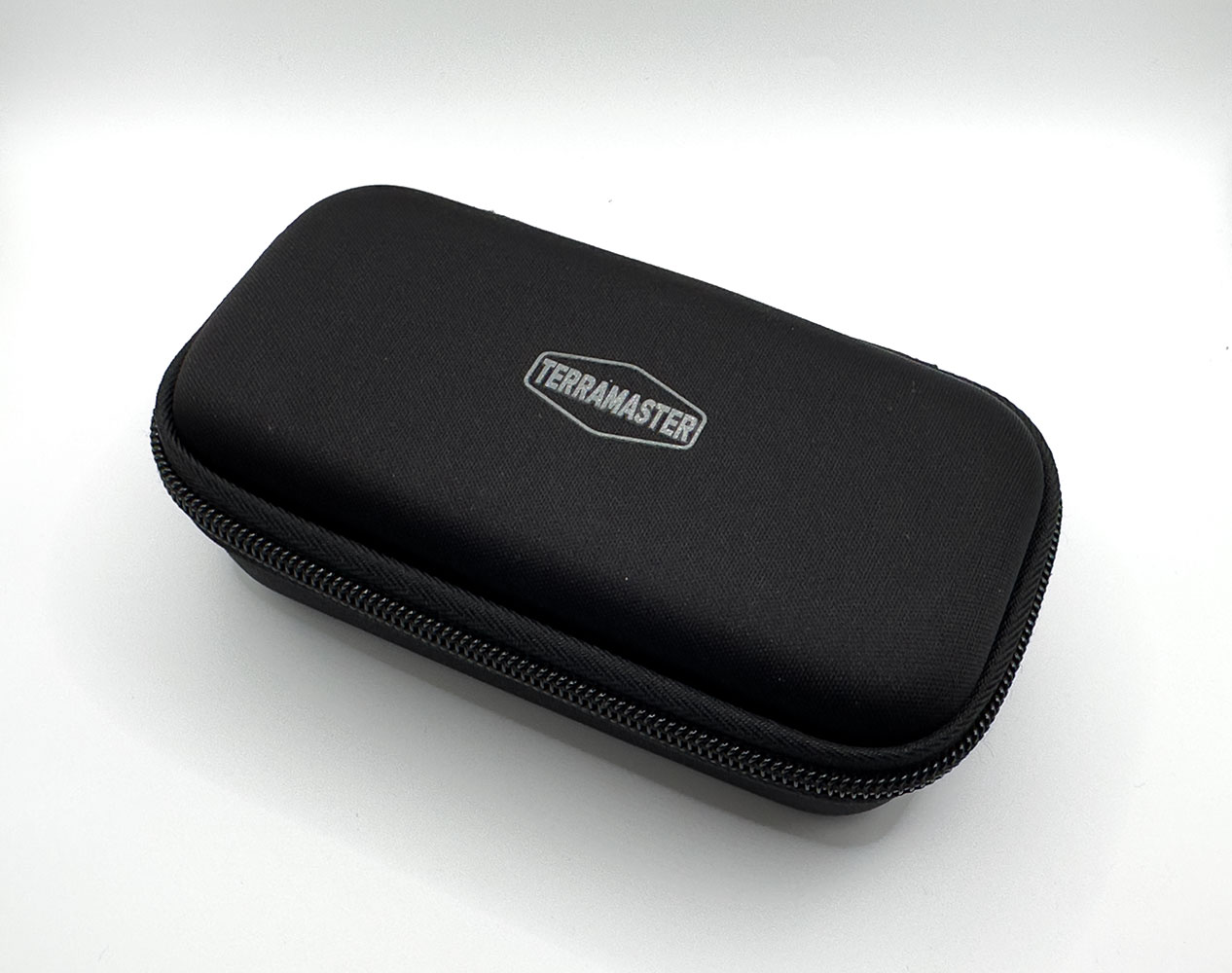
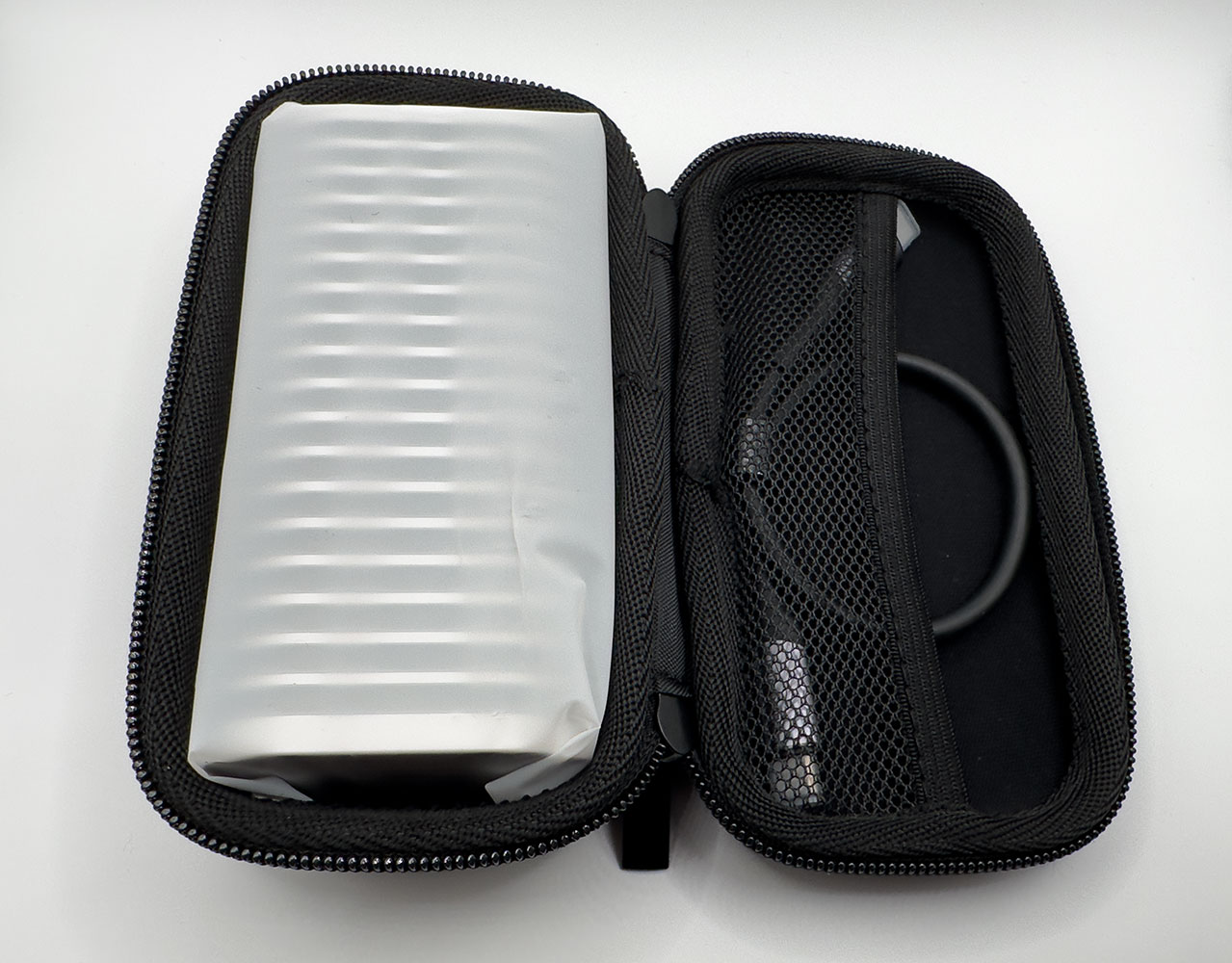
The Nylon case will form a permanent fixture in your ownership experience of the enclosure. The enclosure is solid, ridged metal with a cable, so this zippered Nylon case lets you carry it around, making it safe for clothing or handbags with soft lined pockets.
The Enclosure
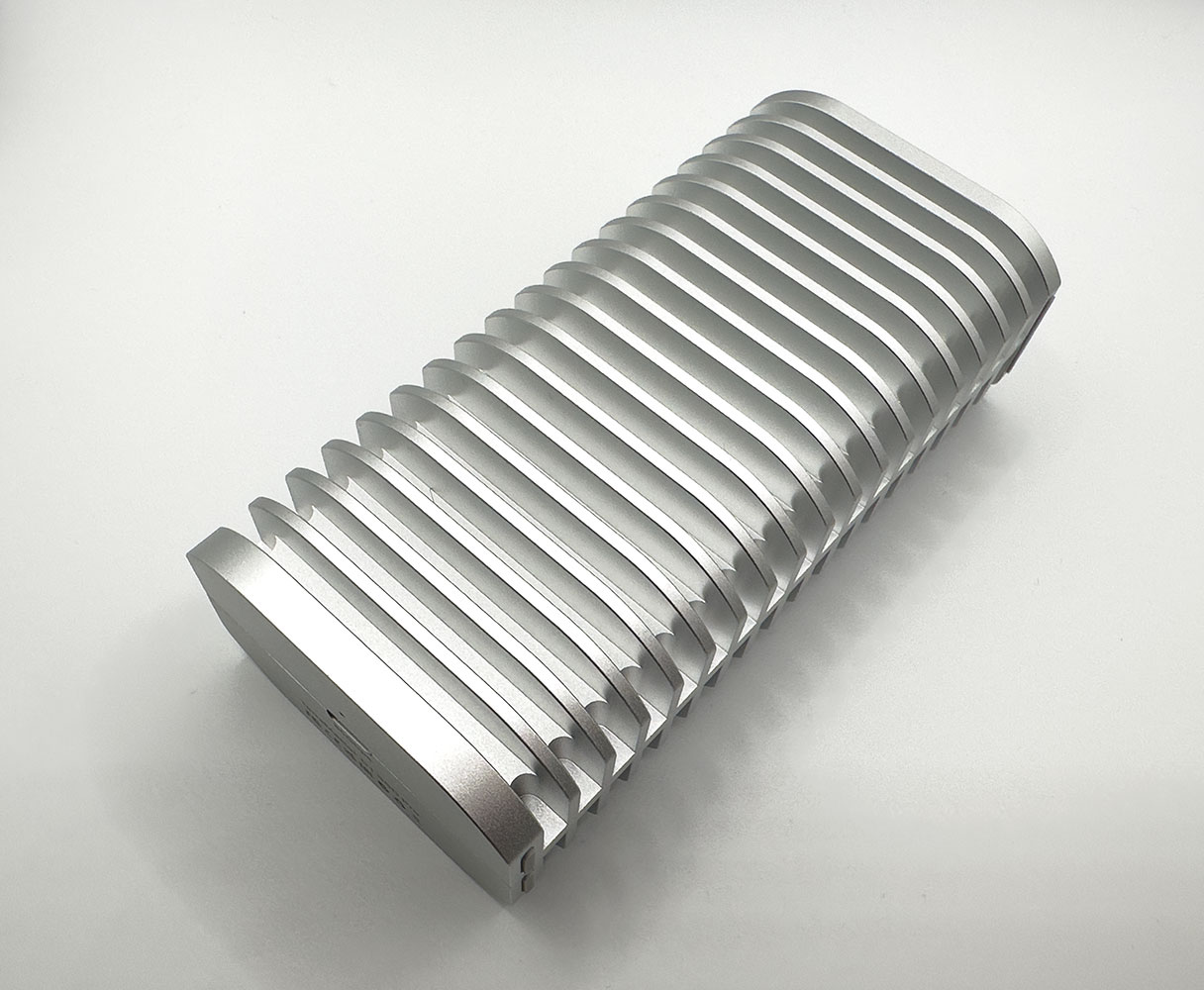
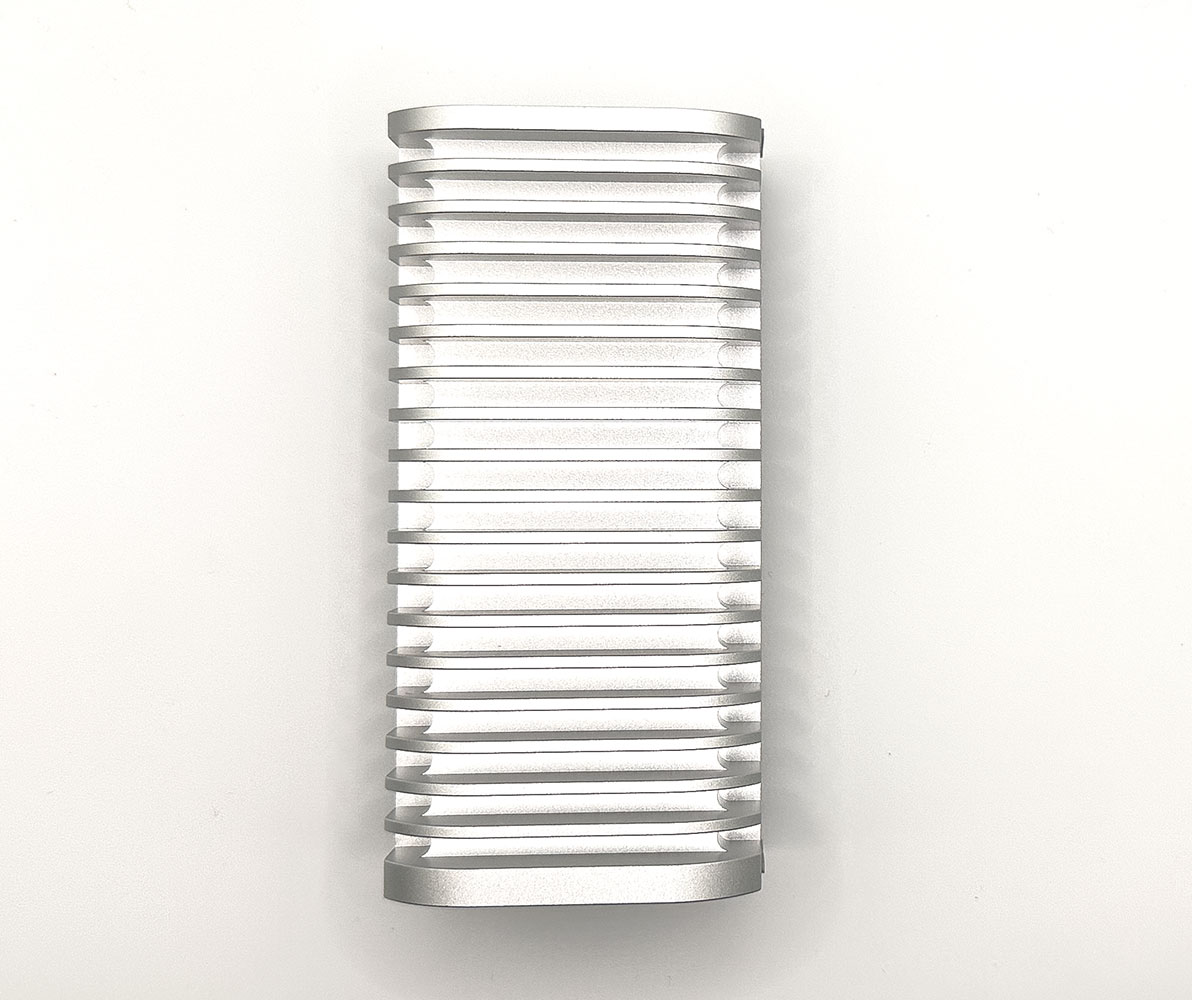
The TerraMaster D1 SSD Pro enclosure is a solid chunk of metal weighing 300 g.
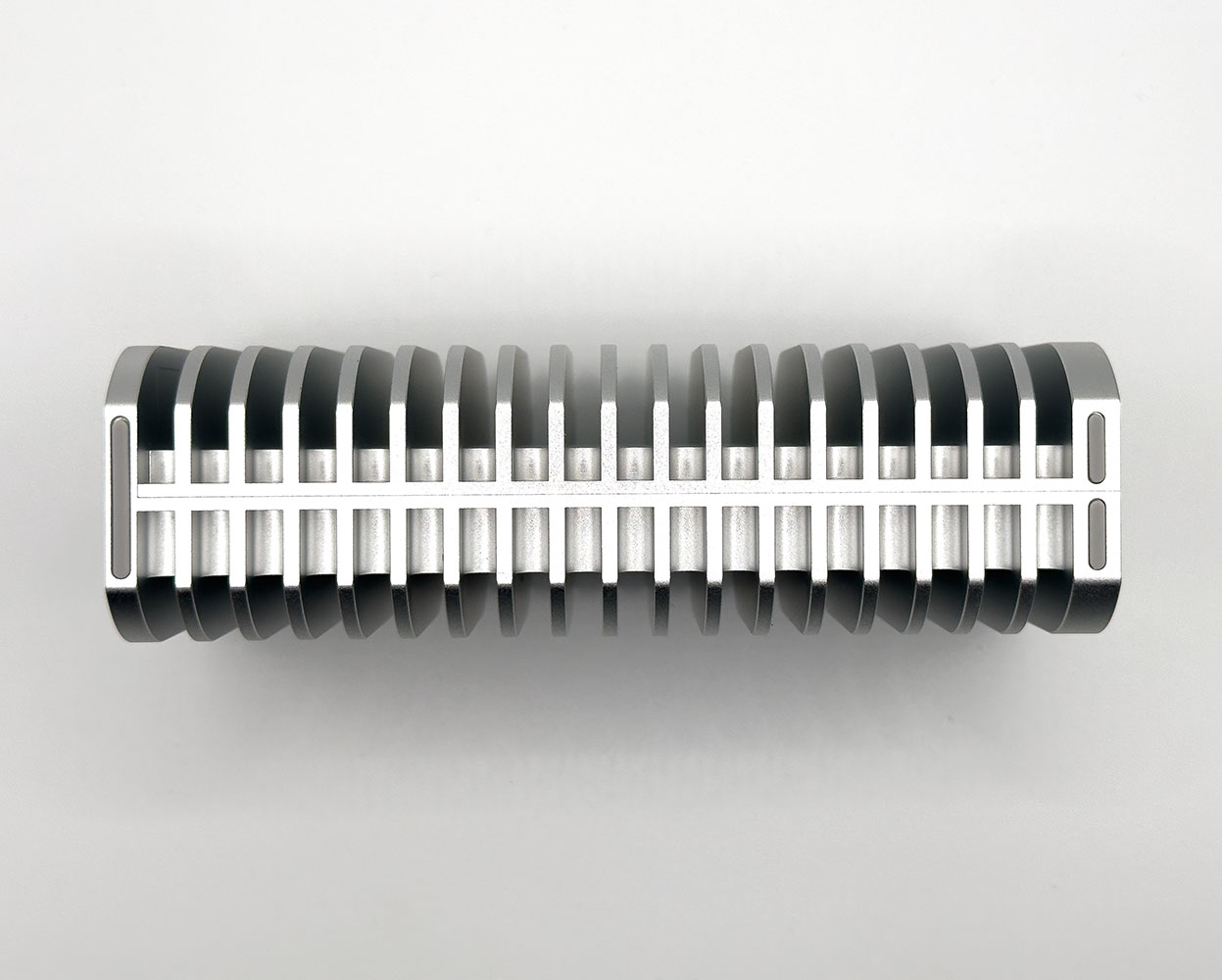
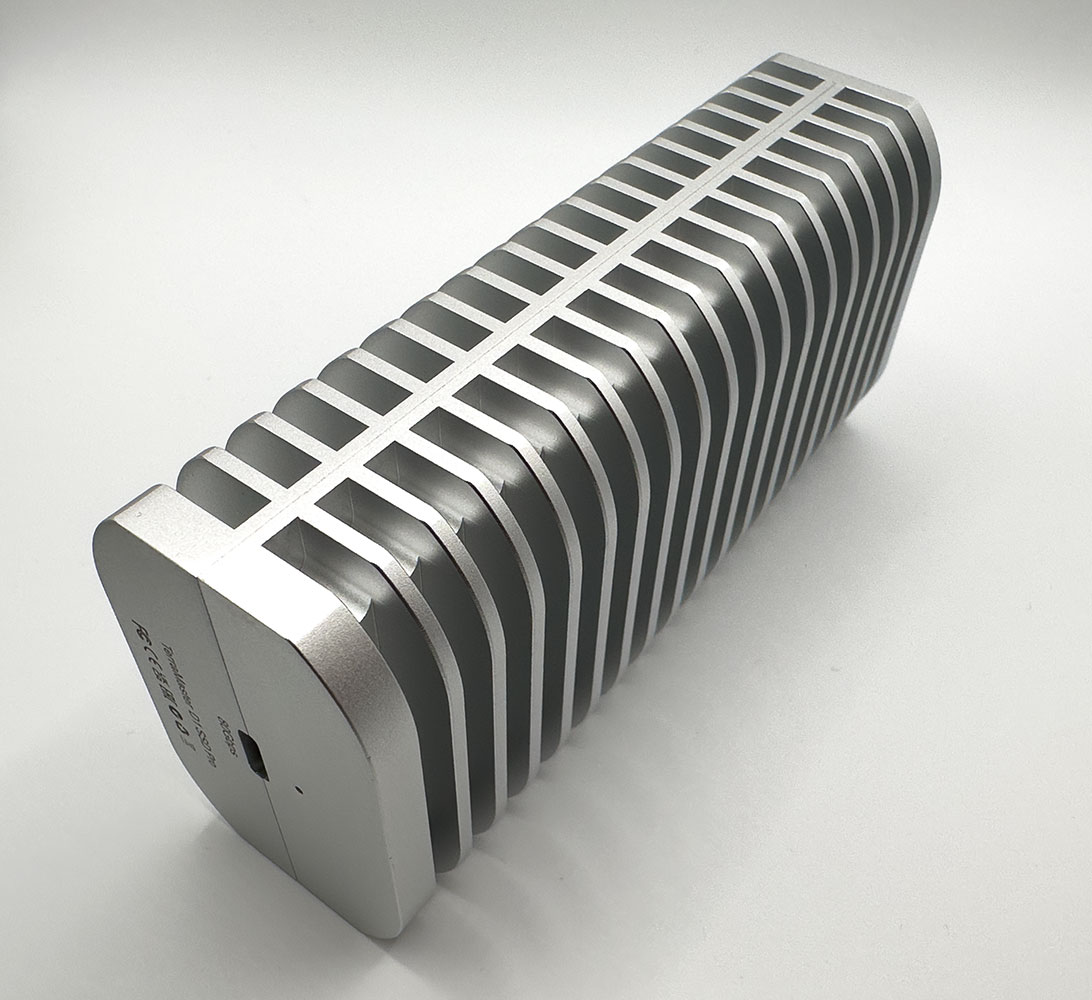
It splits halfway to reveal a cavity where you install your M.2 NVMe SSD. The rest of the enclosure is solid extruded aluminium, which doubles up as a heatsink for the drive as well as the enclosure's own bridge chip. The enclosure needs this bulk in order to provide a fanless (noise-free) user experience.
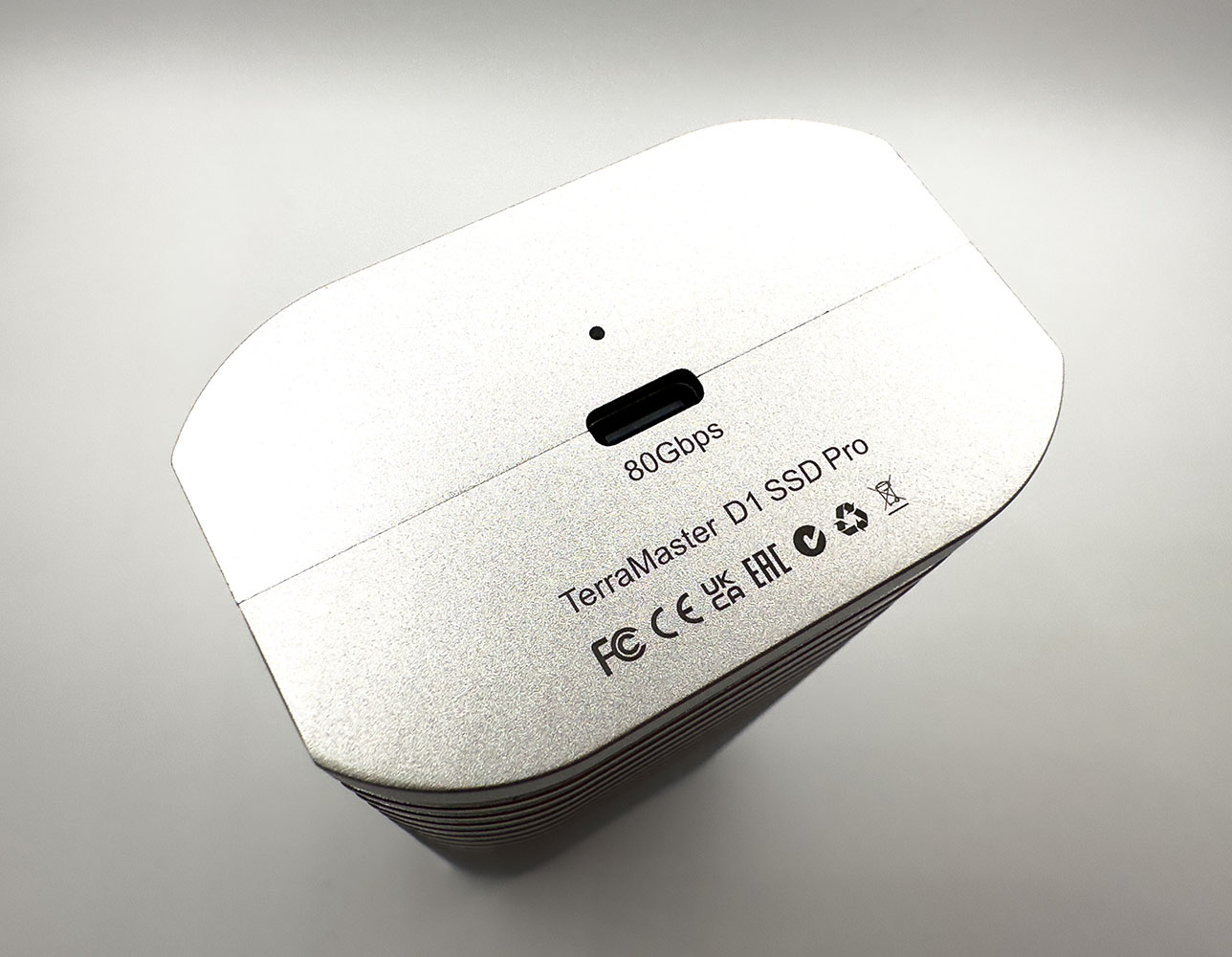
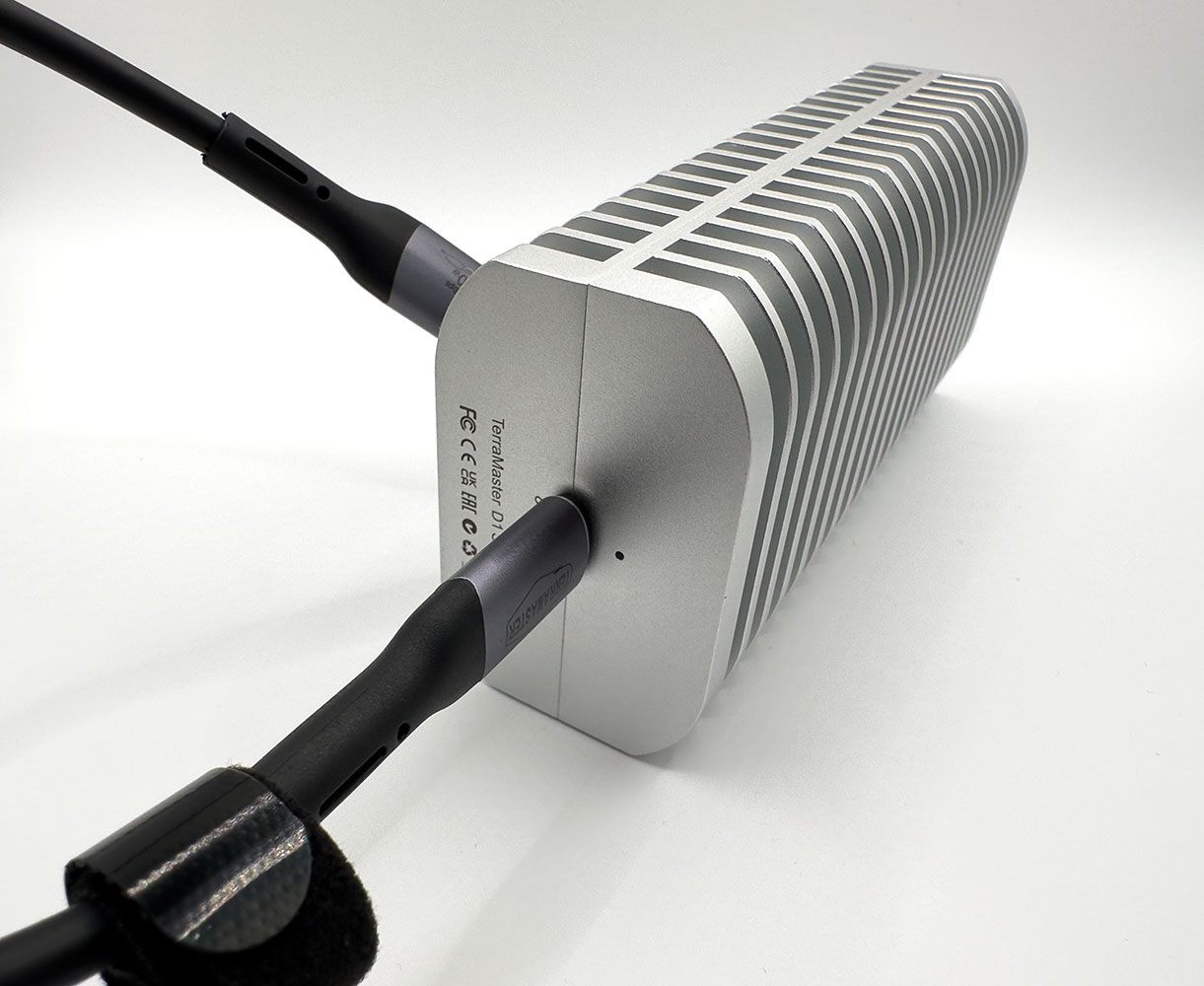
The enclosure features a type-C connector which supports Thunderbolt 5, Thunderbolt 4, USB4 V2, USB4, and older USB standards. Next to it is a 2-color LED. It glows white when connected to a Thunderbolt or USB4 interface, and amber when connected to a USB 3.2 or older interface. It blinks to indicate activity.
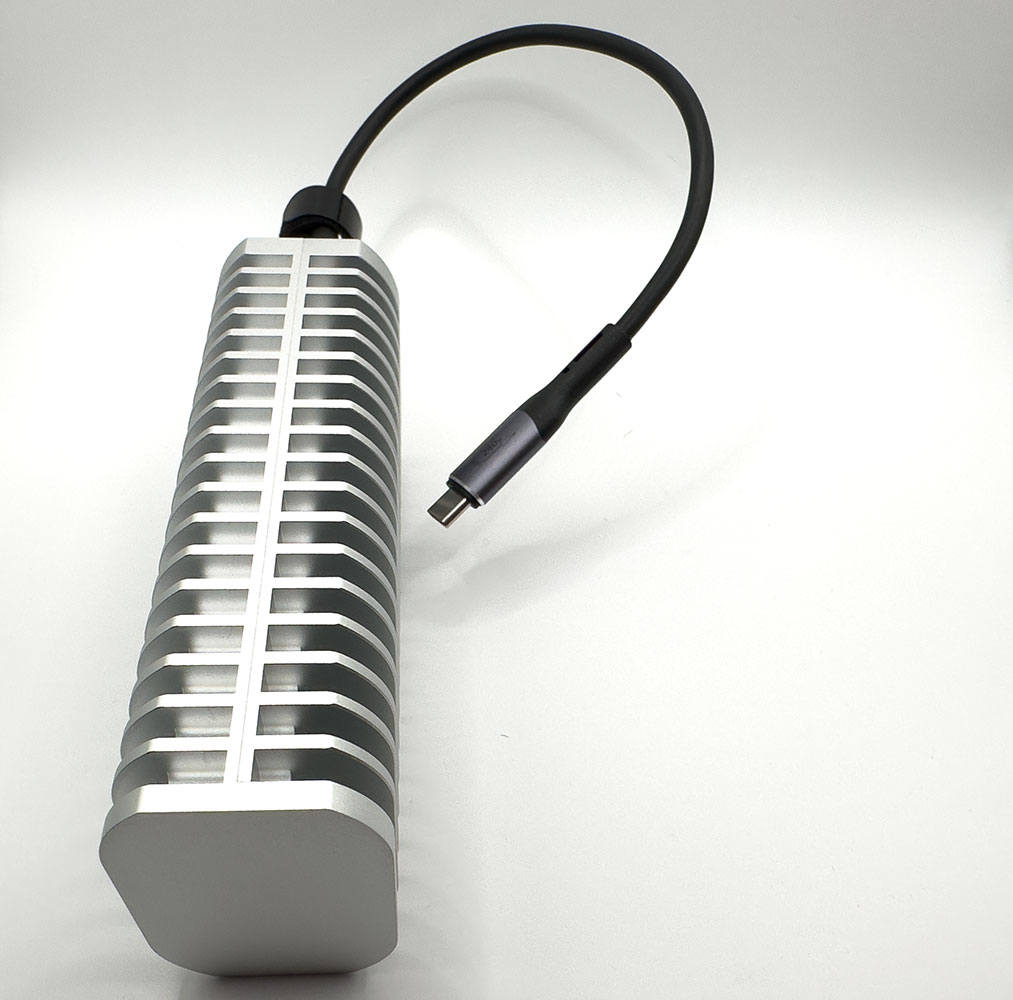
The enclosure has rubber feet along one of its sides. This is how the enclosure is meant to be kept standing on your desk. Its curvy shape ensures passive airflow through its aluminium ridges to pick up heat.
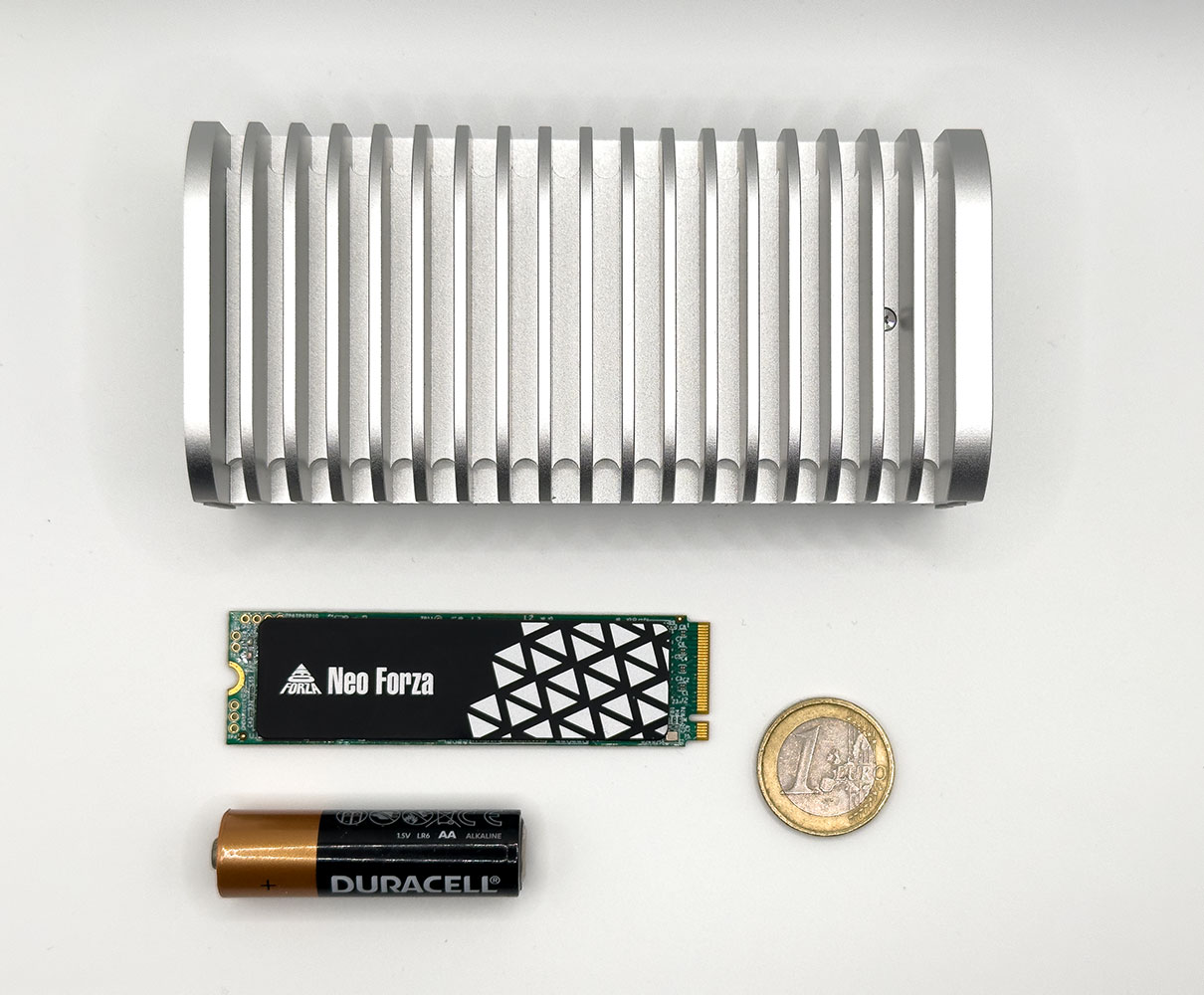
This is how big the enclosure is, next to common objects such as an M.2-2280 SSD, a 1 Euro coin, and an AA battery.
Software Inclusions
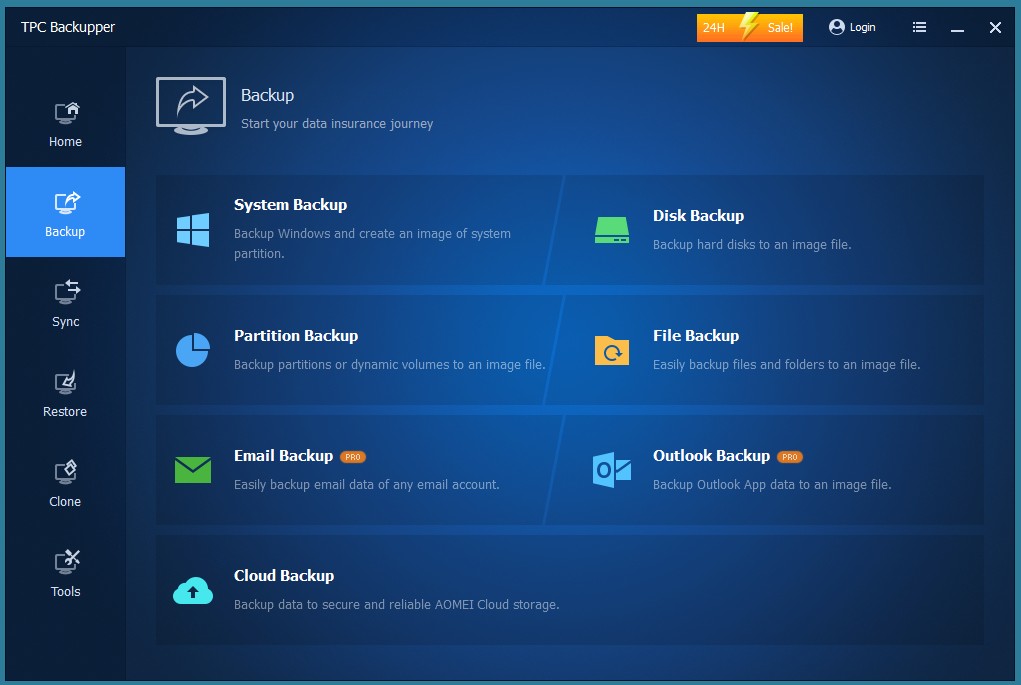
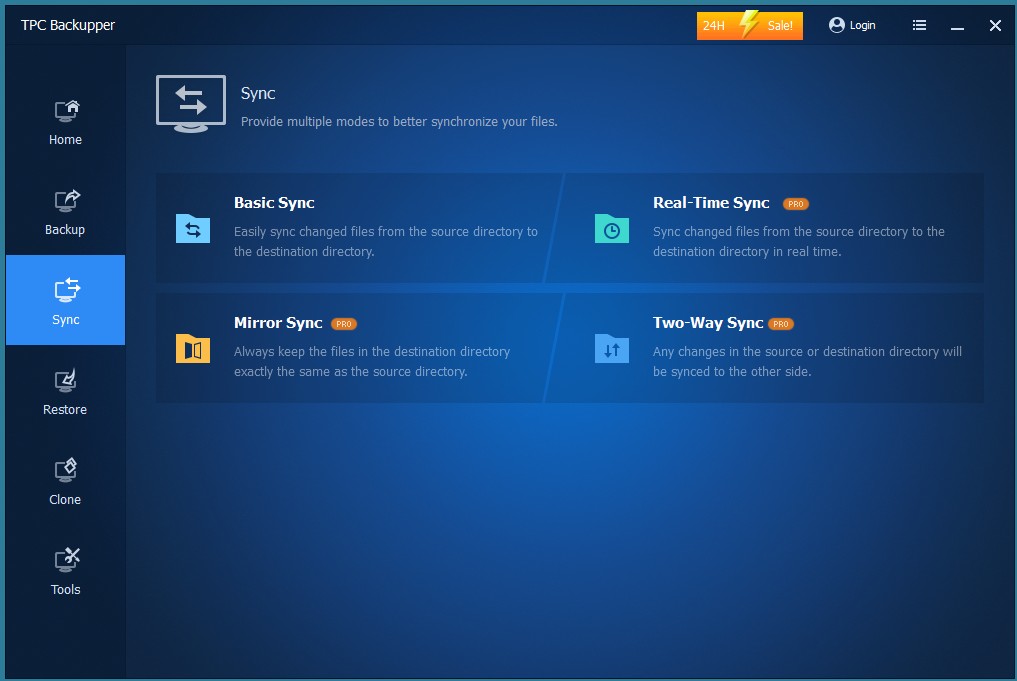
TerraMaster is a leading NAS manufacturer, so they're bound to pamper you with a good set of software inclusions. With the D1 SSD Pro, you get the basic version of TPC Backupper suite by AOMEI.
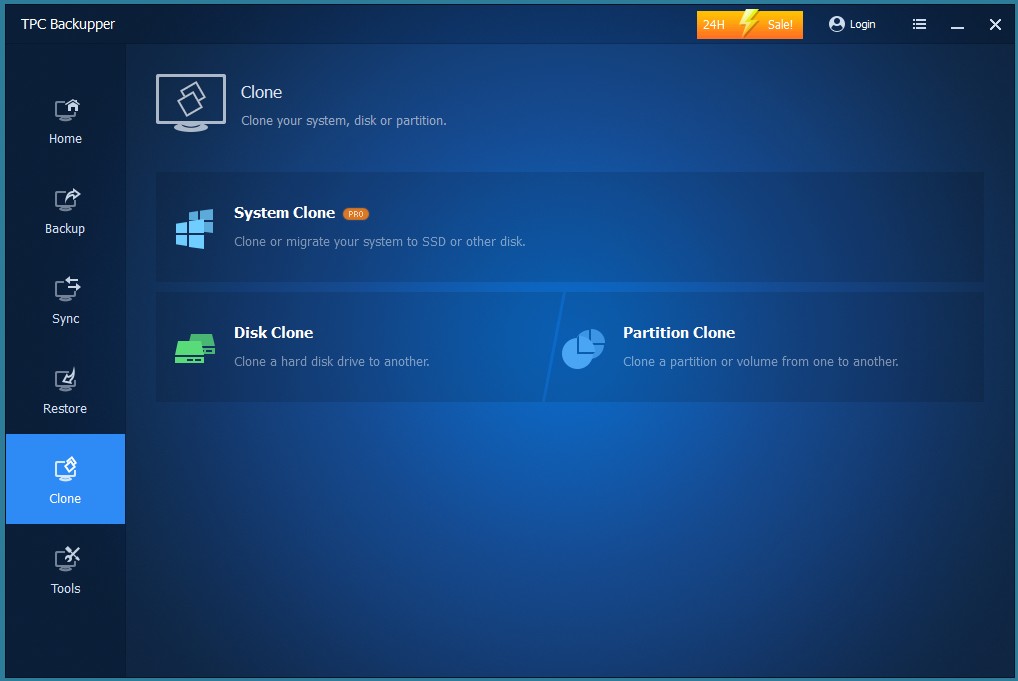
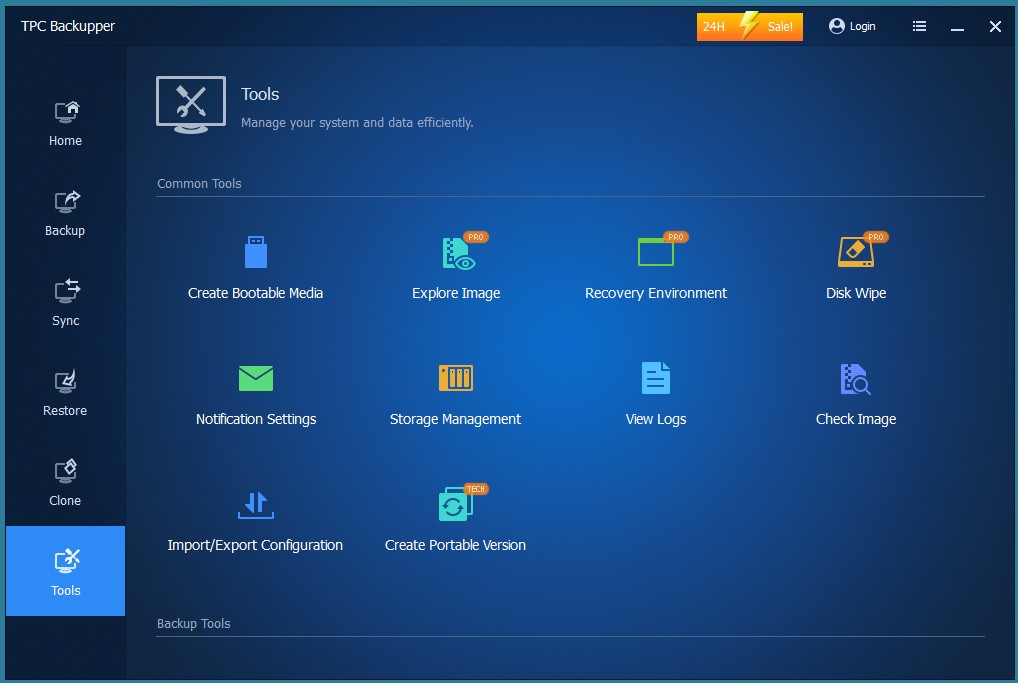
Even if you ignore the paid features, marked by "pro" in the screenshots, the basic version still includes a formidable set of features for backing up, restoring, syncing, and whole system imaging of your PC.
Nov 20th, 2026 13:49 PST
change timezone
Latest GPU Drivers
New Forum Posts
- Honestly, do you care about GTA VI? (208)
- When you could finally run Crysis maxed out? (63)
- WarpCoreBench scores! (80)
- GTA VI (20)
- Anthrophics IPO (25)
- GeekMagic Ultra Smart WiFi Weather Station (8)
- Very unusual two gaming-pc scenarios. (35)
- Can i play GTA 6 now? (Joke) (14)
- How to prevent OLED burn damage due to PC freezes or power outtages? (47)
- Zen 3 IF/IMC degradation (239)
Popular Reviews
- AMD Zen 6 Technical Deep Dive
- Ugreen NASync DXP4800 GT Review
- Microsoft Surface Laptop Ultra Review - The Next-gen Arm Laptop
- Corsair RM1200e (Second Generation) Review
- Acemagic Retro X3 Review
- Upcoming Hardware Launches 2027 (Updated Nov 2026)
- Pulsar Office Tour & First Look at P1 Dual-Sensor Mouse
- Biwin Black Opal NV7400 2 TB Review
- AMD Ryzen 7 9800X3D Memory Performance Scaling
- AMD Ryzen 7 9800X3D Review - The Best Gaming Processor
TPU on YouTube
Controversial News Posts
- NVIDIA Co-Founder and CEO Jensen Huang Officially Resigns (490)
- Report: Jensen Huang Eyes NVIDIA Comeback (255)
- Open Letter Asking NVIDIA to Reinstate Jensen Huang Passes 115,000 Signatures (184)
- OpenAI CEO Argues Home PCs Waste the World's Limited DRAM Supply (152)
- NVIDIA Launches Investigation Into Jensen Huang's Relationship With Suspected Chinese Spy (136)
- Intel "Raptor Lake Next" 16-Core and 20-Core CPUs Surface (130)
- Legendary Game Studio BioWare Shuts Down Following EA Layoffs (104)
- Dell CEO Says the Memory Shortage Will Get Worse in 2027 (95)