 67
Outer Worlds Benchmark Test & Performance Analysis
(67 Comments) »Introduction
The Outer Worlds, by Obsidian Entertainment is a futuristic first-person action-RPG that's set in a dystopian future in which corporations have become mega-corporations and started colonizing and terraforming planets in star systems they own. In order to travel the large distances in space, workers are put into cryosleep for several years before having to go to work. You are one such worker, trapped in a vessel stranded in space due to its failed hyperdrive and woken up to help rescue the other shipmates.
Outer Worlds tries to be more of a real RPG than other similar releases in this genre. Think of a mix of Fallout, Mass Effect, and Dragon Age with some Skyrim sprinkled on top of that. Under the hood, Outer Worlds uses Epic's Unreal Engine 4 with the DirectX 11 API. While graphics are not nearly as good as in Borderlands 3, the game is demanding on hardware. In this review, we put it through our collection of 23 graphics cards across three key resolutions—1080p, 1440p, and 4K Ultra HD—to show you what you need to get this title on the road, which could well become GOTY for the RPG genre.
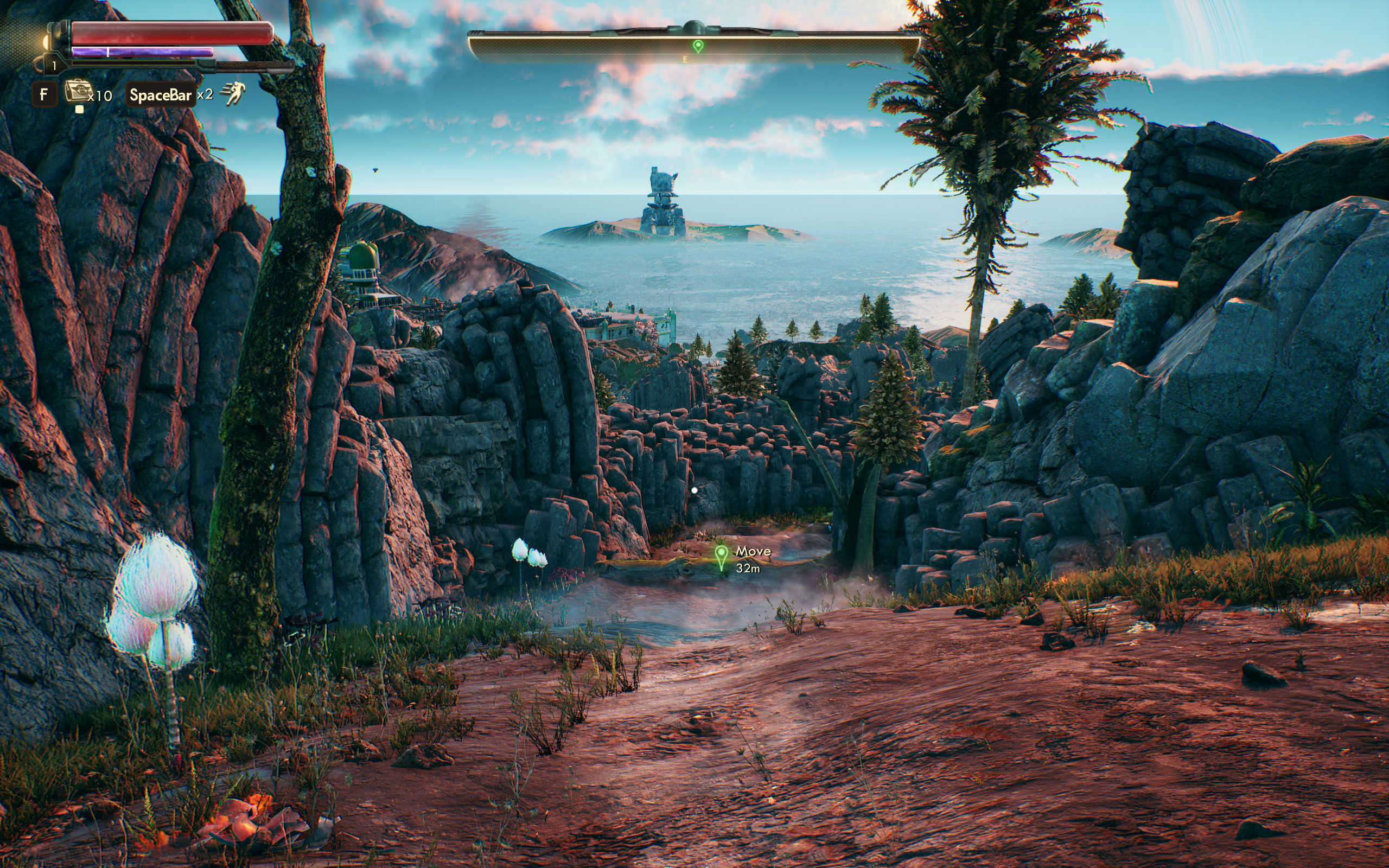
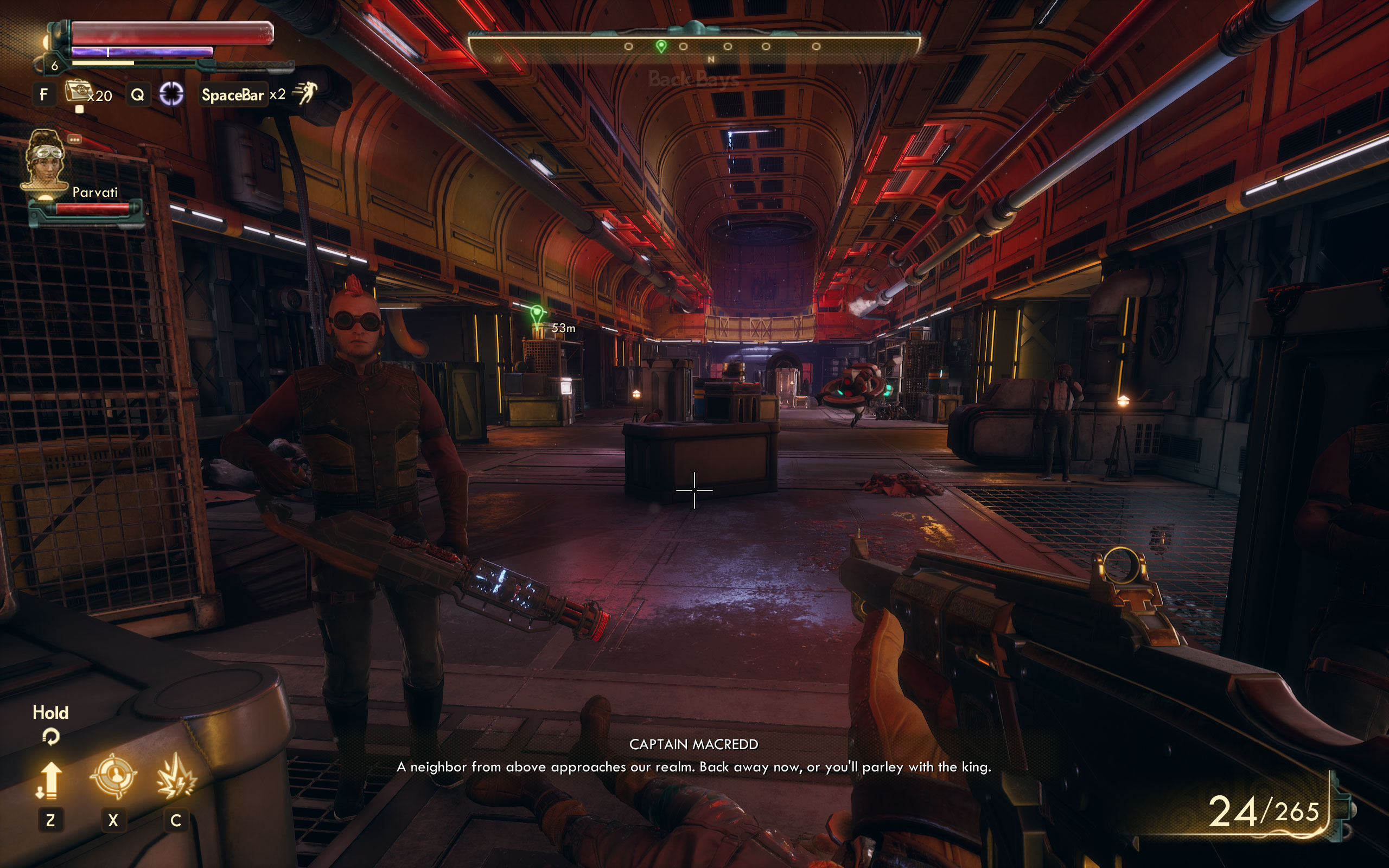
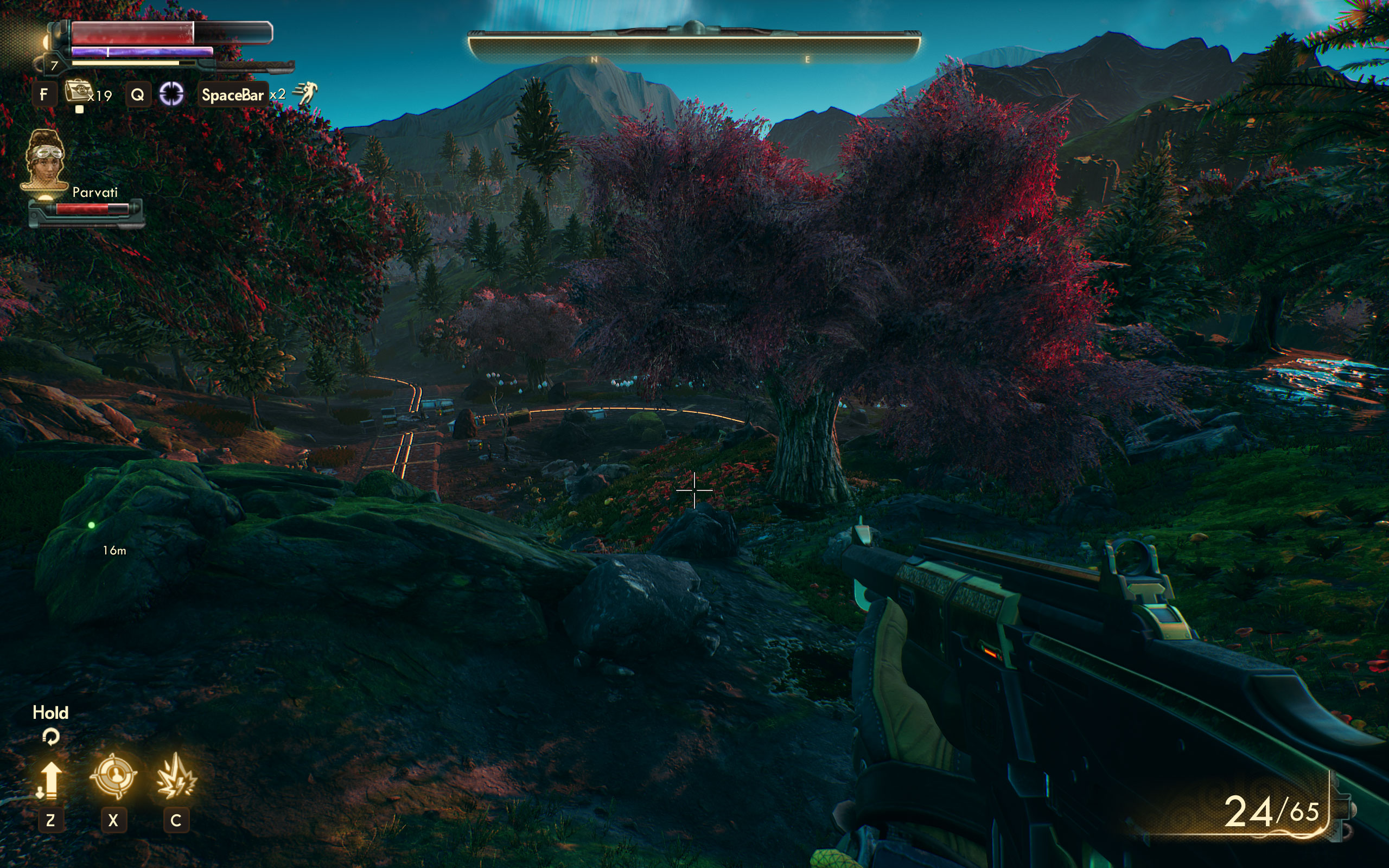
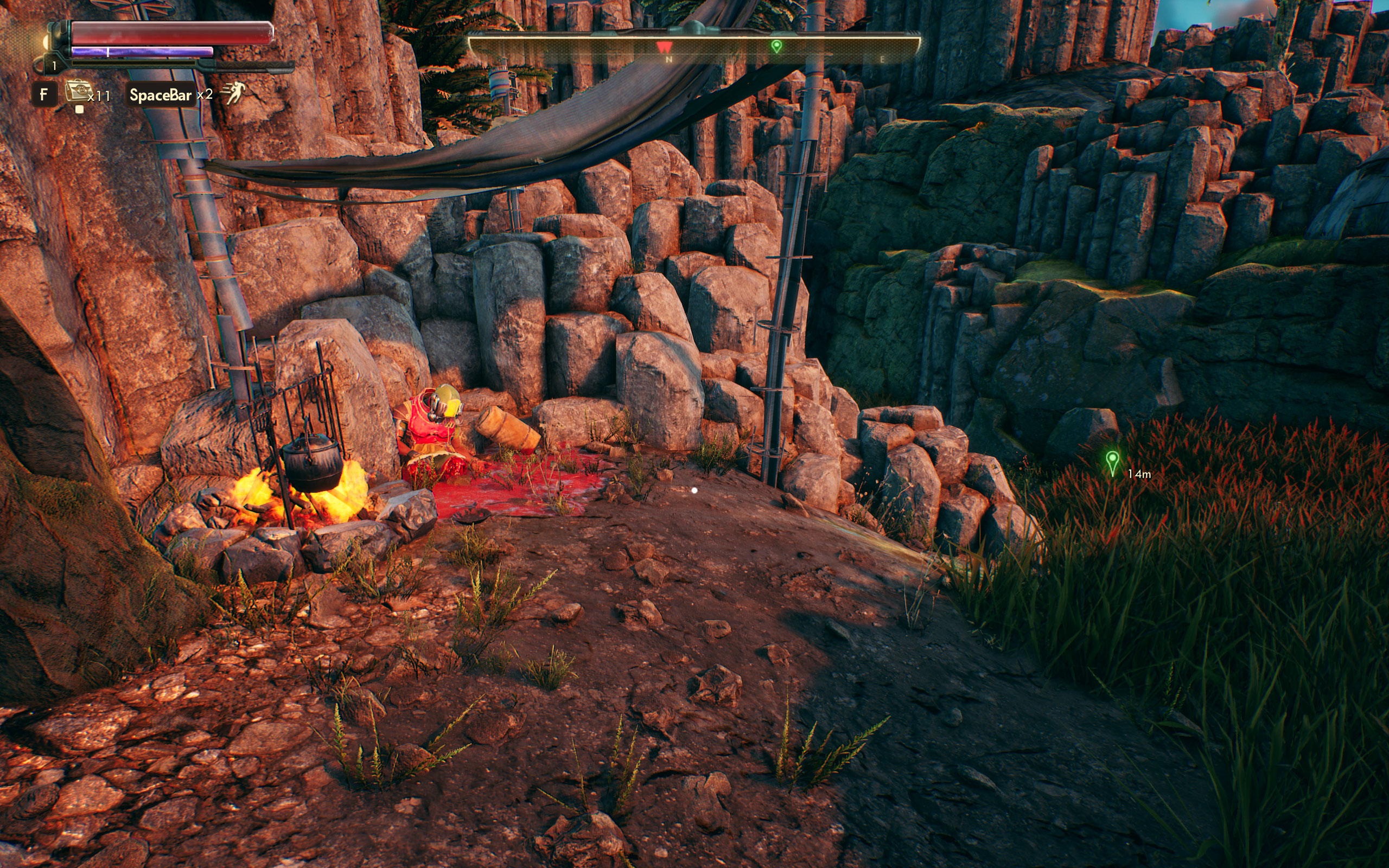
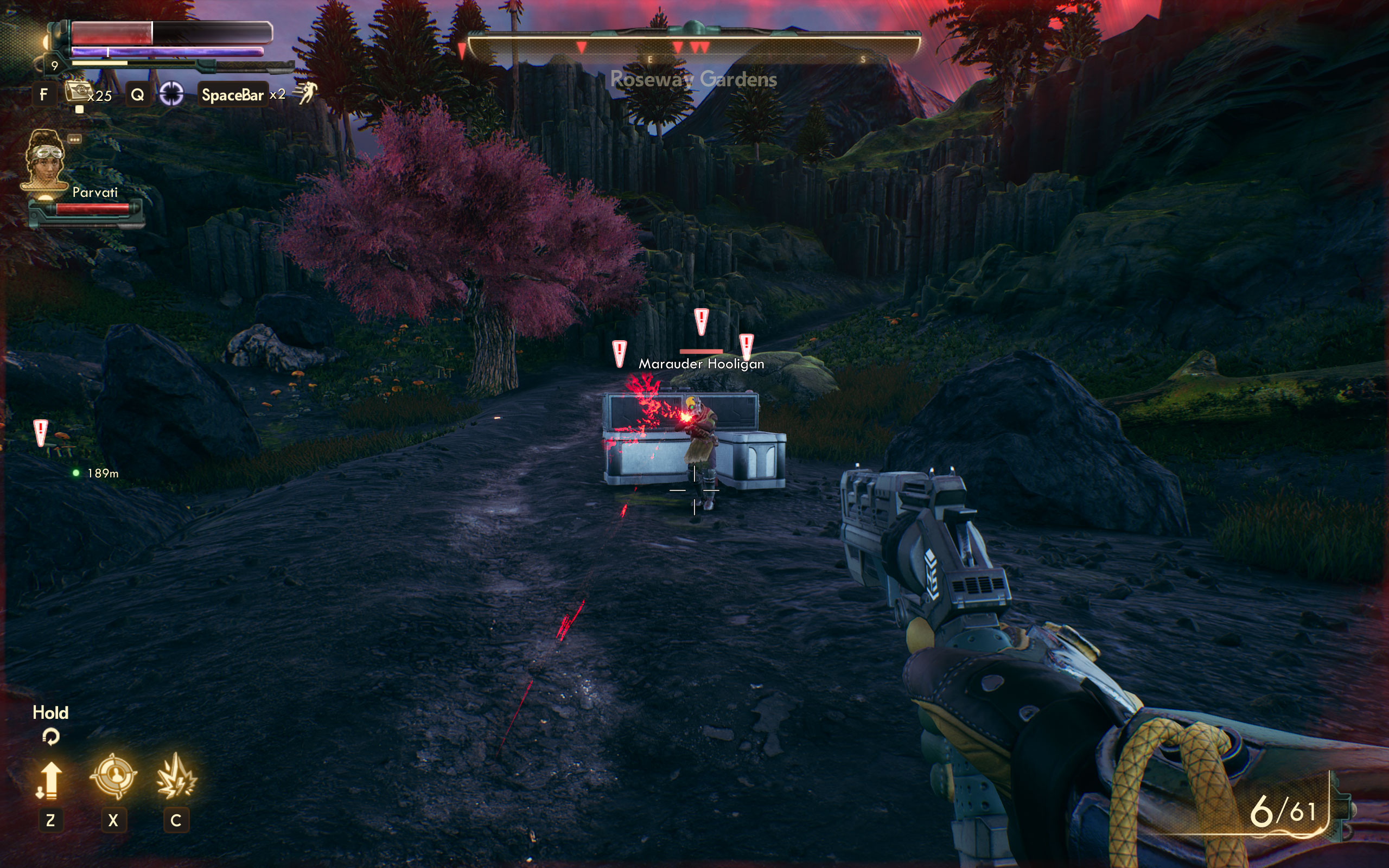
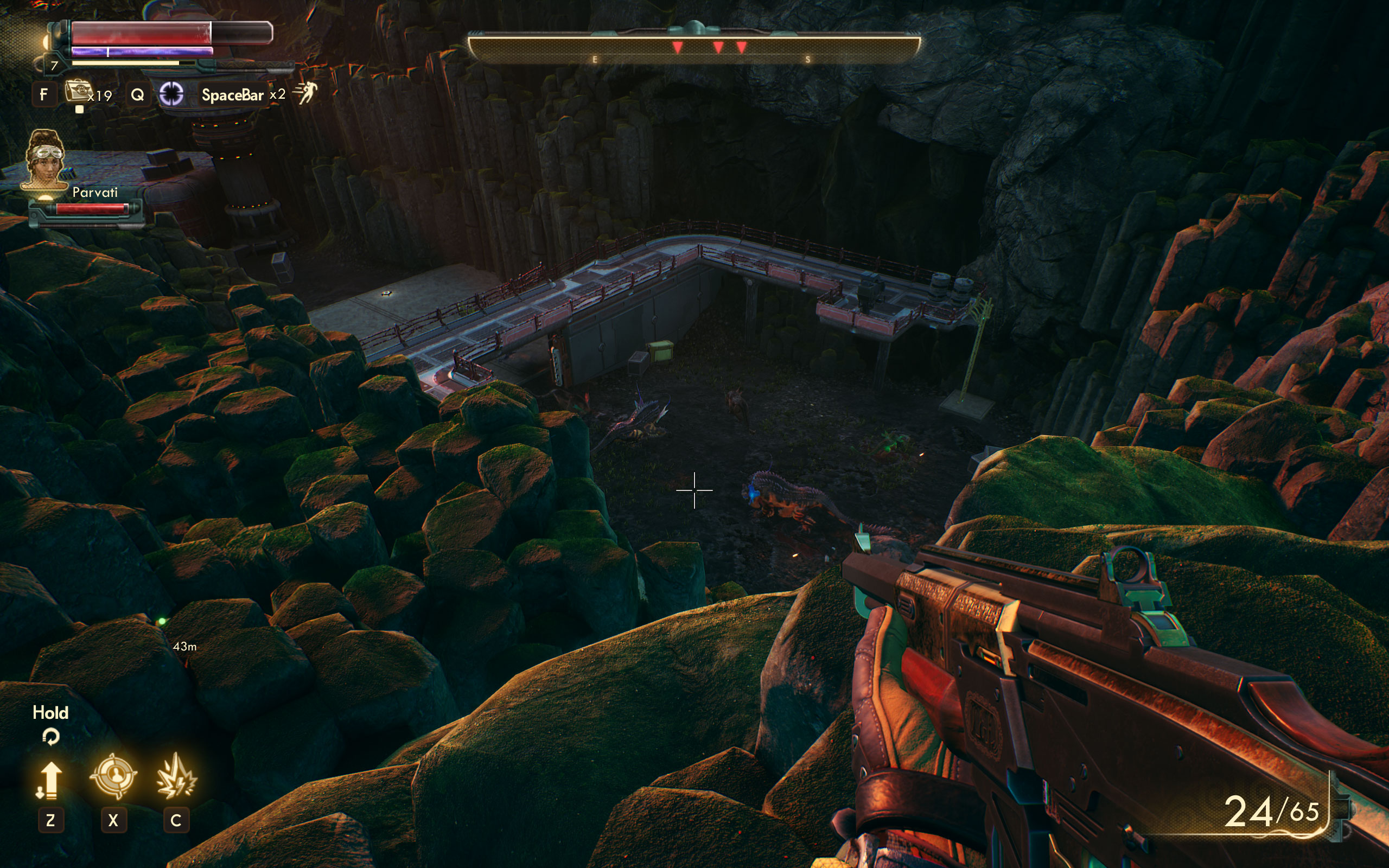
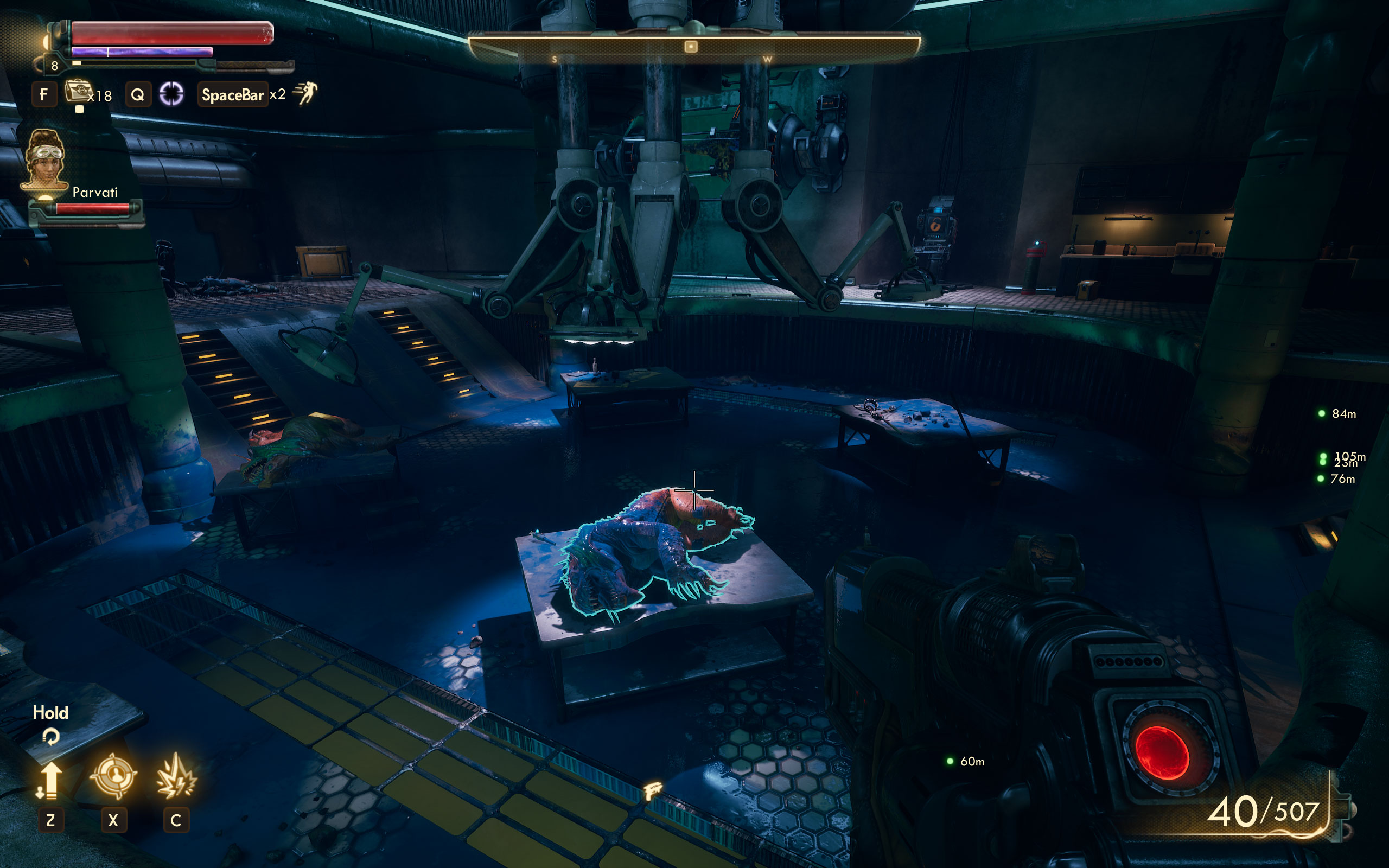
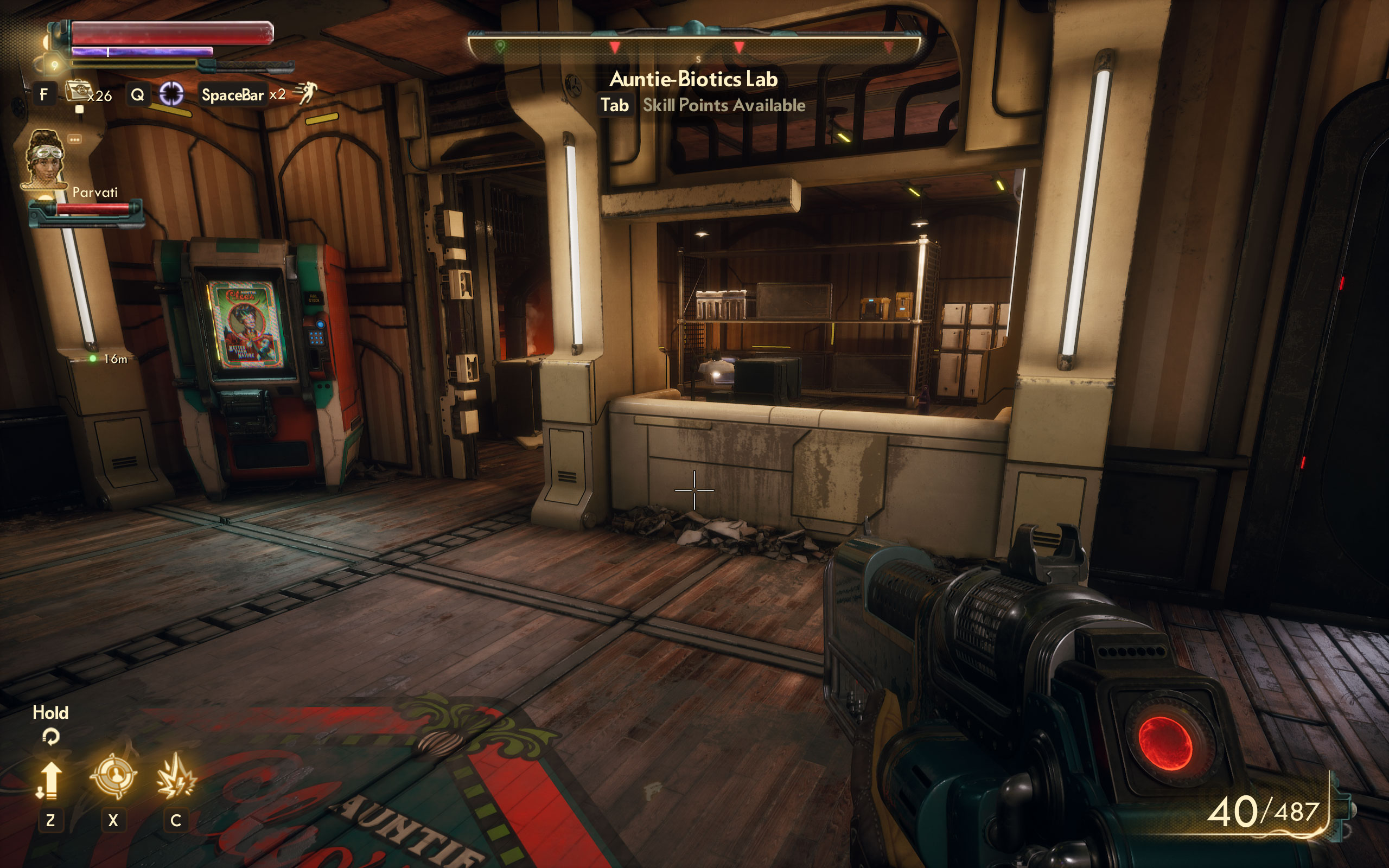
Screenshots




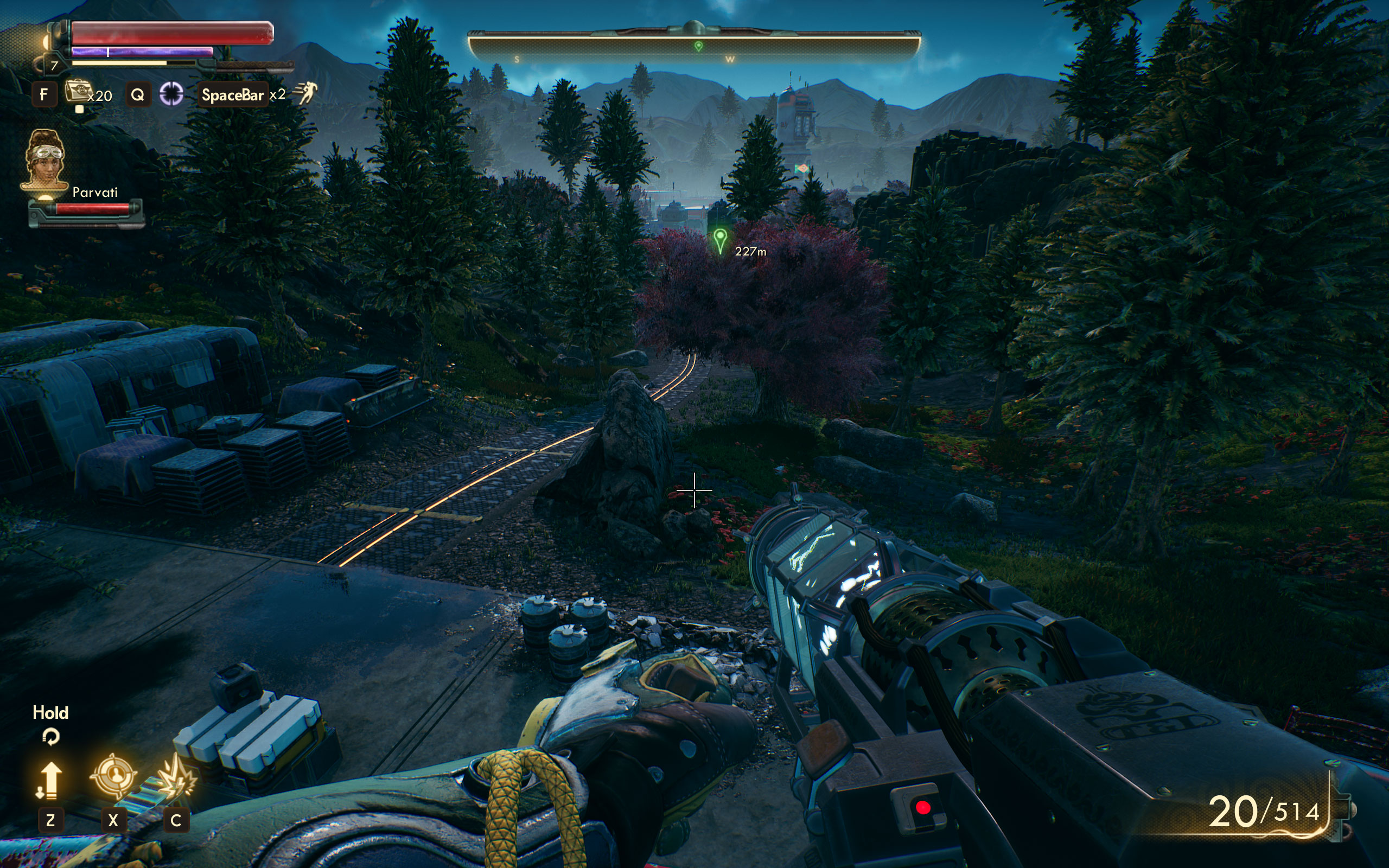
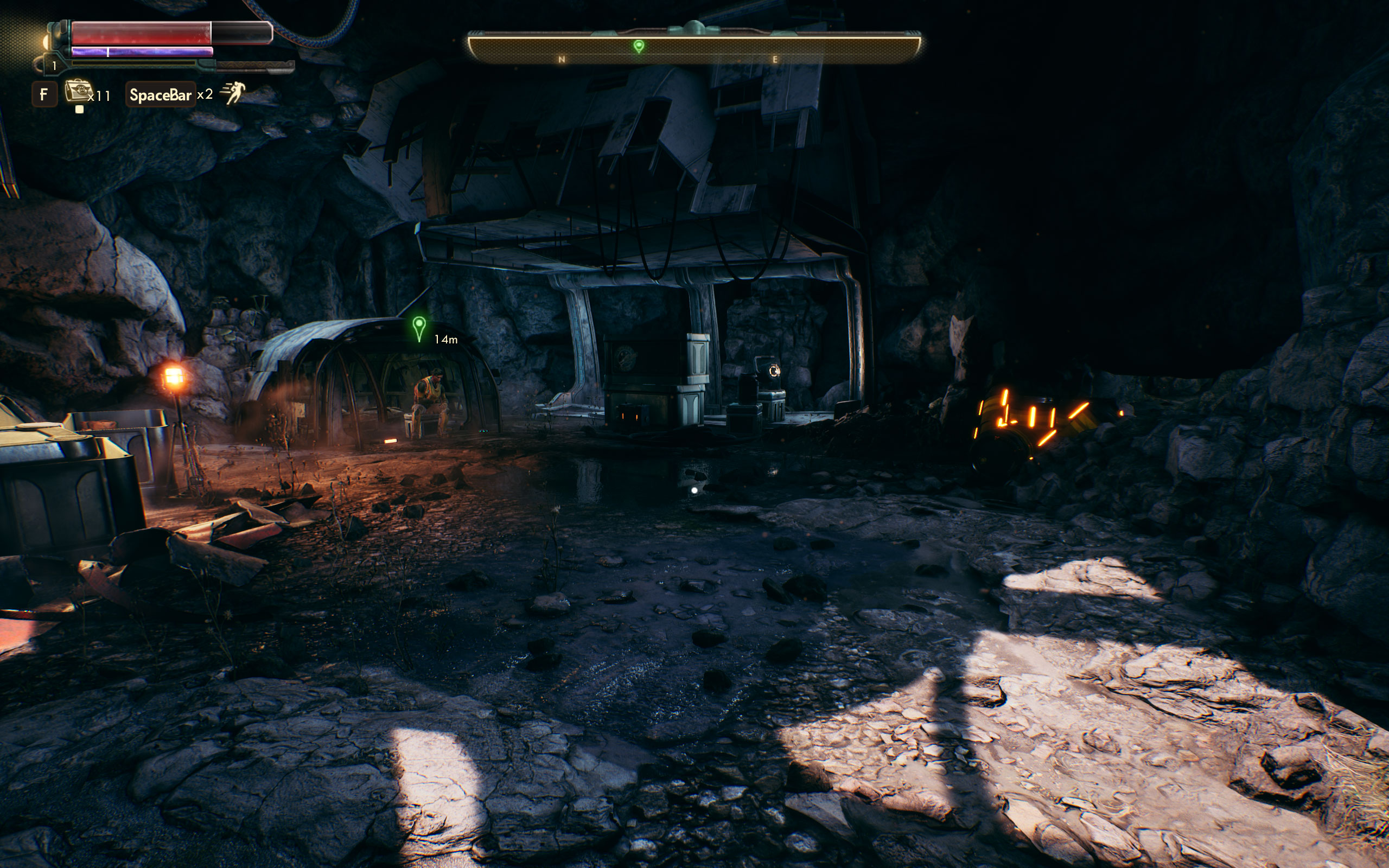
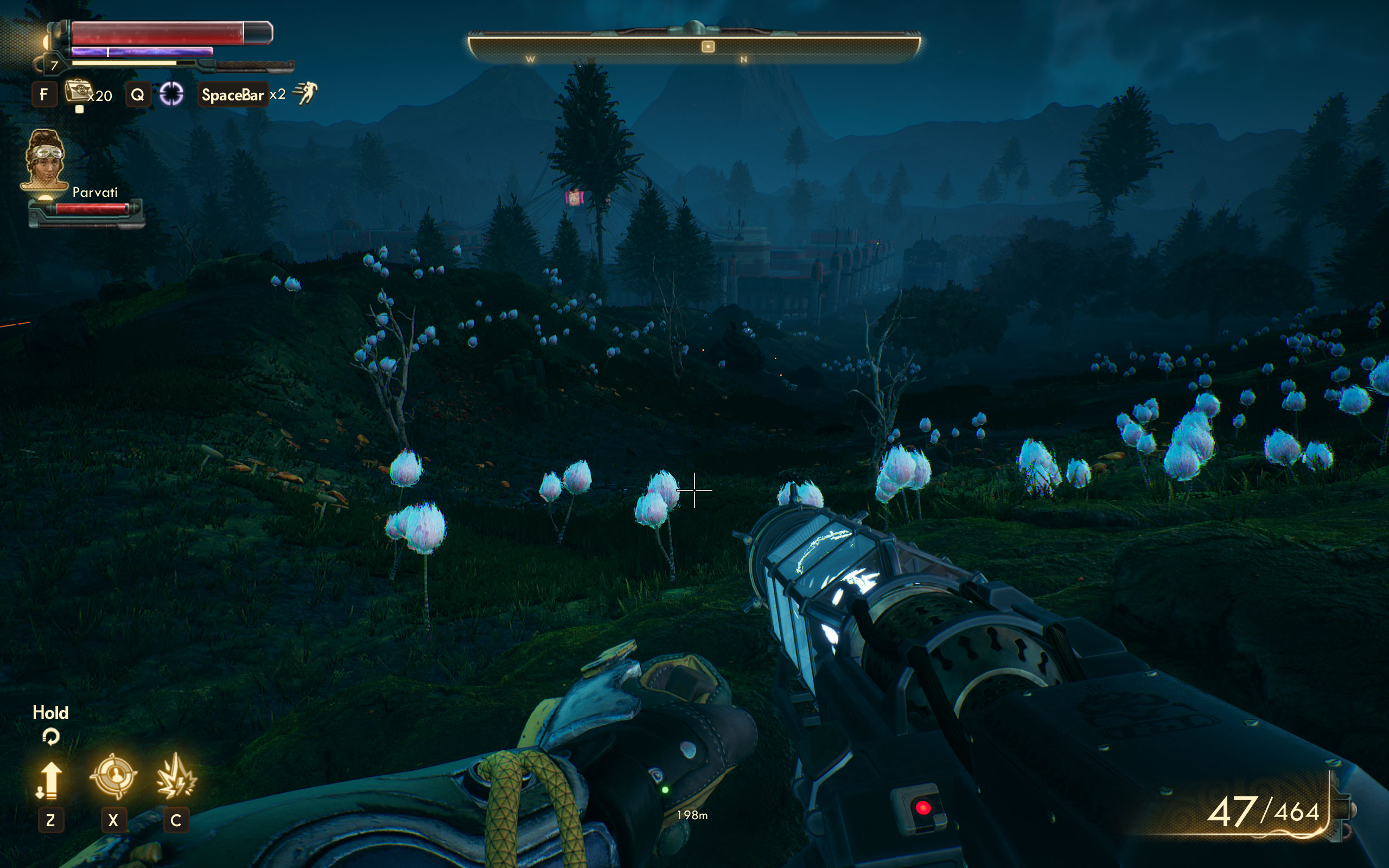
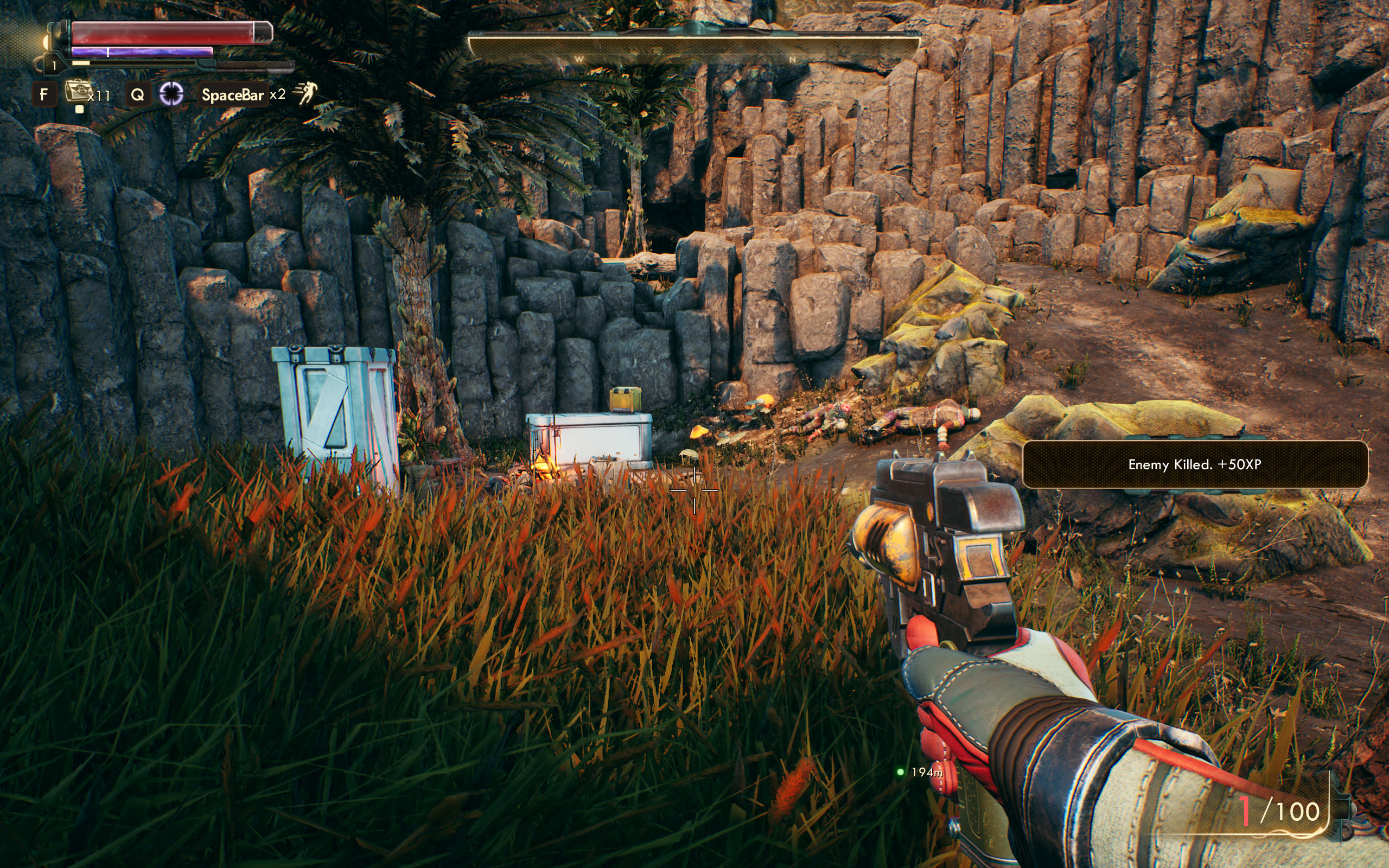
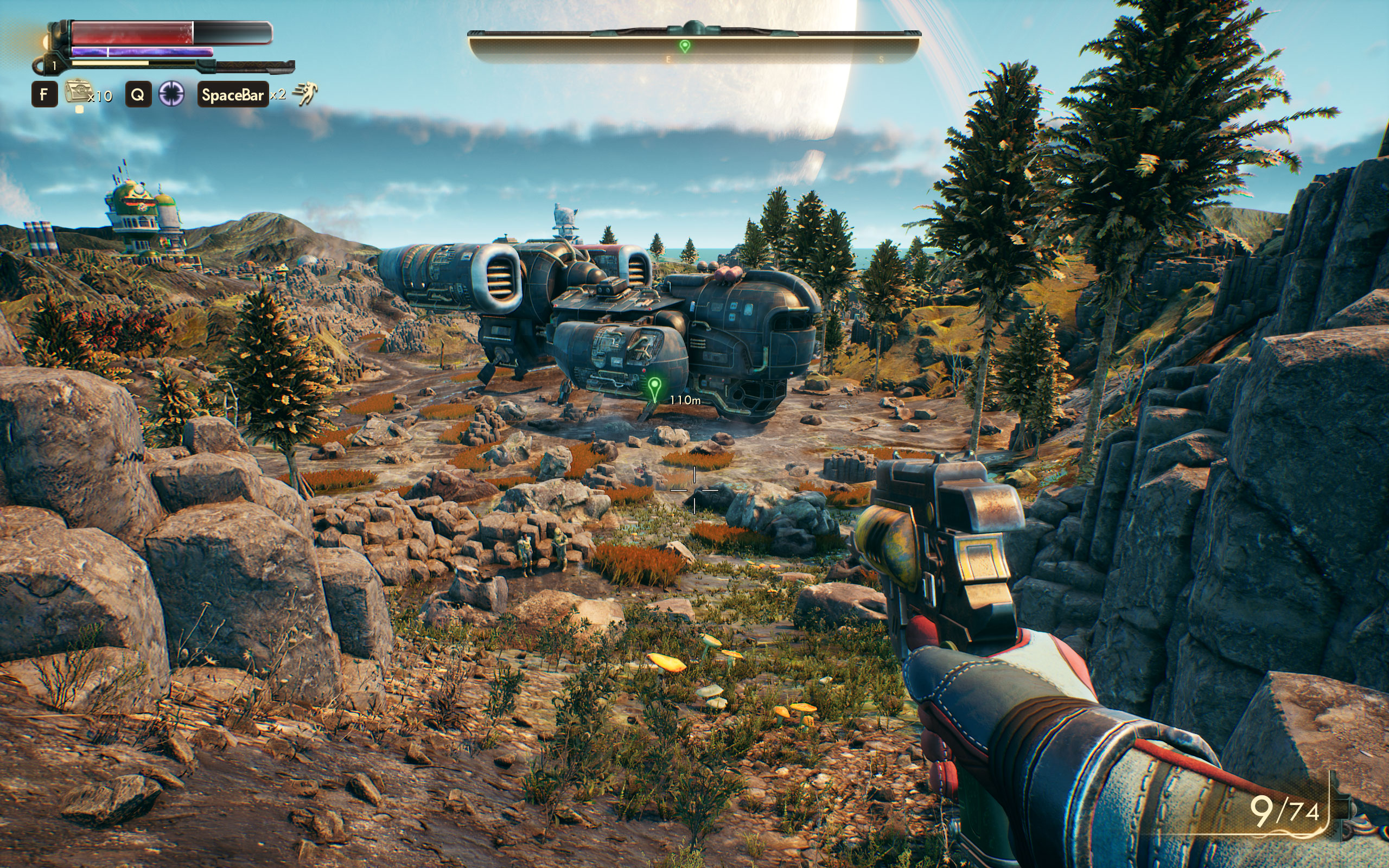
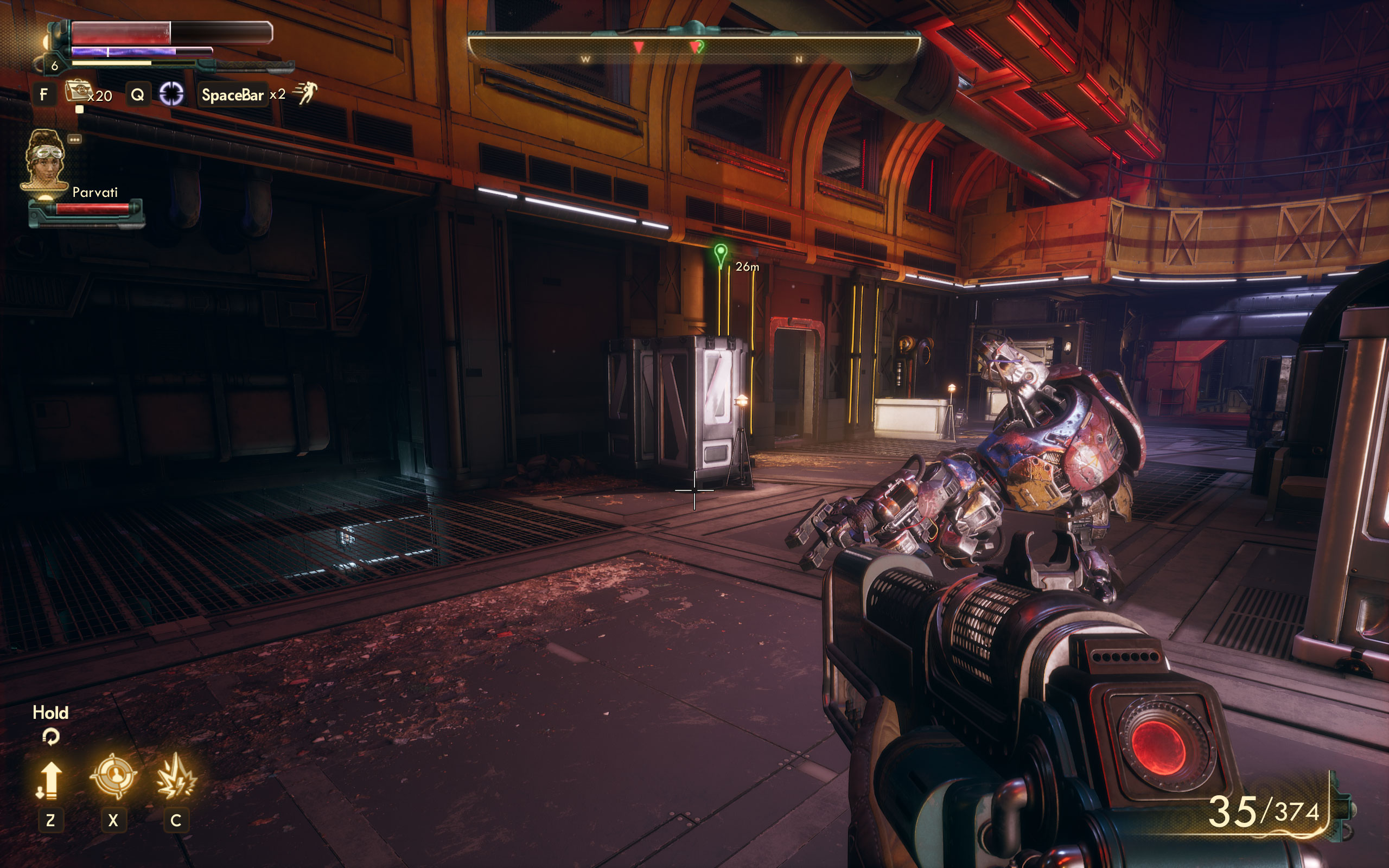
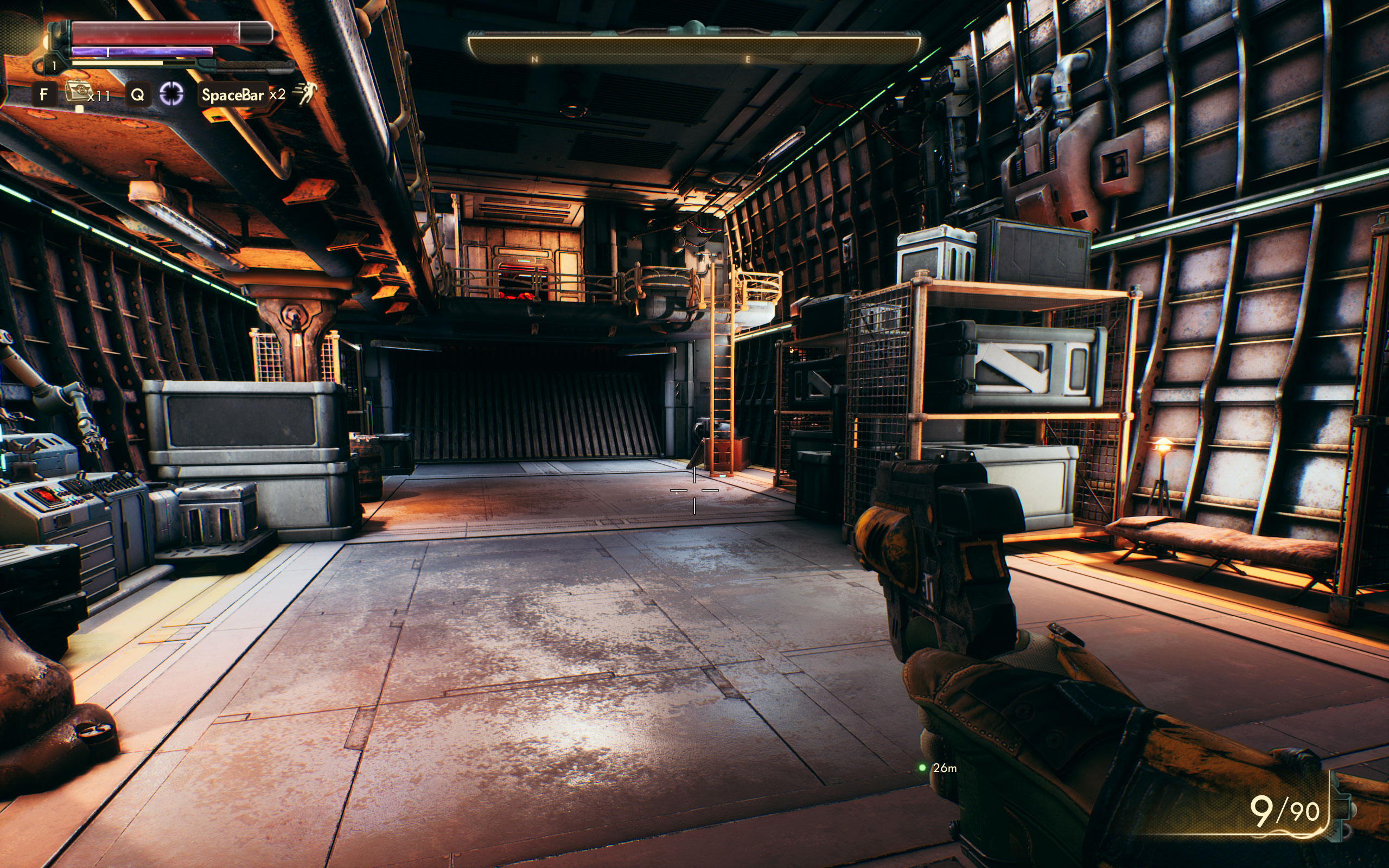
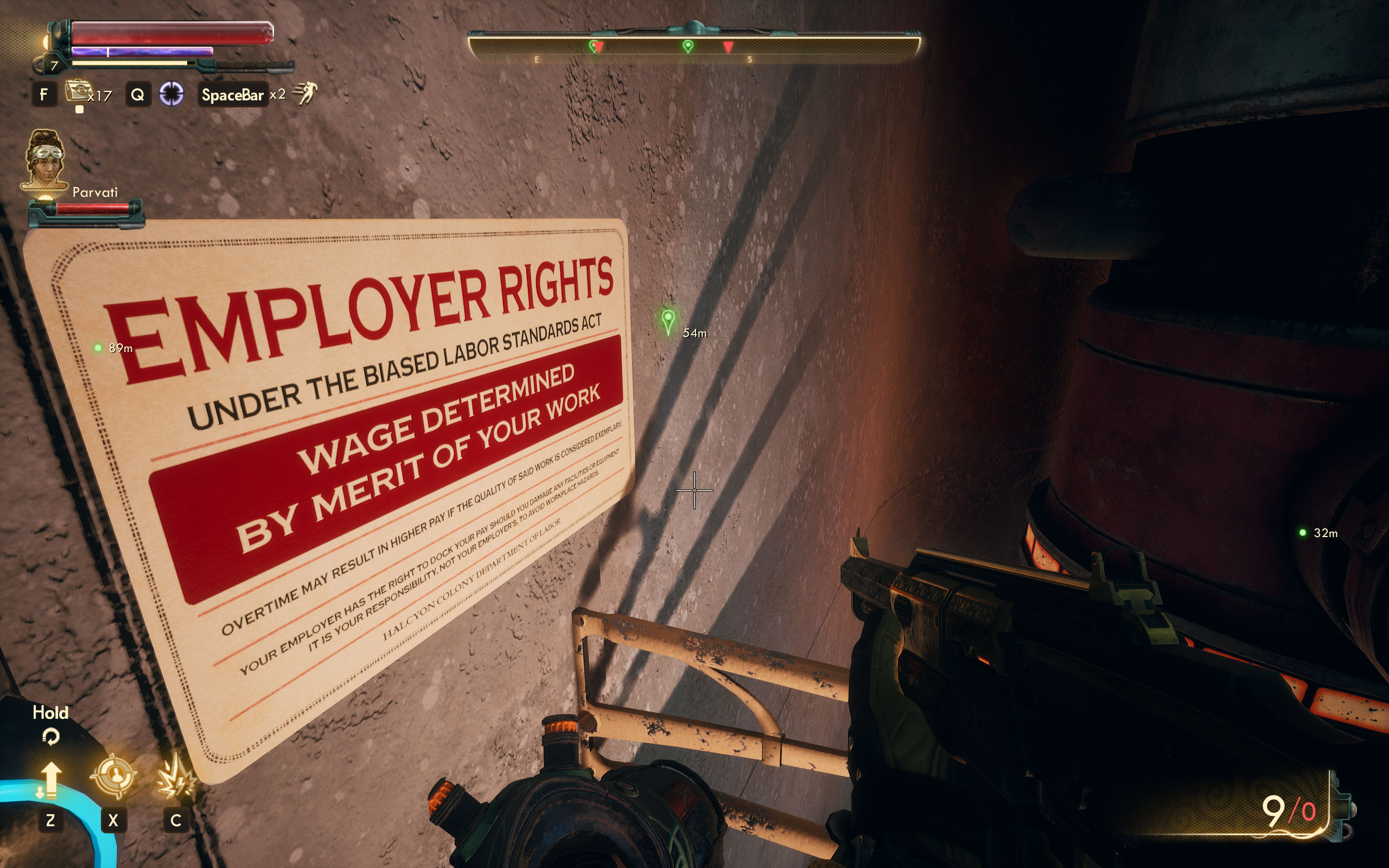
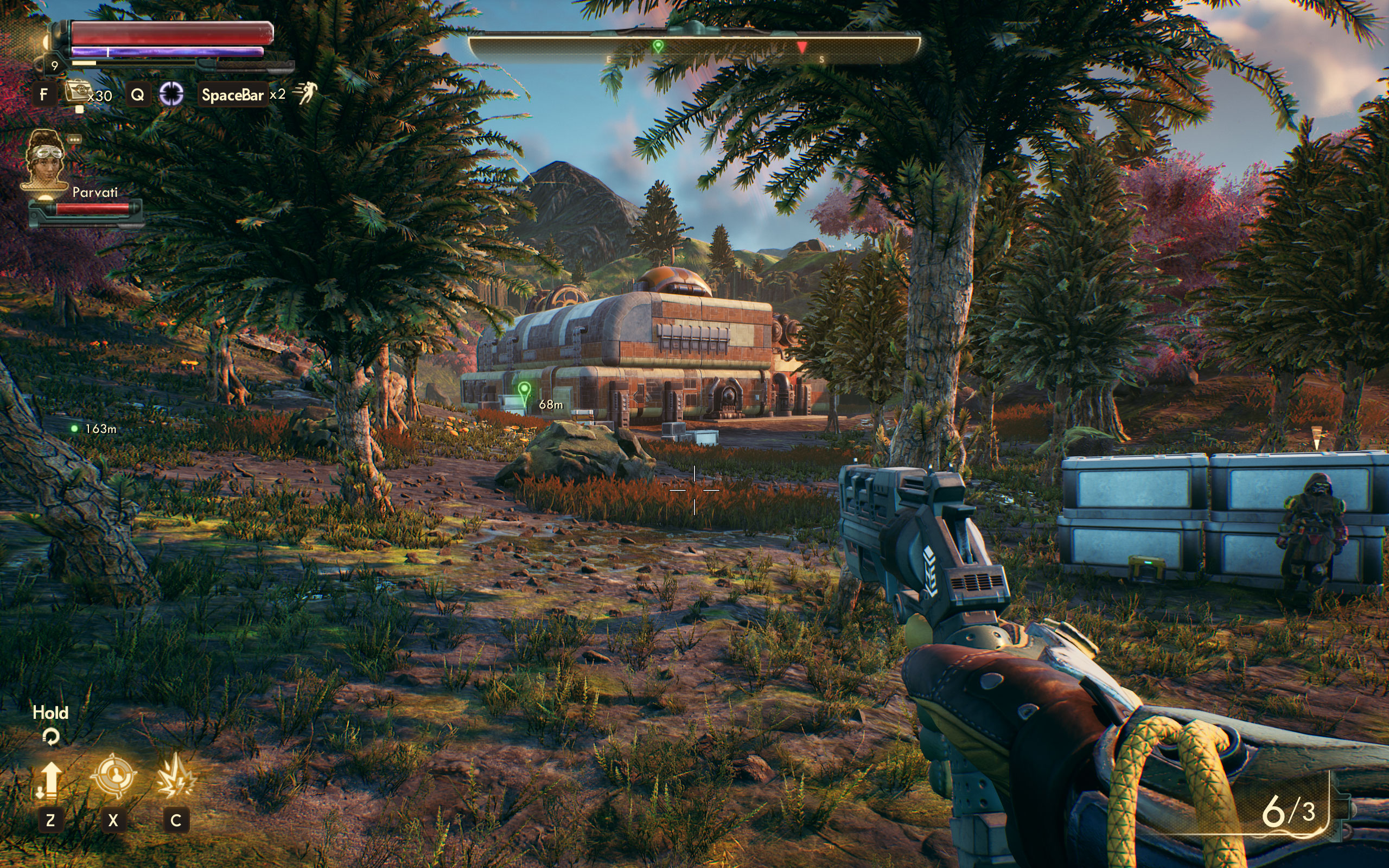

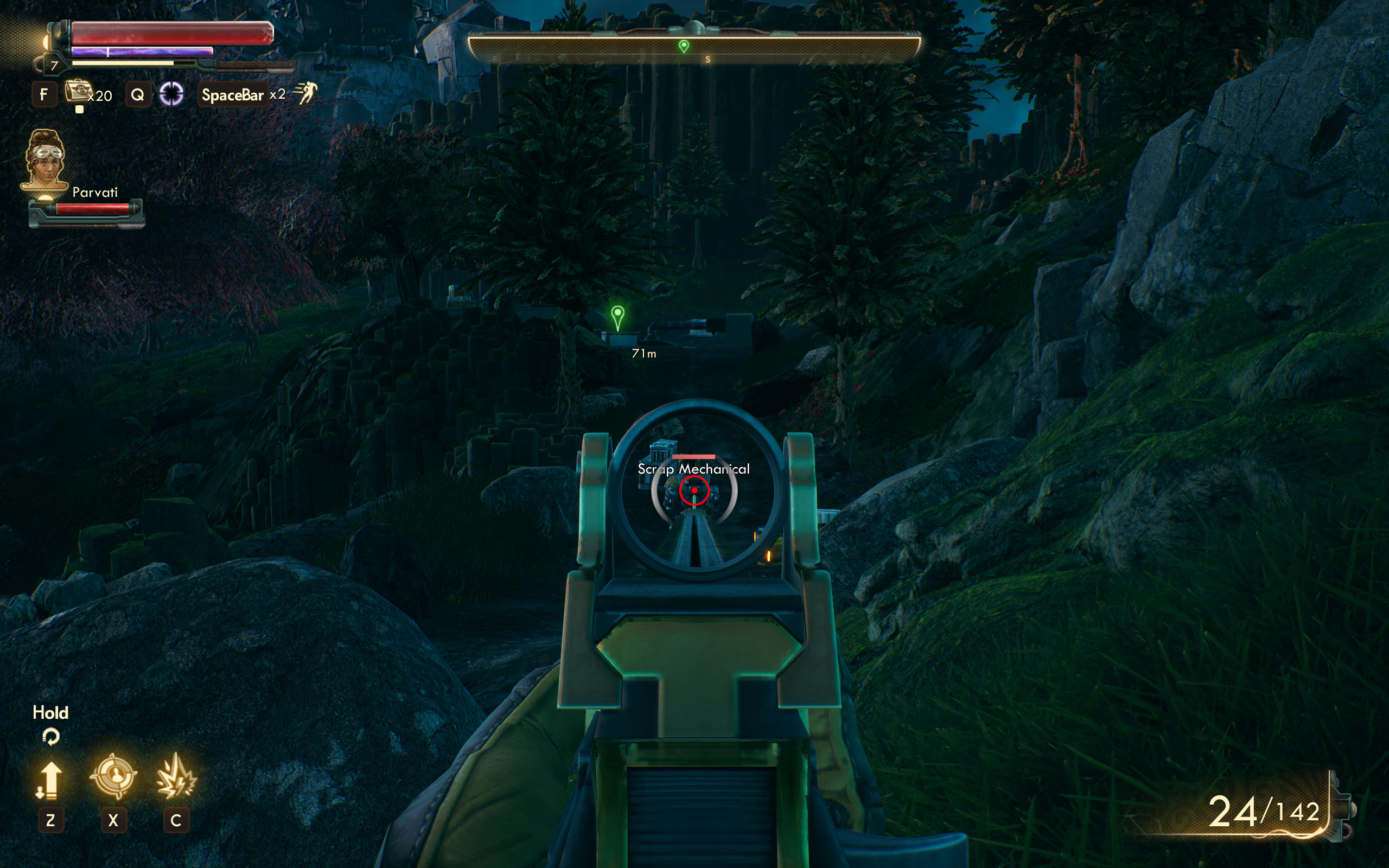


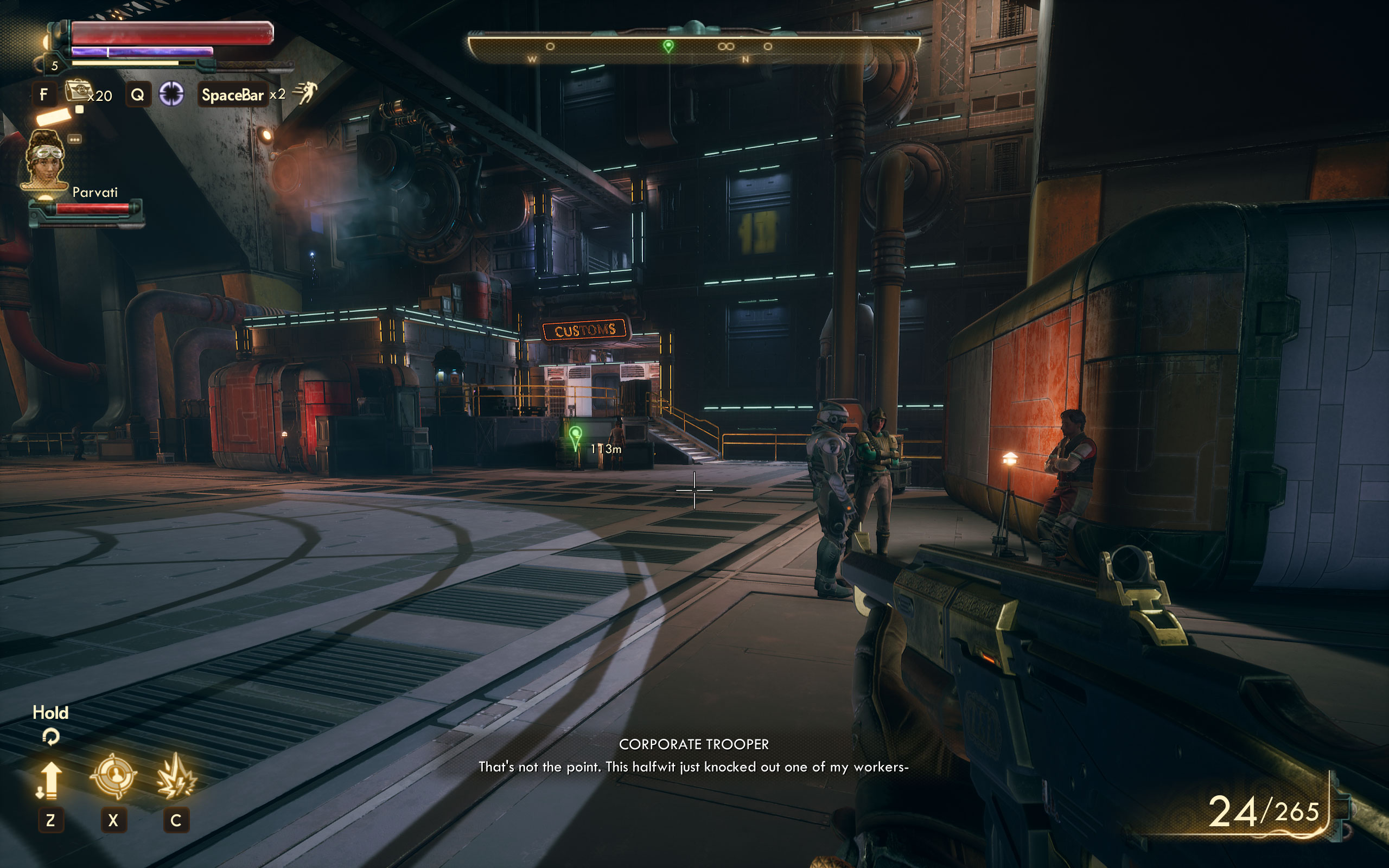
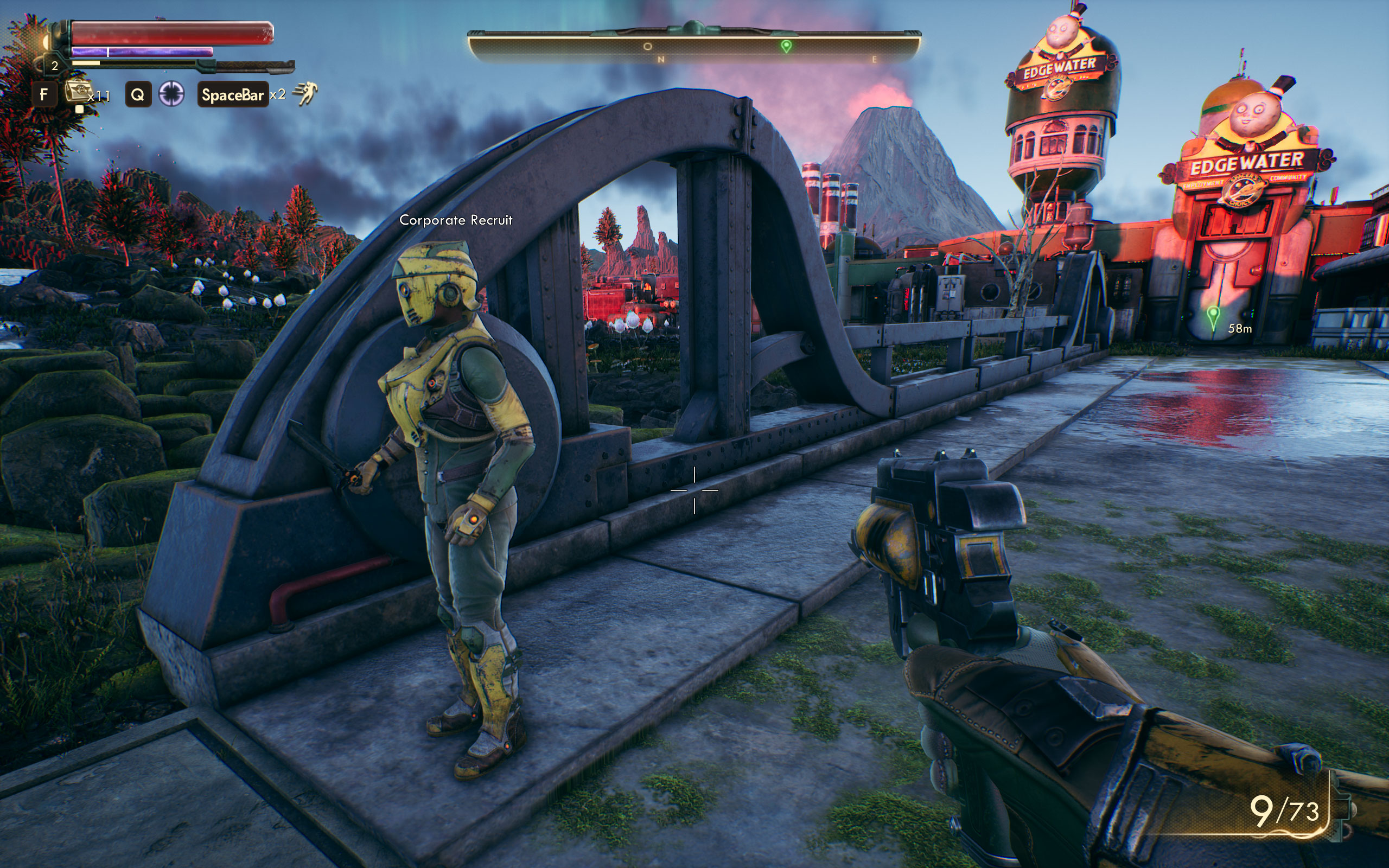


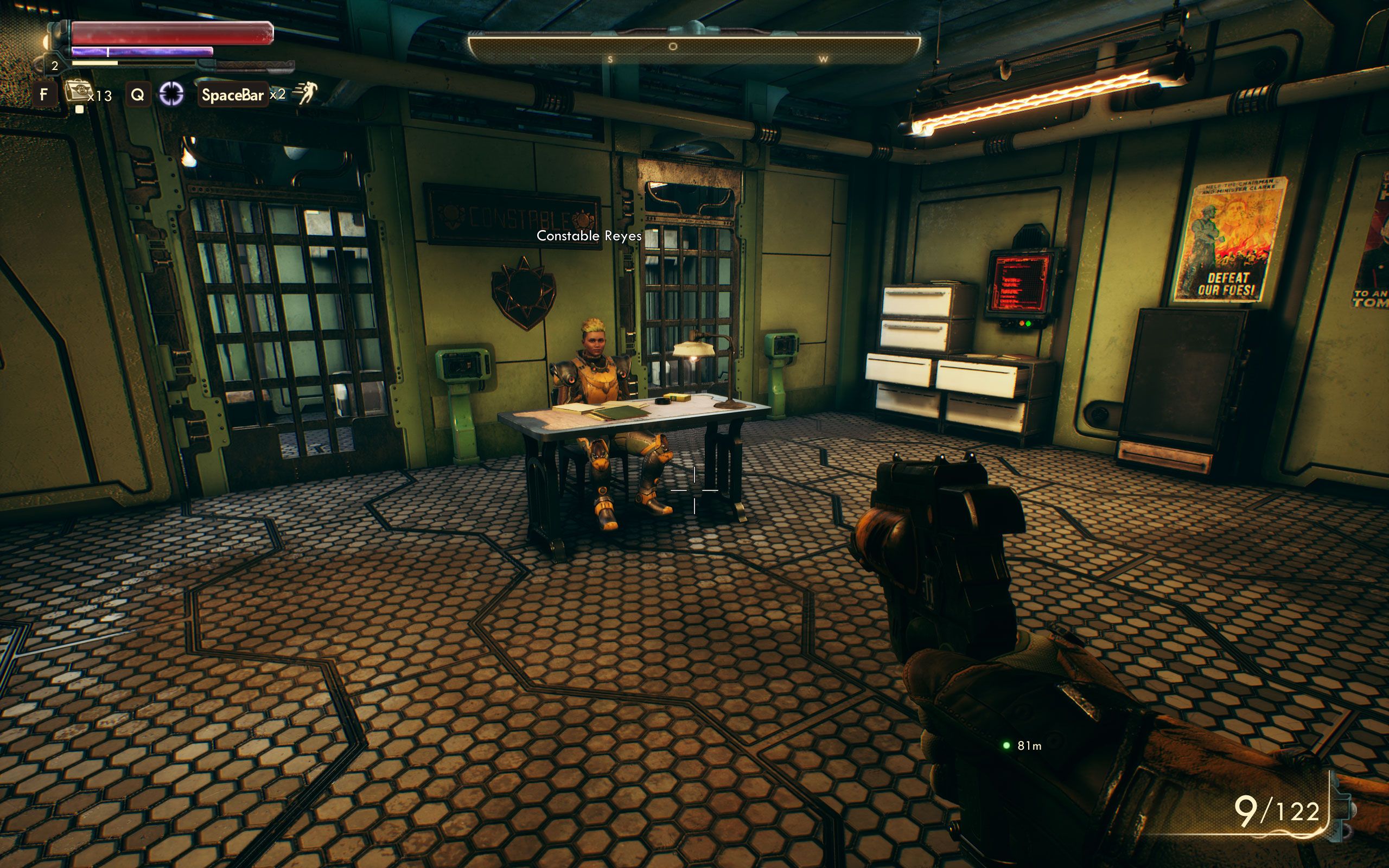


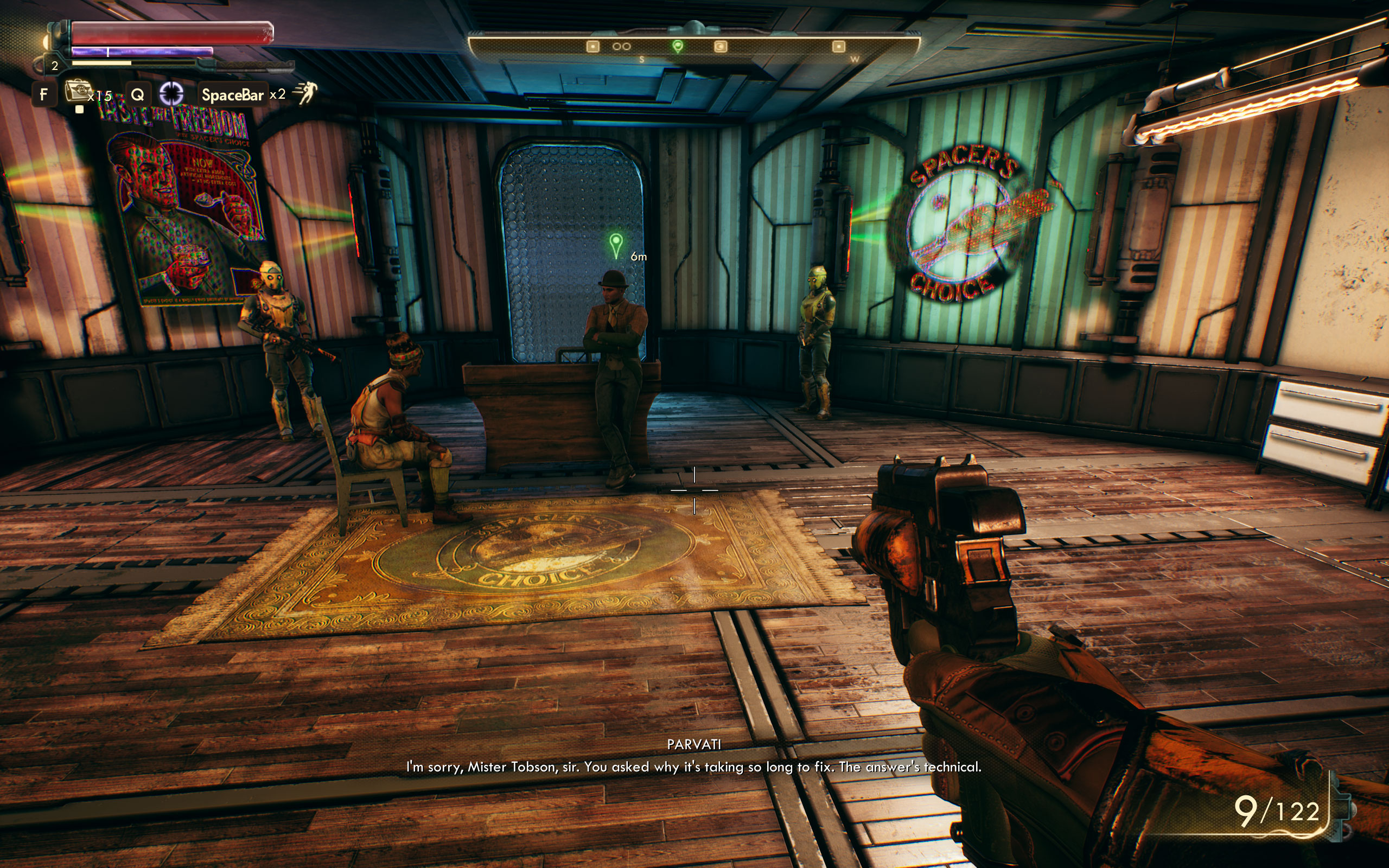


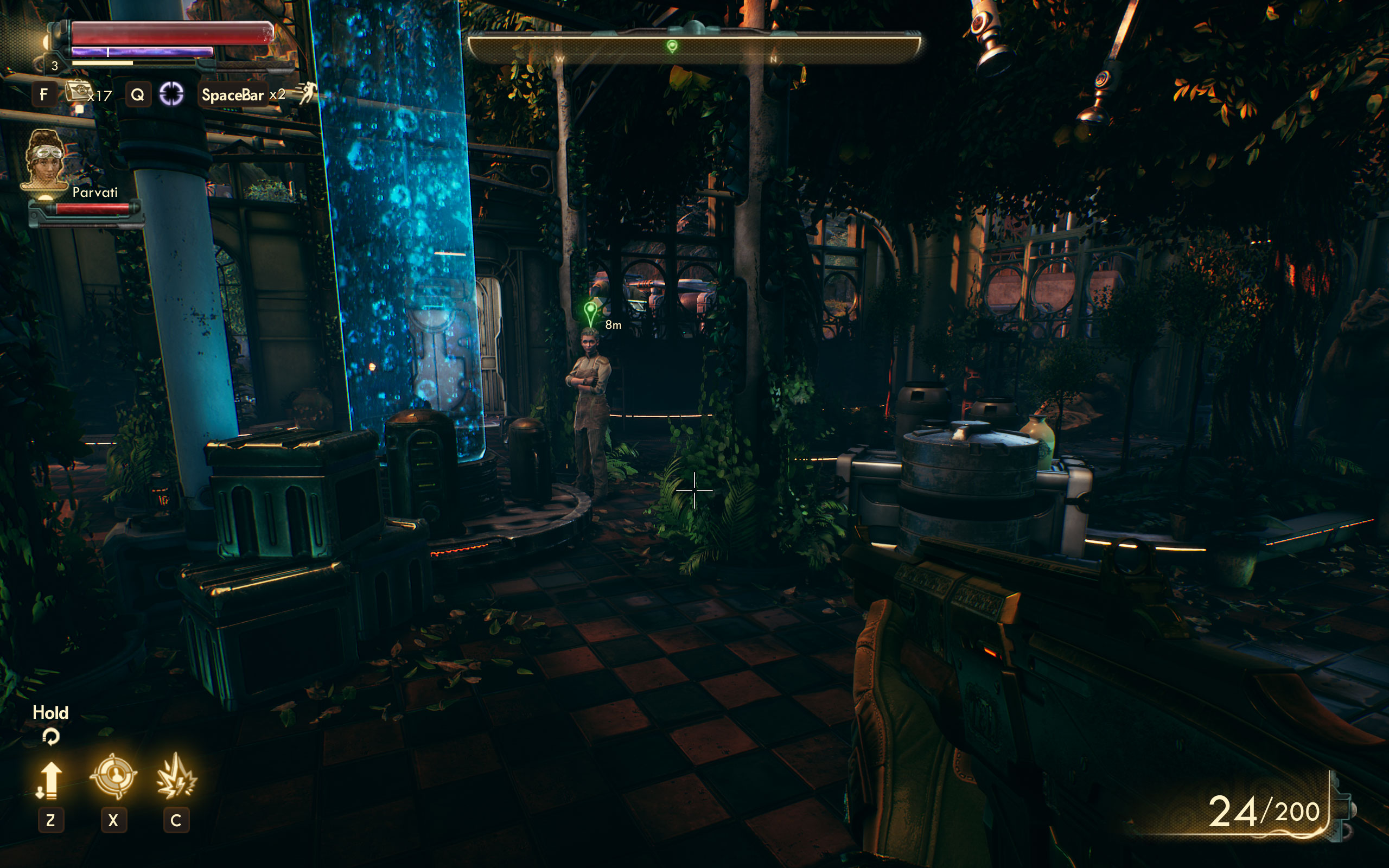

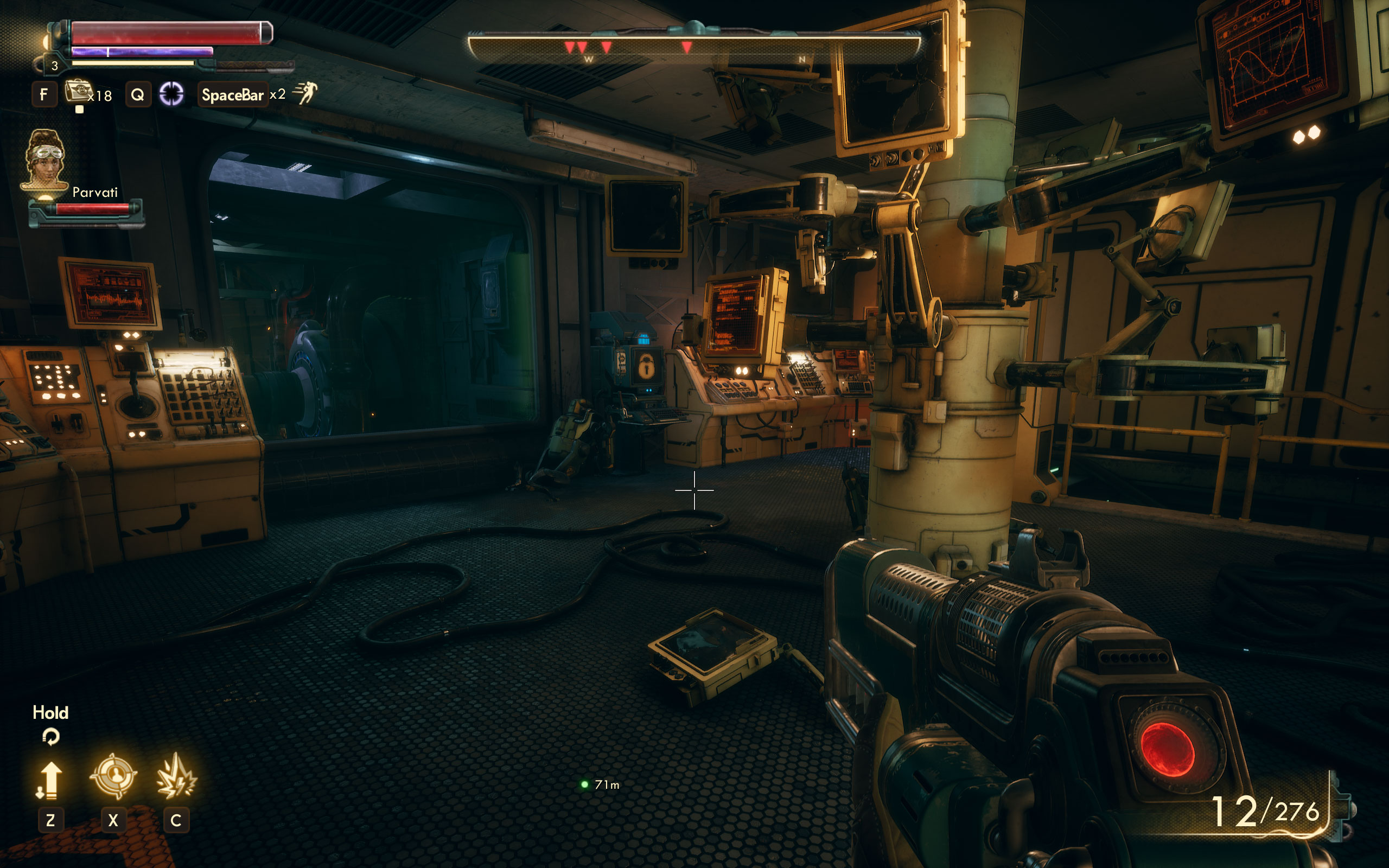
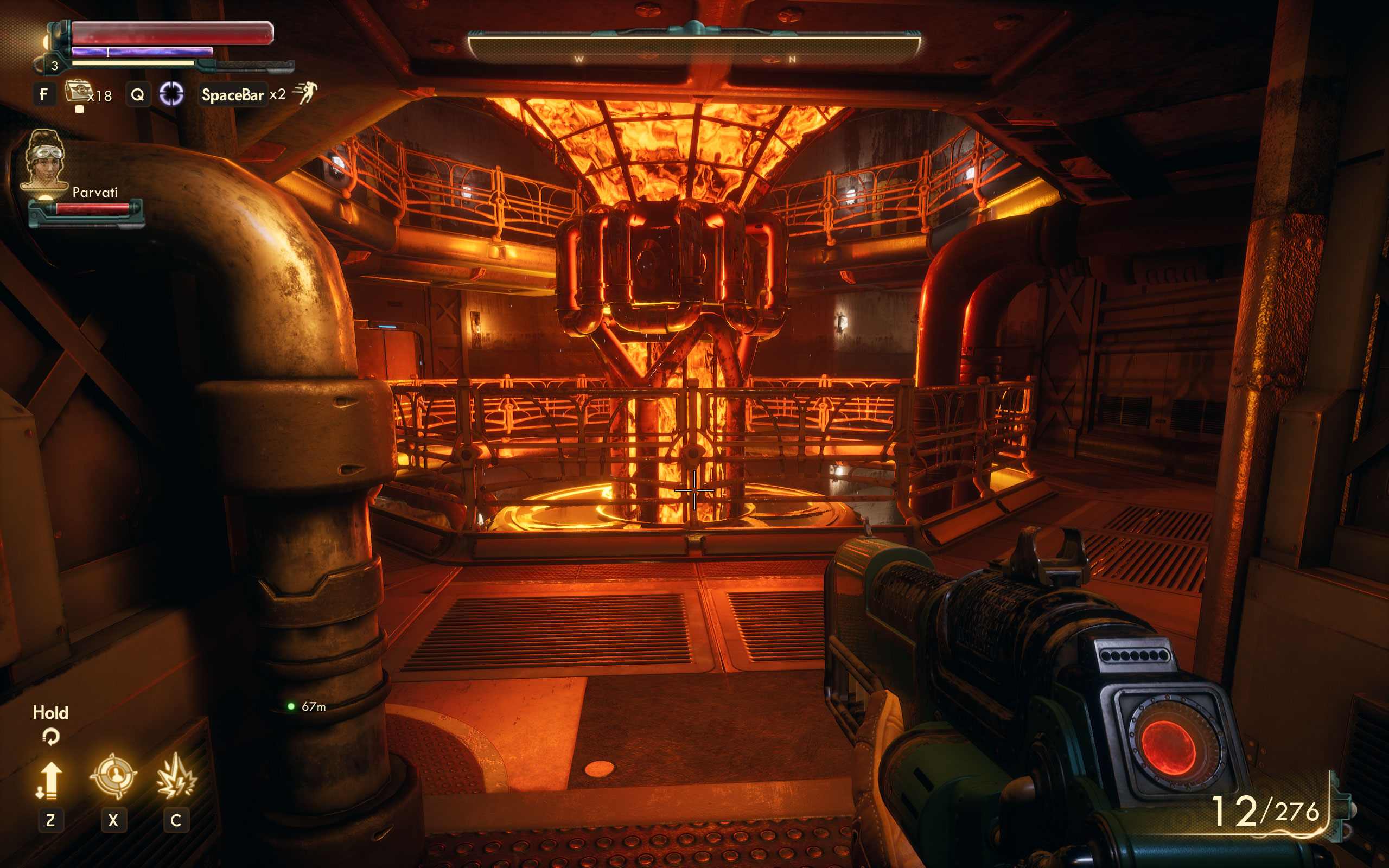
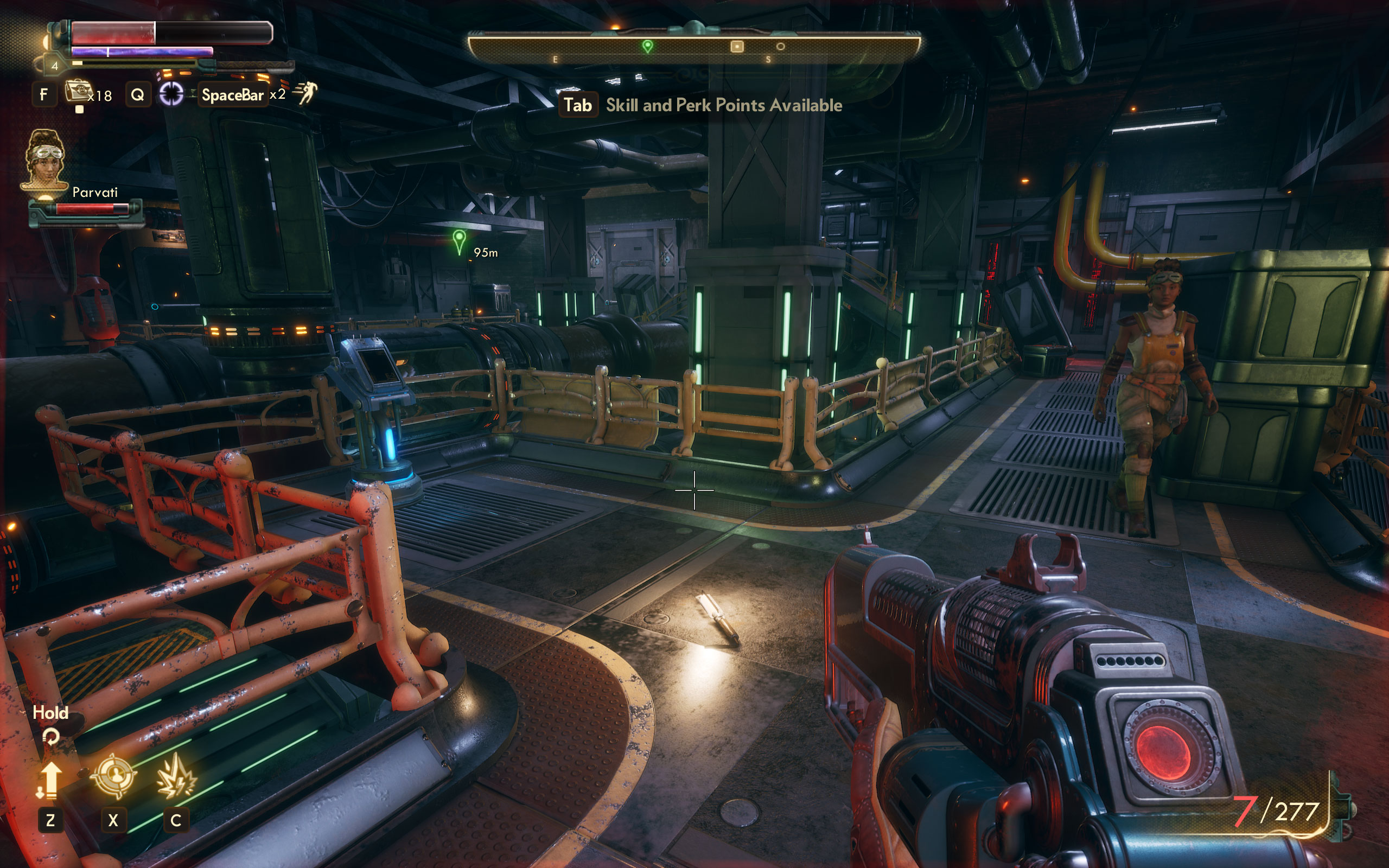
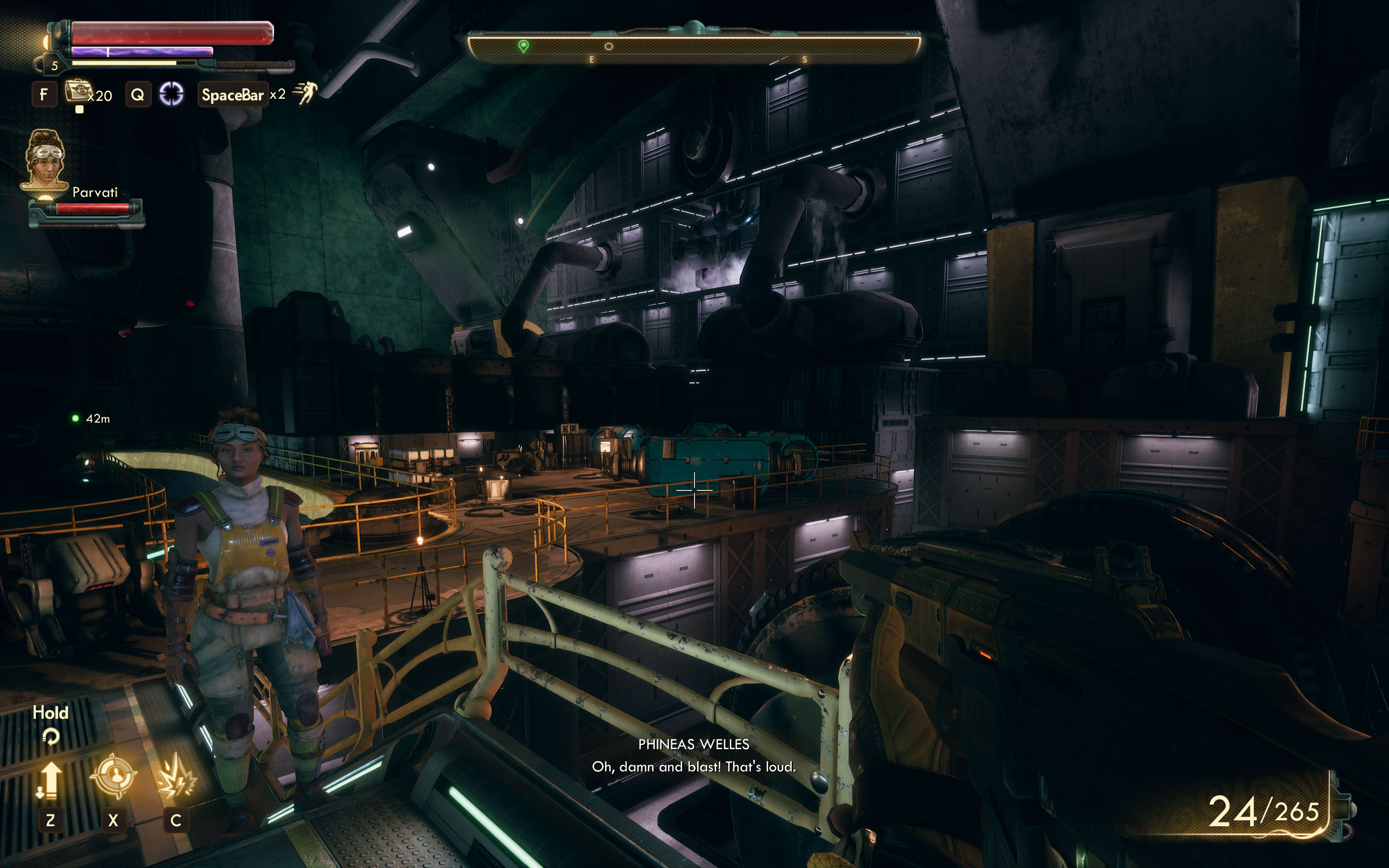


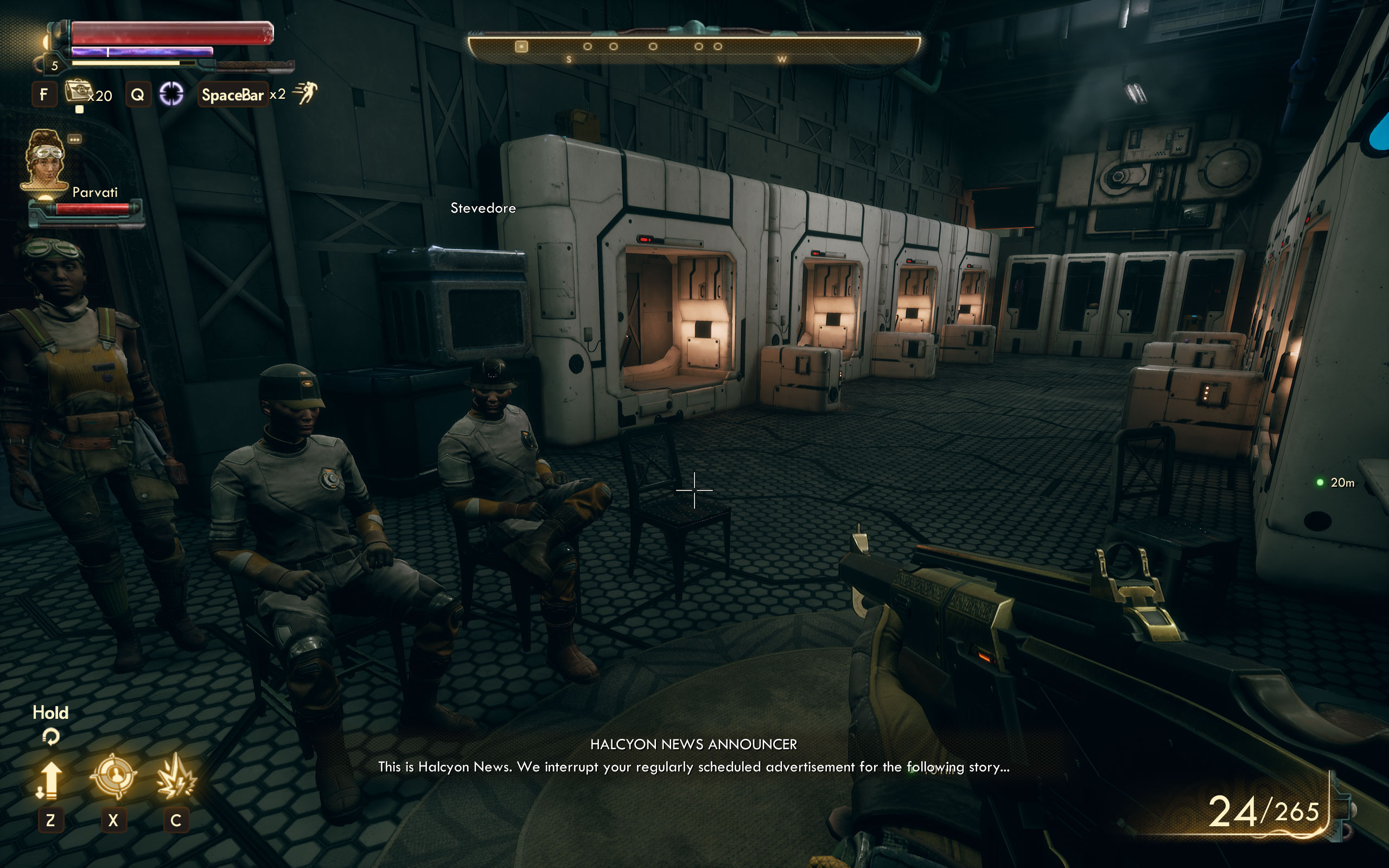

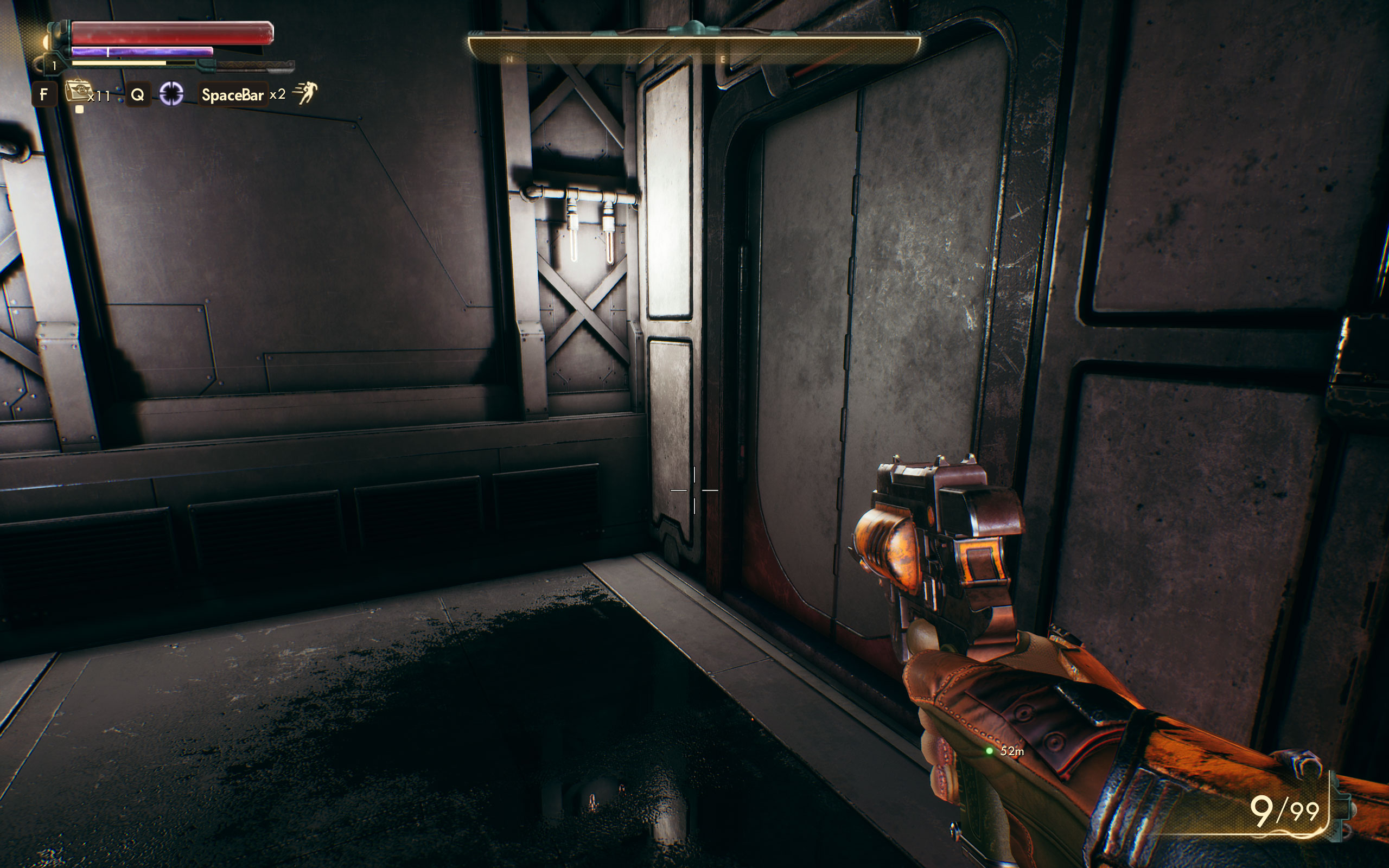
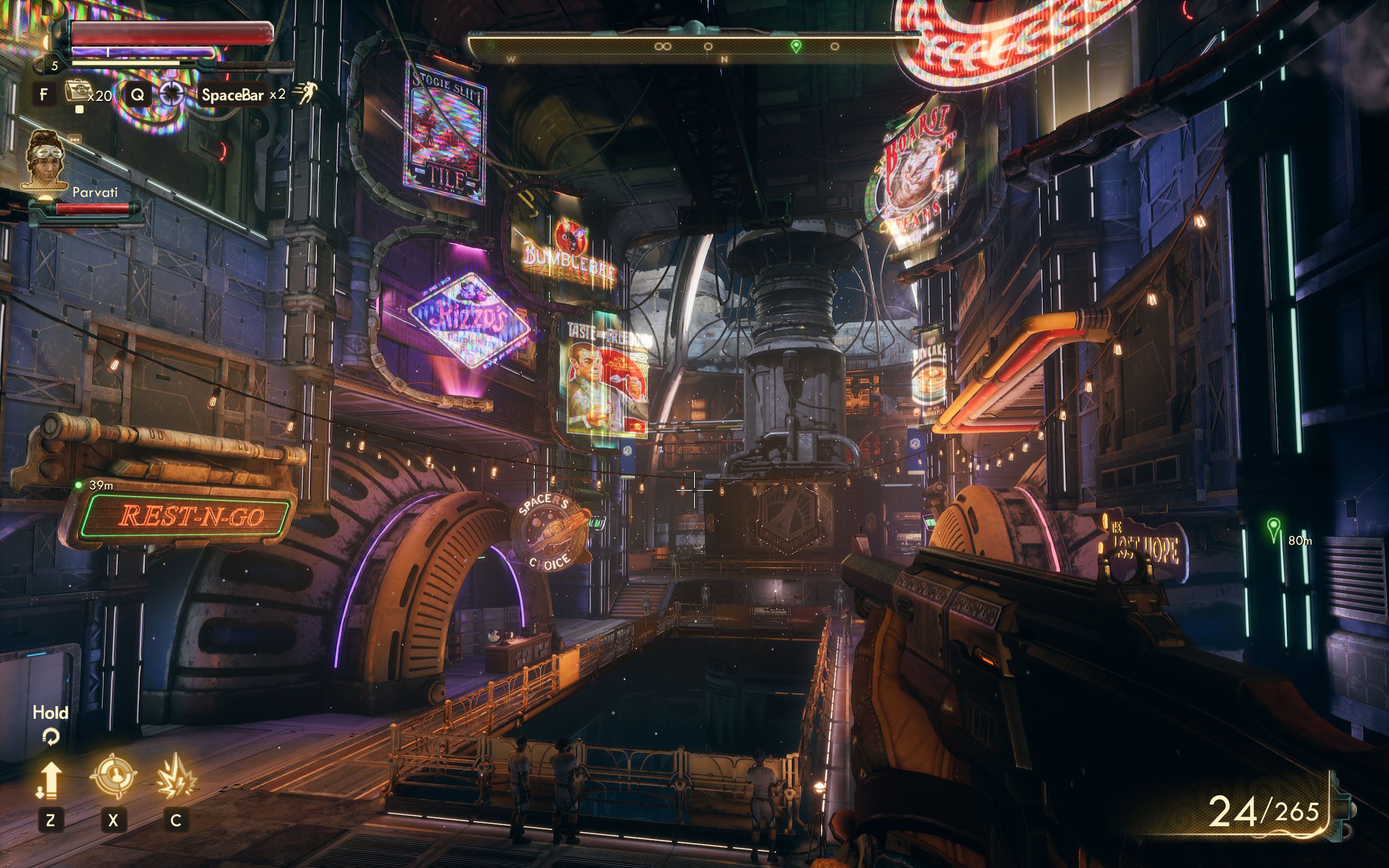

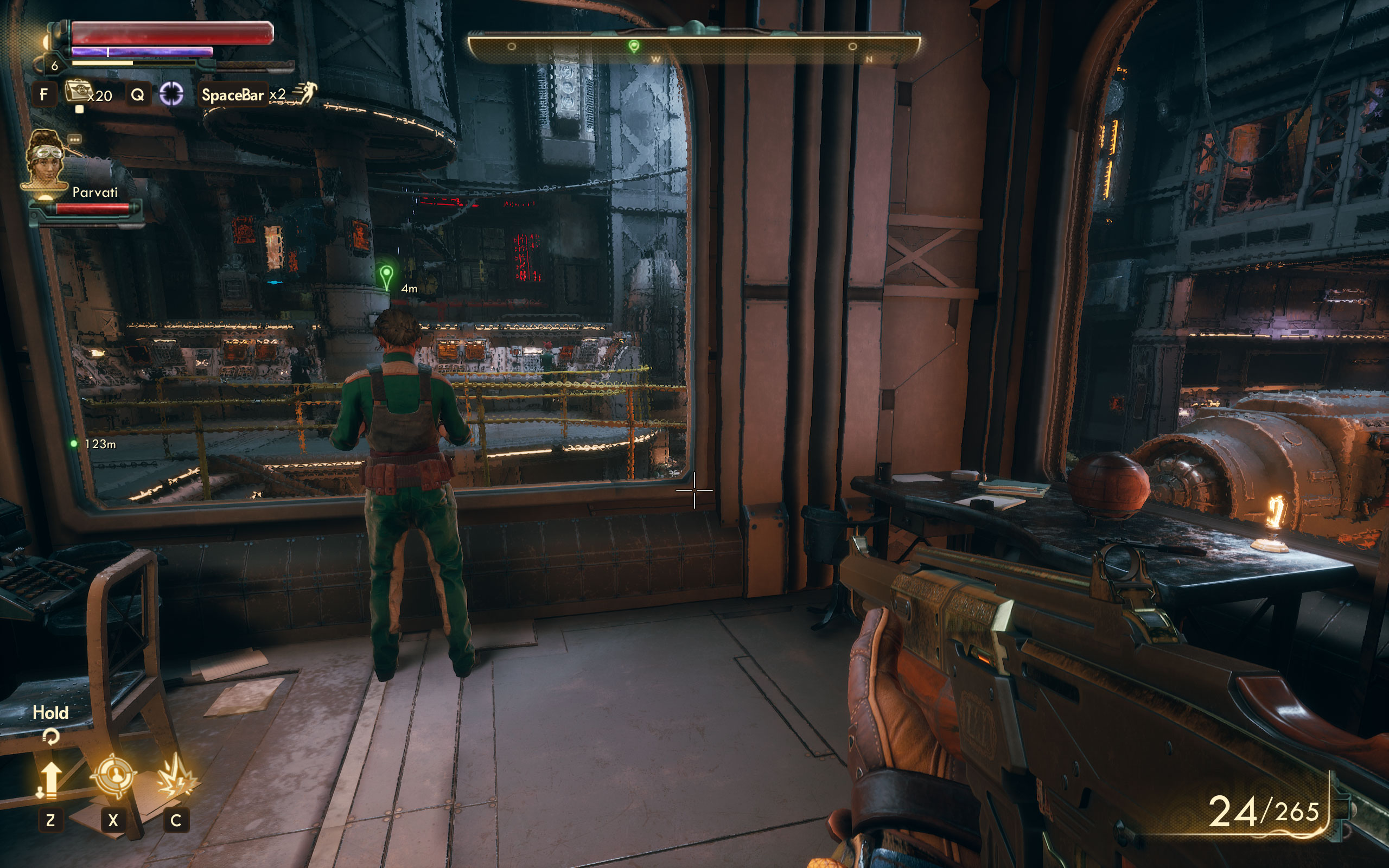

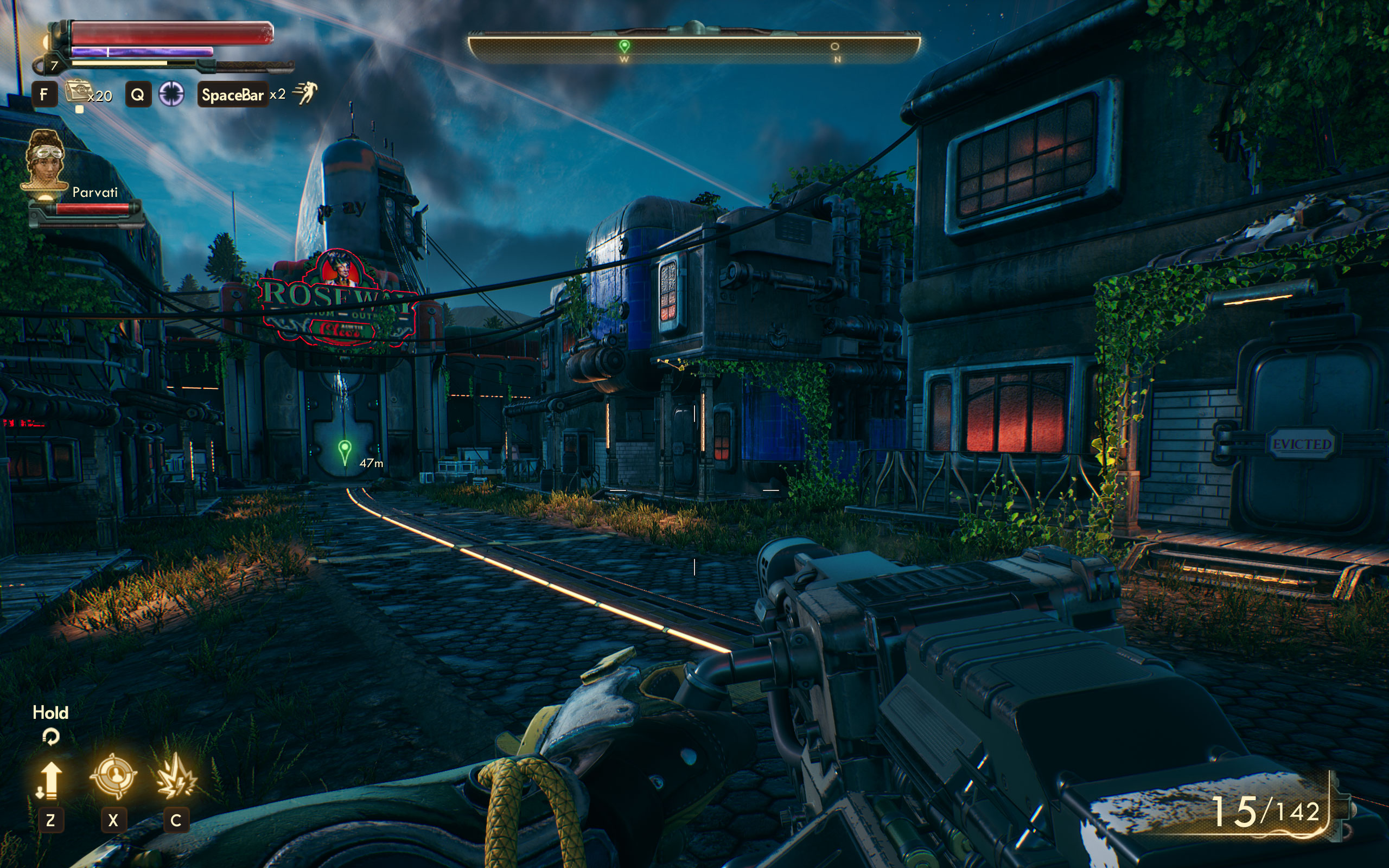



Graphics Settings

- The first settings screen, called "Display", deals with the usual monitor settings
- You may choose between "windowed", "borderless", and "fullscreen".
- V-Sync can be disabled, and you are free to completely remove the FPS cap
- 3D Resolution lets you adjust the game's internal rendering resolution for better performance, while the HUD and texts remain crisp. The range for this setting is 22% to 100%.
- "Motion Blur" can be disabled completely—very good
- Field of View is found not on this screen but resides in the "Gameplay" settings; the range for that option is 60° to 120°, which is plenty.

- Advanced graphics settings lets you select predefined presets through "Graphics Quality". The choices are "Low", "Medium", "High", "Very High", and "Ultra".
- Several additional options let you fine-tune the balance between performance and fidelity
- What I miss are options to adjust the chromatic aberration, and anisotropic filtering.
Our Patreon Silver Supporters can read articles in single-page format.
Nov 18th, 2026 05:11 CST
change timezone
Latest GPU Drivers
New Forum Posts
- Wireless Internet sharing between PC and router both-ways, is it possible? (11)
- What are you playing? (26233)
- GIGABYTE - H55N-USB3 ITX Upgrade experience (2)
- DTS DCH Driver for Realtek HDA [DTS:X APO4 + DTS Interactive] (2811)
- Gacha Games - Discussions, Pulls, Updates, etc. (1155)
- RX 580 2048SP 8GB Samsung – Black Screens in Games, Looking for a Compatible BIOS (1)
- 9070 GRE 3.9ghz validation reached. (20)
- Will zen 6 mobos have anything extra vs current ones? (54)
- [Poll] 12V-2x6 Connector Protection: What Are You Using? (WireView / Ampinel / Equalizer / Other / Nothing) (31)
- Hi, just to say thanks and who I am (5)
Popular Reviews
- Acemagic Retro X3 Review
- Upcoming Hardware Launches 2027 (Updated Nov 2026)
- AMD Zen 6 Technical Deep Dive
- ASUS ROG Strix B850-I Gaming Wi-Fi7 W Review
- Corsair HX1000i Shift Crystal Review
- Chieftec Iceberg PRO 360 DARK Review
- AMD Ryzen 7 9800X3D Review - The Best Gaming Processor
- Biwin Black Opal NV7400 2 TB Review
- Phantom Blade Zero Performance Benchmark Review - 35 GPUs Tested
- Montech King 95 3D PRO Review
TPU on YouTube
Controversial News Posts
- NVIDIA Co-Founder and CEO Jensen Huang Officially Resigns (468)
- Open Letter Asking NVIDIA to Reinstate Jensen Huang Passes 115,000 Signatures (184)
- Report: Jensen Huang Eyes NVIDIA Comeback (155)
- OpenAI CEO Argues Home PCs Waste the World's Limited DRAM Supply (152)
- NVIDIA Launches Investigation Into Jensen Huang's Relationship With Suspected Chinese Spy (136)
- Intel "Raptor Lake Next" 16-Core and 20-Core CPUs Surface (130)
- Legendary Game Studio BioWare Shuts Down Following EA Layoffs (104)
- Dell CEO Says the Memory Shortage Will Get Worse in 2027 (95)