 9
Turtle Beach Burst II Pro Review
Sensor & Performance »Build Quality
Overall build quality is solid. There is no rattle when shaking the mouse. When applying lateral pressure, no creaking of the shell can be observed, but the left side does flex inward by a significant degree when applying high force. Activating the side buttons by squeezing the sides is impossible. Lastly, accidental clicks when slamming down the mouse do not occur.Buttons
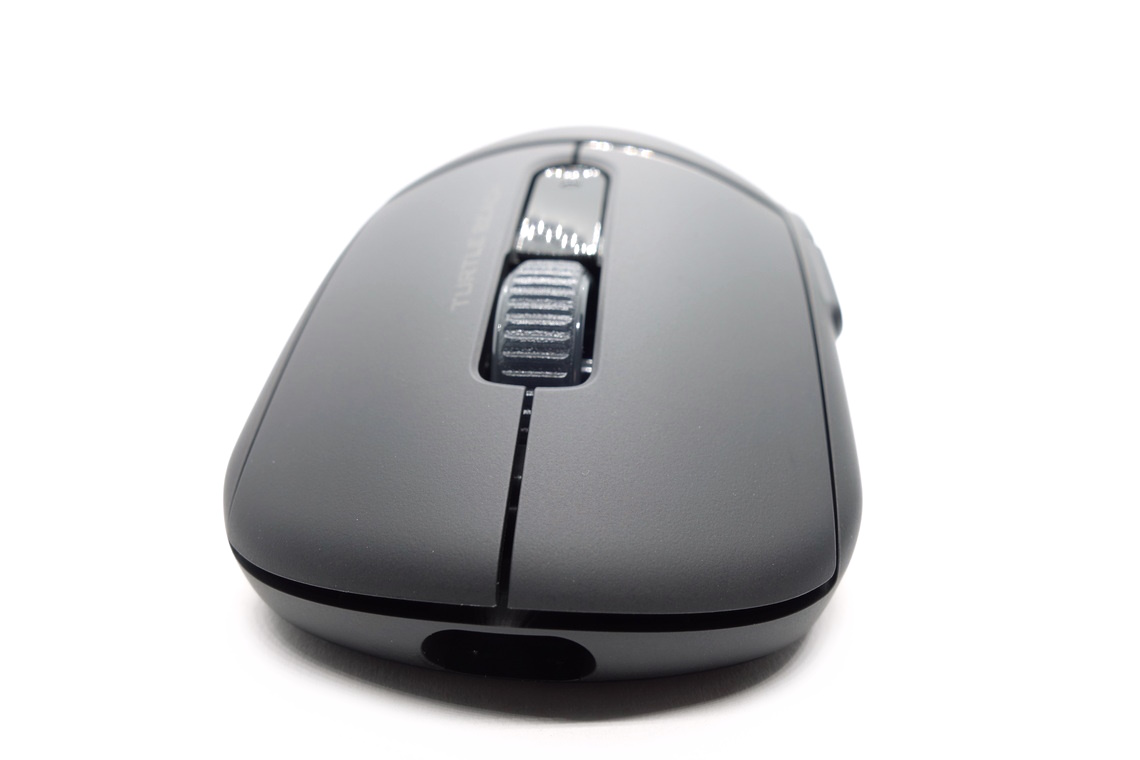
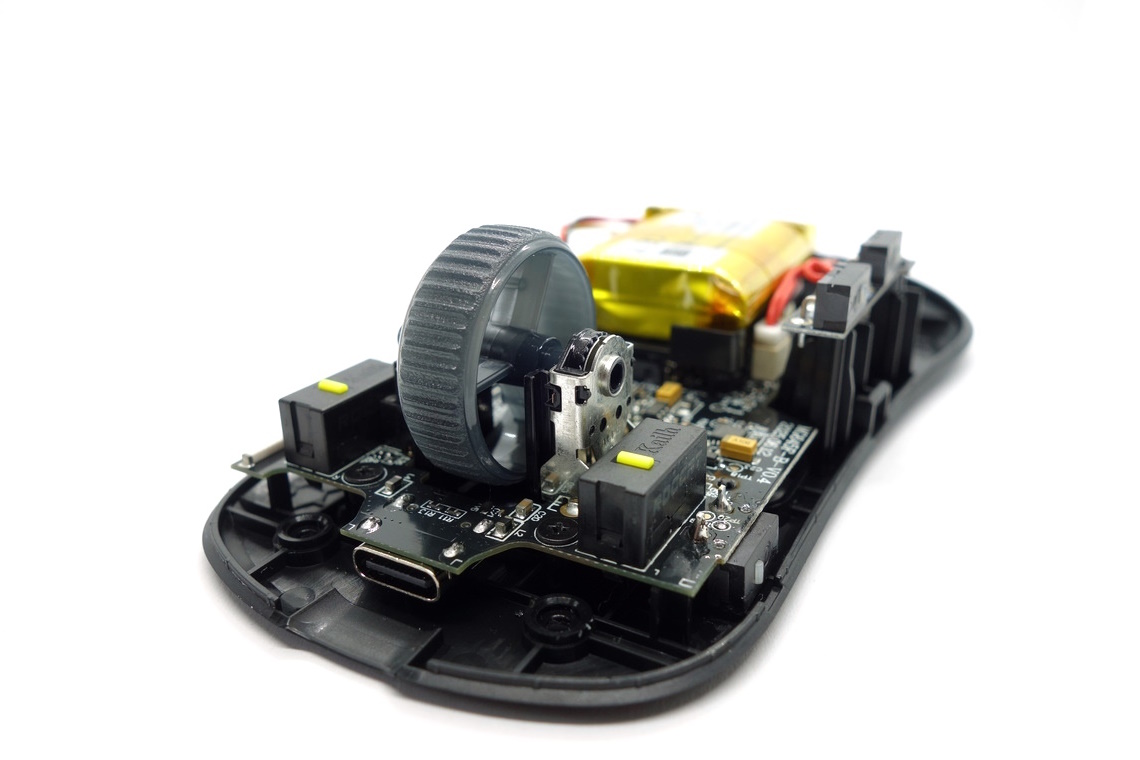
Main buttons on the Burst II Pro are good. Pre-travel is moderate, whereas post-travel is low, resulting in a fairly firm and snappy, yet somewhat muted button response. Being visually separated from the shell, button movement is low when provoked. Button stiffness is medium. A pair of ROCCAT-branded optical switches from Kailh (yellow plunger) are used.
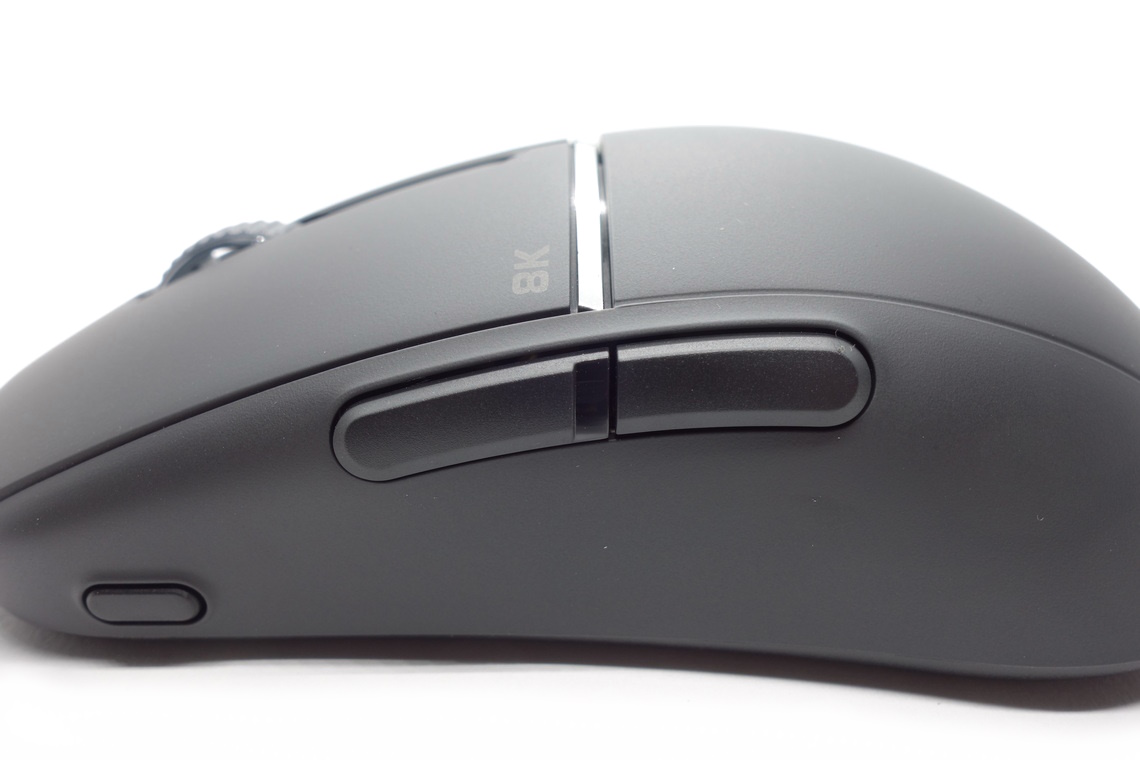
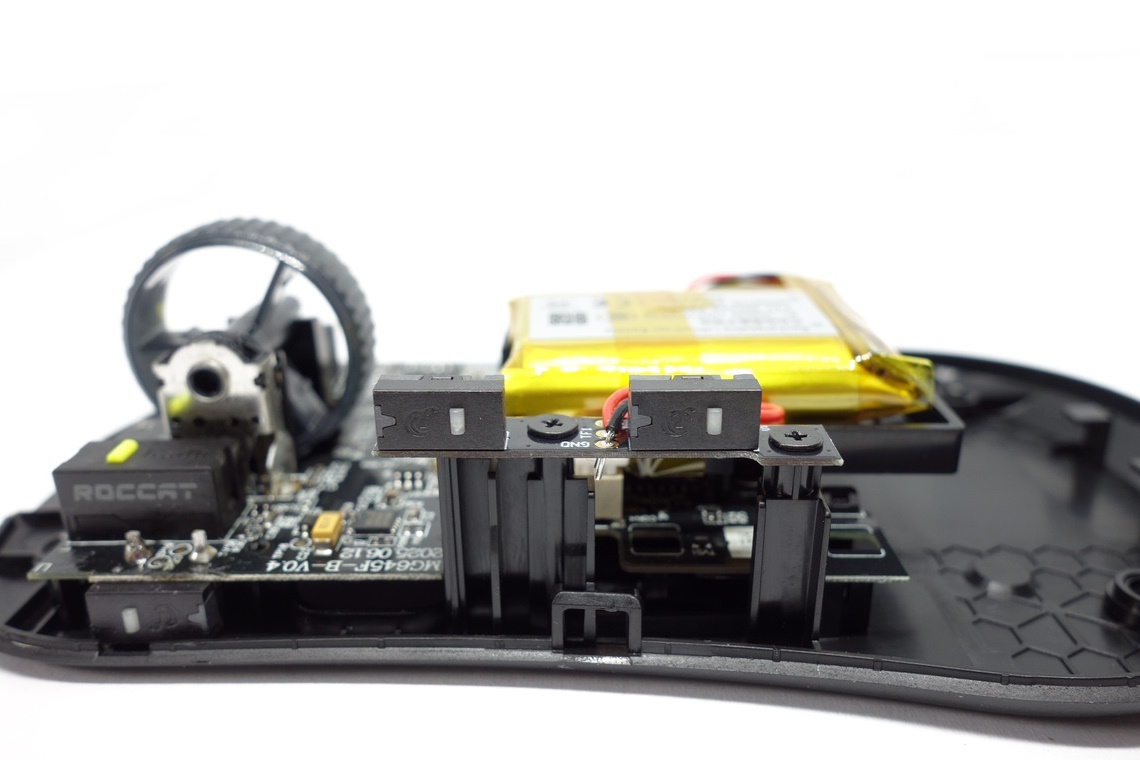
Side buttons are good (forward button) to decent (back button). Whereas the forward button has low pre- and moderate post-travel, the back button has high pre- and low post-travel, resulting in mushy actuation on the latter, though the actuation point is even across the entirety of these. Button size and placement are good, as actuation is possible easily by rolling one's thumb across. A set of low-profile 2-pin switches (white plunger) from CF (ChangFeng) are used for these.
On the front left side of the mouse is a button which cycles through the set CPI steps, which is out of the way and works fine. Another low-profile 2-pin switch (white plunger) from CF is used for this one. A slider on the bottom of the mouse changes between 2.4 GHz wireless, Bluetooth, and off-state, and also works well.
Scroll Wheel
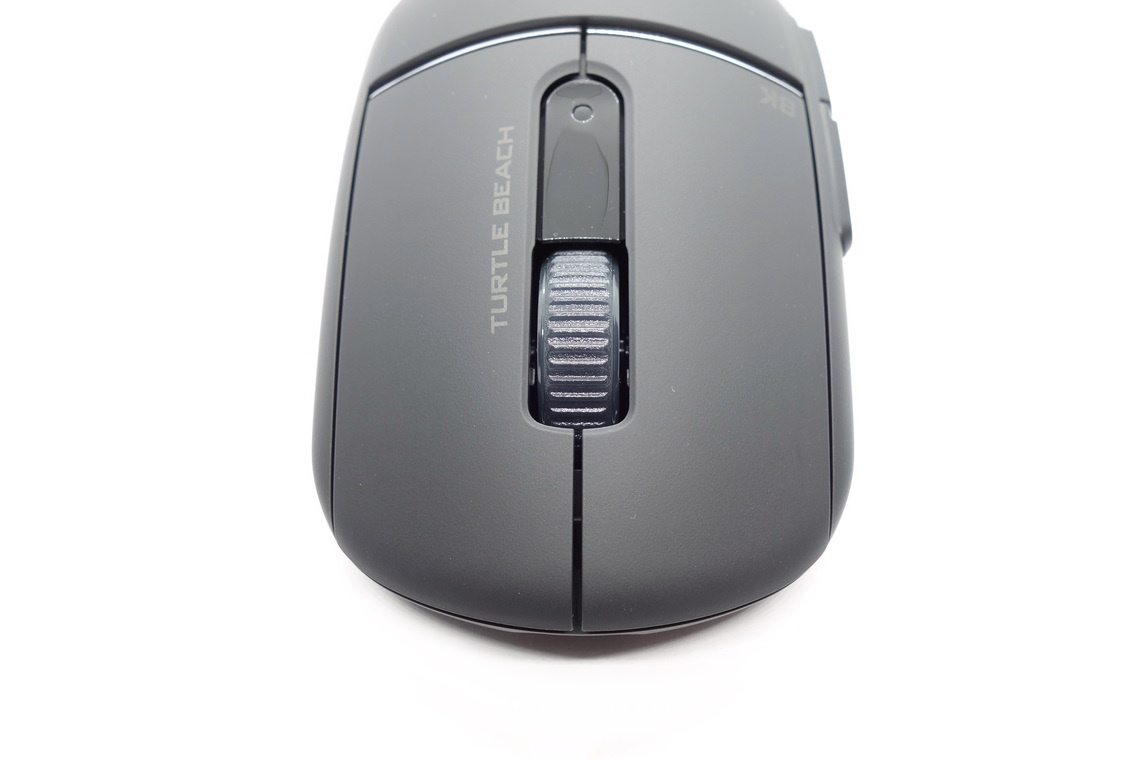
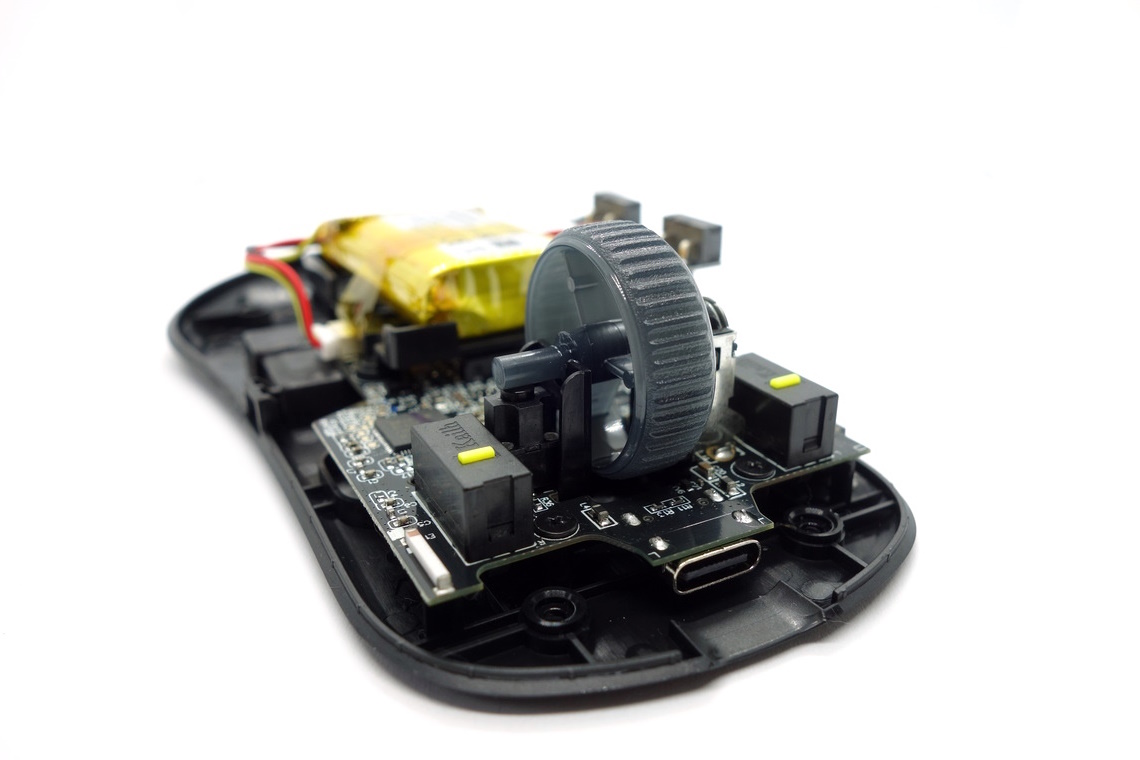
The scroll wheel is decent. Noise levels are under control for the most part, but tactility is merely average, with the individual steps having mediocre separation. Of note is that when scrolling in single steps, the encoder gives off an additional clicking noise. The encoder comes from ALPS (black) and has a height of 11 mm. The middle (scroll wheel) click requires medium to high force for actuation. A seemingly unbranded tactile switch is used for this one.
Surface
The Burst II Pro has a matte surface all over. Grip is fine, but it does attract fingerprints and dirt to an above average degree, and getting these fully off can be surprisingly difficult. All in all, decent materials.Button Sound Test
Disassembly
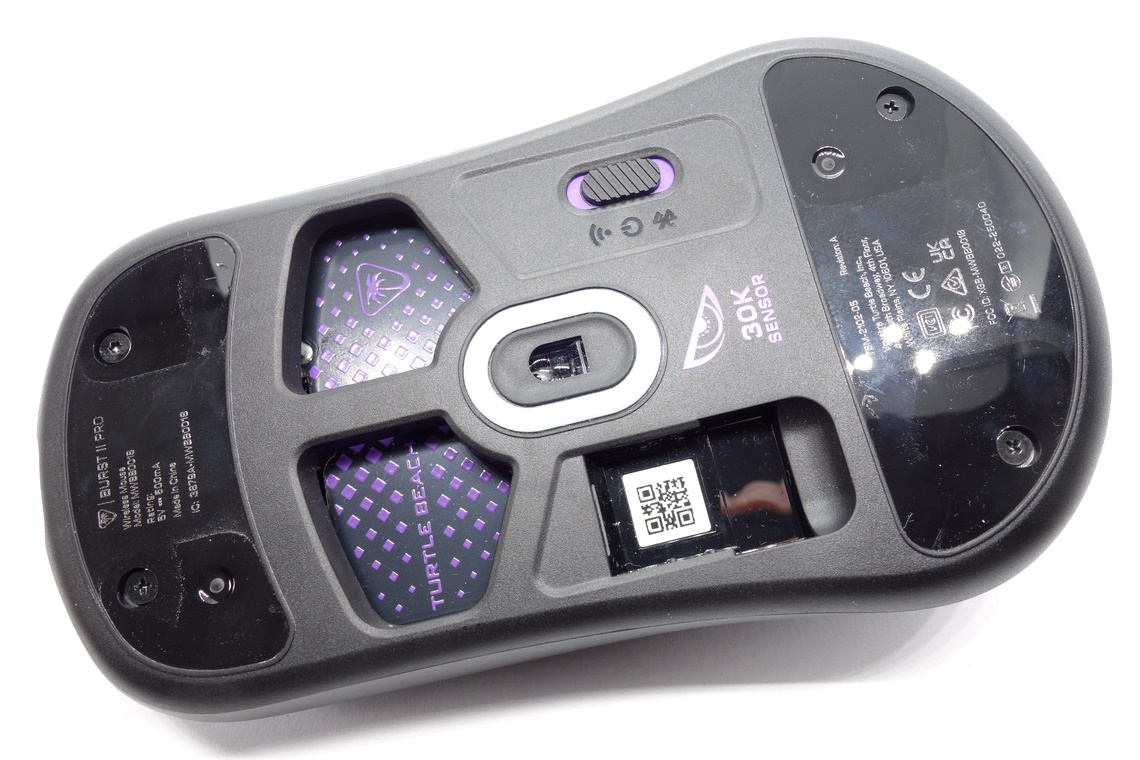
Disassembling the Burst II Pro is easy. The screws (three Philips and a single Torx T5) are found beneath the front and rear skates. After removing those, two additional clips at the sides need to be dislodged, doing which may require wedging a credit card (or similar) in between.
The internal design is very straightforward. The side buttons sit on their own PCB screwed to a post part of the bottom shell, and connected through a 3-pin connector. Everything else sits on the main PCB, including the upside down mounted CPI button switch. The battery sits on a plastic assembly erected above the sensor. Three screws are used for the latter, along with two additional screws affixing the very thin yet spacious main PCB to the bottom. The MCU is a RTL8762GTH, whose datasheet can be found here. Production date for the main PCB is the 28th week of 2025.
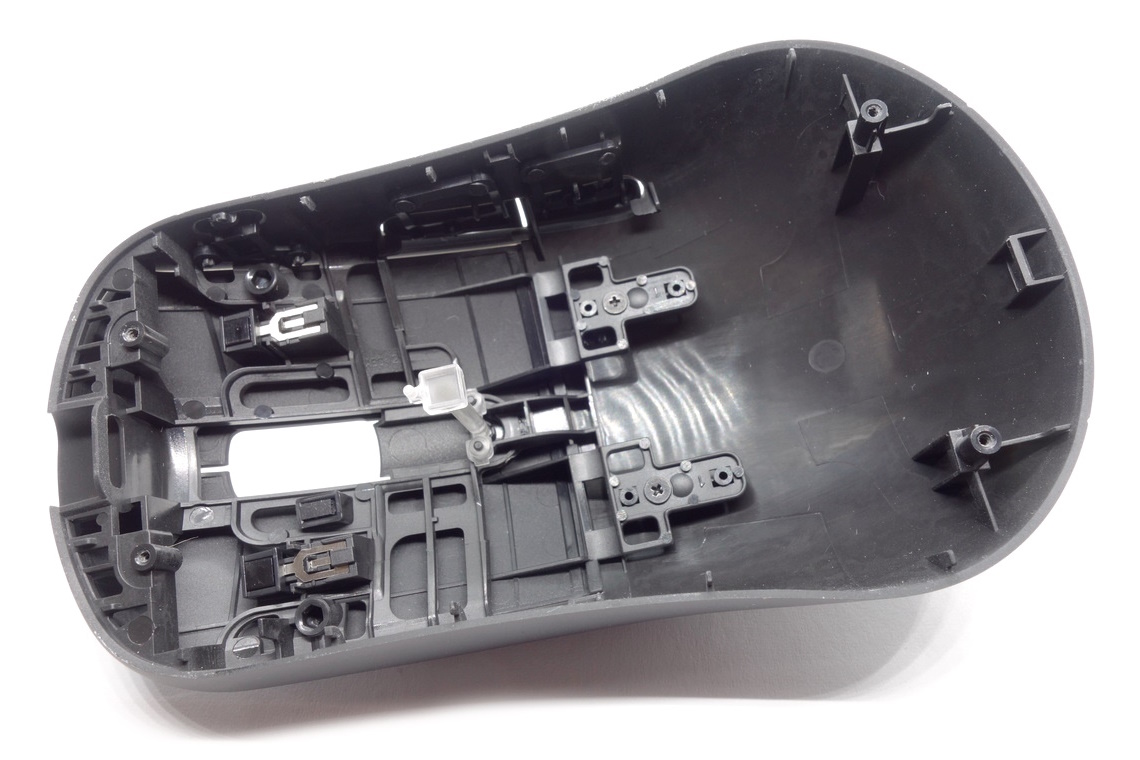
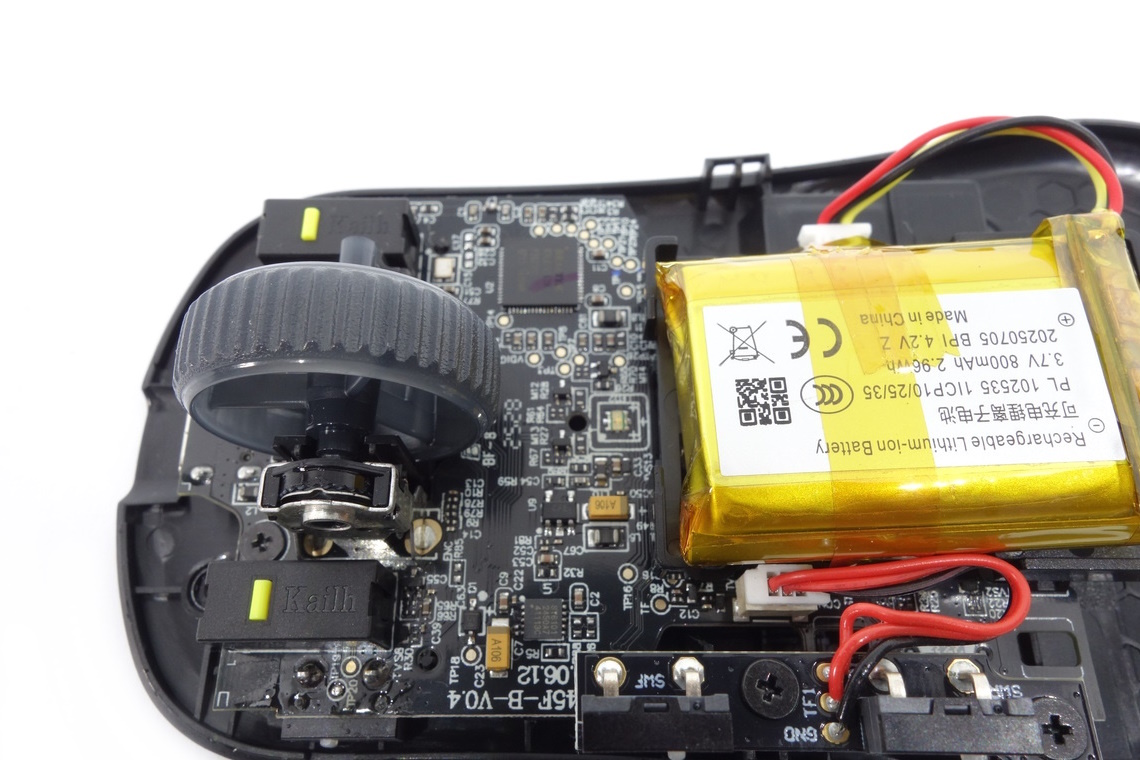
As for the soldering and general quality of the PCB, I'm unable to find any noteworthy flaws.
Nov 20th, 2026 14:25 PST
change timezone
Latest GPU Drivers
New Forum Posts
- Logitech Headsets Modded Driver — Unlock Dolby in G HUB (23)
- 1 - 5 person file storage server equivalent accasible from anywhere + general VM server. (1)
- WarpCoreBench scores! (81)
- How to prevent OLED burn damage due to PC freezes or power outtages? (48)
- Honestly, do you care about GTA VI? (208)
- When you could finally run Crysis maxed out? (63)
- GTA VI (20)
- Anthrophics IPO (25)
- GeekMagic Ultra Smart WiFi Weather Station (8)
- Very unusual two gaming-pc scenarios. (35)
Popular Reviews
- AMD Zen 6 Technical Deep Dive
- Microsoft Surface Laptop Ultra Review - The Next-gen Arm Laptop
- Ugreen NASync DXP4800 GT Review
- Corsair RM1200e (Second Generation) Review
- Acemagic Retro X3 Review
- Upcoming Hardware Launches 2027 (Updated Nov 2026)
- Pulsar Office Tour & First Look at P1 Dual-Sensor Mouse
- Biwin Black Opal NV7400 2 TB Review
- AMD Ryzen 7 9800X3D Memory Performance Scaling
- AMD Ryzen 7 9800X3D Review - The Best Gaming Processor
TPU on YouTube
Controversial News Posts
- NVIDIA Co-Founder and CEO Jensen Huang Officially Resigns (490)
- Report: Jensen Huang Eyes NVIDIA Comeback (256)
- Open Letter Asking NVIDIA to Reinstate Jensen Huang Passes 115,000 Signatures (184)
- OpenAI CEO Argues Home PCs Waste the World's Limited DRAM Supply (152)
- NVIDIA Launches Investigation Into Jensen Huang's Relationship With Suspected Chinese Spy (136)
- Intel "Raptor Lake Next" 16-Core and 20-Core CPUs Surface (130)
- Legendary Game Studio BioWare Shuts Down Following EA Layoffs (104)
- Dell CEO Says the Memory Shortage Will Get Worse in 2027 (95)